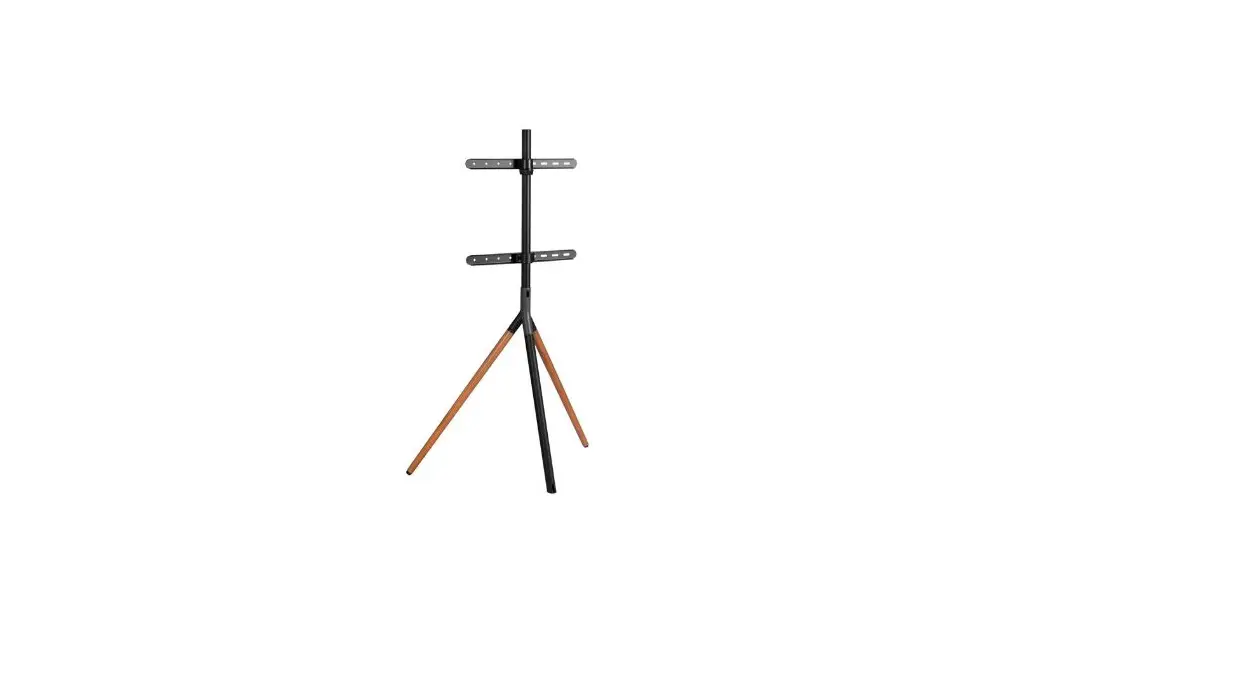
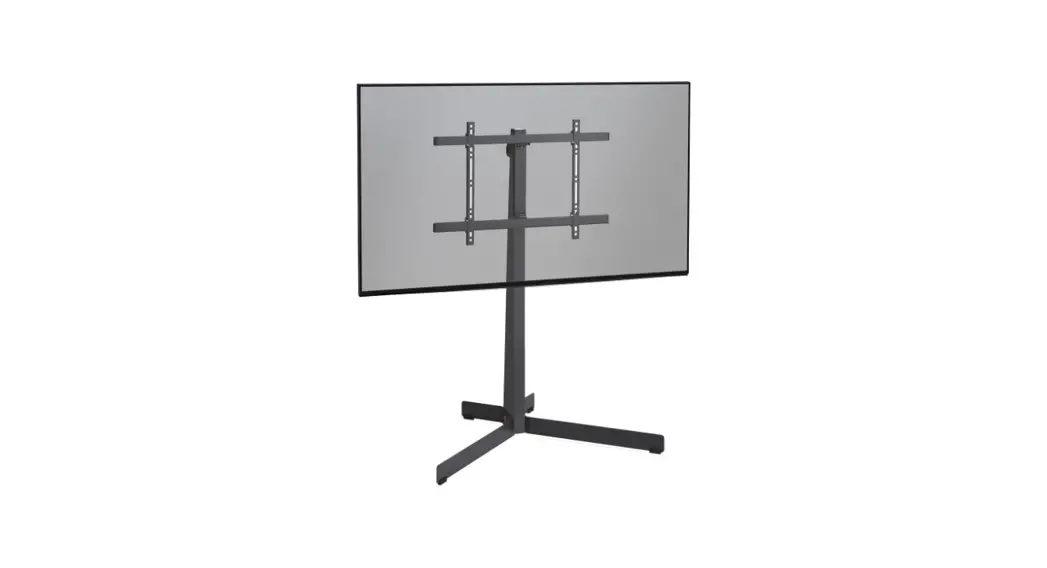
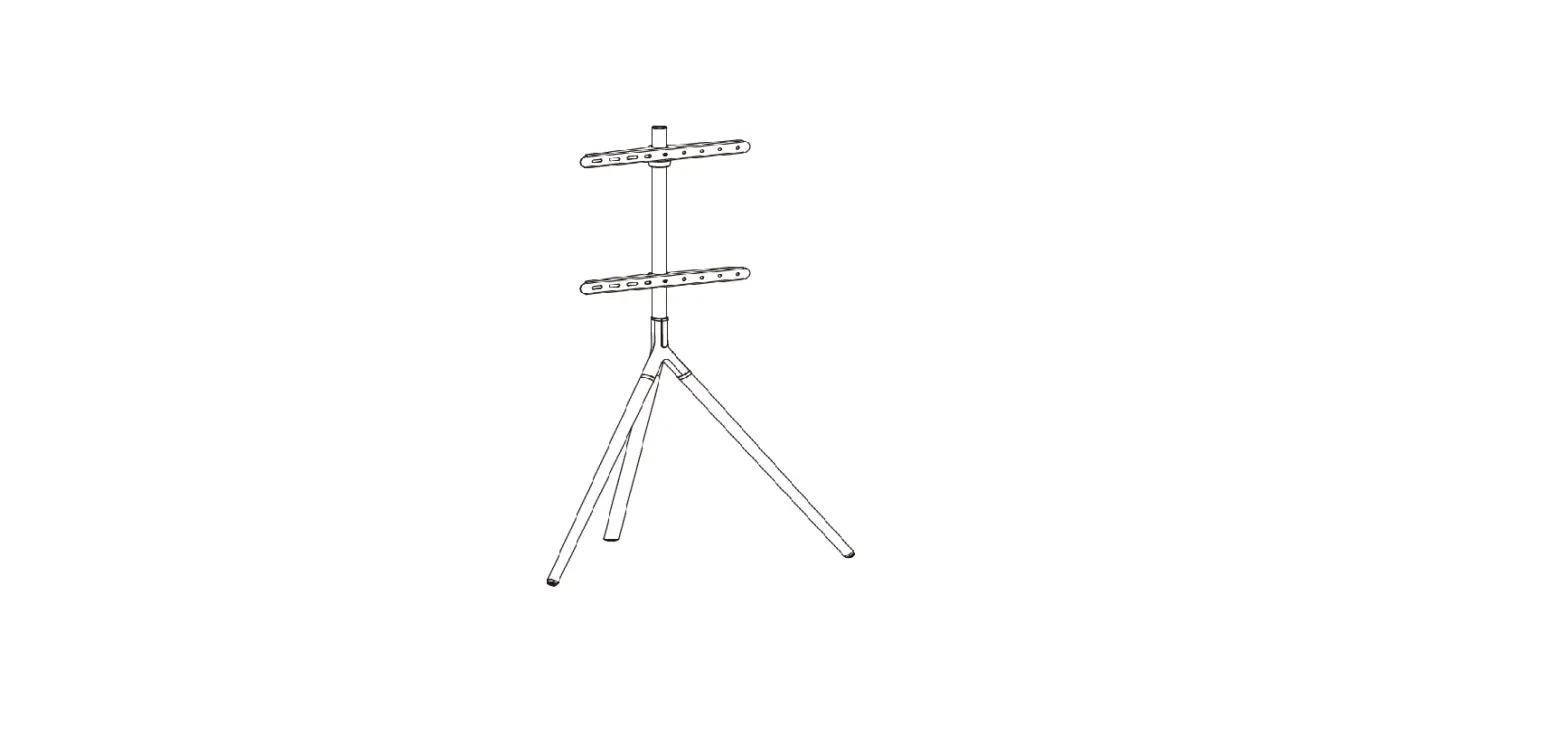
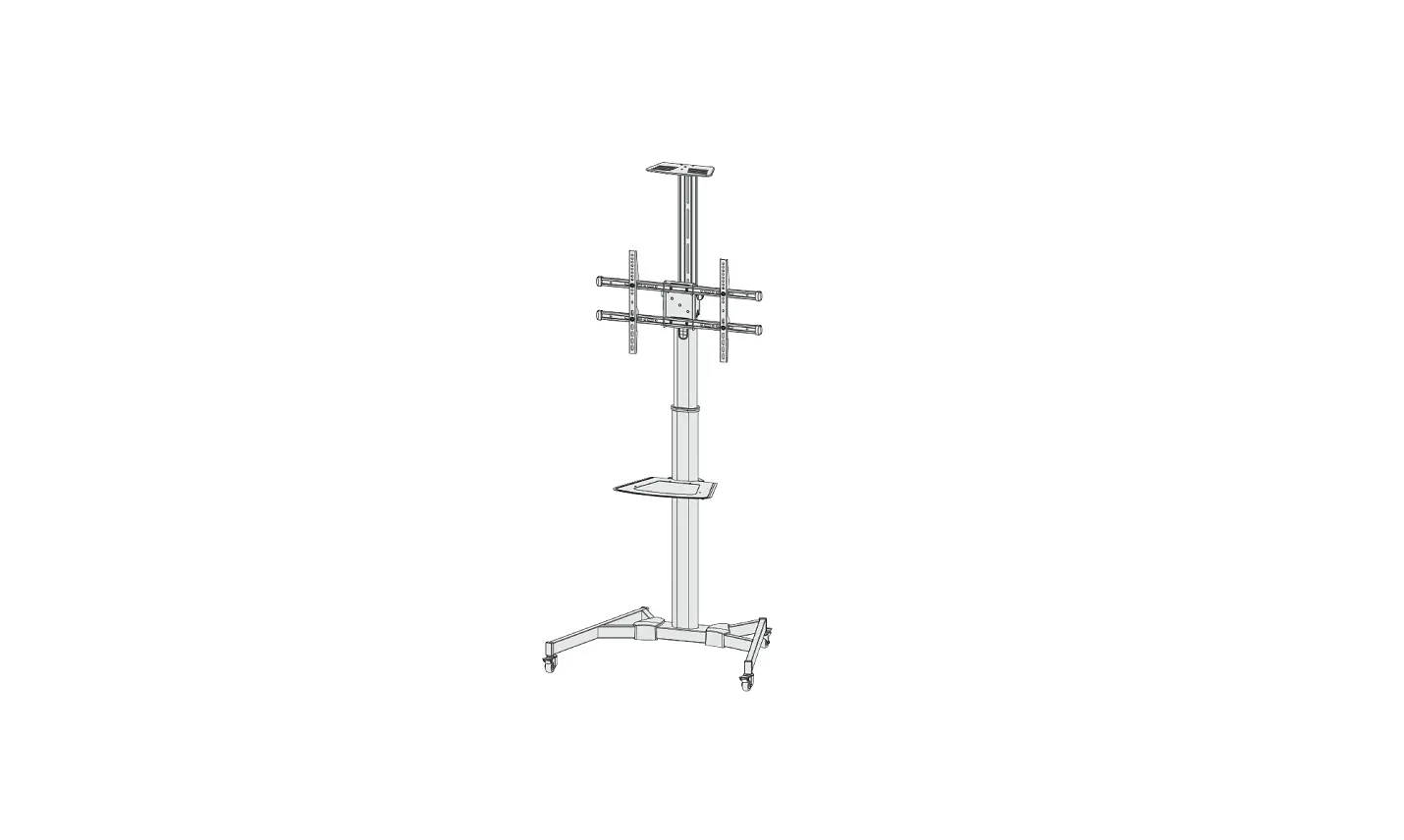
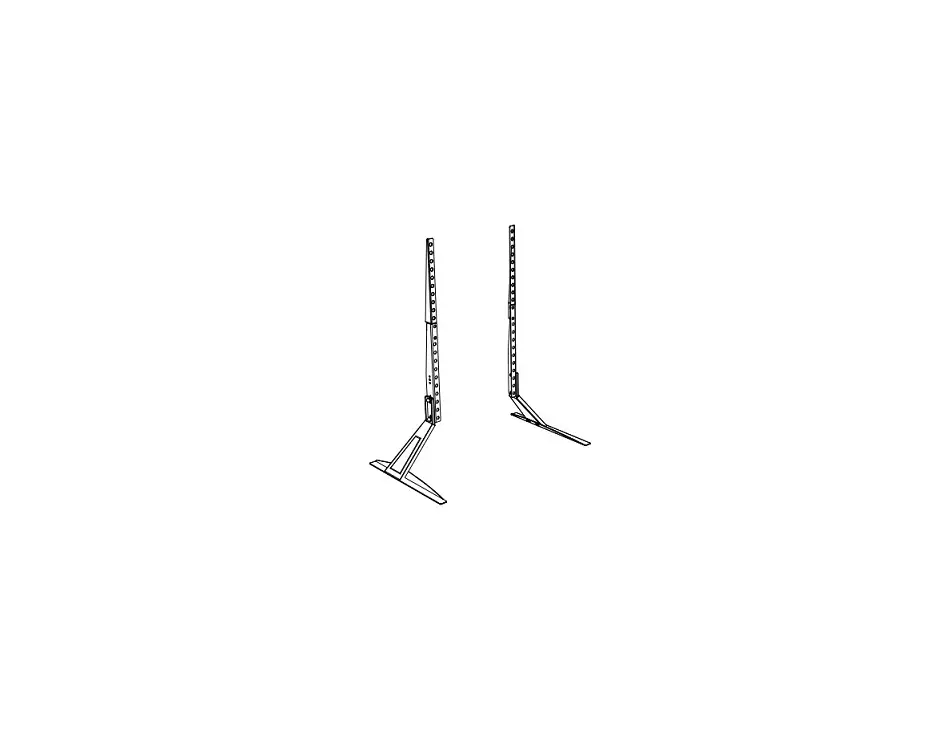
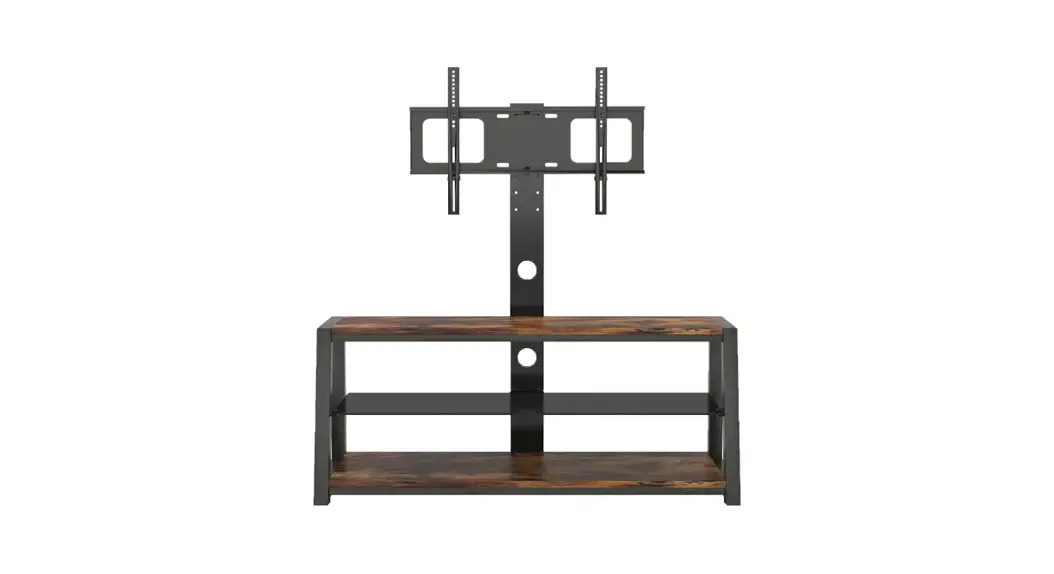
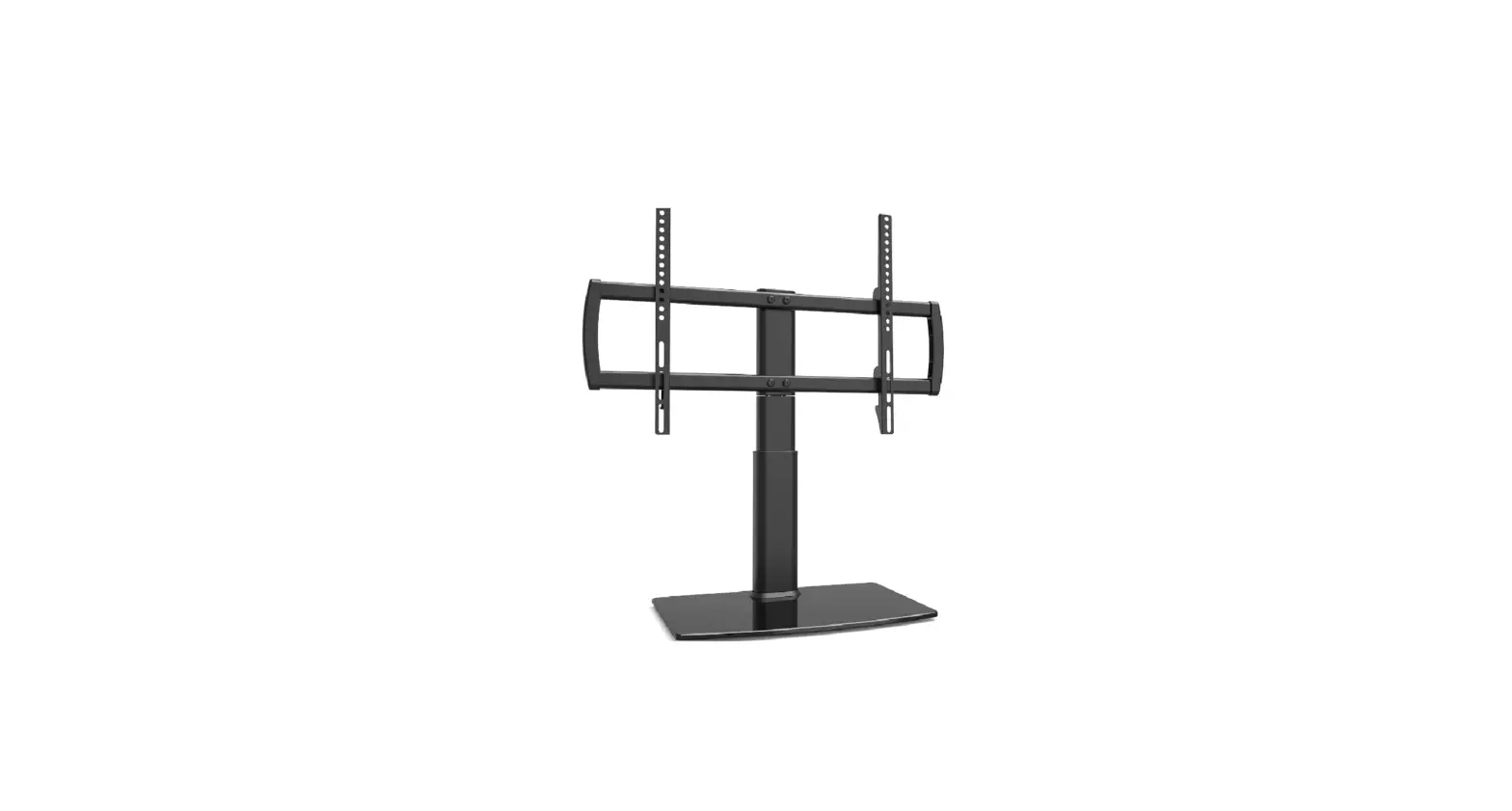
SWB7130 TV Floor Stand
Product Information
The SWB7130 is an installation manual for a wall mount that can
hold screens ranging from 23-60 inches and with a maximum load of
40 kg. The package includes the following:
- M5X15MM A(4PCS)
- M6 X15MM B(4PCS)
- M6X30MM C(4PCS)
- M8 X25MM D(7PCS)
- M8 X45MM E(4PCS)
- M8x70MM F(2PCS)
- H5 G(1PCS)
- H1(4PCS)
- H2(4PCS)
- D6 I(4PCS)
- Bubble J(1PCS)
Product Usage Instructions
- Start by identifying the appropriate screws and connectors for
your screen size and weight. Refer to the manual for guidance. - Attach the plastic connector (2) and EVA connector (3) to the
back of your screen using the appropriate screws. - Slip the feet (1) onto the bottom of the wall mount.
- Next, hang the display onto the wall mount using the
appropriate screws and connectors. Use screws A, B, C, D, E, F, G,
H1, H2, and I as necessary. Refer to the manual for guidance on
which screws to use and where to place them.
STEP1 STEP2
SWB7130 INSTALLATION MANUAL
M5X15MM A(4PCS)
M6 X15MM B(4PCS)
M6X30MM M8 X25MM M8 X45MM
C(4PCS) D(7PCS)
E(4PCS)
M8x70MM F(2PCS)
H5 G(1PCS)
H1(4PCS) H2(4PCS)
D6 I(4PCS)
Bubble J(1PCS)
STEP3
G
Slip feet 1. (4pcs)
plastic connector 2. (1pcs)
EVA connector 3. (1pcs)
400×400(mm)
23″-60″
Screen Sizes
40
Max load (kg)
-3° to+10° Tilt Angle
1
STEP4 Hang the display
2 3 D
A -C I
D or E
H1 or H2 if necessary