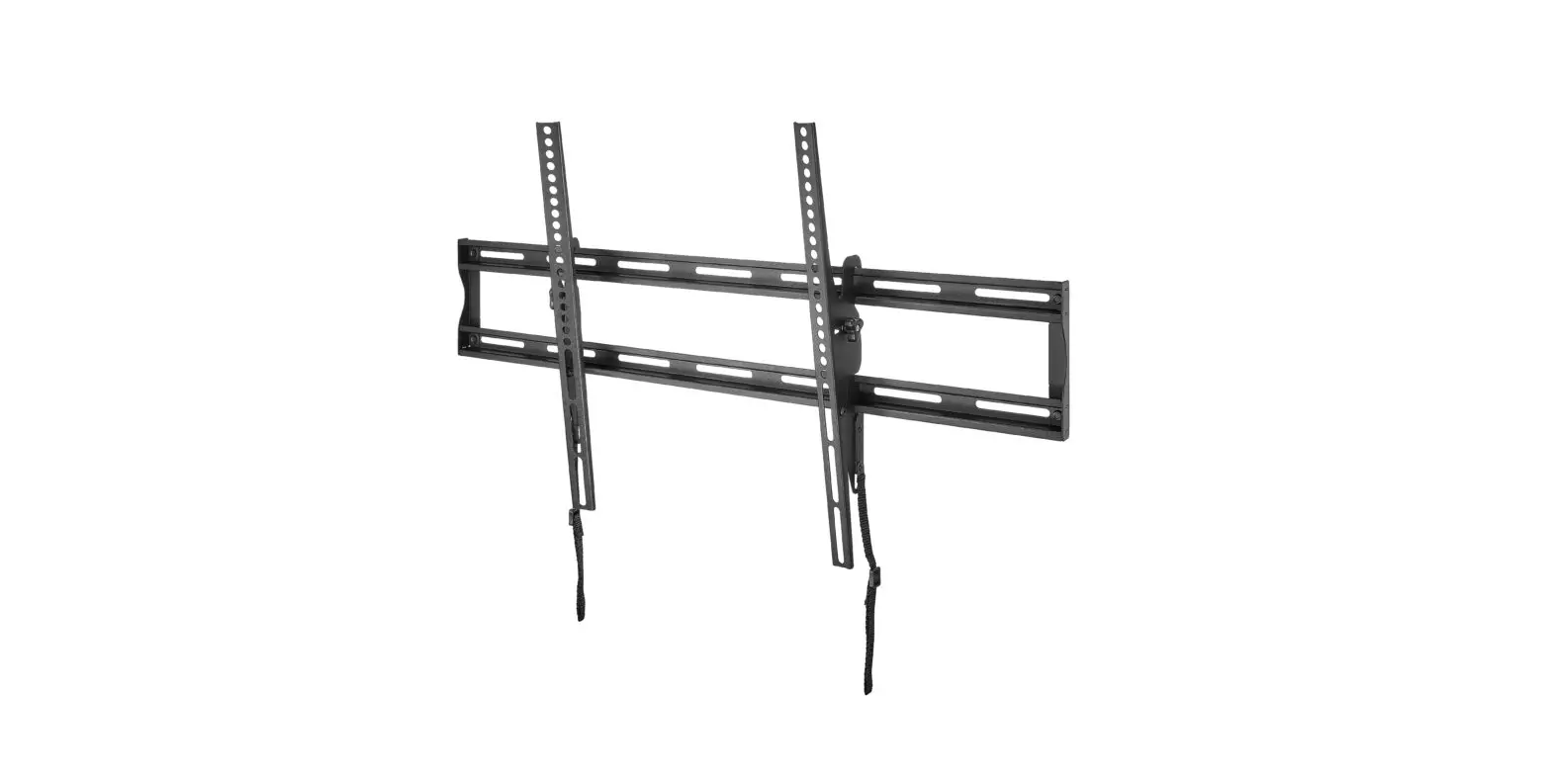
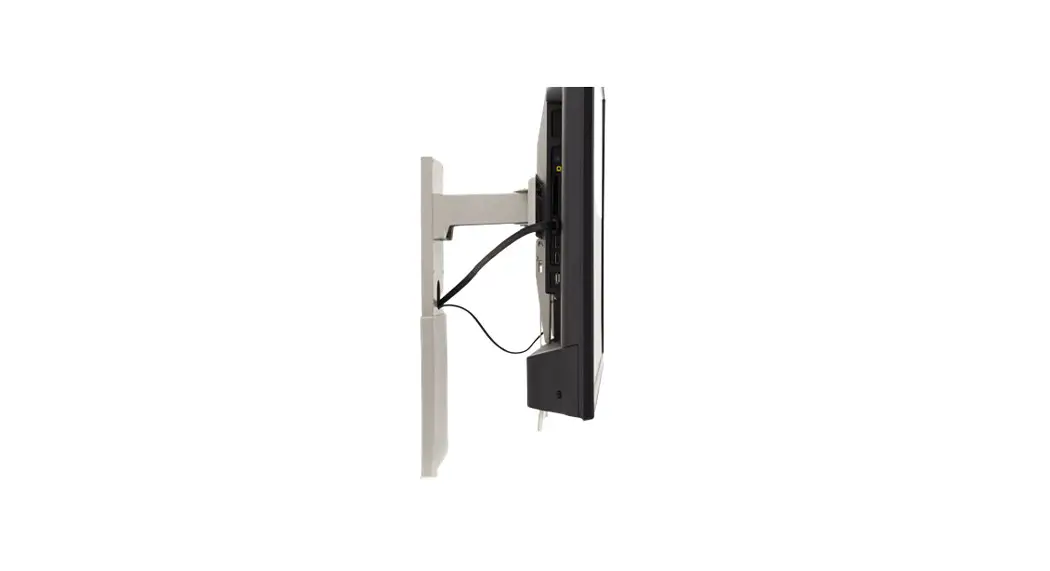
SWB7144 TV Standview and Other Swivel Brackets Mounting
Product Information
The SWB7144 is a mounting kit designed for mounting a TV stand
or swivel bracket onto a solid brick or concrete wall. The kit
includes all necessary hardware for installation, including lag
bolts, concrete wall anchors, soft pads, screws, nuts, washers,
plastic sleeves, and an Allen key/wrench.
Hardware Included:
- (A) M5x50 Lag Bolts x2
- (B) M8X40 Concrete wall anchors x2
- (C) Soft pad (4)
- (D) M6x12 screws(2)
- (E) M6 nut (2)
- (F) M5/M6 washer (2)
- (G) M8x12 screws(2)
- (H) 5mm Plastic Sleeve (4)
- (I) M8 nut (2)
- (J) Allen Key / Wrench (1)
Product Usage Instructions
For Solid Brick and Concrete Mounting:
STEP 1: Using the Allen key/wrench, attach the
soft pads to the back of the TV stand or swivel bracket using the
M6 screws and nuts.
STEP 2: Drill two holes into the solid brick or
concrete wall using a 5mm drill bit. Insert the plastic sleeves
into the holes and then insert the M8x40 concrete wall anchors into
the plastic sleeves.
STEP 3: Attach the TV stand or swivel bracket
to the wall using the M8x12 screws and M8 nuts.
For TV Standview and Other Swivel Brackets Mounting:
STEP 1: Using the Allen key/wrench, attach the
soft pads to the back of the TV stand or swivel bracket using the
M6 screws and nuts.
STEP 2: Drill two holes into the wall using a
5mm drill bit. Insert the plastic sleeves into the holes and then
insert the M5x50 lag bolts into the plastic sleeves.
STEP 3: Attach the TV stand or swivel bracket
to the wall using the M5/M6 washers and M6 nuts.
SWB7144 INSTALLATION INSTRUCTION
(A)M5x50 Lag Bolts x2
(B)M8X40Concrete wall anchors x2
(C) soft pad (4)
(D)M6x12 screws(2) (E)M6 nut (2) (F) M5/M6 washer (2) (G)M8x12 screws(2)
(H)5mm Plastic Sleeve (4)
(I)M8 nut (2)
(J ) Allen Key / Wrench (1)
For Solid Brick and Concrete Mounting
STEP1
50mm 8mm
STEP2
# ‘ ”
%
‘ &
For TV Standview and Other Swivel Brackets Mounting
STEP1
*
*
( (
STEP2
STEP3