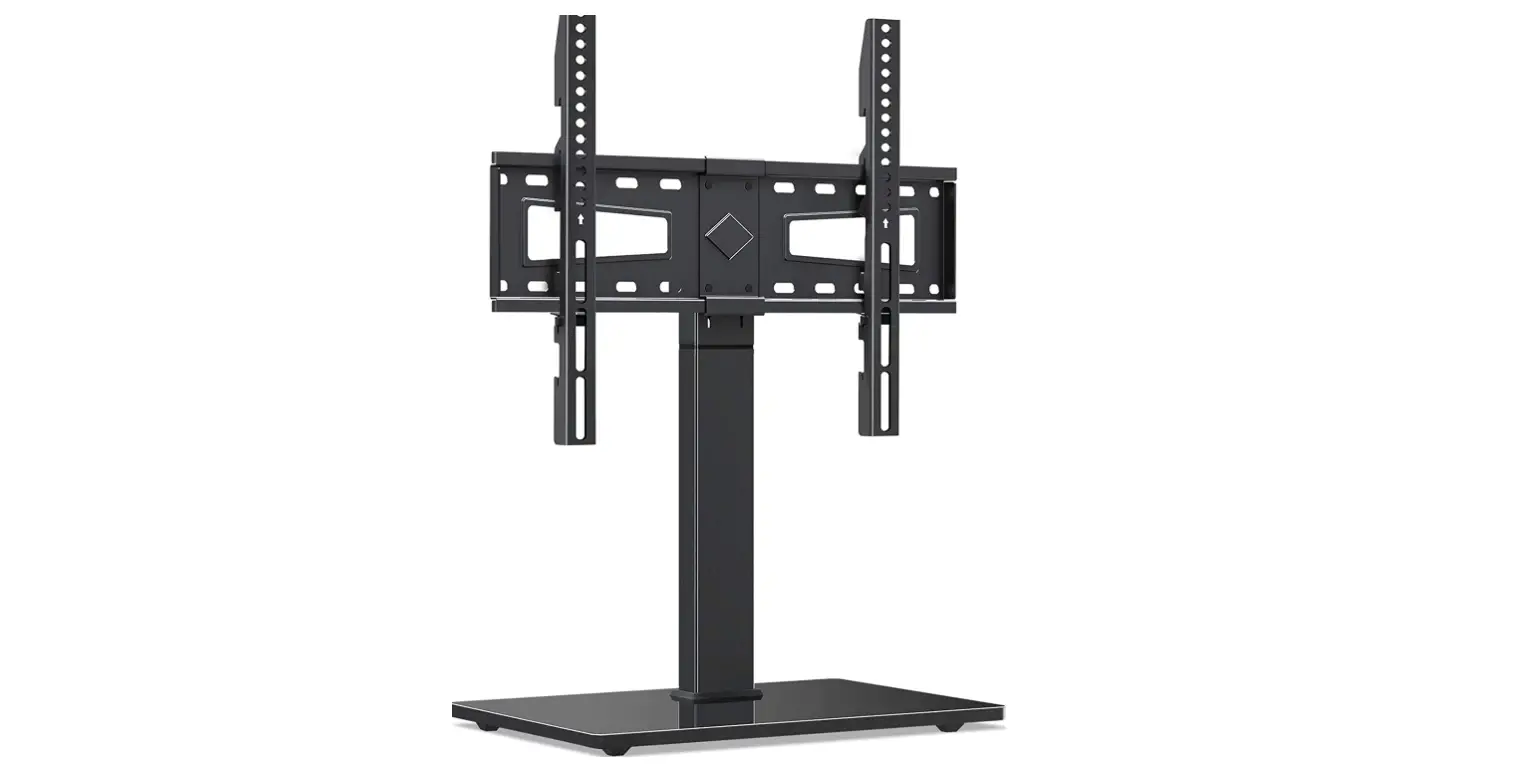
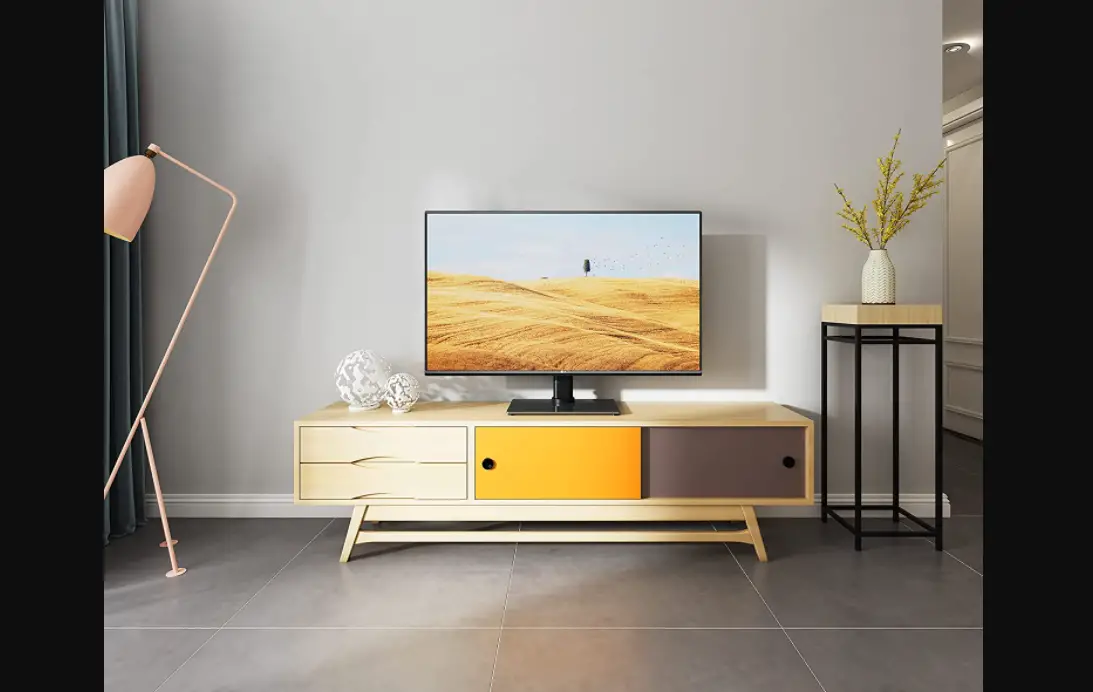
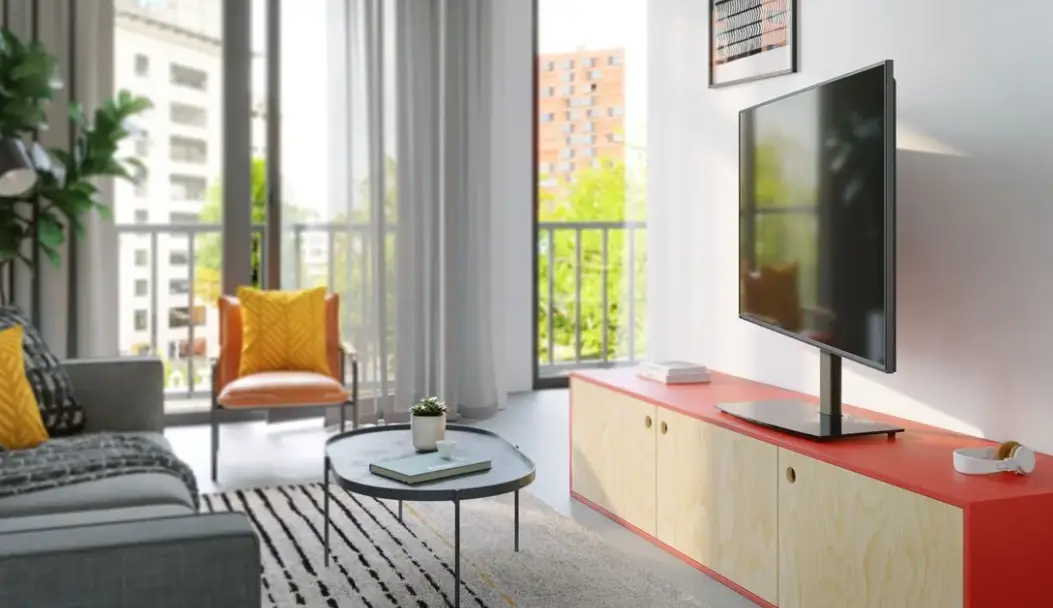
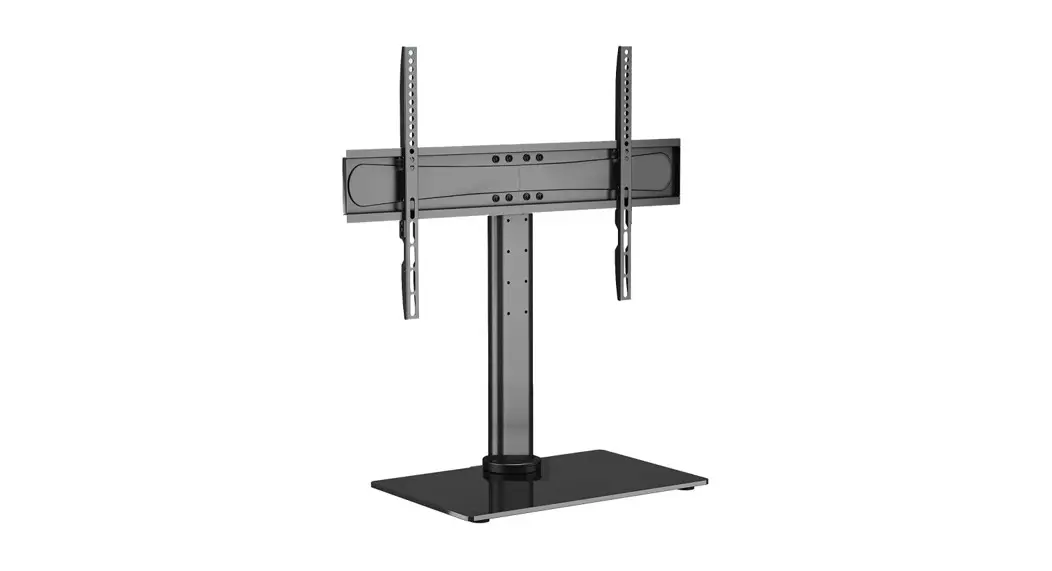
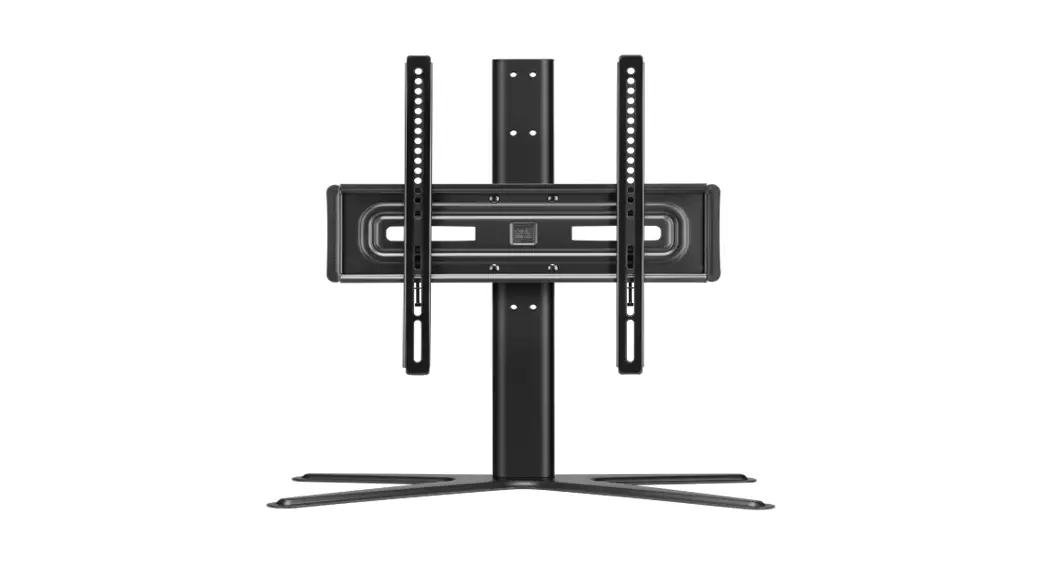
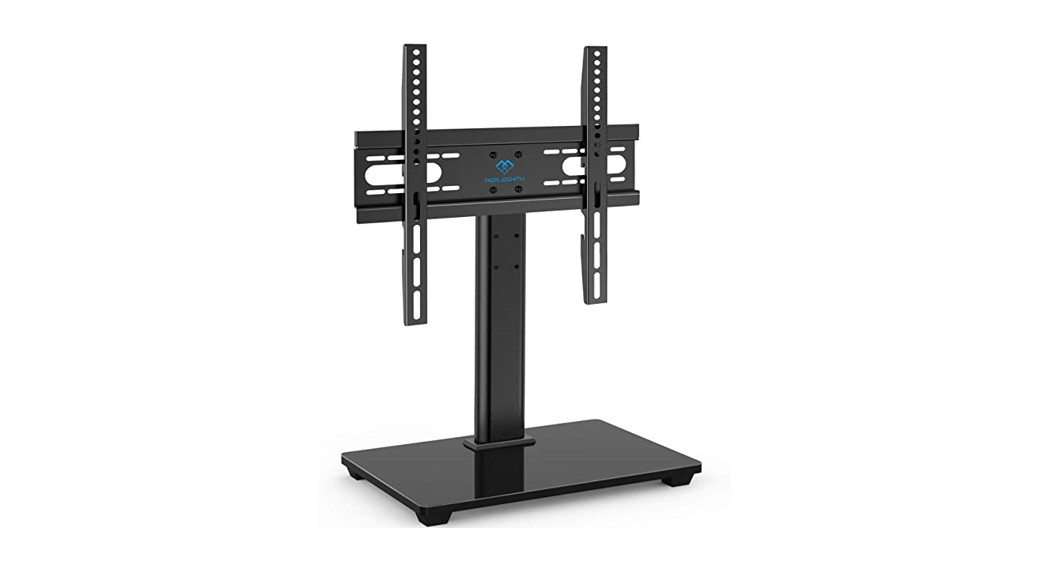
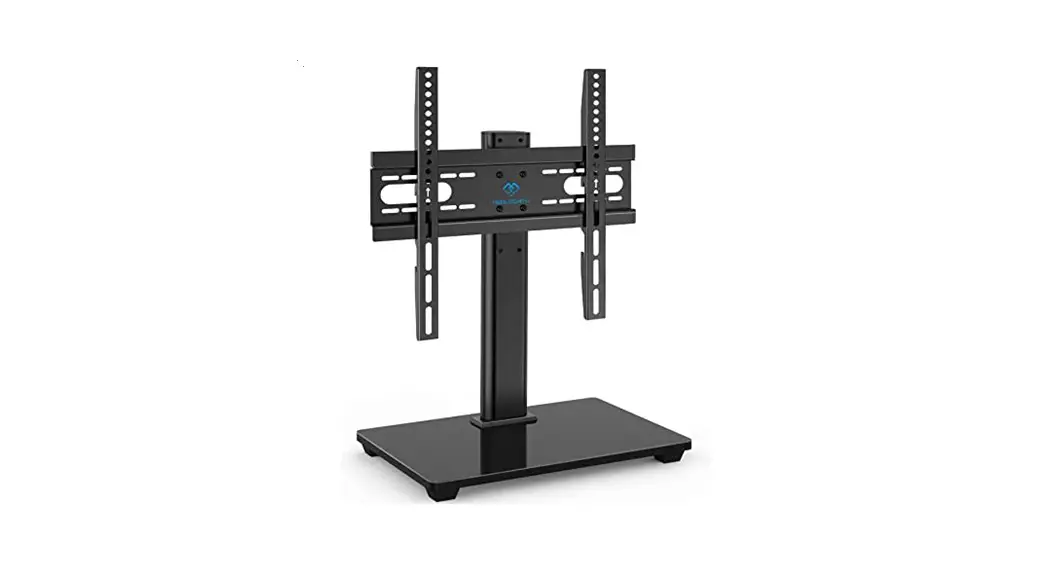
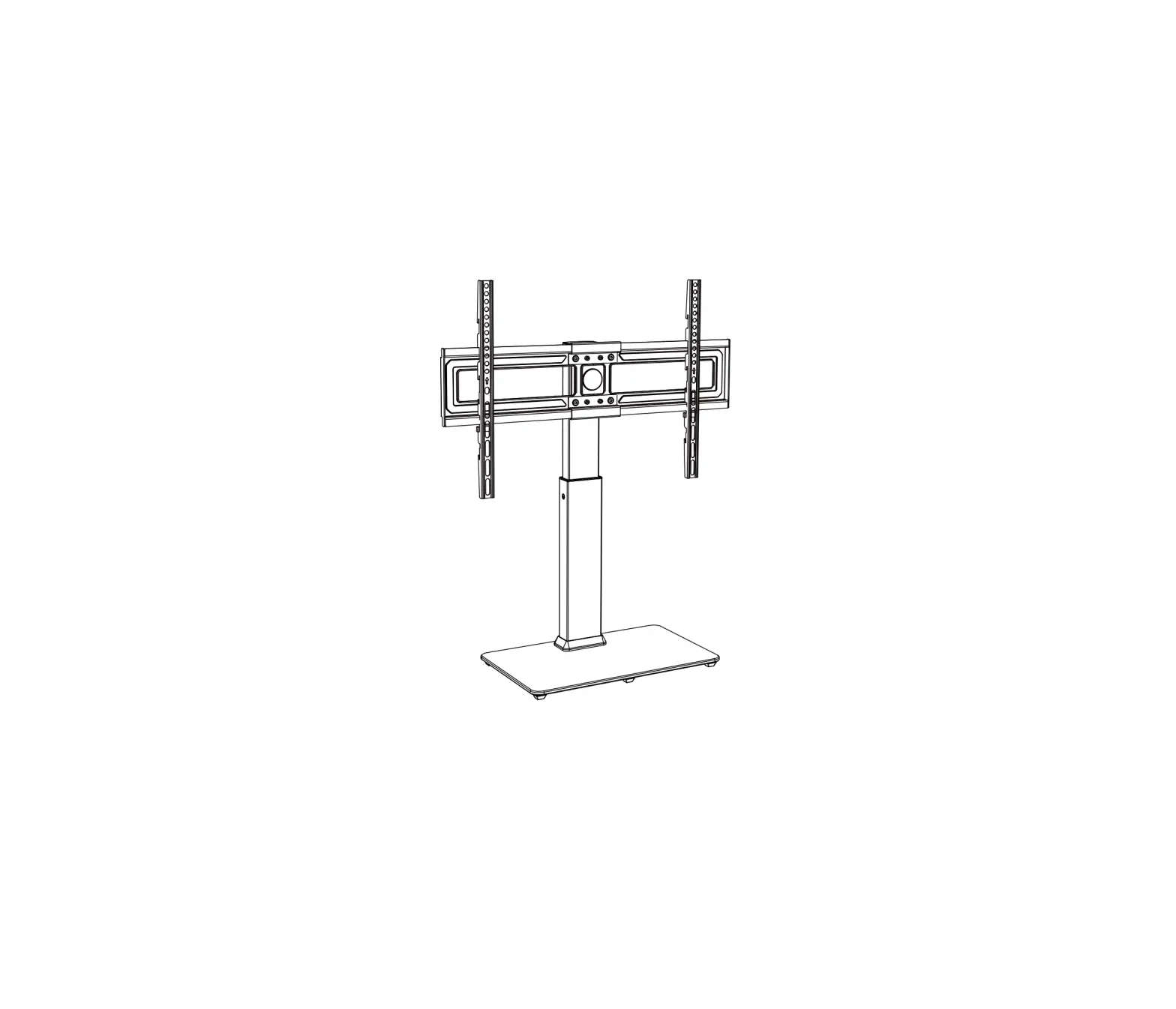
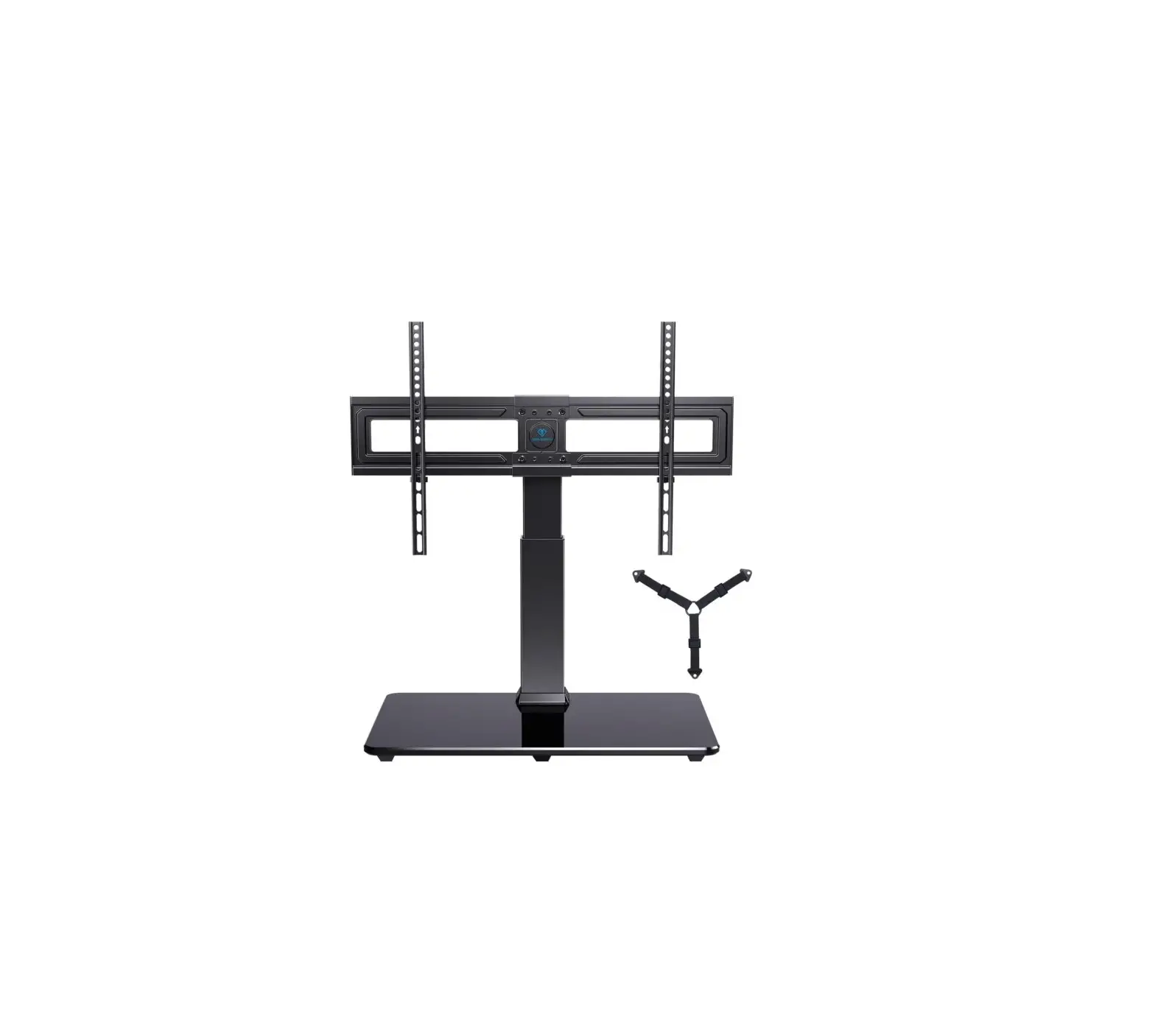
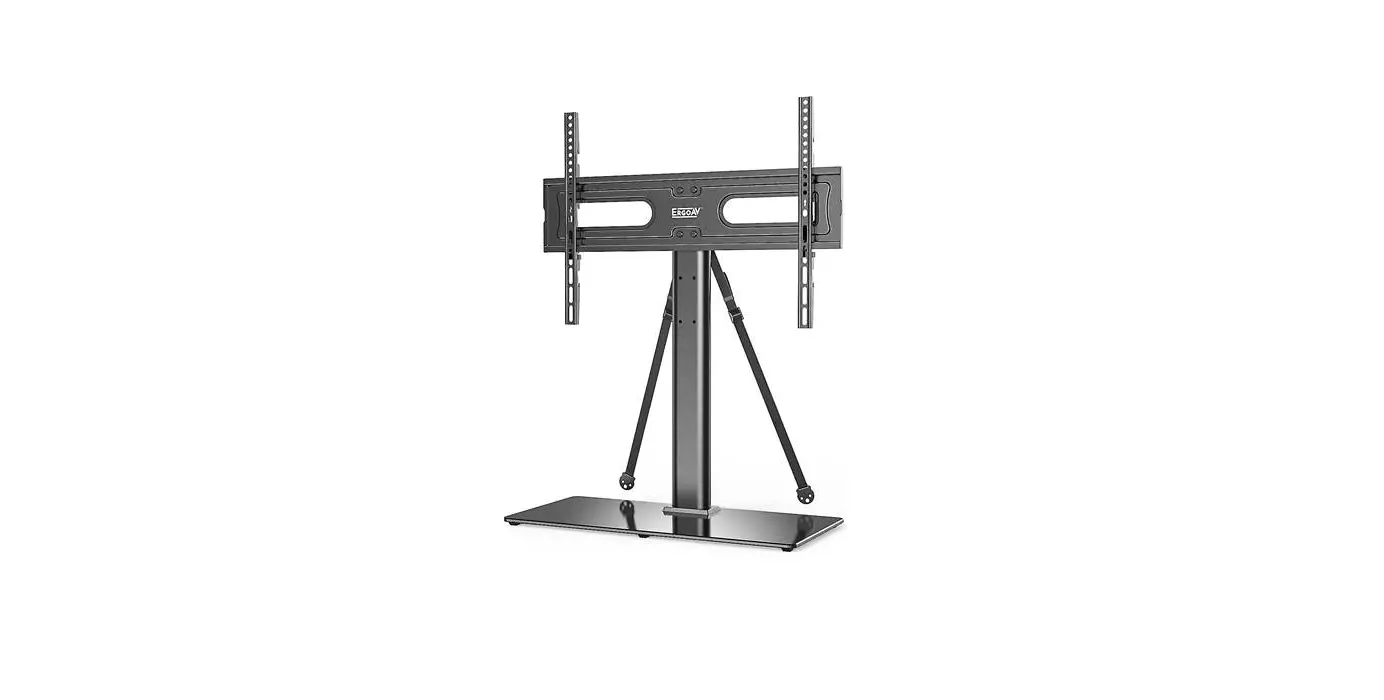
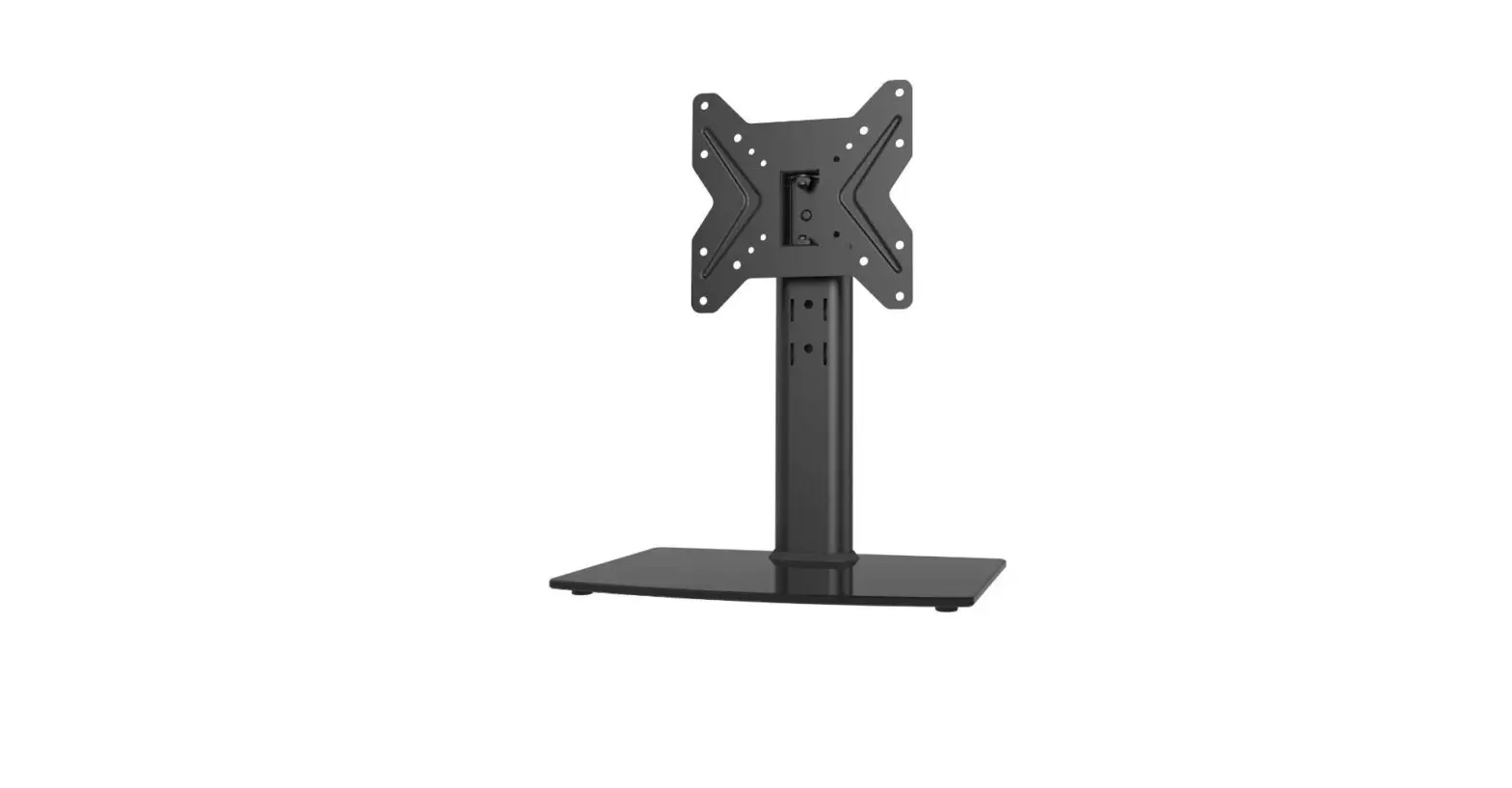
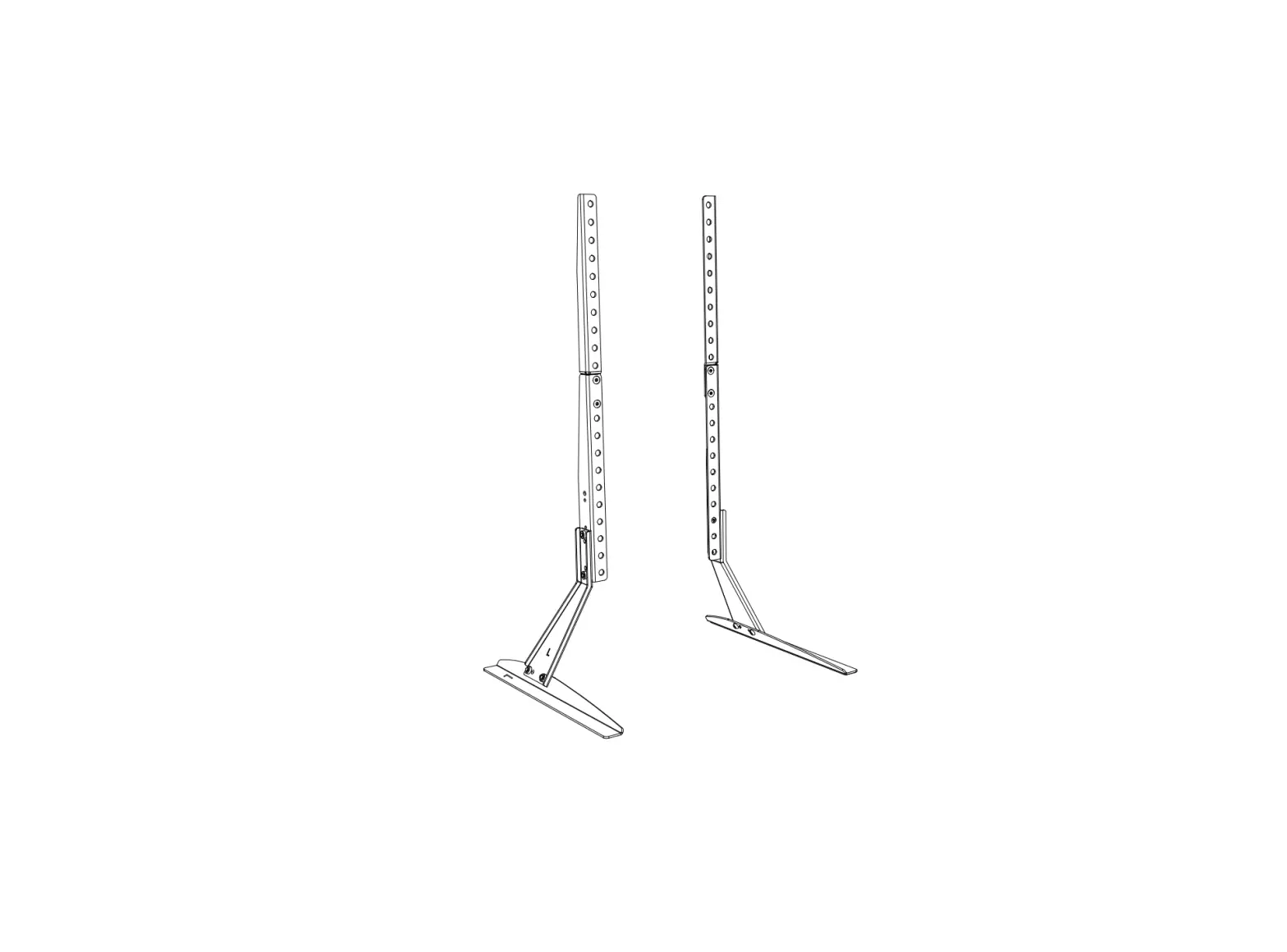
MU0031 Universal TV Stand Table Top TV Stands
Product Information
This product is a TV wall mount bracket with a weight capacity
of 88 lbs (40 kg).
The product is compatible with TVs that have VESA mounting
patterns ranging from 150x100mm (6×4) to 600x400mm (24×16).
The dimensions of the product are as follows:
- Height: 641mm (25.24 inches)
- Width: Max – 600mm (24 inches), Min – 150mm (6 inches)
- Depth: 8.5mm (0.33 inches)
Product Usage Instructions
Step 1: Attach the Brackets to TV
- Select the appropriate screw length for your TV based on the
screw diameter and thread the screws into the threaded holes on the
back of your TV. - Attach the TV brackets to the back of your TV using the
provided screws. Be careful not to over tighten the screws and
ensure that they do not bottom out in the mounting holes.
Step 2: Support Pillar Installation
- Connect two support pillars (2 & 3) using bolts (E) and
tighten them with the provided Allen key (K1).
Step 3: Apply Foot Pads to the Base
- Place Base 1 on a table.
- Attach washers (B) and bolts (A) to the base.
- Position Support Pillar 3 with clip holes facing backwards and
place it under the base. - Tighten the bolts (A) using the provided Allen key (K1).
Step 4: TV Plate Installation
- Connect TV Plate 5 and Connecting Plate 6 using M5 bolts (J1),
washers (J2), and nuts (J3). - Tighten the nuts using the provided socket wrench (K3).
Step 5: Attach TV with Brackets to TV Plate
- Hold Support Pillar 3 and remove the plastic film from the foot
pads (I). - Attach the foot pads (I) near the four corners of Base 1
bottom. - Attach the TV brackets to TV Plate 5 using the provided
screws.
INSTALLATION INSTRUCTION
88 lbs RATED 40 kg
Min: 150x100mm / 6×4″ Max: 600x400mm / 24×16″
(YZ2210-US1)
If you have any questions, please feel free to contact us via Amazon.
Product Dimensions
641mm/25.24″
MAX: 600mm/24″ MIN: 150mm/6″
8.5mm/0.33″ 100mm/3.94″
MAX: 400mm/16″
MIN: 100mm/4″
MAX: 751.5mm/29.59″
MIN: 541.5mm/21.32″
Bracket Pillar
High
Middle
Low
High
751.5mm 701.5mm 651.5mm /29.59″ /27.62″ /25.65″
Middle
696.5mm /27.42″
646.5mm /25.45″
596.5mm /23.48″
Low
641.5mm 591.5mm 541.5mm /25.26″ /23.29″ /21.32″
Tilt
+8°~0°
55mm/2.17″ 55mm/2.17″ 55mm/2.17″ 548mm /21.57″
16mm /0.63″
90mm/3.54″
50mm/1.97″ 50mm/1.97″
Swivel
±25°
81mm/3.19″
54mm/2.13″ 280mm /11.02″
145mm/5.71″
Safety Caution
Supplied Parts and Hardware
BEFORE ASSEMBLY
· Layout all components and hardware. Check all parts are included and undamaged. · Should anybody intends to install or use this TV stand, please read and understand this
manual carefully. · If you do not understand these instructions or have any doubt about the safety instructions,
assembly or use of this product, please contact our customer service.
WARNING
· This product contains small items that could be a choking hazard if swallowed. · KEEP AWAY FROM CHILDREN UNDER 3 YEARS OLD. ADULT SUPERVISION IS REQUIRED. · Improper installation, such as using the product for monitors over its load capacity or for any
purpose not explicitly specified, may cause damage or serious injury. We would not be liable for any damage or injury caused by improper mounting or inappropriate use.
CAUTION AND MAINTENANCE
· Never allow children to climb, stand, hang, or play on any part of TV or stand. · This product is intended for indoor use only. Using this product outdoors could lead to product
failure and personal injury. · Check that the bracket is secure and safe to use at regular intervals (at least every three months).
11 (×1)
Base
21 (×1)
31 (×1)
41 (×2)
51 (×2)
61 (×1)
71 (×1)
Support Pillar Support Pillar TV Bracket TV Plate Connecting Plate Angle Adjuster
Bolt M6x30mm
A x3
Washer
B x1
Bolt Flange Nut M6x16mm M6
C1 x4 C2 x4
Bolt M6x50mm
D1 x4
Washer 6
D2 x4
Bolt M6x10mm
E x4
4mm Allen Key
K1 x1
Wrench
K2 x1
Plastic Cover
F x1
Safety Lock
G x2
Wire Clip
H x2
Foot Pad
I x4
Bolt M5x12mm
J1 x8
Washer 5.5
J2 x8
Nut M5
J3 x8
Socket Wrench
K3 x1
Installation Tools (Not Included)
Hardware (TV)
Philips Screws Philips Screws Philips Screws Philips Screws Philips Screws
M6 x 15mm
M6 x 30mm
M8 x 15mm
M8 x 45mm
M8 x 65mm
Washer 5 / 8
Spacers H5mm
Spacers H10mm
2M
Band Tape 2m
Screwdriver
Bubble Level
1
STEP 1: Attach the Brackets to TV
1-1 Select TV Screw Length
Thread screws by hand into the threaded holes on the back of your TV after selecting which screw diameter fits your TV.
MA x4
MB x4
MC x4
MD x4
NOTE: Not all hardware included will be used.
STEP 1: (Continued)
1-3 Attach the TV Brackets
M6 M8
M-A M-B M-C M-D M-E M-F
ME x4
MF x8 MG x8 MH x8
2
No!
1-2 Select TV Screw Length
When attaching plate to the flat screen, be careful not to over tighten screws and be sure that screws do not bottom out in the mounting holes.
M-G M-H May be needed
TOP OF TV
Keep the arrow up
4 4
Too Short
Correct
Too Long
Correct
400mm/15.76″
3
4
5
STEP 2: Support Pillar Installation
STEP 3: Apply Foot Pads to the Base
I
K1 Connect two Support Pillars ( 2 & 3 ).
E
Then insert 4pcs Bolts (E) through the holes of Support Pillars ( 2 & 3 ), and use the 4mm Allen Key (K1) to tighten.
Table
Put Base 1 on the table;
K1 put Washer (B) and Bolts
(A) on the base; keep clip
A holes of Support Pillar 3
toward backside then put
B
Plastic Cover (F) and Support Pillar 3 under the
1 base. Then tighten the
bolts (A) with the 4mm
allen key (K1).
F
Note: Support pillar should be placed with clip holes facing backwards.
3
6
STEP 5: Attach TV with Brackets to TV Plate
Table
1
3
Hold the Support Pillar 3 with
one hand and tear off plastic film
of Foot Pads (I), then attach Foot
Pads (I) near four conors of the
Base 1 bottom.
STEP 4: TV Plate Installation
4-1: Connect TV Plate 5 and Connecting Plate 6 by using and M5 Bolts (J1), Washers (J2) and Nuts (J3). Use the Socket Wrench (K3) to tighten the nuts.
K3
J2(x8)
J3(x8)
5 (x2)
J1(x8) 6
4-2: Connect TV Plate Unit and Angle
Adjuster 7 by using and M6 Bolts (C1)
and Nuts (C2). Use the Wrench (K2) to
C2(x4)
7
tighten the nuts.
K2
STEP 6: Cable Management
TV Plate Unit
C1(x4)
7
Choose the appropriate position (three options)
for your TV. Hang TV with brackets onto the TV plate.
50mm 50mm
Attach Wire Clips (H) into the holes of Support Pillar 2 3 . Manage cables with the Wire Clips (H).
H
STEP 4: (Continued)
4-3: Choose the appropriate position (three options) for your TV Plate, then connect TV Plate Component to Support Pillar 2 by using Bolts (D1) and Washers (D2). Use the 4mm allen key (K1) to tighten them.
D2(x4) D1(x4)
TV Plate Component
UP
WARNING: TV Plate should be installed with the ARROW mark pointing UPWARDS.
K1
STEP 7: Adjustments (If necessary)
Tilt Adjustment
+8°
55mm 55mm 55mm
NOTE: Three choices for height adjustment.
8
Tighten
K2
Loosen
0°
1. Slightly loosen tilting nuts with the
Wrech (K2).
2. Hold the TV with both hands and
adjust TV to your desired tilt angle.
3. Retighten tilting nuts to secure the
TV in place.
Note: When tilted, if the TV sags or does not stay, and if the above method is useless, please feel free to contact our customer service.
G
Put the Safty Lock (G) in place and tighten the fixing screw to the plate securely.
9
Swivel Adjustment
+25°
10
-25°
11