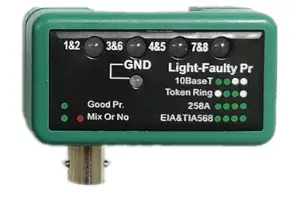
DN-14001-1 Network and Communication Cable Tester
Product Information
The Network and Communication Cable Tester is a device that is
used to test and identify the correct pin assignment of various
types of cables, including RJ45, BNC, 10Base-T, 10Base-2, 258A,
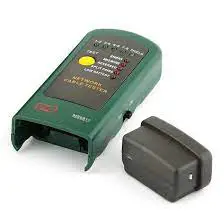
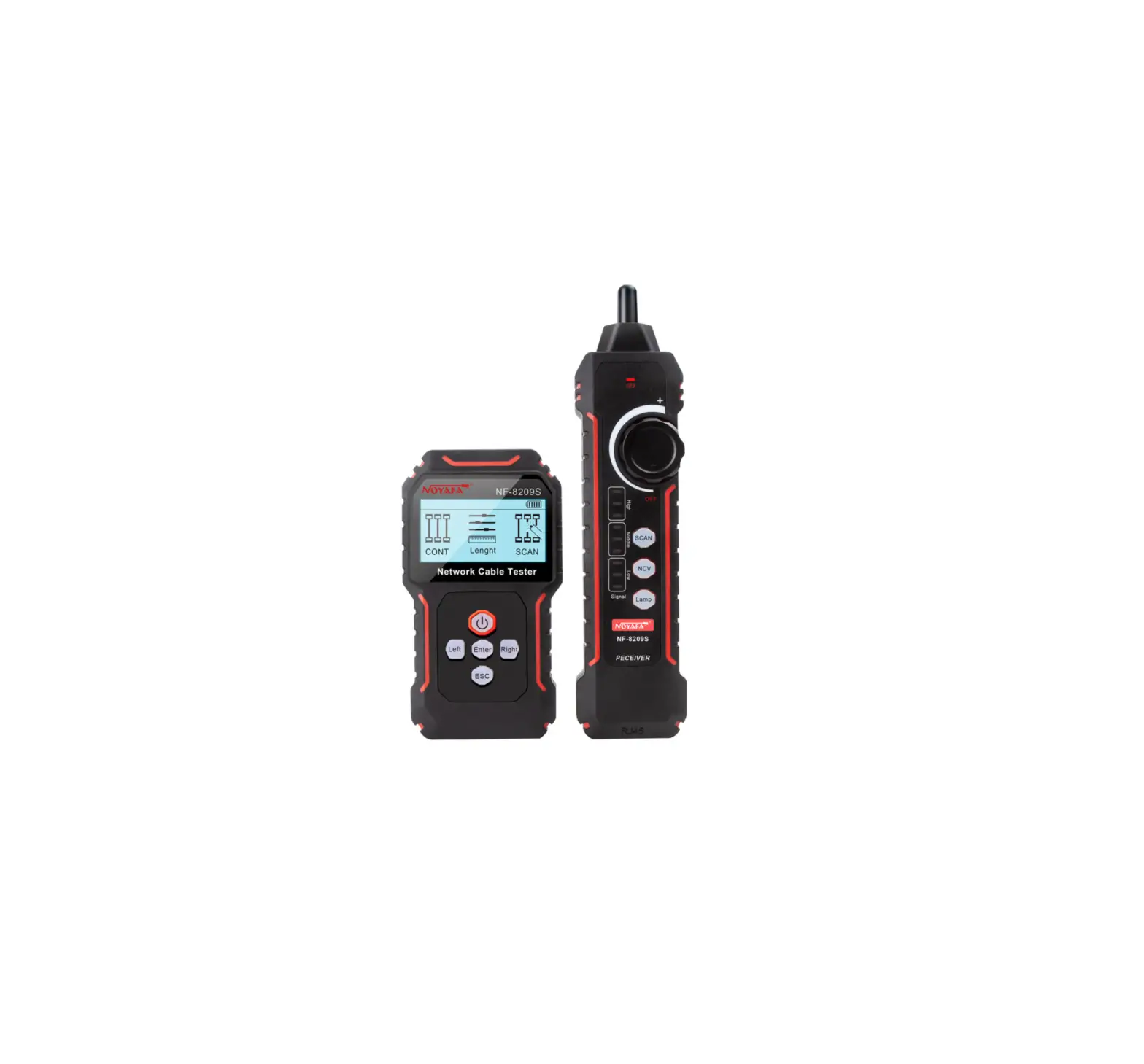
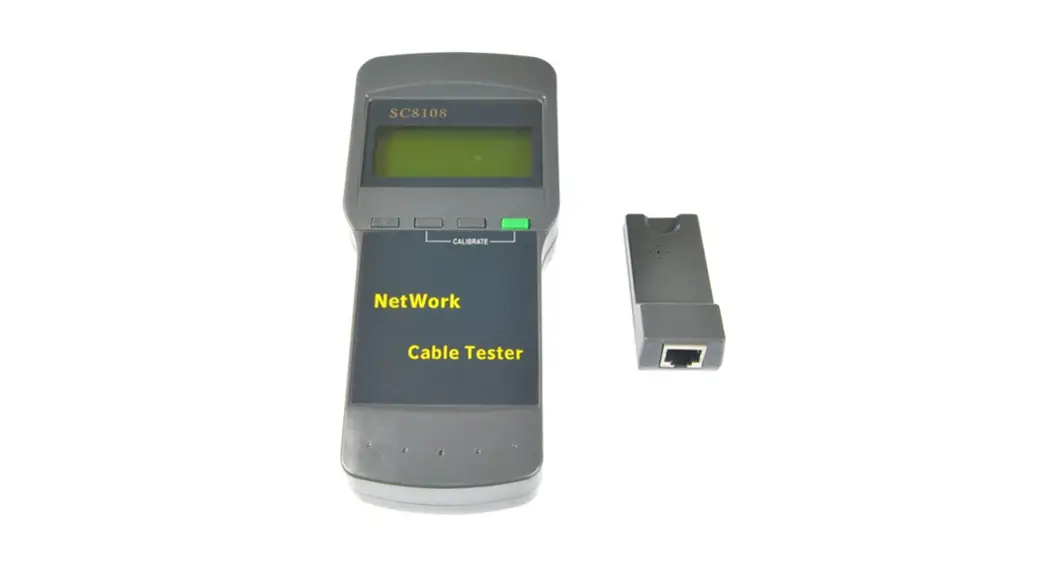
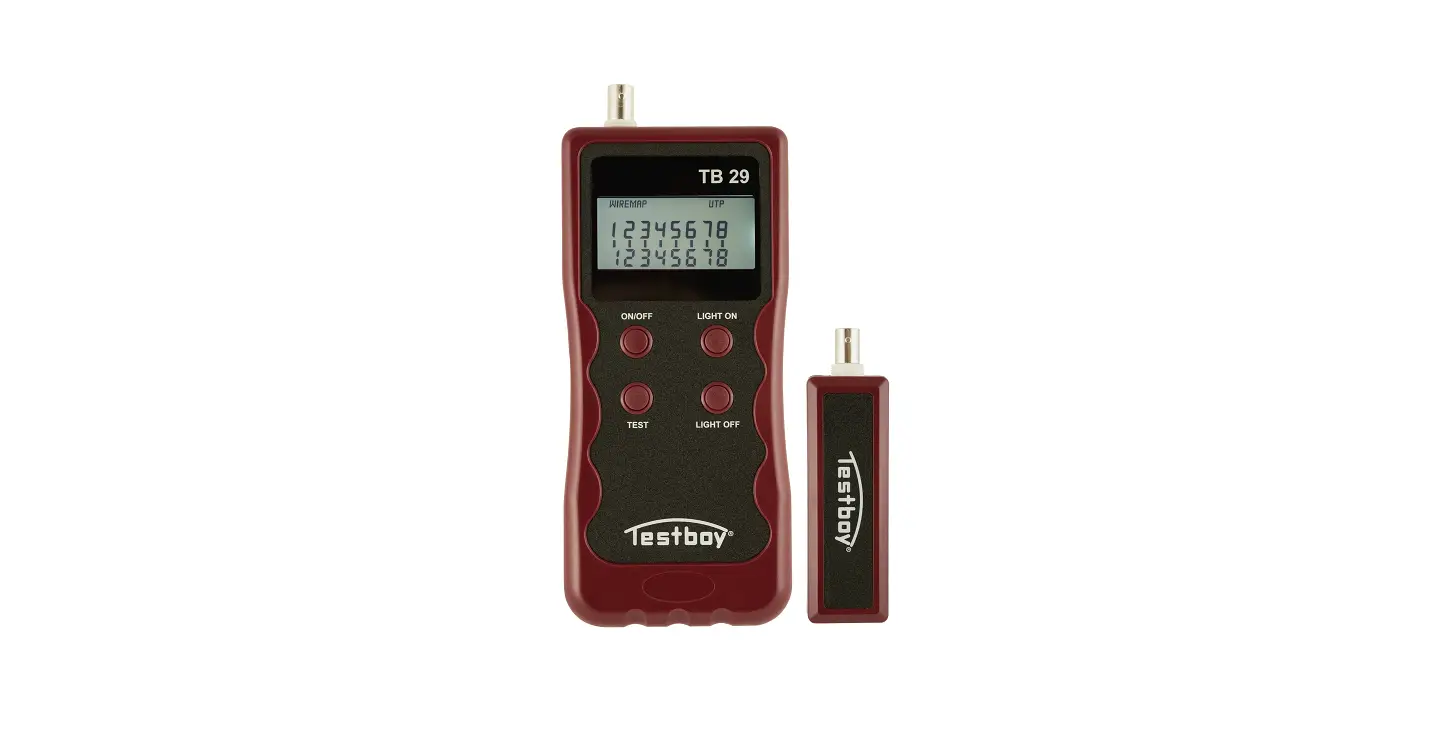
TIA-568A/568B, and token ring cables. It comes with a main device,
a remote device, a PoE testing device, BCN adapter cables, a BNC
plug/plug adapter, RJ45 to RJ11 adapters, a quick installation
guide, and a hard shell case. The main unit and remote unit have
multiple RJ45 jacks and LED displays for easy identification and
testing of cables. The device can also perform loopback tests to
check the continuity and configuration of the tested cable.
Product Usage Instructions
1. Safety Instructions
- Always place the device on a stable and straight surface to
avoid damage from falling. - Avoid placing the device in direct sunlight or high-temperature
environments to prevent damage or reduced lifespan. - Avoid placing the device near heat sources like radiators or
other heat-producing devices. - Do not expose the device to rain, water, wetness, or high
humidity. Avoid placing it in bathrooms or kitchens near
sinks. - Avoid direct contact with water. Do not try to open the
device. - Make a backup of your data before using the product for the
first time. The manufacturer is not liable for any data loss unless
caused by intentional or gross negligence. The liability for data
loss is limited to the effort required to restore from existing
backup copies. - Read the manual and safety instructions before using the
product for the first time to prevent any damage.
2. Introduction
The LAN tester is designed to identify the correct pin
assignment of various cables such as 10Base-T, 10Base-2, RJ45/TM11
modular cables, 258A, TIA-568A/568B, and token ring cables. It
compares the outgoing cable end with the corresponding receiving
cable end to ensure correct cabling. The remote tester allows
testing of cables installed in different locations, such as wall
distributors or patch fields, ensuring easy identification of
cabling.
3. Operation
3.1 Loopback Test
- Connect one end of the tested cable to the sourcing RJ45 jack
on the main unit and the other end to the receiving RJ45 jack on
the remote unit. - Slide the power switch to turn on the device. The upper row
LEDs will start scanning in sequence if the Auto/Manual switch is
set to Auto mode. If set to Manual mode, the LED will light up on
pin 1. - Ensure that the battery power is sufficient for accurate
results. Dimmed or no light LEDs indicate low battery power and may
result in incorrect test results. - Choose the Auto/Manual switch to be in Auto scan mode or Manual
scan mode by pressing the switch. - The corresponding LED indicators on the second row will light
up simultaneously. - Read the LED display to determine the pin configuration status
of the tested cable. If you fail to read the result in the first
run of LED scan, you may read it again by toggling the test switch
one by one until you obtain the result.
3.2 BNC Cable Test
- Connect both ends of the tested cable to BNC adapter
cables. - Follow steps 1.2 to 1.5 of the 10Base-T cable test for the
remaining procedures.
Network and Communicaon Cable Tester, RJ45 and BNC
Quick installaon guide
DN-14001-1
According to the European WEEE direcve, electrical and electronic equipment must not be disposed with consumers waste. Its components must be recycled or disposed apart from each other. Otherwise contaminative and hazardous substances can polluteour environment. You as a consumer are commited by law to dispose electrical and electronicdevices to the producer, the dealer, or public collecng points at the end of the devices lifeme for free. Parculars are regulated in naonal right. The symbol on the product, in the user’s manual, or at the packaging alludes to these terms. With this kind of waste separaon, applicaon, and waste disposal of used devices you achieve an important share to environmental protecon.
1.0 Safety Instruction
Put the Device always on a stable and straight Surface. In case of falling it can be damaged.
Don’t place the Device into direct Sunlight or in Places with high Temperature. This can damage the Device or shorten his average useful Life.
Don’t place it in the near of Heat Sources, like Radiators or other heat producing Devices. Don’t expose the Device to Rain, Water, Wetness or high Humidity. Don’t place it in the Bathroom or the Kitchen in the near of a Sink. Avoid the direct Contact with Water.
Don’t try to open the Device. Prior to the first use of our product make a backup of your data. We are not liable for any loss of data, unless you can accuse us intenon or gross negligence. In any case, liability for loss of data is limited to the effort that is necessary to restore from exisng backup copies. Please read the Manual and Safety Instrucons before using the product for the first me. Otherwise damage can be the result.
2
2.0 Introduction
The LAN tester makes it easy to idenfy the correct PIN assignment of 10Base-T, 10Base-2, RJ45/TM11 modular cables as well as 258A, TIA-568A/568B and token ring cables by comparing the outgoing cable end with the corresponding receiving cable end. With the remote tester, you can test cables that are installed at a different locaon, for instance in wall distributors or patch fields. Easy idenficaon of cabling is guaranteed.
2.1 Specification
· Test the correct pin configuraon of 10Base-T, 10Base-2 Ethernet cable, RJ45/RJ11 modular cables, 258A, TIA 568A/568B and Token Ring Cable etc.
· Easy to read cable status and verify cable connuity, open short and miswire.
· With remote kit, it can remotely test cable far away either on wall plate or patch panel.
· Test the grounding · With auto or manual scan · Operates with 9 Volt block batery (not included)
2.2 Package Contents
1x Main device 1x Remote device 1x PoE tesng device 2x BCN adapter cable
1x BNC plug/plug adapter 3x RJ45 to RJ11 adapter 1x Quick installaon guide 1x Hard shell case
3
2.3 Product Profile
Main Unit
Remote Unit
1. RJ45 Jack
7. Test switch for manual scan
2. RJ45 Jack
8. RJ45 Jack
3. LED Display for sourcing end (Jack 1) 9. LED display for receiving end
4. LED Display for receiving end (Jack 2) (same as Jack 2)
5. Power switch
10. Ground LED for Receiving end
6. LED Scanning mode switch
11. Batery compartment (9V)
4
3.0 Operation 3.1 Loopback Test
· 10Base-T Cable Test 1. Plug one end of tested cable on sourcing of RJ45 jack (Marked with `.A.’)
and another end of tested cable on remaining receiving RJ 45 jack. 2. Slide power switch on, the upper row LEDs will start to scan in sequence
if the Auto/Manual switch is set on Auto mode, or the LED will light on pin 1 if the Auto/Manual switch is set on Manual mode.
Note: You have to make sure the batery power is sufficient. If batery fails to the power, the LEDs will be dimmed or hold up or no light, and the test result will be incorrect.
3. Choose the Auto/Manual switch to be Auto scan mode orManual scan mode by pressing the Auto/Manual switch.
4. In this moment the corresponding LED indicators of anotherrow of LED will light up simutaneousIy.
5. Read out the result of LED display. It tells you the pin configuraon status of the tested cable. If you fail to read theresult in the first run of LED scan, you may read it again in the the test switch one by one unl you read the result out.
Loopback Test
5
· Modular Cable test Please follow up the procedures of 10Base-T Cable Test. However, the LED display should be read as the right picture.
· 10Base-2 Cable Test 1. Plug the two atached BNC adaptor cables on both RJ45jacks, then
connect the tested cable both ends on BNC adaptor cables.
2. As to the remaining procedures, you may refer to 10Base-T cable test from step 1.2. to 1.5.
6
Note: 1) The center pin of BNC should be read on LED 1 and
shielding pin of BNC should be read on LED 2.
2) As the 10Base-2 cable has only two wires, we suggest you to read the result of LED scan by manual mode.
3.2 Remote Test
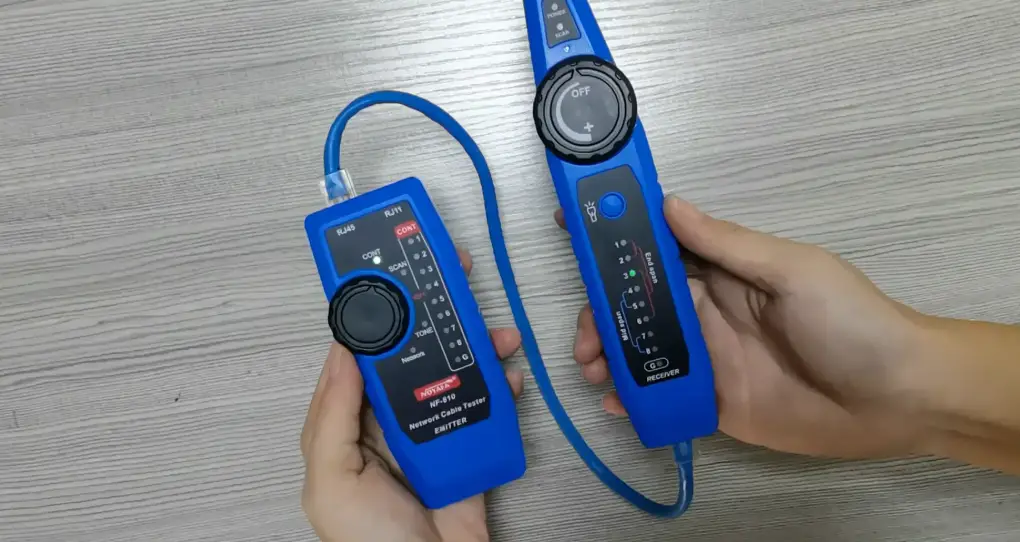
1. Plug one end of tested cable on the sourcing RJ45 jack (Marked with `.A.’) of master unit and another end on the receiving RJ45 jack of remote unit. If the tested cable has already installed on the patch panel or wall plate, you may usethe adaptor cable to solve the connector gender problem.
Patch Panel
Wall Plate
2. Now, set the Auto/manual switch on Auto mode if you work test alone.
7
3. Read the test result from LED display on remote unit. Note: The LED display on remote unit was scanned in sequence
corresponding to the sourcing end of masterunit.
4.0 Test Result
1. Connuity: 2. Open: 3. Short: 4. Miswire:
Pin 2 is continued Pin 2 is opened Pin 2 and Pin 3 are shorted Pin 3 and Pin 6 are miswired 8
5.0 Warning
· This tester is not intended for use on powered circuits. Ataching this tester to a powered circuit can result in damage to the tester or injury to the user.
· lf you will not use the tester for a long me, take off the batery from batery compartment.
014/30/EU Electromagnec Compability (as amended)
5.0 Specification
POE Test is applied to the standard equipment of IEEE 802.3af and IEEE 802.3at (POE Plus). Operang Voltage 24V AC/DC^60V AC/DC Operang Current <10mA Insulaon Voltage >1500VAC
9
Alternave A A class connecon (End-Span).
Pin 1,2,3,6 powers.
Alternave B B class connecon (Mid-Span).
Pin 4,5,7,8 powers.
Hereby Assmann Electronic GmbH, declares that the Declaration of Conformity is part of the shipping content. If the Declaration of Conformity is missing, you can request it by post under the below mentioned manufacturer address.
www.assmann.com Assmann Electronic GmbH Auf dem Schüffel 3 58513 Lüdenscheid Germany
10
 ASSMANN Electronic GmbH | Germany