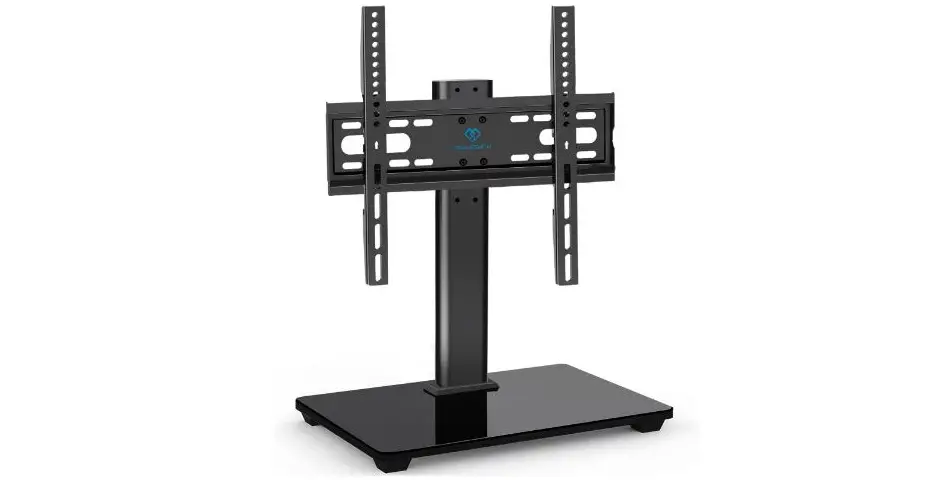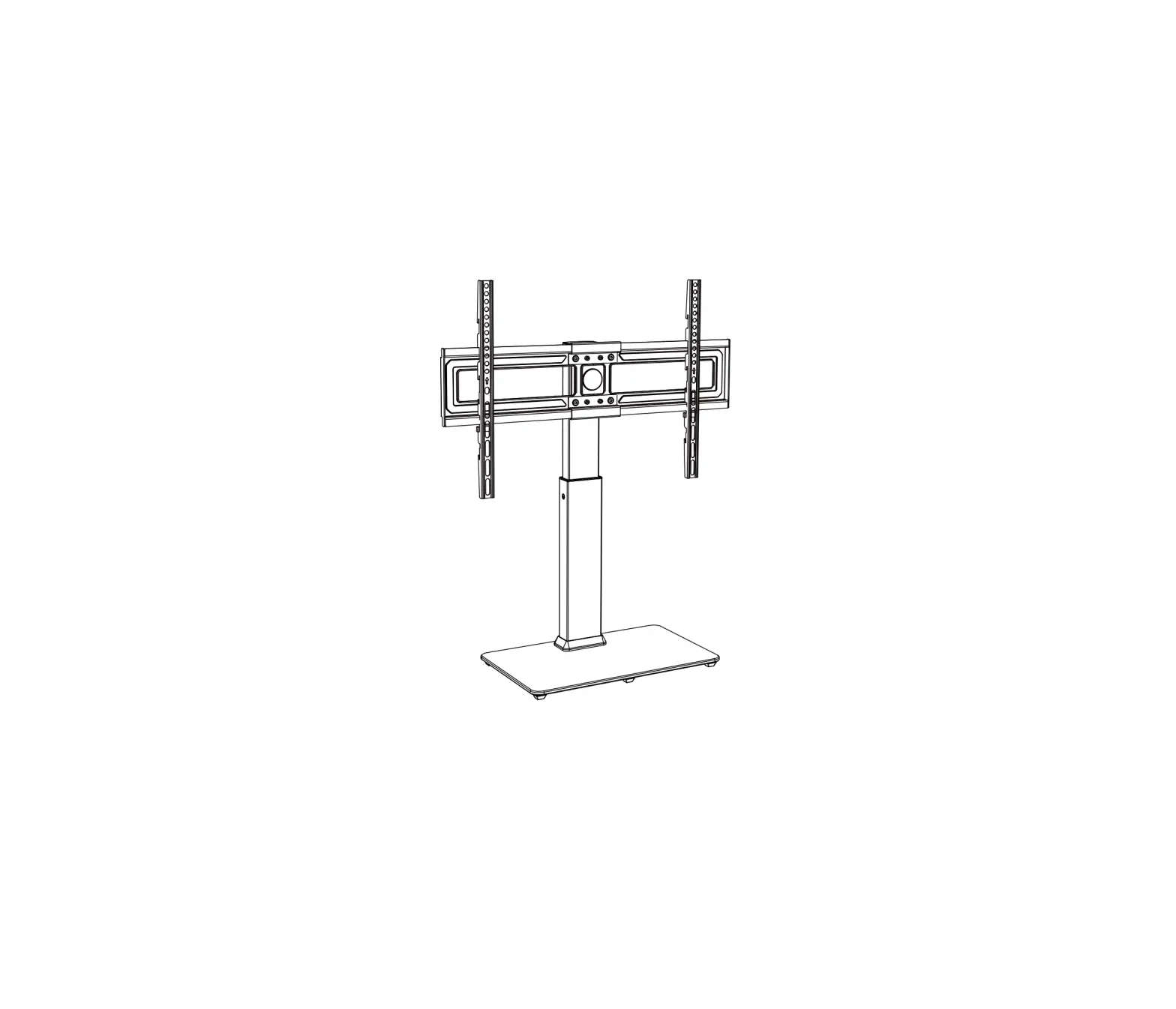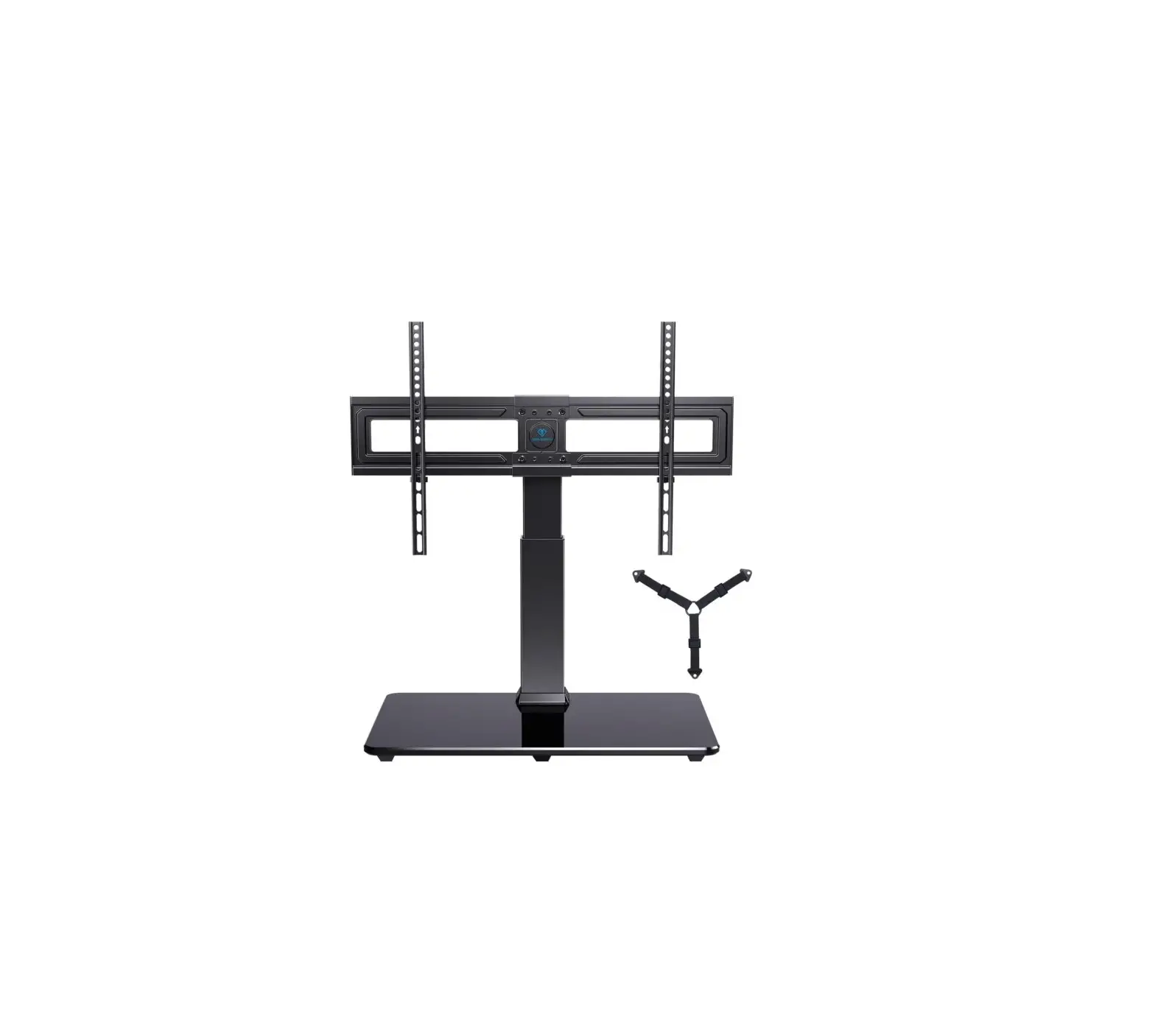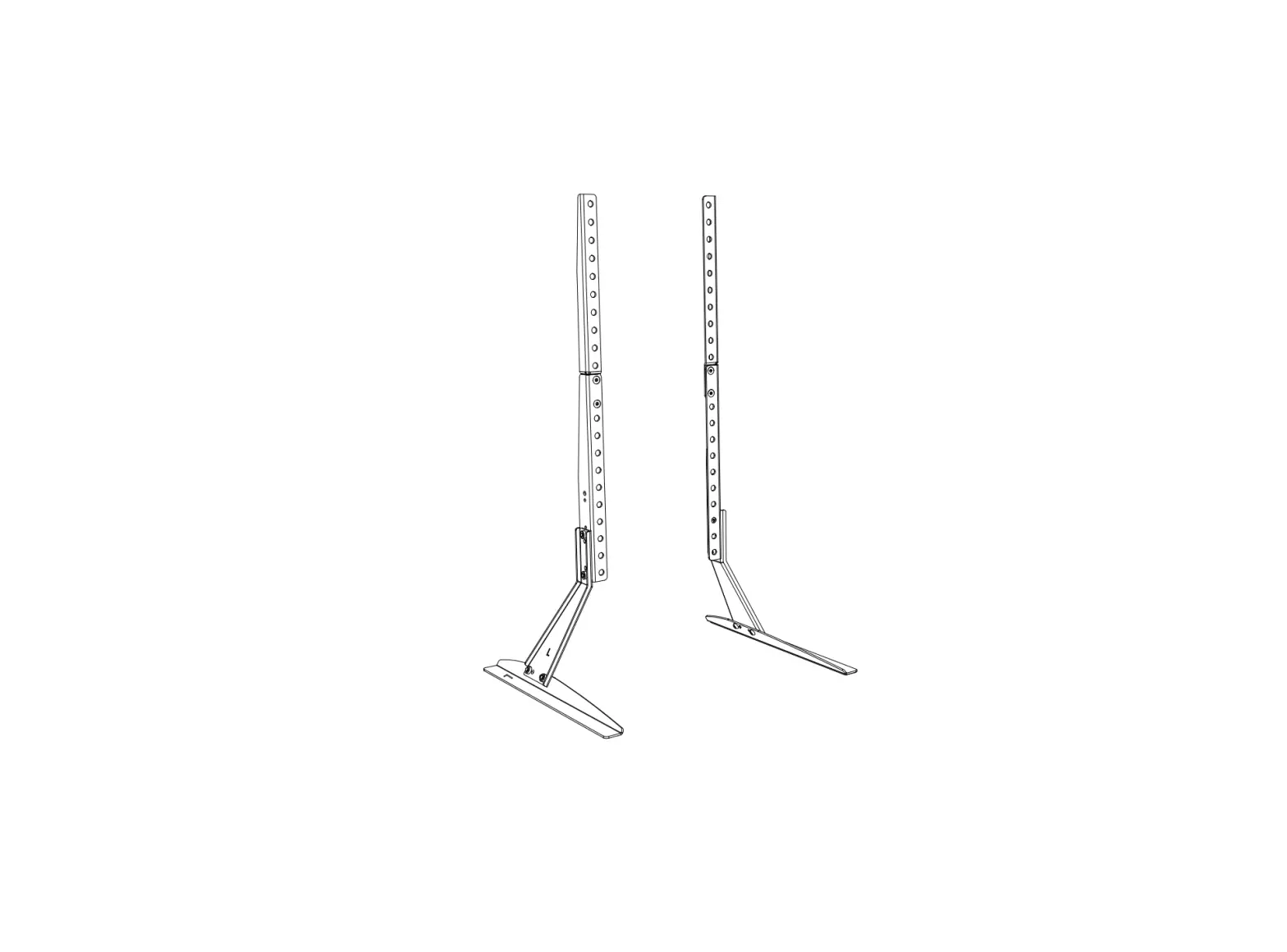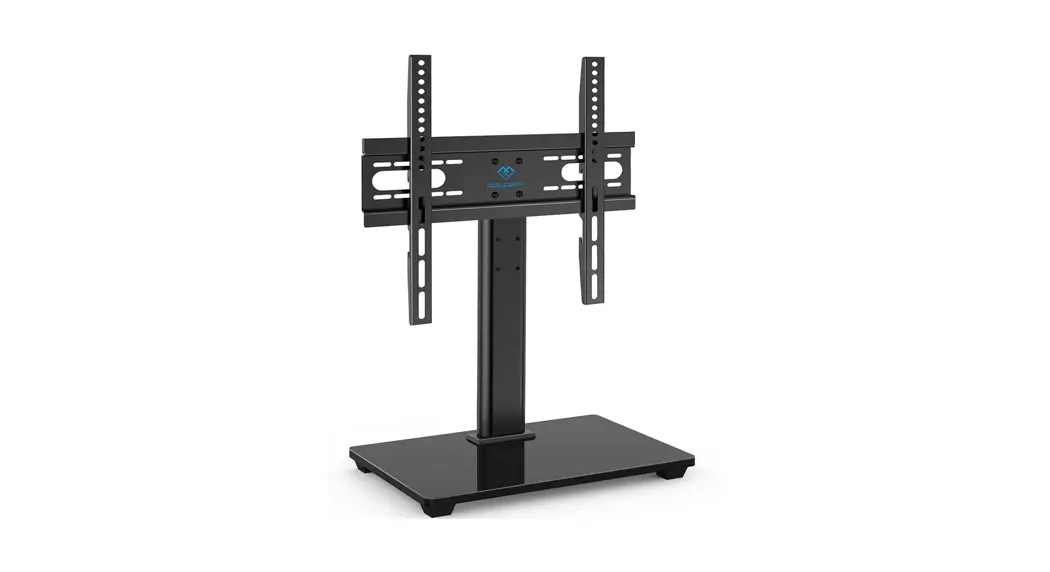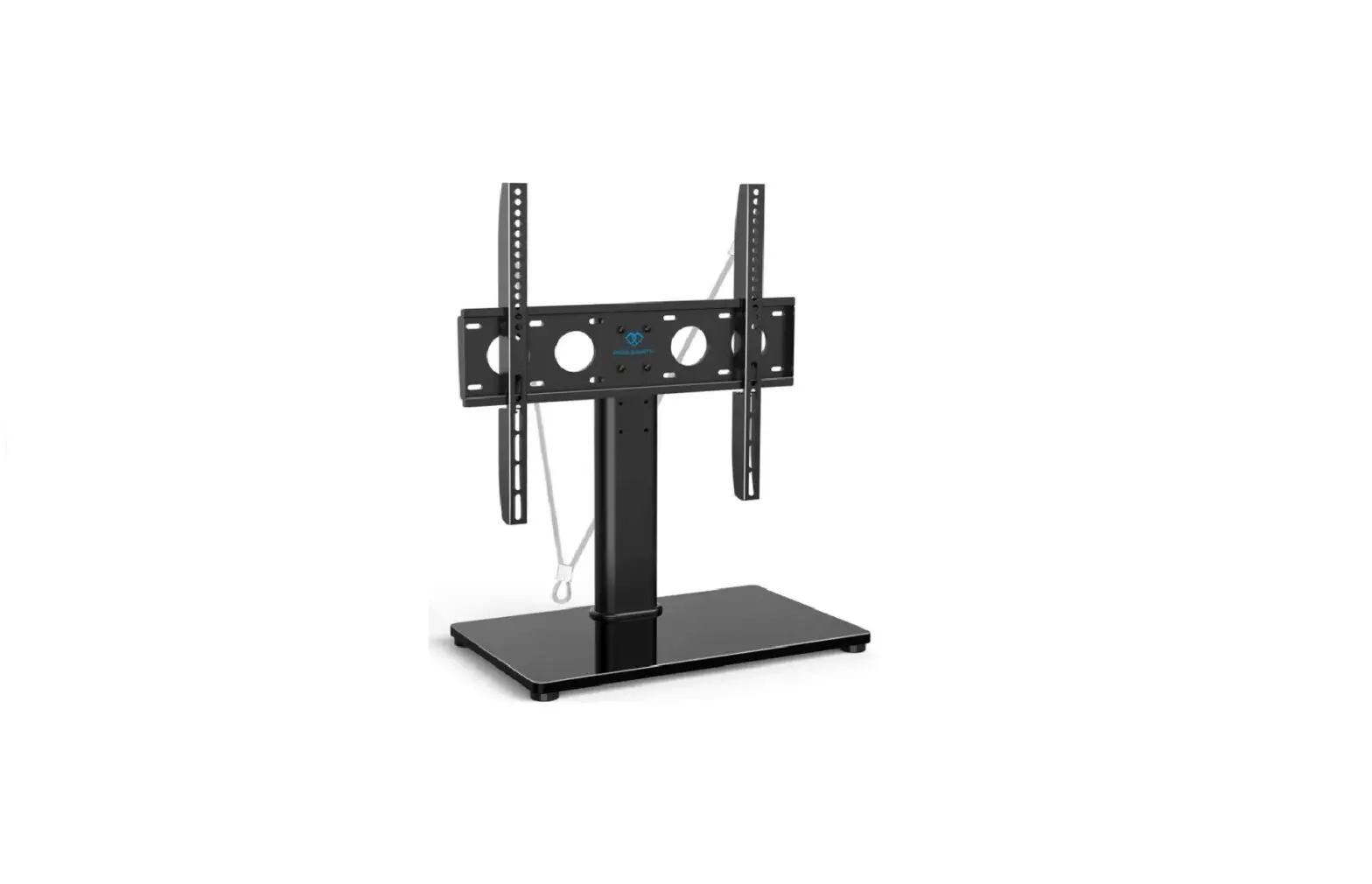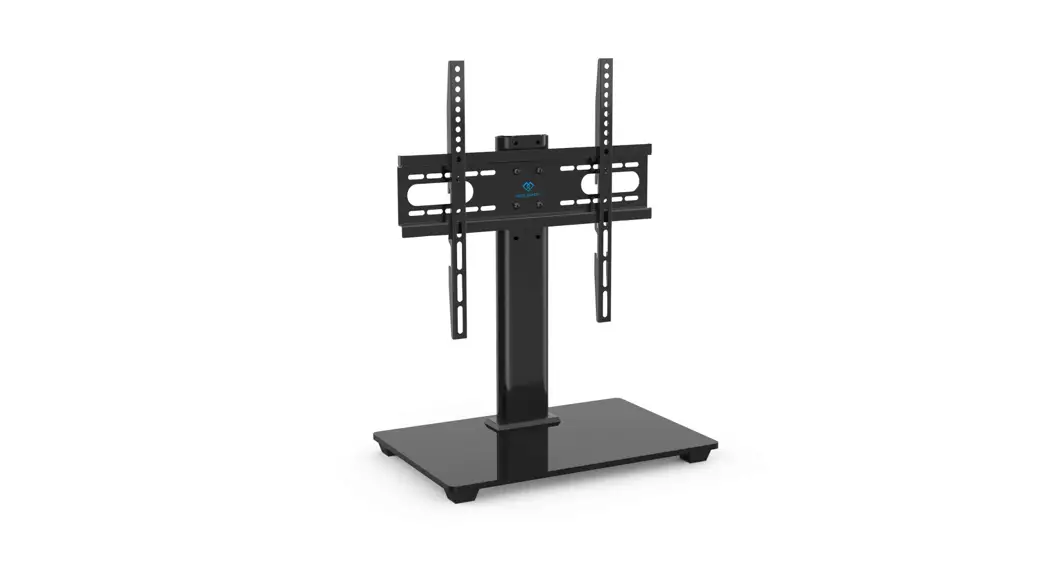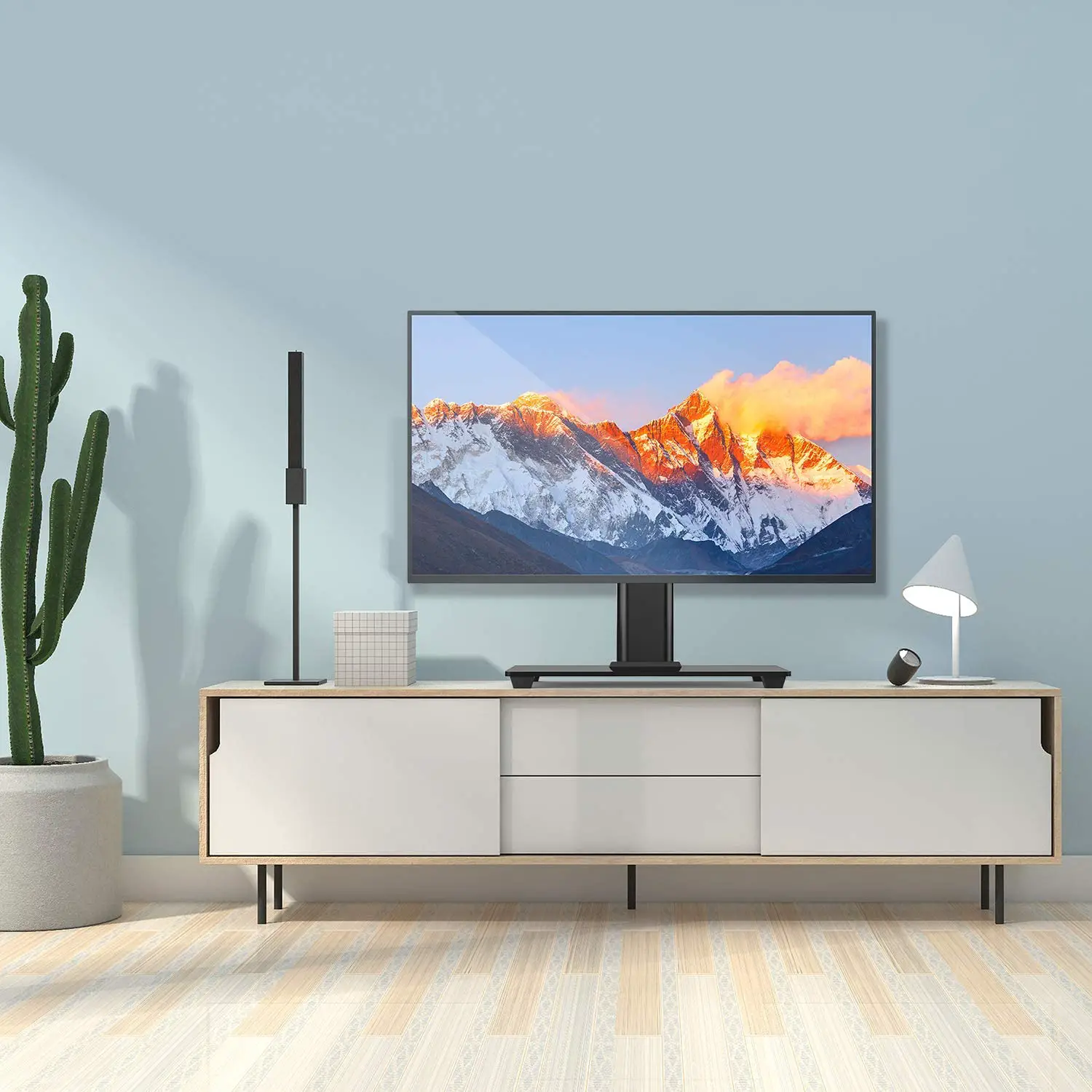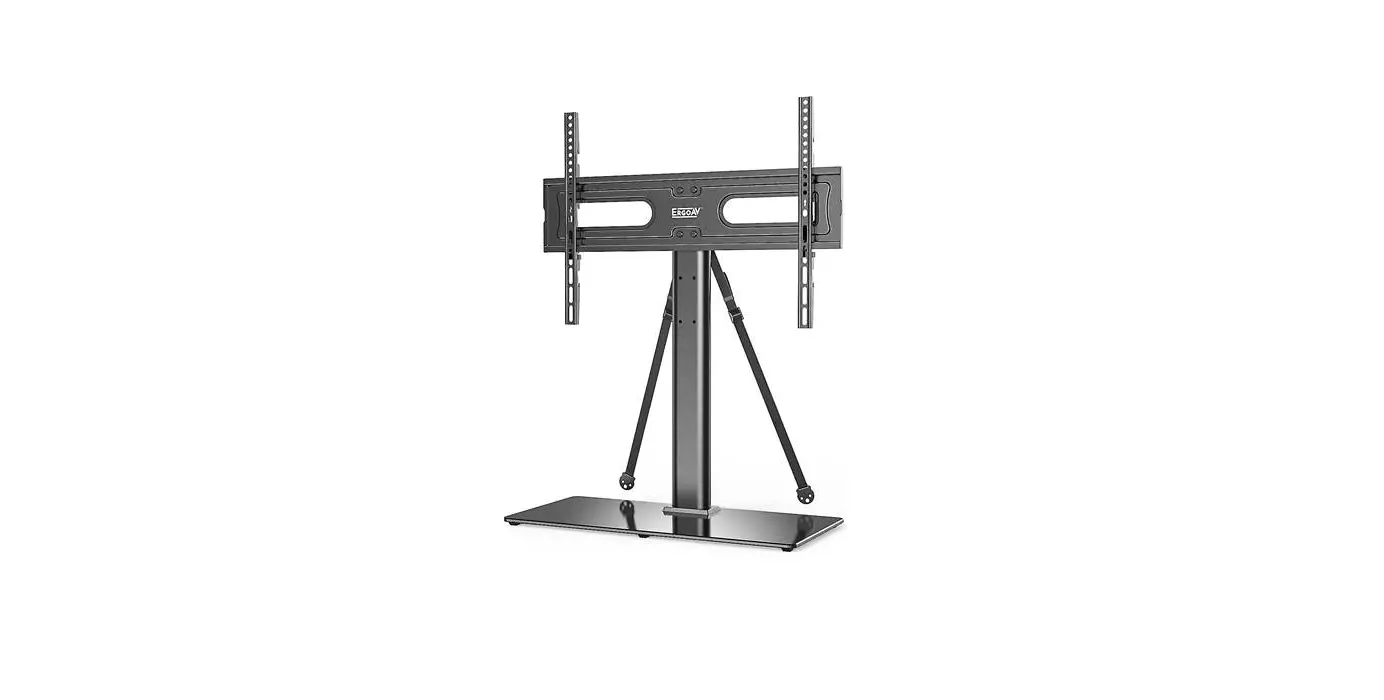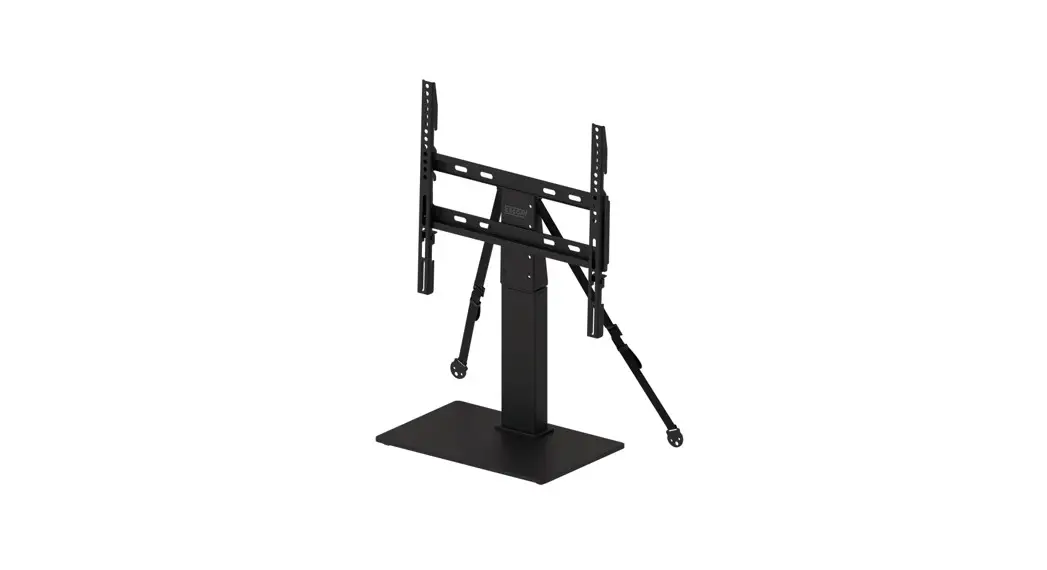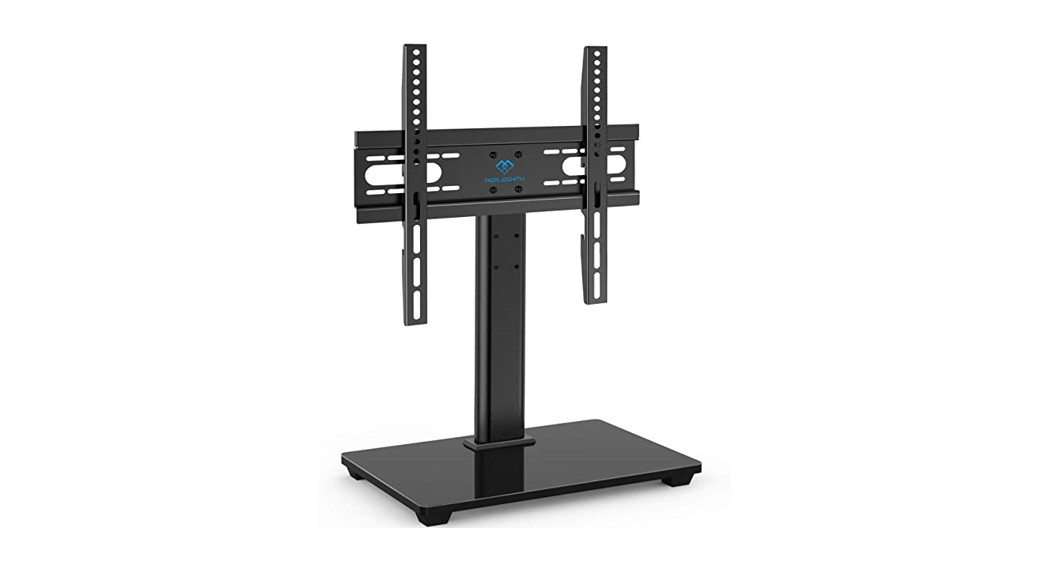

Table Top TV Stand Instruction
Manual
Model: PSTVS04
V3.0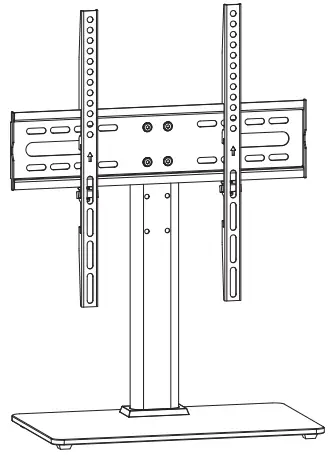
 Website:
https://www.perlesmith.com
Website:
Website:
www.perlesmith.com
Thank you for choosing this PERLESMITH product! At PERLESMITH we strive to provide you with the best quality products and services in the industry. Please share your experience of our product with others at www.perlesmith.com/pages/reviews if you are satisfied. Should you have any issues, please don’t hesitate to contact us.
Technical Support:
1-800-556-6806 Mon-Fri 10am – 5pm (PST) (USA) (CAN)
Other Info:
[email protected] (US)
[email protected] (CA)
WE’RE HERE TO HELP
Want to watch a video that shows how to install the TV brackets.
 Watch it now at:
https://www.youtube.com/watch?v=MYjAmxcl1go
Want to watch a video that
show how to add the safety
locks.
Want to watch a video that shows how to add safety locks.
Want to watch a video that shows how to add safety locks.
 https://youtu.be/kC4JmnNCDwM
Watch it now at:
Watch it now at:
https://youtu.be/kC4JmnNCDwM
IMPORTANT SAFETY INFORMATION
Please carefully read all instructions before attempting installation. If you do not understand the instructions or have any concerns or questions, please contact
our Technical Support line at 1-800-556-6806 or customer service at [email protected] (US)/ [email protected] (CA).
CAUTION: Avoid potential personal injuries and property damage!
Do not use this product for any purpose that is not explicitly specified in this manual. Do not exceed weight capacity. We are not liable for damage or injury caused by improper mounting, incorrect assembly, or inappropriate use.
Weight Restrictions
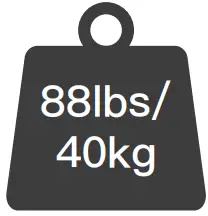
If your TV weighs more, this TV stand is NOT compatible.
 WARNING WARNING |
| DO NOT exceed the maximum weight indicated. This TV stand is intended for use only within the maximum weights indicated. Use with products heavier than the maximum weights indicated may result in failure of the TV stand and its accessories, causing possible damage and or injury. |
Check the VESA Pattern of TV before the Installation
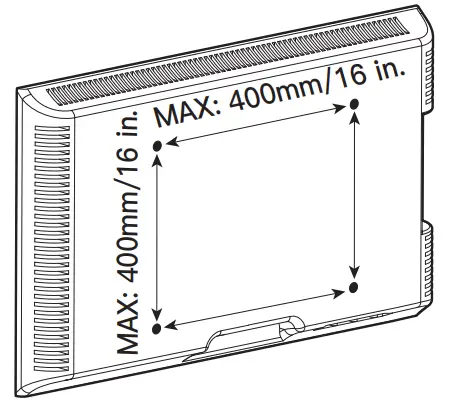
100 mm ≈ 4 in.
200 mm ≈ 7 7/8 in.
300 mm ≈ 11 3/4 in.
400 mm ≈ 15 3/4 in.
Minimum VESA pattern: 100mm/4 in.(W)x100mm/4 in.(H)
If your TV VESA is greater than 400×400 mm/16×16 in. or less than VESA 100x100mm/4x4in., this TV stand is NOT compatible.
If this TV stand is NOT compatible, please contact customer service at [email protected] (US)/ [email protected] (CA) to find a compatible product.
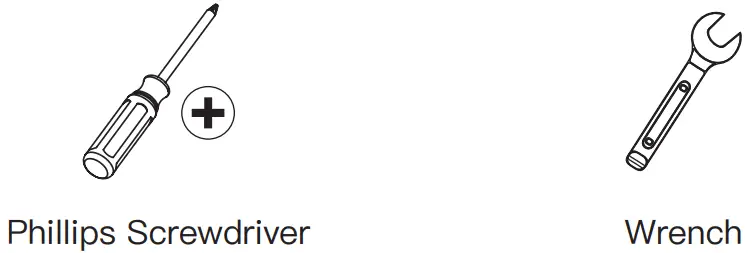
Tools Needed (Not included)
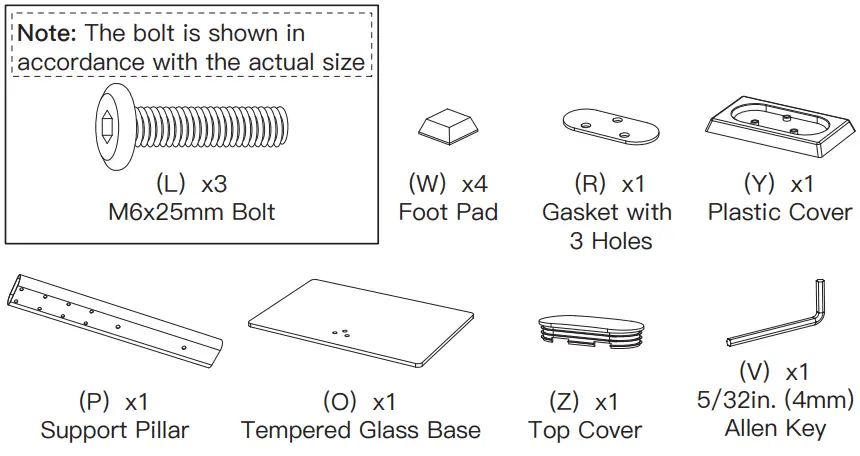
Supplied Parts and Hardware
WARNING: This product contains small items that could be a choking hazard if swallowed.
Before starting assembly, verify all parts are included and undamaged. Do not use damaged or defective parts. lf you require replacement parts, contact our
The Product Support line at 1-800-556-6806 or customer service at [email protected] (US)/ [email protected] (CA).
- Please note: Not all hardware included in this package will be used.
Supplied Parts and Hardware for Step 1
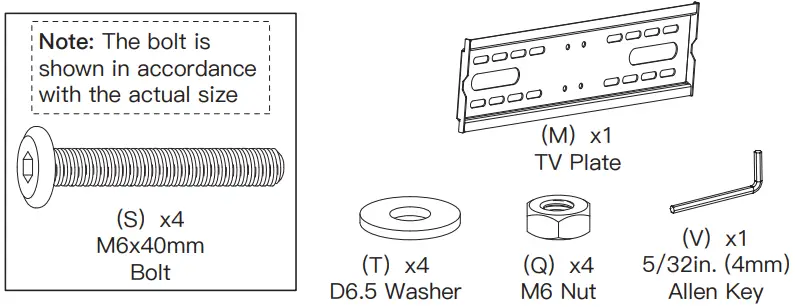
Supplied Parts and Hardware for Step 2`
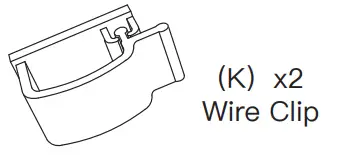
Supplied Part for Step 3
Supplied Parts and Hardware for Step 4
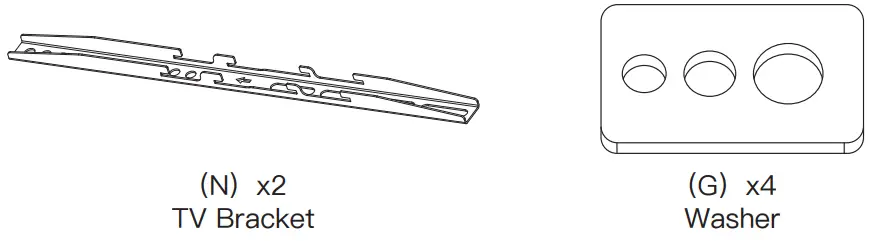
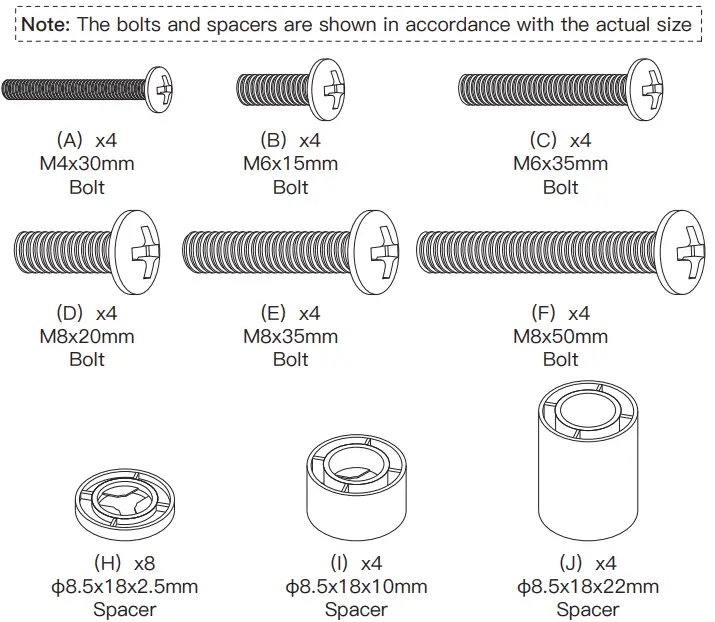
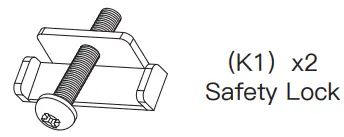
Supplied Part and Hardware for Step 5
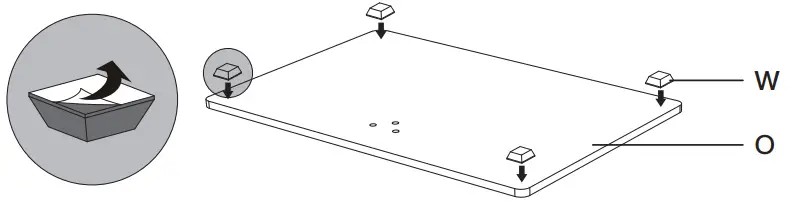
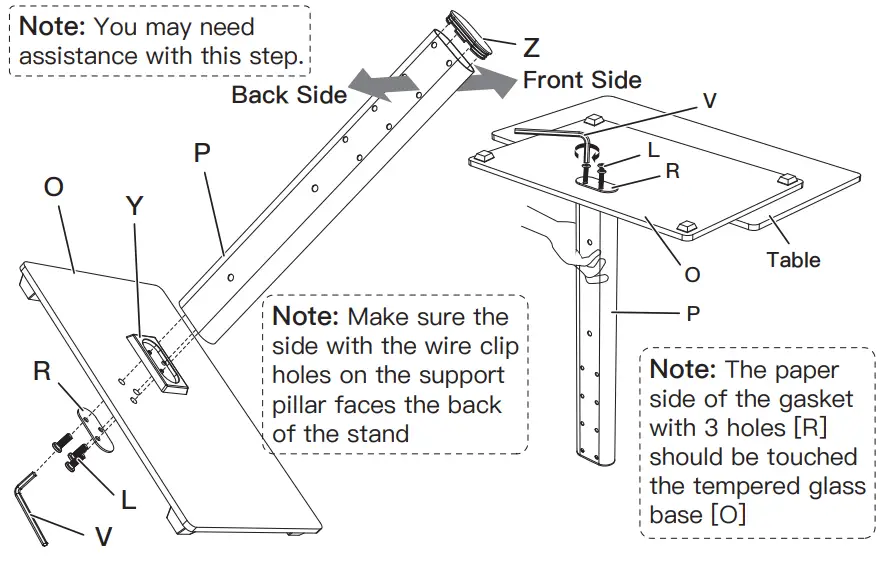
Step 1 Assemble the Base
Step 1-1 Place foot pads [W] to the frosted side of the tempered glass base [O] in the corners
Step 1-2
Connect the support pillar [P] to tempered glass base [O]
Attach the top cover [Z] to the support pillar [P]
Secure the support pillar [P] to tempered glass base [O] using the plastic cover [Y], gasket with 3 holes [R], bolts [L], and Allen key [V]
 Step 2 Connect the TV Plate [M] to Support Pillar [P]


 Step 2 Connect the TV Plate [M] to Support Pillar [P]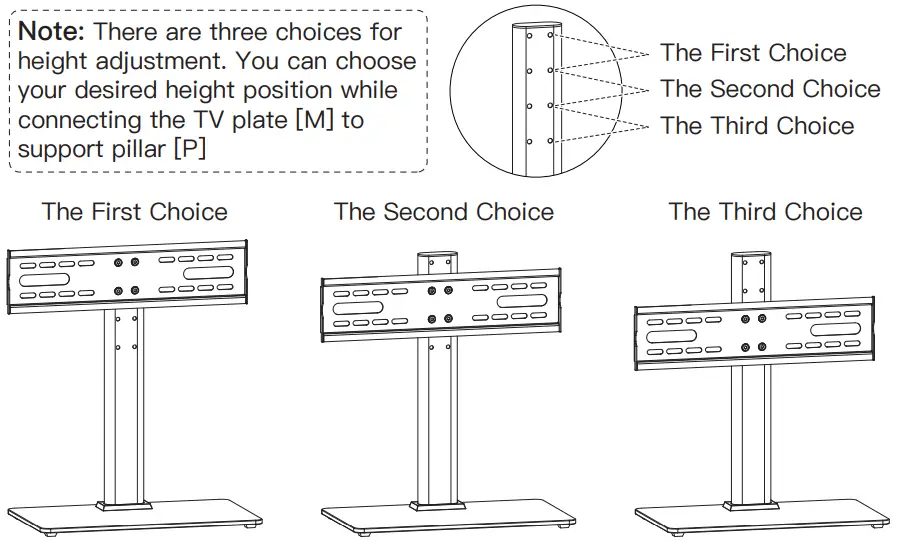
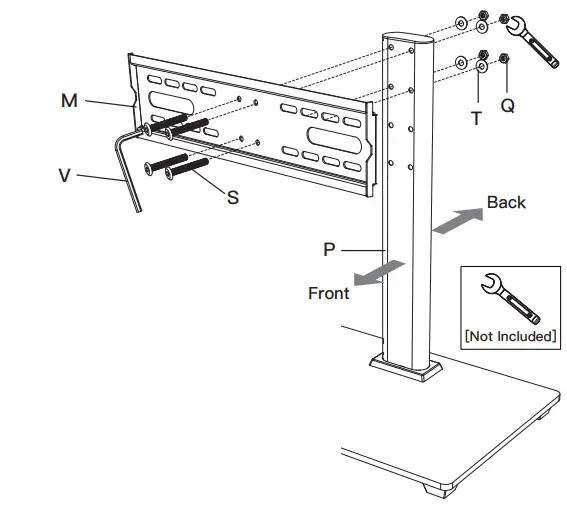
Note: You may need assistance with this step.
Connect TV plate [M] to support pillar [P] using bolts [S], washers [T], and nuts [Q]
Note: Connect the TV plate [M] to the front side of the support pillar [P] with the bump of the TV plate facing the backside of the stand.
Step 3 Secure the Wire Clips [K] to Support Pillar [P]
![PERLESMITH PSTVS04 Universal Table Top TV Stand-Step 3 Secure the Wire Clips [K] to Support Pillar](https://static-data1.manualsee.com/1/img/220/651103/2021/09/PERLESMITH-PSTVS04-Universal-Table-Top-TV-Stand-Step-3-Secure-the-Wire-Clips-K-to-Support-Pillar.png)
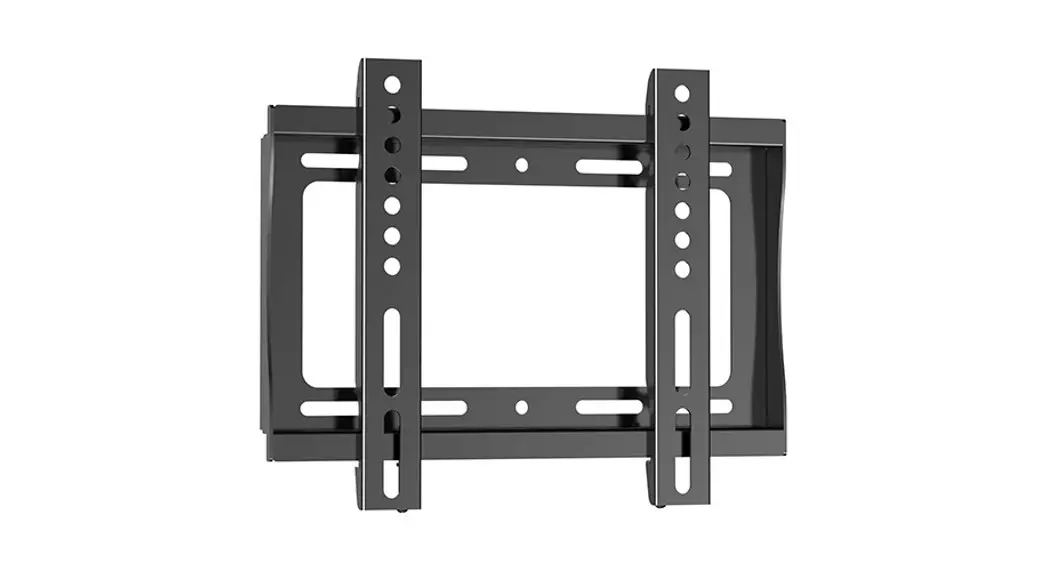
Step 4 Secure the TV Brackets [N] to TV
Select TV Bolts
Only one bolt size fits your TV.
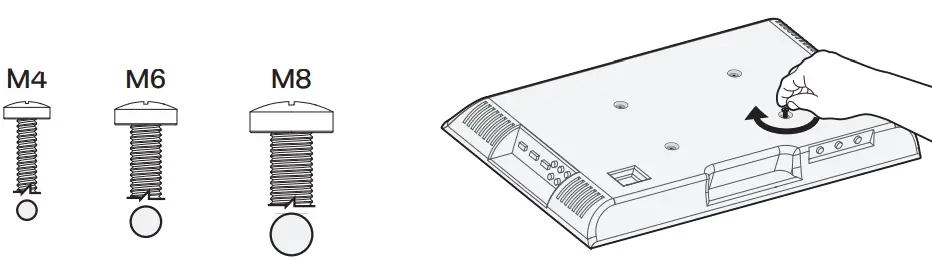
Bolt length: Verify adequate thread engagement with bolts or bolts/spacers combination. We recommend thread engagement by at least 5 turns.
-Too short will not hold the TV.
-Too long will damage the TV.

Please Note: The provided TV bolts meet most of today’s TVs design.
However, some TVs require special bolts which may not be in the hardware bag. In this case, we offer our “PSUHP” Universal Hardware Kit which provides a large selection of bolts that can meet the demand of older and unique applications.
Please Note: When using the spacers it is important to note that they can be used in multi-layers (meaning stacked). If you have any difficulty understanding of how to install the TV bolts or spacers, please contact customer service at [email protected] (US)/ [email protected](CA).
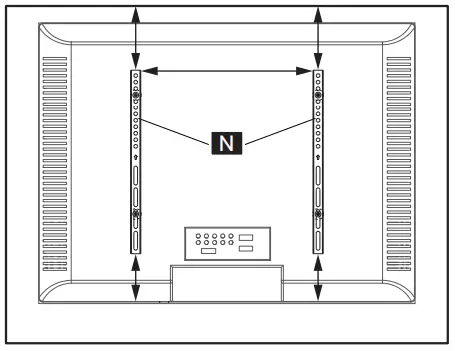
CAUTION: Ensure the TV brackets [N] are EQUALLY CENTERED on your TV and securely fastened in place.Please note: The bolt hole locations on your TV may vary in accordance with the manufacturer’s design of the TV. We are only illustrating the possible locations of the bolt holes.
Option A (For Flat Back TV )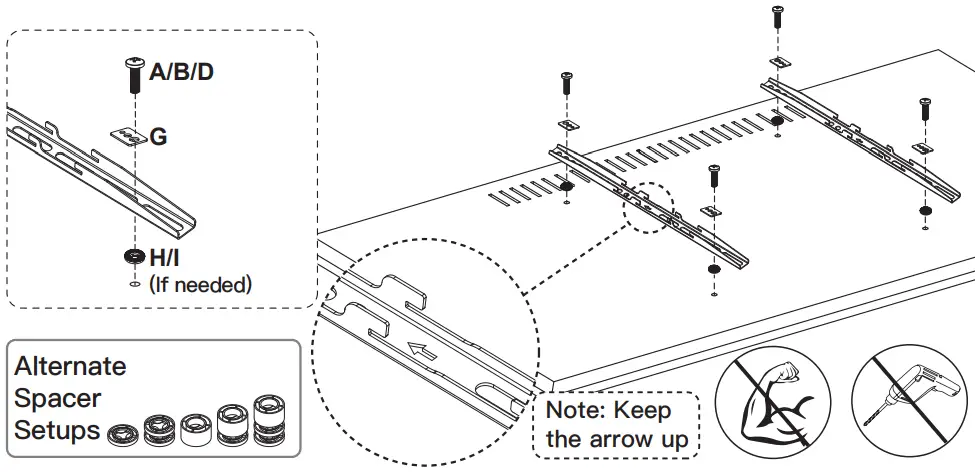
Option B (For Round Back TV)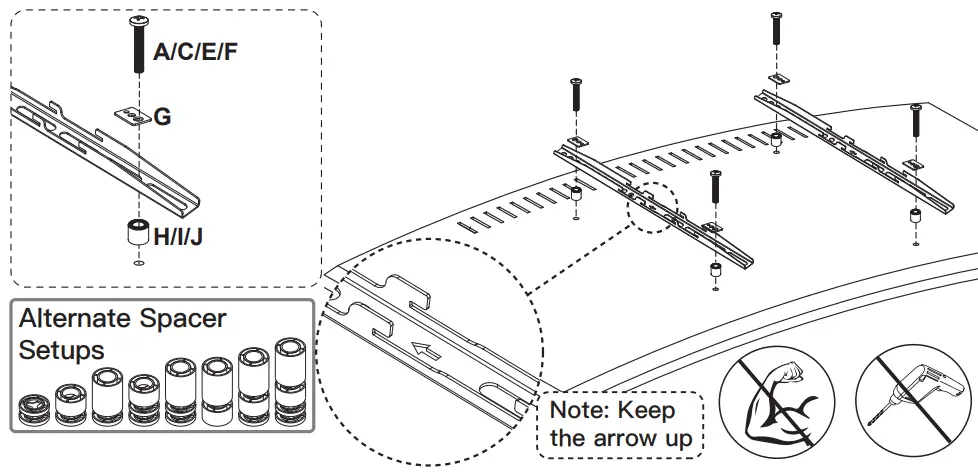
Option C (For TV with A “Bump”)
Spacers may be necessary for 2 holes ONLY
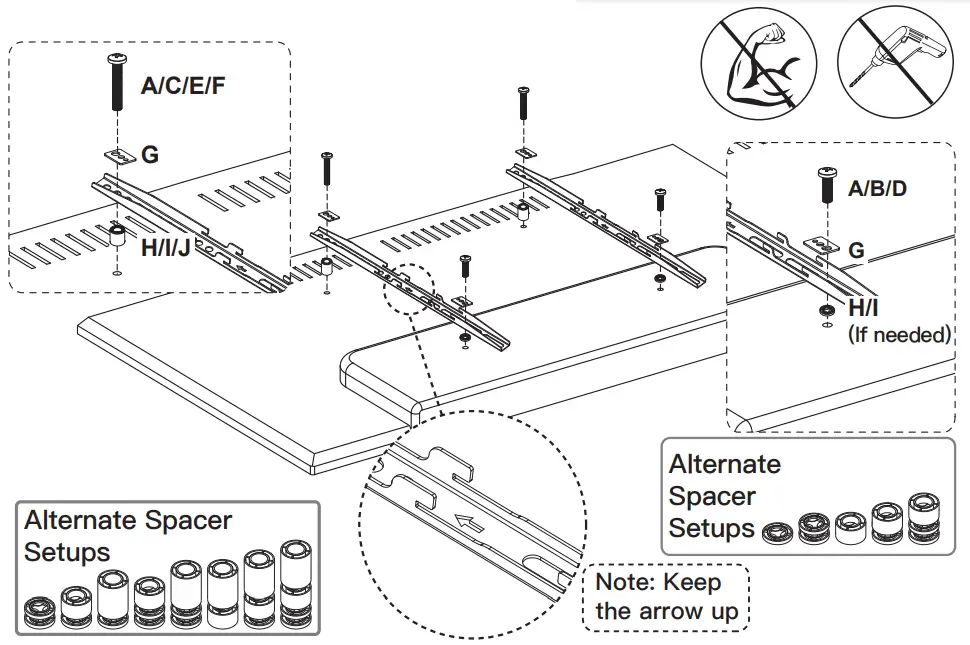
Option D
For cable interference or inset holes, use spacers [H], [I], and [J] to create extra space between the TV and TV brackets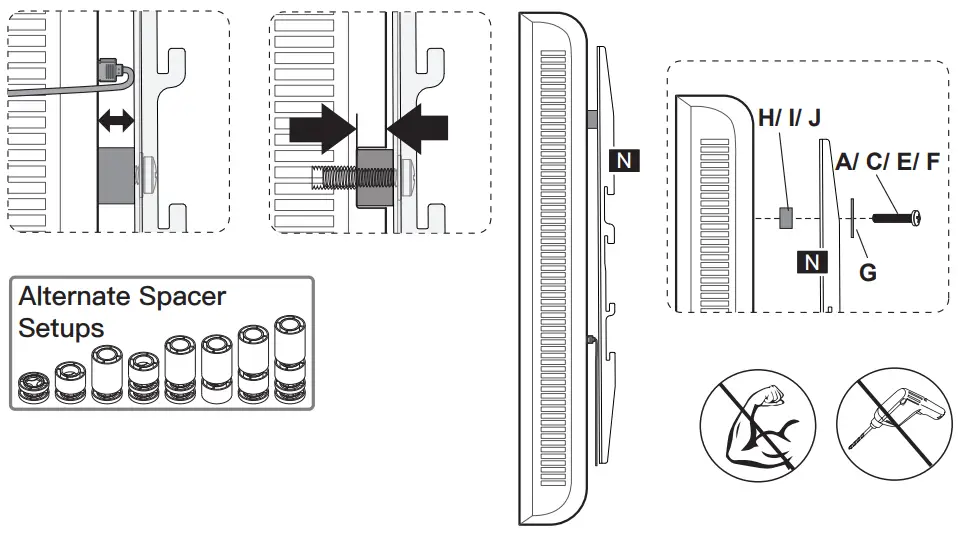
Step 5 Attach TV to the TV Plate [M] and Manage the Wires
TV brackets are two-height-adjustable.
You can choose the proper height.
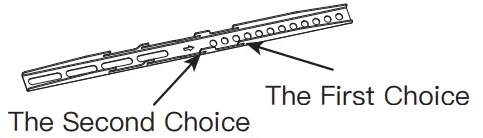
Step 5-1 Hang the TV with brackets to the TV plate
Step 5-2 Push the bottom of the TV to the TV plate
Step 5-3 Insert the safety locks [K1] into the upward-facing hooks at the midway to lower part of the TV bracket. Please note this is where the lower part of the TV bracket meets the TV plate. Then tighten the bolts of the safety lock [K1] until the bolts touch the TV plate.
 HEAVY! You may need assistance with this step.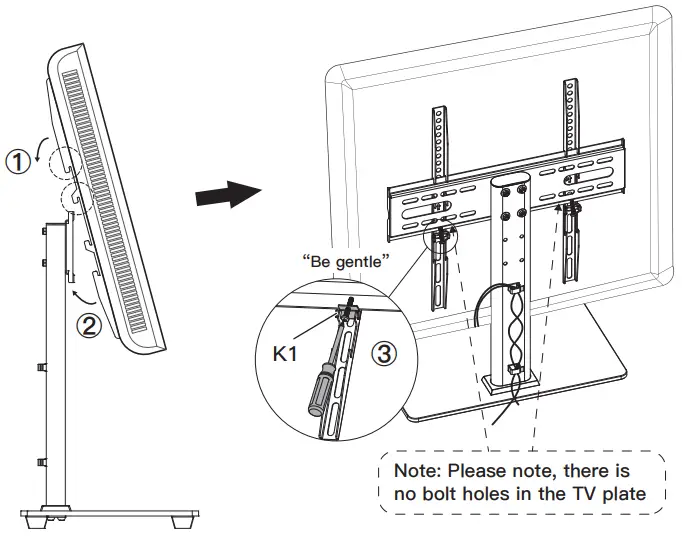
Thank you again for choosing
this PERLESMITH product!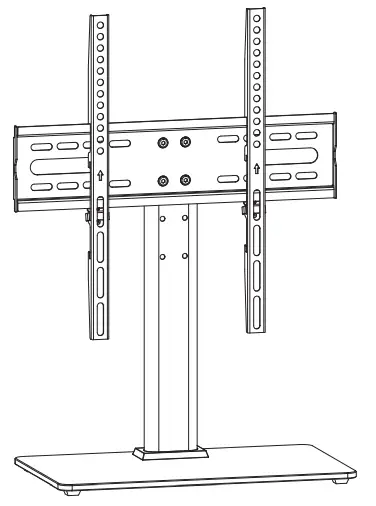
 https://www.perlesmith.com
Please check
www.perlesmith.com
for more products and
company information.
All of us at PERLESMITH do appreciate your product purchase.
We hope that you are as happy with your product as we designing and manufacturing it for you. We strive to provide you with the best quality products and services in the industry. Please share your experience of our product with others at www.perlesmith.com/pages/reviews if you are satisfied. If you have any questions please don’t hesitate to contact us.
Technical Support:
1-800-556-6806 Mon-Fri 10am – 5pm (PST) (USA) (CAN)
Other Info:
[email protected] (US)
[email protected] (CA)
 PERLESMITH Offer Best Value In Home Comfort - Quality TV Wall Mounts!
 How to add the safety lock (update) - YouTube