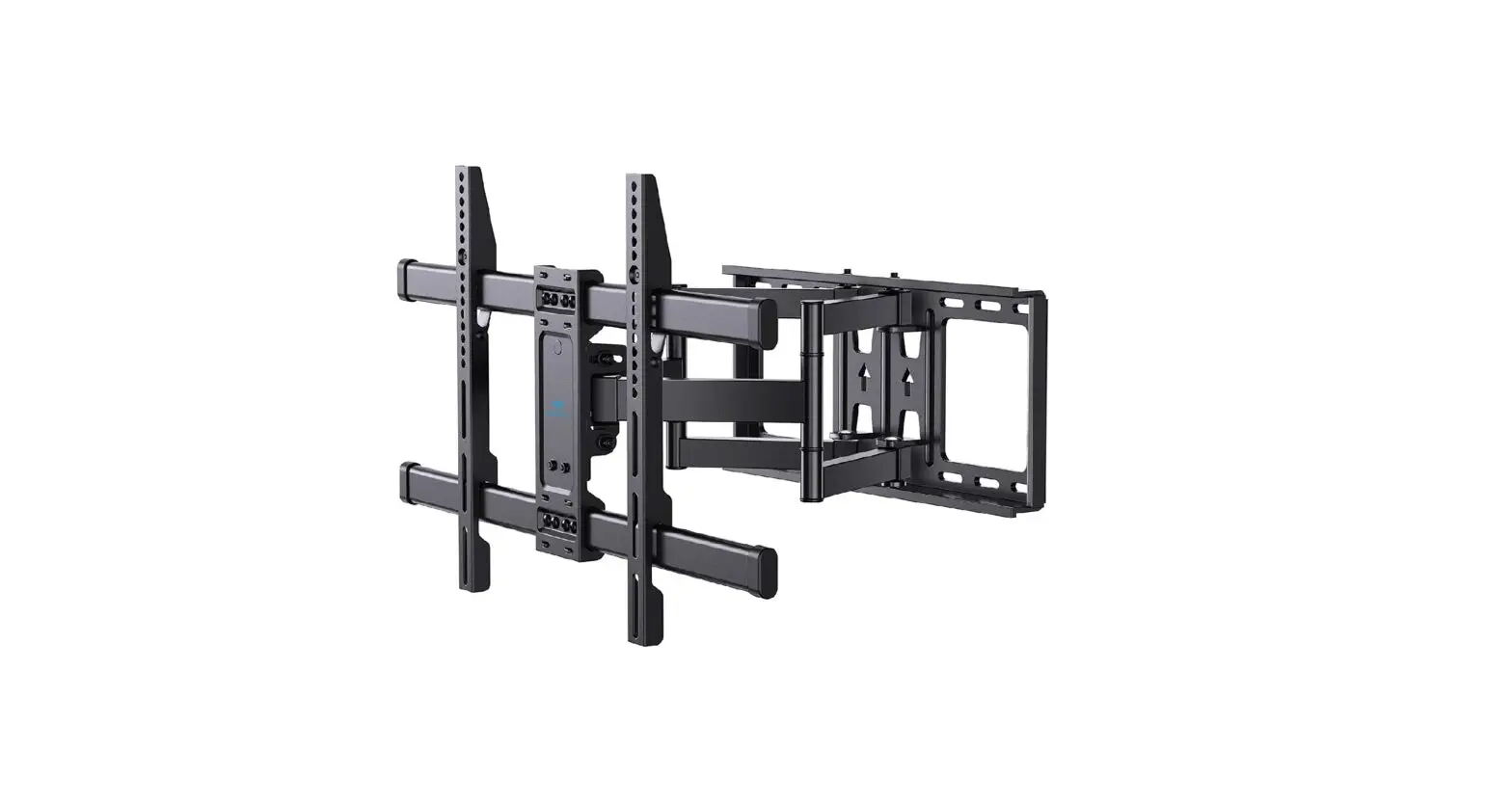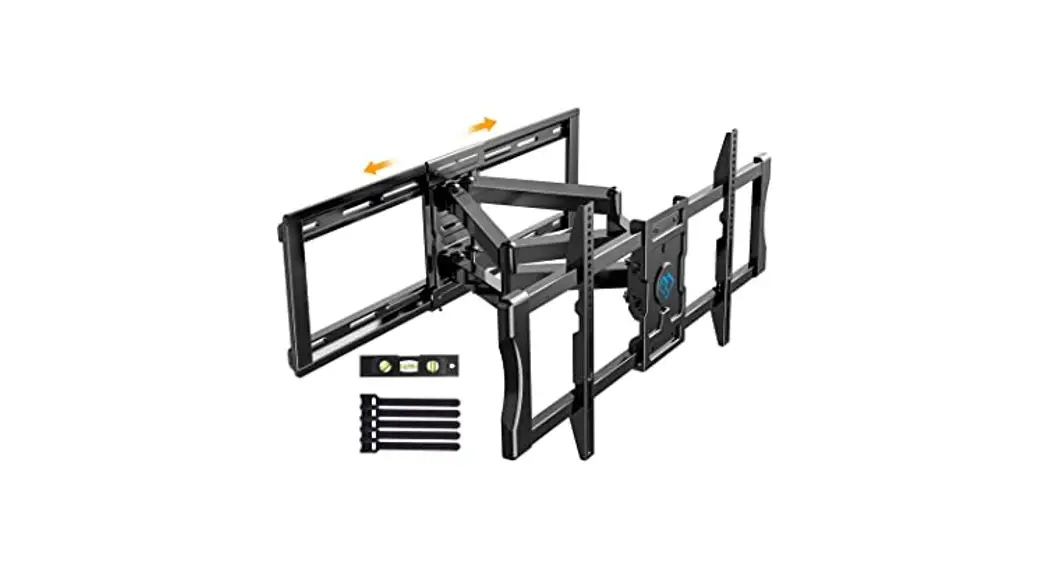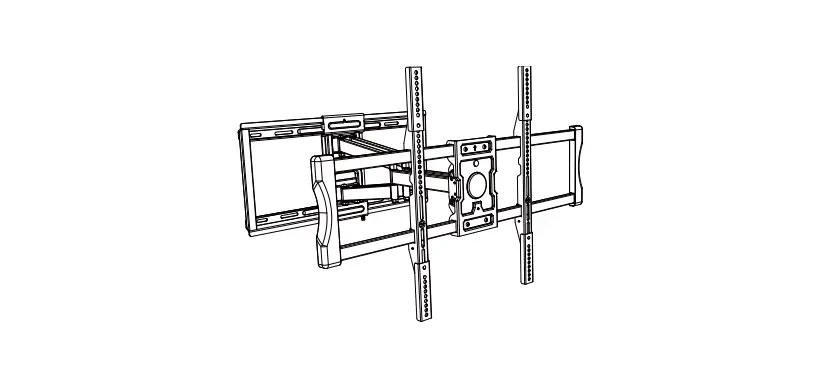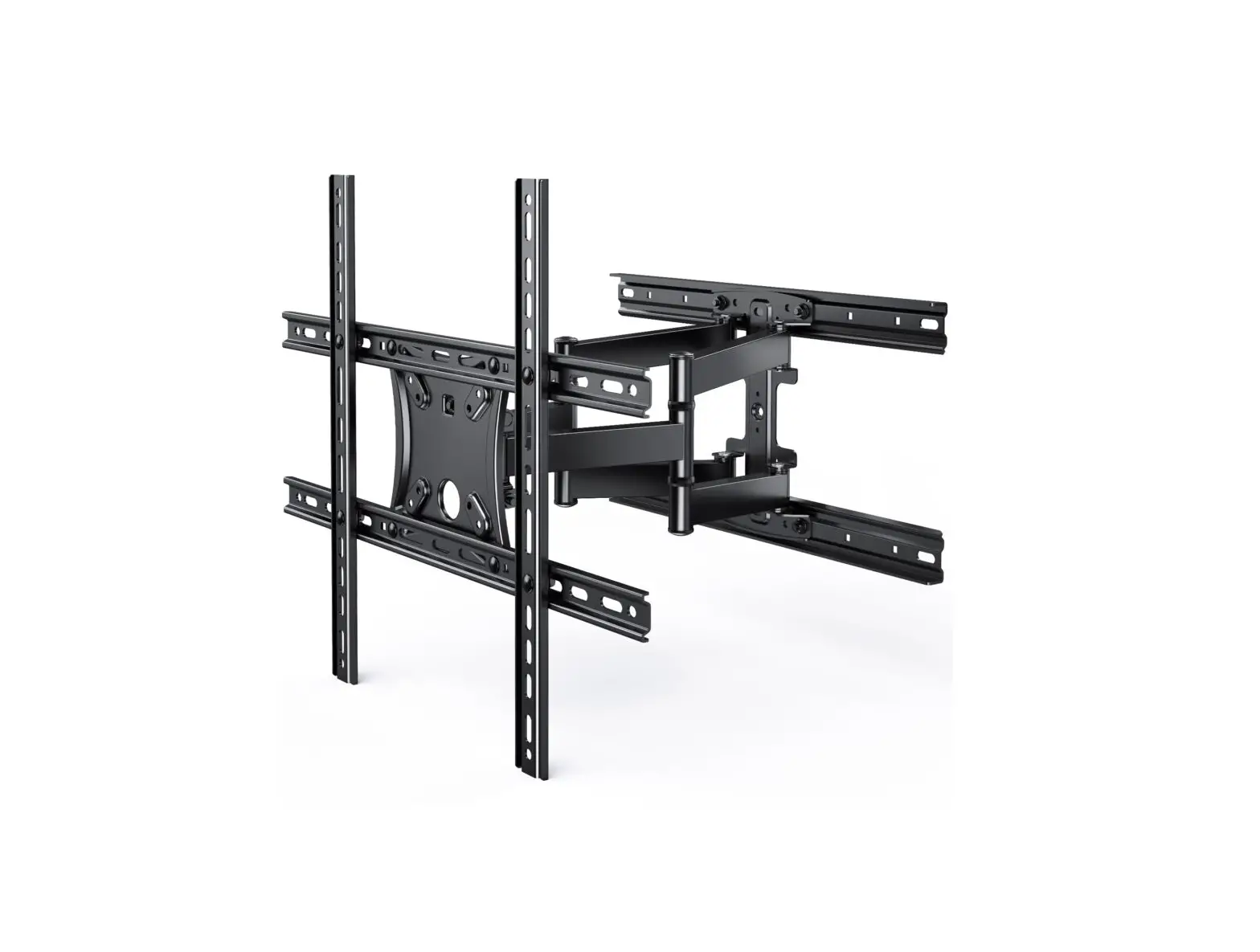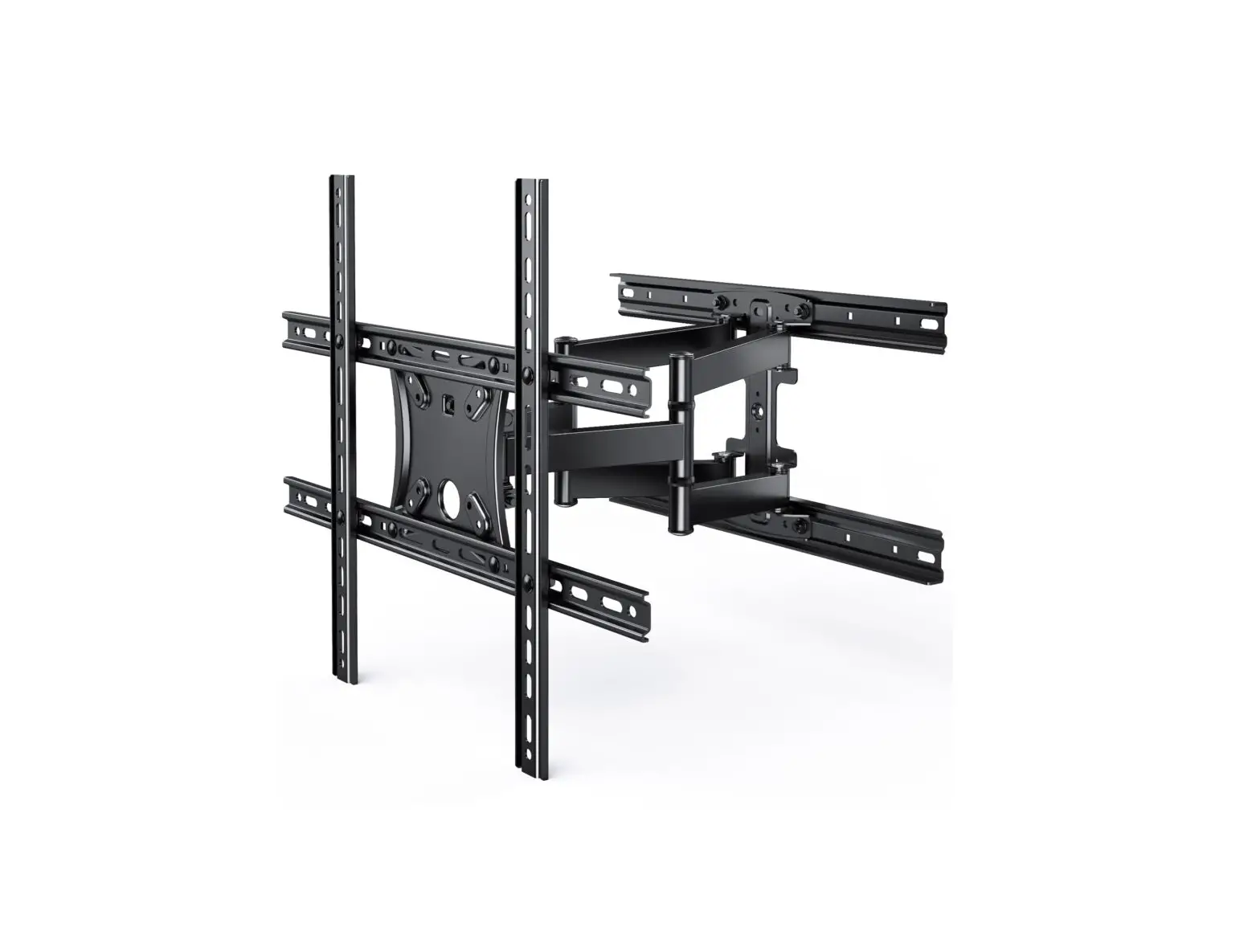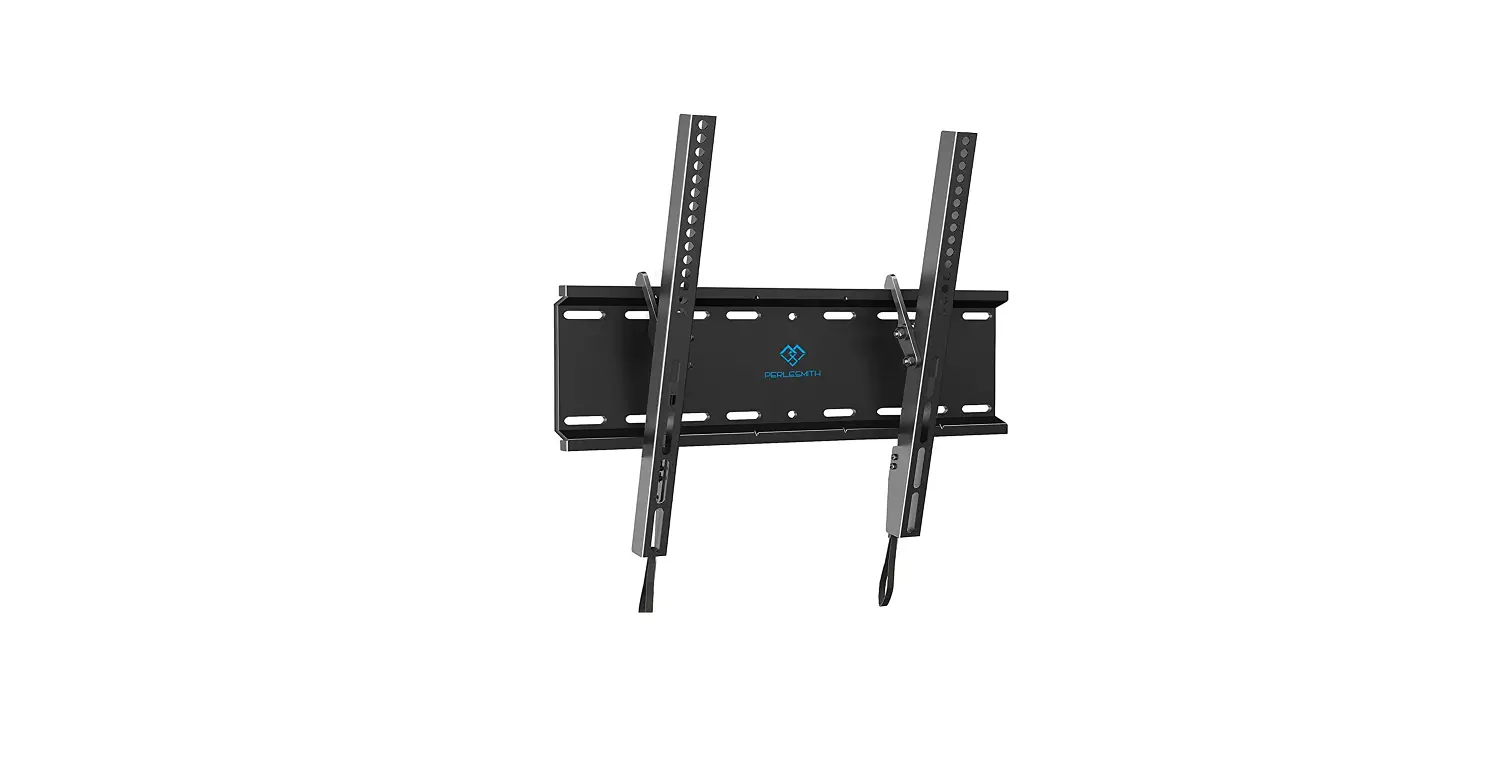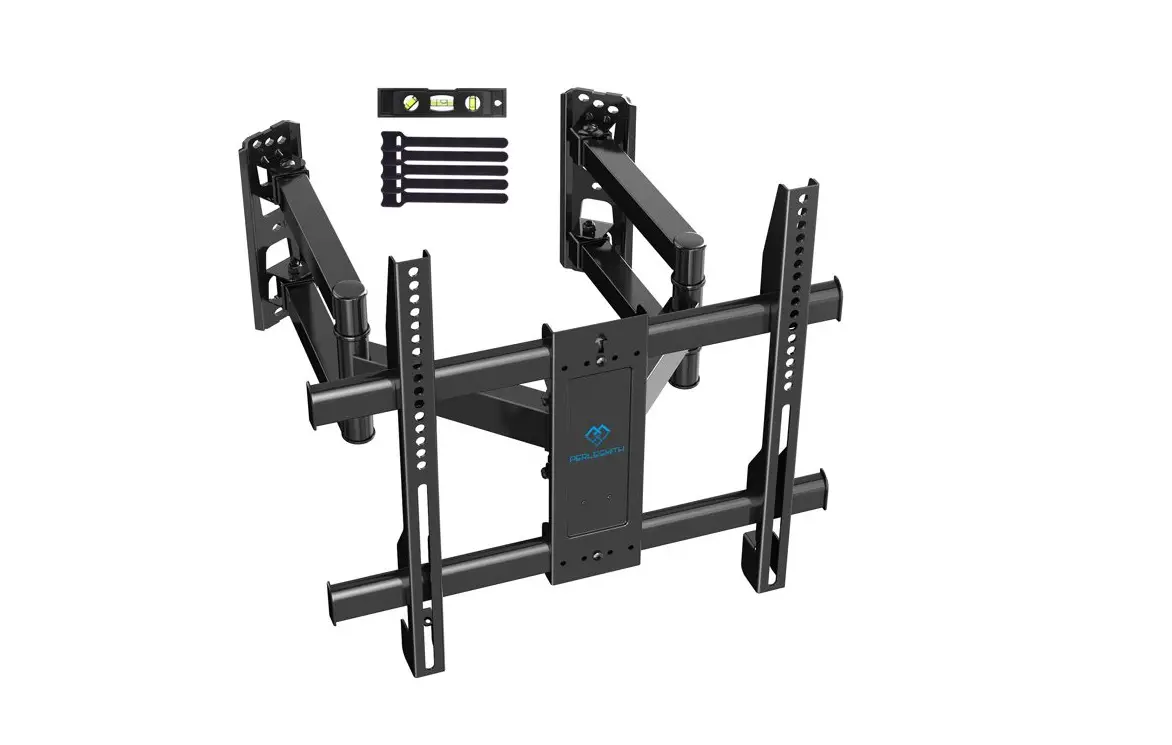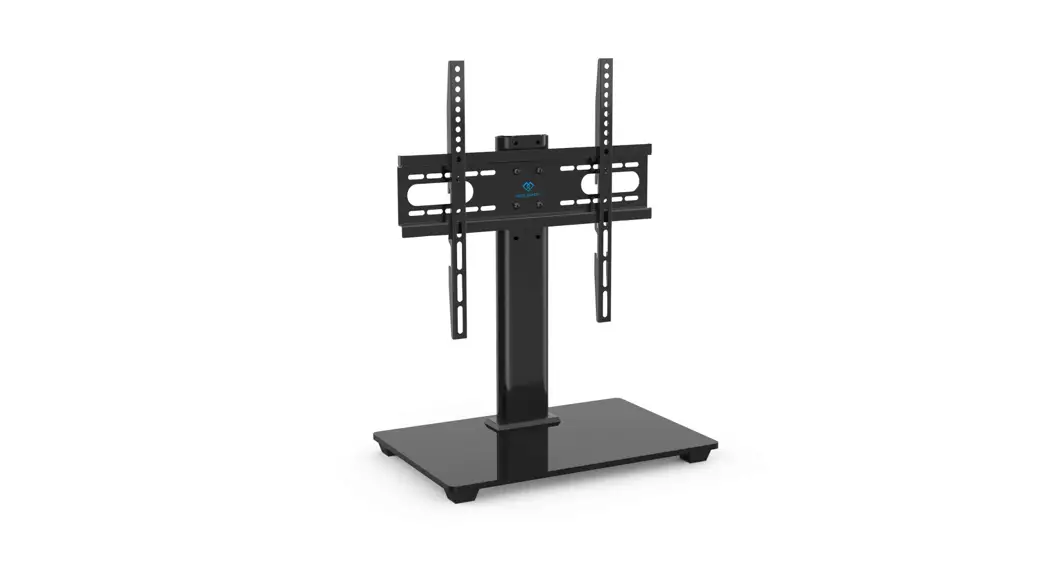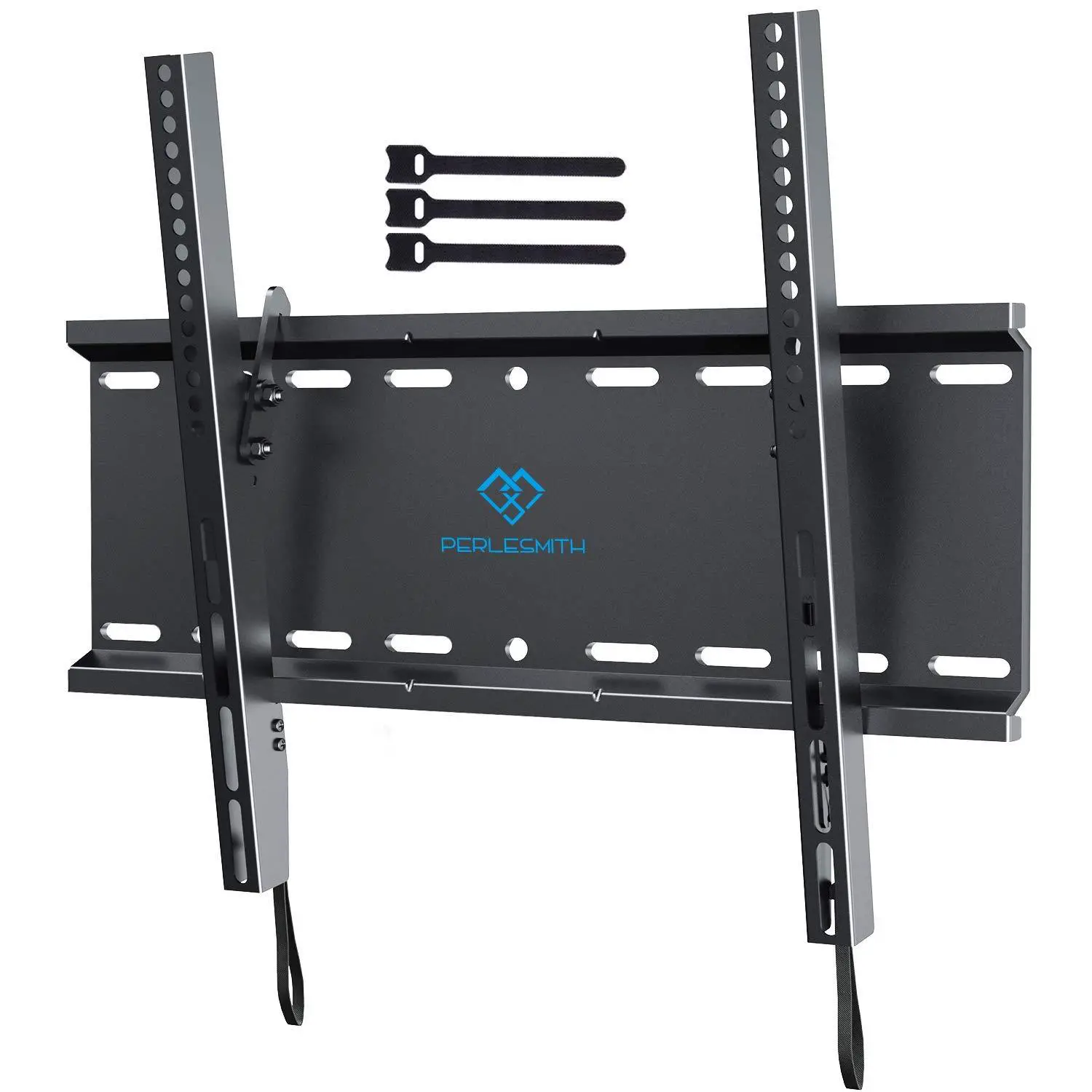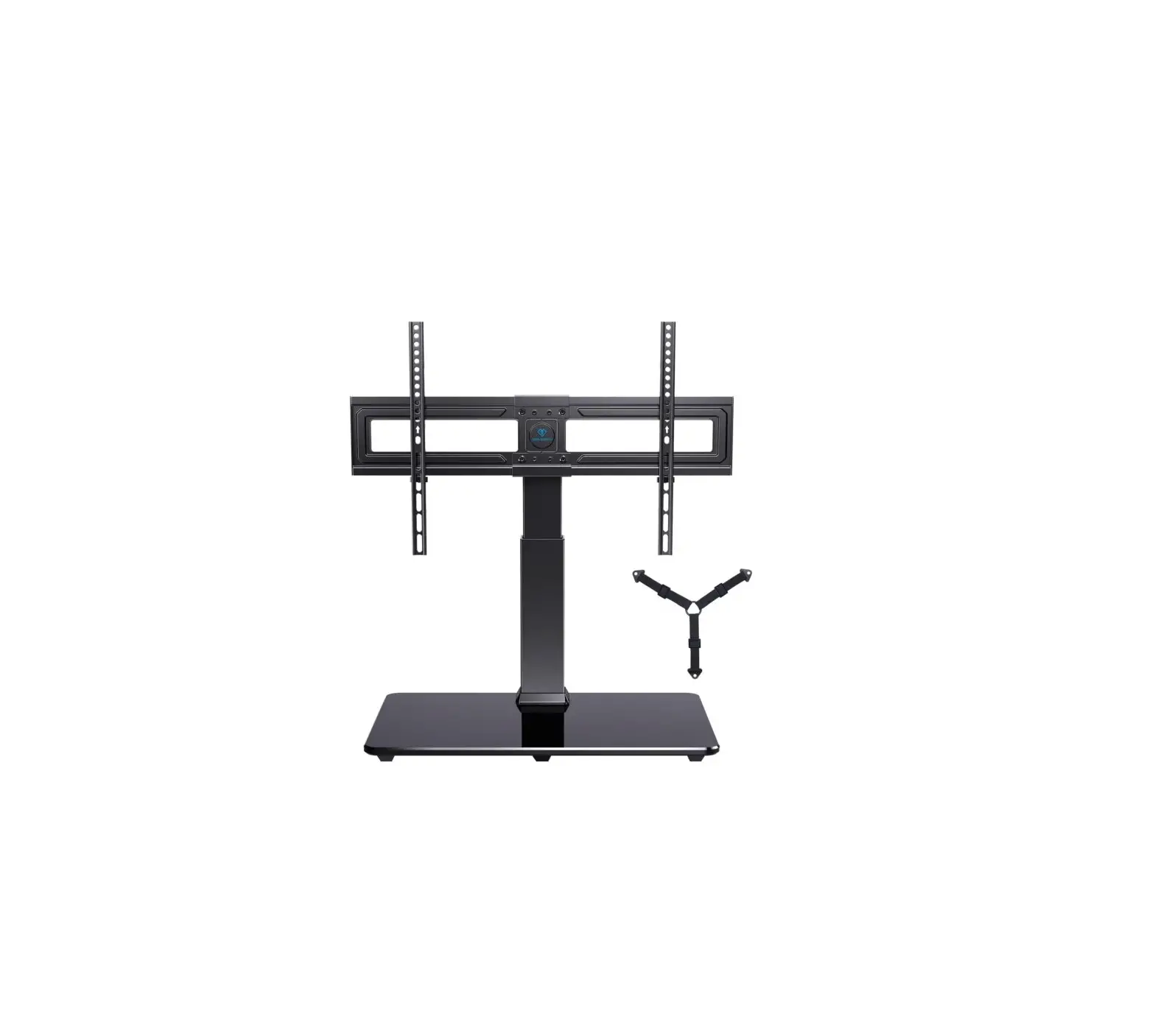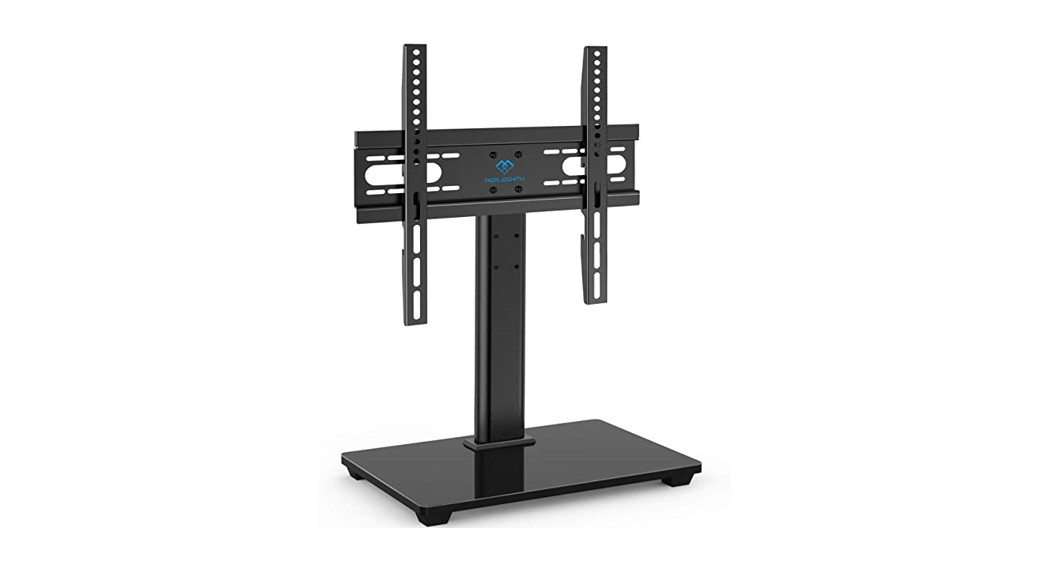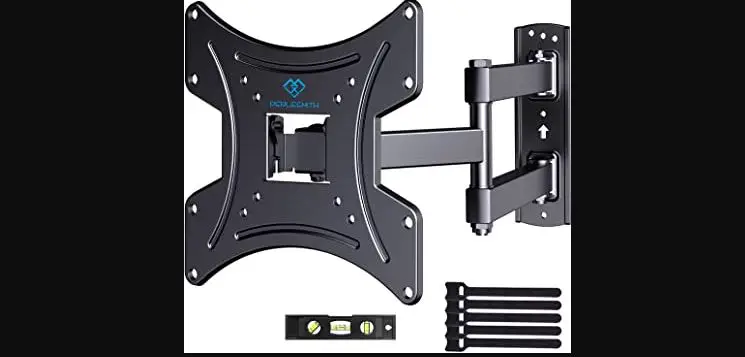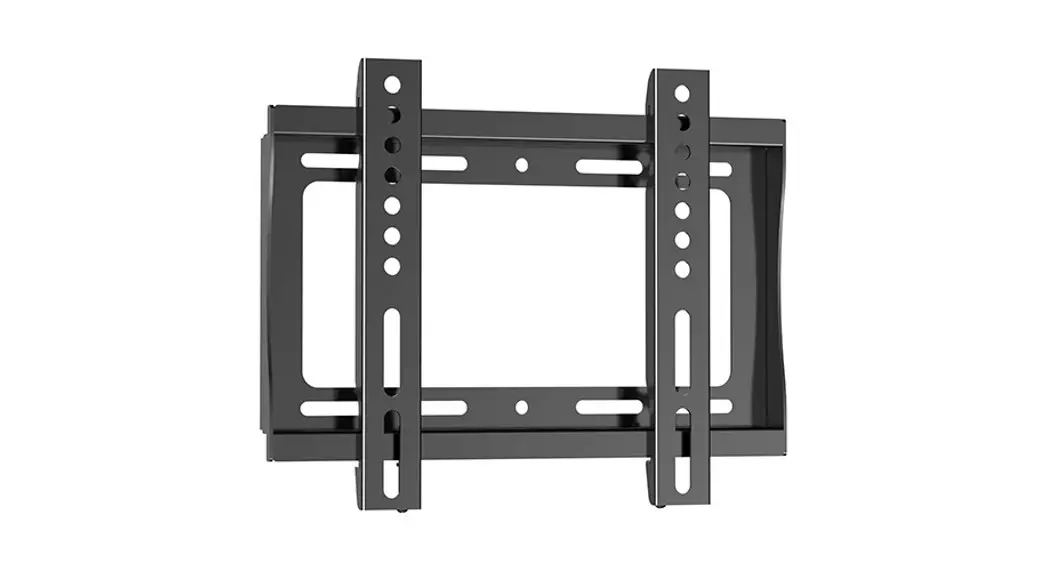
 TV Wall Mount
Instruction Manual
V2.0 Model: PSSL1
 https://www.perlesmith.com
Website:
www.perlesmith.com
Thank you for choosing this PERLESMITH product! At PERLESMITH we strive to provide you with the best quality products and services in the industry. Please share your experience of our product with others at www.perlesmith.com/pages/reviews if you are satisfied. Should you have any issues, please don’t hesitate to contact us.
Technical Support:
1-800-556-6806 Mon-Fri 10am – 5pm (PST) (USA) (CAN)
Other Info:
[email protected] (US)
[email protected] (CA)
IMPORTANT SAFETY INFORMATION
Please carefully read all instructions before attempting installation. If you do not understand the instructions or have any concerns or questions, please contact our Technical Support line at 1-800-556-6806 or customer service at s[email protected] (US)/ [email protected] (CA).
CAUTION: Avoid potential personal injuries and property damage!
- Do not use this product for any purpose that is not explicitly specified in this manual. Do not exceed weight capacity. We are not liable for damage or injury caused by improper mounting, incorrect assembly, or inappropriate use.
- This product is designed for use in wood studs, solid concrete, concrete block, and brick walls. – DO NOT install into drywall alone.
- The wall must be capable of supporting five times the weight of the TV and mount combined.
Check the VESA Pattern of Your TV before the Installation
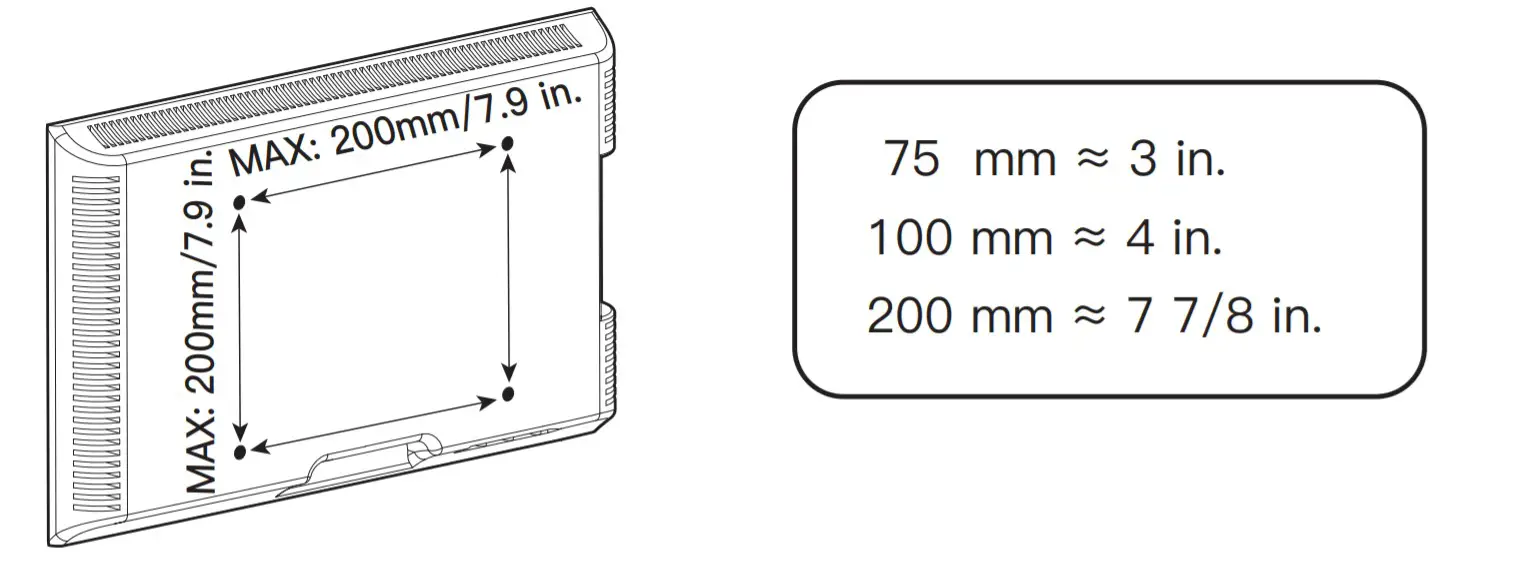
Minimum VESA pattern: 75mm/3 in.(W)x75mm/3 in.(H)
If your TV VESA is greater than 200×200 mm/7.9×7.9in. or less than VESA 75x75mm/3×3 in., this mount is NOT compatible.If this mount is NOT compatible, please contact customer service at [email protected] (US)/ [email protected] (CA) to find a compatible mount.
Verify Your Wall Construction CAUTION
DO NOT install into drywall alone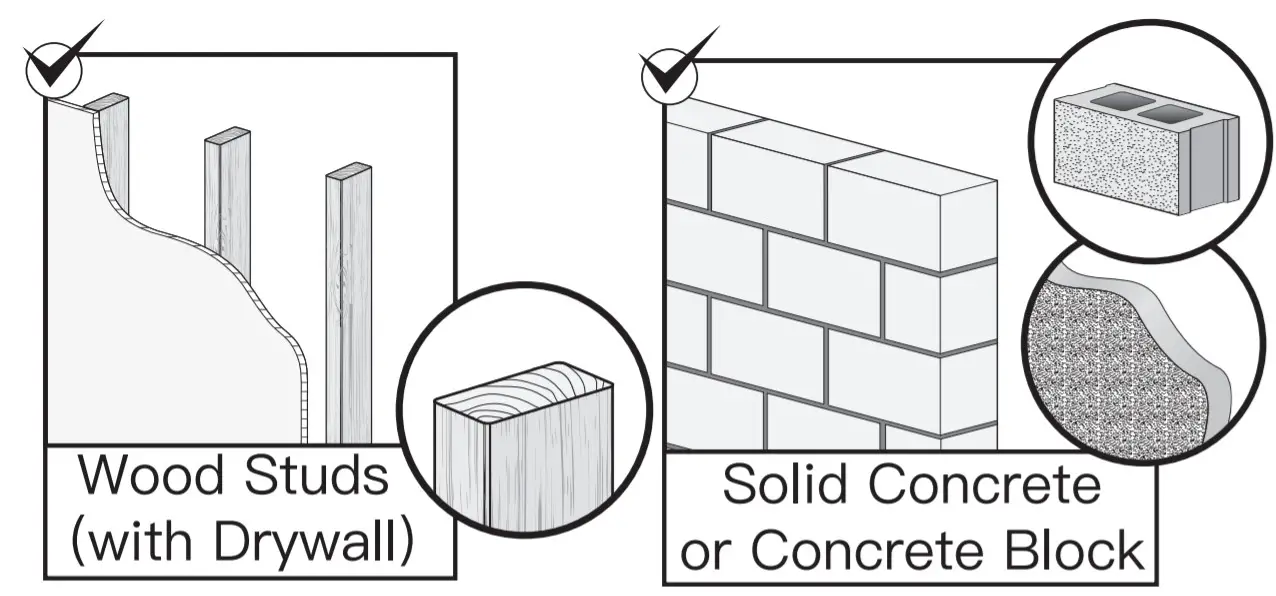
If you are not sure about the wall construction, please contact our technical support line at 1-800-556-6806 or customer service at [email protected] (US)/ [email protected](CA).
Tools Needed (Not included)
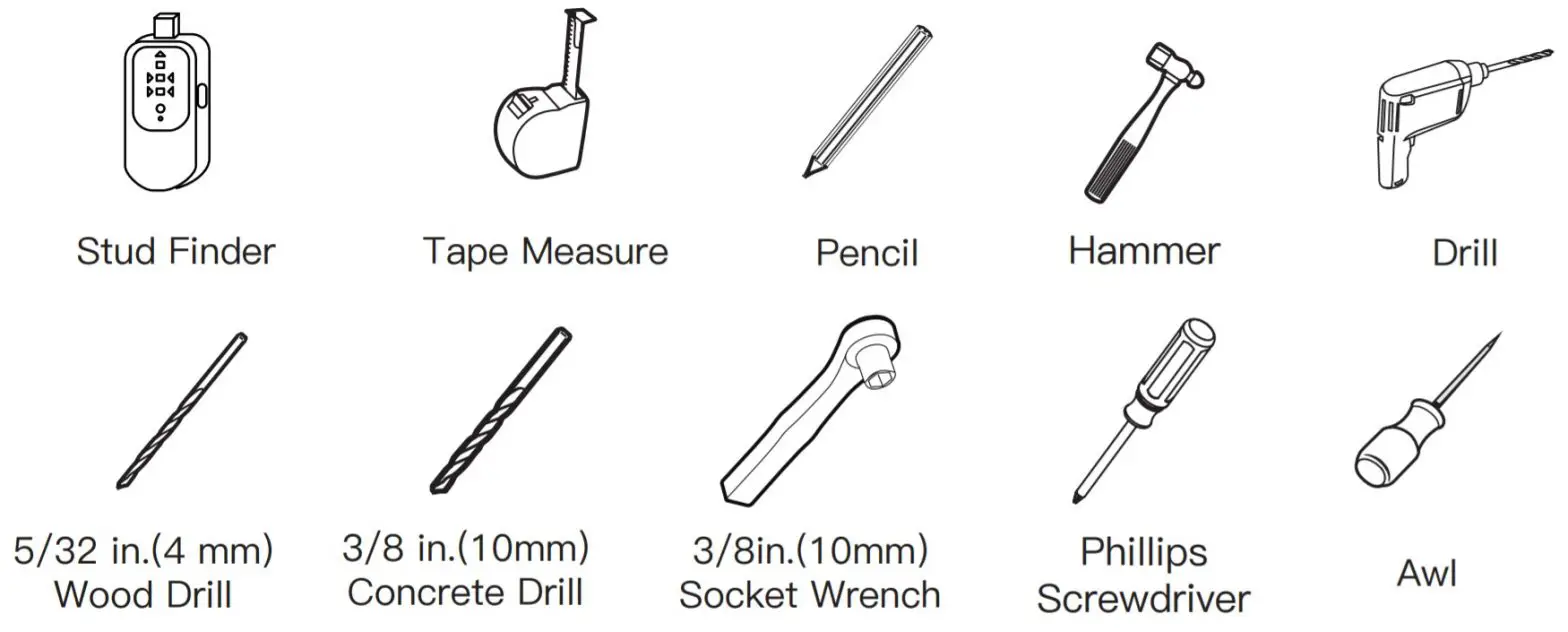
Supplied Parts and HardwareWarning: This product contains small items that could be a choking hazard if swallowed.
Before starting assembly, verify all parts are included and undamaged.
Do not use damaged or defective parts.
if you require replacement parts, contact our Product Support line at 1-800-556-6806 or customer service at [email protected] (US)/ [email protected] (CA).
- Please note: Not all hardware included in this package will be used.
Supplied Parts and Hardware for Step 1
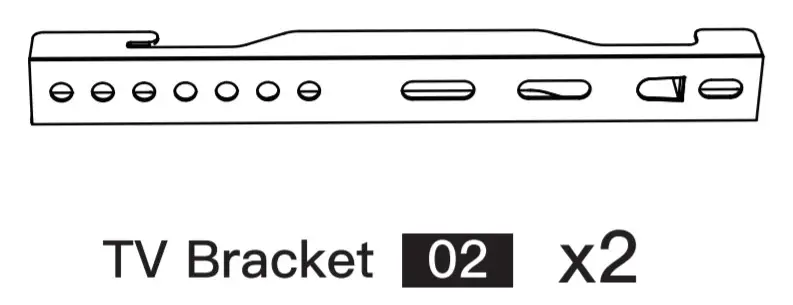 | 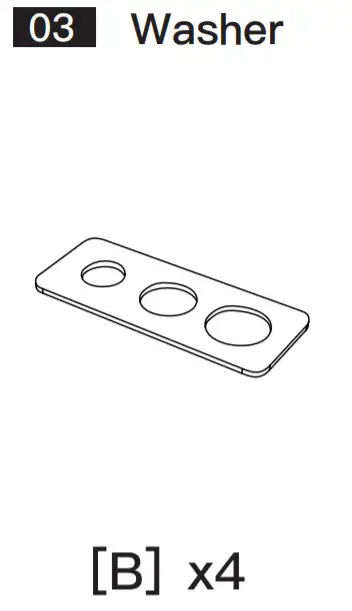 |
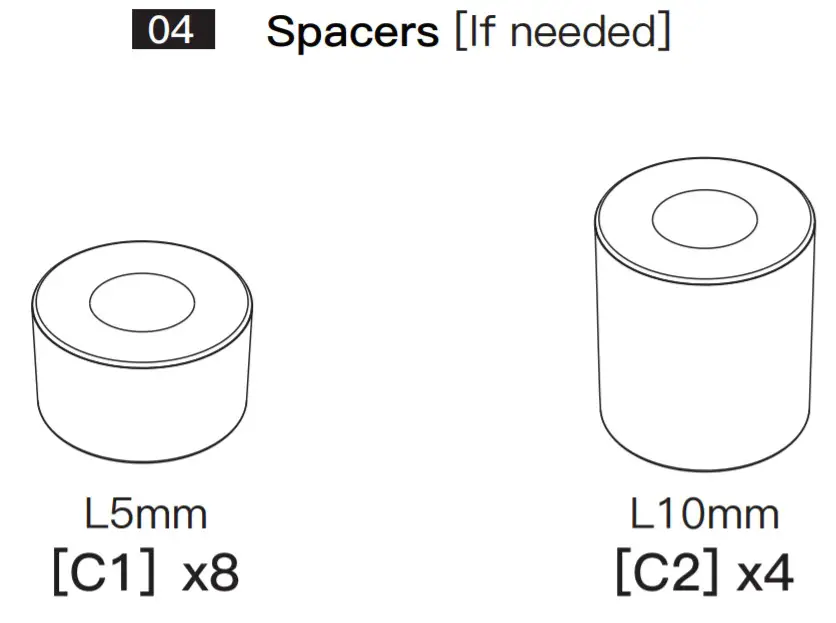 | Note: The spacers are shown in accordance with the actual size |
05. TV Bolts [Only one bolt size fits your TV]
Note: The bolts are shown in accordance with the actual size
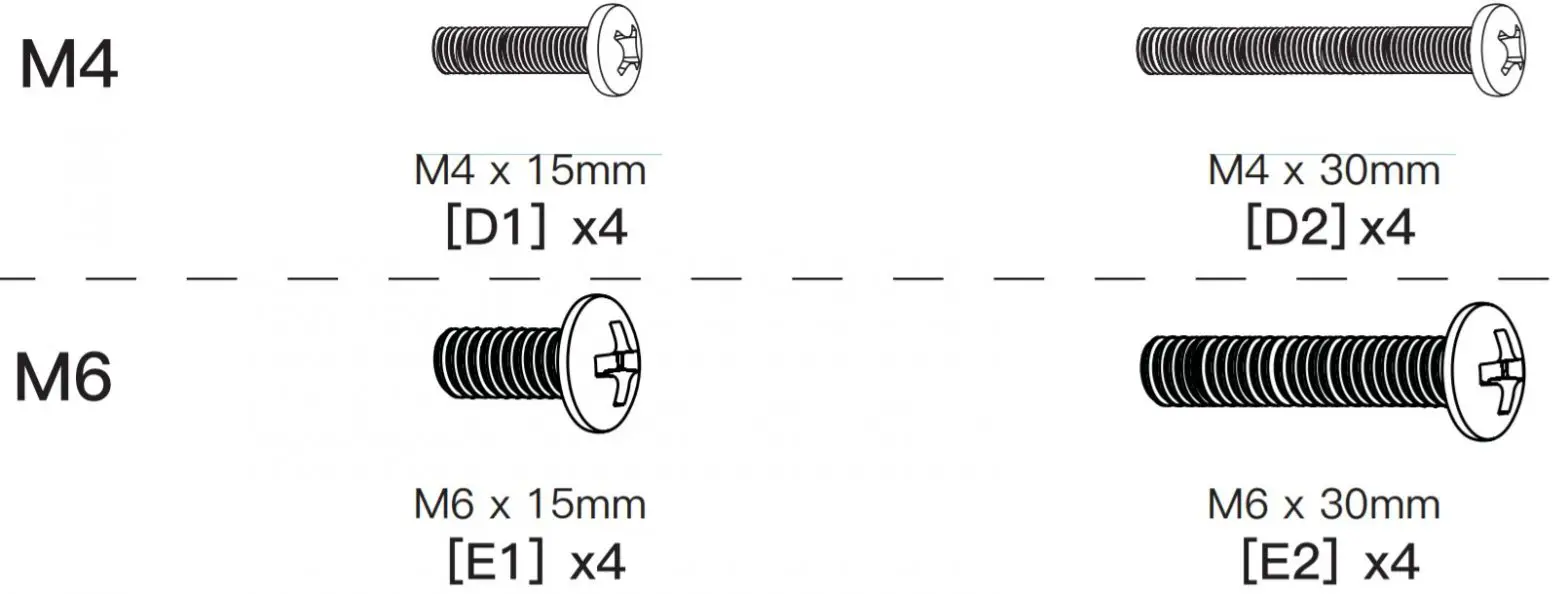
Supplied Parts and Hardware for Step 2 to Step 3

Note: The lag screw is shown in accordance with the actual size
 |  |
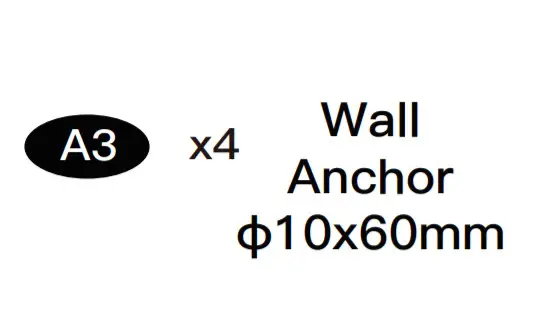 | 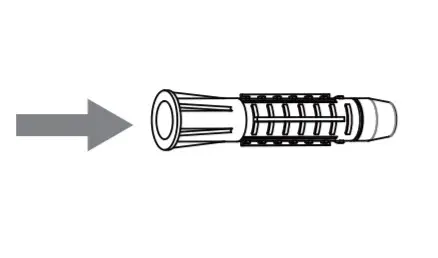 |
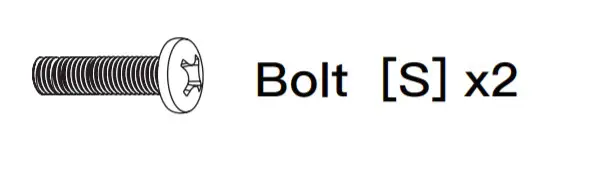 | CAUTION! This anchor is for concrete or brick walls ONLY. DO NOT use them in drywall or wood studs. |
Step 1 Secure the TV Brackets to TV
Select TV Bolts
Only one bolt size fits your TV.
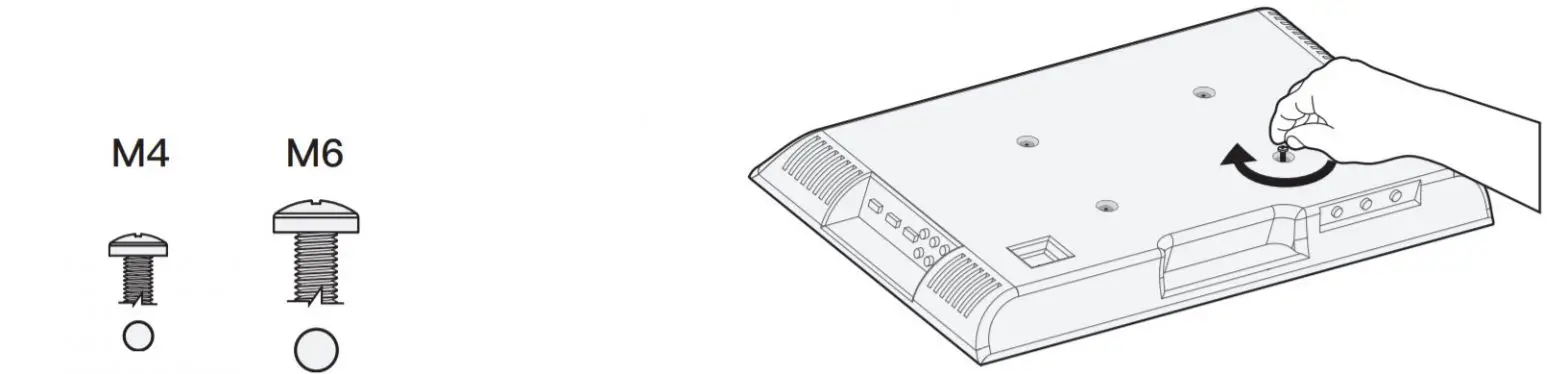
Bolt length: Verify adequate thread engagement with bolts or bolts/spacers combination.
We recommend thread engagement by at least 5 turns.
- Too short will not hold the TV.
- Too long will damage the TV.

Please Note: The provided TV bolts meet most of today’s TVs design. However, some TVs require special bolts which may not be in the hardware bag. In this case, we offer our “PSUHP” Universal Hardware Kit which provides a large selection of bolts that can meet the demand of older and unique applications.
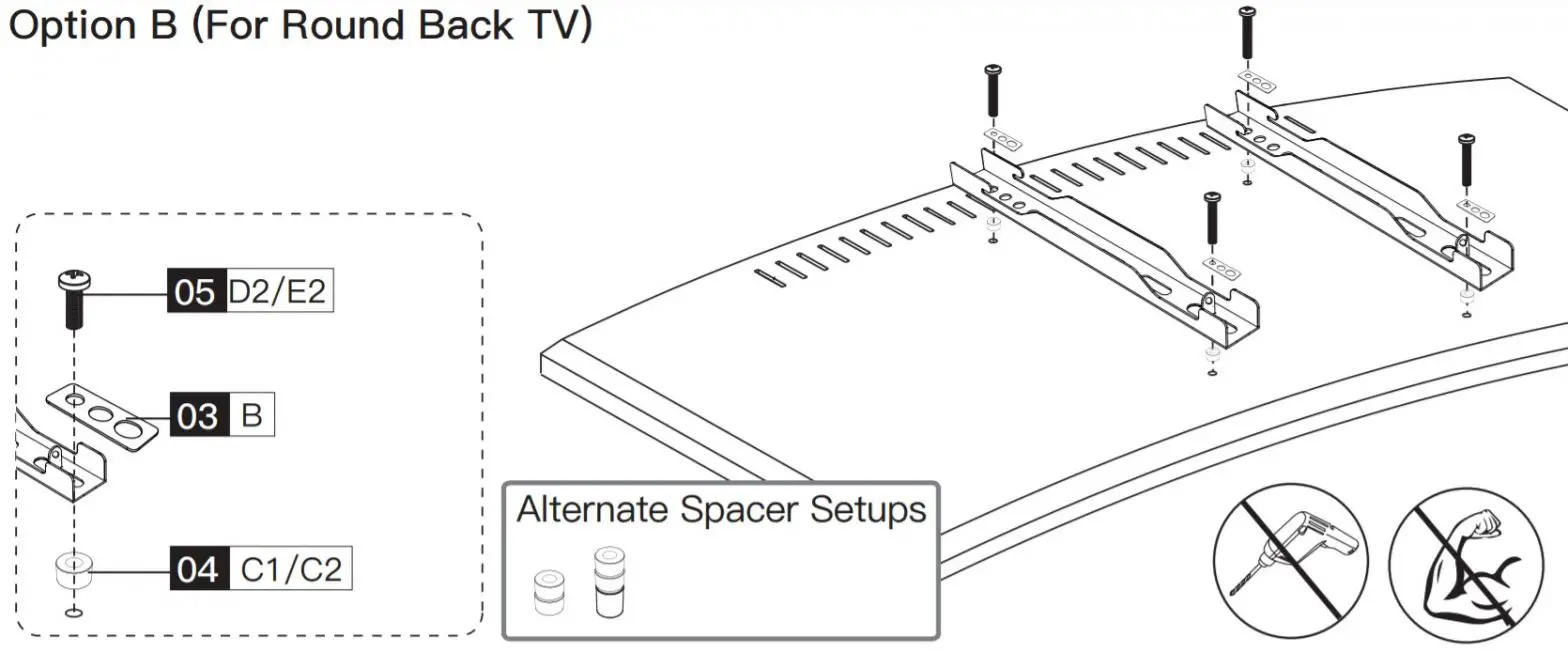
Please Note: When using the spacers it is important to note that they can be used in multi-layers (meaning stacked). If you have any difficulty understanding of how to install the TV bolts or spacers, please contact customer service at [email protected] (US)/ [email protected] (CA).
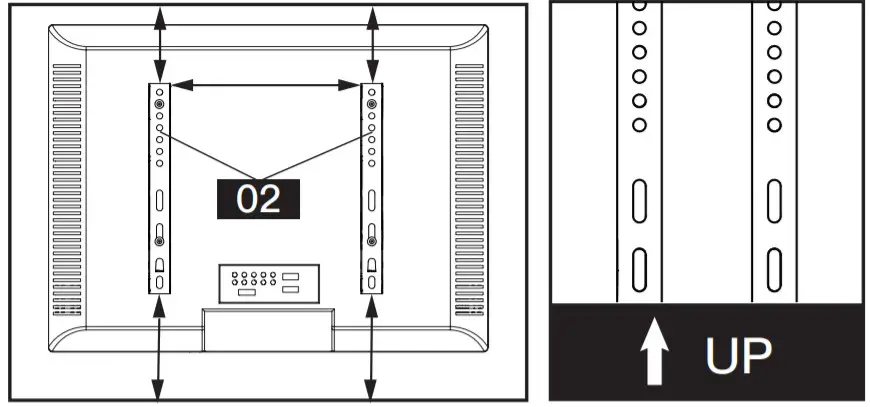
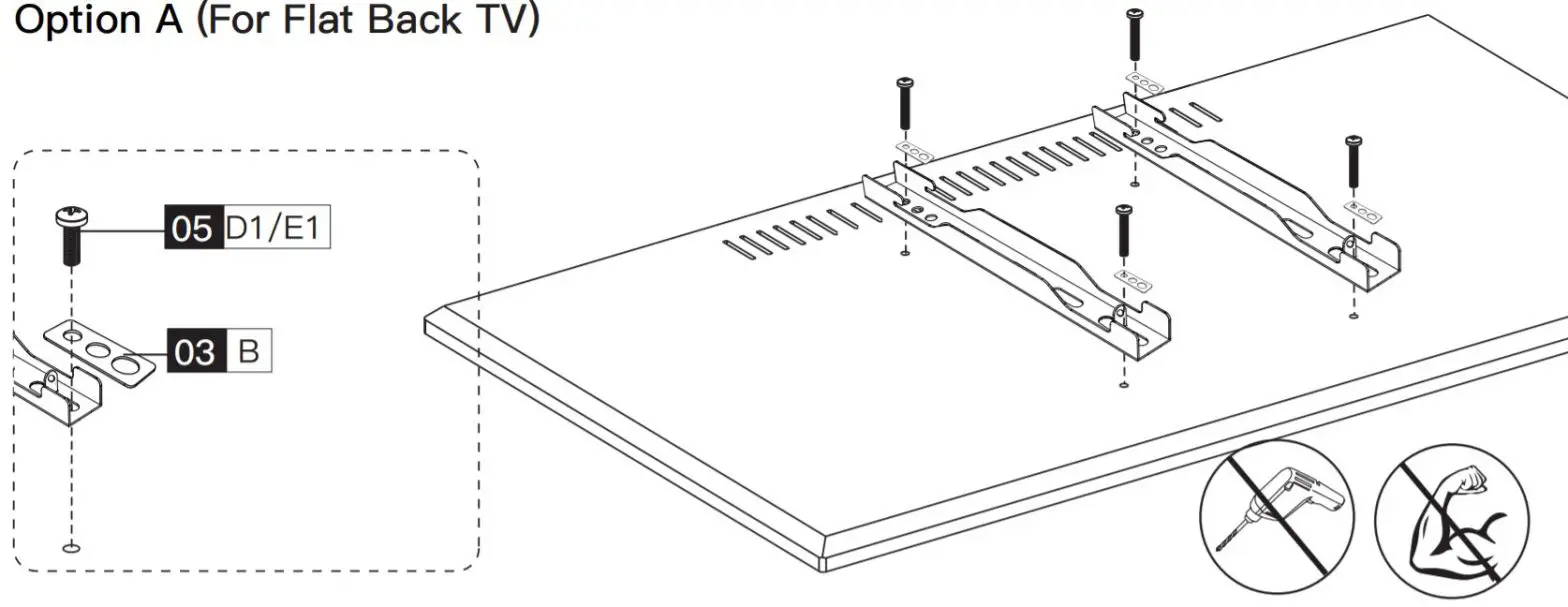
CAUTION: Ensure the TV brackets [02] are EQUALLY CENTERED on your TV and securely fastened in place.Please note: The bolt hole locations on your TV may vary in accordance with the manufacturer’s design of the TV. We are only illustrating the possible locations of the bolt holes.
 |  |
 | Option C (For TV with A “Bump”) Spacers may be necessary for 2 holes ONLY. 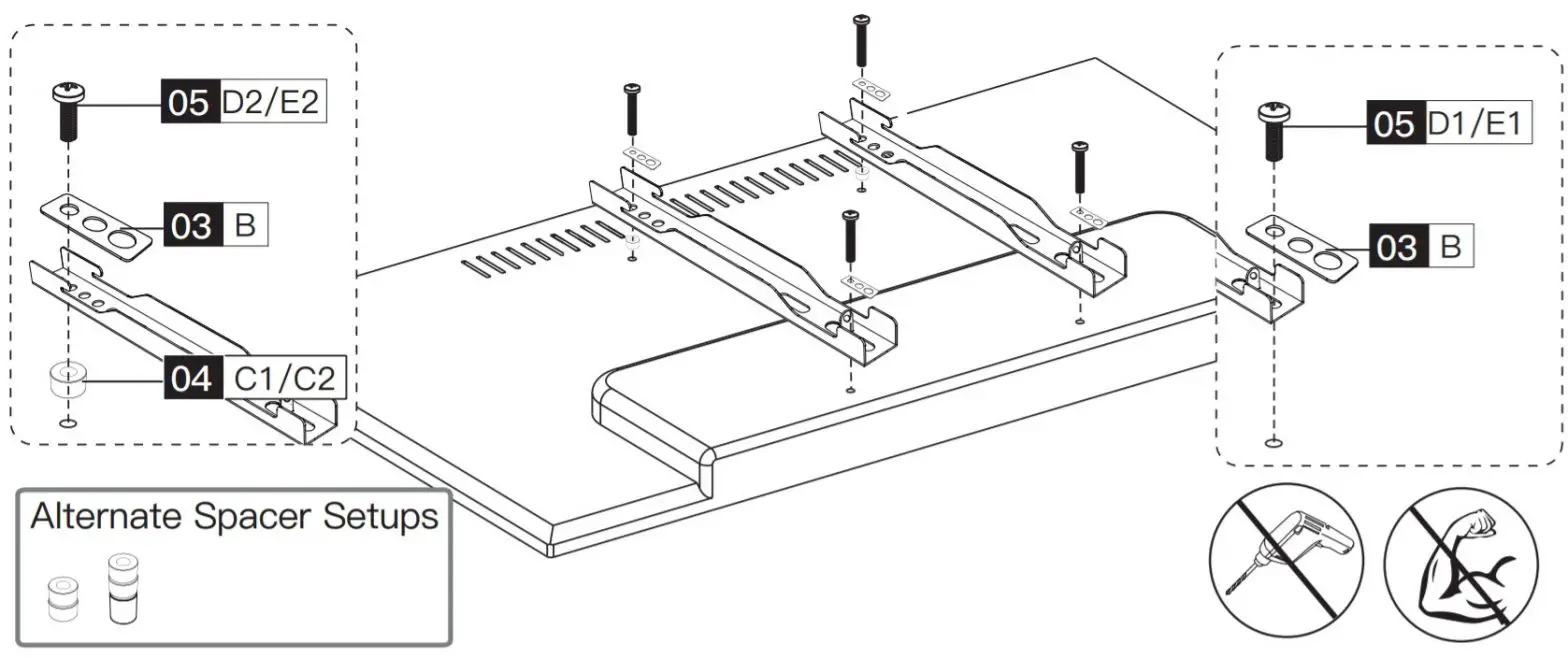 |
| Option D For cable interference or inset holes, use spacers 04 to create extra space between the TV and TV bracket.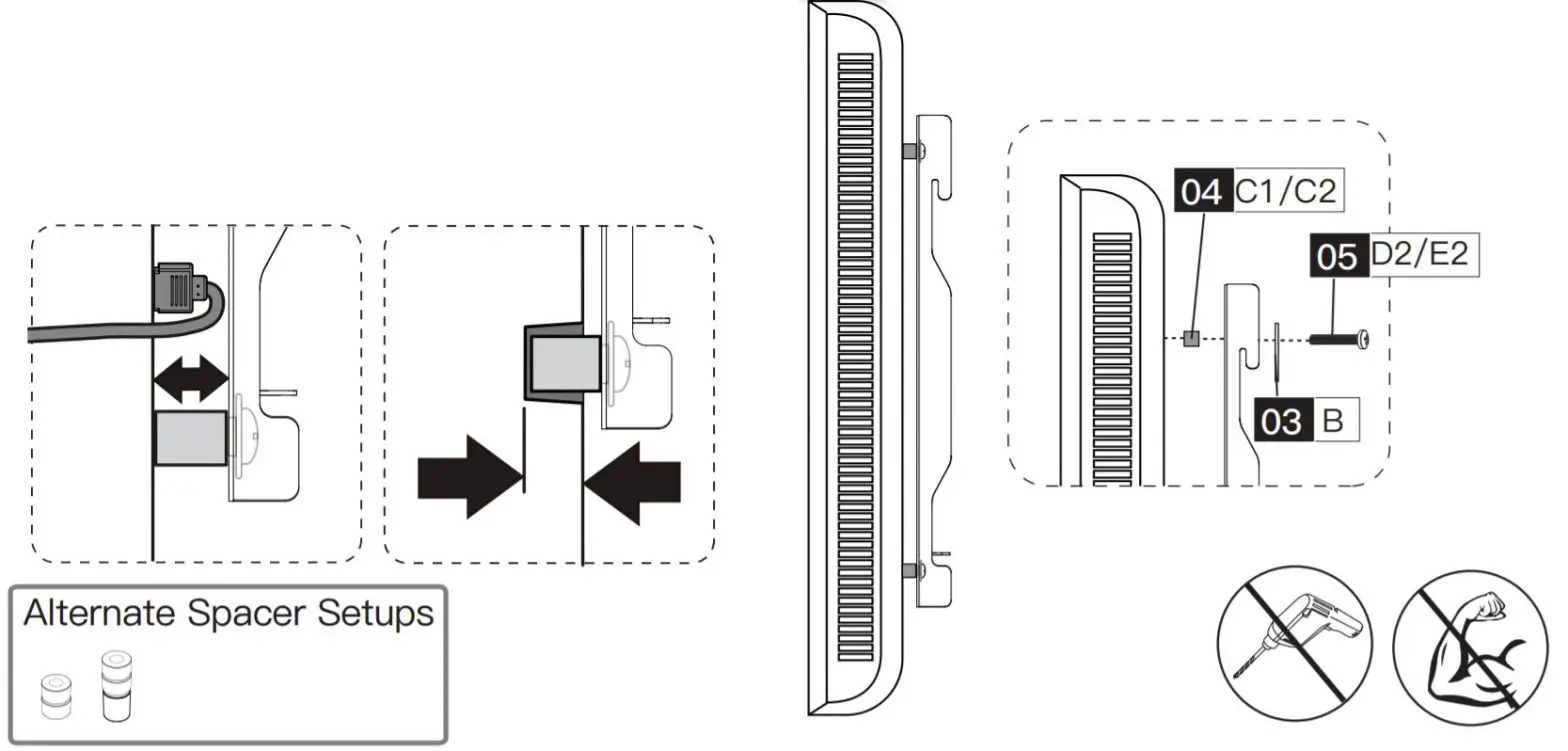 | |
Step 2 Attach the Wall Plate [01] to Wall
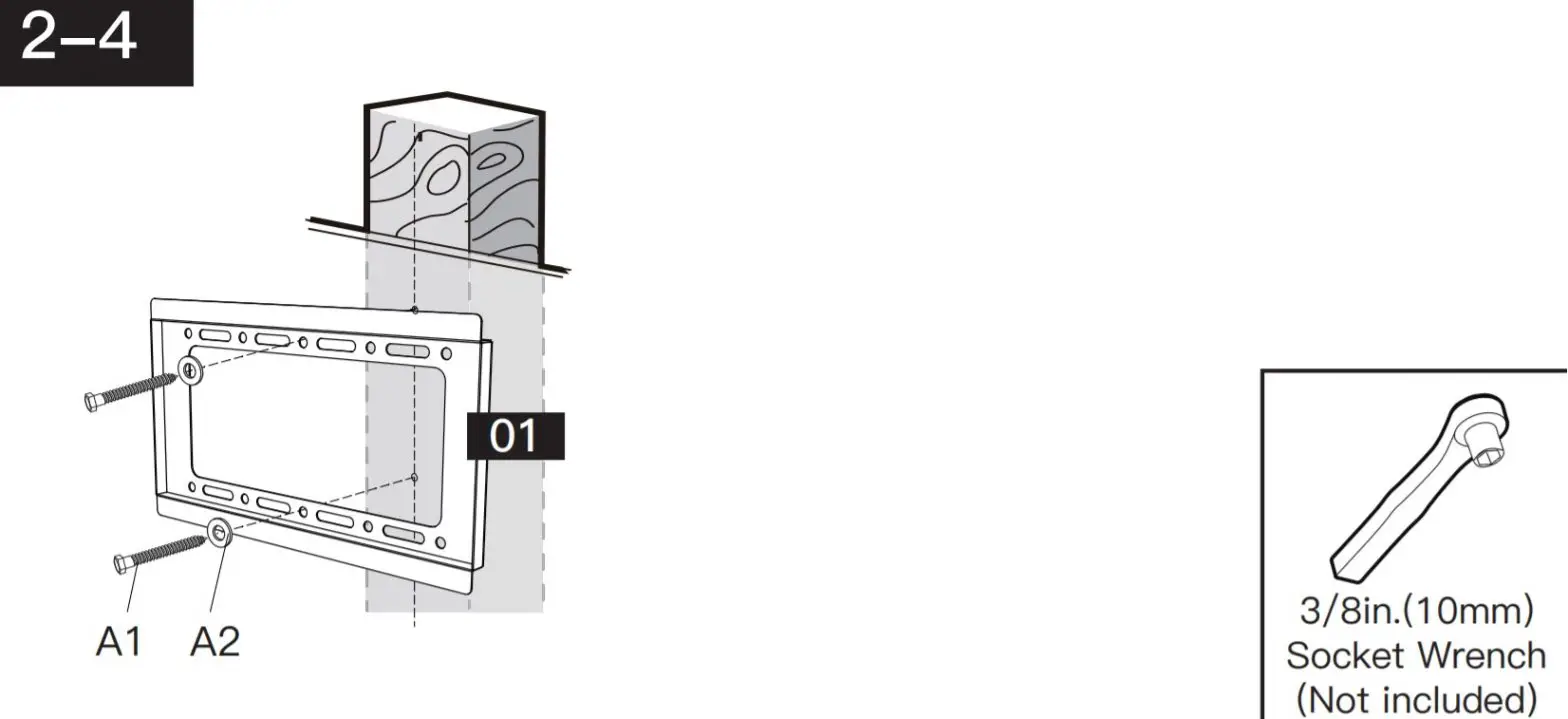
For wood stud installation, follow STEP 2A
For concrete installation, follow STEP 2B
Step 2A Wood Stud OptionWARNING:

- Avoid potential personal injury or property damage! DO NOT over-tighten the lag screws [A1]. Tighten the lag screws [A1] only until the washers [A2] is pulled firmly against the wall plate.
- DONOT USE ANCHOR [A3] FOR THIS STEP!
- Ensure the wall plate [01] is securely fastened to the wall before continuing to the next step.
- Any material covering the wall must not exceed 5/8 in. (16 mm)
- Nominal wood stud size: common 2 x 4 in. (51 x 102 mm) minimum 1½ x 3½ in. (38 x 89 mm)
- Stud center must be verified
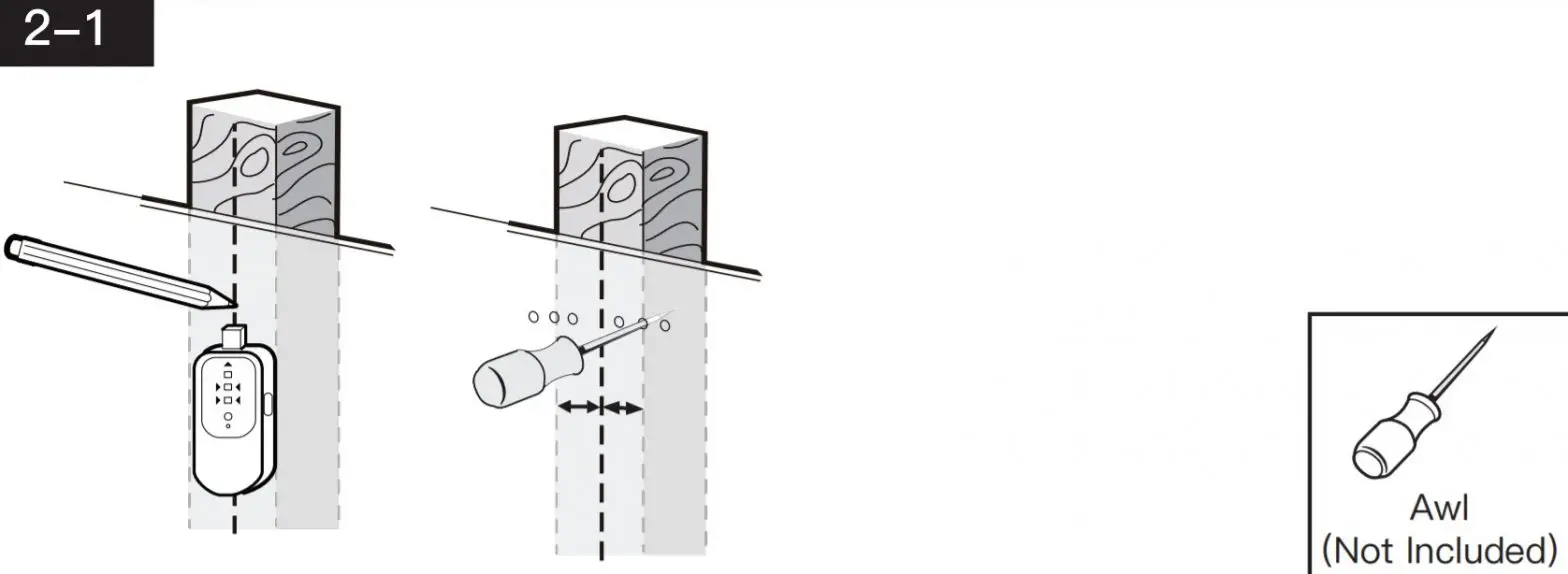
| Use a stud finder (not included) to locate wood studs or use an awl (not included) to verify the edges. Mark the edge and center locations.
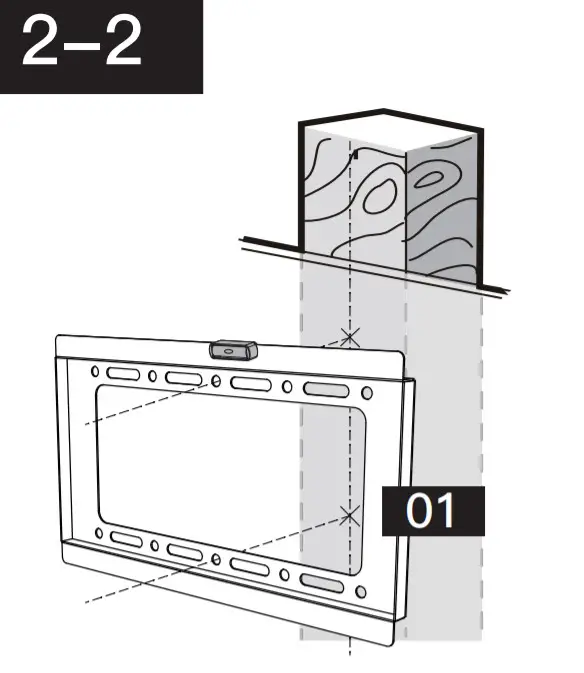
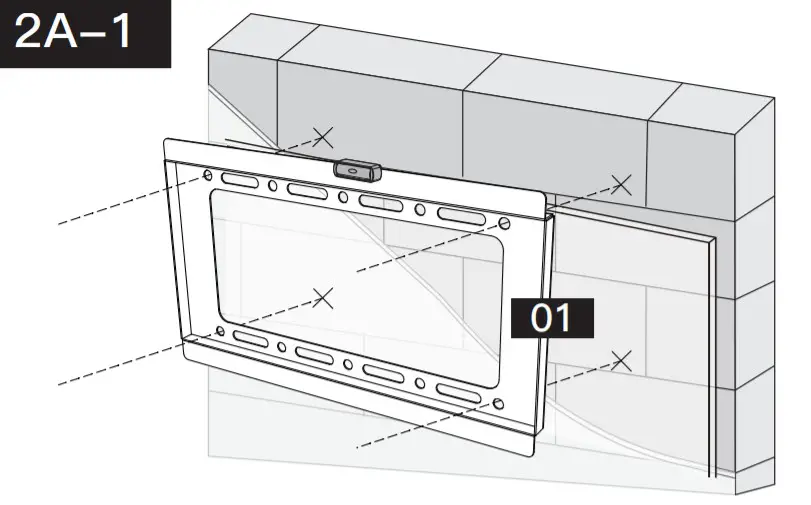
| Position the wall plate [01] at your desired height and line up the holes with your stud centerline. Level the wall plate [01] and mark the holes.
|
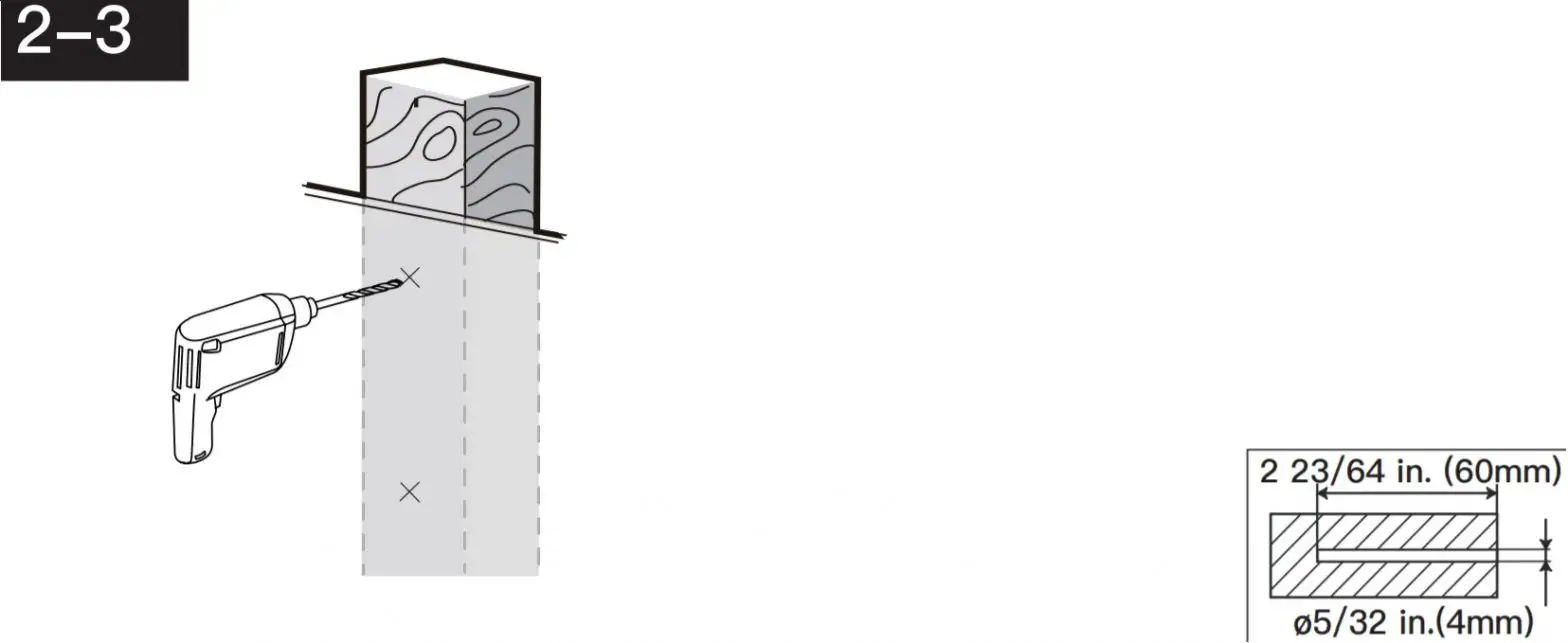
| Drill 2 pilot holes using a 5/32 in.(4 mm) diameter drill bit. Make sure the depth is not less than 2 23/64 in.(60mm).
| Install the wall plate using lag screws [A1] and washer [A2]. Tighten the lag screws [A1] only until the washers [A2] is pulled firmly against the wall plate.
|
Step 2B Solid Concrete or Concrete Block OptionWARNING:
 Avoid potential personal injury or property damage! DO NOT over-tighten the lag screws [A1]. Tighten the lag screws [A1] only until the washers [A2] is pulled firmly against the wall plate.
- Ensure the wall plate [01] is securely fastened to the wall before continuing to the next step.
- Any material covering the wall must not exceed 5/8 in. (16 mm)
- Mount the wall plate directly onto the concrete surface
- Minimum solid concrete thickness: 203 mm (8 in.)
- Minimum concrete block size: 203 x 203 x 406 mm (8 x 8 x 16 in.)
- Never drill into the mortar between blocks
 Avoid potential personal injury or property damage! DO NOT over-tighten the lag screws [A1]. Tighten the lag screws [A1] only until the washers [A2] is pulled firmly against the wall plate.
| Position wallplate [01] at your desired height, level wall plate [01] and mark the pilot hole locations.
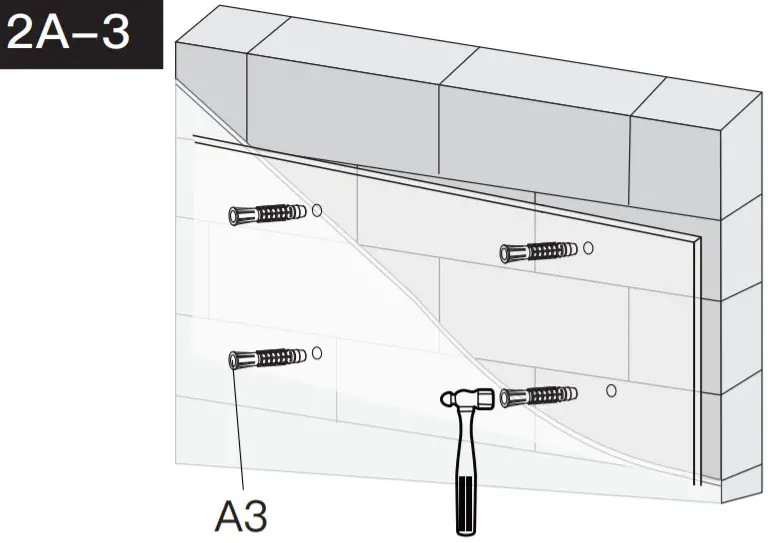
| Drill 4 pilot holes using a 3/8 in. (10mm)diameter drill bit. Make sure the depth is not less than 2 9/16 in. (65mm). Never drill into the mortar between blocks. 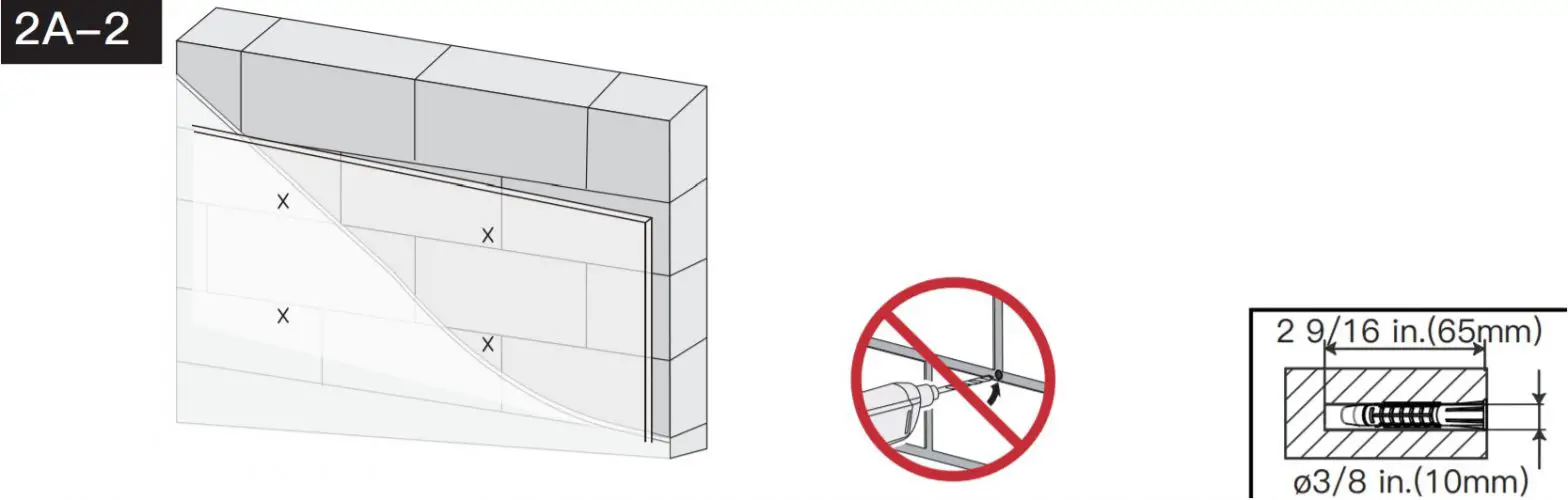 |
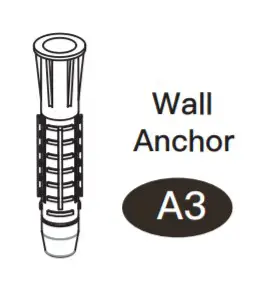
| Use the hammer to knock anchors [A3] into the wall. Be sure the anchors [A3] are seated flush with the concrete surface.
| Install wall plate using lag screws [A1], washers [A2], and anchors [A3]. Tighten the lag screws [A1] only until the washers [A2] is pulled firmly against the wall plate. DO NOT over-tighten the lag screws [A1]. 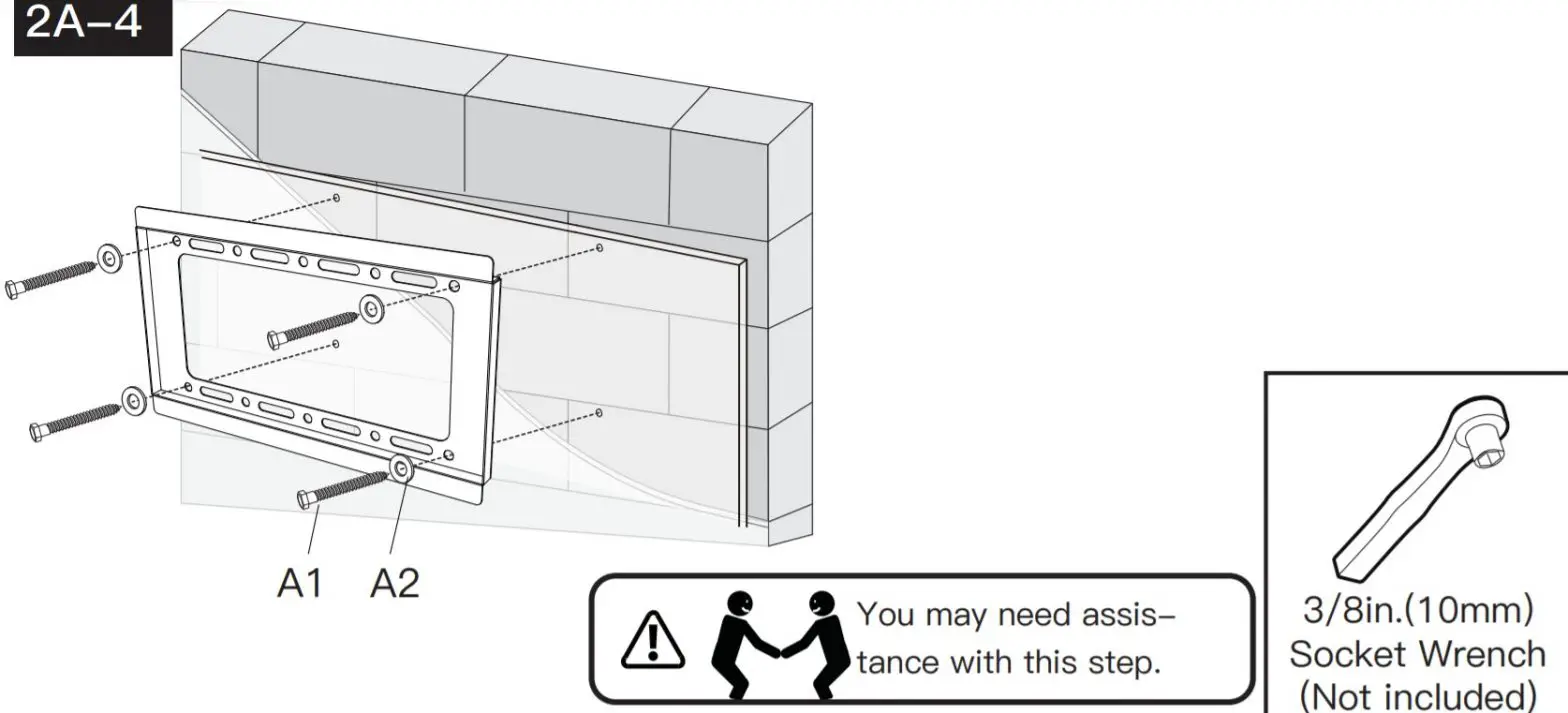 |
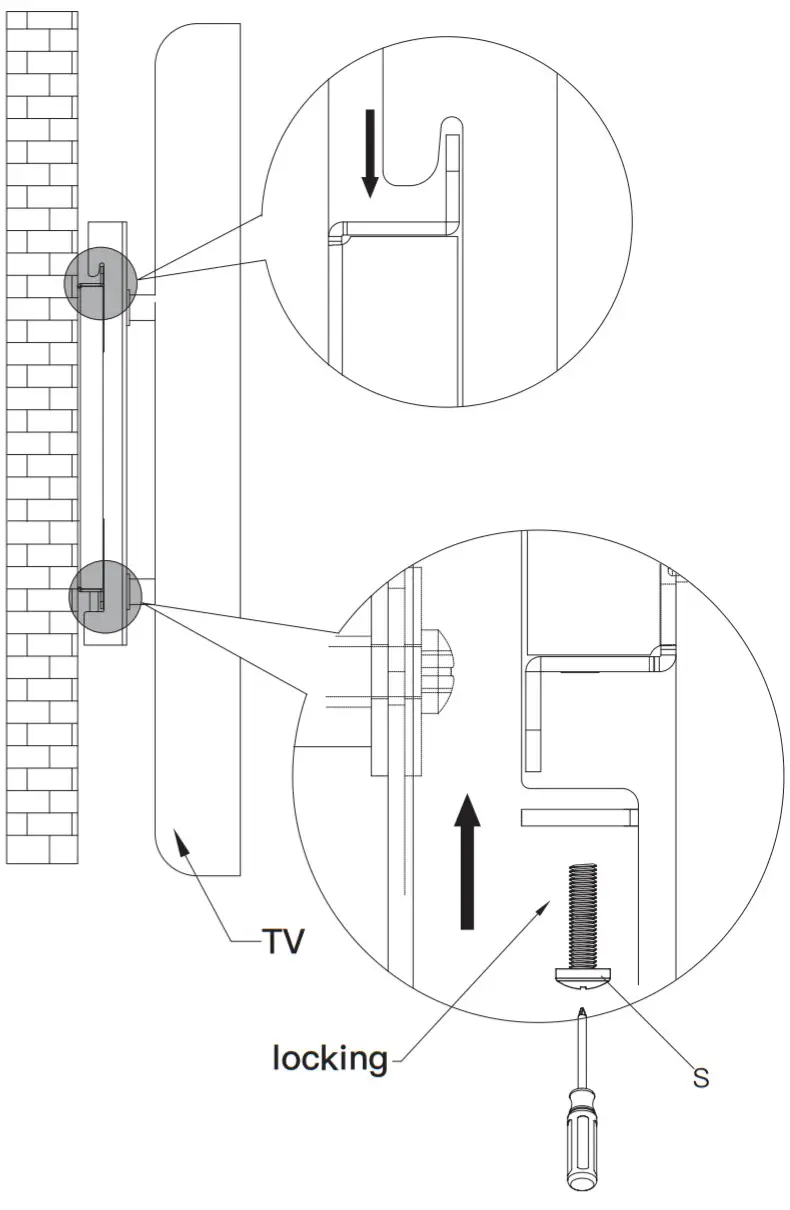
Step 3 Hang the TV onto the Wall Plate
Thank you again for choosing this PERLESMITH product!
All of us at PERLESMITH do appreciate your product purchase.
We hope that you are as happy with your product as we designing and manufacturing it for you.
We strive to provide you with the best quality products and services in the industry.
Please share your experience of our product with others at www.perlesmith.com/pages/reviews if you are satisfied. If you have any questions
please don’t hesitate to contact us.
Technical Support: 1-800-556-6806 Mon-Fri 10am – 5pm (PST) (USA) (CAN)
Other Info: [email protected] (US)
[email protected] (CA)
Please check www.perlesmith.com for more products and company information.
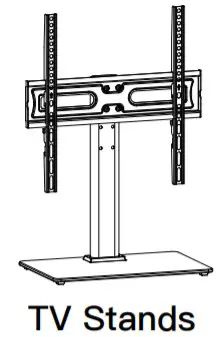 | 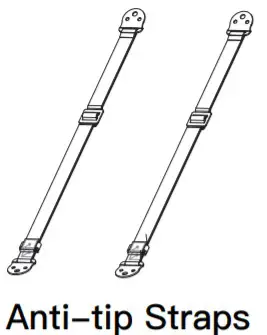 | 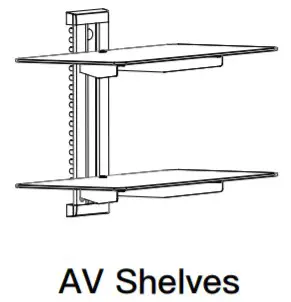 |
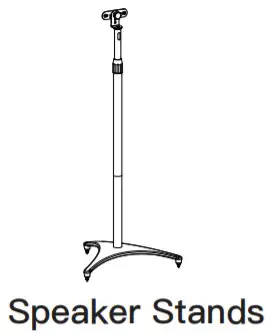 | 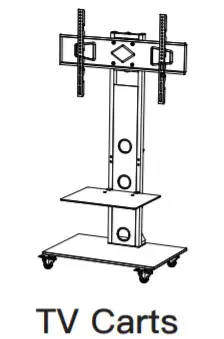 | |
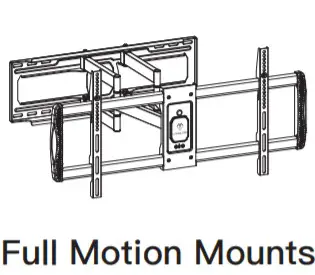 | 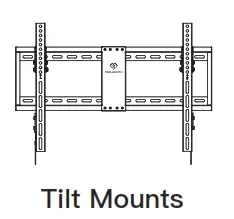 | 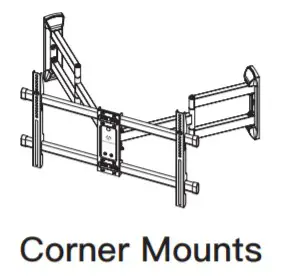 |

Please remember us when you need one.
 PERLESMITH Offer Best Value In Home Comfort - Quality TV Wall Mounts!