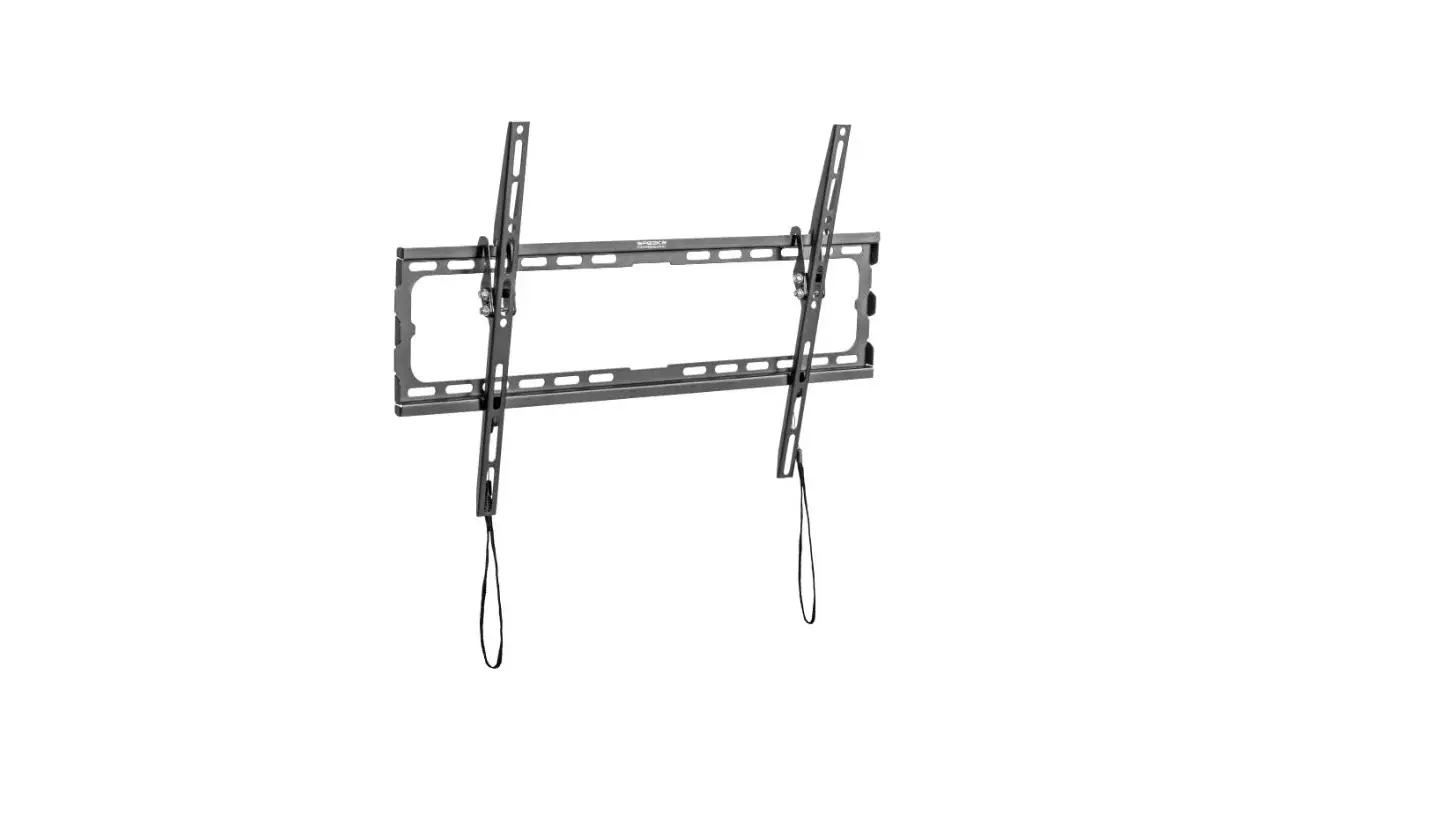
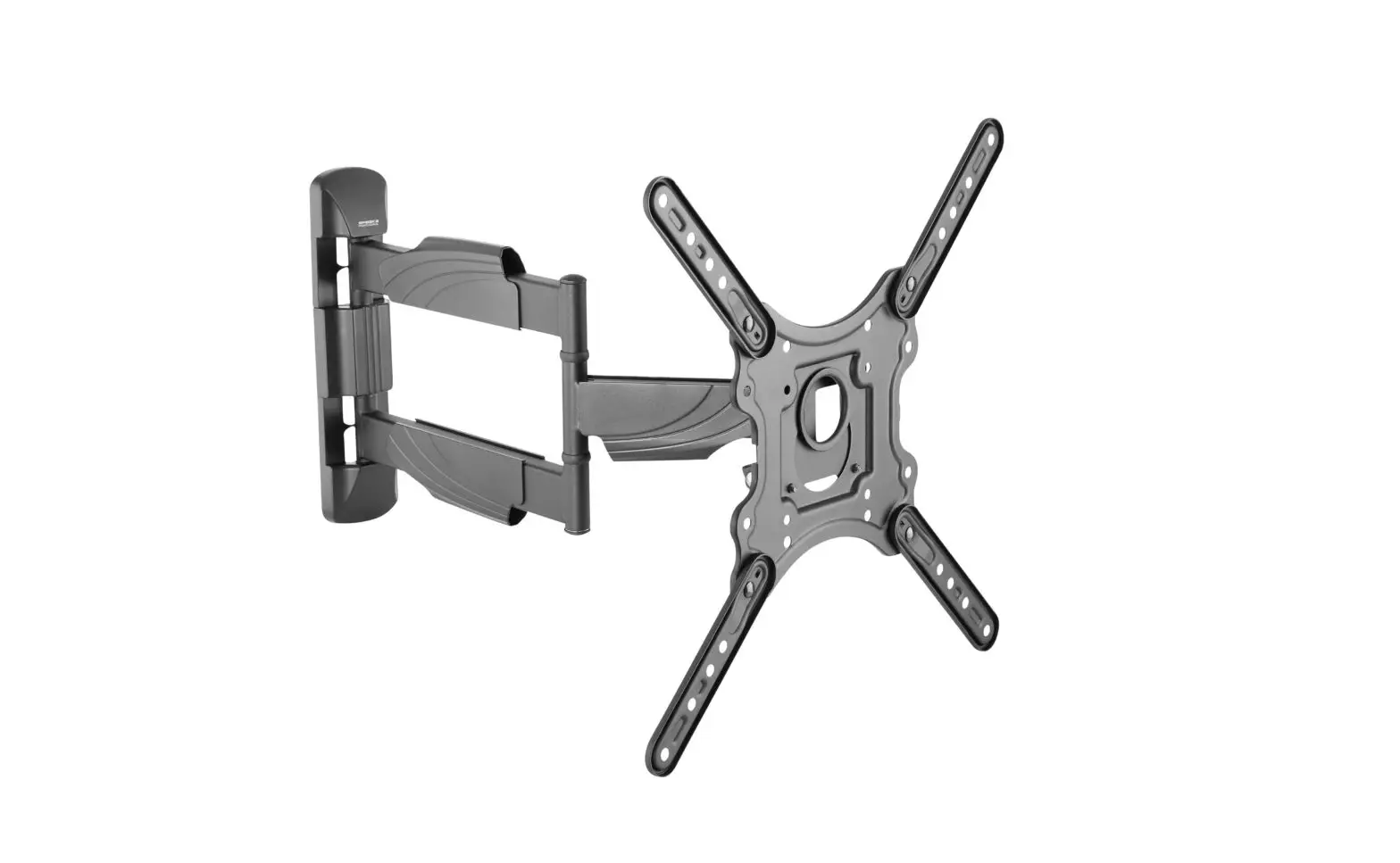
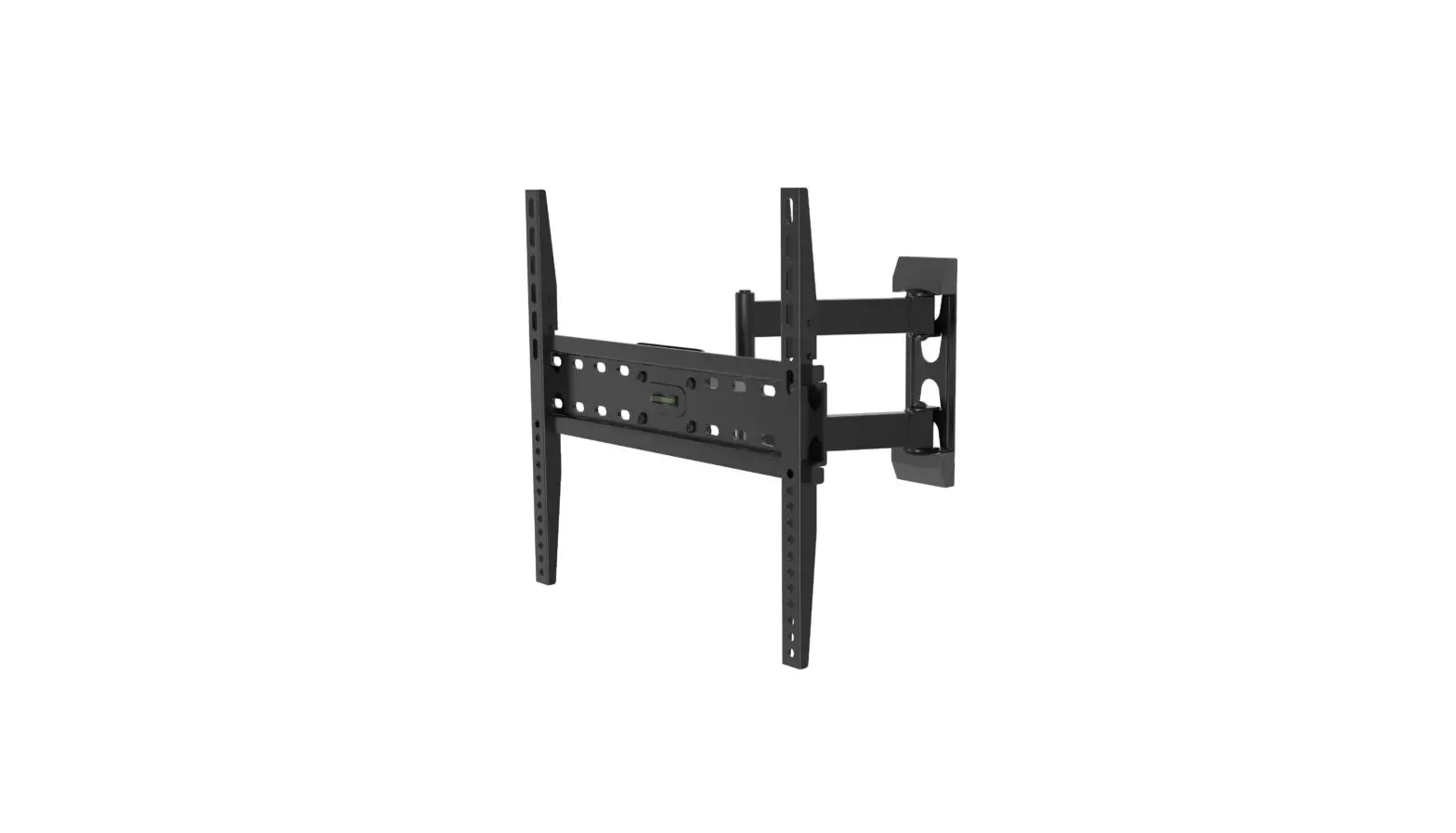
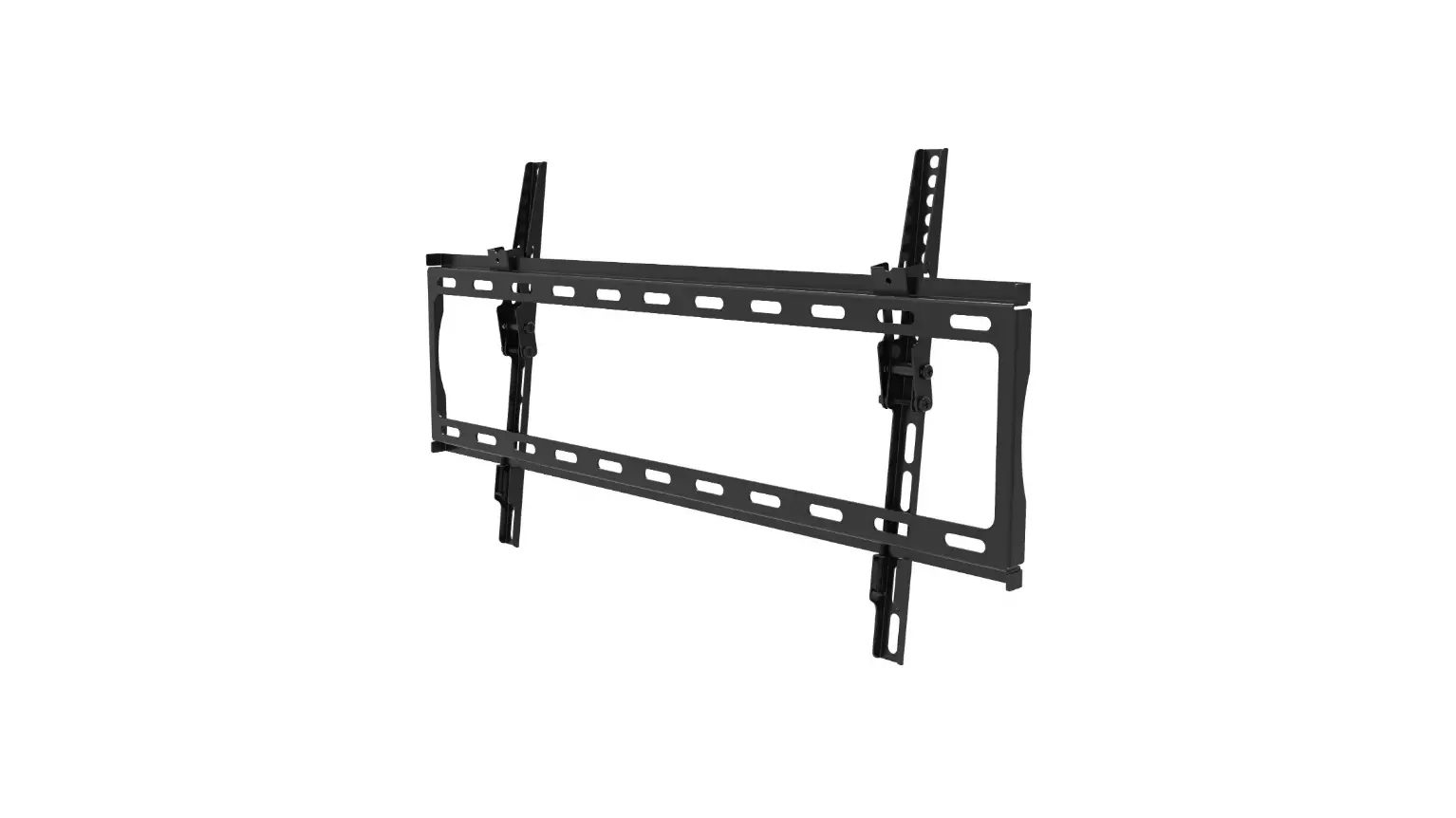
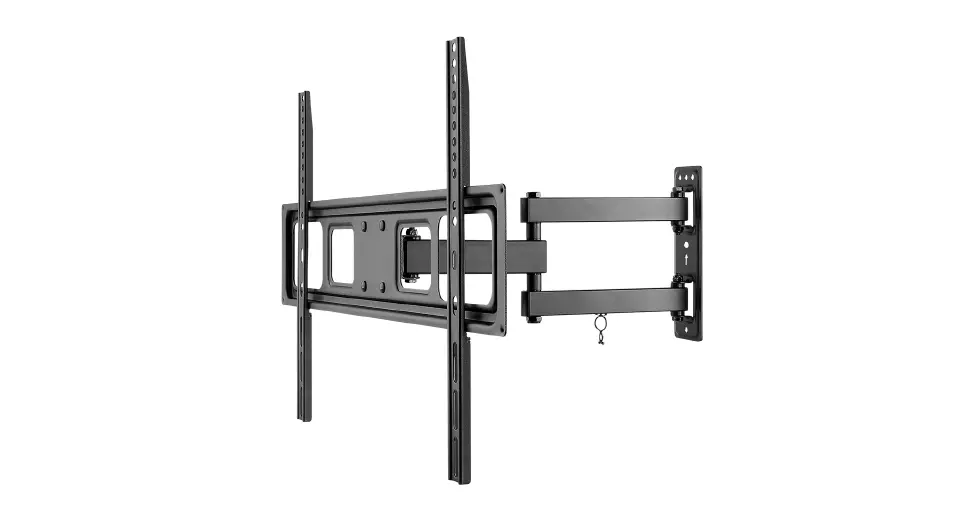
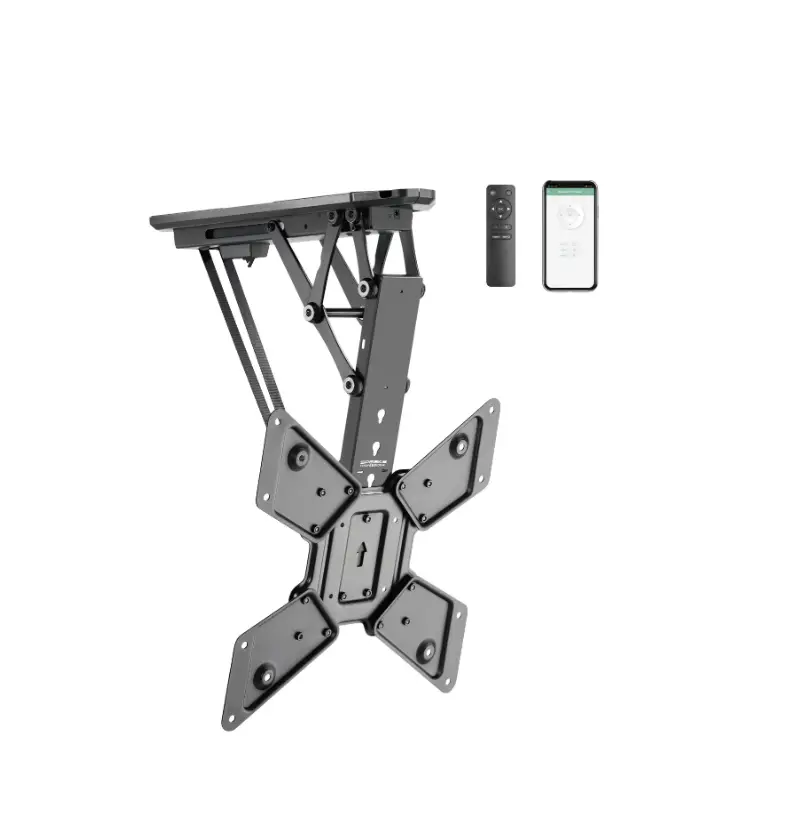
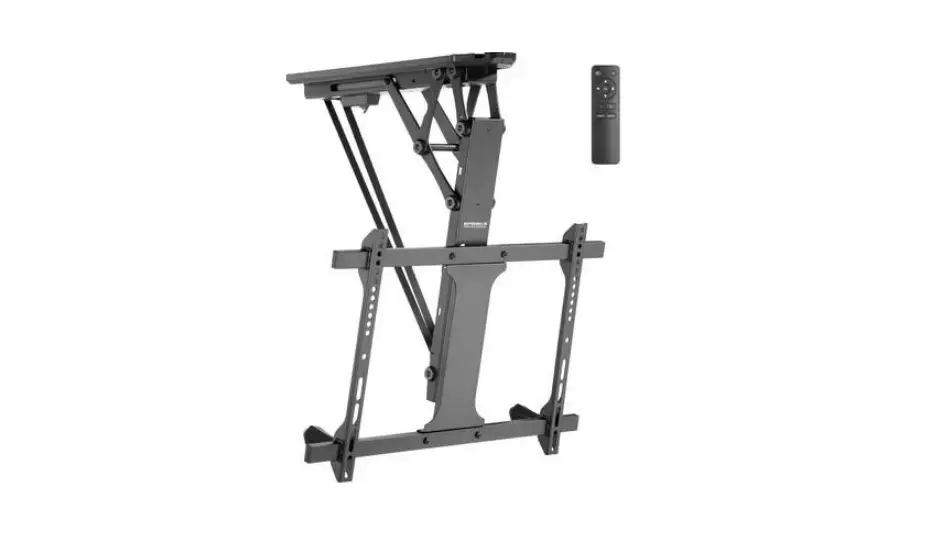
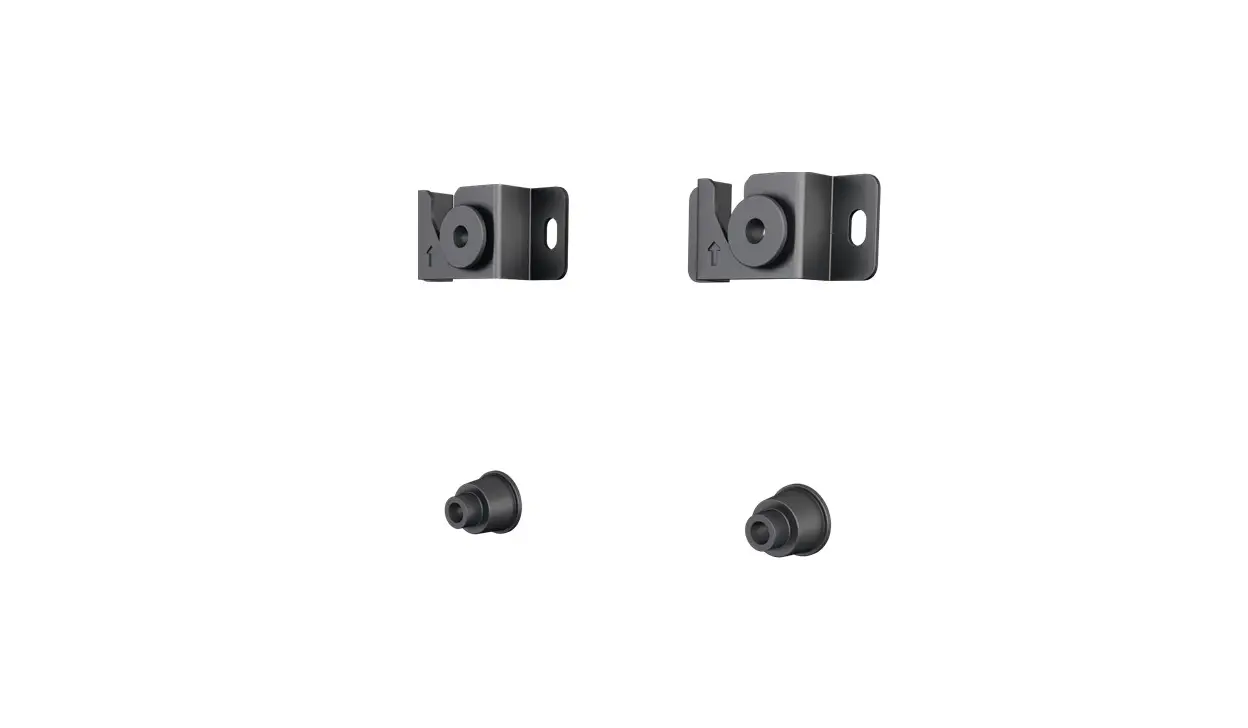
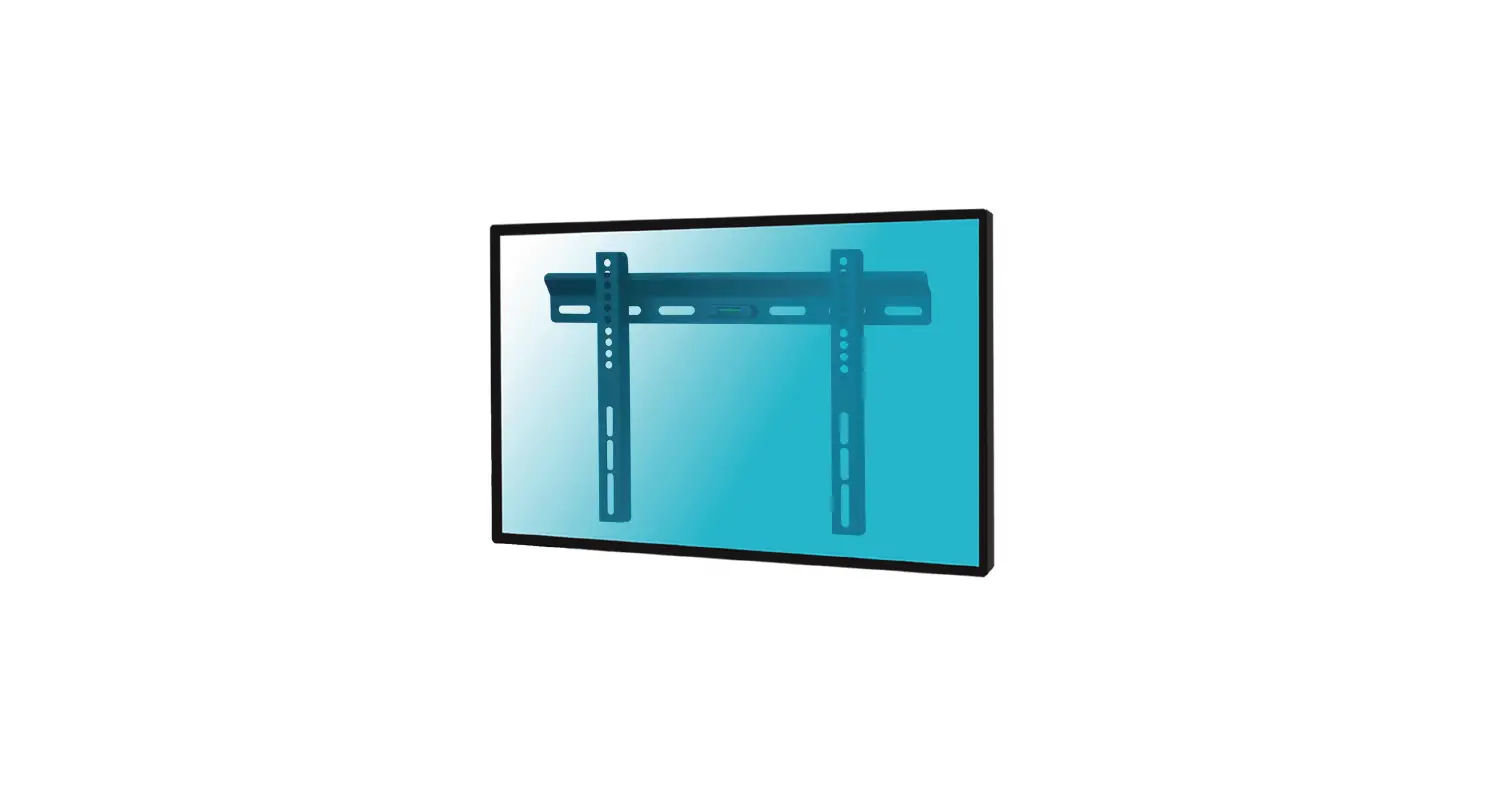
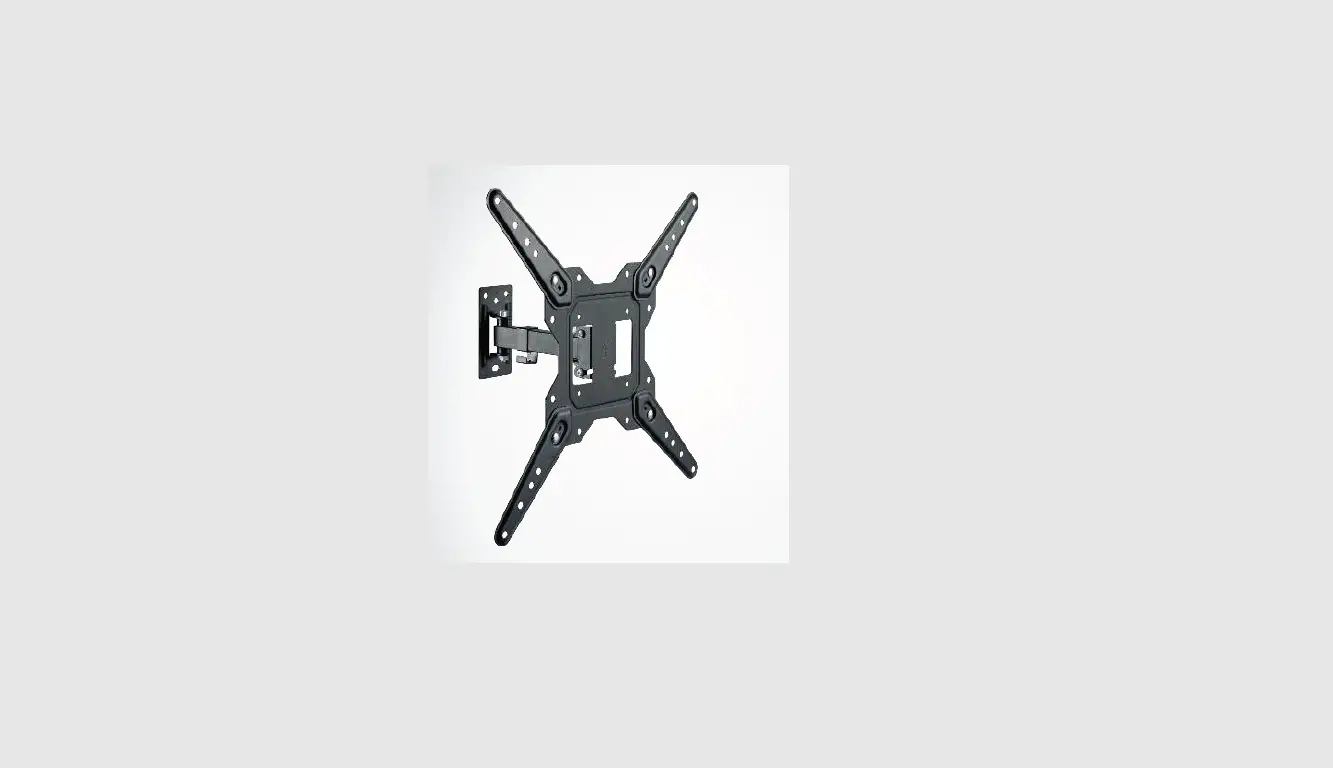
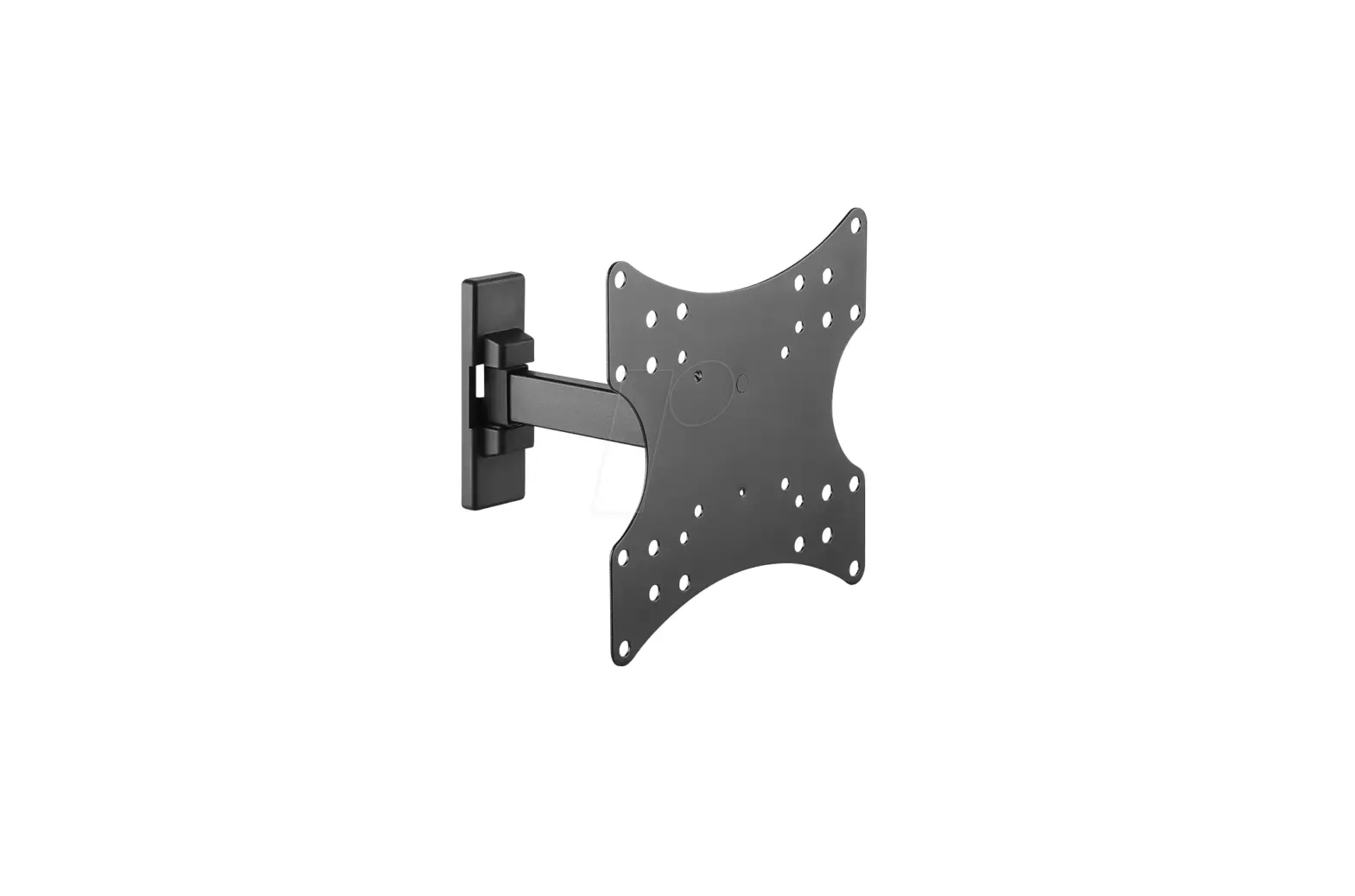
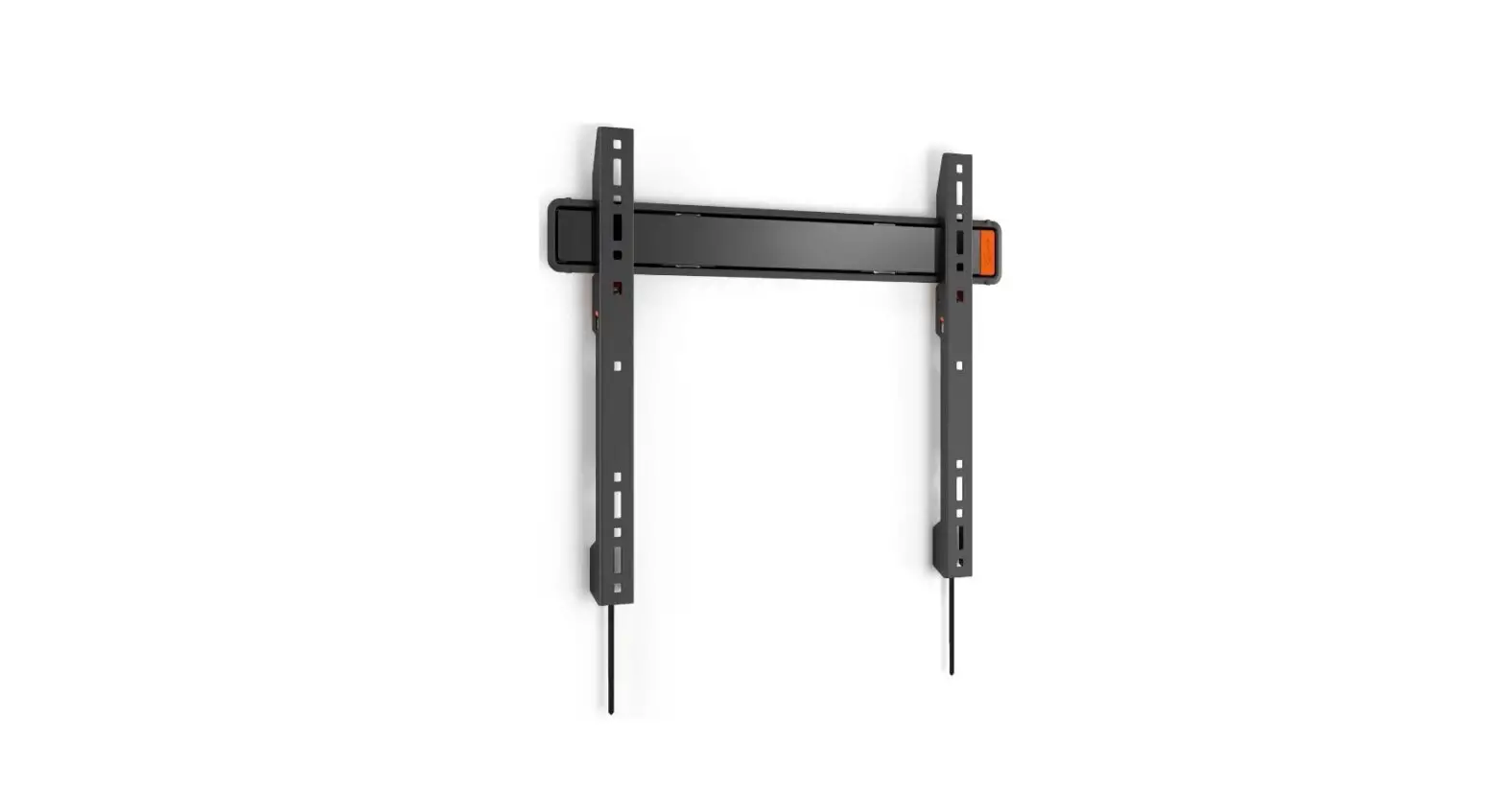
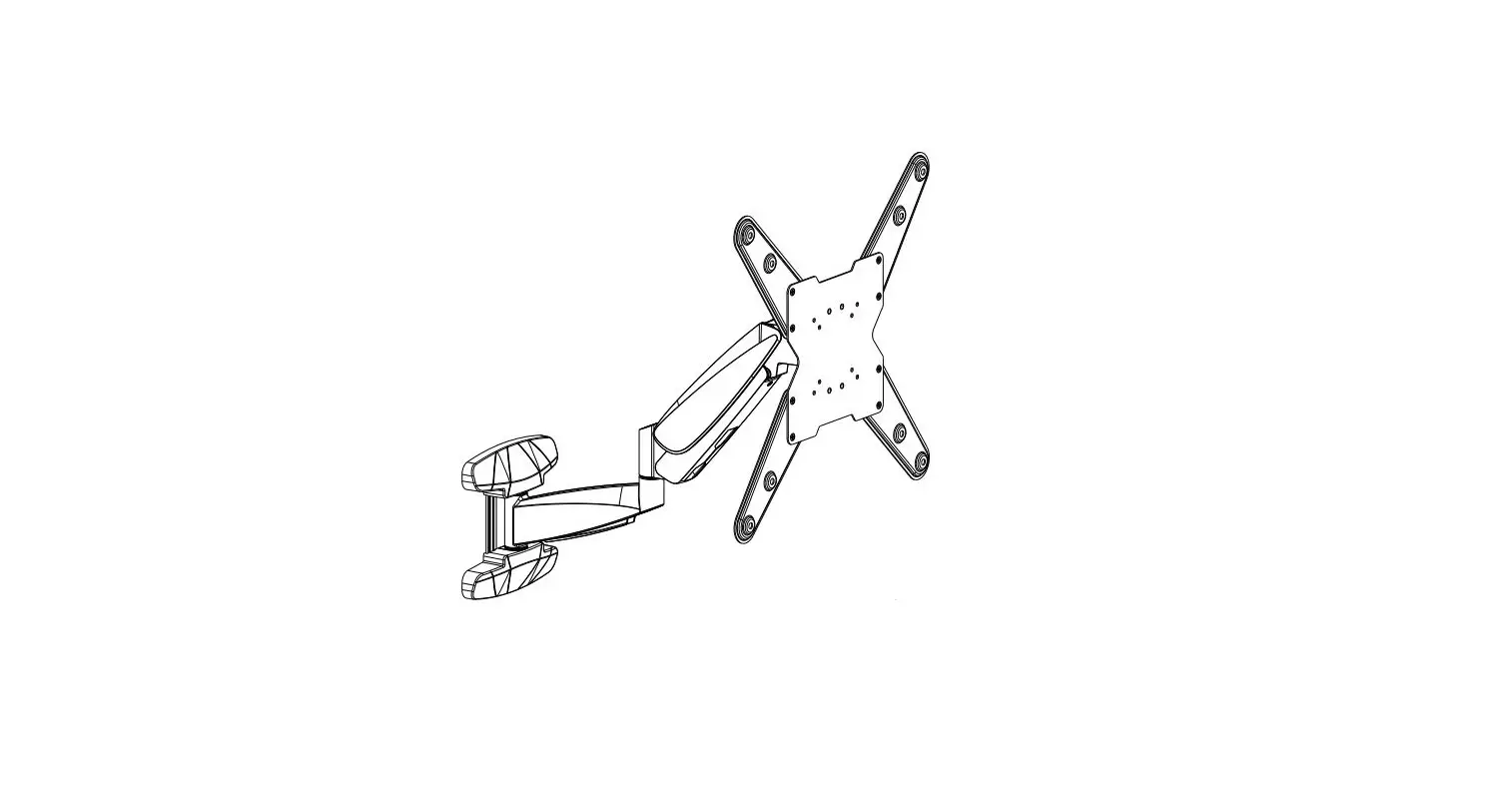
SP-TVM-601 TV Wall Mount
Product Information:
Product Name: Tilt TV Wall Mount
Item Number: 2747709 (SP-TVM-601)
Compatible VESA Sizes: 200×200, 300×200, 400×200, 300×300,
400×300, 400×400, 600×400
Maximum TV Size: 203.2 cm
Maximum Weight Capacity: 45 kg
Product Usage Instructions:
- Before starting the installation, ensure that you have all the
necessary tools and parts. - Identify a suitable location on the wall where you want to
mount your TV. Make sure it is a sturdy and flat surface. - Using a stud finder, locate the wall studs in the chosen
location. It is recommended to mount the TV on the studs for added
stability. - Hold the wall mount against the wall and mark the positions for
drilling holes. Use a level to ensure the mount is straight. - Drill pilot holes into the marked positions using an
appropriate drill bit size. Insert wall anchors into the pilot
holes if necessary. - Securely attach the wall mount to the wall using screws or
bolts provided, ensuring it is firmly in place. - Next, locate the VESA mounting holes on the back of your TV and
align them with the corresponding holes on the wall mount. - Attach the TV to the wall mount using the included screws or
bolts. Make sure the TV is securely fastened to prevent
accidents. - Once the TV is attached, adjust the tilt angle as desired. The
tilt mechanism allows you to adjust the viewing angle for optimal
comfort. - Double-check all the connections and ensure everything is
secure before releasing the TV and letting go.
Note: If you are unsure about any step or encounter difficulties
during the installation process, consult a professional for
assistance.
Installationsanweisungen
Tilt TV-Wandhalterung
Best.-Nr.: 2747709 (SP-TVM-601)
Installation Instructions
Tilt TV Wall Mount
Item No.: 2747709 (SP-TVM-601)
Unterstützt VESA-Halterung
200×200 300×200 400×200 300×300 400×300 400×400 600×400
Unterstützt VESA-Halterung
200×200 300×200 400×200 300×300 400×300 400×400 600×400
203,2 cm MAX
203.2 cm MAX
AUSGELEGT FÜR 45 kg
Rated 45 kg