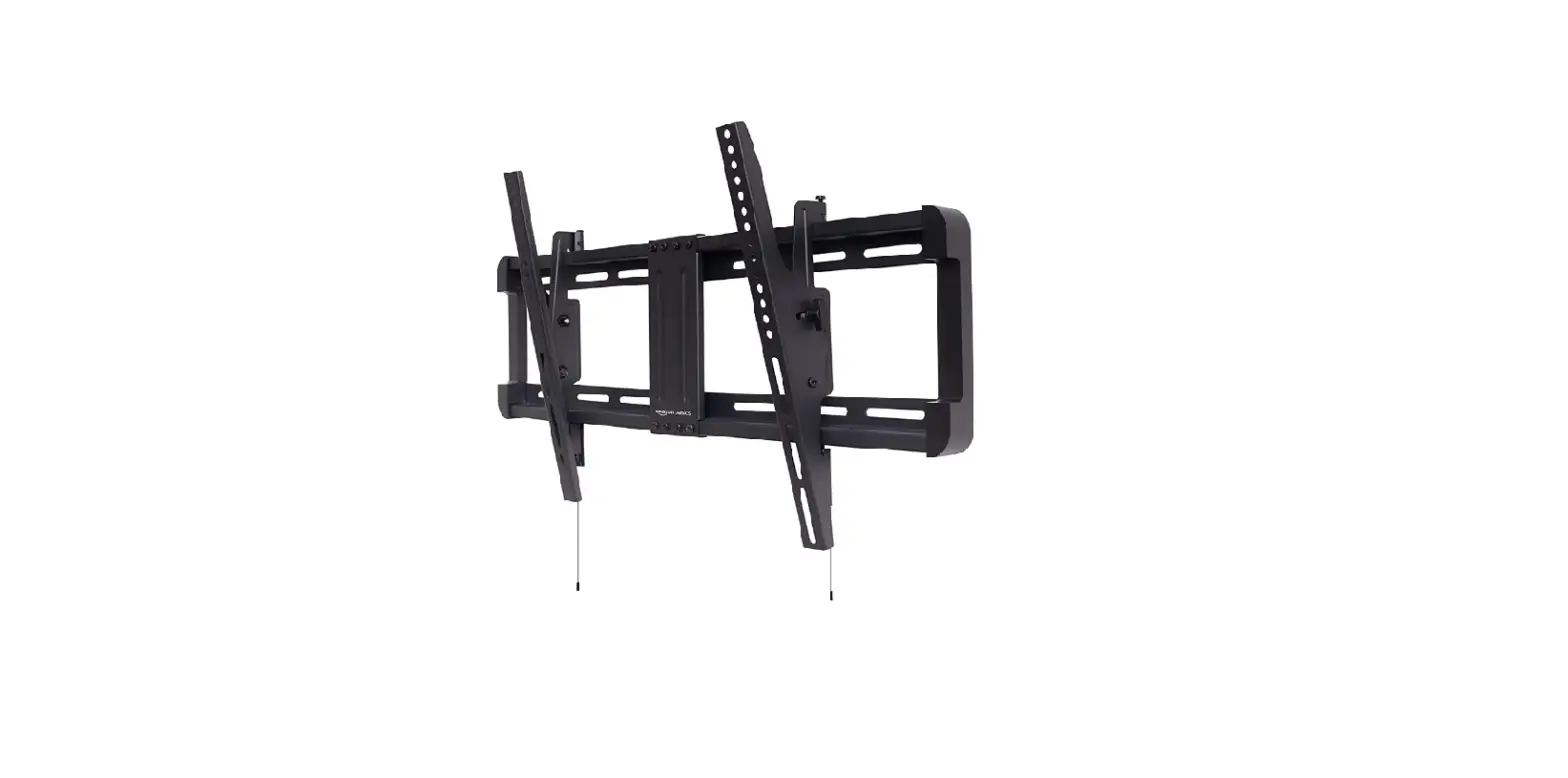
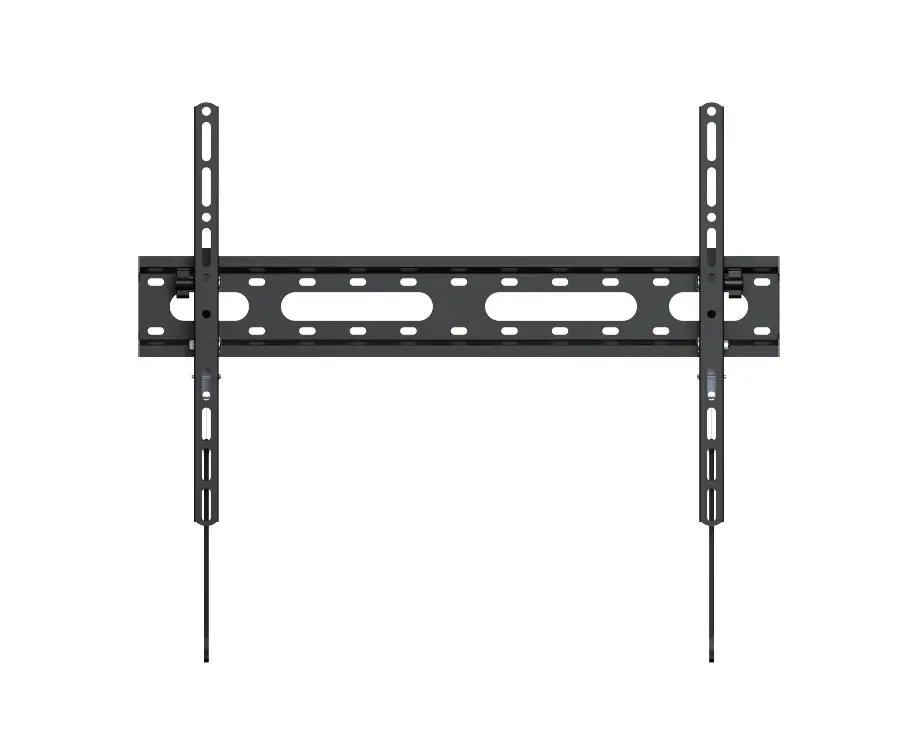
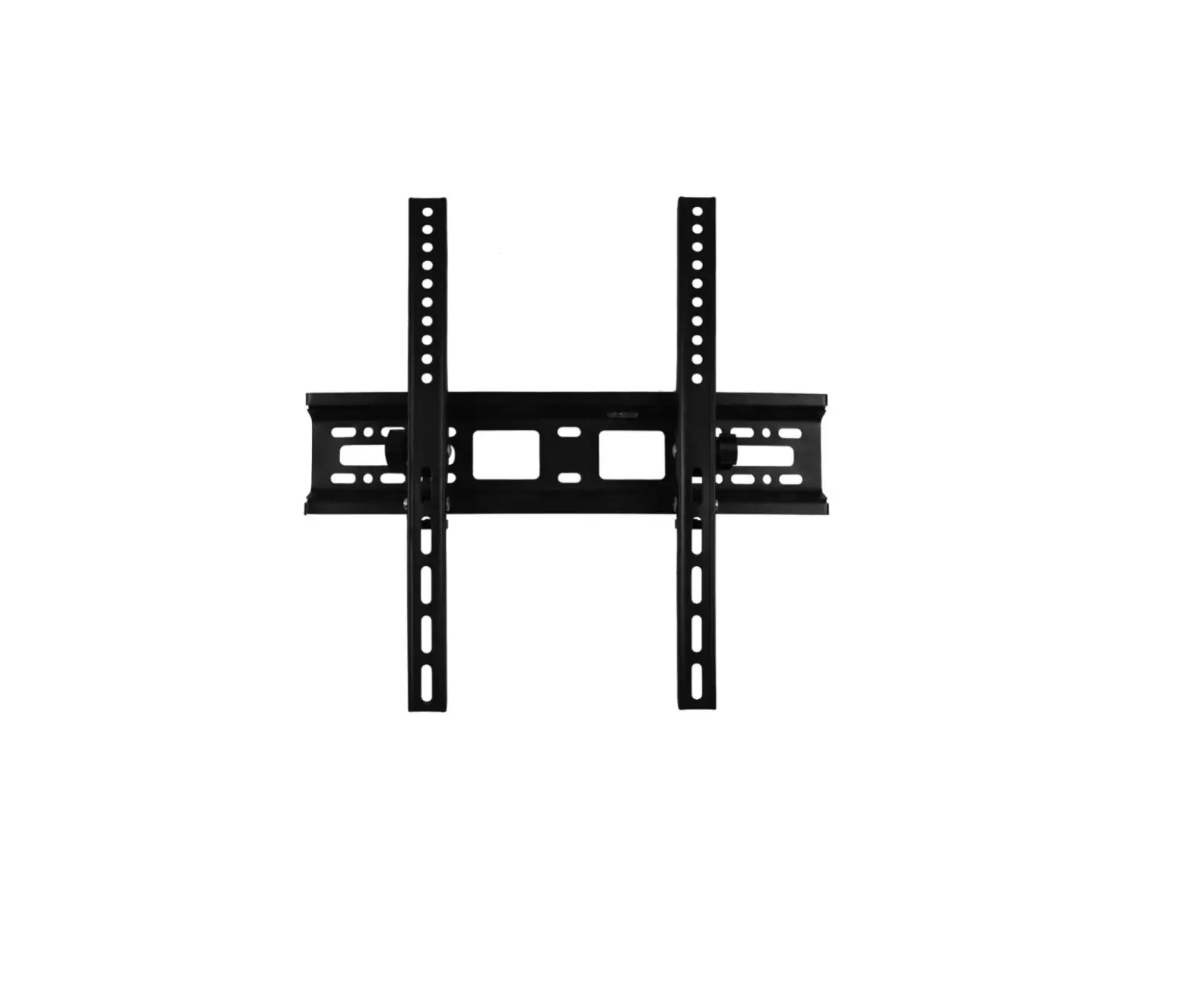
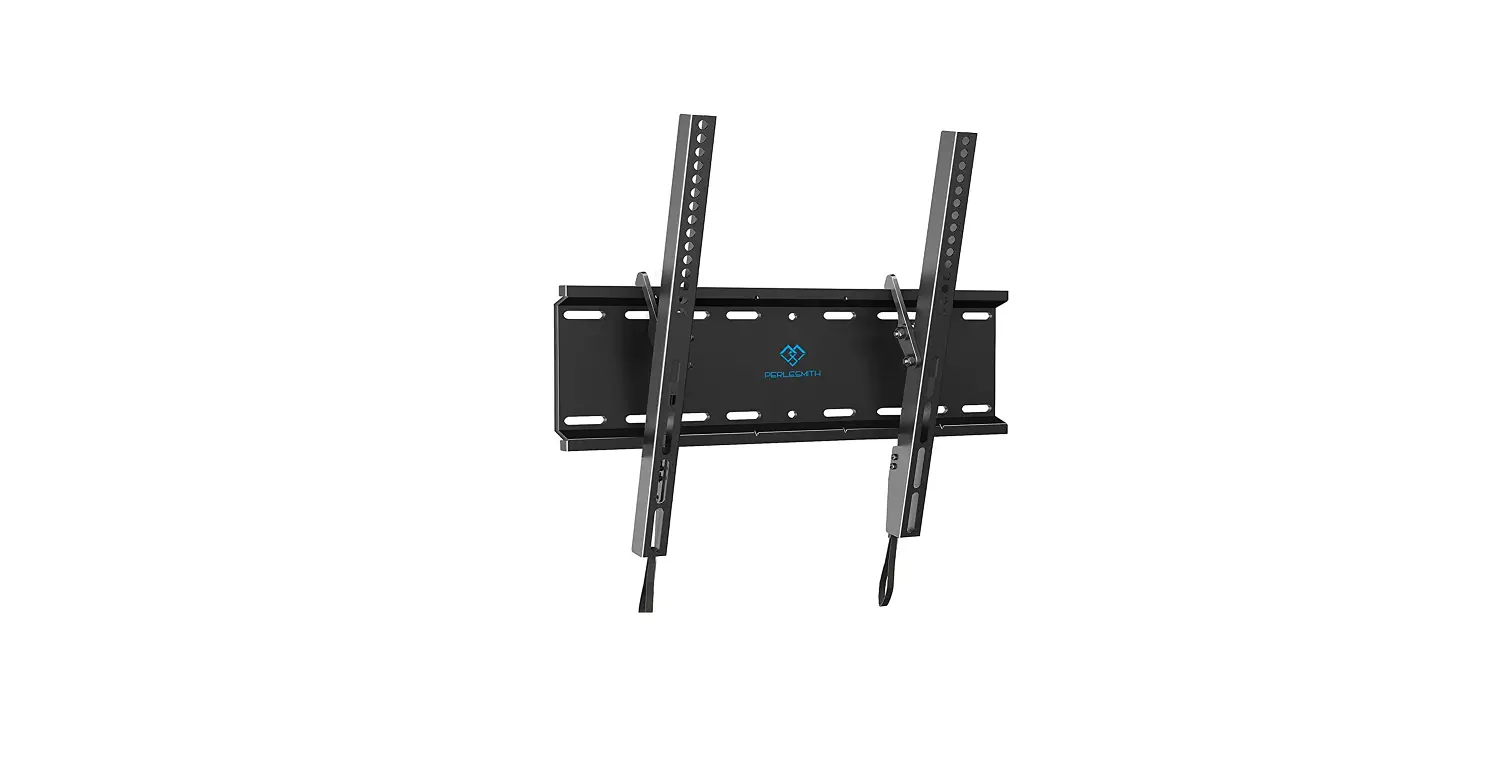
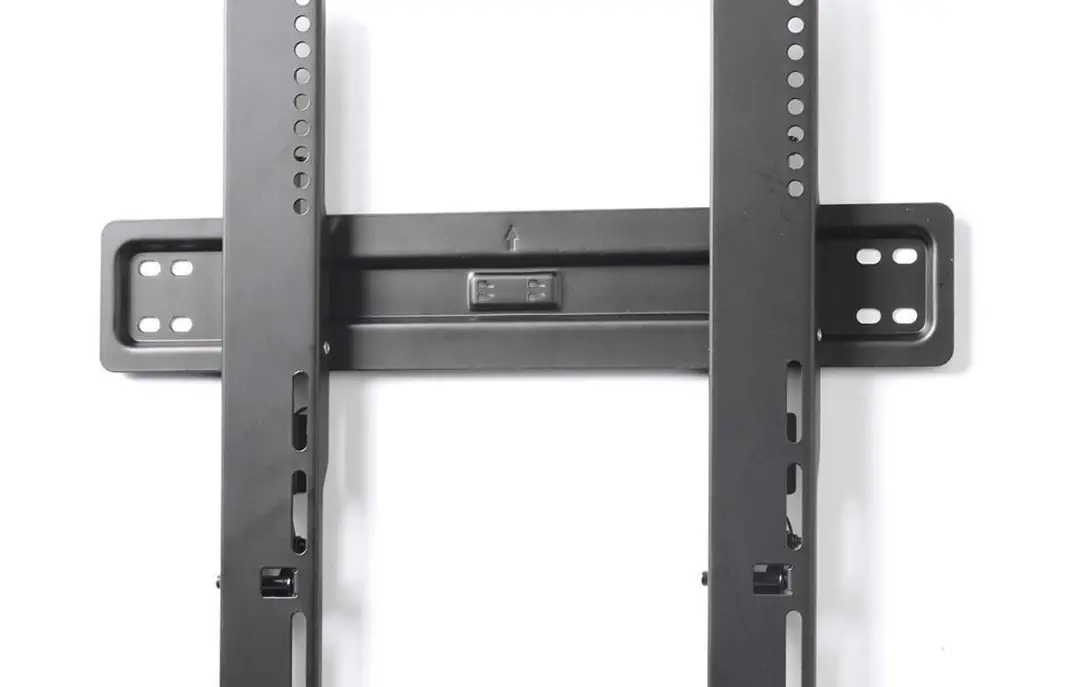
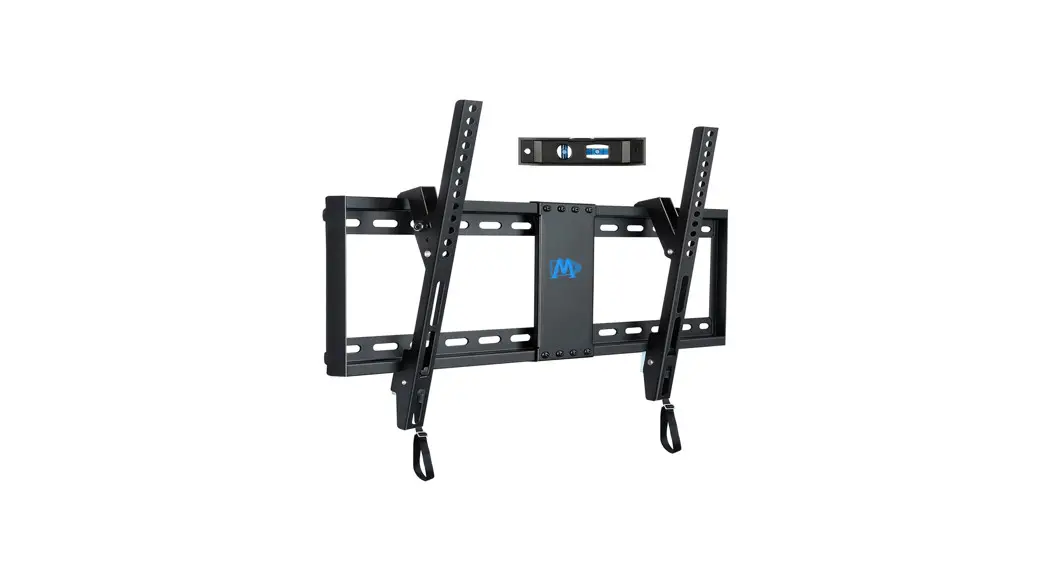
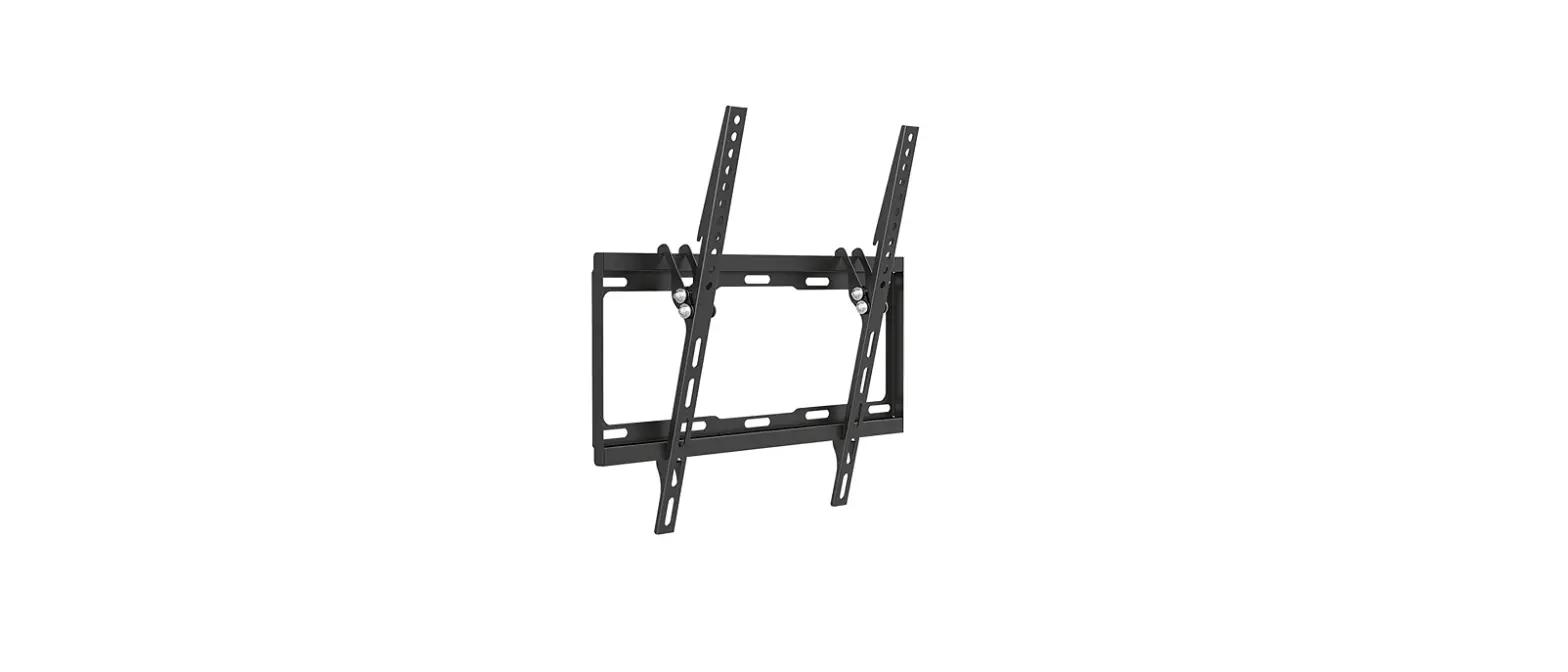
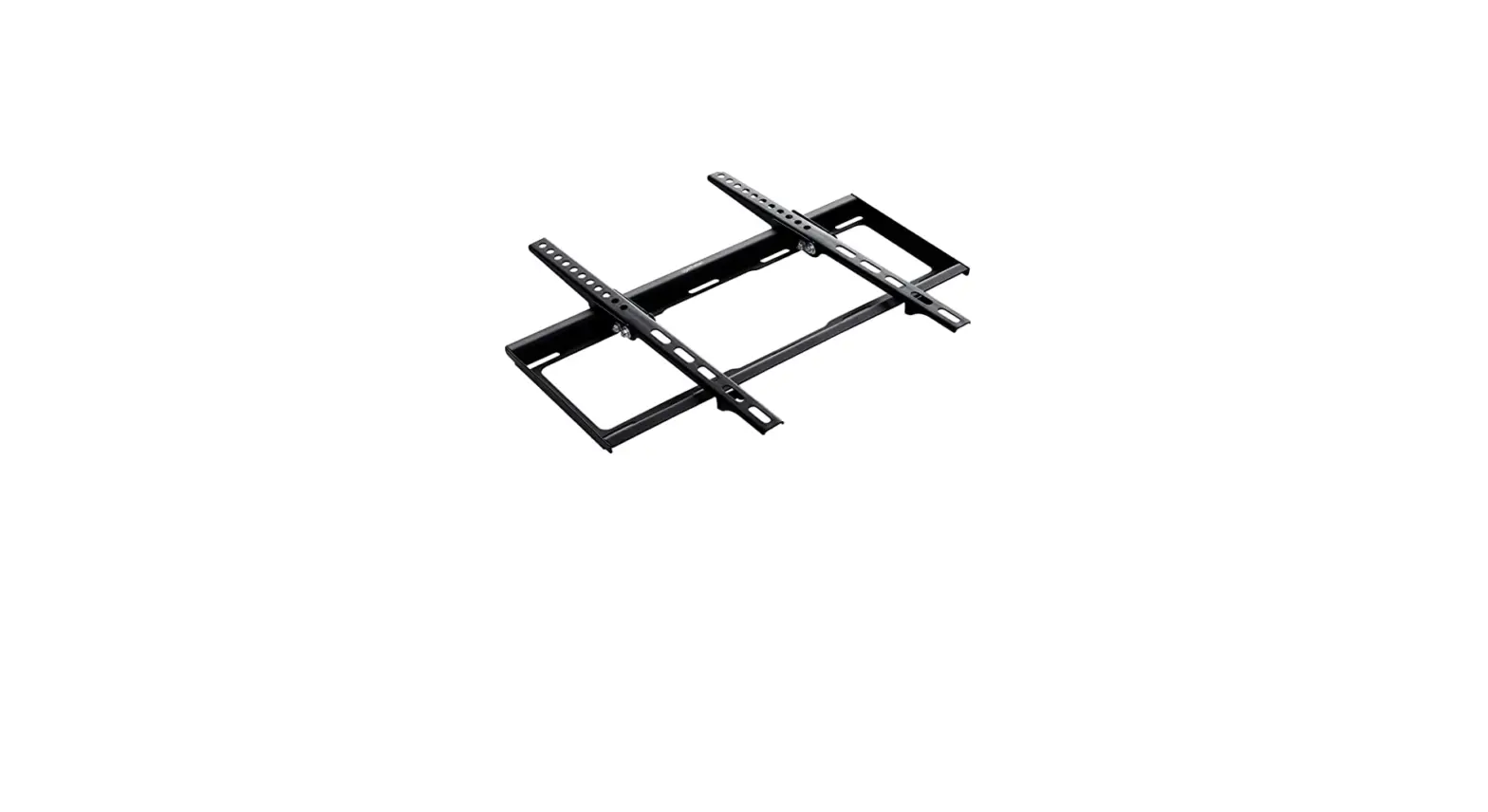
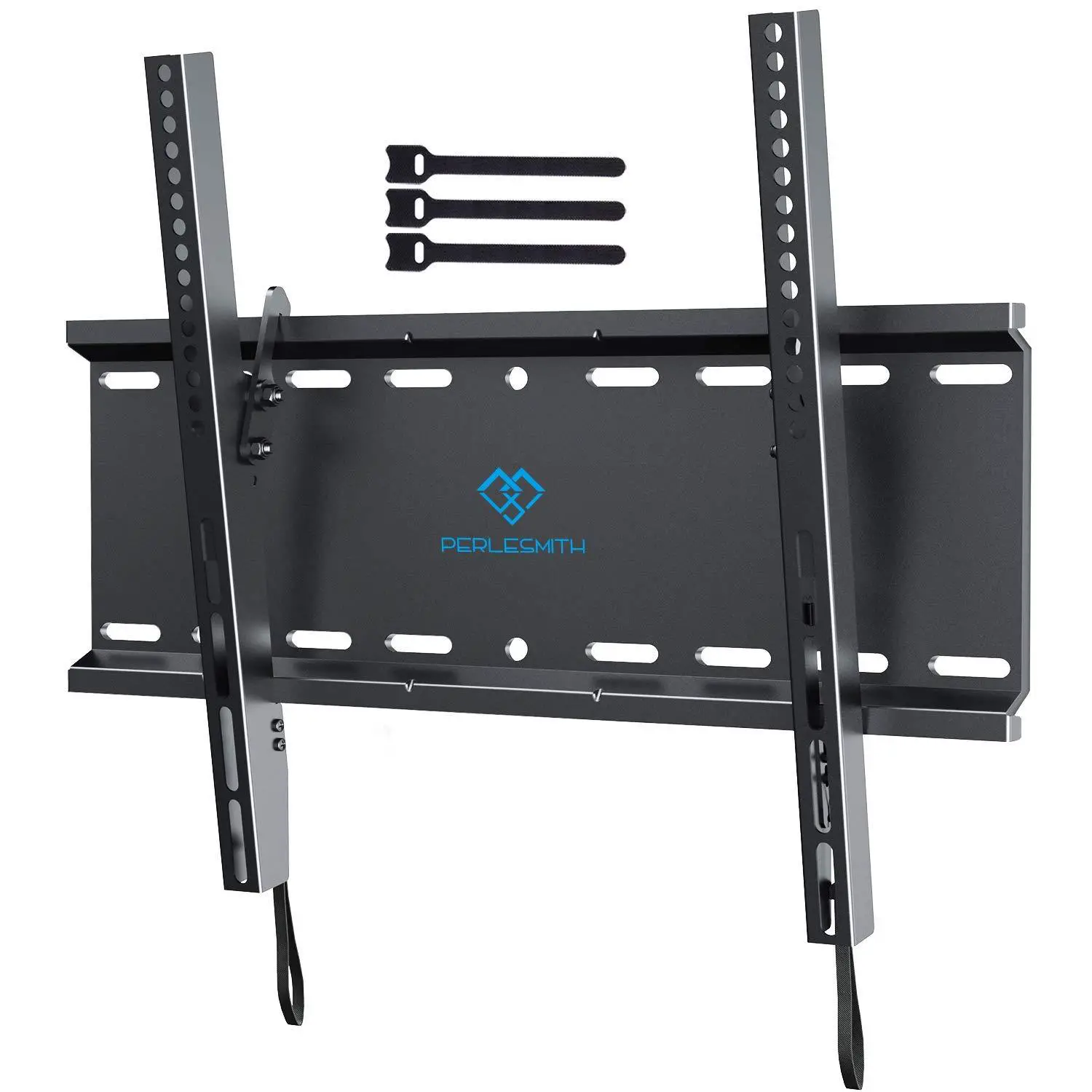
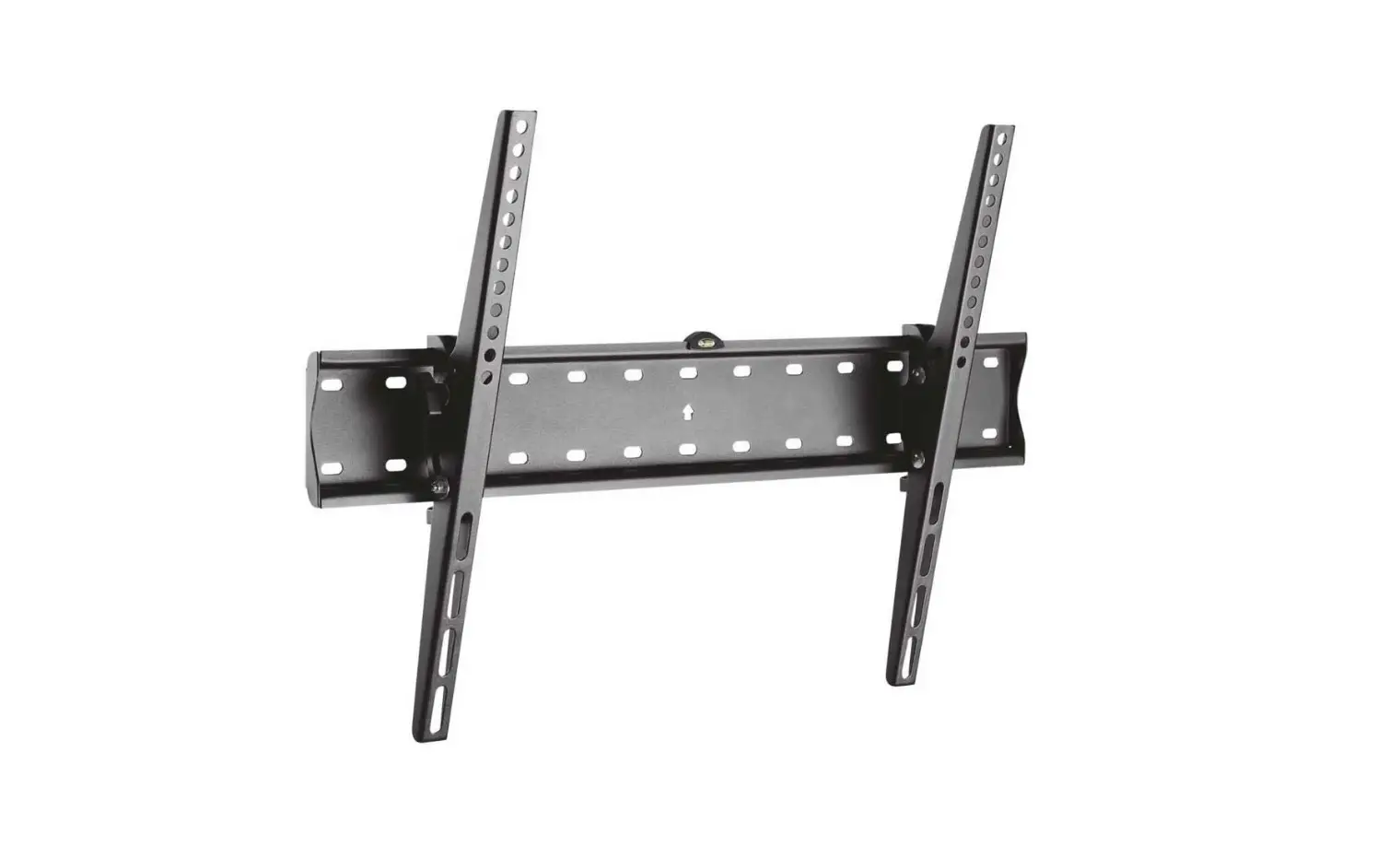
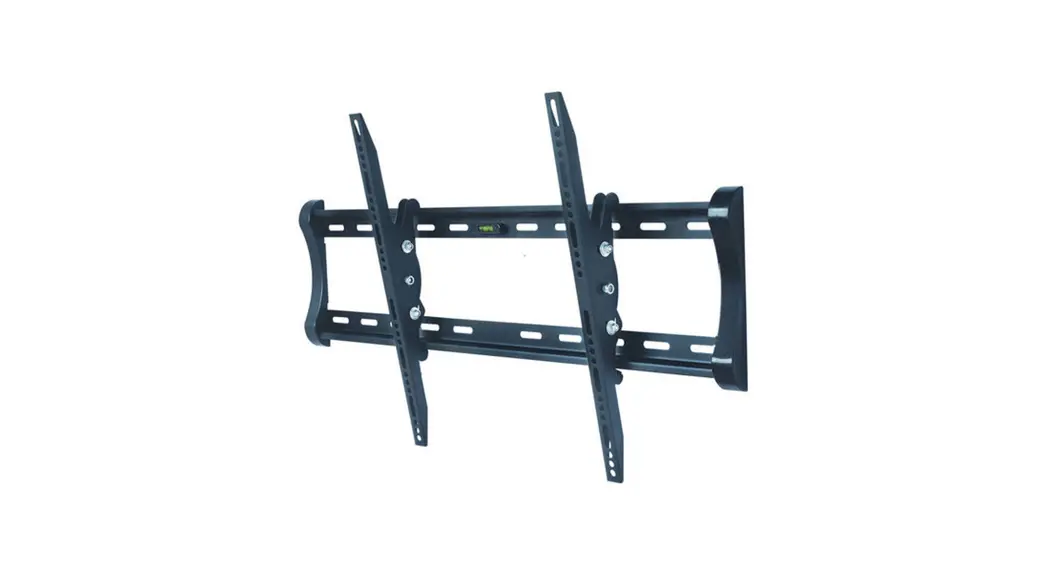
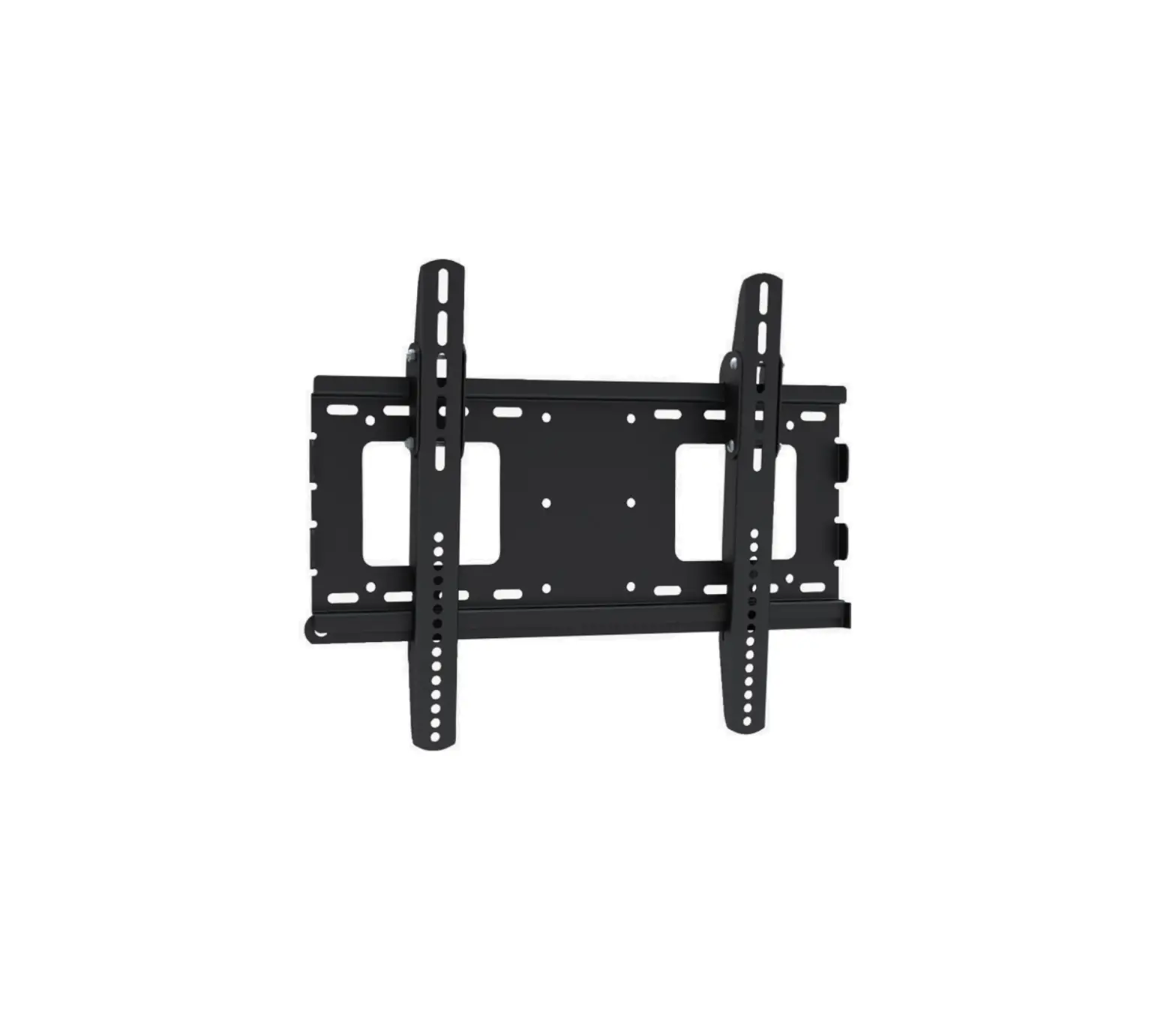
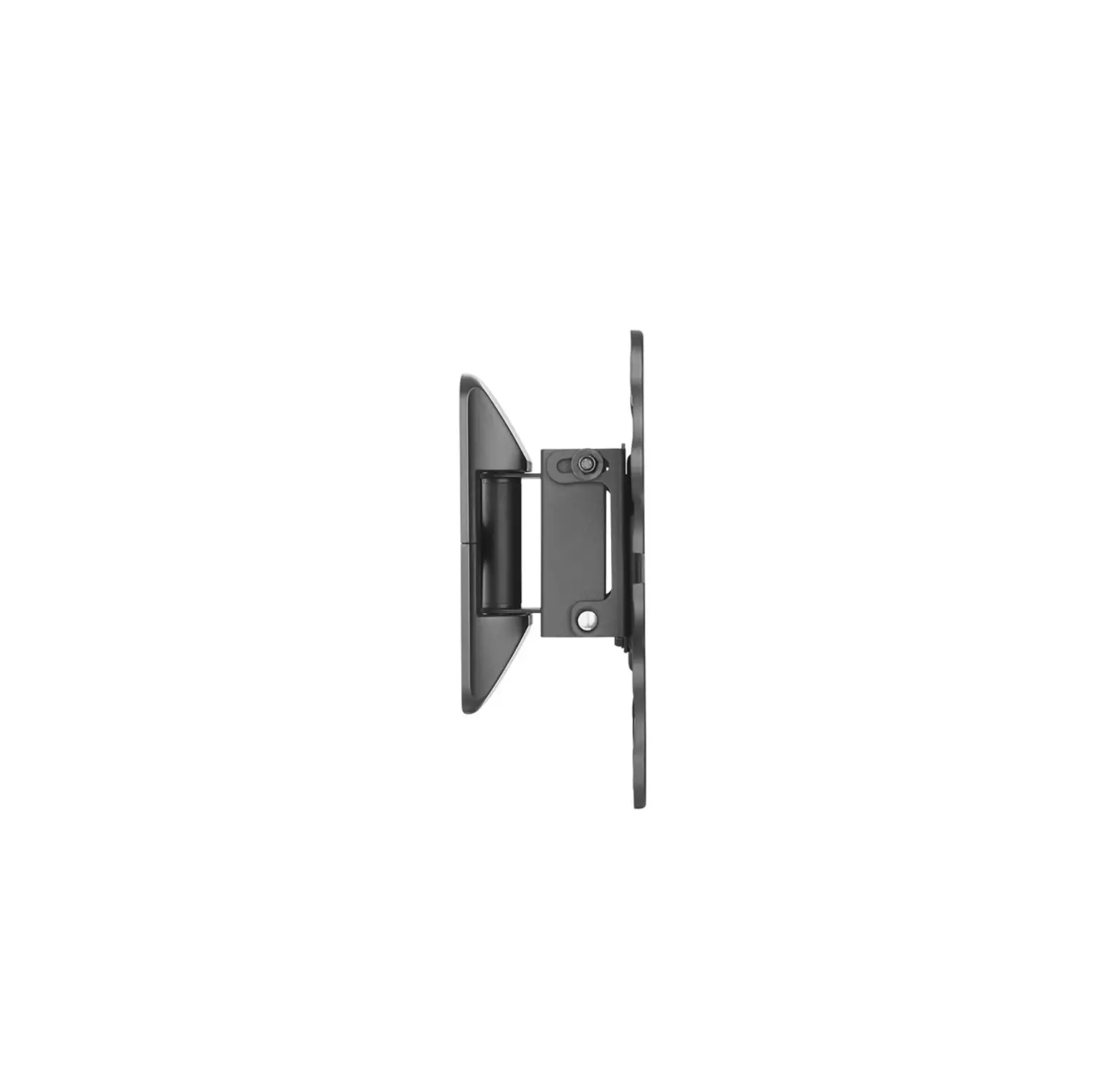
MP0007 Tilting TV Wall Mount
Product Information
The product is a TV wall mount bracket, model number YZ2211-US1.
It is designed to securely attach a TV to a wood stud or solid
concrete wall. The maximum weight capacity of the bracket is 99
pounds (45 kilograms). The bracket is compatible with TVs that have
VESA mounting patterns ranging from 75x75mm (3×3 inches) to
400x400mm (16×16 inches).
Product Usage Instructions
- Step 1: Attach the TV Brackets
1.1 Select the appropriate TV screws based on the size and
weight of your TV. The available screw types are M6, M8, and
M4.
- If the screws are too short, they may not securely attach the
brackets to the TV. - If the screws are too long, they may protrude from the TV and
cause instability. - Make sure the TV screws are vertical to ensure proper
alignment.
Note: Please read the safety cautions and instructions
carefully before proceeding with the installation.
– This product should only be installed on a wood stud or solid
concrete wall. Do not attempt to install it on drywall alone.
– The wall must be capable of supporting five times the weight
of the TV and mount combined. Incorrect installation may result in
product damage or personal injury.
– The product contains small items that could pose a choking
hazard if swallowed.
Before starting the assembly, ensure that:
- The maximum VESA mounting pattern of the TV is 400mm x 400mm
(16×16 inches). - All parts required for installation are included and
undamaged. - If any parts are missing or damaged, do not return them to the
dealer. Instead, contact the customer service team for
assistance. - Never use damaged parts during the installation process.
If you have any further questions or need assistance, please
feel free to contact us via Amazon.
INSTALLATION INSTRUCTION
Velcro Cable Ties ×3
Bubble Level ×1
Max: 99LBS (45KG)
Max: 400x400mm/16×16″ Min: 75x75mm/3×3″
YZ2211-US1
If you have any questions, please feel free to contact us via Amazon.
STEP 1 Attach the TV Brackets
1-1 Select TV Screws
M6 M8 M4
Too Short
Too Long Not Vertical
Safety Caution
Please read this instruction carefully before installation. If you do not understand these instructions or have doubts about the safety of the installation, assembly or use of this product, please contact us.
This product is designed for use in wood stud or solid concrete wall. – DO NOT install into drywall alone.
The wall must be capable of supporting five times the weight of the TV and mount combined. Incorrect installation may result in product damage or body injury.
WARNING: This product contains small items that could be a choking hazard if swallowed.
Before starting assembly, verify all parts are included and undamaged. If any parts are missing or damaged, do not return the damaged item to your dealer; please contact our customer service team. Never use damaged parts!
Must Check Before Getting Started
MAX:400mm/16″
<16mm(5/8″)
Max. 16″(406mm)
Min. 8″ (203mm)
Supplied Parts and Hardware
Wall Plate
A x1
Hardware (Wall)
Lag Bolt ST6 x 60mm
B x1
TV Brackets C x1
MAX: 400mm/16″
Max: 99LBS (45KG)
Drywall with wood studs Solid concrete wall CAUTION: DO NOT install into drywall alone.
Extra Tools You Need (Not Supplied)
x4
TV Screws / Spacers / Washers
Philips Screws M4 x 12mm M4 x 30mm
Philips Screws M6 x 15mm M6 x 30mm
Philips Screws M8 x 25mm M8 x 45mm
Spacers L10mm
Washers Ø6mm M4-5-6
Spacers L5mm
For Wood Studs
For Concrete Wall
2M
5/32″
3/8″
10mm
x4 x4
x4 x4
x4 x4
x8
x4
x8
(4mm)
(10mm)
Band Pencil Electrodrill Socket Screwdriver
MA
MB
MC
MD
ME
MF
Stud Awl Wood
Masonry Hammer
Tape
Wrench
Finder
Drill Bit
Drill Bit
1
NOTE: Not all parts and hardware included will be used.
2
STEP 1 (Continued)
STEP 2 Attach Wall Plate to Wall
1-3 Attach the TV Brackets
OPTION A: Wood Stud Installation
No!
A-1
Max.
Min. Wood Stud Size: nominal 2″(51mm)
16″(406mm)
actual 1 1/2″(38mm)
Correct
Correct
1-2 Need Spacer?
Yes, choose the appropriate screws, washers,and spacers for your TV.
Long Screw
Washer
Bracket
Spacer TV back
01
02
03
04
MA MB MC
ME Not for M8 Screws
MD MF May be needed
TOP OF TV
C
B
Phillips Screwdriver
Center line
A-2
Bubble Level
Min. Wood Stud Size: nominal 4″(102mm) actual 3 1/2″(89mm)
Wall before Wood Stud <16mm(5/8″)
For more spacing between bracket and TV
For raised back TV
For Counterbore of TV
No, just choose the screws, washers.
Bracket
Short Screw
Washer
TV back
To avoid the blocked input
3
42mm /1.7″
203mm/8″ 305mm/12″ 406mm/16″
4
5
STEP 2 (Continued)
A-3
5/32″ (4mm)
2.75″(70mm)
STEP 2 (Continued)
OPTION B: Solid Concrete Wall Installation
B-1
Bubble Level
Min. 8″(203mm)
STEP 2 (Continued)
B-3
Be sure to drill into the center of the stud.
Concrete wall anchor (NOT INCLUDED)
10×61mm
Contact us to have these additional pieces
shipped directly to you.
A-4
UP
CAUTION: To avoid potential personal injury or property damage: All 4 lag bolts A MUST BE firmly tightened to prevent unwanted movement of the wall plate assembly. Ensure the wall plate assembly is securely fastened to the wall before continuing on to the next step.
To prevent the TV falling down, the Arrow Must Keep UP at this step!!
No!
Install wall plate using lag bolts and washer with Socket Wrench, NO Electrodrill.
STEP 3 Adjustments
CAUTION: Do not use
in drywall or wood.
6
Tilting adjustment (-8°~0°)
Pull brackets to your desired angle then fasten 2 titing bolts with hand.
0° -8°
B-2
2.75″(70mm)
3/8″ (10mm)
DANGER
7
STEP 4 Hang and Secure TV to Wall Plate
4-1 Wall Plate Installation Integrity Test
Before hanging TV, please conduct “wall plate installation integrity test” first.
4-2 Hang and Secure TV to Wall Plate
99 LBS (45KG)
Option: To keep TV in vertical position, please use two M4 screws to insert
the holes on two brackets respectively (as shown in below image).
Hang on top of Wall Plate
To the bottom
B-4
CAUTION: To avoid potential personal
injury or property damage:
UP
All 4 lag bolts A MUST BE firmly tightened
to prevent unwanted movement of the wall
plate assembly. Ensure the wall plate
assembly is securely fastened to the wall
before continuing on to the next step.
To prevent the TV falling down, the Arrow Must Keep UP at this step!!
No! Install wall plate using lag bolts, washer and anchor with Socket Wrench, NO Electrodrill.
8
Take down the TV from the Mount (If necessary)
TV must be hanged up by two person
Keep pulling the straps
Product Dimensions
22.4mm/0.88″ 8.5mm/0.33″
MAX: 400mm/16″ MIN: 75mm/3″
28.5mm/1.12″ R4.3mm/0.17″
100mm 42mm /3.94″ /1.65″
203mm/8″ 305mm/12″ 406mm/16″
440mm/17.3″
MAX: 400mm/16″
MIN: 75mm/3″
425mm /16.73″
38mm/1.5″
0° Tilt
-8 °
9
TV must be hanged up by two person
10
11