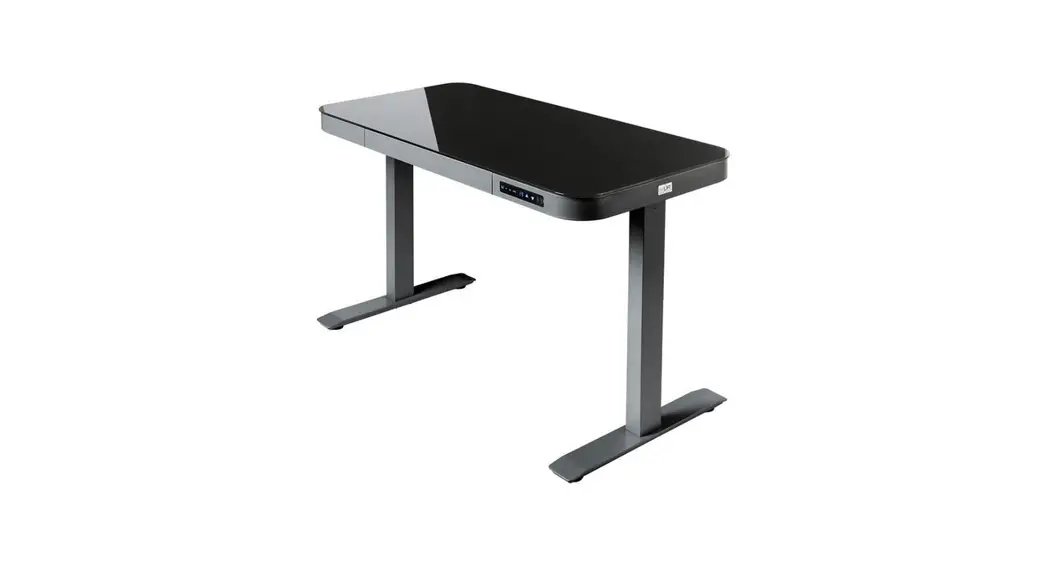
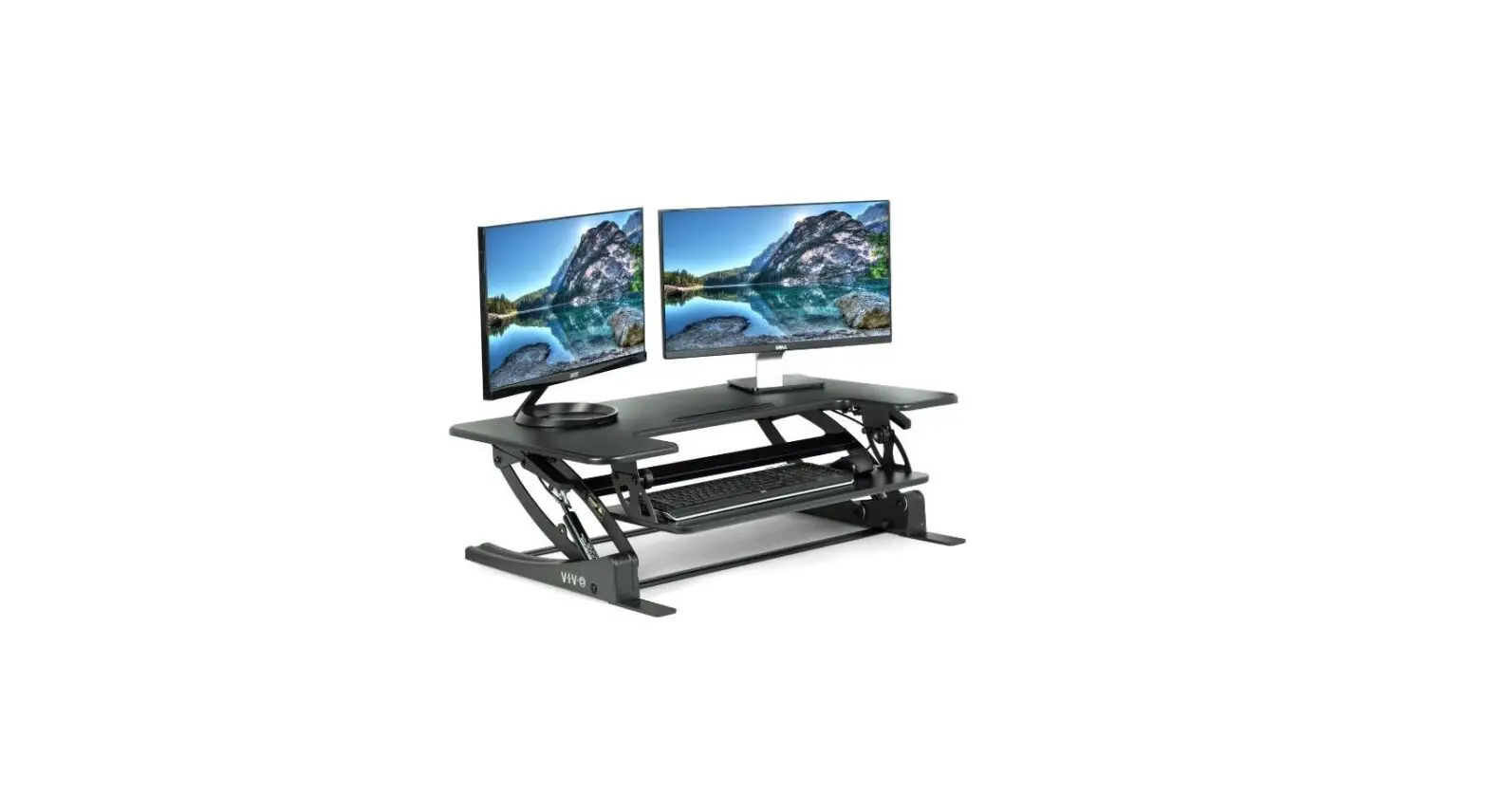
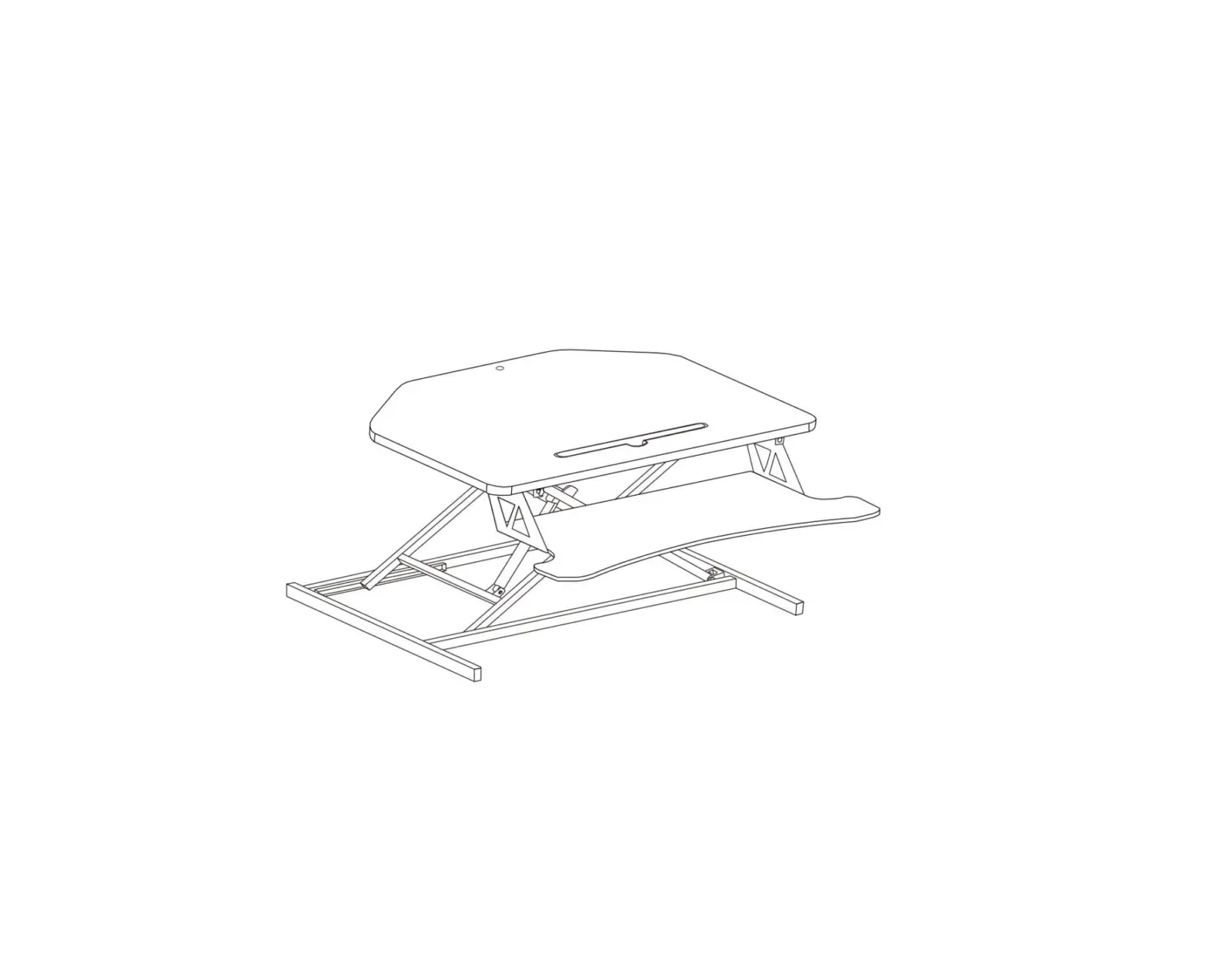
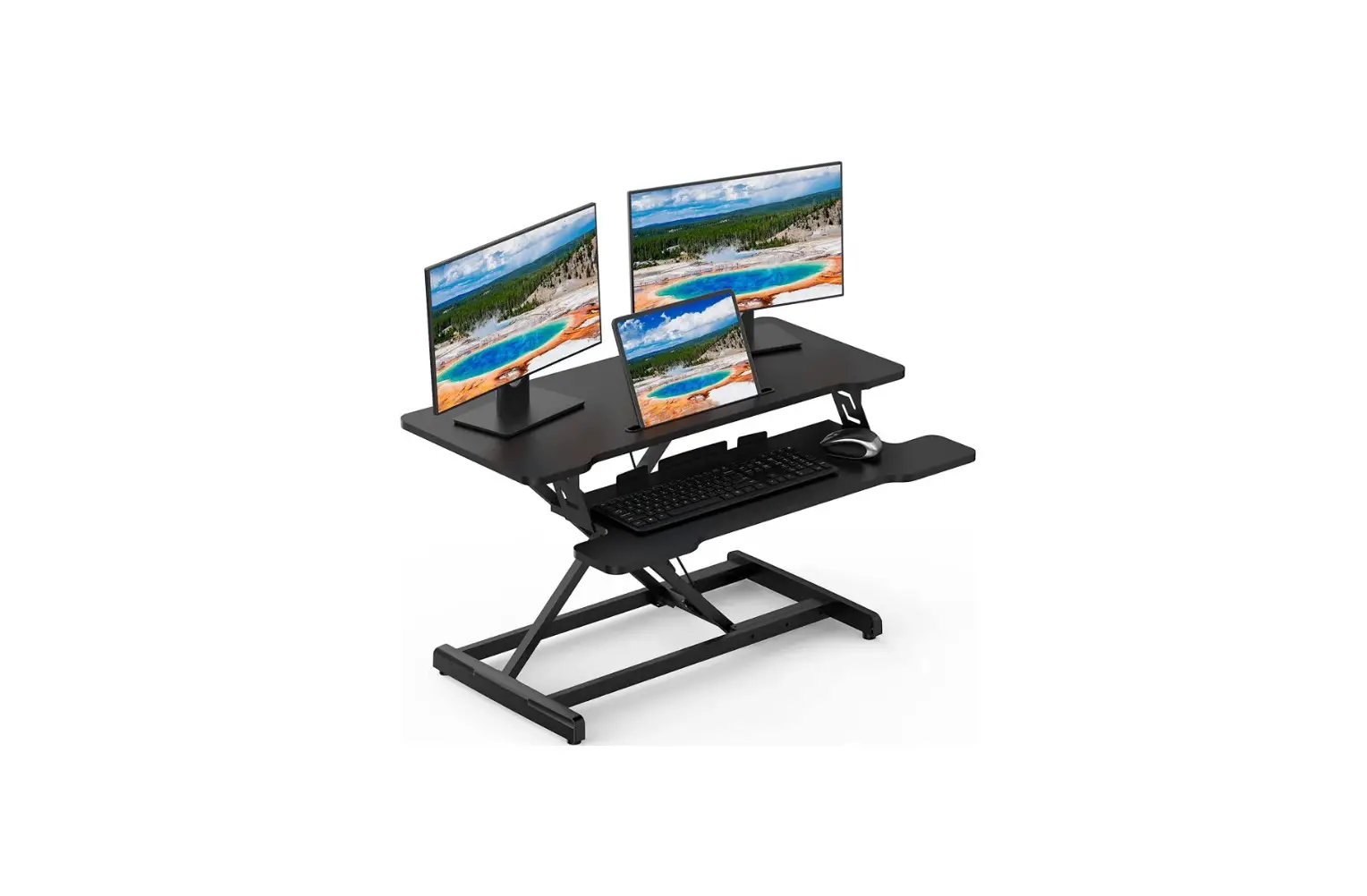
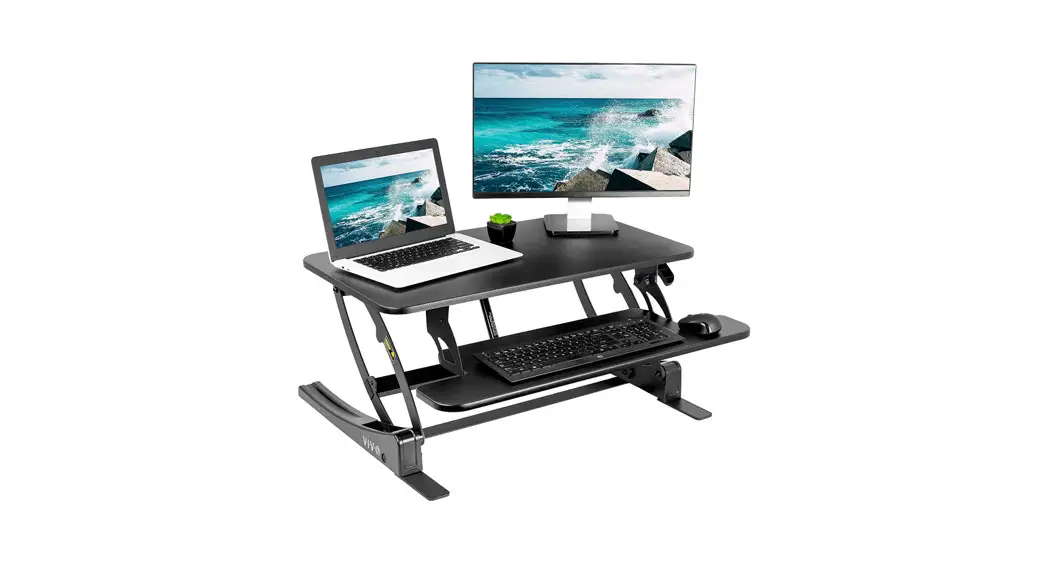
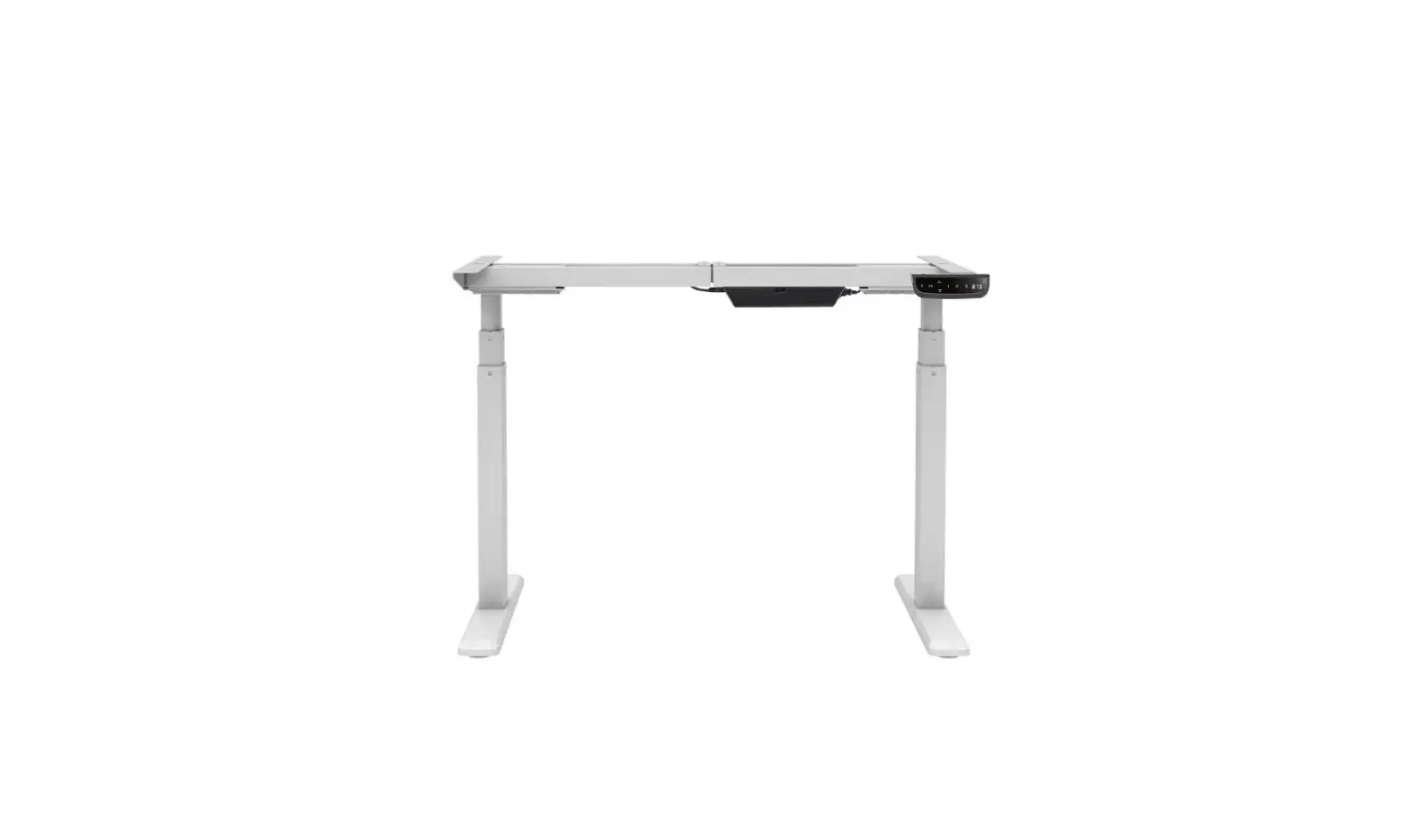
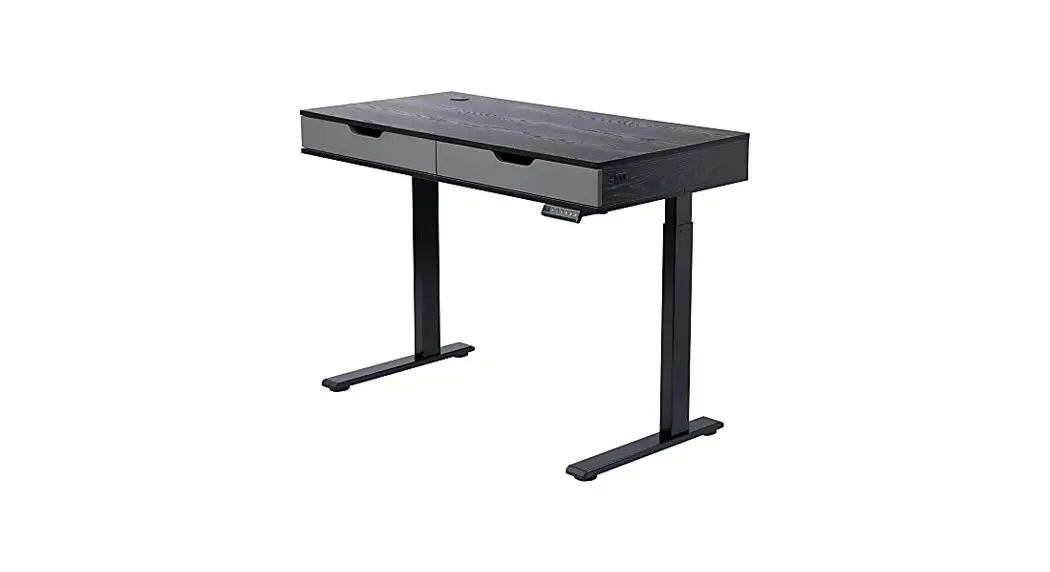
OFF16026 AIRLIFT Pro Electric Adjustable Desktop Converter Desk
Product Information:
- Model #: OFF16026/7
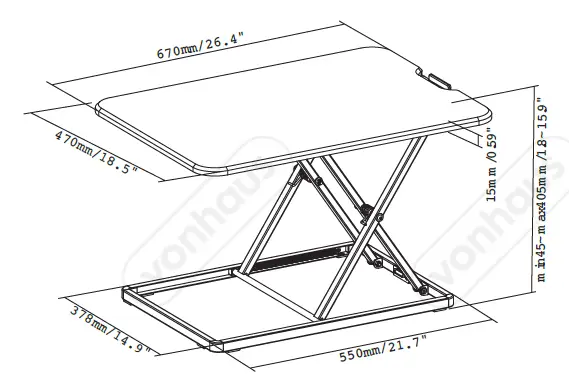
- Dimensions: 35.43 W x 23.23 D x (5.9 to 19.7) H
- Maximum weight on tray: 5 lbs. (2 kgs)
- Maximum weight capacity overall: 33 lbs. (15 kgs)
- USB Power: 2.1 amps @ 10 watts
Parts List:
- B. Brackets (2)
- C. Tray (1)
- D. Allen Wrench (1)
- E. Wire Clip (4)
- F. Screws (6)
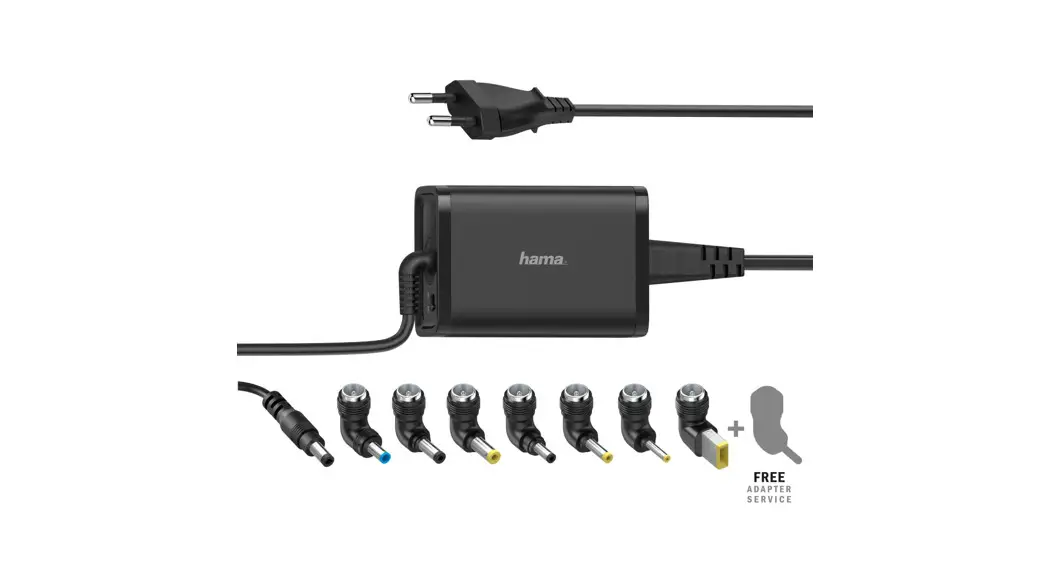
- G. Adapter (1)
Required Tools (not included):
- Screwdriver
- Scissors
Safety Instructions:
Failure to follow these instructions may result in property
damage or personal injury.
- Requires 2 people to lift
- DO NOT place devices on desk edge.
- DO NOT route wires through desk legs.
- DO NOT place hands on desk legs. Moving parts can crush.
Product Usage Instructions:
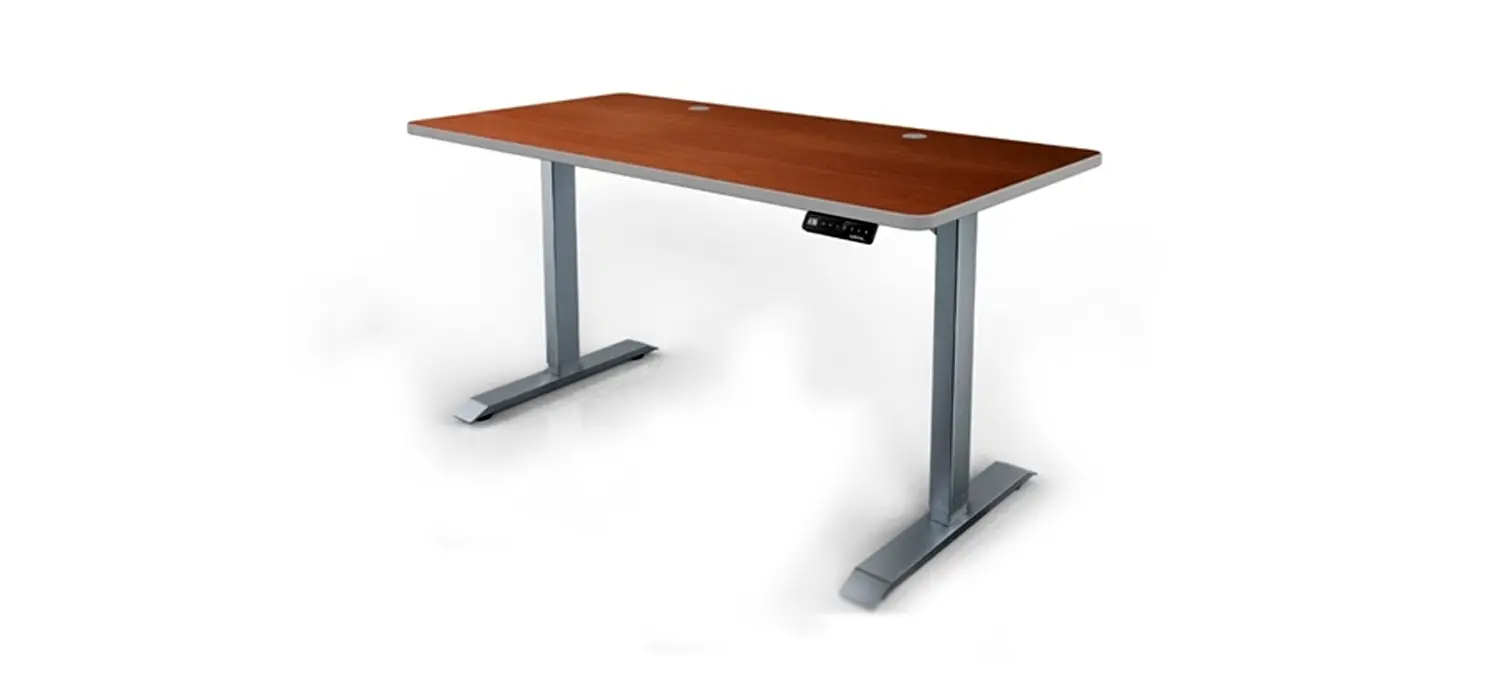
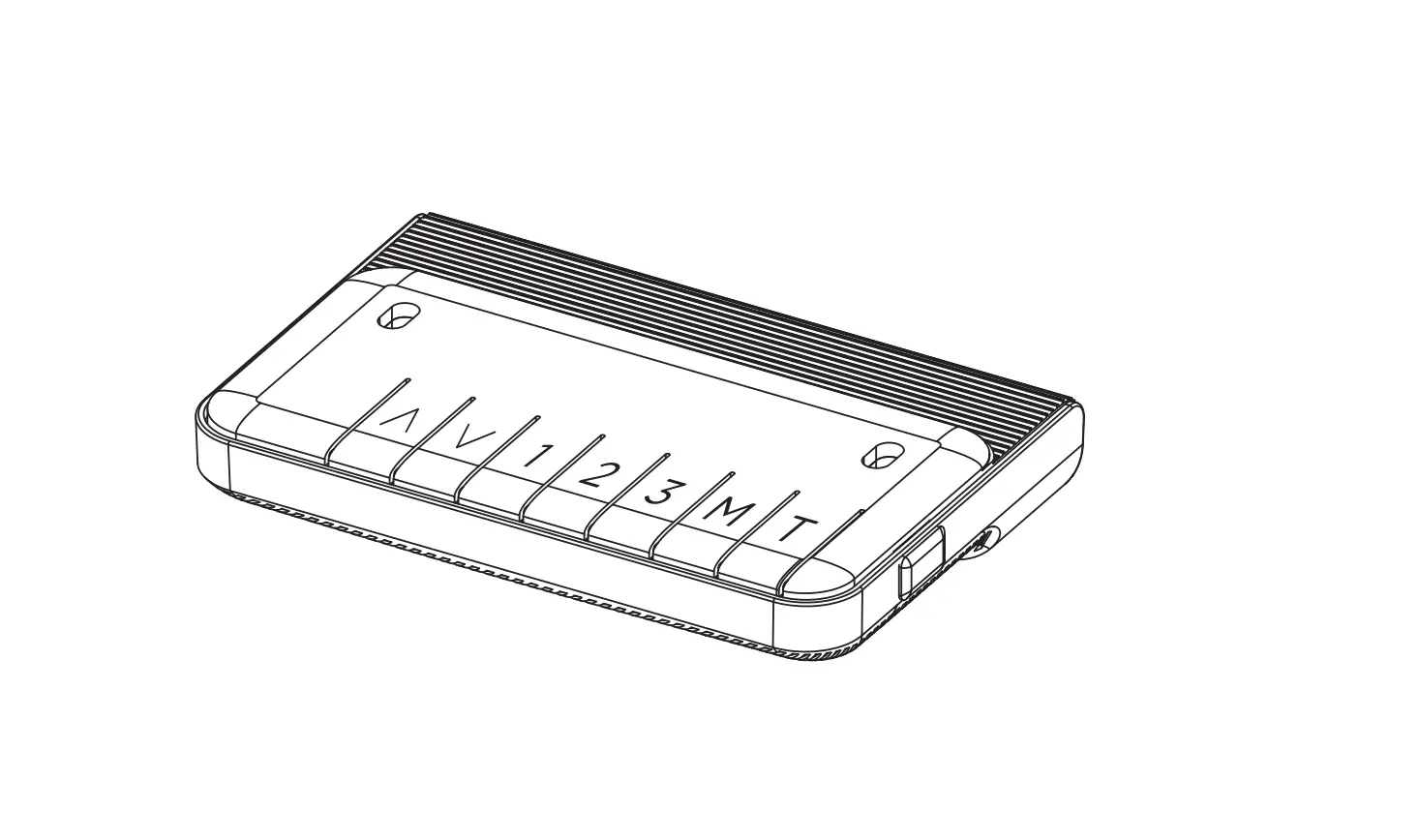
- Locate the controller on the right side of the desk.
- Press the button to LOWER the desk.
- Press the button to LIFT the desk.
- The desk also features a 5V/Plug-in 2.1A USB port.
- Always route your adapter (G) through the rear of the desk.
Never route cables through the legs of the desk. - Stick the wire clips (E) to the back of the crossbar. Use these
clips to route cables from keyboards, mice, and monitors through
the rear of the desk. - Do not place hands on desk legs as moving parts can crush.
- Flip tray (C) upside down and attach brackets (B) to the
underside of the tray using screws (F) and a screwdriver. - Tighten bolts clockwise with the included Allen Wrench
(D). - Plug adapter (G) cable into the cable attached to the desk
motor. Plug the adapter (G) into a wall socket. - Make sure devices have cables long enough for the full range
(15 in/38 cm) of height adjustment. - Do not quickly lift the desktop when loaded.
Frequently Asked Questions:
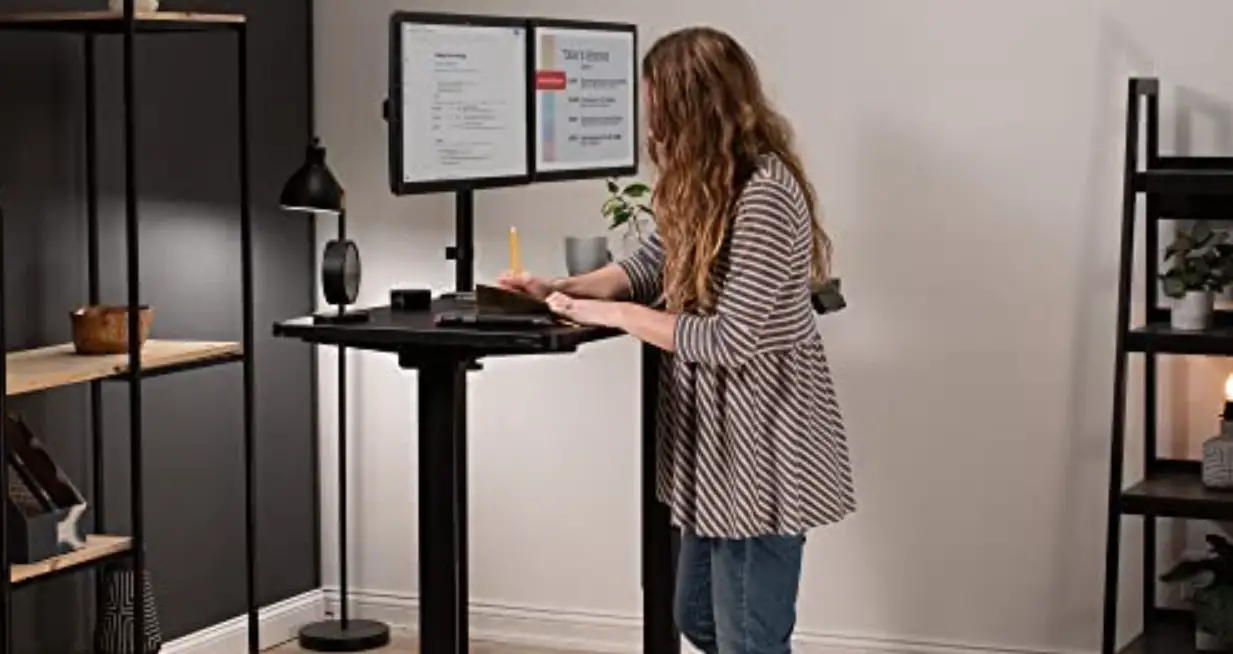
- Q: Can I attach a monitor stand to it? What about dual
monitors?A: Yes! Be sure the desk is below its 33 lbs. maximum weight
limit. - Q: What size is the base?
A: The base measures 32.75 inches wide and 22 inches deep.
- Q: Do I need to plug it in?
A: Yes! The desk works with any 120V outlet.
Customer Service Information:
- Telephone: (800) 323-5565
- Fax: (310) 533-3899
- Email: [email protected]
NOTE: This equipment has been tested and found to comply with the limits for Class B digital device, pursuant to part 15 of the FCC Rules. These limits are designed to provide reasonable protection against harmful interference in a residential installation. This equipment generates, uses and can radiate radio frequency energy and, if not installed and used in accordance with the instructions, may cause harmful interference to radio or television reception, which can be determined by turning the equipment off and on, the user is encouraged to try to correct the interference by one or more of the following measures:
Reorient or relocate the receiving antenna.
Increase the separation between the equipment and the receiver.
Connect the equipment into an outlet on a circuit different from that to which the receiver is connected.
Consult the dealer or an experienced Radio/TV technician for help
AIRLIFT® Pro Electric Adjustable Desktop Converter
092019
Customer Service Information
Telephone: (800) 323-5565 Fax: (310) 533-3899
Hours: 8:30 AM 4:30 PM (PST) Email: [email protected] Homepage: www.SevilleClassics.com
Model #: OFF16026/7
Thank you for choosing Seville Classics! We hope that you enjoy your new sit-to-stand desk. Please read through this user guide for parts list, instructions, frequently asked questions and contact information.
092019
Parts List
A. AIRLIFT® Desk (1)
B. Brackets (2)
C. Tray (1)
D. Allen Wrench (1) E. Wire Clip (4) F. Screws (6)
G. Adapter (1)
Required Tools (not included)
Screwdriver
Scissors
Please make sure you have all the parts on this list.
If you’re missing parts, contact us for replacements at (800) 323-5565 or send an email to [email protected]
1
Use Instructions
1. Locate controller on right side of desk.
Press to LOWER
Press to LIFT
5V/Plug-in 2.1A USB
FAQS
Q. Can I attach a monitor stand to it? What about dual monitors? A. Yes! Be sure the desk is below it’s 33 lbs. maximum weight limit. Q. What size is the base? A. Base measures 32.75 inches wide and 22 inches deep. Q. Do I need to plug it in? A. Yes! Works with any 120V outlet.
Specifications
Dimensions: 35.43″ W x 23.23″ D x (5.9″ to 19.7″) H Maximum weight on tray: 5 lbs. (2 kgs) Maximum weight capacity overall: 33 lbs. (15 kgs) USB Power: 2.1 amps @ 10 watts
6
Safety
Failure to follow these instructions may result in property damage or personal injury
Assembly Instructions
STEP 1. Remove AIRLIFT® DESK (A) from box and set on flat table. Weighs 50.7 lbs.
Requires 2 people to lift
DO NOT place devices on desk edge.
DO NOT route wires through desk legs.
STEP 2.
Cut the plastic ties on both sides of the AIRLIFT® DESK (A).
STEP 3. Plug ADAPTER (G) cable into cable attached to desk motor. Plug ADAPTER (G) into wall socket.
MAKE SURE devices have cables long enough for the full-range (15 in/38 cm) of height-adjustment.
DO NOT quickly lift desktop when loaded.
5
2
STEP 4. Press the UP button on the controller to lift the AIRLIFT® DESK (A).
Cable Management
WARNING: DO NOT PLACE HANDS ON DESK LEGS. MOVING PARTS CAN CRUSH. STEP 5.
Flip TRAY (C) upside down. Attach BRACKETS (B) to underside of TRAY (C) with SCREWS (F) and screwdriver.
STEP 6. Hook BRACKETS (B) over the bolts on the inner legs of the AIRLIFT® DESK (A).
Tighten bolts clockwise with included ALLEN WRENCH (D).
3
ALWAYS route your ADPTER (G) through the REAR of the desk. NEVER route cables through the legs of the desk.
Stick the WIRE CLIP (E) to back of the crossbar. Use these clips to route cables from keyboards, mice and monitors through the REAR of the desk.
4
 Seville Classics