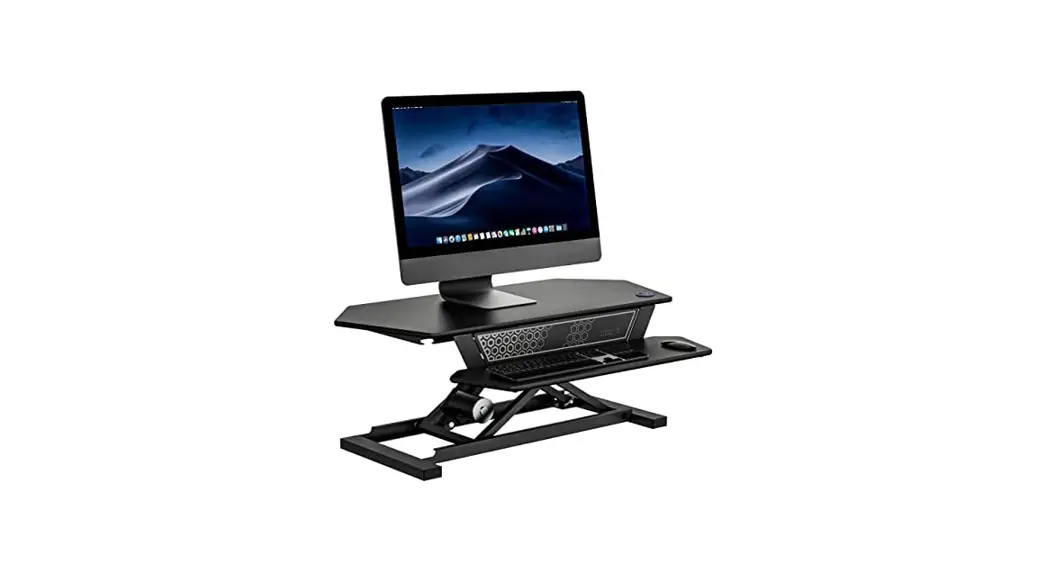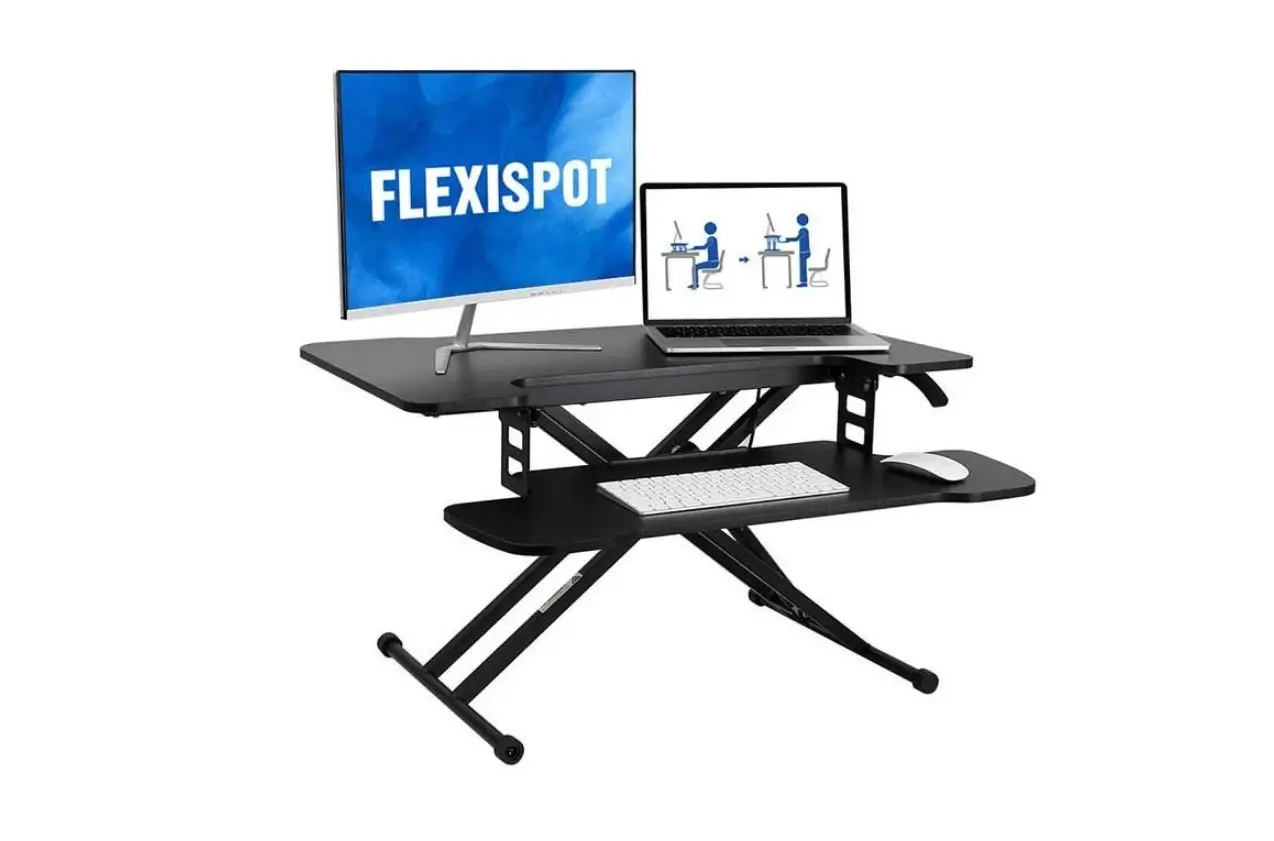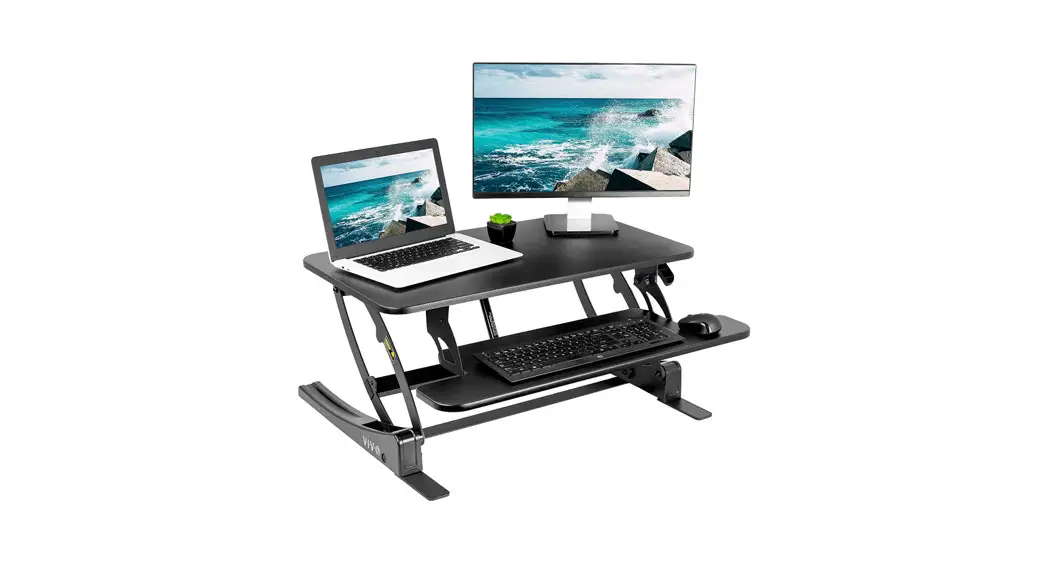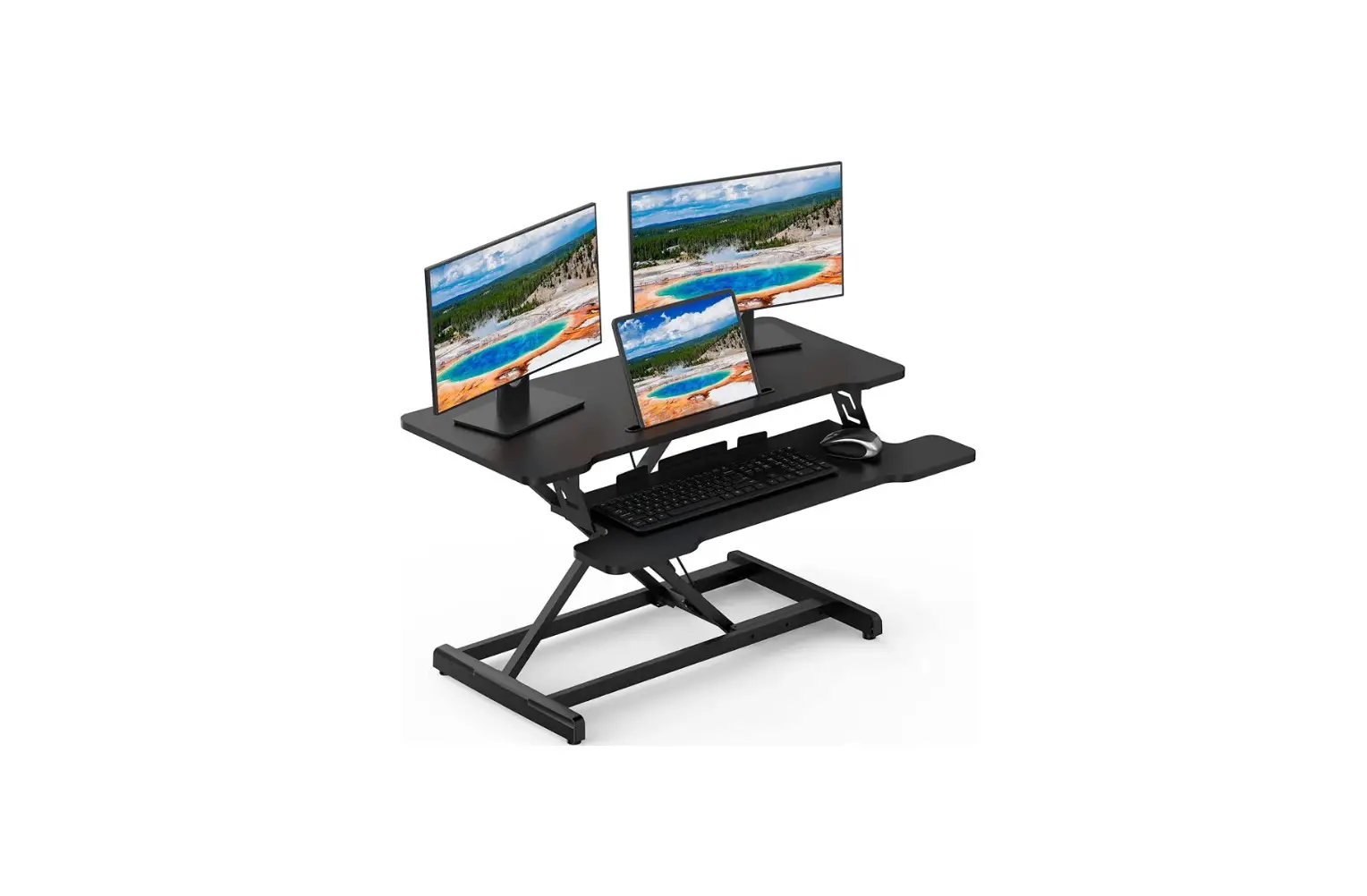
HappYard GT-13 Standing Desk Converter Instruction Manual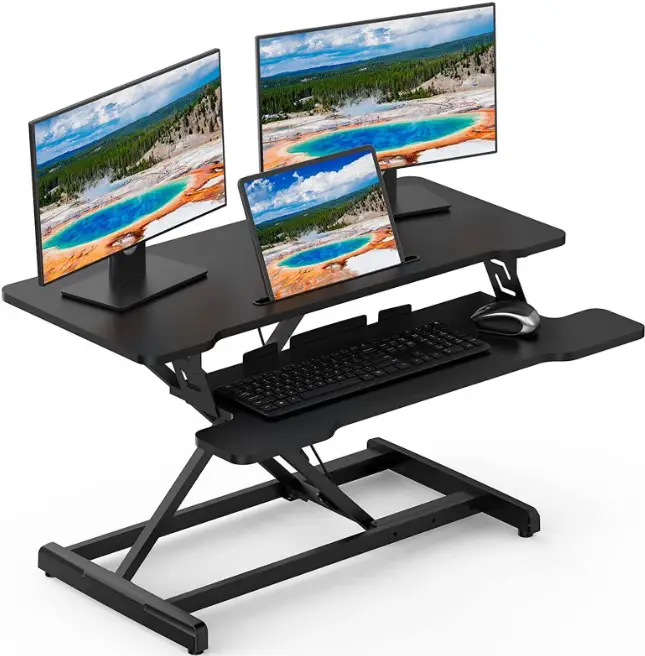
Assembly Instructions
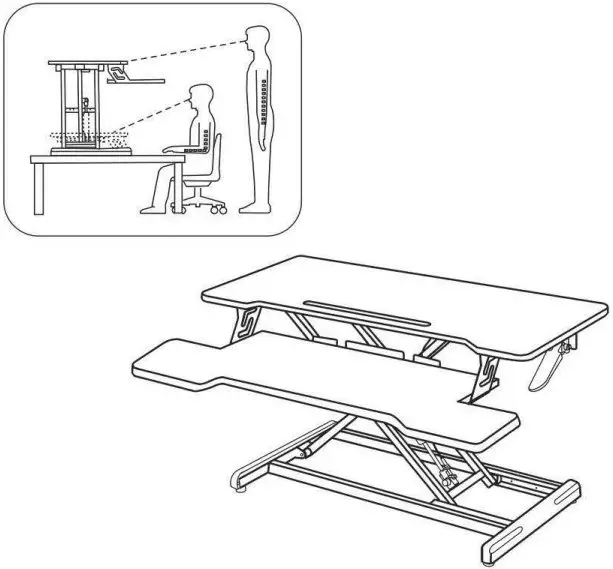
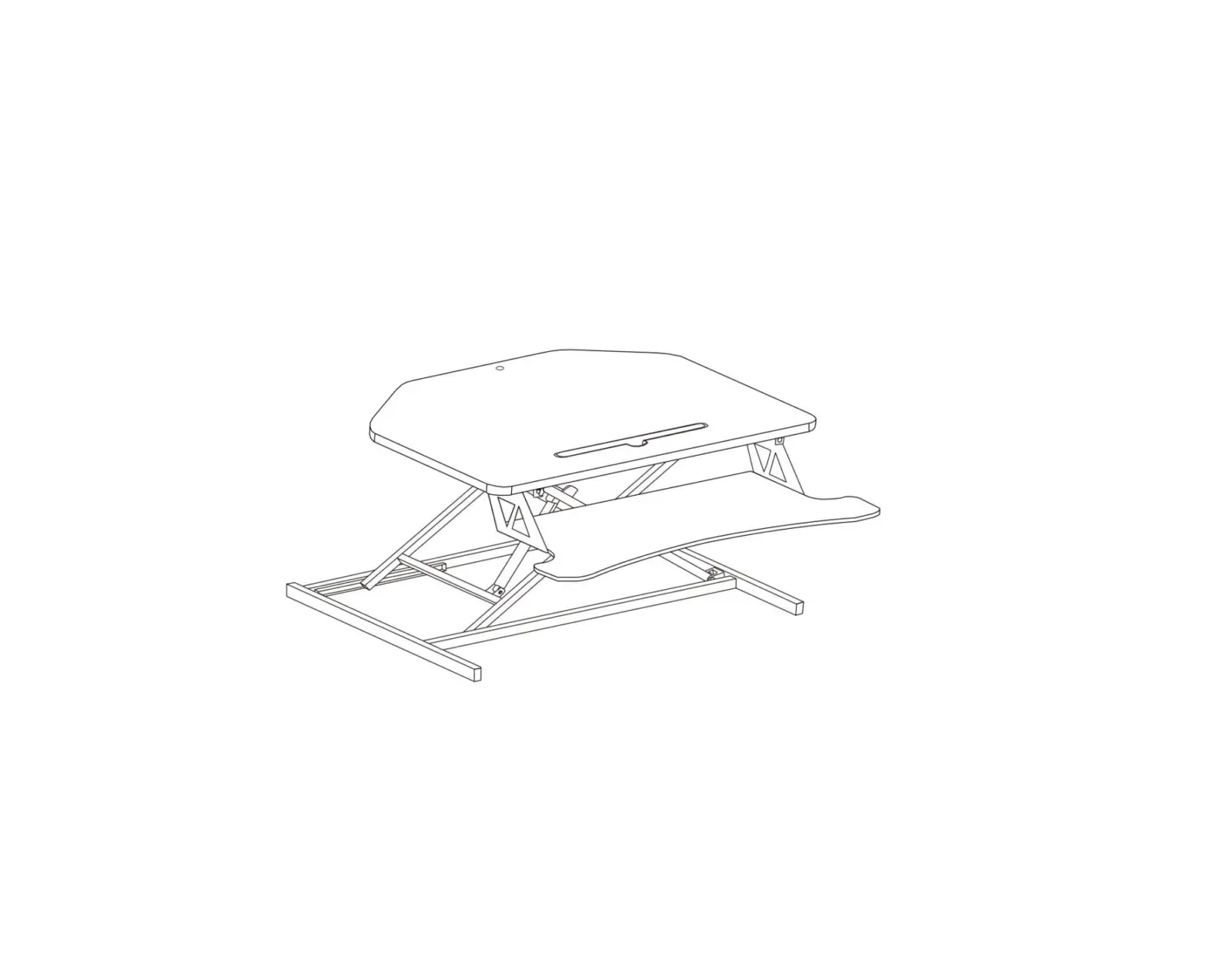
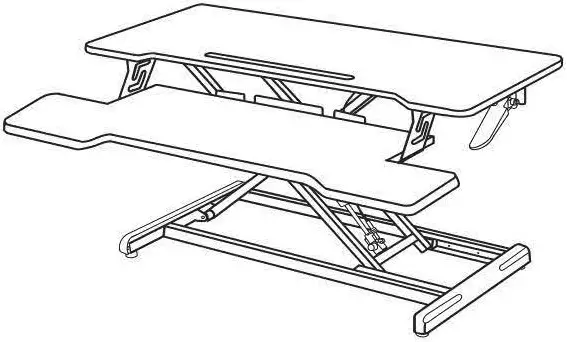
Components
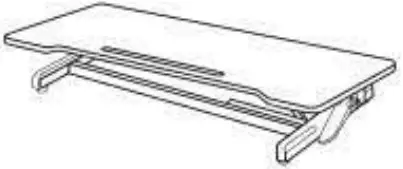
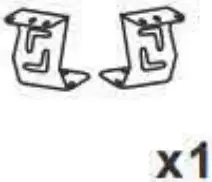
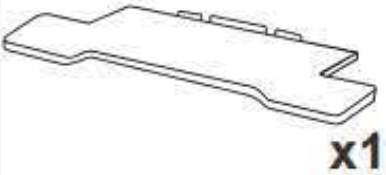
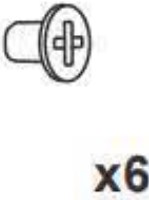
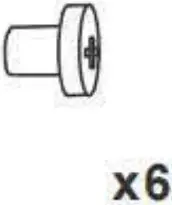
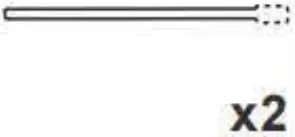
When unpa,~ng the produot, be su,e to hold the bottom of tabletop with both hand,. Do not fo,oe the tabletop by one side, whloh may oause the tabletop ome, unbalan, with the bottom•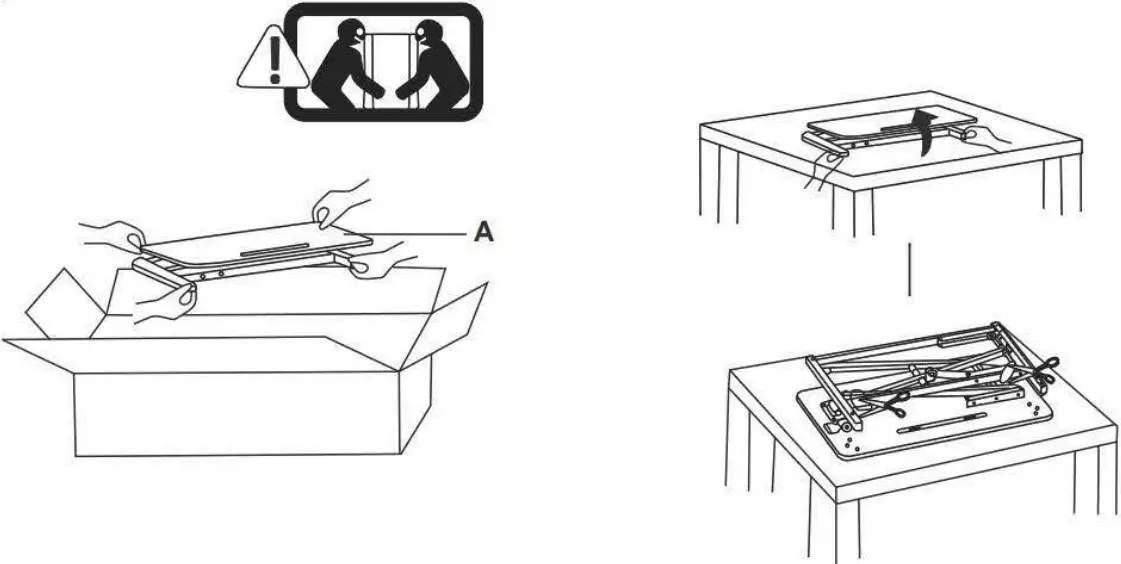
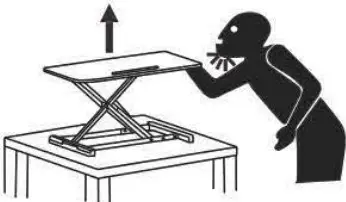 Warning: Impact Hazard! Moving parts may cause crashes and cuts.
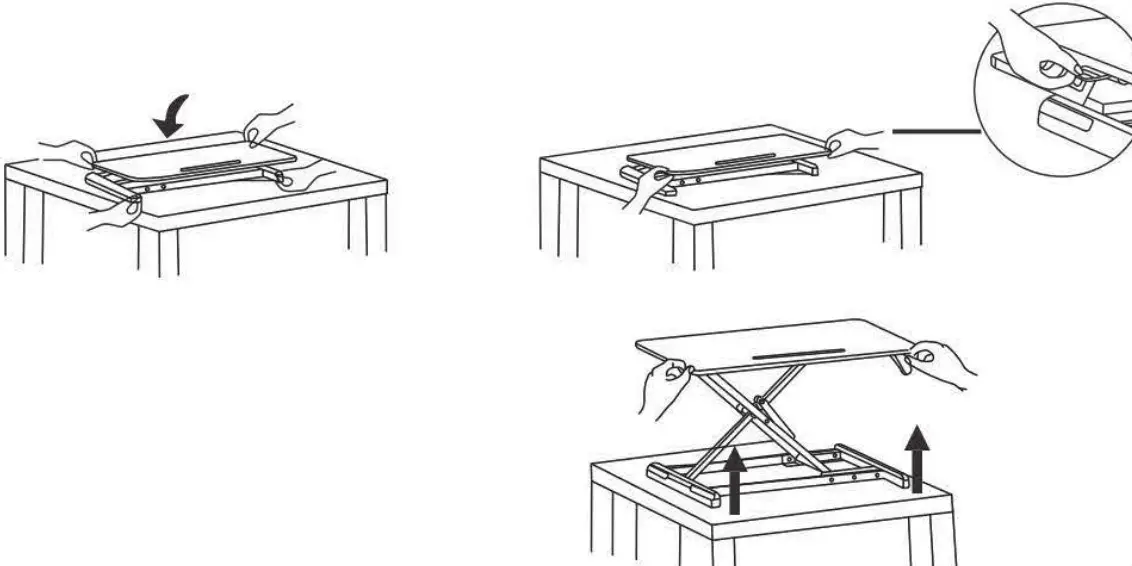
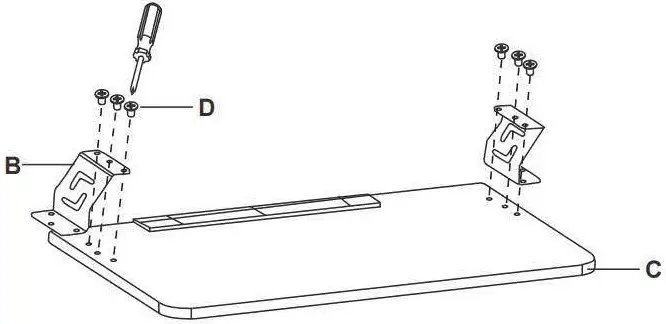
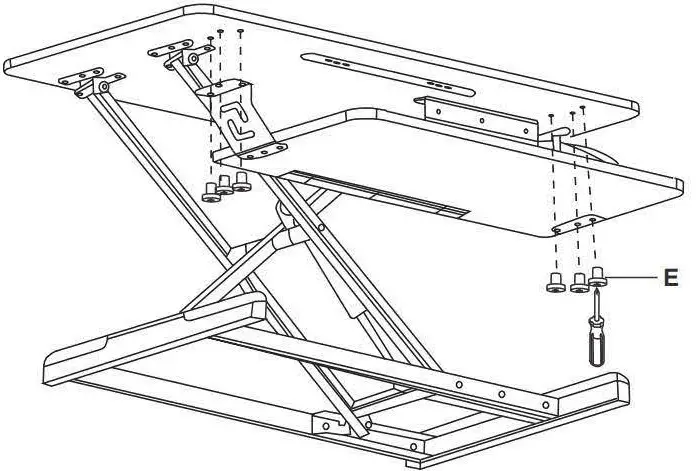
Keep monitor and laptop base fully on the worksurface. Hanging off any part of base or standing by the edge may result in property damage and/or peronal injury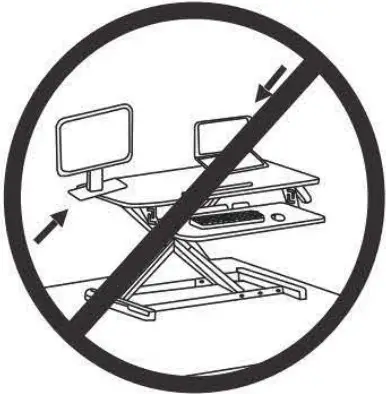
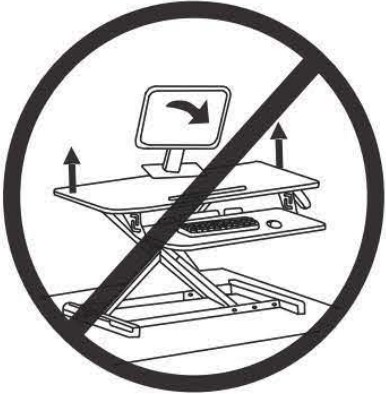
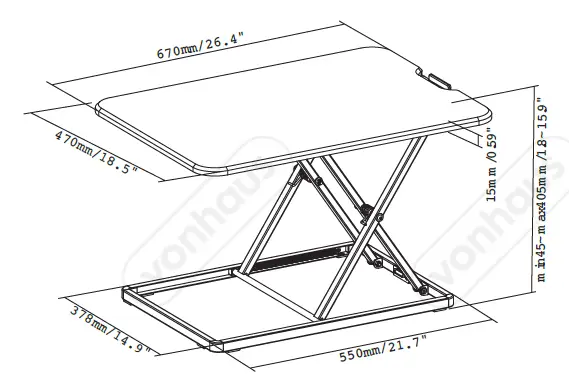
Leave enough slack in cable to allow for full range ofve cal motion (19.3″/49cm). Failu,e to heed this waming may result in pro庐巾 damage and/or personal injury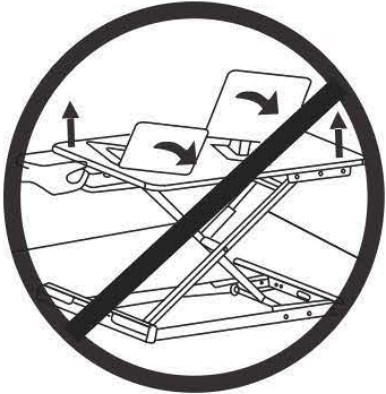
To avoid potential risks to pinch cables, important to follow the cable routing instructions de ribed in is manual. Failure to follow these instructionsm result in products damage or per,onal injury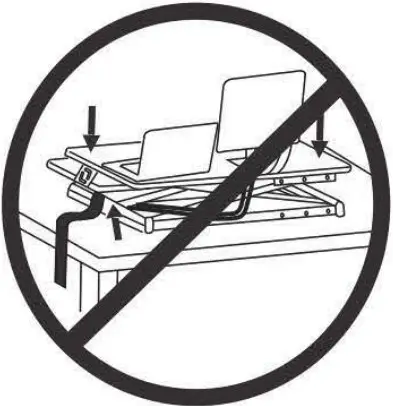
WARNING
DO NOT place hands on or near support bars. Pinch points are created during lifting and loweringtheworksurface. Failure to follow these instructions may result ,n serious personal inju,y
Disclaimer
- The product is produced through strict quality management and inspection.
- If any malfunction occurs in normal use, the consumer can enjoy free warranty service with the warranty card in the purchasing store or our repair center.
- The product is only guaranteed when provided with the warranty card instead of the invoice
- The following situations are not covered by the warranty.
- Damages caused by repair or reformation not approved by our company.
- Damages caused by false or neglectful use, or by accidents.
- Damages caused by natural disasters or abnormal voltage.
- Damage caused by ignoring the precautions specified in the user manual.

Warranty Information
Warranty Period:
This product is warranted to be free from defects in materials and workmanship for a period of (1)0NEYEAR for products from the date of original purchase.
Note: The accessories are not covered by the warranty.
This Warranty SHALL NOT be Applicable in the Following Cases:
- Accident, misuse, abuse, or alteration of the product;
- Serving by unauthorized persons;
- Use with unauthorized accessories;
- Connecting it to incorrect current and voltage;
- Wrapping cord around the product causing premature wear and breakage;
- Any other conditions beyond our control.
No responsibility, obligations, or liability is assumed for the installation or maintenance of the product.