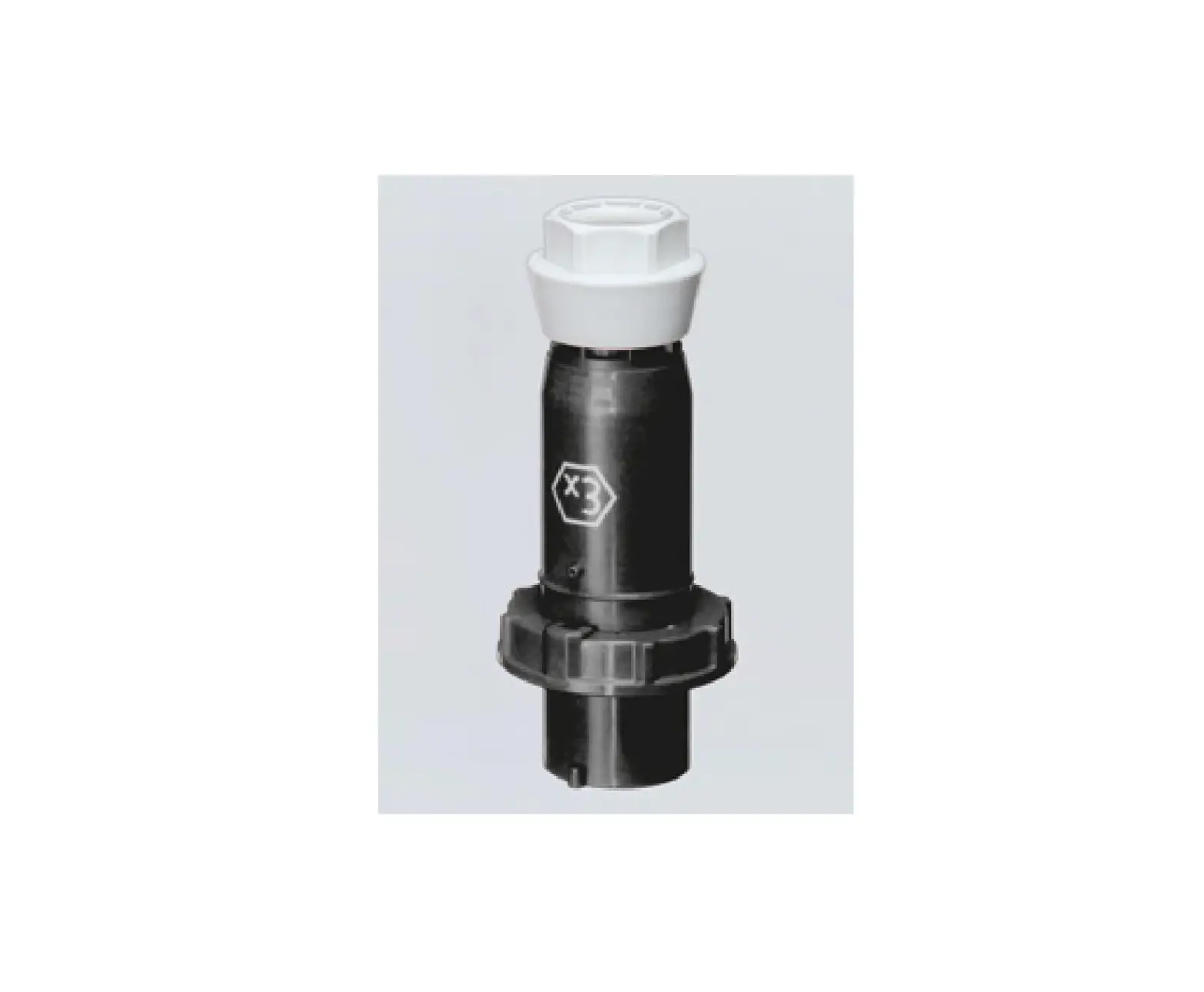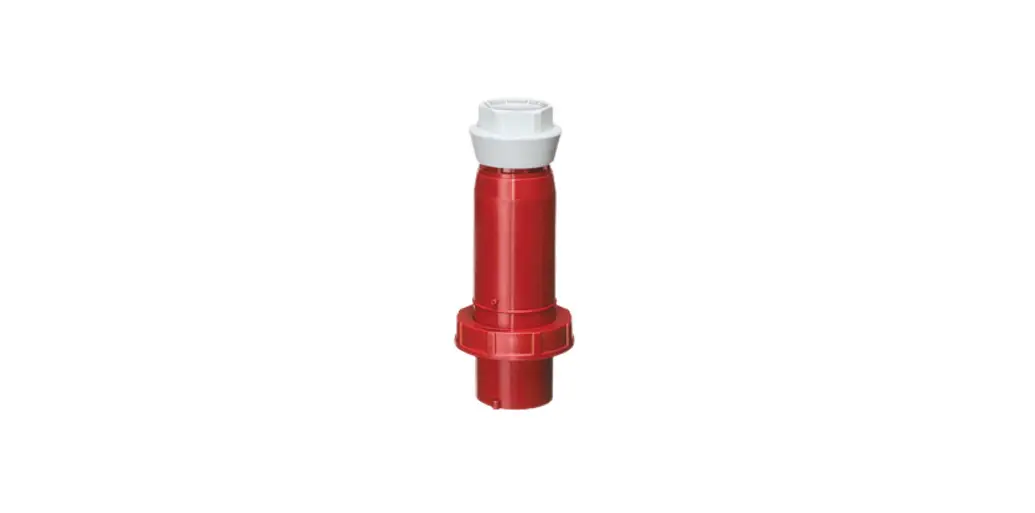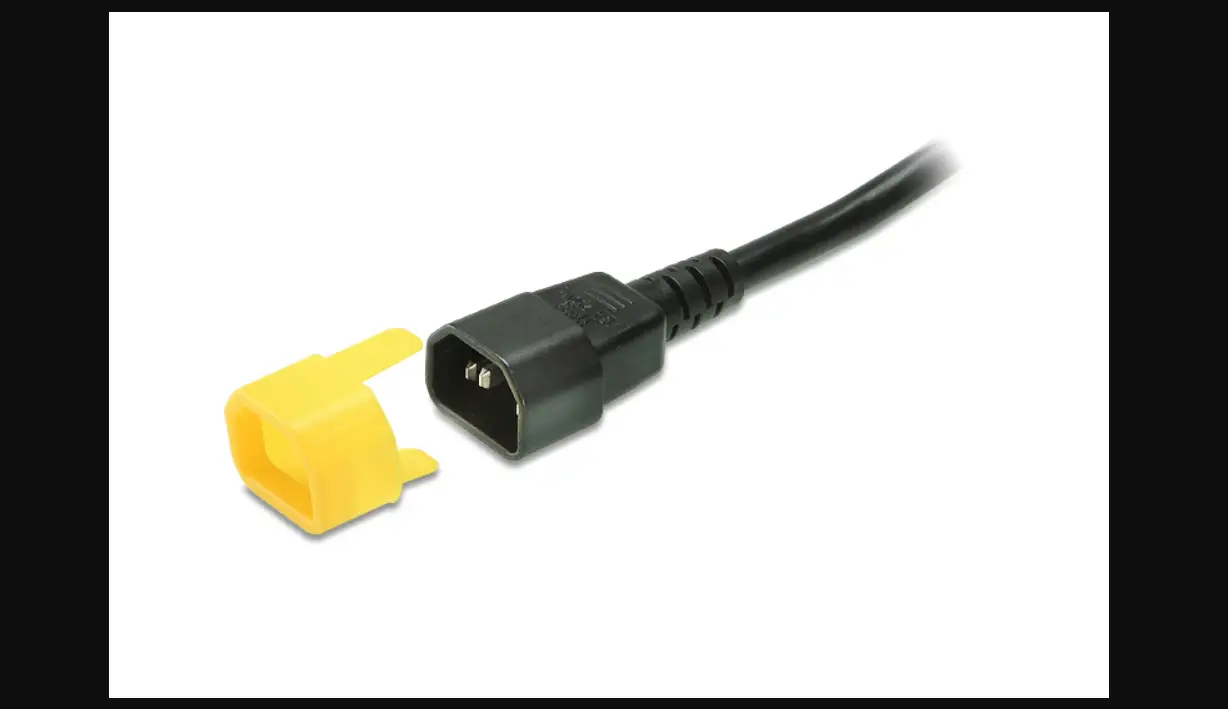

ATEN C14 EZ-Lok Plug Connector
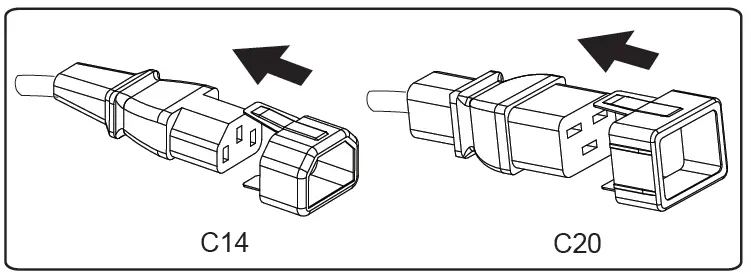
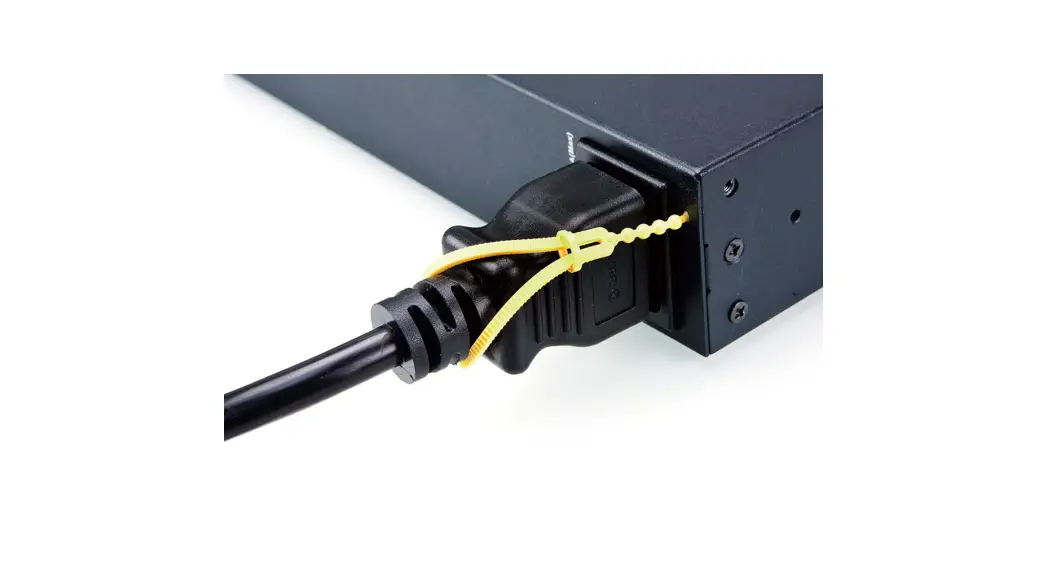
The 2X-EA10 (C14) and 2X-EA11 (C20) EZ-Lok Plug Connectors secure power cords to a PDU’s C14 or C20 outlet to prevent accidental disconnection of power.
Package Contents:
- 2X-EA10 – 10 x C14 EZ-Lok Plug Connectors
or - 2X-EA11 – 10 x C20 EZ-Lok Plug Connectors
Installation:
To use the EZ-Lok Plug Connector:
- Slide the plug connector onto the input end of a C14 or C20 plug until it clicks in place.

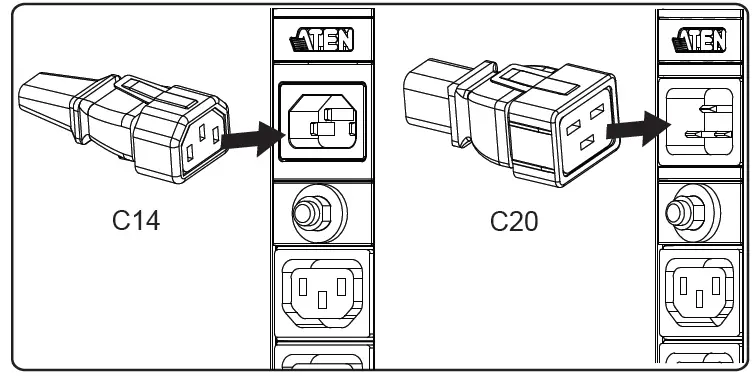
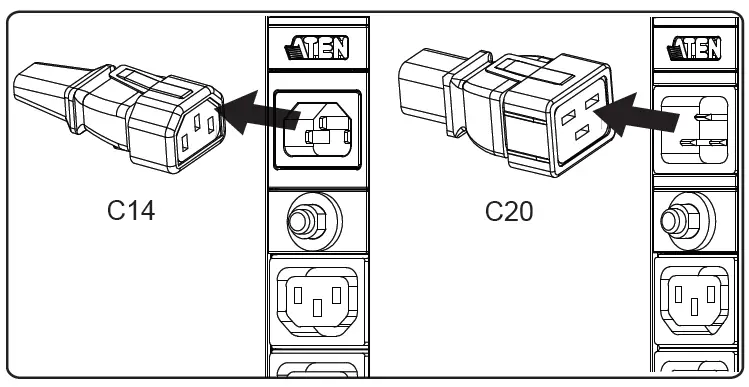
- Connect the plug with the EZ-Lok Connector into the PDU by sliding it directly over and straight into the outlet.

- To disconnect the plug from the PDU, grip the plug and squeeze the EZ-Lok tab as you pull the cord from the outlet.