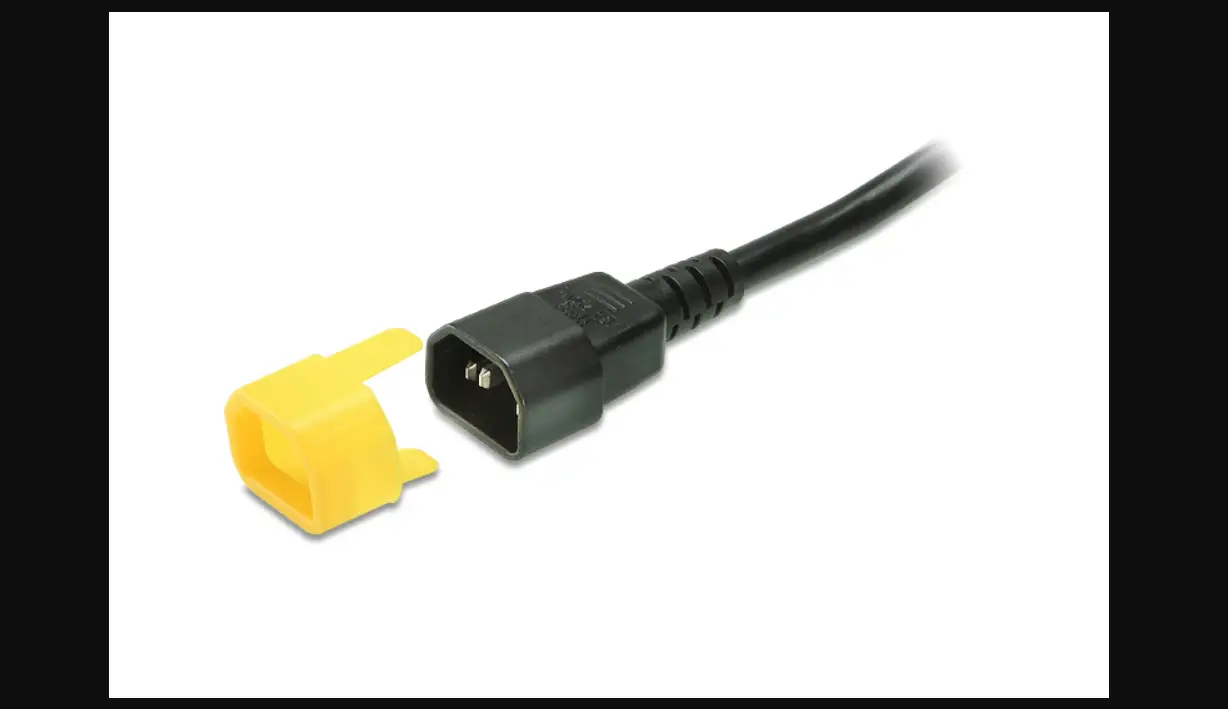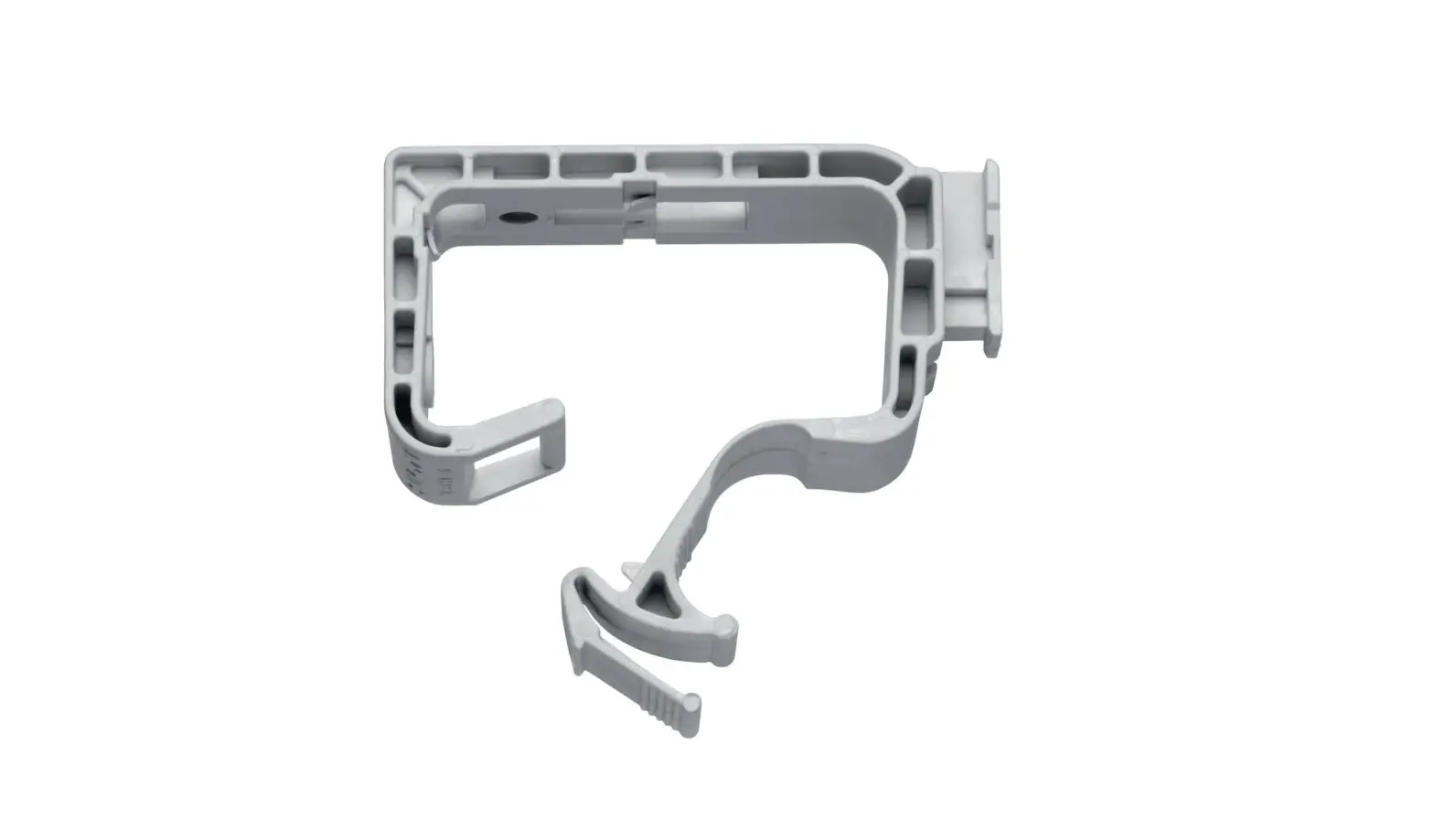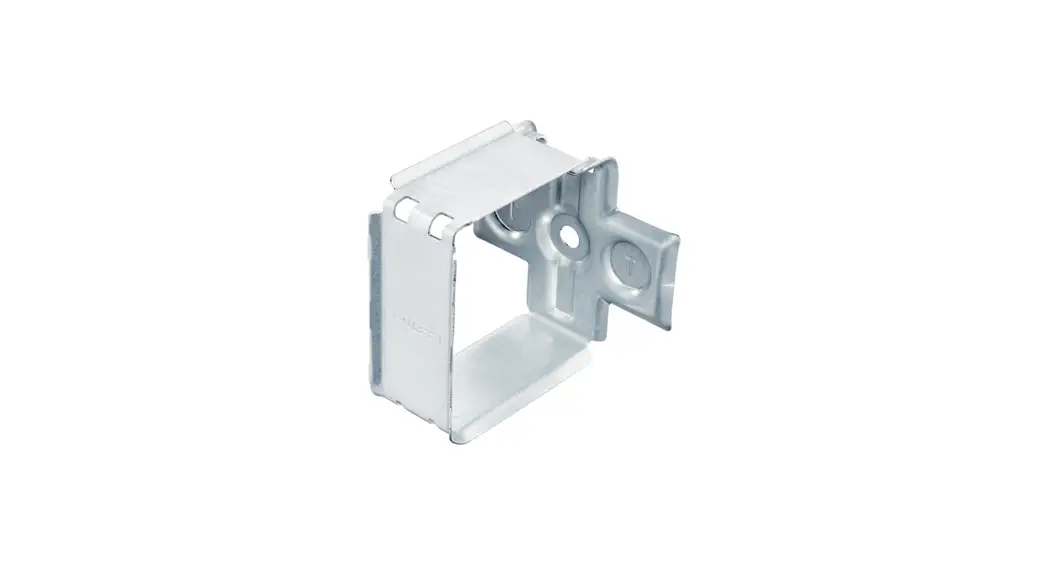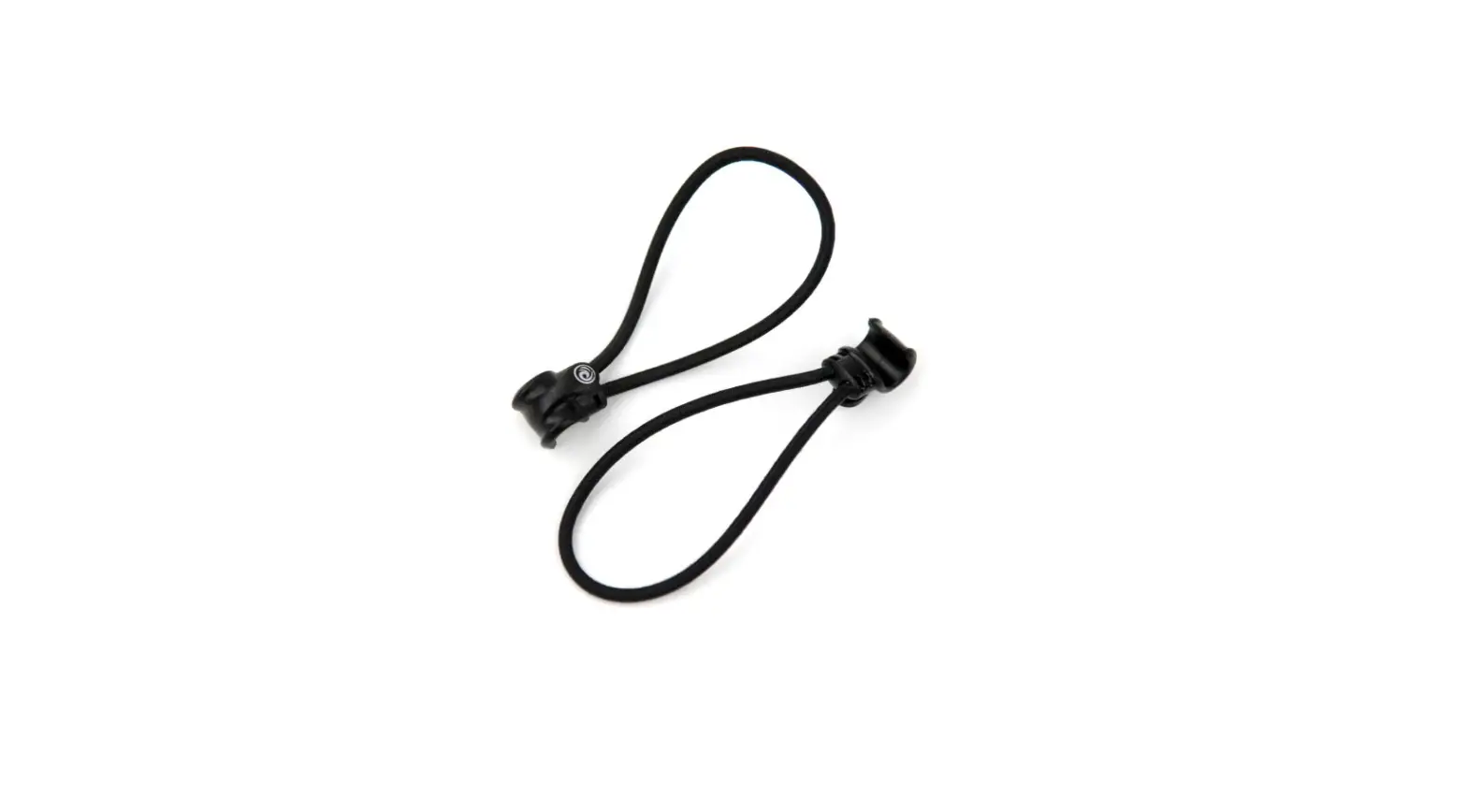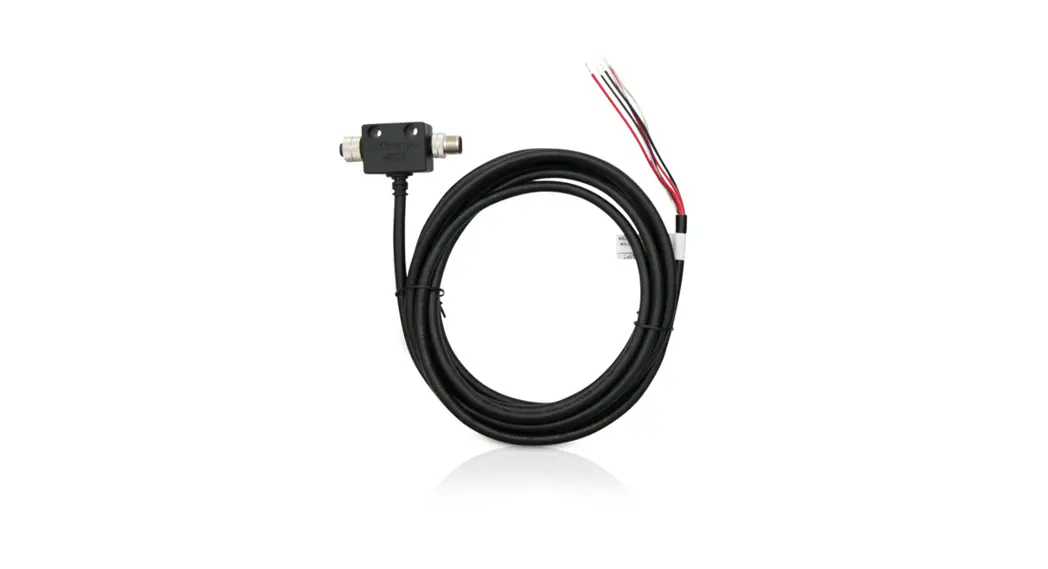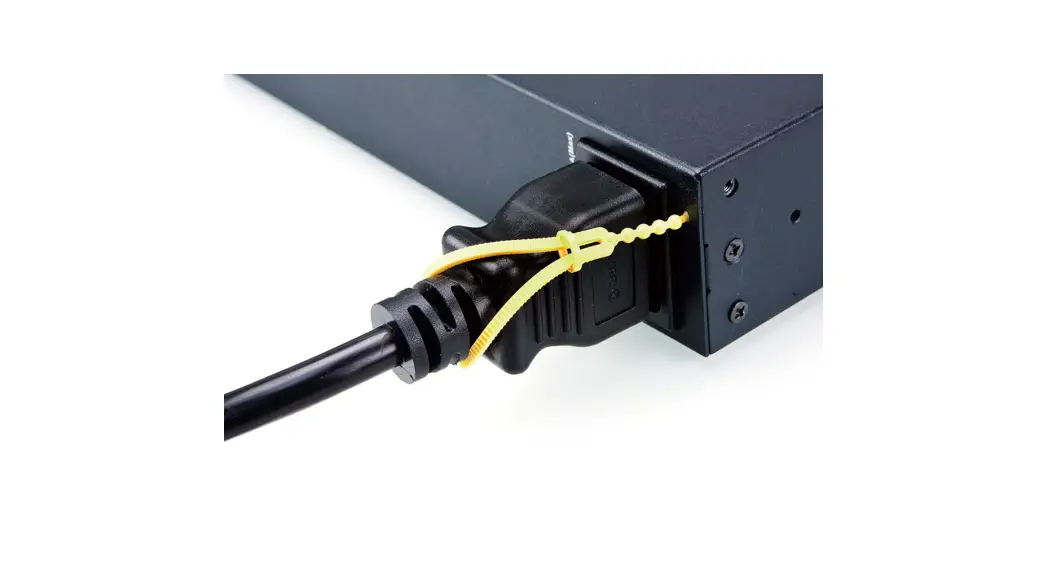

Lok-u-Plug Cable Holder 2X-EA07
Lok-u-Plug Installation Tool 2X-EA08
Installation Guide A
03/2021 V1.0
Package Contents
| 2X-EA07 | 2X-EA08 | ||
| Qty | Description | Qty | Description |
| 10 | Lok-u-Plug Cable Holder | 4 | Lok-u-Plug Installation Tool |
| 1 | installation instructions (printed on packaging) | 1 | installation instructions (printed on packaging) |
The ATEN-patented Lok-u-Plug secures your power cables in place on an ATEN PDU device to prevent undesired disconnection in events such as device repositioning and movement. For Lok-u-Plug securing, the Lok-u-Plug Cable Holder (2X-EA07), must be used in conjunction with the Lok-u-Plug Installation Tool (2X-EA08).
Installation
To secure a power cable in place, using a Lok-u-Plug Cable Holder and Installation Tool, do the following:
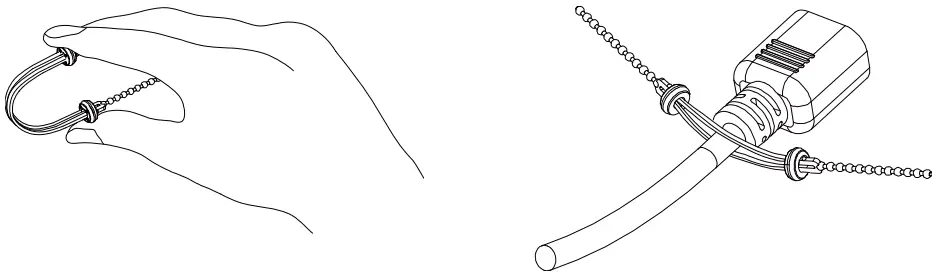
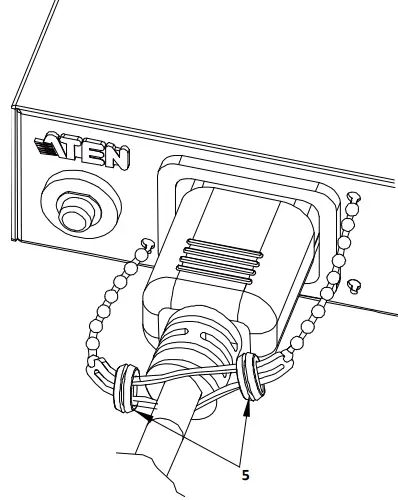
- Bend a Lok-u-Plug Cable Holder, and put the power cord to be secured through the middle of the Cable Holder as shown.

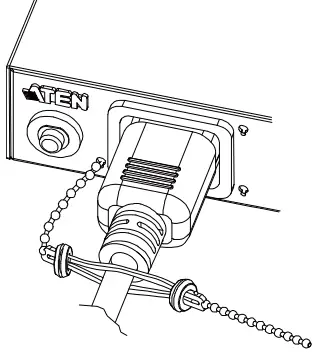
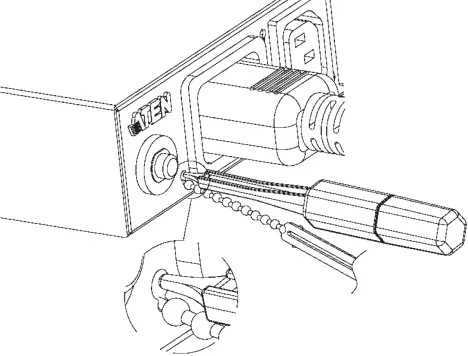
- Plug the power cord into the PDU’s power outlet, and thread one end of the Lok-u-Plug Cable Holder into the lower-left hole next to the power outlet.

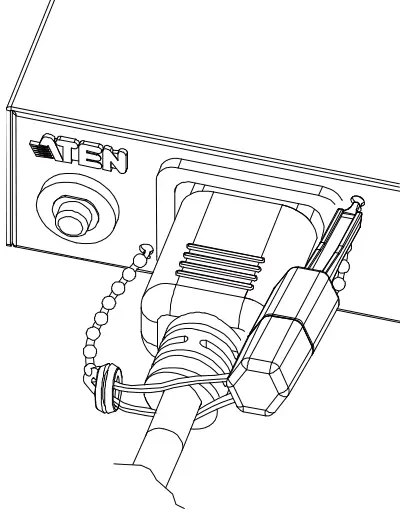
- Using a Lok-u-Plug Installation Tool, lock the part of the Cable Holder was inserted into the hole by pushing it towards the small part of the hole.

- Push the Cable Holder as close to the PDU as possible. Then thread its other end to the upper right hole next to the power outlet, and lock it in place using the Installation Tool by repeating step 3.

- Slide the left and right rings of the Cable Holder towards the middle so that the power cord is completely fastened to finish.

Suggested Installation Sequence
- Plug in all of the Lok-u-Plug Cable Holders, for the power cords that you want to secure, but only secure them to the lower-left holes.
- After securing the lower-left holes, then secure them to the upper right holes.


All information, documentation, and specifications contained in this media are subject to change without prior notice by the manufacturer.
Please visit our website to find the most up-to-date version.