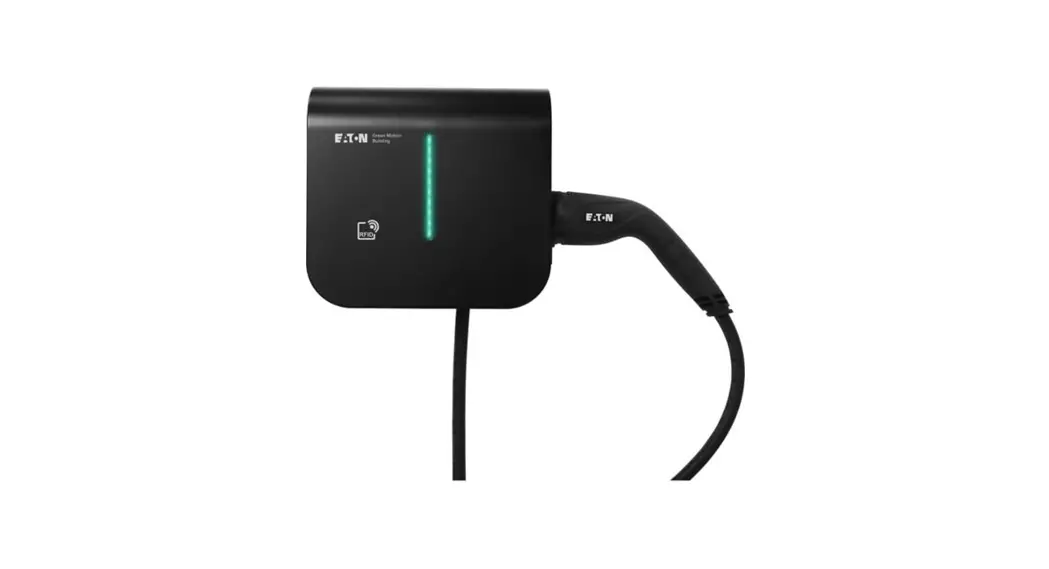
 Green Motion Building Cable Holder
Installation Guide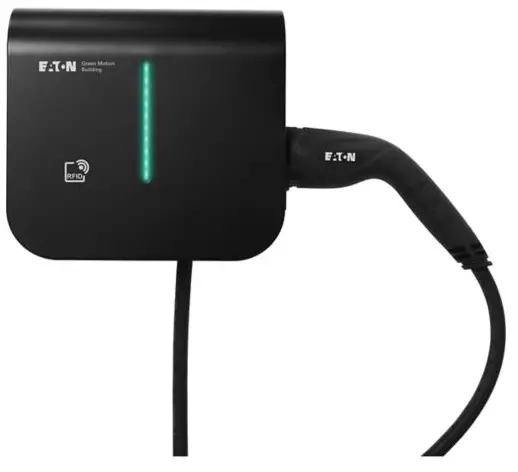
Green Motion Building Cable Holder
Eaton Green Motion Home and Green Motion Building cable holder Accessory leaflet Never turn on equipment when there is evidence of fire or structural damage.
 Green Motion Home and Green Motion Building cable holder must be installed only by professional and qualified personnel. Read and understand the safety instructions and warnings prior to installation.
Technical specifications
Technical disclaimer
All drawings, descriptions or illustrations contained in this document serve to provide a clear overview and/or technical explanation of the present product and its various components and accessories.
In line with our goal to continuously improve the products and the customer service we provide, all specifications contained in this document are subject to change without notice.
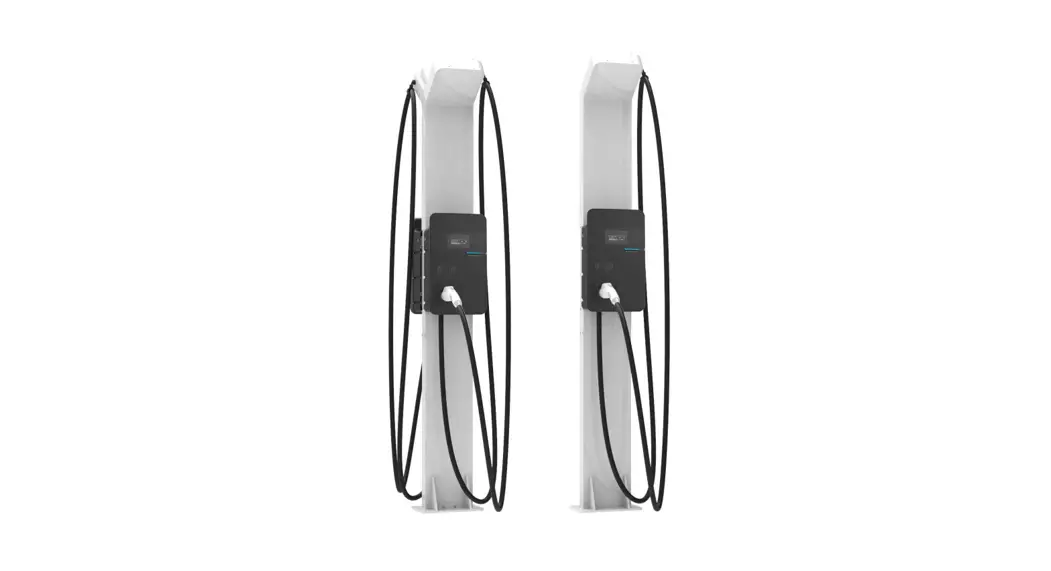
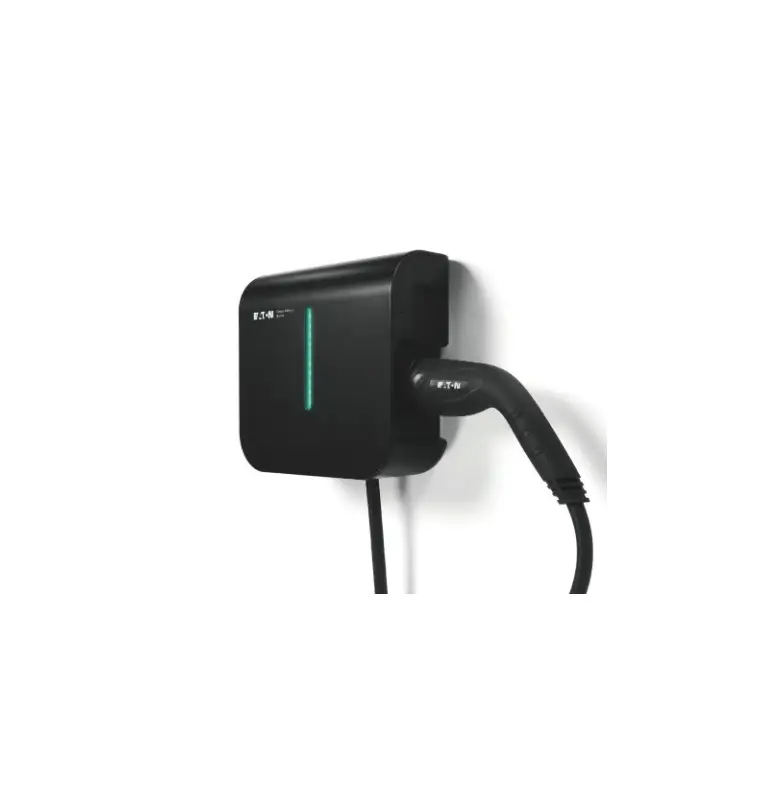
The Green Motion Home and Green Motion Building cable holder supports the cable attached to the EV charger.
Dimensions and weight
The table below shows the dimensions and weight of the Green Motion Home and Green Motion Building cable holder.
Green Motion Home and Green Motion Building cable holder
| Dimensions (H x W x D) in mm | 300 x 220 x 60 |
| Weight in kg | 0.4 |
| Installation method | Wall-mounted |
Installation method
Tools required for the installation
To perform the installation, professional and qualified personnel should have the following tools:
- Screwdriver
- Drilling machine
Materials required for the installation
To perform the installation, professional and qualified personnel should have the following materials:
| Green Motion Home and Green Motion Building cable holder | Provided by Eaton |
| One cable holder | ✔ |
| Four adhesive gaskets | ✔ |
| Four Ø6-mm screws | ✘ |
| Four wall plugs | ✘ |
Please note that the appropriate type of screws and wall plugs must be selected by professional and qualified personnel, based on the following considerations:
- the installation location,
- the type of wall on which the EV charger and cable holder are to be mounted,
- the local rules and regulations.
Mounting
Step 1. Use a spirit level to place the drilling template of the Green Motion Home or Green Motion Building EV charger on the wall. Make sure the template’s top is at a height of 1500 mm from ground level, for optimal accessibility.
Step 2. Mark the holes with a pencil and remove the drilling template.
Step 3. Drill four holes in the wall according to the drilling template and measurements shown in Figure 2. Make sure to not damage any cables in the wall.
Step 4. (Optional) Pull the power and communication cables through the cable throughput in the cable holder as indicated in Figure 3.
Step 5. Place four adhesive gaskets around the four slots on the outside of the unit and align the two mounting slots of the cable holder with the lower two mounting slots of the EV charger. See Figure 3.
Step 6. Screw the EV charger and cable holder to the wall with four ⌀6-mm screws. See Figure 4.
Step 7. (Optional) The cable holder can be fixed to the wall with an extra ⌀6-mm screw. See Figure 1. Make sure to not damage any cables in the wall.
Figure 1. Green Motion Home and Green Motion Building cable holder with dimensions
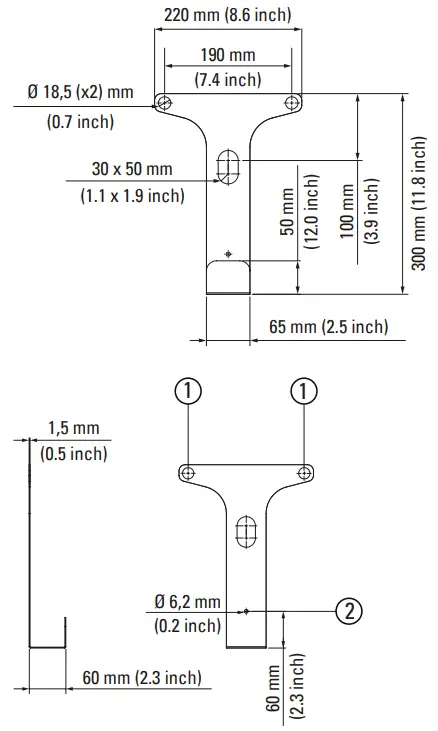
| Number | Description |
| 1 | Mounting slots |
| 2 | Optional mounting slot |
Figure 2. Drilling template for the Green Motion Home and the Green Motion Building EV chargers with the cable holder
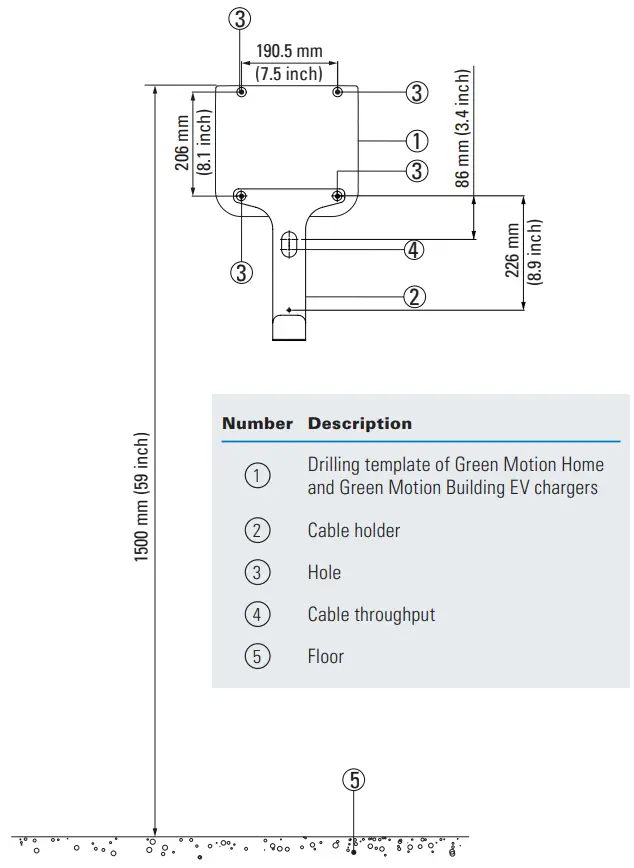
Figure 3. Mounting of the cable holder on the wall
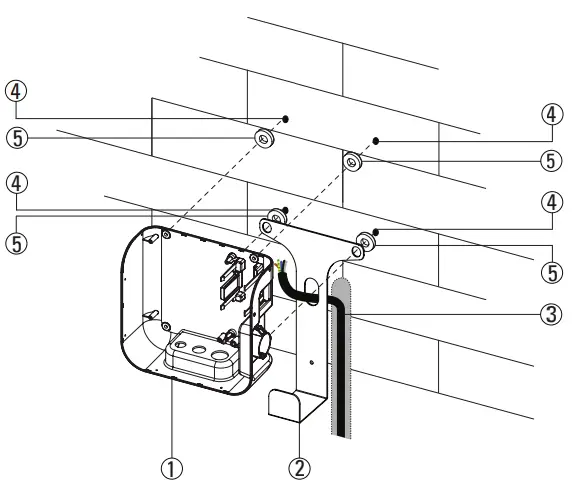
| Number | Description |
| 1 | EV charger |
| 2 | Cable holder |
| 3 | Power and communication cables |
| 4 | Holes |
| 5 | Adhesive gaskets |
Figure 4. Fixing the EV charger and cable holder to the wall
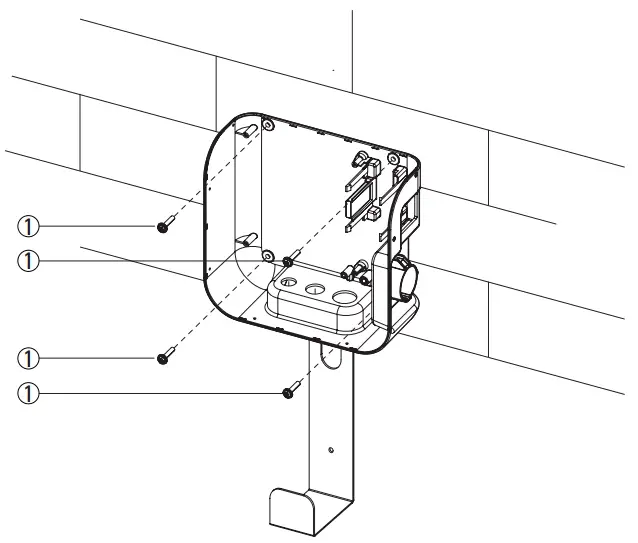
| Number | Description |
| 1 | Ø6-mm screws |
Prior to installation it is required to download (www.eaton.com/greenmotionbuilding or www.eaton.com/greenmotionhome), read, and understand the step-by-step instructions from the latest installation manual.
 Electrical and Industrial | Power management solutions | Eaton