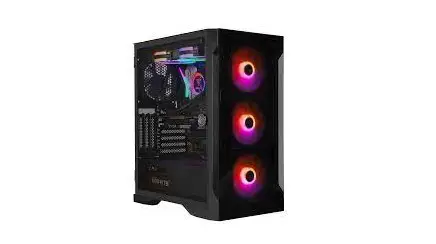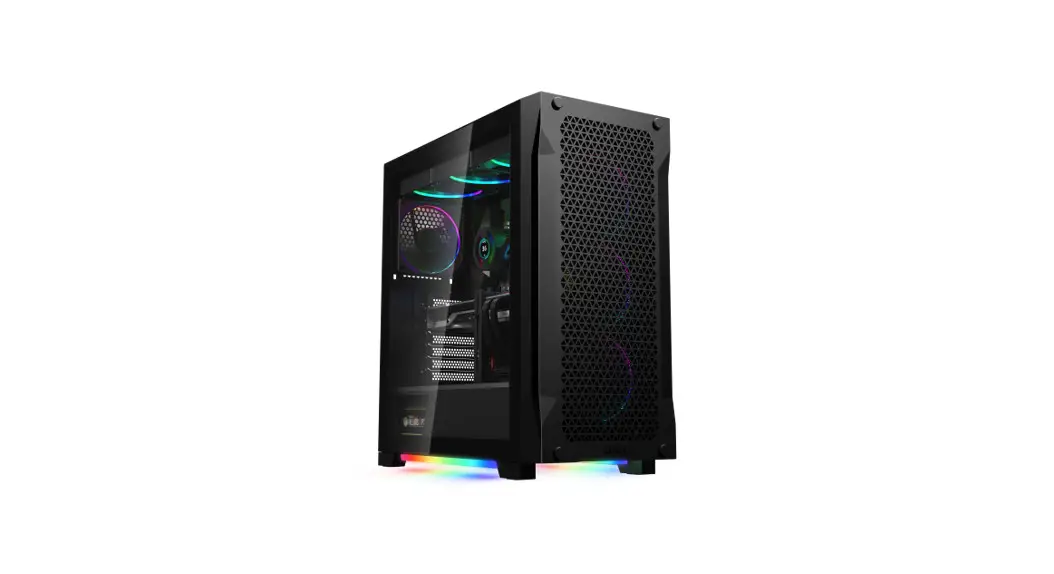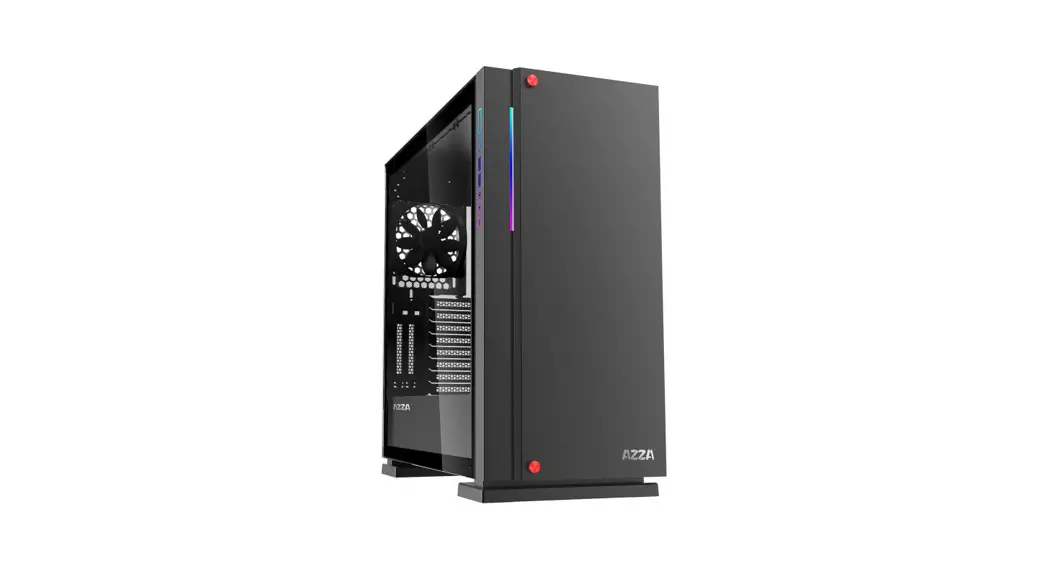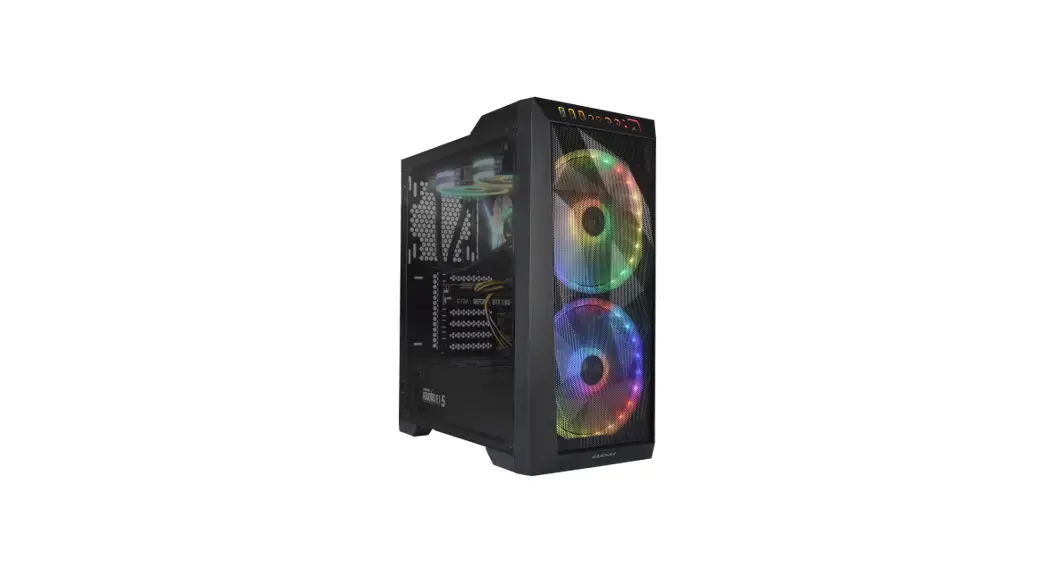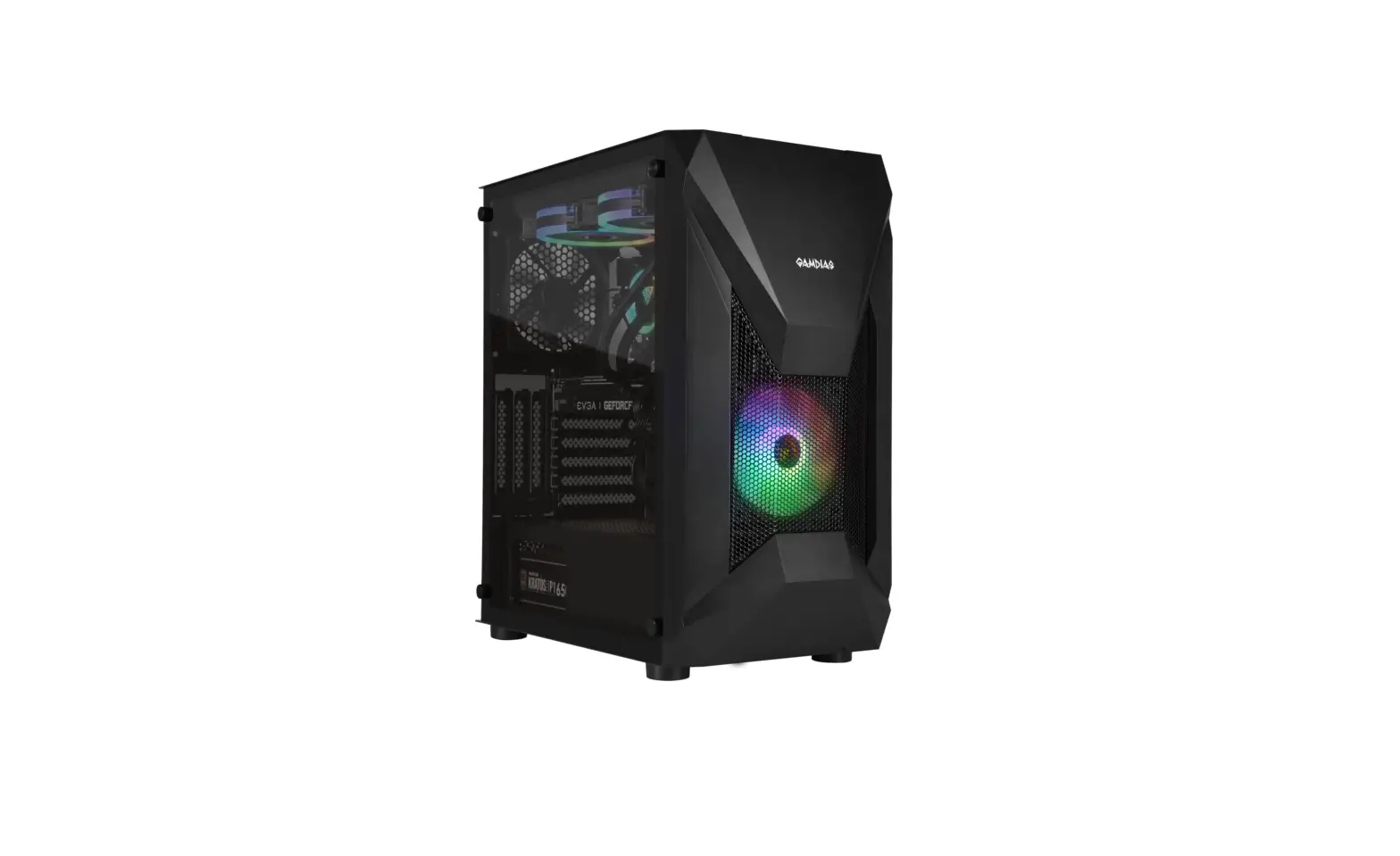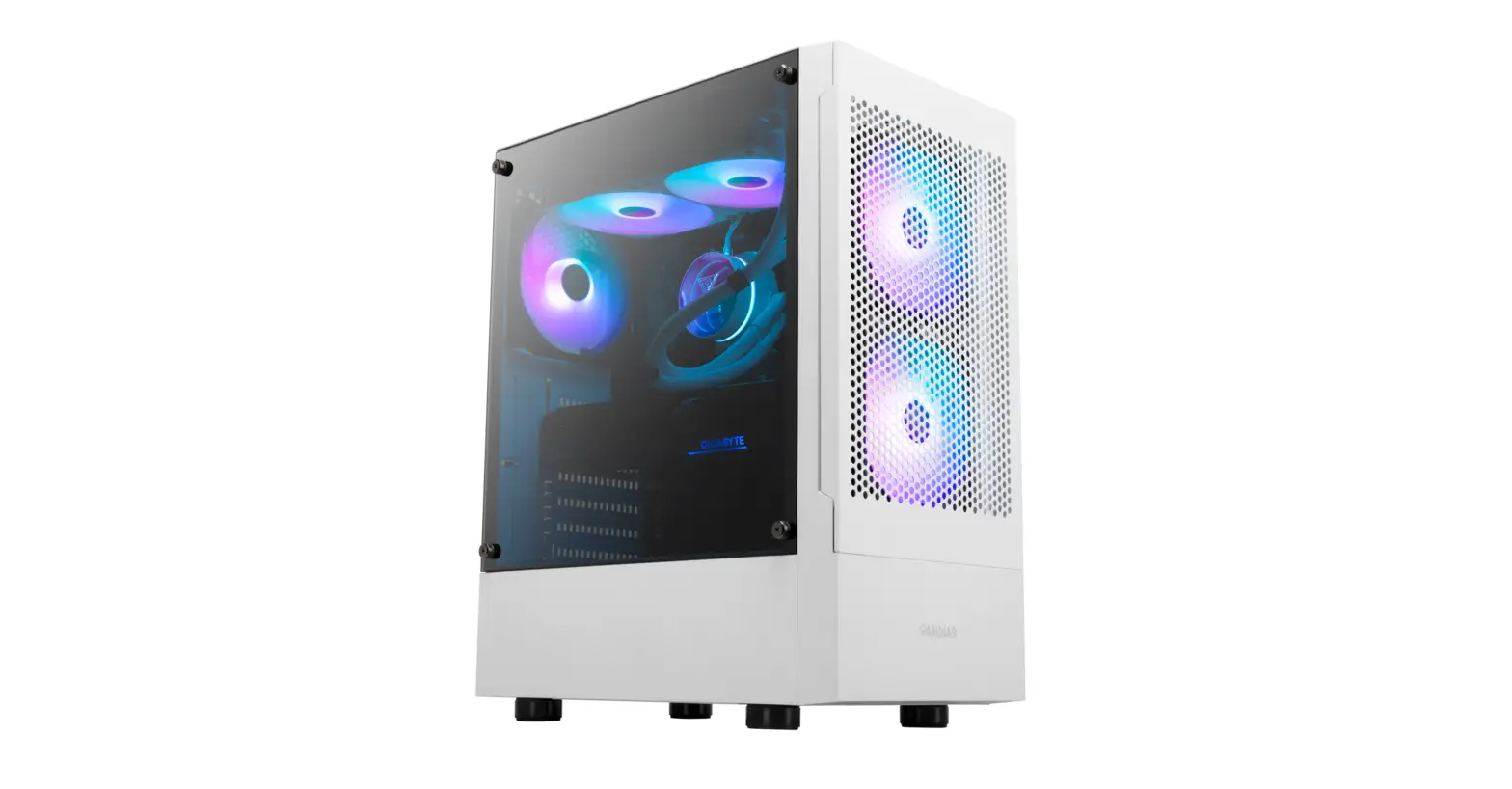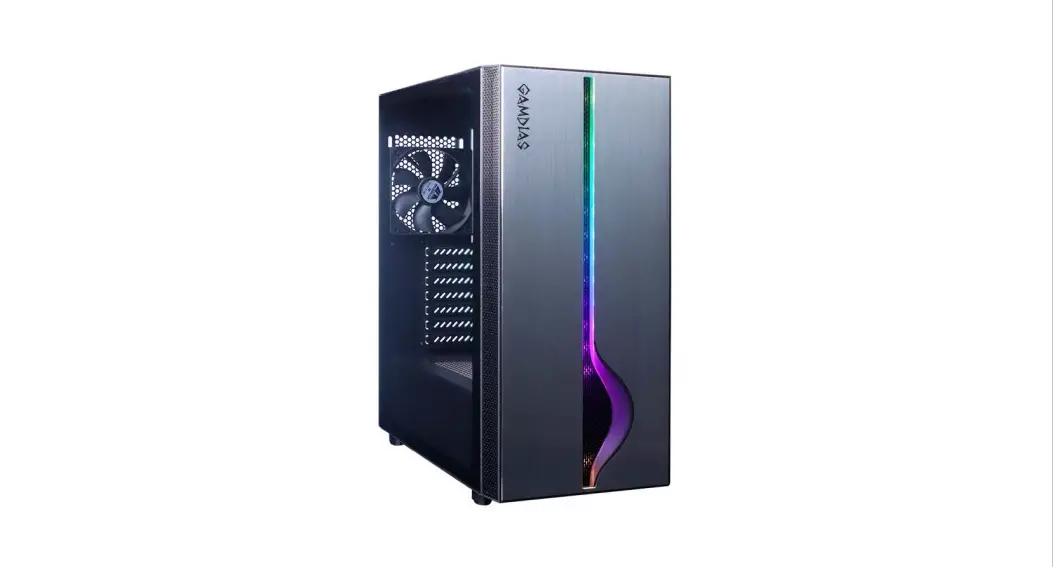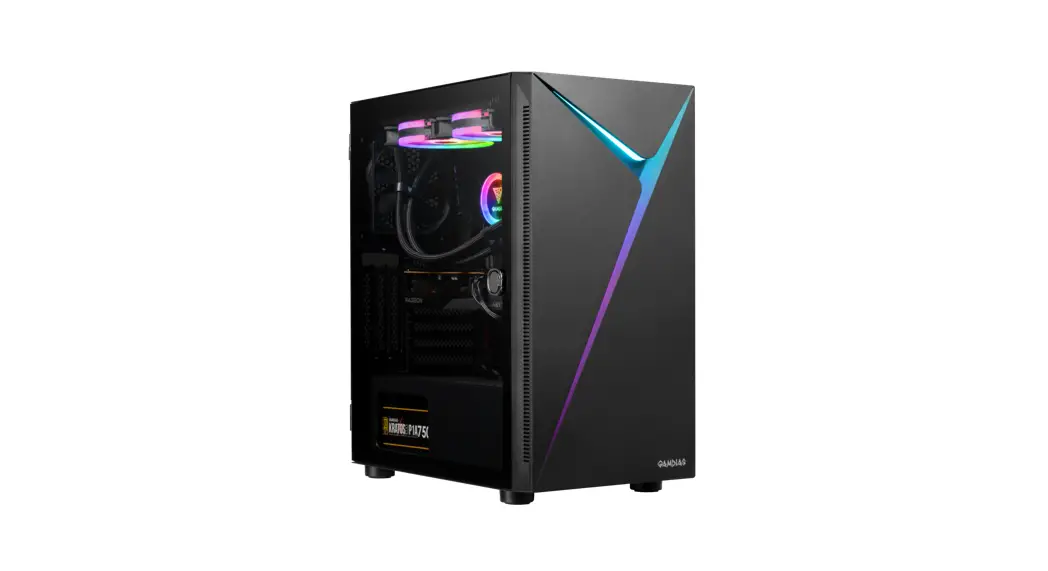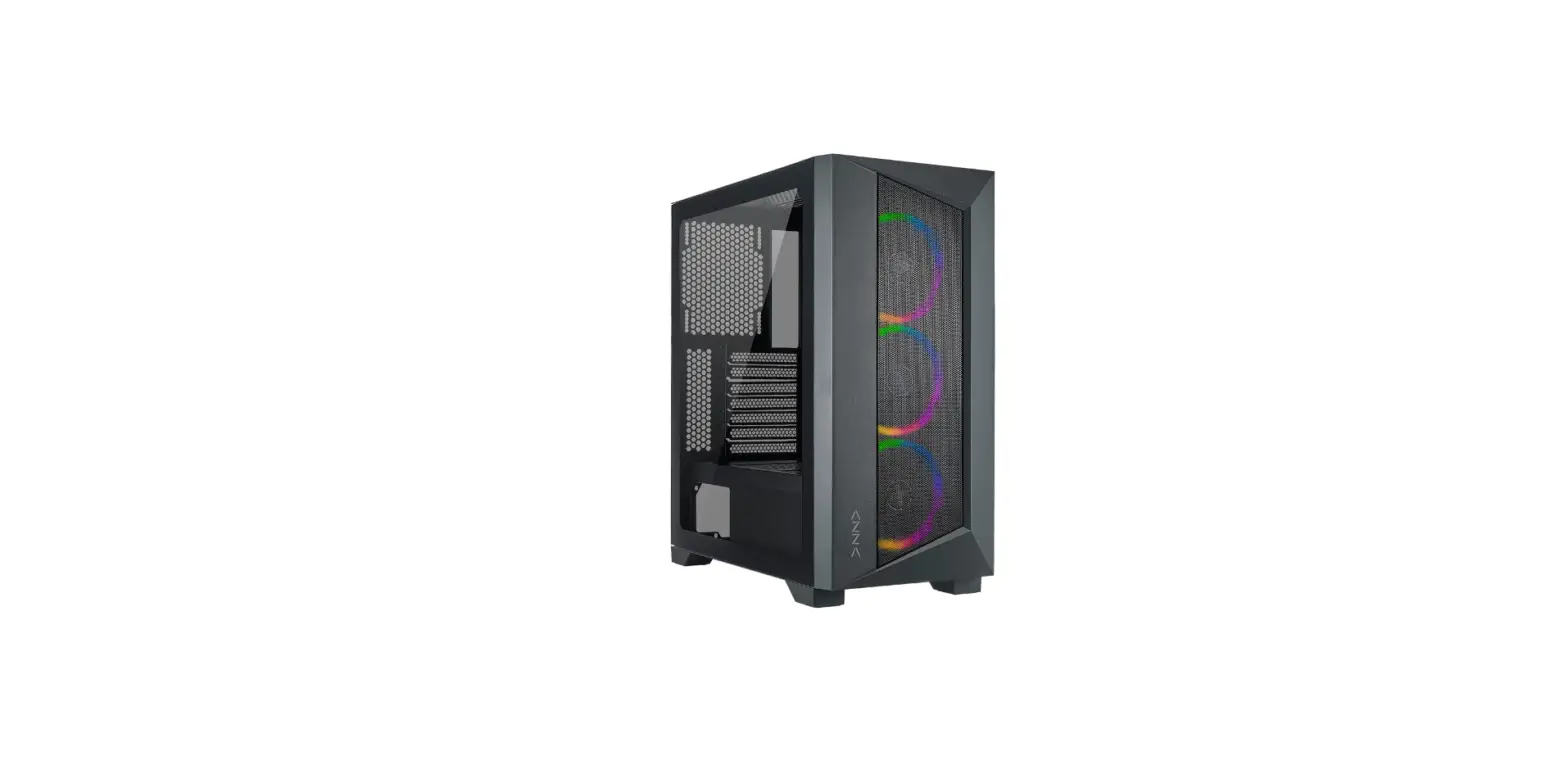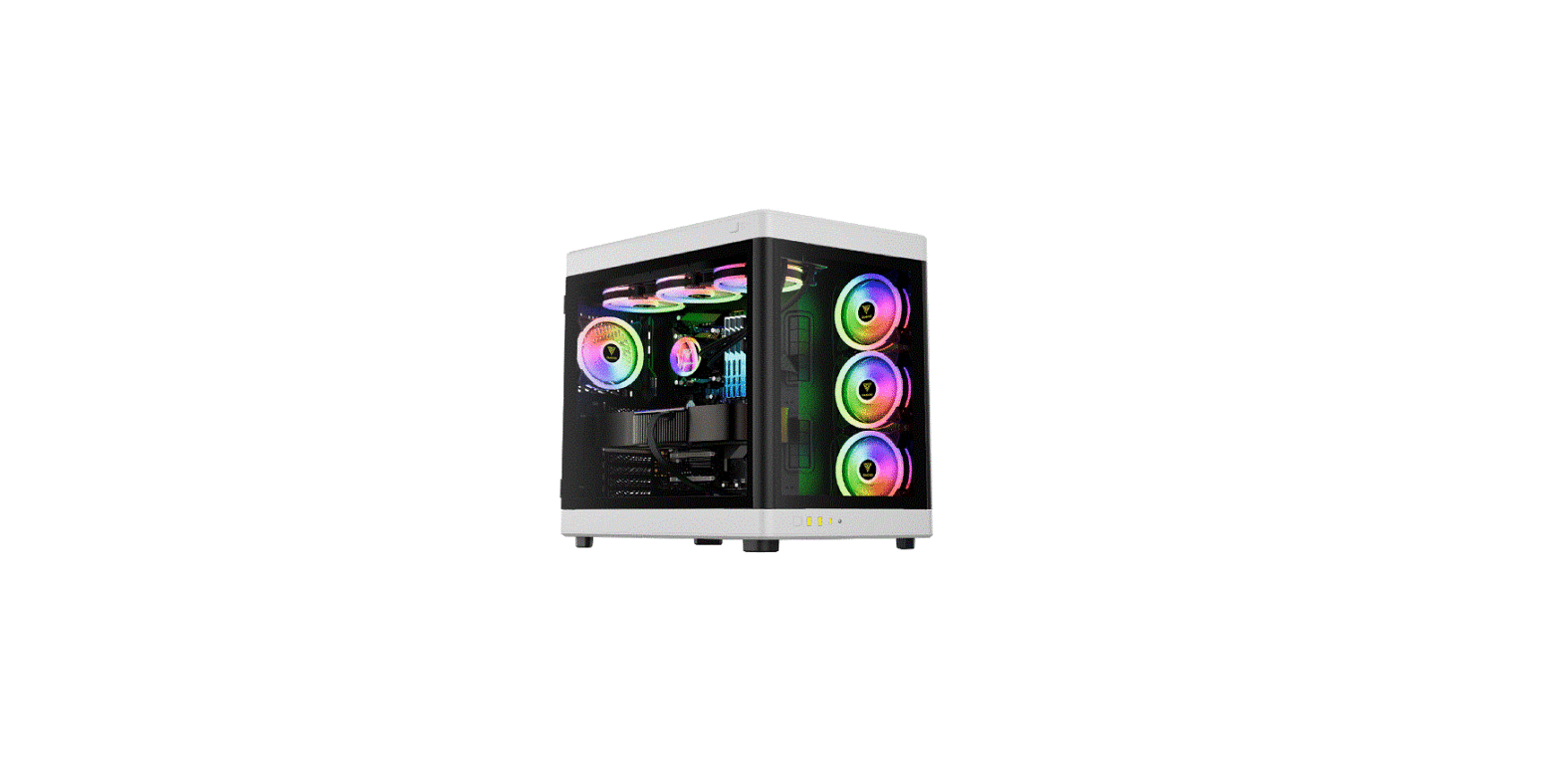

GAMDIAS NESO P1 Full Tower PC Case
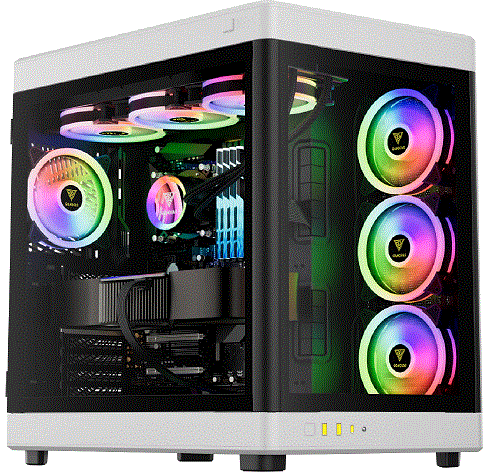
Product Information
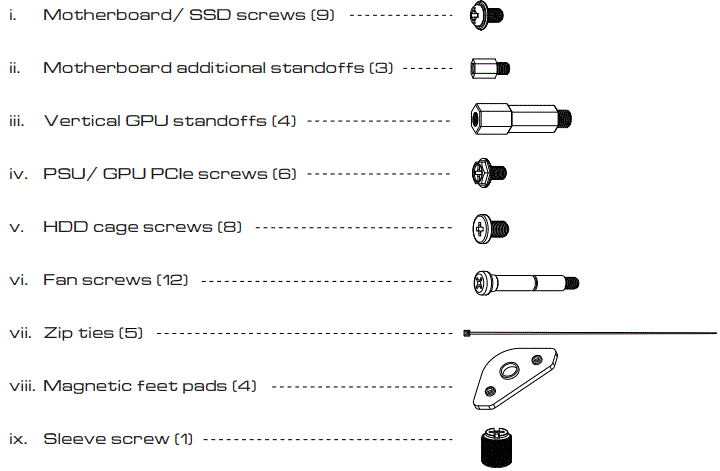
The product includes the following items:
- Motherboard/SSD screws (9)
- Motherboard additional standoffs (3)
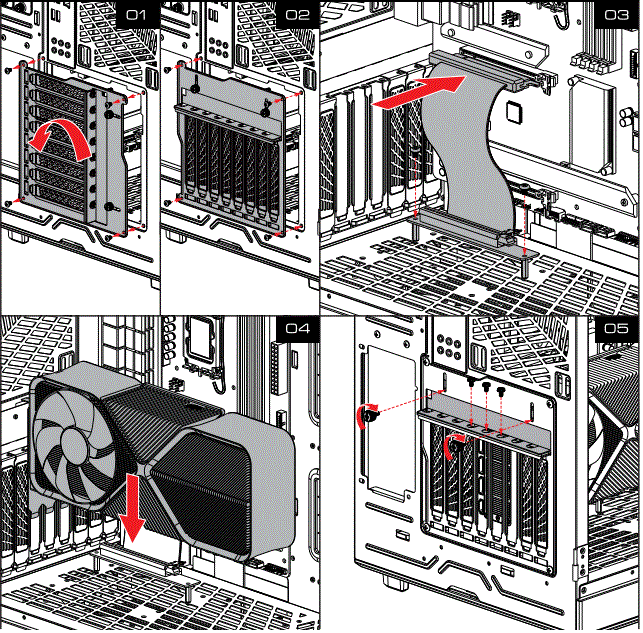
- Vertical GPU standoffs (4)
- PSU/GPU PCIe screws (6)
- HDD cage screws (8)
- Fan screws (12)
- Zip ties (5)
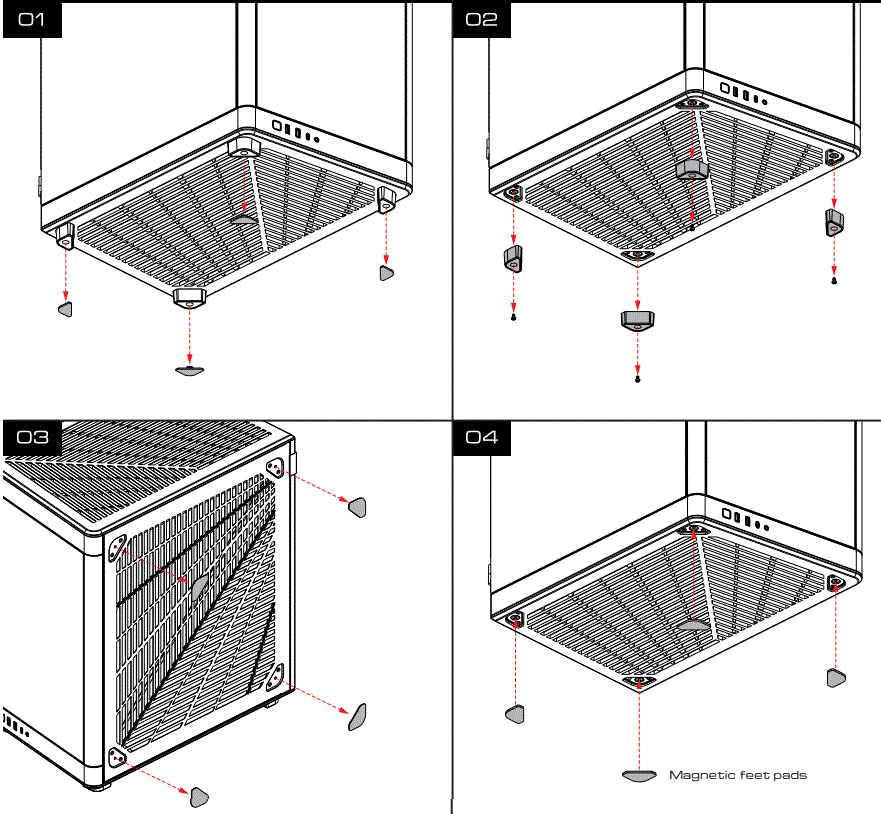
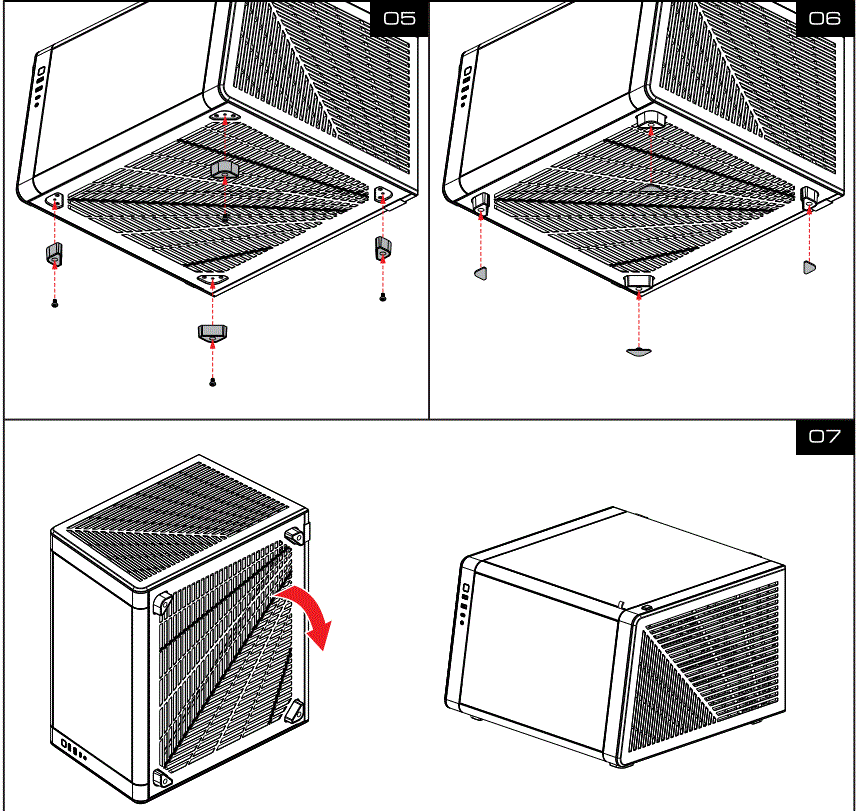
- Magnetic feet pads (4)
- Sleeve screw (1)
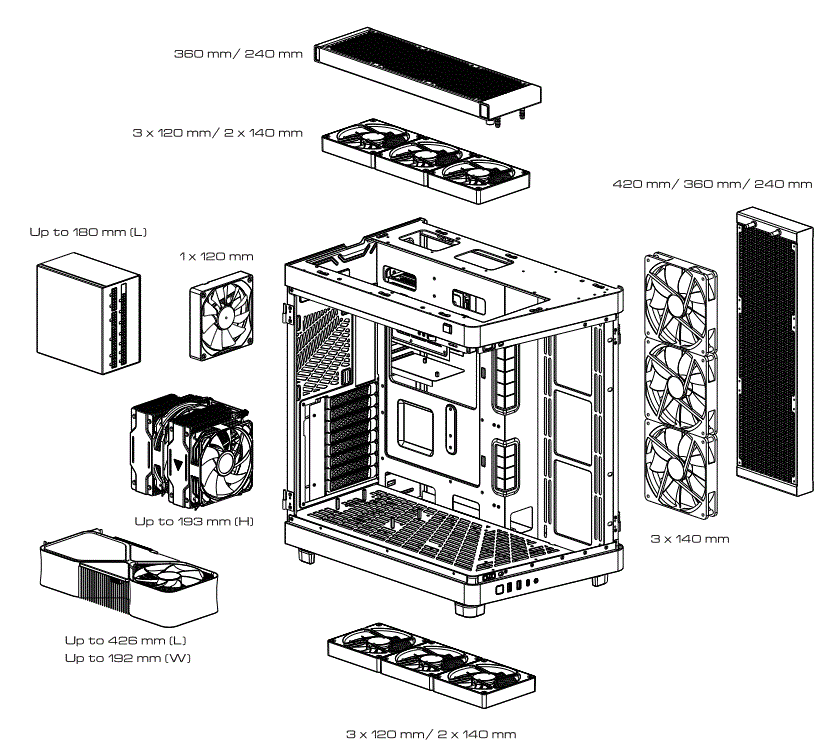
The product also features an “Appearance Switch” and various panels, including a left panel, right panel, glass panel (vertical and horizontal), front panel, and top/bottom cover. The product supports radiators up to 360mm in size, with the exception of the rear radiator which has a maximum size of 120mm.
Product Usage Instructions
- Begin by assembling the product using the included screws and standoffs according to the instructions provided in the user manual.
- Choose the desired appearance switch setting for the product.
- Attach the magnetic feet pads to the bottom of the product to provide stability and prevent slipping.
- Ensure that there is adequate clearance for the product in the area where it will be used.
- Install any necessary components such as a motherboard, SSD, GPU, PSU, and control box according to their respective instructions.
- If desired, attach zip ties to help manage cables and prevent clutter.
- Finally, power on the product and enjoy its performance.
Package Contents
- A. NESO P1
- B. User Manual
- C. Accessory Box
Clearance
Glass Panel
Vertical
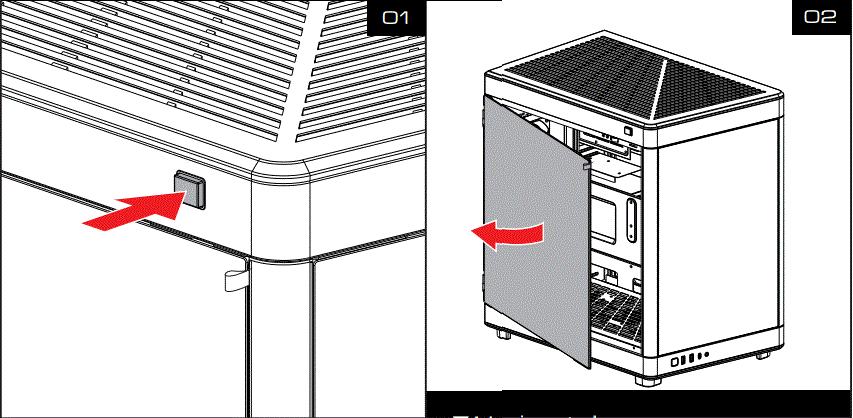
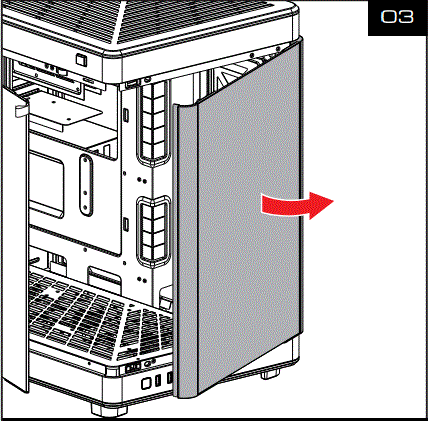
Horizontal
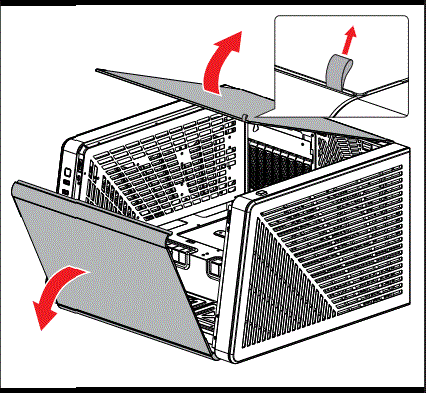
Appearance Switch
Left Panel
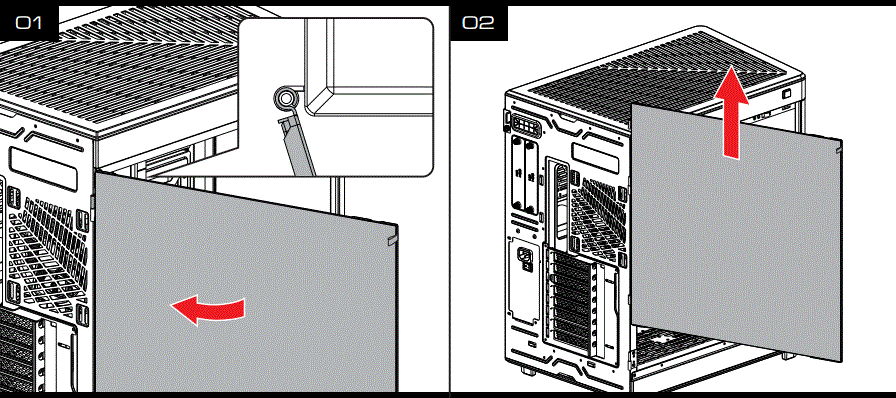
Right Panel
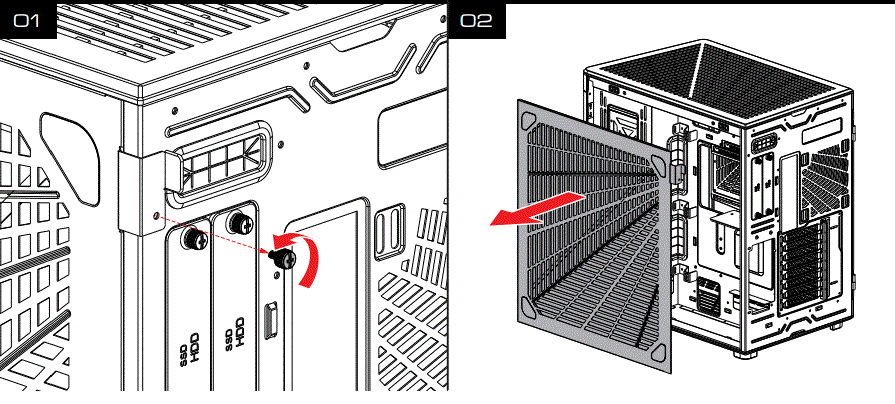
Front Panel
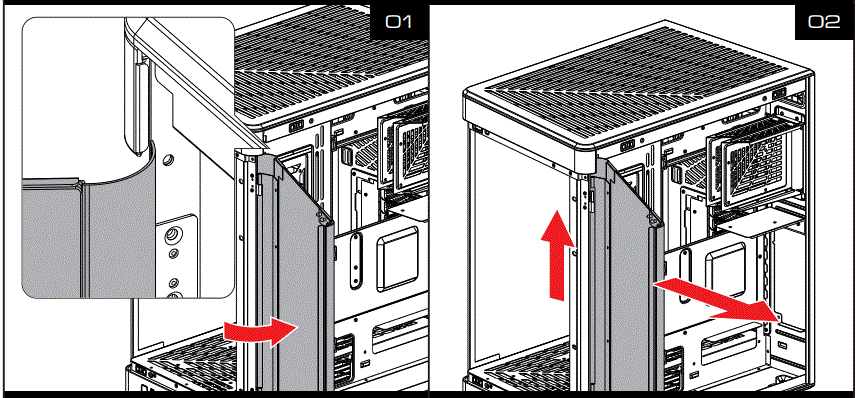
Top/Bottom Cover
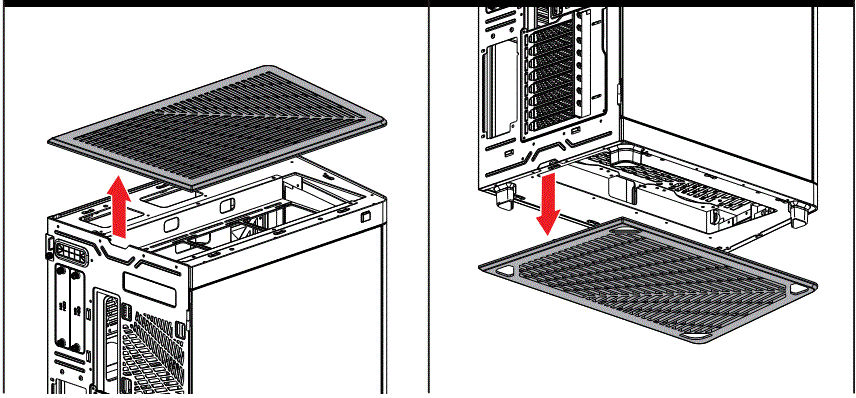
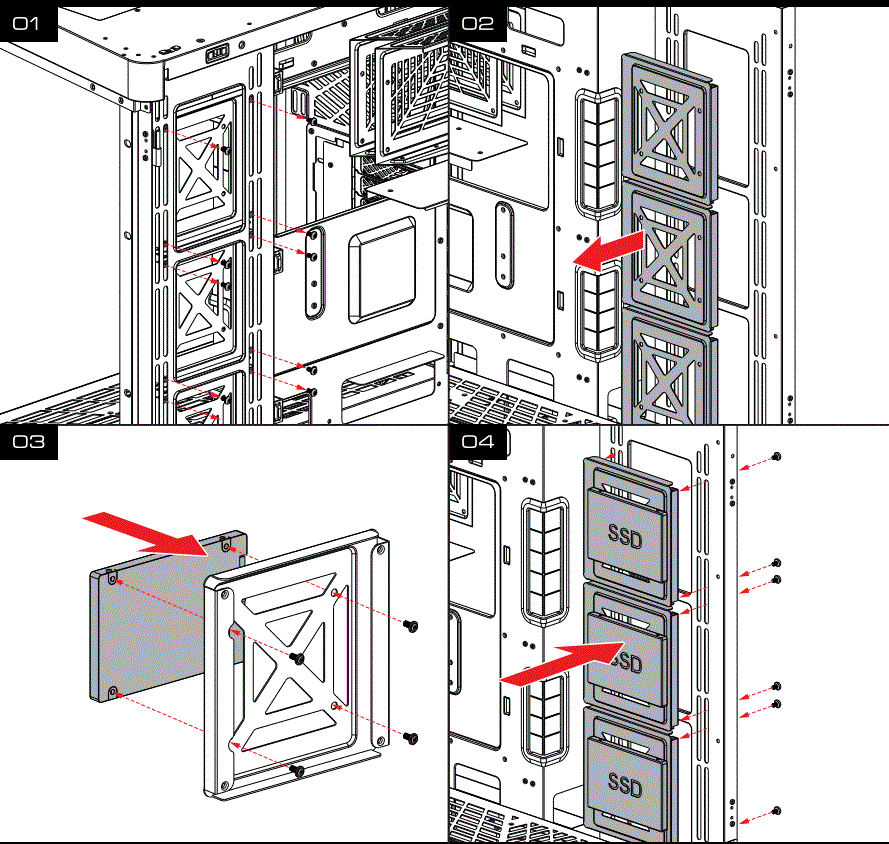
SSD (Side)
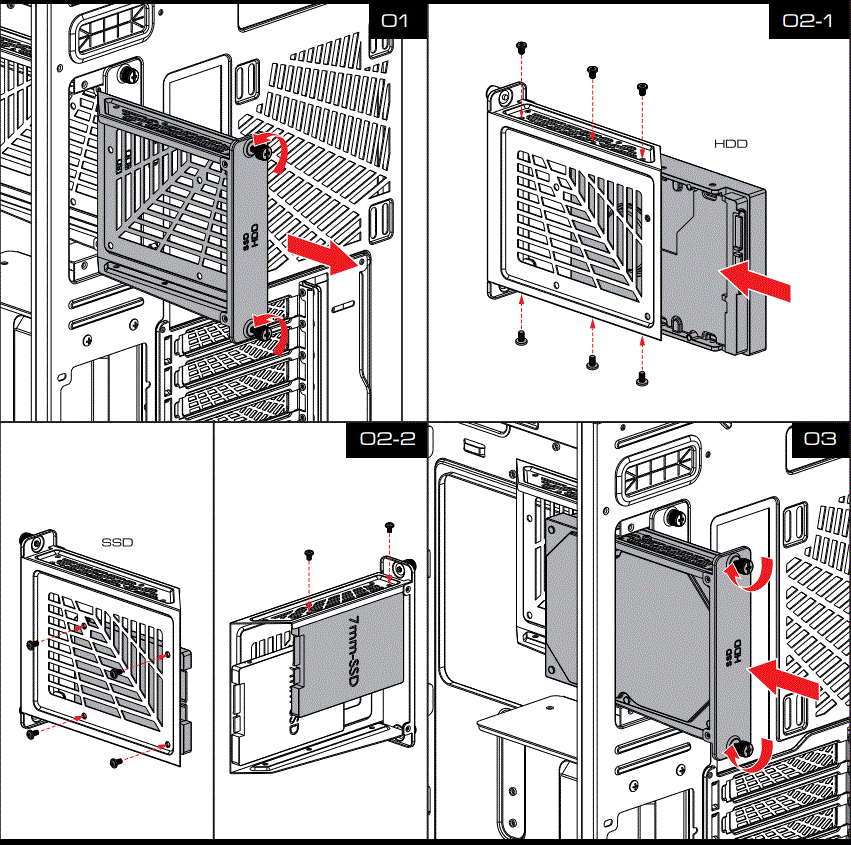
HDD/SSD (Rear)
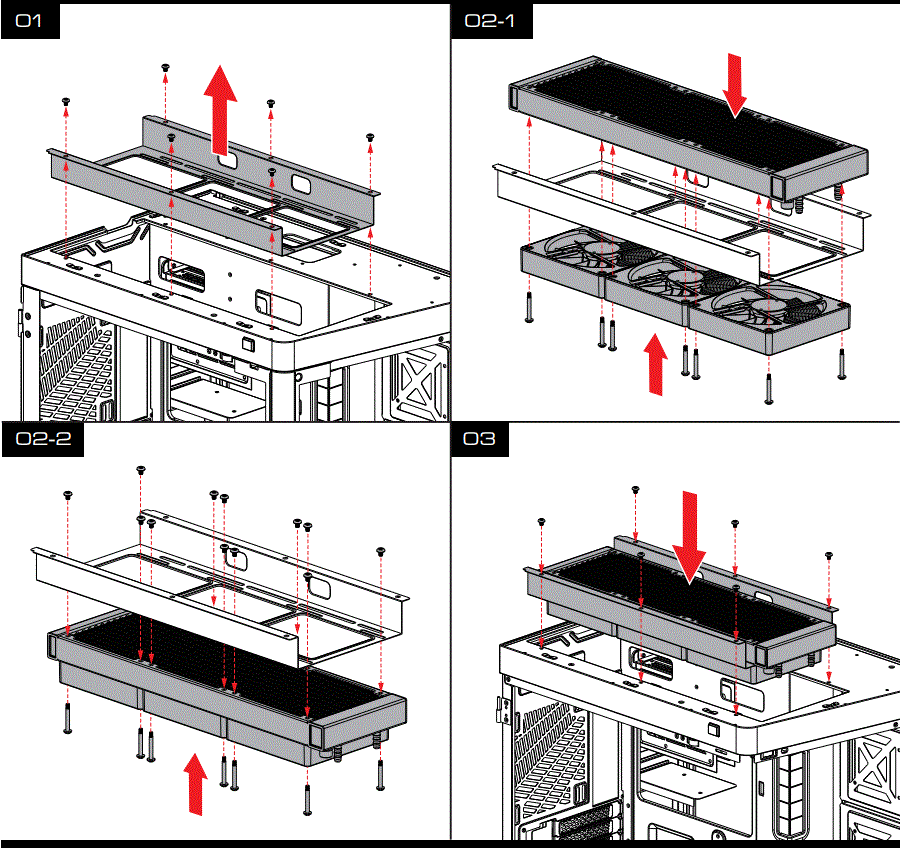
Top Radiator (360 Max)
- Do not use try for 420mm
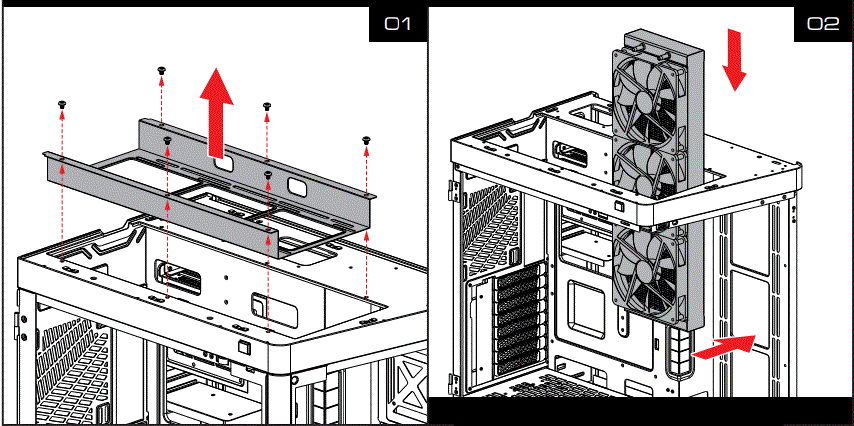
Side Radiator (420/ 360)
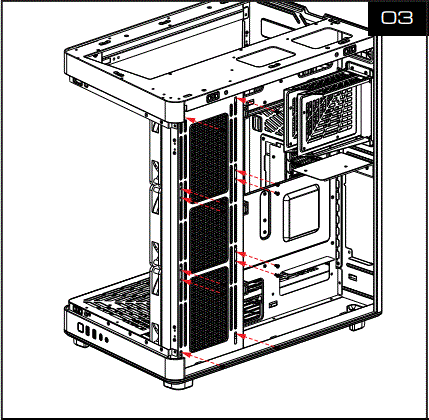
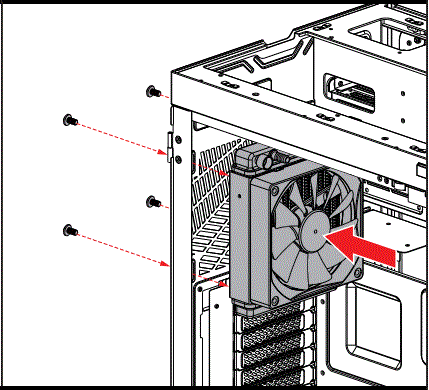
Rear Radiator (120 Max)
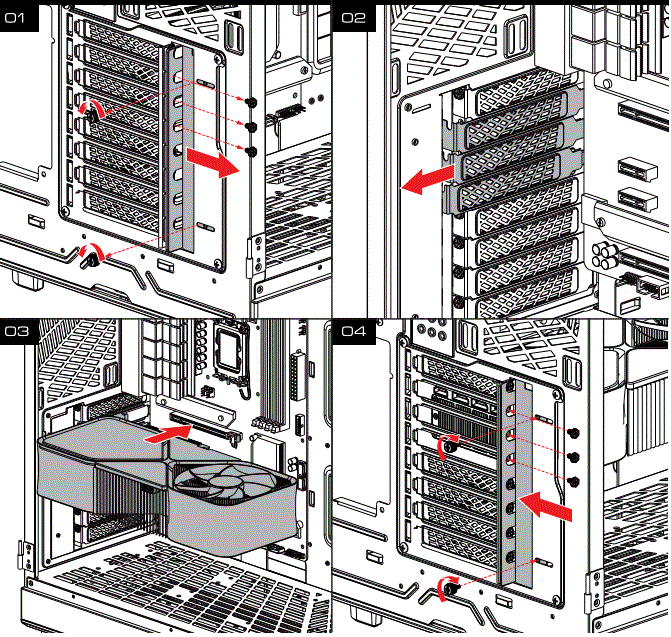
GPU (Horizontal)
GPU (Vertical)
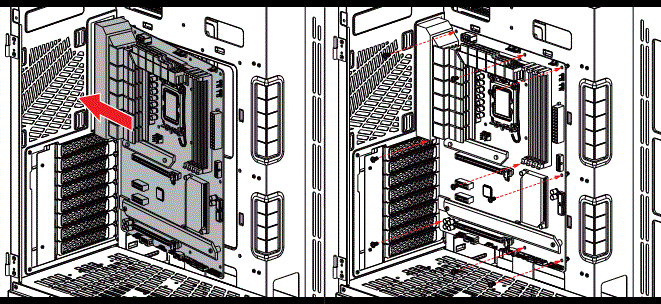
Motherboard
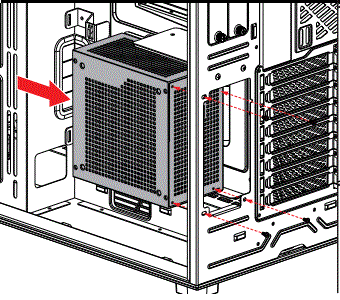
PSU
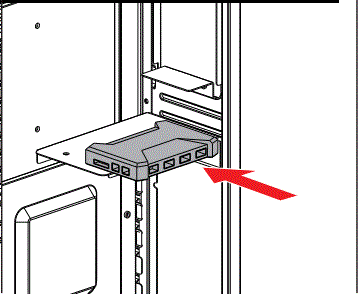
Control Box
DOWNLOADS