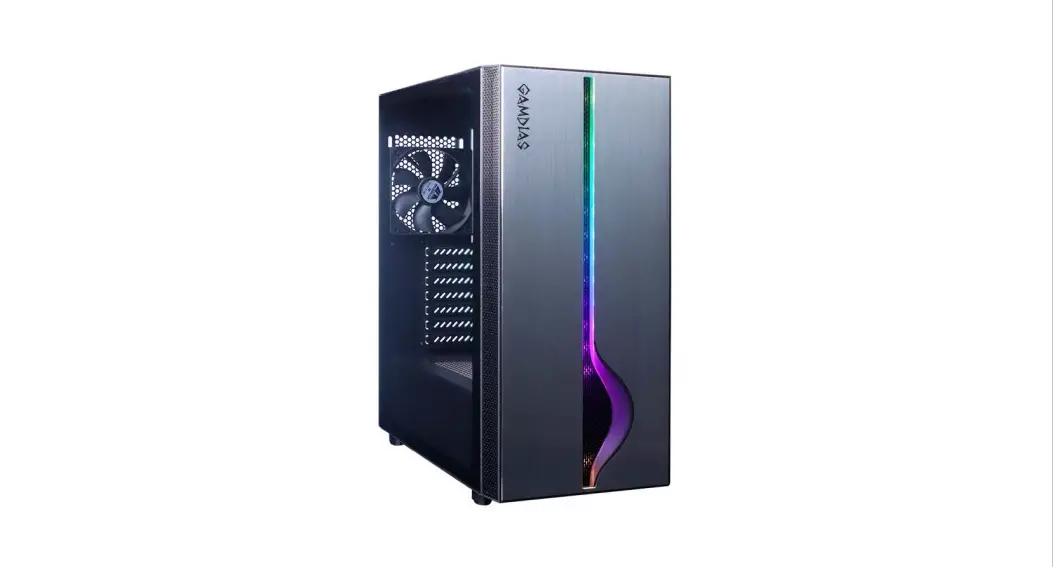
 QUICK INSTALLATION GUIDE
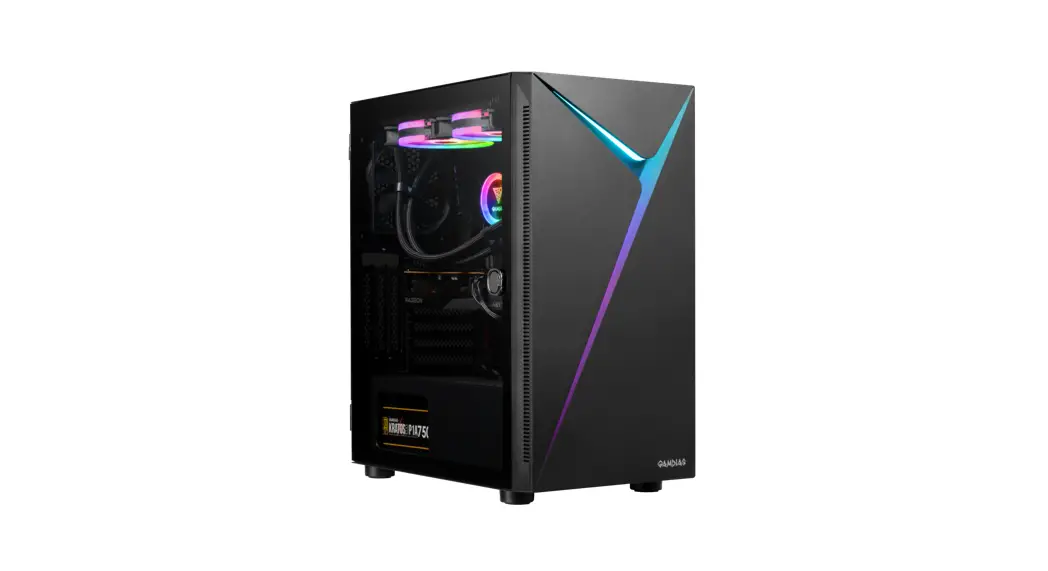
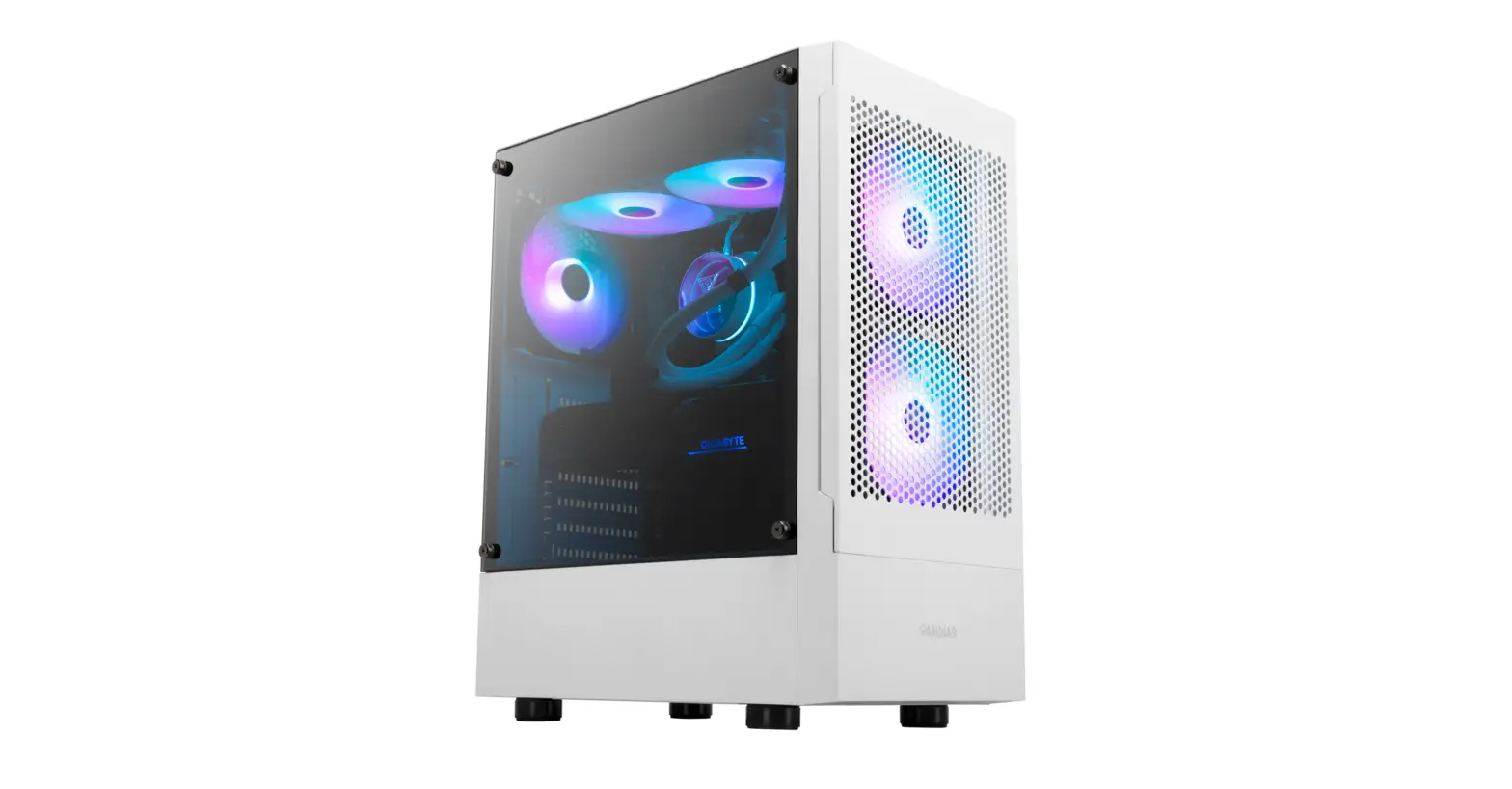
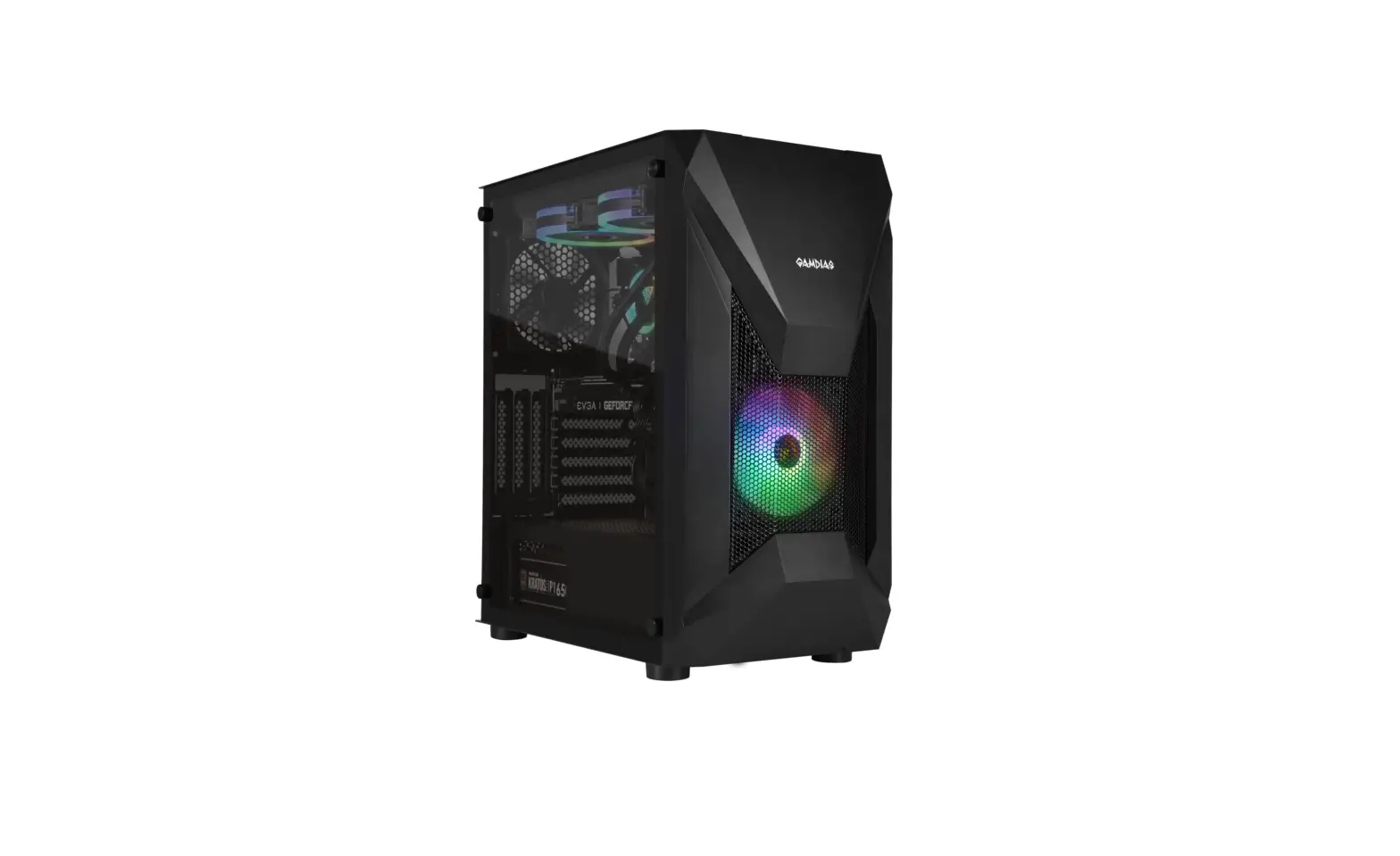
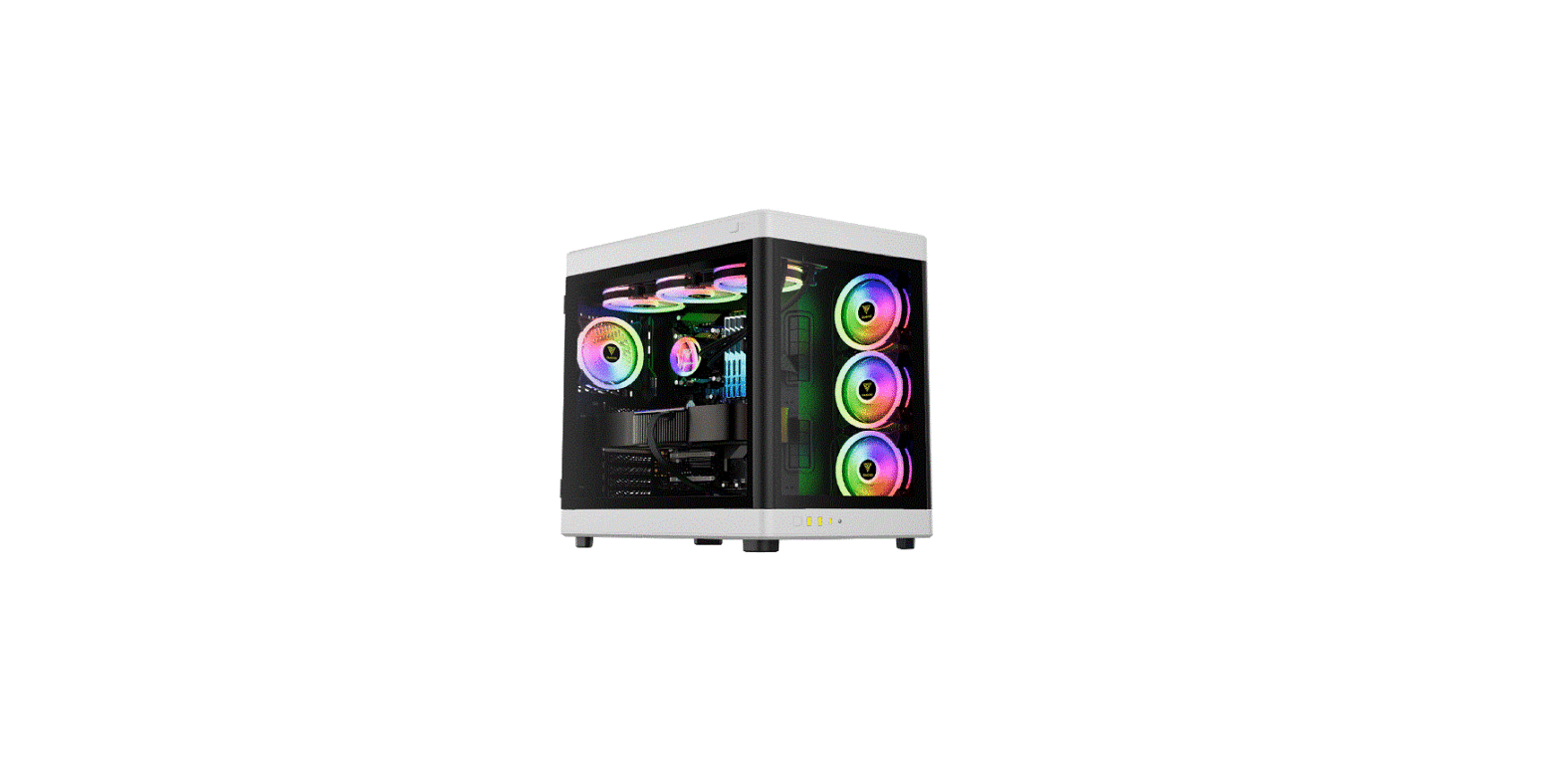
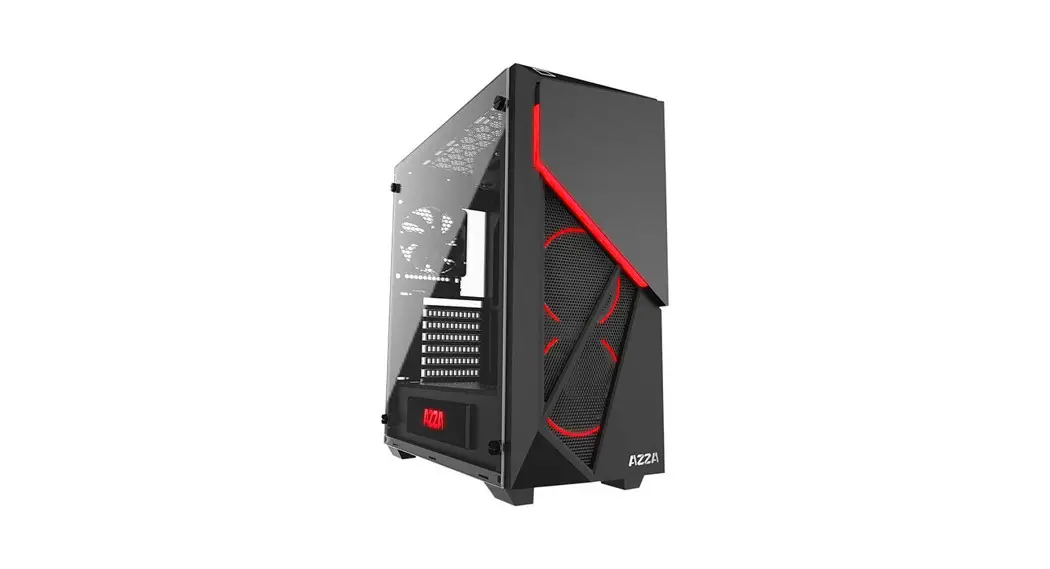
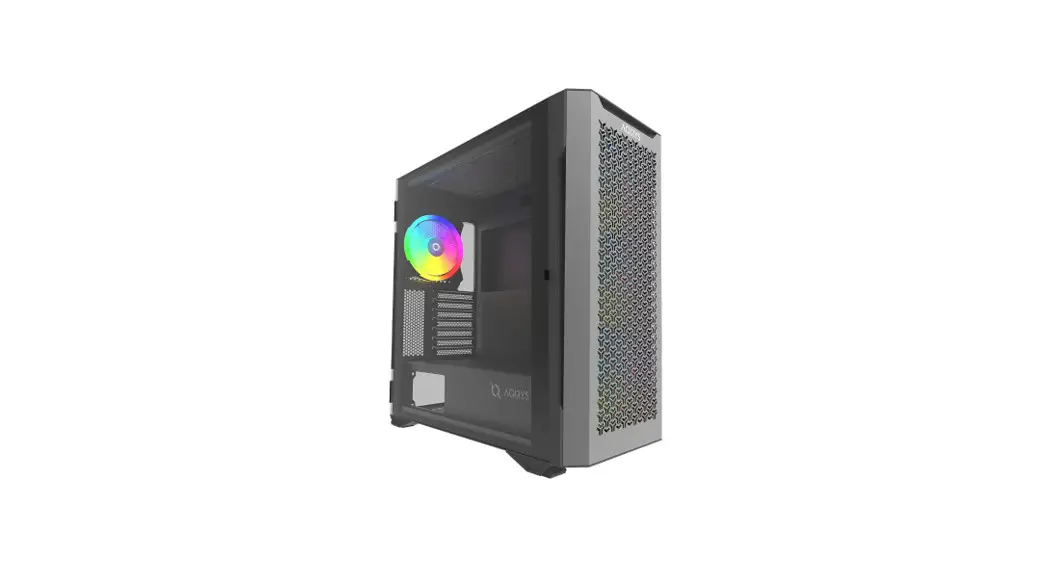
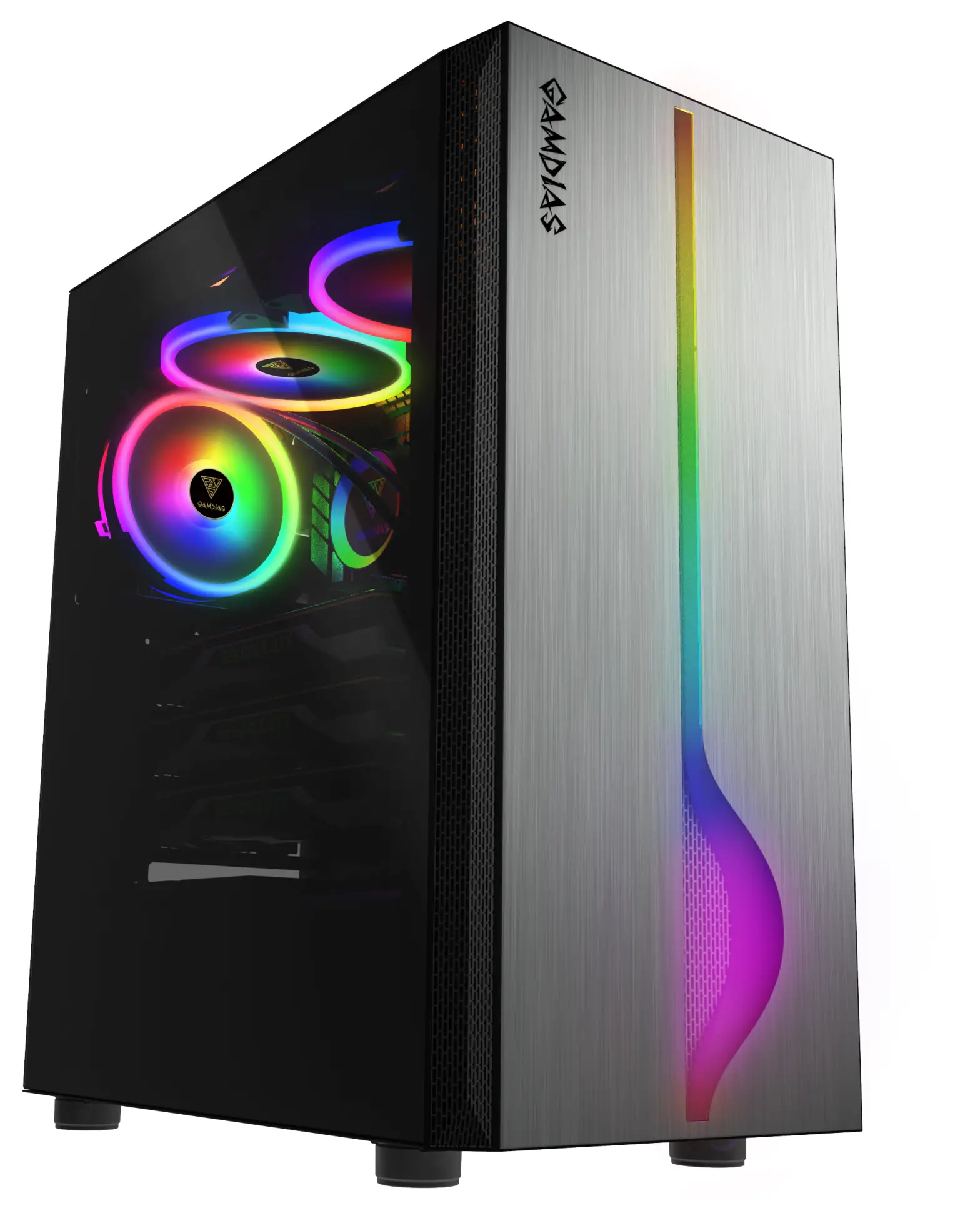 MARS M 1
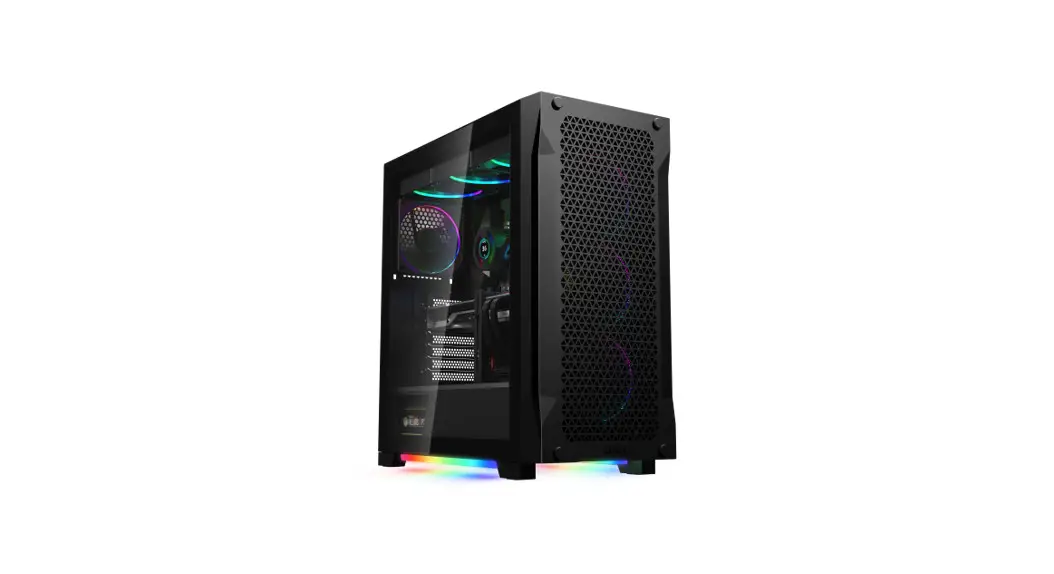
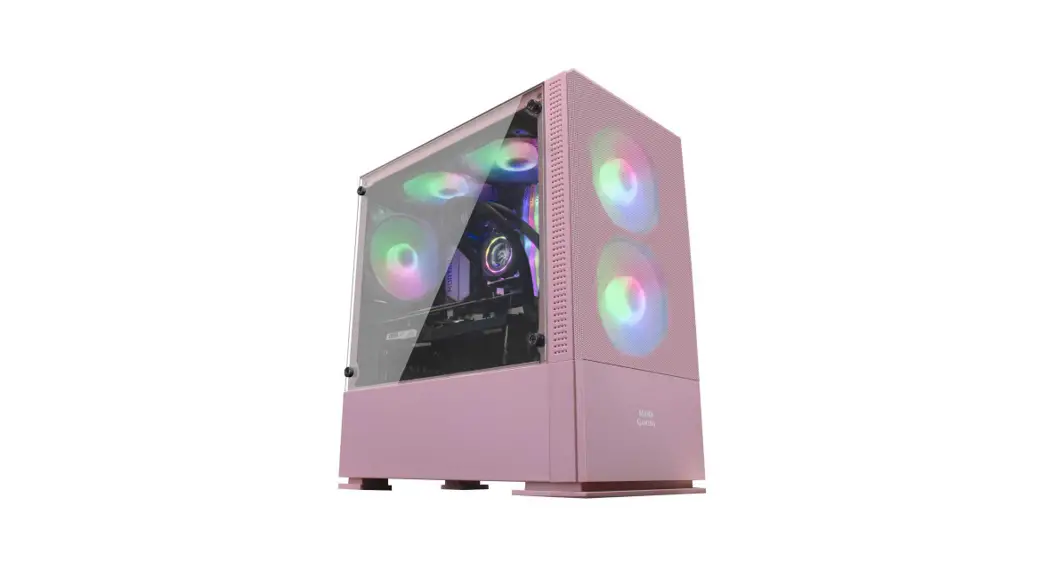
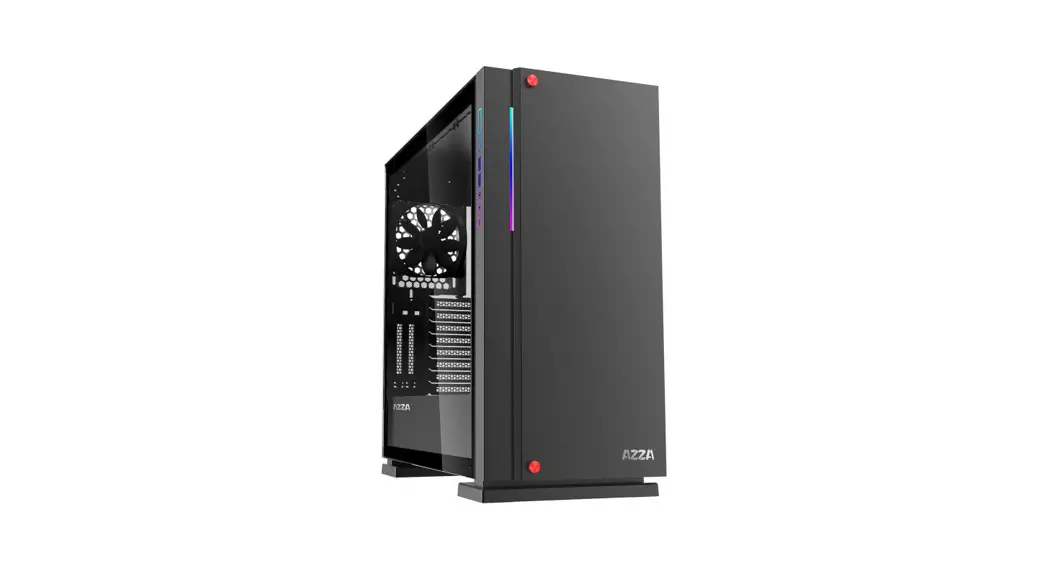
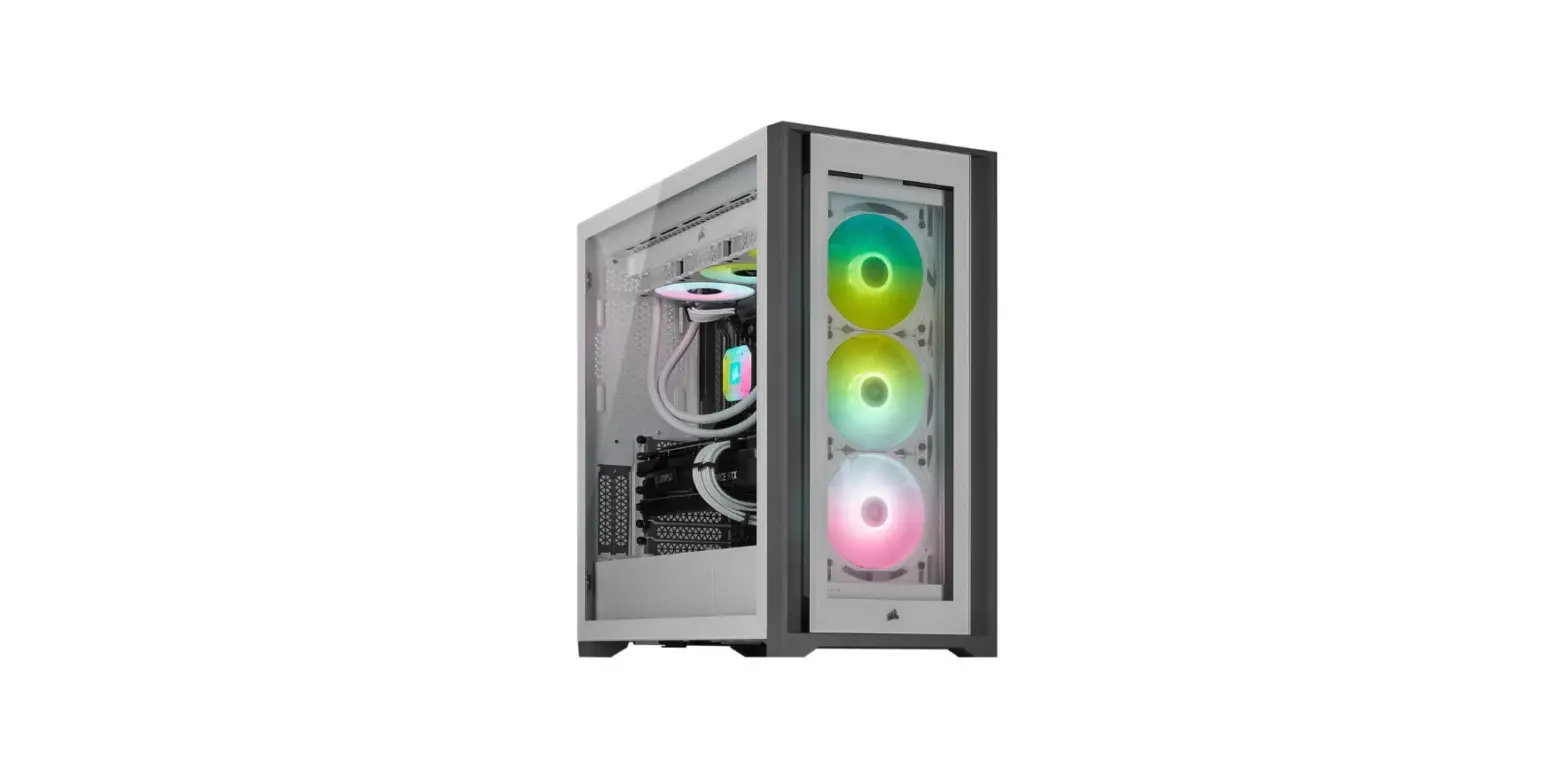
MID-TOWER PC CAS EM1
SPECIFICATIONS
| SERIES | ALUMINUM Series |
| Product Name | MARS M1 |
| Case Type | MID Tower |
| Dimension (L x W x H) | 402 x 210 x 475 mm 15.8 x 8.3 x 18.7 inch |
| Chassis Dimension (L x W x H) | 360 x 210 x 458 mm 14.2 x 8.3 x 18 inch |
| Motherboard Support | ATX, Micro-ATX,Mini-ITX |
| Expansion Slots | 7 |
| Material | SPCC , ABS , Tempered glass , Aluminum |
| Window | Left |
| Radiator Support | Top: 280 mm Front: 280 mm Rear: 120 mm |
| Fan Support | Top: 2 x 120mm , 2 x 140mm Front: 3 x 120mm , 3 x 140mm Rear: 1 x 120mm |
| Pre-installed Fans | Rear: 1 x 120mm Fan |
| Pre-installed Control BOX | NO |
| Motherboard Sync | 5V 3-Pin Addressable Header |
| Drive Bays | 2 x 3.5″ or 2 x 2.5″ or 1 x 2.5″+1 x 3.5″(HDD Cage) 2 x 2.5″ |
| Clearance | CPU cooler height limitation: 160mm VGA length limitation: 340mm PSU length limitation: 170mm |
| I/O Port | USB 3.0 x1, USB 2.0 x2, HD Audio x1, LED Control x1 |
EXPLODED VIEW & PARTS
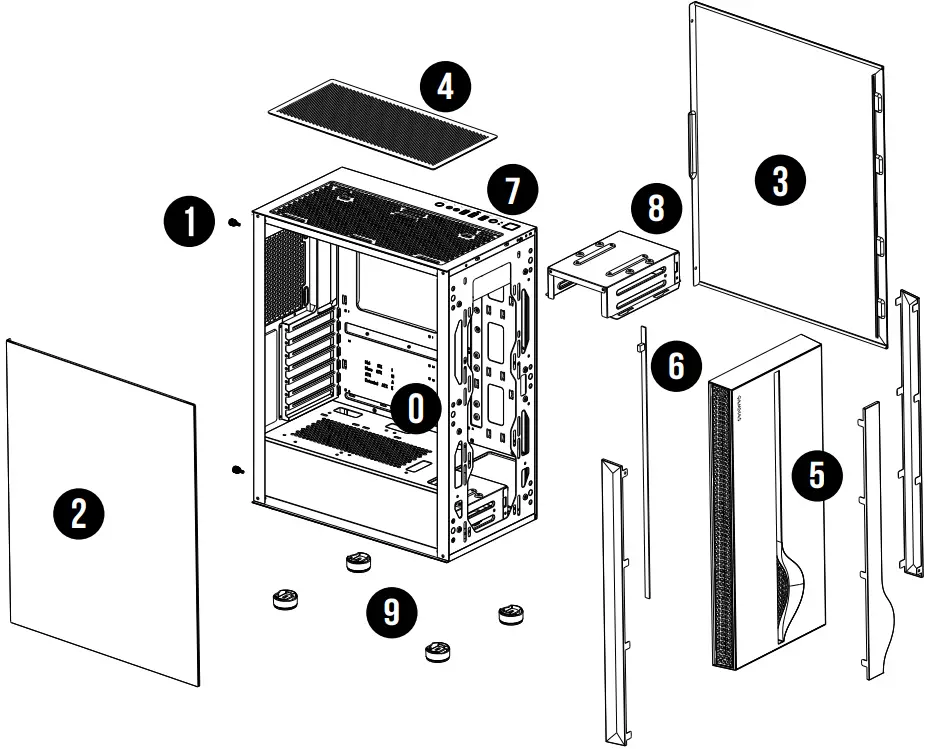
PARTS
| 0. Chassis Body 1. Screw 2. Tempered Glass Side Panel 3. Right Side Panel 4. Top Dust Filters | 5. Anodized Aluminum Front Panel 6. LED Strips 7. IO Port 8. HDD Cage 9. Rubber Foot |
ACCESSORY
| Figure | Parts Name | Qty | Used for |
 | Stand-off 4.75 x 6.5 x 10mm | 3 | Motherboard |
 | Screw #6 x 6 mm | 8 | PSU |
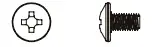 | Screw #6 x 5 mm | 8 | HDD |
 | Screw M3 x 5 mm | 26 | 2.5″ HDD/Motherboard/ODD |
 | CableTie | 5 | Cable Management |
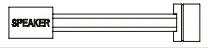 | Buzzer | 1 | Motherboard Alarm |
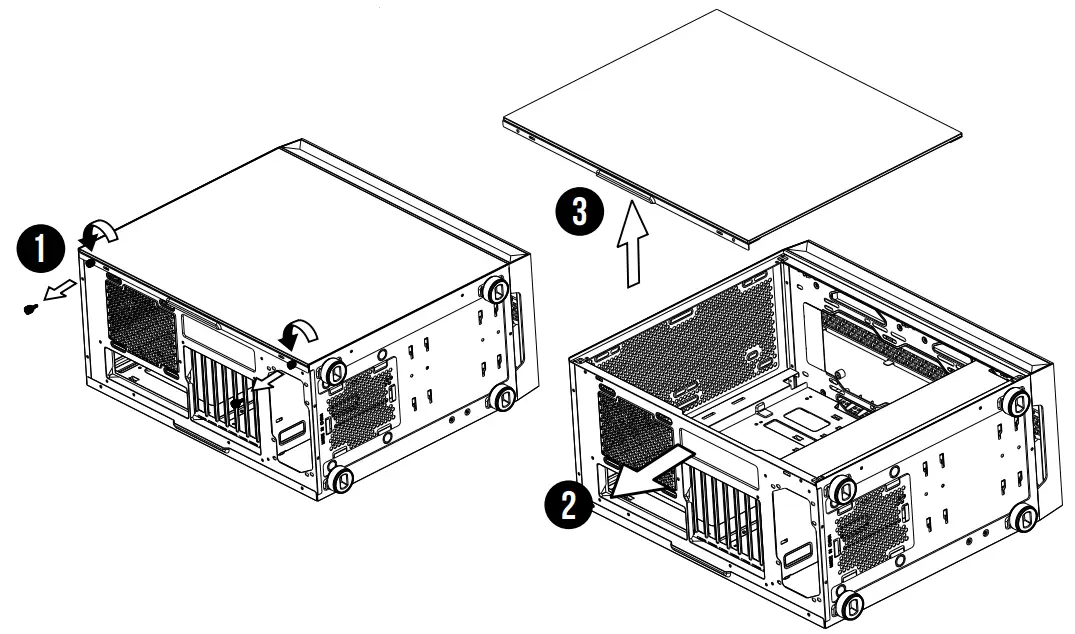
SIDE PANEL REMOVAL
Remove the side panel
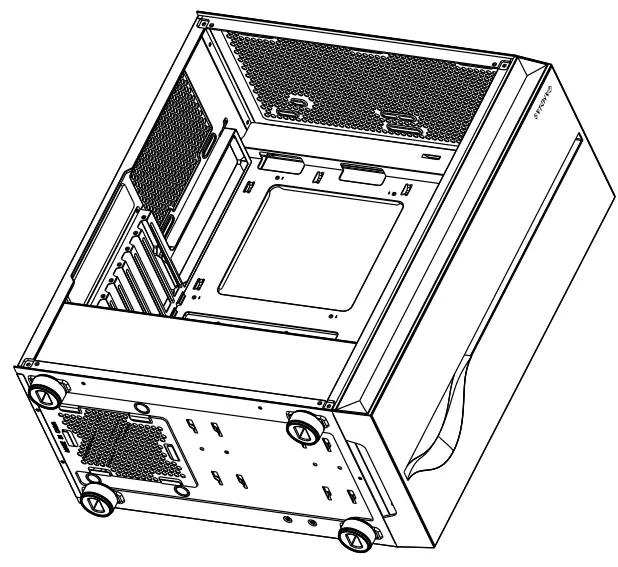
MOTHERBOARD INSTALLATION
Lay down the chassis
Install the motherboard in the proper location and secure it with screws
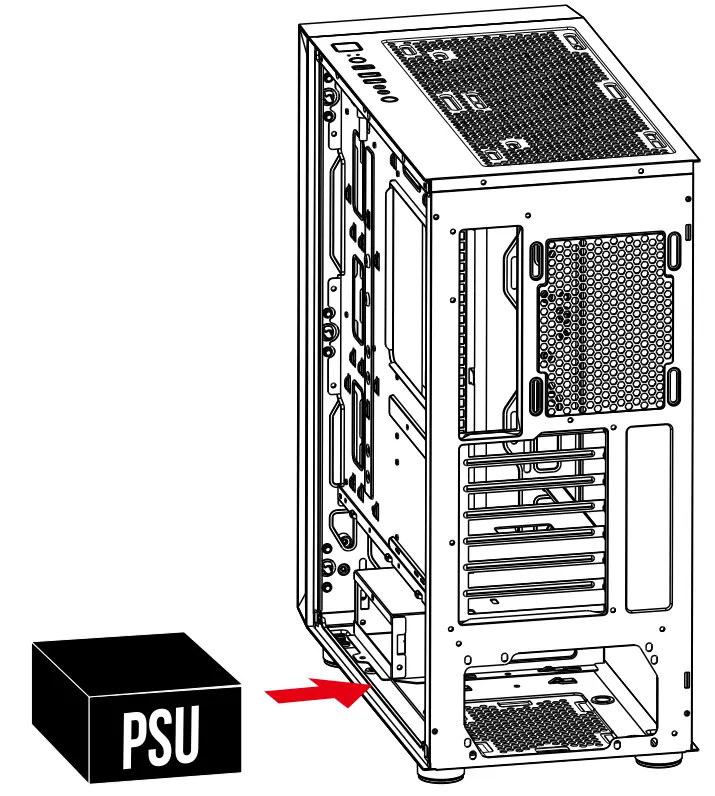
PSU INSTALLATION
Place the PSU in the proper location
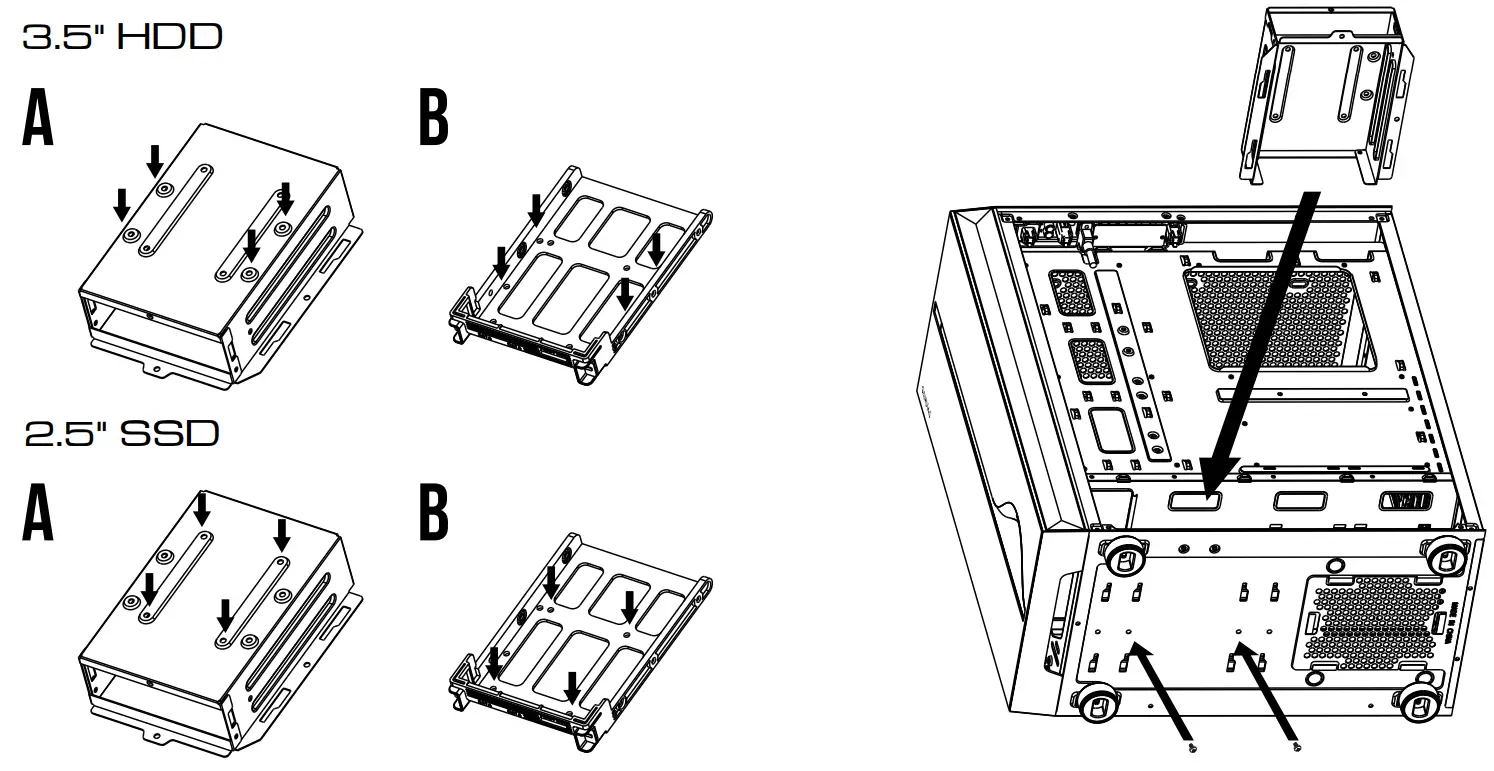
3.5″ 2.5″ HDD INSTALLATION
A. 3.5″ HDD
Align the HDD into the mounting holes and screw in.
B. 2.5″ SSD
Align the SSD into the mounting holes and screw in.
AIR COOLING COMPATIBILITY
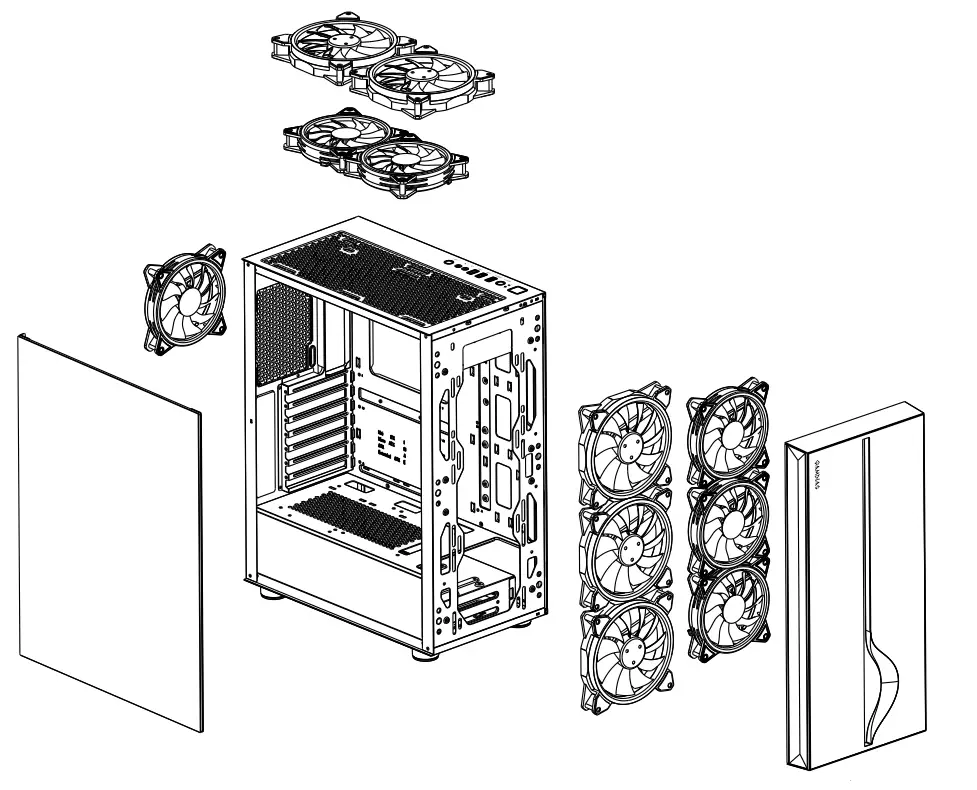
| Top | 2 x 120mm or 2 x 140mm |
| Front | 3 x 120mm or 3 x 140mm |
| Rear | 1 x 120mm |
RADIATOR COMPATIBILITY
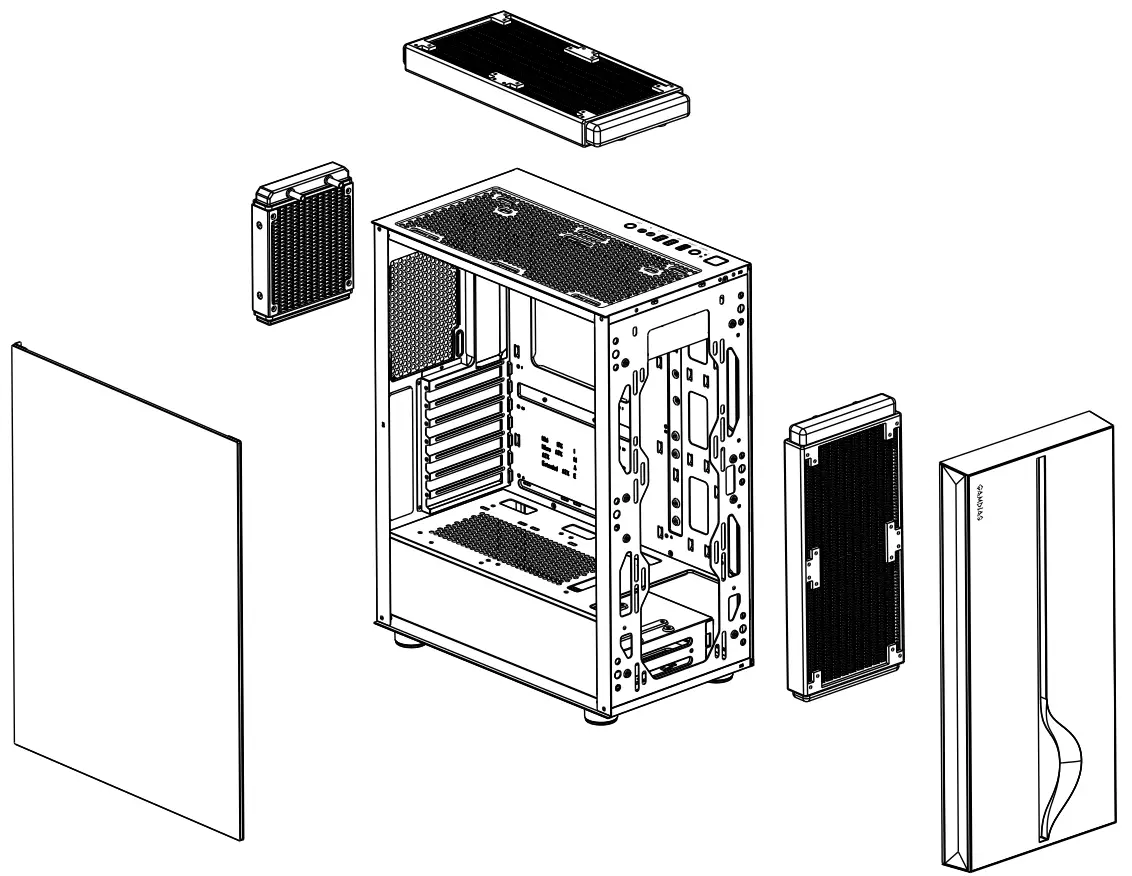
| Top | 280 mm |
| Front | 280 mm |
| Rear | 120 mm |
I/O PORTS
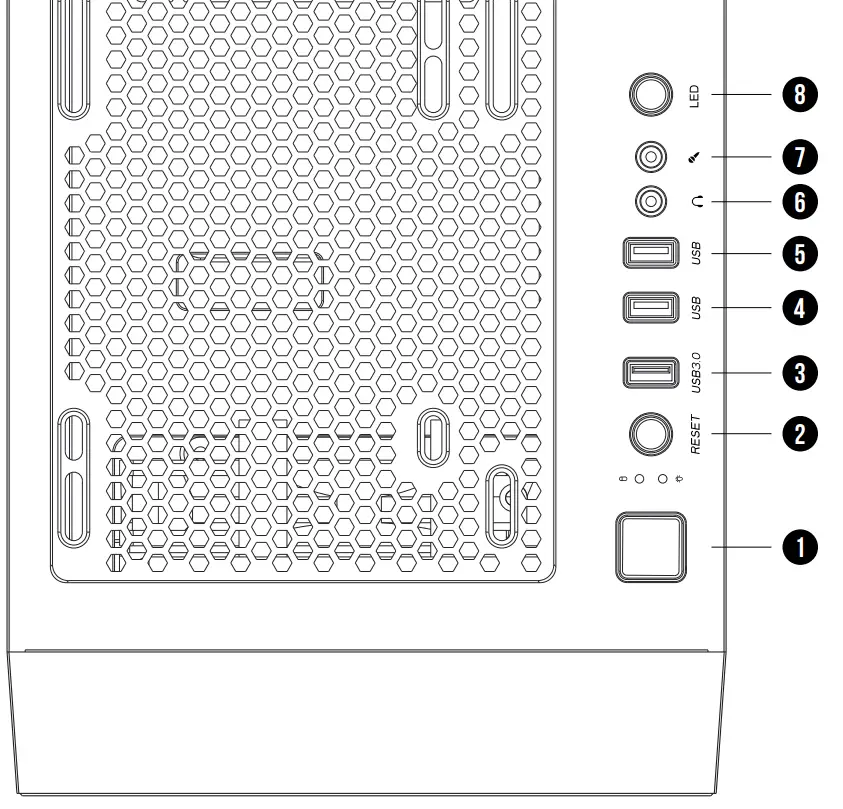
| 1. Power Button 2. Reset Button 3. USB 3.0 4. USB 2.0 | 5. USB 2.0 6. Headphone 7. Mic 8. LED Control ¹ ² |
- Sync With Motherboard: Press and Hold the LED Control Button for 3 seconds.
- LED off: Press and Hold the LED Control button for 3 Seconds(if you have not installed the MB Sync).
I/O CONNECTORS
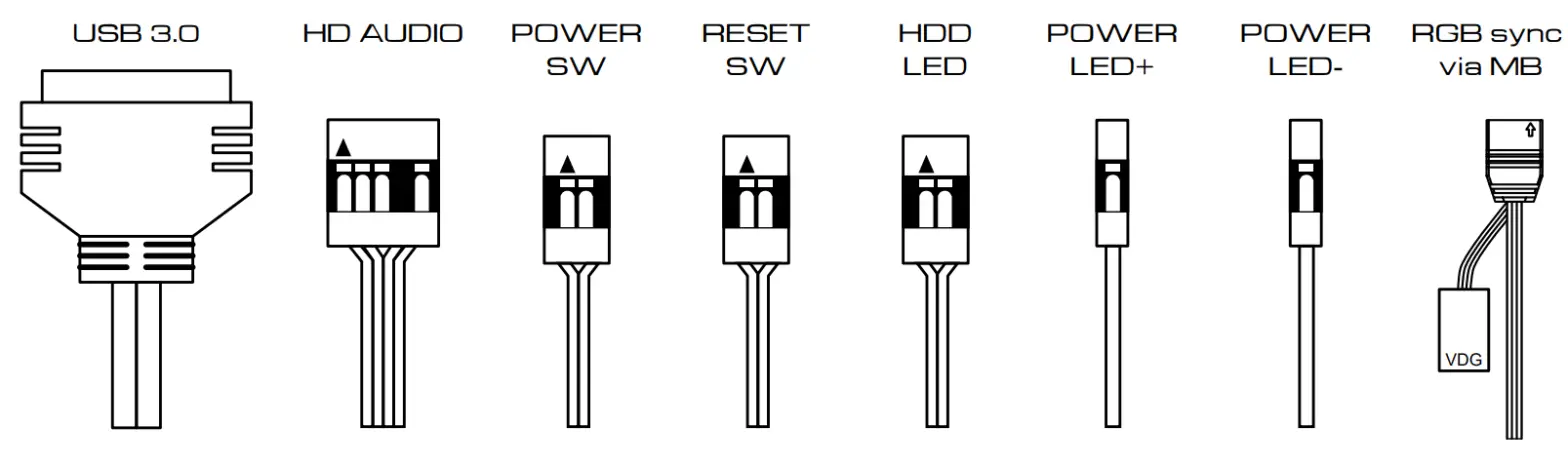
See your motherboard’s manual for front panel header locations and pin-outs.