Contents hide

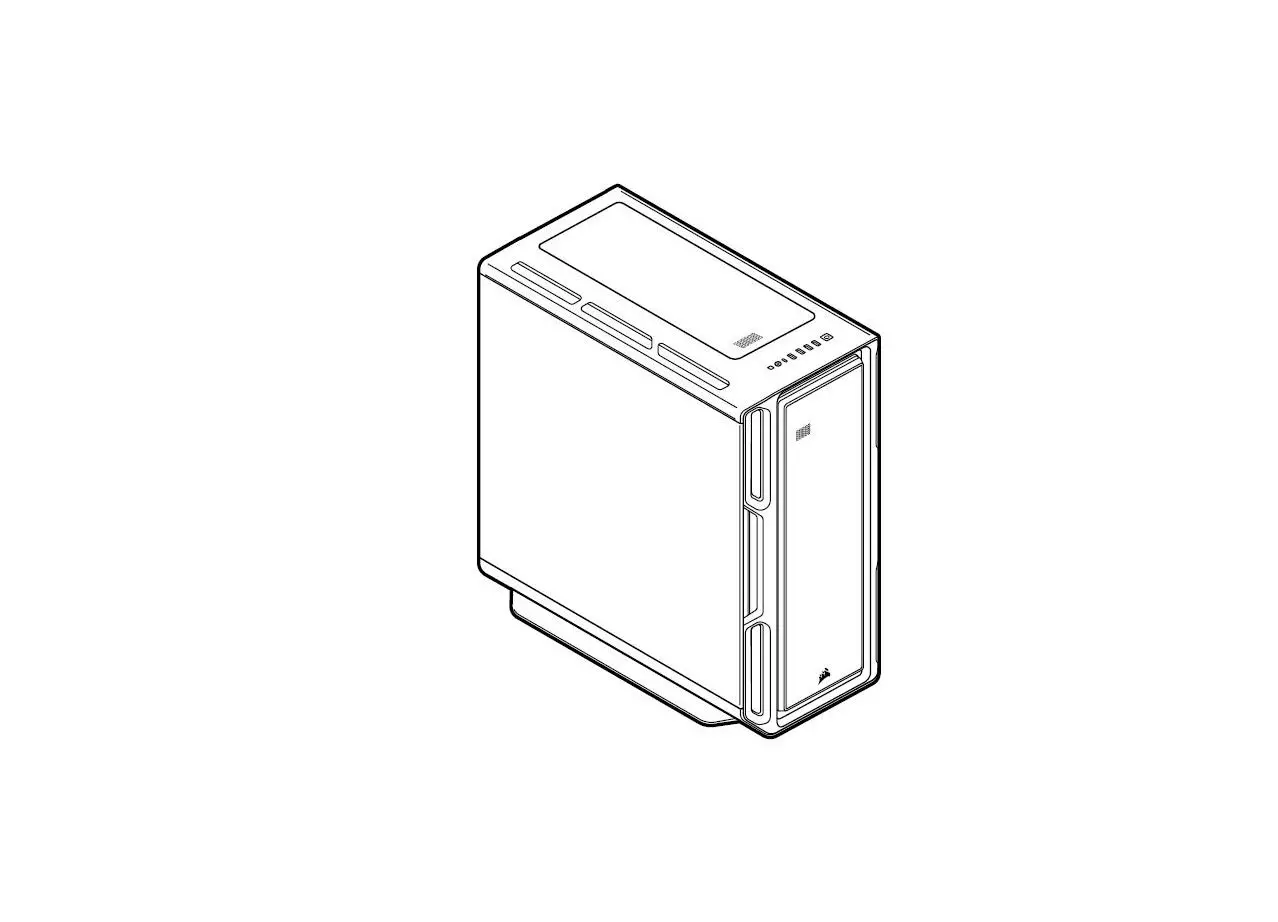
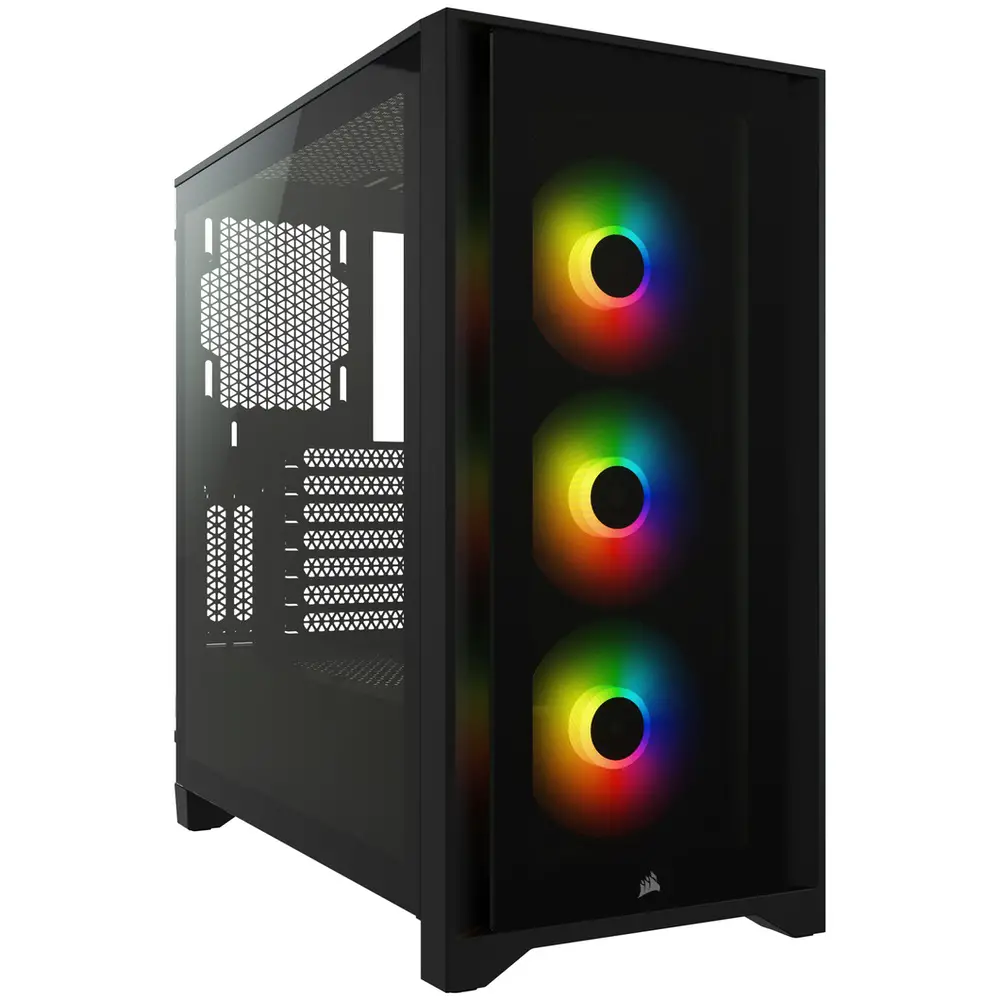
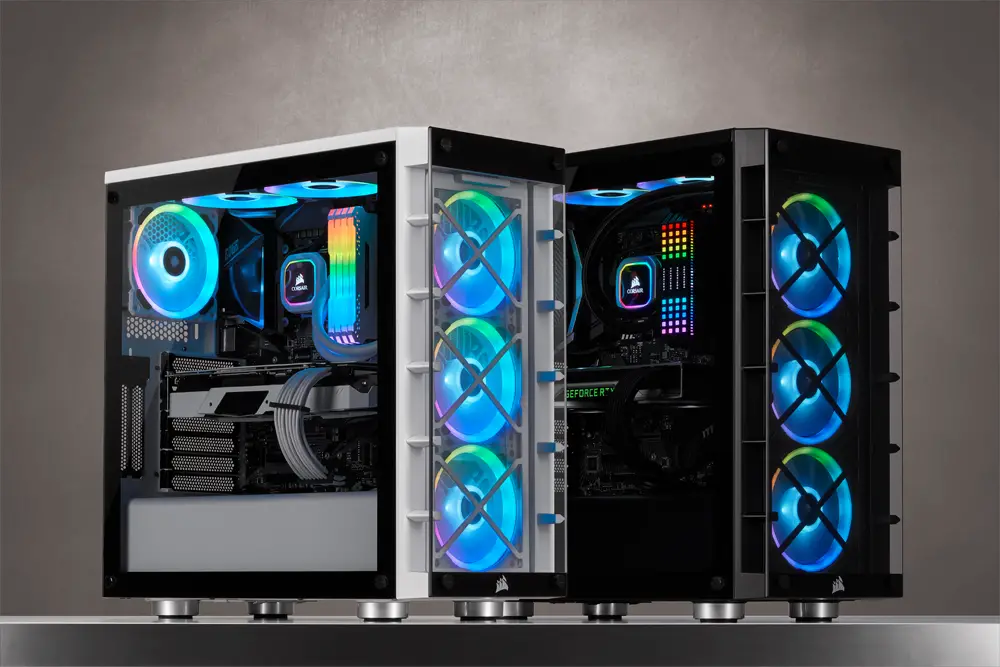
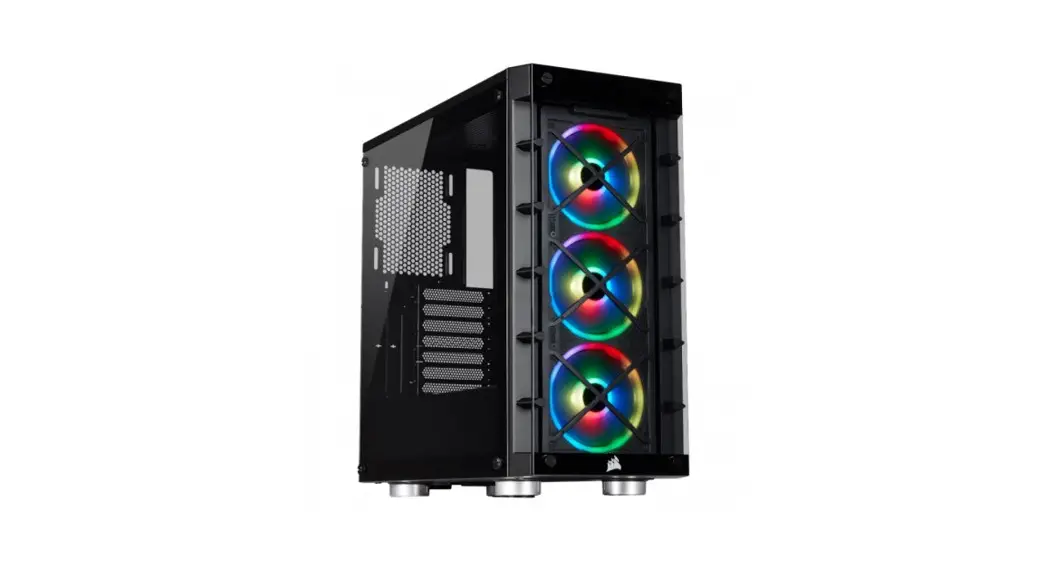
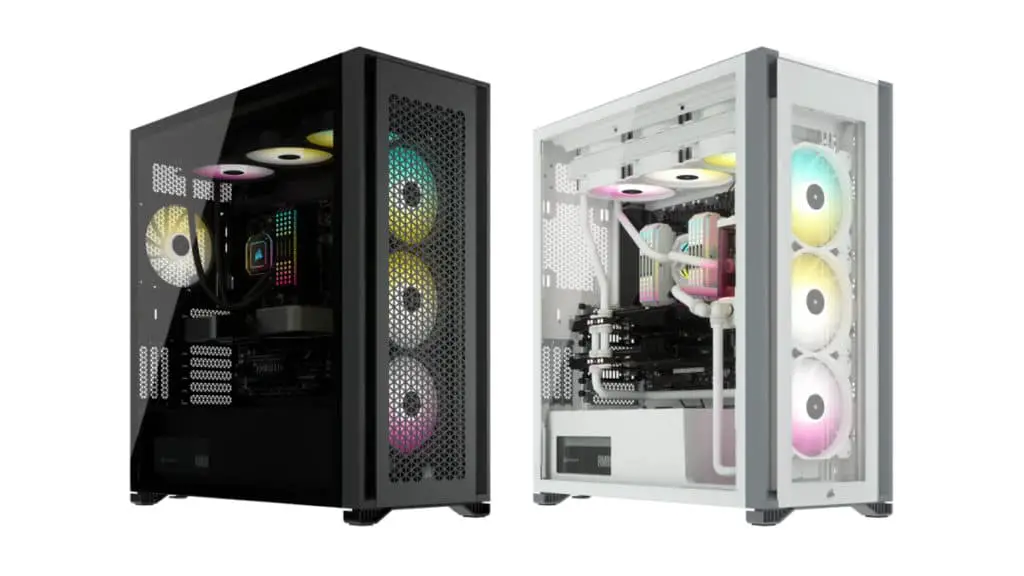
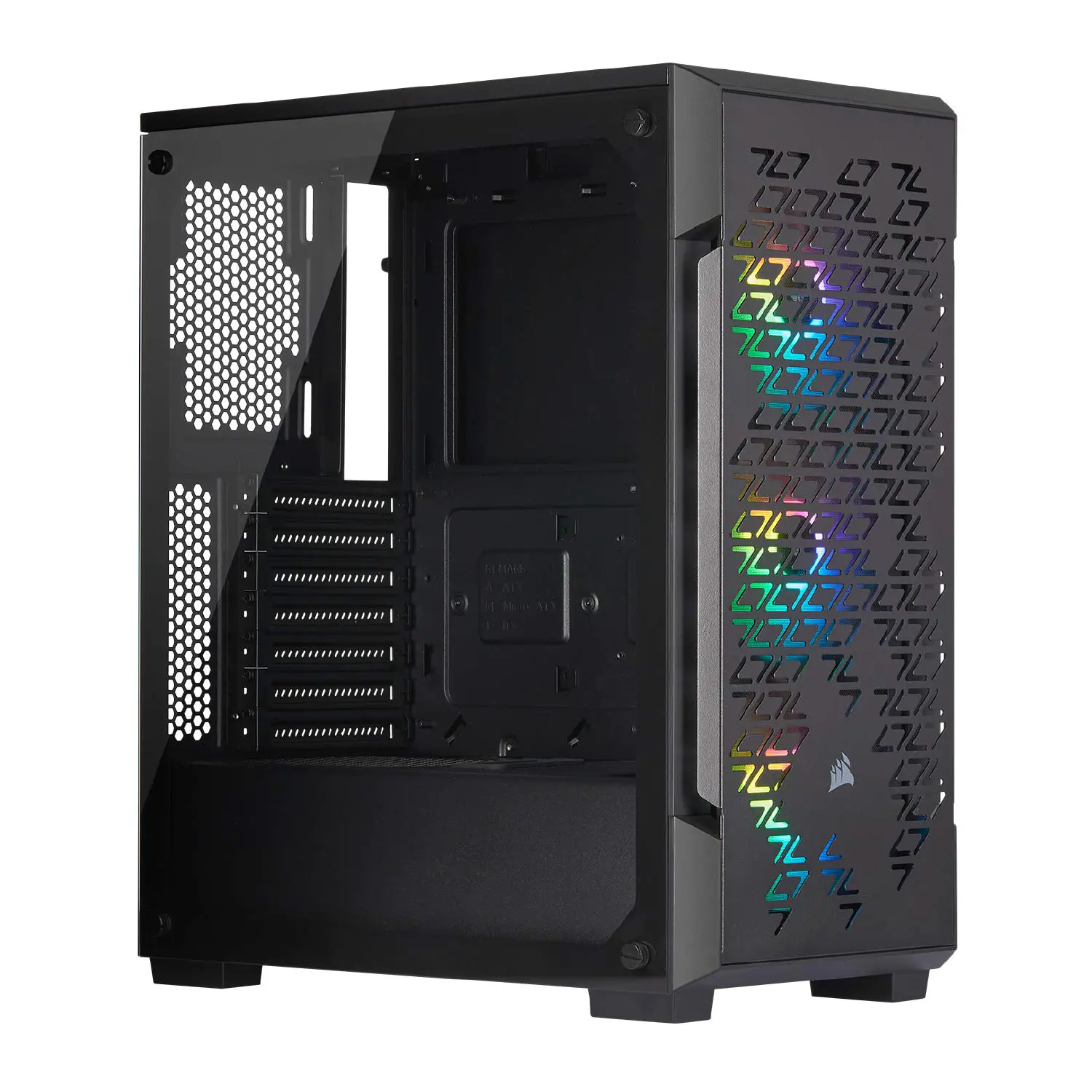
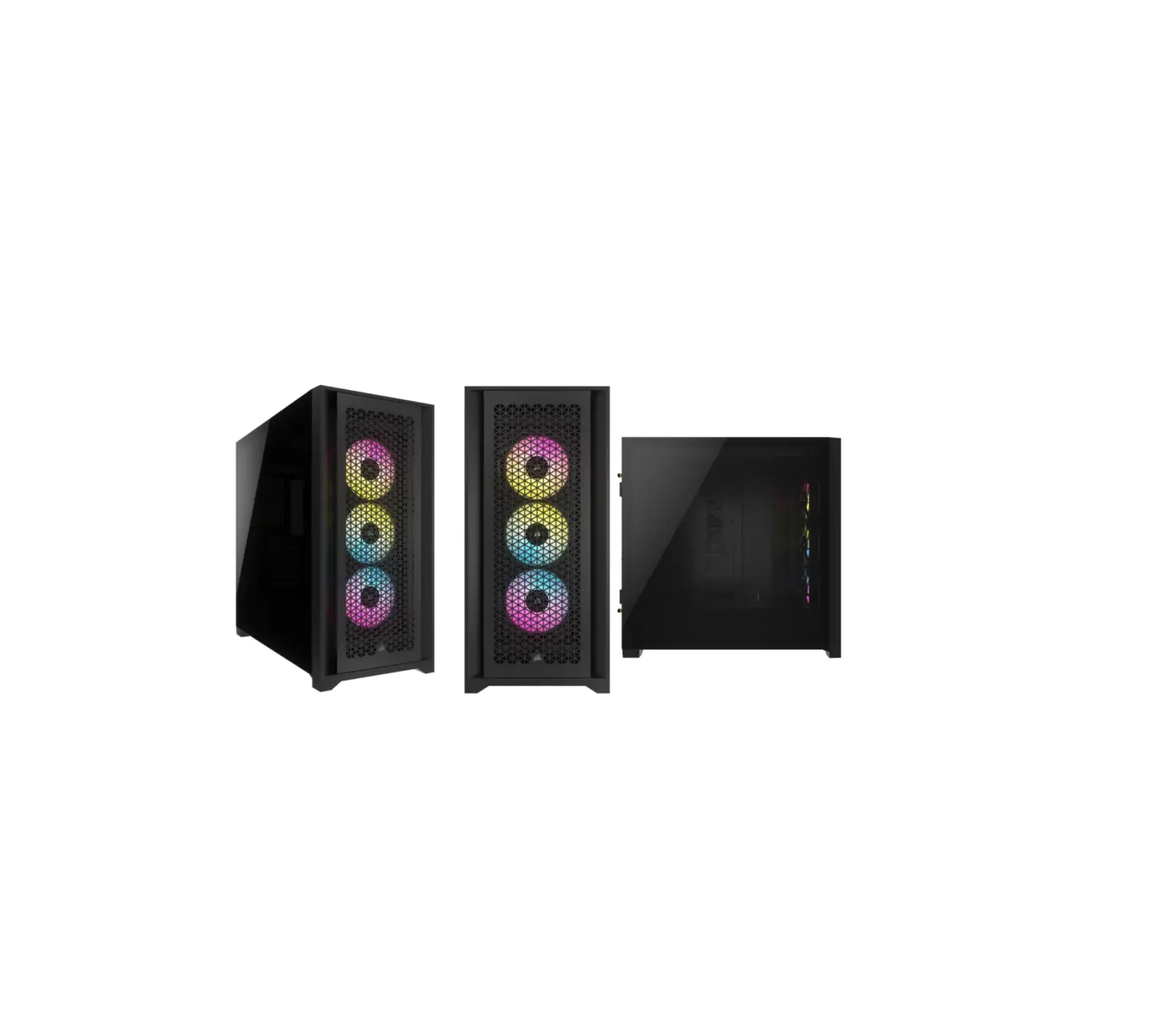
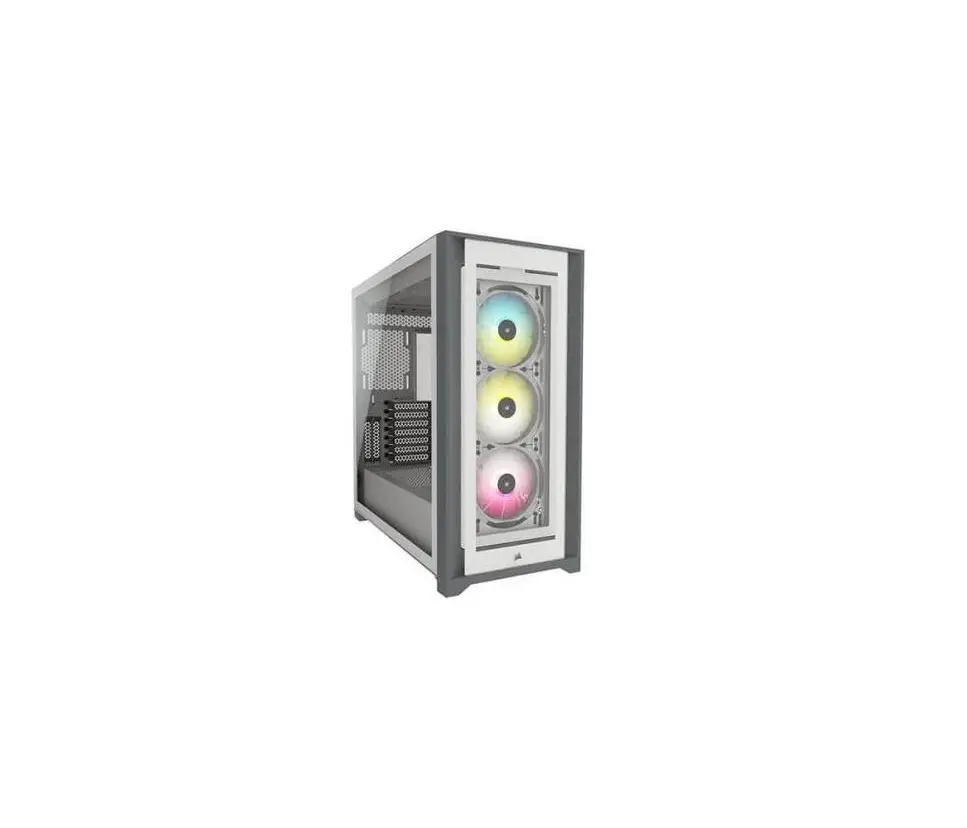
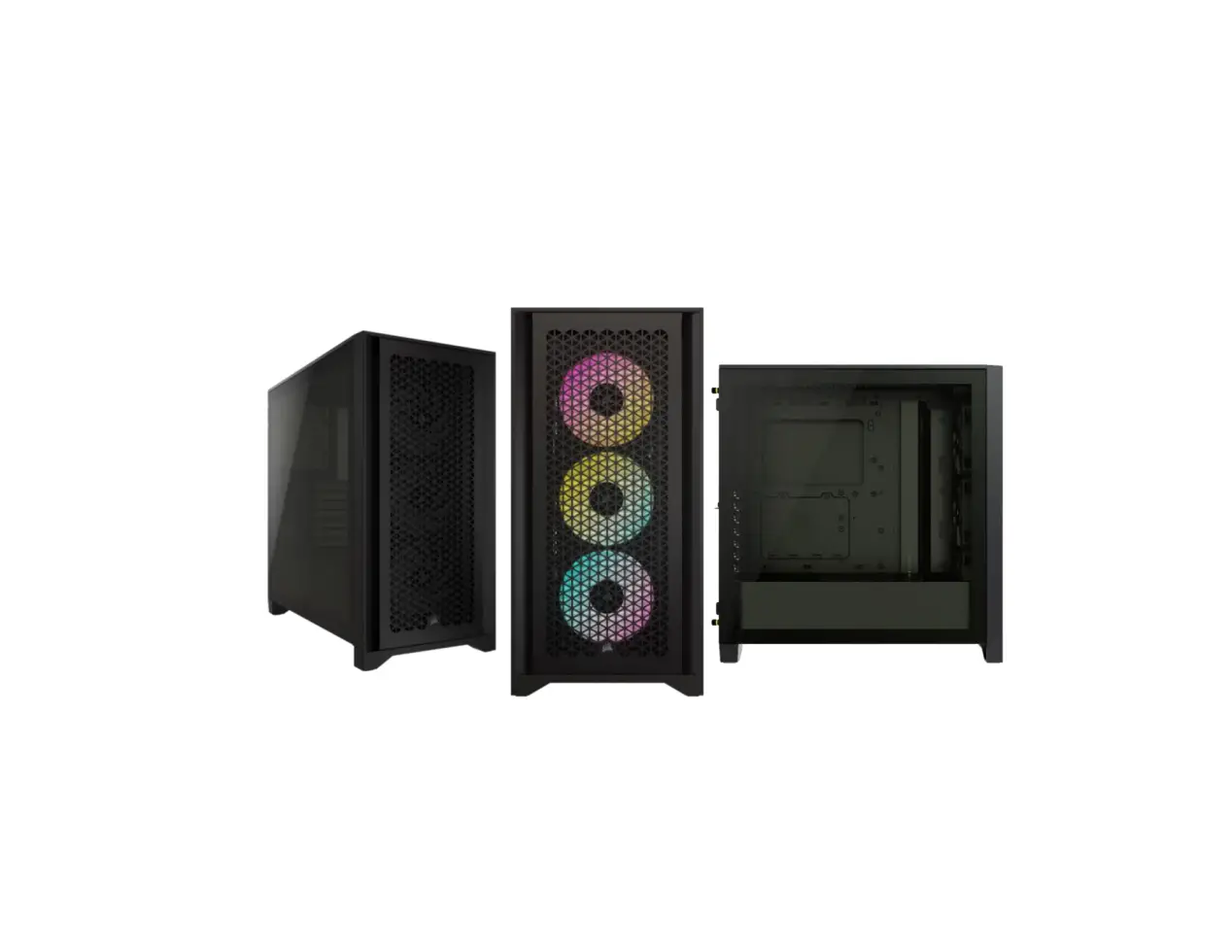
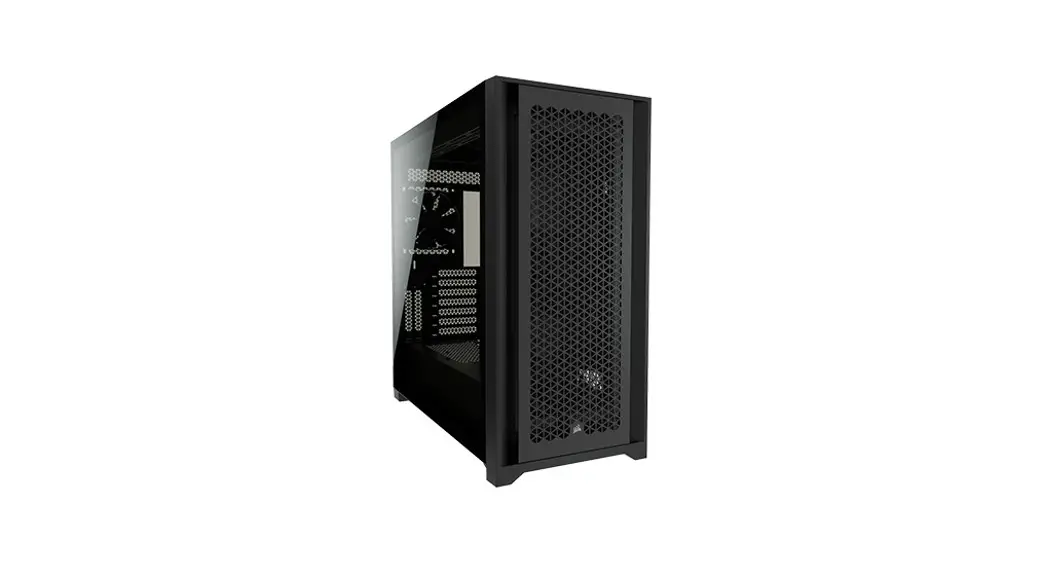
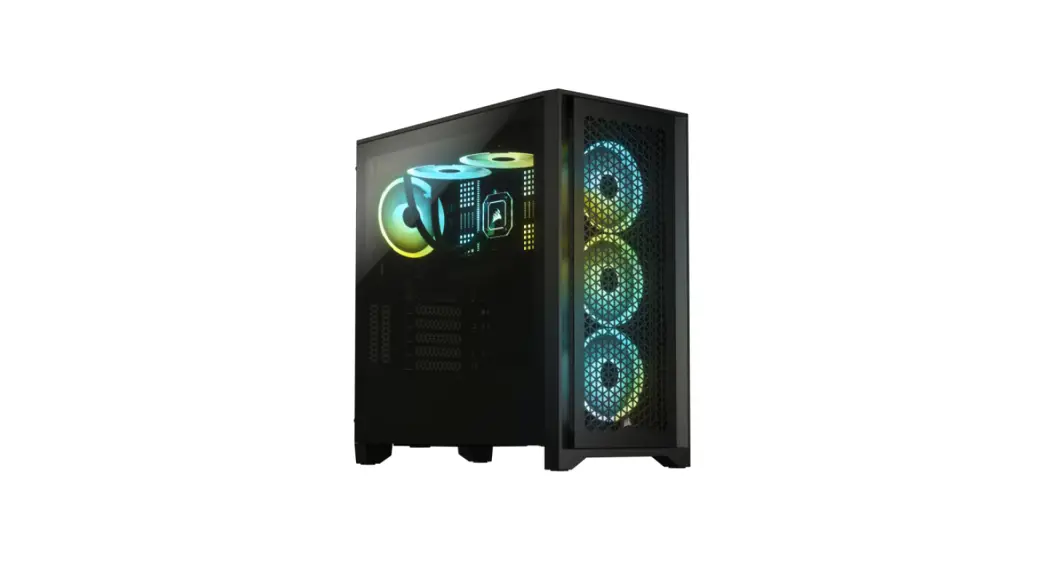
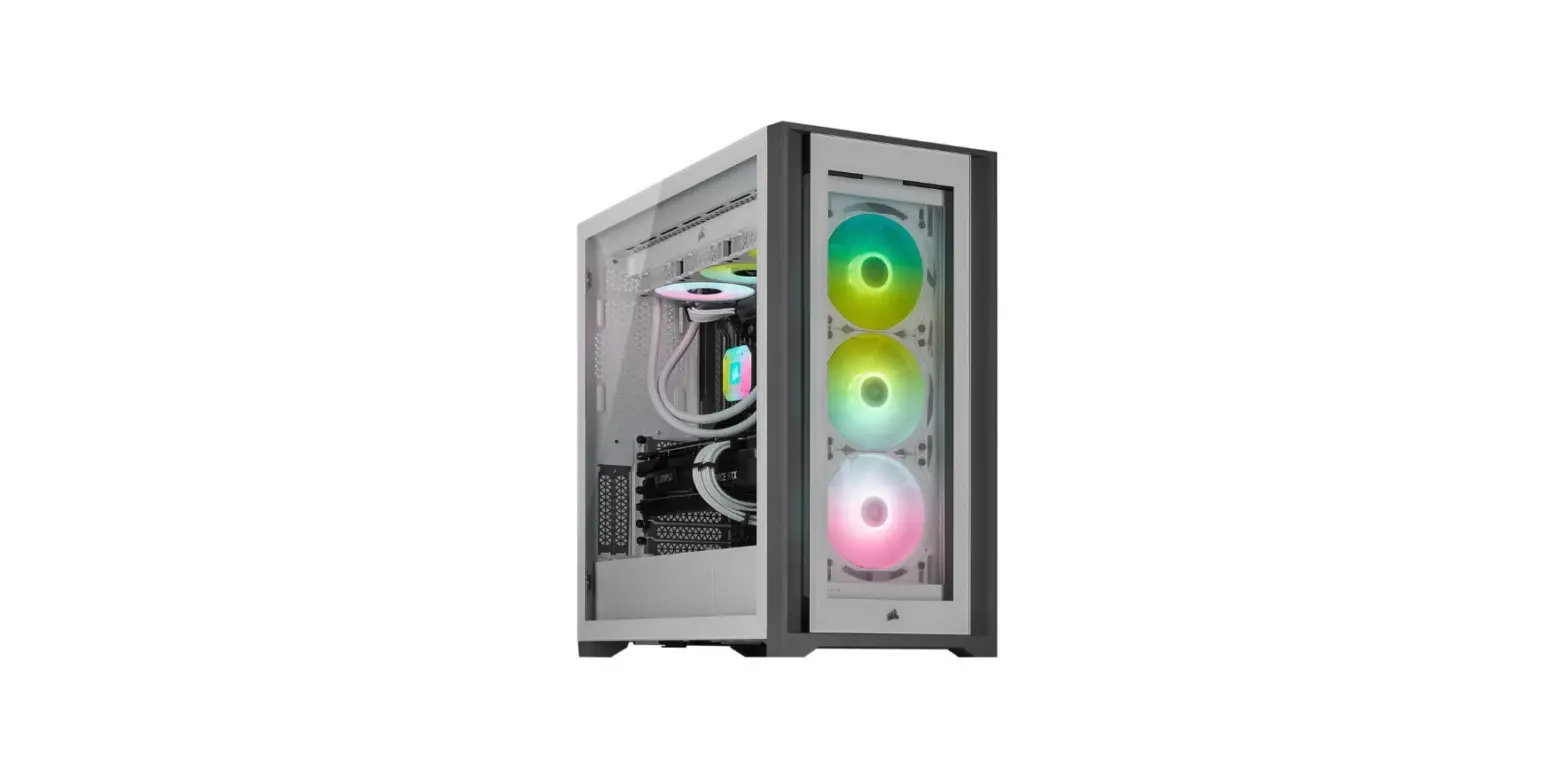
CORSAIR iCUE 5000X RGB Mid Tower PC Case
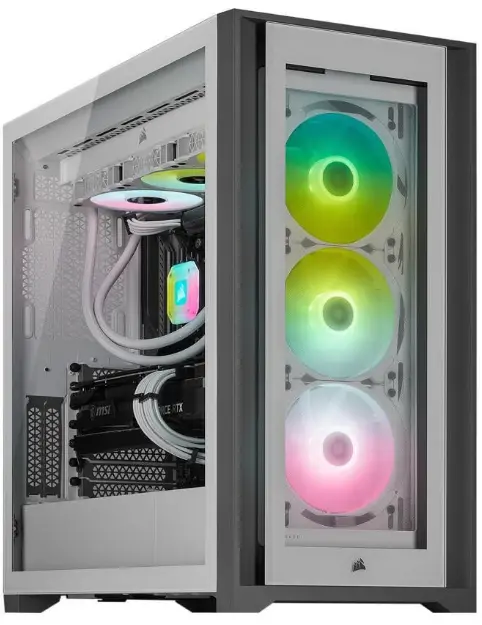
CASE SPECIFICATIONS
- Length …………………………………………………………………………………………………………………………………….. 520mm
- Width ………………………………………………………………………………………………………………………………………. 248mm
- Height ……………………………………………………………………………………………………………………………………… 520mm
- Maximum GPU length ………………………………………………………………………………………………………………… 380mm
- Maximum CPU height ………………………………………………………………………………………………………………… 170mm
- Maximum PSU length ………………………………………………………………………………………………………………… 225mm
Fan locations:
- Front ……………………………………………………………………………………. 3x 120mm / 2x 140mm (3x 120mm included)
- Top …………………………………………………………………………………………………………………… 3x 120mm / 2x 140mm
- Rear ……………………………………………………………………………………………………………………………………….. 120mm
- Motherboard tray …………………………………………………………………… 3x (120mm) (requires removal of cable cover)
- Radiator Compatibility:
- Front …………………………………………………………………………………………………………………………360mm / 280mm*
- Top……………………………………………………………………………………………………………………………. 360mm / 280mm
- Rear ……………………………………………………………………………………………………………………………………….. 120mm
- Motherboard tray …………………………………………………………………………………………………………………….. 360mm*
The motherboard tray and front 360mm locations can not be used at the same time when installing radiators.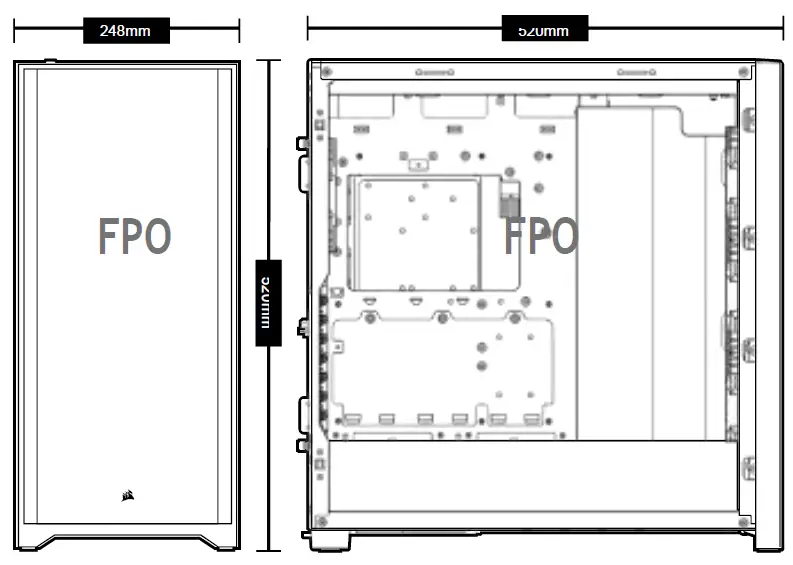
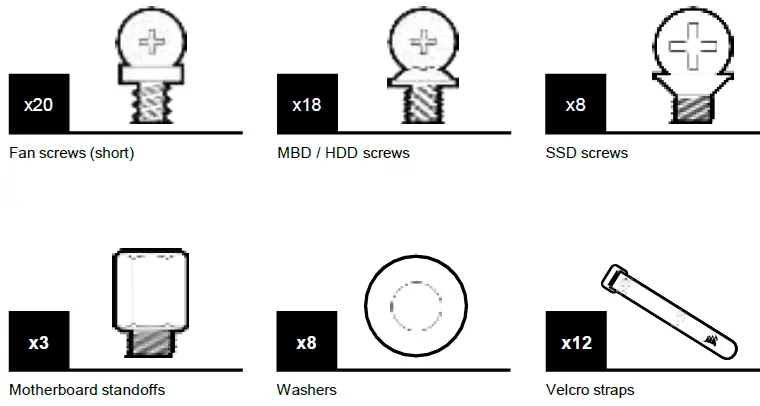
ACCESSORY KIT CONTENTS
CASE FEATURES
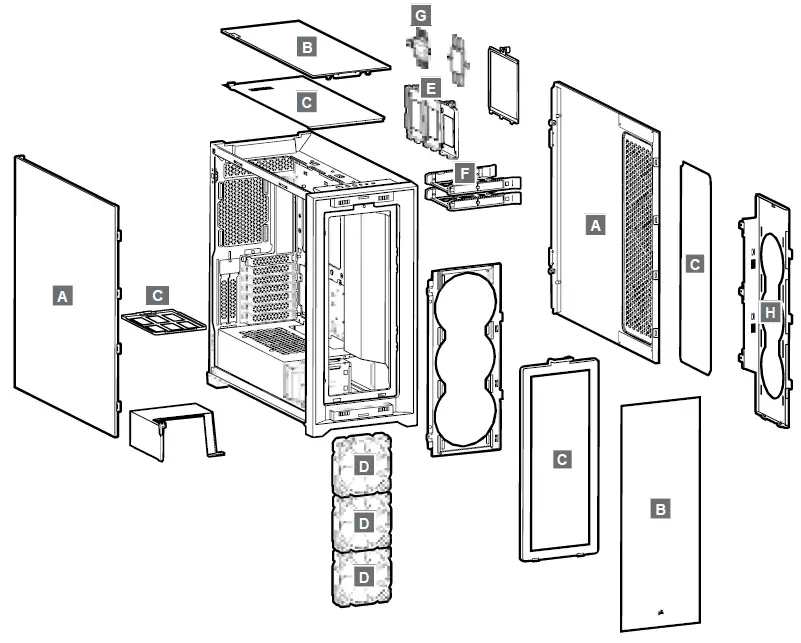
- A TEMPERED GLASS SIDE PANELS
- B TEMPERED GLASS FRONT AND TOP PANELS
- C 4x DUST FILTERS
- D 3x 120MM RGB FANS
- E 3x REMOVABLE SSD TRAYS
- F 2x HDD TRAYS
- G LIGHTING NODE CORE
- H MOTHERBOARD TRAY FAN BRACKET
EMOVING PANELS
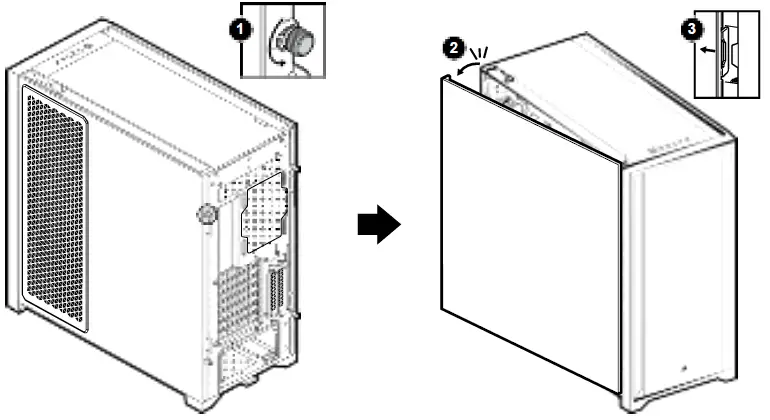
REMOVING THE SIDE PANELS
REMOVING THE FRONT AND TOP BEZEL 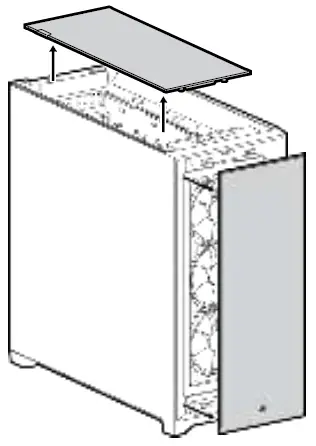
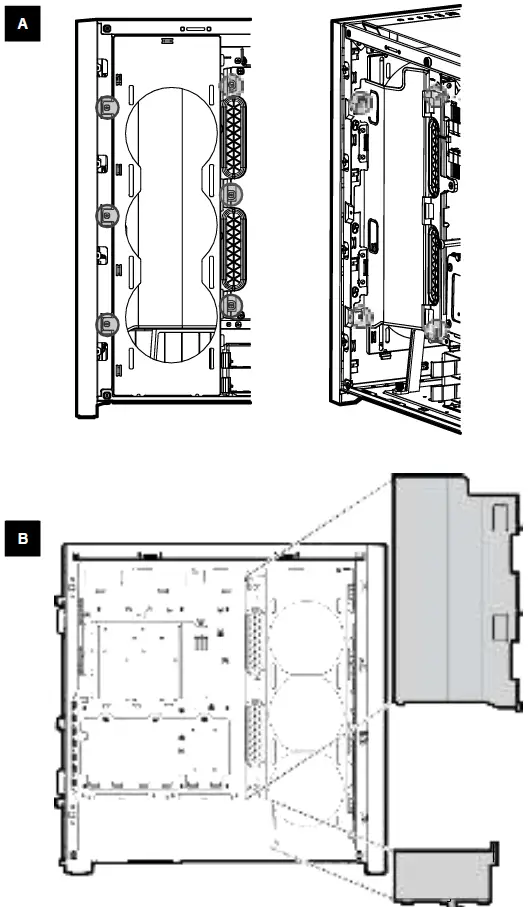
REMOVING THE CABLE BAR
INSTALLING THE MOTHERBOARD, HDDS, AND PSU
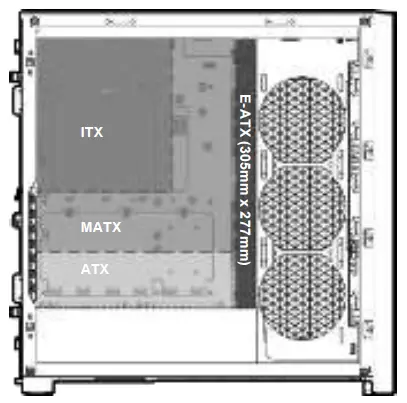
INSTALLING THE MOTHERBOARD
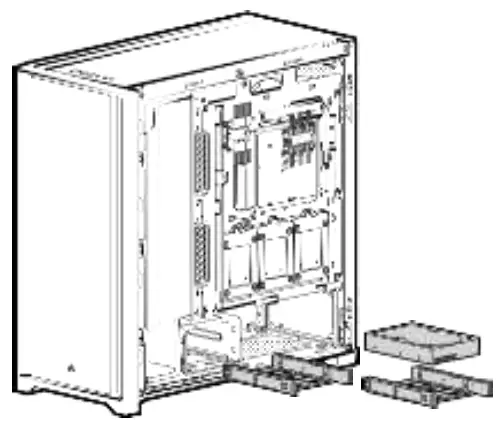
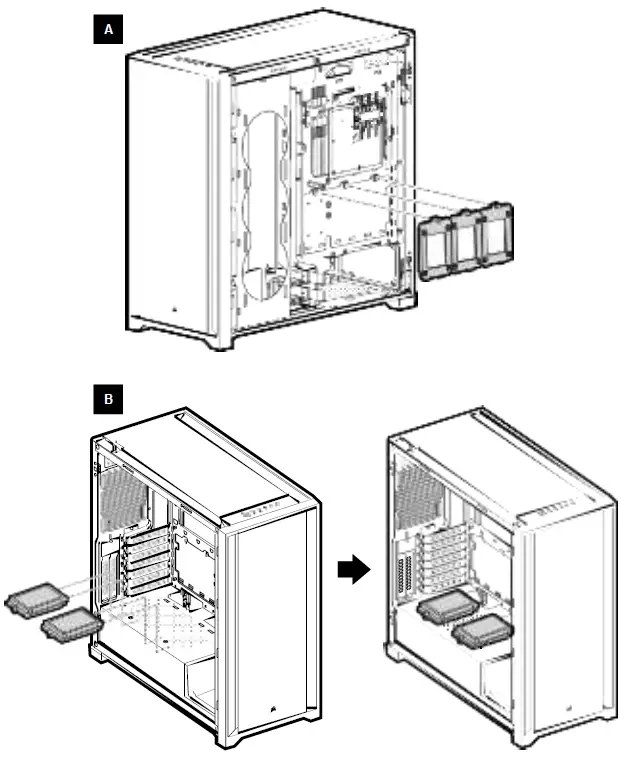
INSTALLING HDDS
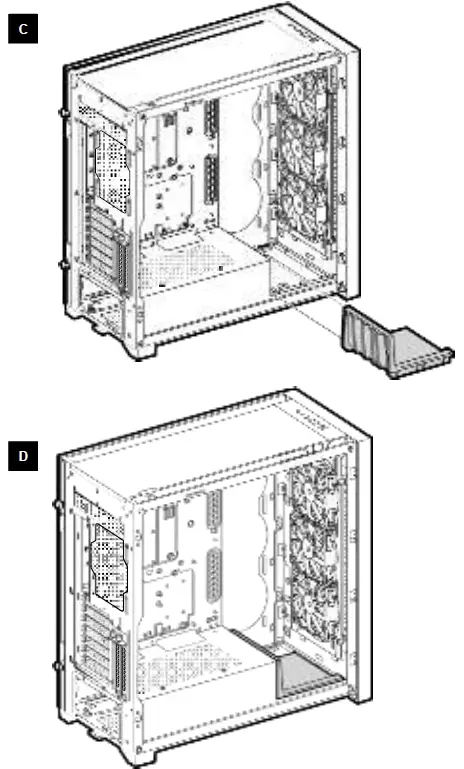
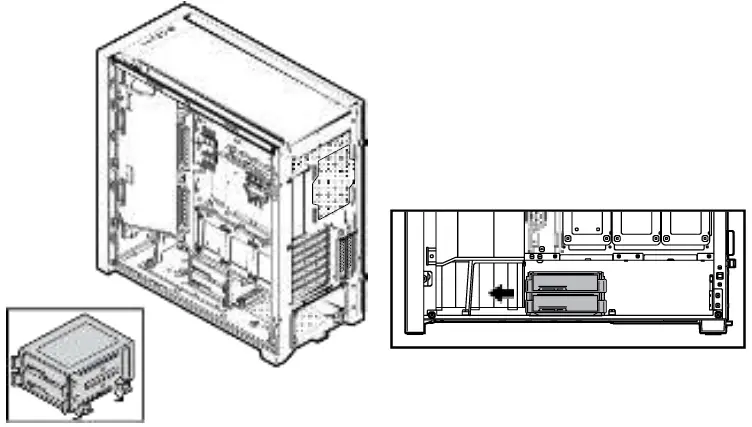
MOVING THE HDD CAGE
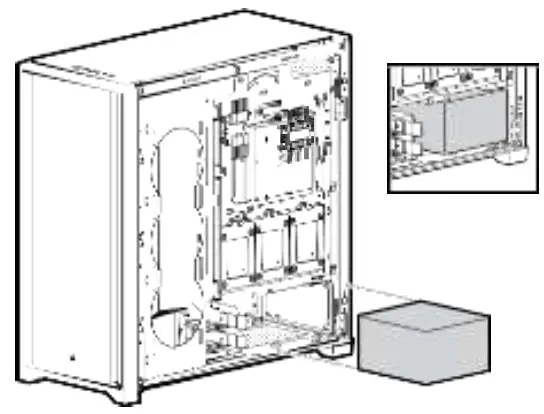
INSTALLING PSU
INSTALLING SSDS
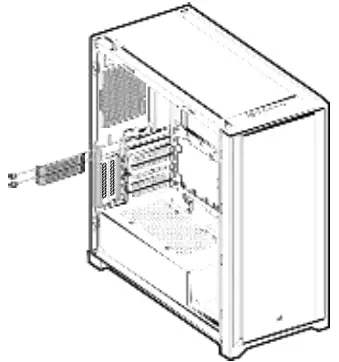
INSTALLING PCI-e CARDS
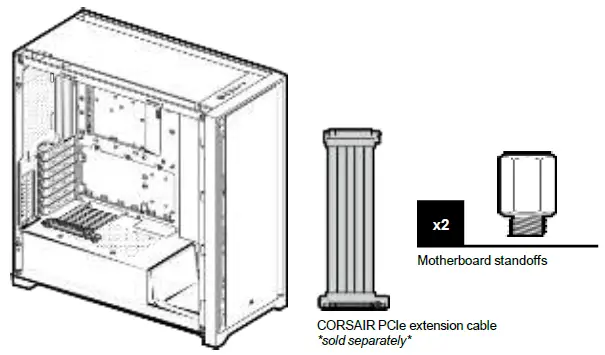
VERTICAL MOUNT GPU
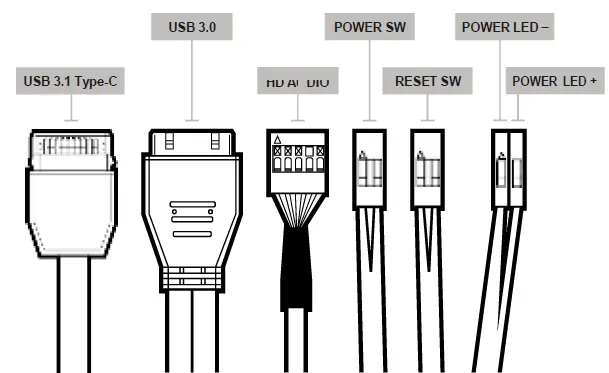
INSTALLING THE FRONT I/O CONNECTORS
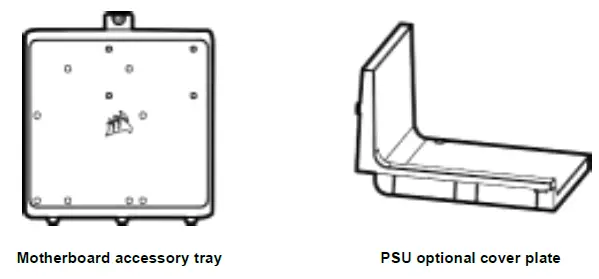
ACCESSORIES
FREQUENTLY ASKED QUESTIONS
- Does the polarity matter with the I/O panel’s power and reset header?
No, only the LED headers. - Who should I contact if I received my case damaged or one of the fans is no longer working?
Please go to support.corsair.com and request an RMA so that we can replace the damaged part(s). - Where can I mount a fan?
| Fan mount locations | |
| Front | 3x 120mm / 2x 140mm |
| Top | 3x 120mm / 2x 140mm |
| Rear | 120mm |
| Motherboard tray | 3x 120mm |
To learn more about this case visit the product page at corsair.com.
 PC Components | Gaming Gear | CORSAIR
 Home - Corsair Community