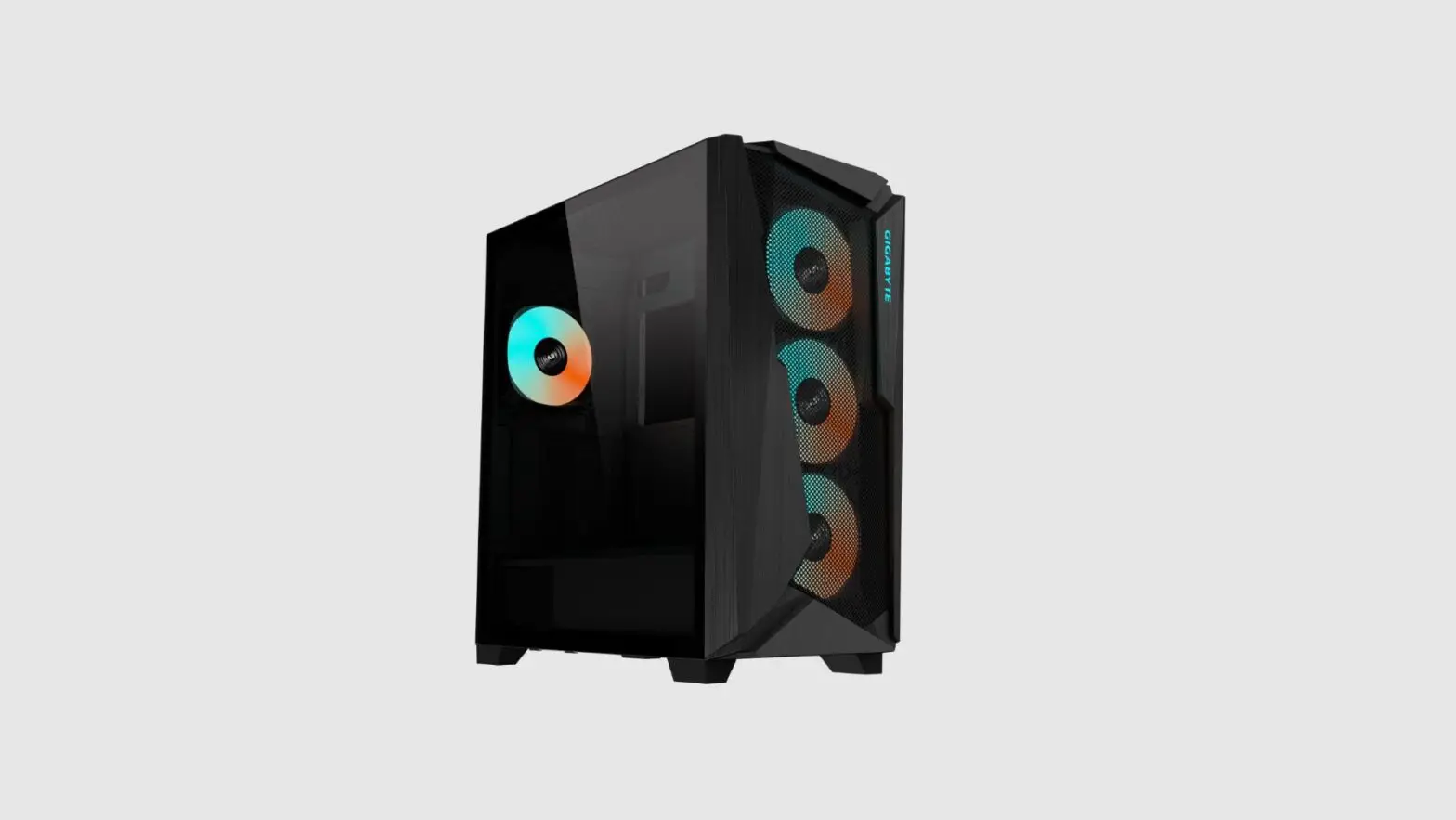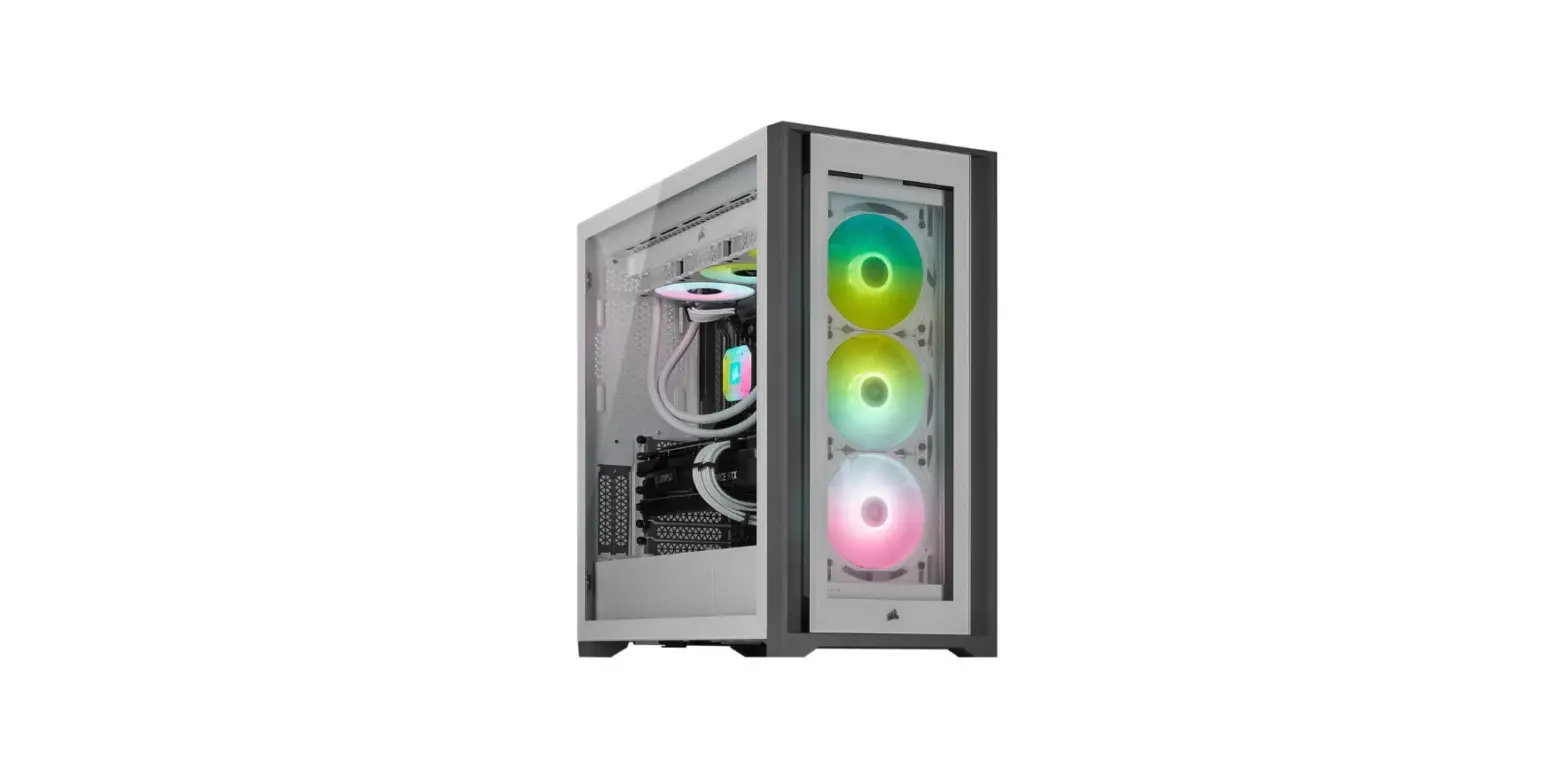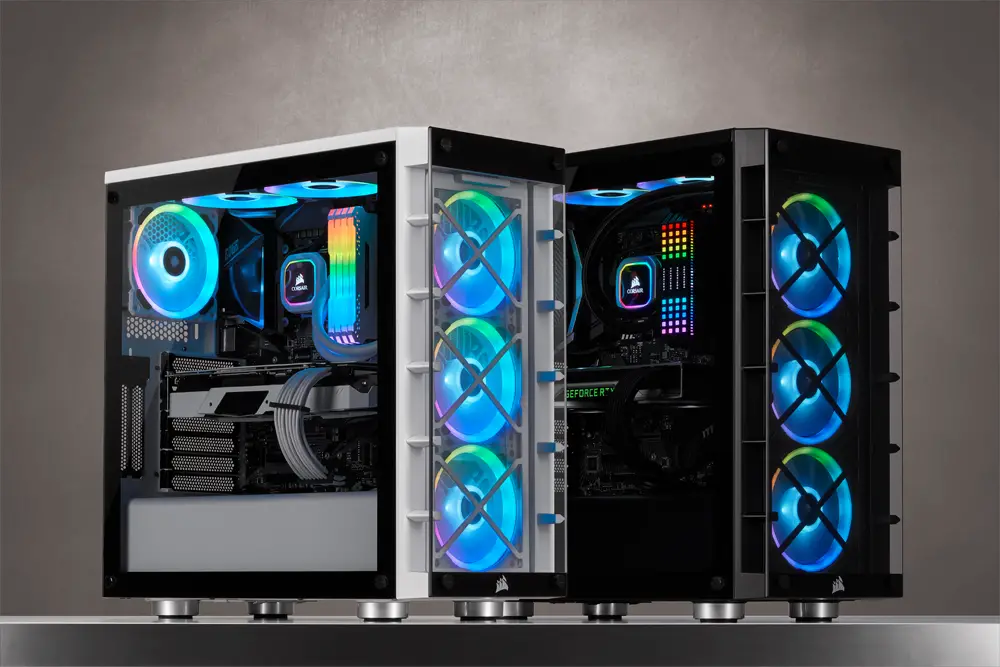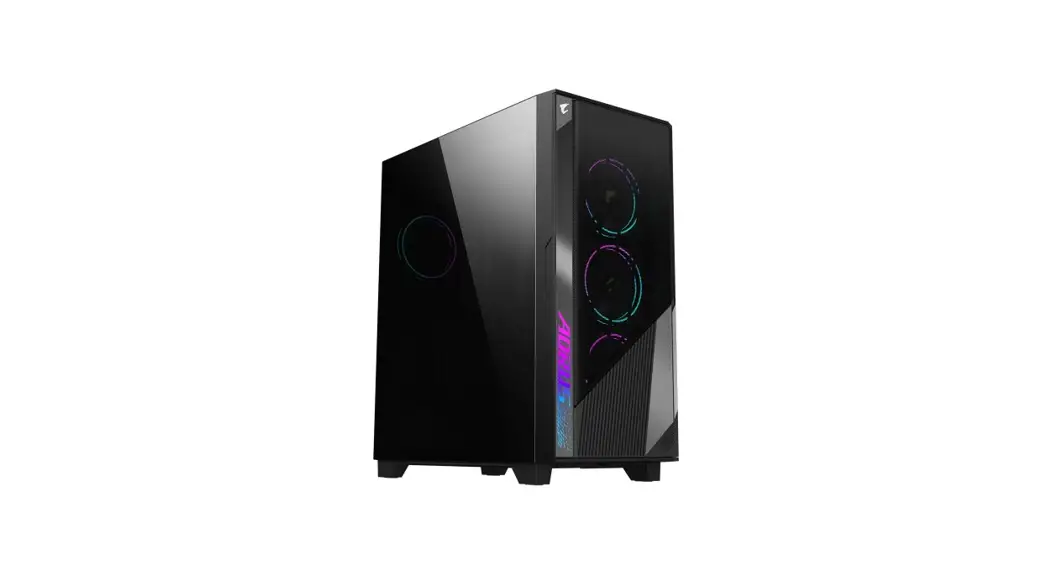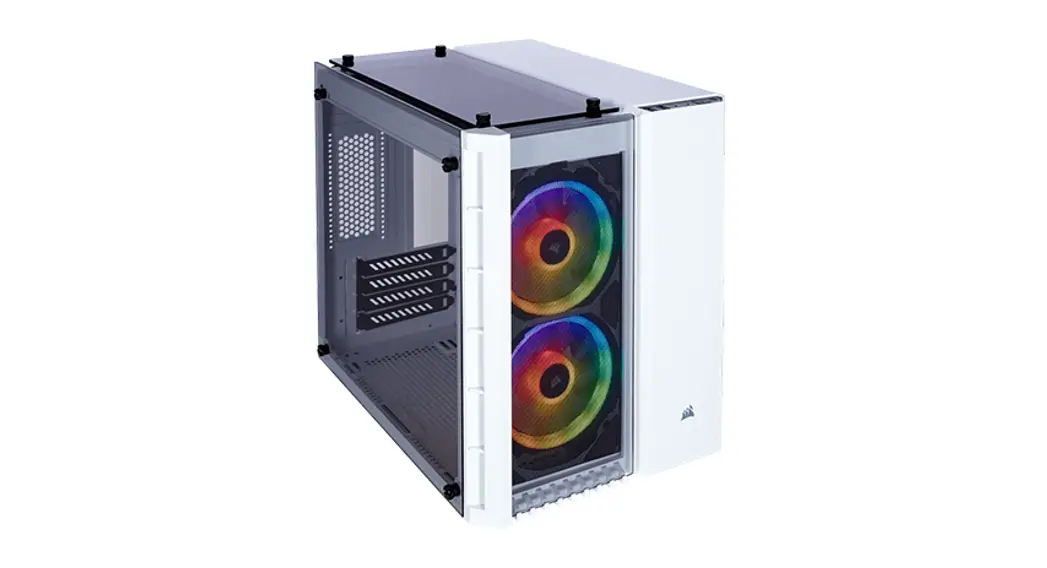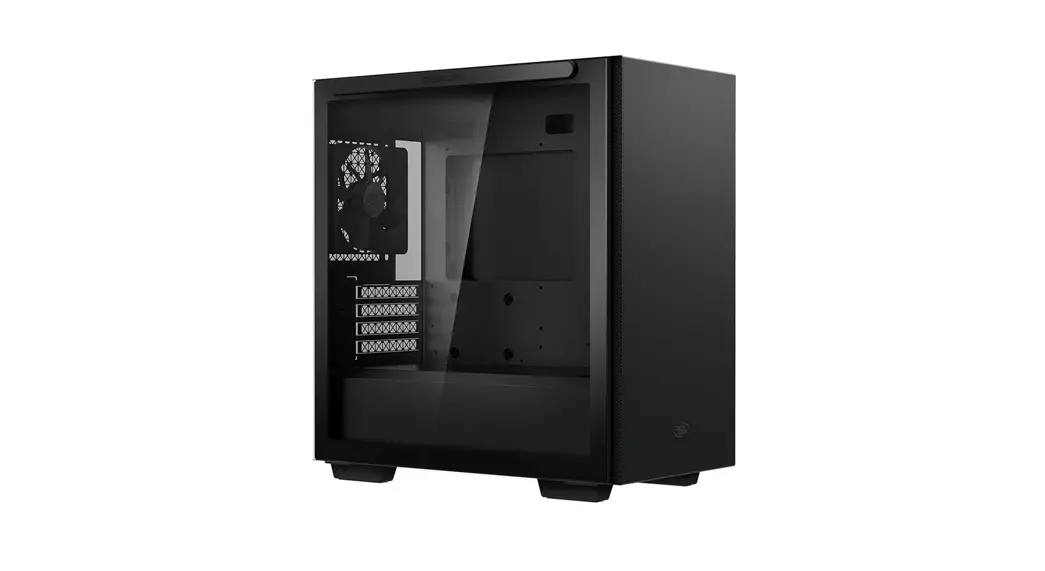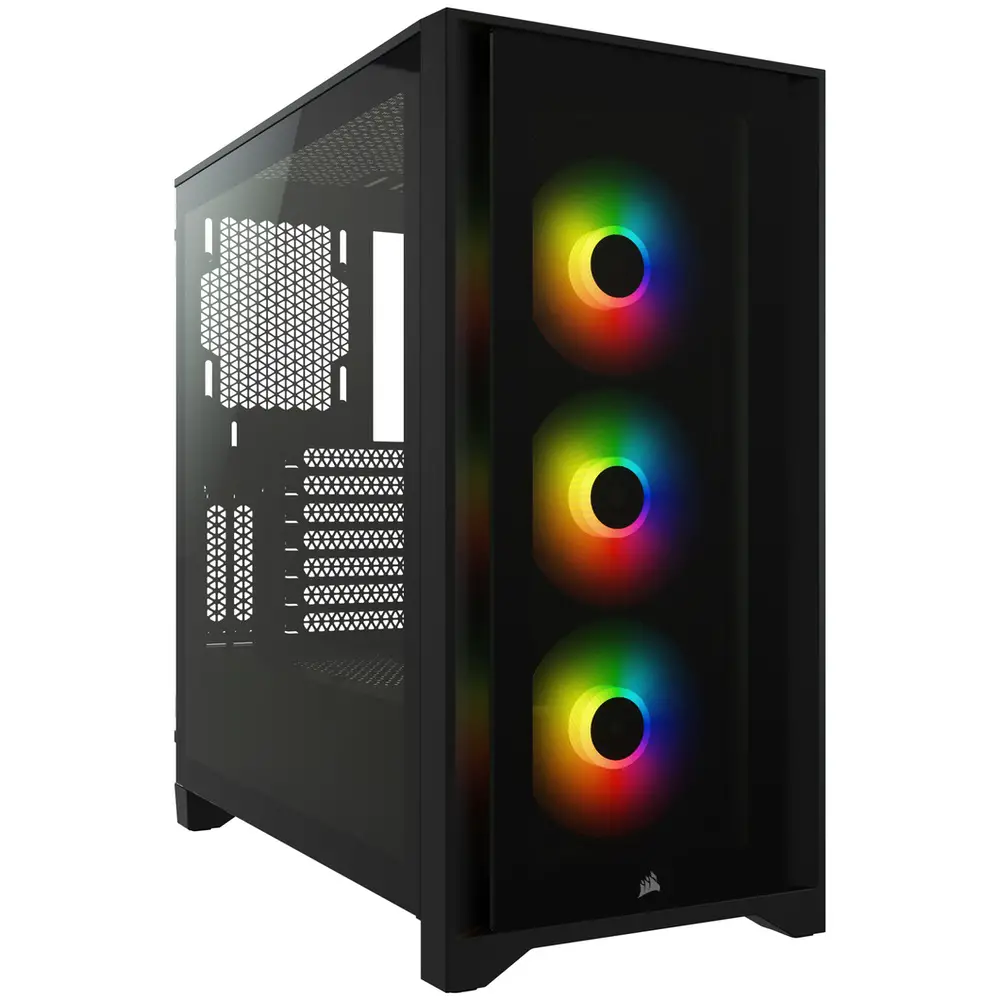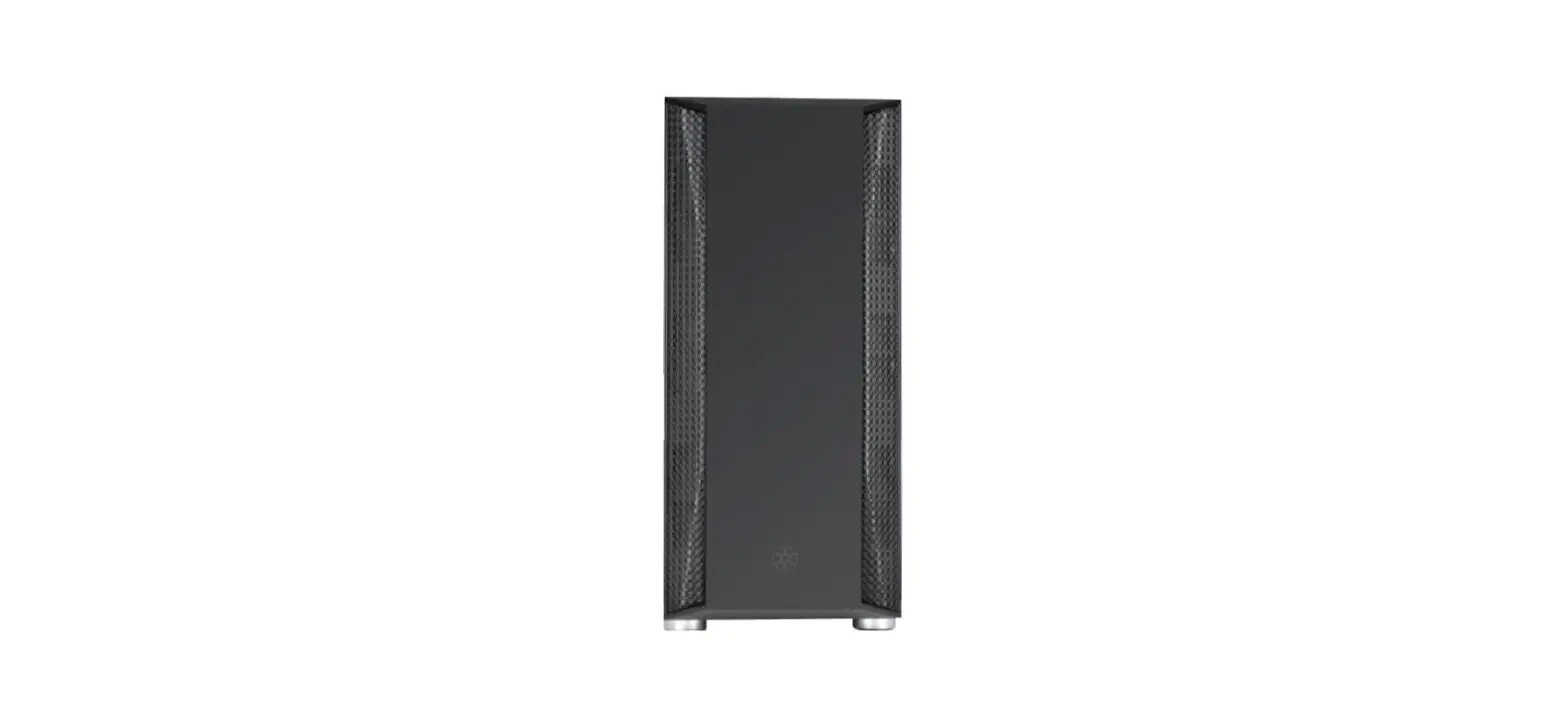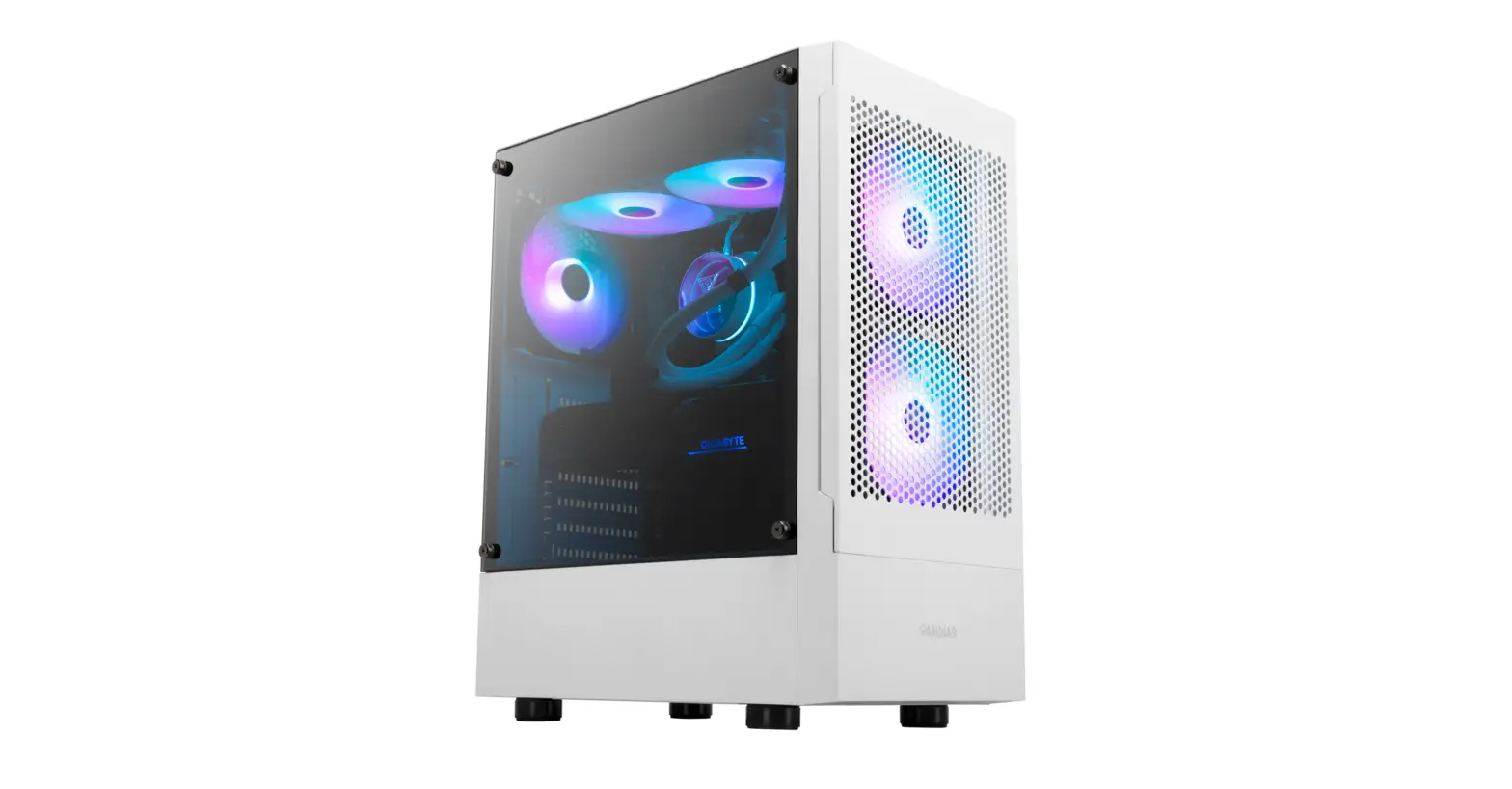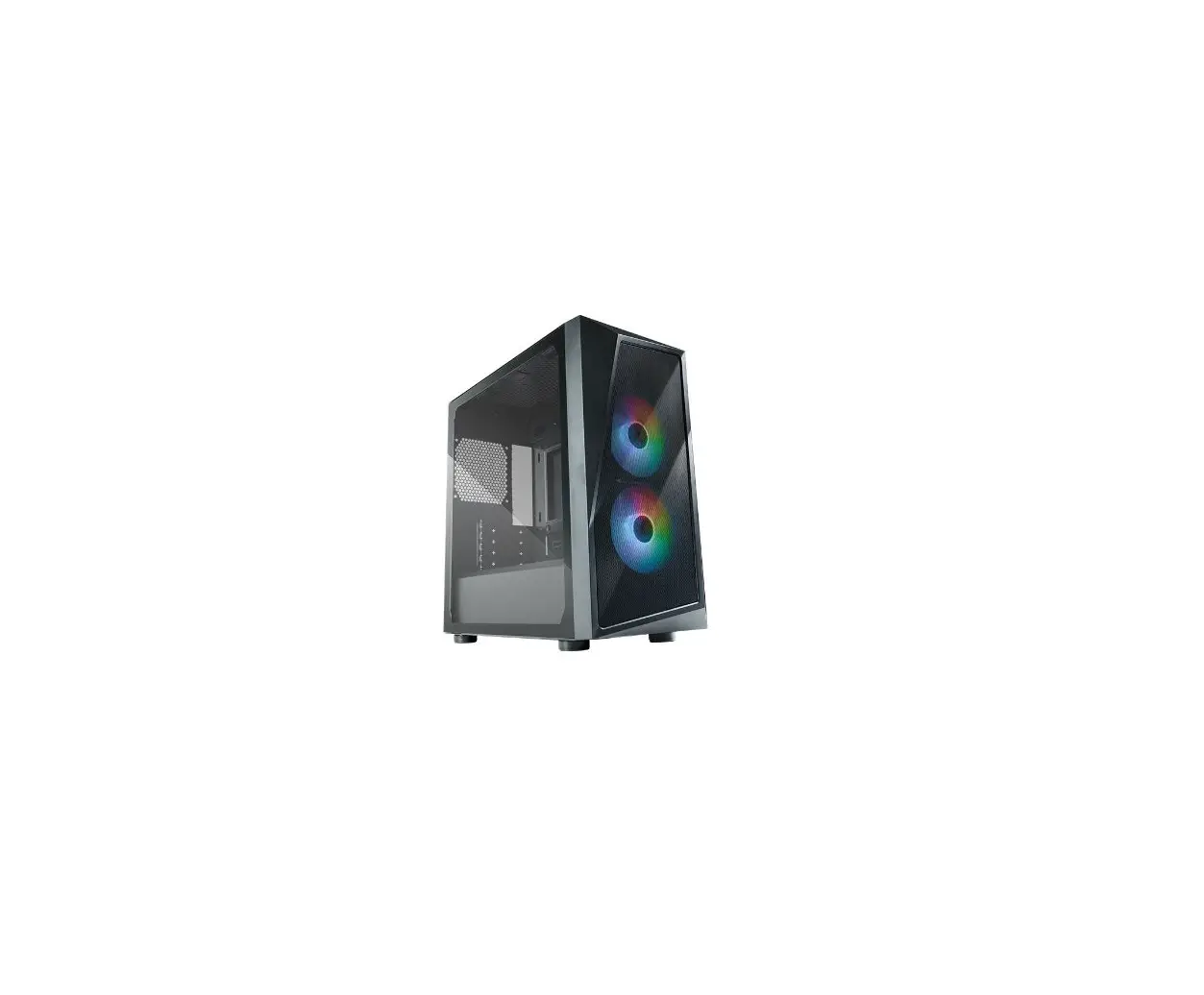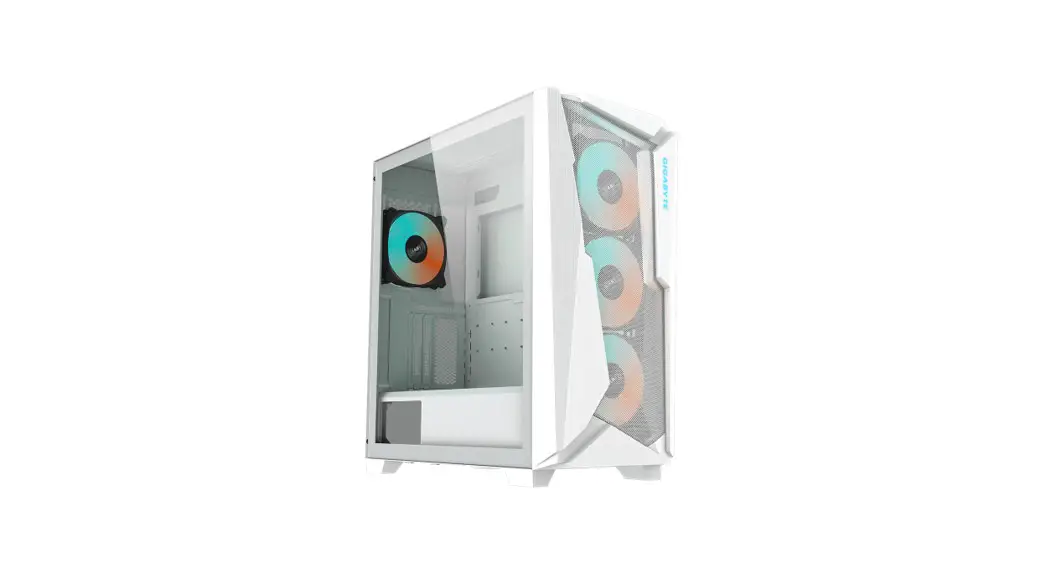
 C301G Glass White ATX Mid-Tower PC Case
 Installation Guide
Please visit www.gigabyte.com for more product information.
FITTING PACK
| Figure | Part’s Name | Qty | Used For |
 | Screw A | 15 | PSU (4) / VGA holder kit (2) / HDD (8) / PCI Slot Cover (1) |
 | Screw B | 21 | Motherboard (9) / PCI-E Riser Cable (2) / SSD (8) / Backup(2) |
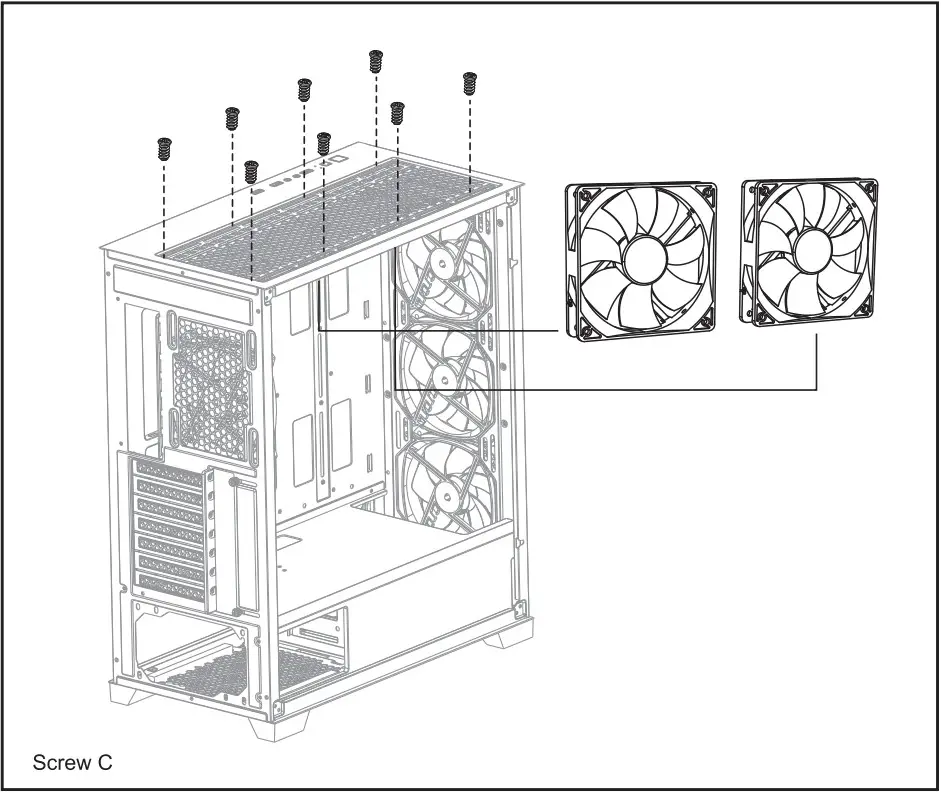
 | Screw C | 12 | Fan |
 | Standoff — 6.5mm | 12 | Motherboard(9, pre-installed), M-ATX Motherboard (3) |
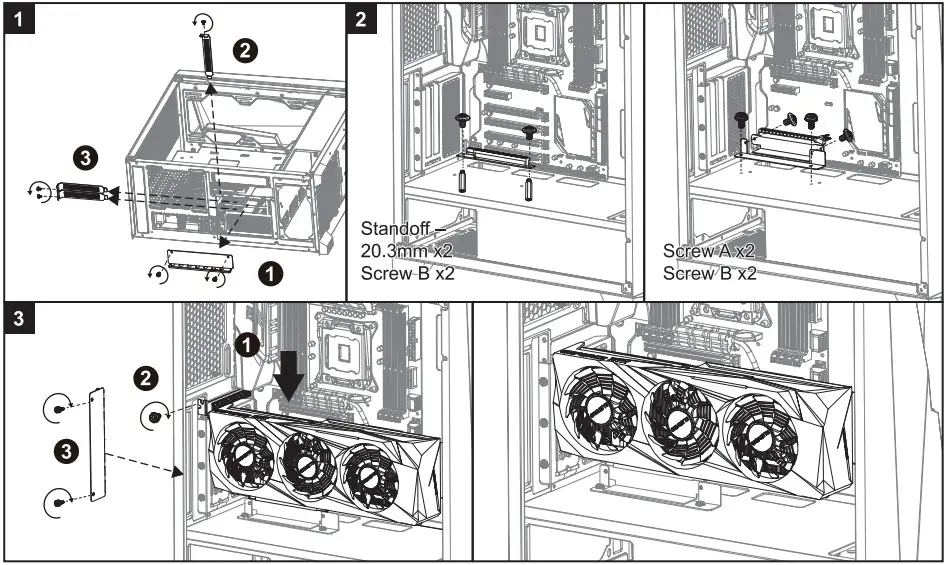
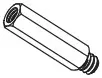 | Standoff — 20.3mm | 2 | VGA holder kit |
 | Nut setter | 1 | Standoff Installation |
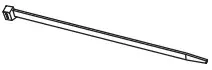 | Cable Tie | 4 | Cable management |
 | VGA holder kit A | 1 | Vertical VGA installation |
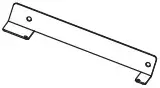 | VGA holder kit B | 1 |
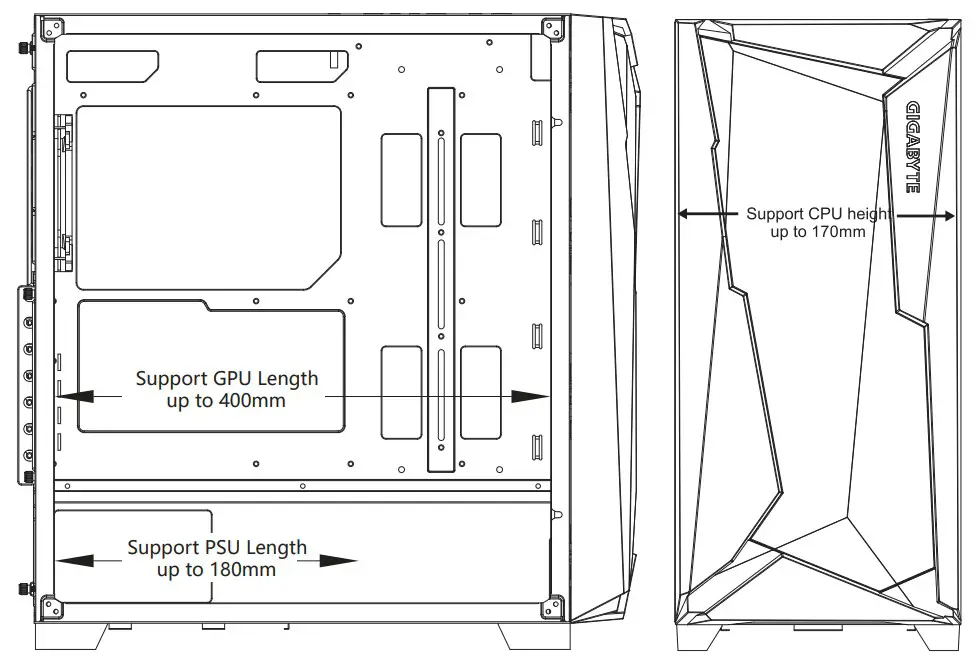
Max CPU Height: 170mm / Max GPU Length: 400mm / Max PSU Length : 180mm
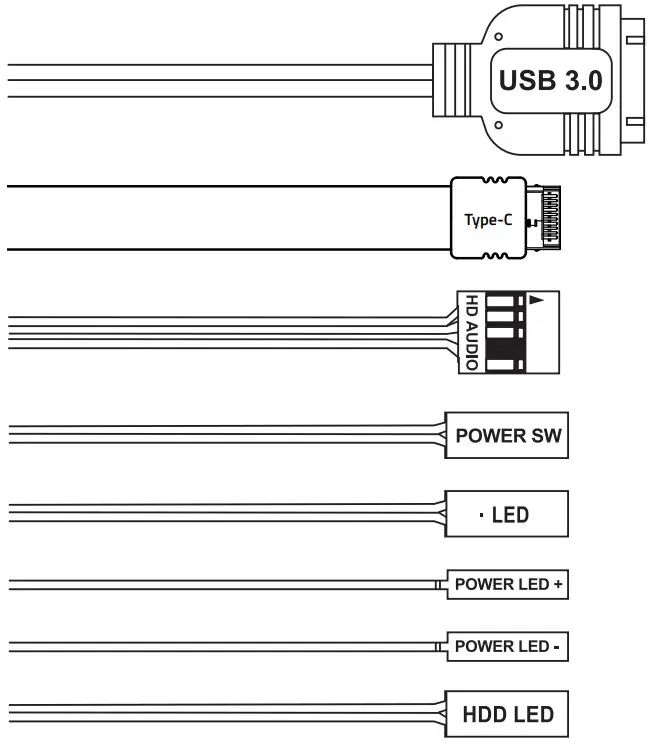
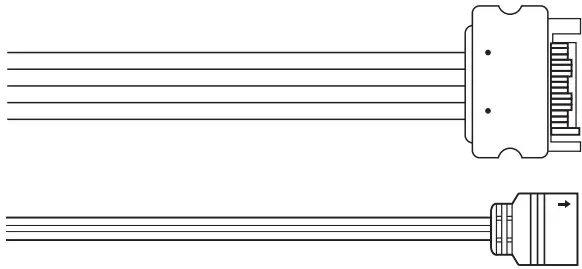
THE 1/0 CONNECTORS AND RGB LIGHTING POWER
I/O Connectors
RGB Lighting
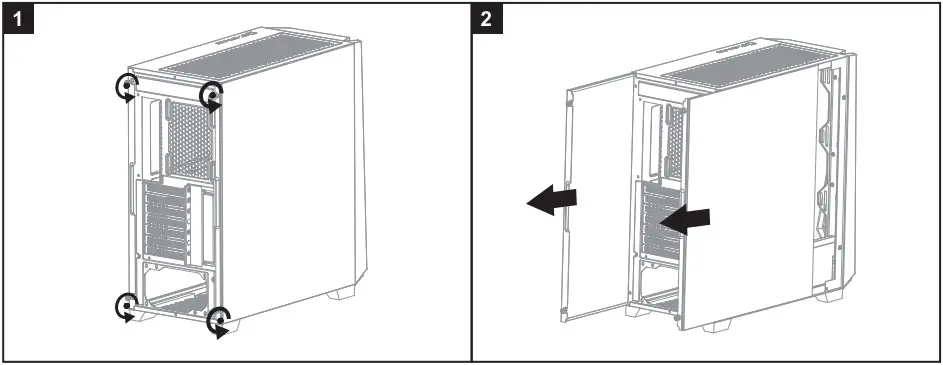
INSTALLATION
- Remove both side panels

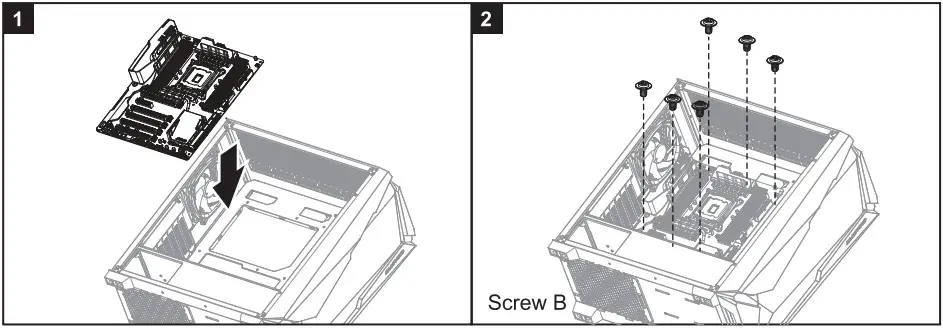
- Install the motherboard

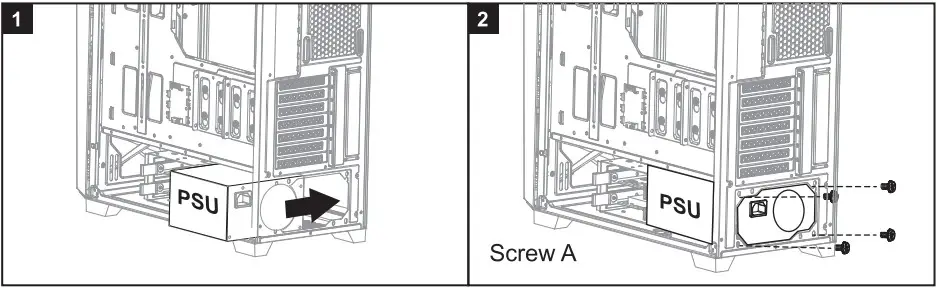
- Install the power supply

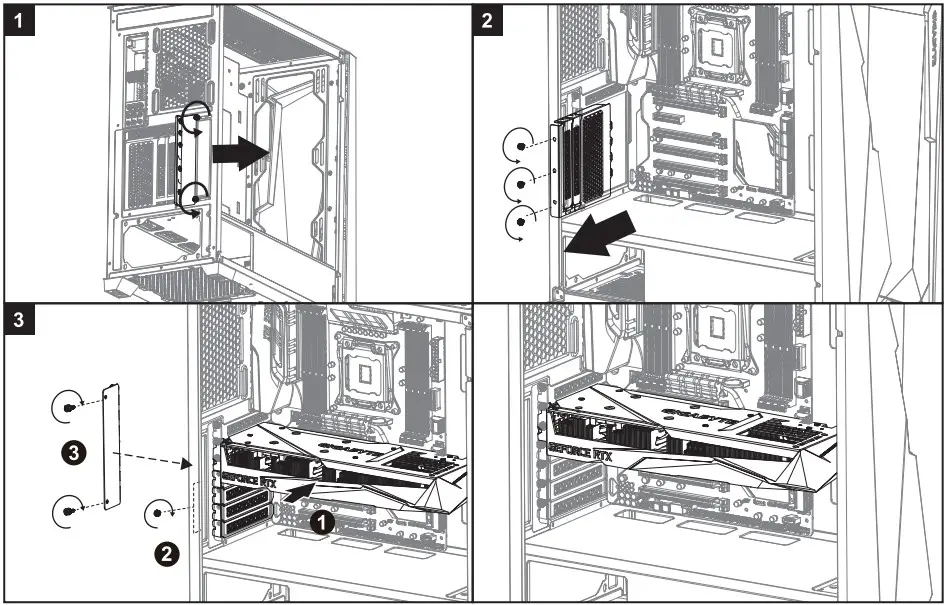
- Install the add-on cards
4.1 Horizontal VGA card
4.2 Vertical VGA card installation (requires optional PCI-E x16 riser cable)
Install the hard drive
5.1 For 3 . 5 ” cage / 3.5″
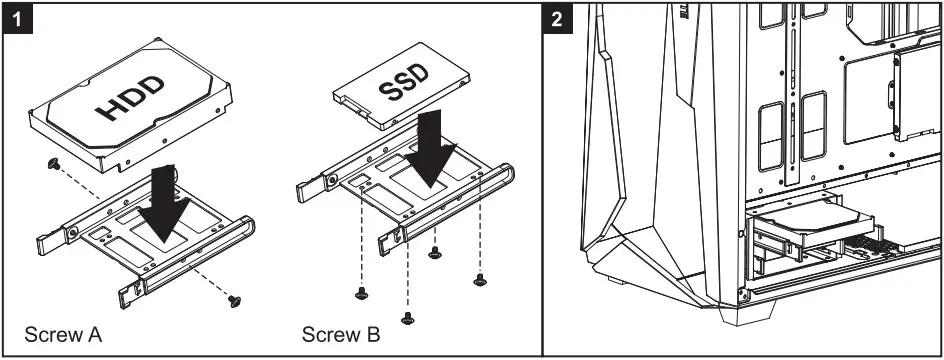
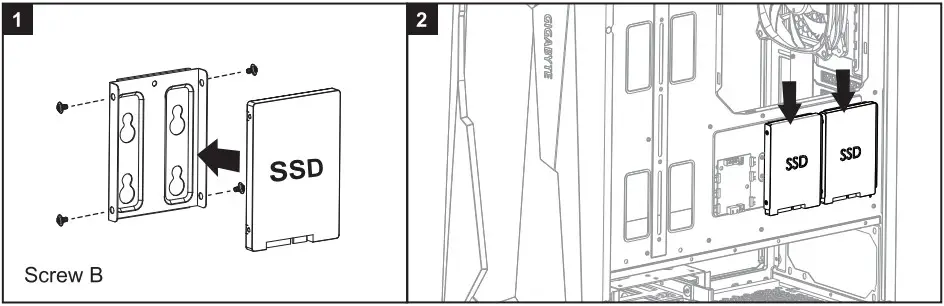
5.2 For 2.5” cage / 2.5″
Remove the 3.5″ Cage
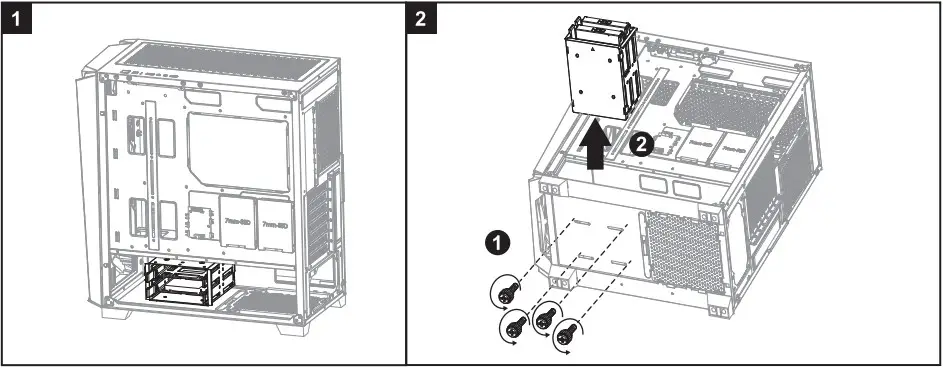
*The 3.5″cage can be disassembled when the users need more space for installing the PSU.
Install the additional system fan(not included)
Cooling System Support
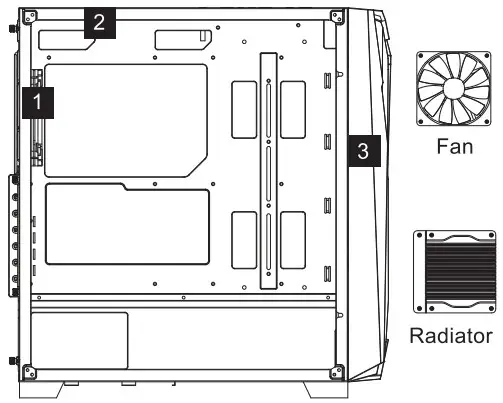
- Rear : 120mm x1
- Top : 120mm x 3 / 140mm x 2
- Front : 120mm x 3 / 140mm x3
- Rear : 120mm x1
- Top : 120mm x3 / 140mm x2 / 240mm x1 / 280mm x1 / 360mm x1
- Front : 120mm x3 / 140mm x2 / 240mm x1 / 280mm x1 / 360mm x1
Warranty
Gigabyte provides limited product warranty. For the latest and current terms of the Limited Product Warranty, please visit http://www.gigabyte.com/support-downloads/customer-service.aspx .
WEEE Information
This symbol on the product or in the instructions means that your electrical and electronic equipment should be disposed at the end of its life separately from your household waste.
There are separate collection systems for recycling in the EU.
For more information, please contact the local authority or your retailer where you purchased the product.
GIGA-BYTE TECHNOLOGY Coo., LTD.
Address: No.6, Baoding Rd., Indian Dist., New Taipei City 231
GIGABYTE CHINA
G.B.T. TECHNOLOGY TRADING GMBH Germany
Address: Bullen Koppel 16, 22047 Hamburg, Deutschland
Tel: +49-40-25 33 040
G.B.T. INC. USA
Address: 17358 Railroad Street, City of Industry, CA91748 USA
Tel: +1-626-854-9338