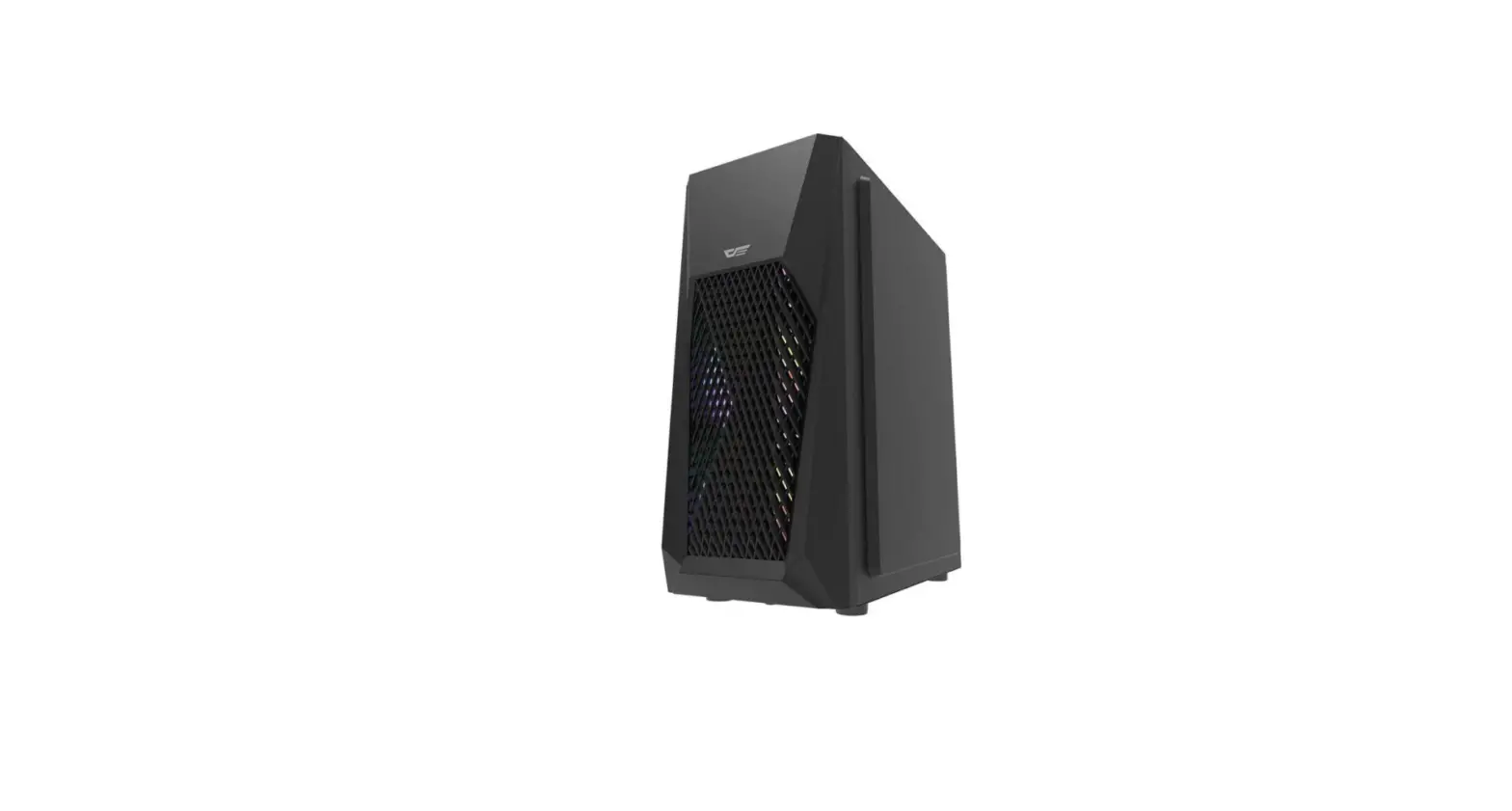
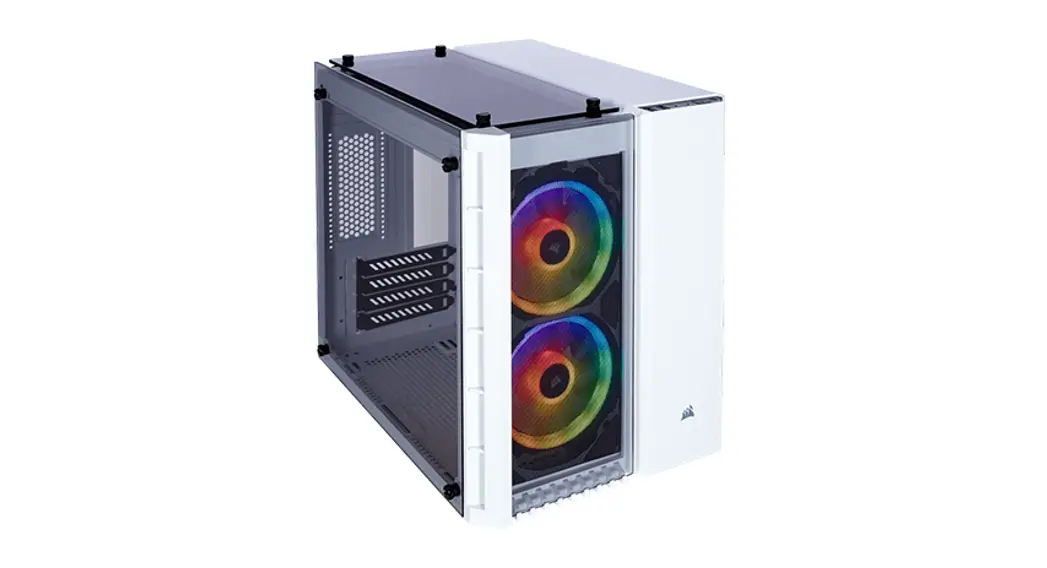
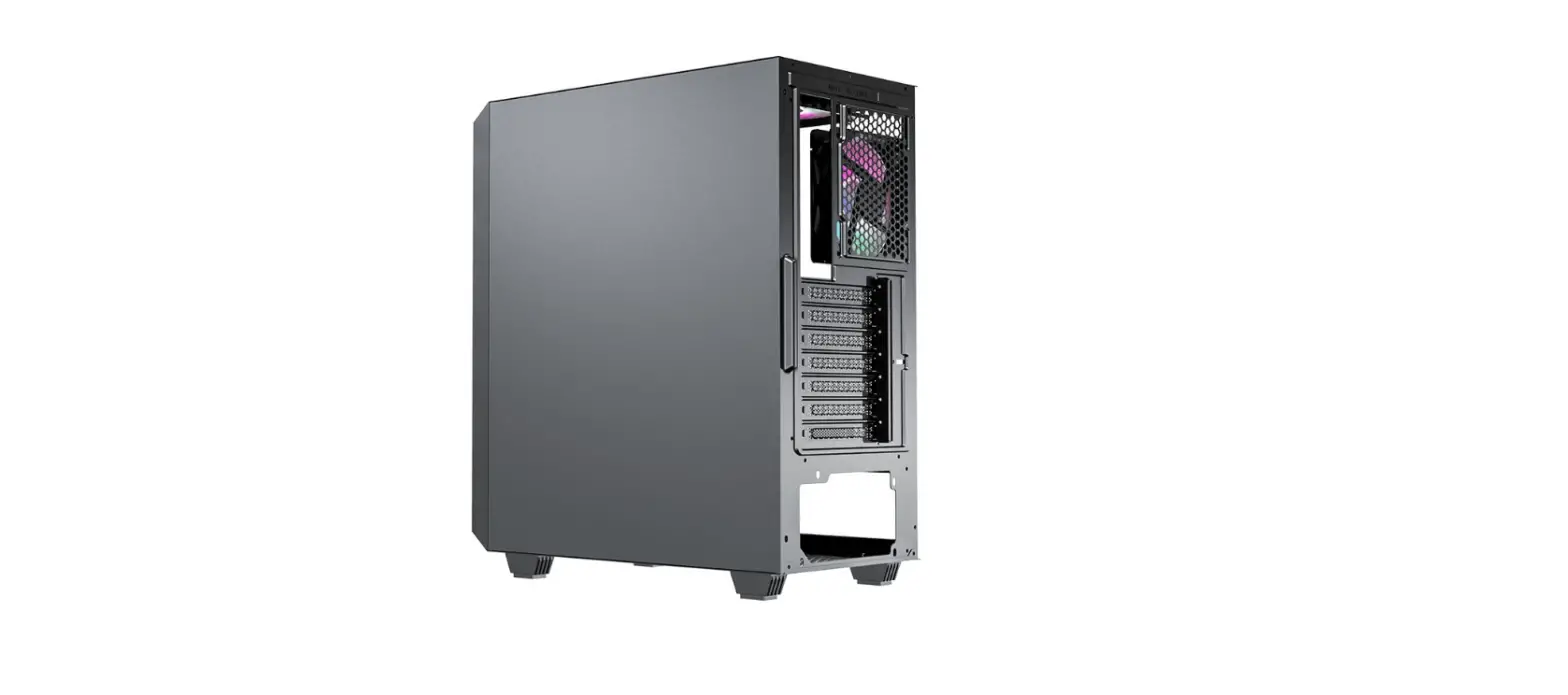
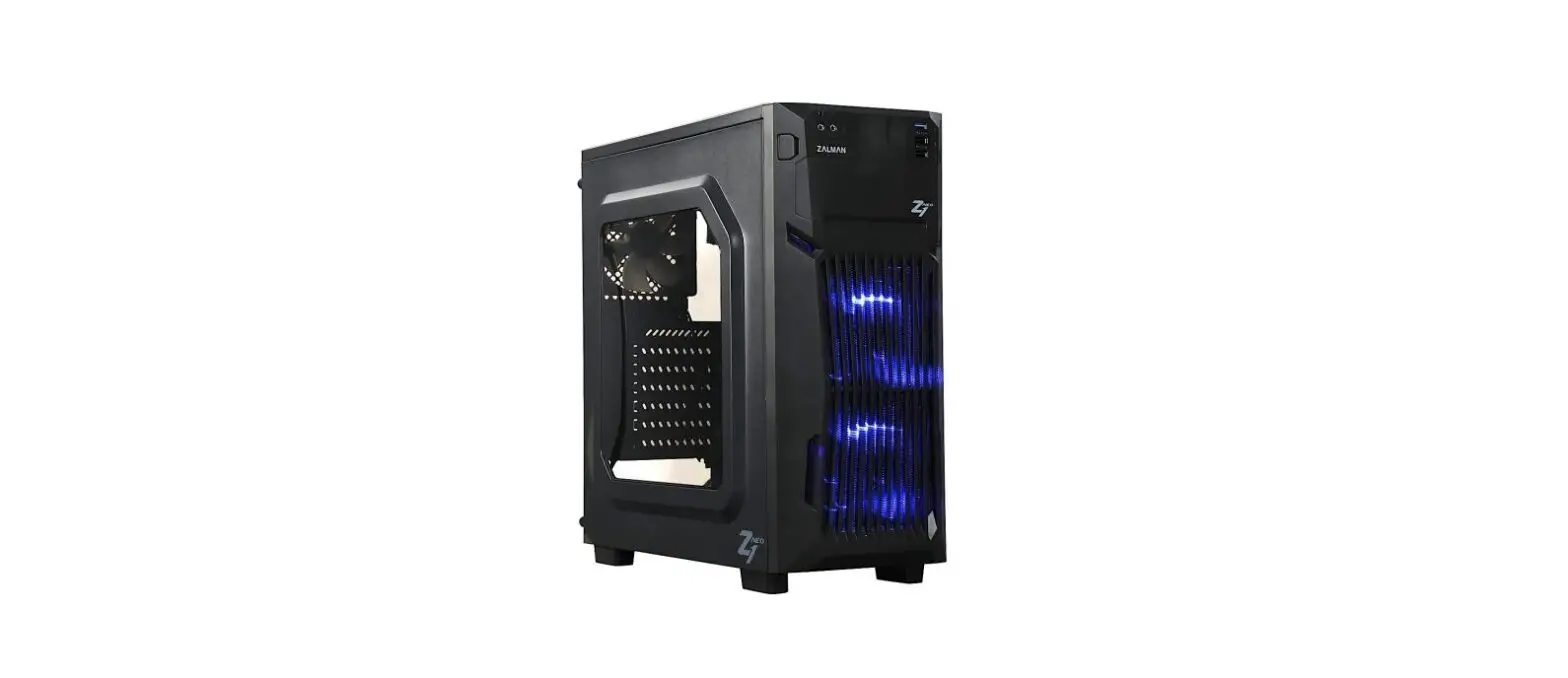
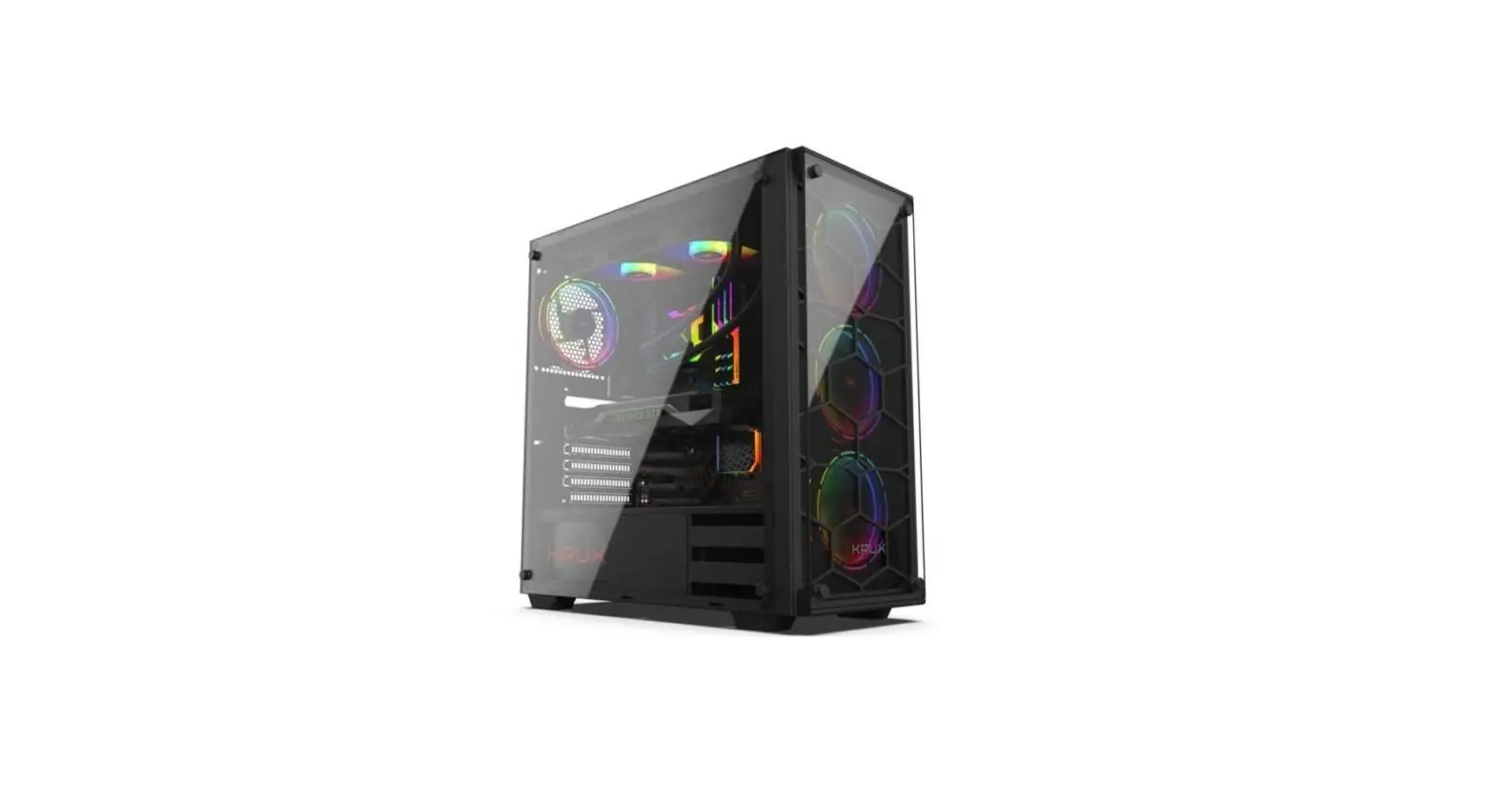
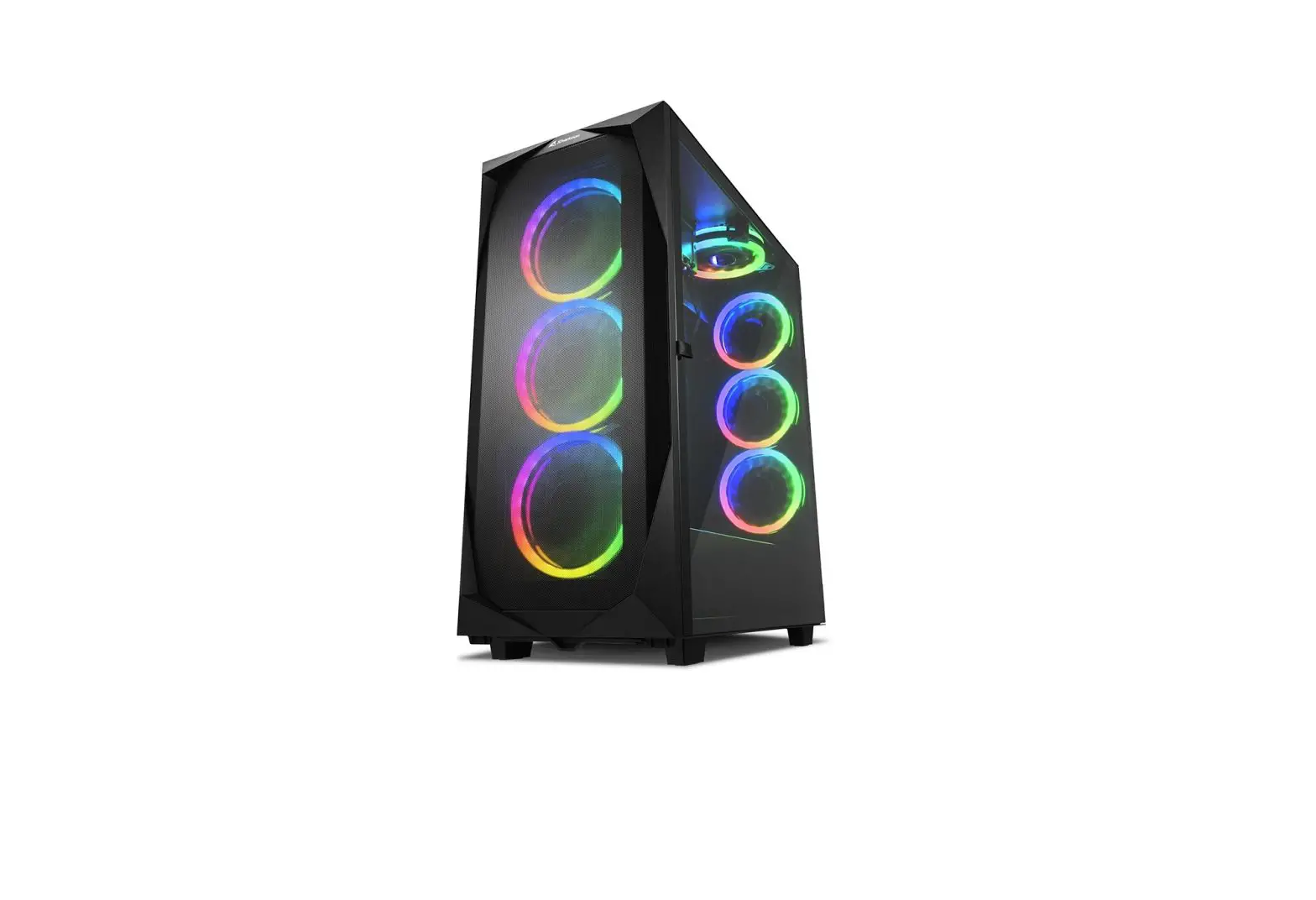
DLM200 Luxury M-ATX PC Case
Product Information
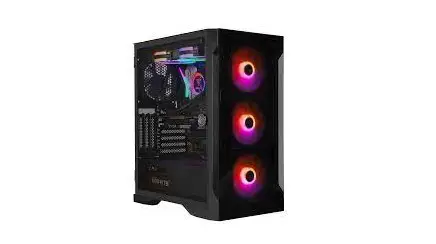
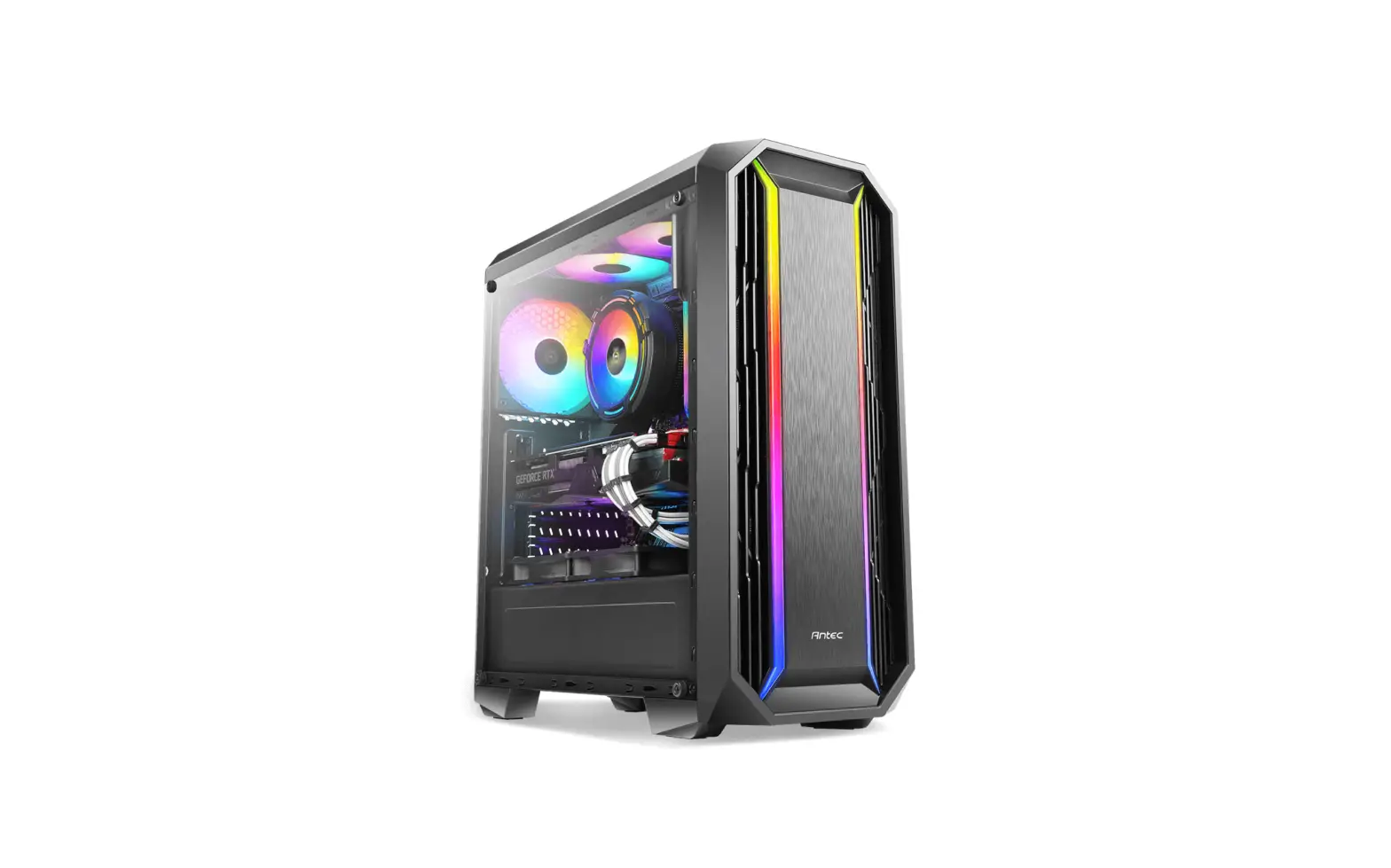
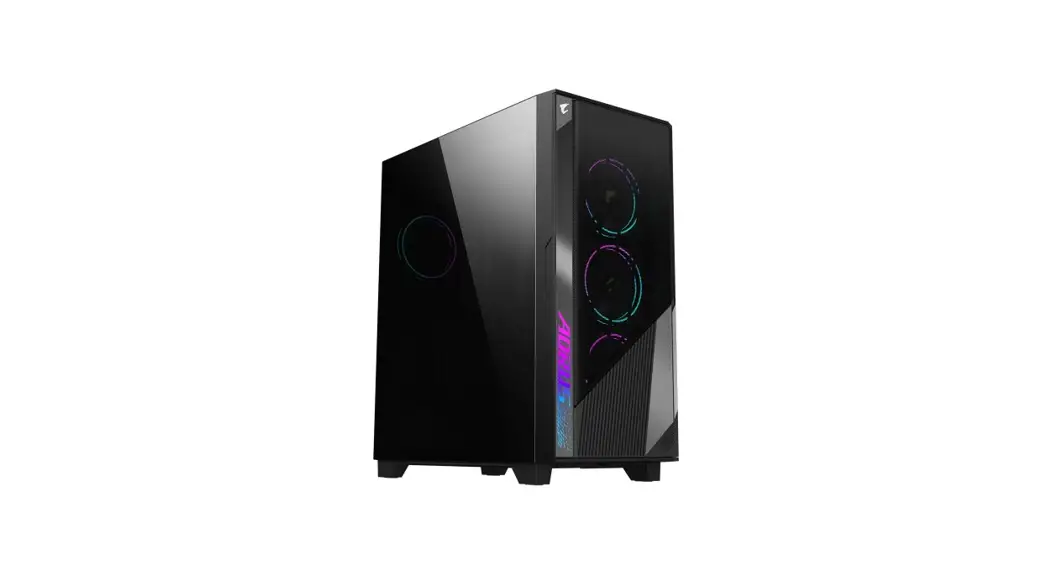
The DLM200 is a luxury M-ATX PC case with a front panel mesh
design. It is made of 0.6mm SPCC and can accommodate M-ATX/ITX
motherboards. The case dimensions are 360 x 208 x 405mm (W x H x D)
and the overall dimensions with protrusions are 381 x 208 x 425.5mm
(W x H x D). It has 2 external 5.25″ drive bays, 2 internal 3.5″
drive bays, and 4 expansion slots. The maximum length for graphics
card installation is 300mm and the maximum height for CPU cooler
installation is 160mm. The case features a power/reset button, USB
3.0 and USB 2.0 ports, HD audio, and an LED indicator.
Product Usage Instructions
To use the DLM200 PC case, follow the steps below:
- Unpack the accessory bag (A) and check that all the required
parts are present. - Connect the cables (B) to the I/O ports (C) on the front
panel. - Refer to the six angle picture (D) to disassemble the panel
(E). - Install the power supply unit (PSU) by referring to the
instructions provided in section F. - Install the motherboard by referring to the instructions
provided in section G. - Install the VGA card by referring to the instructions provided
in section H. - Install system fans by referring to the instructions provided
in section I. - Install water cooling system by referring to the instructions
provided in section J. - Install hard drives by referring to the instructions provided
in section K. - Secure the M/B and SSD screws (12) to attach the motherboard
and SSD. - Secure the PSU screws (6) to attach the power supply unit.
- Use copper pillars (2) and HDD screws (6) to secure the hard
drives. - Organize cables with cable ties (5).
- Use the provided wipe cloth (1) to clean the case.
- Connect the power/reset button, USB 3.0 and USB 2.0 ports, HD
audio, and LED indicator (64#) to the motherboard as per the
motherboard manual.
DLM200
LUXURY M-ATX PC CASE
FRONT PANEL MESH DESIGN
M-ATX 0.6mm SPCC M-ATX / ITX 360*208*405mm( W*H*D ) 381*208*425.5mm( W*H*D ) 2 2 4 Slots 300mm 160mm Power / Reset / USB3.0* / USB.0* / HD AUDIO / LED
DLM200 F R O N T P A N E L M E S H D E S I G N
A : Accessory bag B : Cable C : I/O port D : Six angle picture E : Panel disassembly F : Power supply installation G : Motherboard installation H : VGA card installation I : System fan installation J : Water cooling installation K : Hard Drive installation
M/B / SSD screws*12
PSU Screw*6
Copper Pillar*2 HDD Screw*6
Cable tie*5 Wipe cloth*1
64#
)%”6%*0
64#
RESET
POWER
LED
USB2.0
USB3.0
HD AUDIO
E