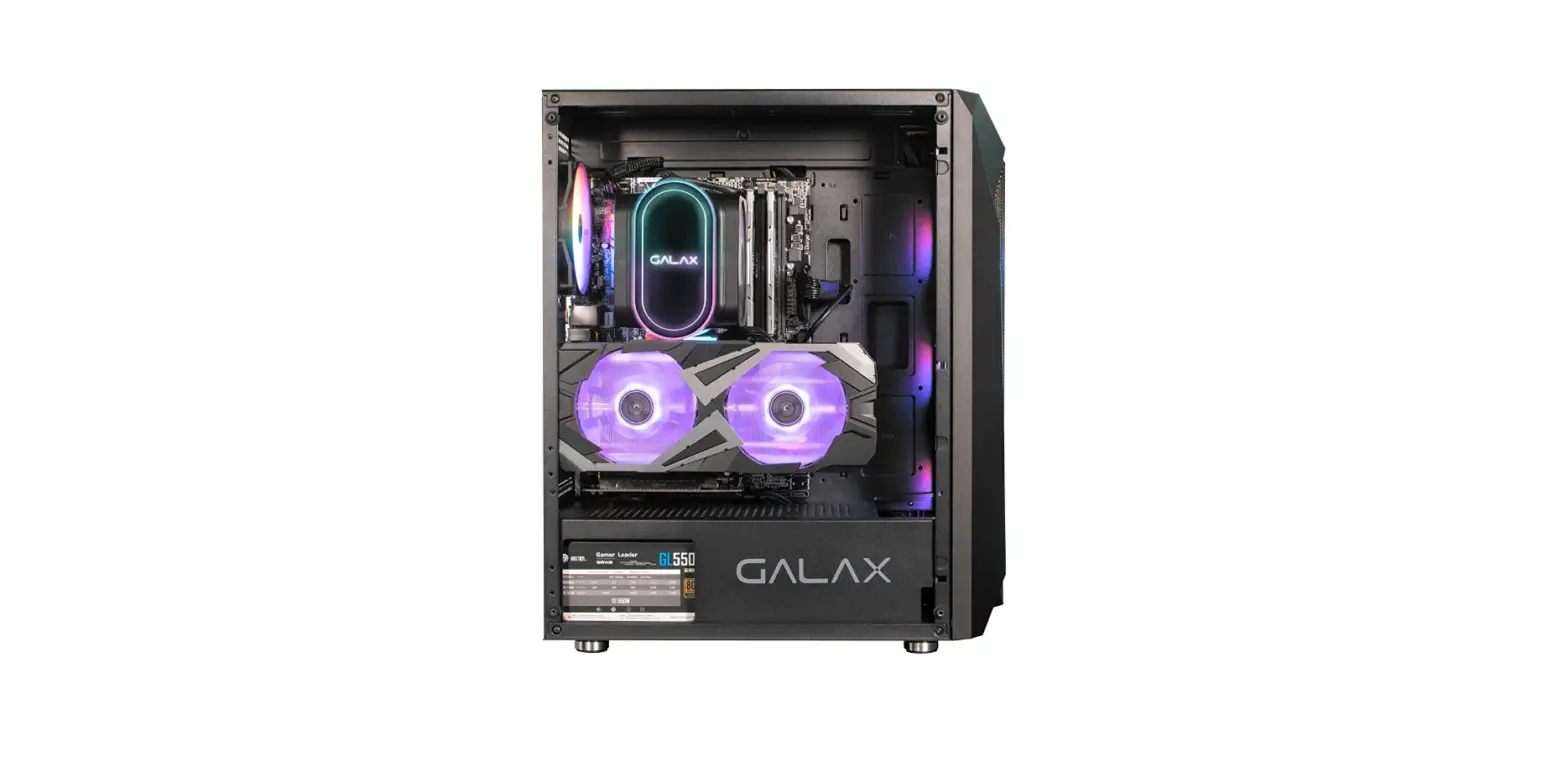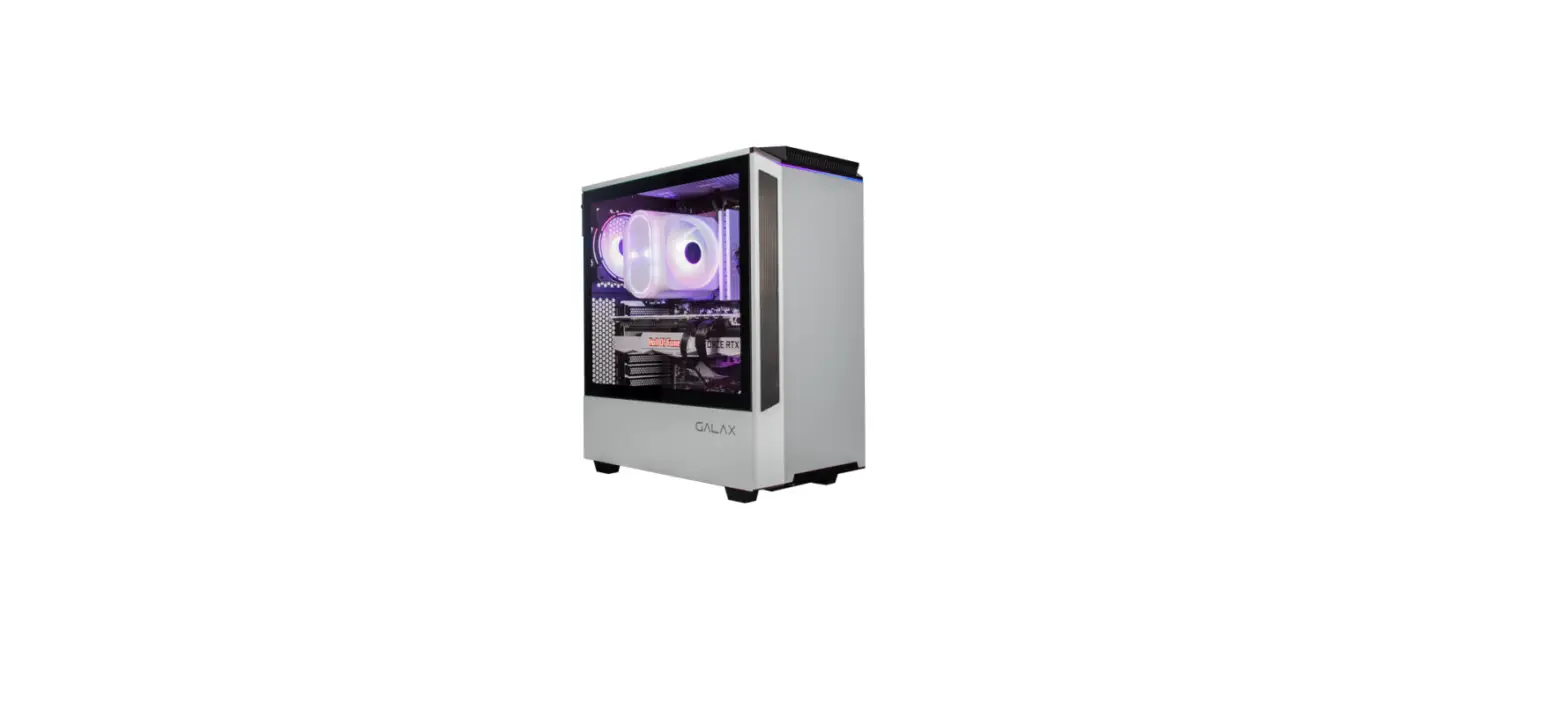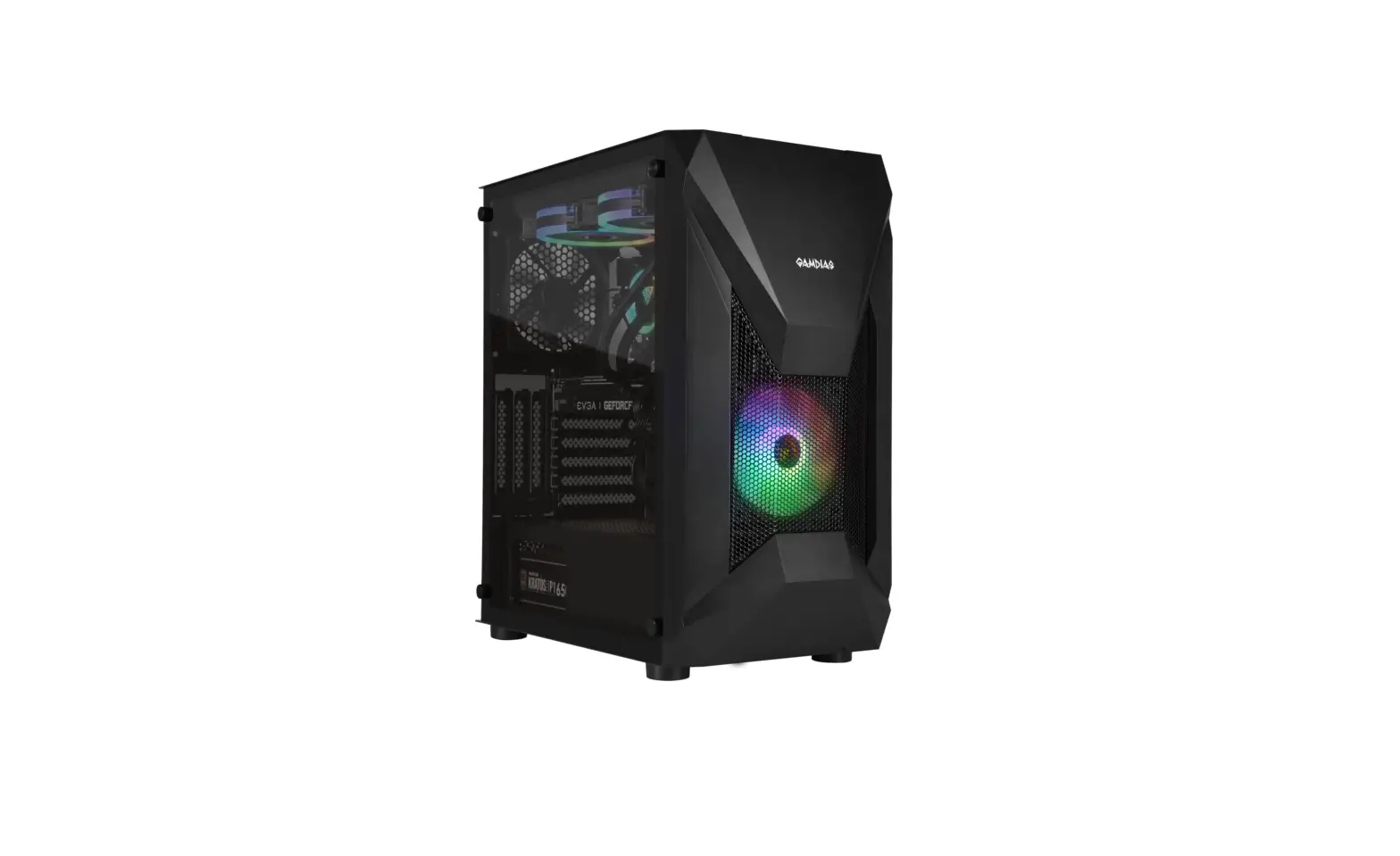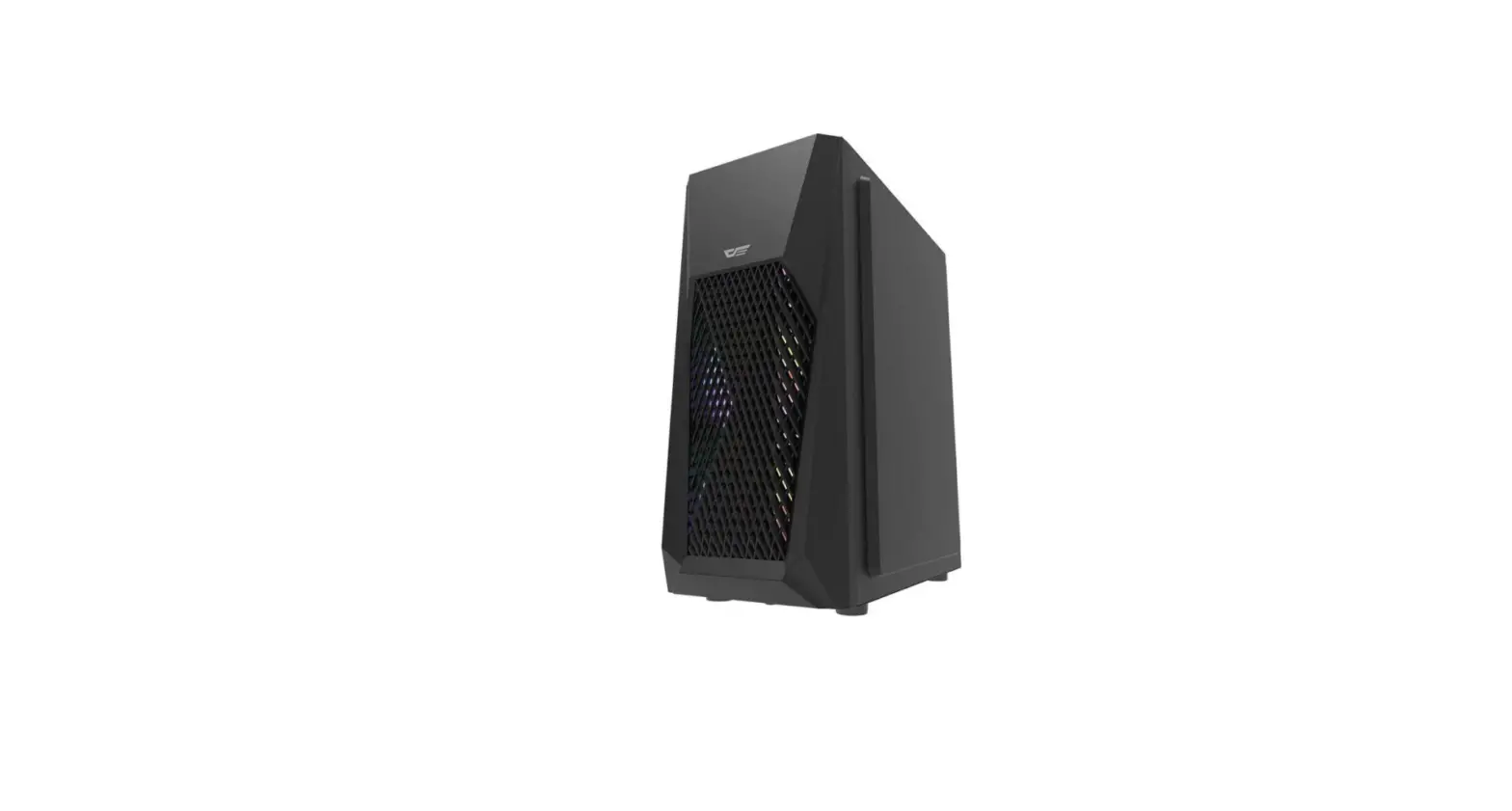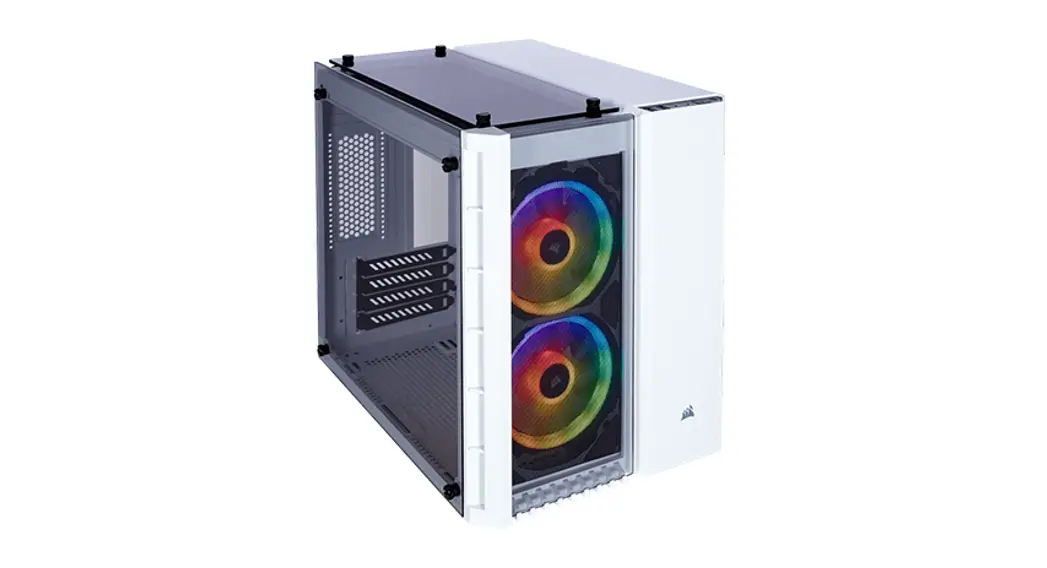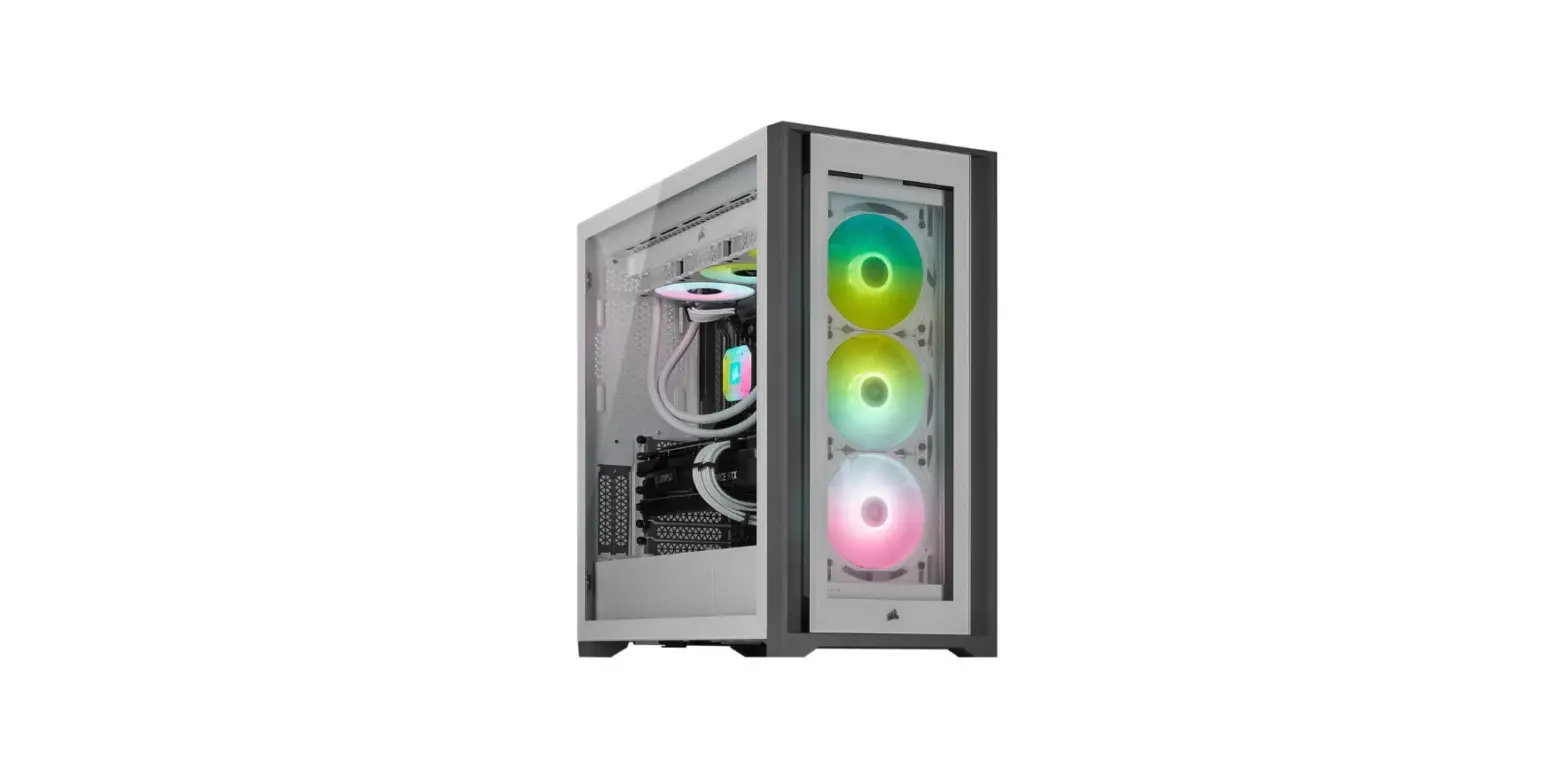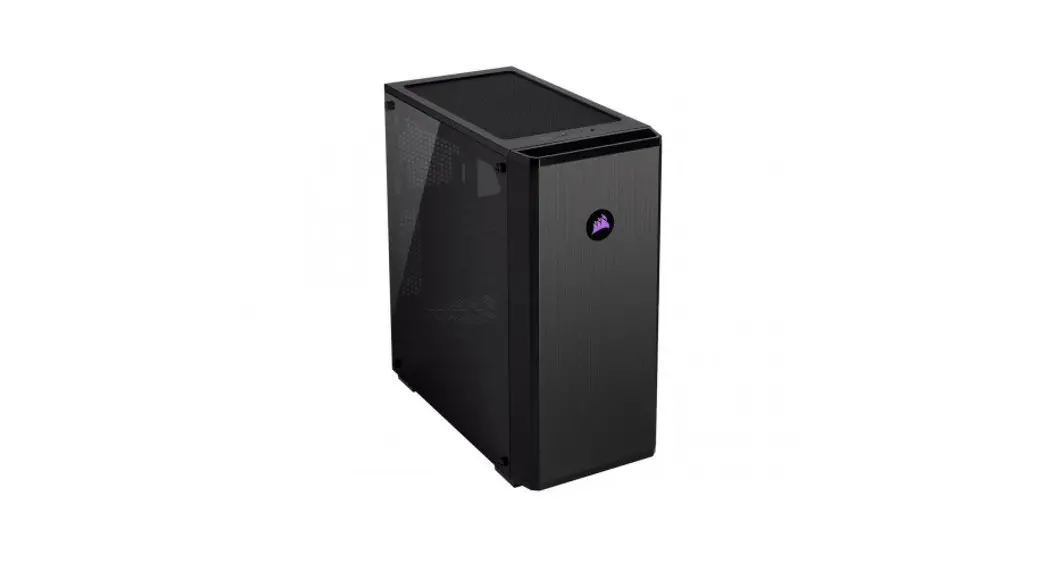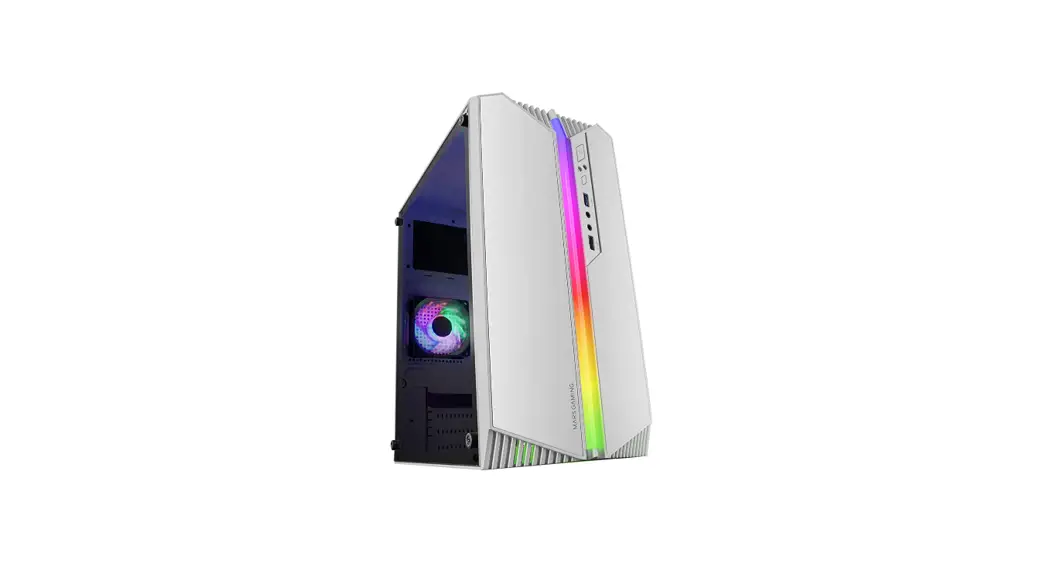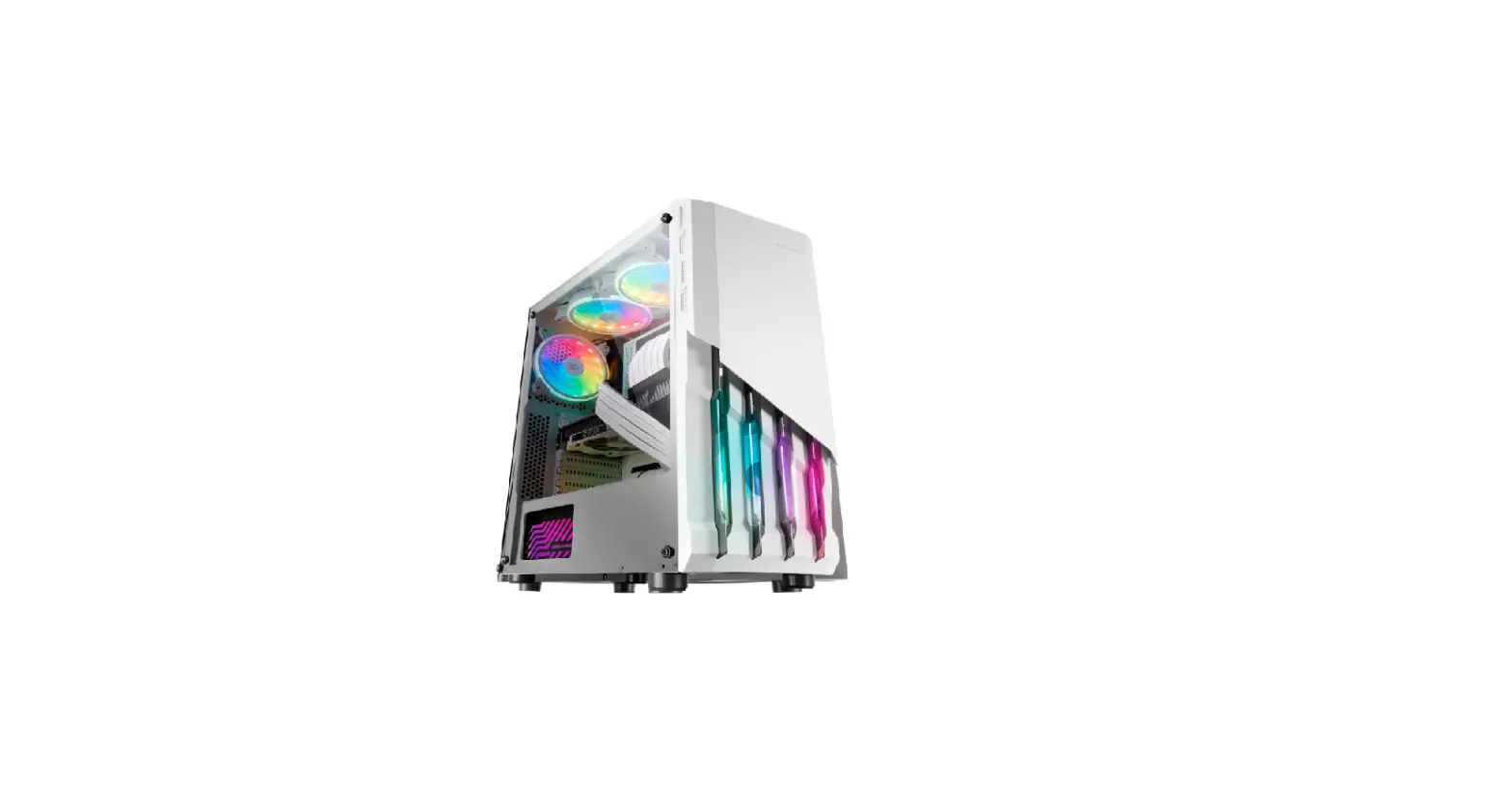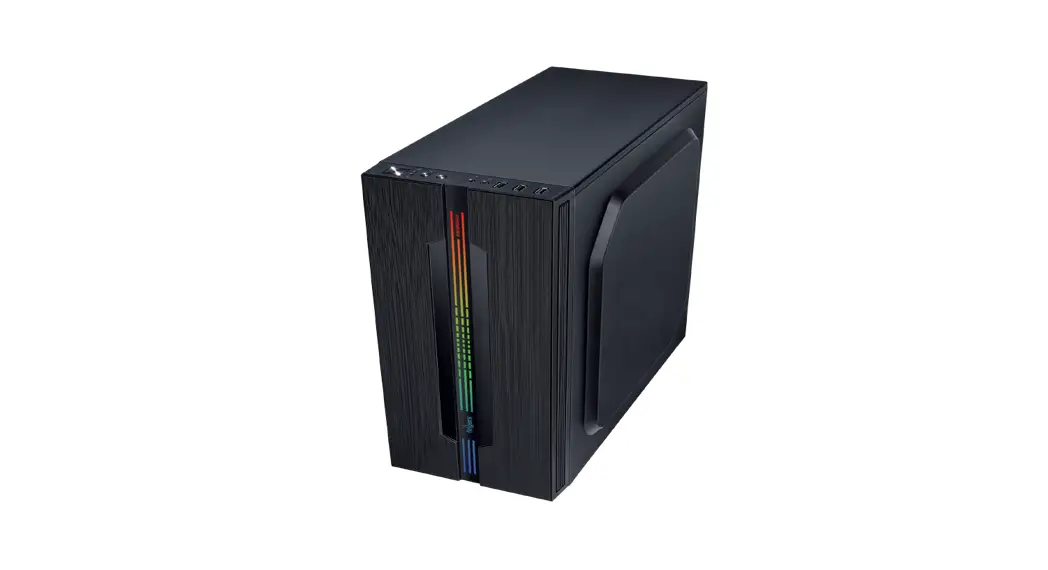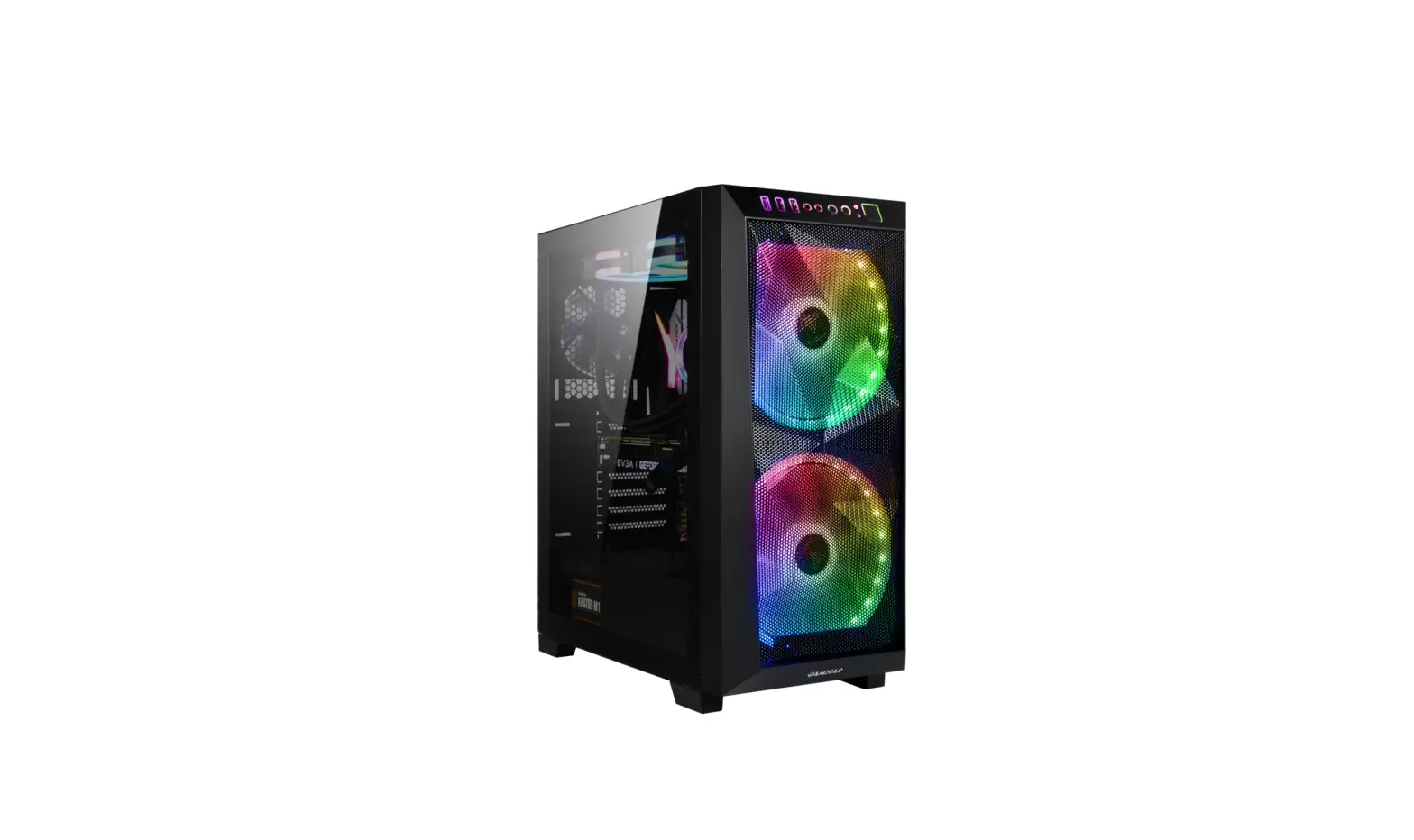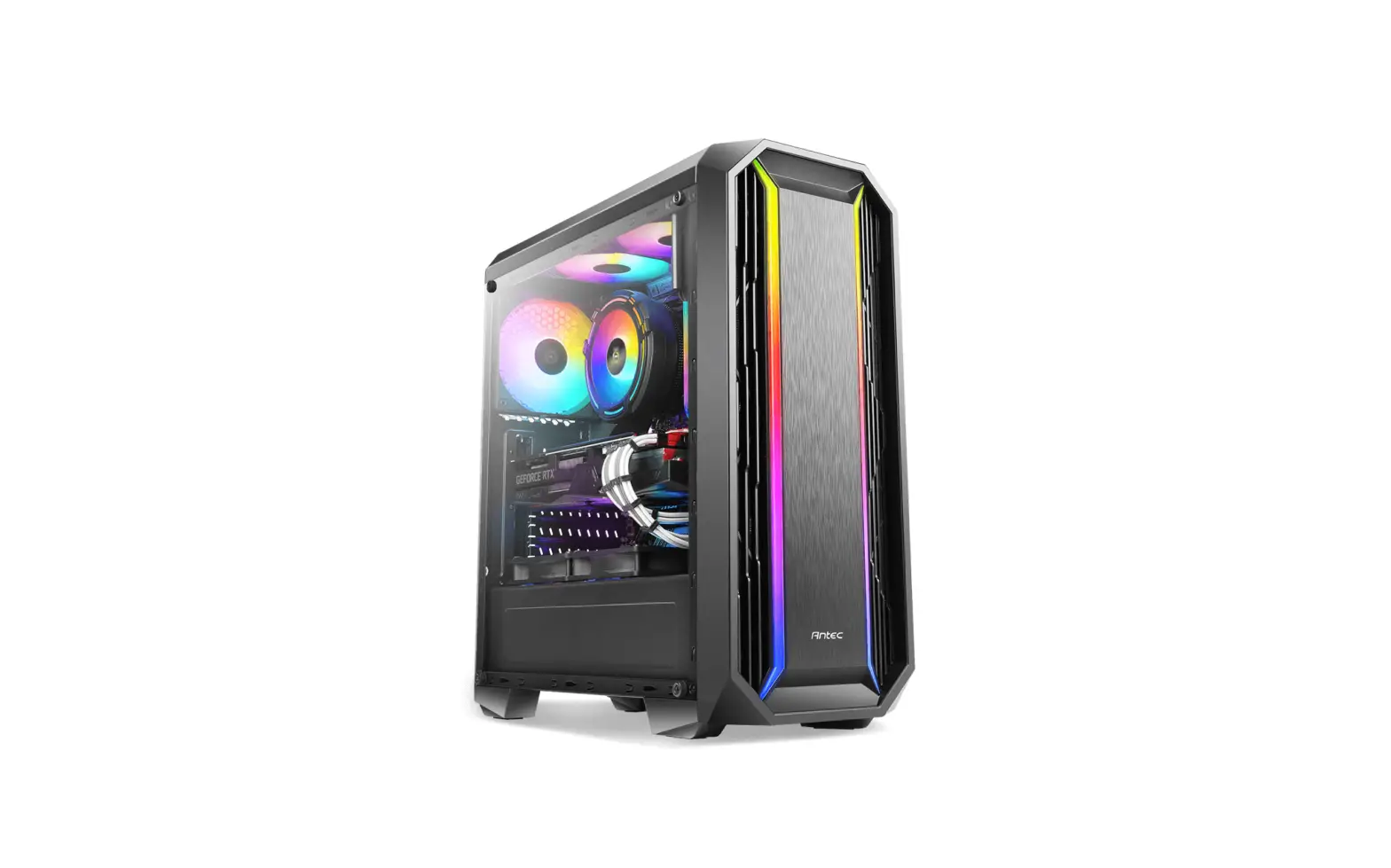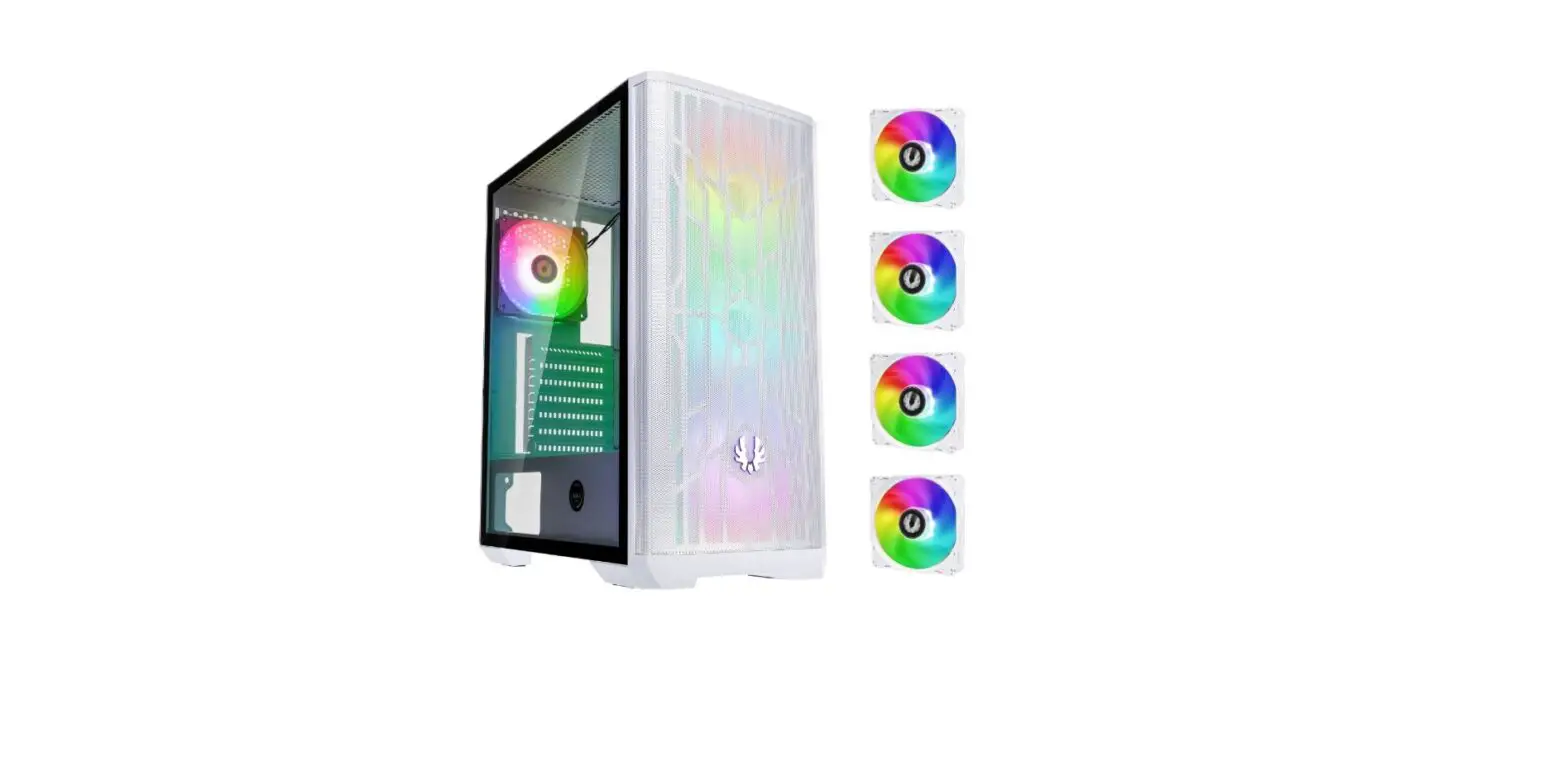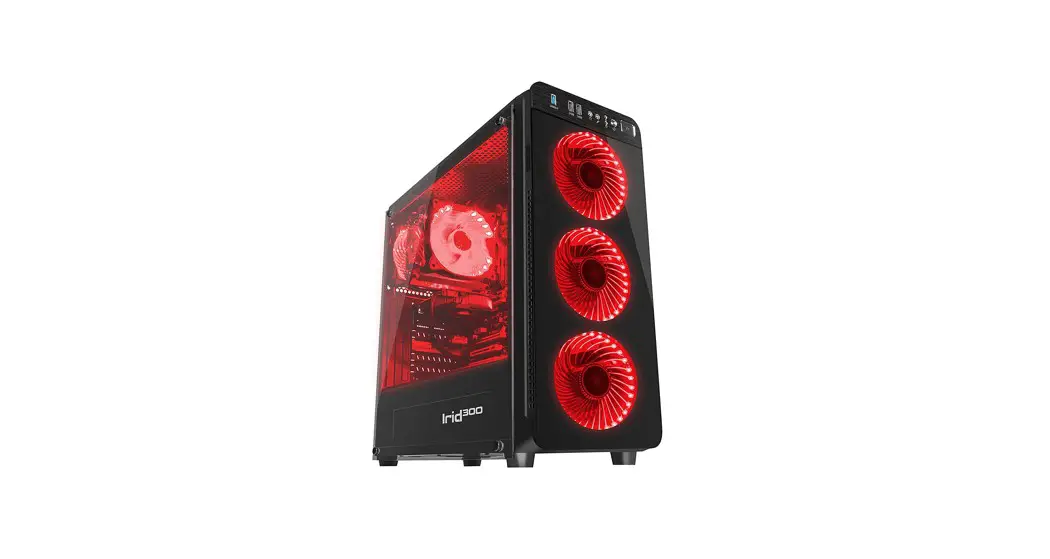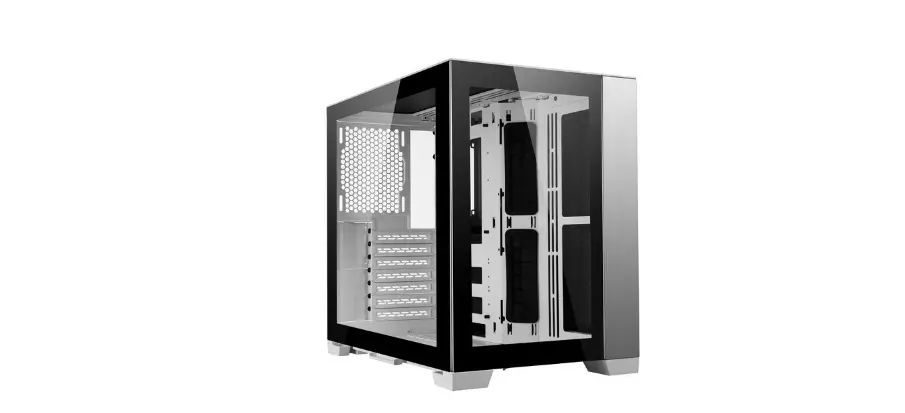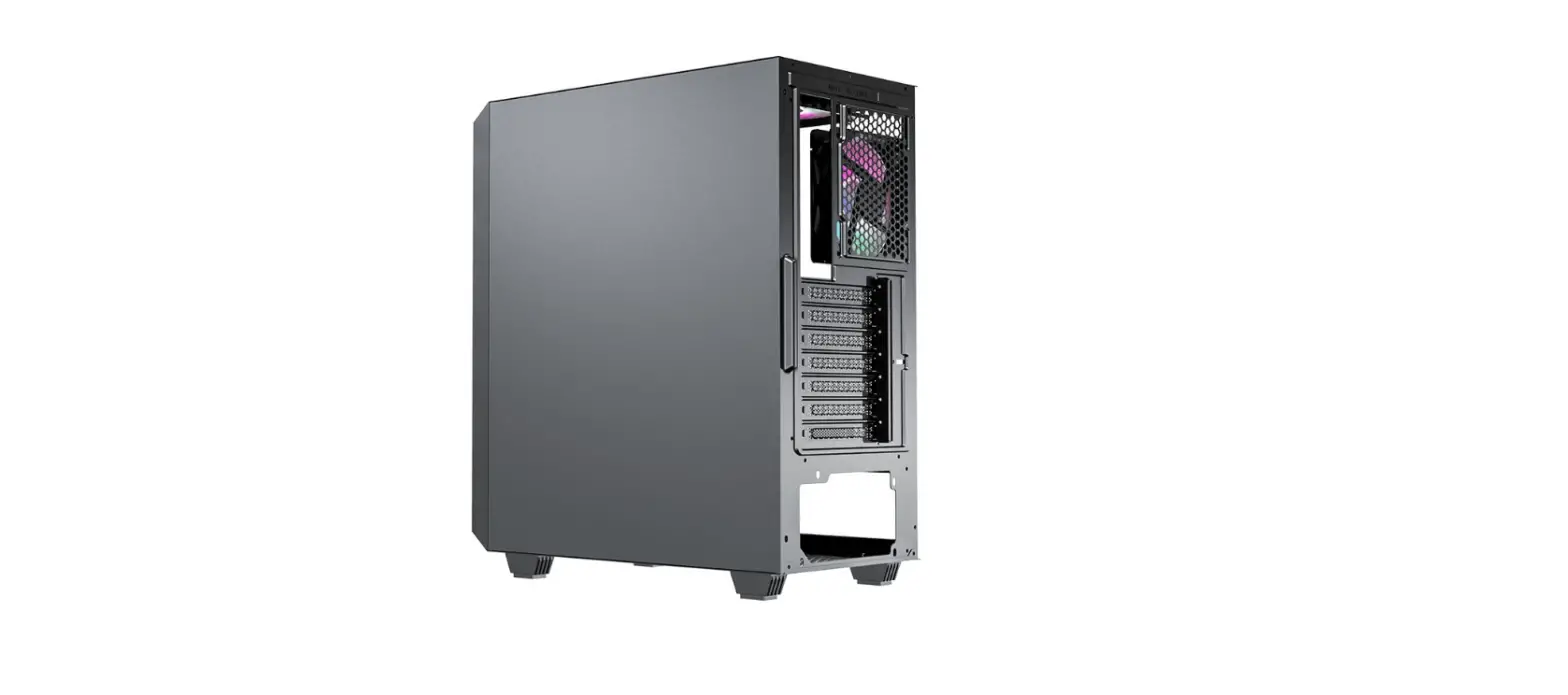

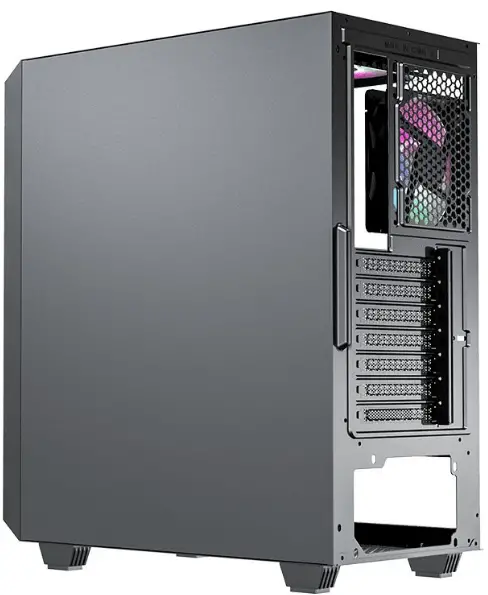
GALAX 3606 ARGB Gaming Case
Explosive view
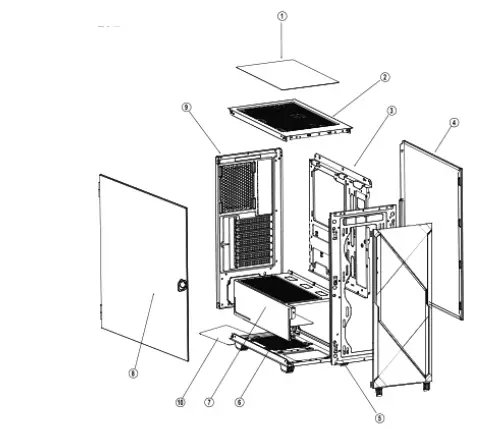
- Dust filter
- Top panel
- M/8
- Right side panel
- Front plate
- Bottom plate (Z) PSU cover
- Left tempered glass side panel
- Rear panel
- Dust filter on the bottom
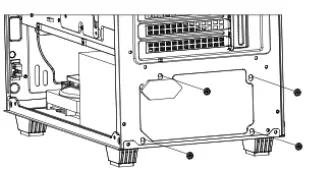
P5U installation
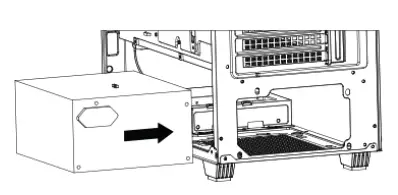
- Put psu into chassis from left side

- Lock 4pcs psu screws to fix psu
M/B installation
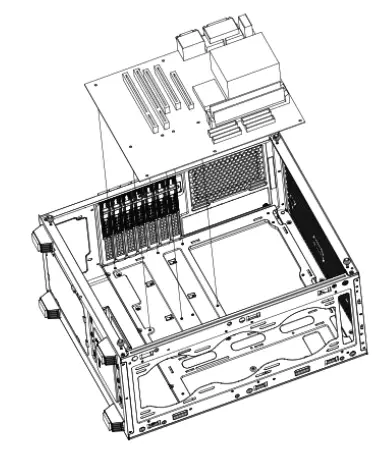
- Put M/8 to chassis on right position and fix screws
HOD installation
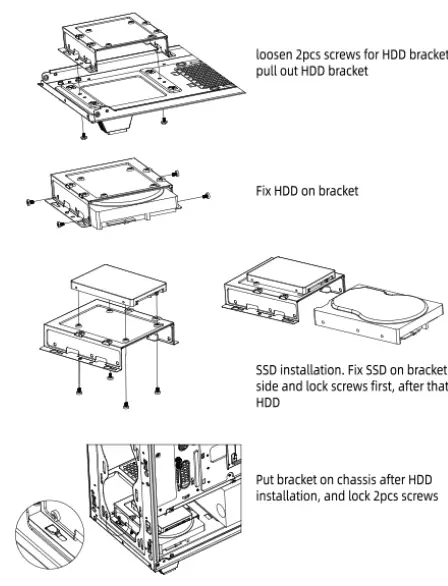
550 installation
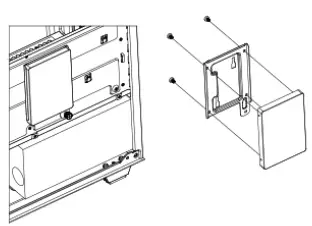
Take off SSD bracket, then fix SSD on the bracket and lock the bracket to the previous place.
Fan and Water cooling installation
Install fan and water cooling on top panel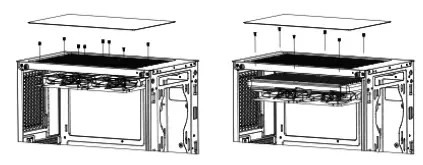
- Put fan or water cooling on top panel from inner side and fix screws from outside
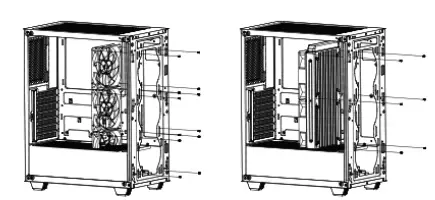
- Install fan and water cooling on front plate

- Put fan or water cooling on front plate from inner side and fix screws from outside
- Install fan and water cooling on rear panel

- Put fan or water cooling on rear plate from inner side and fix screws from outside
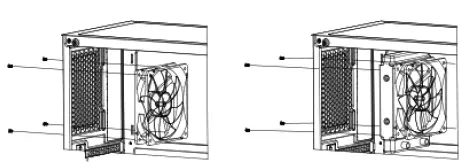
Install fan on psu cover
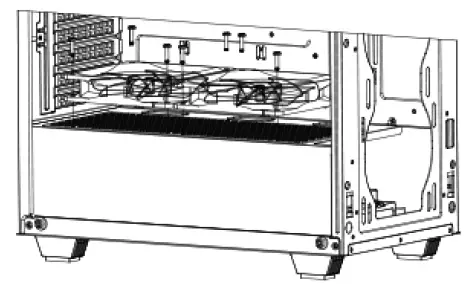
- Put fan on upside of psu cover and fix screwss

- Put VGA card on M/8 and fix 2pcs screws. available to adjust the height of VGA card
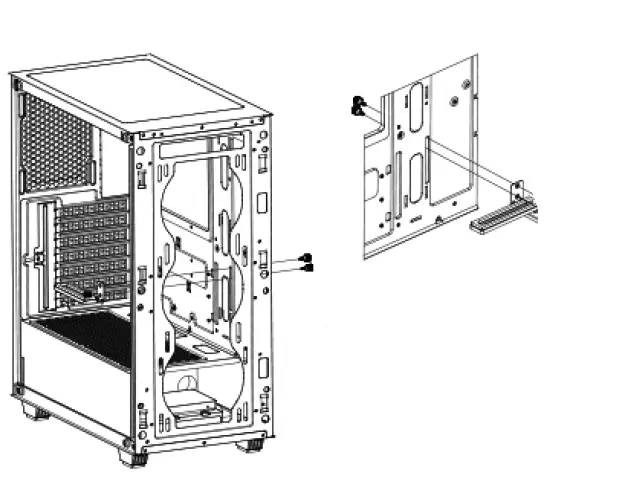
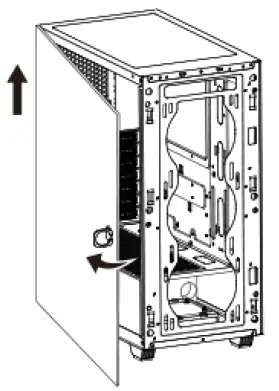
Install side panel
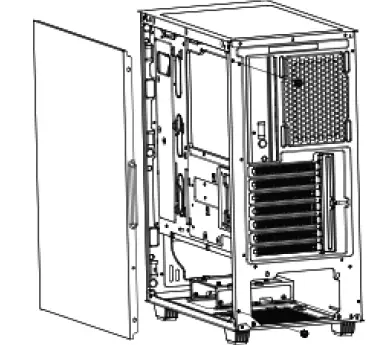
- Put side panel on right position and push it, then lock 2pcs screws

- Open left side panel and remove the tempered glass side panel