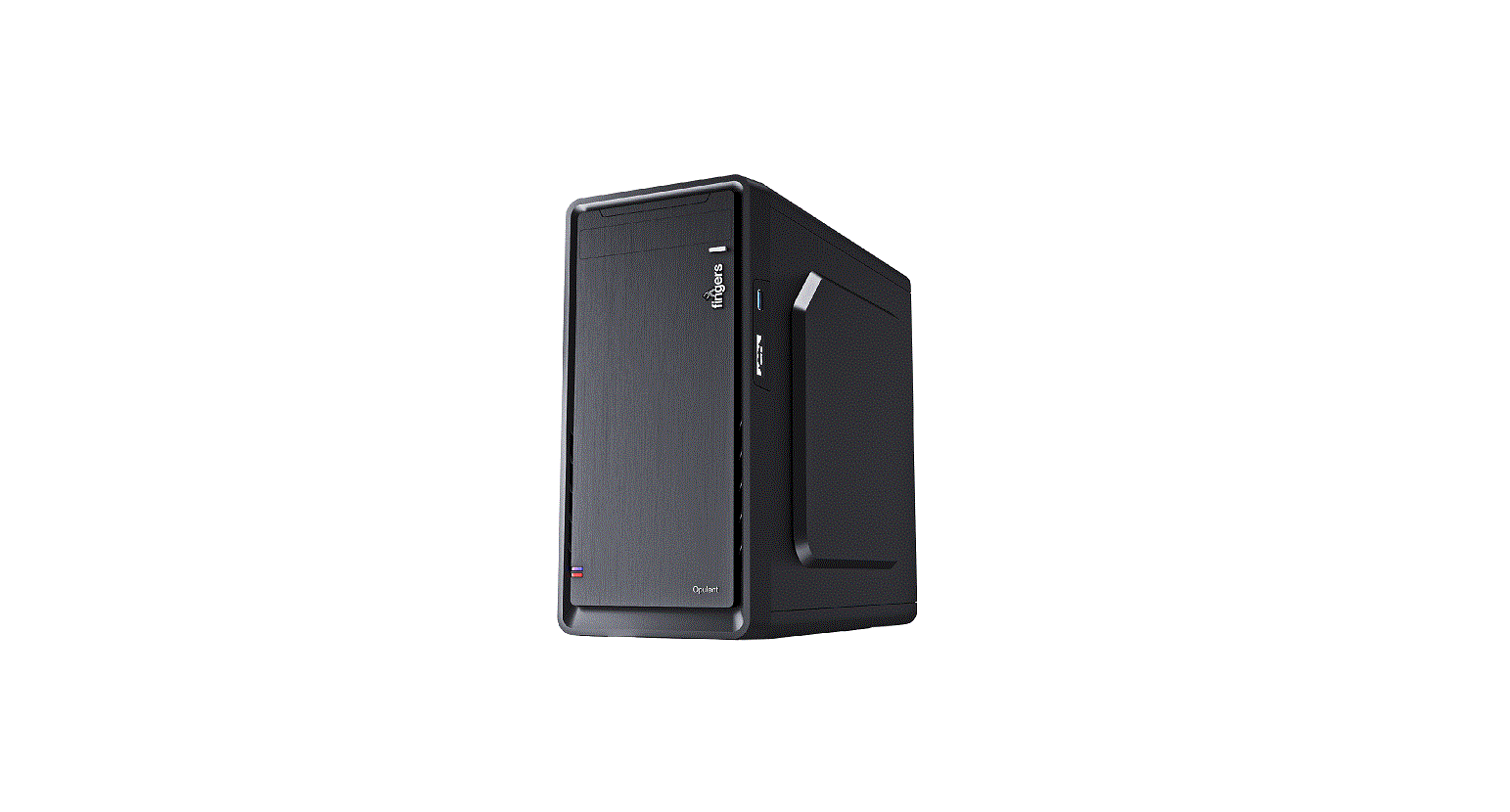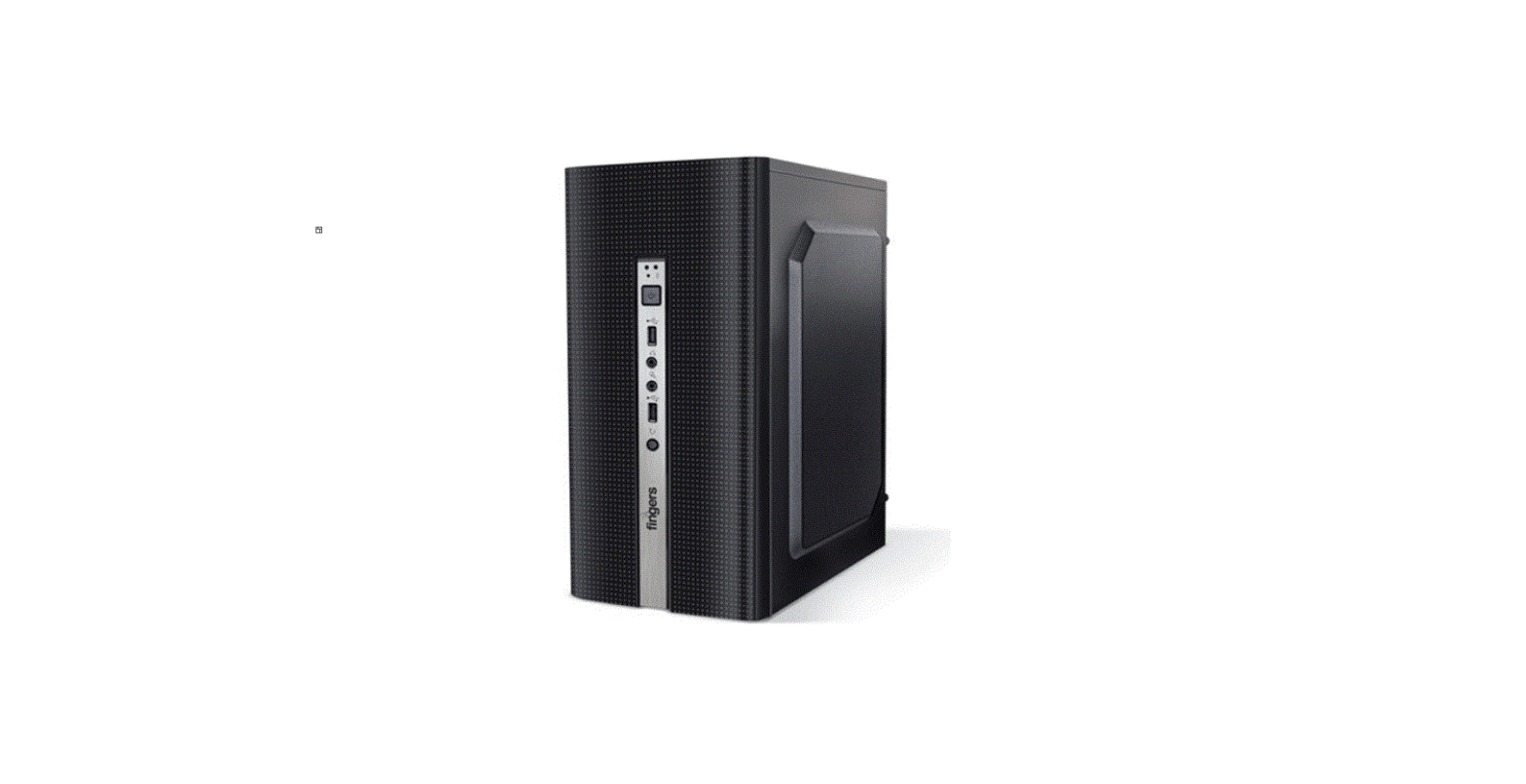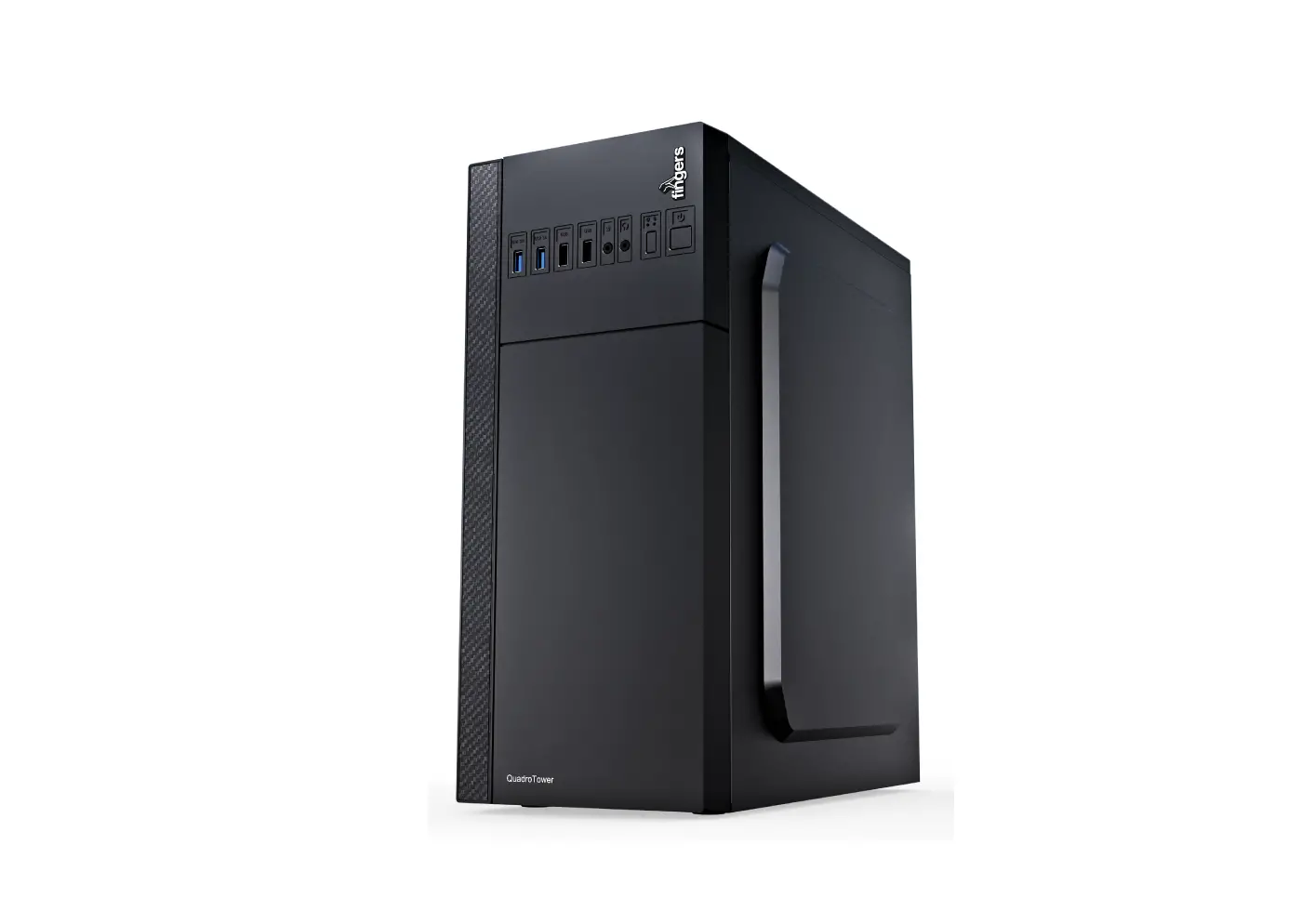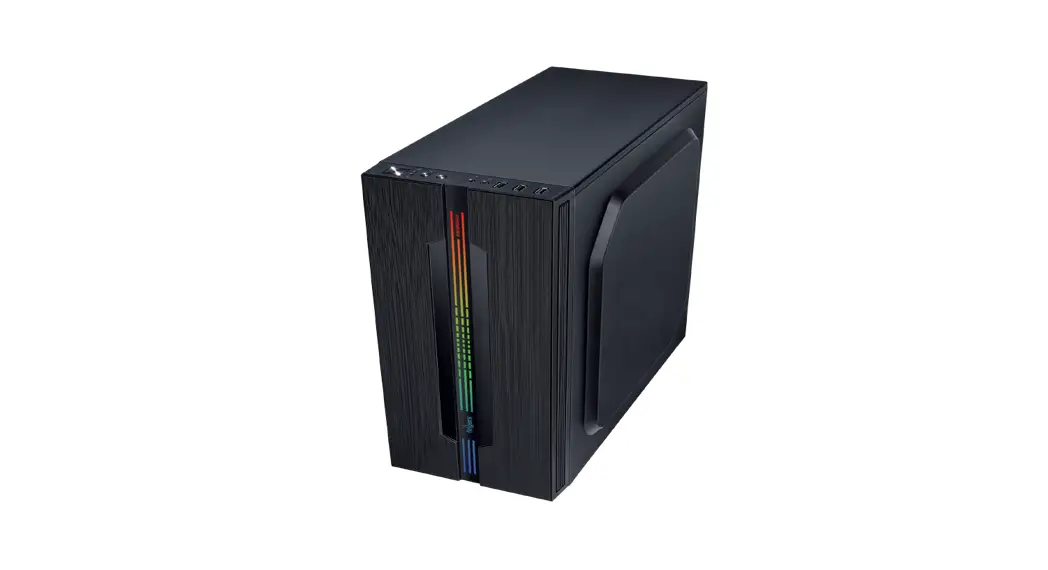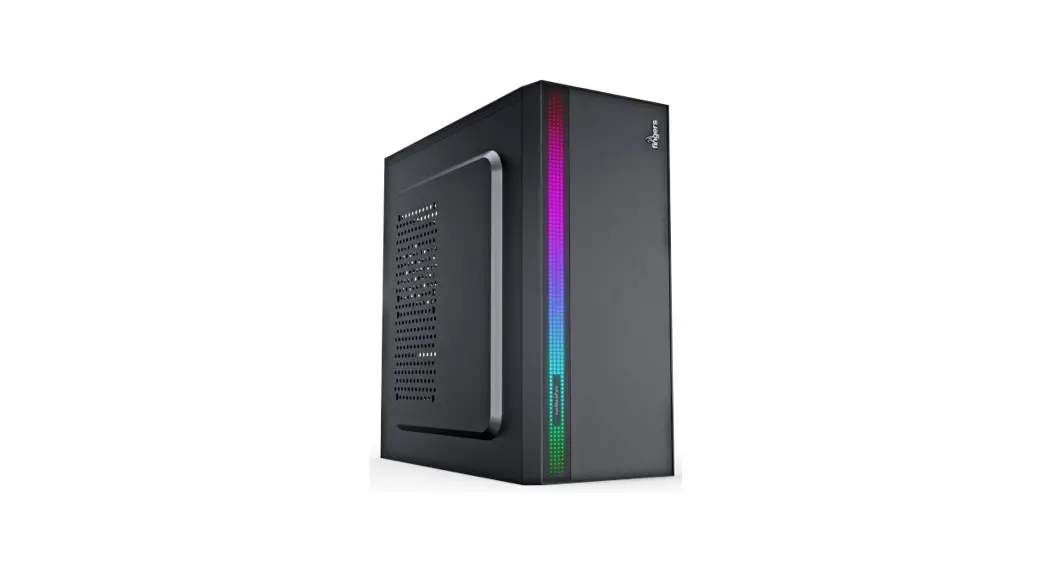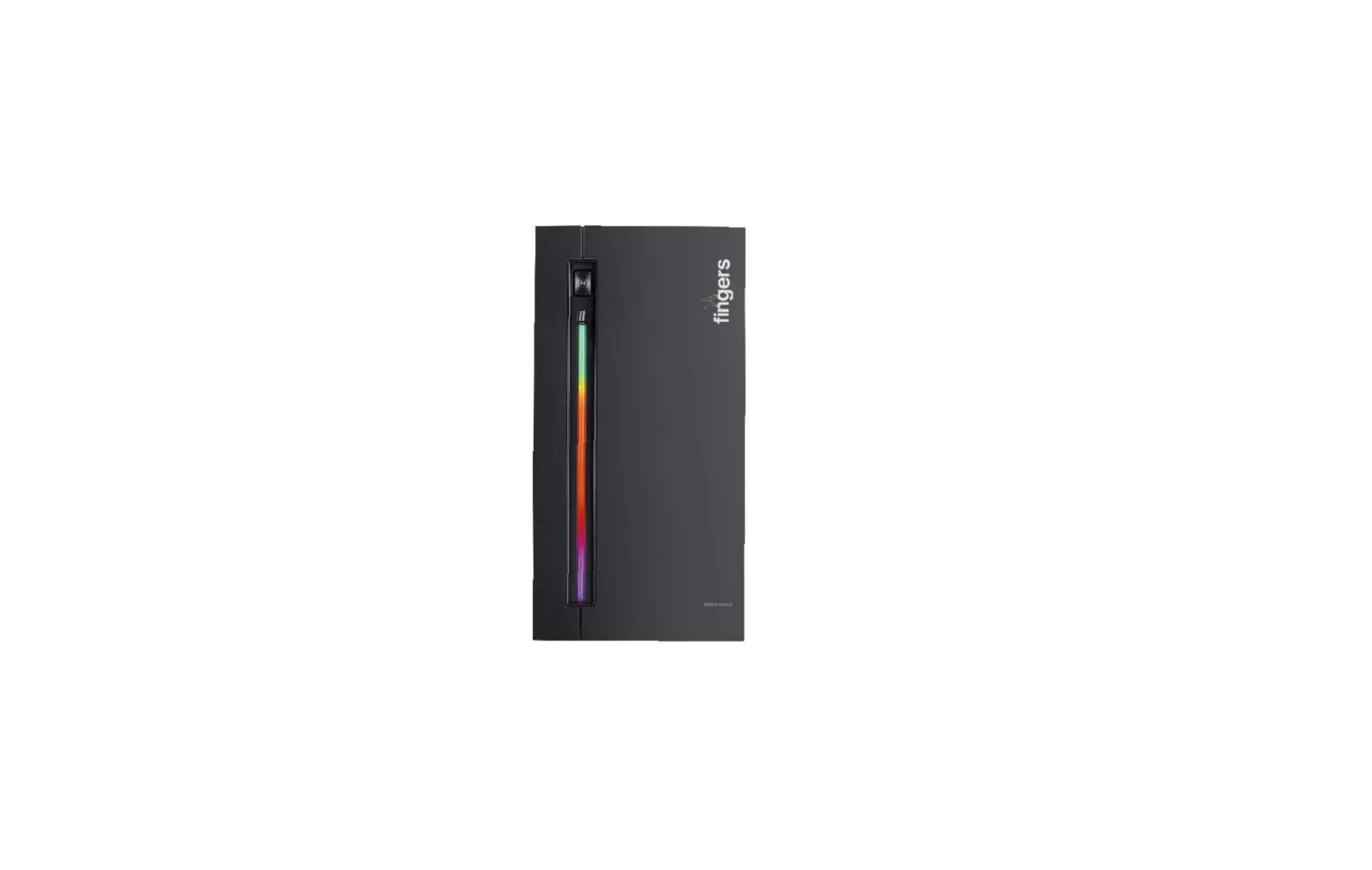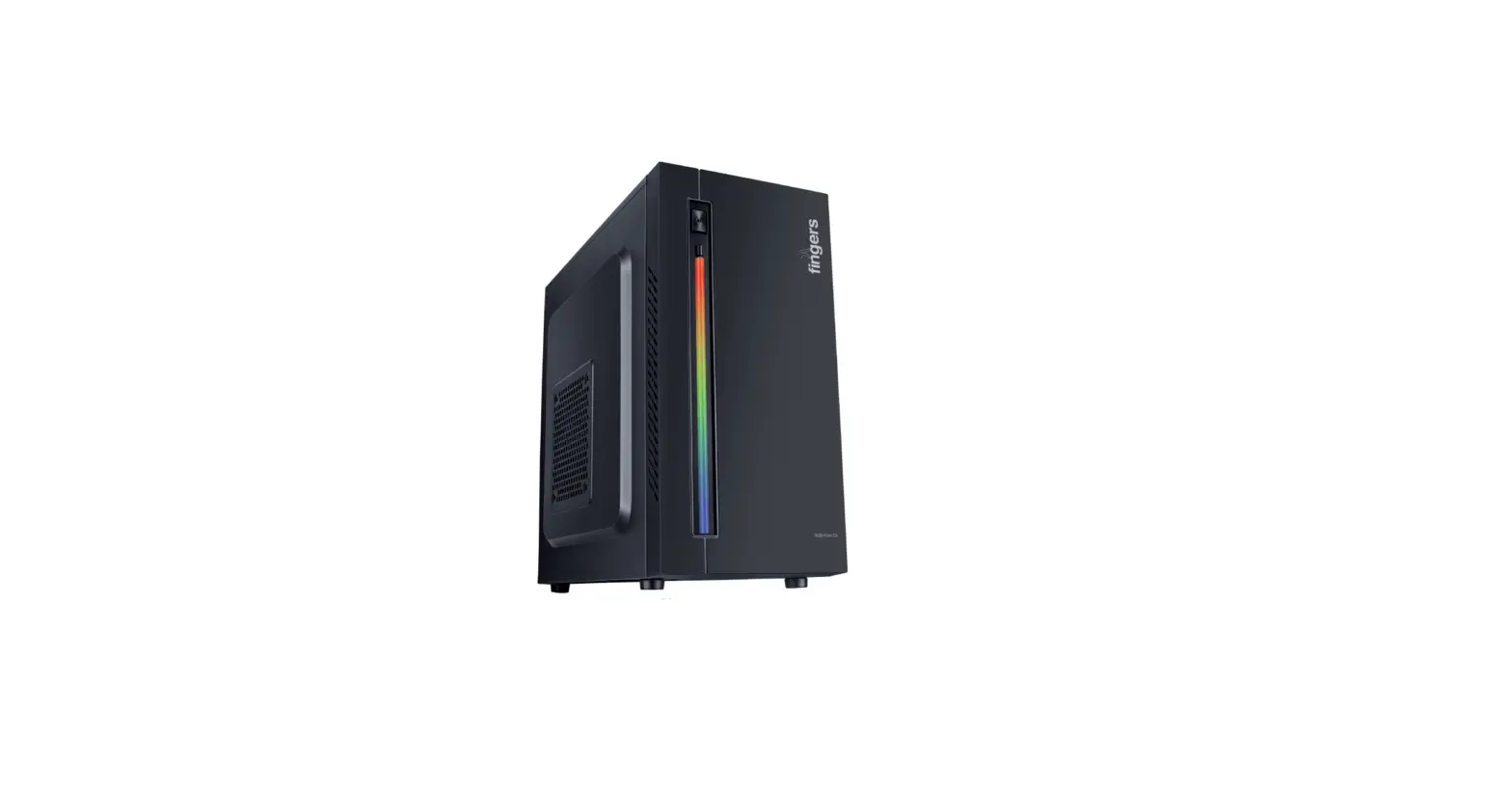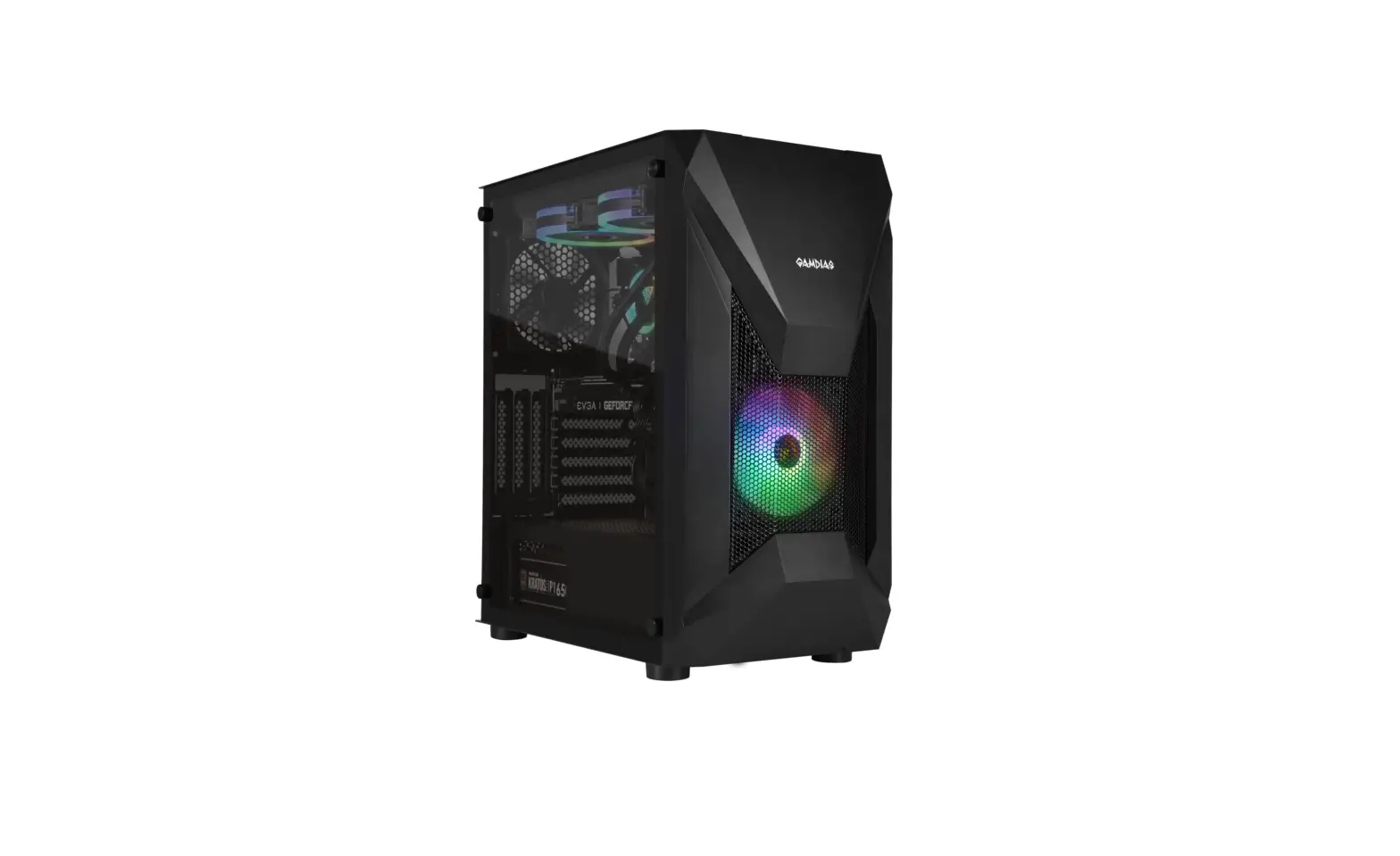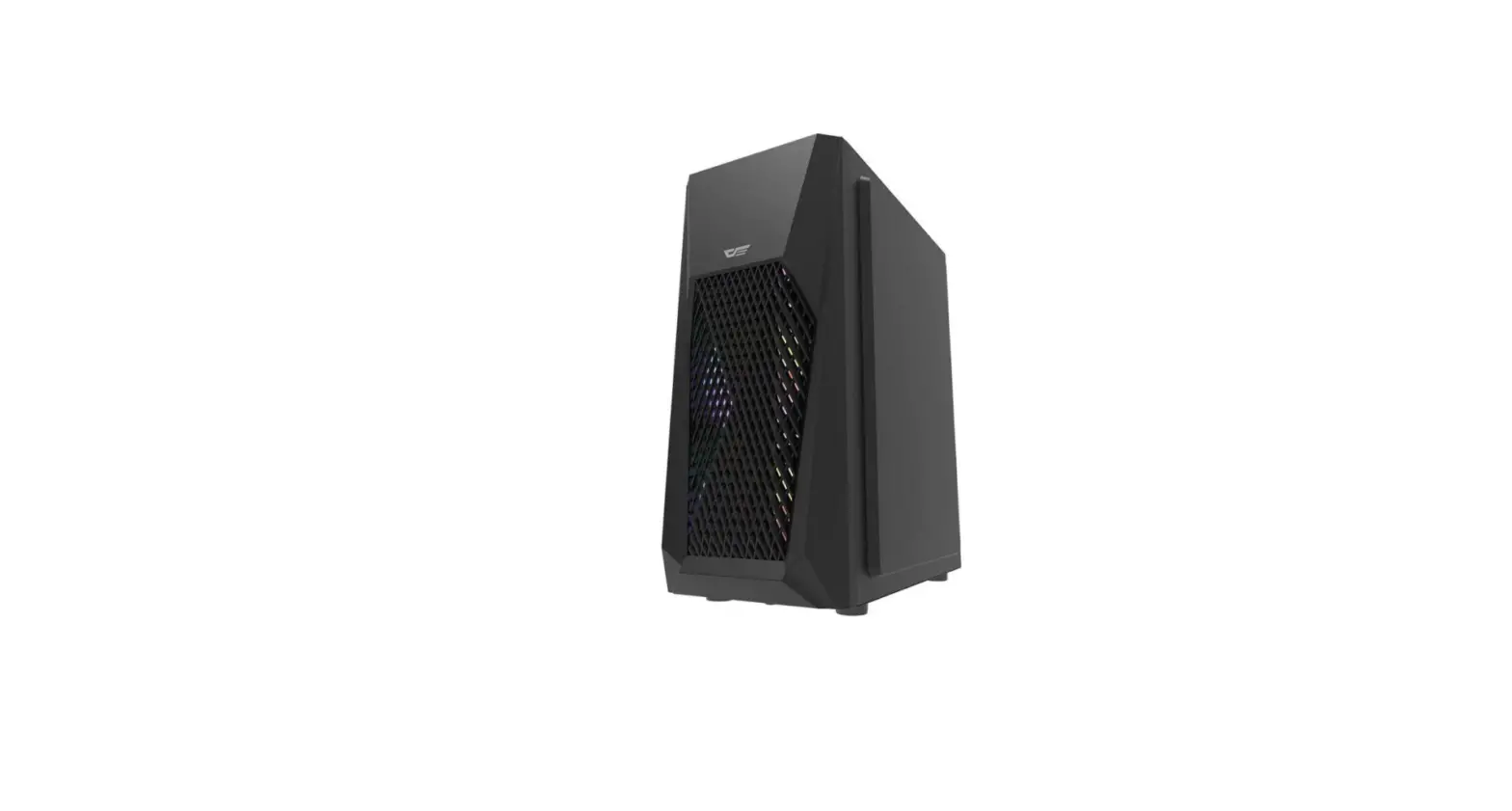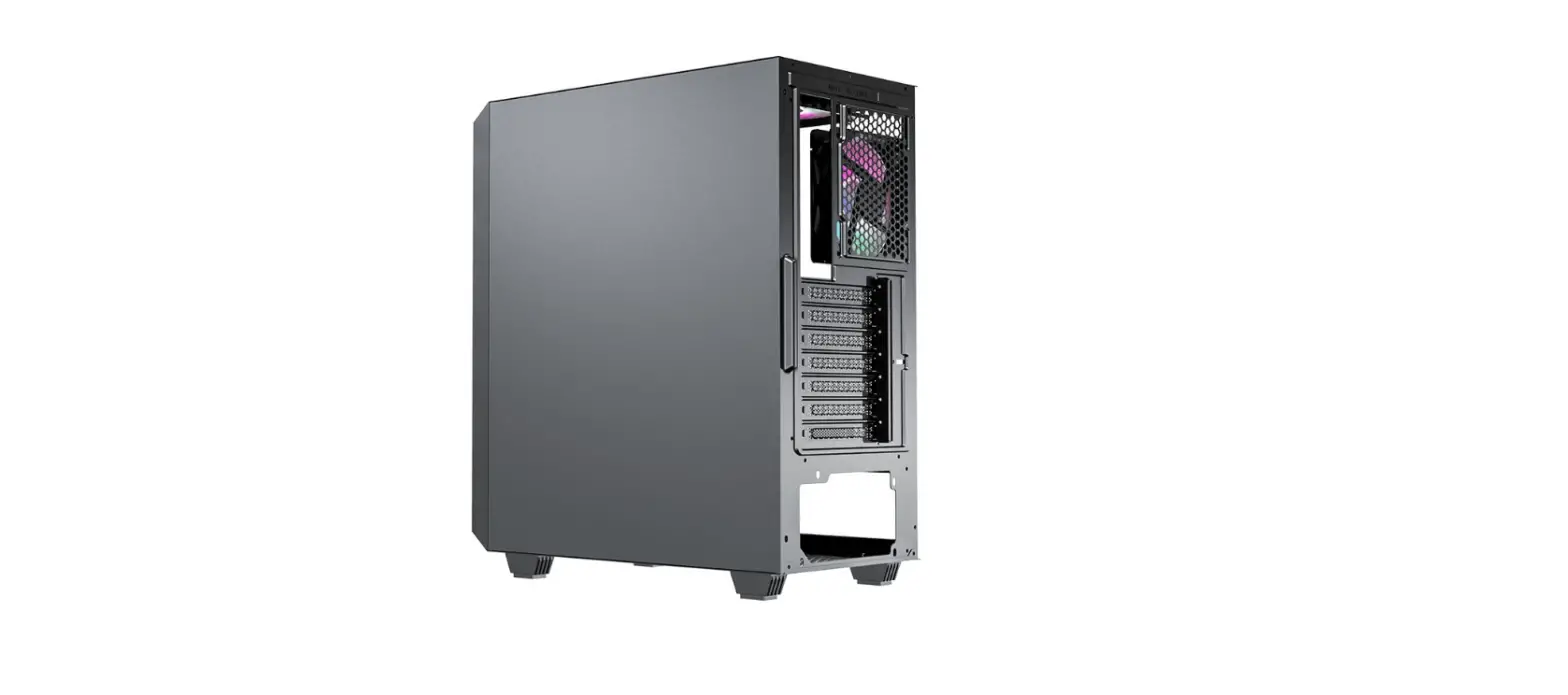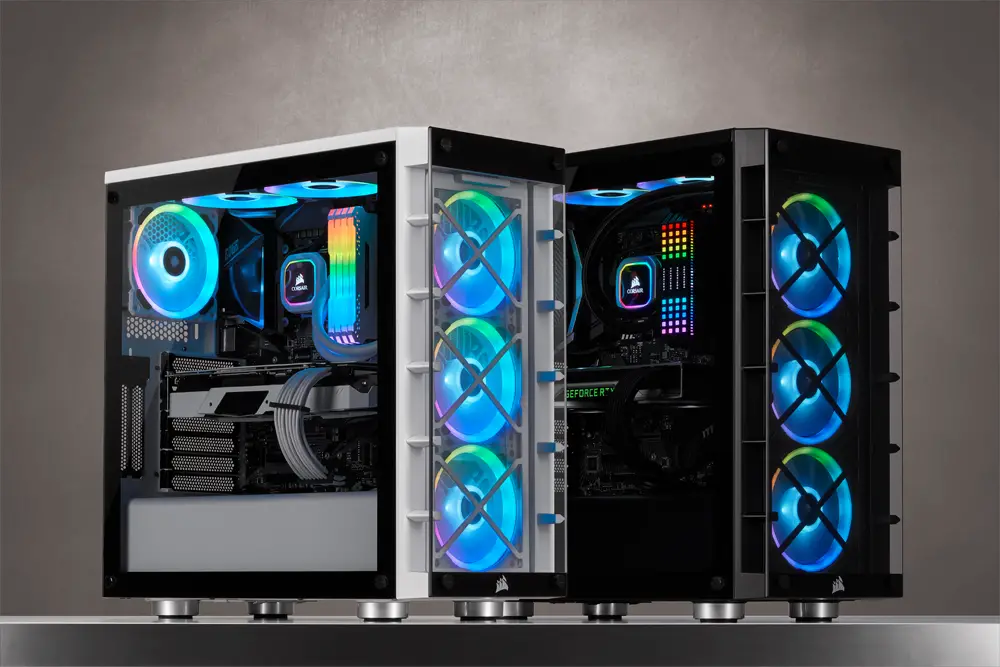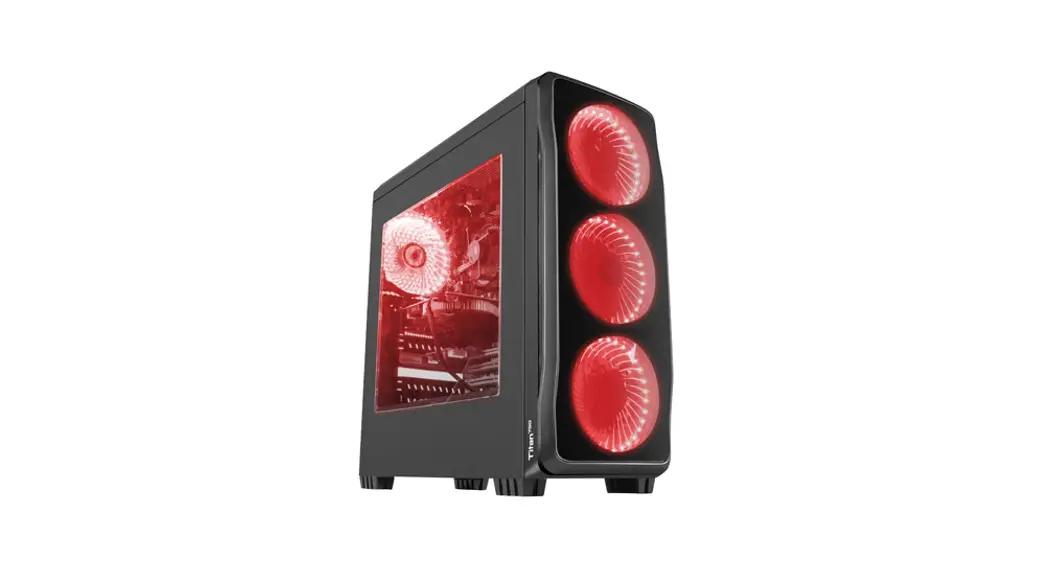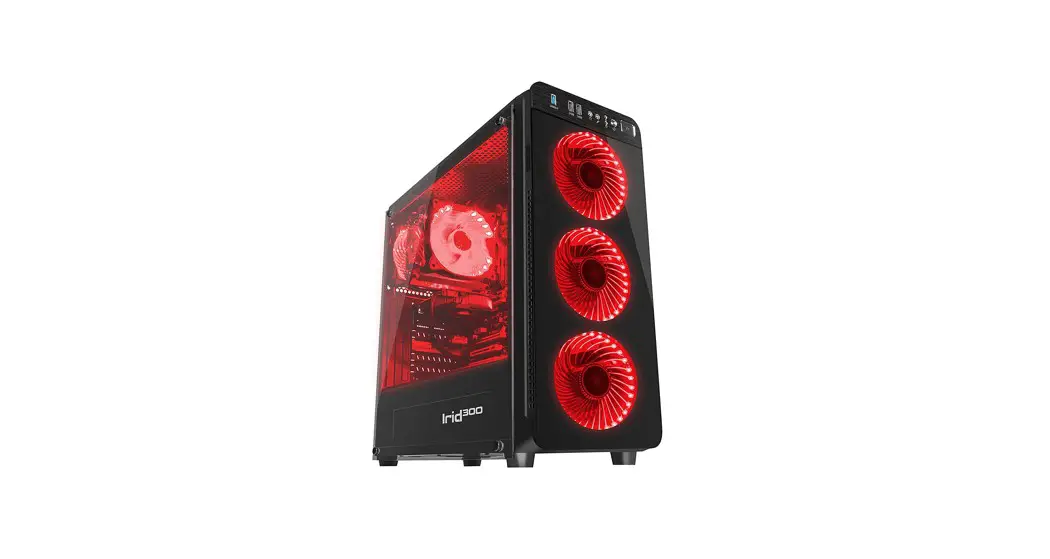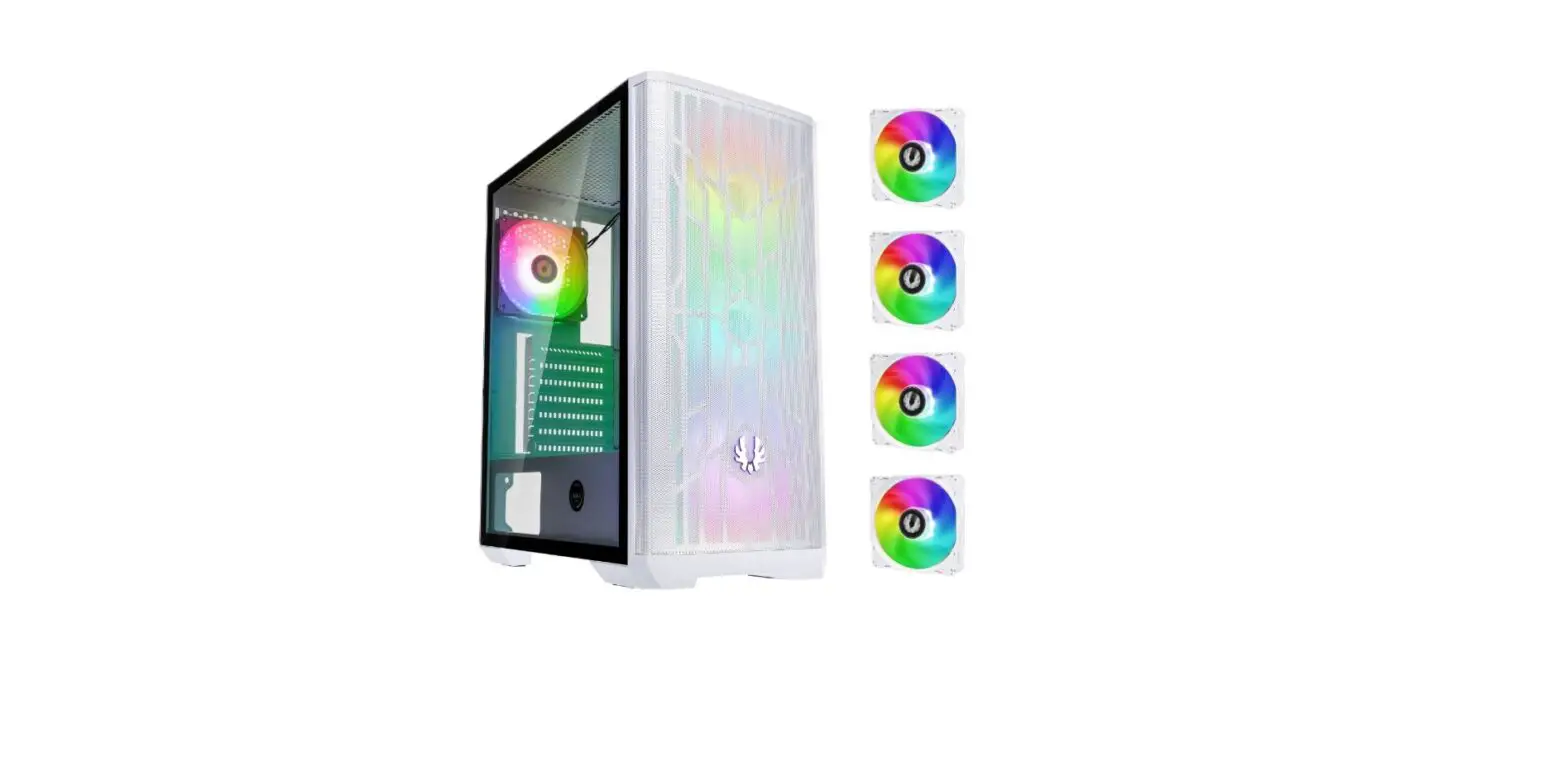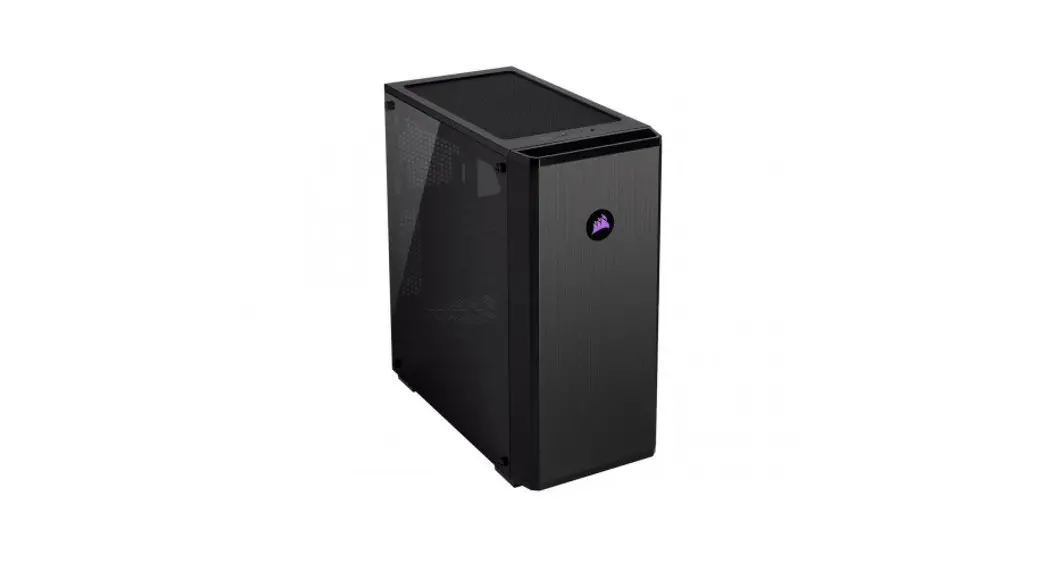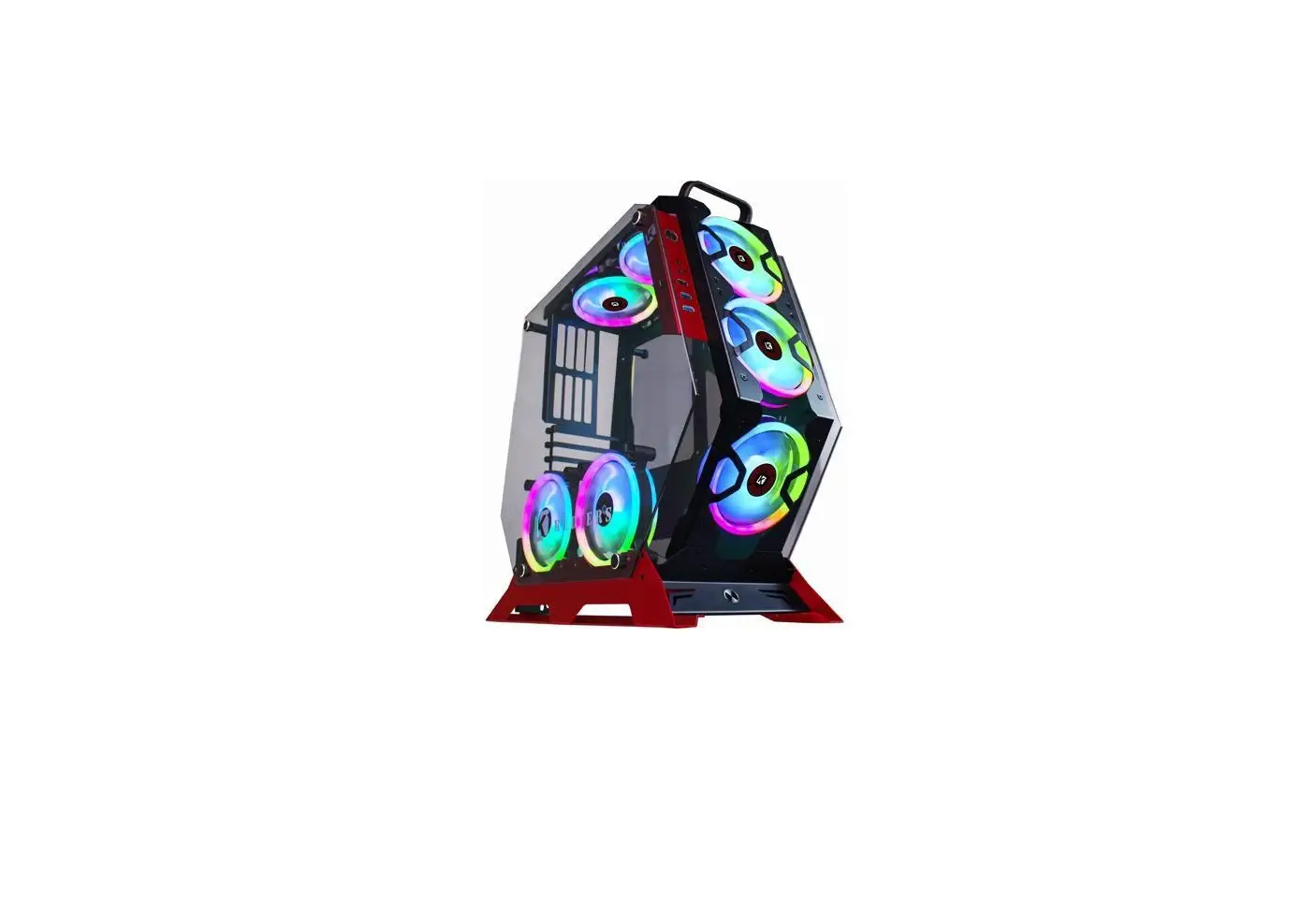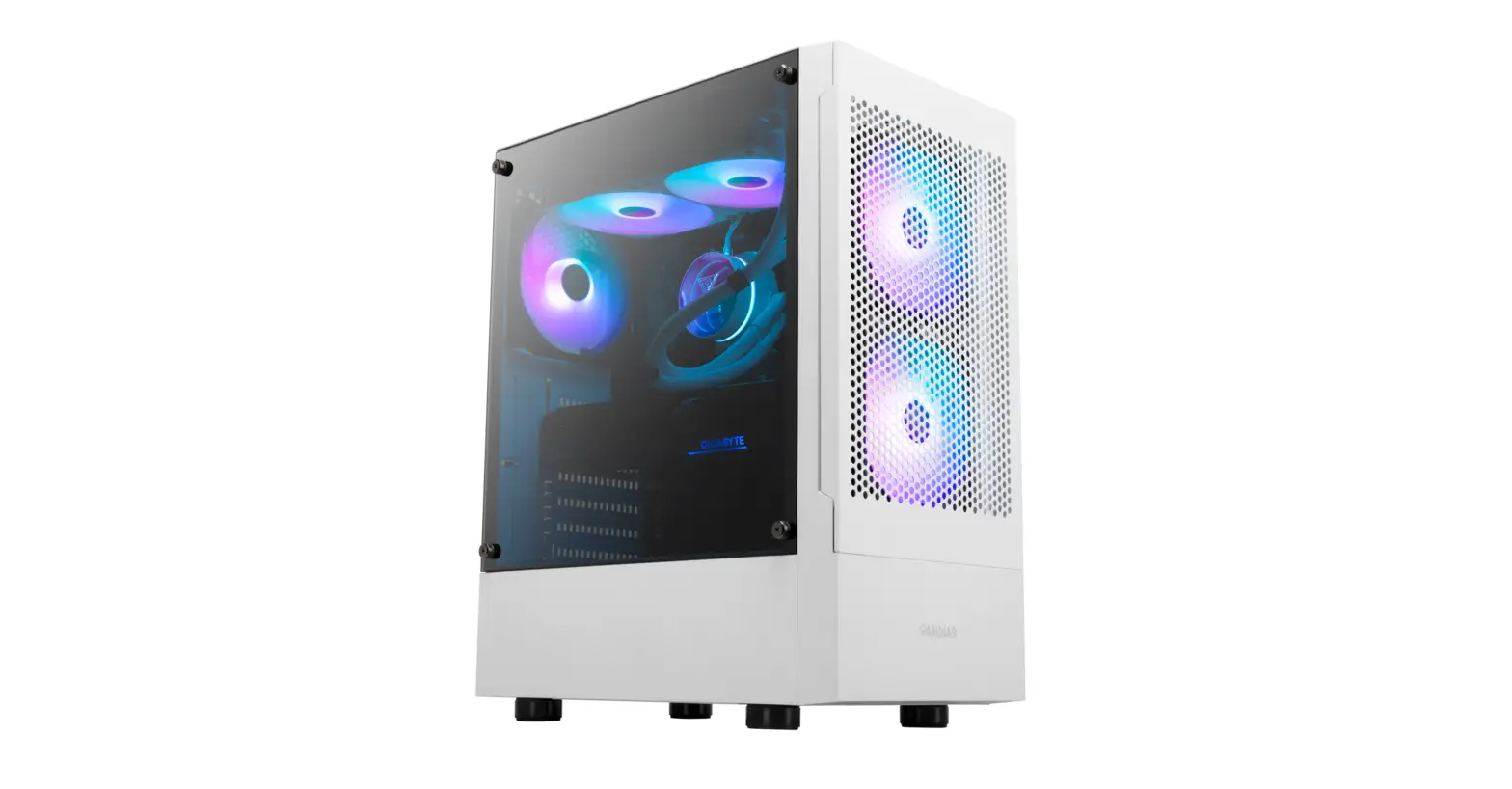
fingers GK47 Gaming PC Case
Installation Guide

Installation User manual
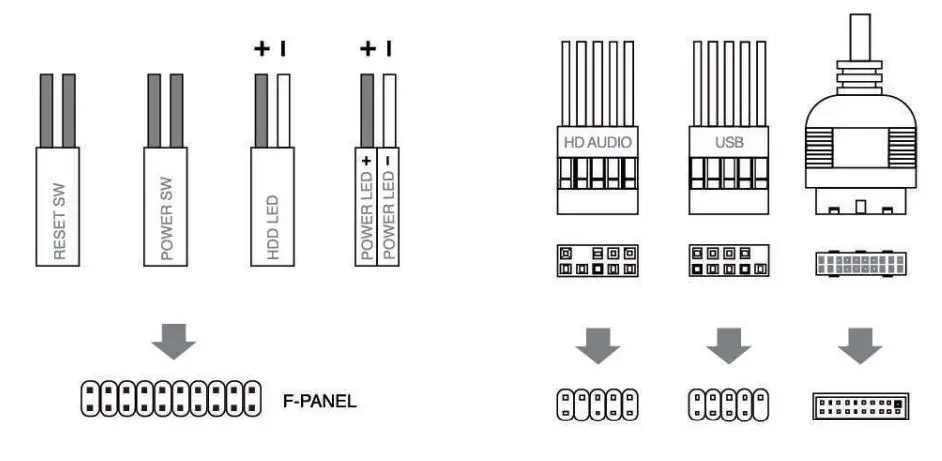
1. Front l/O Panel Cable Connection
2. Accessories Pack
- SSD Screw/MB Screw x 13
- PSU Screw/PCI Screw/HDD Screw x 6
- MB Standoff x 2
- HDD Rail Screw x 4
- Fan Screw x 6

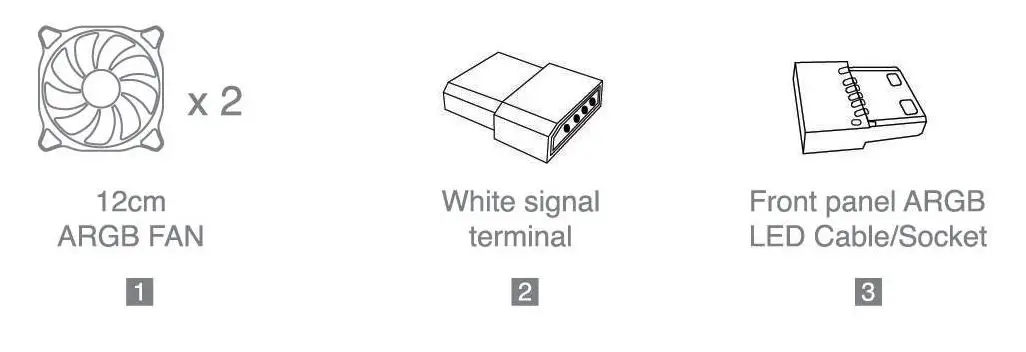
3. Additional Components
- Pre-installed 12 cm ARGB FAN x 2
- White signal terminal x 1
- Front Panel ARGB LED (Cable + Socket) x 1
How to Install
- Motherboard

- PSU location

- Add-on Card

- 3.5” HDD / 2.5” SSD x 2

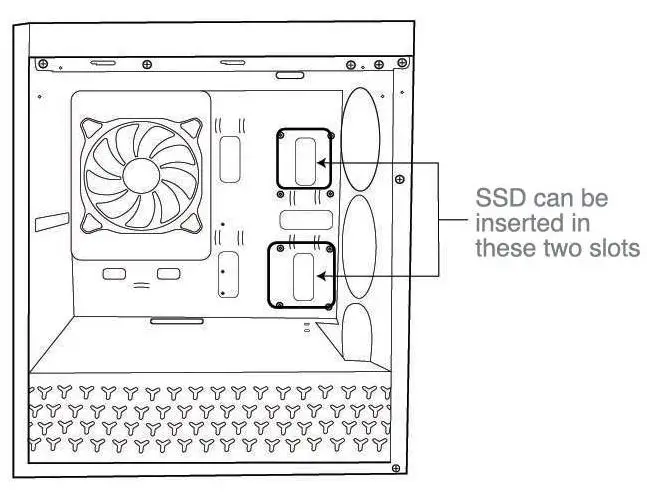
- 2.5” SSD x 2

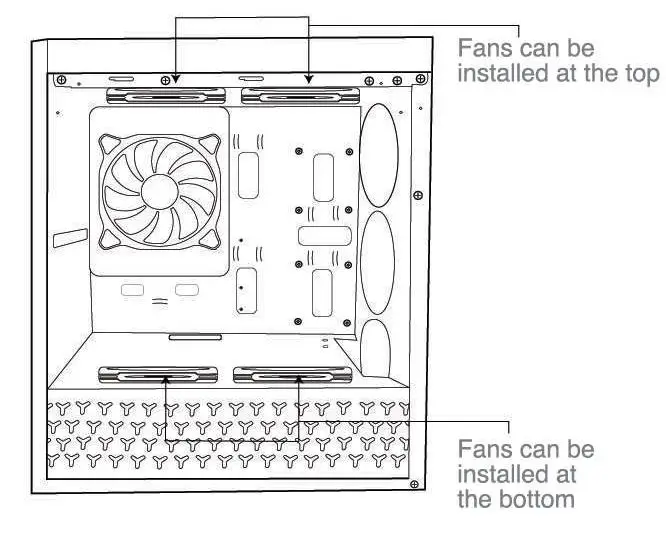
- Top and Bottom Case Fans

- Front Case Fans
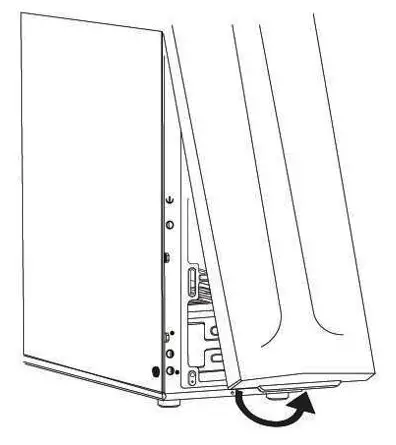
a. Remove front panel b. Install Fans
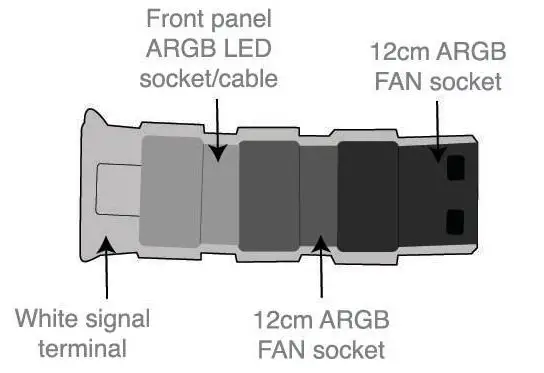
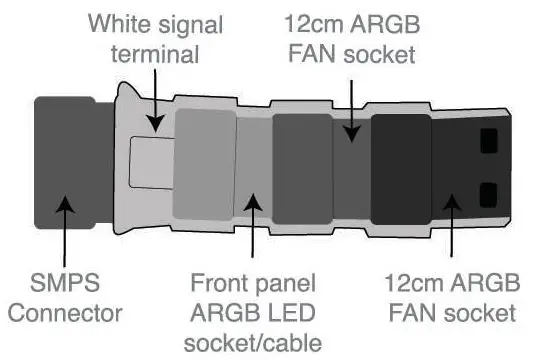
- ARGB Fans Connection
a. Connect below mentioned 4 components
b. Then connect these components with SMPS connector as per below image
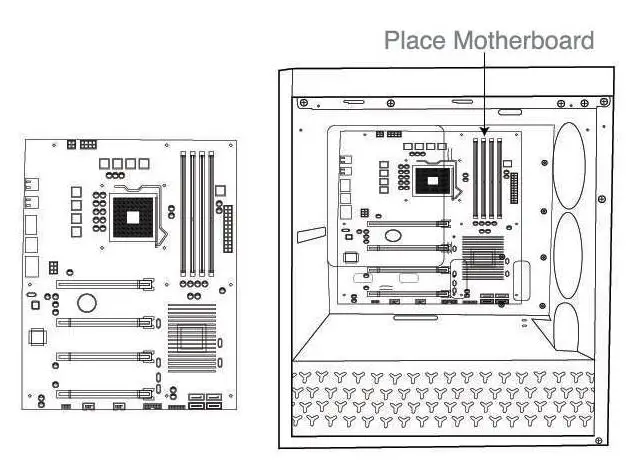
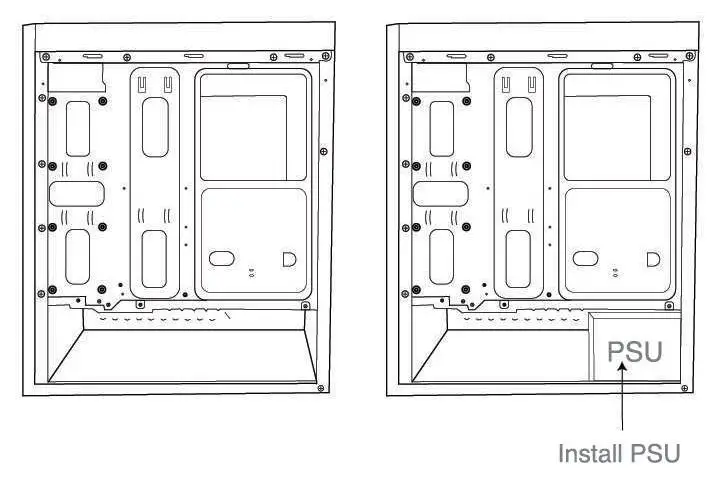
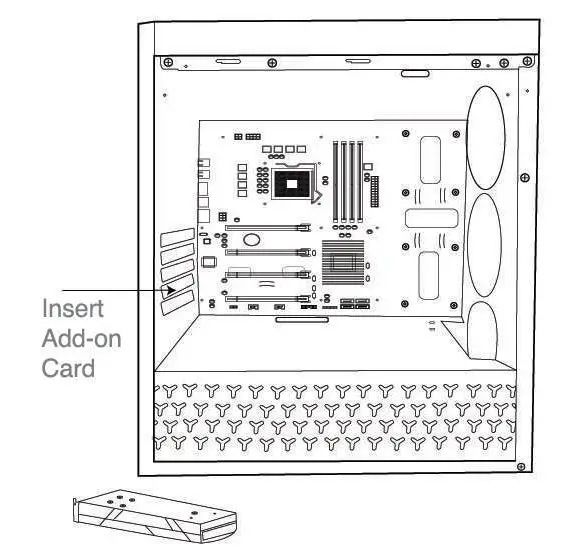
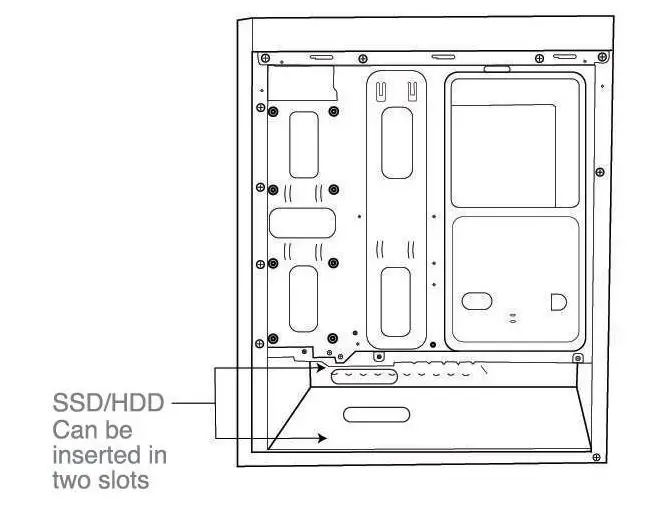
 b. Install Fans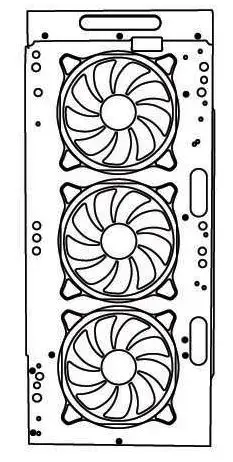
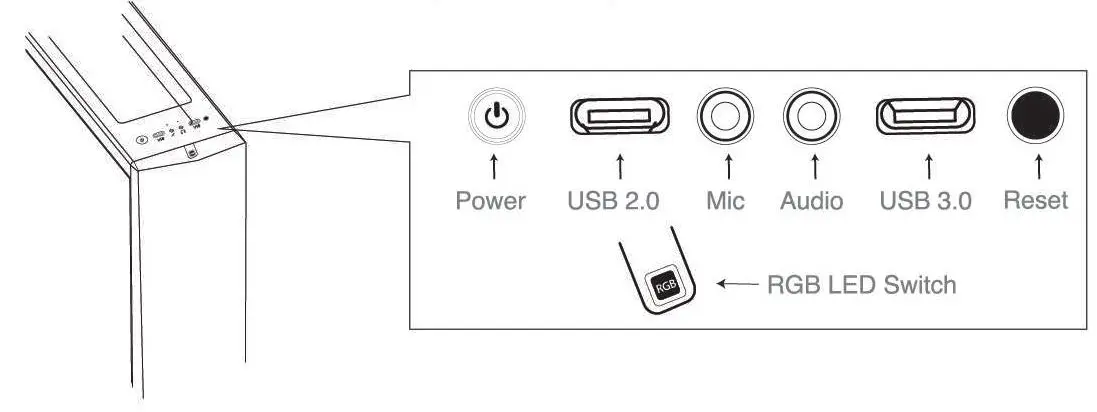
On-board Connections (I/O Panel)
Stay connected with us


Customer Service
- Support email: [email protected]
- 022-4938 7600: Mon – Fri (9 30 am to 6.30 pm)
For further information, please visit www.fingers.co.in
- Images shown may vary from actual product.
- Specifications, lealures and appearance are subject to change without notice.
- API logos. brands, trademarks and product names are properties ot their respective owners.
- Product warranty is governed by warranty terms mentioned on www.fingers.co.in
- This product falls under e-waste (Management & Handling) Rules. 2011. For proper disposal method. visit our website www.fingers.co.in