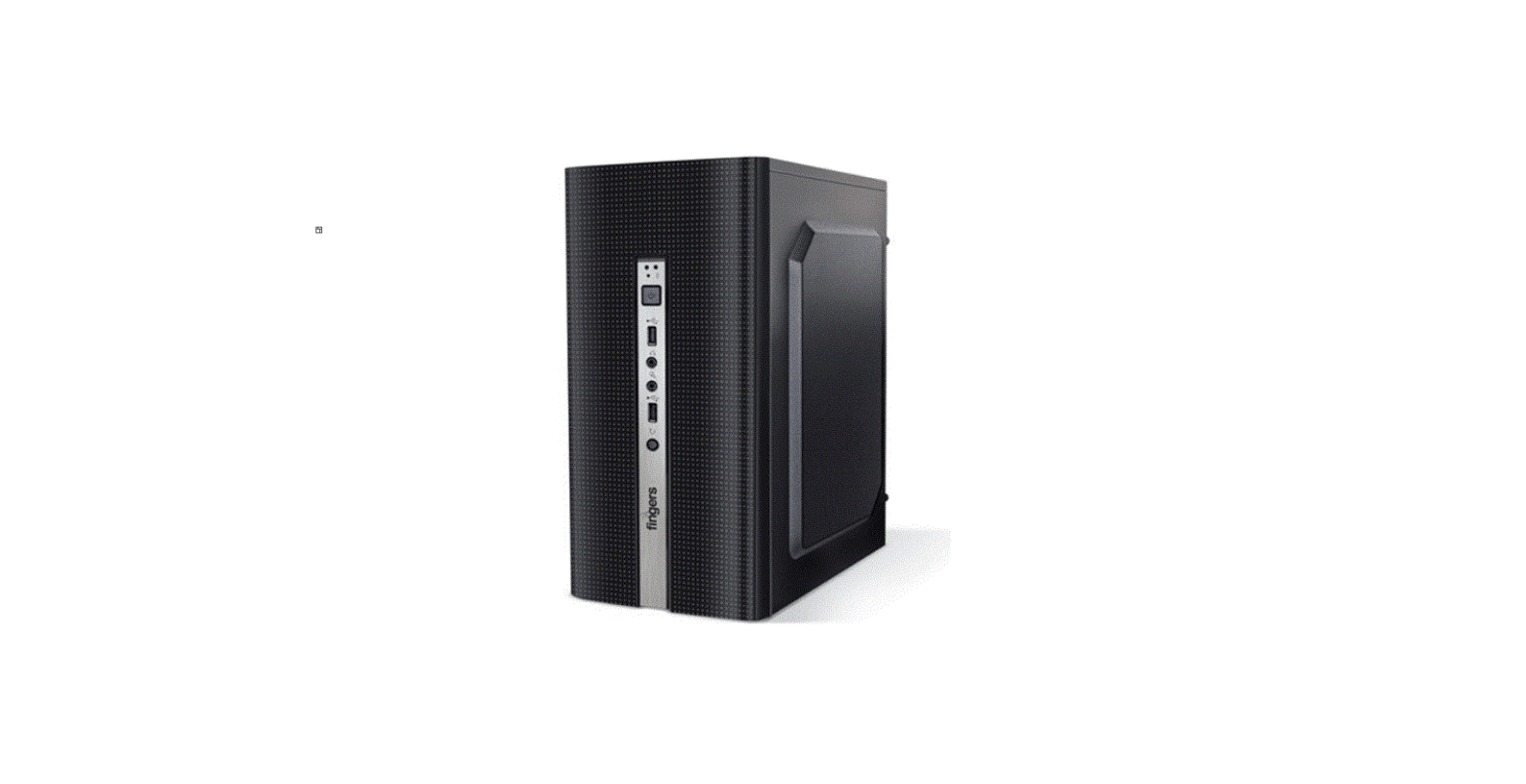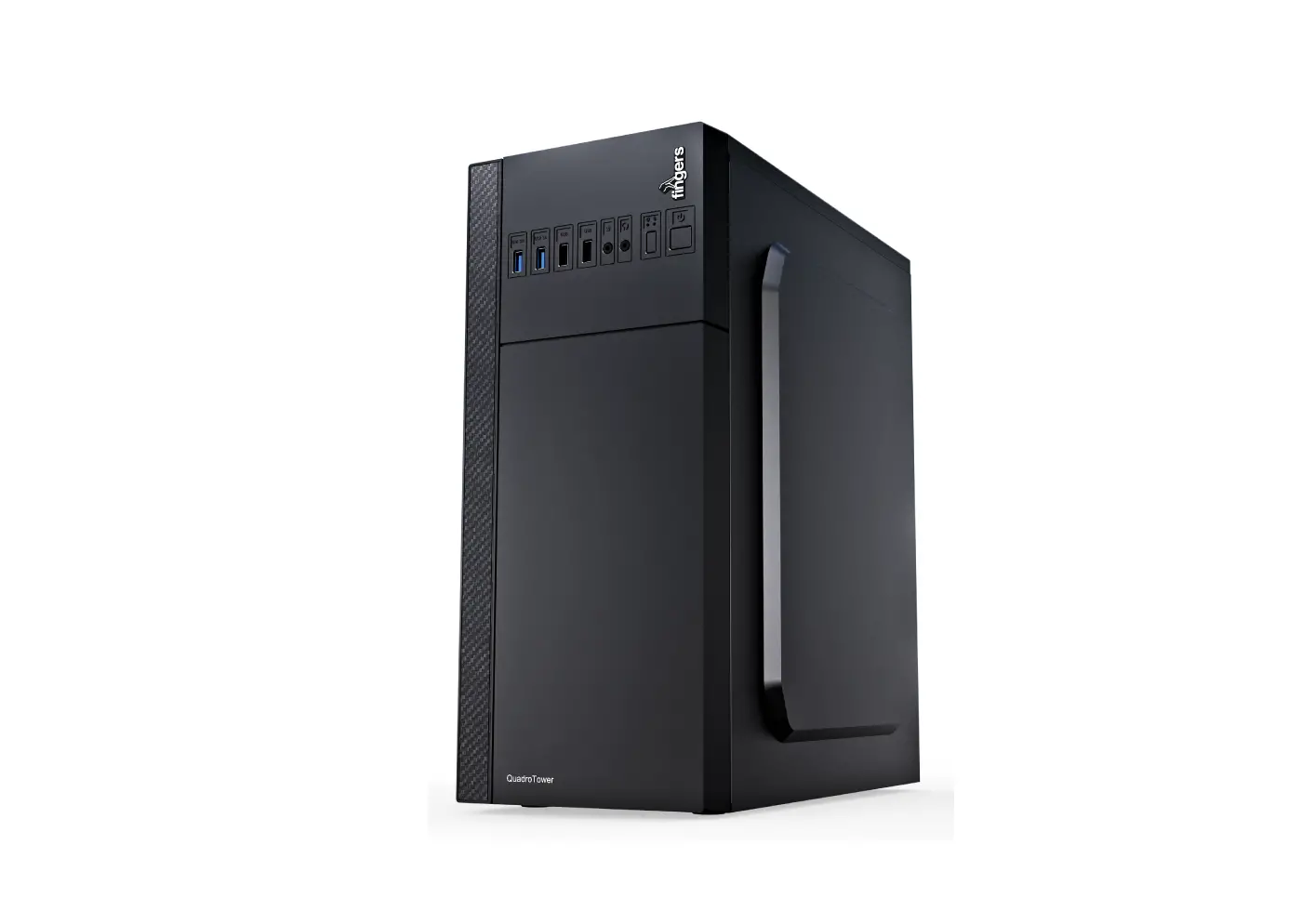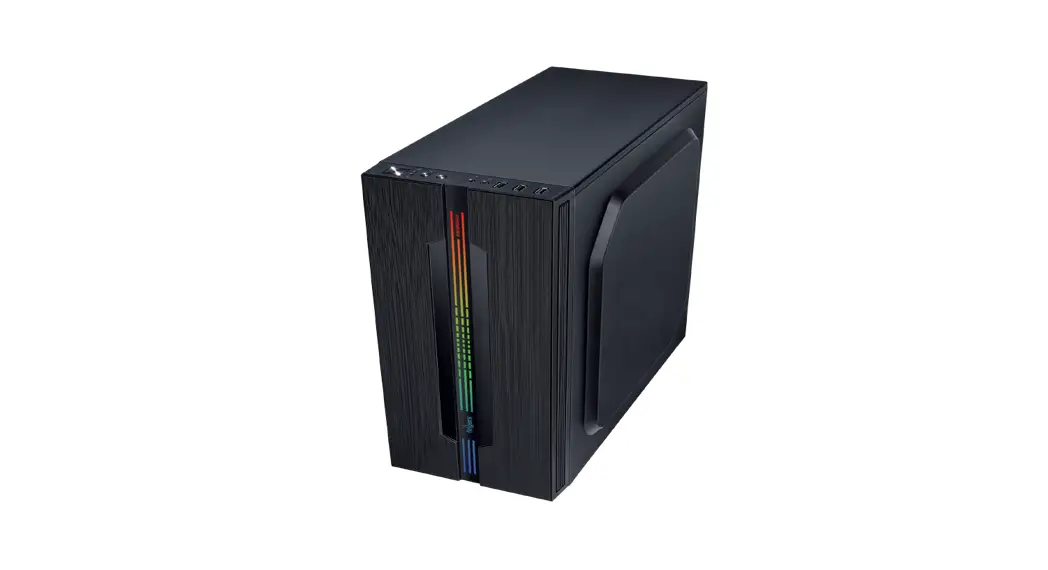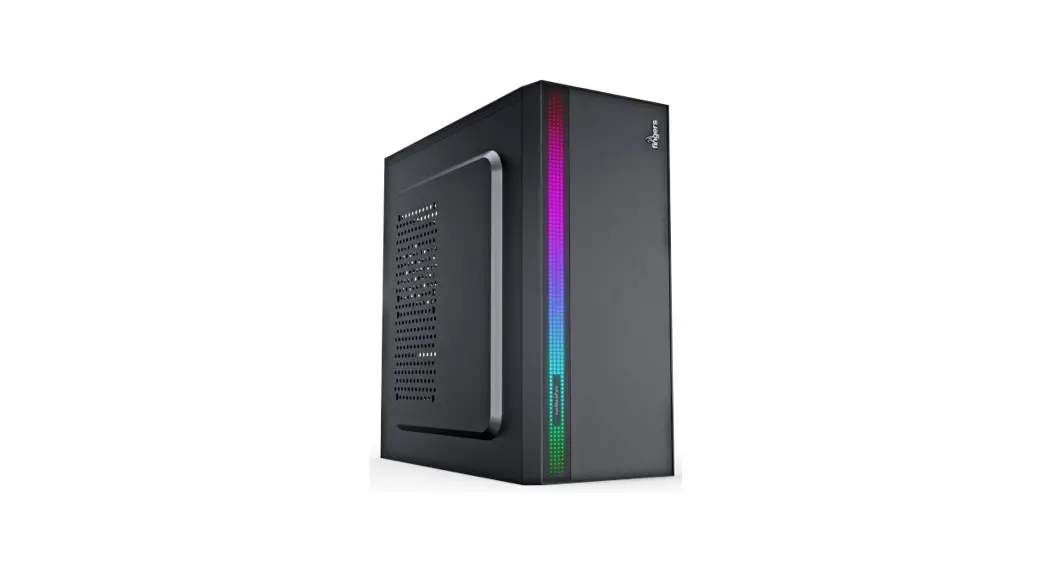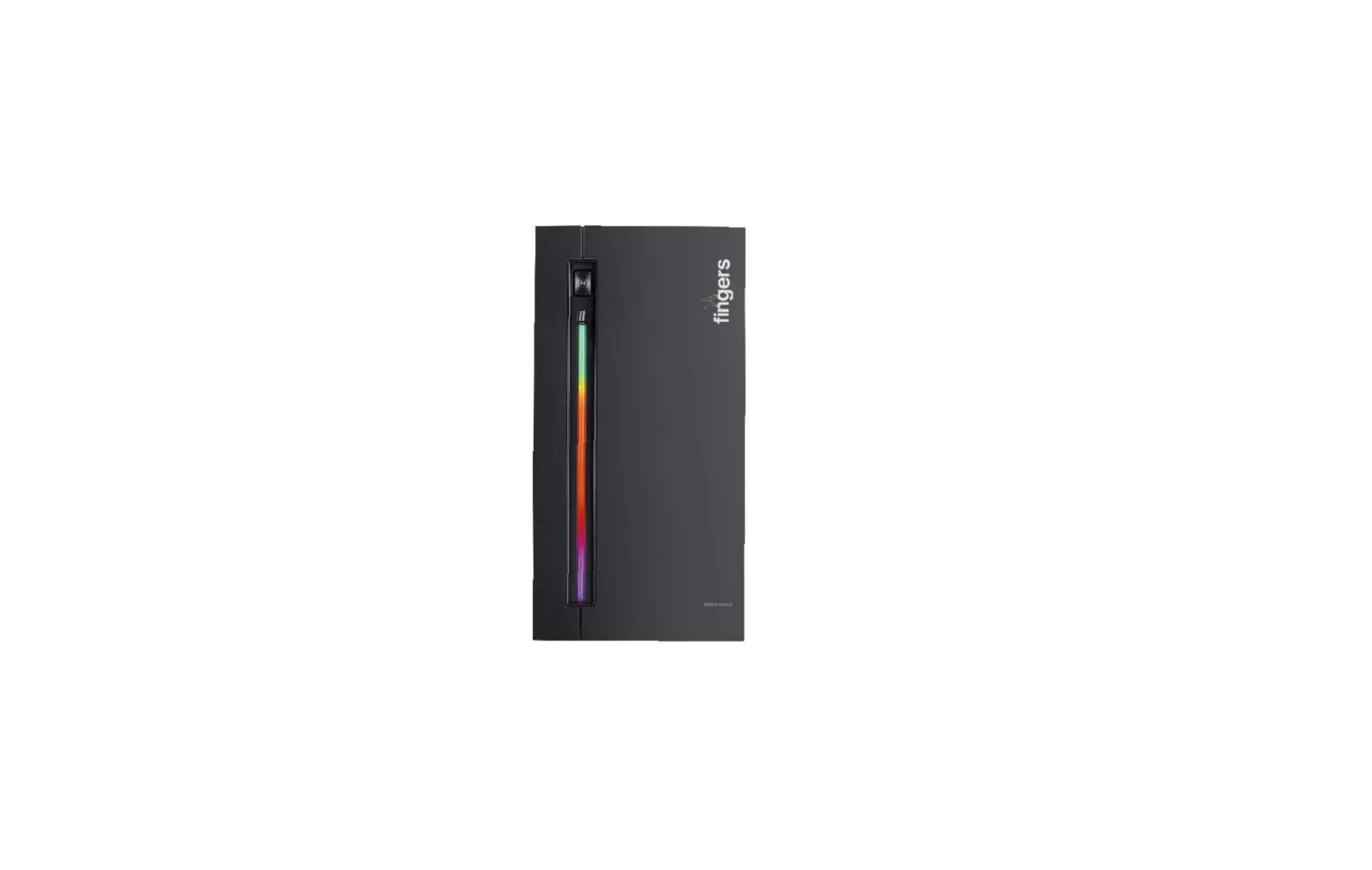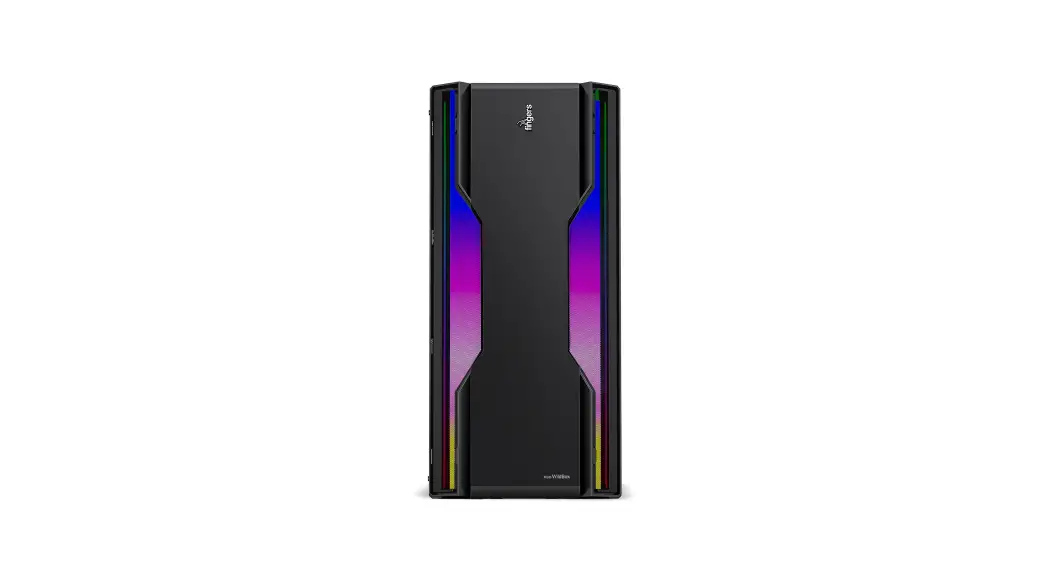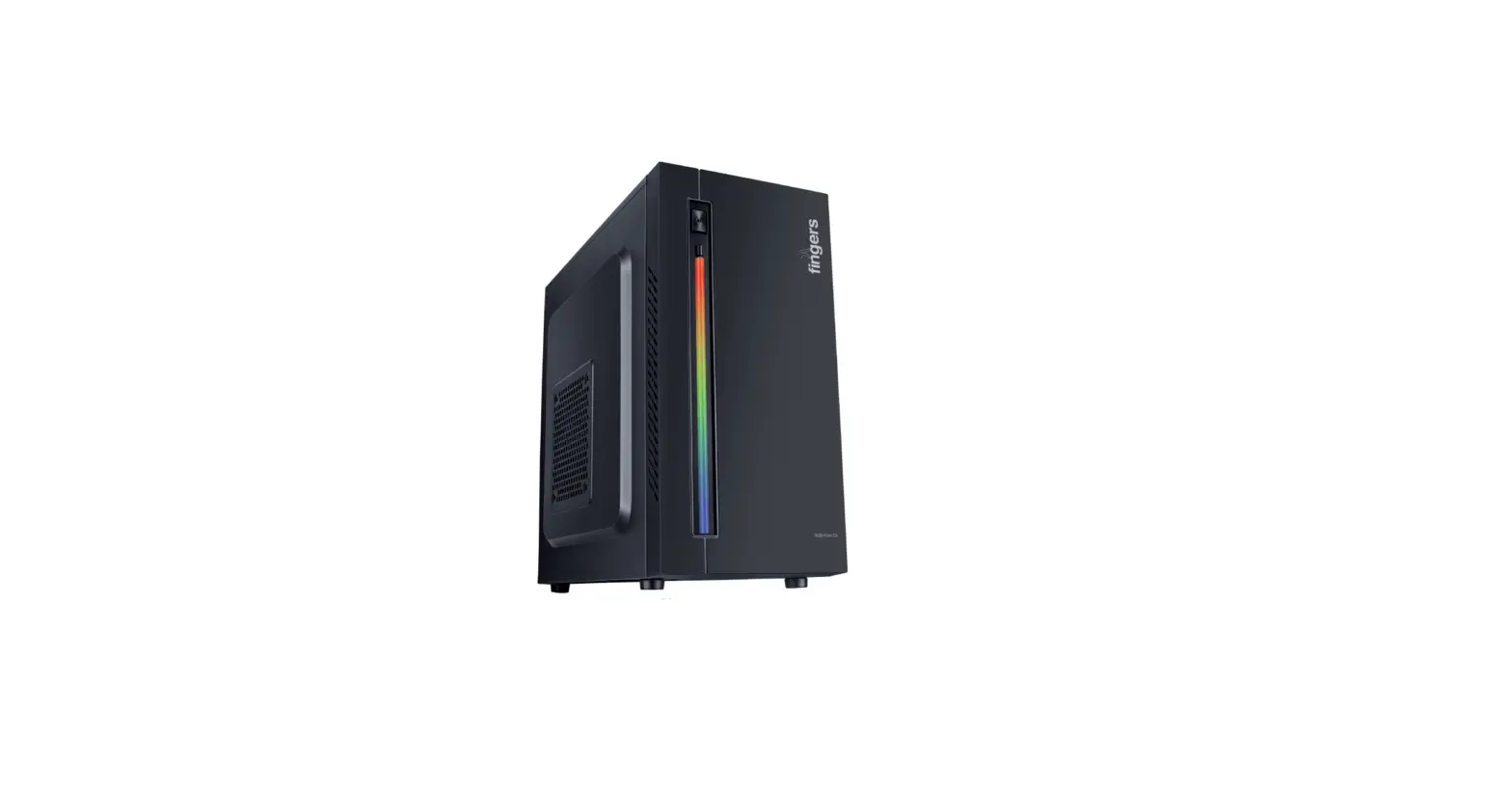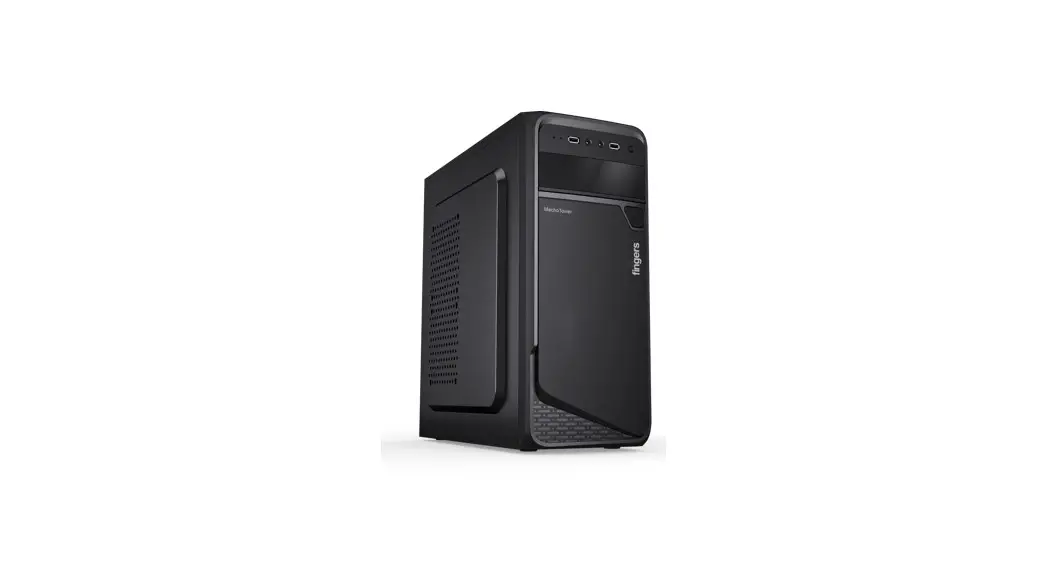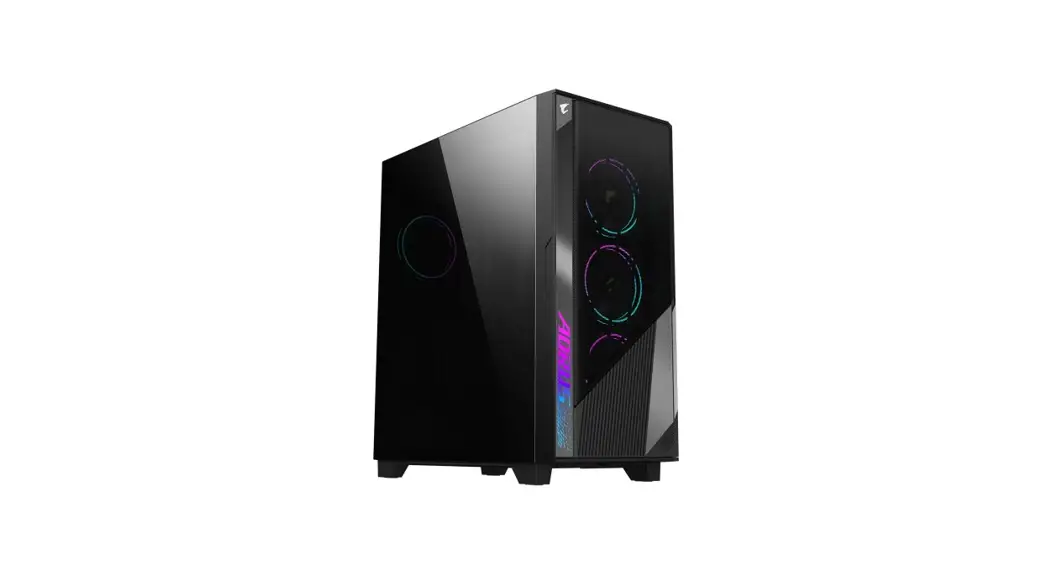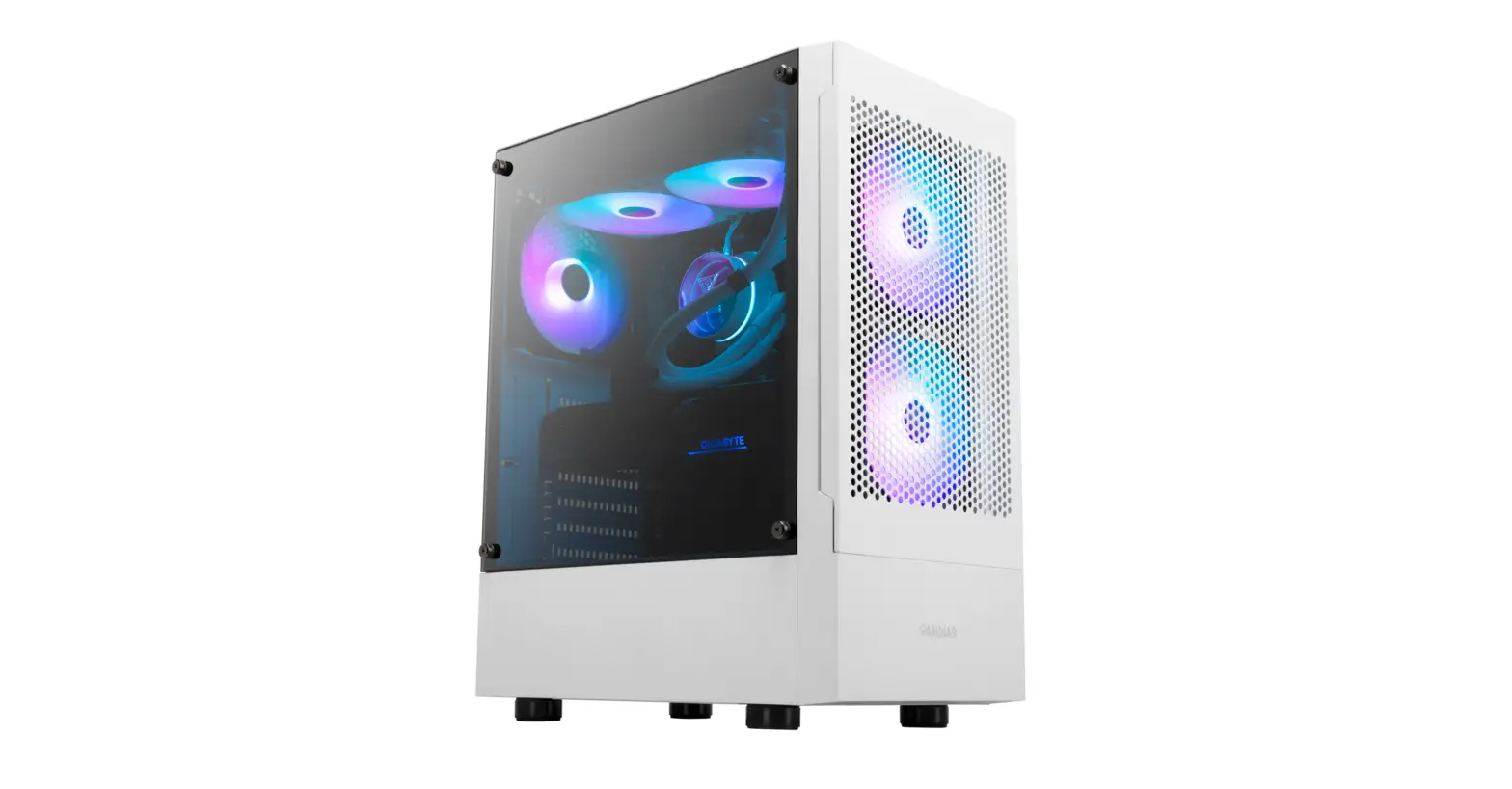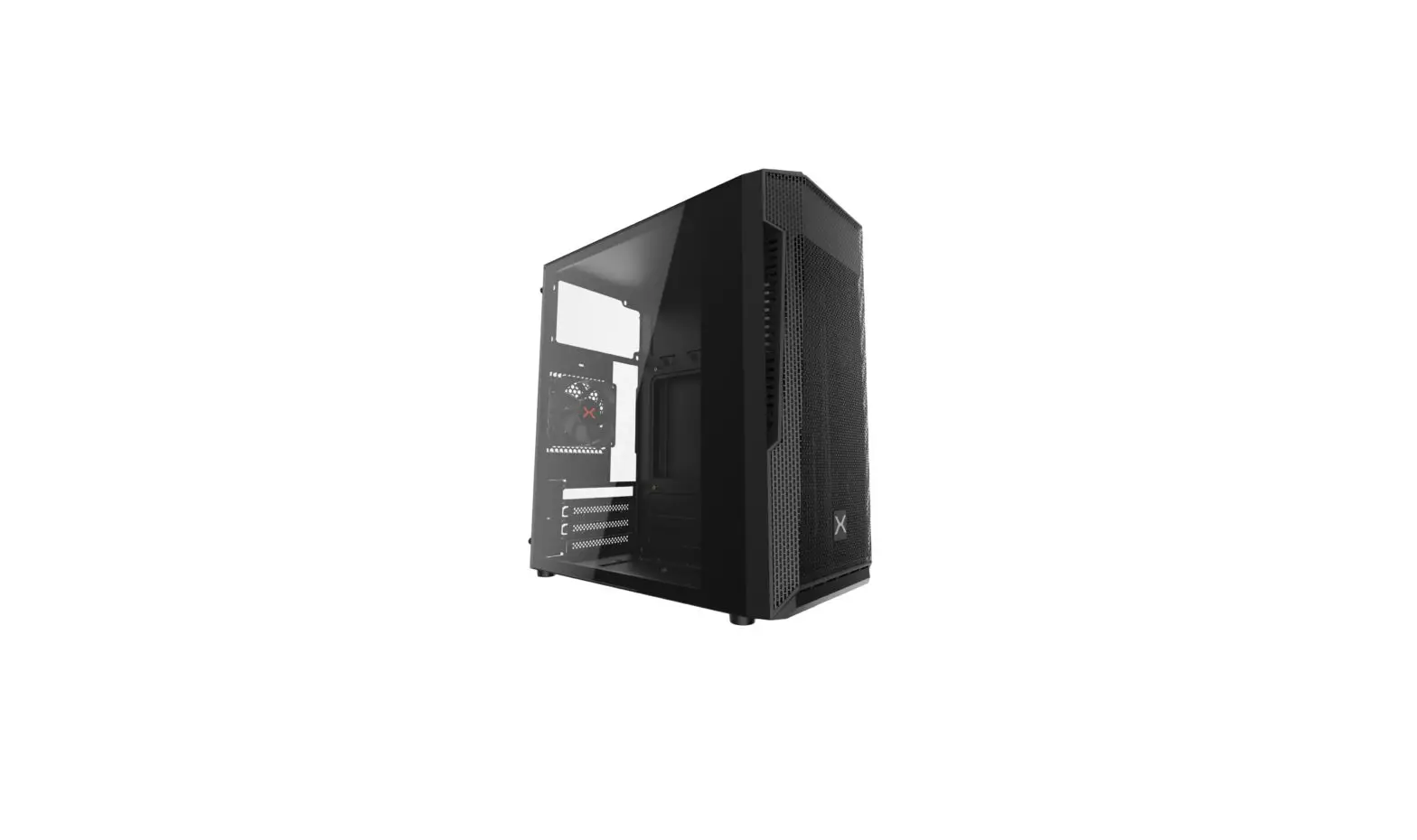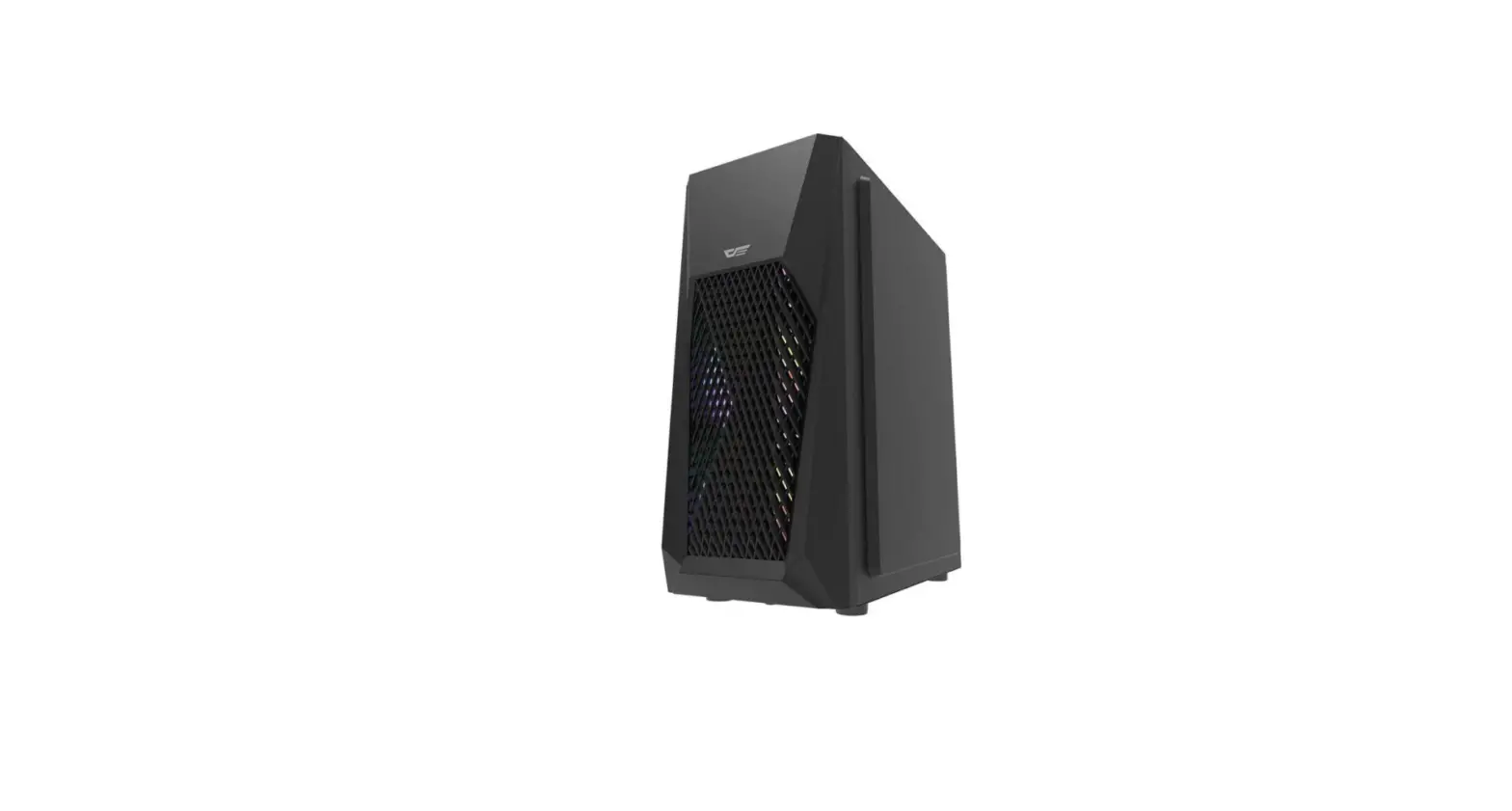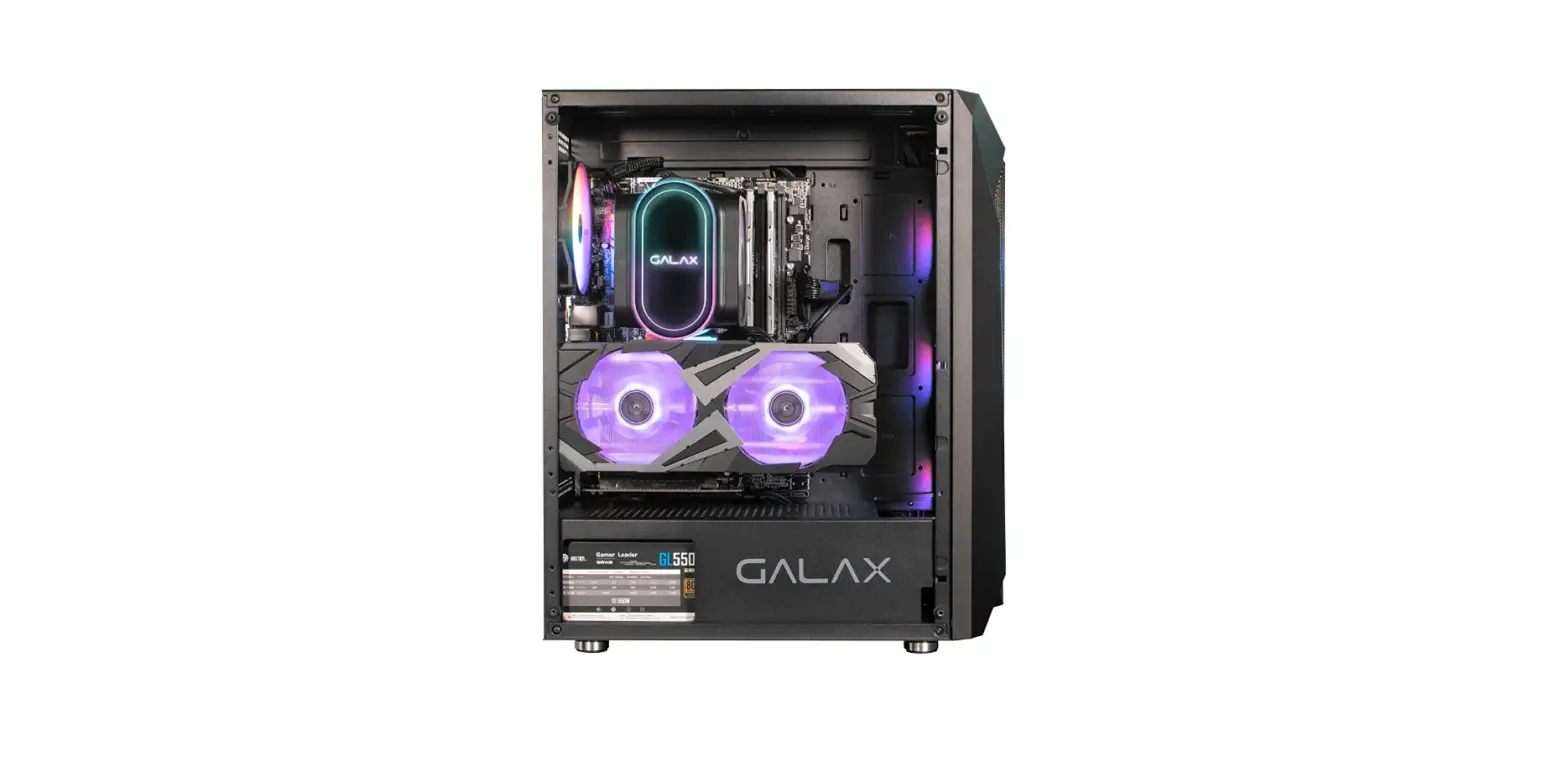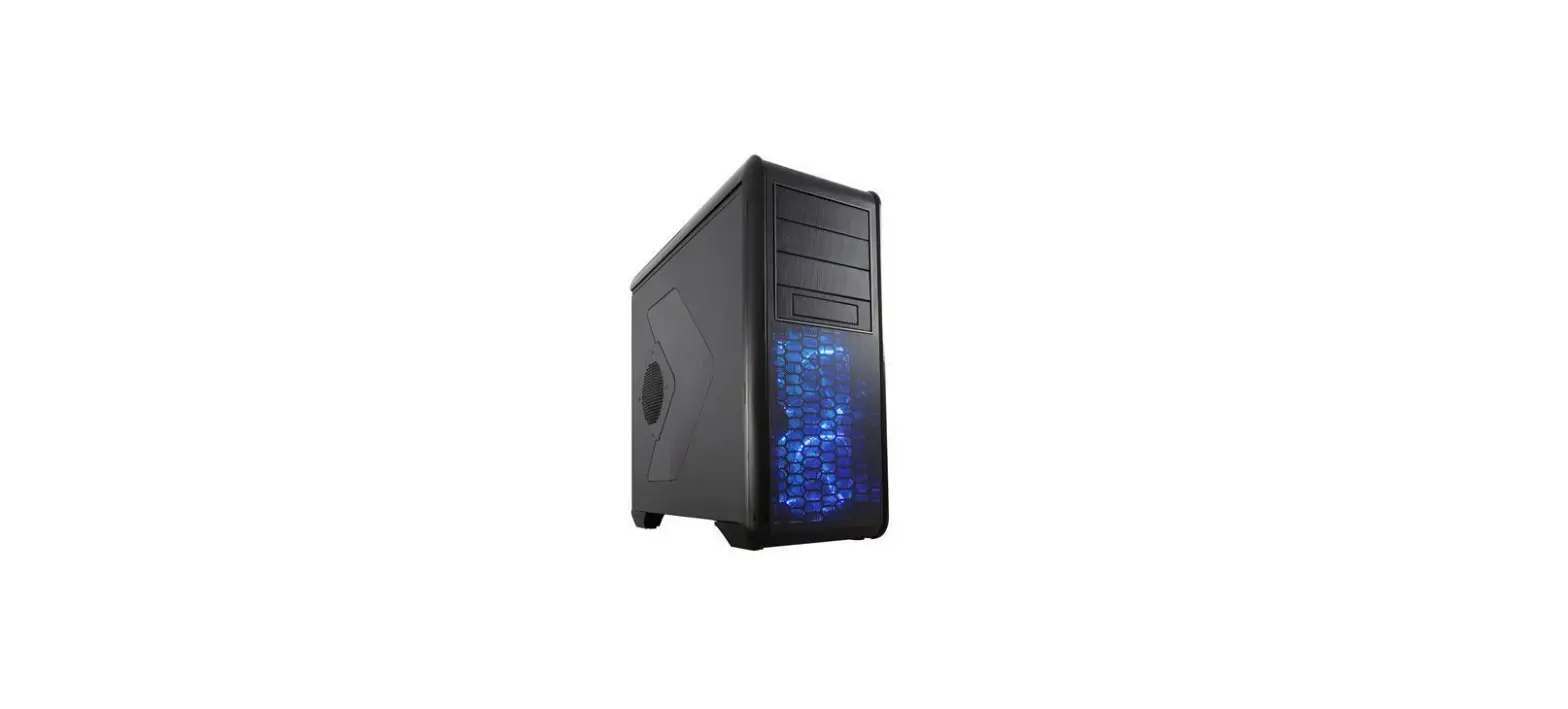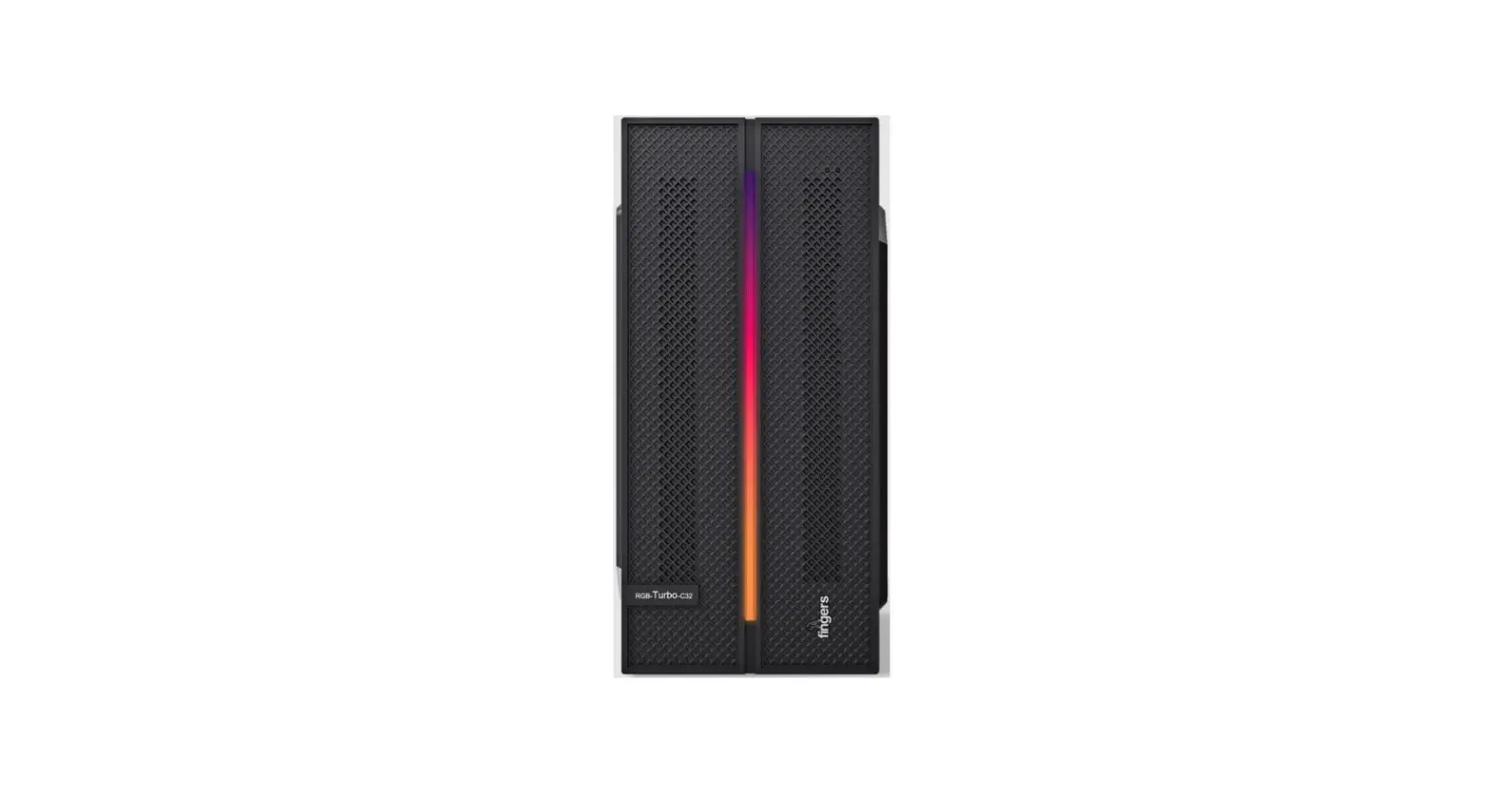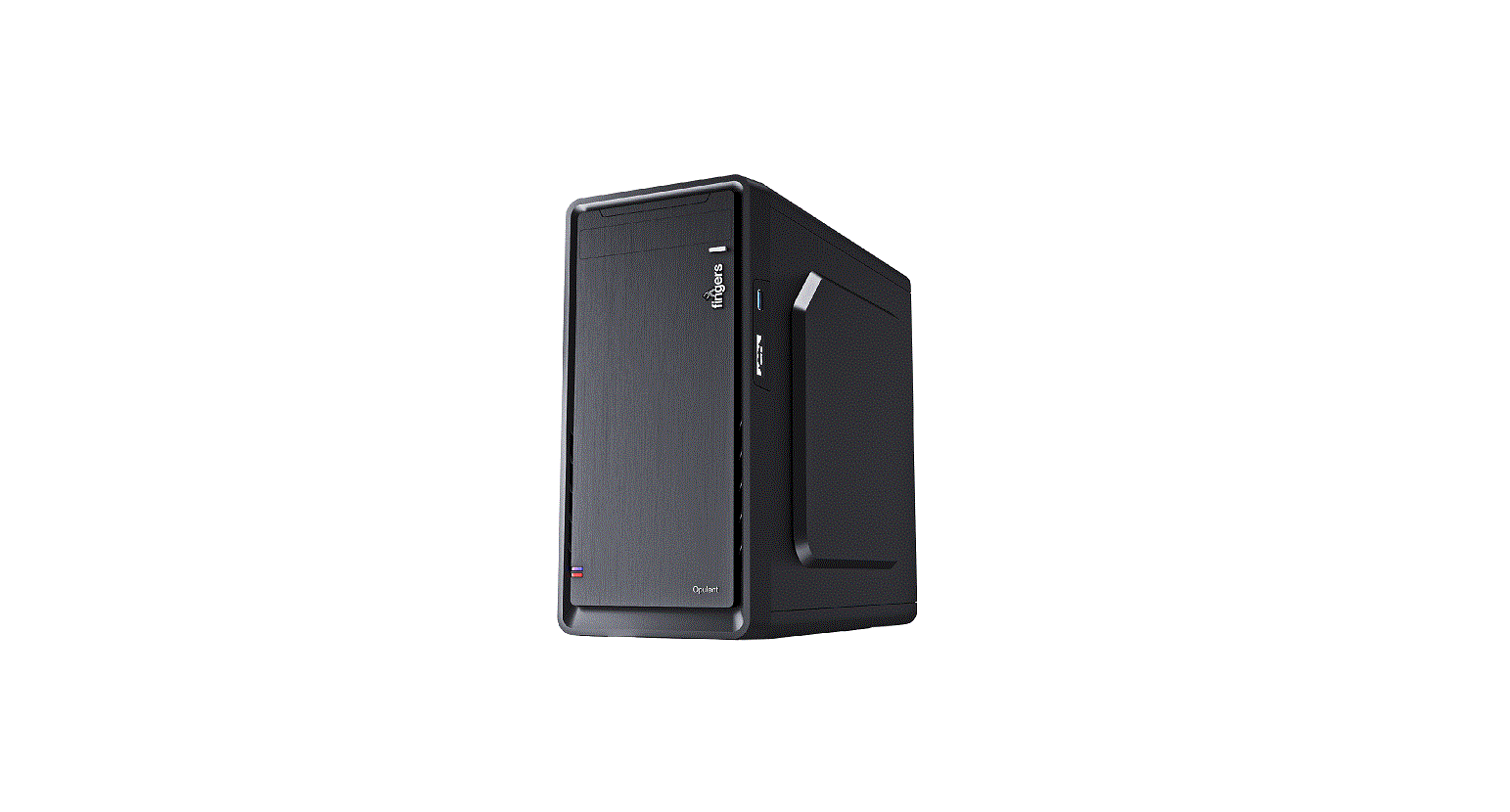

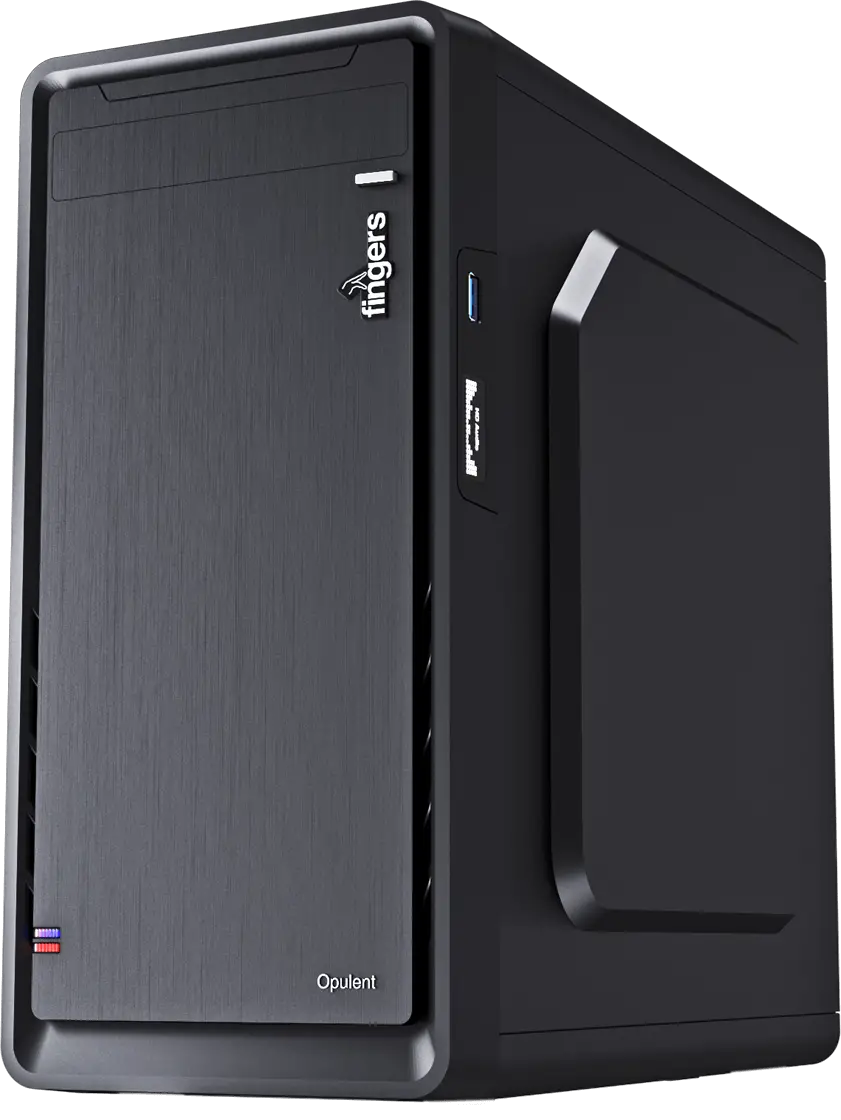
fingers Opulent Fashion PC Case
Hard Disk Installation Steps
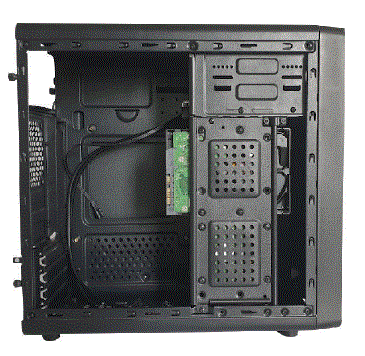
- Remove the left panel of the cabinet.

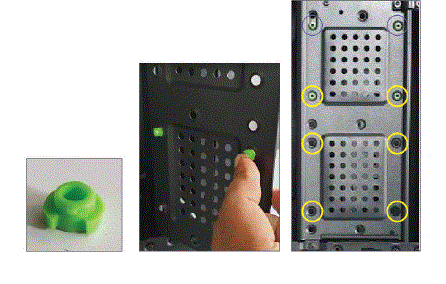
- Fix the rubber stud in SSD provision for SSD fixing.

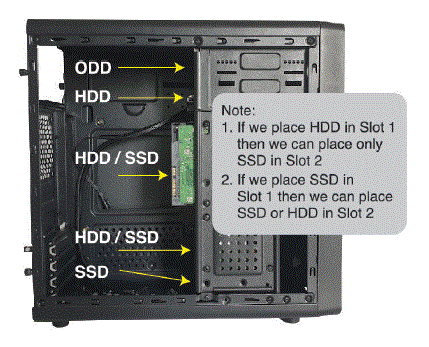
- 3. Place the HDD/SSD in the HDD/SSD provision and fix it with screws.

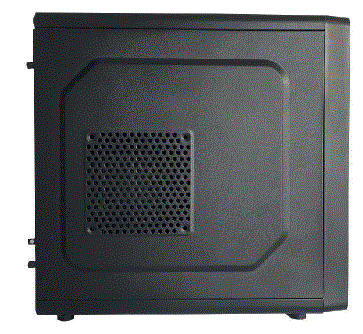
- 4. Cover the panel and fix it with the thumb screws.

Images shown may vary from the actual product. • Specifications, features and appearance are subject to change without notice. • All logos, brands, trademarks and product names are properties of their respective owners. • Product warranty is governed by warranty terms mentioned on www.fingers.co.in • This product falls under e-waste (Management & Handling) Rules, 2011. For proper disposal method, visit our website www.fingers.co.in