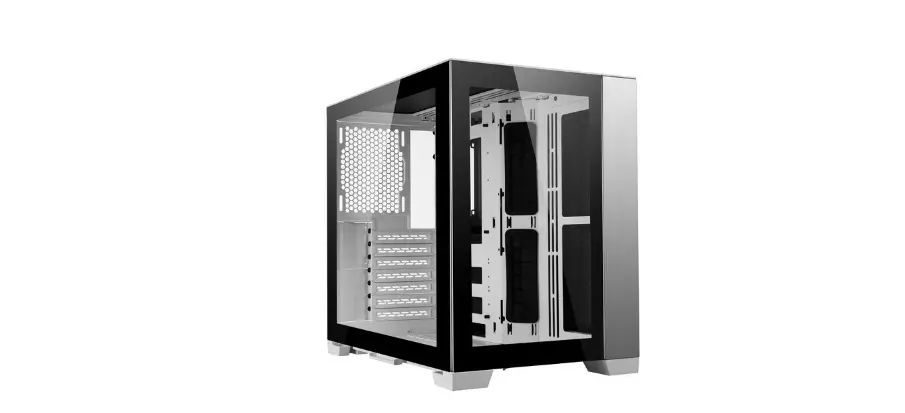
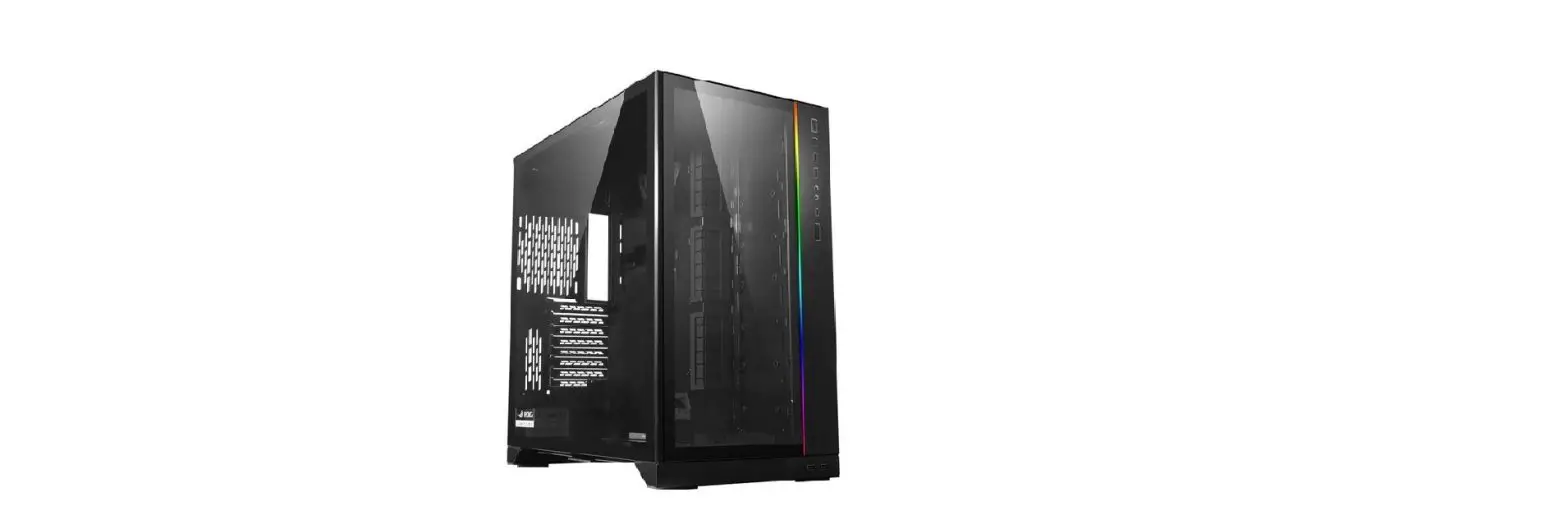
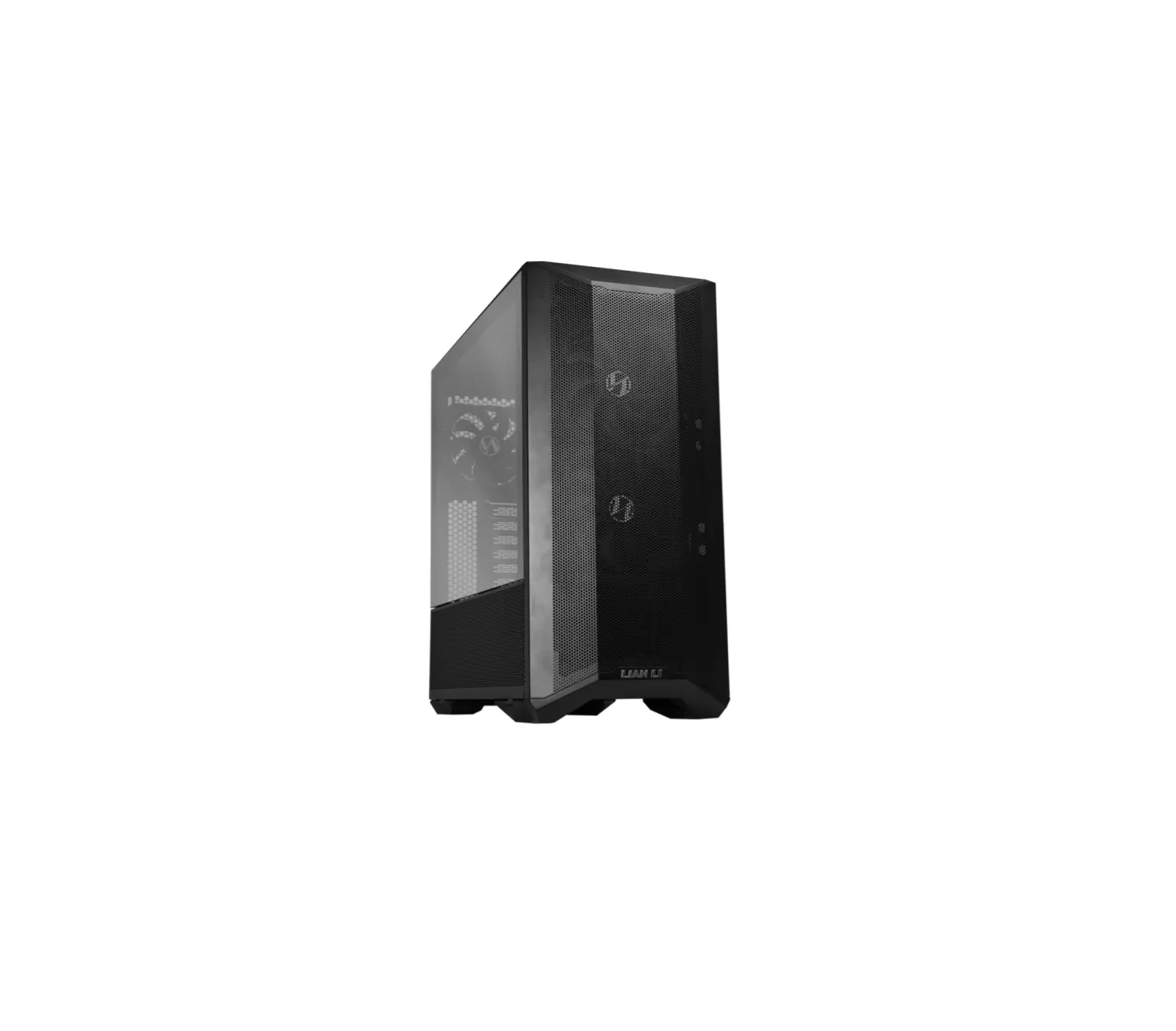
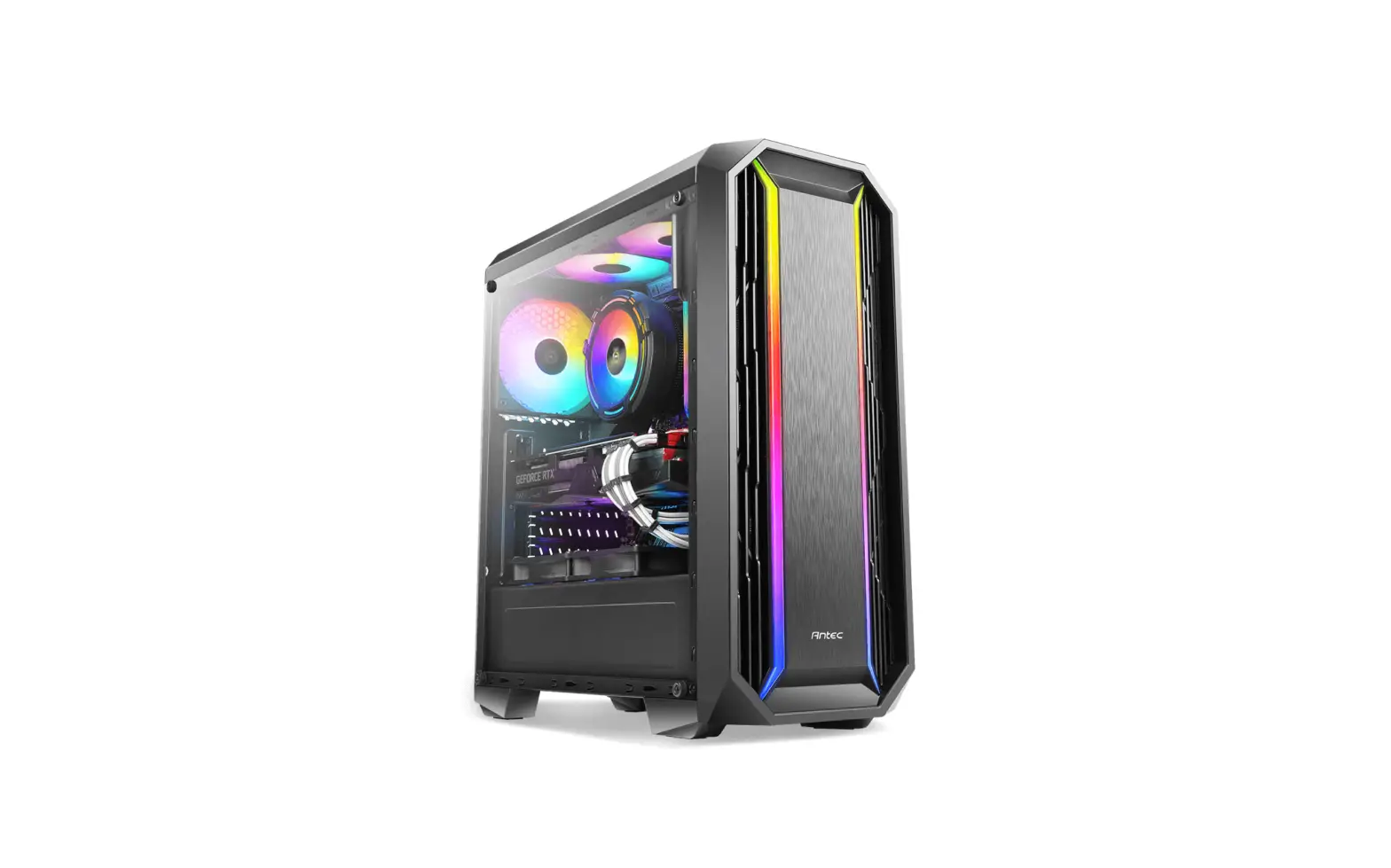
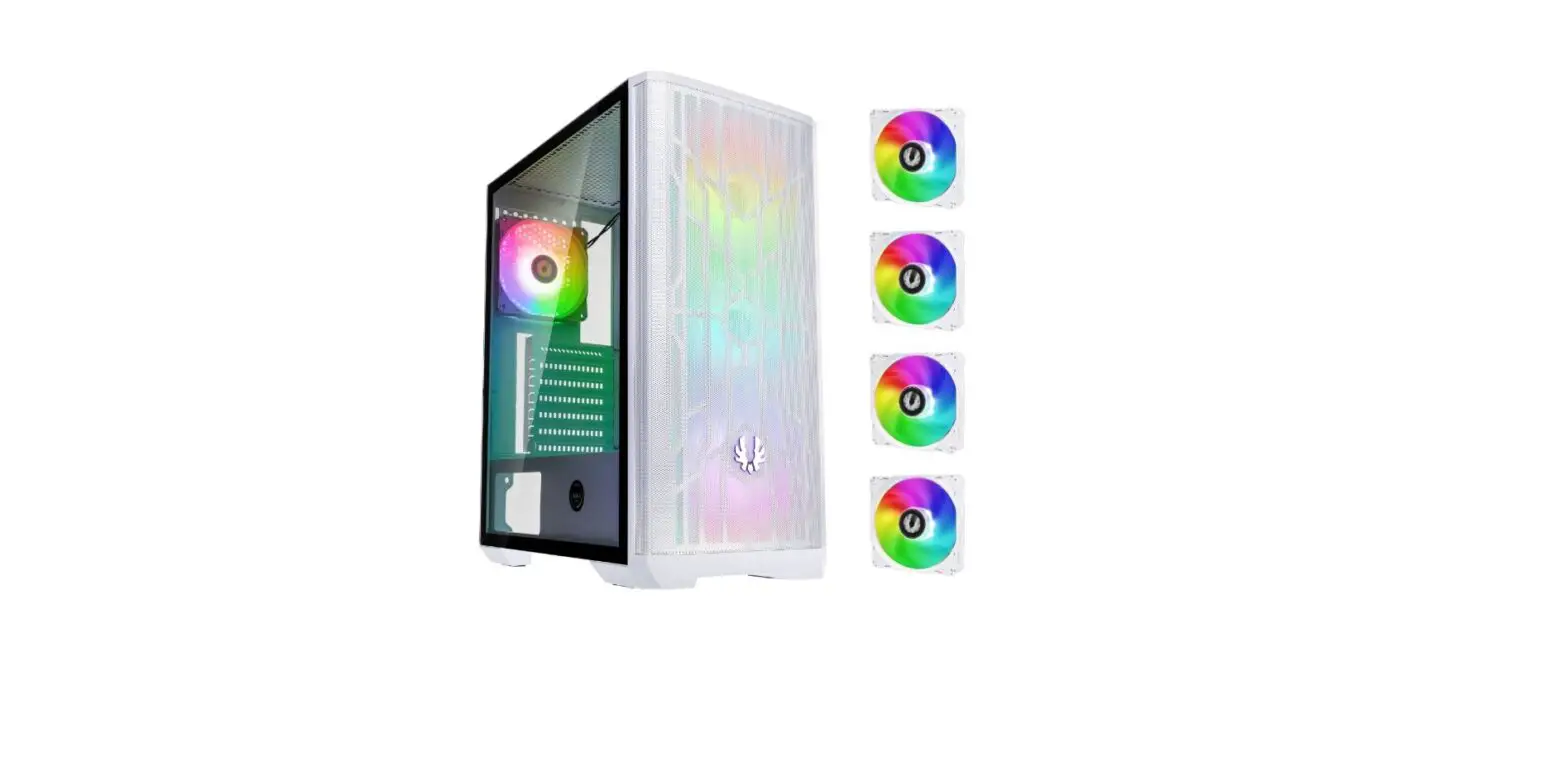
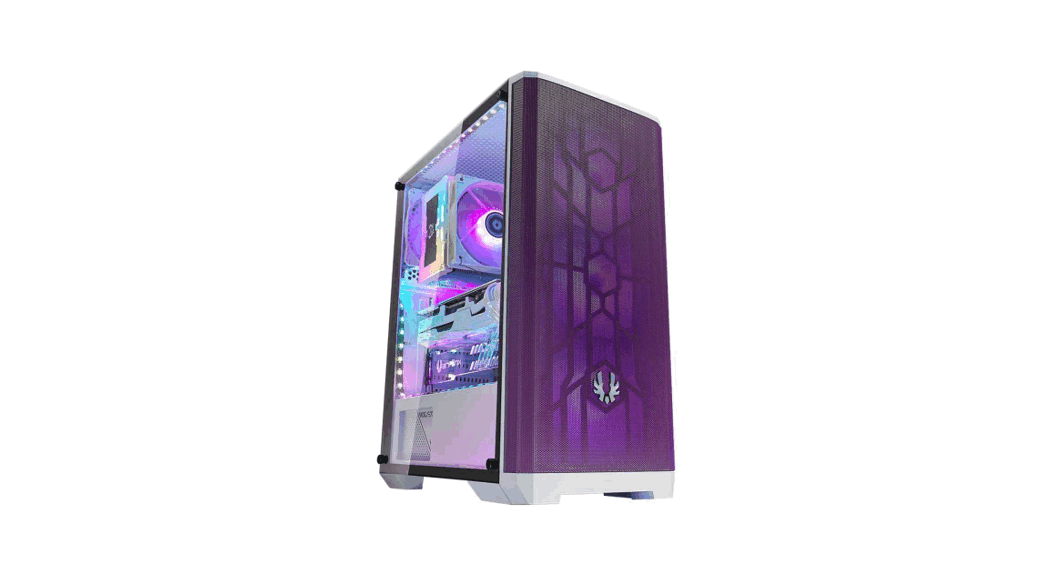
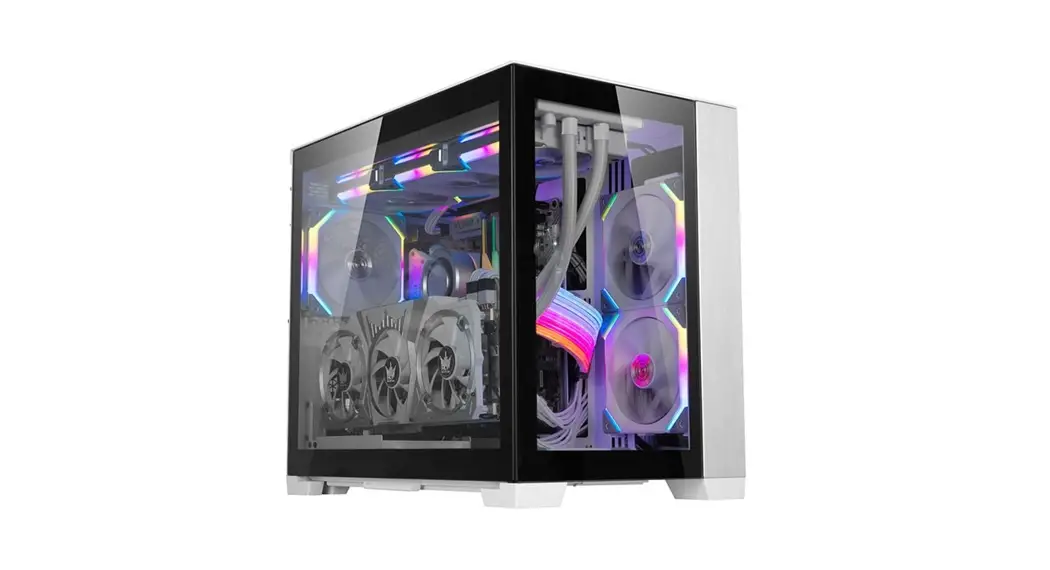
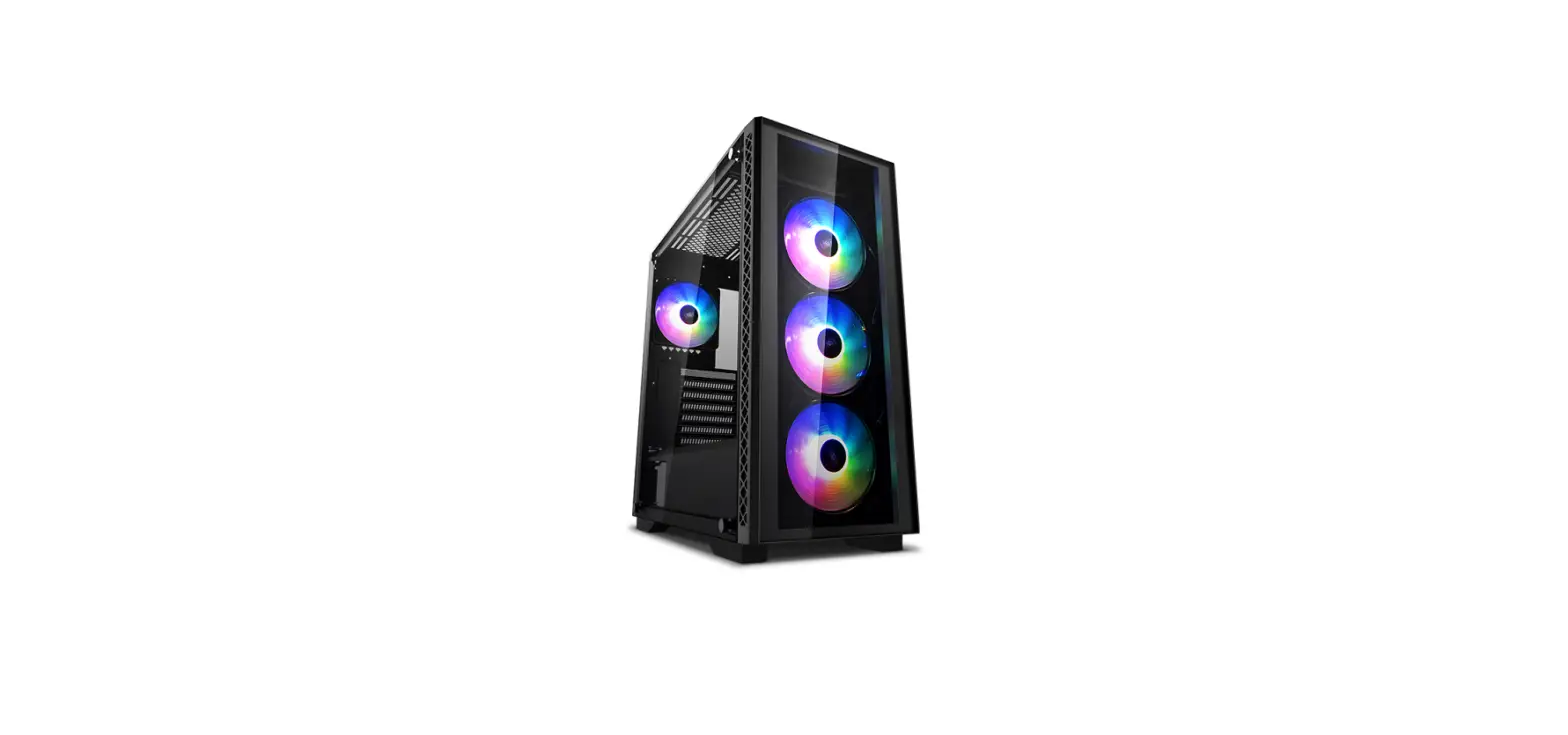
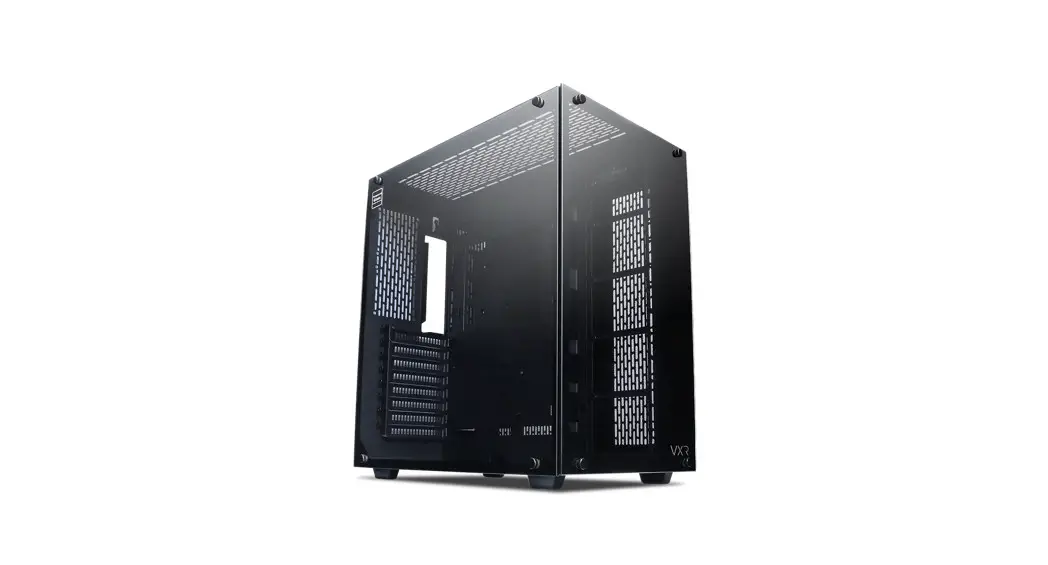
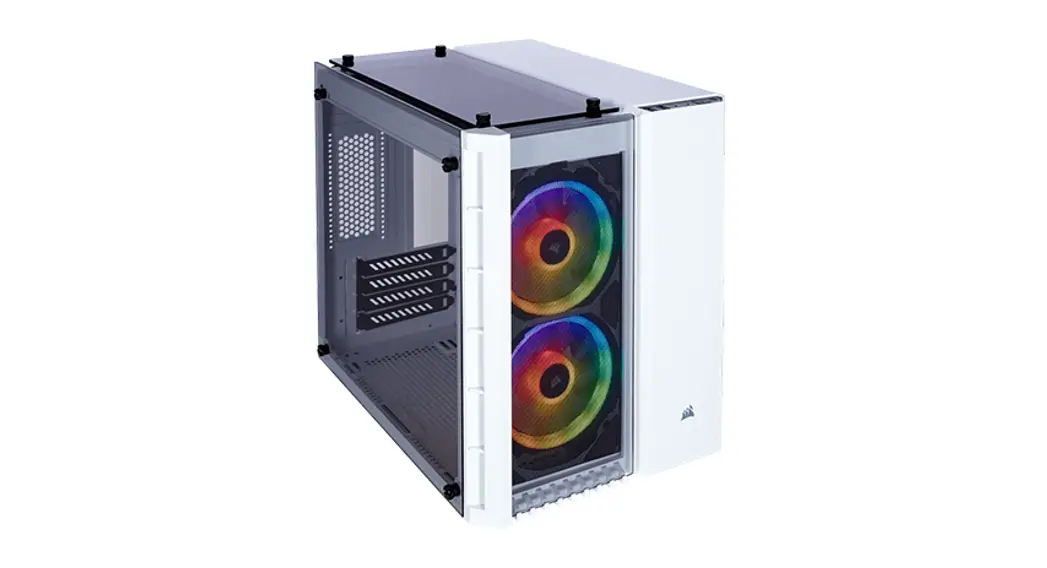
LANCOOL II Mesh ATX Gaming Case
Product Information:
- RGB Performance: The product features RGB
lighting with various control options. It has one AUDIO/Microphone
Combo Jack, two USB 3.0 ports, one USB 3.1 Type C port (optional),
Power Button, Reset Button, C button for color control, and M
button for lighting mode control. - Performance: The product also offers high
performance features. It has one AUDIO/Microphone Combo Jack, two
USB 3.0 ports, one USB 3.1 Type C port (optional), Power Button,
Reset Button, and 1 x Fan speed control button. It supports a 120
mm fan and additional configurations such as 120 mm fan x 2 or 140
mm fan x 2 or 120 mm radiator x 1, or 240 mm radiator x 1. It also
has a removable dust filter. - RGB: The RGB version of the product includes
additional features such as a removable dust filter in the front
panel and support for three 120 mm fans. - Performance: The performance version of the
product includes features like a removable dust filter in the front
panel, support for two 140 mm fans, and a removable HDD tray
supporting 2.5 SSD x 2.
Product Usage Instructions:
- To install the E-ATX motherboard, use the provided tool to
remove the stand-off bolt and turn it 180 degrees for
installation. - To install 2.5 SSD or 3.5 HDD, press the open button on the HDD
tray, insert the drive, and close the handle. Make sure to push the
HDD tray in before closing the handle. - To install a 2.5 SSD, insert it into the designated slot and
secure it using the provided screws. - To install a 120 mm fan or 2.5 SSD, remove the bracket and use
the provided screws to secure the fan or SSD. - To connect the RGB version to the PSU, Lan2-2X, or add-on ARGB
strip, refer to the provided diagram for pin connections. - To connect the performance version to the motherboard, PSU, or
fan, refer to the provided diagram for pin connections. - For fan speed control, use the provided fan speed control
button. It has three modes: L (Low RPM), M (Middle RPM), and H
(High RPM). The fan speed can also be synchronized with the
motherboard PWM signal.
RGB PERFORMANCE
* Case components * Composants du boîtier * Guía de instalación
*
* Gehäusekomponenten *
J
RGB:
IO ports: 1 x AUDIO / Microphone Combo Jack, 2 x USB 3.0, 1 x USB 3.1 Type C (Optional) Power Button, Reset Button, C button for color control, M button for lighting mode control
PERFORMANCE: IO ports: 1 x AUDIO / Microphone Combo Jack, 2 x USB 3.0, 1 x USB 3.1 Type C (Optional) Power Button, Reset Button, 1 x Fan speed control button
120 mm fan x 1, Supporting 120 mm fan x 2 or 140 mm fan x 2 or 120 mm radiator x 1, or 240 mm radiator x 1, Removable dust filter
RGB:
NON
PERFORMANCE: 120 mm fan x 1
Supporting 120 mm fan x 2 or 2.5″ SSD x 2
Removable HDD tray: Supporting 3.5″ HDD x 3 or 2.5″ SSD x 3
Removable fan tray: Supporting 120 mm fan x 3 or 140 mm fan x 2 or 360 mm radiator x 1 or 280 mm radiator x 1
RGB:
120 mm fan x 3 (Removable dust filter in front panel)
PERFORMANCE: 140 mm fan x 2 (Removable dust filter in front panel)
Removable HDD tray: Supporting 2.5″ SSD x 2
PSU tray: Supporting ATX PSU x 1 (Removable dust filter in bottom)
J Removable HDD tray: Supporting 2.5″ SSD x 2
– 1 –
* Hardware list * Liste des pièces * Lista de materiales * * Hardwareliste *
a
c
d
29 pcs Screws for mother board and 2.5″ SSD mount
e
4 pcs Screws for PSU mounting
f
12 pcs Screws for 3.5″ HDD mount
g
10 pcs Cable ties for cable management
h
16 pcs Screws / Anti-vibration rings for 2.5″ SSD mount
1 piece
Tool for Stand off bolt
8 pcs
Screws for 120 mm fan
2 pcs
Velcro for cable management
Exceeded quantity are spare parts. . Les pièces supplémentaires sont des pièces de rechange.
Zusätzliche Teile können als Ersatzteile verwendet werden. Exceeded quantity are spare parts.
* The fan is installed in the middle of the top cover * * Le ventilateur est installé au milieu du capot supérieur * Der Lüfter befindet sich in der Mitte der oberen Abdeckung * El ventilador está instalado en el medio de la cubierta superior *
– 2 –
* Remove front panel * * Retirer le panneau avant * Frontplatte entfernen * Retire el panel delantero *
Handle, Pull to release
– 3 –
* Remove the side panel * * Retirez le panneau latéral * Seitenwand abnehmen * Extracción del panel lateral *
First remove the front panel and then open the side panels.
Move up to release the side panel
2 1
Handle, Pull to release
! Without removing the front panel.
! Attention: Peel off the protective film
– 4 –
f
Tool for remove stand off bolt
Turn 180 degrees to install the E-ATX motherboard
* PSU installation * * Installation du plateau du bloc
d’alimentation
* PSU-Einsatz installieren * Instalación de la fuente de alimentación *
b
– 5 –
* 2.5″SSD / 3.5″HDD installation * 2.5″SSD / 3.5″HDD * Installation de 2.5″SSD / 3.5″HDD
Press 1
2 OPEN
* 2.5″SSD / 3.5″HDD – Installation * Instalación de 2.5″SSD / 3.5″HDD * 2.5″SSD / 3.5″HDD
1
2
2
CLOSE
!
Warning: The HDD tray needs to be pushed
in before closing the handle.
! Note: HDD rack position can be adjusted
– 6 –
* 2.5″SSD installation * 2.5″SSD * Installation de 2.5″SSD
* 2.5″SSD – Installation * Instalación de 2.5″SSD * 2.5″SSD
e
2 1
1
2
– 7 –
* 120 mm fan / 2.5 “SSD installation
* 2.5″SSD/120 mm * Installation d’un ventilateur de
120 mm / SSD de 2,5 ”
* 120 mm Lüfter / 2,5 “SSD-Installation * Ventilador de 120 mm / instalación SSD
de 2.5 ” * 120 mm/ 2.5SSD
2
2
1
g
Remove bracket to installation.
2
e
1
1
h
d
– 8 –
RGB version
Connecting to PSU
Connecting to Lan2-2X or add on ARGB Strip with 3 PIN Header
P11
P10
Connecting to Motherboard
RESET SW POWER SW POWER LED+ POWER LED –
Optional USB 3.1 Type C
P20
P1
USB 3.0
* Fan cable connect to motherboard
1x AUDIO / Microphone Combo Jack
* LED control installation * LED * Installation de contrôle à LED * LED-Steuerung Installation * Instalación de control LED
* LED
ADDRESS LED HEADER Connecting to MB
Connecting to PSU
– 9 –
PERFORMANCE version
Fan speed control Mode Funtion
L Low RPM duty cycle 45% M Middle RPM duty cycle 75% H High RPM duty cycle 100% MB Sync motherboard PWM signal
120 mm fan
140 mm fan
675 RPM
540 RPM
1125 RPM
900 RPM
1500 RPM
1200 RPM
Sync motherboard PWM signal
Connect to MB PWM fan socket PWM
PWM
P1
RPM
P3
Fan Power
P4
Ground
P1
P2
P3 P4
SATA 15P connect PSU SATA 15P PSU
P11
P10
RESET SW
POWER SW POWER LED+ POWER LED –
Optional USB 3.1 Type C
P20
P1
USB 3.0
1x AUDIO / Microphone Combo Jack
FAN-1 FAN-2
FAN-5 FAN-6
FAN-3 FAN-4
Fan expansion board
– 10 –
* Remove the fan tray * * Retirez le plateau du ventilateur * Entfernen Sie die Lüfterablage * Retire la bandeja del ventilador
*
Loosen the screws on both sides
Pull to release the fan tray
! Attention: The fan tray can be reversed and has four styles
Styles 1
Styles 2
Styles 3 (Reversed) – 11 –
Styles 4 (Reversed)
* Radiator & cooling support * & * Assistance radiateur et
refroidissement * Kühler- und Kühlungsunterstützung
* Radiador y soporte de refrigeración. *
140 x 140 mm 140 x 280 mm
120 x 120 mm 120 x 240 mm 120 x 360 mm
!
Attention:
140 x 140 mm /140 x 280 mm does not apply to this position.
120 x 120 mm 140 x 140 mm 120 x 240 mm 140 x 280 mm 120 x 360 mm
2 1
Remove the cover to install the 360 mm radiator – 12 –
Top
Bottom
* Remove cover * Retirer le couvercle
* Retire la tapa
*
* Abdeckung abnehmen *
1 1
2 3 Remove
2
2 1
For RGB Controller or fan hub – 13 –
176 mm
384 mm
210 mm
110 mm
– 14 –
55 mm 65 mm
Model: LANCOOL II – 1X LANCOOL II – 2X LANCOOL II – 3X LANCOOL II – 4X GB-001X
Product name: Vertical GPU kit Side Diffused LEDs strip Hot swappable back plate 3.1 type C cable Graphic card anti-sag bracket
LANCOOL II – 1X Vertical GPU kit
LANCOOL II – 2X Side Diffused LEDs strip
LANCOOL II – 3X Hot swappable back plate
LANCOOL II – 4X 3.1 type C cable
GB-001X Graphic card anti-sag bracket
– 15 –