 VXL
VXL
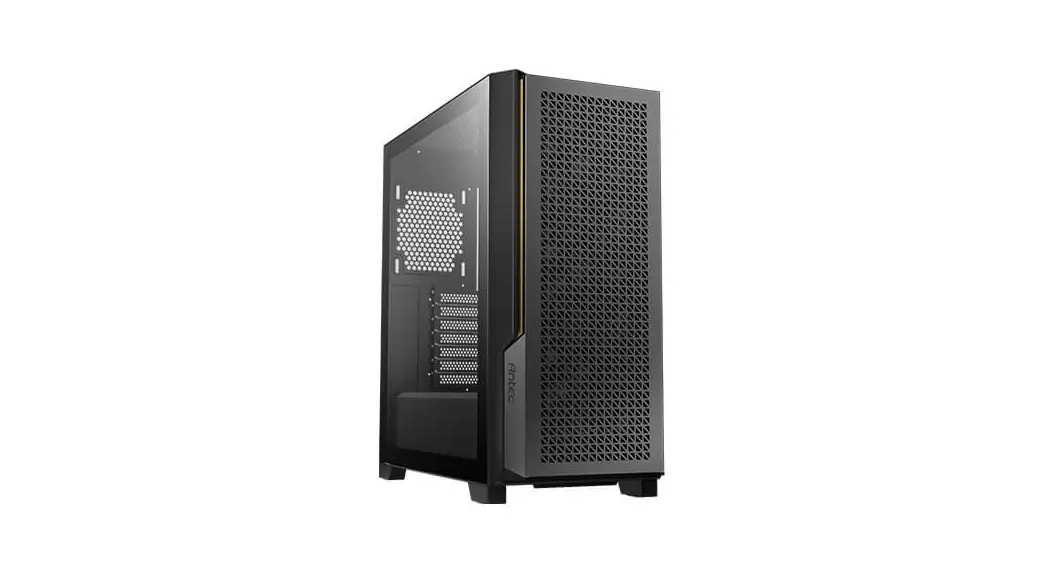
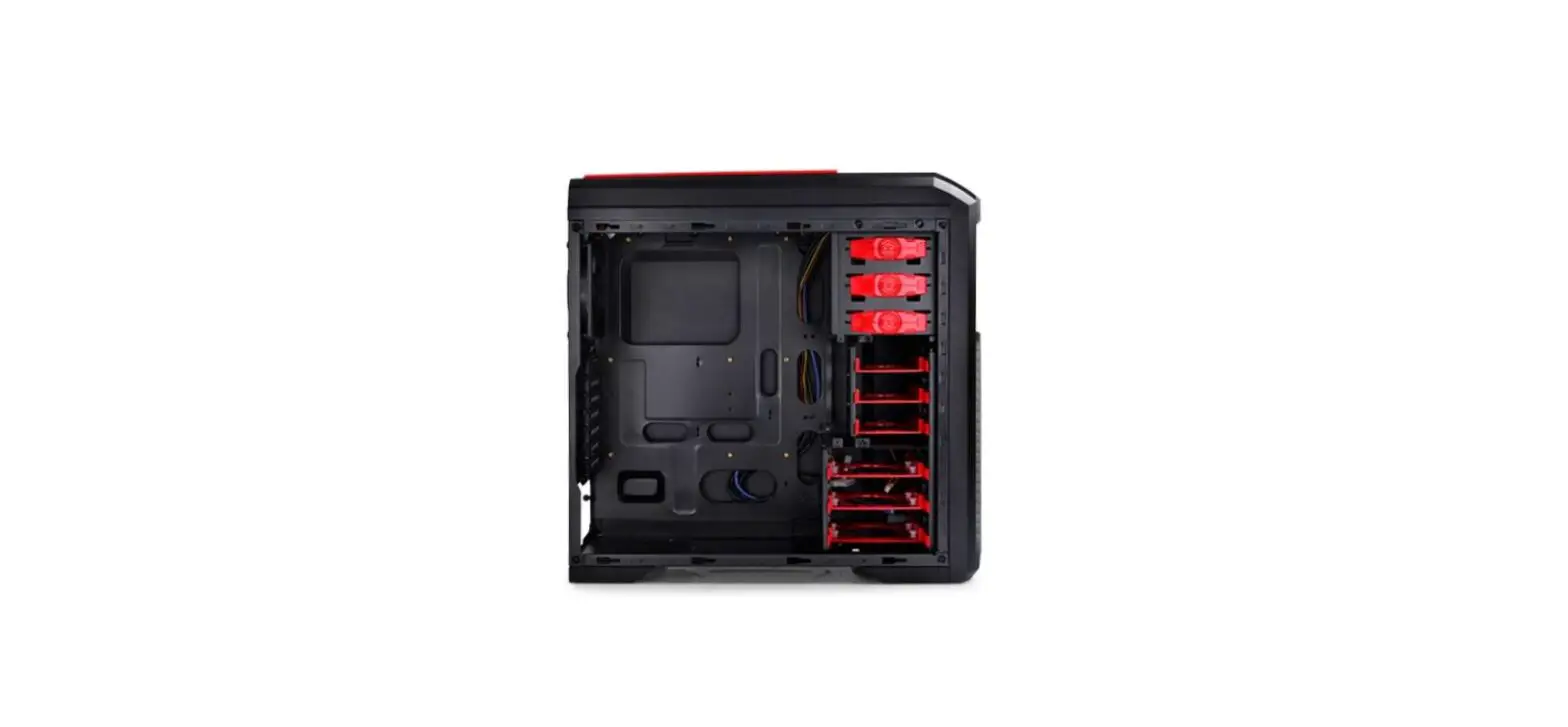
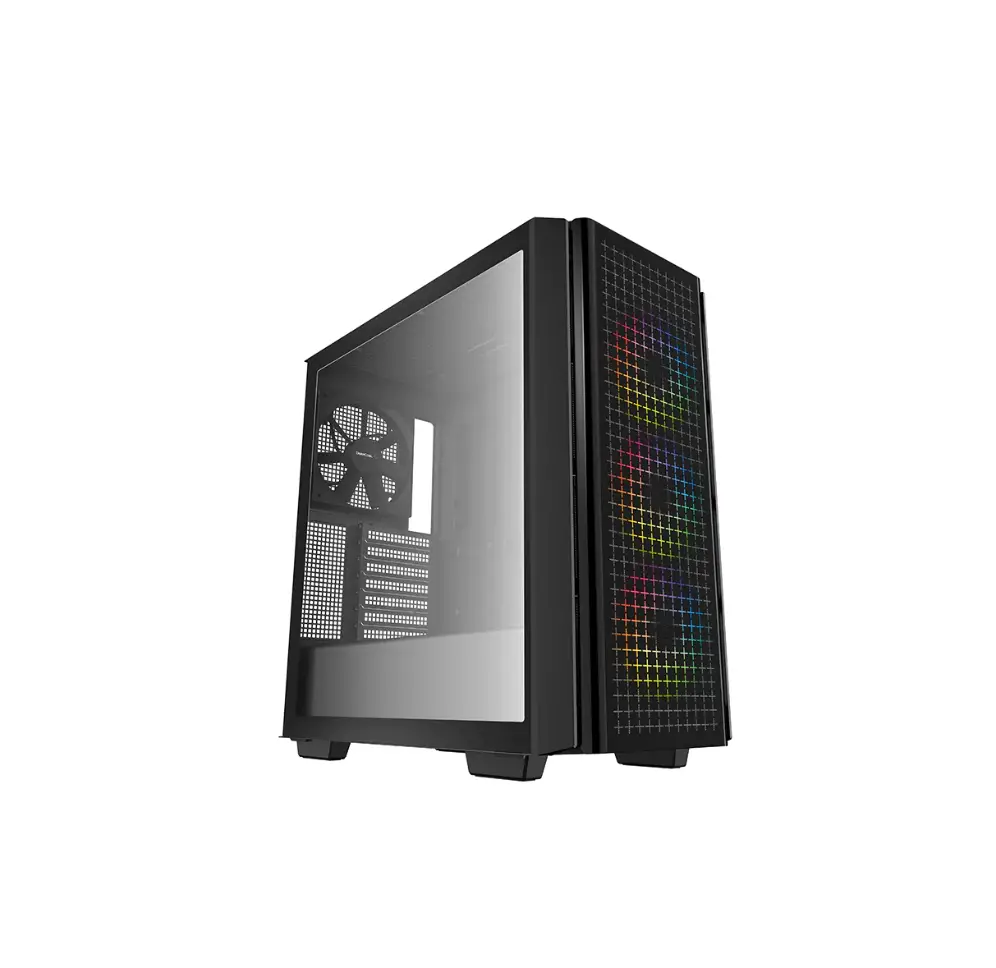
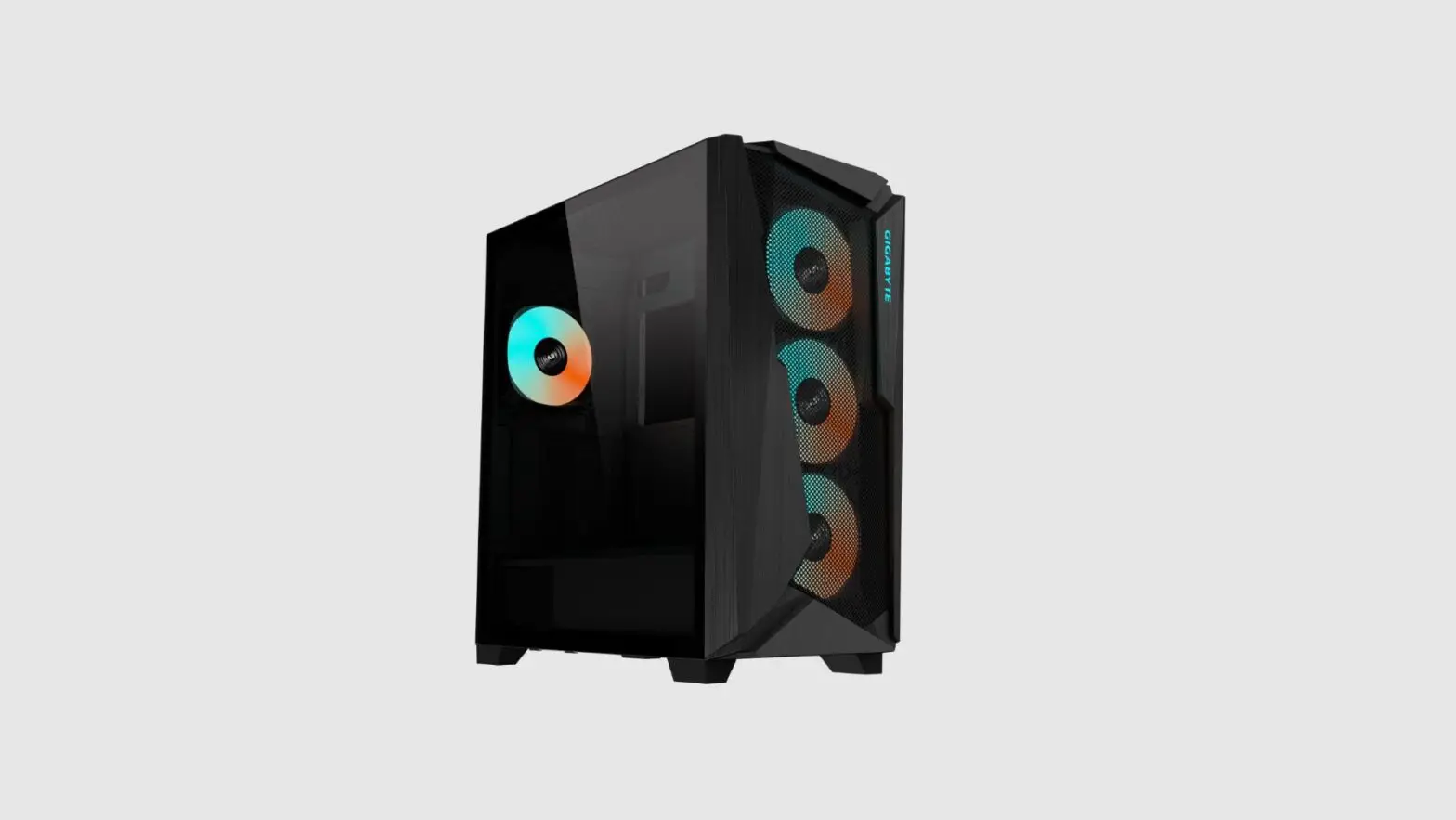
DUAL CHAMBER ATX CASE
Quick Start Guide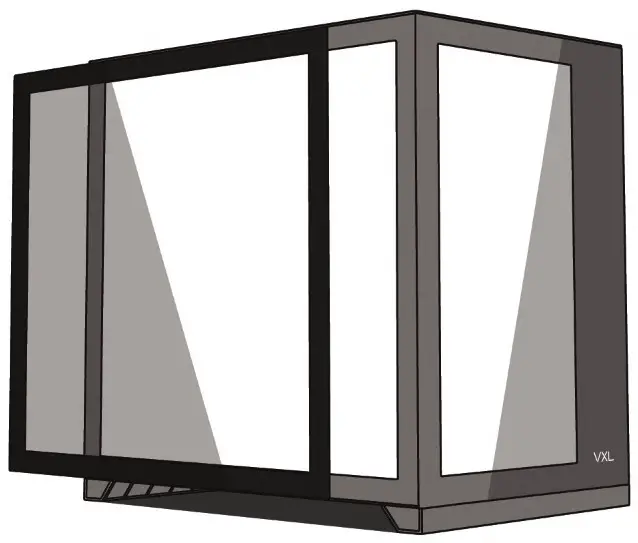
Specifications
| Type | Specification |
| Motherboard Support | m ITX, mATX, ATX |
| Dimensions | 445(L) x 285(W) x 410(H) mm |
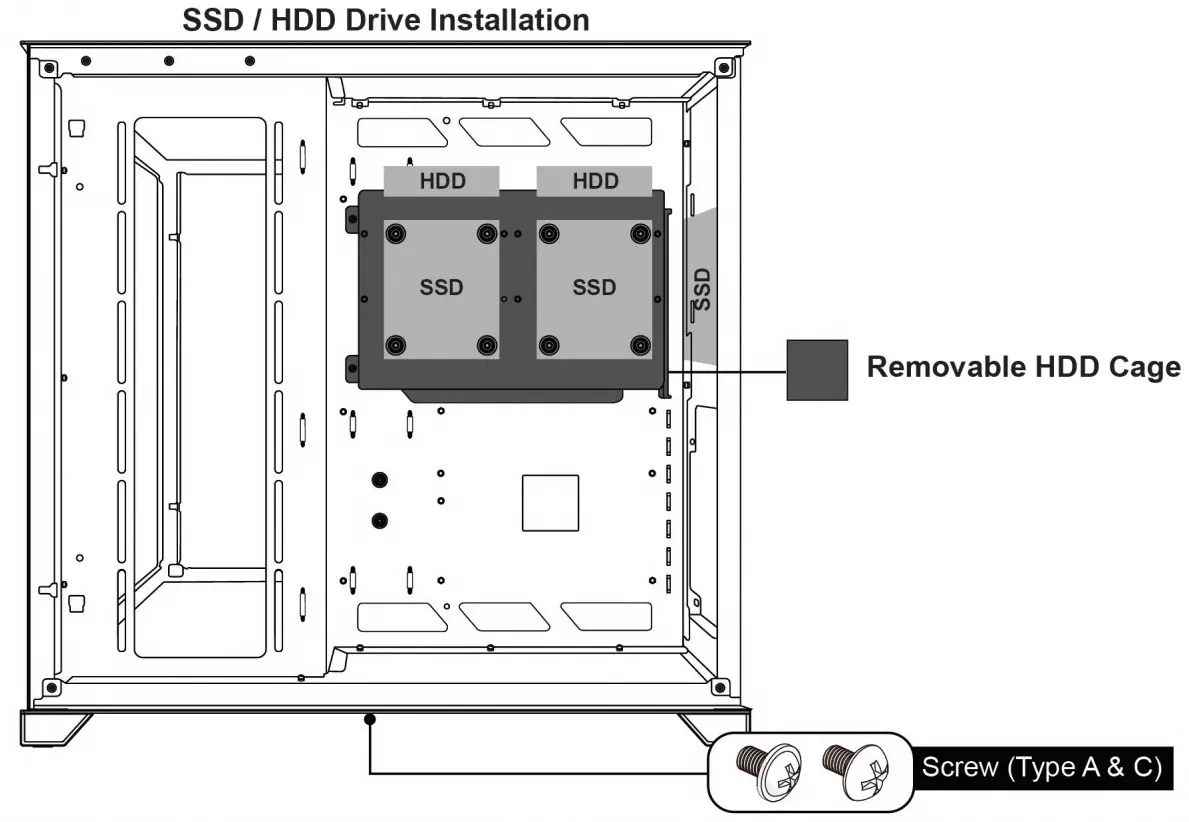
| 3.5″ HDD Drive Bay | 2 |
| 2.5″ SSD Drive Bay | 3 |
| Expansion Slots | 7 |
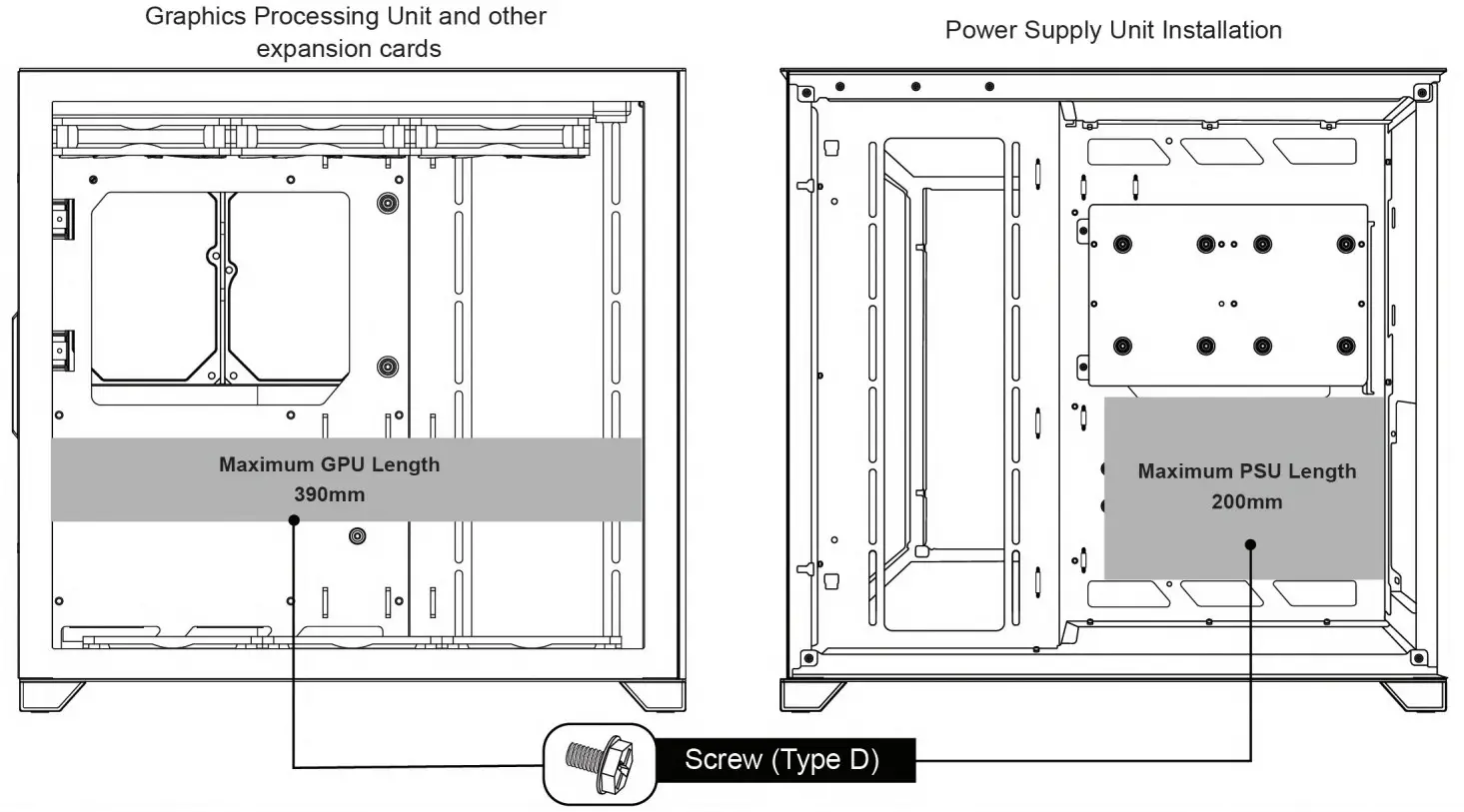
| Maximum GPU Length | 390mm |
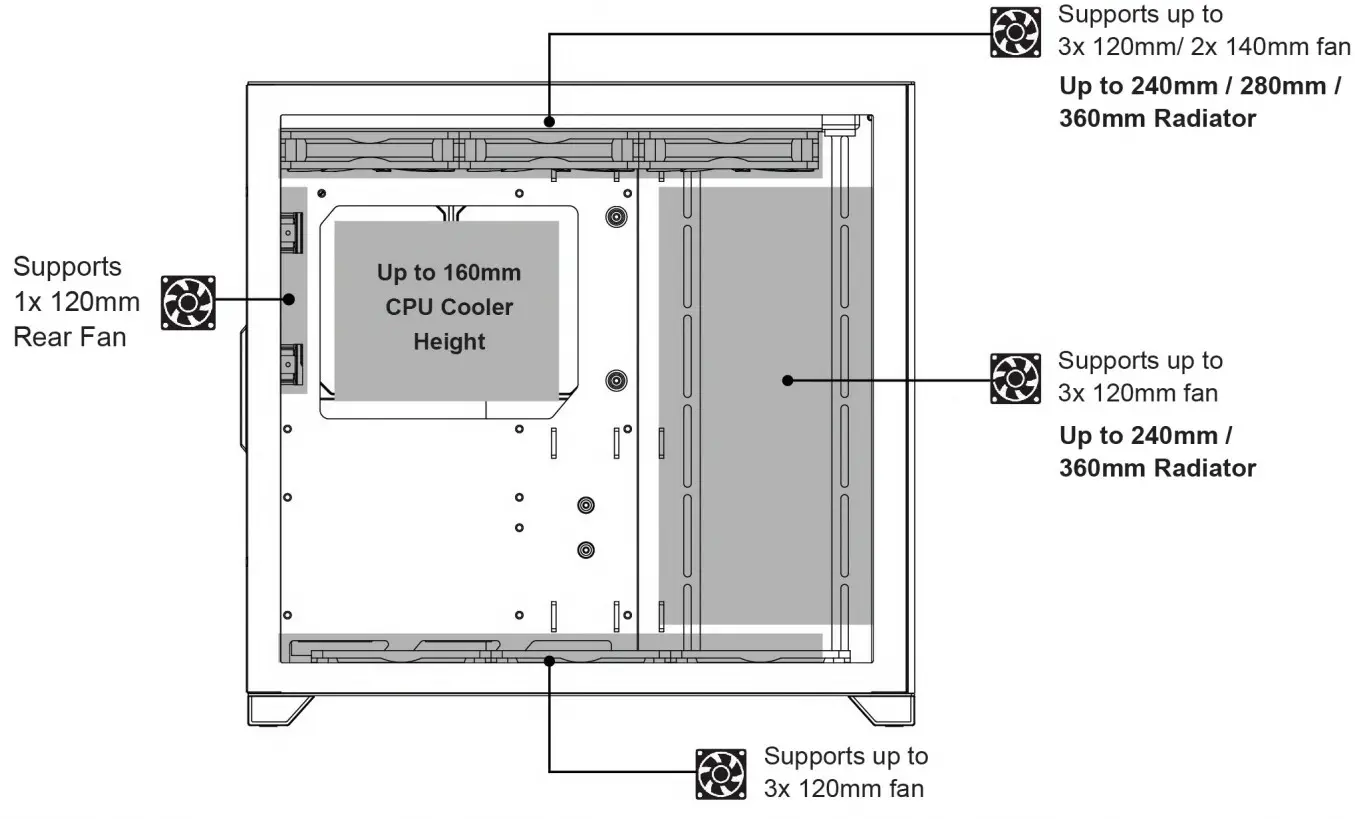
| Maximum CPU Cooler Height | 160mm |
| Maximum PSU Length | 200mm |
Panel Removal
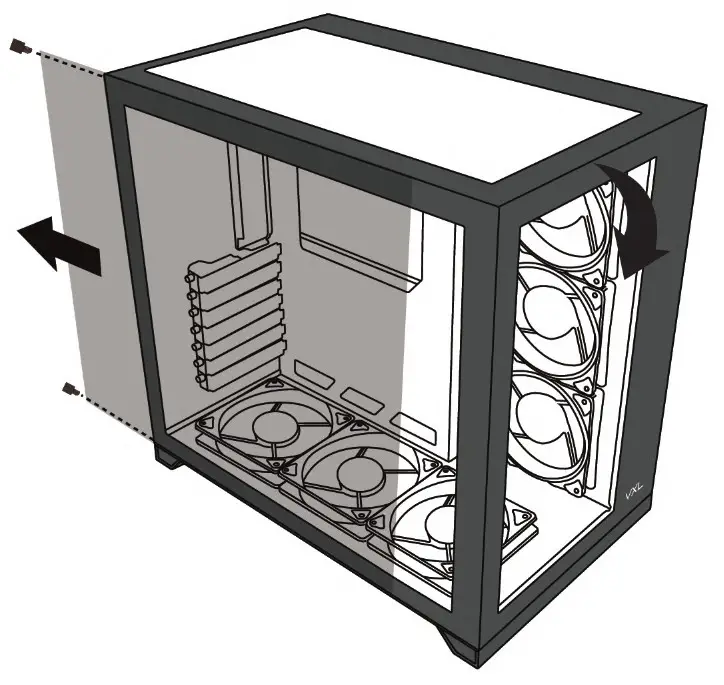
- Unscrew side panel thumb screws. Slide side panels back to release.
- Remove the top screw and Gently push the top of the front glass panel from the inside of the case.
- The front panel should pop out easily.
Front Panel I / O Connections
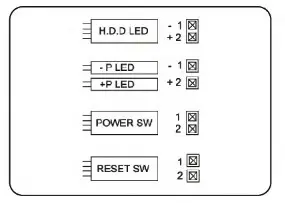
BUTTONS AND ACTIVITY LIGHTS
These cables are connected to the motherboard for the power button ( power sw ), reset button, HDD LED, and power LED ( P+/ P- ).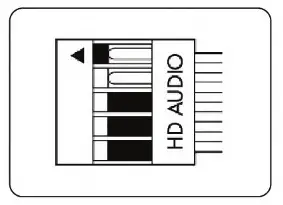
HD AUDIO
This connector attaches to your sound card o r motherboard and Is used to provide the front panel mic input and headphone output.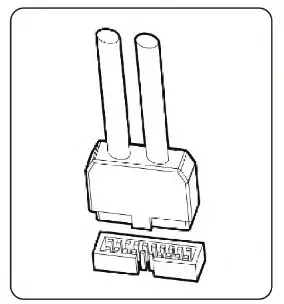
USB 3.0 CONNECTOR
This cable connects to the USB 3.0 header on the motherboard to enable the front USB 3.0 ports.
| VISUAL | ITEM | QTY | APPLICATION |
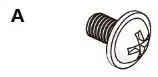 | Motherboard & SSD screw | 23 | Motherboard and 2.5 hard drive installation |
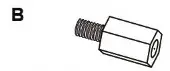 | Motherboard standoff | 4 | Motherboard installation |
 | HDD mount screw | 8 | 3.5 hard drive installation |
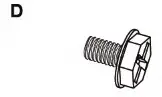 | PSU & Rear expansion slot screw | 7 | Power supply installation Mounting of GPU and other expansion cards |
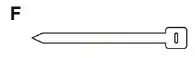
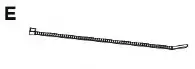 | Cable tie | 6 | Cable management |
 | Velcro Cable Fasteners | 3 | Cable management |
Motherboard Installation
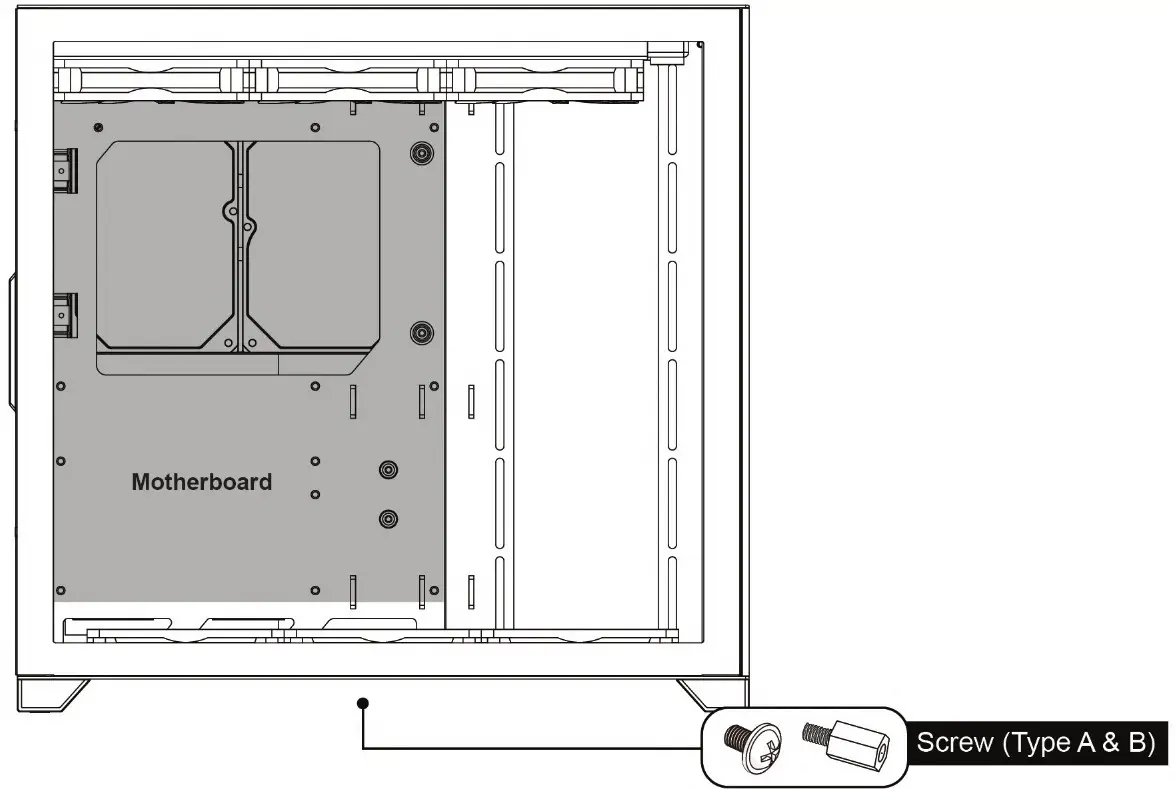
SSD / HDD Installation
GPU & PSU Installation
CPU Cooler / Fan & Radiator Installation
Package Contents
- 1x TECWARE VXL Case
- 1 x Accessories Box
Warranty
- 1 Year. Please contact your l o c a l distributor for support.
TECWARE
www.tecware.co

![Nzxt Mid-tower Atx Case [h710, H710i] User Manual](https://static-data1.manualsee.com/1/img/80/17016/2020/12/Pasted-into-Nzxt-Mid-Tower-ATX-Case-H710-H710i-User-Manual.png "Nzxt Mid-tower Atx Case [h710, H710i] User Manual")