Contents hide

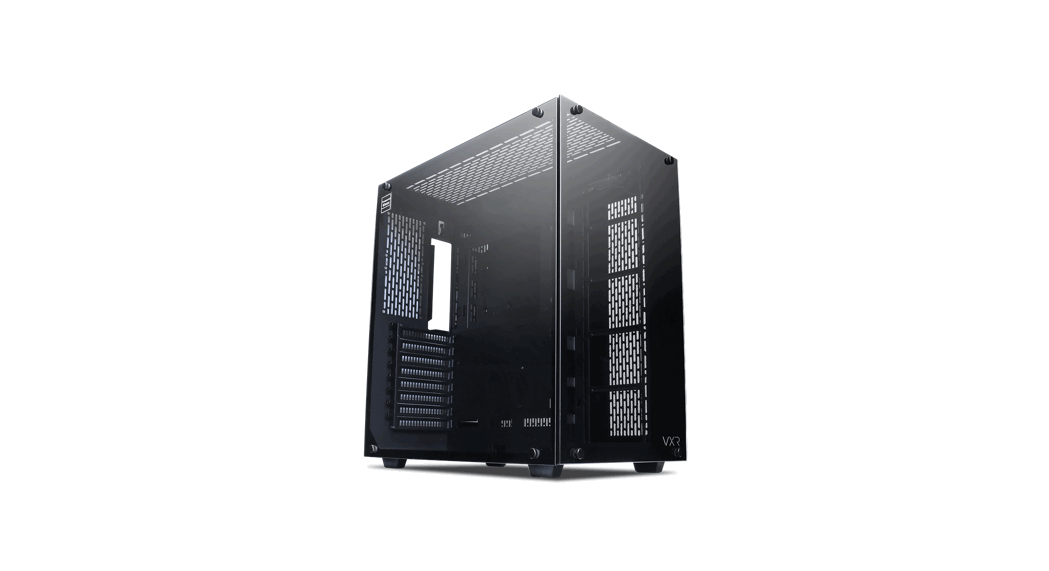
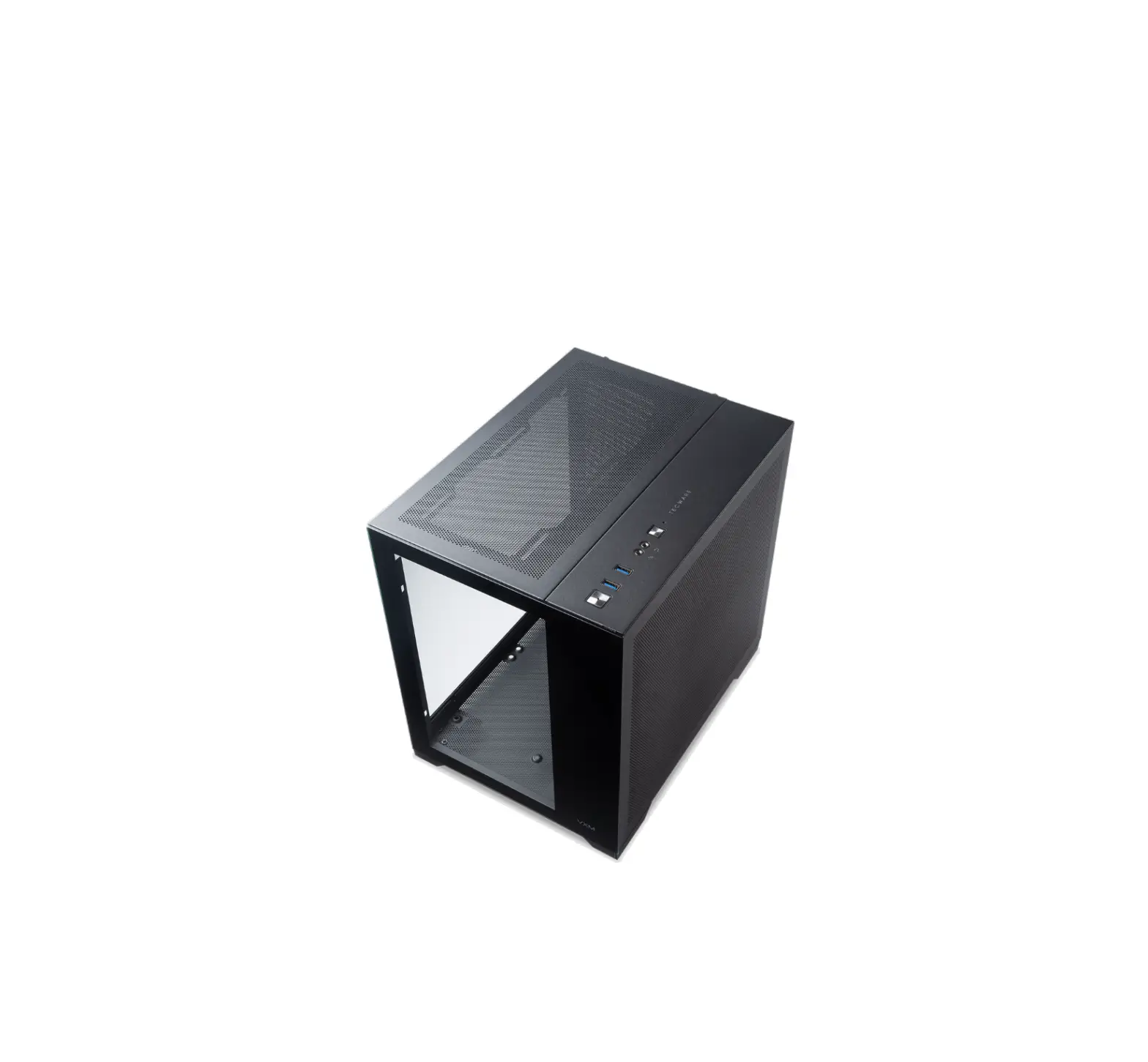
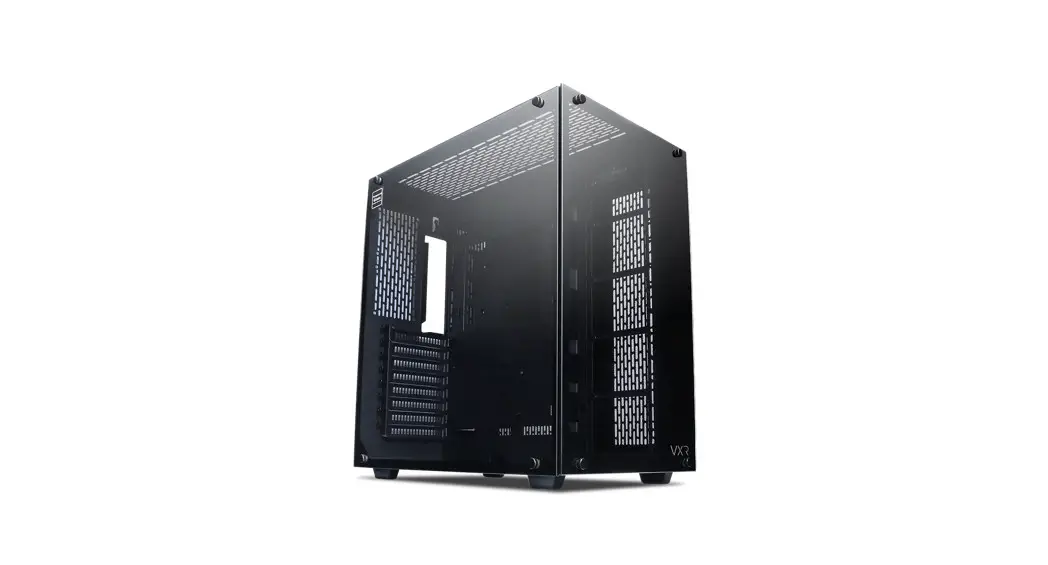
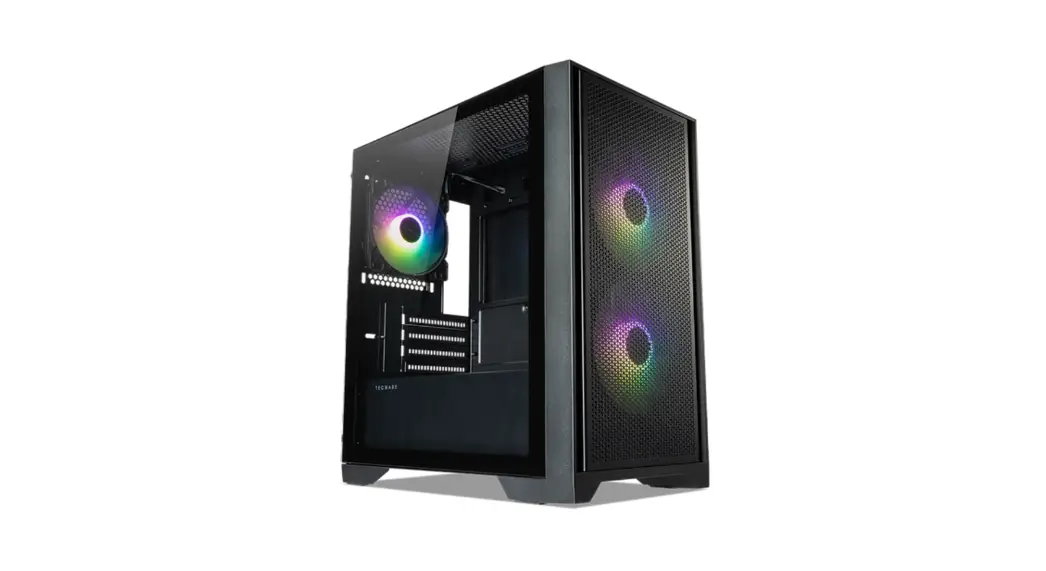
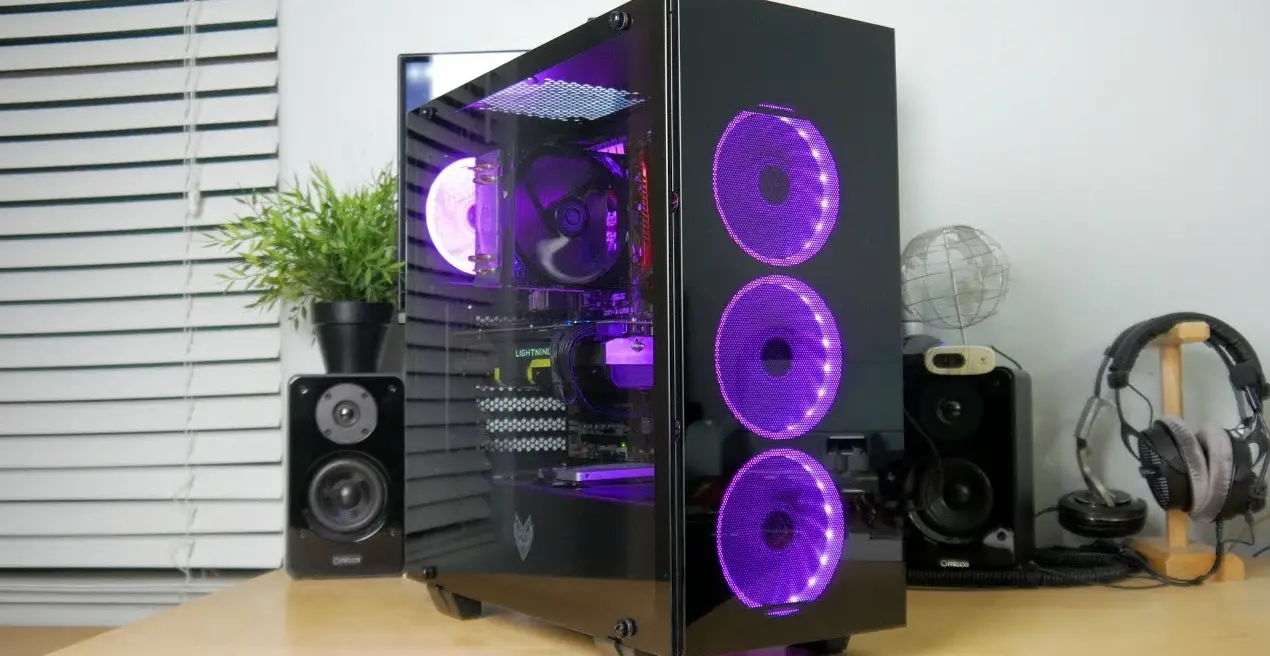
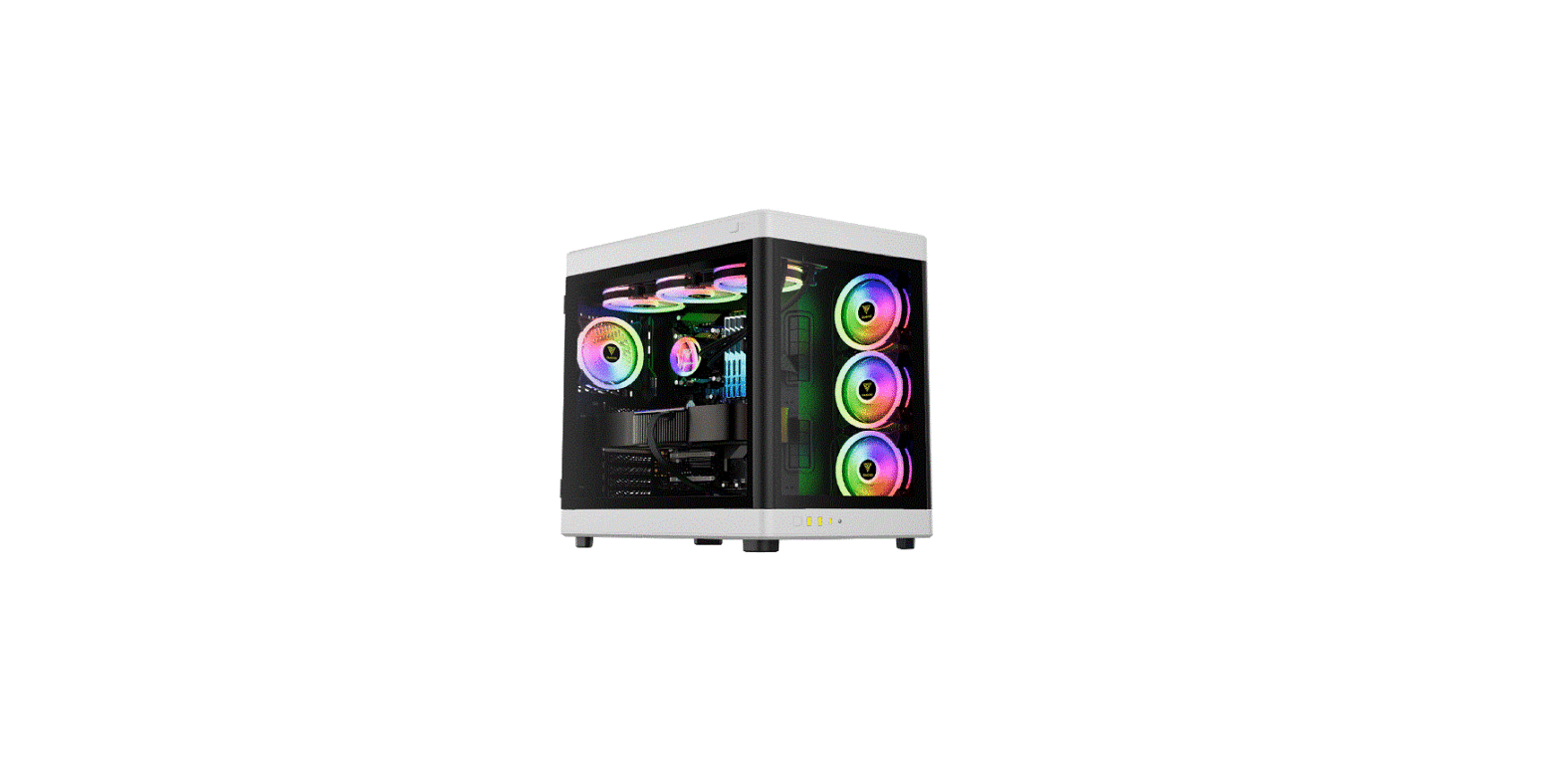
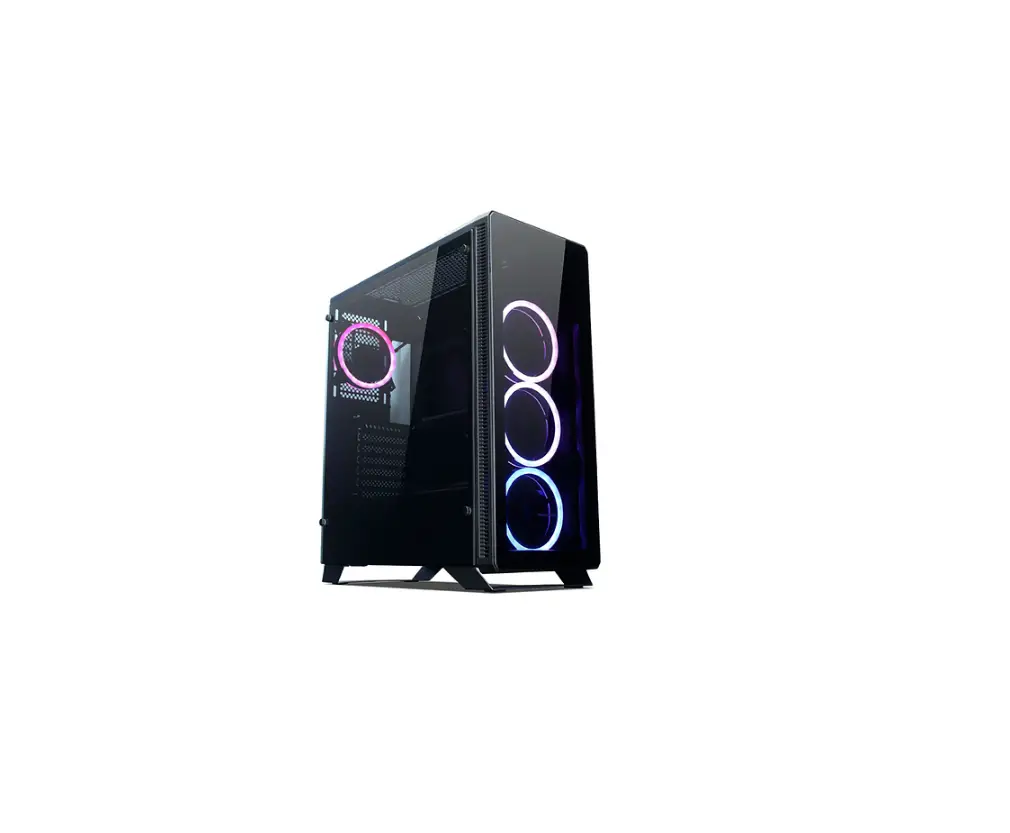
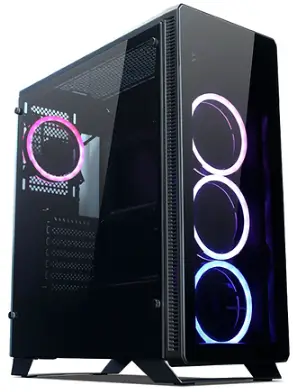
tecware VXM Dual Chamber SFF Case
Specifications
| Type | Specification |
| Motherboard Support | mATX, ITX |
| Dimensions | 338(L) x 255(W) x 335(H) mm |
| 3.5″ HOD Drive Bay | 1 |
| 2.5″ SSD Drive Bay | 3 |
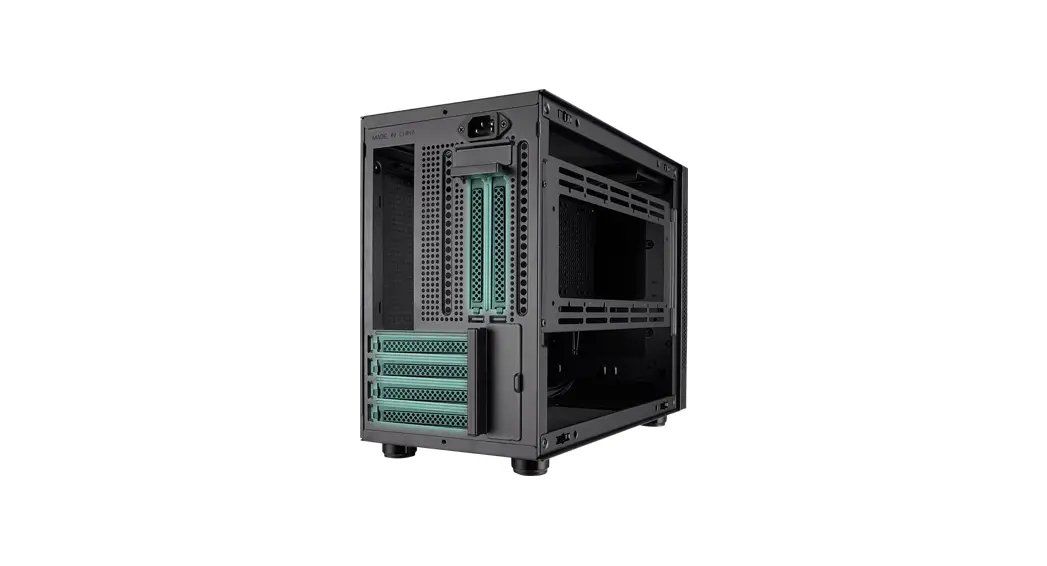
| Expansion Slots | 4 |
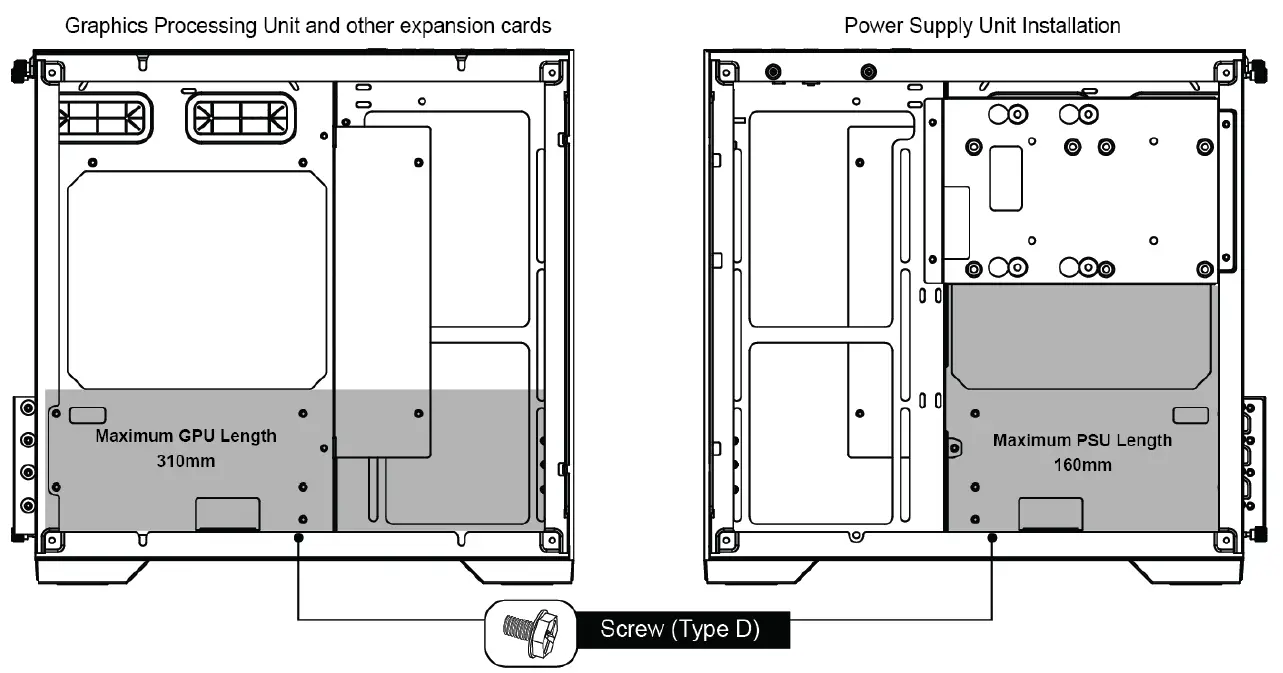
| Maximum GPU Length | 310mm |
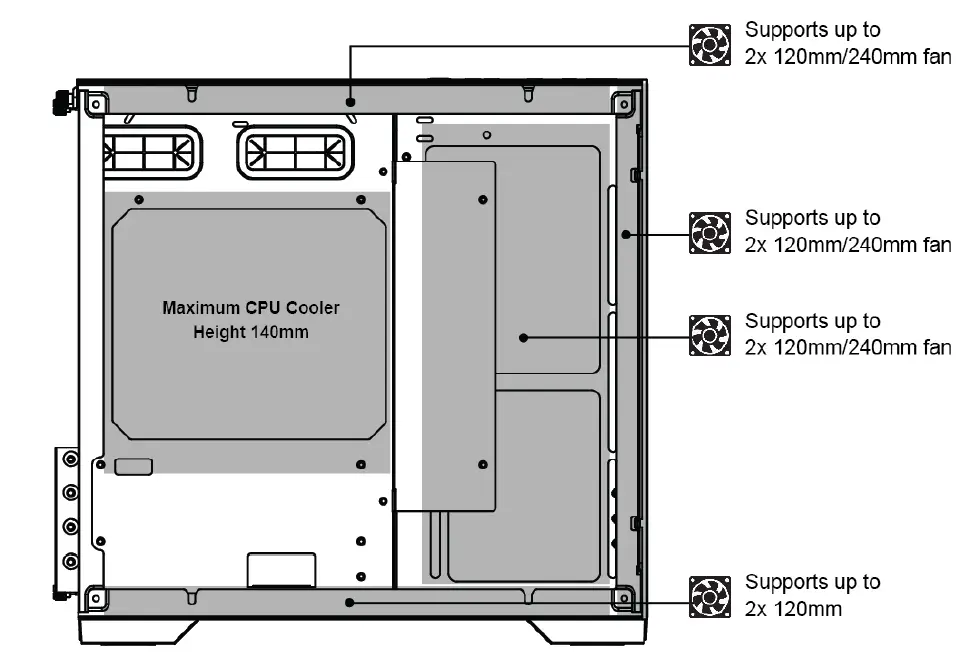
| Maximum CPU Cooler Height | 140mm |
| Maximum PSU Length | 160mm |
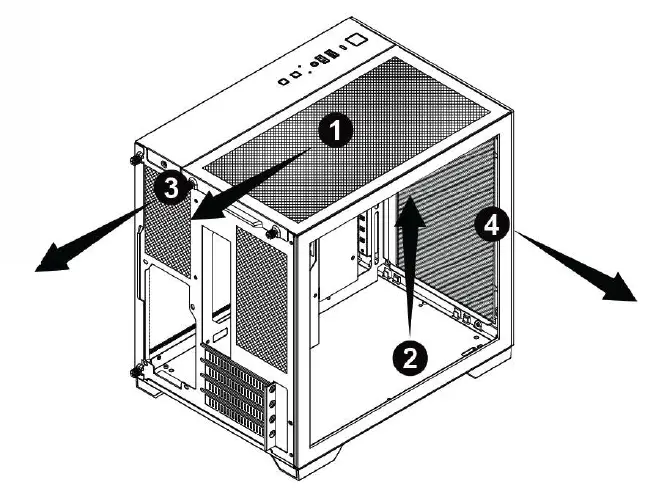
Panel Removal
Front Panel 1/0 Connections
BUTTONS AND ACTIVITY LIGHTS
These cables are connected to the motherboard for the power button ( power sw ), reset button, HDD LED, and power LED ( P+ / P- ).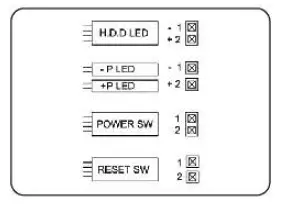
HD AUDIO
This connector attaches to your sound card or motherboard and is used to provide the front panel mic input and headphone output.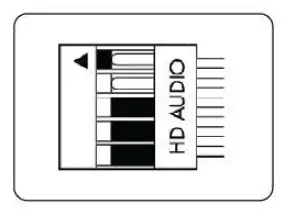
USB 3.0 CONNECTOR
This cable connects to the USB 3.0 header on the motherboard to enable the front USB 3.0 ports.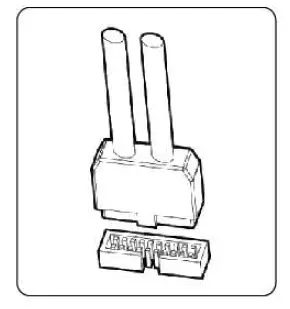
Component List
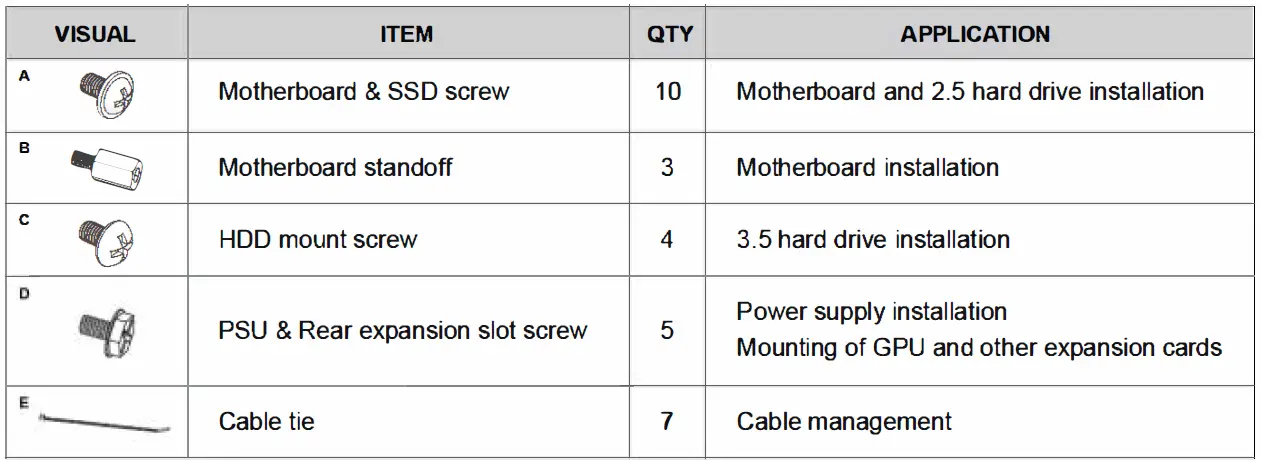
Installation
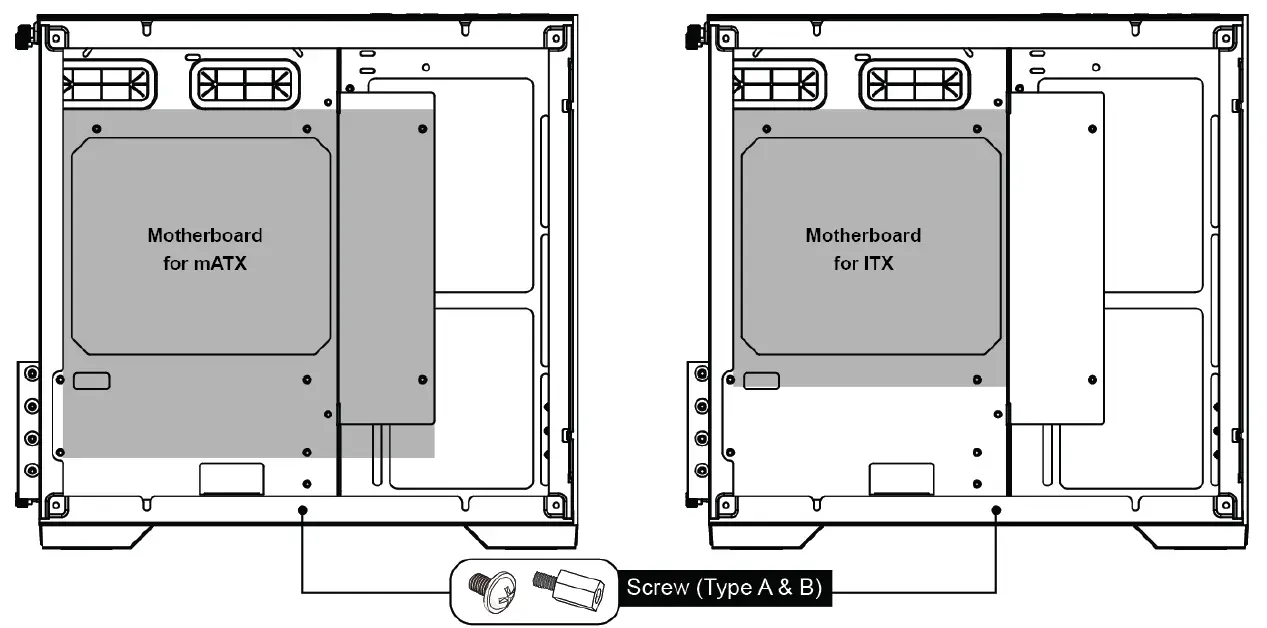
Motherboard Installation
SSD/HDD Installation
SSD Drive Installation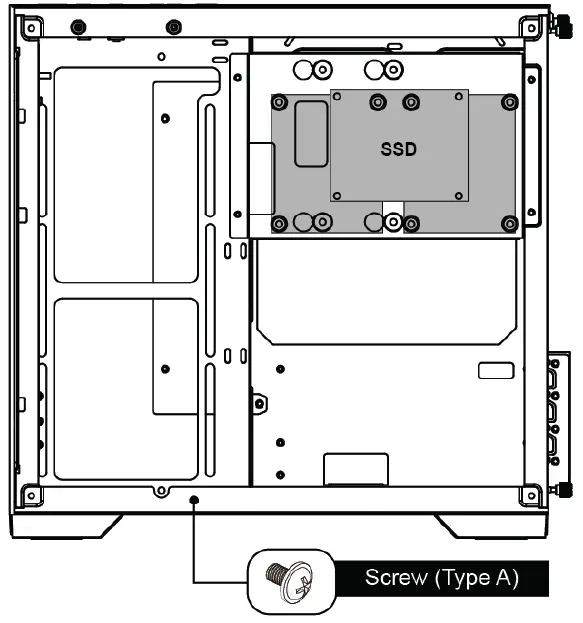
HDD Drive Installation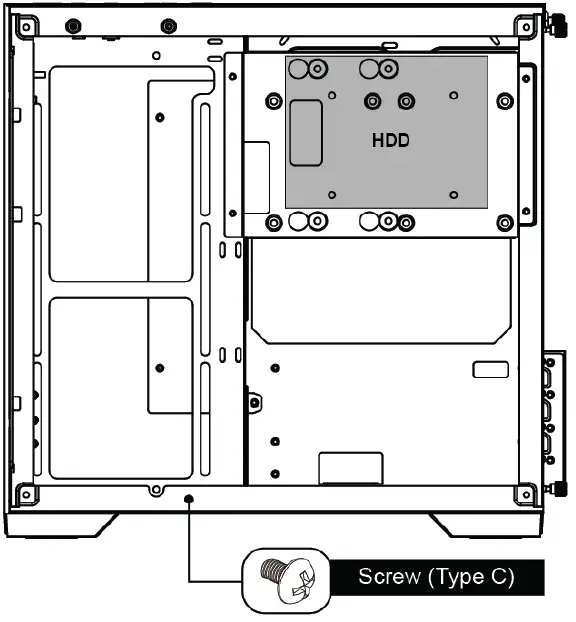
GPU & PsU Installation
- Graphics Processing Unit and other expansion cards
- Power Supply Unit Installation

CPU Cooler / Fan Installation
Package Contents
- 1 x TECWARE VXM Case
- 1 x Bag of Accessories
Warranty
- 1 Year. Please contact your local distributor for support.