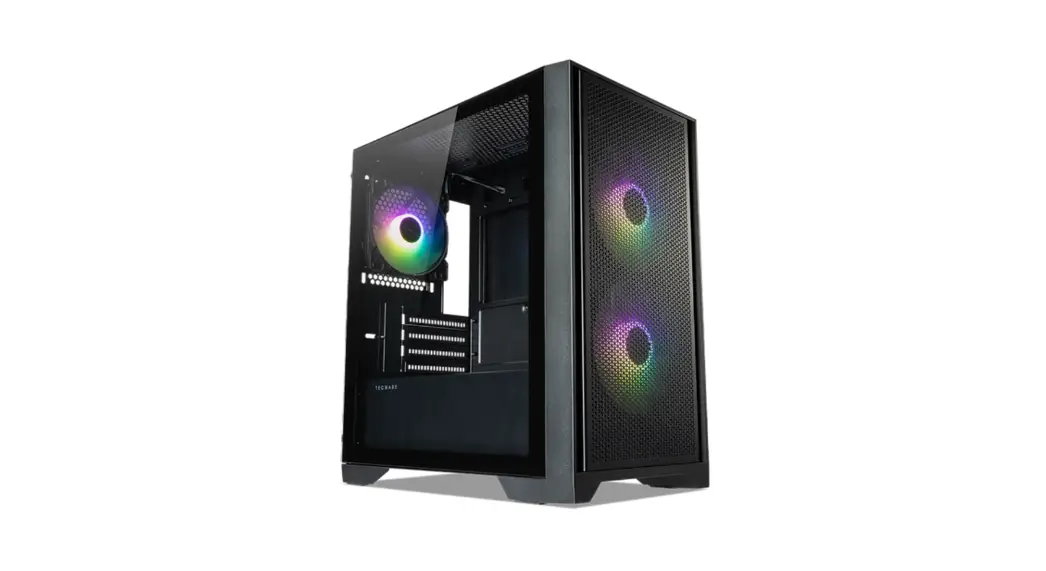
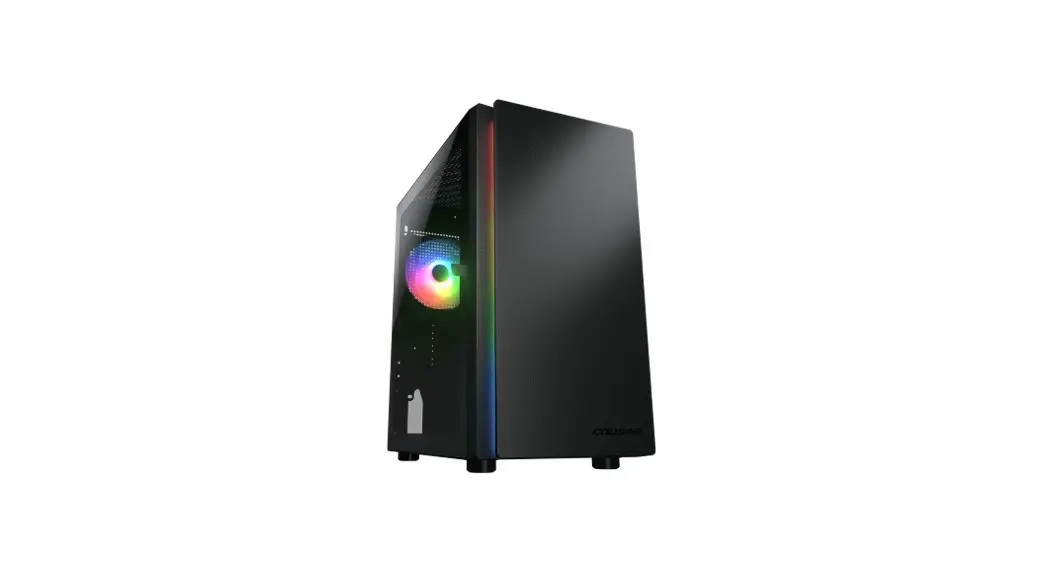
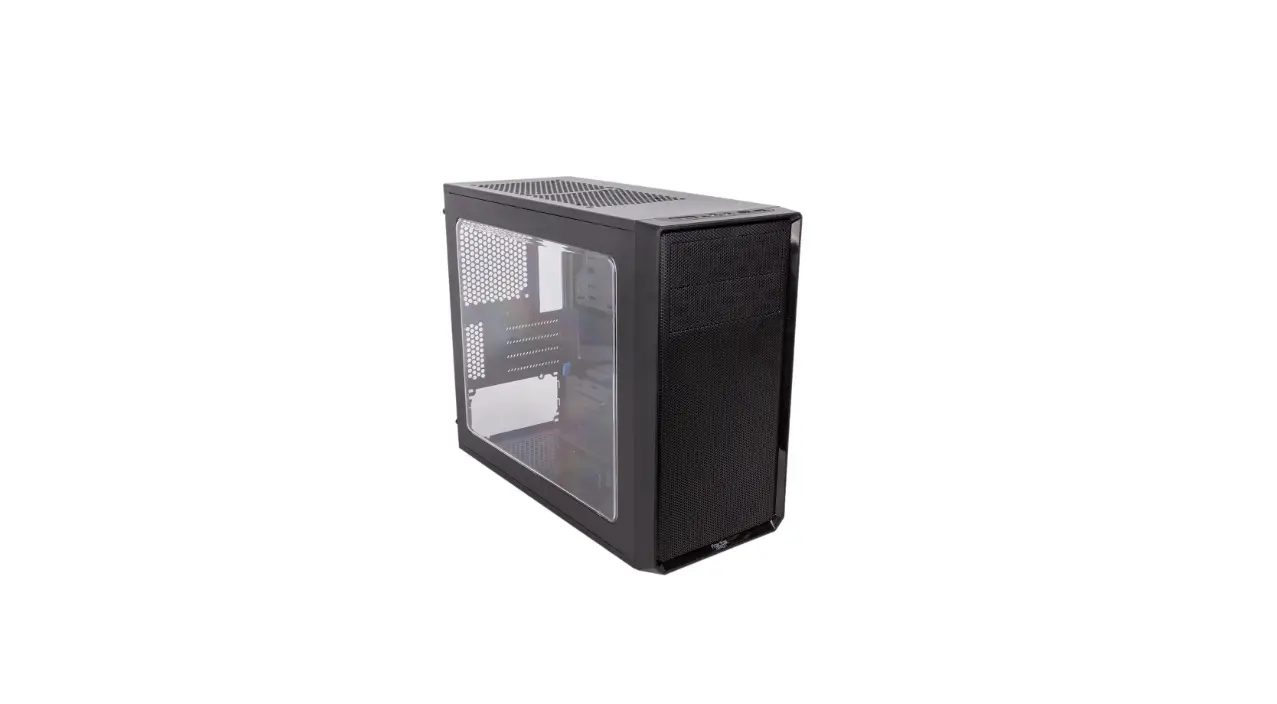
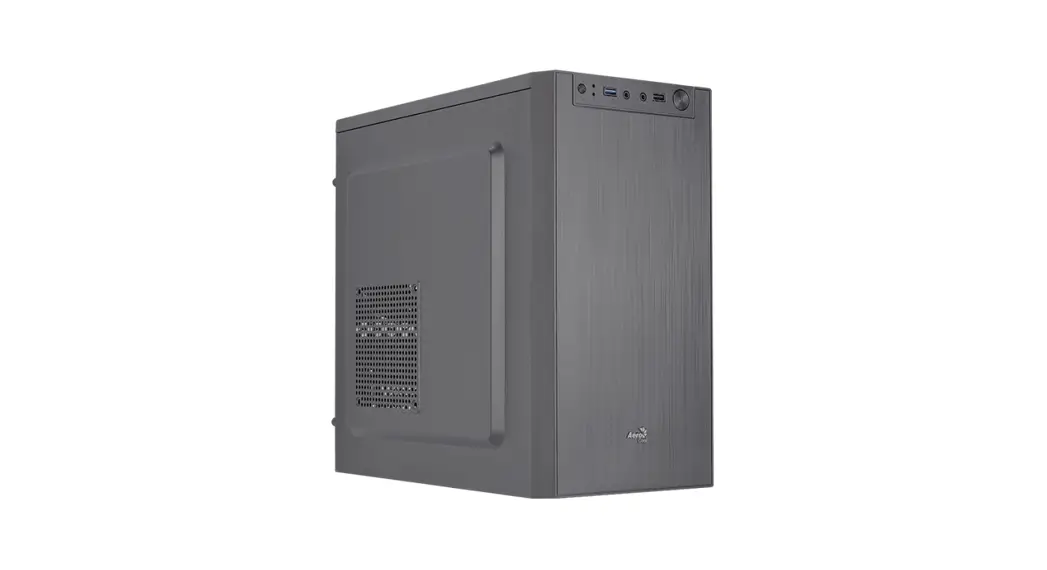
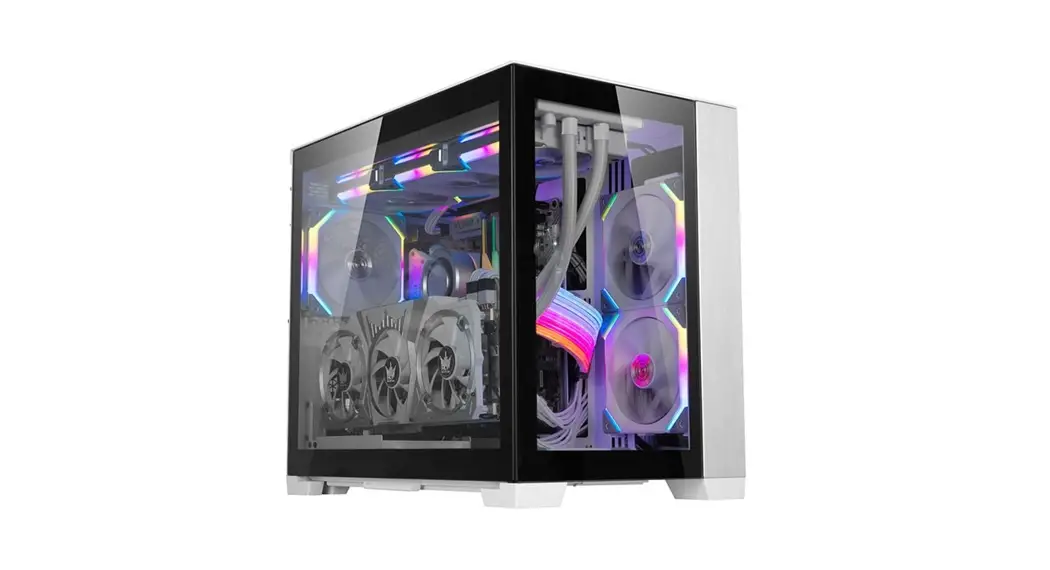
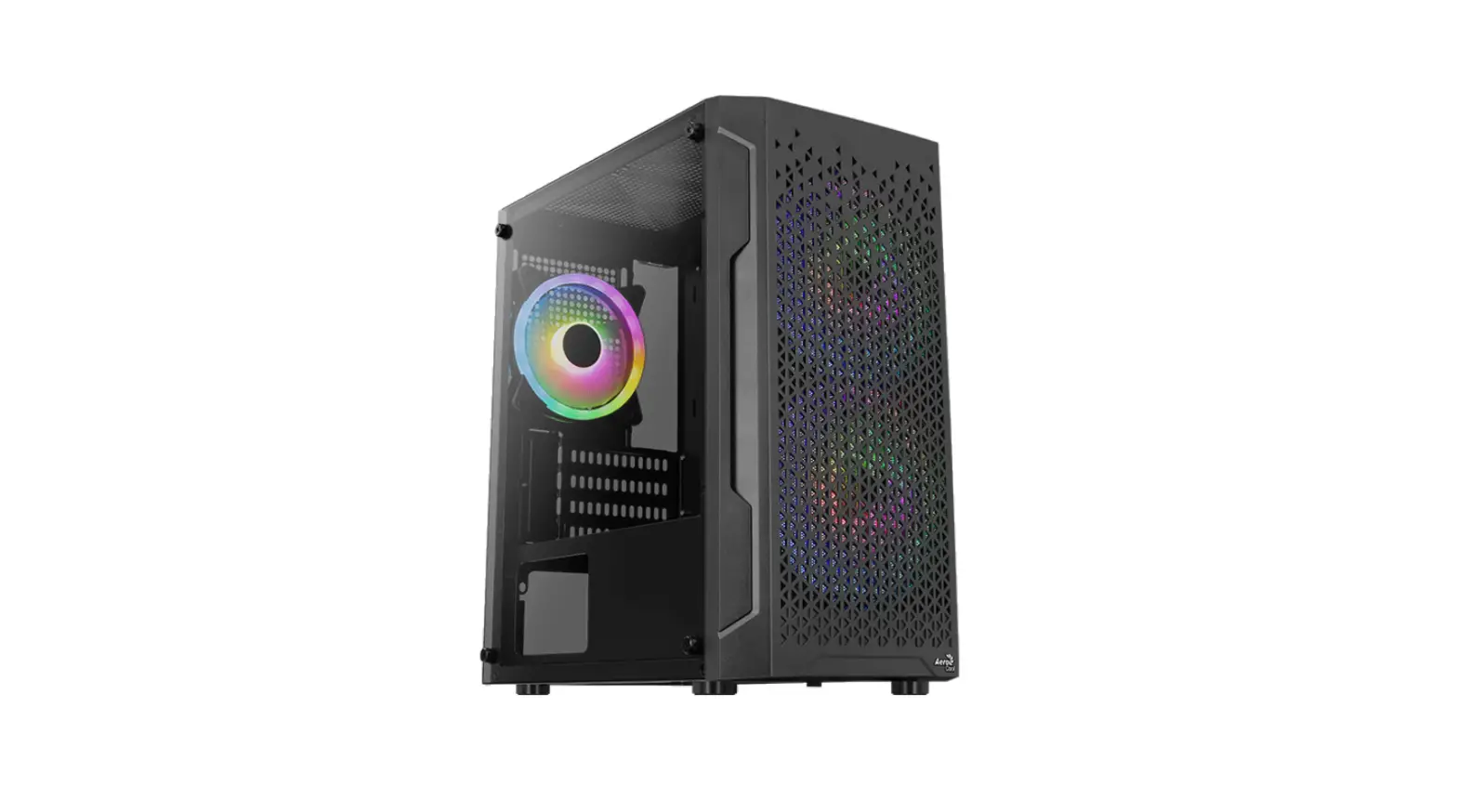
Tecware Flatline Mini Tower Case User Guide

Tecware Flatline Mini Tower Case User Guide

tecware FLATLINE Mini Tower Case User Guide logo
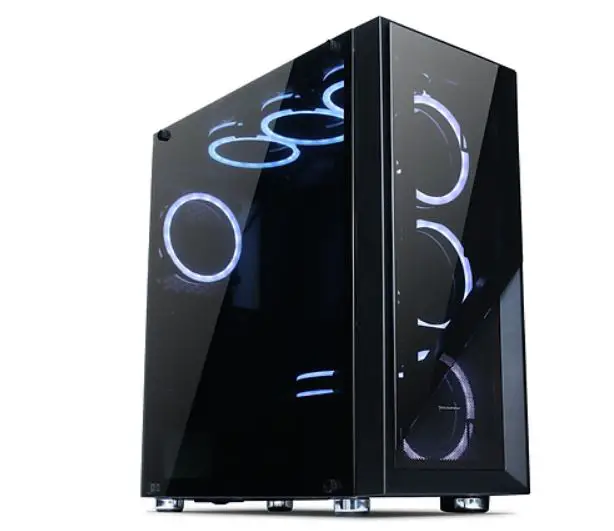
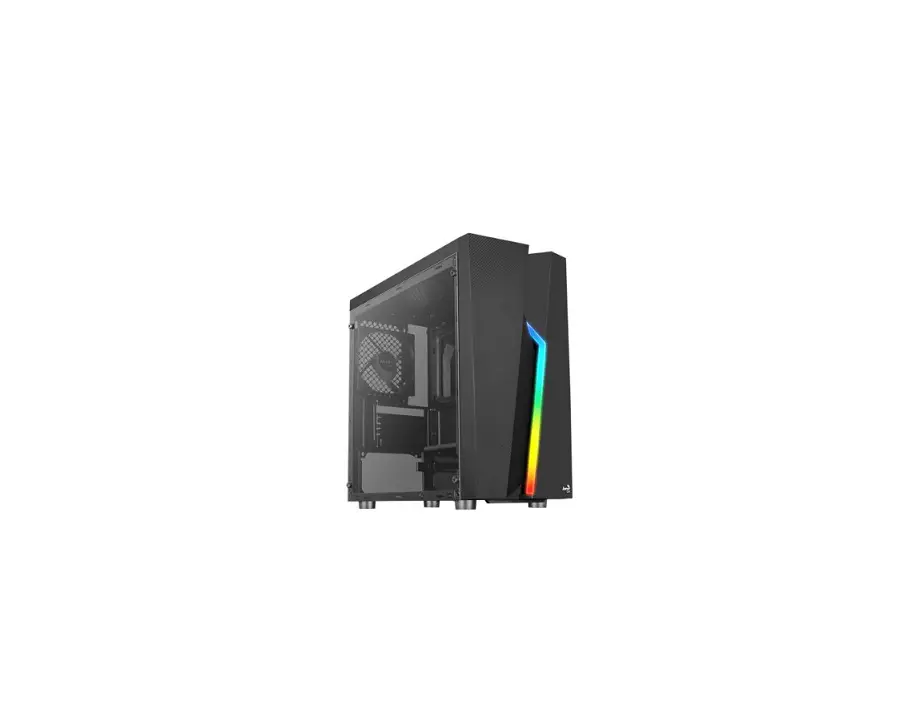
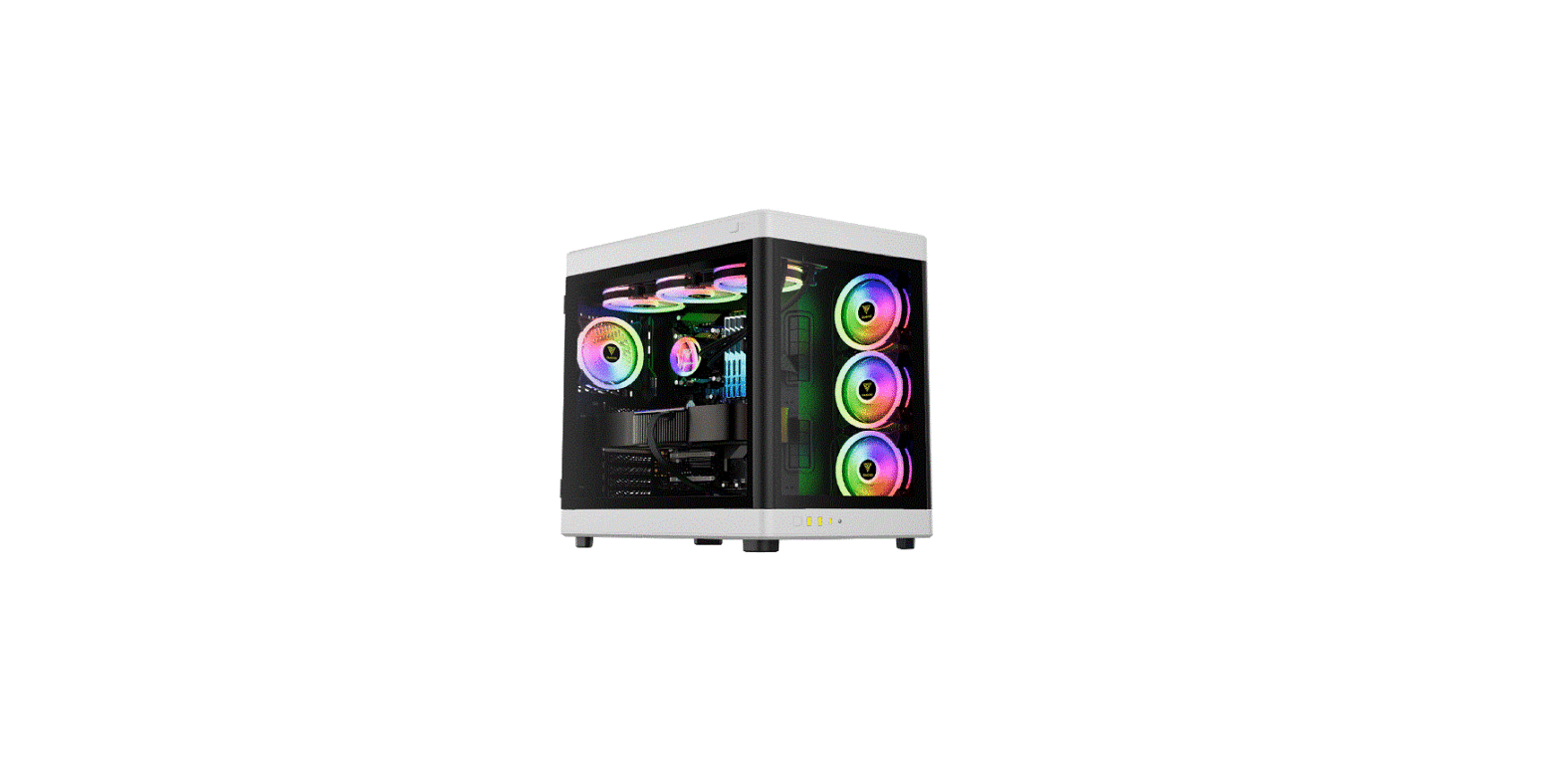
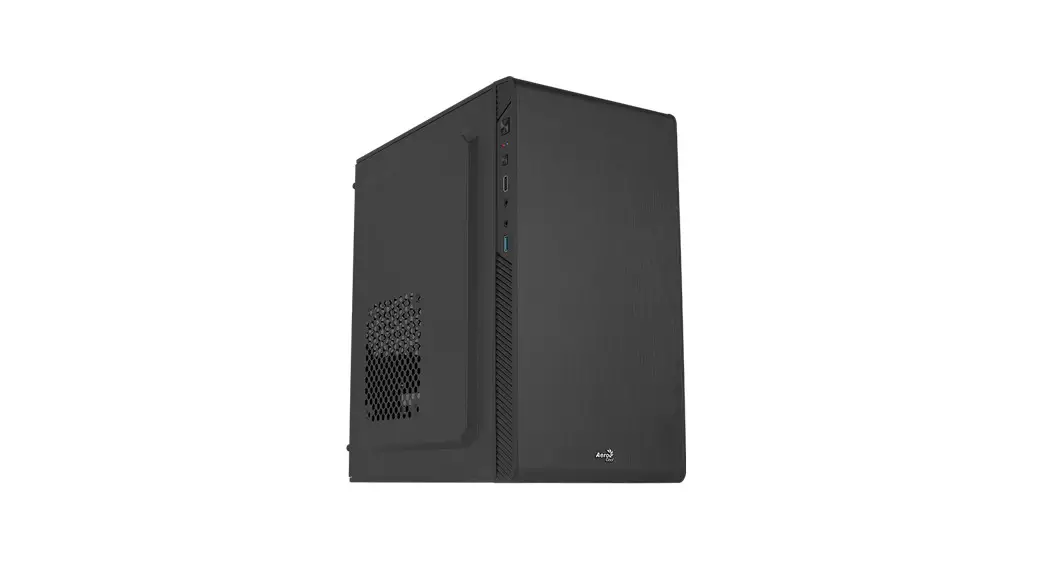
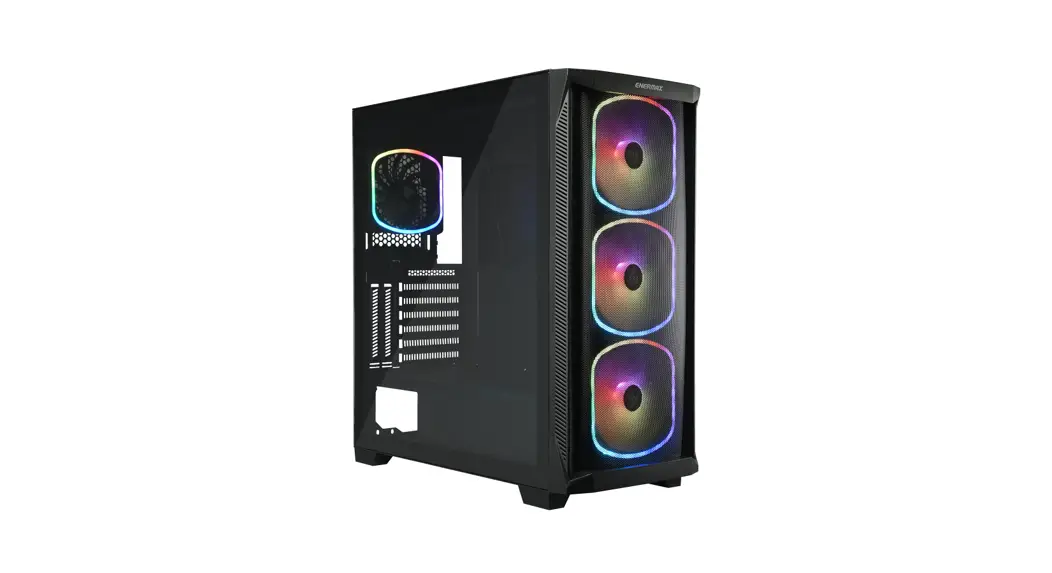
tecware FLATLINE Mini Tower Case

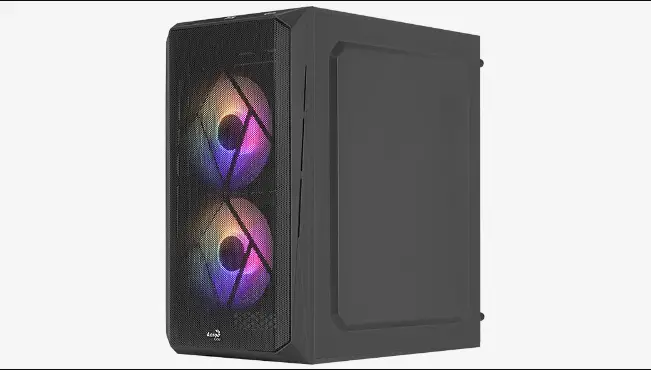
tecware FLATLINE Mini Tower Case User Guide product

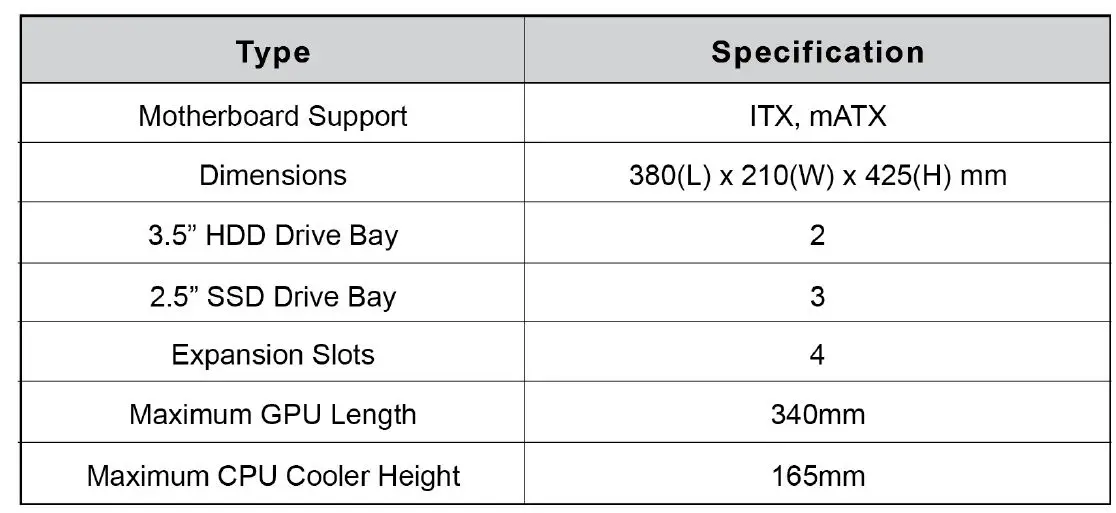
Specificationstecware FLATLINE Mini Tower Case User Guide fig-1

Panel Removal

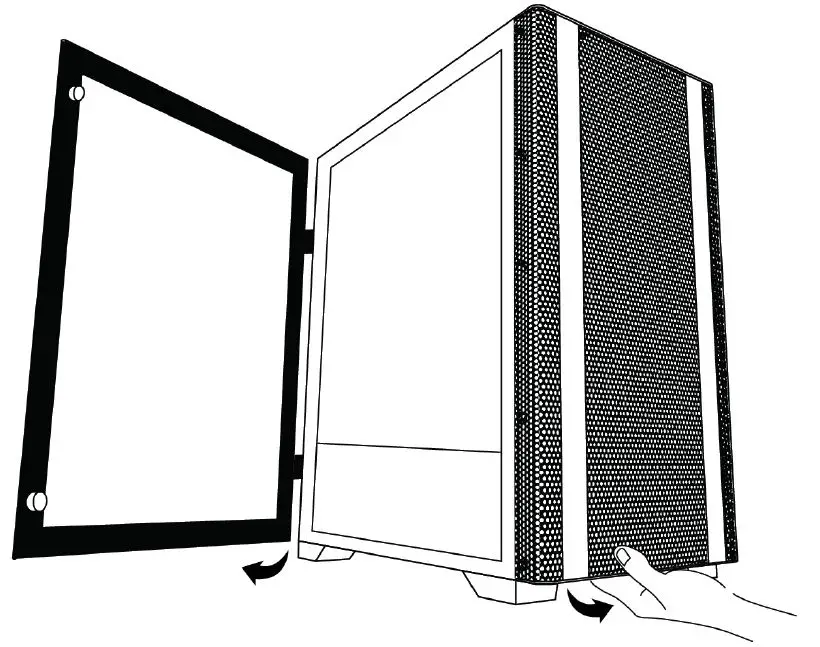
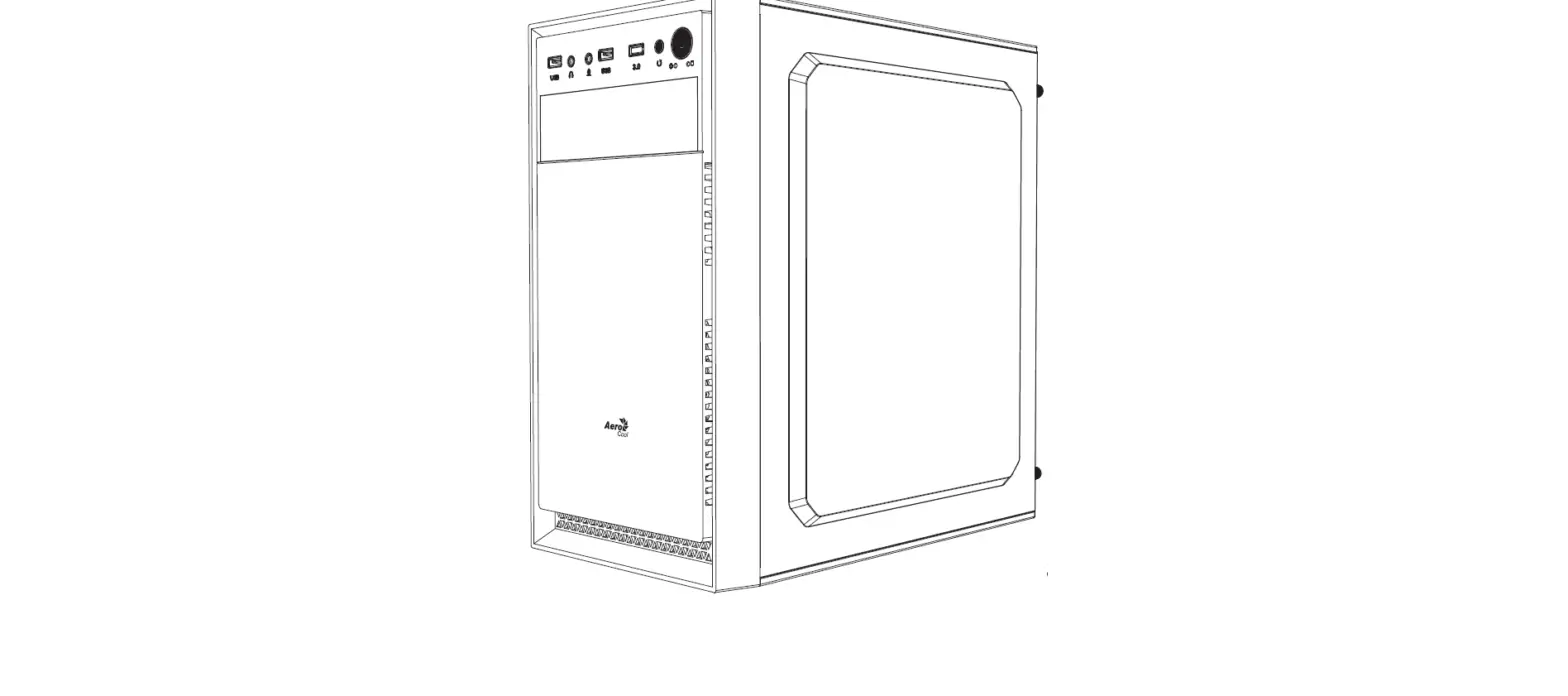
tecware FLATLINE Mini Tower Case User Guide fig-2

Open the front cover by pulling outwards from the bottom of the panel.

Front Panel 1/0 Connections

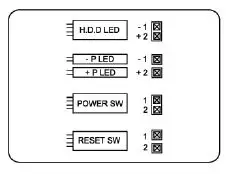
BUTTONS AND ACTIVITY LIGHTS
These cables are connected to the motherboard for the power button ( power sw ), reset button, HDD LED, and power LED ( P+ / P- ).tecware FLATLINE Mini Tower Case User Guide fig-3
HD AUDIO
This connector attaches to your sound card or motherboard and is used to provide the front panel mic input and headphone output.tecware FLATLINE Mini Tower Case User Guide fig-4

USB 3.0 CONNECTOR
This cable connects to the USB 3.0 header on the motherboard to enable the front USB 3.0 port.tecware FLATLINE Mini Tower Case User Guide fig-5

Component Listtecware FLATLINE Mini Tower Case User Guide fig-6

Motherboard Installationtecware FLATLINE Mini Tower Case User Guide fig-7

SSD I HDD Installation

tecware FLATLINE Mini Tower Case User Guide fig-8

GPU & PSU Installation

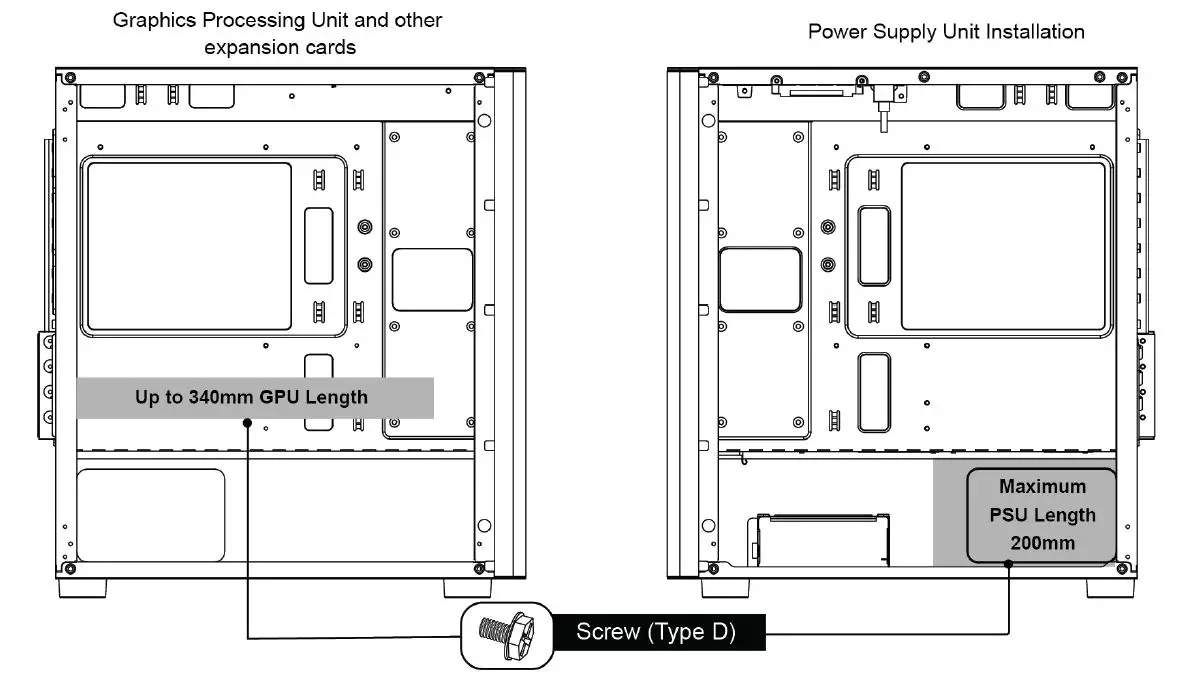
tecware FLATLINE Mini Tower Case User Guide fig-9

CPU Cooler/ Fan Installation

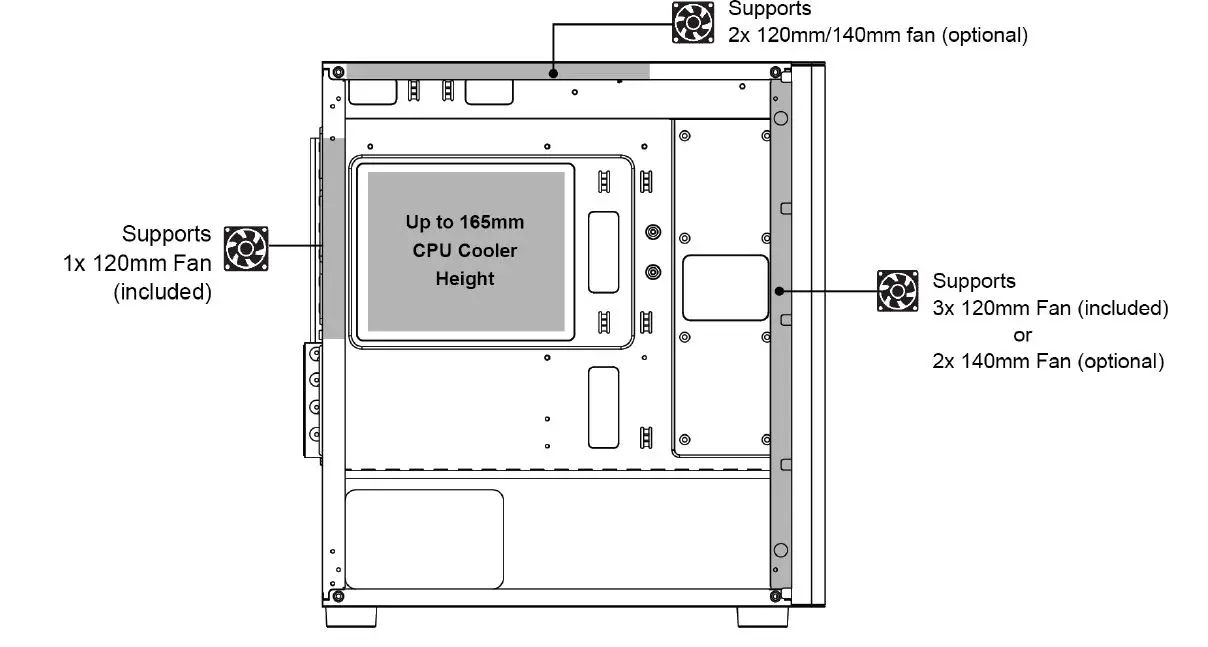
tecware FLATLINE Mini Tower Case User Guide fig-10

Package Contents

  • 1 x TECWARE FLATLINE Case
  • 1 x Bag of Screws

Warranty

  • 1 Year. Please contact your local distributor for support.
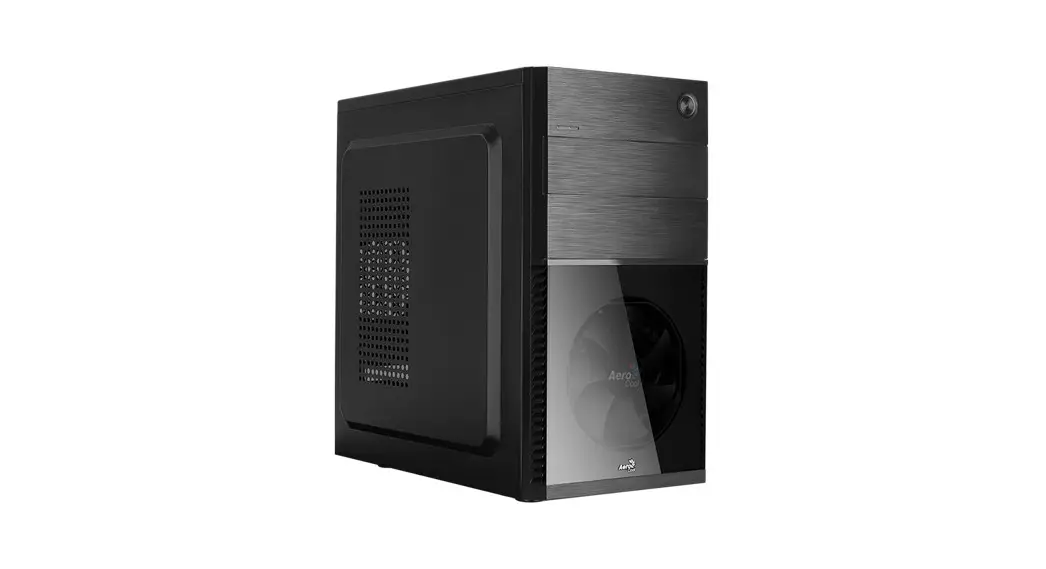
www.tecware.co

Documents / Resouces

Download manual
Here you can download full pdf version of manual, it may contain additional safety instructions, warranty information, FCC rules, etc.


Related Manuals