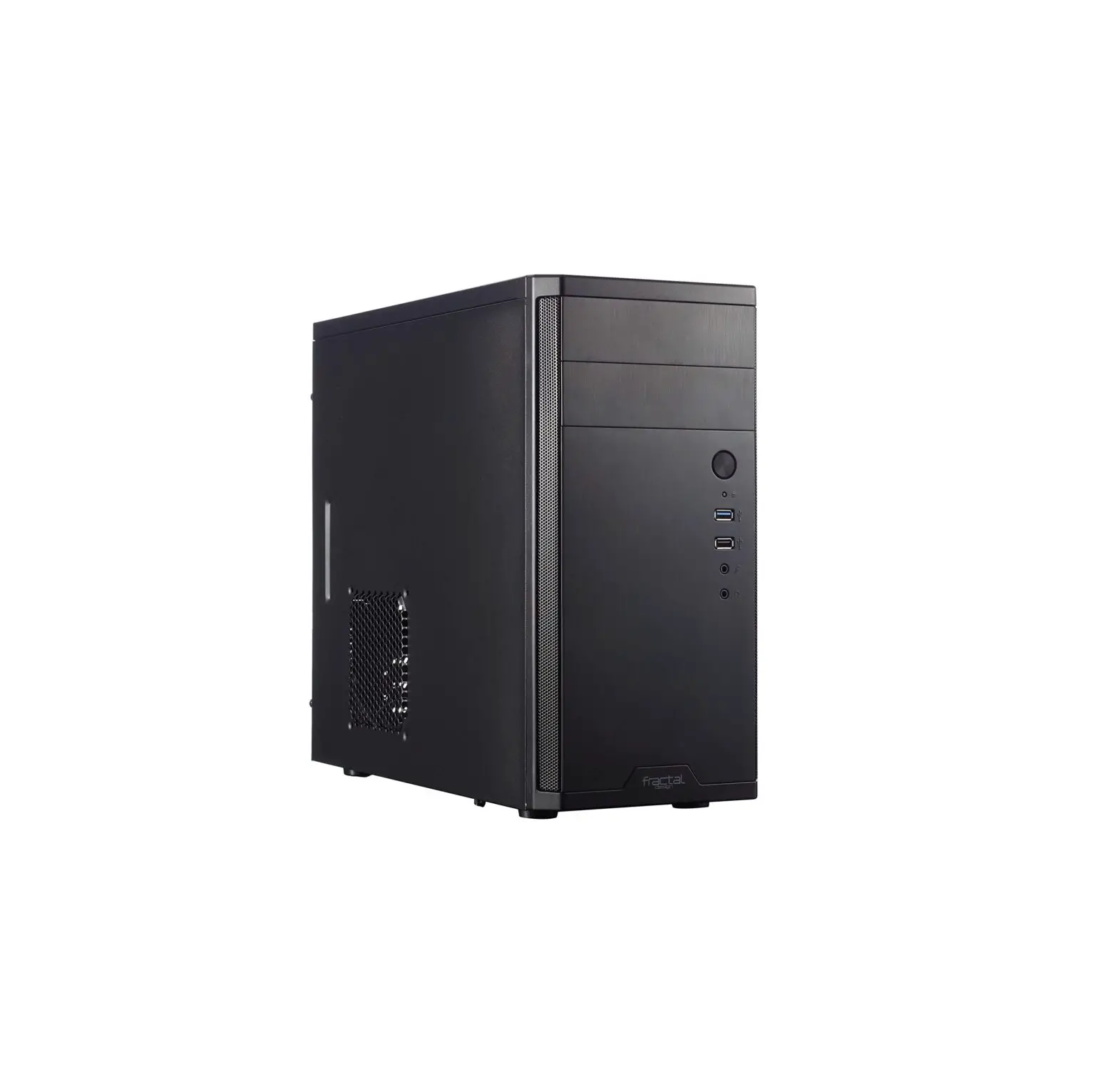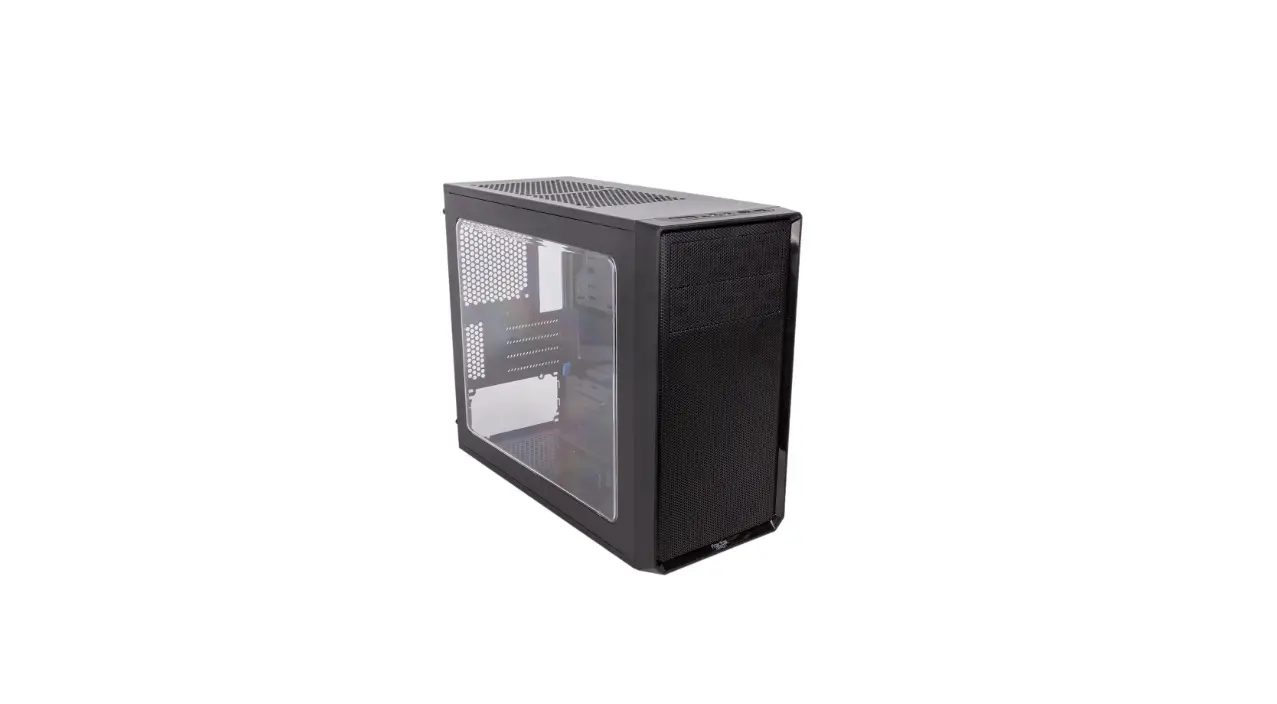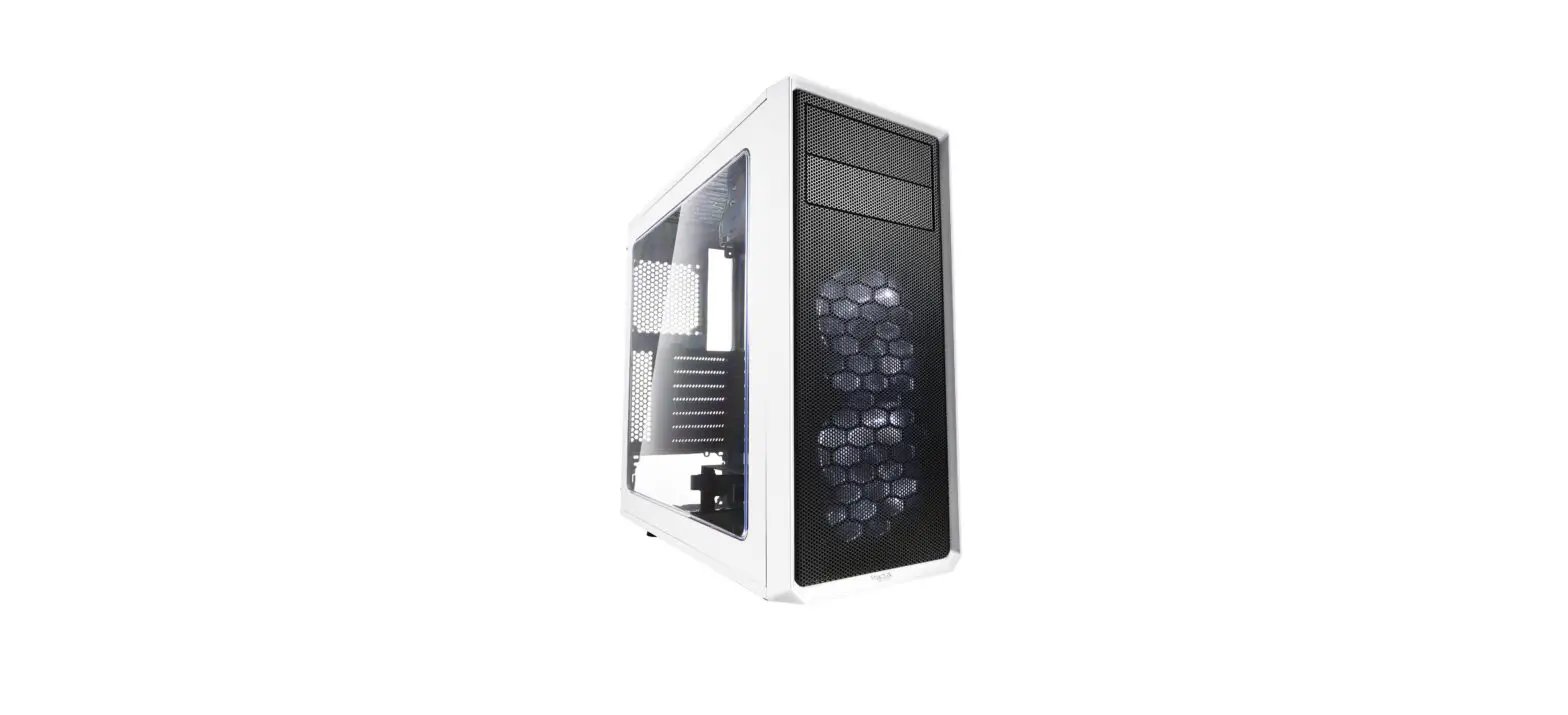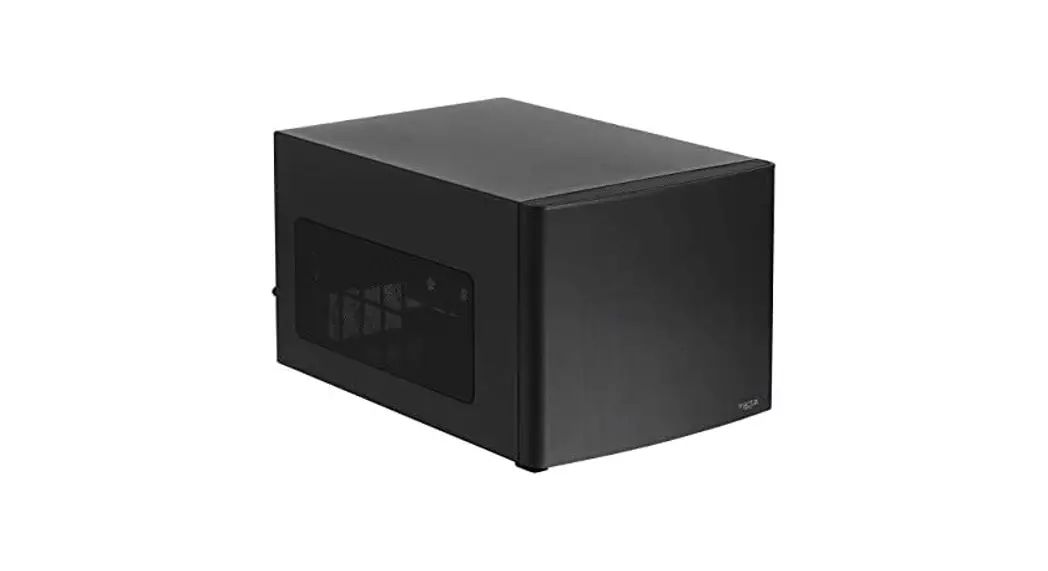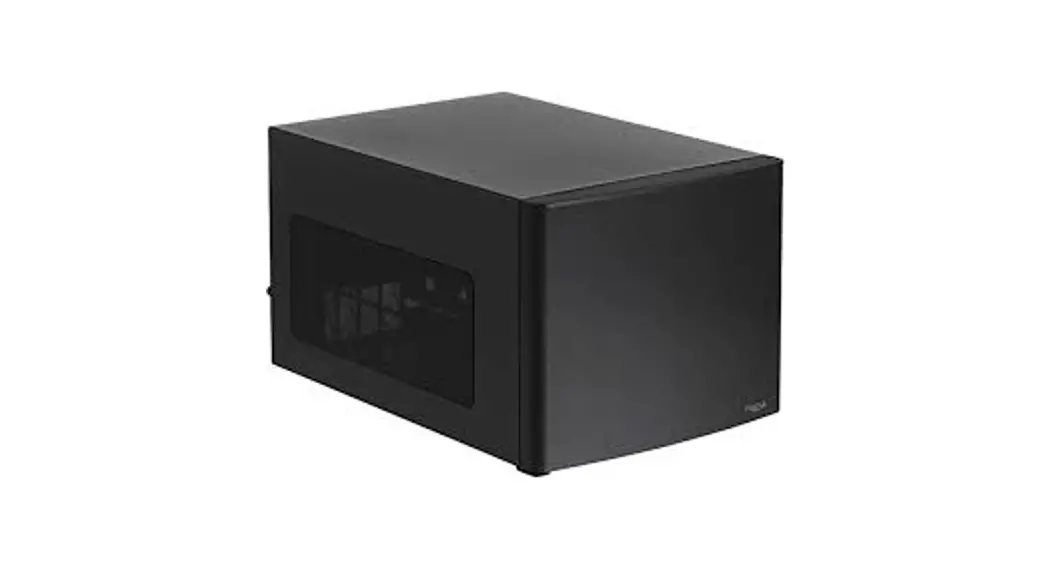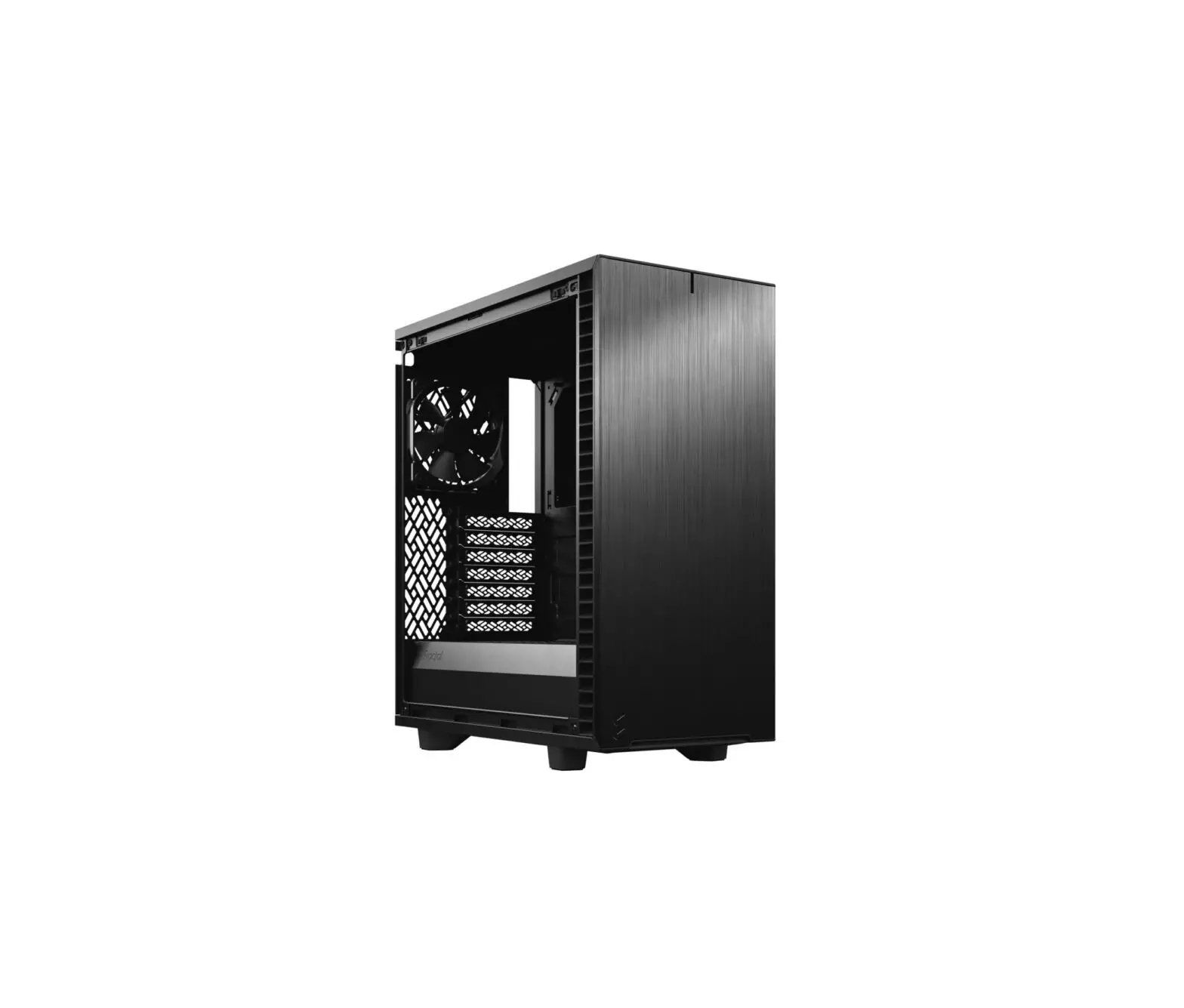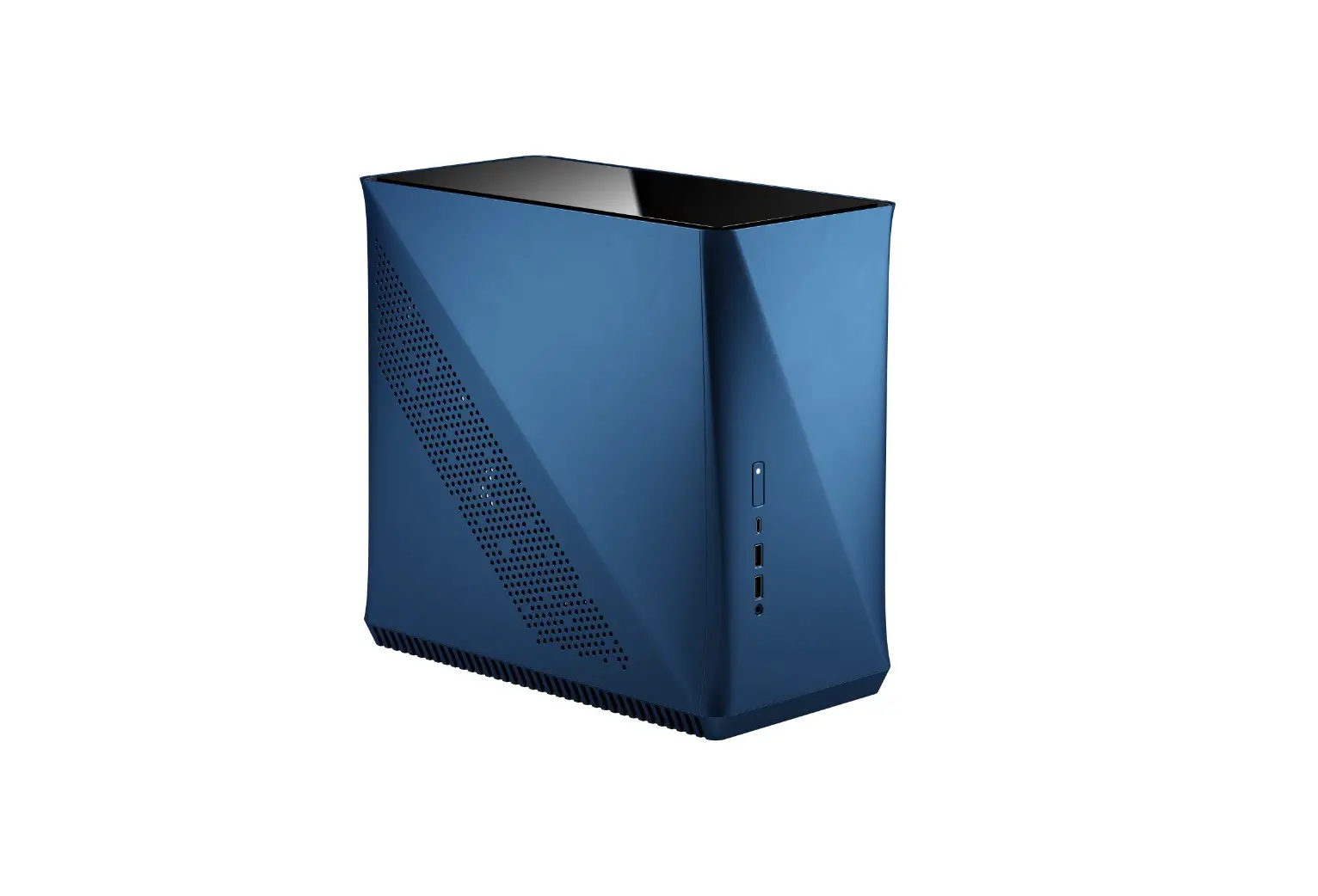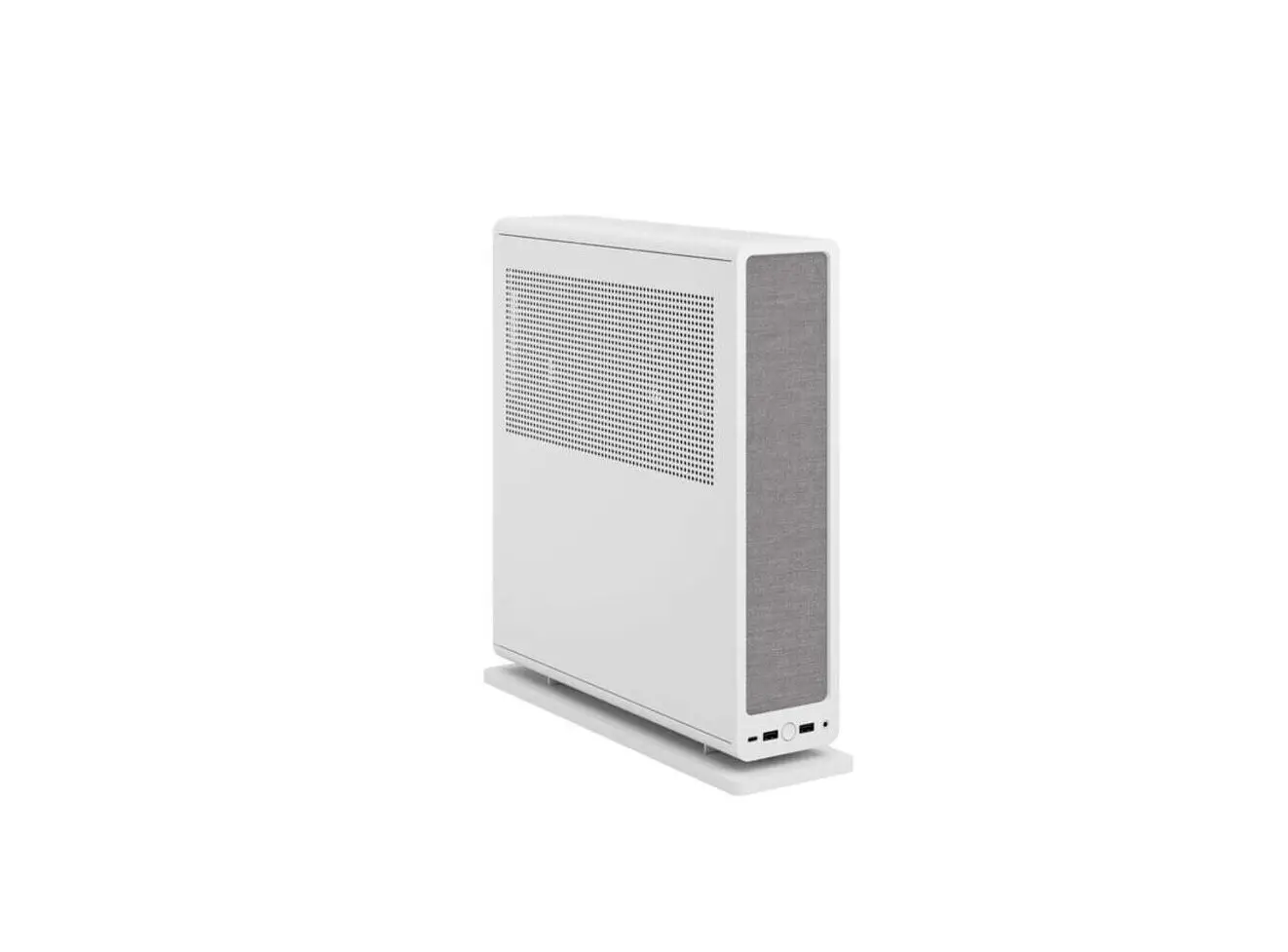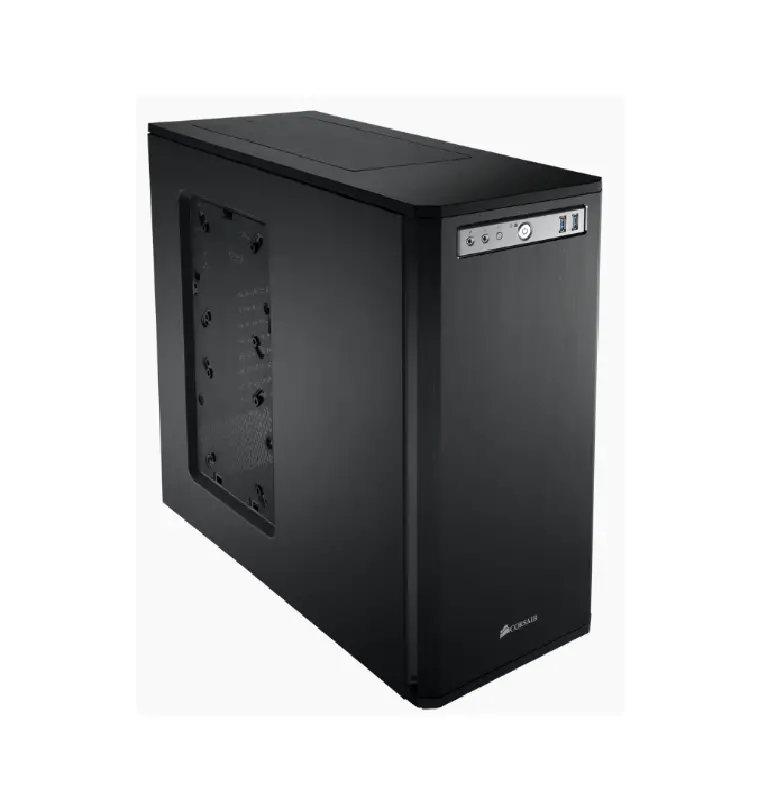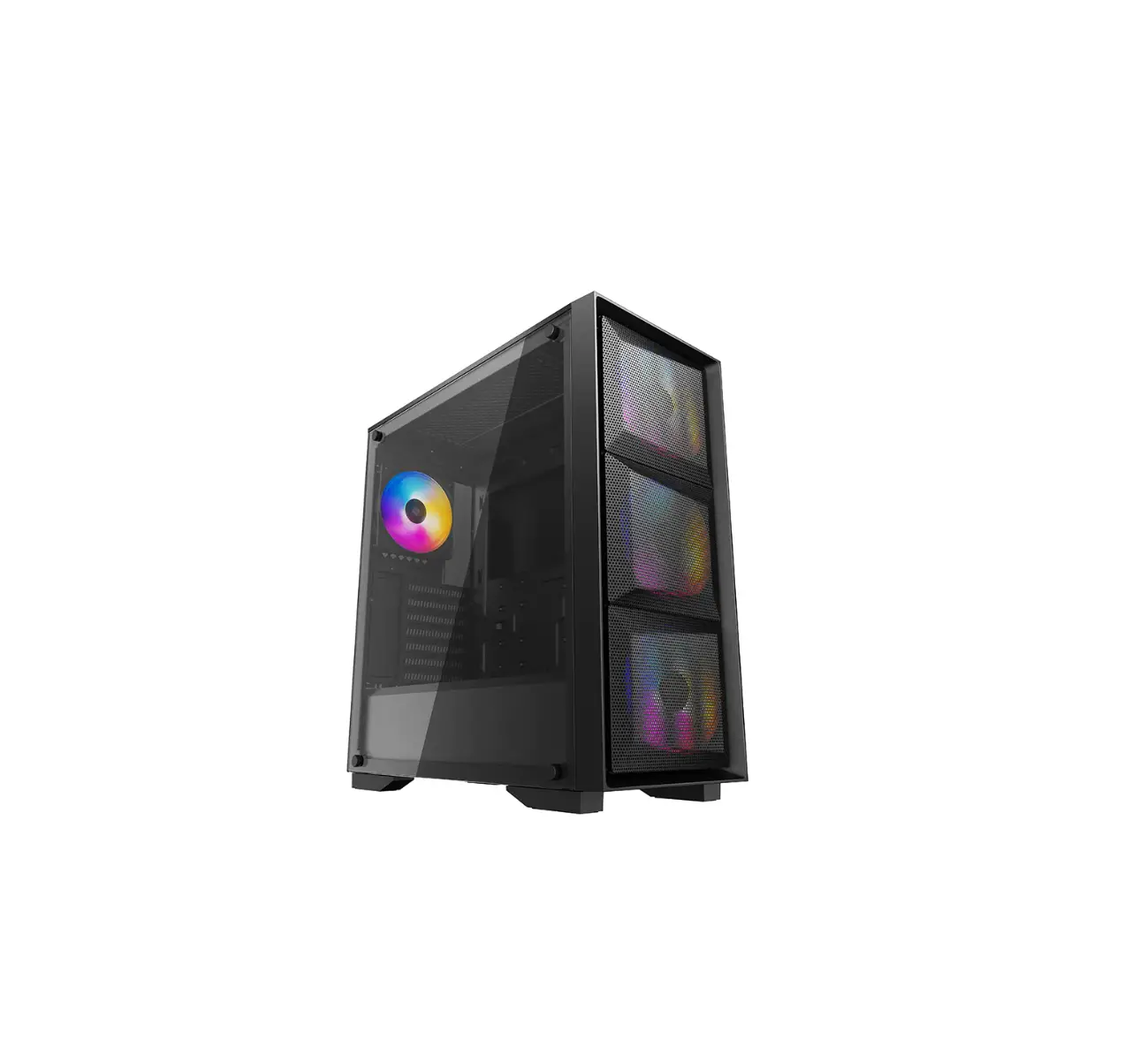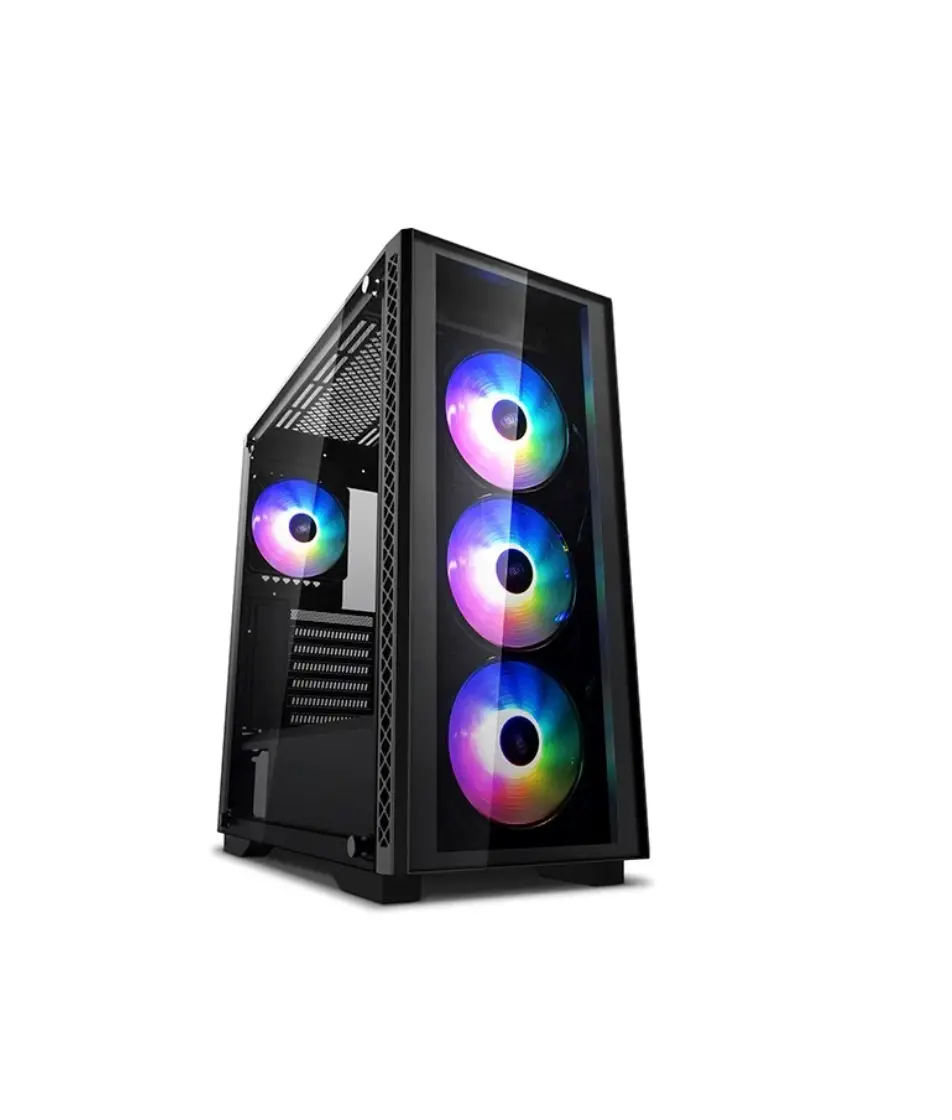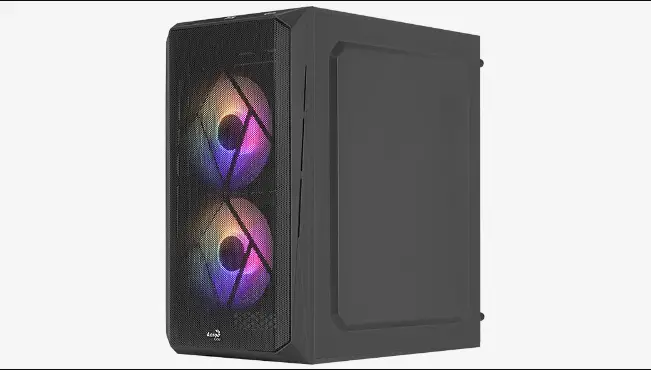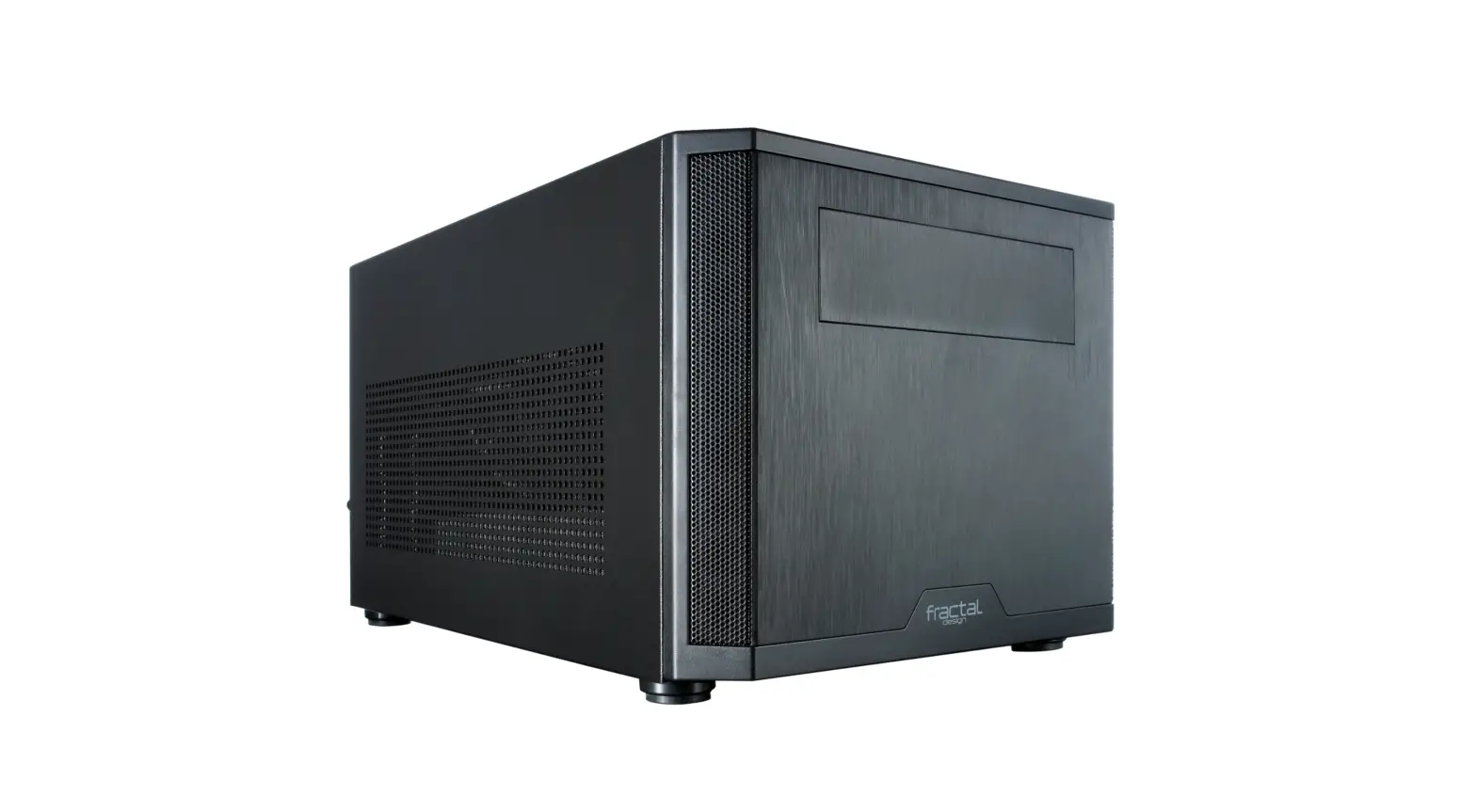
FD-CA-CORE-500-BK Core 500 Mini Tower Case
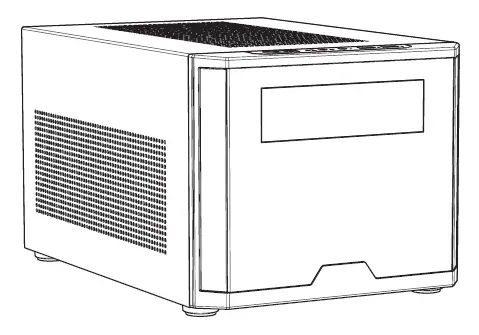
CORE-500 USER GUIDE
Accessory Box Contents
 Motherboard Screw (M3)
 Power Supply Screw (6-32)
 2.5″ Drive Screw (M3)
 3.5″ Drive Screw (6-32)
 5.25″ Drive Screw (6-32)
 Cable Ties
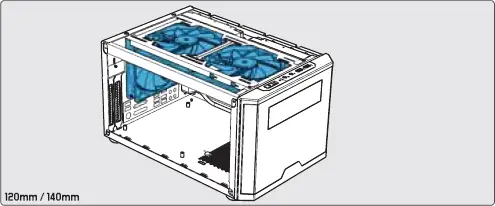
Possible Fan Locations

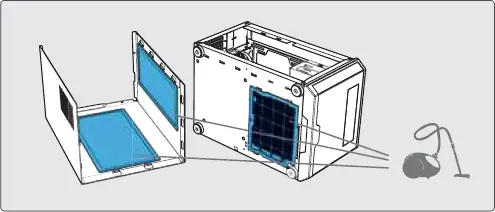
Dust Maintenance

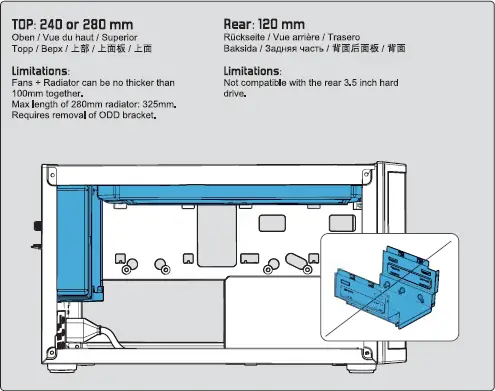
Water Cooling Radiator Option
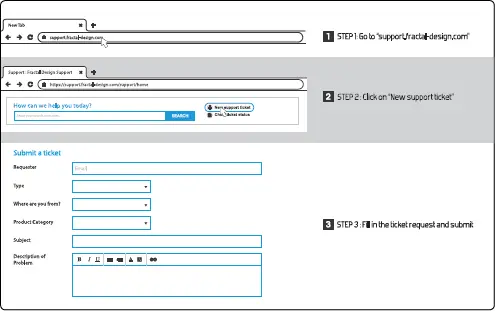
For Assistant, Please Contact
FD Sweden AB, Datavagen 378, S-496 32, Askim, Sweden
www.fractaldesign.com
© Fracal Design, All right reserved. Fractal Design, the Fractal Design logotypes, product names and other specific elements are trademark of Fractal Design, register Design in Sweeden. Other product and company names mentioned herein may be traderarks of their respected company. Content and specification as described or illustration are subject to change without notice.
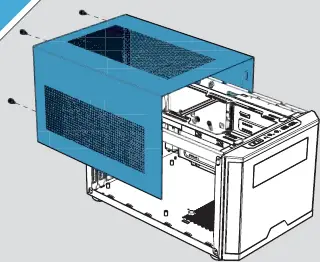
1 Remove top cover
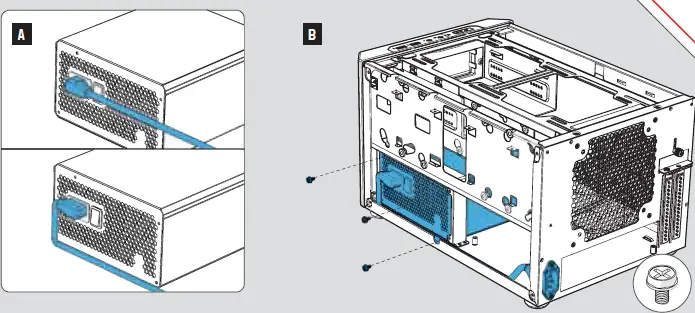
2 Install Power Supply
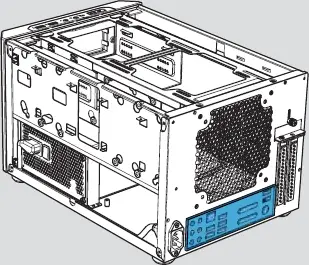
3 Install I/O panel
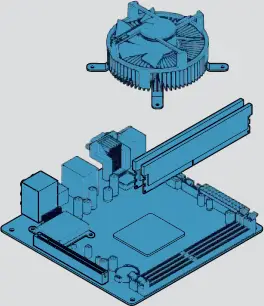
4 Prepare the Motherboard
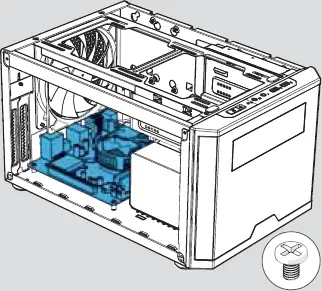
5 Install the Motherboard Assembly
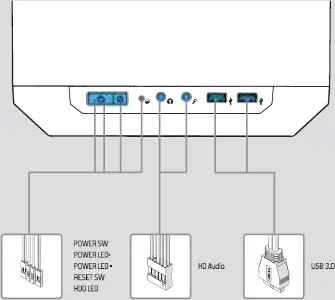
6 Connect Cable for Front I/O
7 Install 2.5″ Drives (Option 1)
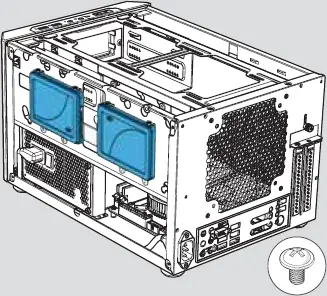
8 Install 2.5″ Drives (Option 2)
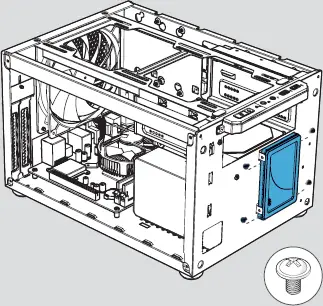
9 Install 3.5 Drives
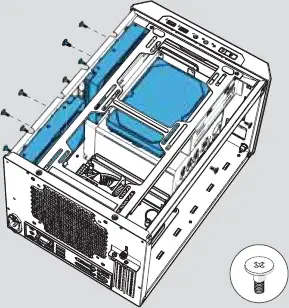
10 Optional Install 5.25 ” drive

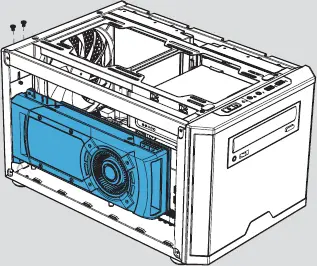
11 Optional Install a Graphics Card