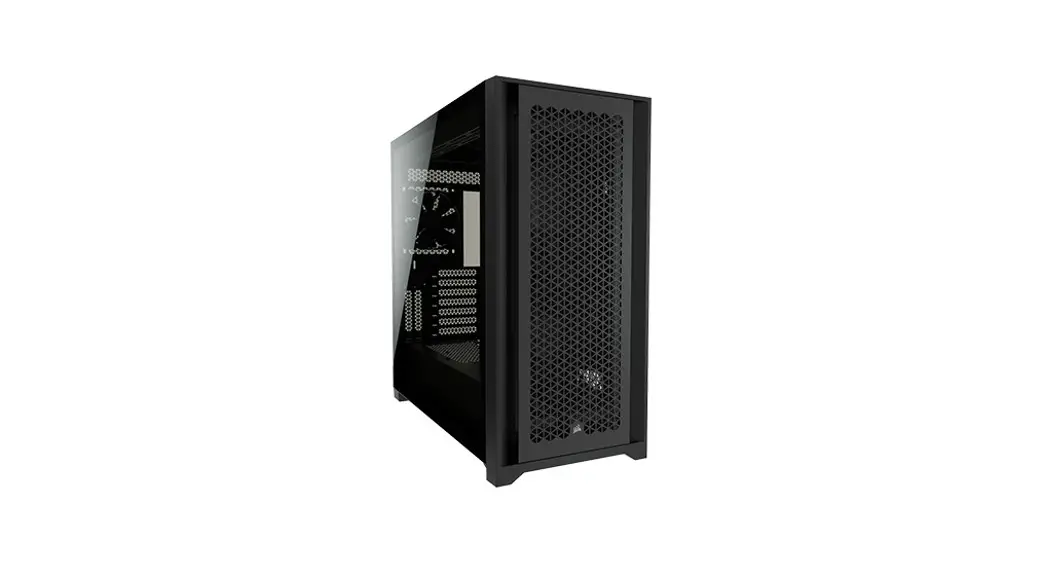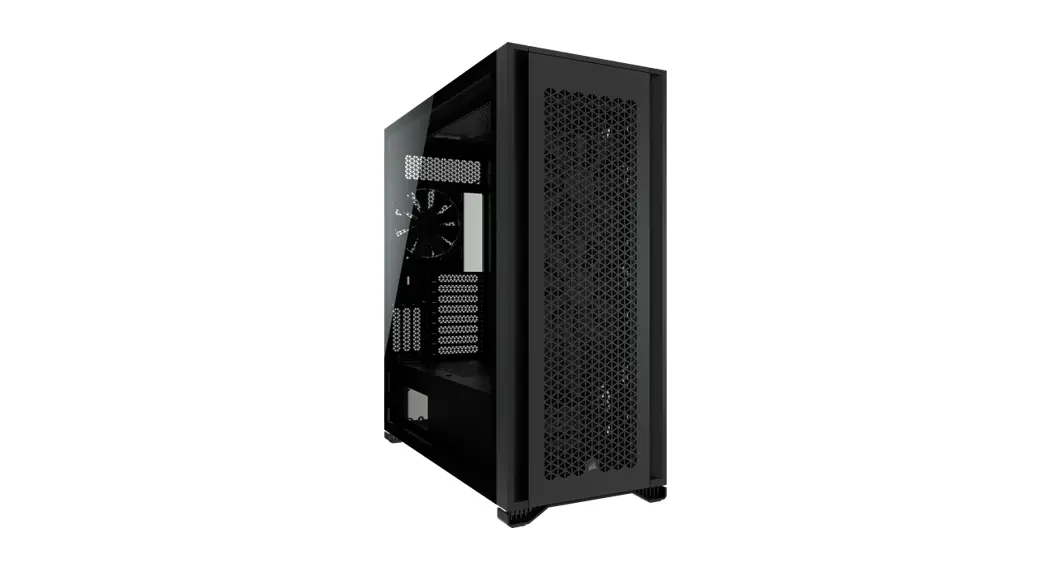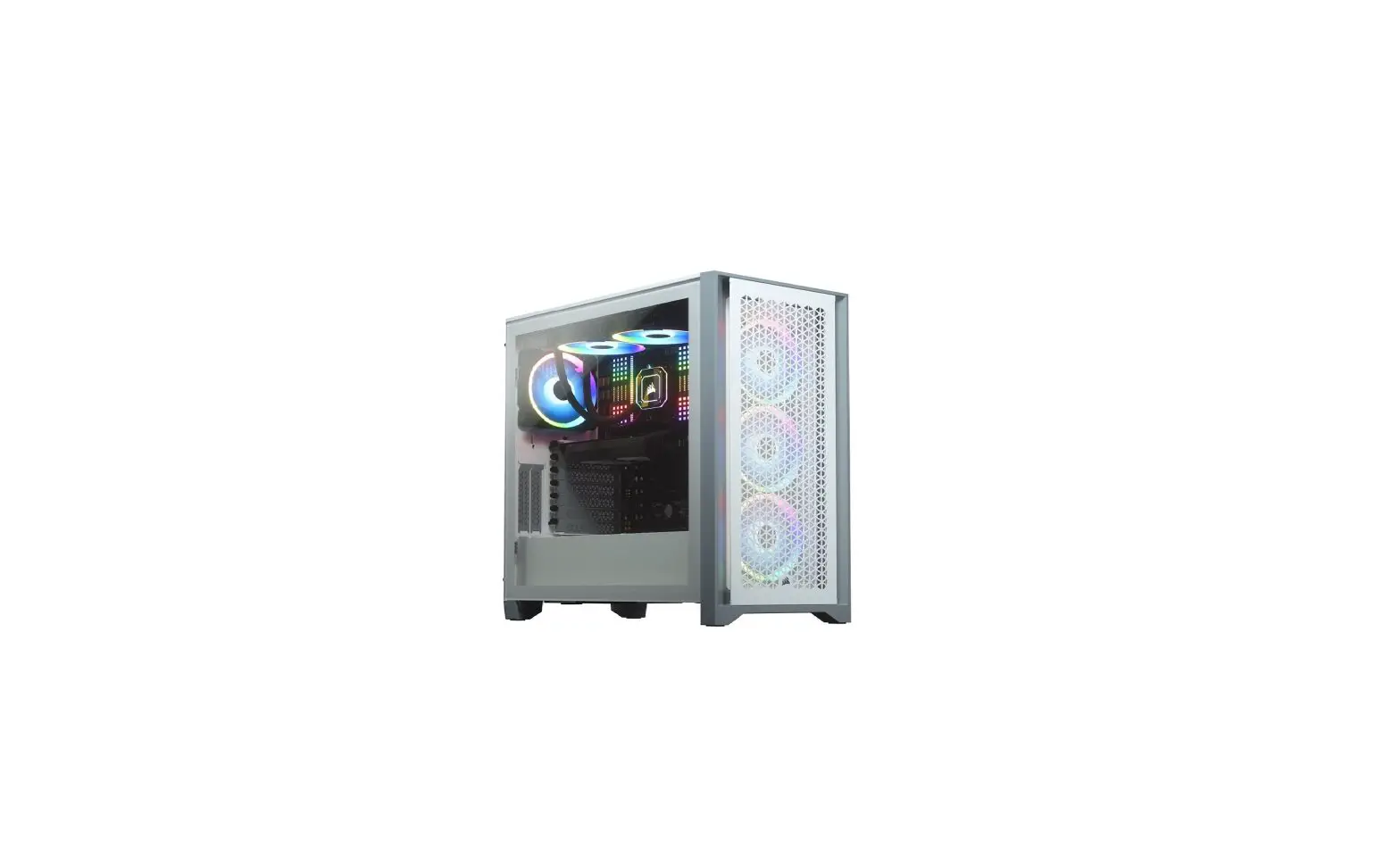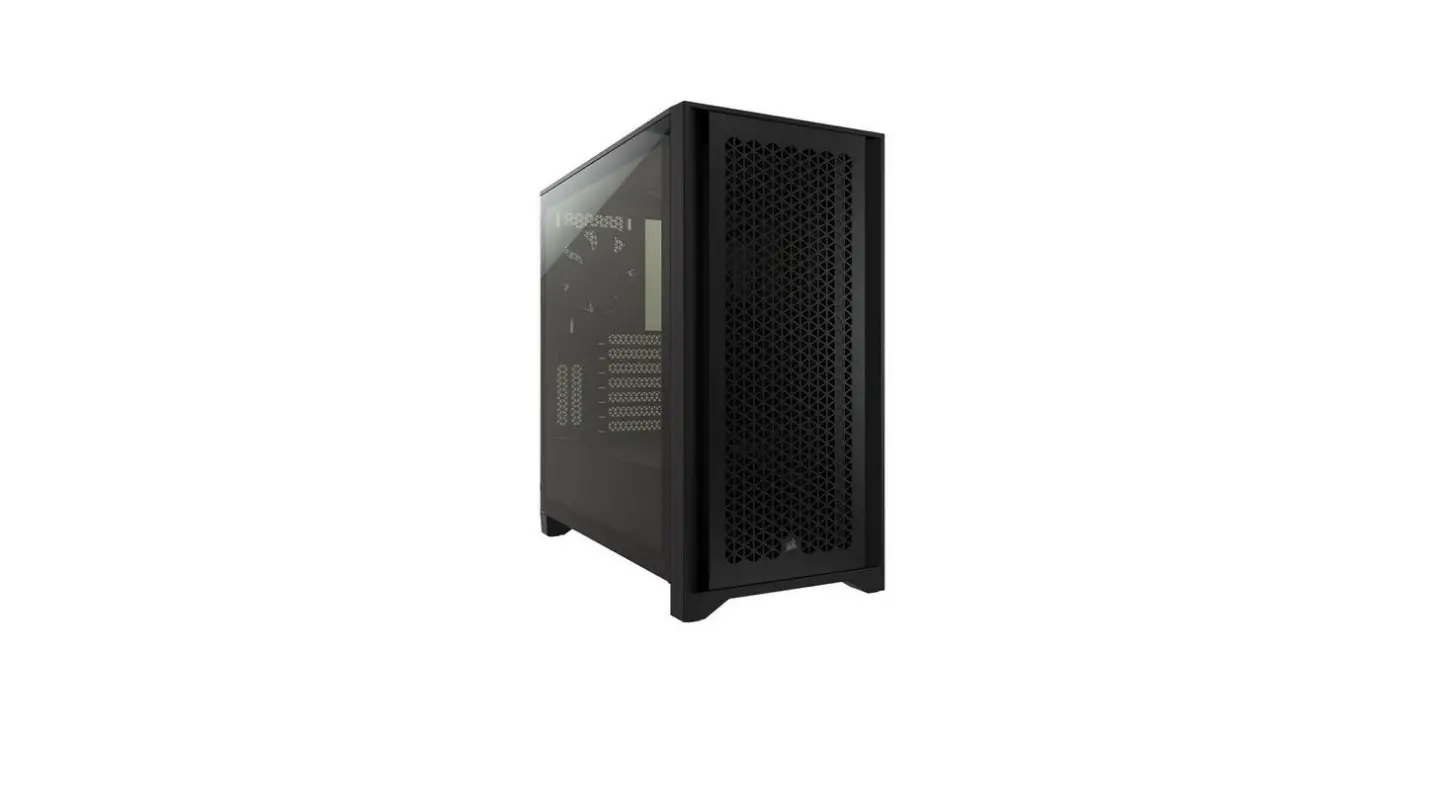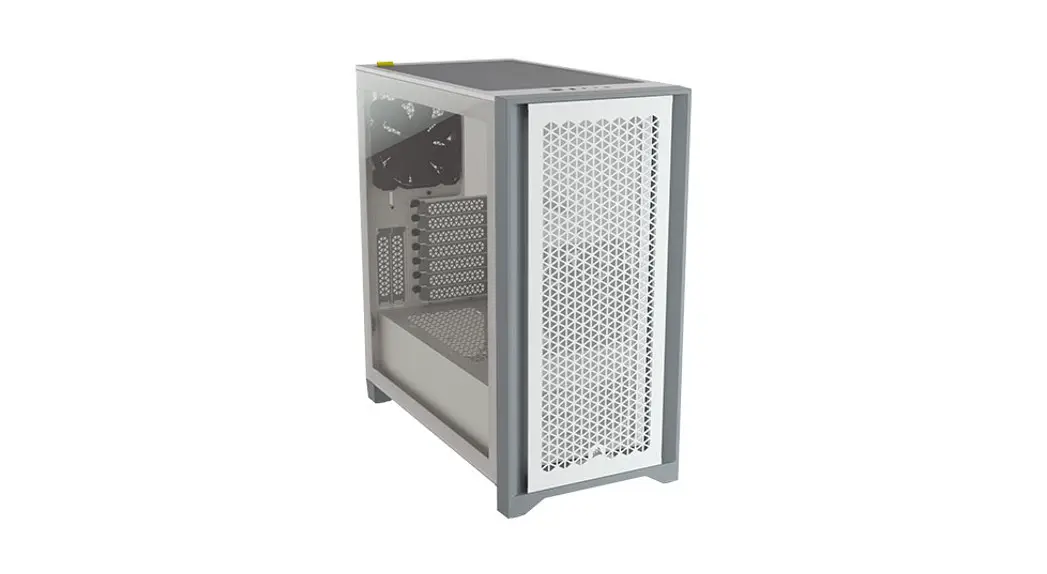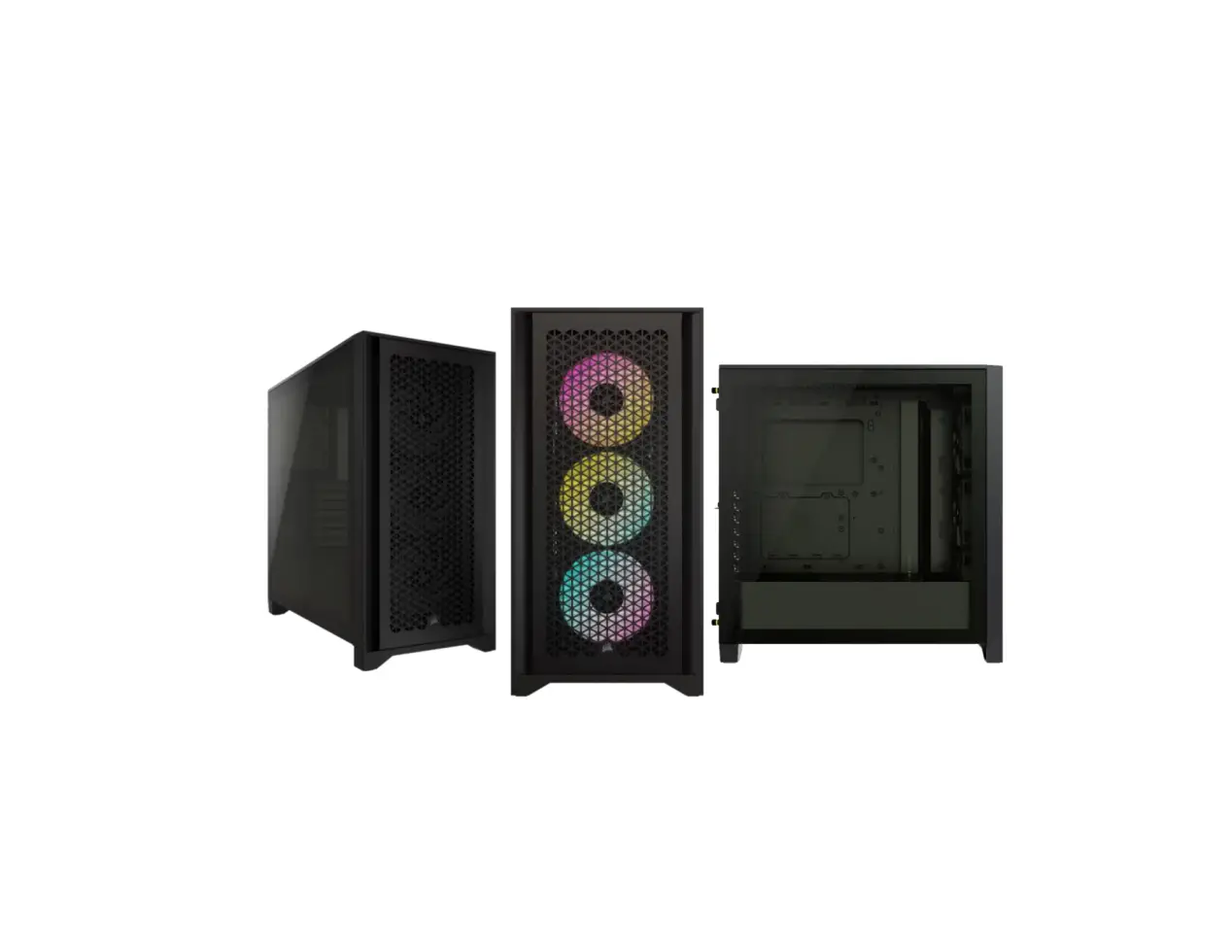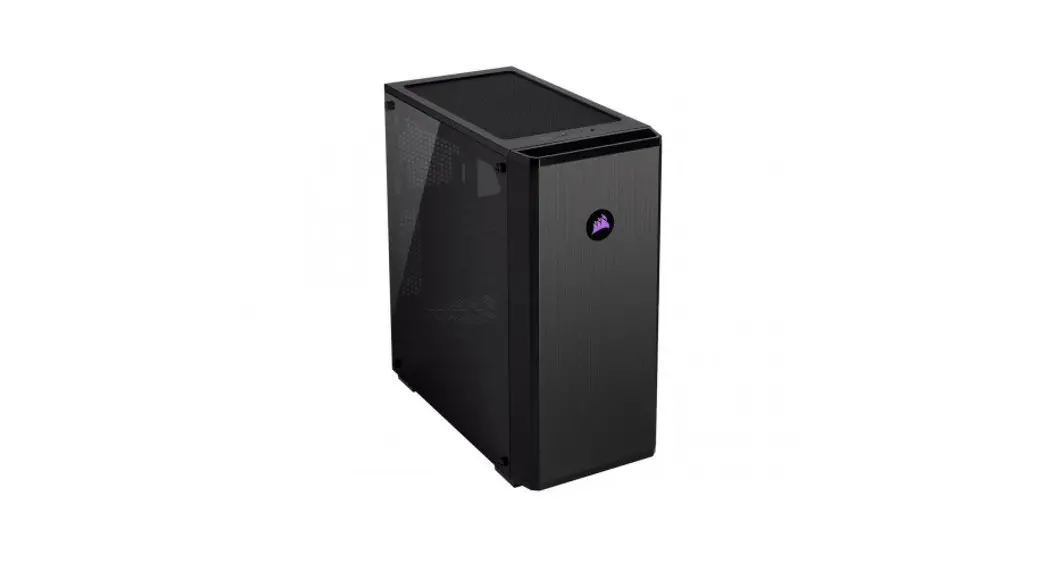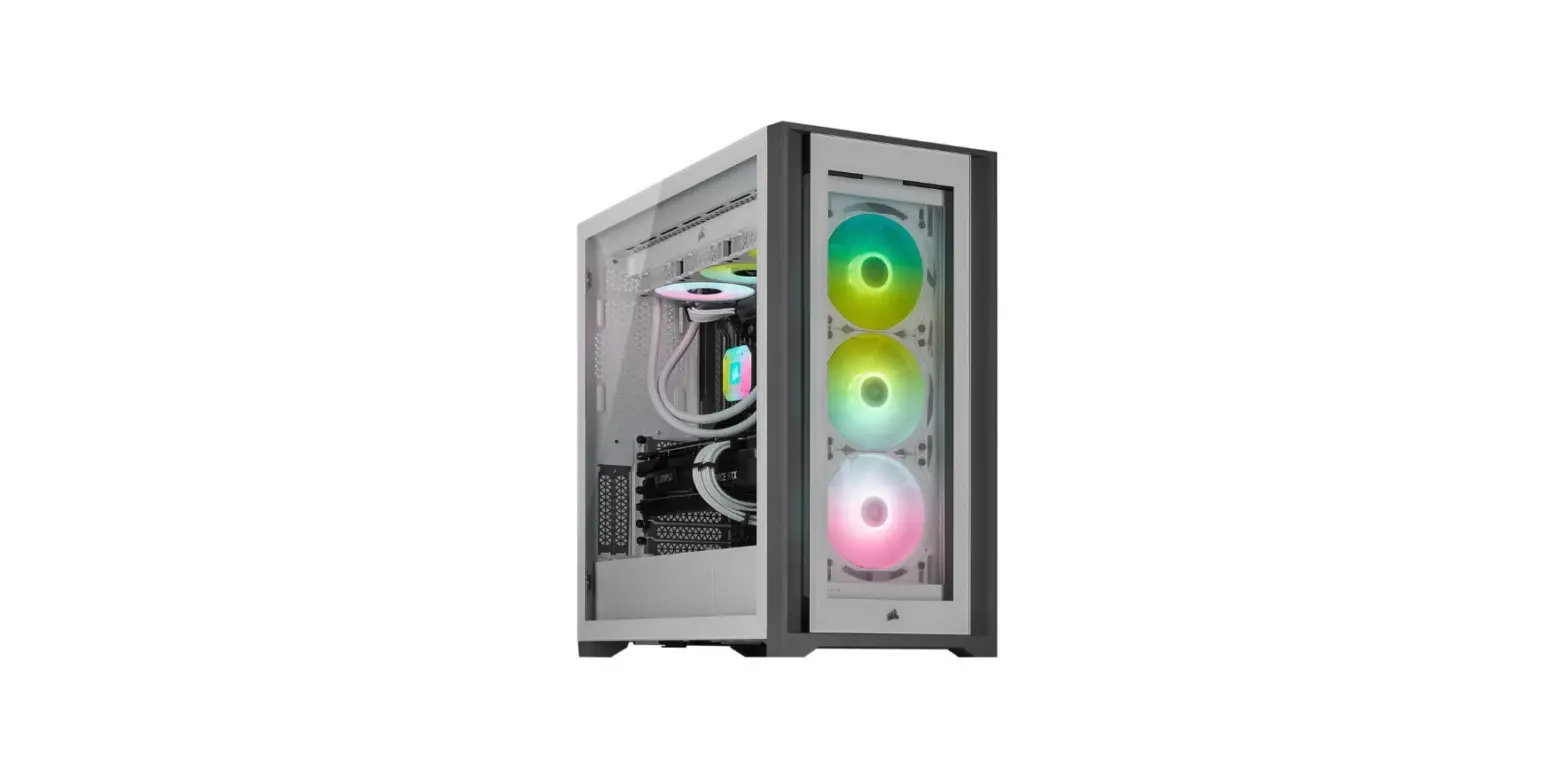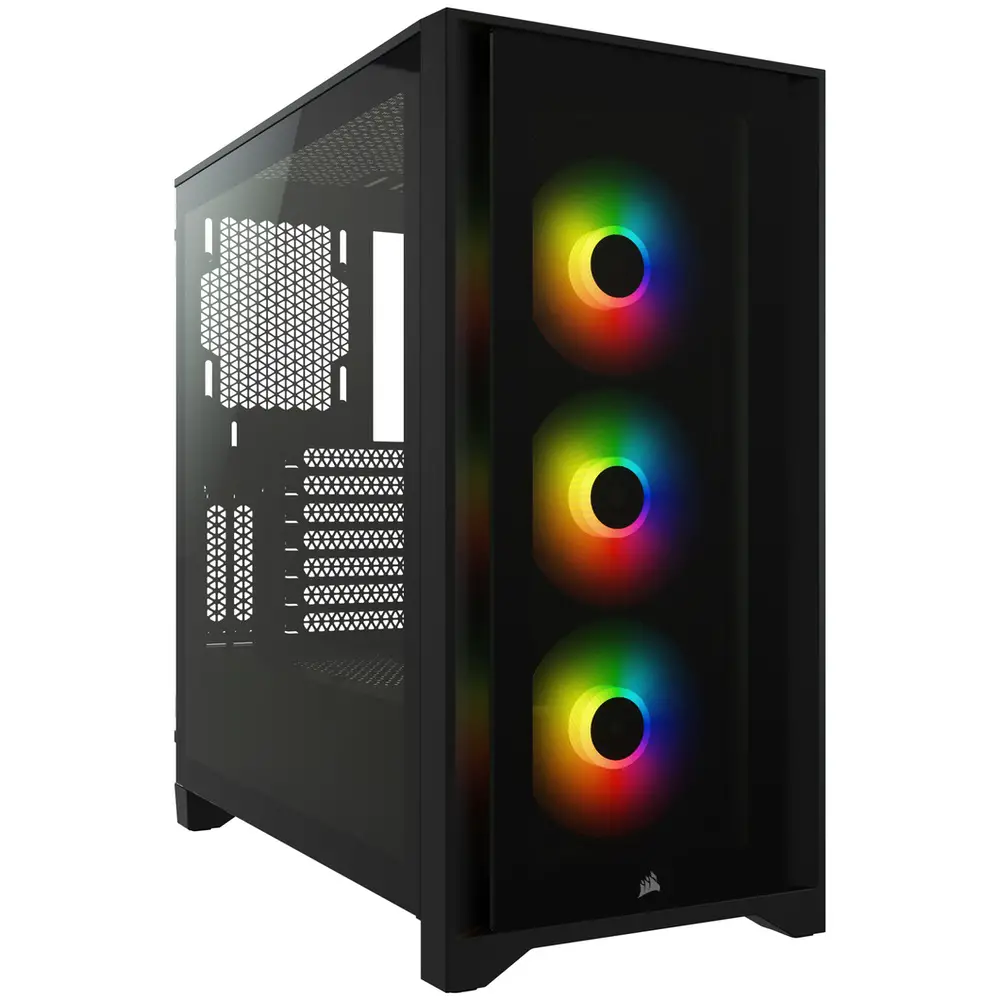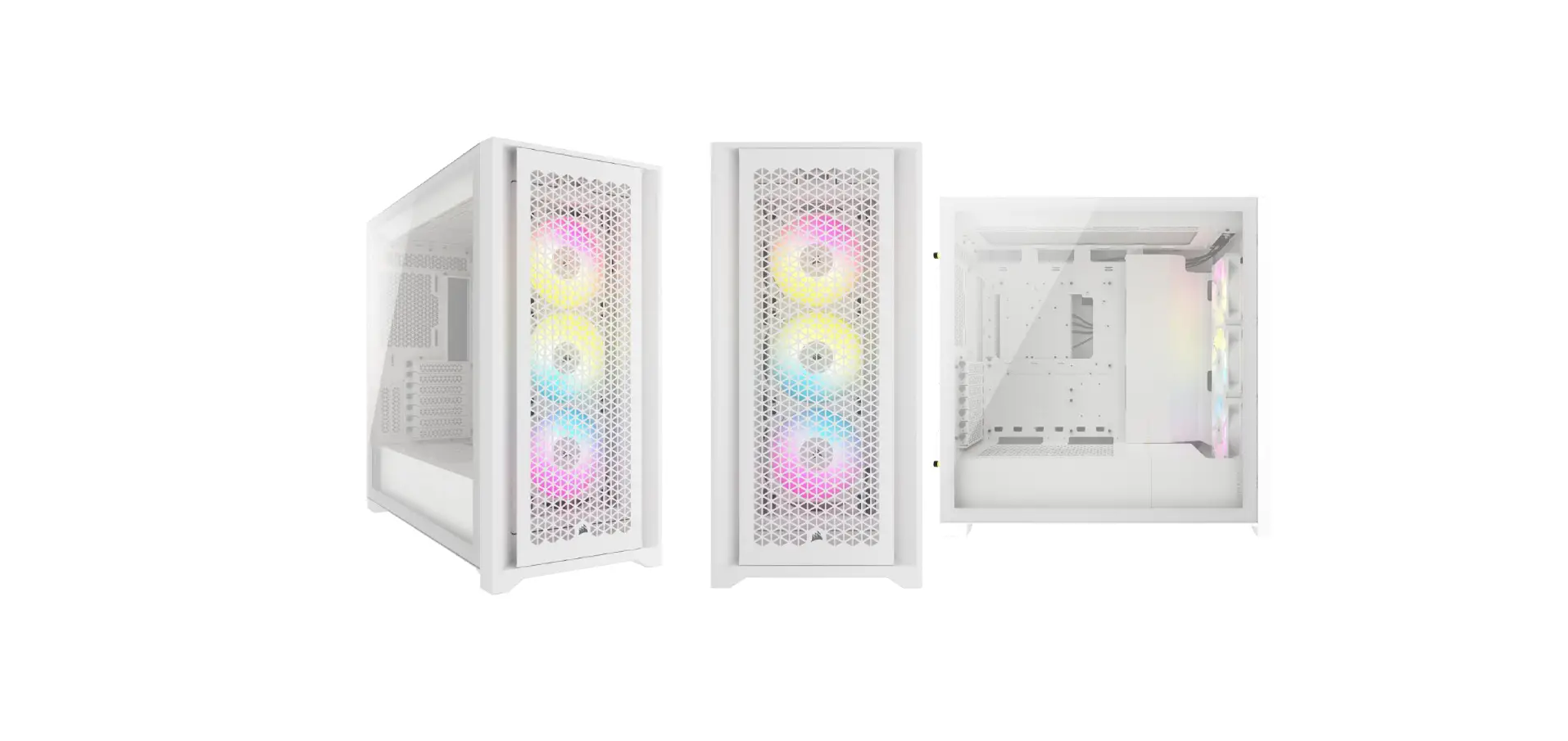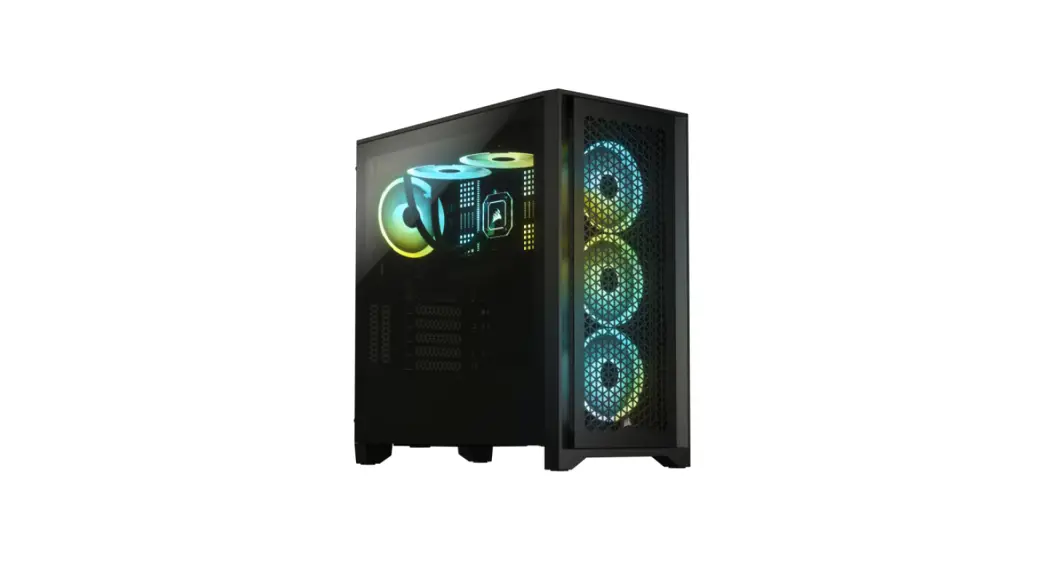
 4000D/4000D AIRFLOW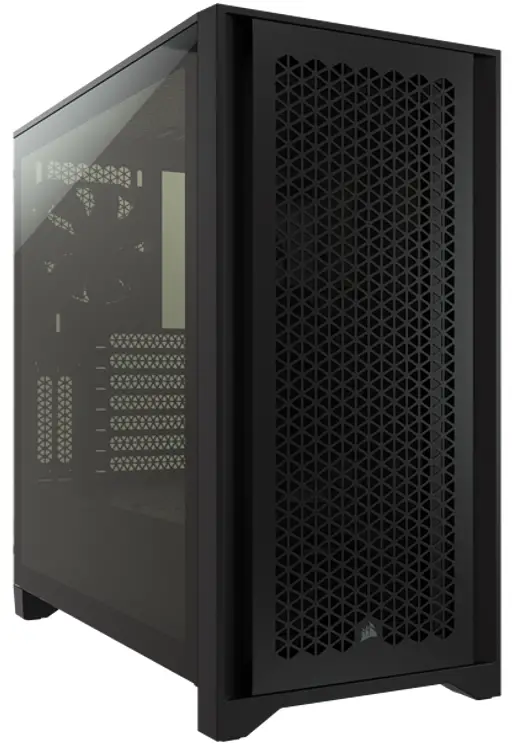
4000D/4000D AIRFLOW
Mid-Tower PC Cas
| WEB: corsair.com PHONE: (888) 222-4346 WARRANTY: corsair.com/support/warrant | SUPPORT: support.corsair.com BLOG: corsair.com/blog FORUM: forum.corsair.com YOUTUBE: youtube.com/corsairhowt |
| © 2020-2021 CORSAIR MEMORY, Inc. All rights reserved. CORSAIR and the sails logo are registered trademarks in the United States and/or other countries. All other trademarks are the property of their respective owners. Products may vary slightly from those pictured. 49-002087 A |  | |
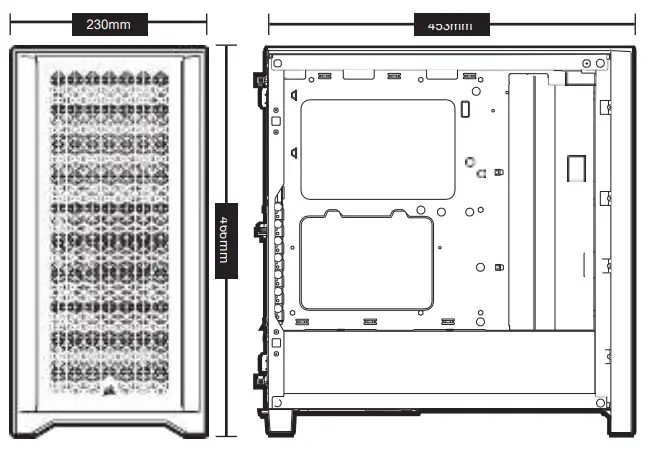
CASE SPECIFICATION
Length ………………………………………………………………………………… 453mm
Width …………………………………………………………………………………. 230mm
Height ……………………………………………………………………………. 466mm
Maximum GPU length ………………………………………………….. 360mm
Maximum CPU height …………………………………………………. 170mm
Maximum PSU length ……………………………………………… 220m
Fan locations:
Front ……………………………………………………………………. 3x 120mm / 2x 140mm (1x 120mm included)
Top ………………………………………………………………………. 2x 120mm / 2x 140mm
Rear ……………………………………………………………………… 120mm (1x 120mm included)
Radiator compatibility:
Front ……………………………………………………………………. 360mm / 280mm
Top ………………………………………………………………………. 280mm with CORSAIR LPX DRAM / 240mm with all CORSAIR DRAM
Rear ……………………………………………………………………….. 120m
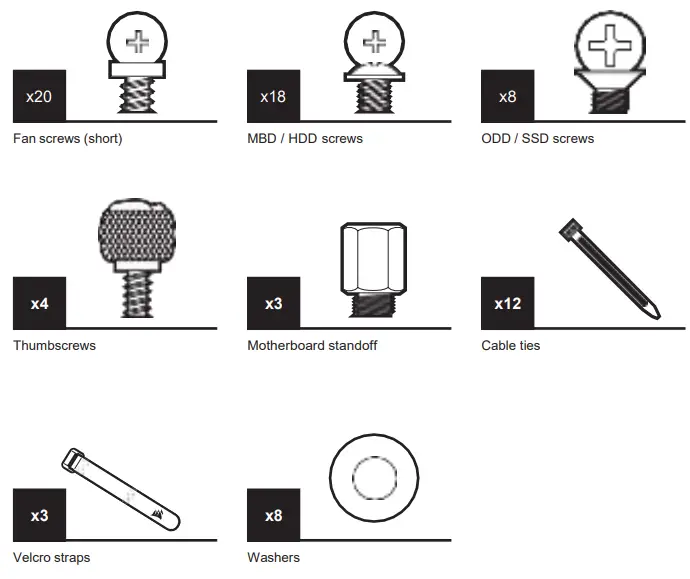
ACCESSORY KIT CONTENT
CASE FEATURE
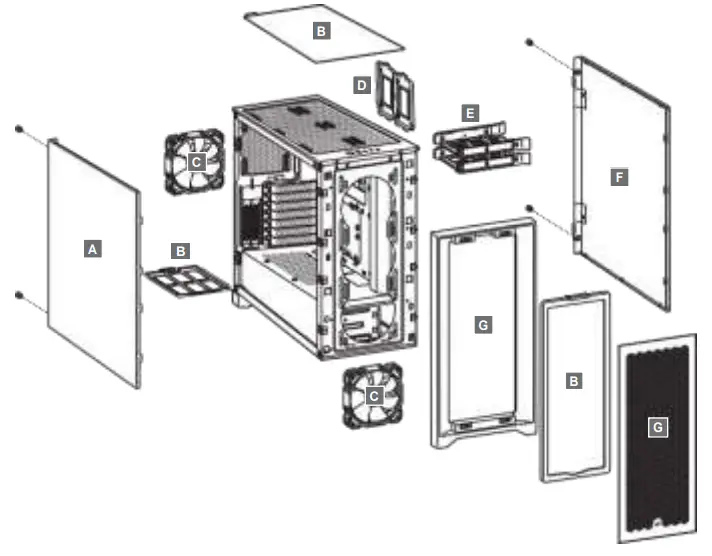
| A — TEMPERED GLASS SIDE PANEL B — 3x DUST FILTERS C — 2x 120MM FANS D — 2x SSD TRAYS | E — 2x HDD TRAYS F — SOLID SIDE PANEL G — FRONT BEZEL |
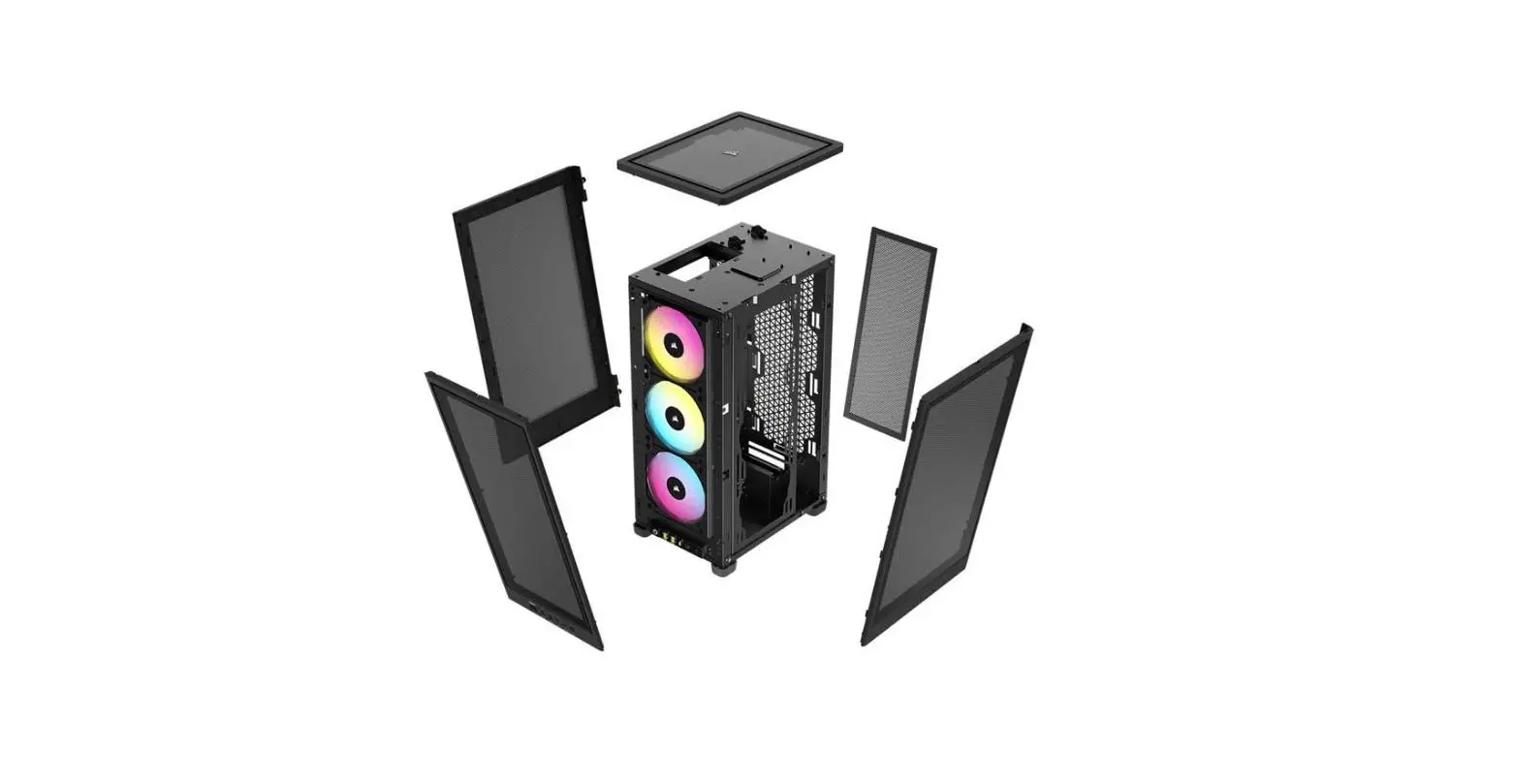
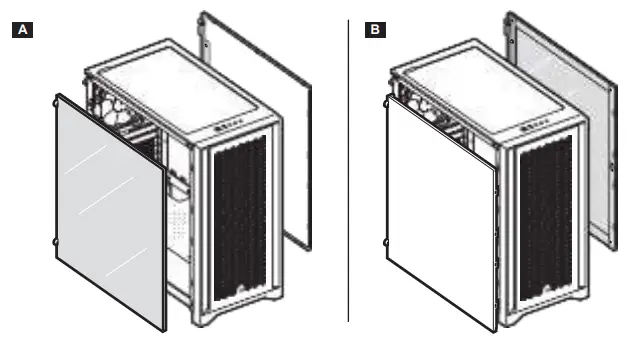
INTERCHANGEABLE SIDE PANELS
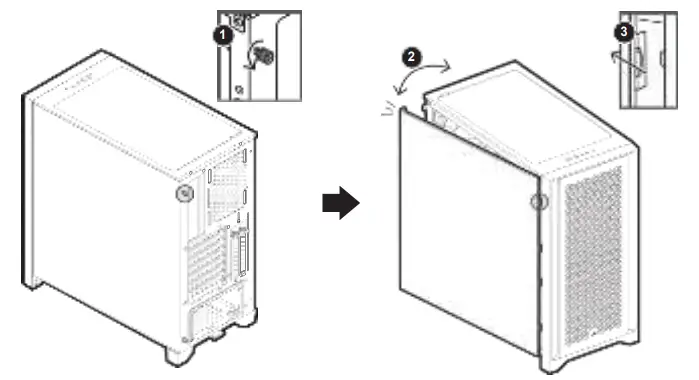
REMOVING THE SIDE PANELS
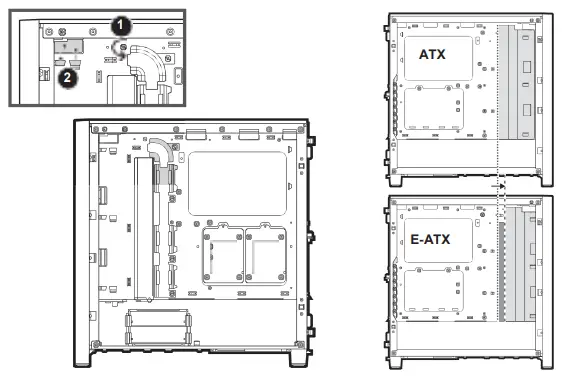
MOVING THE CABLE BAR
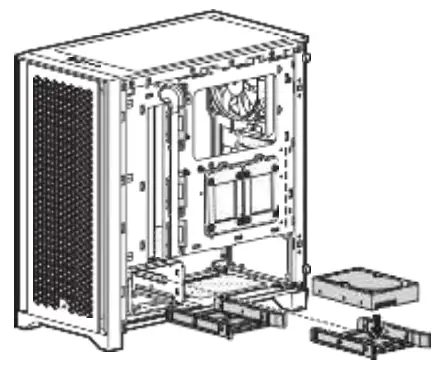
INSTALLING HDDS
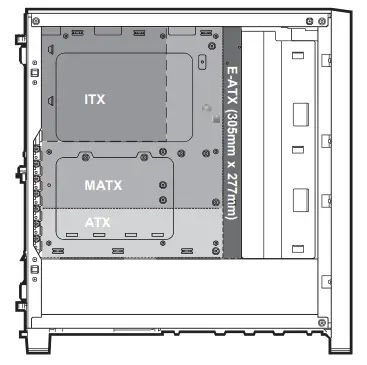
INSTALLING THE MOTHERBOARD
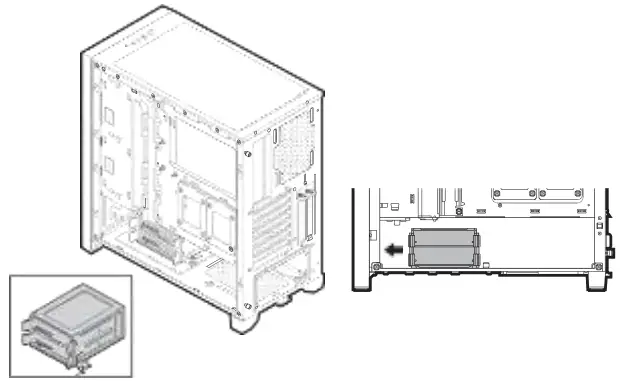
MOVING THE HDD CAGE
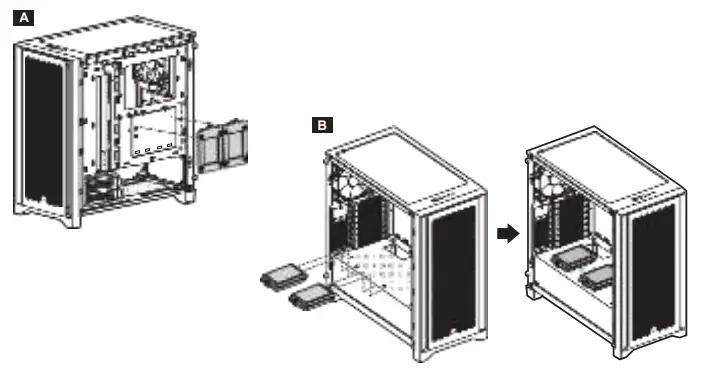
INSTALLING SSDS
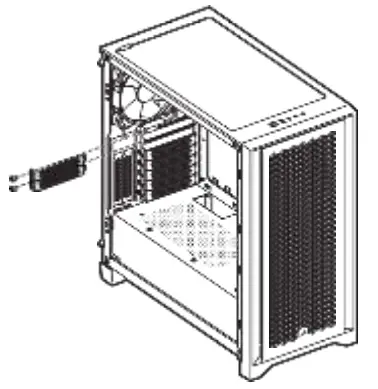
INSTALLING PCI-e CARDS
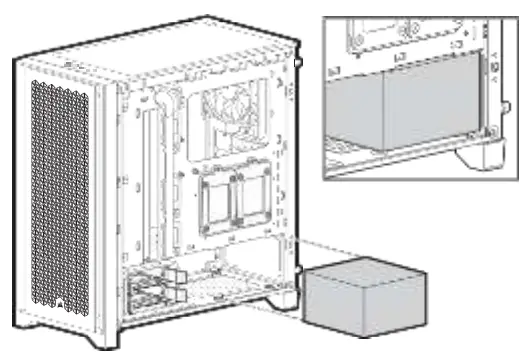
INSTALLING PSU
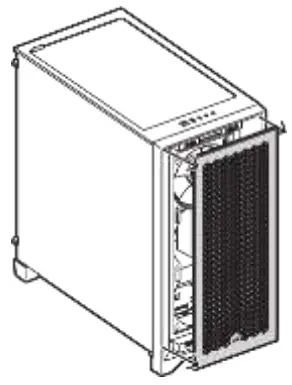
REMOVING THE FRONT BEZEL
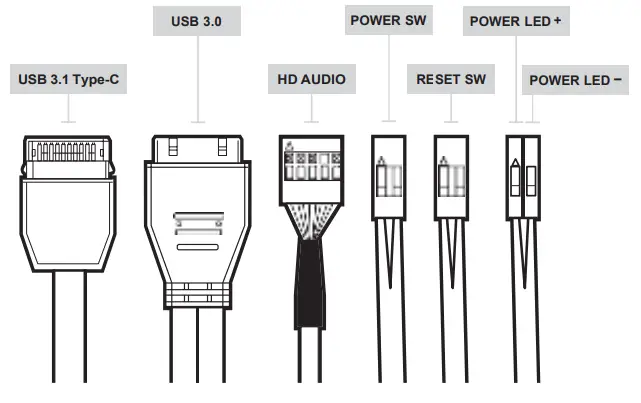
INSTALLING THE FRONT I/O CONNECTORS
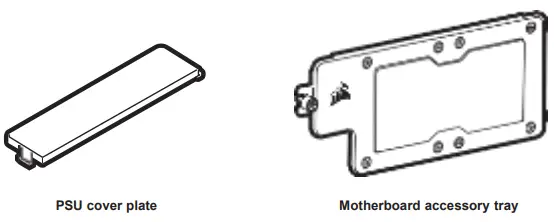
ACCESSORIES AVAILABLE FOR PURCHASE
FREQUENTLY ASKED QUESTIONS
- Does the polarity matter with the I/O panel’s power and reset header?
No, only the LED headers. - Who should I contact if I received my case damaged or one of the fans is no longer working?
Please go to support.corsair.com and request an RMA so that we can replace the damaged part(s). - Where can I mount a fan?
| Fan mount locations | |
| Front | 3x 120mm / 2x 140mm |
| Top | 2x 120mm / 2x 140mm |
| Rear | 120mm |
To learn more about this case visit the product page at corsair.com.
 CORSAIR MEMORY, Inc. encourages customers to recycle used electronic hardware and rechargeable batteries in accordance with local laws and regulations.
NOTE ON ENVIRONMENTAL PROTECTION
After the implementation of the European Directive 2012/19/EU in the national legal system, the following applies:
> Electrical and electronic devices may not be disposed of with domestic waste.
> Consumers are obliged by law to return electrical and electronic devices at the end of their service lives to the public collecting points set up for this purpose or point of sale. Details of this are defined by the national law of the respective country. This symbol on the product, the instruction manual, or the package indicates that a product is subject to these regulations. By recycling, reusing the materials, or other forms of utilizing old devices, you are making an important contribution to protecting our environment. CORSAIR MEMORY, Inc. declares that this equipment is in compliance with Directive 2014/30/ EU and Directive 2011/65/EU. A copy of the original declaration of conformity can be obtained at “corsair.com/documentation”.
THE AUTHORIZED REPRESENTATIVE IN EUROPE
CORSAIR MEMORY, BV
Wormerweg 8, 1311 XB, Almere, Netherlands Operating Temperature: 0°C ~ + 40°C
 PC Components | Gaming Gear | CORSAIR
 Home - Corsair Community