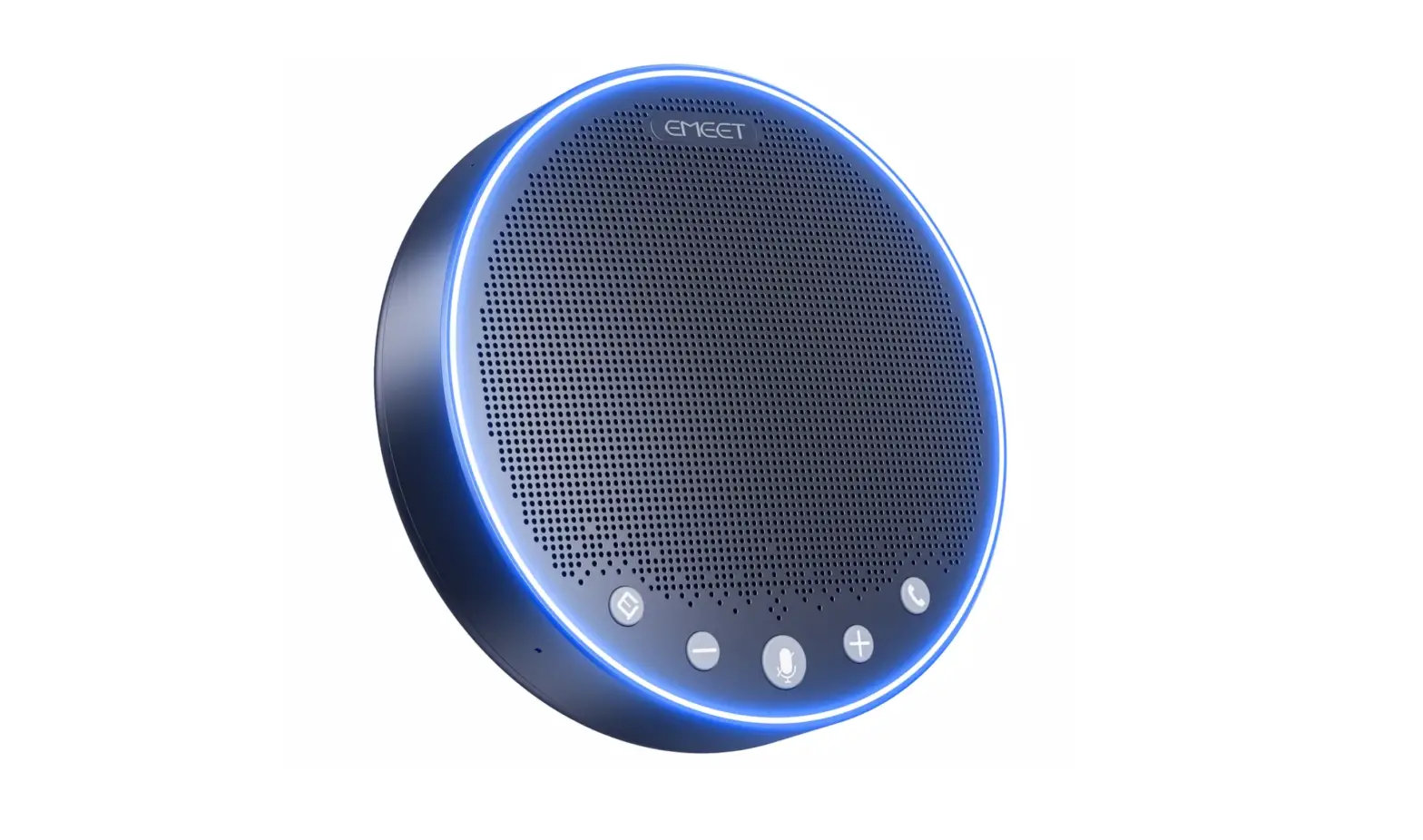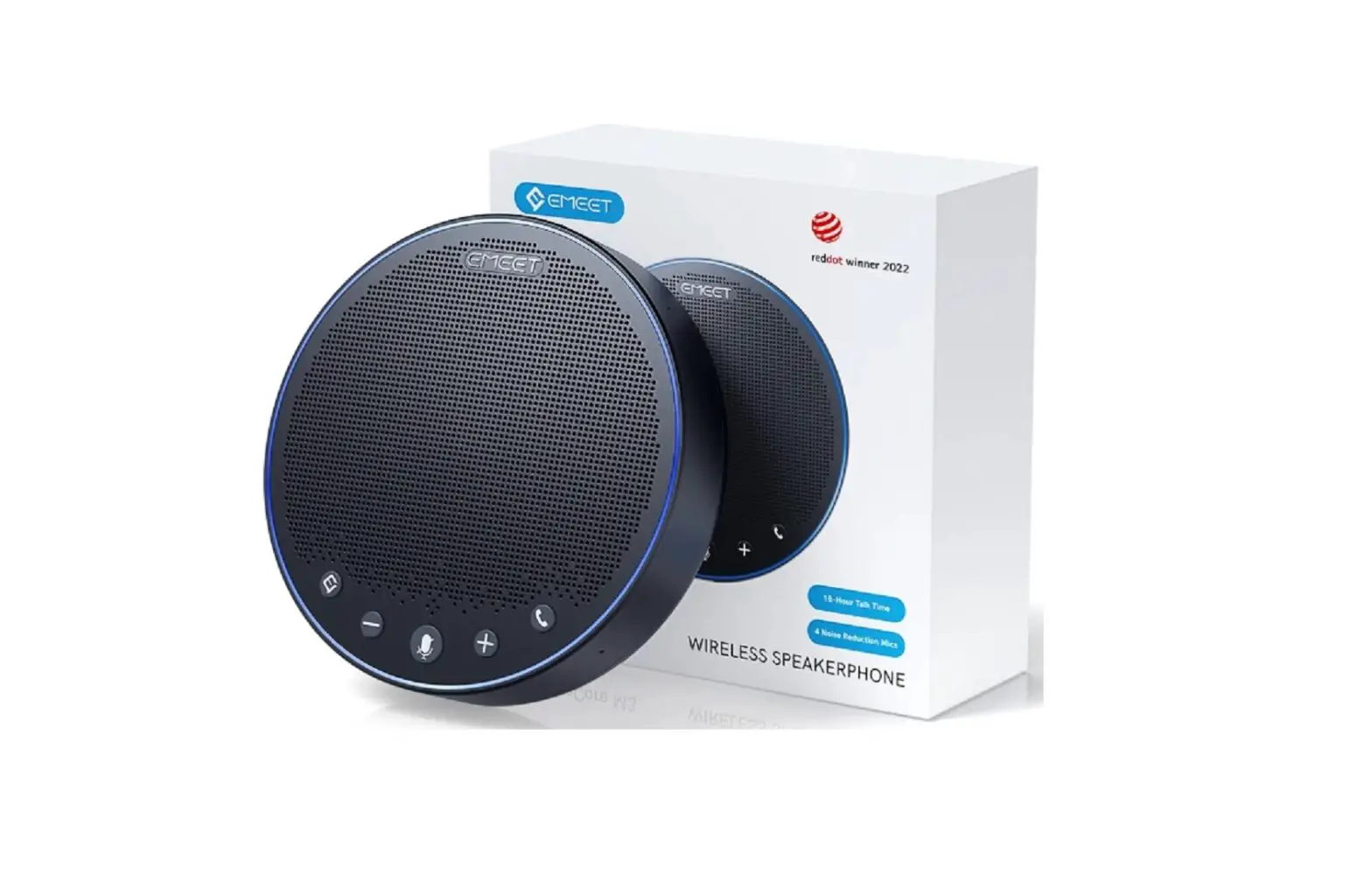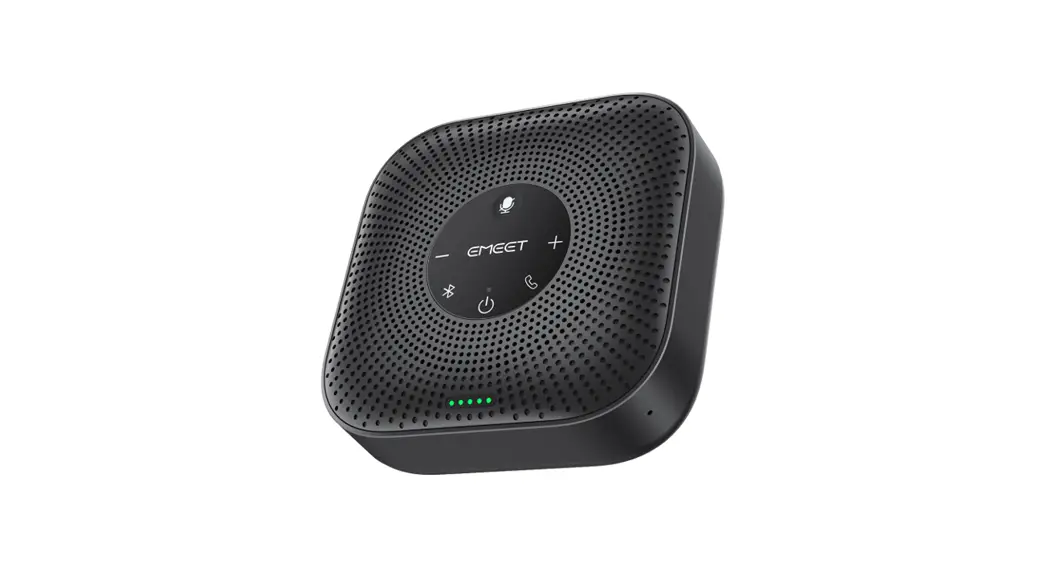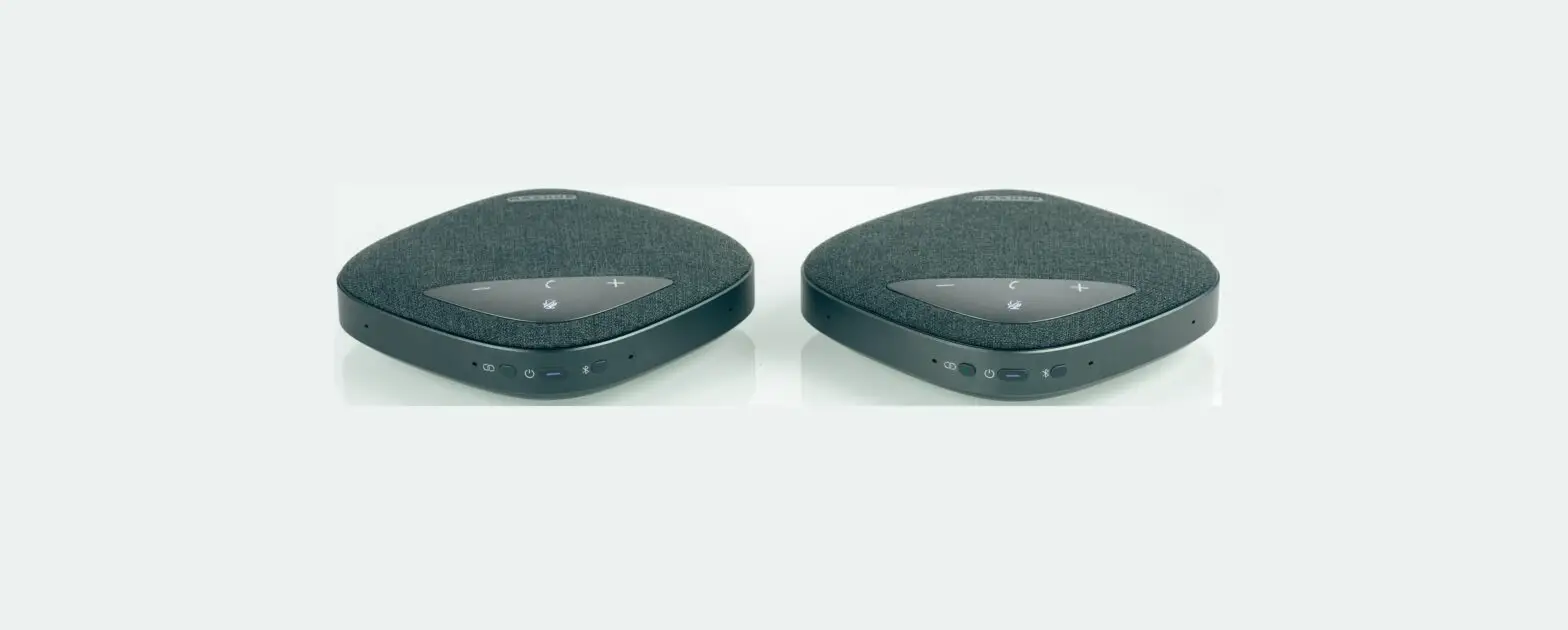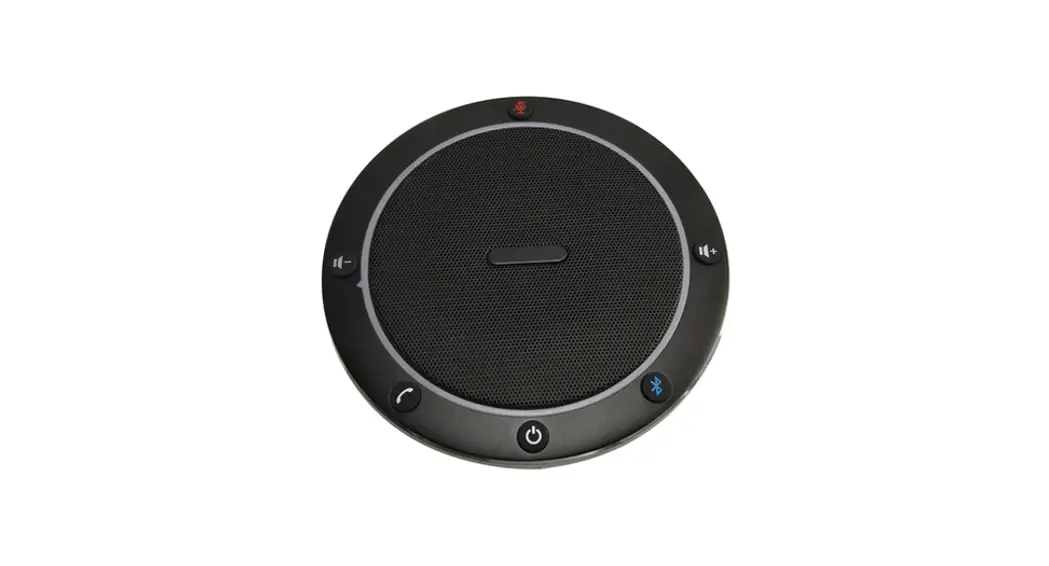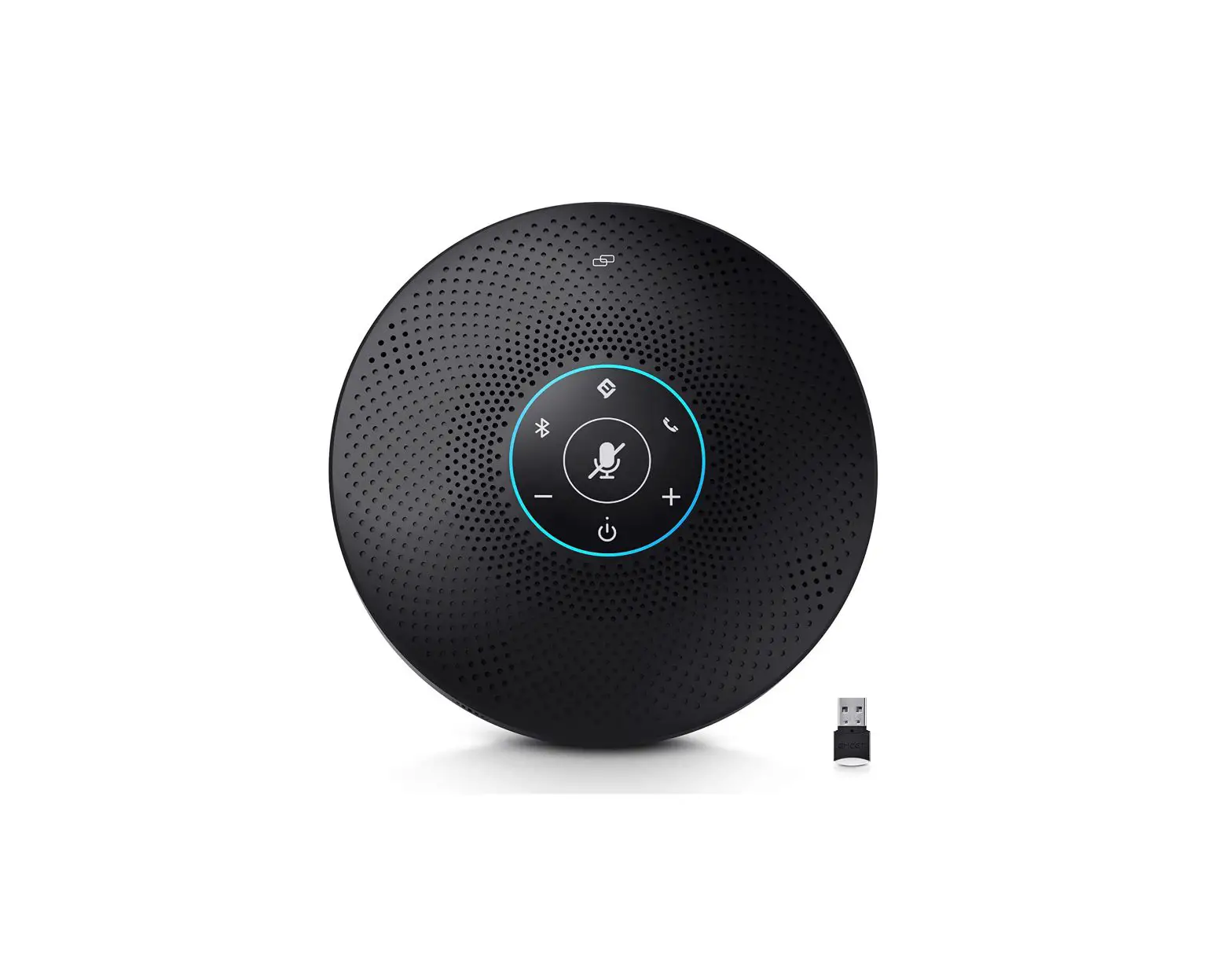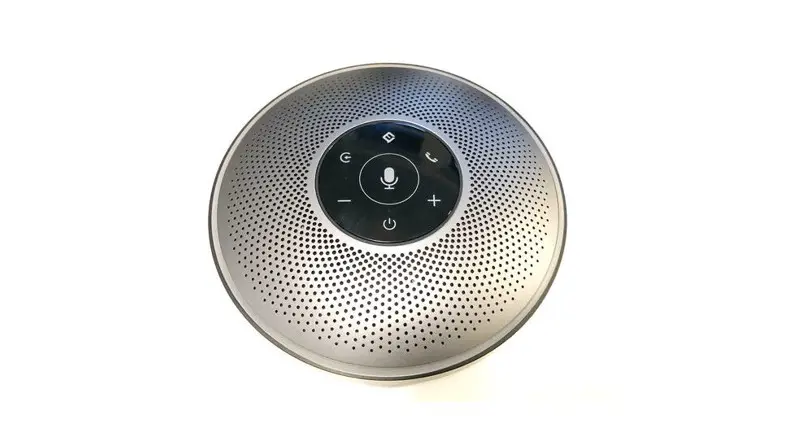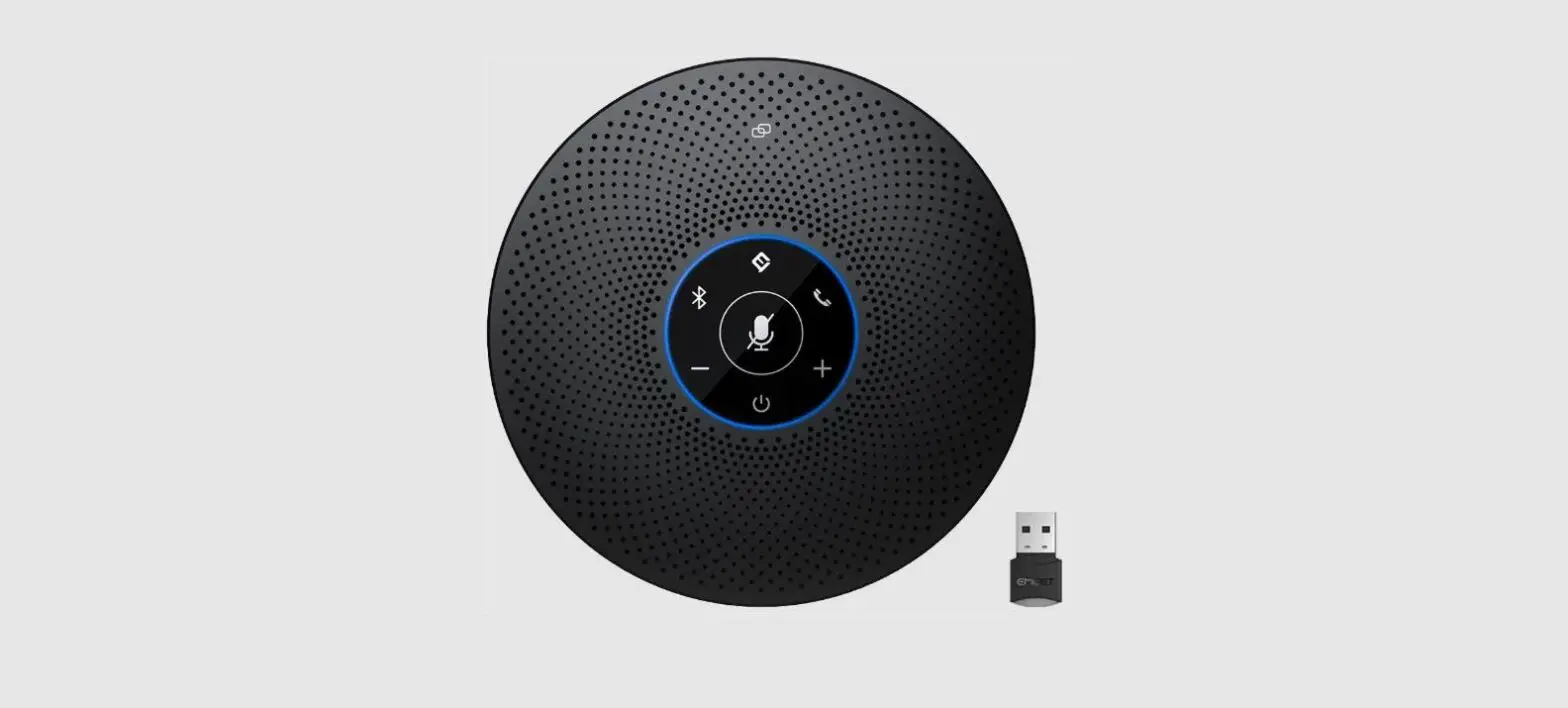

EMEET OfficeCore M2 Max Professional Speakerphone
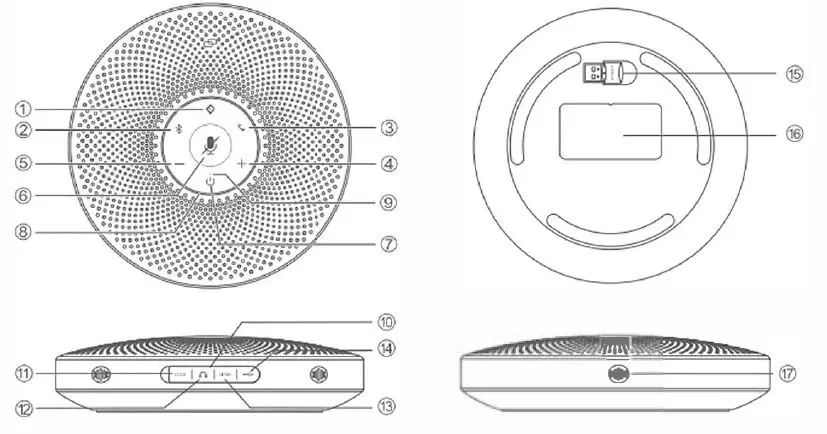
Overview
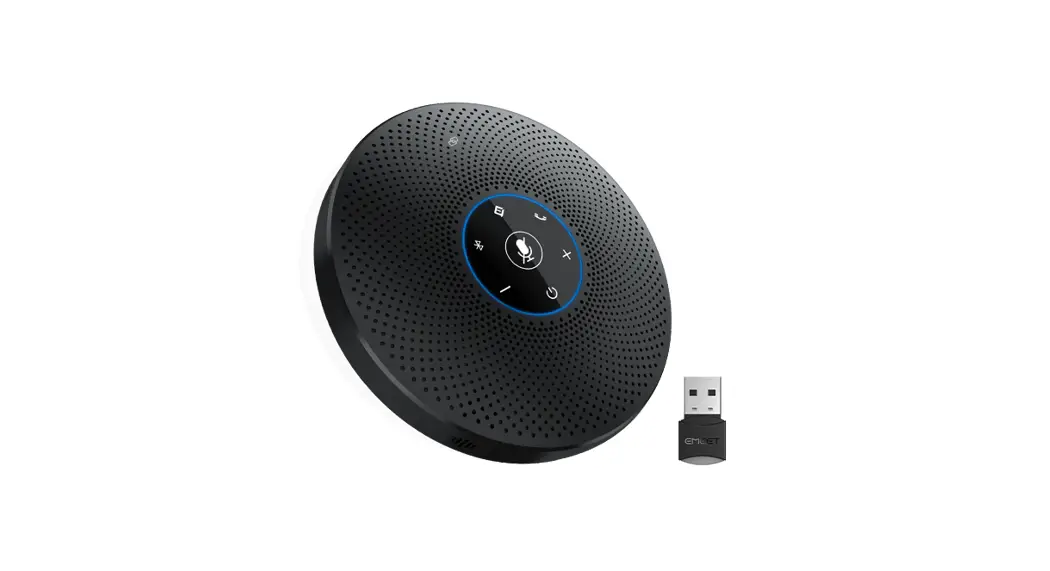
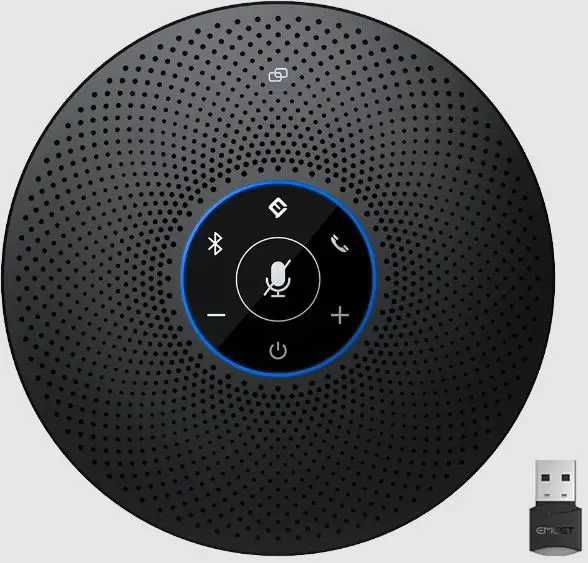
- VoicelA button
- Bluetooth button
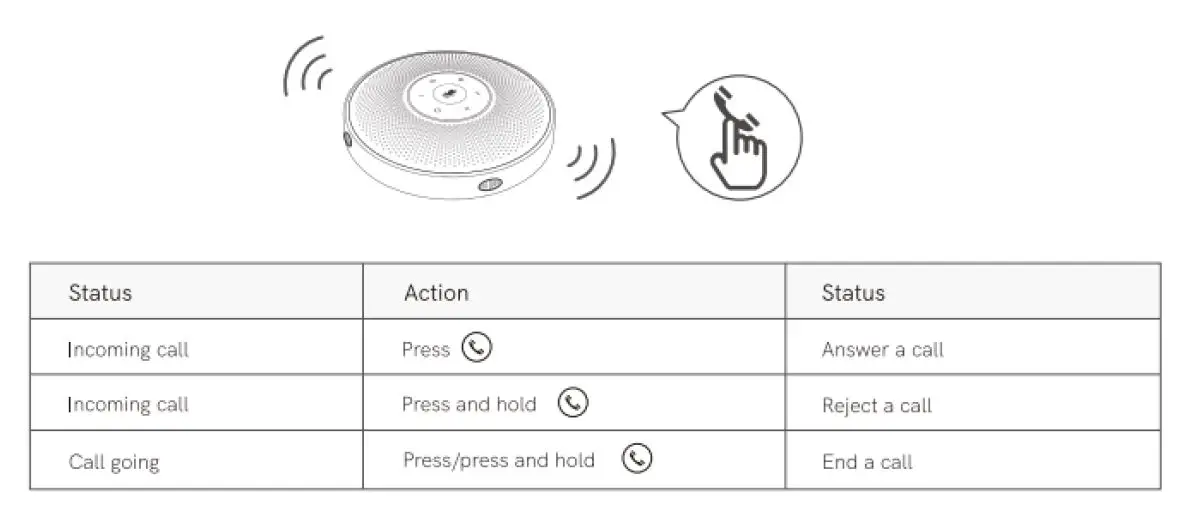
- Answer /End Phone Call button
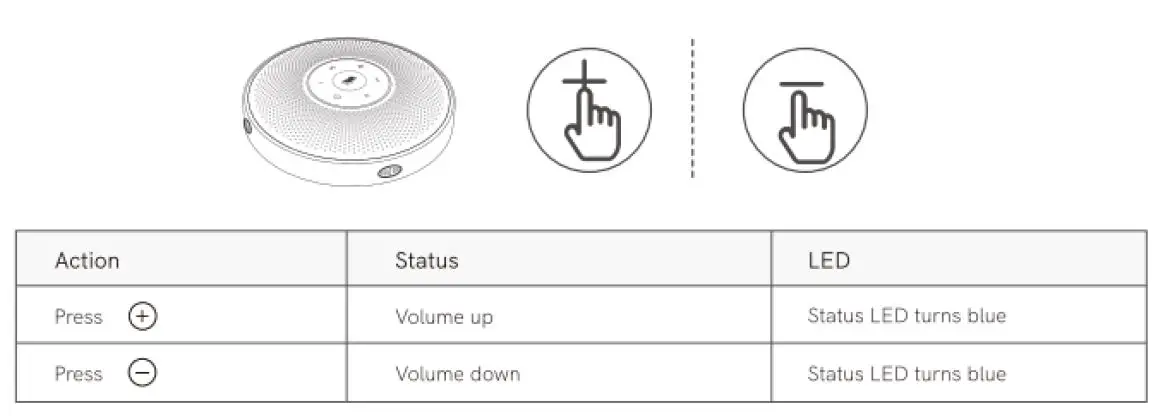
- Volume+ button
- Volume- button
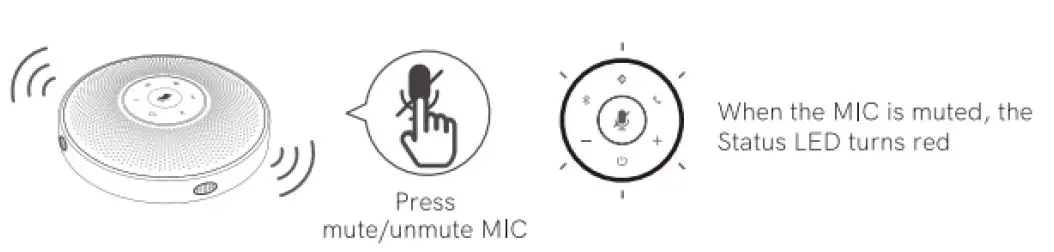
- Mute button
- Power button
- Status LED
- Source LED
- Rubber plug
- LOCK port
- Headset output port
- LINK Daisy Chain port
- USB port (Type Cl
- Dongle
- Nameplate
- MIC hole
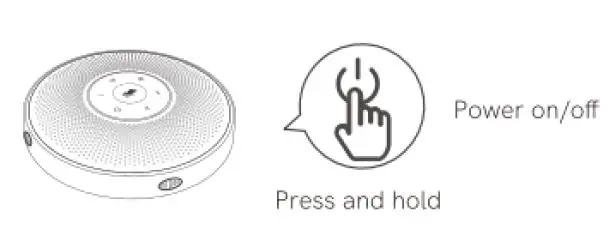
Power On/Off
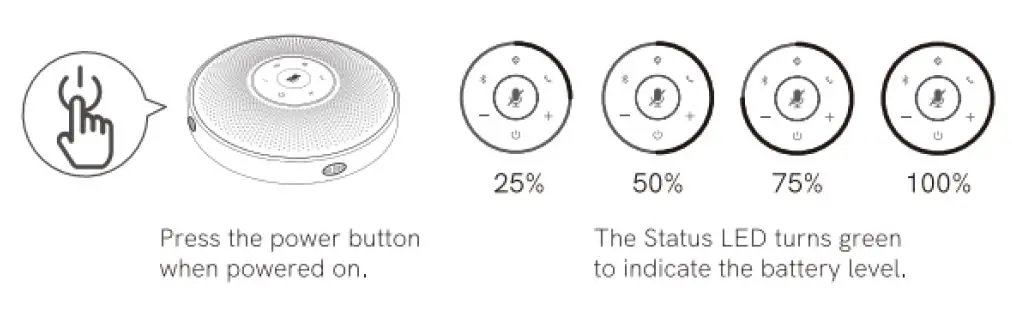
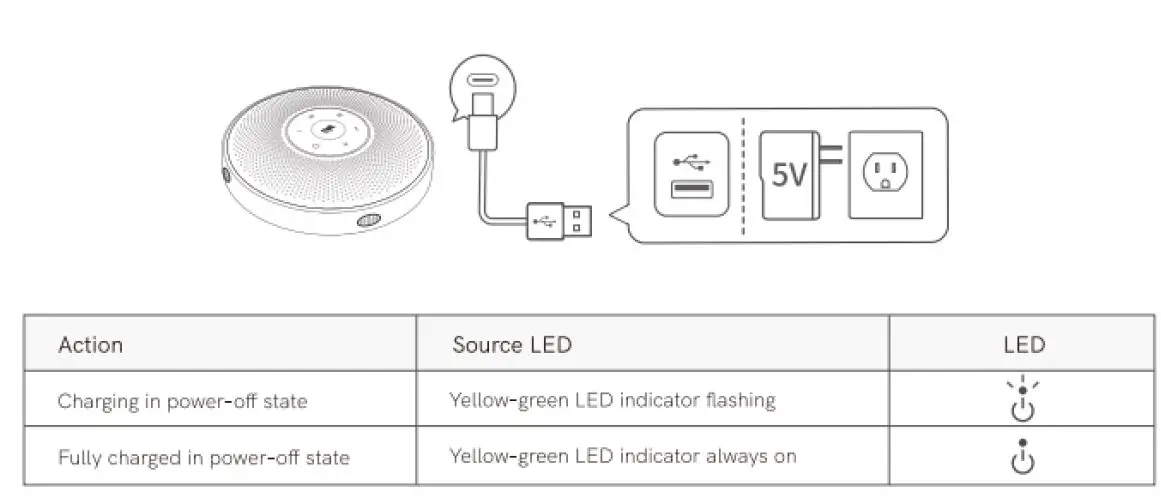
Check battery level
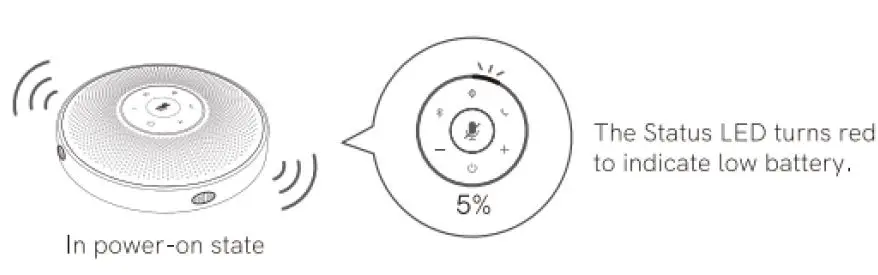
Low battery warning
Short press Al Noise Reduction button, to enable/disable Al noise function, Turning on Voice A noise reduction can greatly reduce some noises m the meeting scene, such as from keyboard tapping, air conditioning noise, and general unwanted background noise.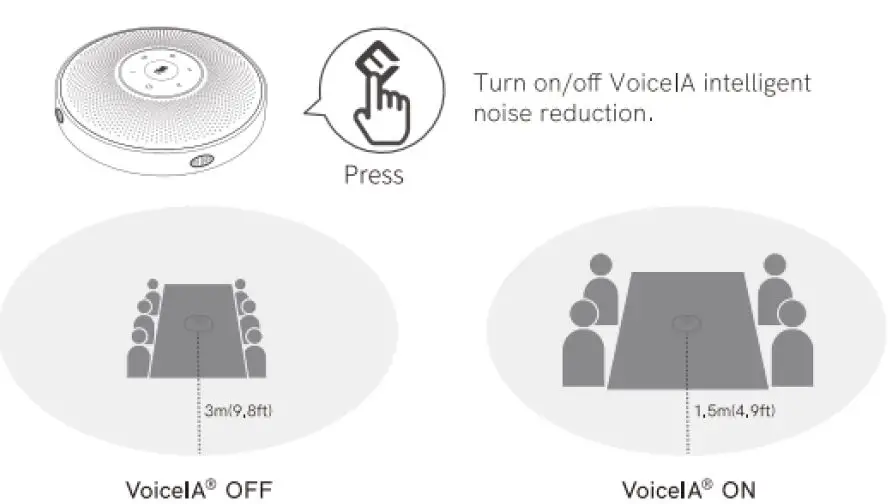
Note: After the noise reduction mode is enabled, in order to maintain good sound pickup effect, please make a call within a sound pick up range of 1.5 ml4.9ft).
Bluetooth Connection
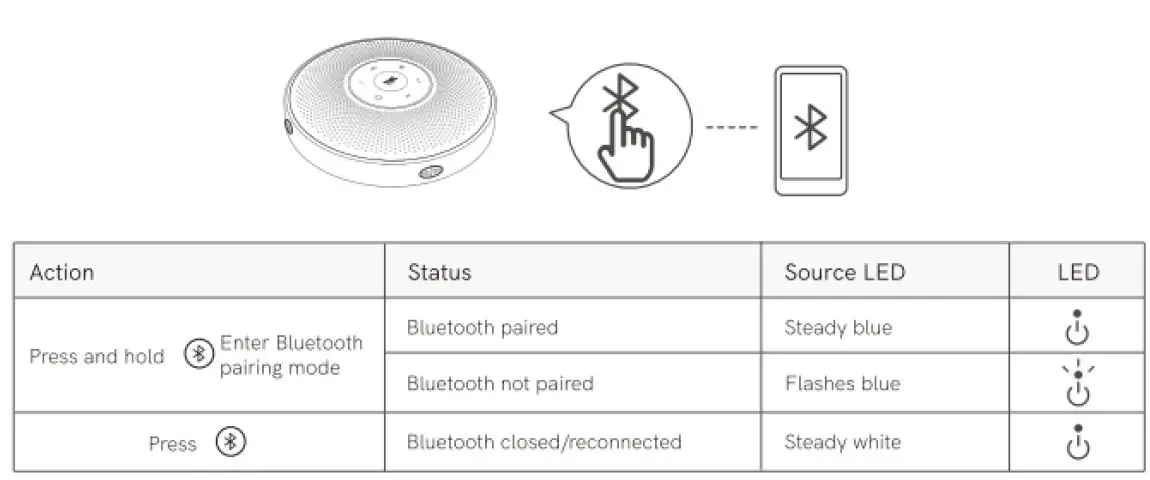
Notes:
- When turning on the device, it will reconnect to the last computer/mobile phone via Bluetooth whilst it is active.
- Bluetooth closed means it can not be found.
USB Connection
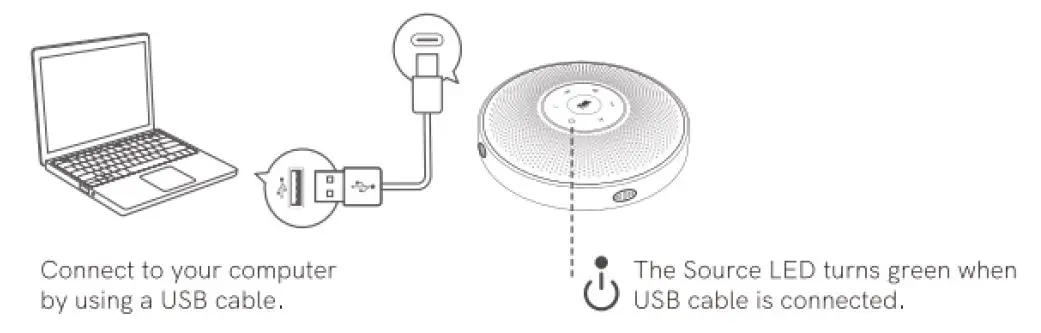
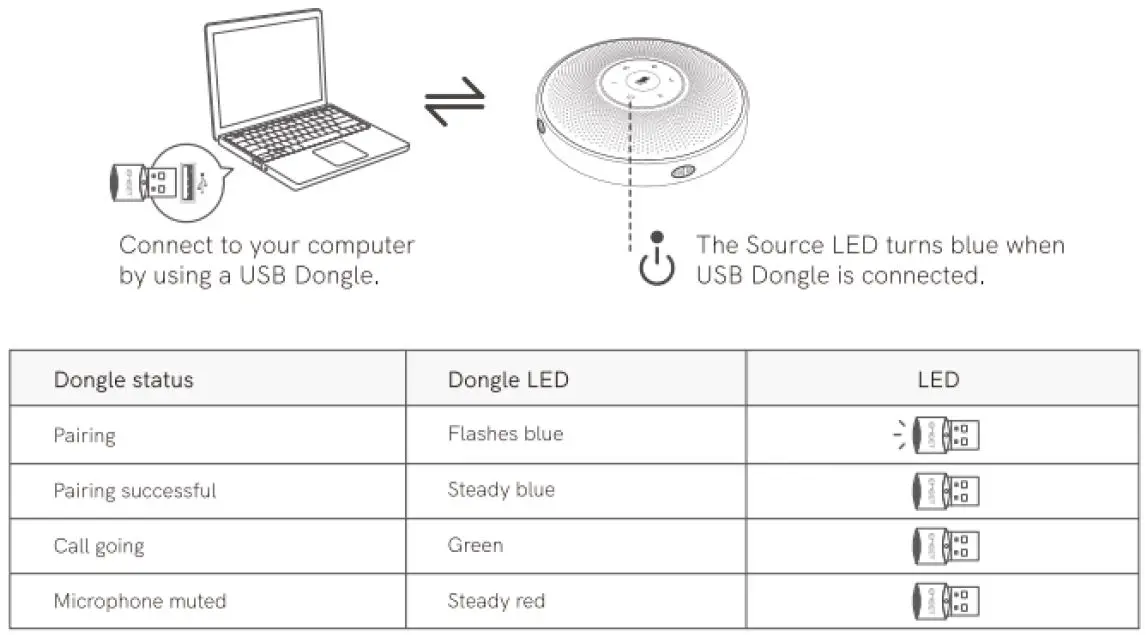
USB Dongle Connection
Headset Connection
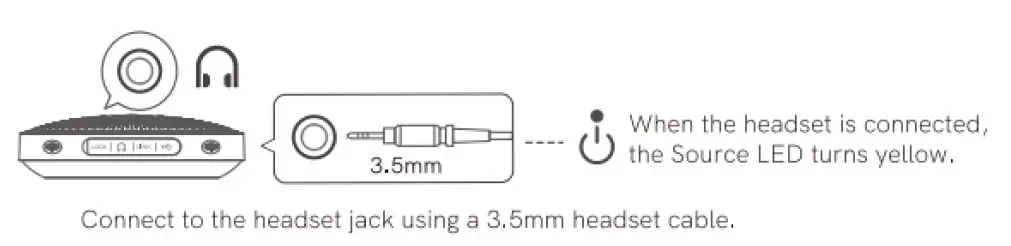
Note: When the headset is connected, the speaker is automatically muted.
Daisy Chain Cable
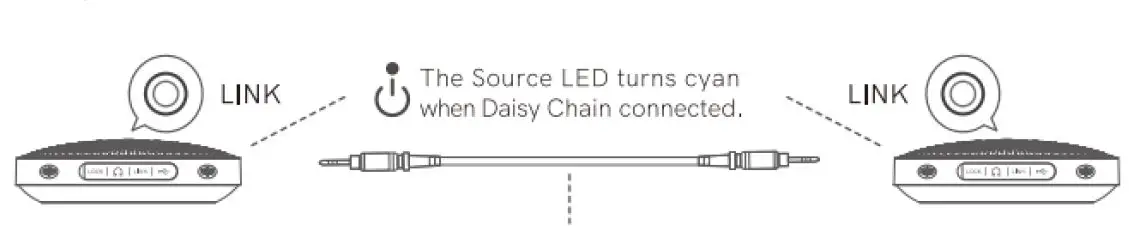
Daisy-Chain can be carried out by connecting the LINK ports of two productl: using an eMeet Daisy Chain cable.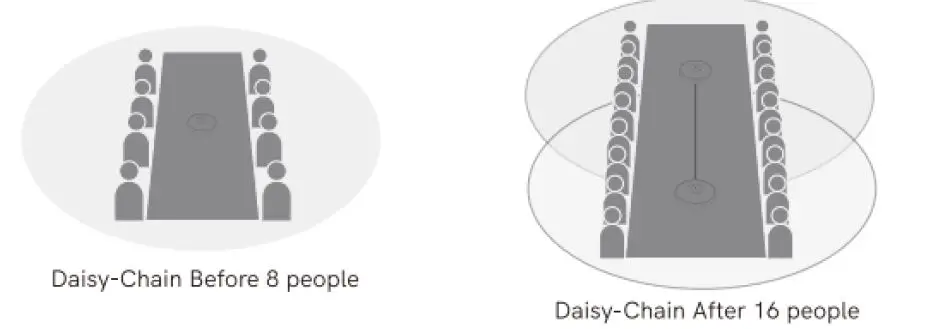
Note: Meet Daisy Chain cables- must be purchased separately,
Lock Port Setting
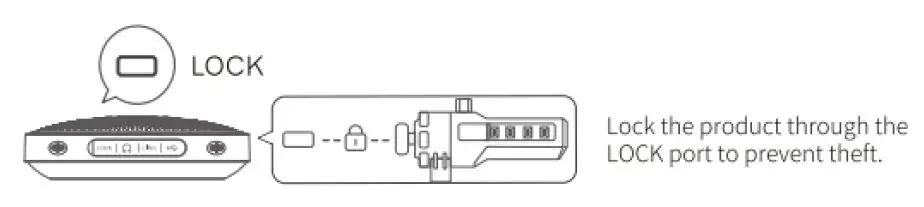
Note: The LOCK port is of a Kensington type which requires the- user to buy a lock otherwise.
USB Dongle Connection
Lock Port Setting
Note: The LOCK port is of a Kensington type which requires the- user to buy a lock otherwise.