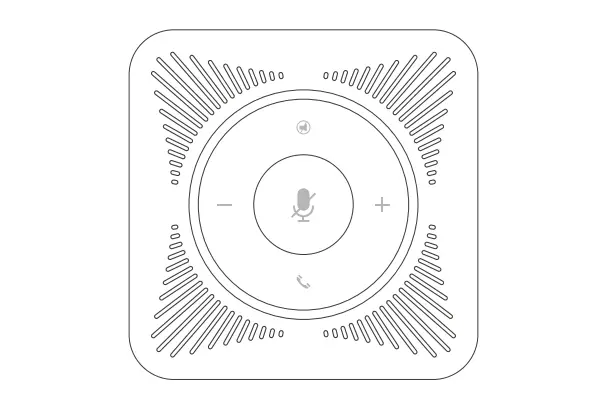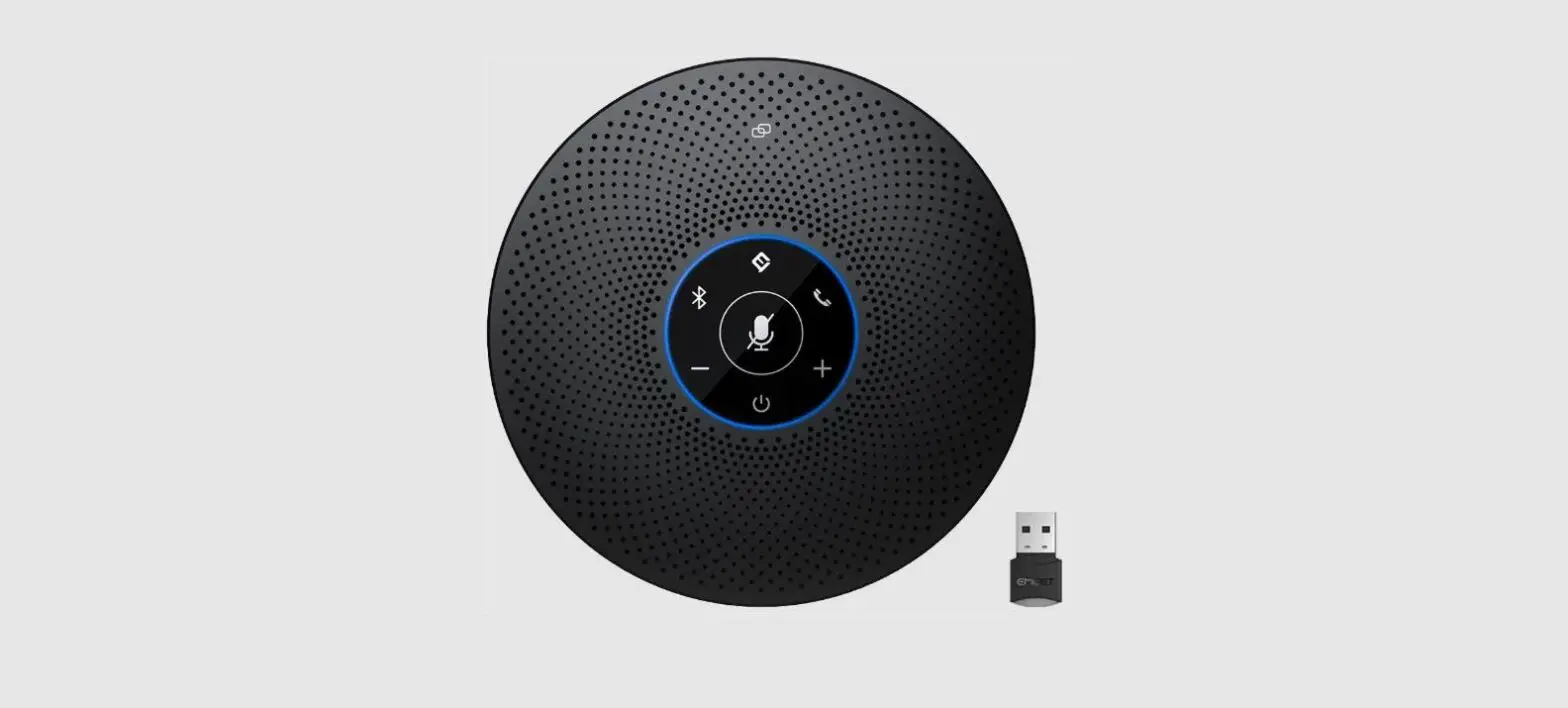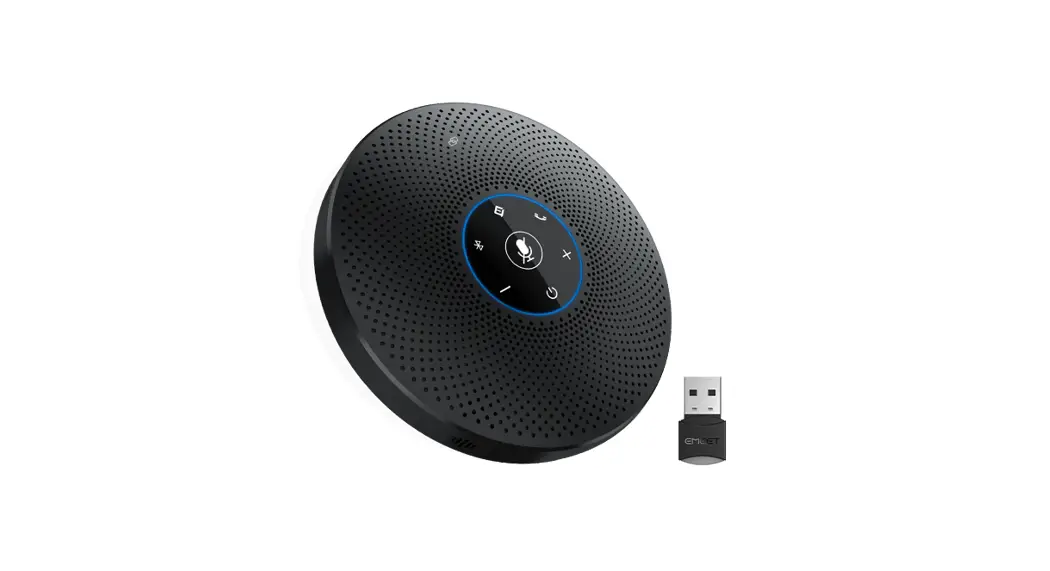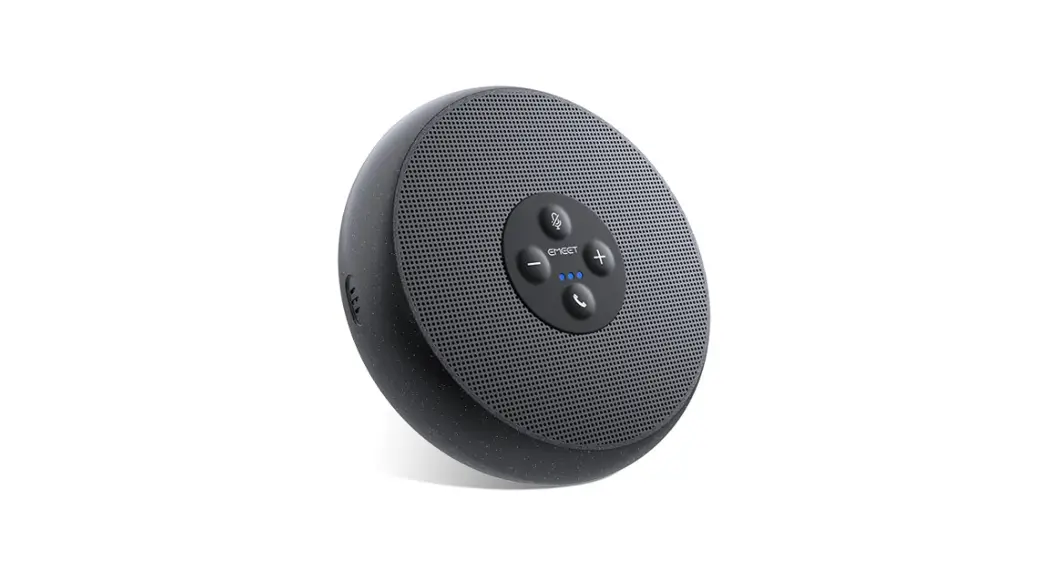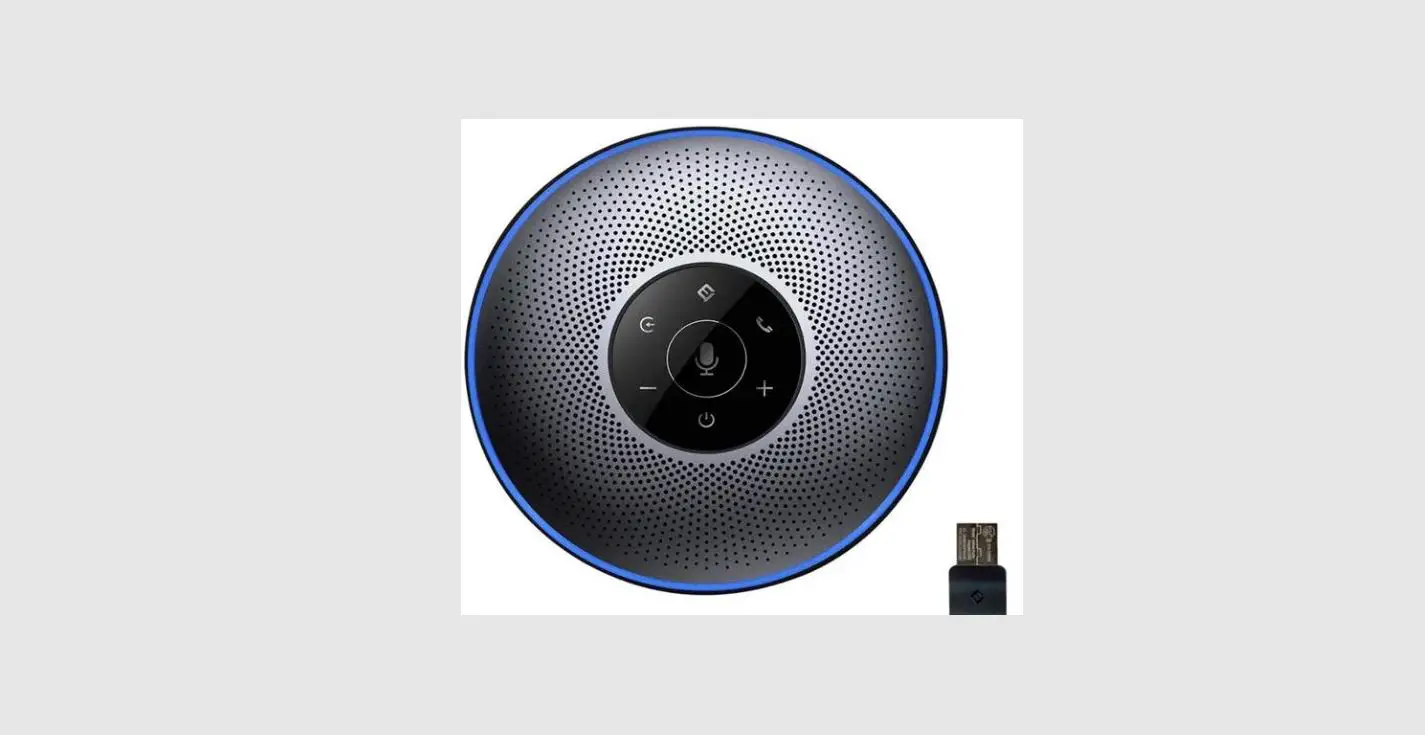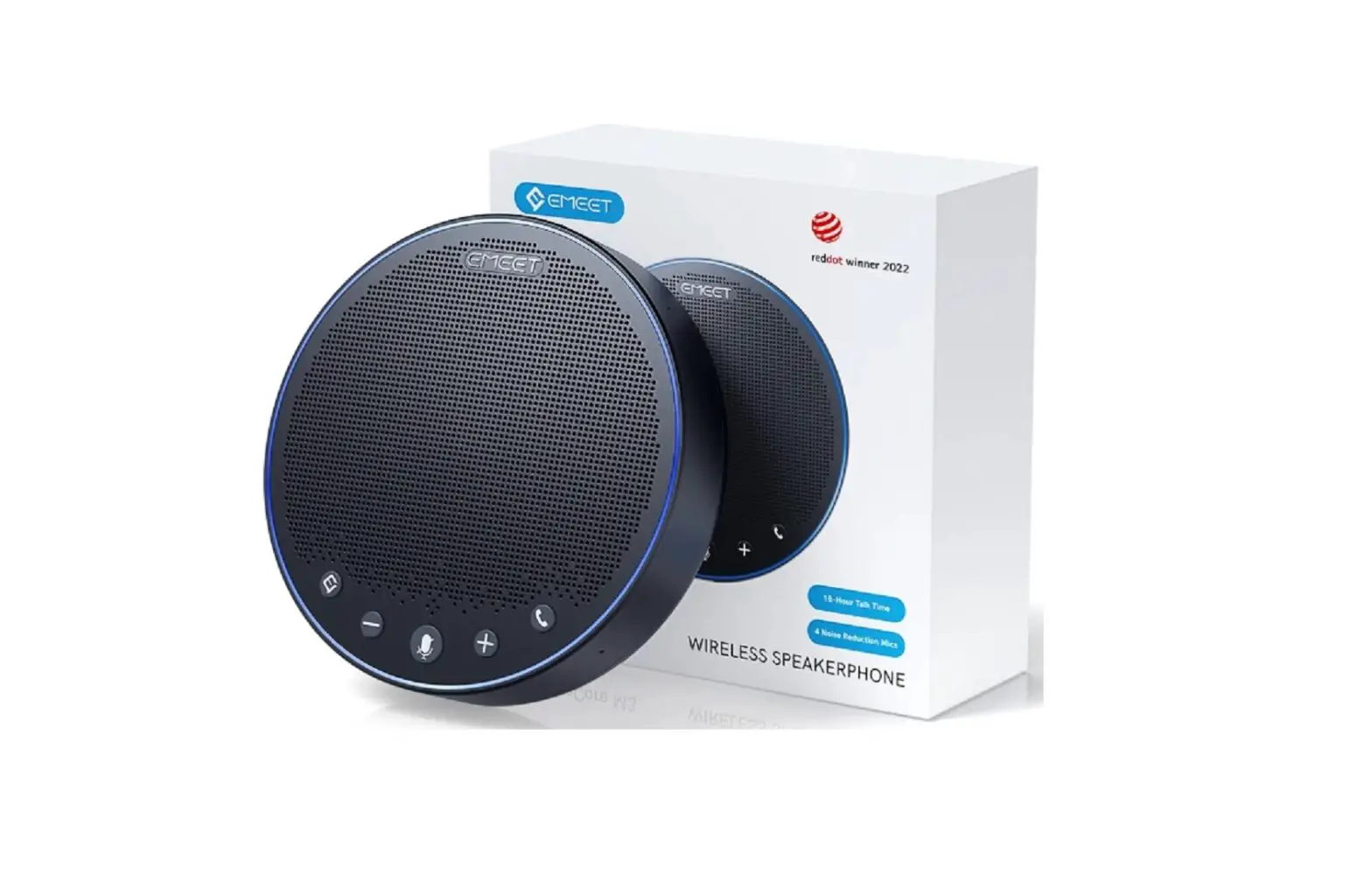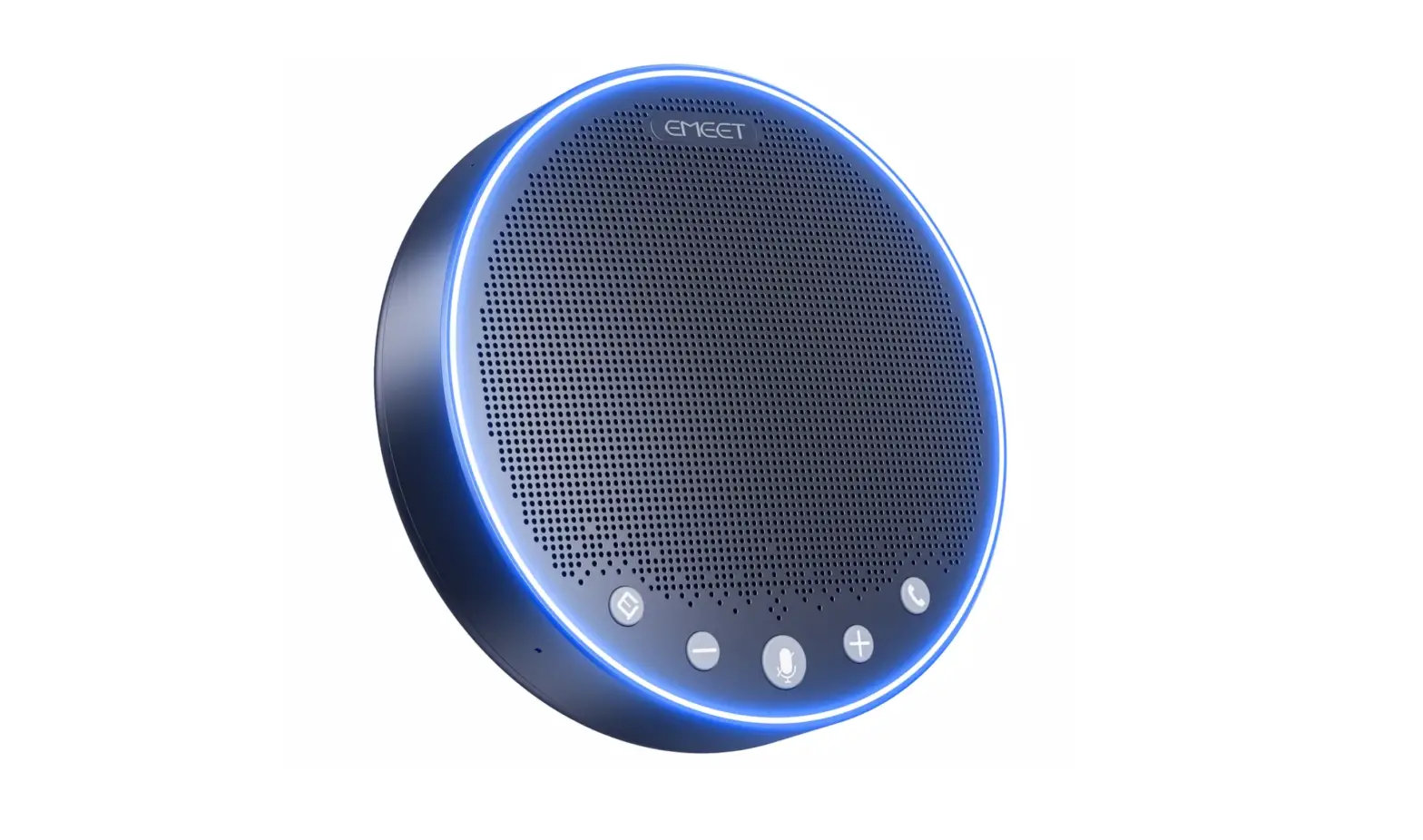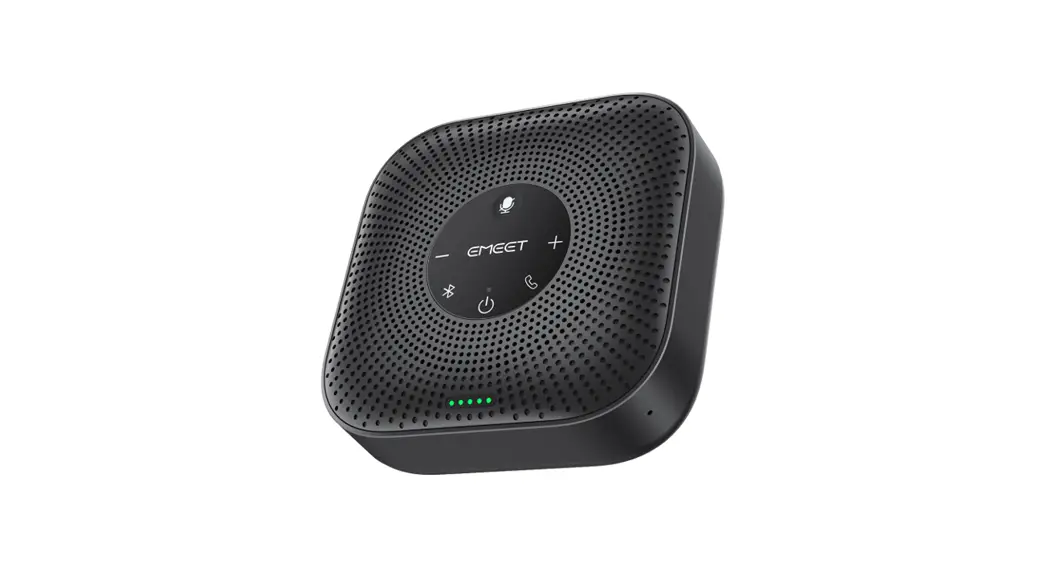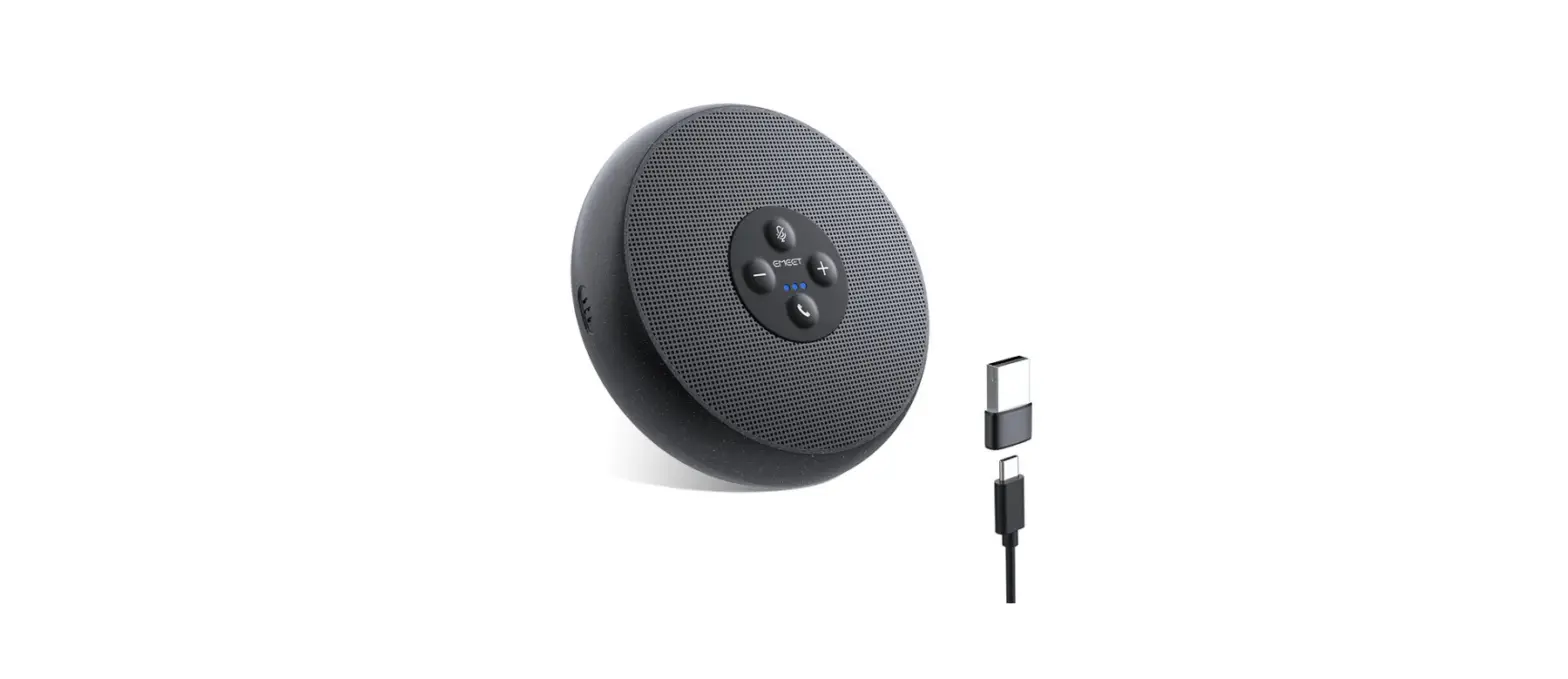

EMEET OfficeCore M1A Portable USB Speakerphone
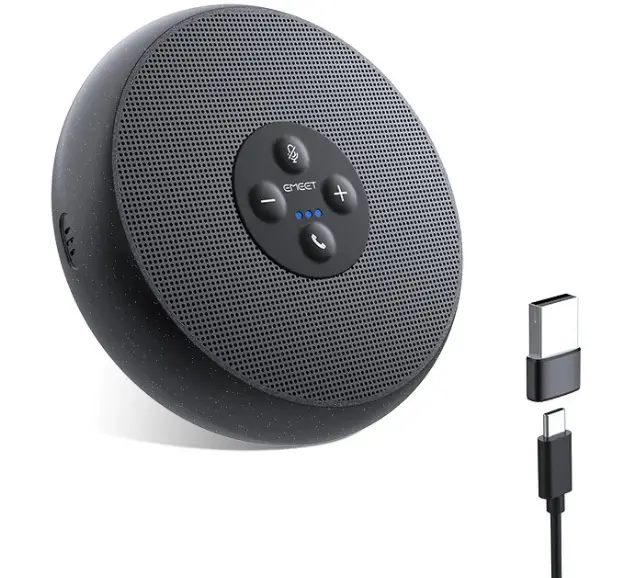
Whats in Box
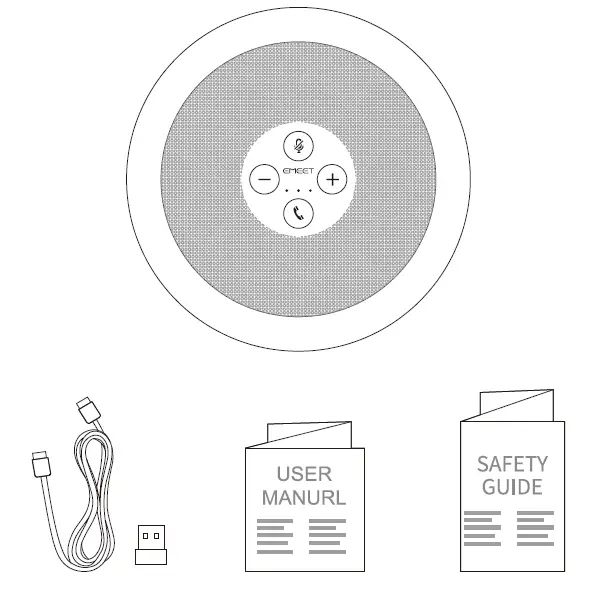
Product Functions
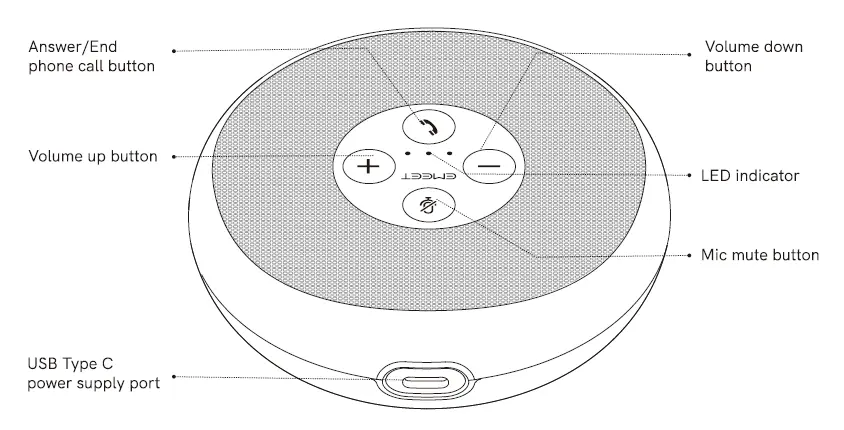
Instructions for Use
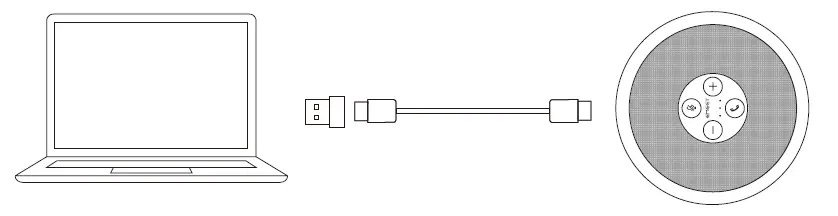
Connecting the product to a computer using a USB cable
- EMEET OfficeCore M1A automatically starts up when it is connected to a computer using a USB cable.
- EMEET OfficeCore M1A automatically turns off when the USB cable is disconnected from the computer.
EMEET OfficeCore M1A automatically enables the intelligent noise cancellation function when it starts up.
LED Definition
| Status Power on | Indication Three indicators light up on successively. | LED Blue |
| Working | Three indicators keep on. | Blue |
| Microphone mute | Three indicators keep on. | |
| Red |
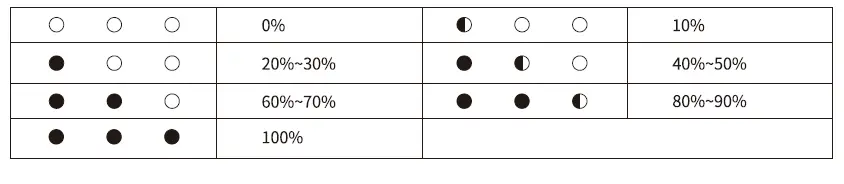
Volume LED Indications 
Product Parameters
| Output rating of the speaker Number of microphones | 3W 2 | Signal-to-noise ratio I 75dB Microphone directivity I 360 ° |
| Product dimensions | 112*35.Bmm | |
Simple Fault Statement
| Problem or symptom | Possible causes | Troubleshooting |
| The product does not work after it is connected to a computer using a USB cable. | G) The USB cable is not inserted properly. @ The USB cable is damaged. | CD Reinsert the USB cable. @ Replace the USB cable. |
| The speaker does not work after it is connected. | CD The speaker is not used correctly. @ The M1A speaker has been muted. | CD Set this device as the default speaker. @ Use the “volume up” button to increase the volume of the device. |
| The speaker does not work after it is connected. | G) The microphone is not used correctly. @The M1A microphone has been muted. | CD Set this device as the default microphone. @ Disable the microphone mute function. |
| If the issues above still persist after troubleshooting. | Device driver identification fails. | Navigate to Device Manager – Sound, video and game controller to uninstall the current M1A device driver. Then, reconnect the device to the computer. |