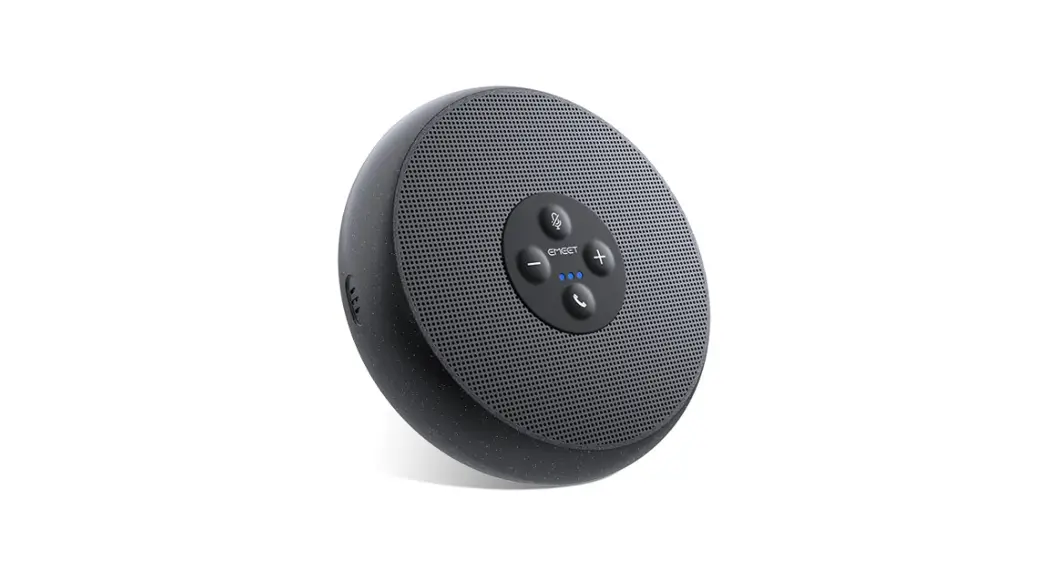
 M1A eMeetLink User Manual
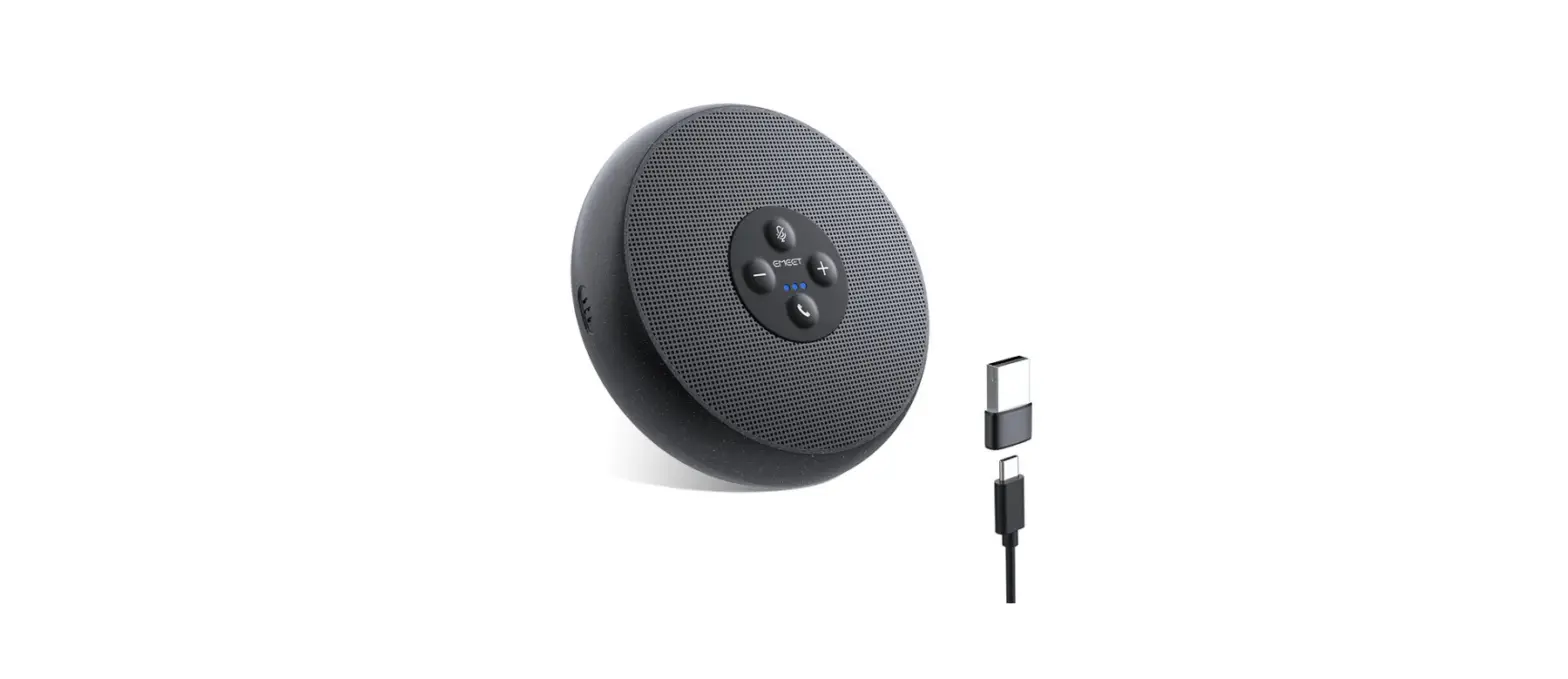
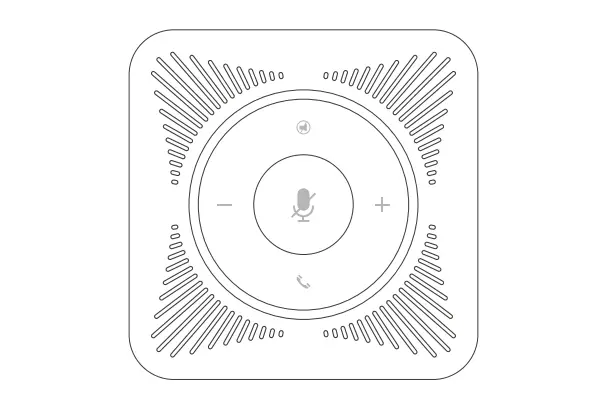
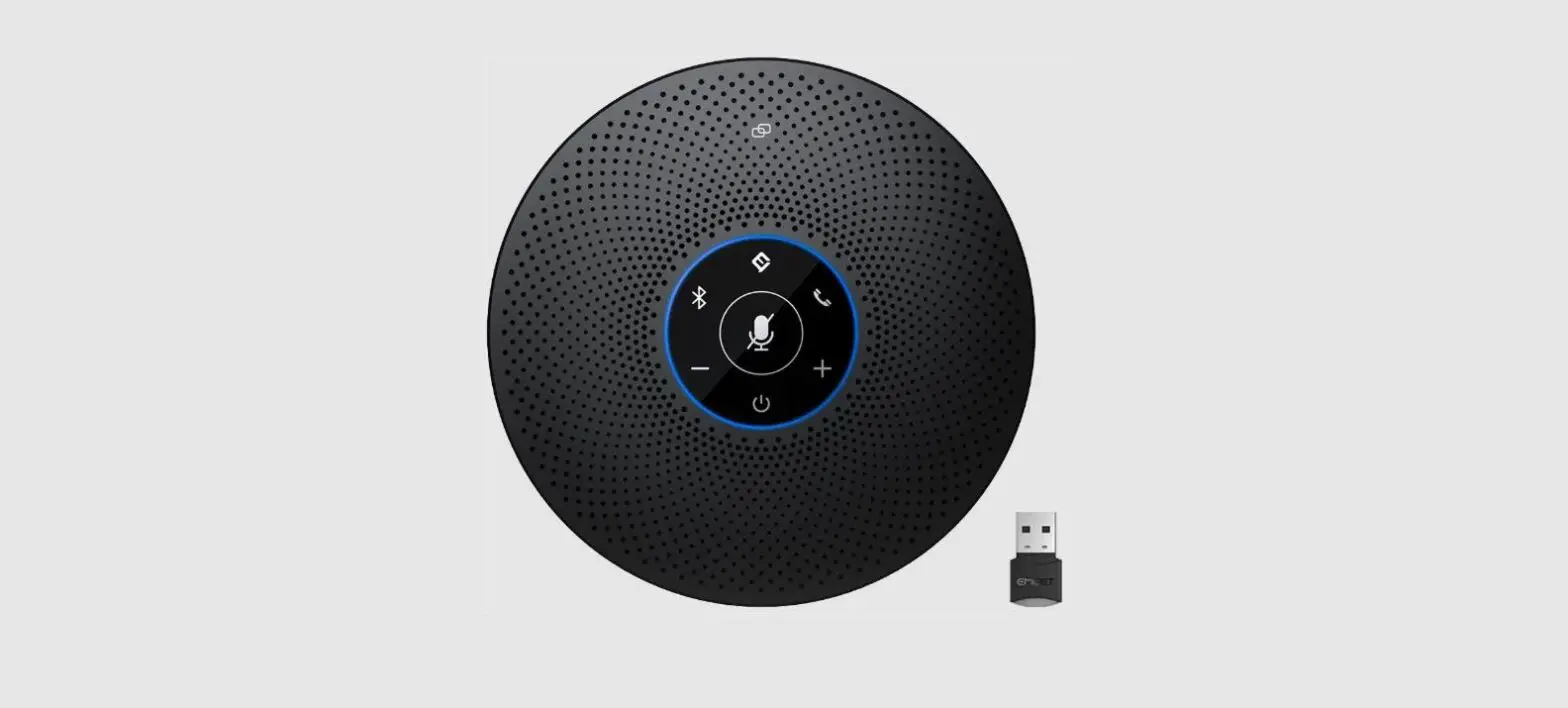
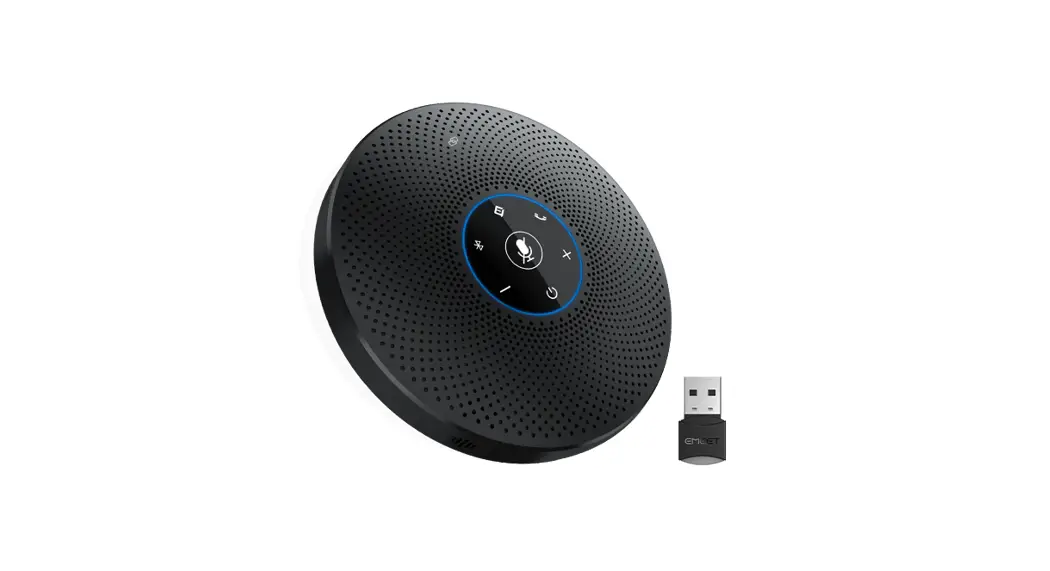
EMEET OfficeCore M1A
Device settings
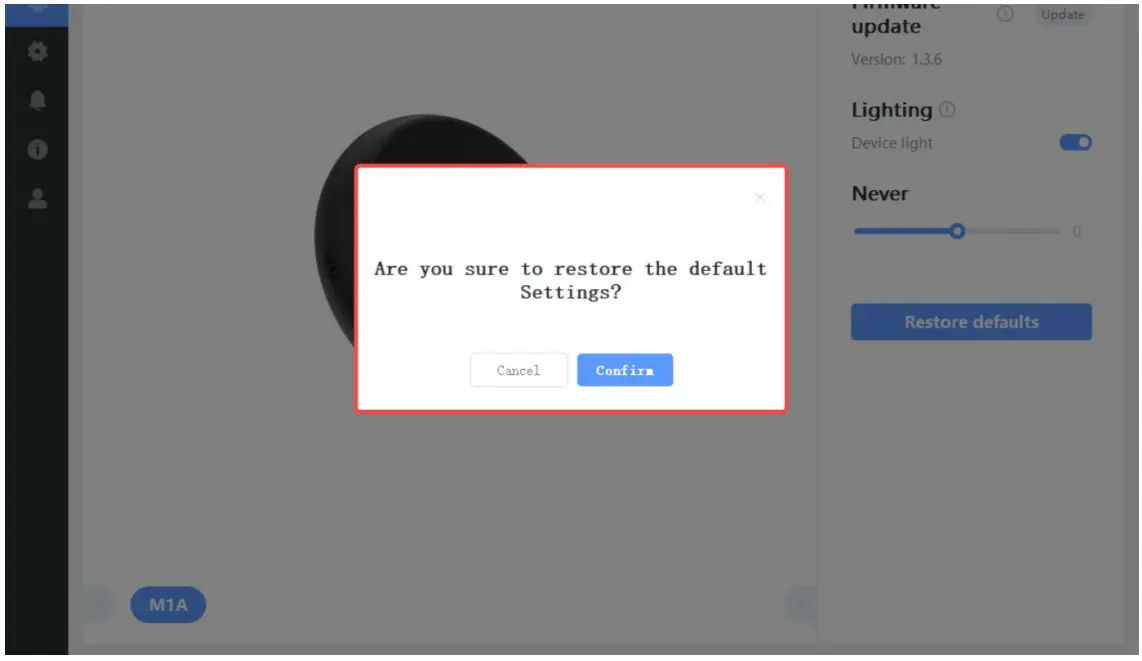
- Lighting
You can turn on/off the Device light function to decide whether the device light will show on the device according to your needs.
- Pickup gain
You can drag the slider to adjust the intensity of voice pickup.
- Restore Default Settings
After restoring default settings, all operating settings will be restored to factory mode.


Settings
In this setting interface, you can change the language according to your need.
Check your eMeetLink software version and update it. 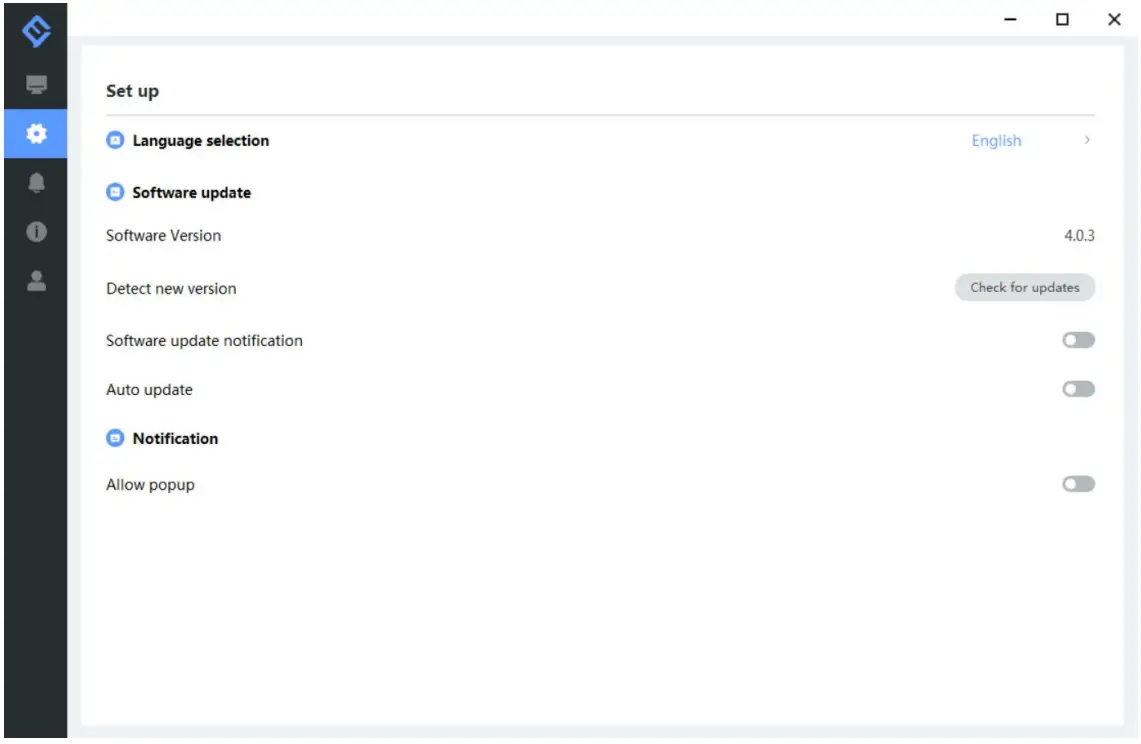
Support
1. Feedback
Write your feedback here to get EMEET customer service support.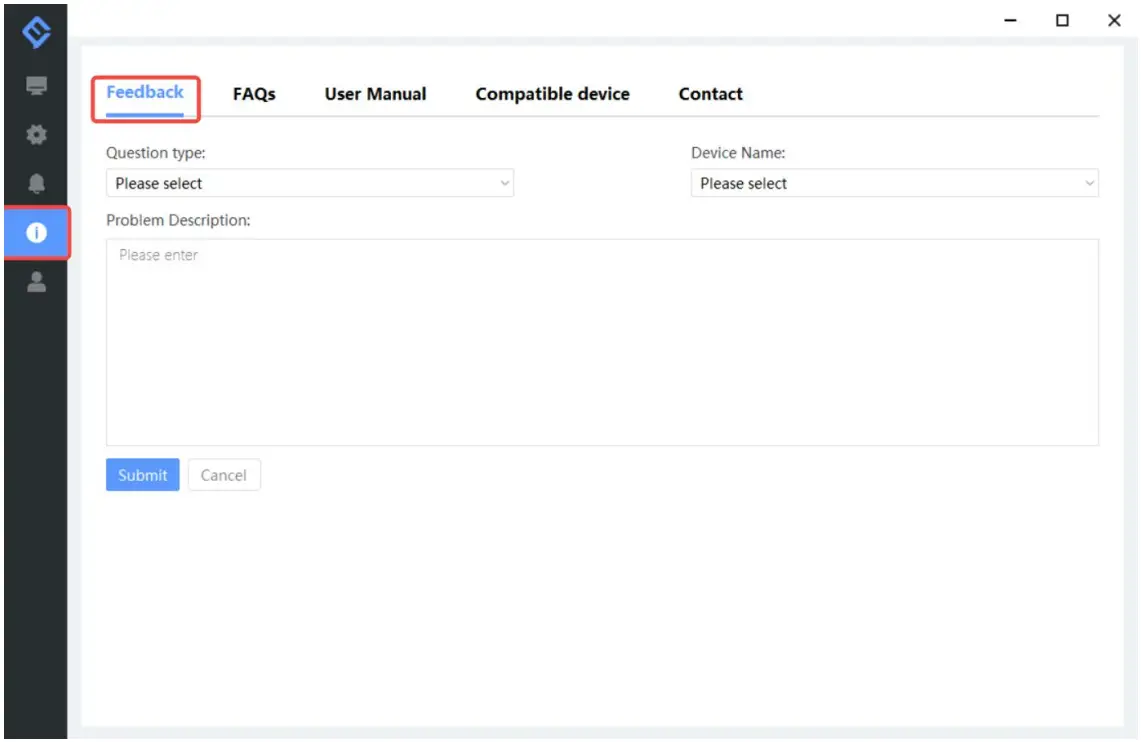
FAQs
There are some common questions for your reference.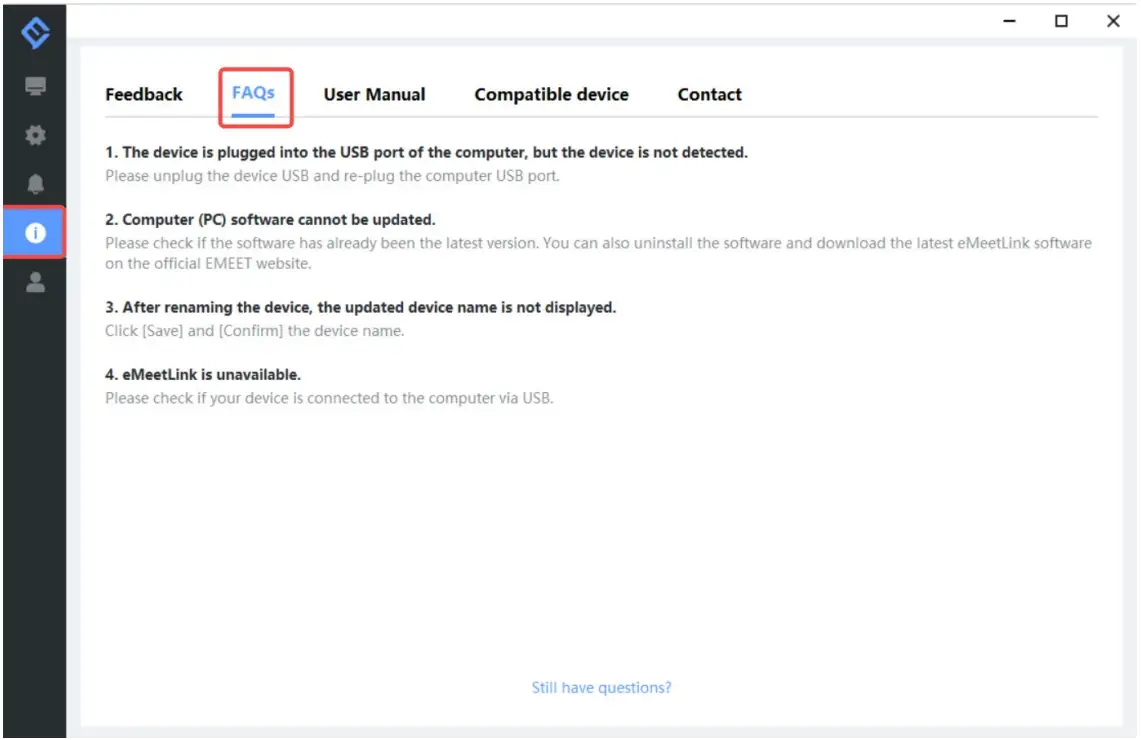
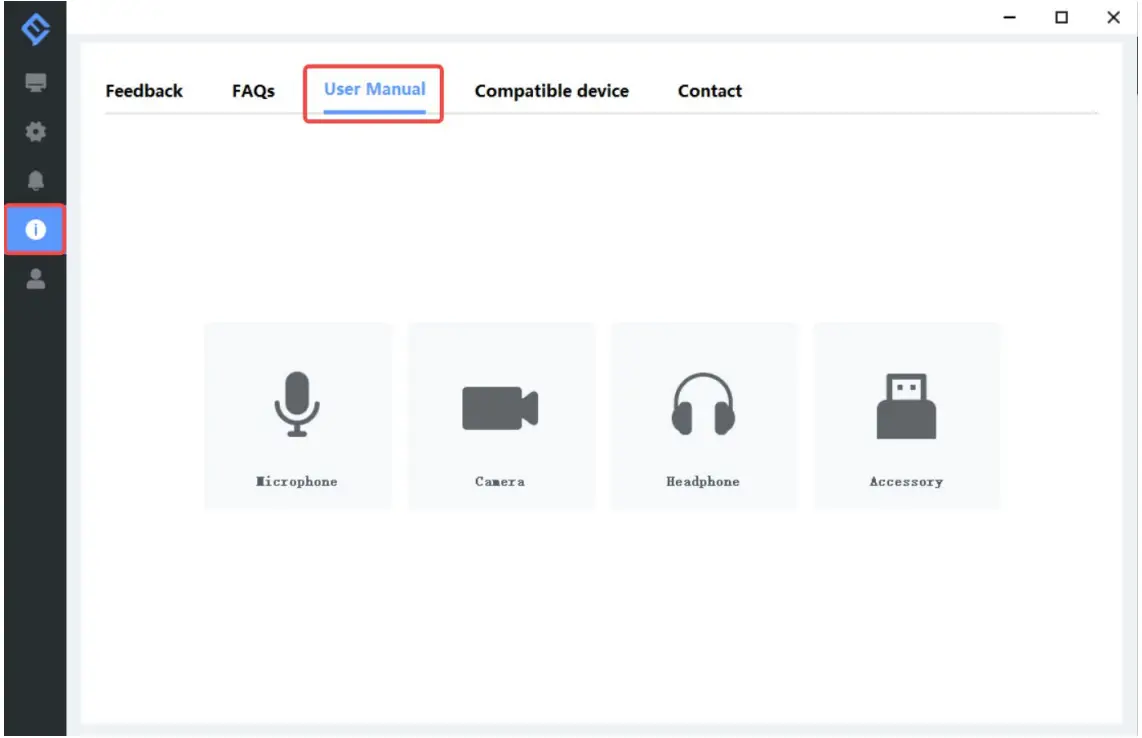
3. User Manual
Click the device to enter EMEET official website and get the user manual.
4. Compatible device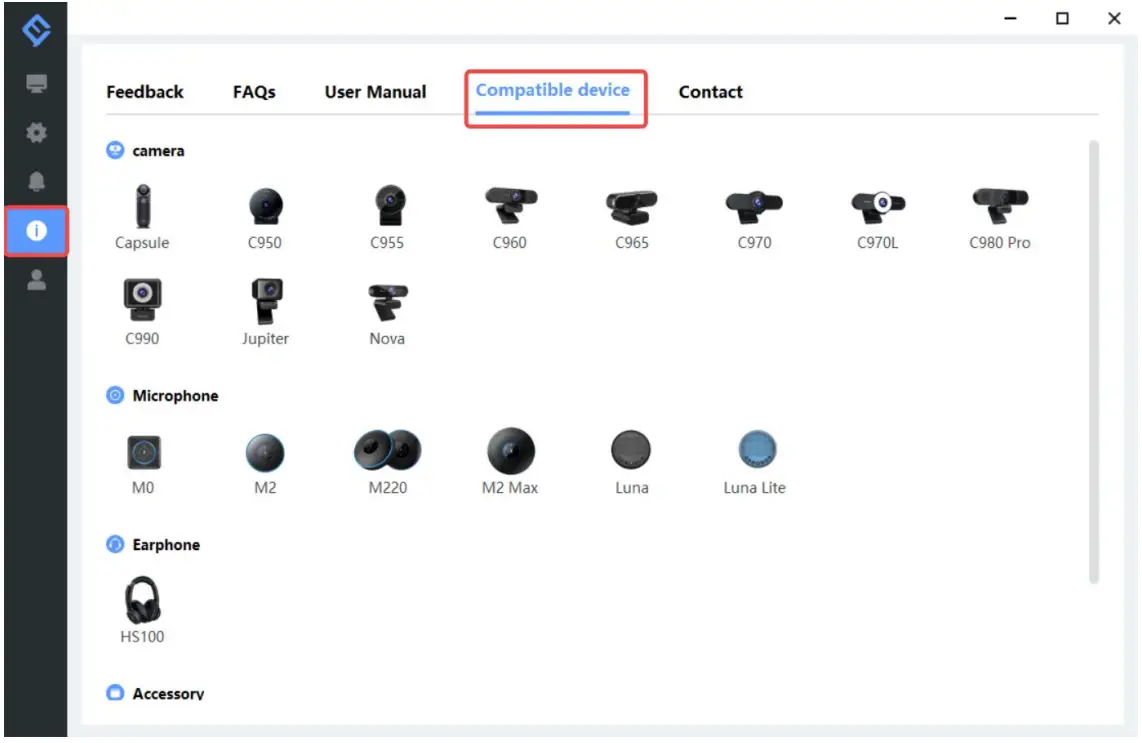
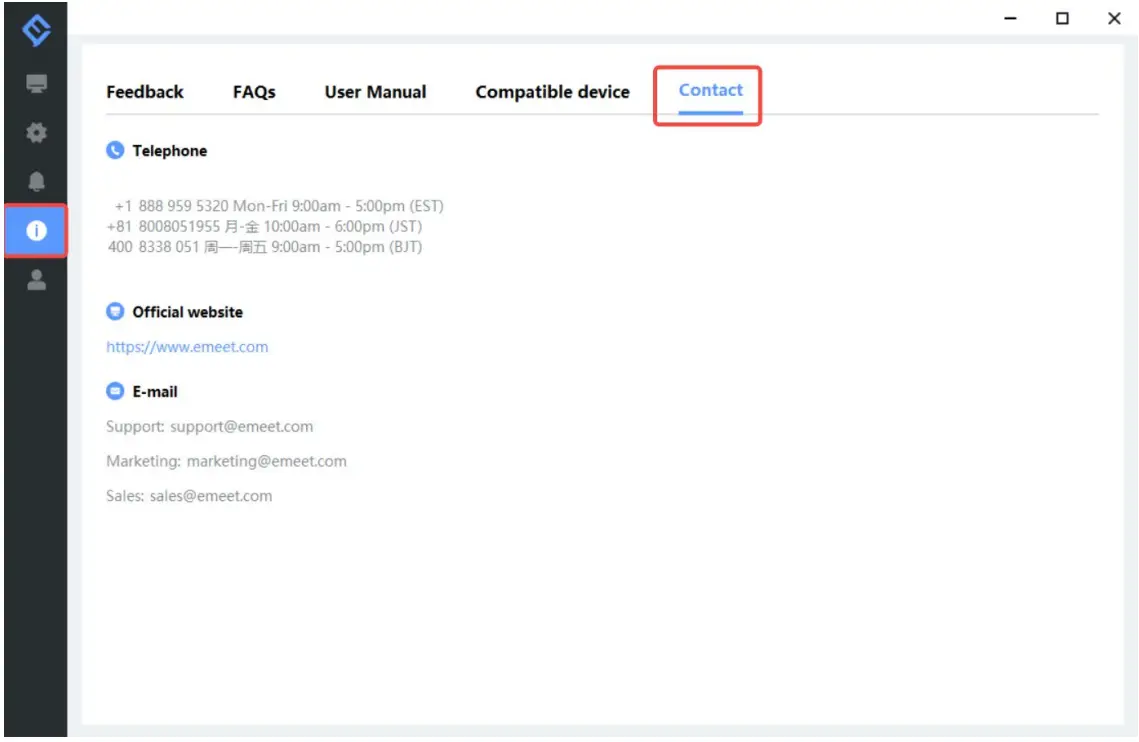
5. Contact info