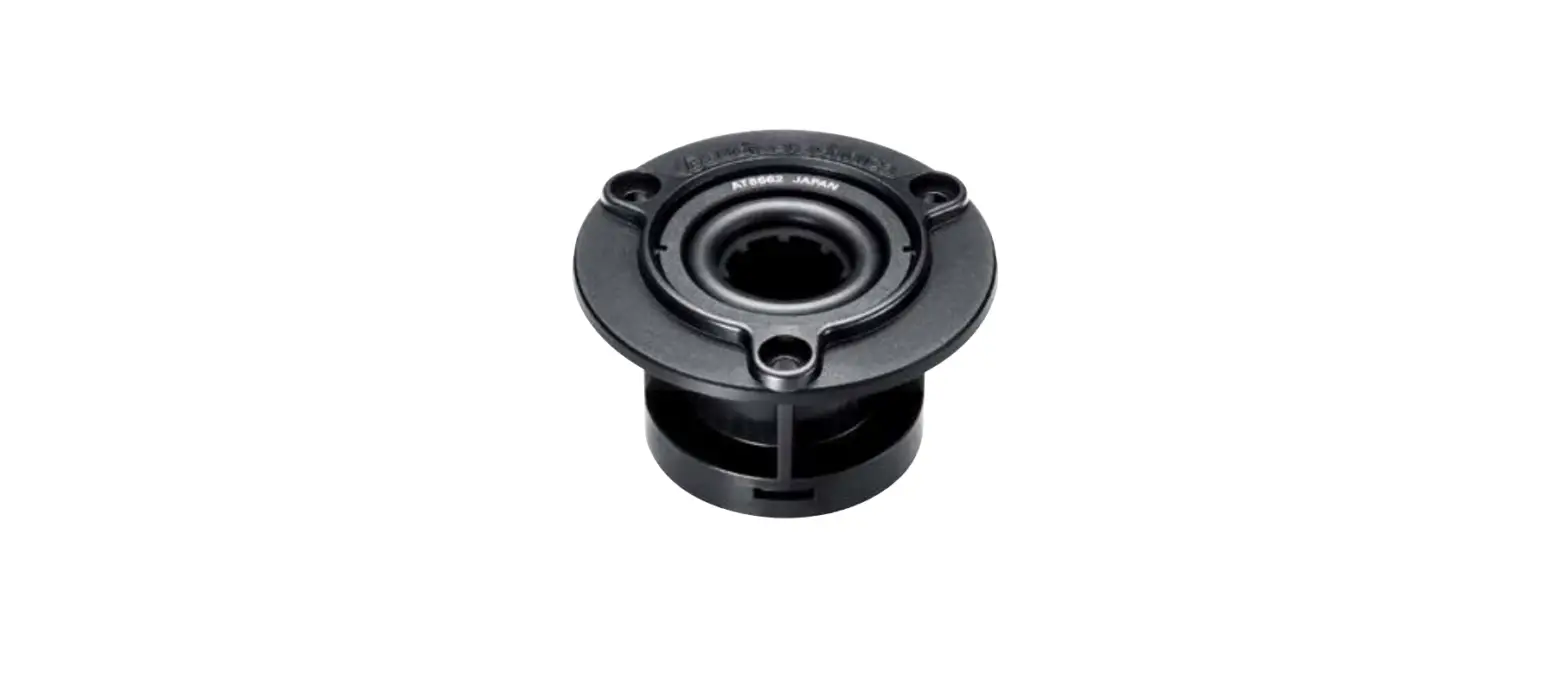


20MAE9901 Shock Mount Anti Vibration Suspension Mount for Microphone
User Guide
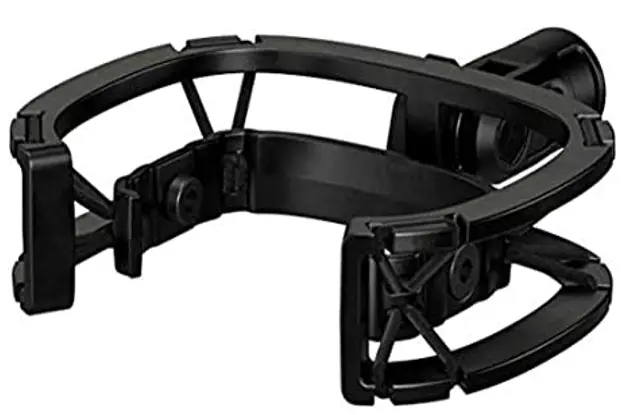
20MAE9901 Shock Mount Anti Vibration Suspension Mount for Microphone
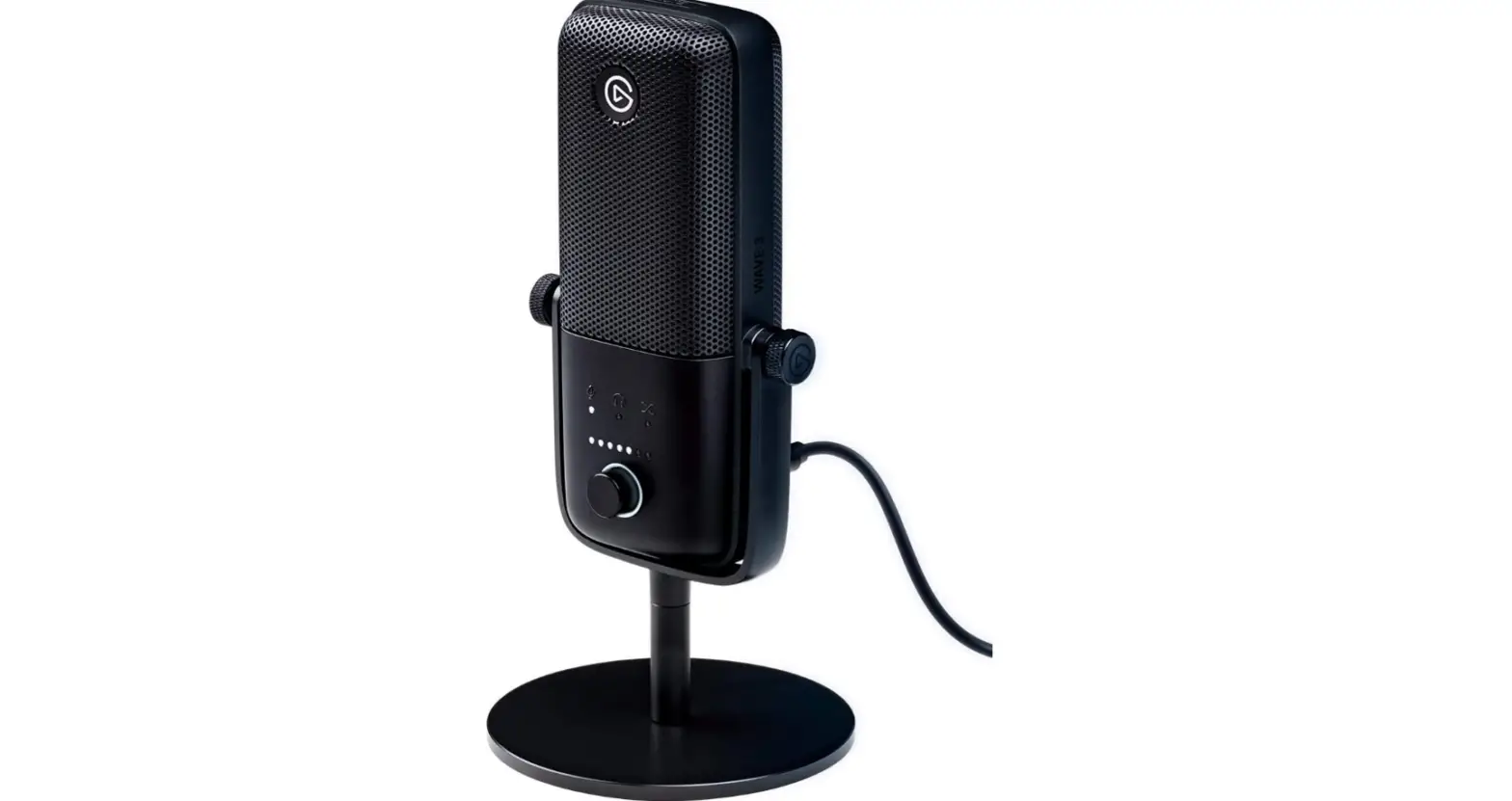
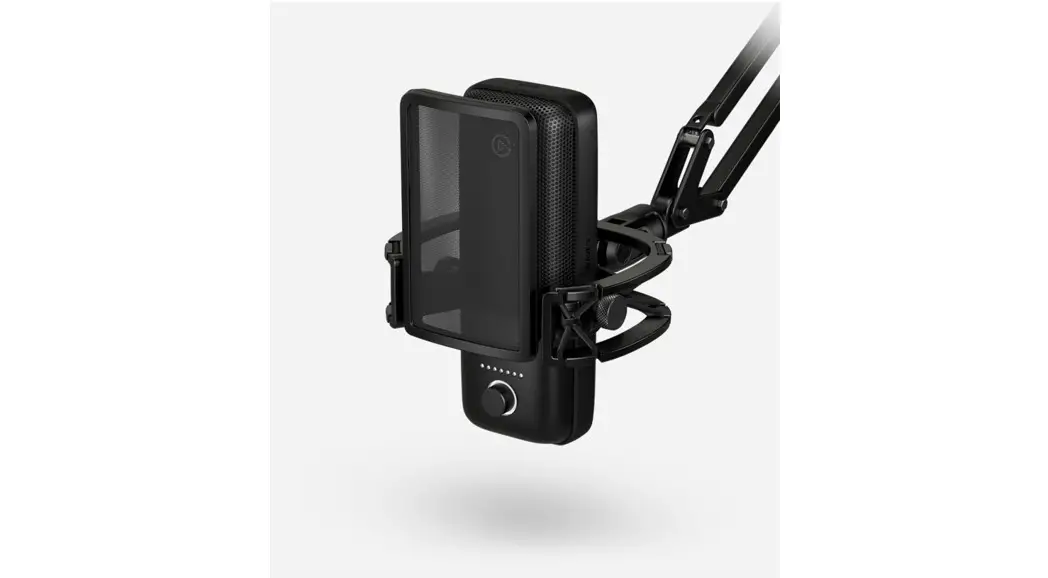
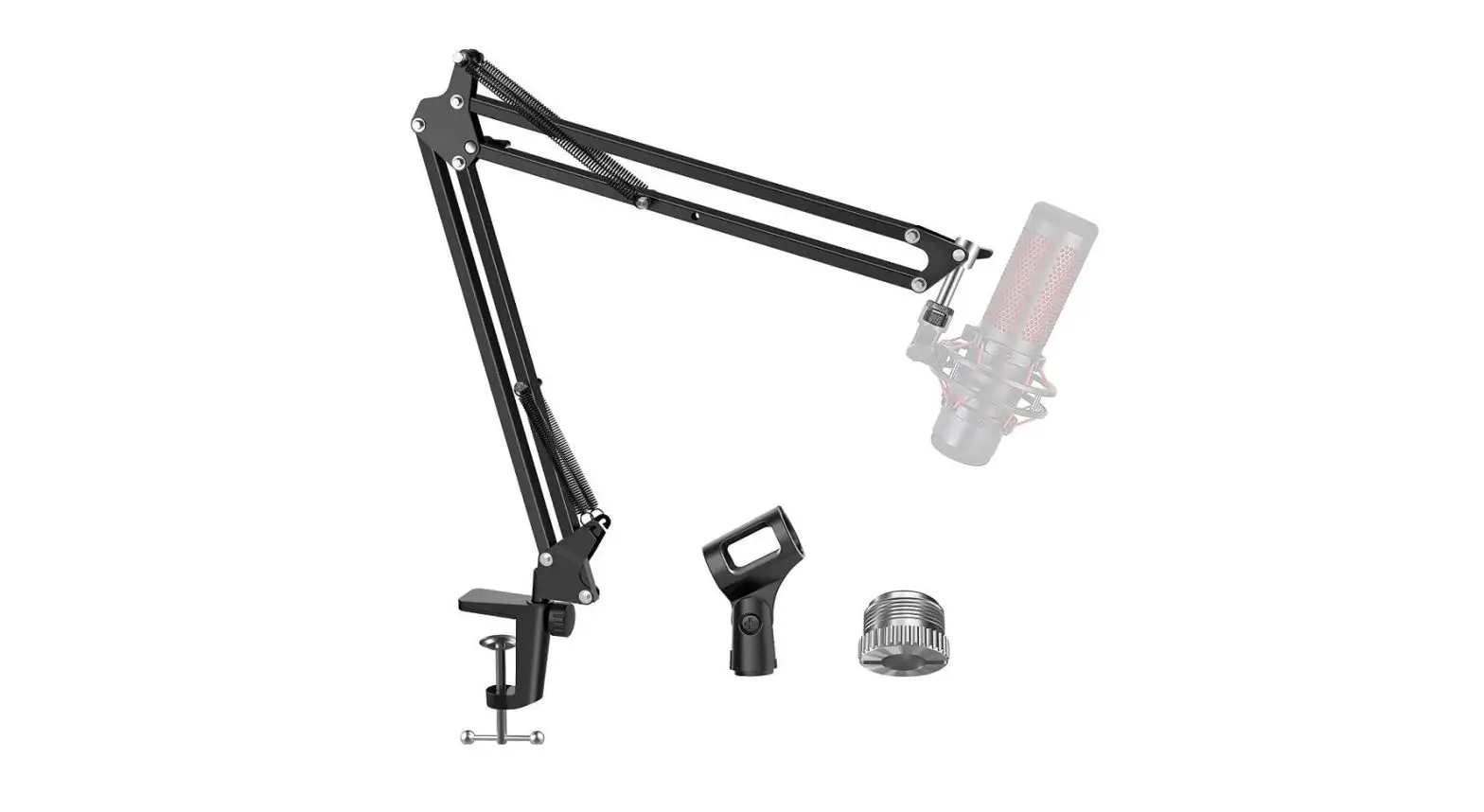
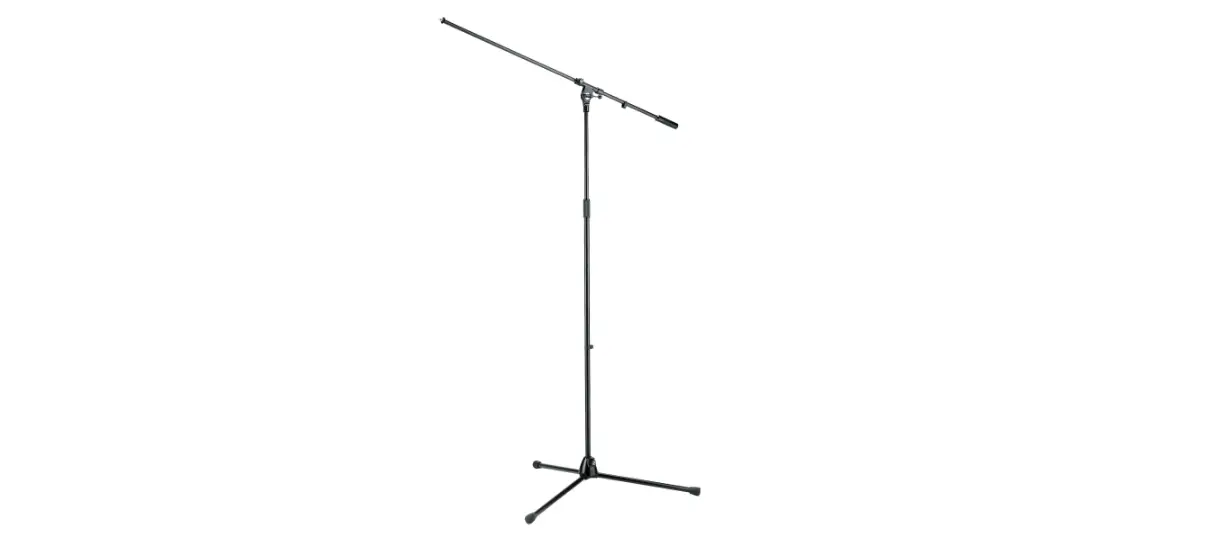
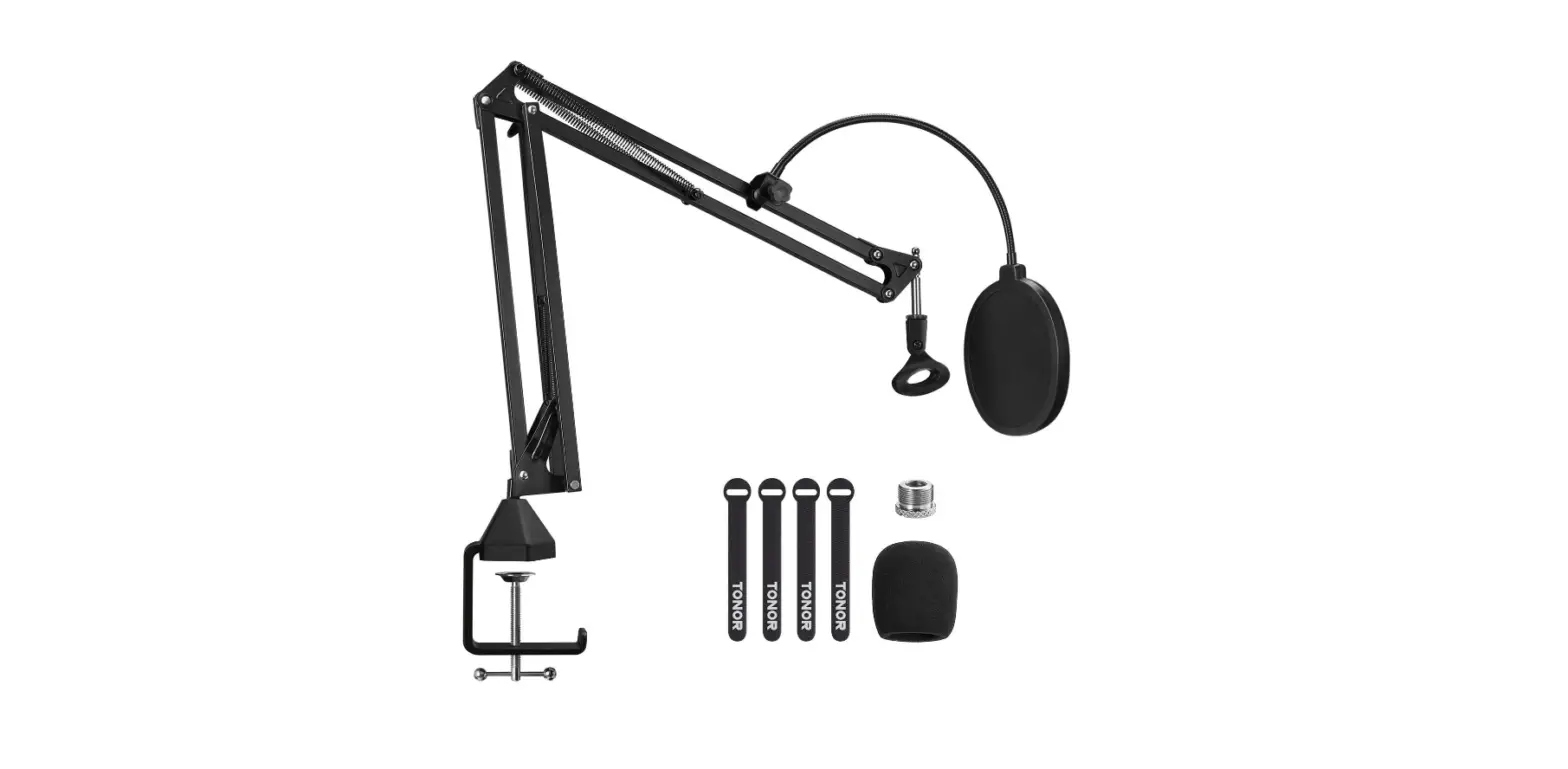
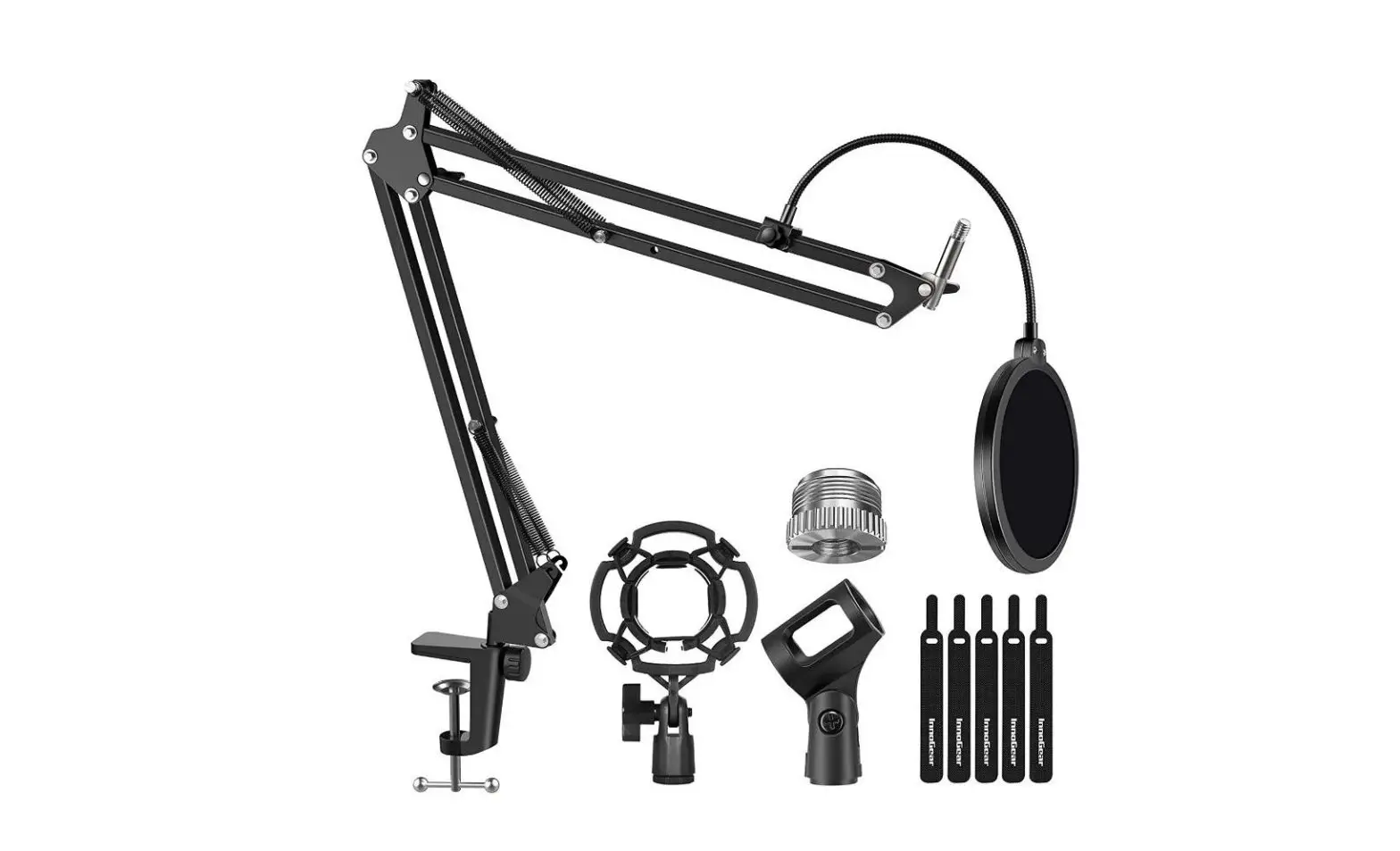
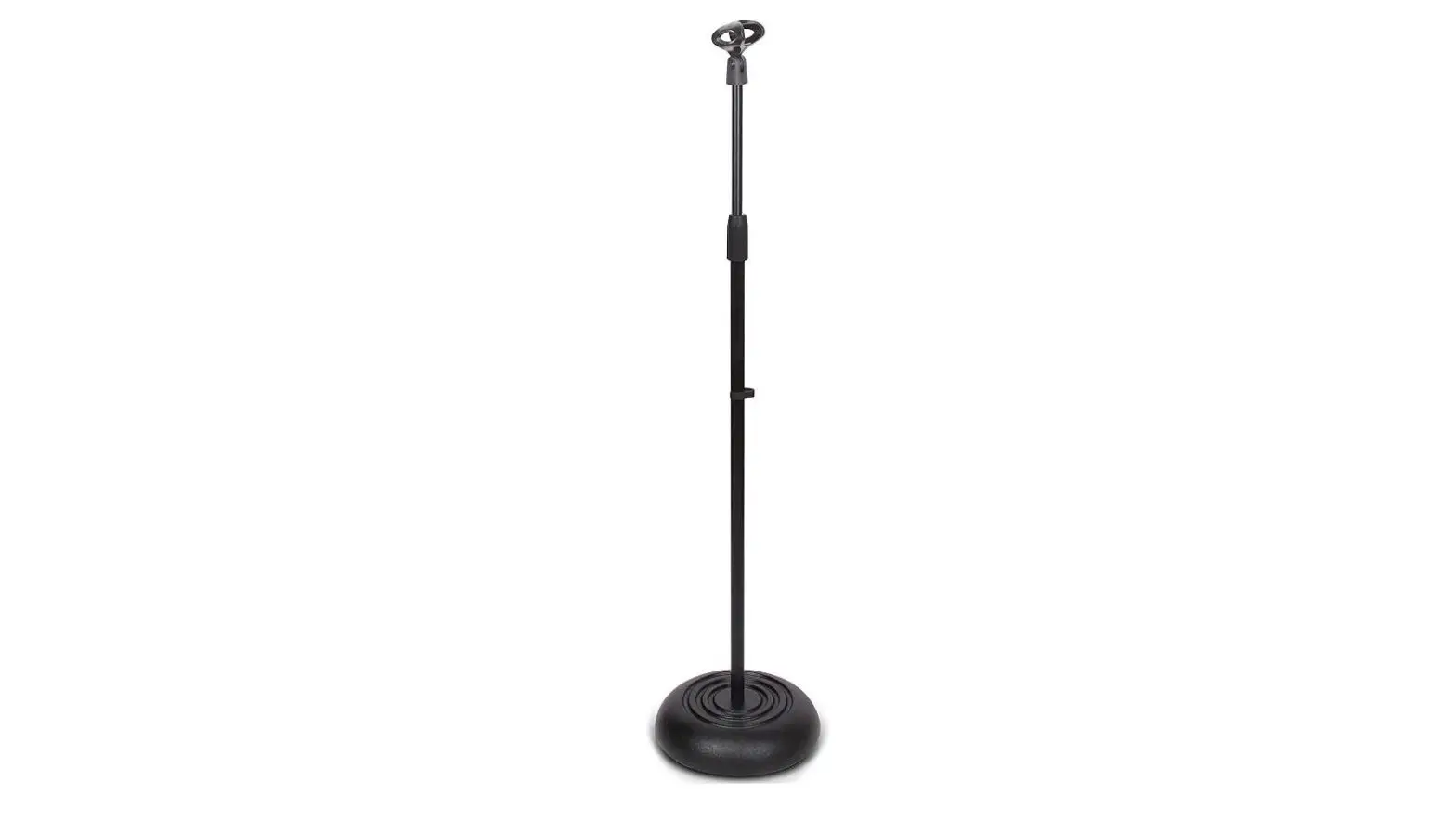
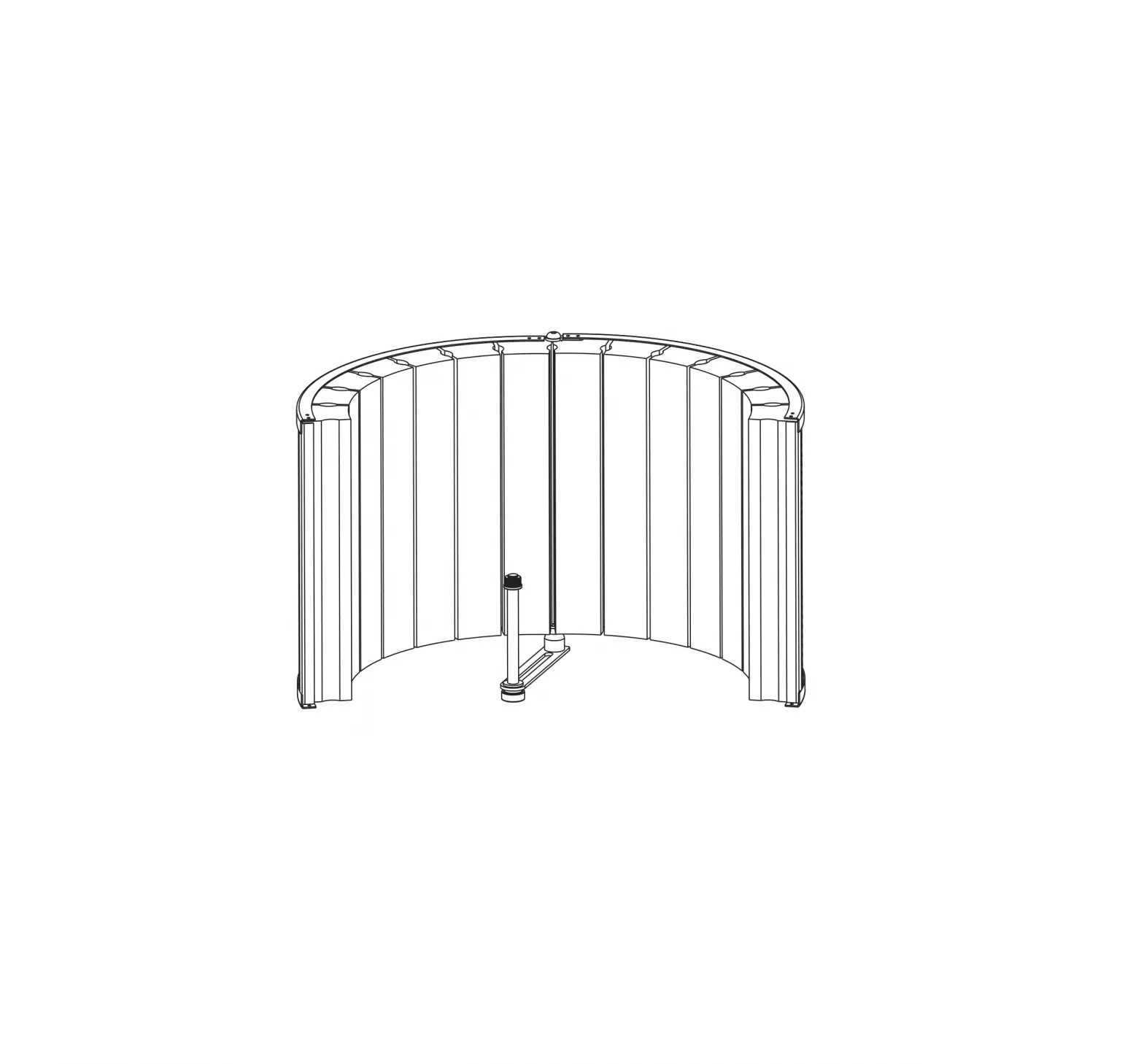
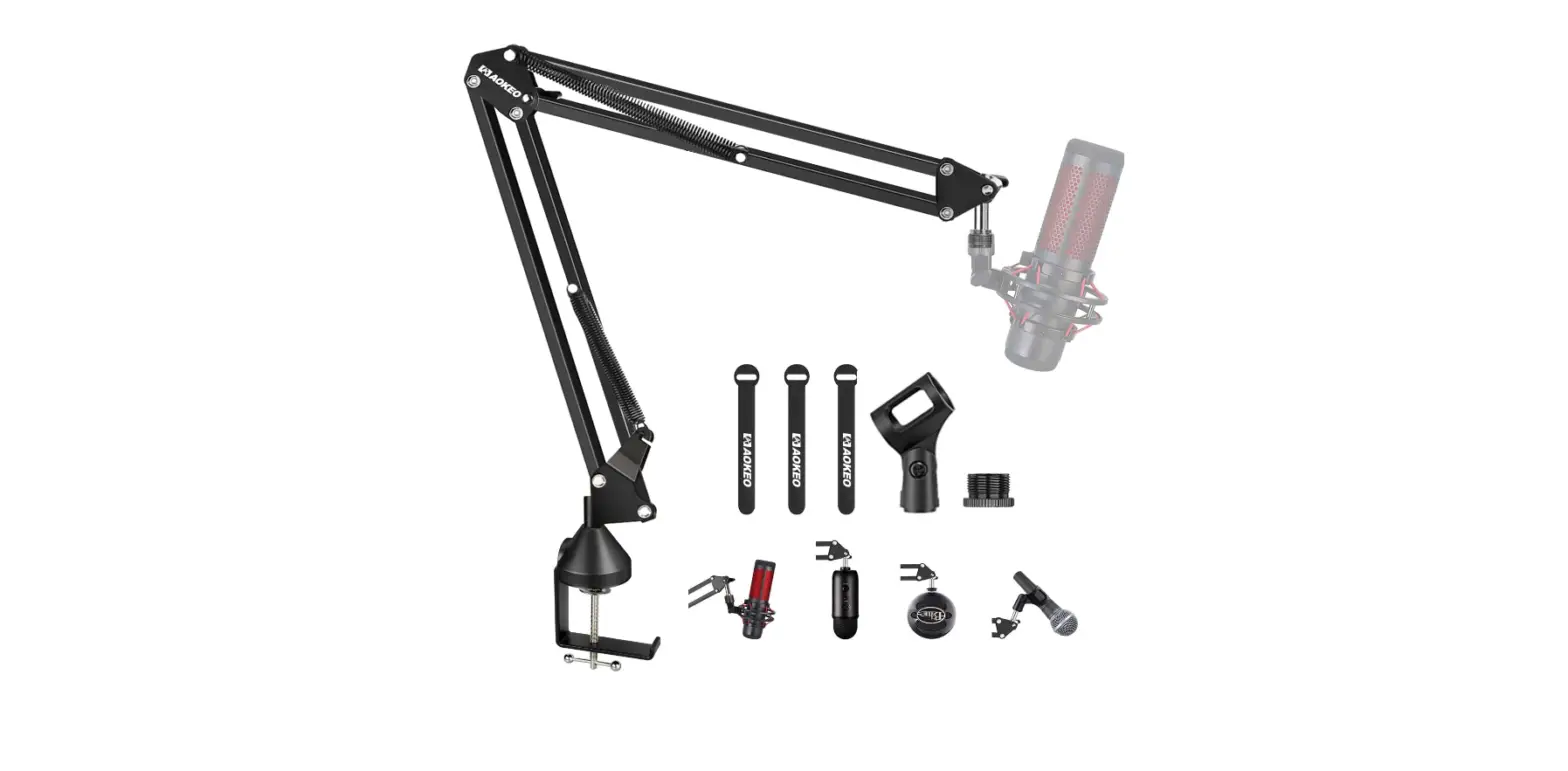
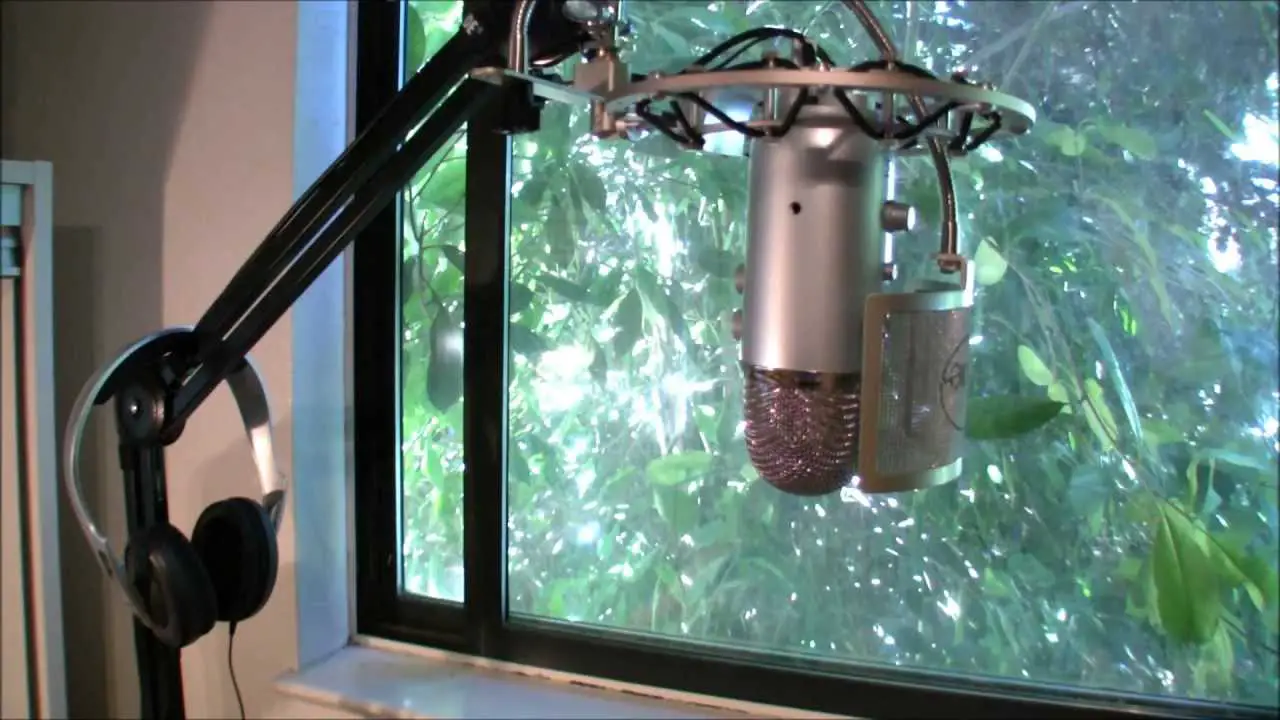
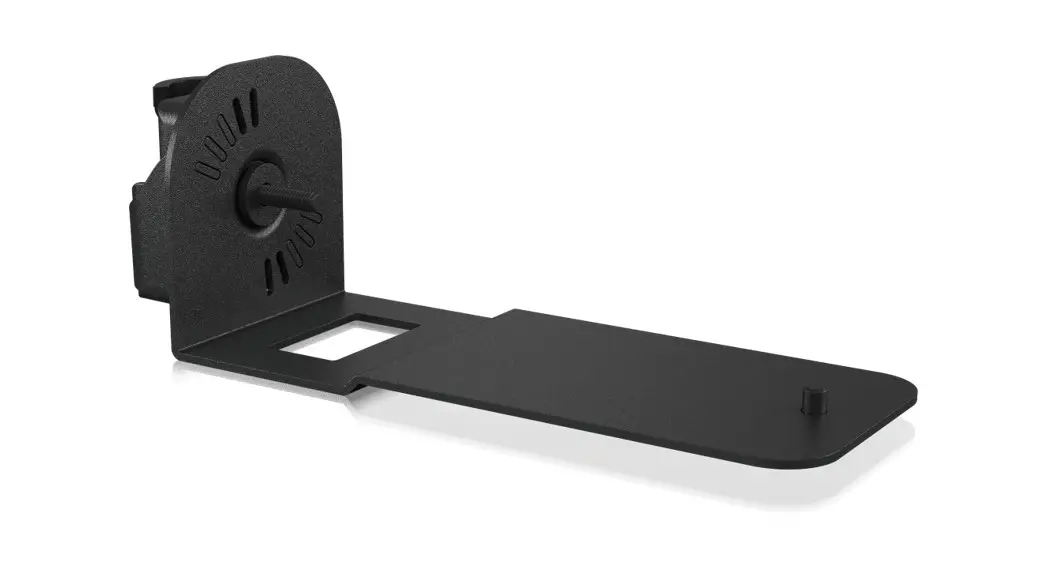
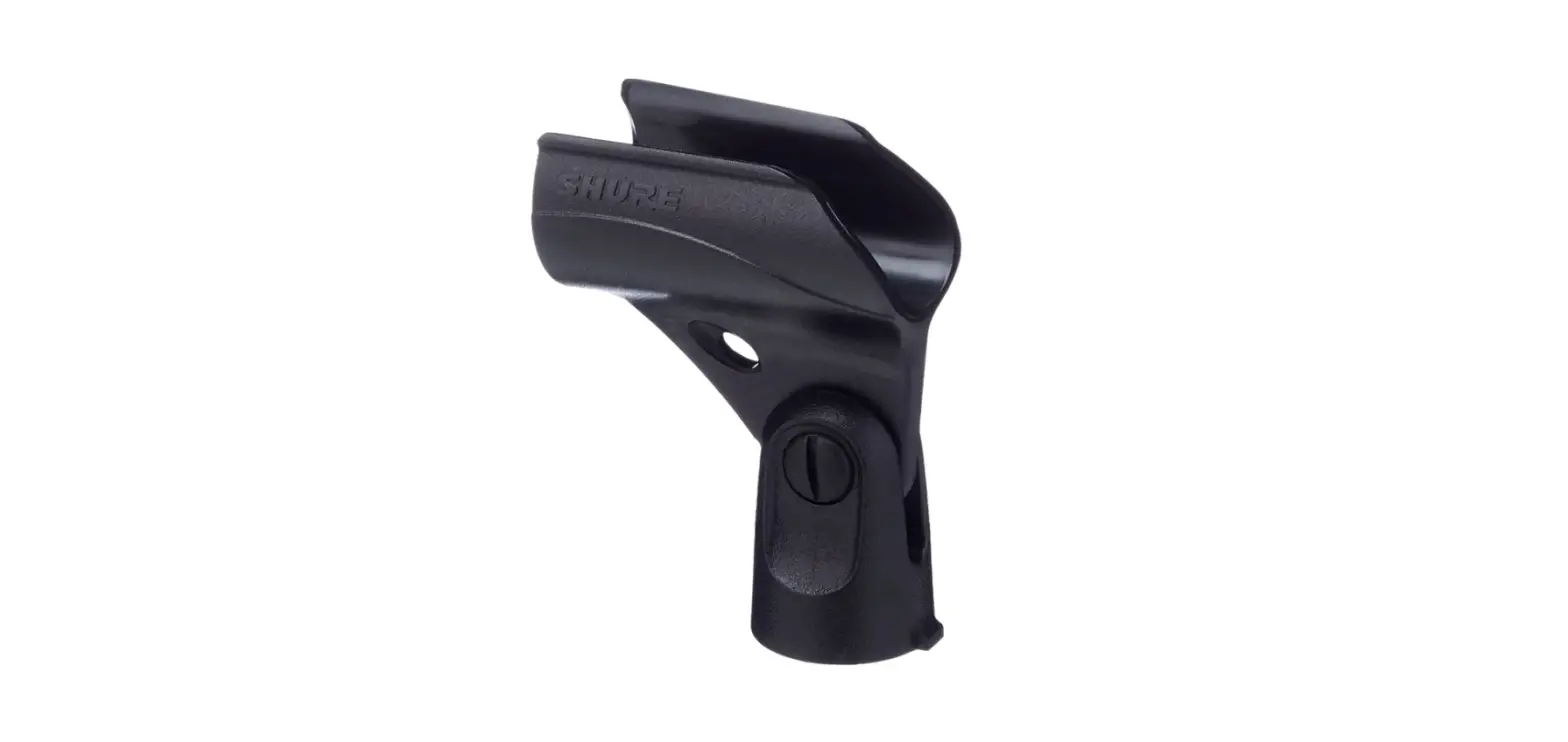
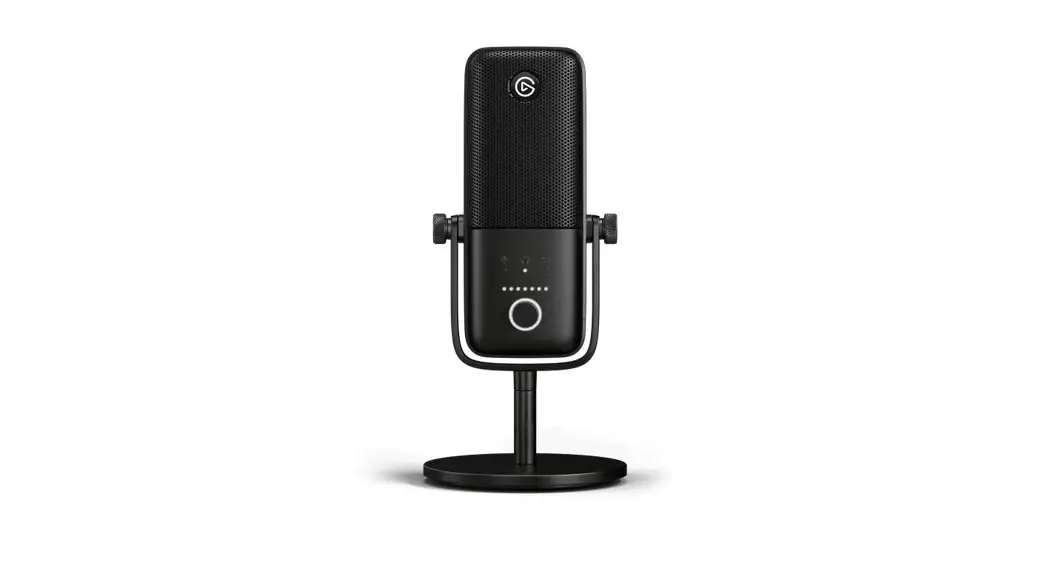
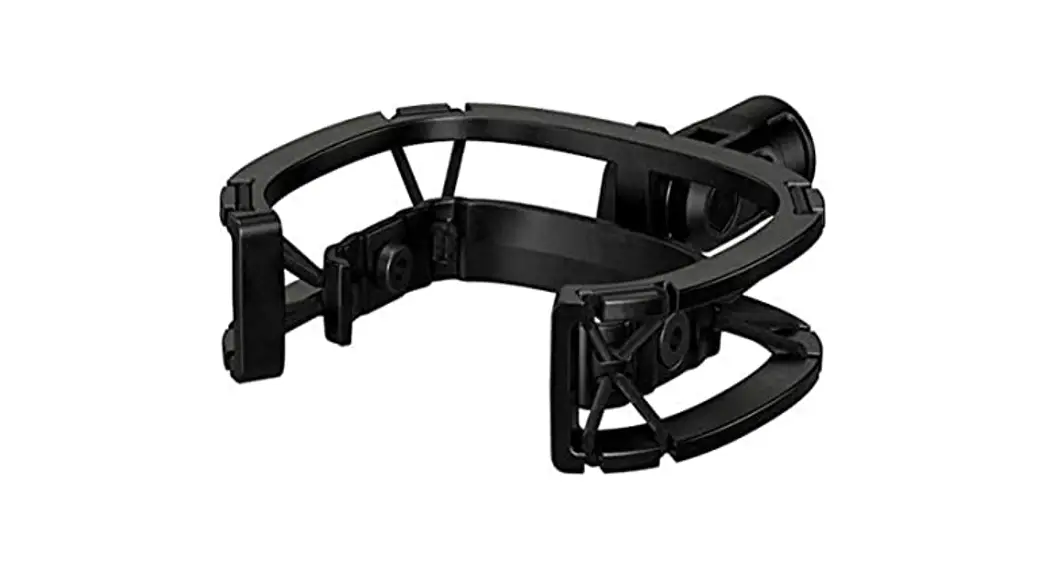
Secure Wave Shock Mount to your boom arm. If required, use one or both of the included adapters.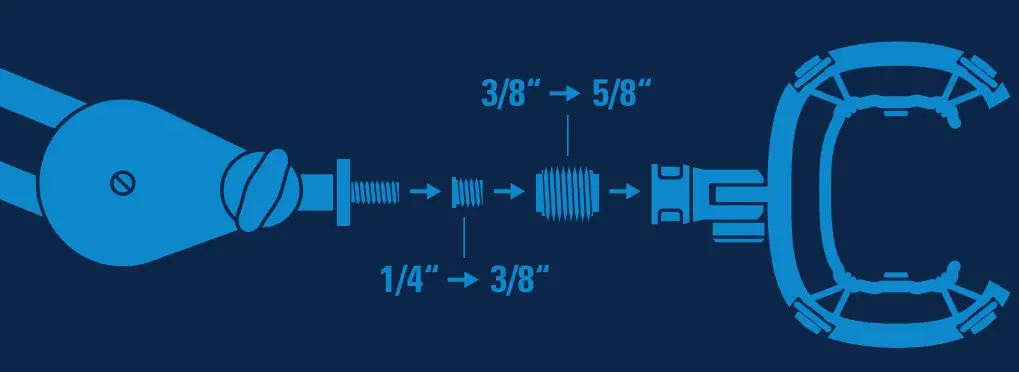 Unscrew your Wave microphone from its stand.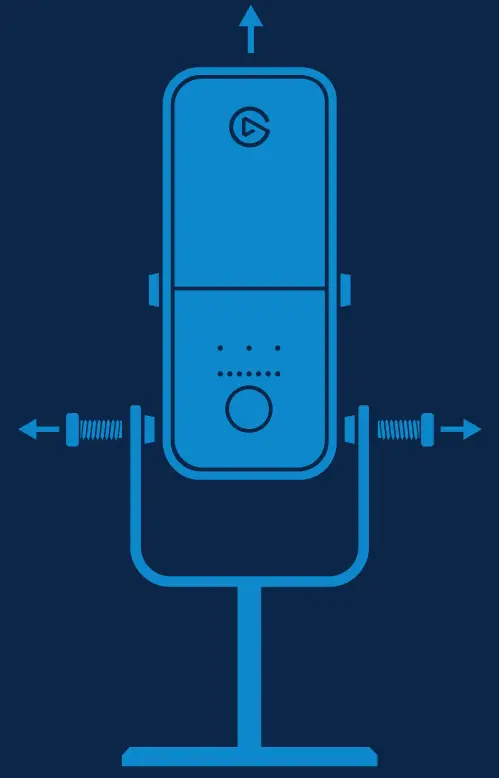
Align your Wave microphone screw holes with the Wave Shock Mount eyelets. Resecure the screws without overtightening. 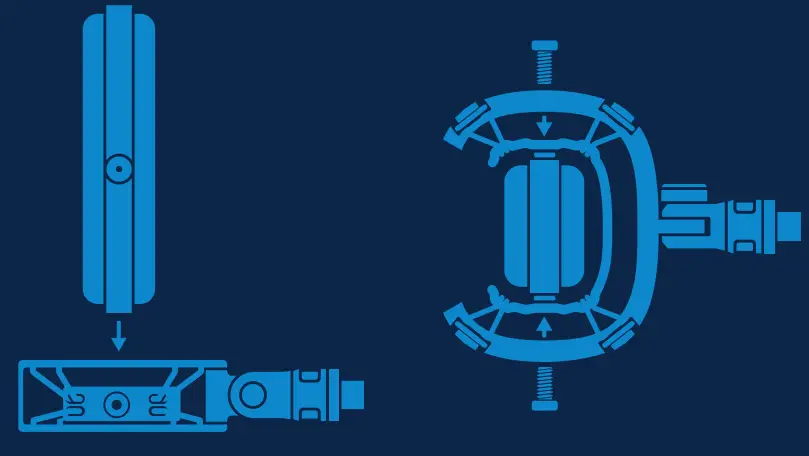
Elgato, a division of:
Corsair Memory Inc., 115 North McCarthy Blvd, Milpitas, CA 95035, USA
Corsair Memory BV, Wormerweg 8, 1311 XB, Almere, Netherlands
Copyright 2011-2022 Corsair Memory Inc.
All rights reserved. Elgato and the Elgato logo are trademarks of Corsair Memory Inc., registered in the U.S. and other countries.
All other trademarks belong to their respective owner.
Model: 20MAE9901
Part: 51MAE9903