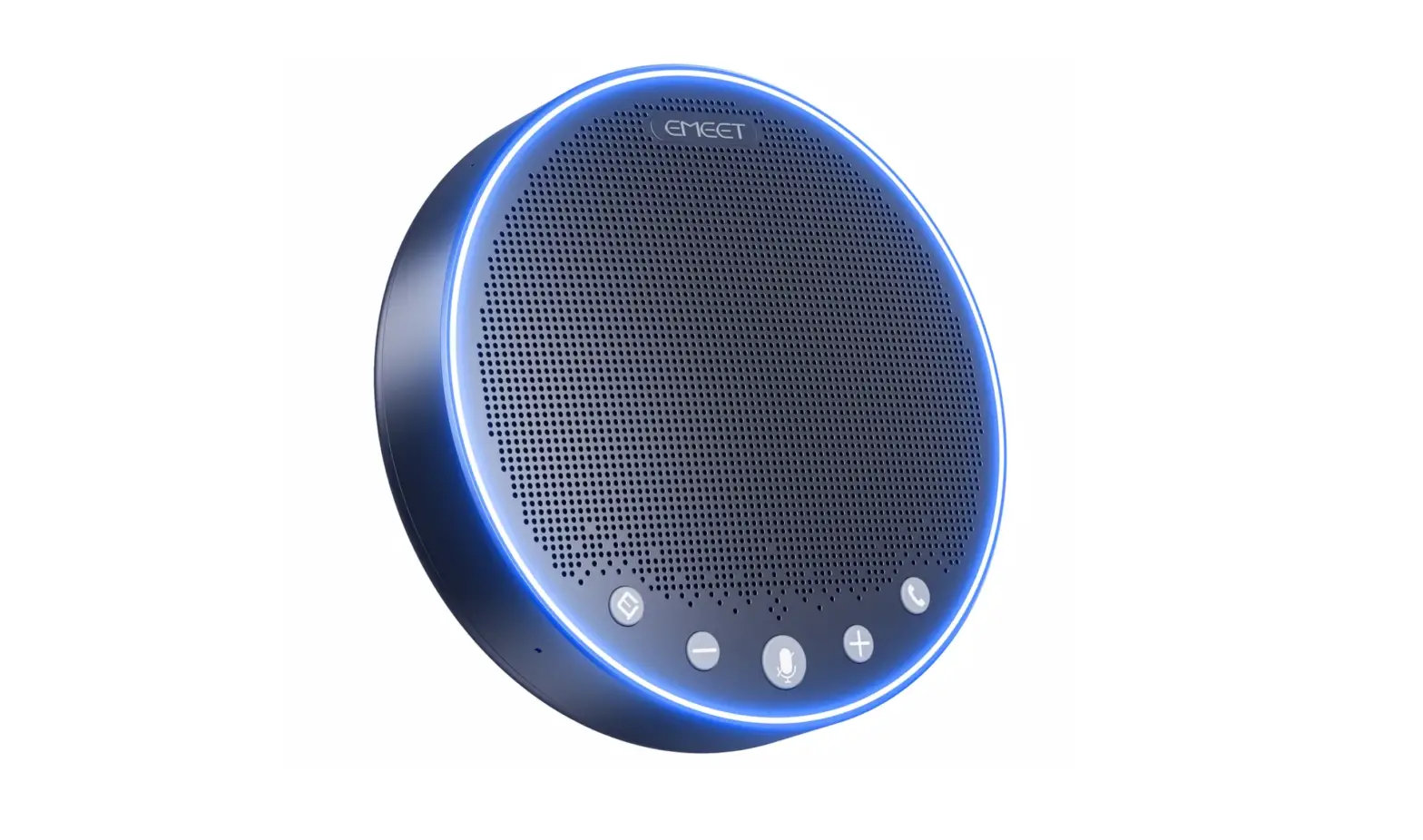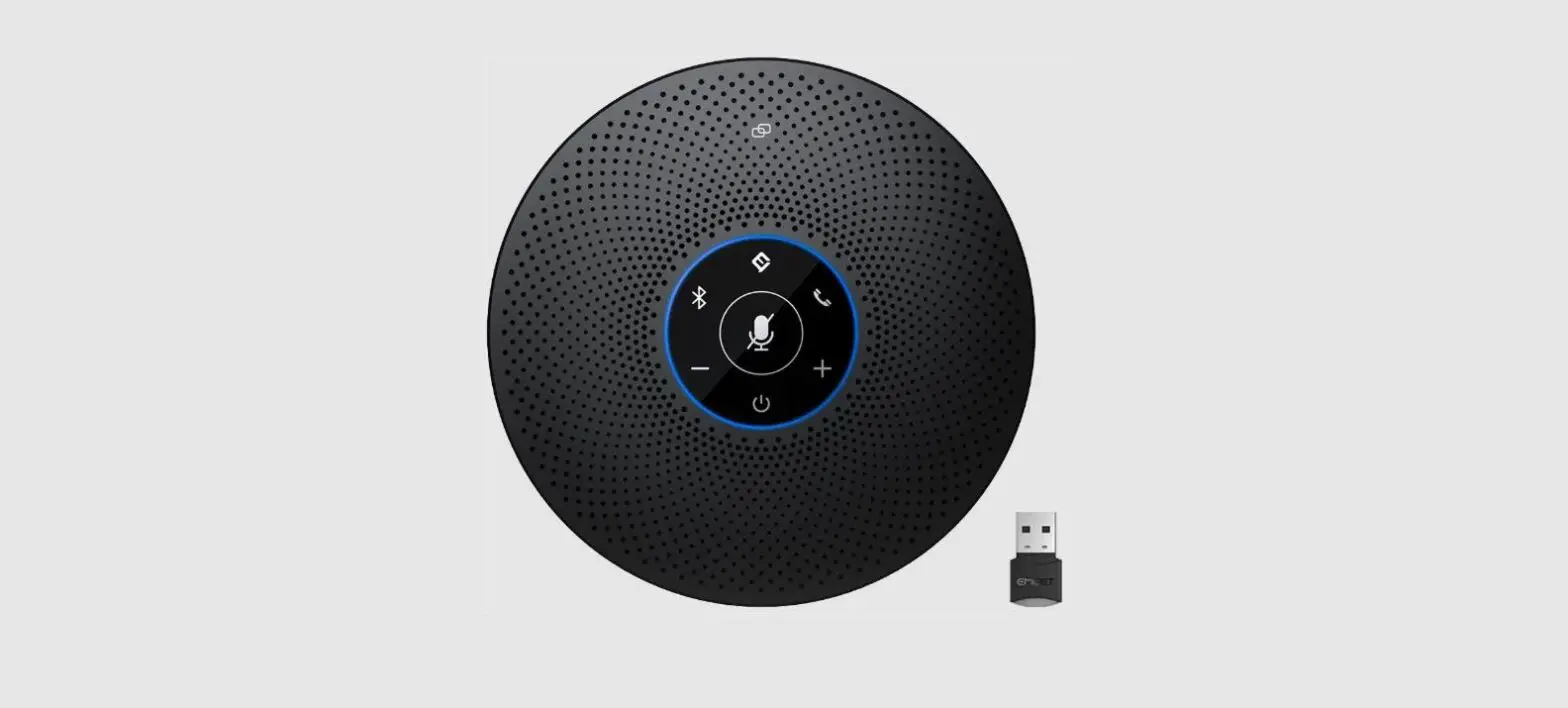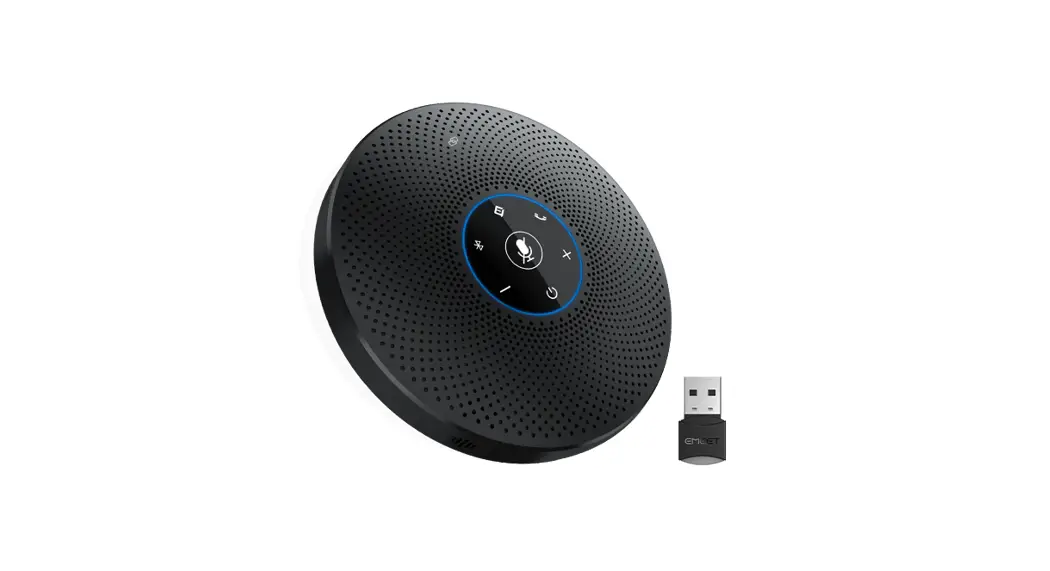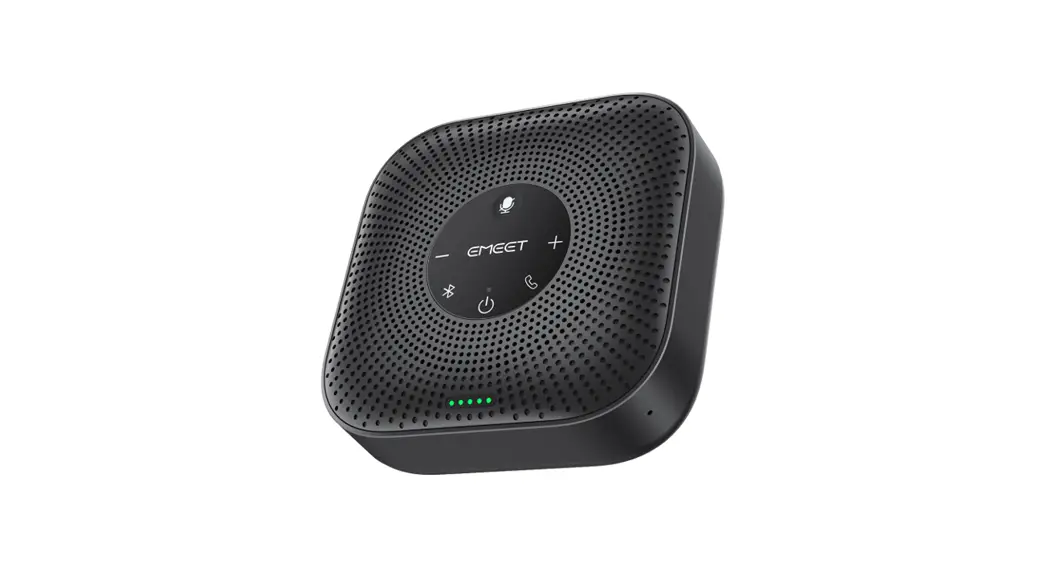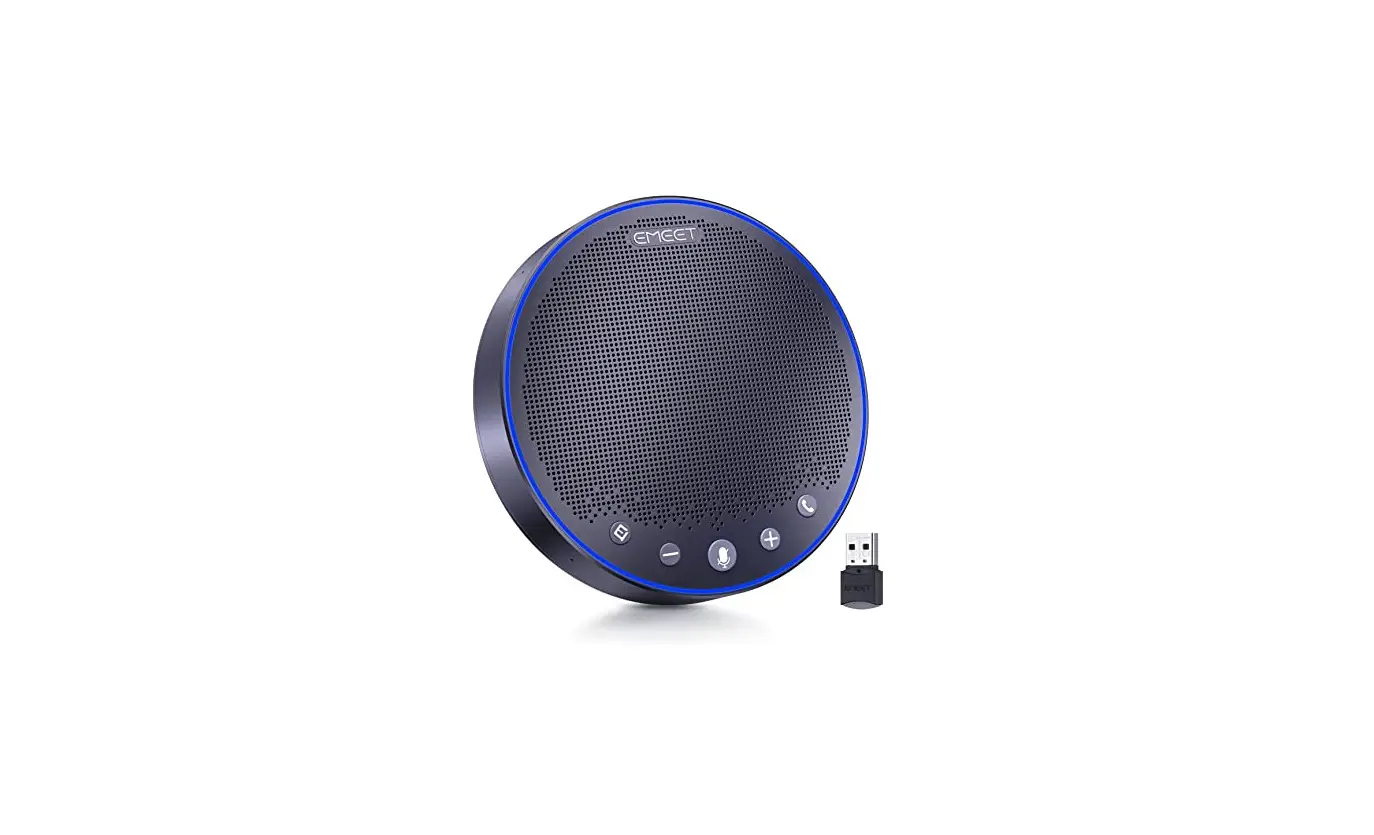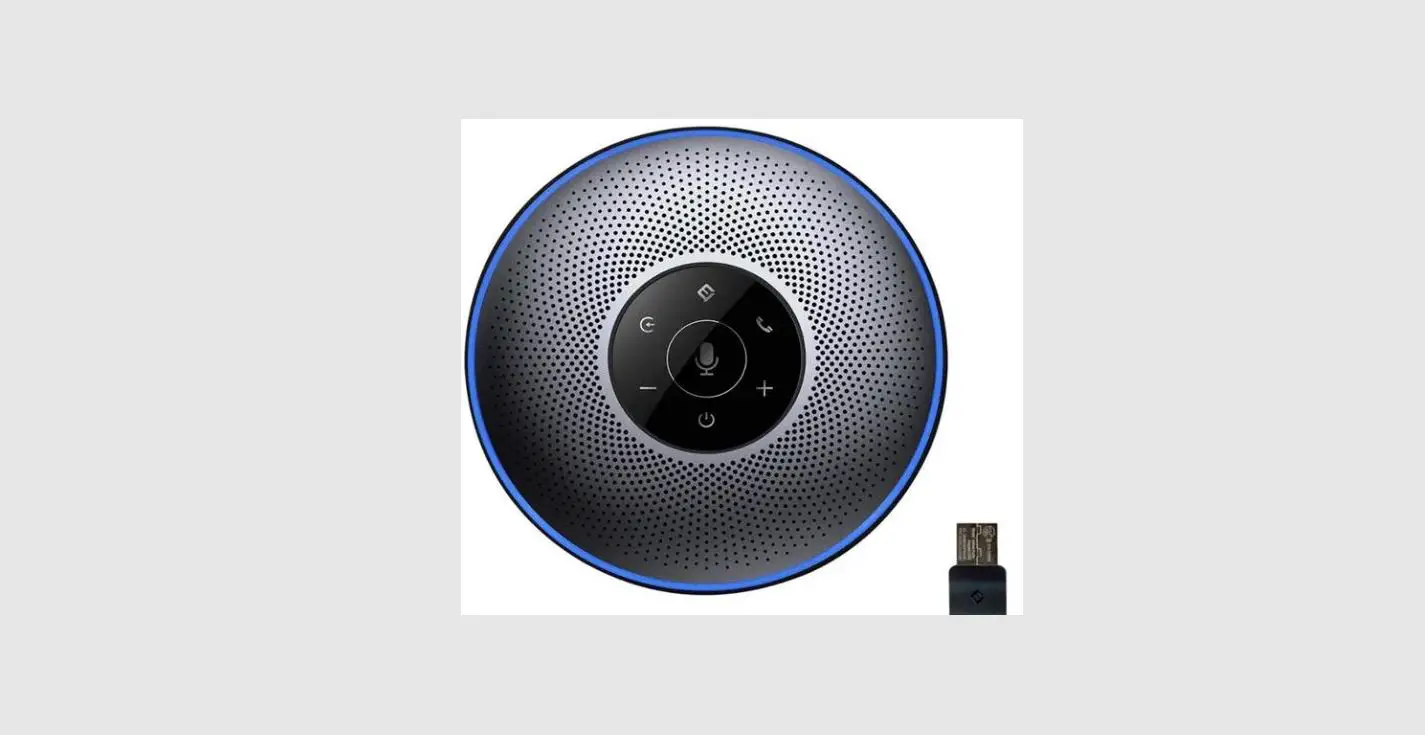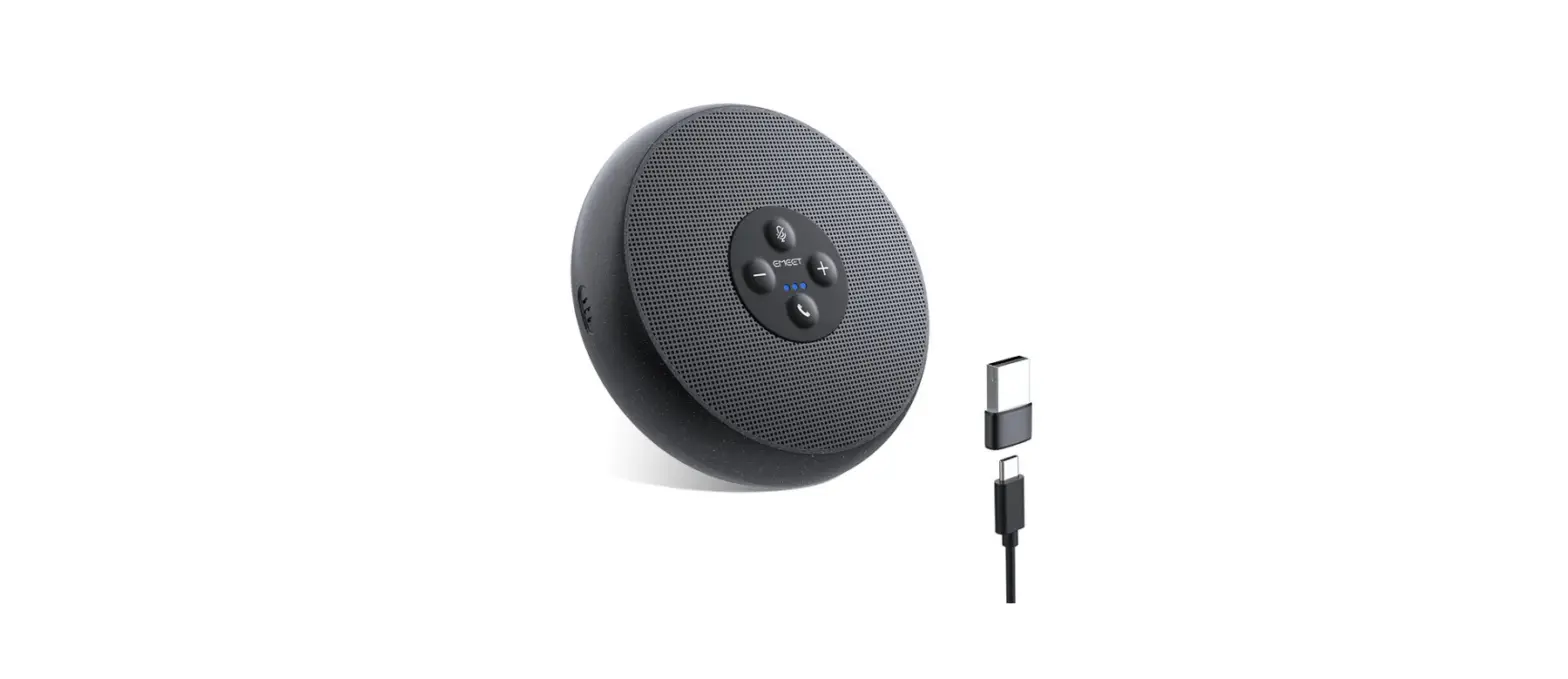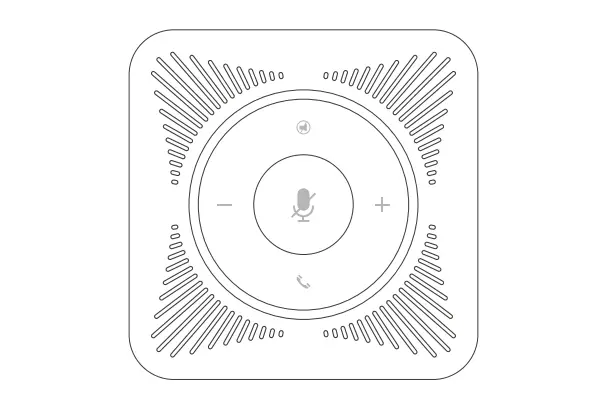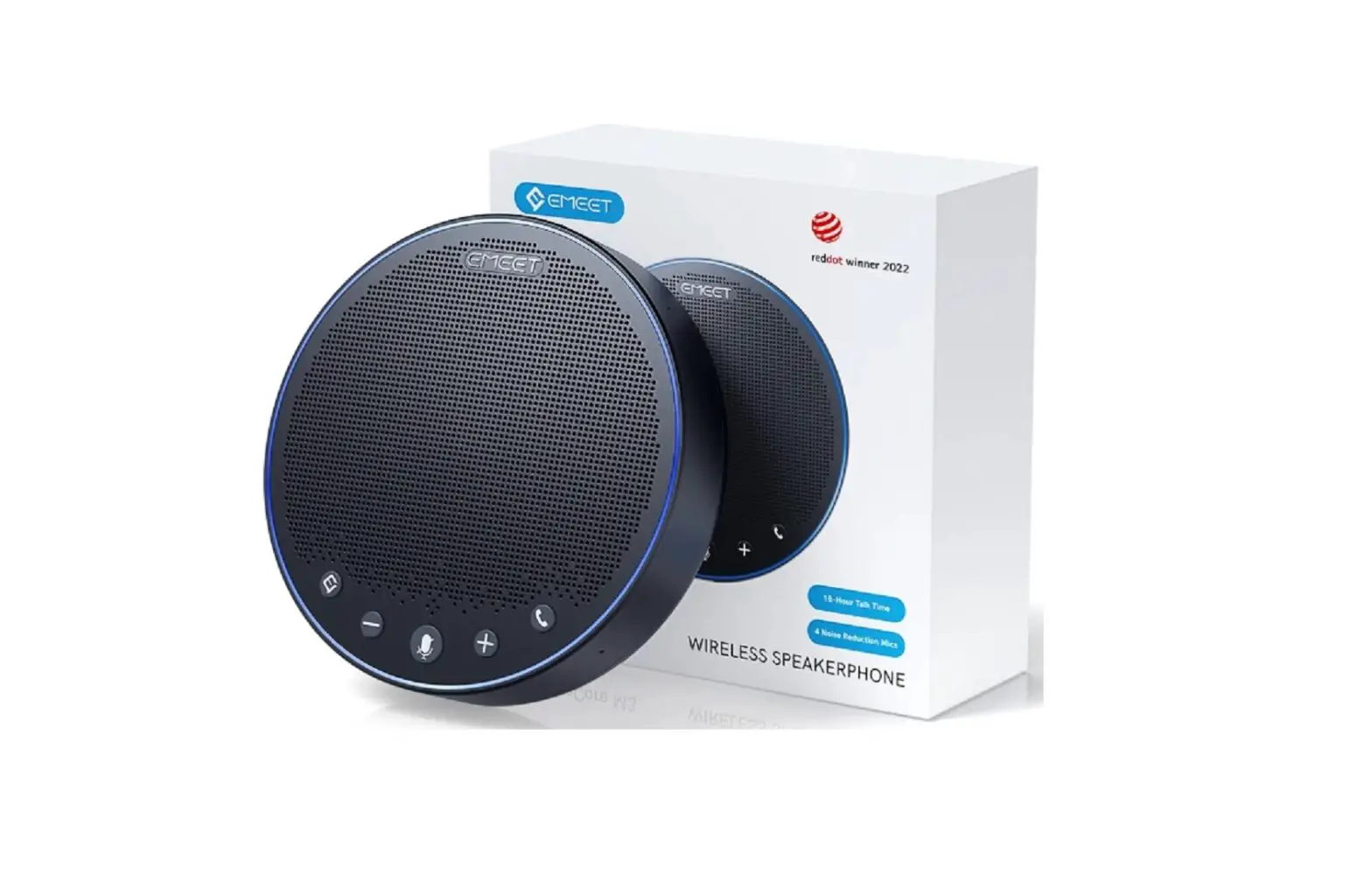
EMEET E1101 OfficeCore M3 Bluetooth Speakerphone User Manual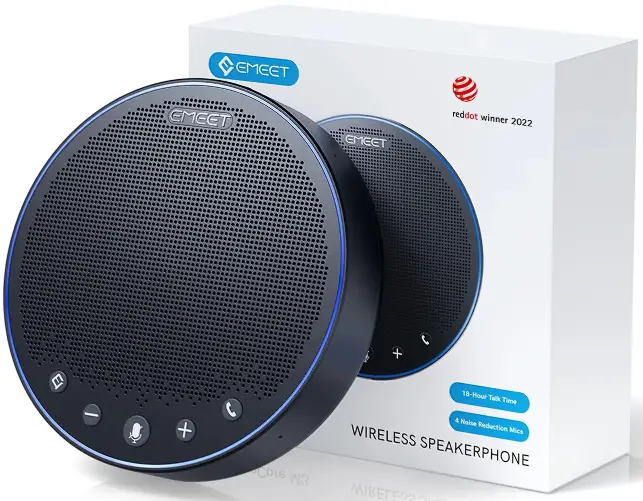
Contents hide
Product Overview
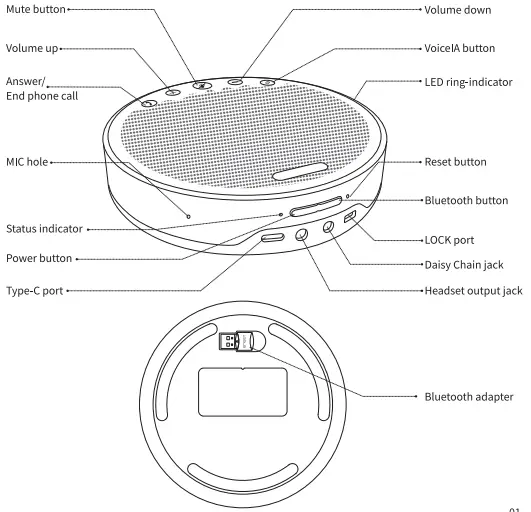
Power on/off
Power on/off
- Press and hold the power button — power on/off

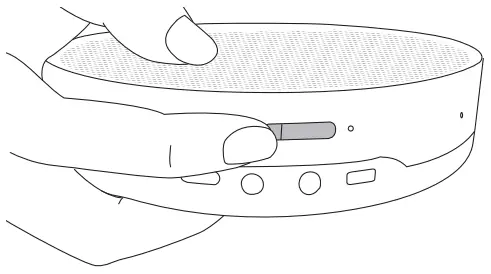
Check battery level
- Short press the power button when powered on — the LED ring-indicator indicates the battery level.


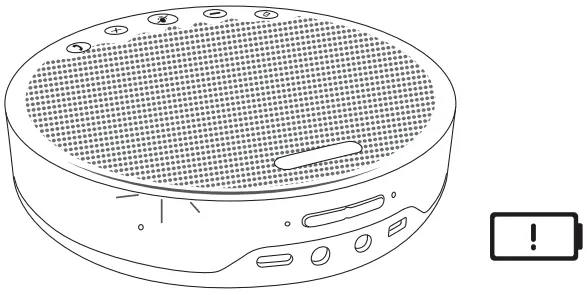
Low battery warning
- In power-on state, the LED ring-indicator turns red.

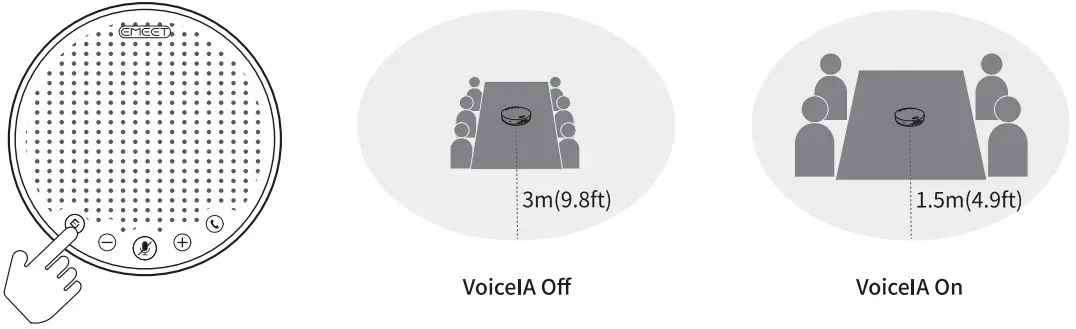
- VoicelA is a noise-cancelling algorithm independently developed by EMEET.
- Short press – turn on/off VoicelA intelligent noise reduction
- Turning on VoicelA noise reduction can greatly reduce some noises during meetings, such as from keyboard tapping, air conditioning noise, and general unwanted background noise.

- Press– mute/unmute MIC

- When the MIC is muted, the LED ring-indicator turns red

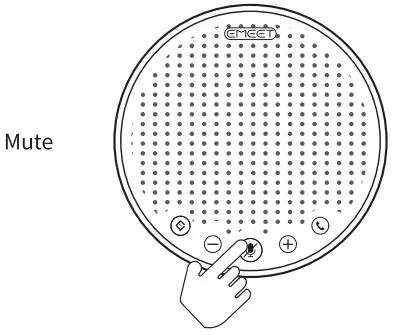
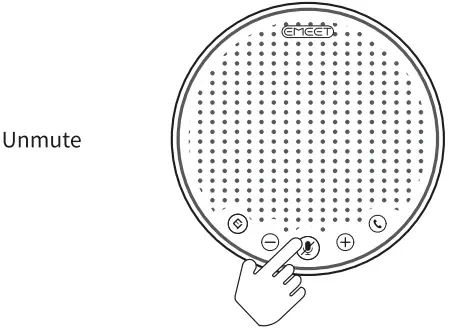
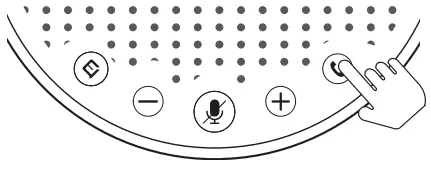
- Incoming call– press — answer a call
- Incoming call — press and hold — reject a call
- Call going– press/press and hold — end a call


Volume+
- Press — volume+ — volume up — LED ring-indicator turns blue
Volume-
- Short press — volume- –volume down — the LED ring-indicator turns blue
Bluetooth Connection
Bluetooth pairing
- Press and hold the Bluetooth button — Enter Bluetooth pairing mode– Bluetooth paired — the Status indicator remains steady blue
- Bluetooth not paired — the Status indicator flashes blue
Bluetooth turned off - Short press the Bluetooth button — Bluetooth turned off — the Status indicator remains steady white
Bluetooth reconnected - Bluetooth disconnected — Press Bluetooth button — Bluetooth reconnected.


Note:
- When the product is turned on, it will reconnect to the last successfully connected device via Bluetooth (if enabled on the device).
- Bluetooth turned off means it can not be found.
USB Connection
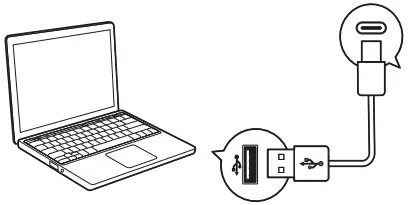
- Connect to your computer by using a USB cable.

- Connect to your computer by using a USB cable.

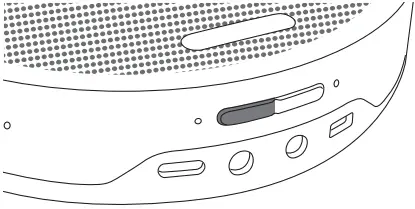
Bluetooth Dongle Connection
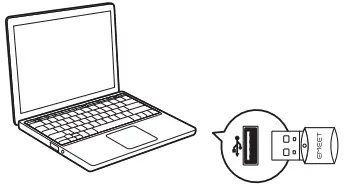
- Connect to your computer by using a USB Dongle. Plug-and-play is supported when the device is on.
- When the Bluetooth dongle is connected, the Status indicator turns blue.

| Status | Bluetooth dongle indicator |
| During pairing | Flashes blue rapidly |
| Pairing successful | Steady blue |
| Reconnection | Flashes blue slowly |
| Skype for business incoming call | Flashes green |
| Call going | Steady green |
| Mute | Steady red |
| Low battery alarm | Flashes red rapidly |
Headset Connection
- Connect to the headset jack using a 3.5mm headset cable.
- When the headset is connected, the Status indicator turns yellow (not connected to Bluetooth or USB cable).

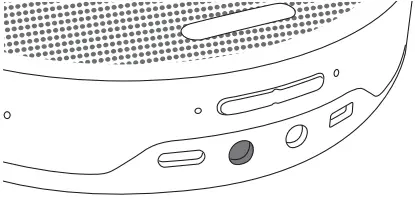
Note: When the headset is connected, the speaker is automatically muted.
Daisy Chain Cable
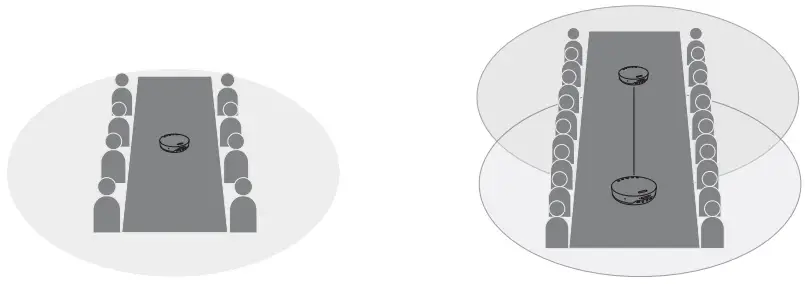
- Daisy-Chain can be carried out by connecting the LINK ports of two products using a Daisy Chain cable.
- The Status indicator turns ice blue when Daisy Chain is connected.
Note: EMEET Daisy Chain cables must be purchased separately.
- Support meetings of 8 people before dasiy-chain.
- Support meetings of 16 people after dasiy-chain.

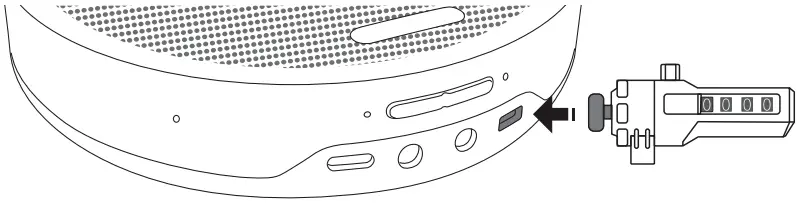
Lock Port Setting
- Lock the product through the LOCK port to prevent theft.
Note: The LOCK port is of a Kensington type which requires the users to buy a lock otherwise.
Charging
| Action | Status indicator | Induction |
| Charging in power-off state | Flashes yellow |
|
| Fully charged in power-off state | Steady yellow |
|