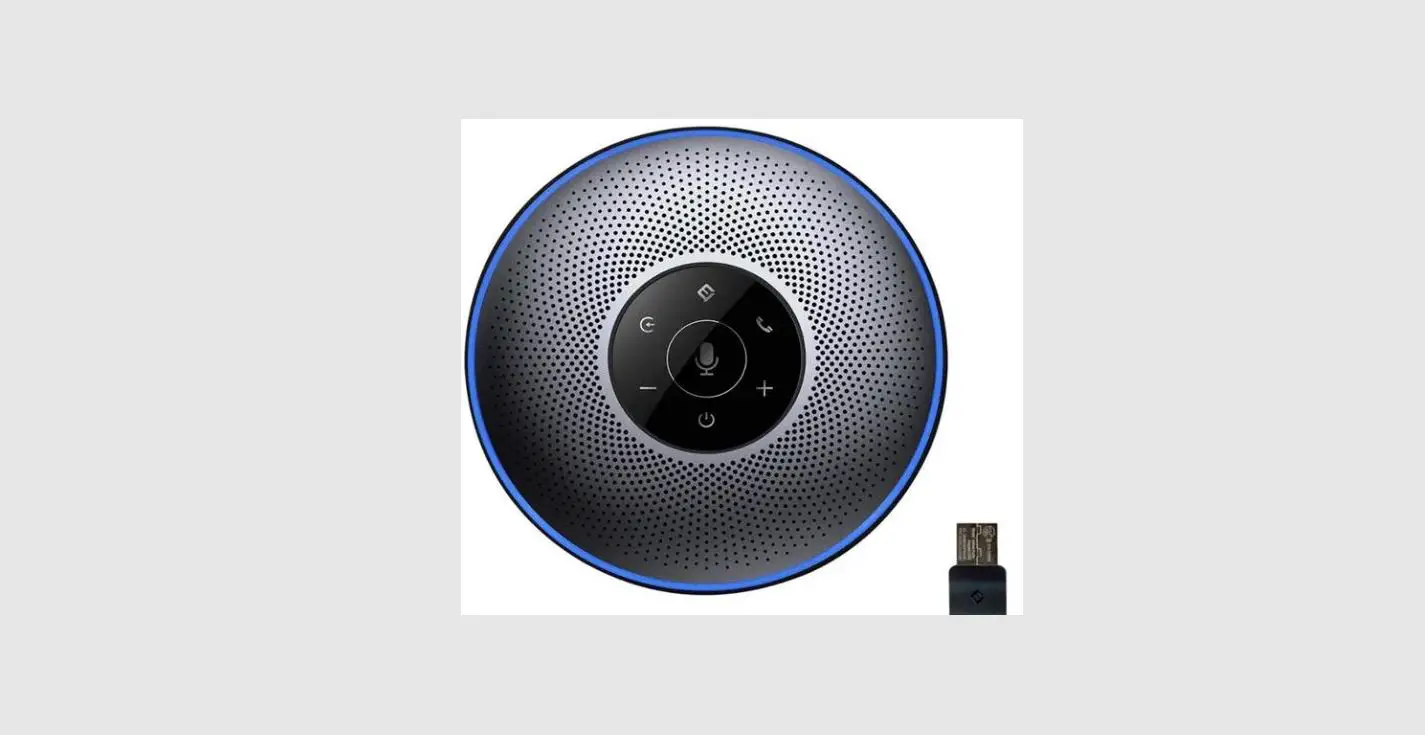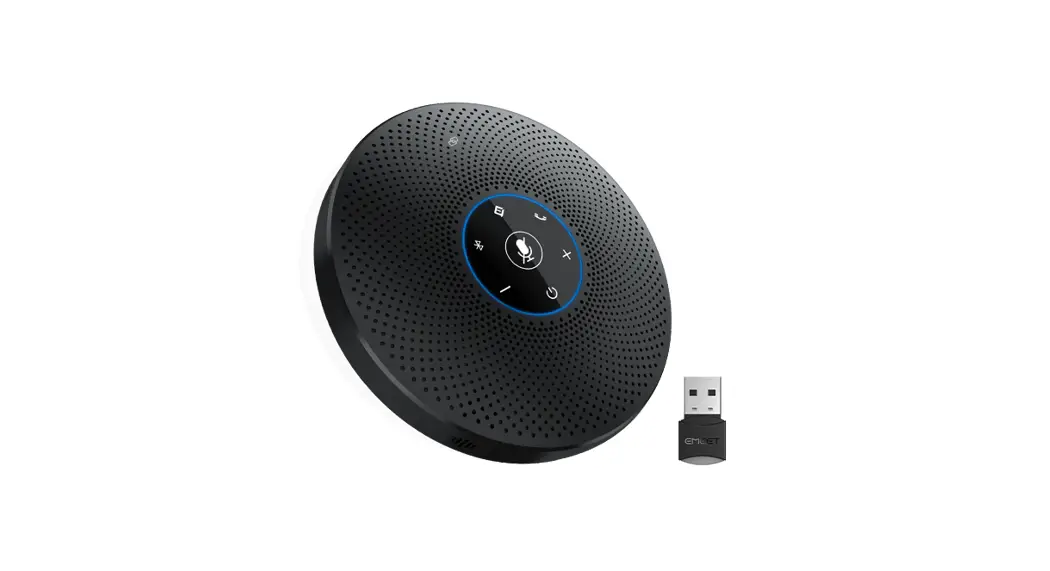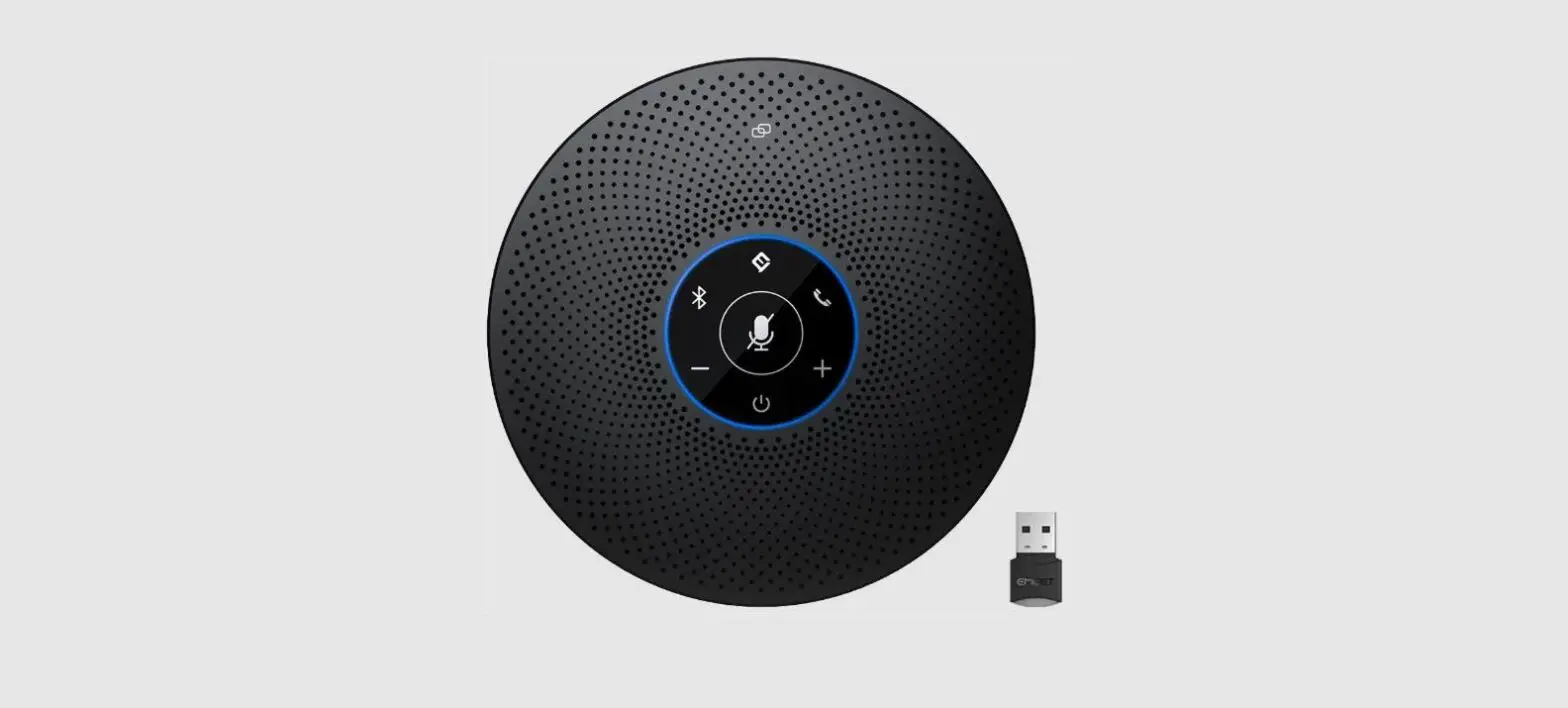
 E1103 OfficeCore M0 Plus Wireless Speaker
User Manual
E1103 OfficeCore M0 Plus Wireless Speaker
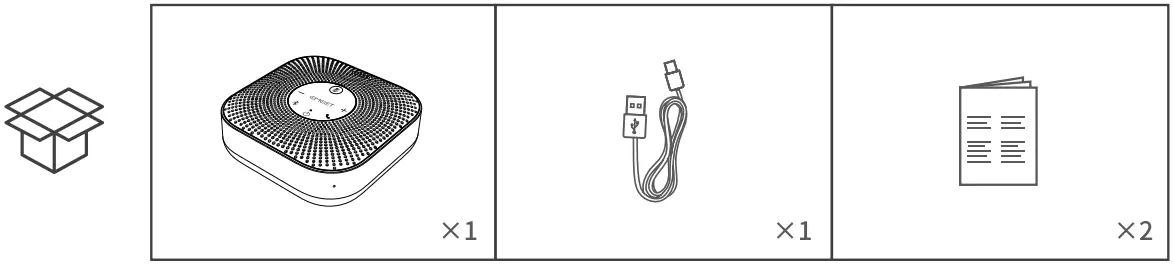
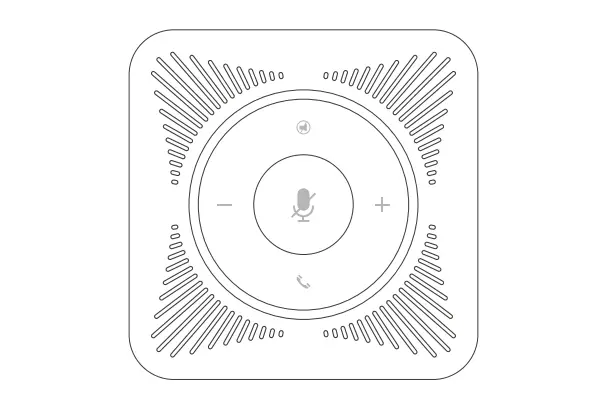
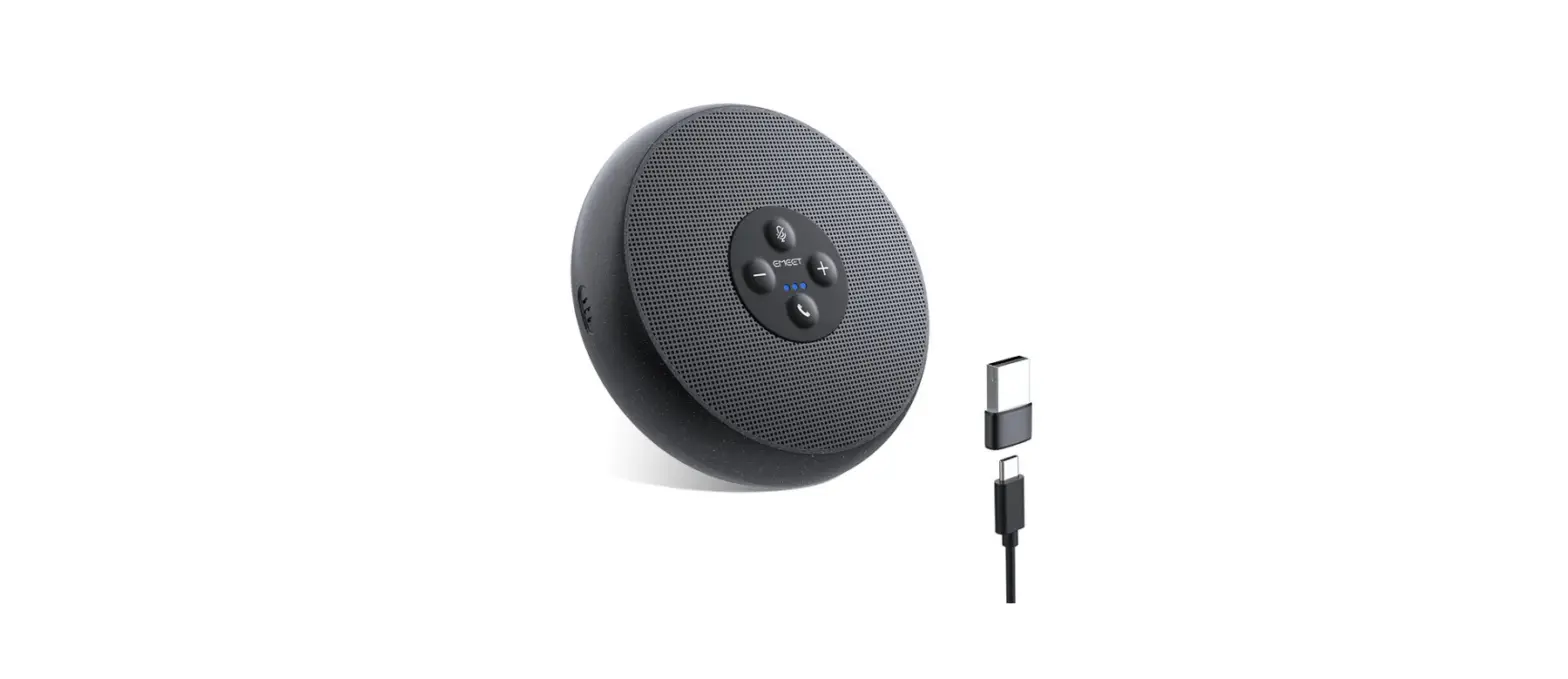
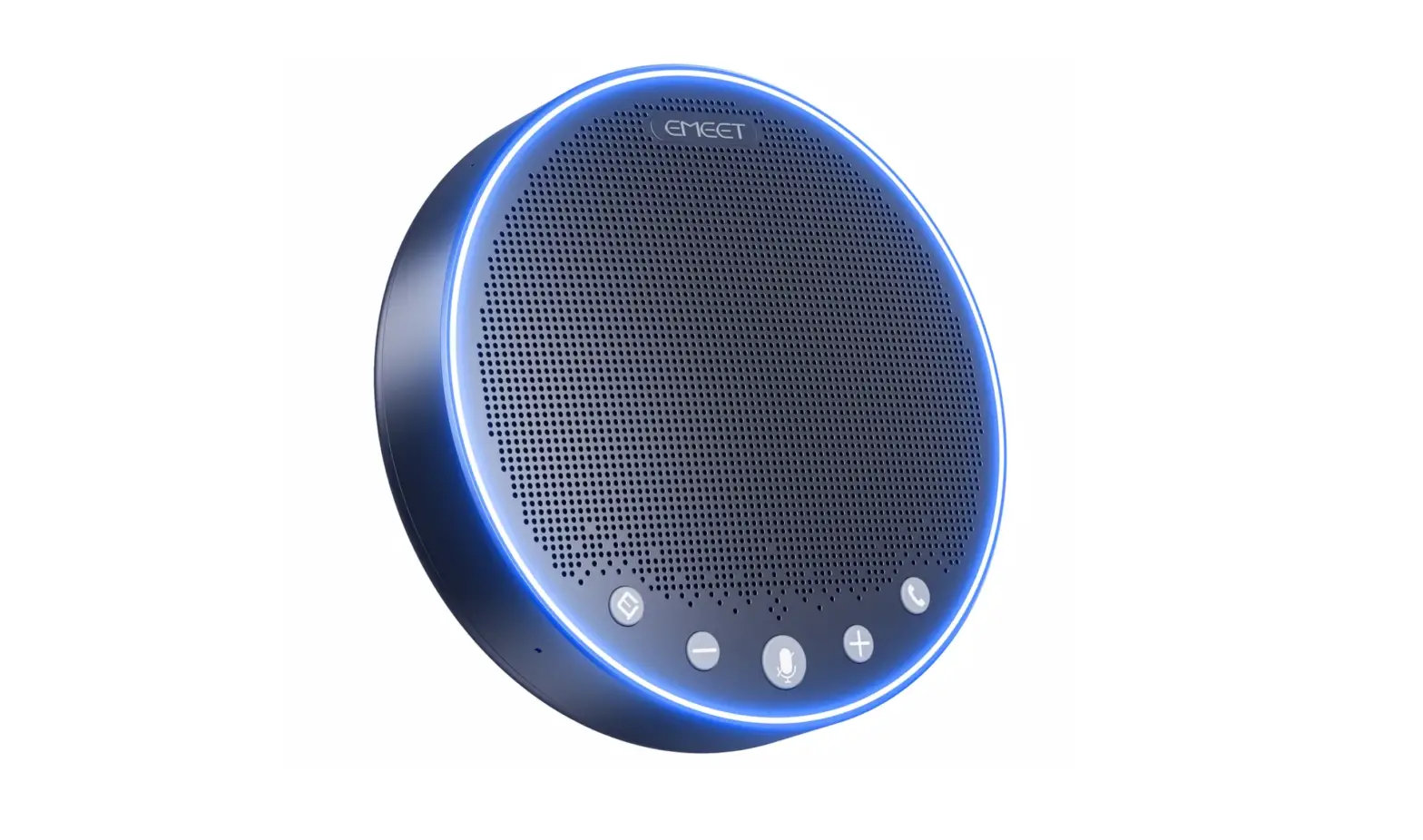
Overview
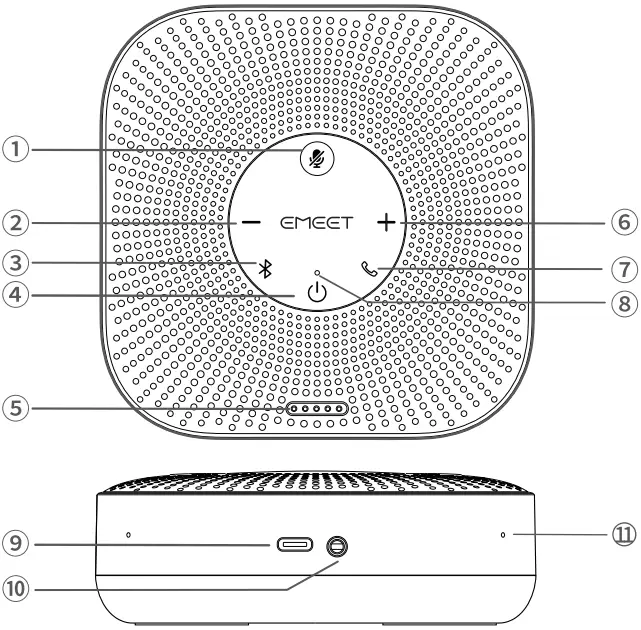
- Mute button
- Volume down
- Bluetooth button
- Power button
- Battery indicator
- Volume up
- Answer/End phone call
- Status indicator
- Type-C port
- Daisy Chain port
- MIC hole
Button Controls
 | press and hold | Power on/off |
| In power-on state, press | Display battery level | |
 | Press | Volume up/down |
 | Press | Answer/End phone call |
| Incoming call, press and hold | End phone call | |
 | Press | Mic mute/unmute |
 | Press and hold | Search Bluetooth |
| Press | Bluetooth closed | |
| Bluetooth reconnected |
Status LED
- Status indicators
Status LED USB connection Steady green 
Search Bluetooth Flash blue 
Bluetooth connection Steady blue Bluetooth closed Steady white - Volume Indicator


Operating Instructions
- On/Off button
Press and hold the power button “ ” for 2seconds to power the product on or off.
 - Connecting
(a) The product will power on automatically after it’s connected to a PC via a USB cable. b) After the product is turned on, it will connect mobile devices such as PC or mobile phones through Bluetooth pairing.
 » Note: When the product is turned on, it will reconnect to the last connected device via Bluetooth (if enabled on the device).
The product cannot be found if its Bluetooth is closed. - Battery Display
Press the power button when the product is powered on to check the battery level.Battery Color Display 0%-5% red 
5%-25% green 25%-50% green 50%-75% green 75%-100% green 100% green - Volume Display
10% 20% 30% 40% 50% 60% 70% 80% 90% 100% - Daisy Chain Cable
Daisy Chain can be carried out by connecting the ports of two products using a Daisy Chain cable.
*Note: Please use the EMEET dedicated Daisy Chain cable to connect the devices.Daisy Chaln cables need to be purchased separately.
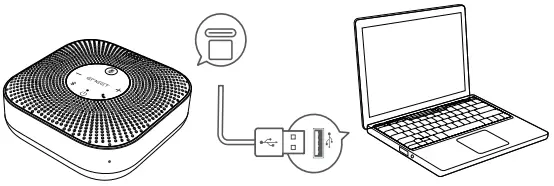 b) After the product is turned on, it will connect mobile devices such as PC or mobile phones through Bluetooth pairing.
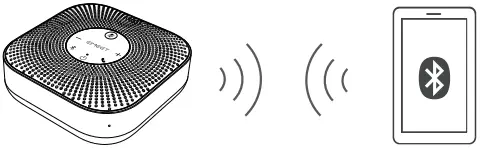 » Note: When the product is turned on, it will reconnect to the last connected device via Bluetooth (if enabled on the device).
Product Parameters
*Note: In case of any changes In the specifications, the Information on our official website shall prevail.
| Charging input | SV=1A |
| Output rating | 3W |
| Bluetooth version | 5 |
| Bluetooth range | 10m |
| Product size | 116*116*40mm |
Download Application
Visit www.emeet.com to download the eMeet Link PC desktop app for software updates.
*Note: The device can operate normally even if eMeetLink is not downloaded.
 |  |
| *For Windows 7/8/10 and above | * For Mac 10.14 and above |