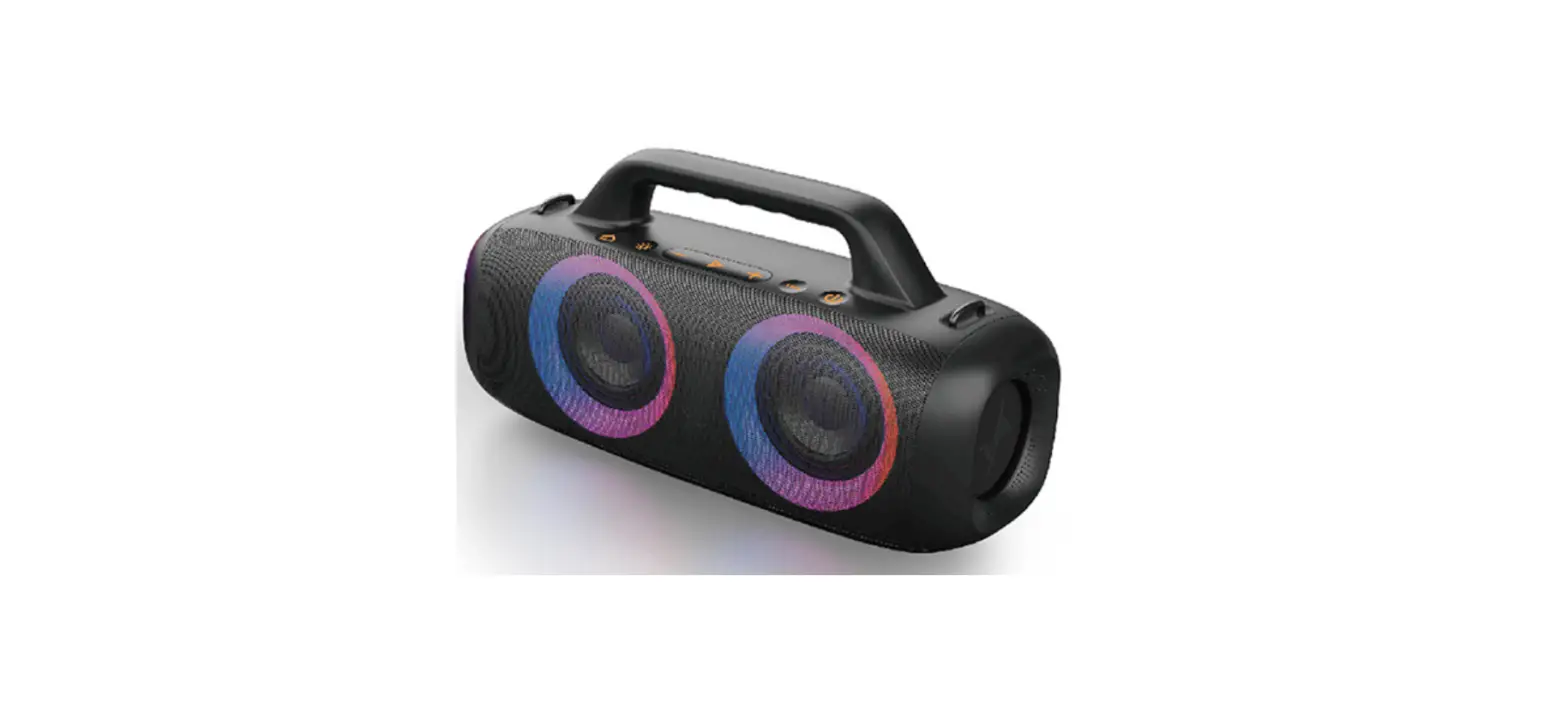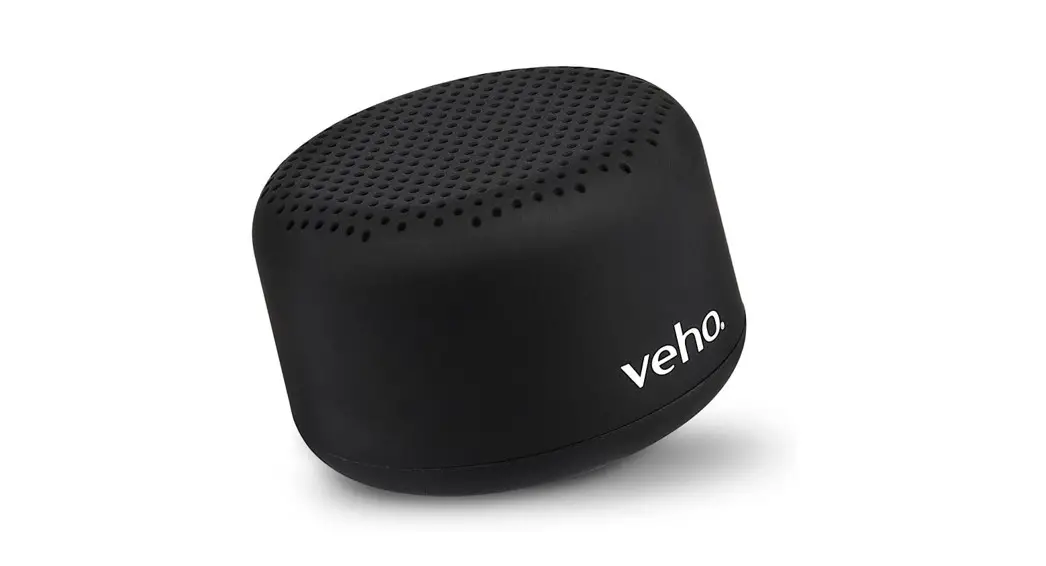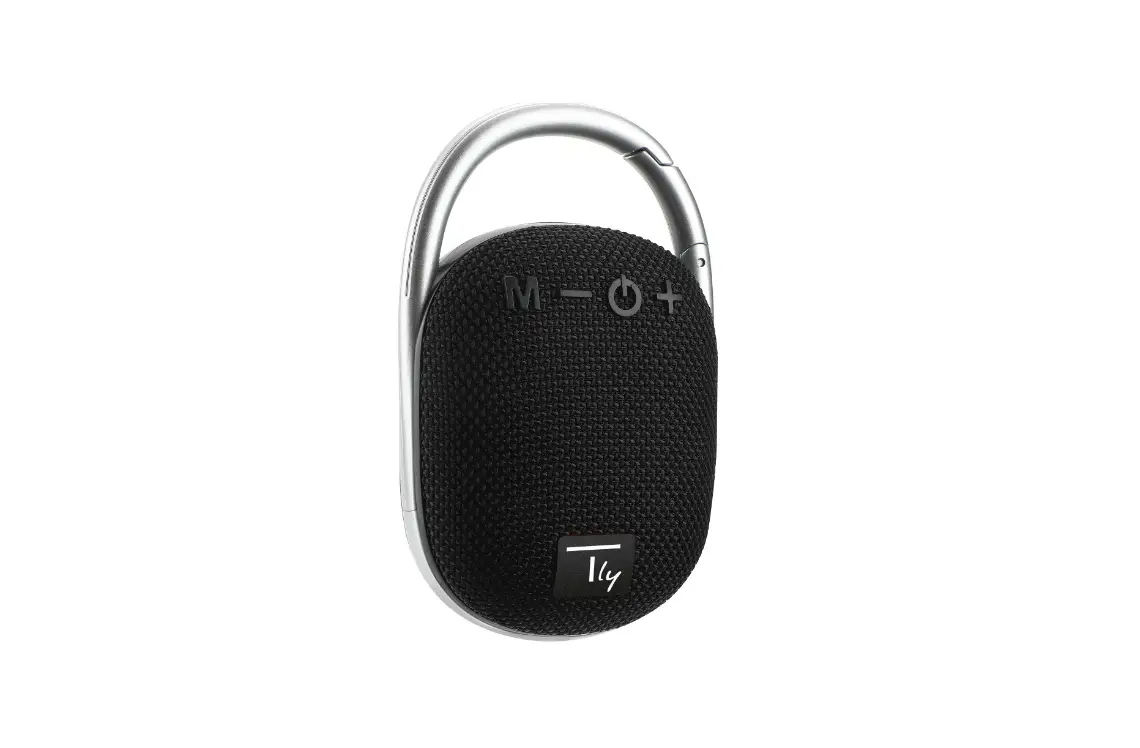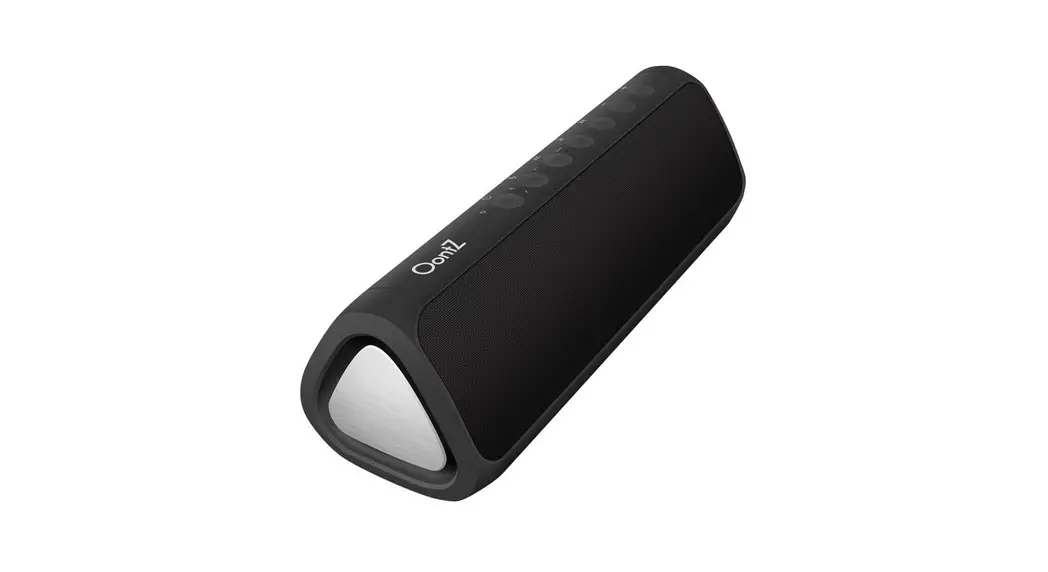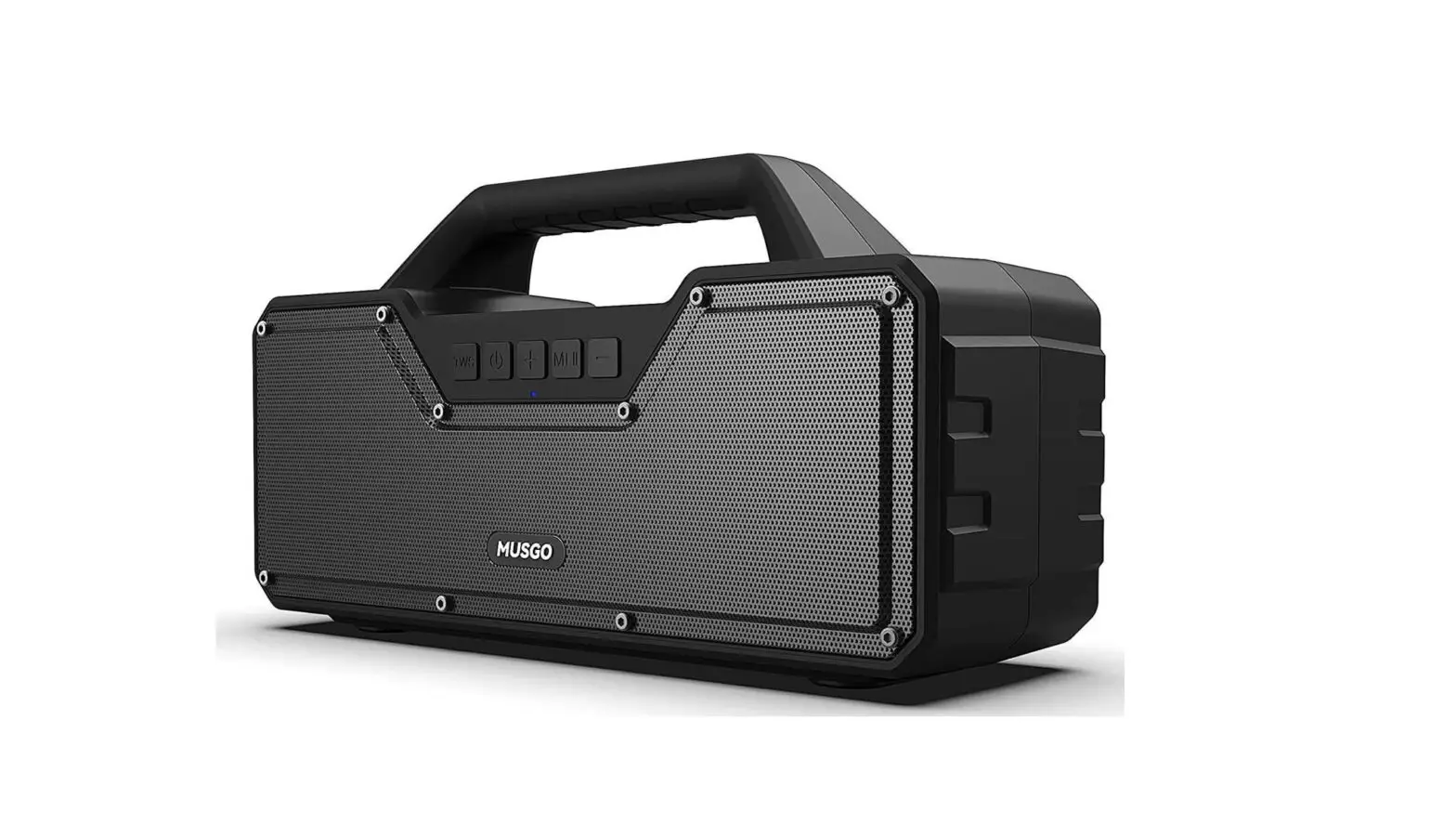

wogofor B0B4B328TT M33 PRO Portable Wireless Speaker
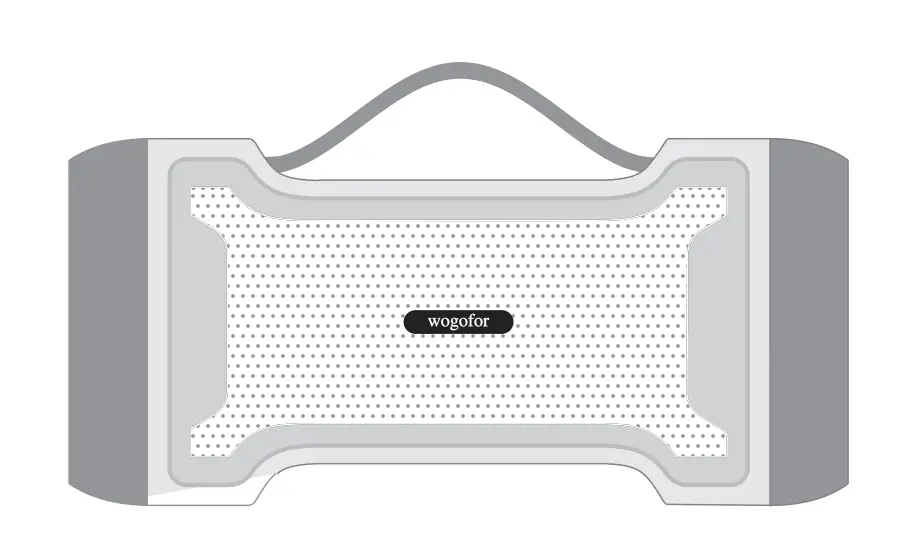
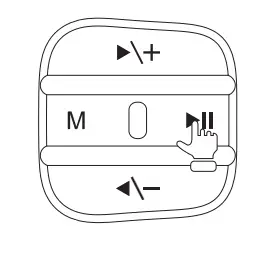
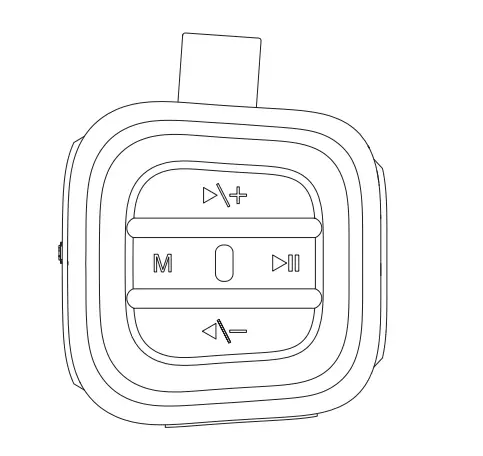
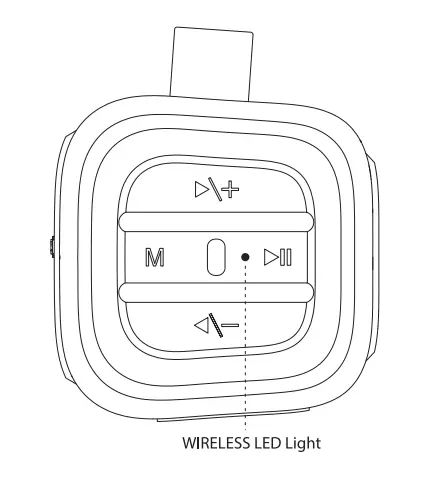
DIAGRAM OF CONTROLS
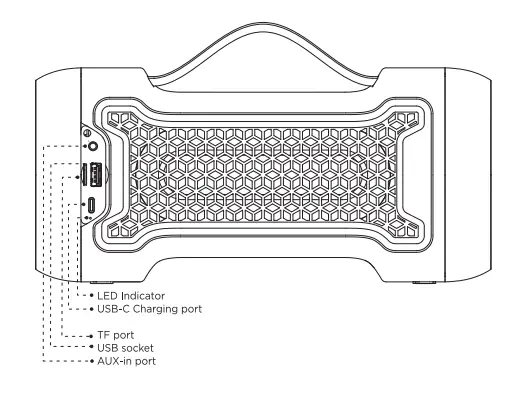
- Mode switch
- Short Prass
- (Wireless/AUX/USB/TF card)
- Turn On/Turn Off
- Shott press: Answer calls
- Long press : Turn Orv’Off/refuse call Double elide Wireless stereo connection
- Volume + / Next Track
- Short Press :Voh.ime up
- Long press: Next track
- Volume – / Forward Track
- Short Press : Vol1,une down
- Long press: Forward track
PRODUCT FEATURES
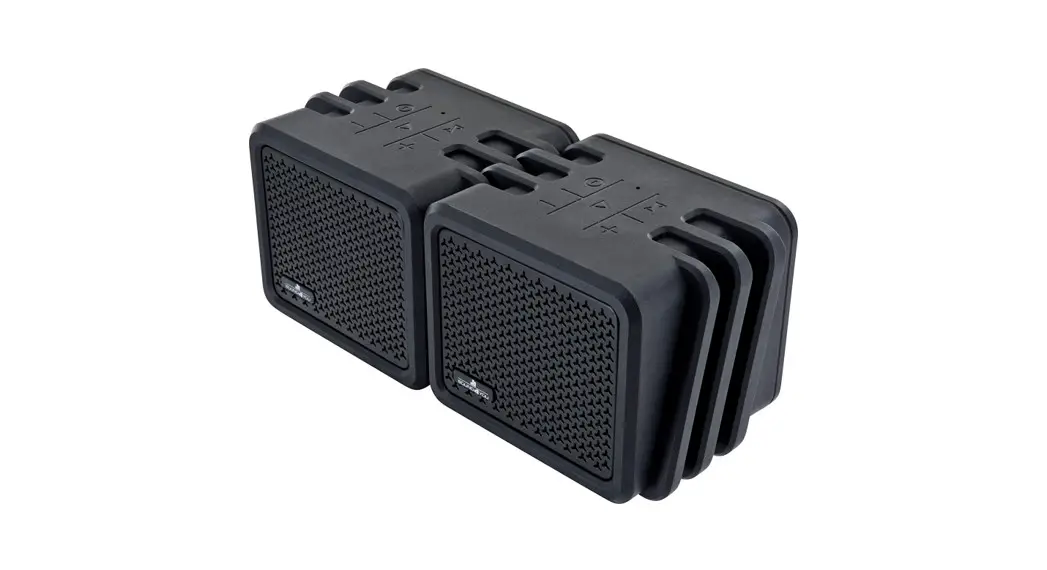
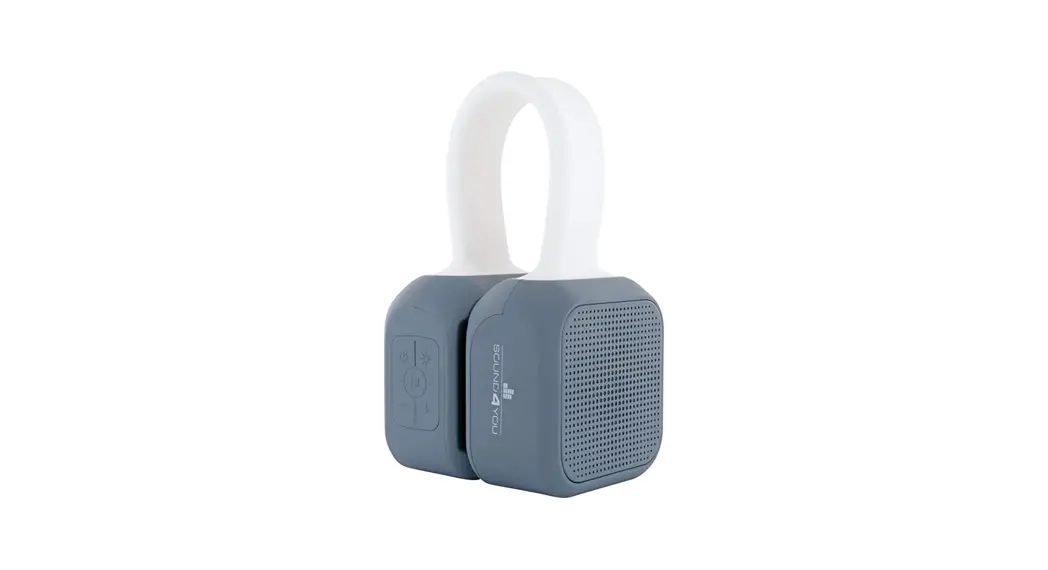
- Silicone handle design, easy to carry
- USB-C Charging port
- Wireless stereo pairing function
- Rechargable battery, hands free function
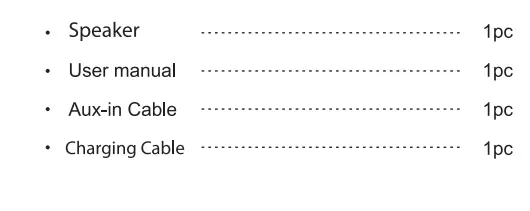
WHAT’S INCLUDED
TECHNOLOGY SPECIFICATION
- Model No Speaker Dirver Sensitivity Size
- W1003
- 3″x2
- 95±3dB
- 262x124x124mm
CHARGING WIRELESS SPEAKER
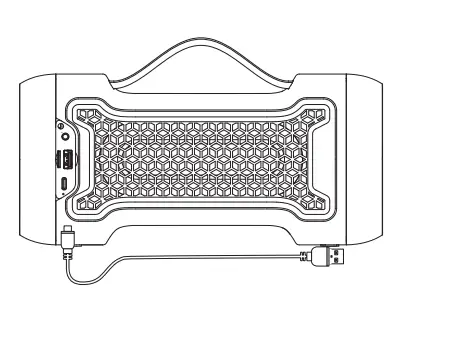
Before using your “Wogofor M33 Pro”, please charge it using the USB-C charging cable included in the package.
- The speaker must be turned off before charging, to avoid making the speaker work abnormal, please do not chargewhen the unit is power on.
- Plug the small USB-C pin into the charging port on the rear side of speaker, and the another end of the cable (the standard USB 2.0 plug) into any standard USB port (such as a computer or USB charger).
- The red LED will automatically turn on while it’s charging, The LED indicator goes off when the battery is fully charged.

WIRELESS MODE
PAIRING
- Press and hold ” ►II” to turn your speaker on.
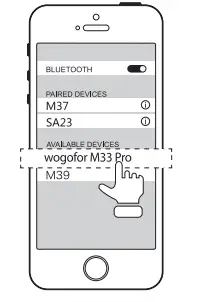
- . “wogofor M33 Pro” is ready to pairing , the wireless LED indicator will flash blue. Usually set the steps to enter the “Settings”-> “connection” ->”wireless”.
- select” wogofor M33 Pro” “in the list.
- Once paired successfully, the power indicator turns blue and makes a prompt sound.
- When there is an Incoming call.press” ►ll”button to answer. If you need to hang up. Please press” ►II “again.

True wireless mode (same model only)
- Turn on two speakers of the same model (make sure They are not connected to other wireless devices).
- Double click the” ►II “button on the first speaker, You will hear the”di”sound and the speaker will Automatically connect.
- After the two speakers are successfully connected, the blue LED indicator of one of the speakers will flash. At this point.the speaker has entered a state of waiting for connection, turn on the wireless device and connect to the”Wogofor M33 Pro”speaker.

AUX-IN MODE
If your device is not wireless enabled you can still enjoy your music simply by using the Aux-in audio jack_ Connecting the speaker with the audio cable that is included in the package to any device with a 3.5mm standard audio jack. Once connected the speaker can be used as a wired speaker.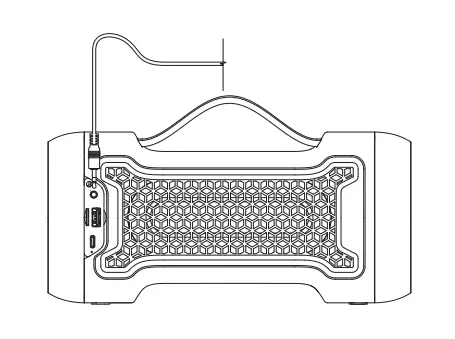
CARE AND MAINTENANCE
- Long press “►II” 2 seconds to turn off the device, to make sure that it is properly protected.

- To avoid high temperatures (above 40 degrees Celsius), for example, in hot cars or direct sunlight. High temperature will be damage the surface and reduce battery life.