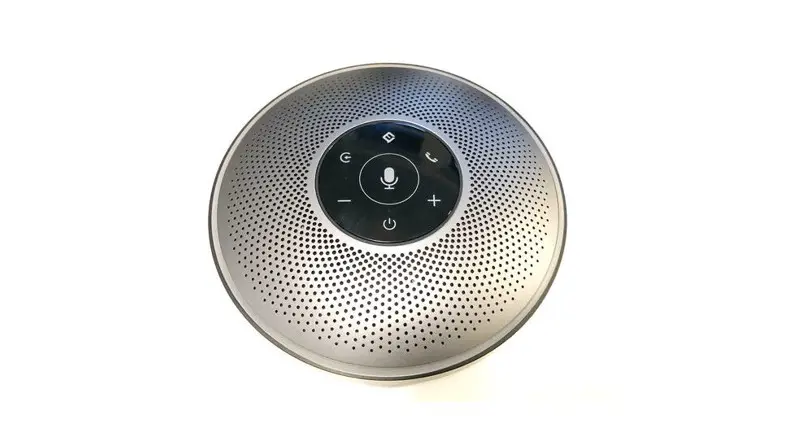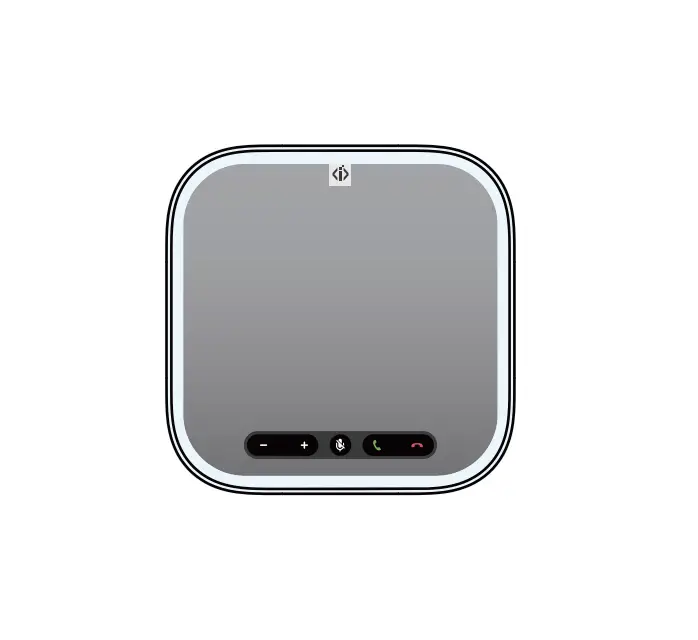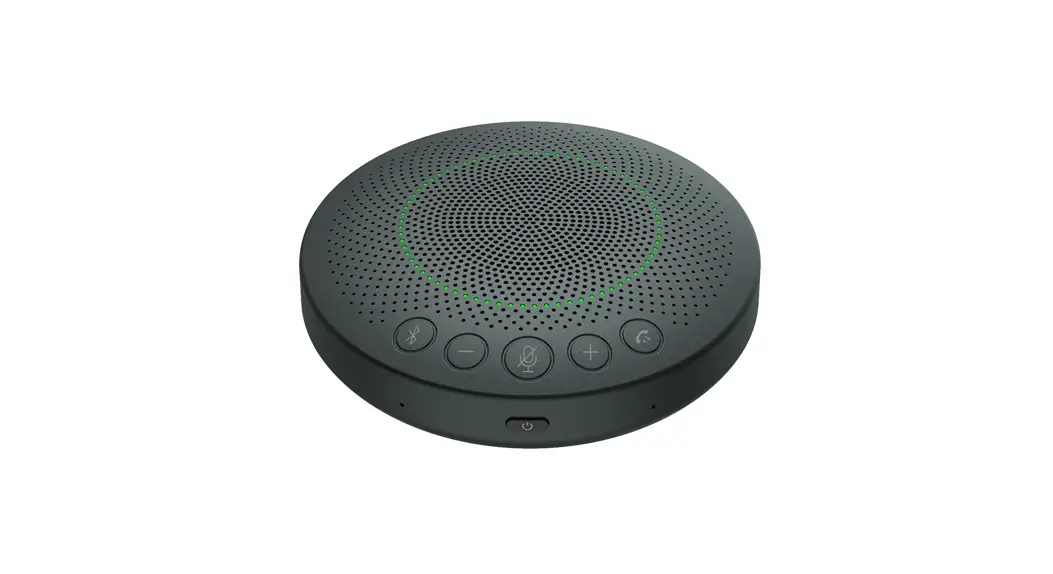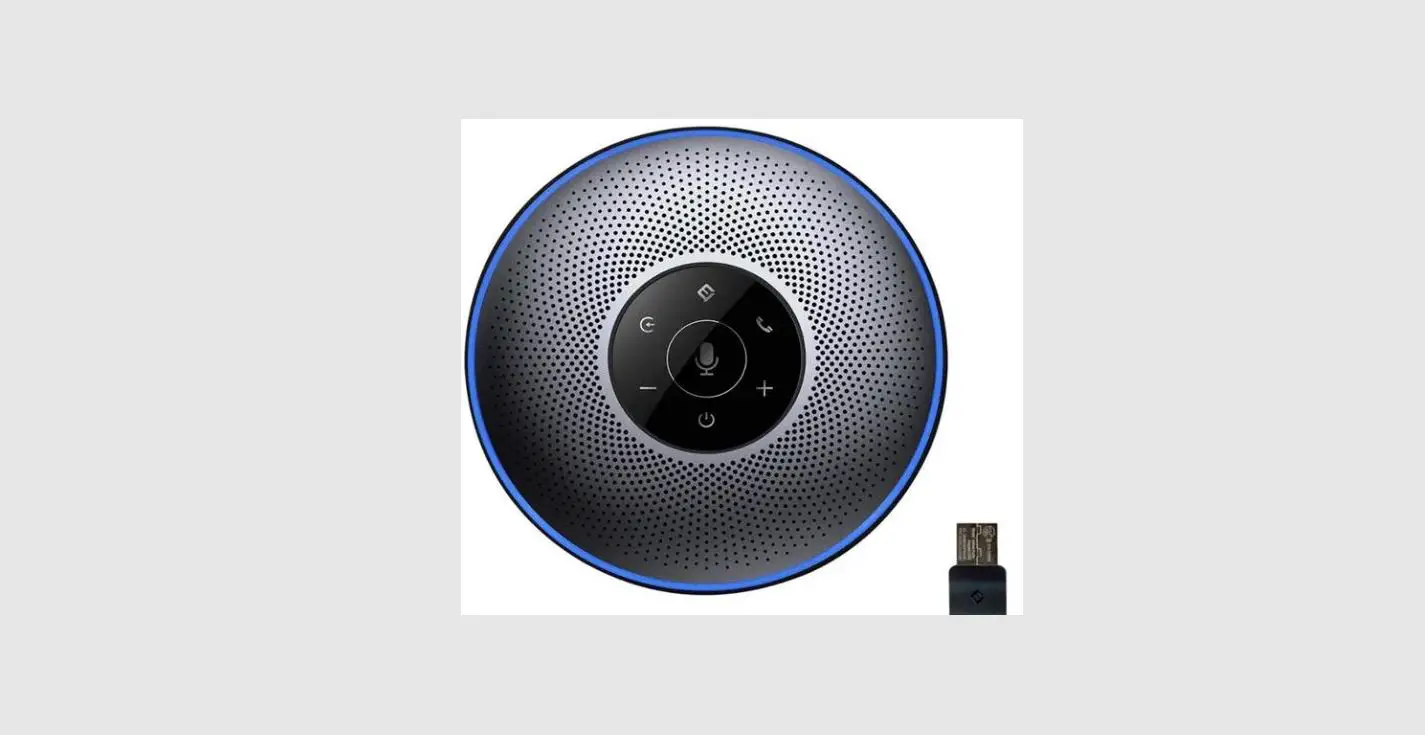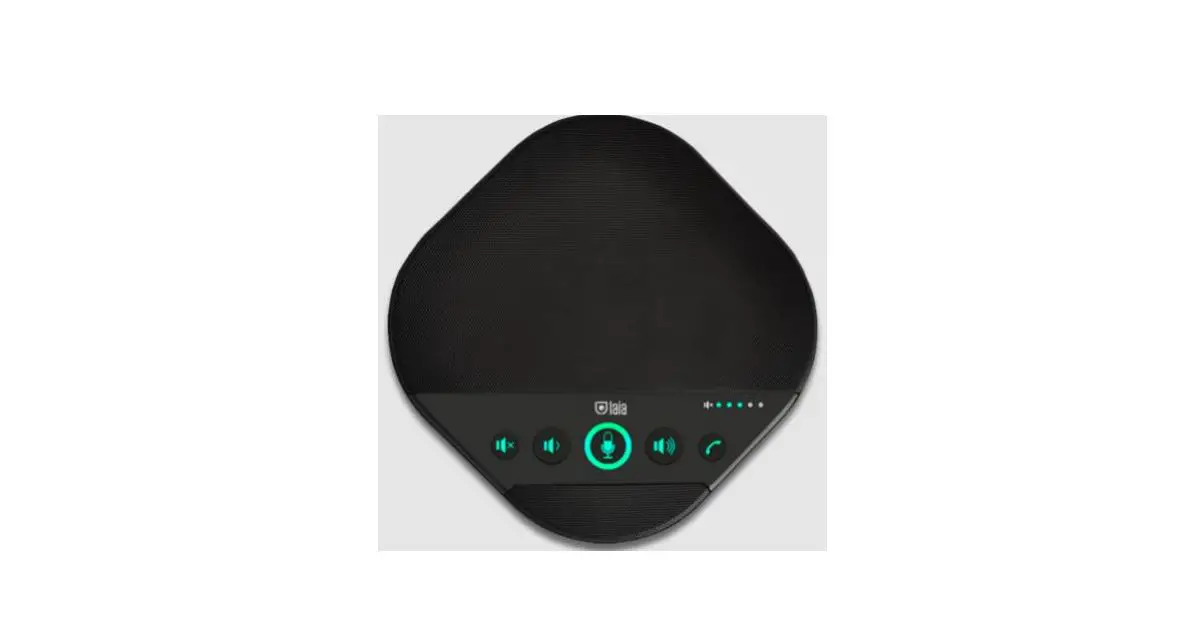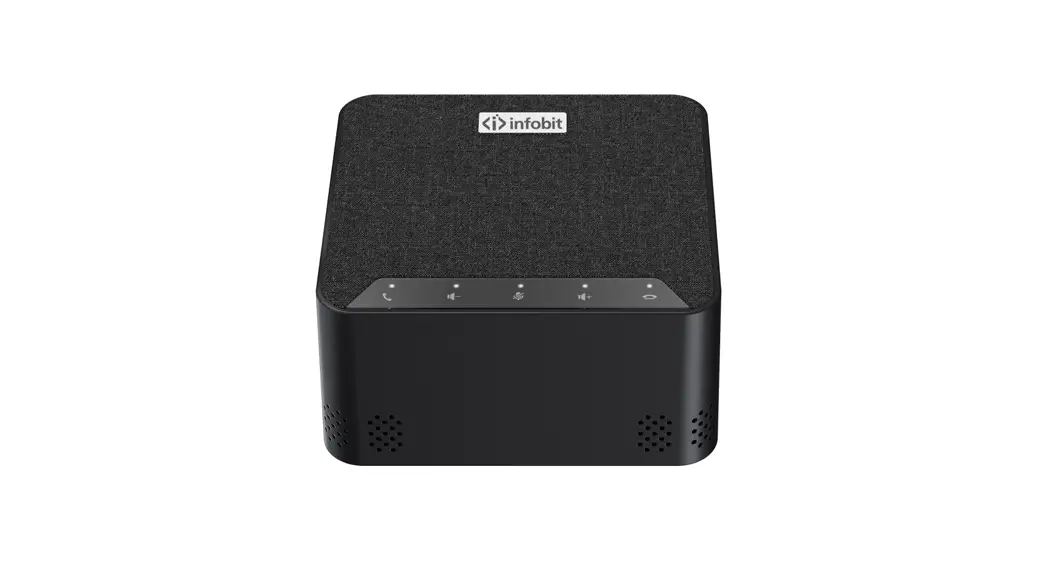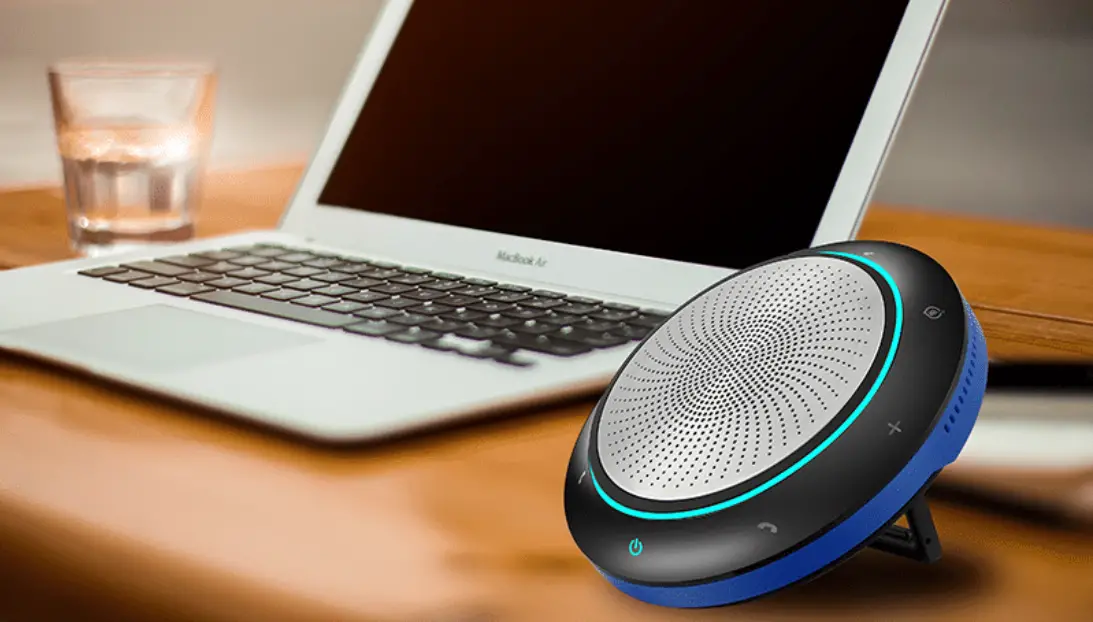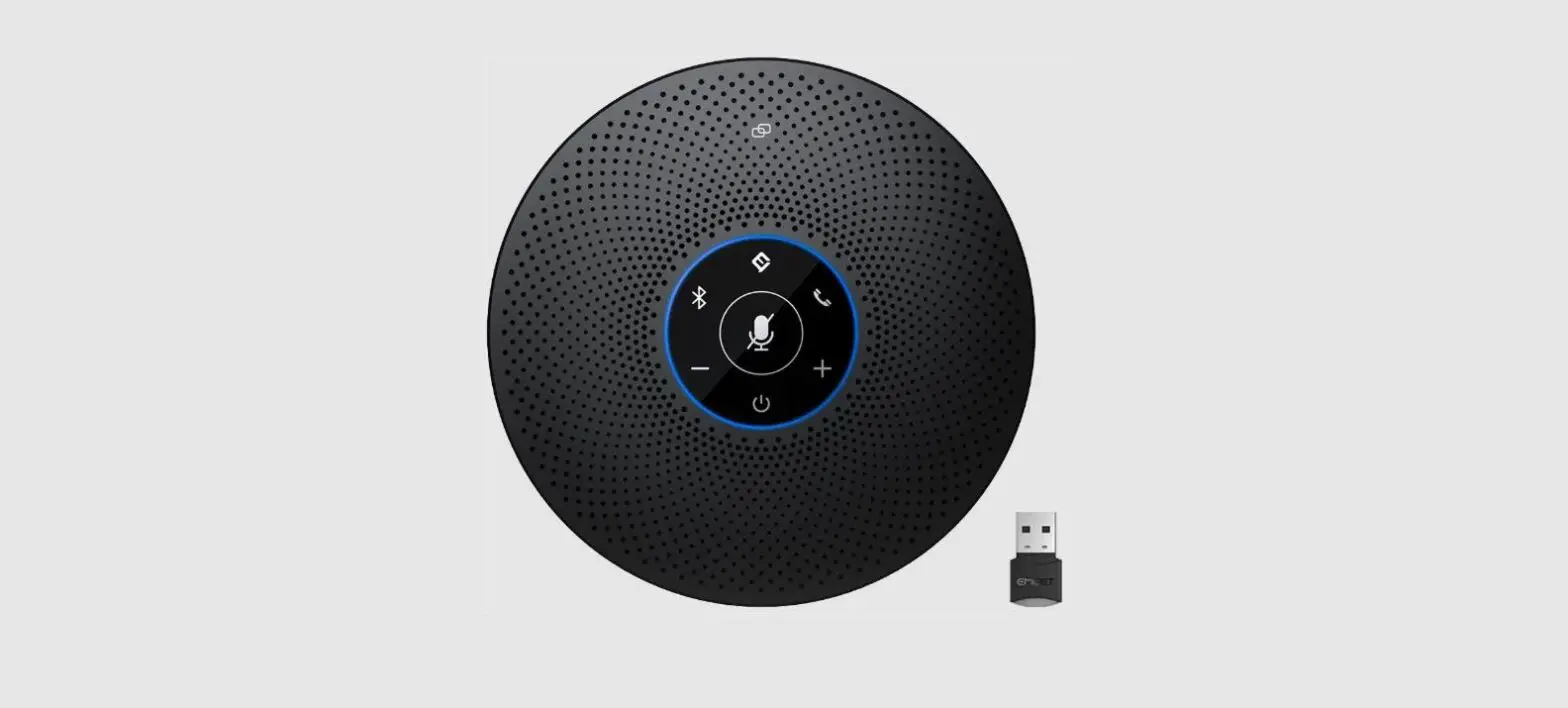
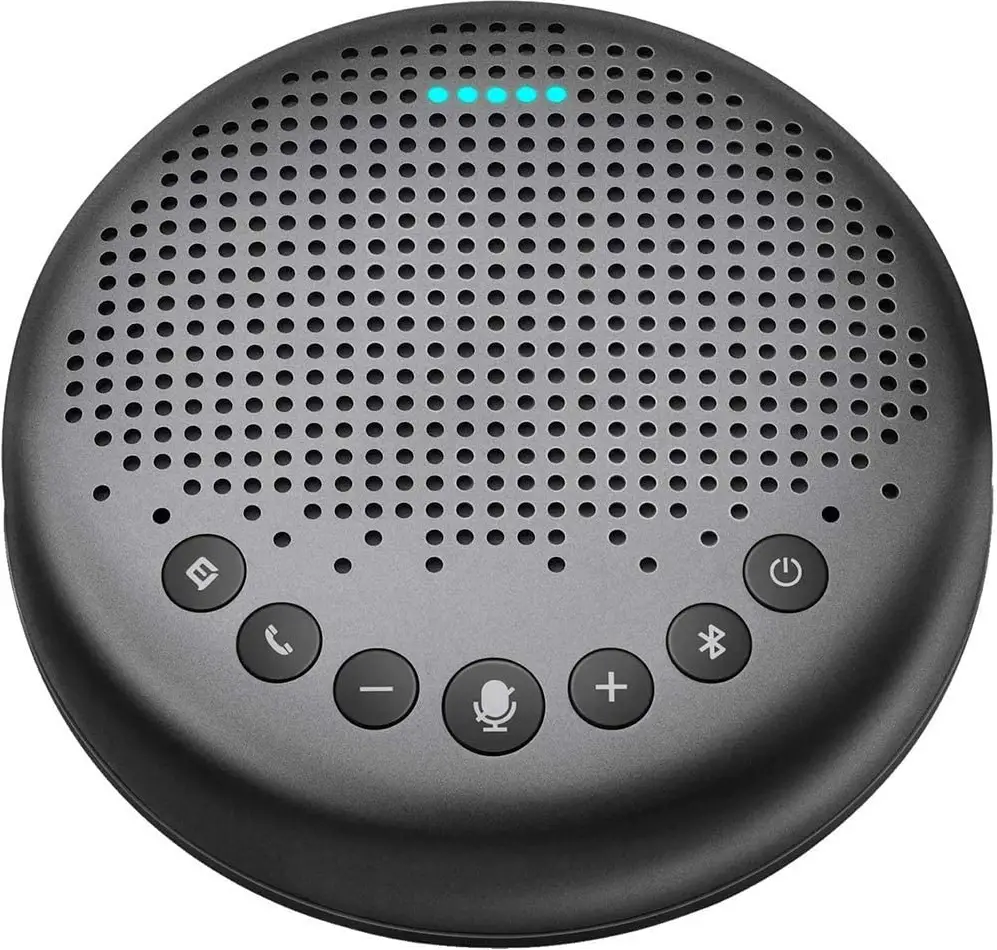
eMeet Luna Smart Conference Speakerphone 
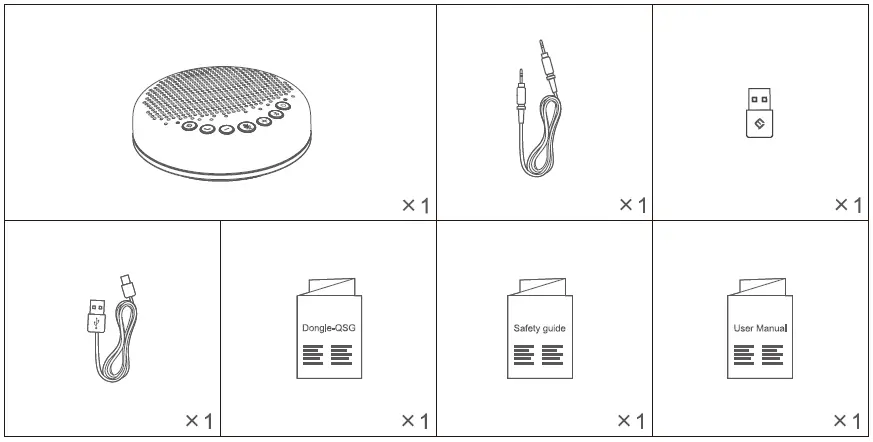
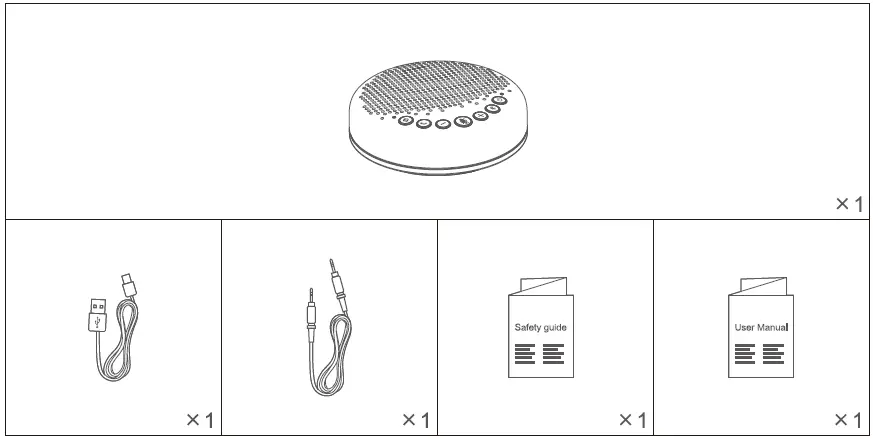
What’s in The Box

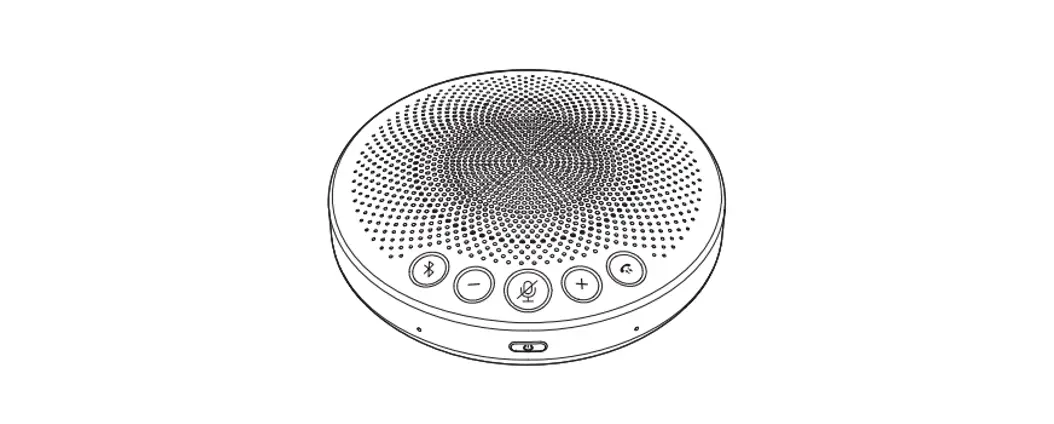
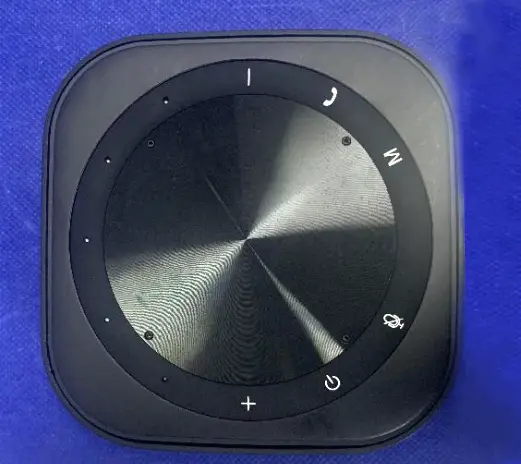
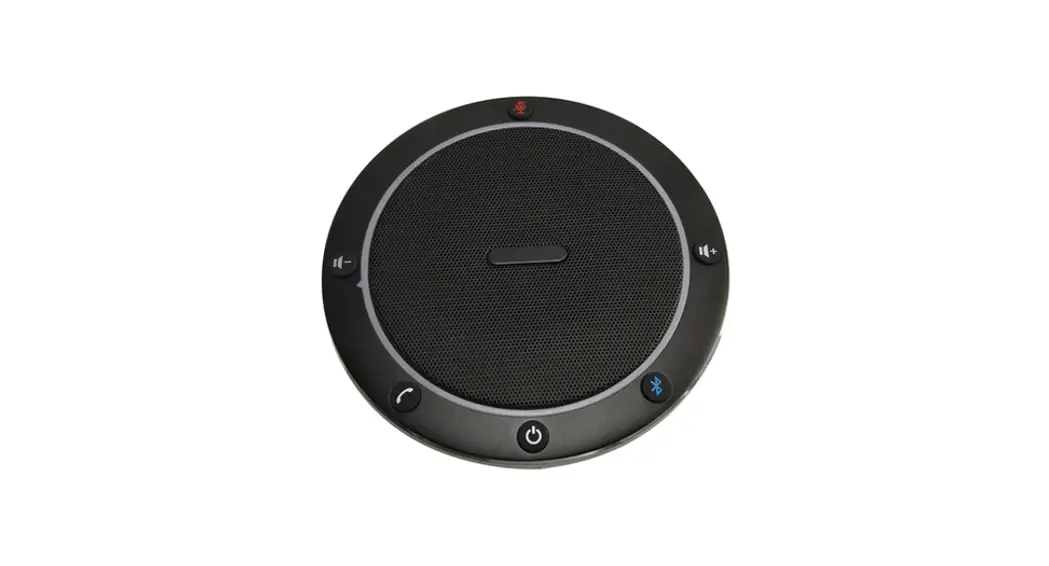
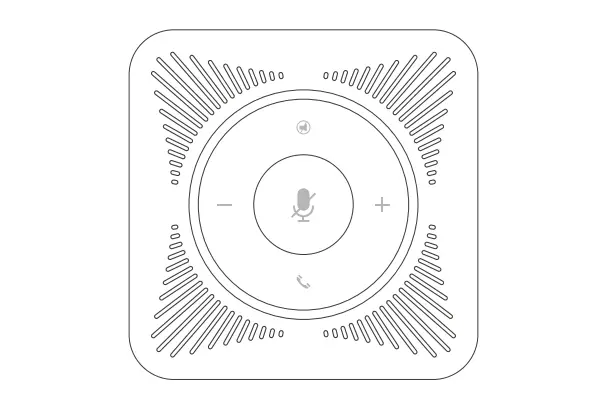
Buttons
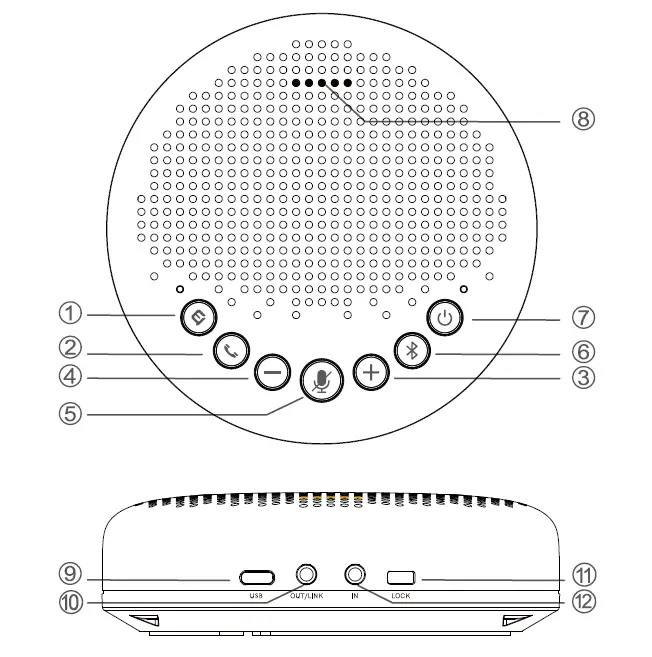
- Al noise reduction on/Off
- Answer/End phone call
- Volume up
- Volume down
- Mic Mute/Unmute
- Bluetooth
- Power on/Off
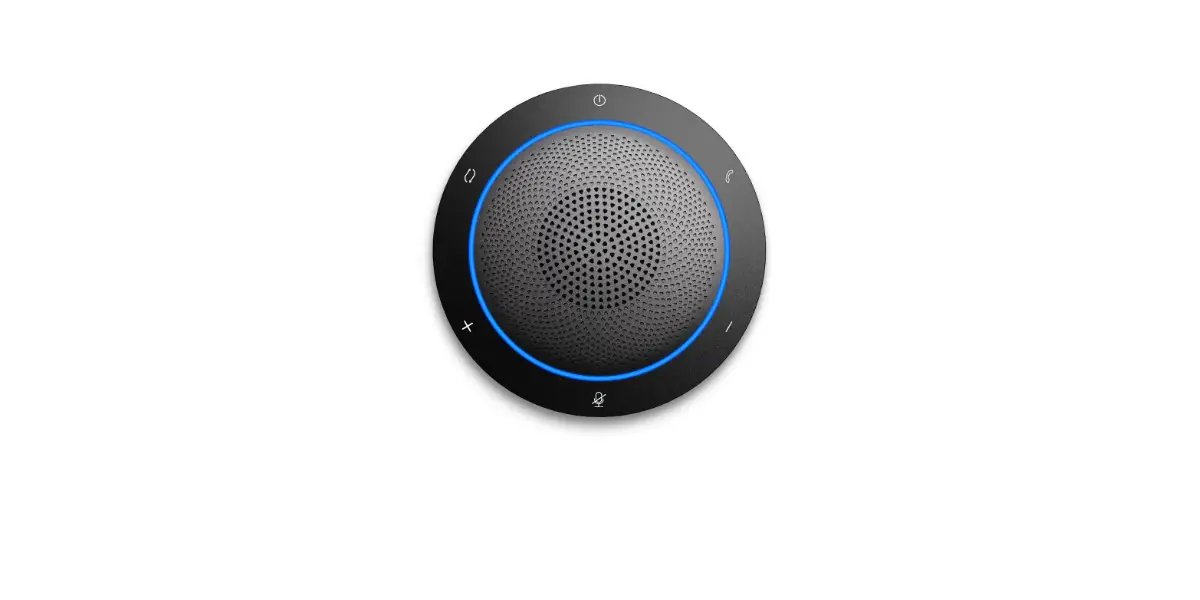
- LED status indicator
- USB port
- AUX OUT/LINK port ® LOCK port
- AUX IN port
 | Press | Volume up/dow n |
 | Press | Al noise reduction on/off |
 | Incoming call, press | Answer a call |
| Incoming call, press and hold for 2 seconds | Reject a cal l | |
| Call going, shor t/ long press | End a call | |
 | Press | Mute/ unmute microphone |
 | Press and hold | Power on/off |
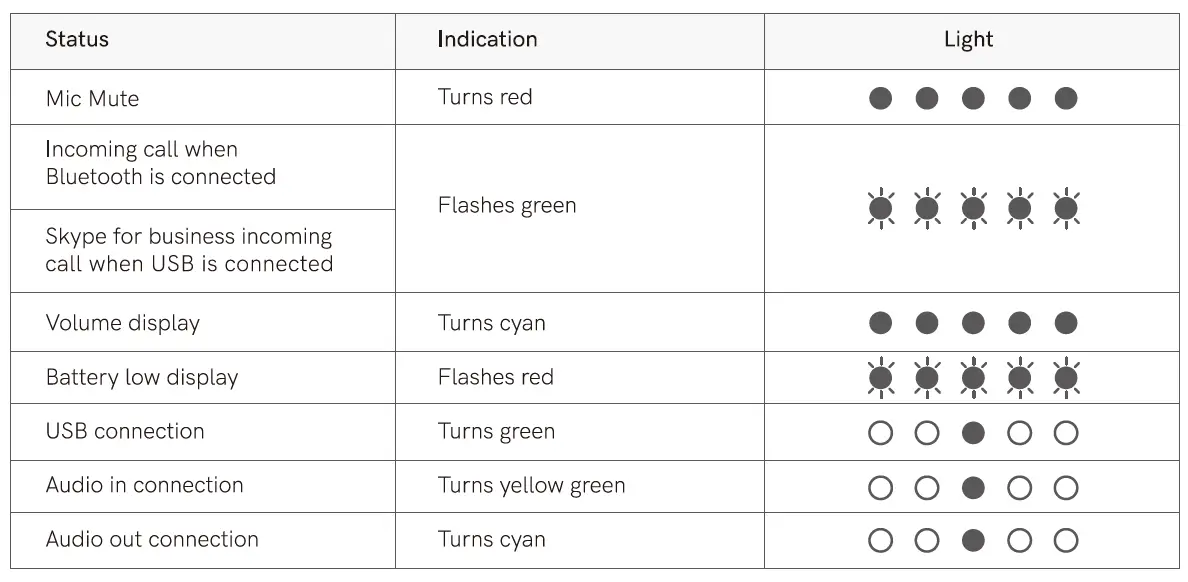
LED Status Indicator
Operating Instructions
Power On/Off
Press and hold the power button “” for 2 seconds to power on or off.
Note: It will automatically power off after 1 hour of inactivity.
Connection
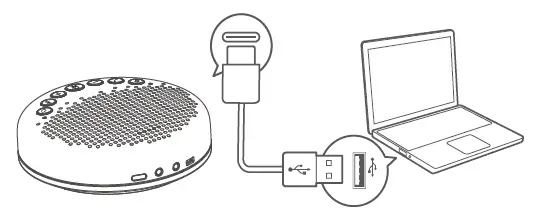
- After connect the device to a PC via USB, start to use it.

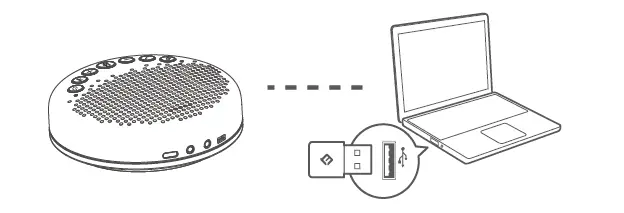
- After connecting it to the PC through USB Dongle, start to use it.

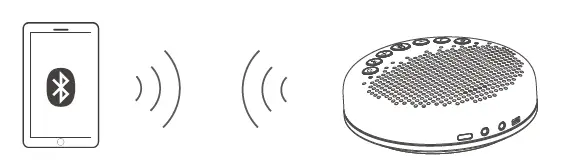
Note: Dongle is not included with eMeet Luna Lite - After connecting mobile devices such as PCs or mobile phones through Bluetooth pairing, start to use it.


The names of Bluetooth/USB in different products models are different:
| Product name | Bluetooth/USB name | |
| 1 | eMee tluna | eMeetluna |
| 2 | eMeet lunalite | eMeetluna Lite |
Note:
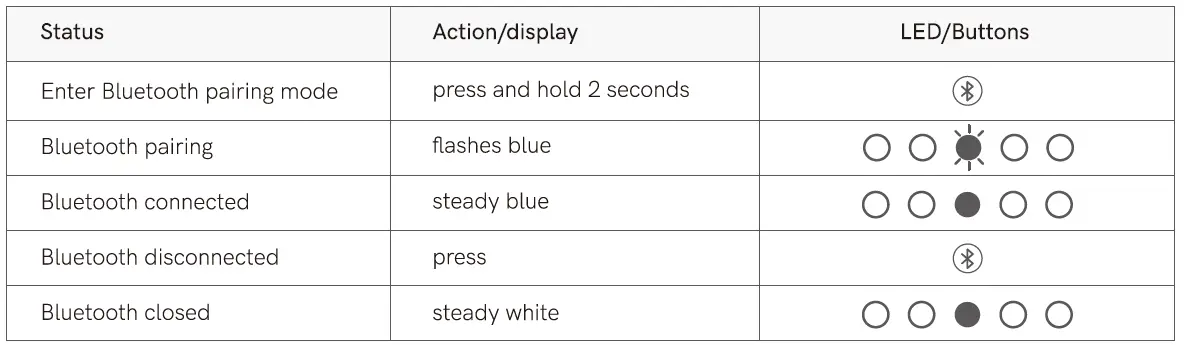
- When turning on the device, it will connect to the last computer/mobile phone via Bluetooth whilst it is active.
- Bluetooth closed means it can not be found.
Al Noise Reduction
Short press”,, Al Noise Reduction button to enable/disable Al noise function.Turning on VoicelA ., noise reduction can greatly reduce some noises in the meeting scene, such as from keyboard tapping, air conditioning noise, and general unwanted background noise
Note: After the noise reduction mode is enabled, in order to maintain good sound pickup effect, please make a call within a sound pickup range of 1.5m(4.9ftl.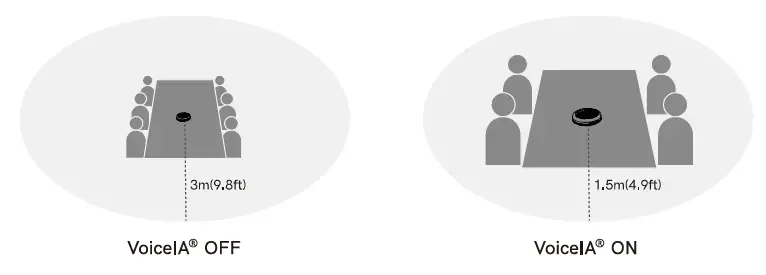
Charge 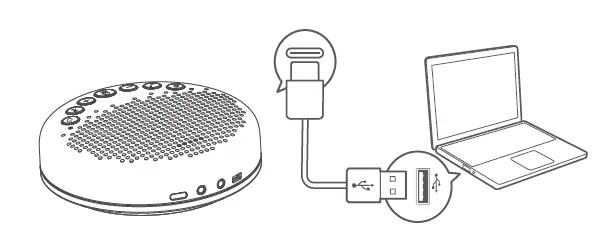

Check Battery Level
In the Power-on state, short press the power button to check the current battery level.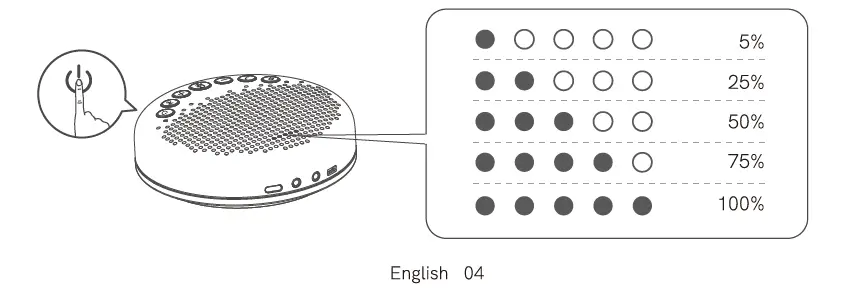
Audio Output
Use the AUX cable to connect the external speaker to the AUX OUT /LINK port of this device, and the audio will be played synchronously with this device through the external speaker.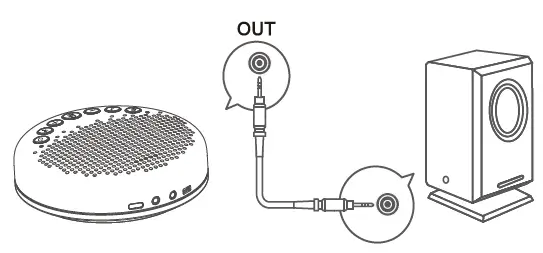
Daisy Chain
Daisy-Chain can be carried out by connecting the AUX OUT /LINK ports of two products using a daisy chain cable.
Note; Daisy-Chain cable is not provided with this product.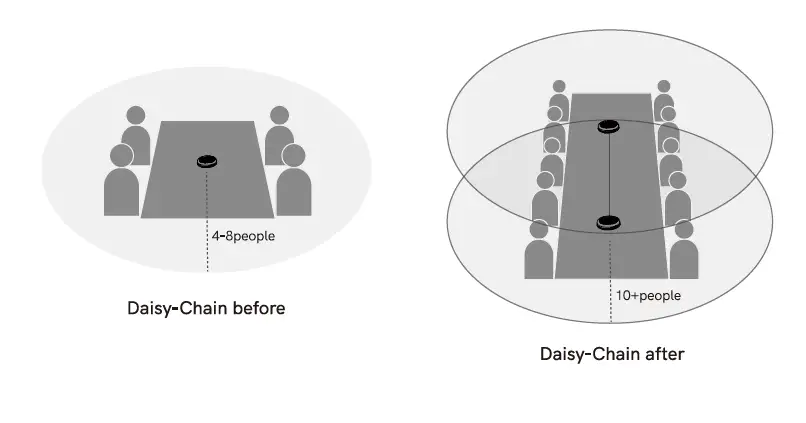
Audio Input
Use the AUX cable to connect the phone to the AUX IN ports of this device. This device will replace the speaker and microphone of the phone.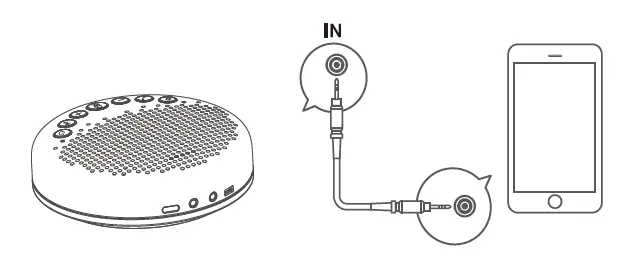
LOCK port Setting
Lock the product through the LOCK port to prevent theft.
Note: The LOCK port is of a Kensington computer type which requires the user to buy a lock otherwise.
Product Parameters
Note: In case of any change in specifications, official website information shall prevail.
| Charging input | 5V/1A |
| Rated power | 3W |
| SPK frequency range | 2(1Hz-2CIKHz |
| Bluetoot h version | 4.2 |
| Product size | 12(1*120 *36 .5mm |
Customer Service
[email protected]
www.emeet.ai
US:+ 18889595320 (EST 9:00am-5:00pm Mon-Fri)