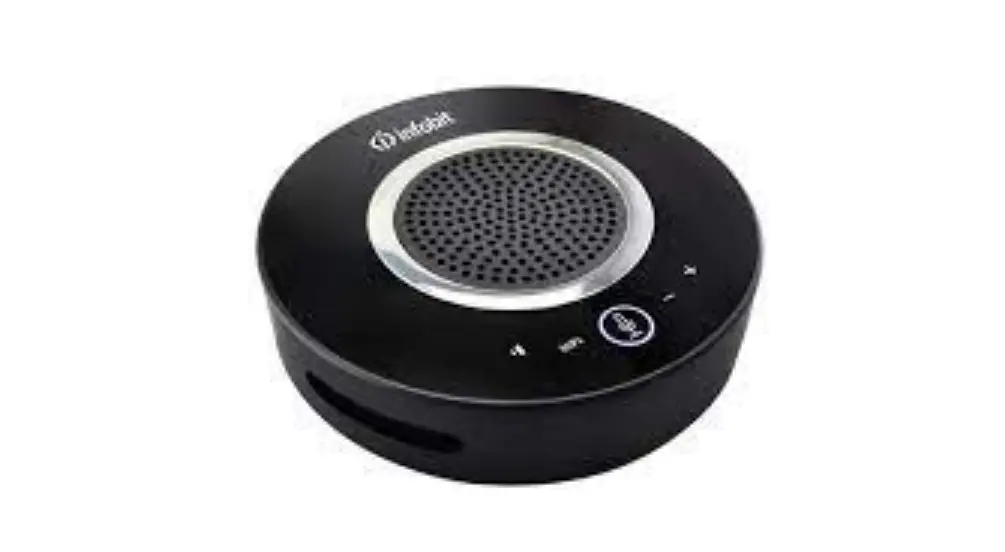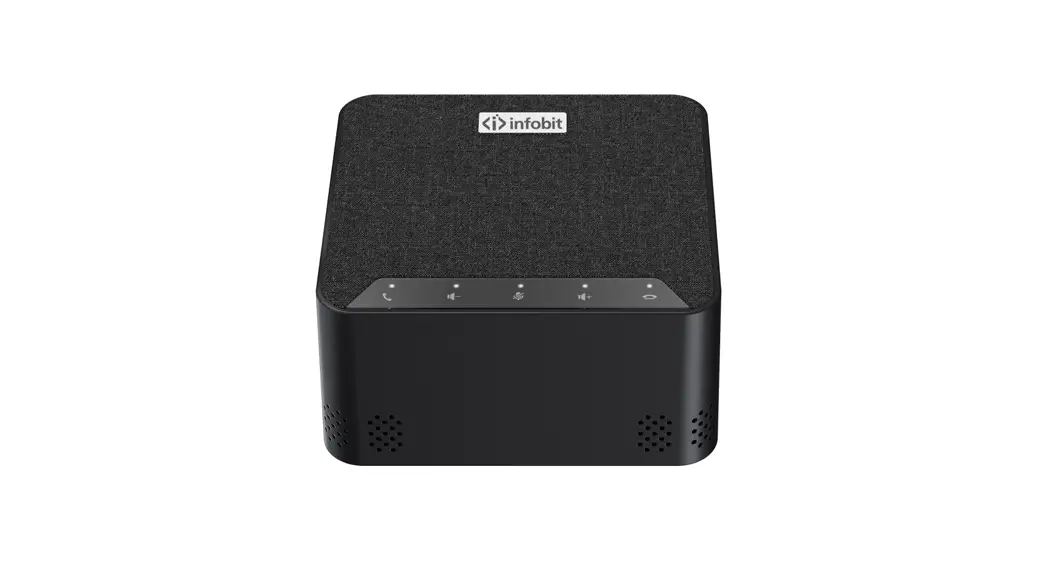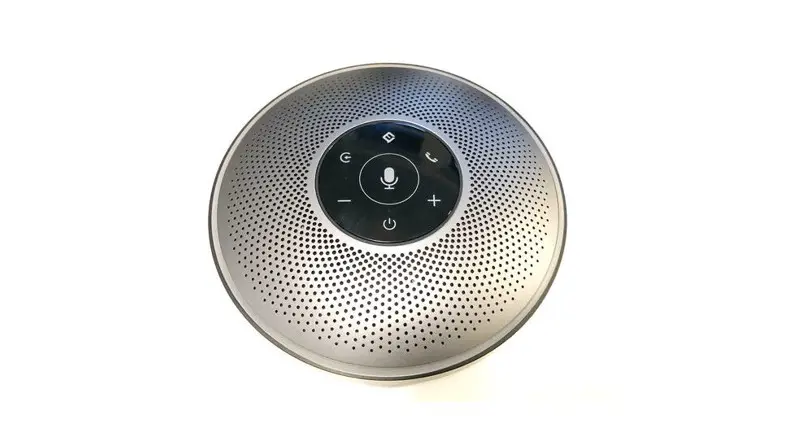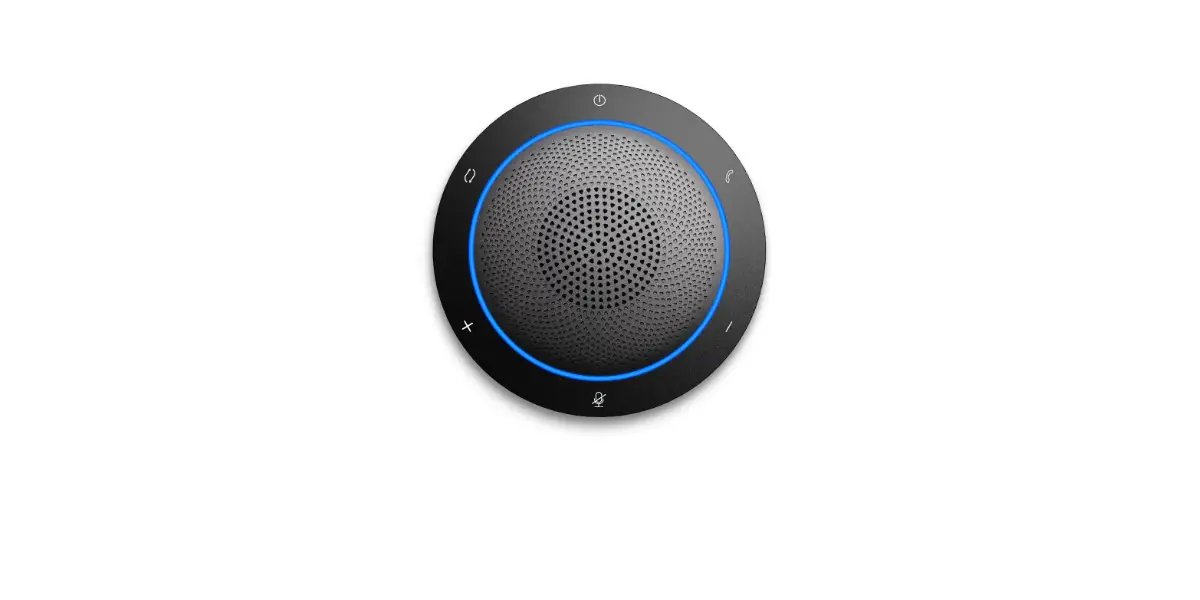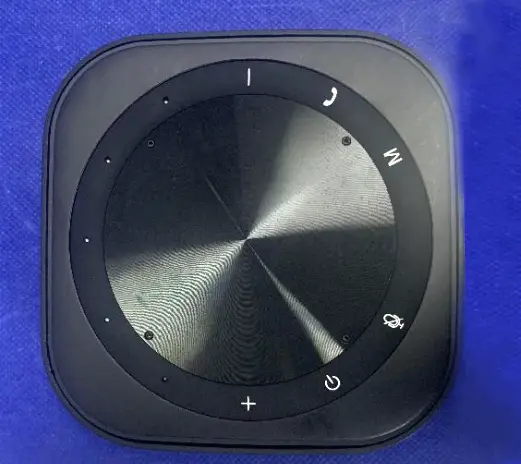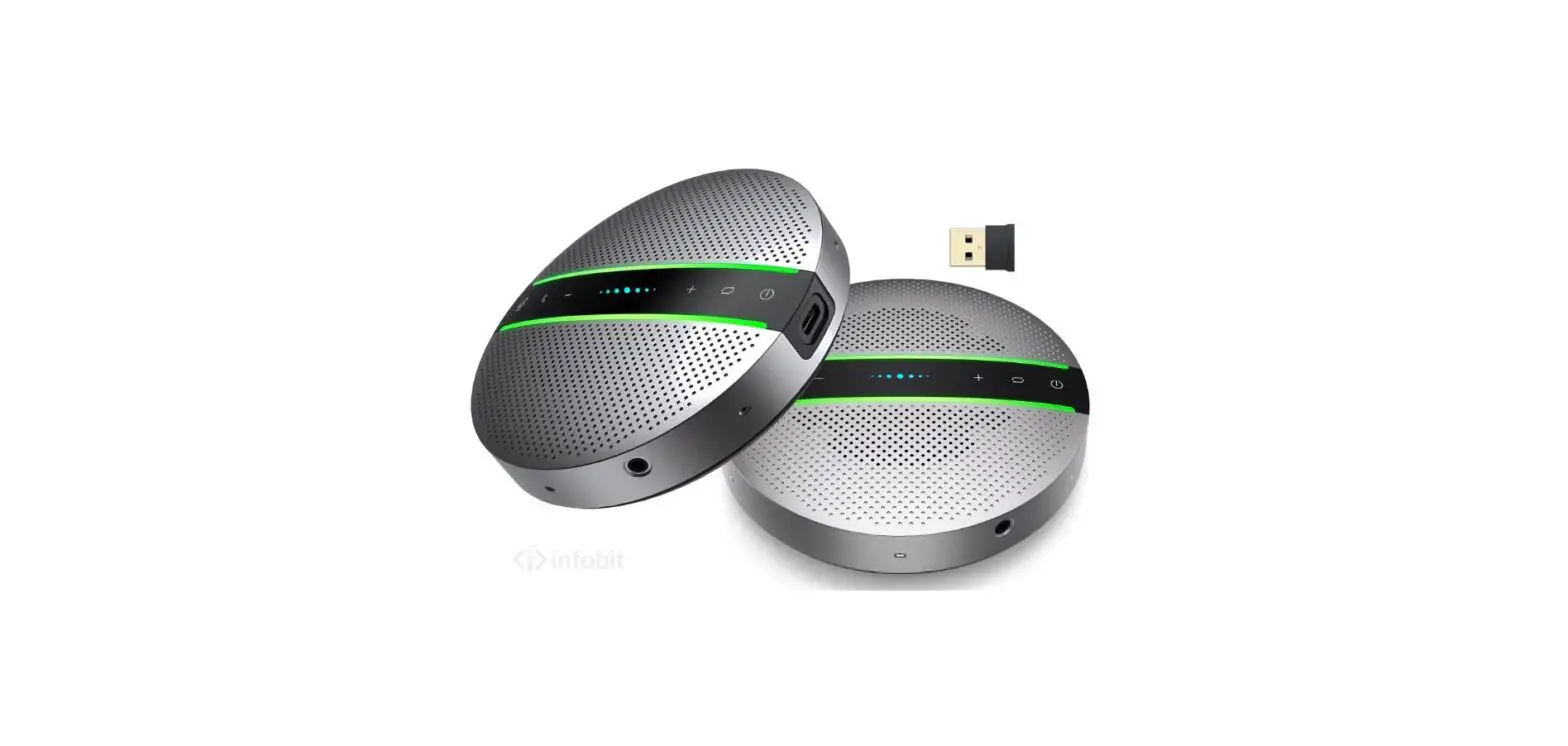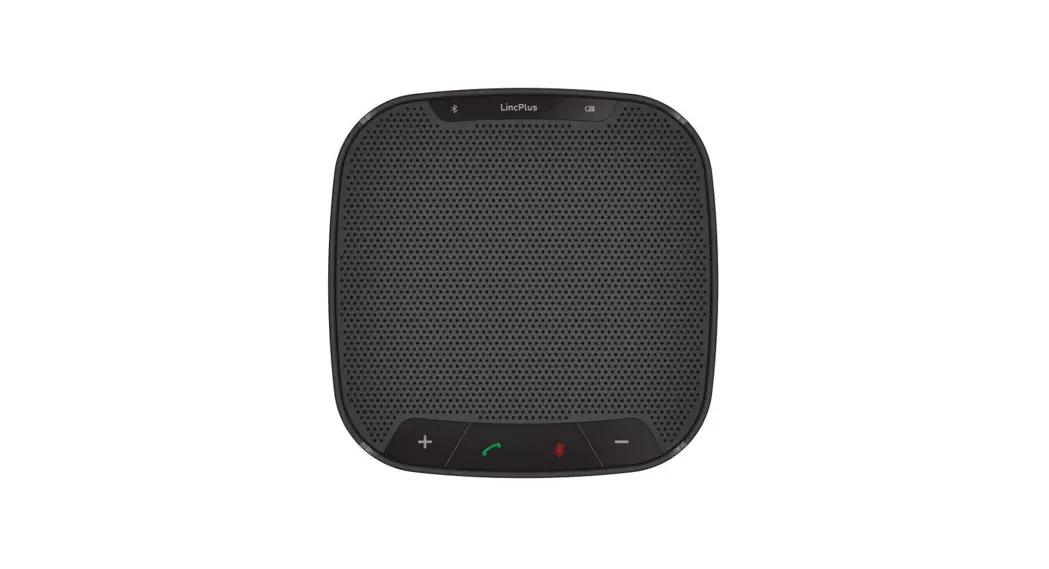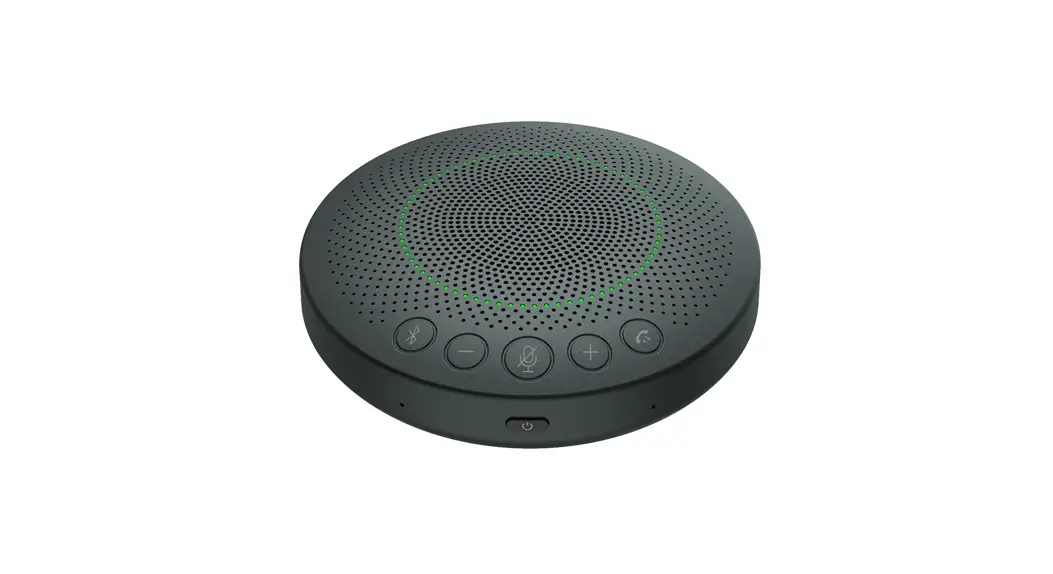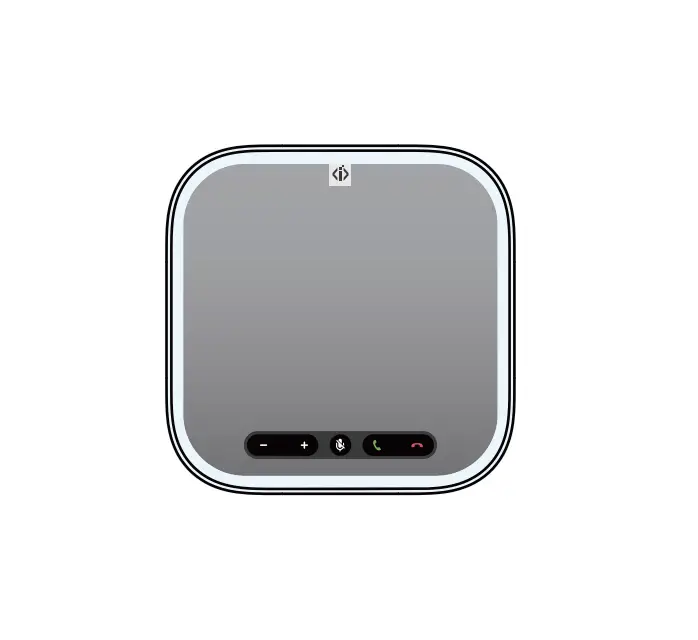
infobit iSpeaker A20 Smart Conference Speakerphone
Product List
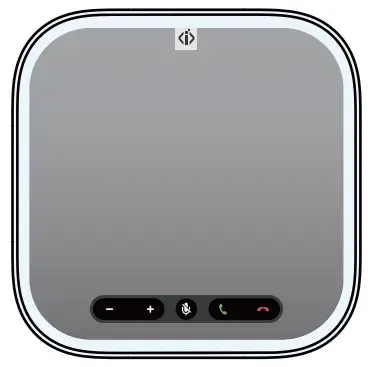
- Main device X1

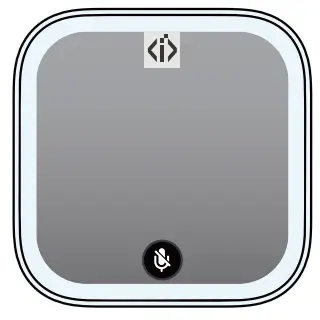
- Extension microphone X2

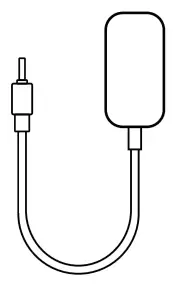
- Power cable X1

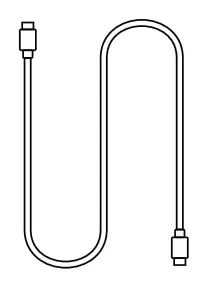
- Extension microphone USB cable X2

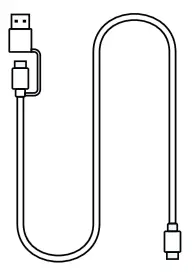
- USB- A/C cable X1

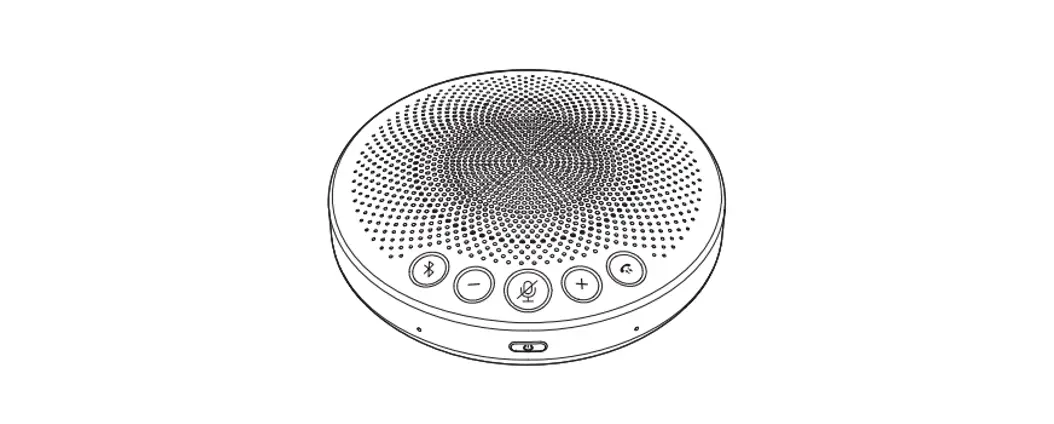
Product Description
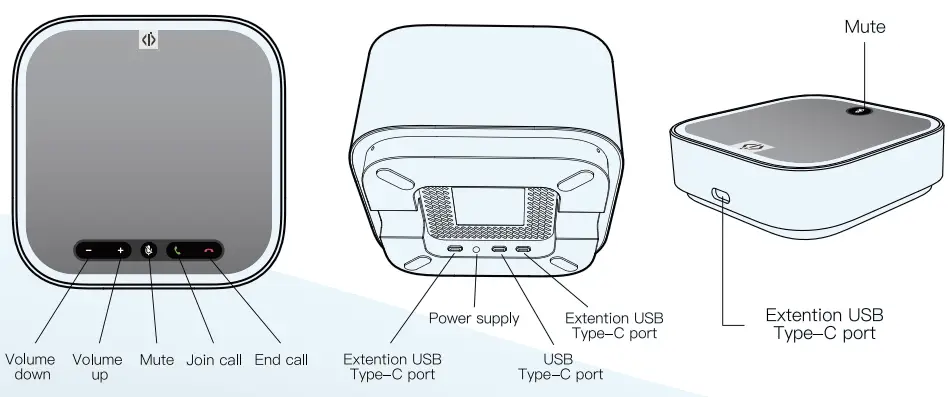
 Note: Join/end meeting (need adaptation for the conference app)
Quick Start Meeting Guide
(1) Connect the USB port
① Use the Power cable to connect the Speakerphone to the power supply.
② Use the USB- A/C cable to connect the computer to the Speakerphone.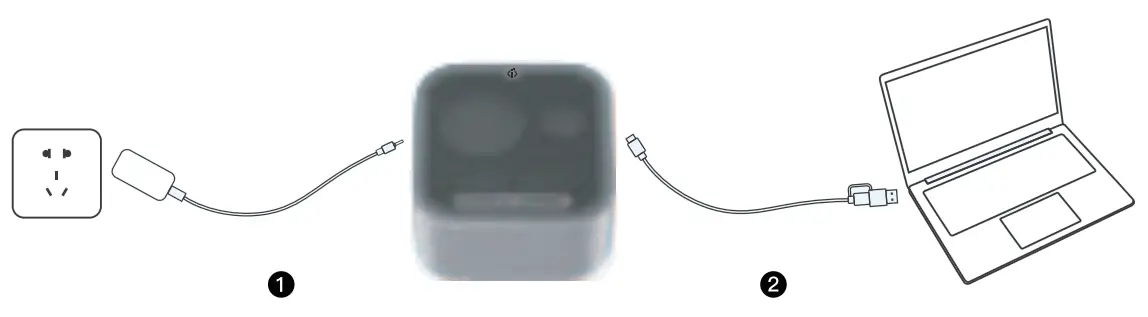
③ After the green light of Speakerphone is on, it can be used normally.
④ In the configuration of computer sound device or conference software, make sure that Speakerphone is selected. When selected, Speakerphone is ready to be used with conferencing software.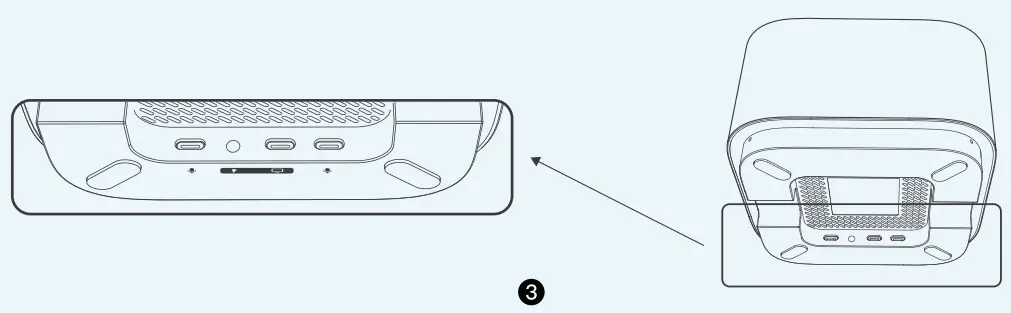
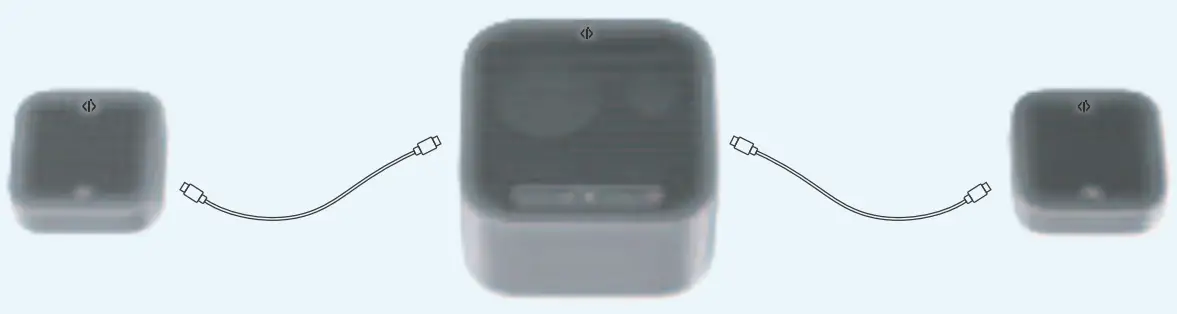
(2) Connecting Extension Microphones
In order to get better audio quality for the multi- person conference scenario, you can use the extension microphone USB cable to connect two extension microphones.
Light indicator
| Light indicator | Device status |
| Green | Microphone is working |
| Red | Microphone is muted |
| Orange | Booting up / Upgrading firmware |
| Clockwise rotation | Connecting to computer USB port |
| Counterclockwise rotation | Disconnecting to the computer USB port |