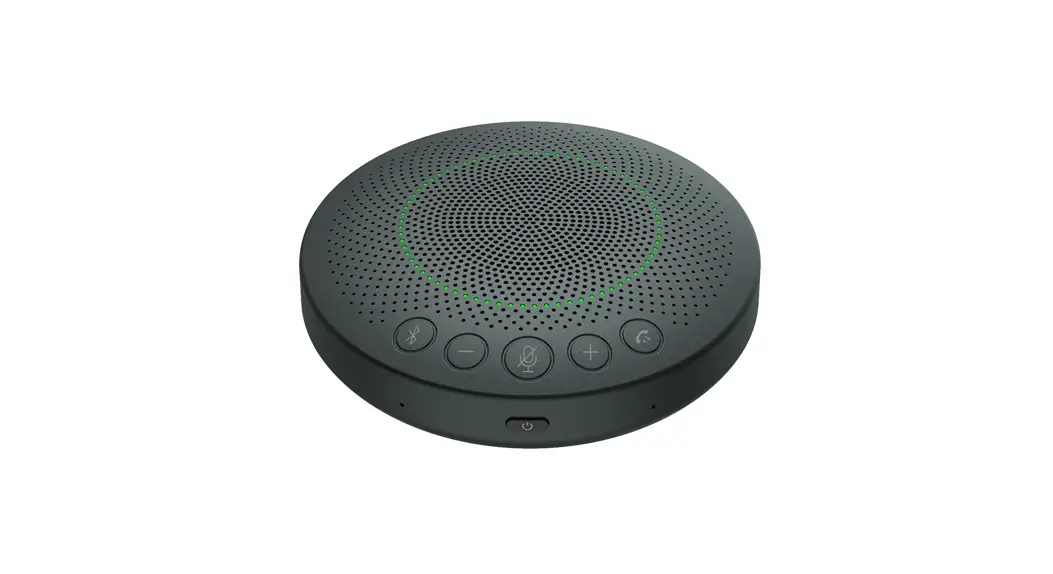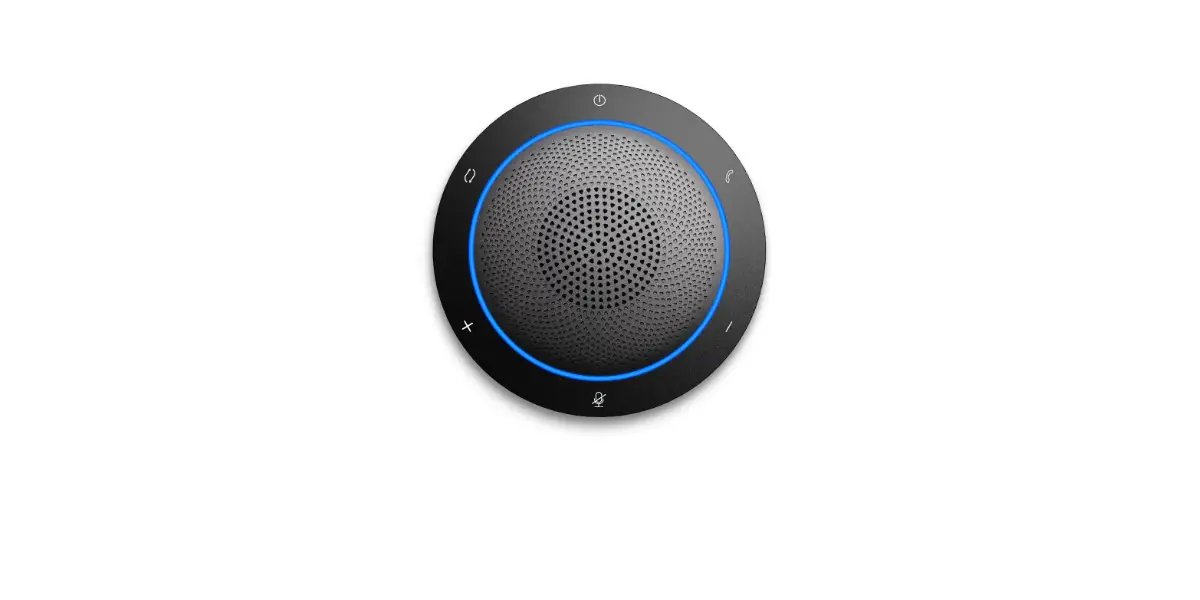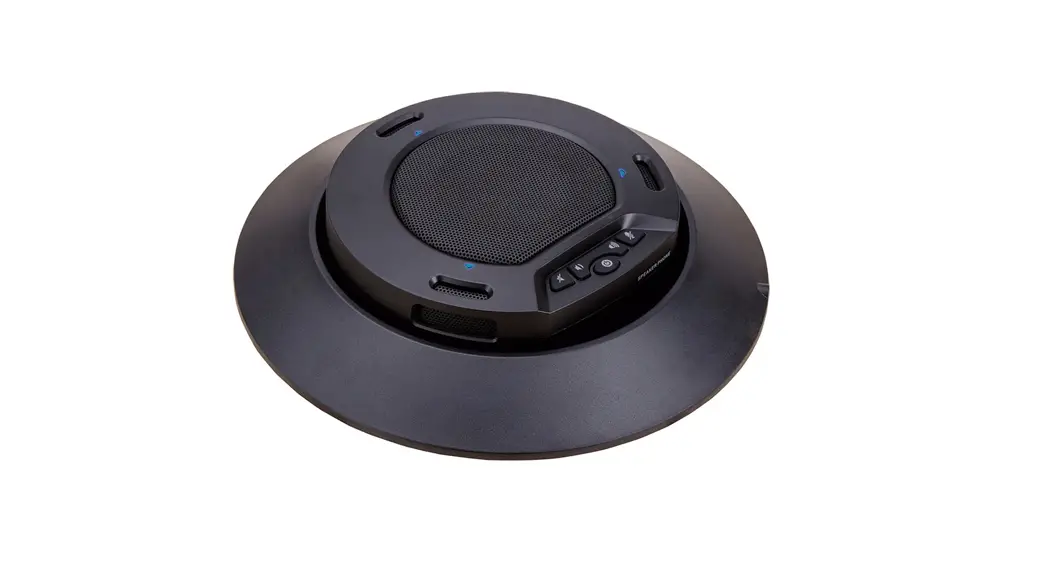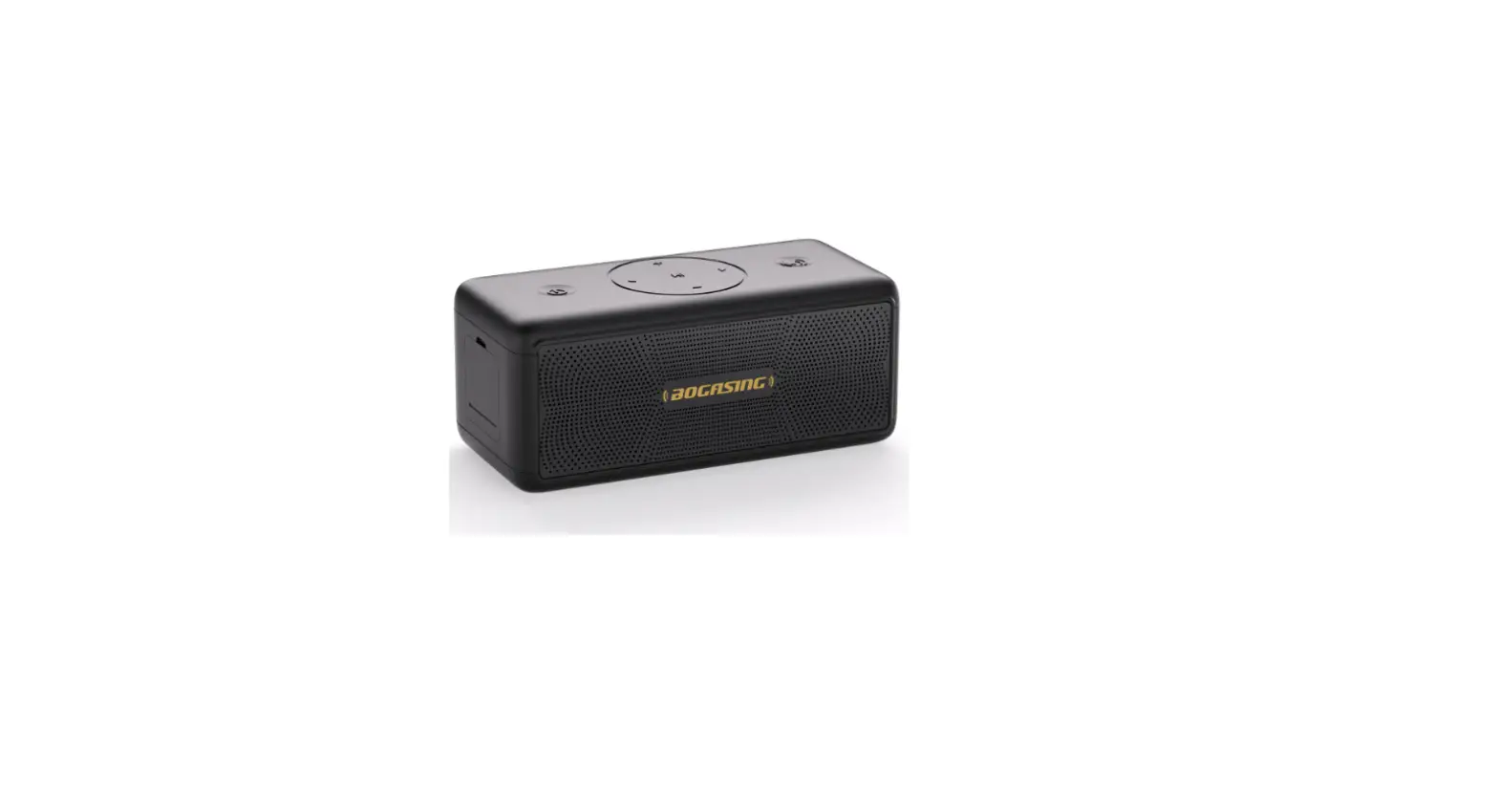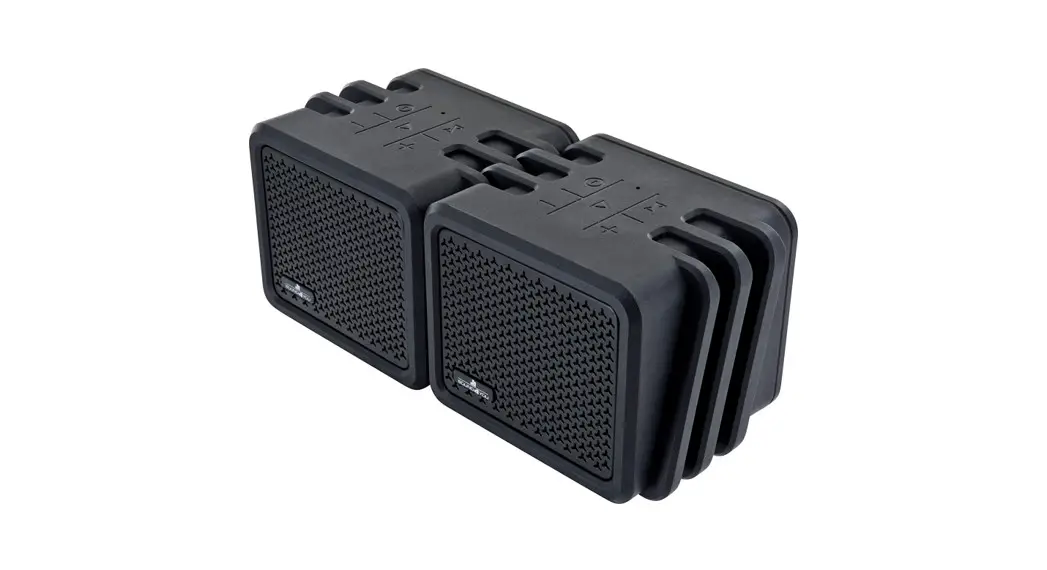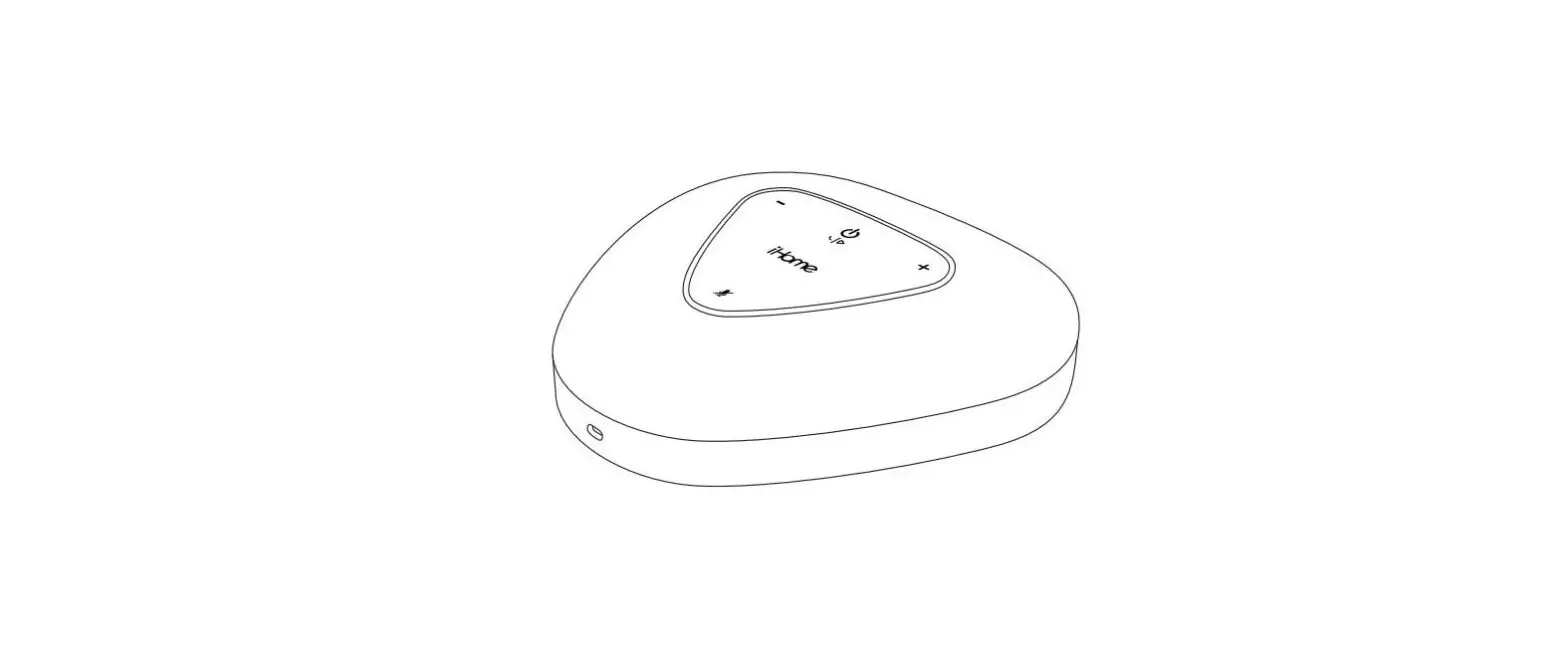
infobit iSpeaker M404 2.4G Wireless Conference Speakerphone User Manual
Product Overview
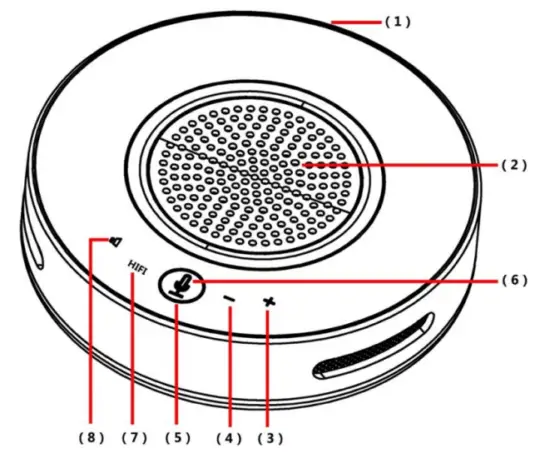
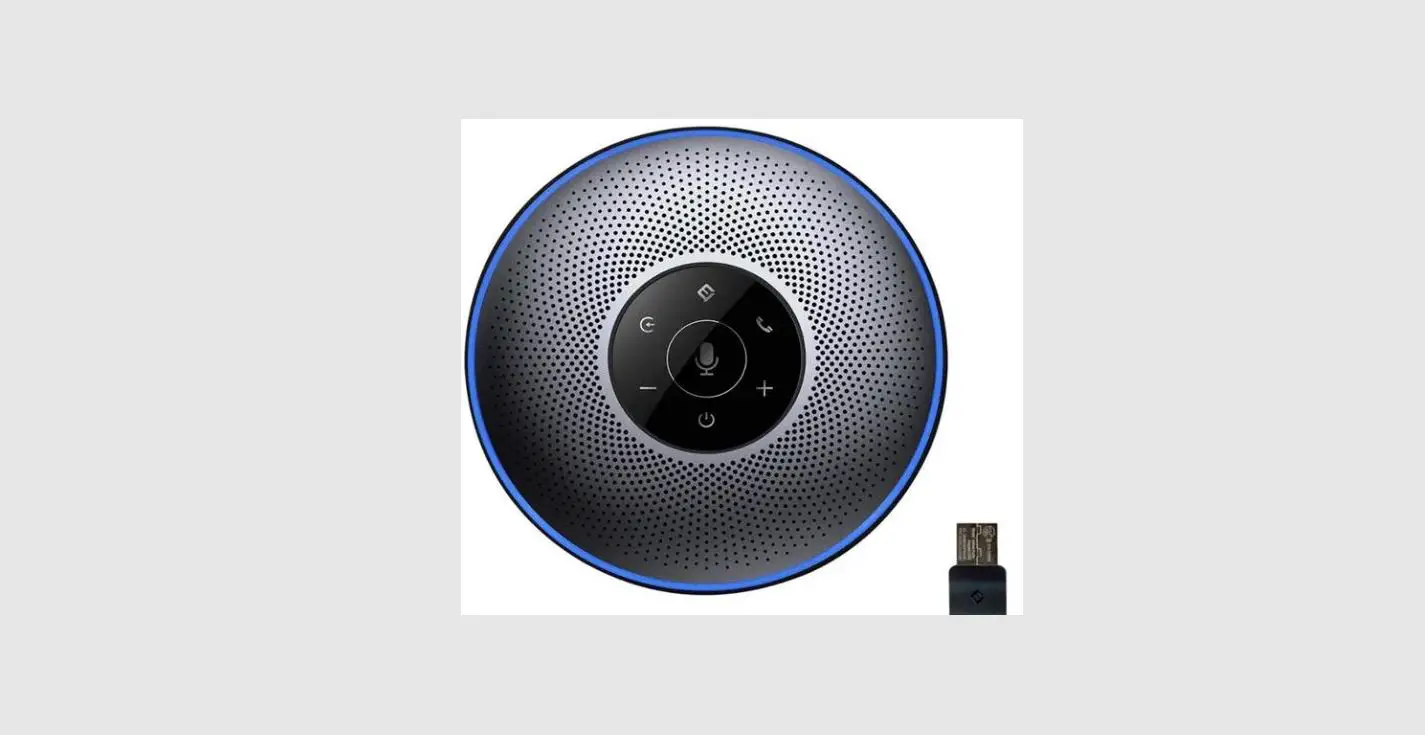
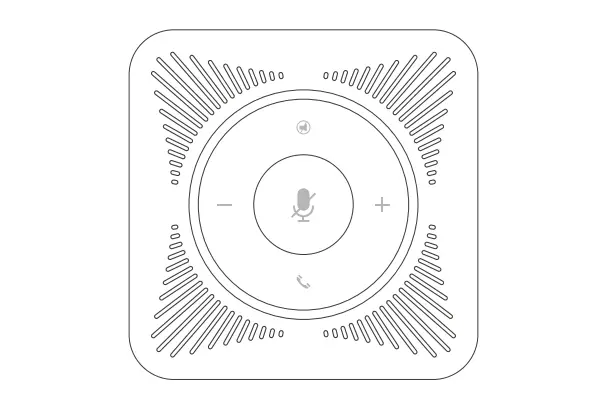
- Microphone
With 2pcs 360 degree omnidirectional digital silicon microphones. - Speaker
- Volume+
- Volume-
- Indicator
Wireless Connection Mode:
Normal state: blue indicator is on.
Mute microphone: blue indicator and red indicator are flashing alternately.
Speaker mute: red indicator flashes
HIFI mode: Violet indicator is on  Mute Microphone
Press this key to turn off (mute) the speaker temporarily. In order to cancel this mute function, please press it again.- HIFI mode : To short press the key, the speaker sampling rate is converted to 48KHz, effectively improves the quality of music.
( Note: In HIFI mode, the microphone will be mute automatically.)  Mute Speaker
Press this key to turn off (mute) the speaker temporarily. In order to cancel this mute function, please press it again.
 Mute Microphone
 Mute Speaker
Interface
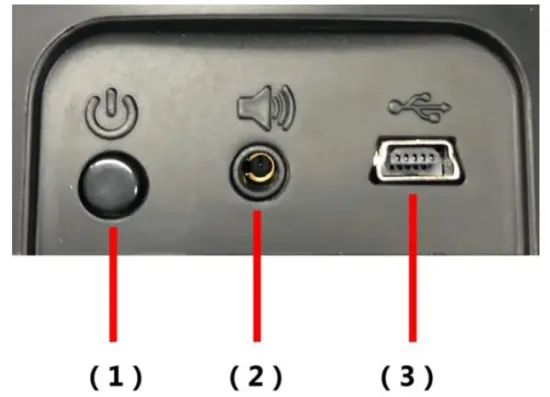
 Power button
Press 0.5 seconds to power on and 2 seconds to power off Audio Output
With it, the user can connect the stereo to increase audio of the speaker, or connect the earphone to guarantee the privacy. USB Port
Power supply and battery charging, 5V.
 Power button
 Audio Output
 USB Port
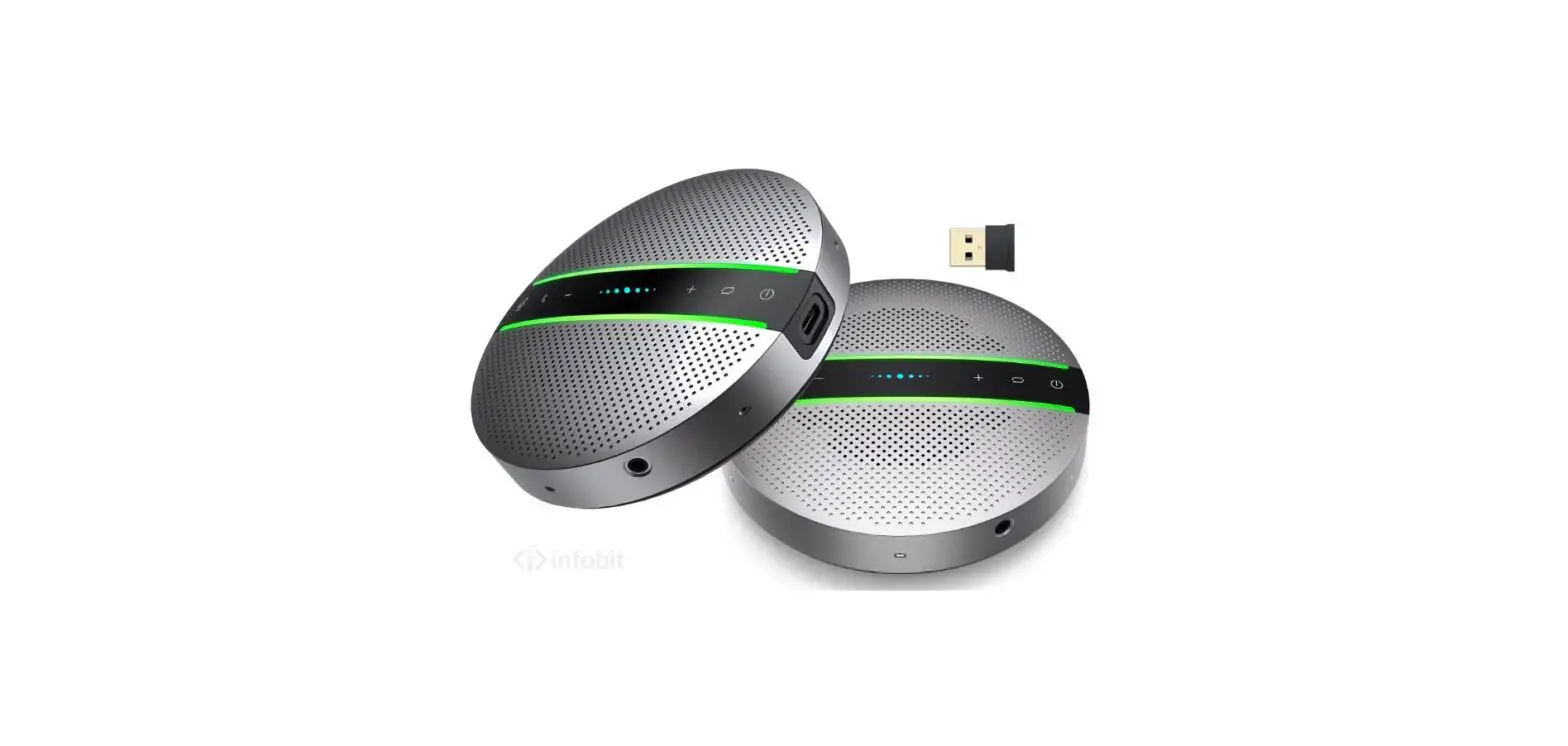
Packing list
| No. | Items | Qty. |
| 1 | wireless speakerphone | 2 PCS |
| 2 | 2.4G wireless adapter | 1 PCS |
| 3 | USB cable | 2 PCS |
Installation Process
- Install any UC software in your computer. (Zoom, Microsoft Teams, Skype, and any other conference software.)
- Insert the 2.4G receiver into the USB interface of the computer. And fully charge the built-in battery of the device, or directly connect the USB connection wire with the computer.
- After normal connection with 2.4G wireless connection, the blue will be on.
Precautions on Adjusting Volume by End of Computer
The omnidirectional microphone can match various PCs or mac, however, since that the default volumes of various systems are different, we propose to adjust the volume of the omnidirectional microphone in the computer to the medium and upper volume.
In order to achieve the optimum communication quality. If the speaker volume of the omnidirectional microphone in the computer is adjusted too high, it may cause exceeding product specification (the optimum volume of all the load of the product), in order to cause the sound of the speaker distorted.
Taking Windows 7/Vista for Example
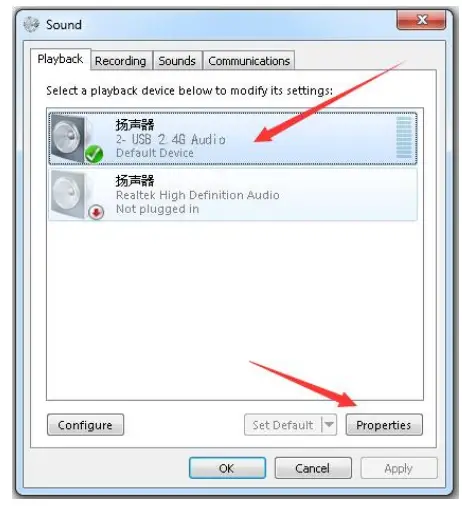
- Click the sound of start〉control panel〉. And then pop up the “play” attribute options;
- In the option bars of default equipments of “play”, choose “USB 2.4G Audio”. (See following figure)

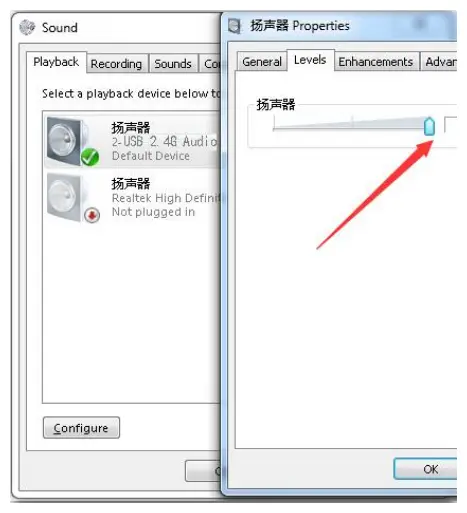
- Double click ” USB 2.4G Audio” in the options of “speaker”, and choose “Level” from the pop-up dialog box, and drag the “speaker” volume bar in the option to 100%; (As shown in the following figure)

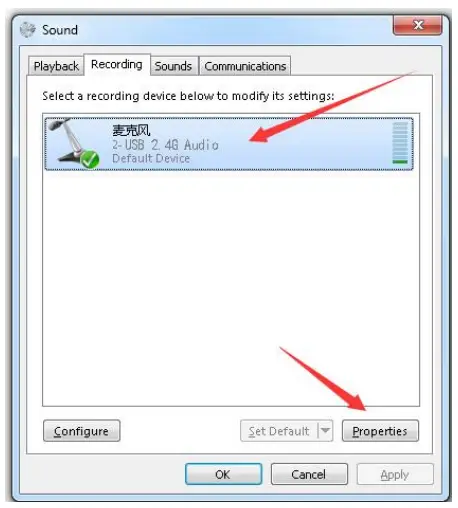
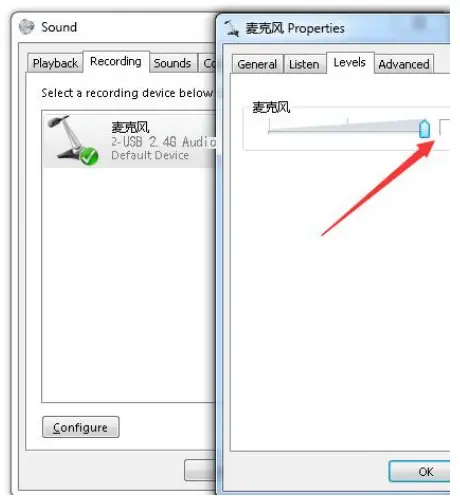
- In the option bars of default equipments of “recording”, choose “USB 2.4G Audio” (As shown in the following figure)

- Double click ” USB 2.4G Audio ” in the option of “record”, and choose “Level” in the pop-up dialog box, and drag the volume bar of “microphone” in the option to 100%; (As shown in the following figure)

Datasheet
| Product name | 2.4G Wireless Conference Speakerphone |
| Model | iSpeaker M404 |
| Interfaces | Power Switch/ HIFI Mode/ Interface Switch |
| Volume +- | |
| Microphone mute | |
| Speaker mute | |
| LED indicator | Blue on: standby or communication mode |
| Blue and red are flashing alternately: microphone mute | |
| Red flashing: speaker mute | |
| Blue flashing: No 2.4G receiver is detected | |
| Sound | Sampling frequency of speaker: 24Khz ~ 48Khz |
| Sampling frequency of microphone: 16Khz | |
| Hardware | Double omnidirectional digital silicon microphones |
| 4Ω6W speaker | |
| 3 meters of USB power supply cable (DC 5V/500mA) | |
| 3.5 audio output | |
| Power switch | |
| Power | Operating voltage: 4.5V ~ 5.5V |
| Built-in lithium battery 3 .7V-2,500mAh | |
| Microphone | Digital silicon mic, omnidirectional |
| Sensitivity:-26 +/- 1 dB | |
| Frequency: 100 ~ 10,000 Hz | |
| SNR: ≥61.2dB | |
| The maximum sound pressure level: 115dB | |
| The maximum current consumption: ≤0.5mA | |
| Echo offset | The maximum 256ms |
| Reverberation time | < 0.5S |
| Product noise | < 48dBA |
| Audio processing | AEC/AGC/NR/NLP/ALC |
| Humidity | -20-90% |
| Temperature | -40-70℃, 0-95% RH |
| Size | 157 x 157 x 45mm (microphone unit) |
| Packaging size | 435 x 210 x 90mm |
| Gross Weight | 1,4kg (after packaging) |
INFOBIT AV
[email protected]
www.infobitav.com
 infobit AV- 4K Matrix Switchers, Wireless Presentation, Active Optical Cable and Conference Camera- Meeting Room Solutions