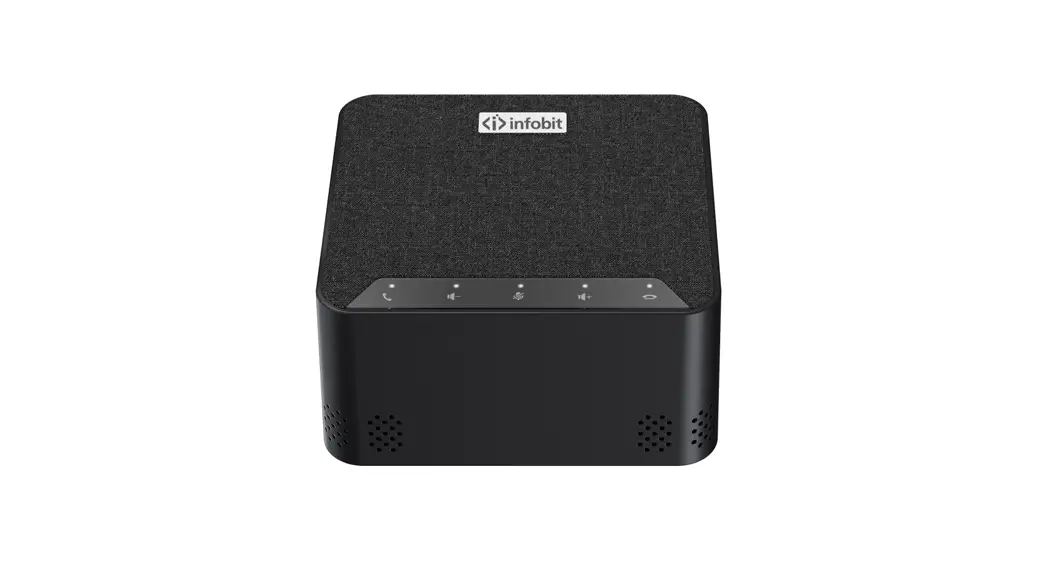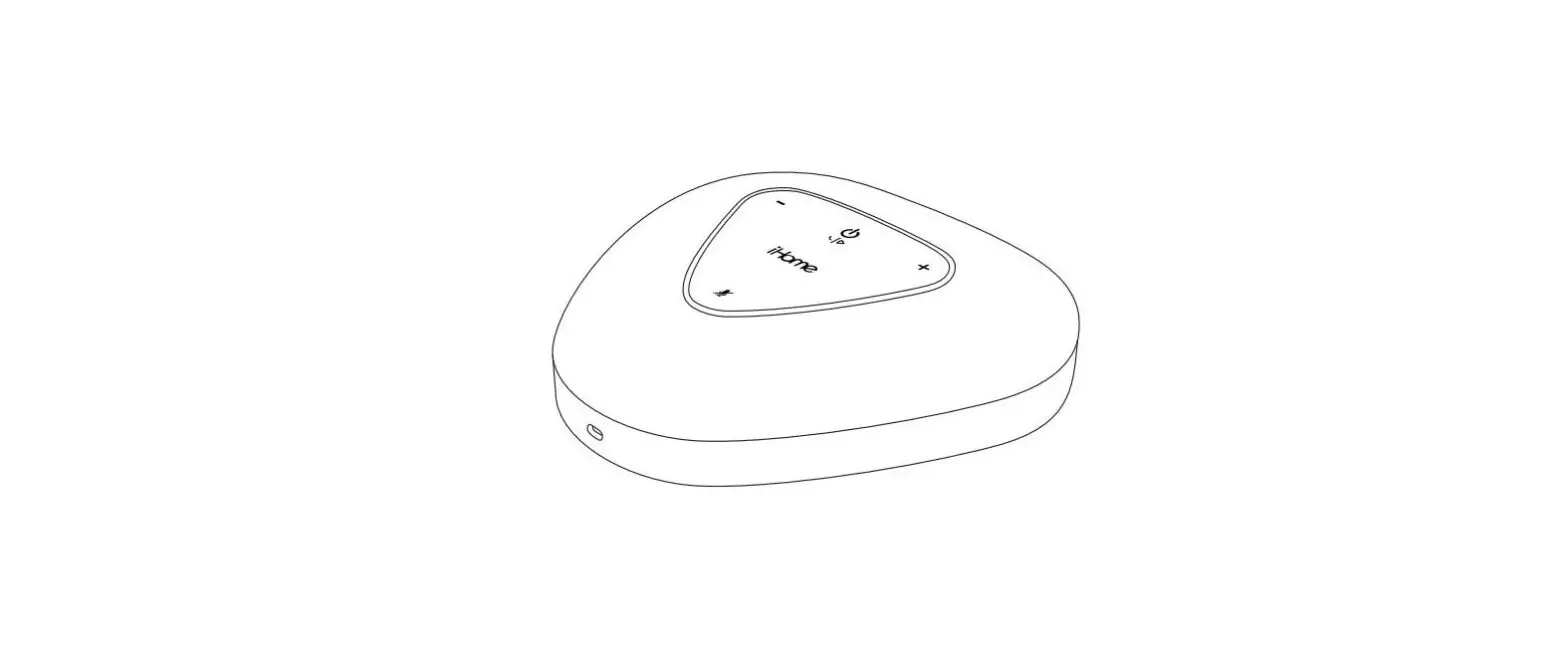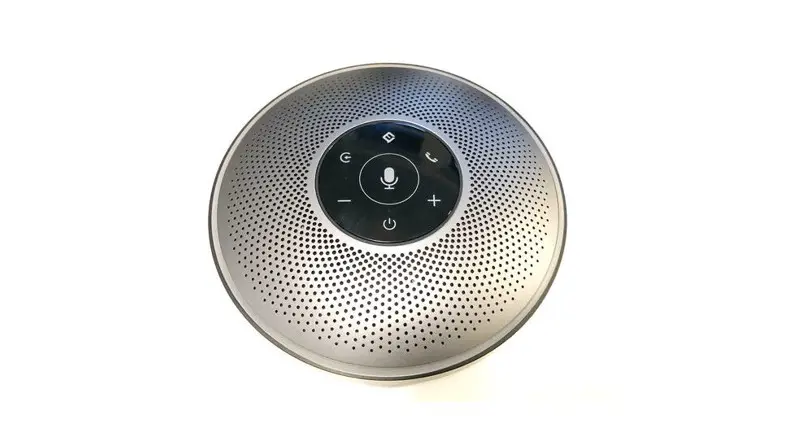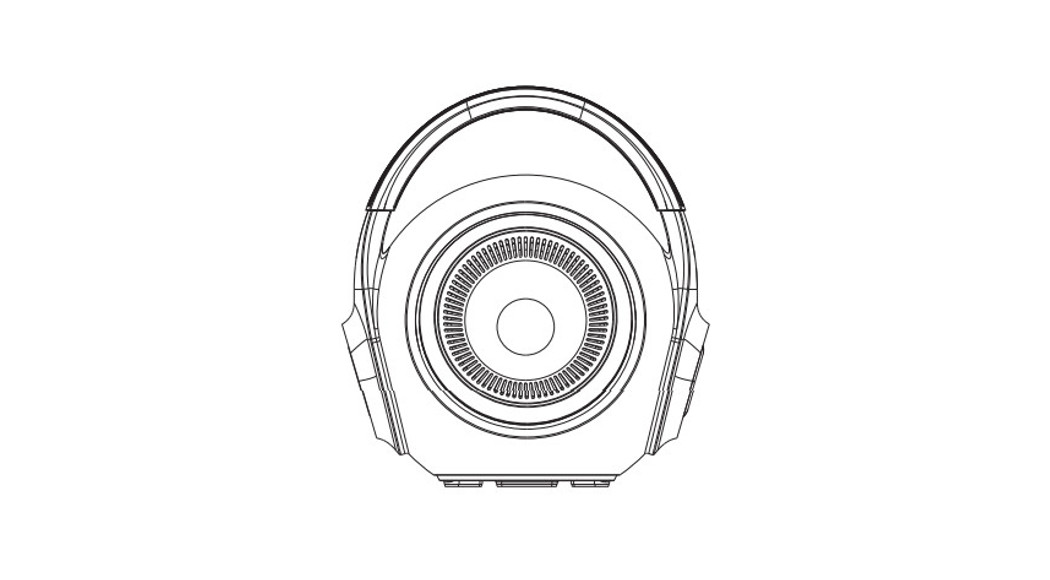

Shenzhen Wedoinnov POD3 Conference Speakerphone
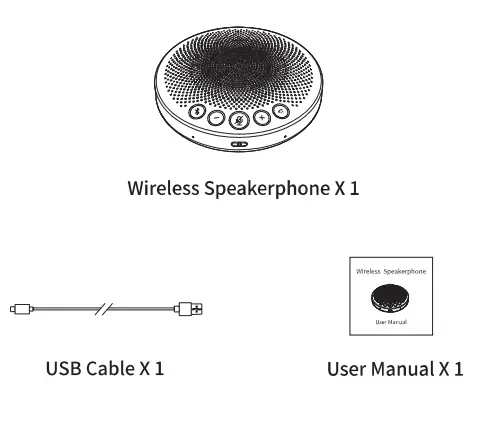
What’s in the box
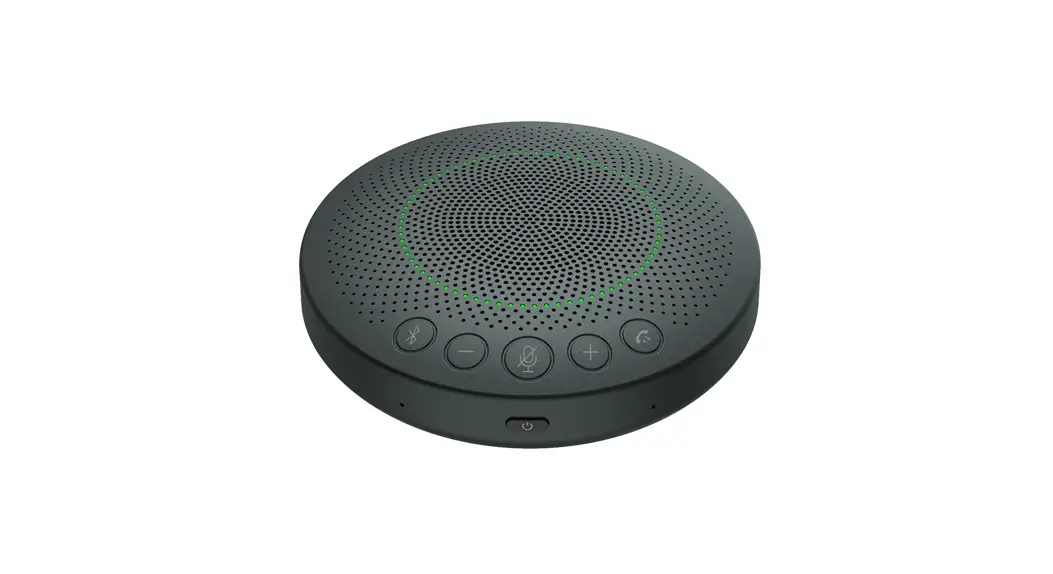
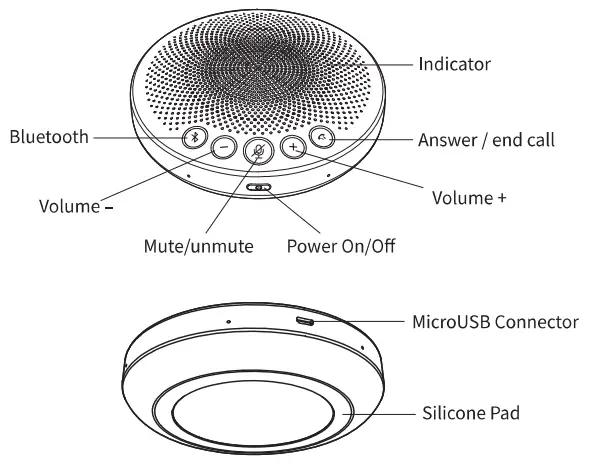
Overview
Easy Set-up
- On/off
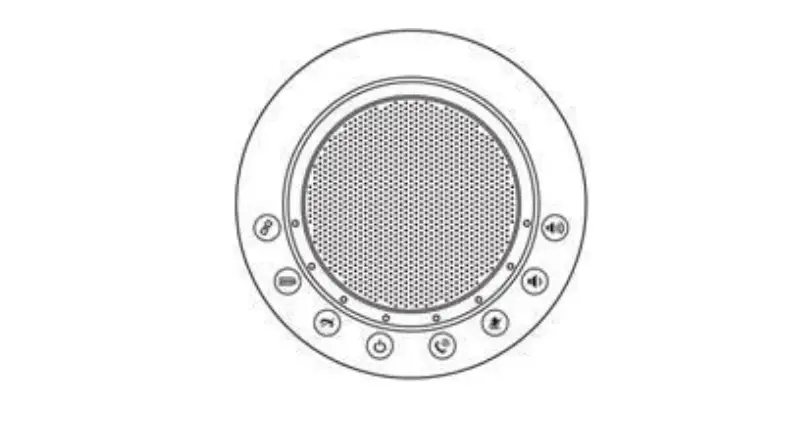
Long press ON/OFF C) for 2s, devic.e will be tum on/off, with beep notice. - connect to speak 100 use a. BT
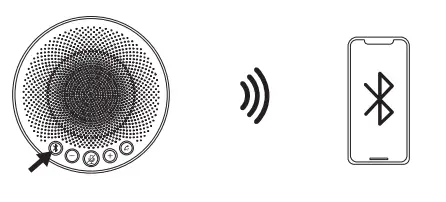
Connectby Bluetooth
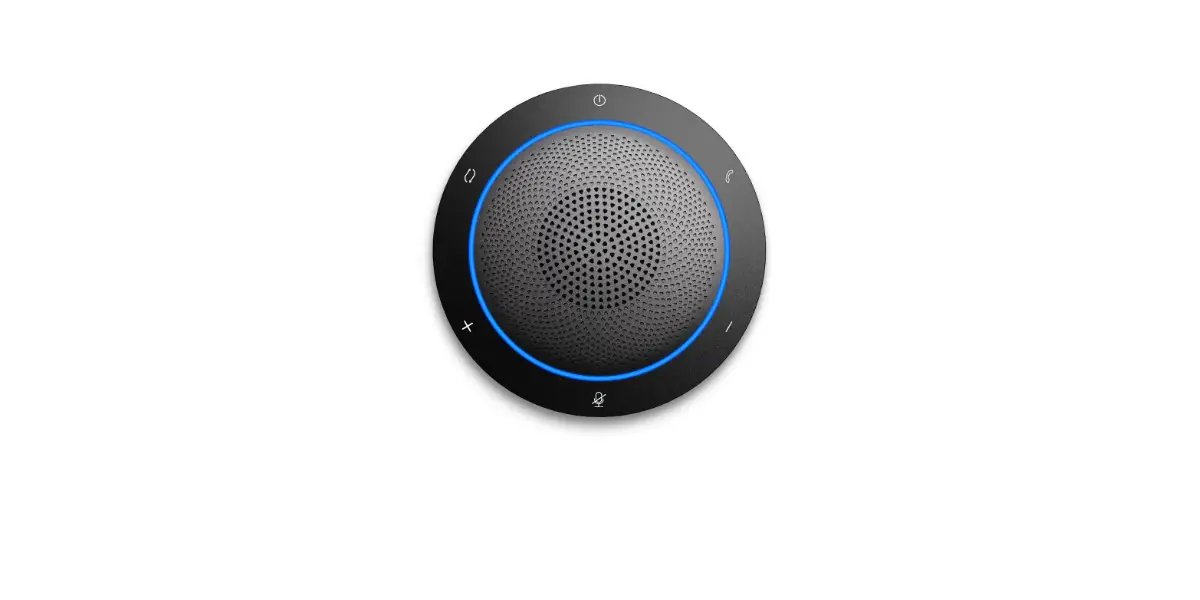
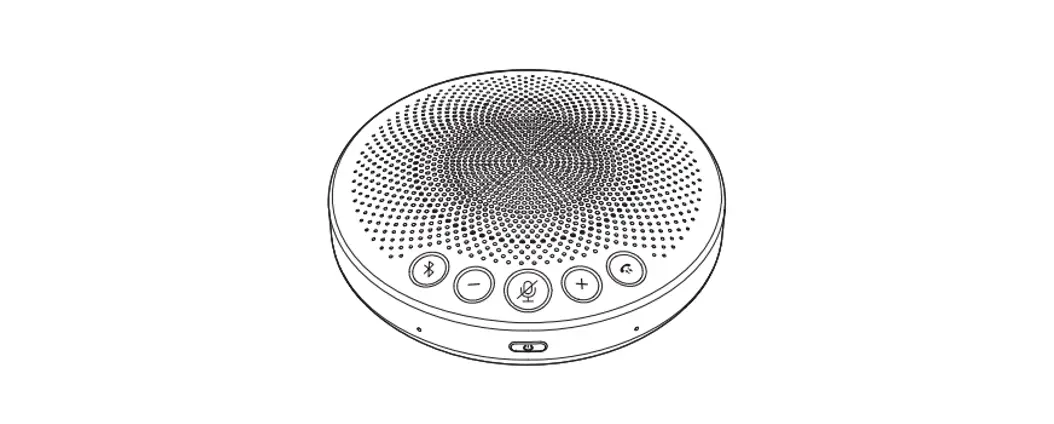
Long press Bluetooth button for2secondsto start pairing mode, then turn on Bluetooth of mobile phone or computer and select device Speak 100 USS & BT to connect. When connection is completed, the lamp ring will be fully on in blue, with voice notice.
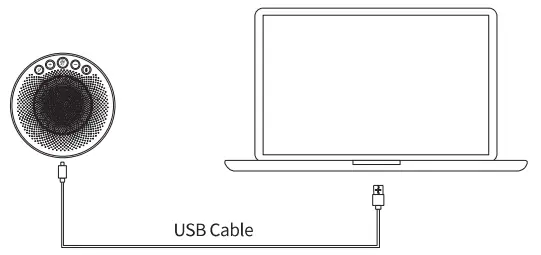
Connect by USB
Connect Speak 100 USB& BT with computer by USB cable. After connection, the green circle llght will Increase clockwise one by one showing charging status. Green circle llght will been in full when charging completed.
- Audio source switching function
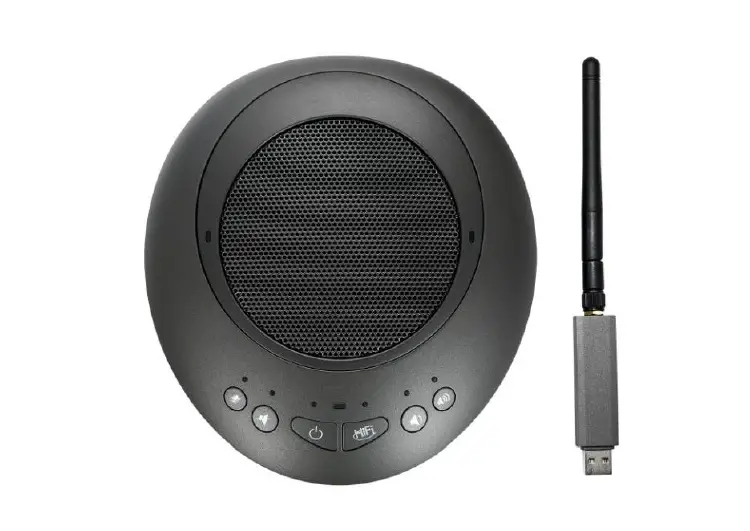
When device is connected by Bluetooth and USB simultmeously, short press/ tap the Bluetooth button * to switch between Bluetooth and USB transmission. - Answer /end Call
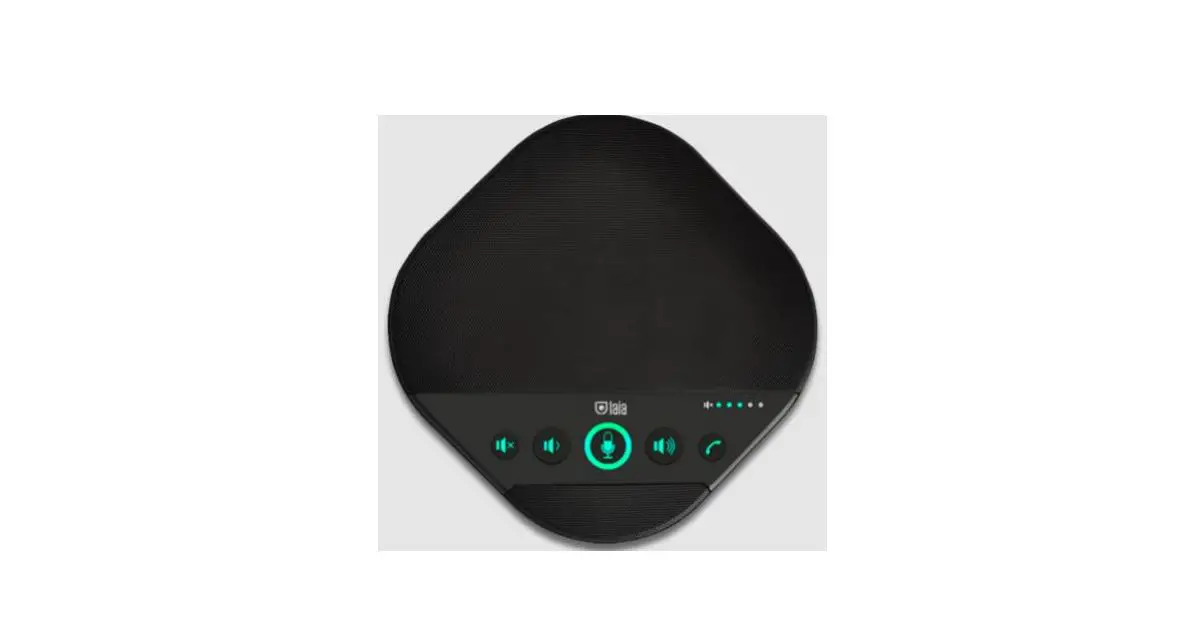
Press call button answer press call button to end calls. - Volume increase/decrease
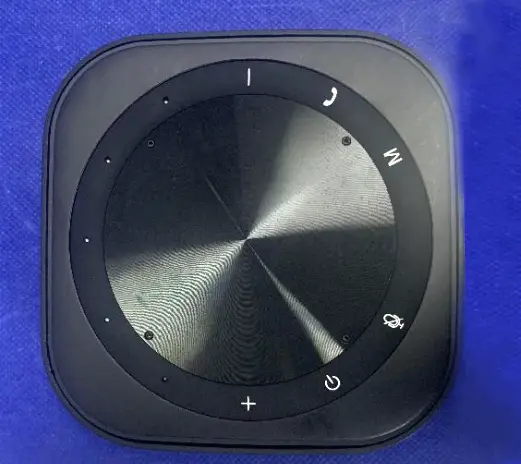
When volume increase + /decrease – ,the green lights will on/off one by one. When adjustment completed, lights will offafter4s. - Mute
- Press Mute microphone audio input will stop.
- Long press the mute key forabout2sto switch Vole Capcode. The Voice. recap function is for eliminating surrounding noise automatically and only volce within radiusrangeofl5 meters will be picked up and transmlted. Also speaker volume will be adjusted automatically according to surrounding noise. Voice Cap model is only suggested In open space. Please disable this function when in conference rooms.
- Auto Power Of
When device is not connected by Bluetooth or USB in 15mins, it will shutdown automatically. - Power Indicator
When device is not connected by USB, shortgrass/1:ilp power button O , the green circle light will indicate power condition.