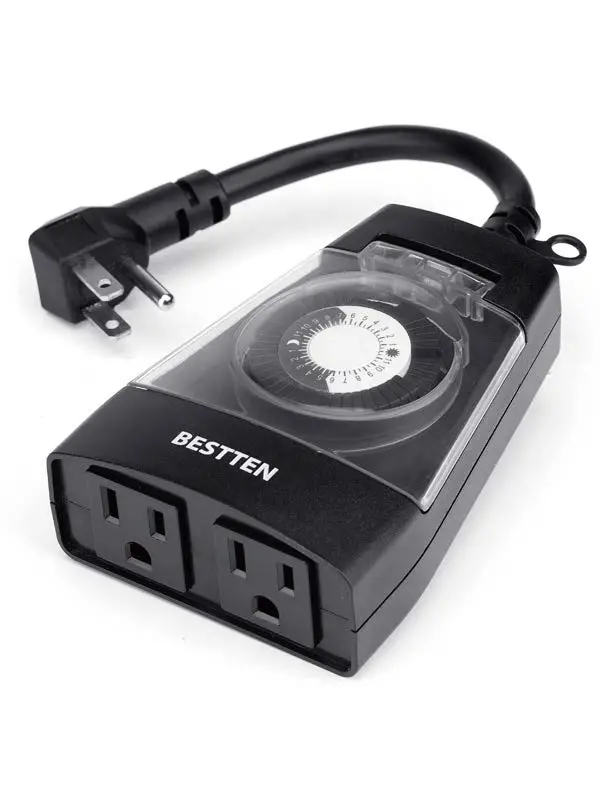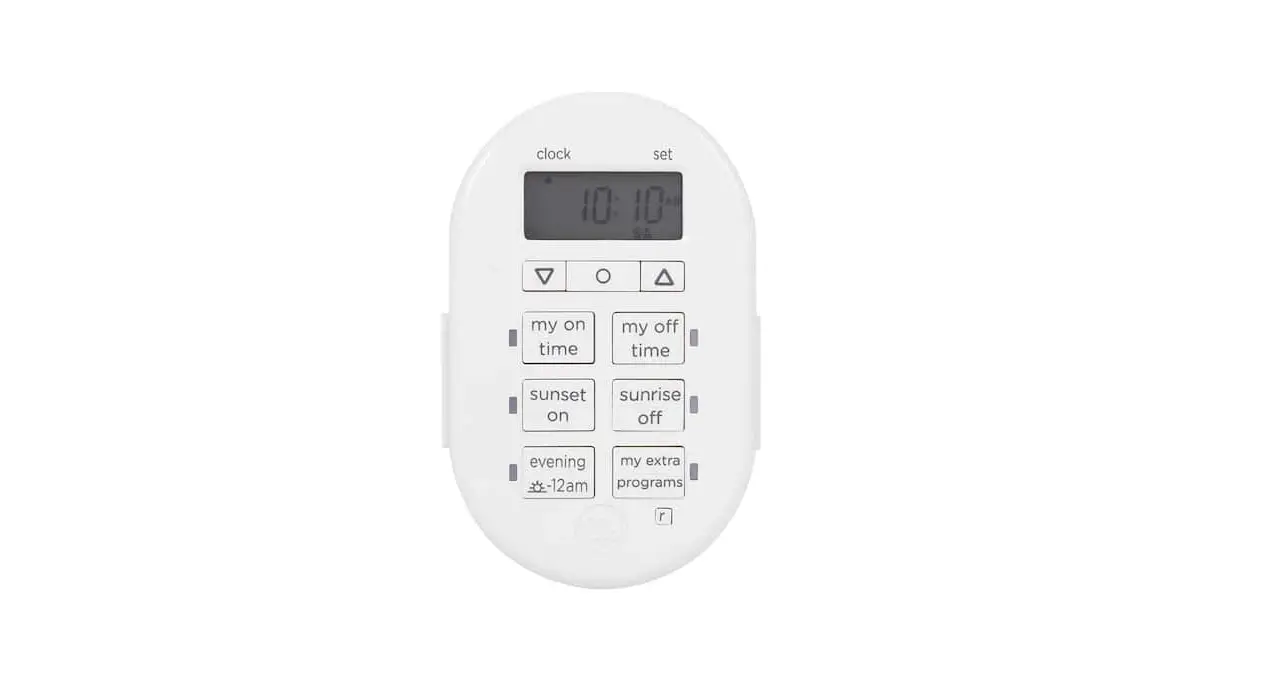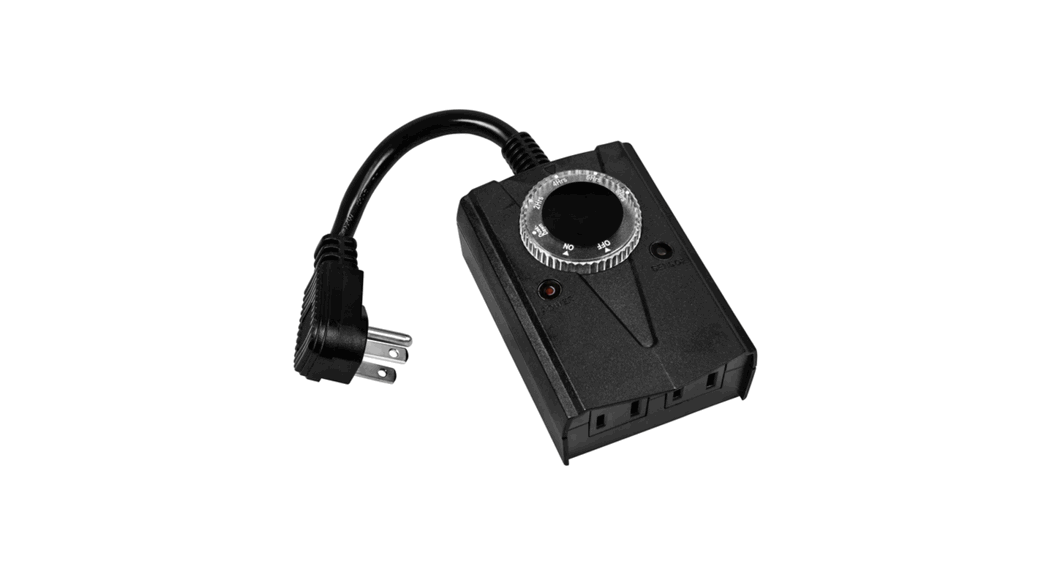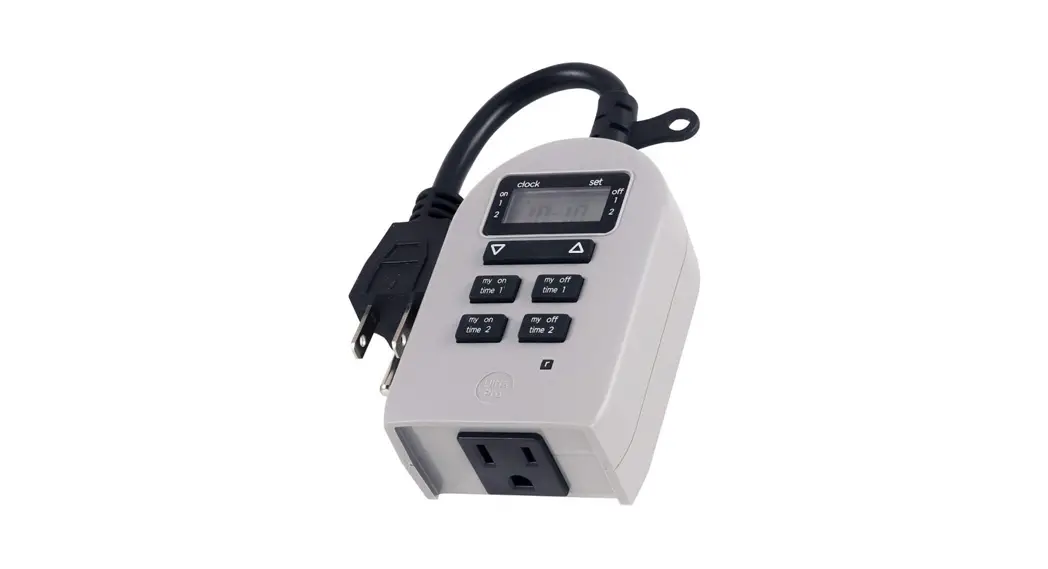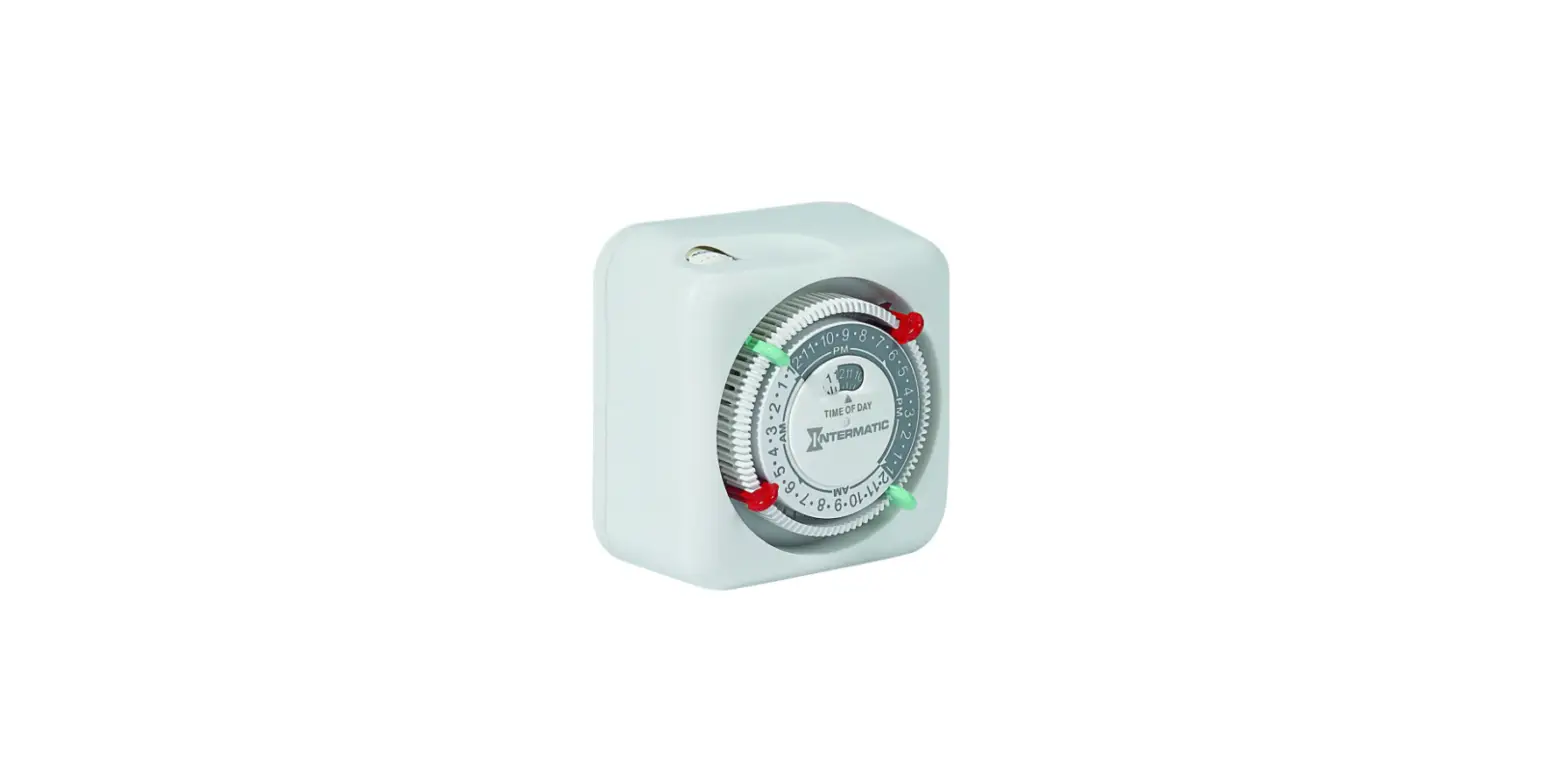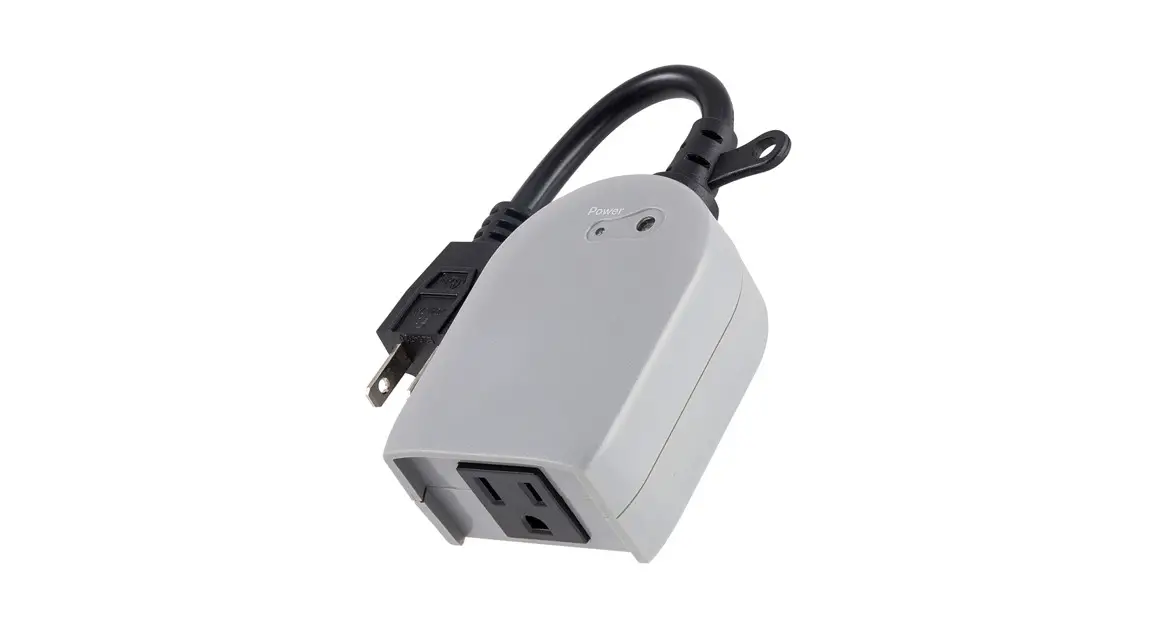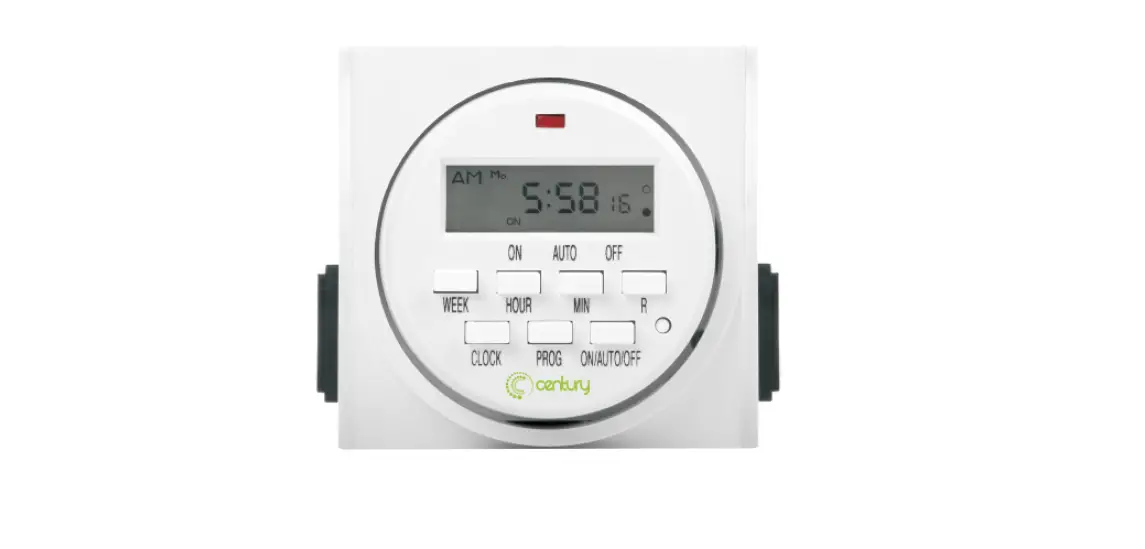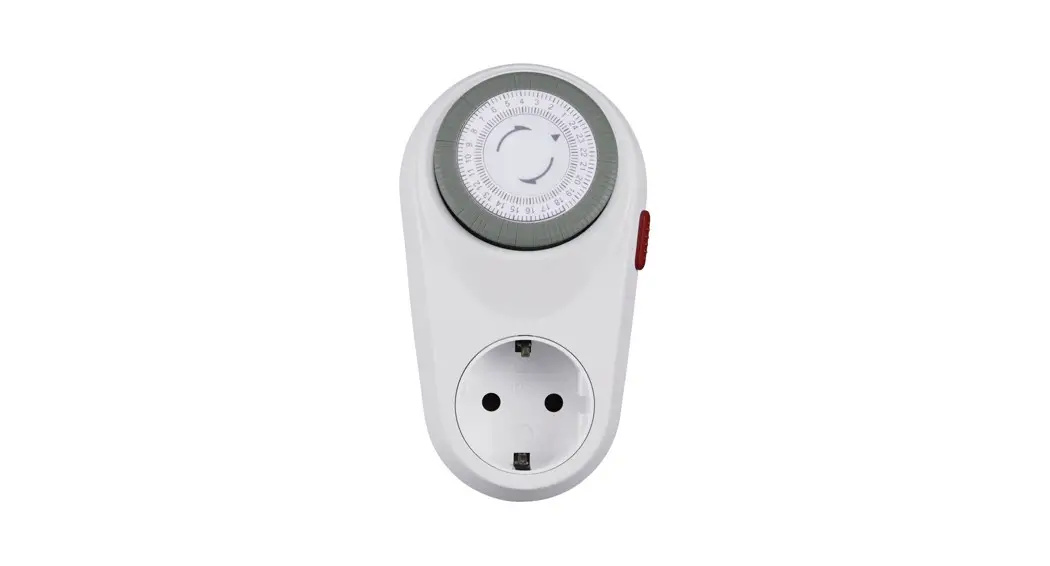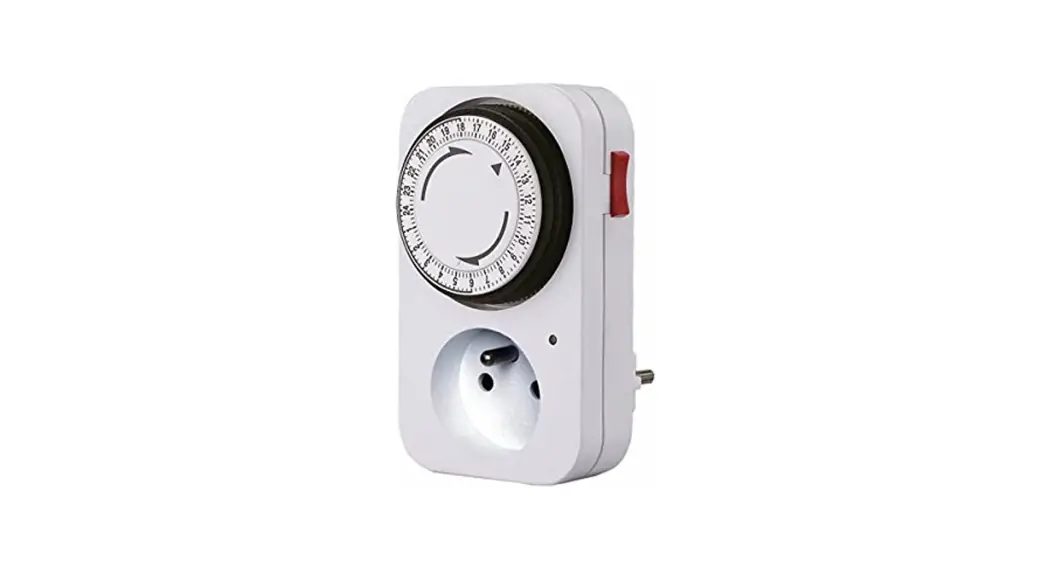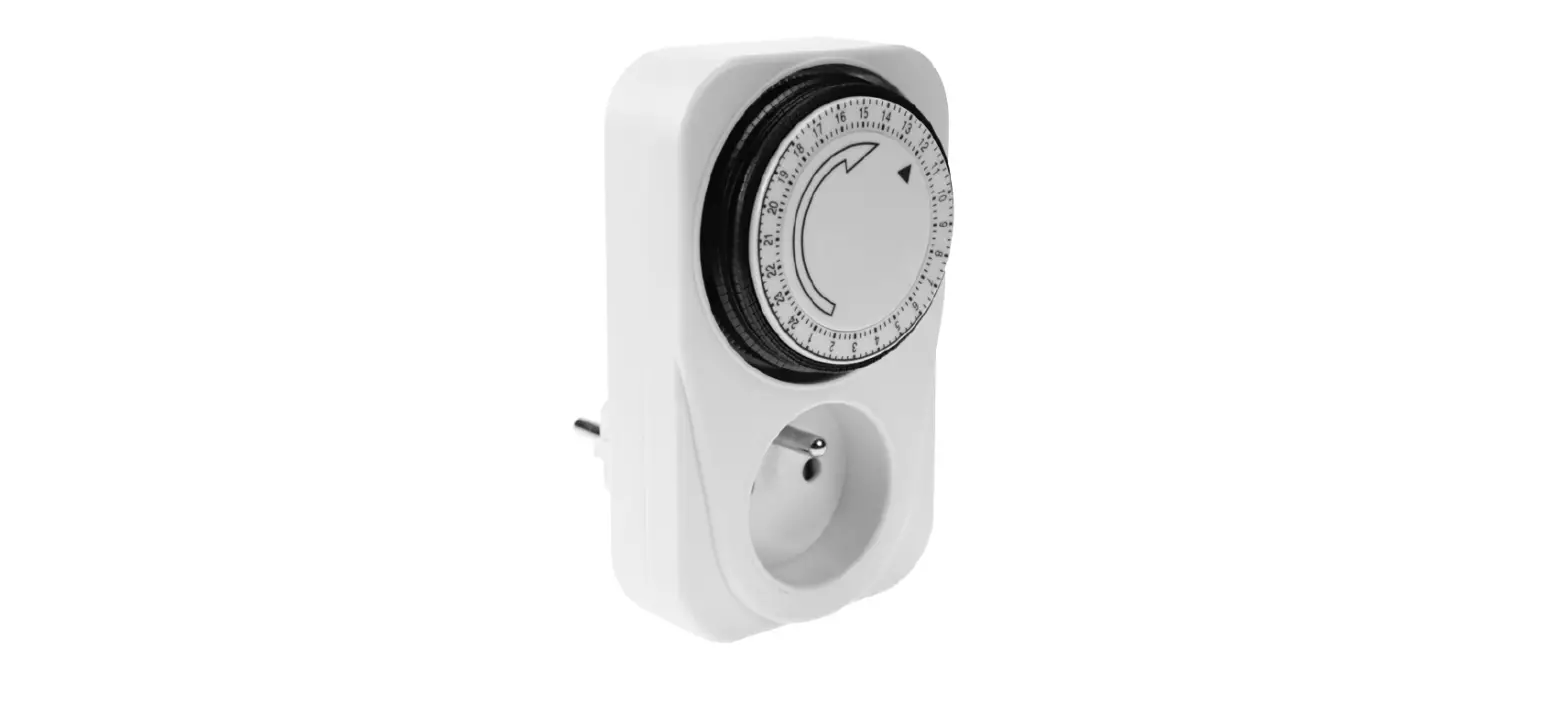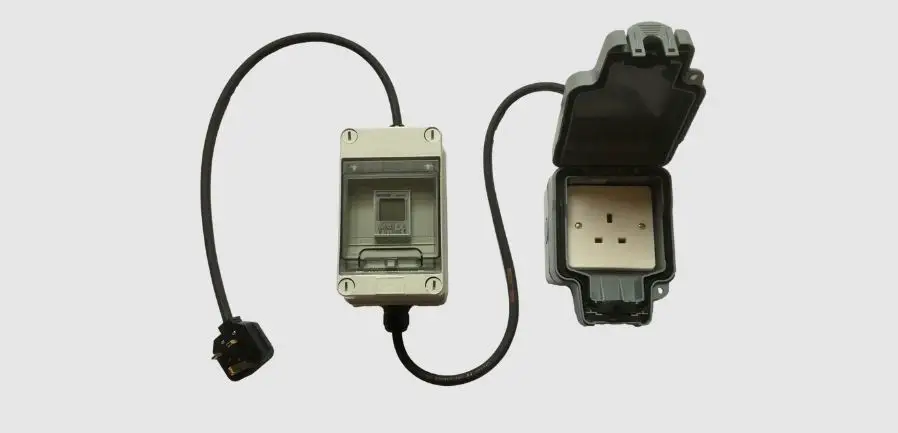

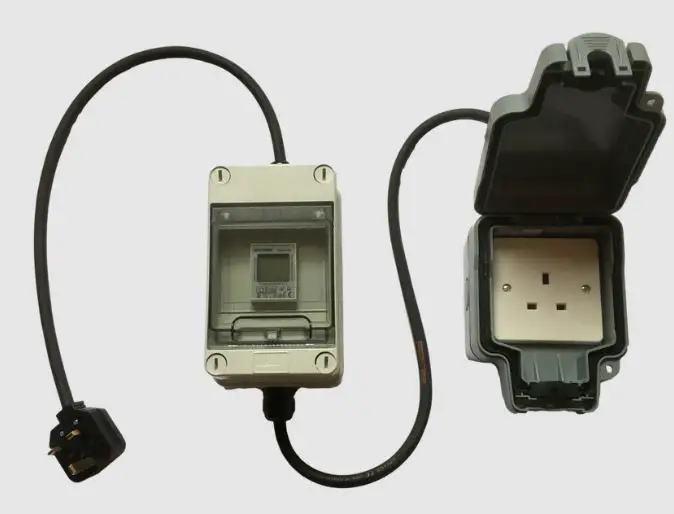
TOUGH LEADS 13A Plug-in Timers
Product Information
13A and 16A Plug-in Timers
Specification
- Voltage: 230-250v
- Switching current: 16A & 32A Units
- IP rating Accuracy: 40A (AC-7a) resistive, 15A (AC-7b) inductive
- Back up: 415v
- Max on/off timings: 63A (AC-7a) resistive, 20A (AC-7b) inductive
- Minimum interval between on/off times: Not specified
Operating Instructions
Setting the time
- Press and hold the button.
- Press D+ to select the date.
- Press H+ to select the hour.
- Press M+ to select the minute.
- When the date and time have been entered, release the button.
Changing between 12hr/24hr format:
- Press the button for 3 secs to alternate between the 12 and 24 hour time format.
Setting a time interval
- Press the P button repeatedly to reach the timing setting required. There are 16 programmable time periods, numbered 1 to 16.
- The ON time is shown first. Pressing the P button again shows the OFF time.
- Where no time is currently programmed, the display will show – : – -\\0
- When you reach the time setting required:
- Press D+ to select the date. Single days of the week and groups of days are available.
- Press H+ to select the hour.
- Press M+ to select the minute.
Override Factory setting reset
- To clear a time, scroll to the required interval time and then press the MANUAL button.
- Press the MANUAL button to alternate between permanently off, permanently on, and automated (controlled by the timer).
- Press the RESET button.
| Voltage | 230-250v |
| Switching current | 230v 16A & 32A Units 40A (AC-7a) resistive, 15A (AC-7b) inductive415v 16A & 32A Units 63A (AC-7a) resistive, 20A (AC-7b) inductiveDouble pole switched contacts |
| IP rating | Timer enclosure IP55 (when front cover is closed) CEE 60309 connectors – IP44 |
| Accuracy | ≤ 1 sec/day at 25°C |
| Back up | Built in lithium ion battery with 3yr reserve |
| Max on/off timings | 16 x on and off timing cycles |
| Minimum interval between on/off times | 1 min |
Operating Instructions
| Setting the time | Press and hold the  button Press D+ to select the date Press H+ to select the hour Press M+ to select the minute button Press D+ to select the date Press H+ to select the hour Press M+ to select the minuteWhen the date and time have been entered, release the button |
| Change between 12hr/24hr format | Press the button for 3 secs to alternate between the 12 and 24 hour time format |
| Setting a time interval | Press the button repeatedly to reach the timing setting required. There are 16 programmable time periods, numbered 1 to 16. The ON time is shown first. Pressing the Where no time is currently programmed, the display will show – – When you reach the time setting required: Press D+ to select the date. Single days of the week and groups of days are available Press H+ to select the hour Press M+ to select the minute To clear a time scroll to the require interval time and then press the MANUAL button. |
| Override | Press the MANUAL button to alternate between permanently off, permanently on and automated (controlled by the timer) |
| Factory setting reset | Press the RESET button |