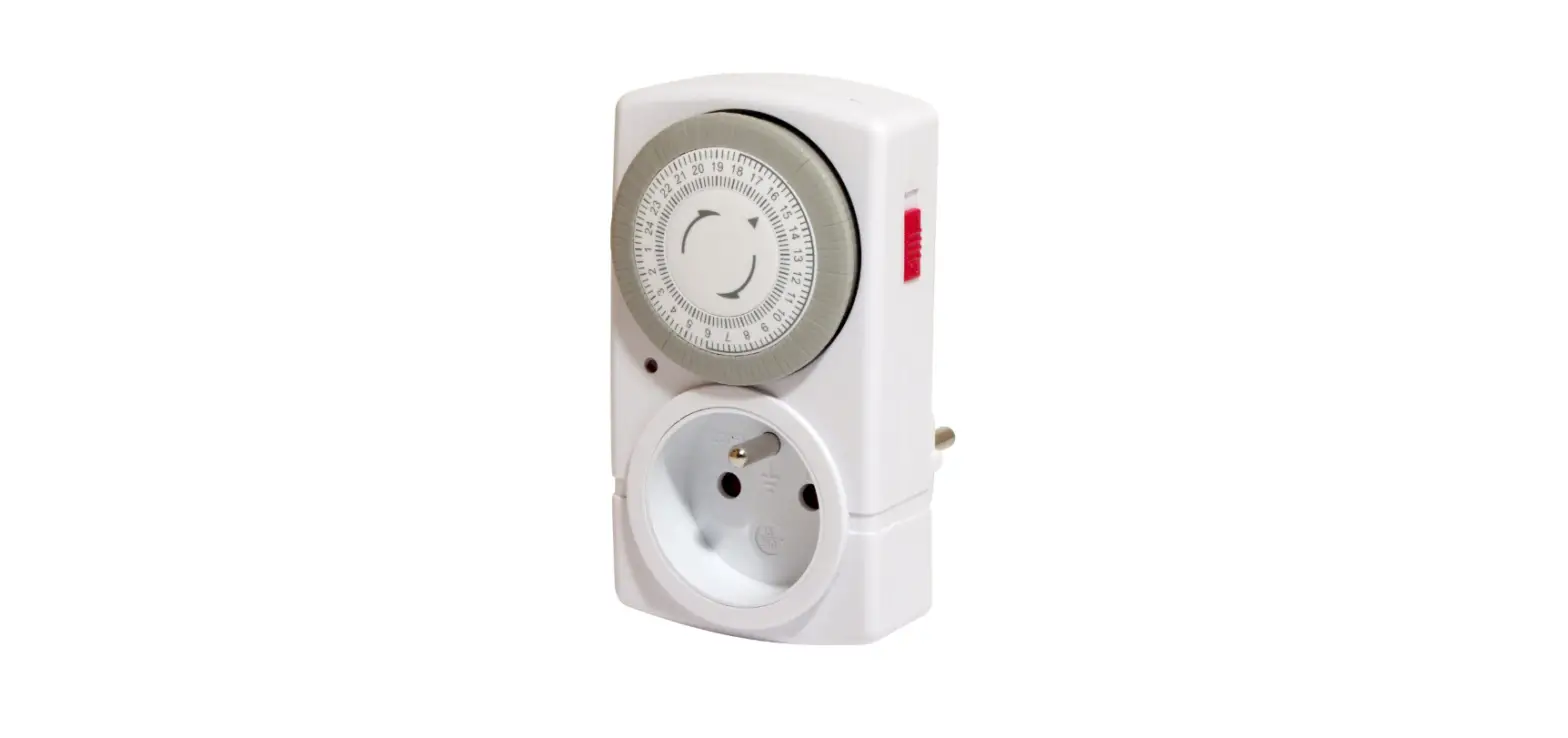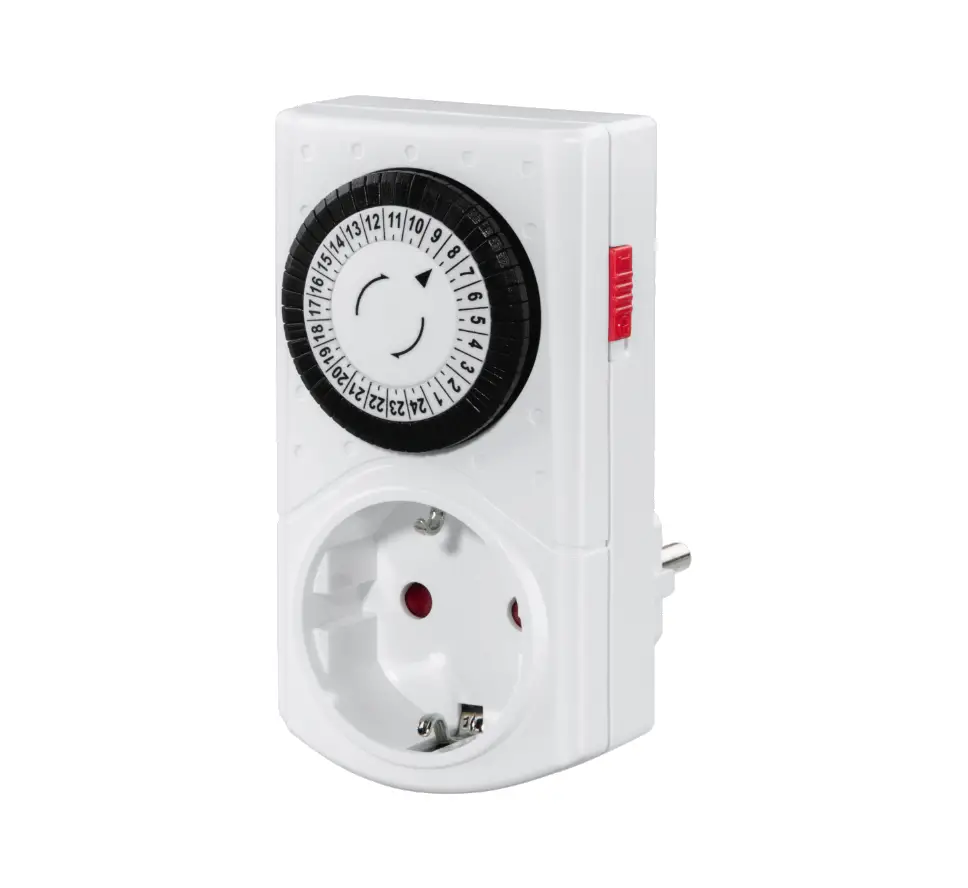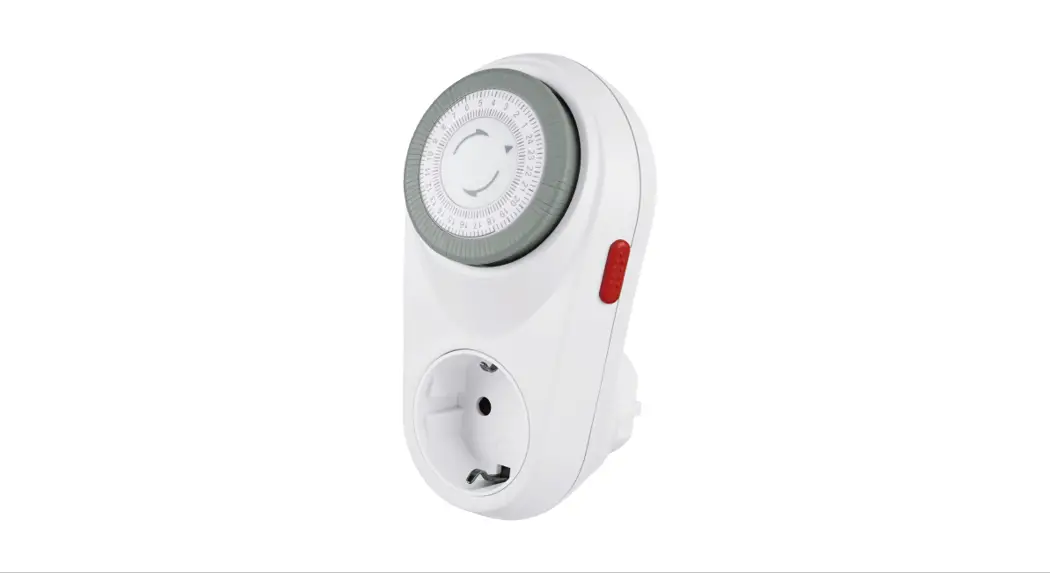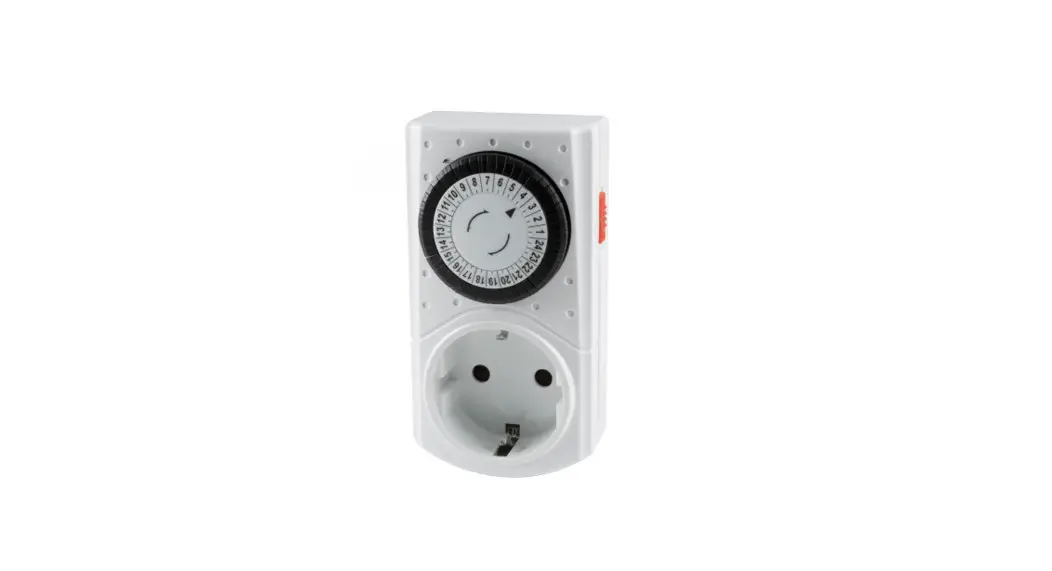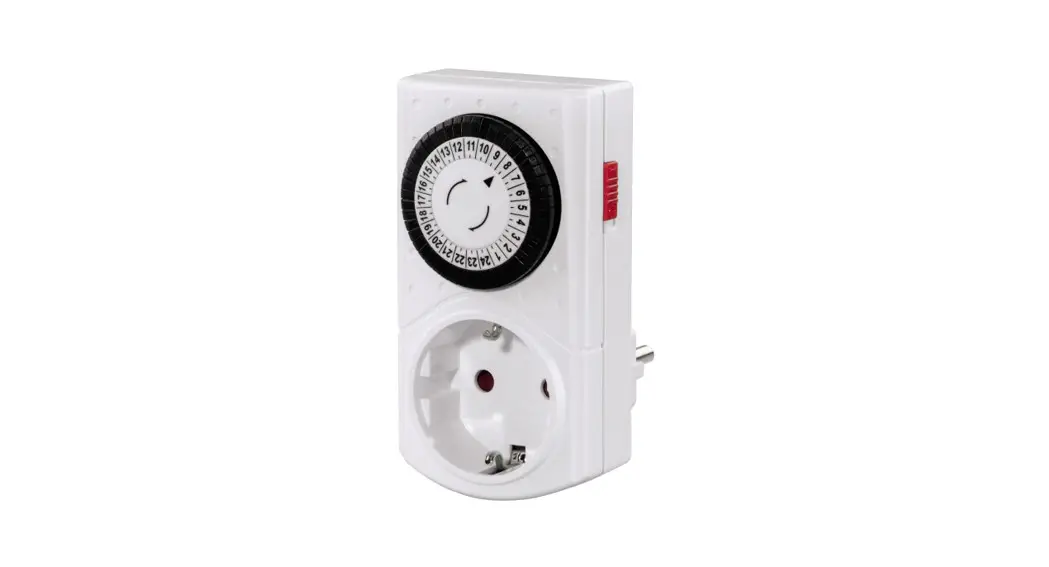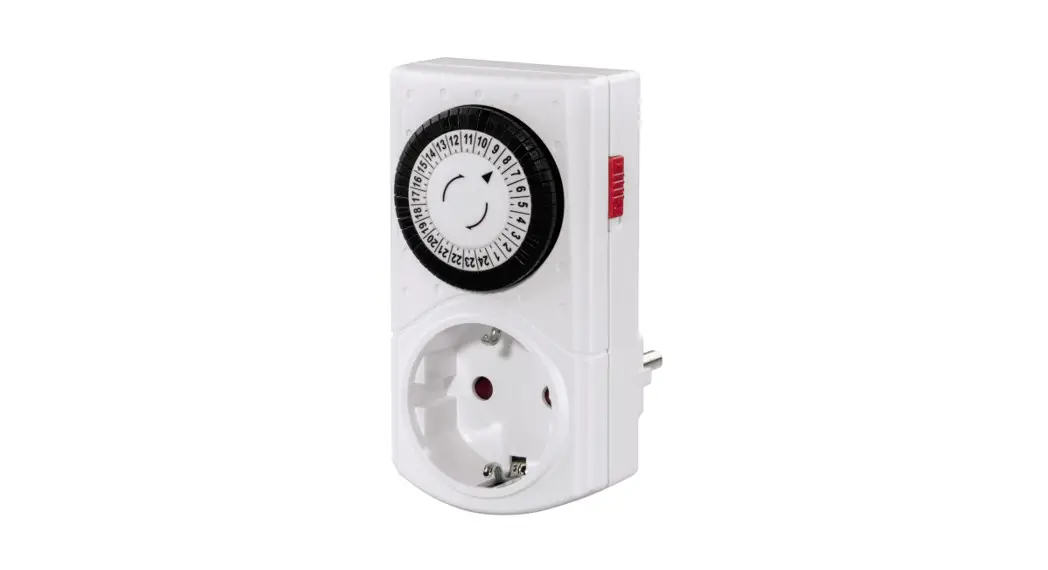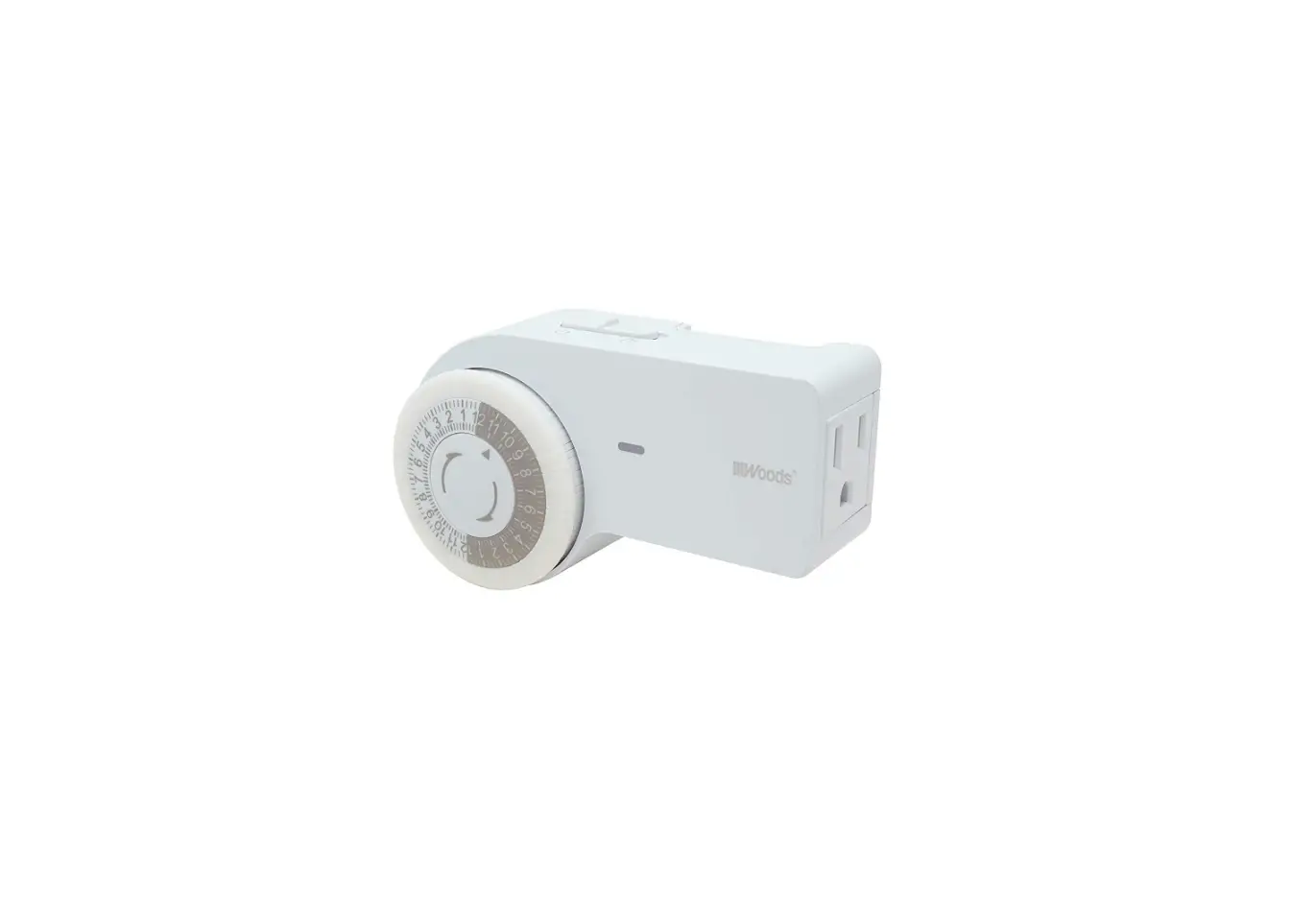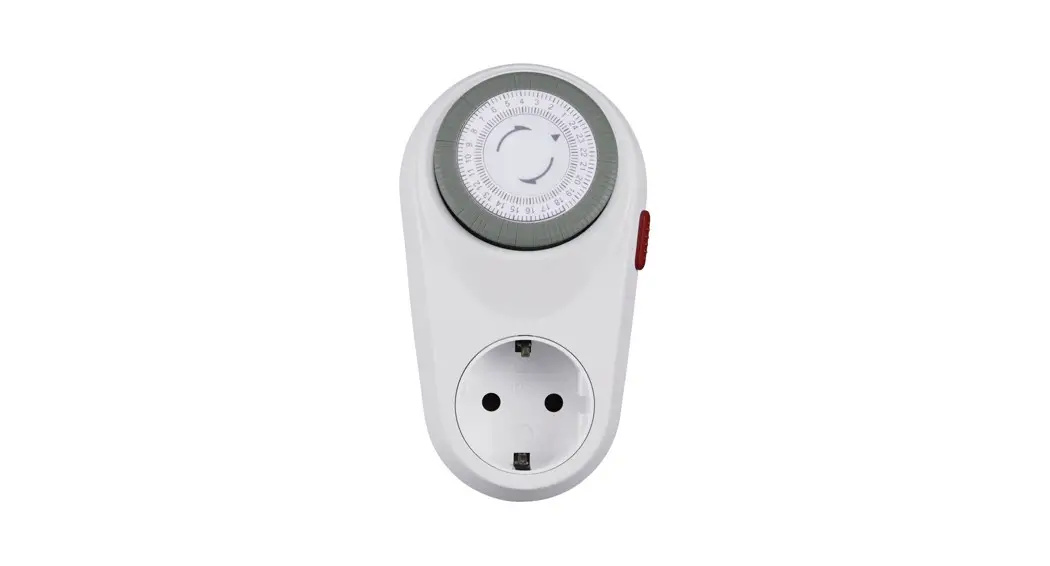
 00223302 Curved Mechanical Timer for Indoors
Instruction Manual 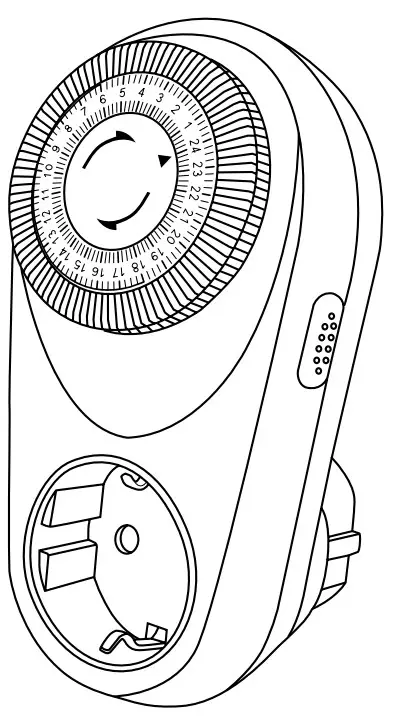
Thank you for choosing a Hama product.
Take your time and read the following instructions and information completely. Please keep these instructions in a safe place for future reference. If you sell the device, please pass these operating instructions on to the new owner.
Explanation of warning symbols and notes
 Risk of electric shock
This symbol indicates a risk of electric shock from touching uninsulated product parts that may carry hazardous voltage.Warning
This symbol is used to indicate safety instructions or to draw your attention to specific hazards and risks. Note
Note
This symbol is used to indicate additional information or important notes.
Package contents
- “Curved” mechanical timer for indoors
- These operating instructions
Safety instructions
- Never connect the timer to an extension cable or adapter. Instead, only connect it directly to the power socket since otherwise overheating can occur.
- Use the timer only in permanently installed wall sockets.
- The timer may only be operated in dry rooms.
- Never use the timer outdoors.
- Immediately disconnect the defective unit from the mains and do not operate it anymore.
- Repairs may only be carried out by authorized specialists.
- The product is intended for private, non-commercial use only.
- Use the product only for the intended purpose.
- Do not operate the product outside the power limits given in the specifications.
- The maximum connected load is 1800 Watt (resistive load). In the event of an overload, there is a risk of destroying the timer.
- Protect the product from dirt, moisture, and overheating and use it in dry environments only.
- Do not drop the product and do not expose it to any major shocks.
- As with all electrical products, this device should be kept out of the reach of children.
- Dispose of packaging material in accordance with the locally applicable regulations.
- Do not modify the product in any way. Doing so voids the warranty.
- Never connect multiple units of this product in a series.
- Do not use any heat-generating devices (such as electric blankets, coffee machines, etc.) with this product. There is a risk of fire and injury.
- Do not use this product with any devices that are motorized or any devices that have a rotating component or tool. There is a risk of injury.
- The product is intended only for use inside buildings.
- Do not use the product in the immediate vicinity of heaters, other heat sources or in direct sunlight.
- Only use the article under moderate climatic conditions.
- Do not use the product in areas where the use of electronic devices is not permitted.
- Do not use the product in moist environments and avoid splashes.
- The product may only be operated with the type of power supply network described on the nameplate.
Risk of electric shock
- Do not open the device or continue to operate it if it becomes damaged.
- Do not use the product if the AC adapter, the adapter cable, or the mains cable are damaged.
- Do not attempt to service or repair the product yourself. Leave any and all service work to qualified experts.
Getting started
Warning
- Only operate the product from an approved socket that is connected to the public power supply. The socket must be installed close to the product and must be easily accessible.
- Disconnect the product from the power supply using the On/Off switch – if this is not available, unplug the power cord from the socket.
- If using a multi-socket power strip, make sure that the total power consumption of all connected devices does not exceed the socket strip’s maximum throughput rating.
- If you will not be using the product for a prolonged period, disconnect it from mains power.
Programming switch-on/switch-off times
To program the switch-on times, the grey tab is pushed downwards according to the desired time.
1 tab equals 15 minutes. If a longer time span is required, more tabs (15-minute intervals) must be pushed downwards. Switch-off times: Tab position > top
Setting the current time
The time selector dial is turned clockwise until the arrow on the inner ring of the selector dial shows the current time.
Connecting the timer to the mains,
connecting electrical appliances to the timer Insert the plug of the timer into a 230 V protective contact socket, then the mains plug of the electrical appliance to be switched.
Manual switch on
The on switch on the right side of the timer allows the user to switch the unit on permanently. If the switch is set to the “I” position, the timer is permanently switched on. (Tab setting “Off” is ignored), whereby the clock continues to run. As soon as the switch is returned to the “OFF” position ( ), the normal program continues to run.
Care and maintenance
Note
Disconnect the device from the mains before cleaning and during prolonged periods of non-use.
- Only clean this product using a lint-free, slightly damp cloth, and do not use any harsh cleaners.
Warranty disclaimer
Hama GmbH & Co KG assumes no liability and provides no warranty for damage resulting from improper installation/mounting, improper use of the product, or failure to observe the operating instructions and/or safety notes.
Technical data
| Timer switch | |
| Mains connection | 230 V ~ / 16 (2) A |
| Connected load | max. 3680 W |
| Protection class | 1 |
| Protection | IP20 |
| Switching intervals | 15-minute cycle |
Hama GmbH & Co KG
86652 Monheim / Germany
Service & Support www.hama.com
 +49 9091 502-0
 All listed brands are trademarks of the corresponding companies. Errors and omissions excepted, and subject to technical changes. Our general terms of delivery and payment are applied.
 hama.com