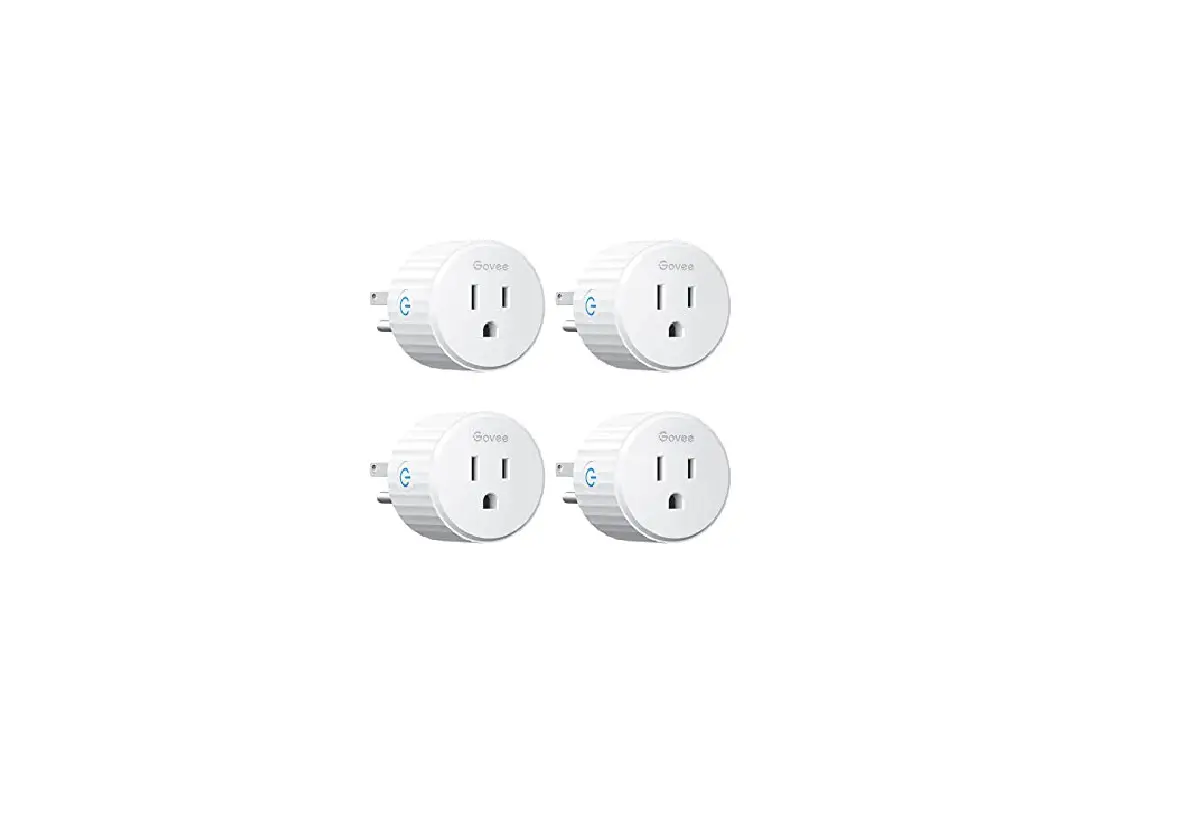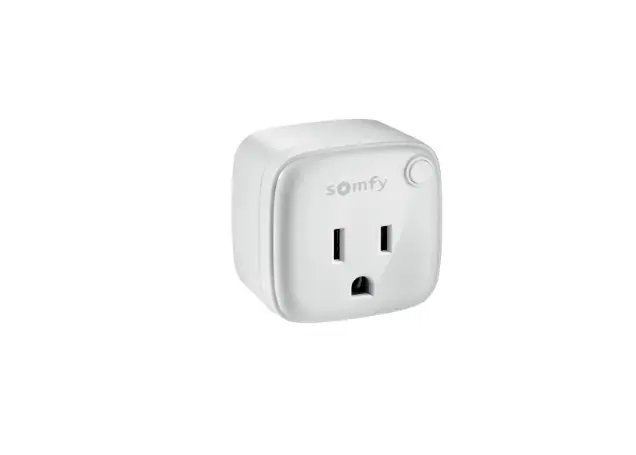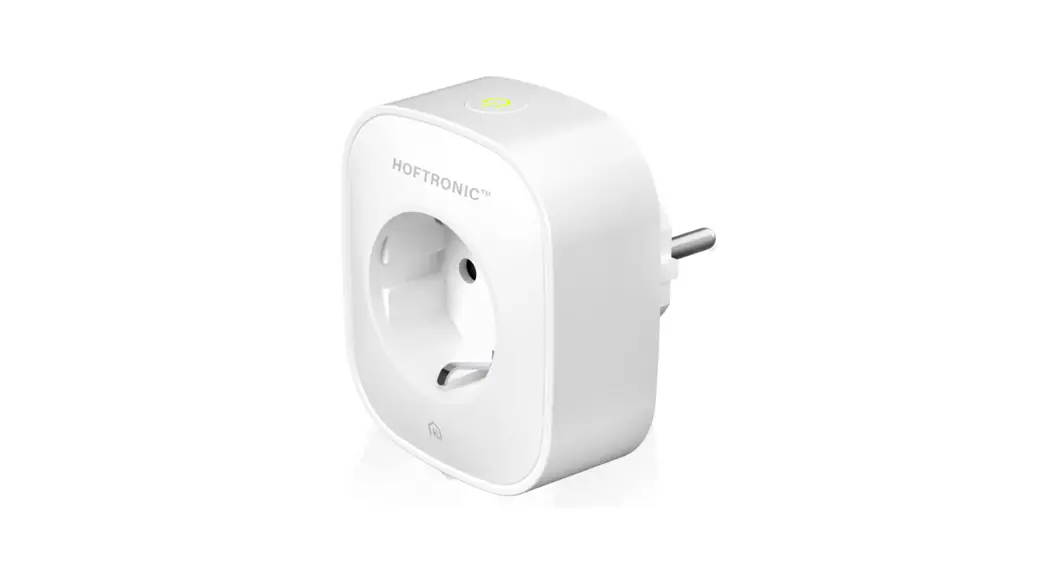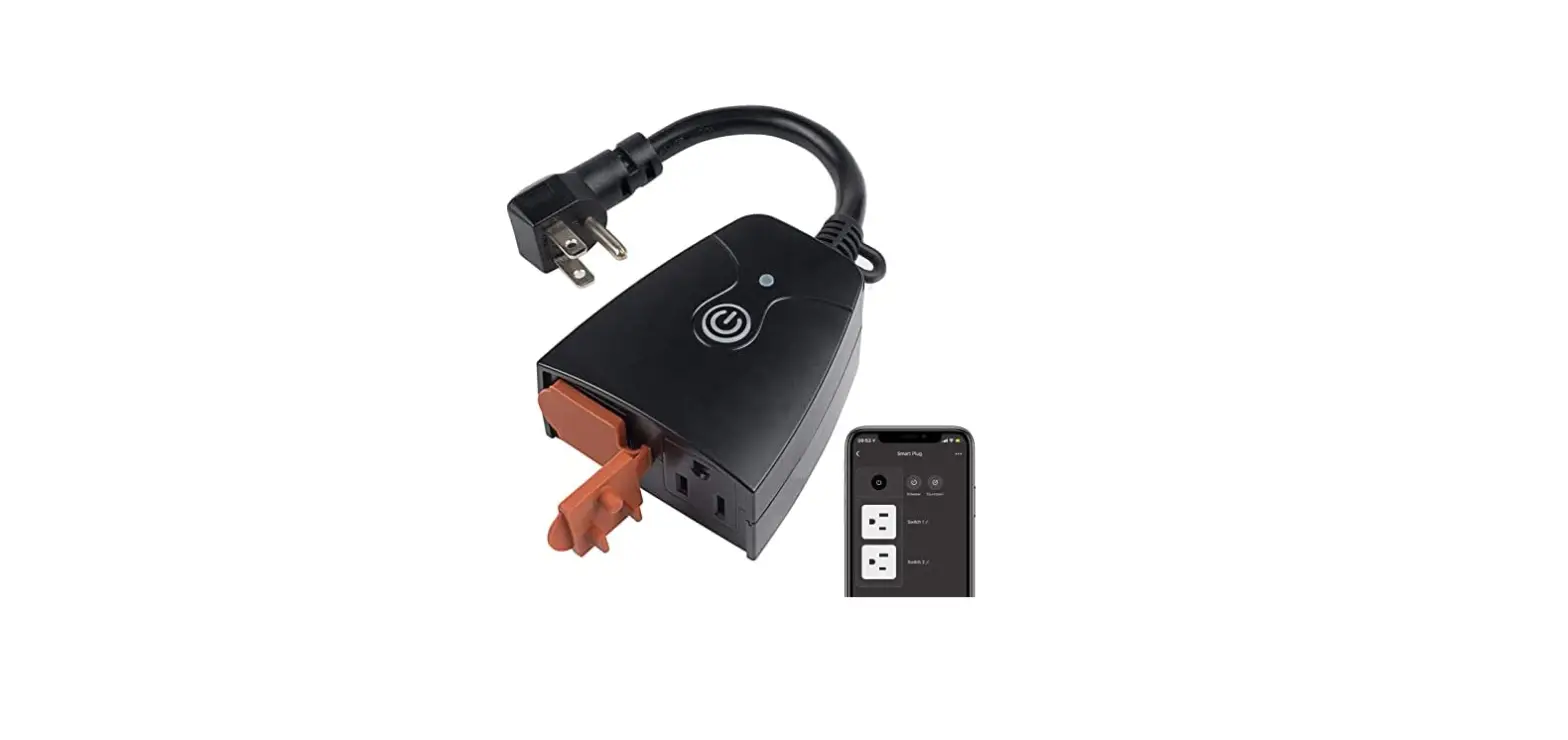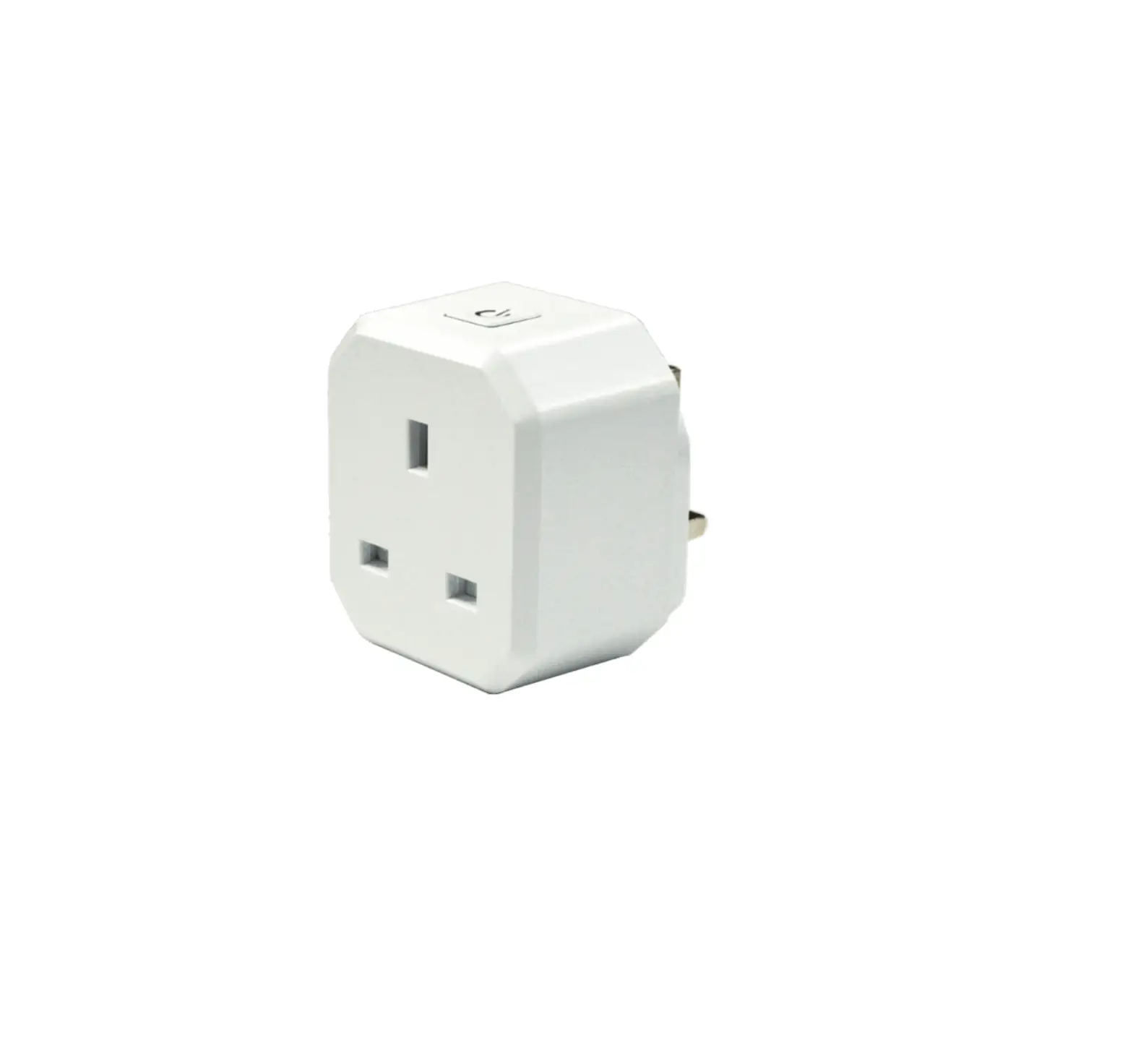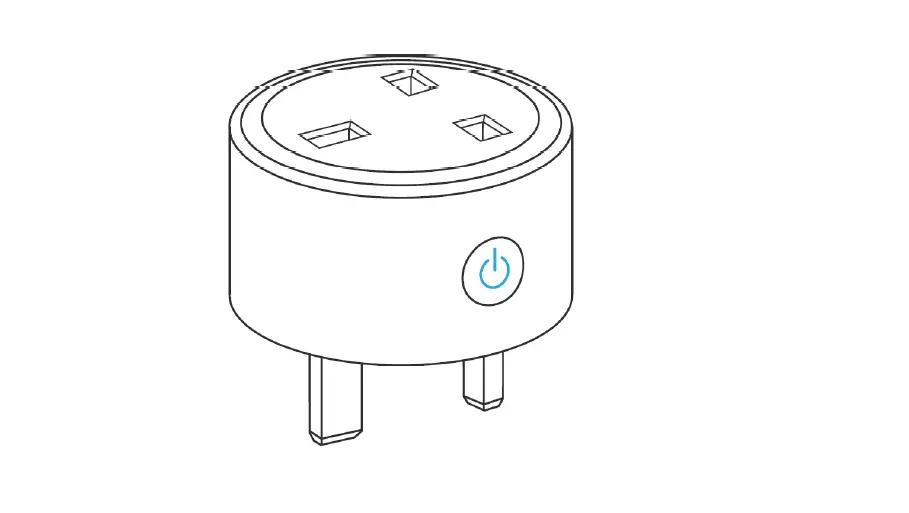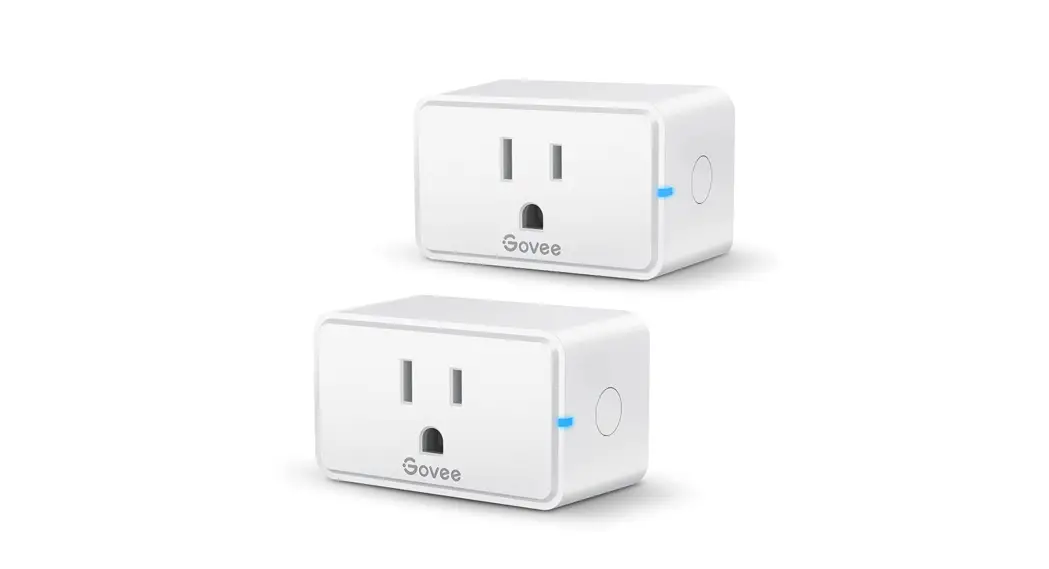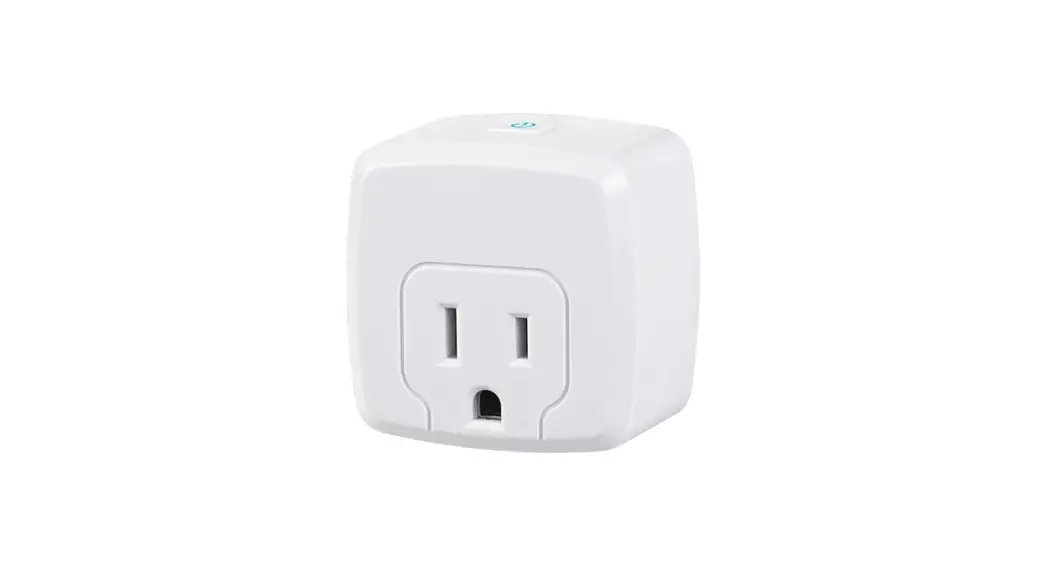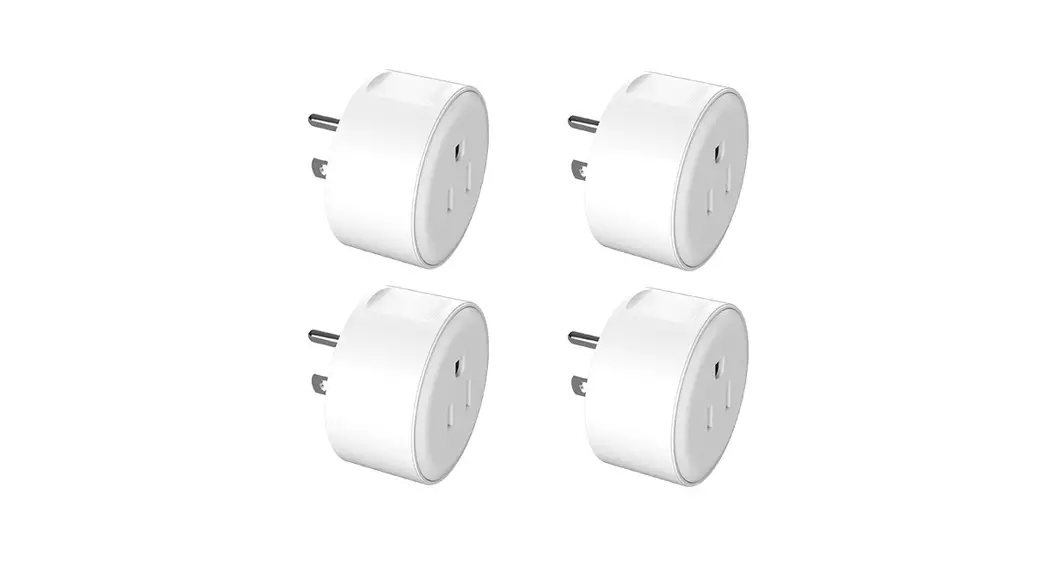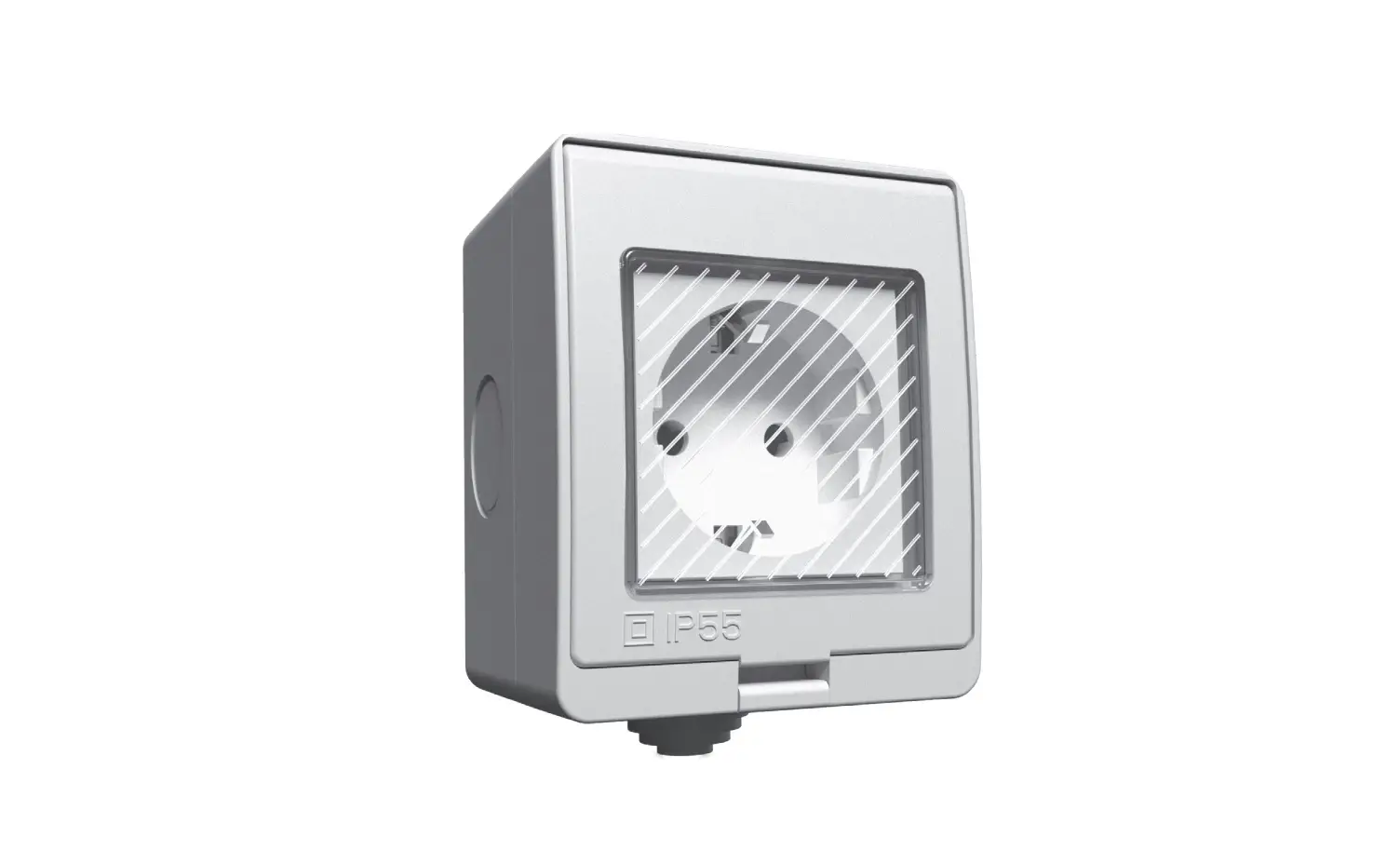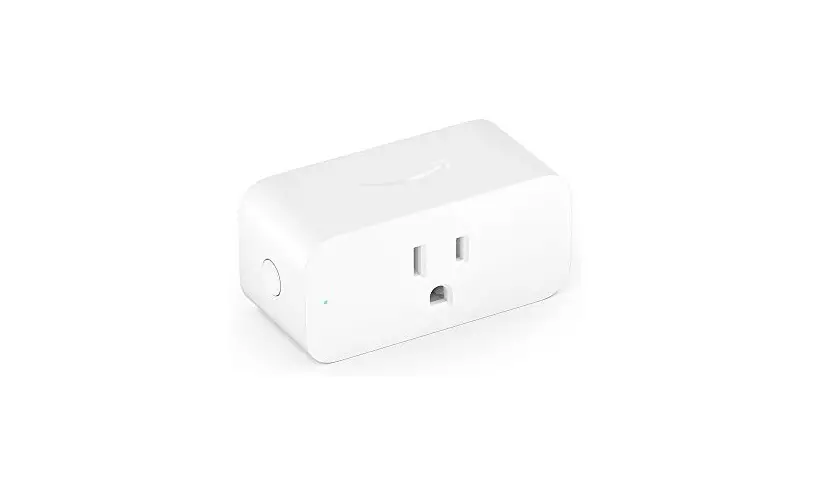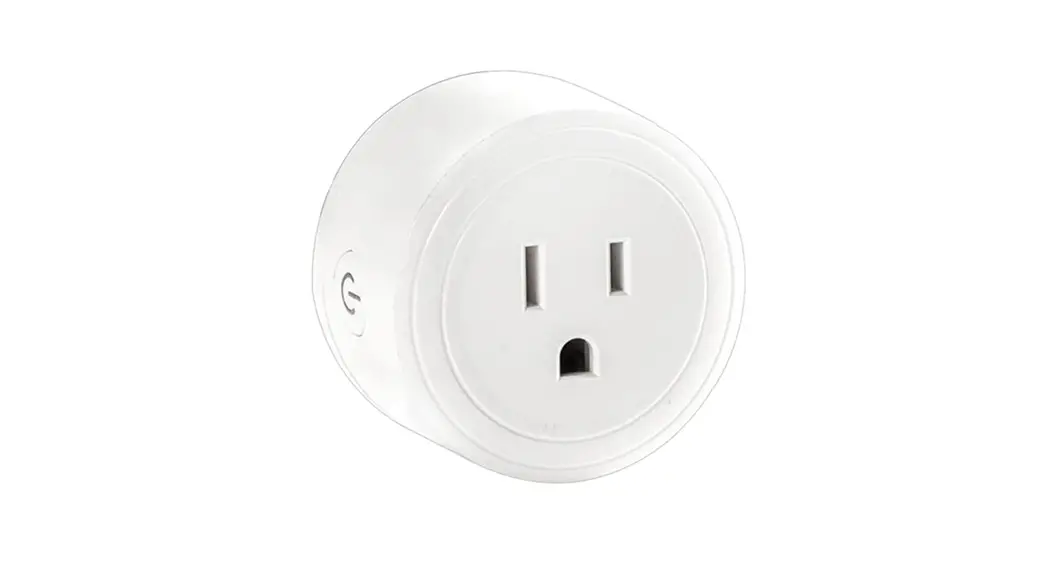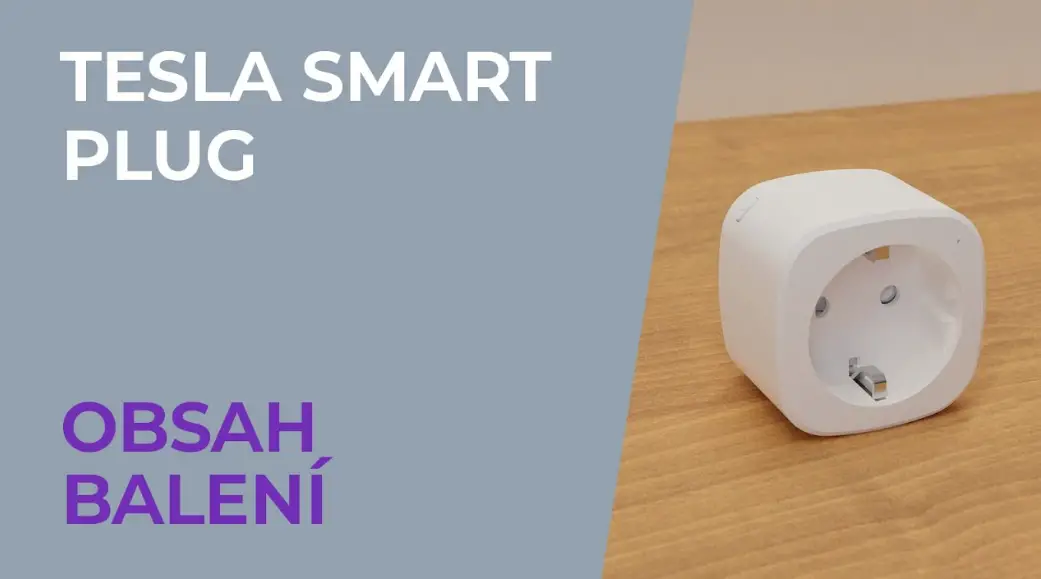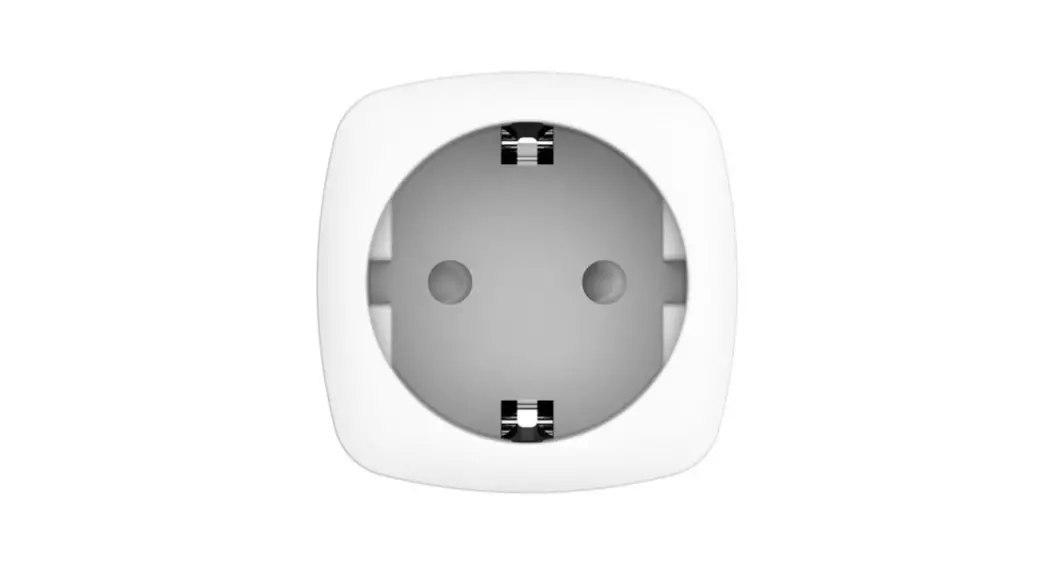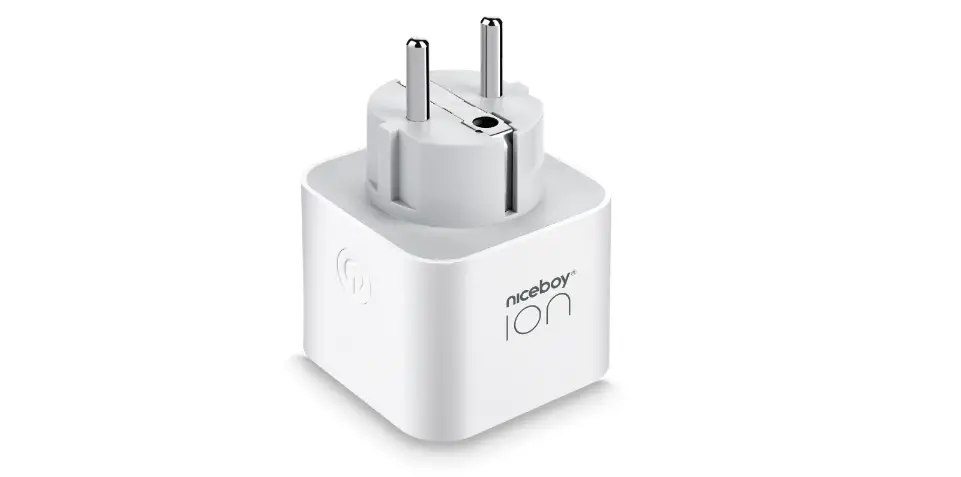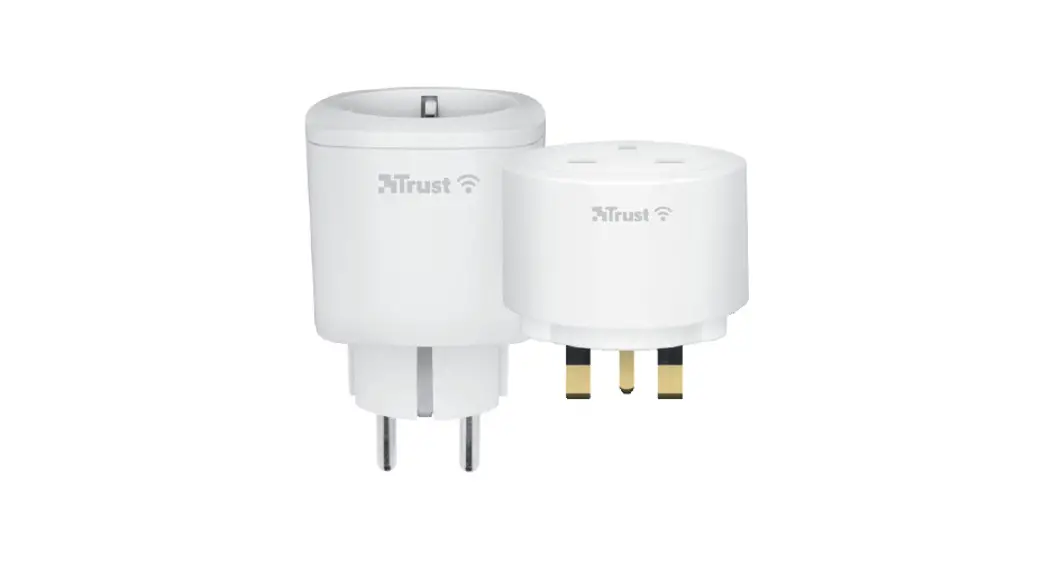


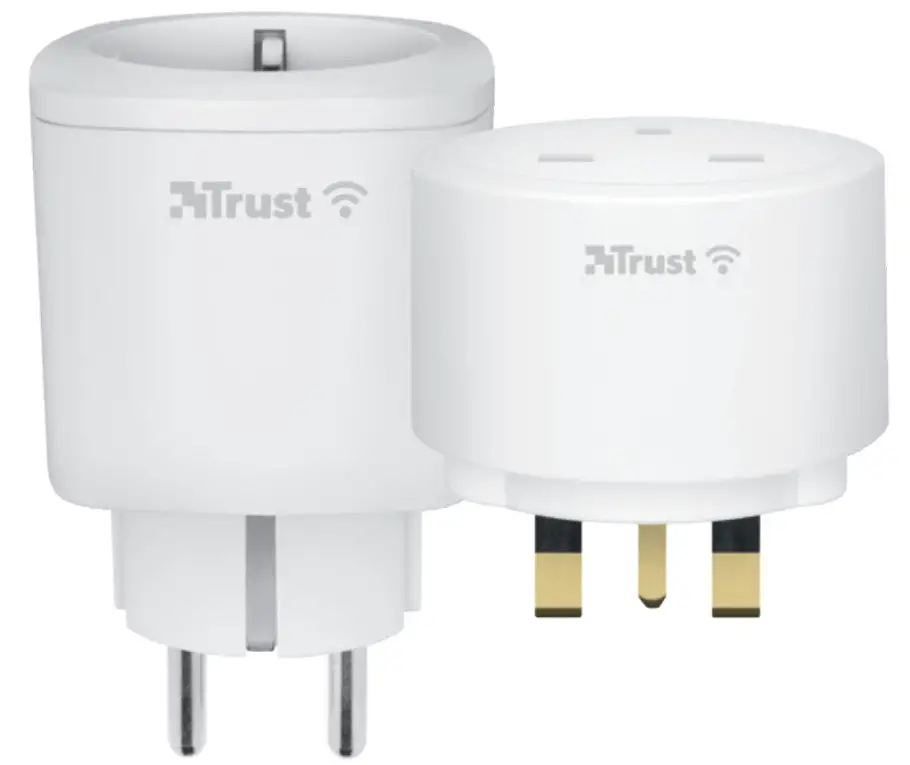
SMART PLUG https://trustsmartcloud2.com/download/trustwifi
Before getting started
Make sure your phone or tablet is connected to a 2.4GHz WiFi network. This product does not work on a 5GHz WiFi network. To install this product you will need your WiFi network name and WiFi password.
- Trust WiFi App
A Download the Trust WiFi App from the App Store or Google PlayStore.
B Open the App. When using the App for the first time you have to register a new account. - Install the socket
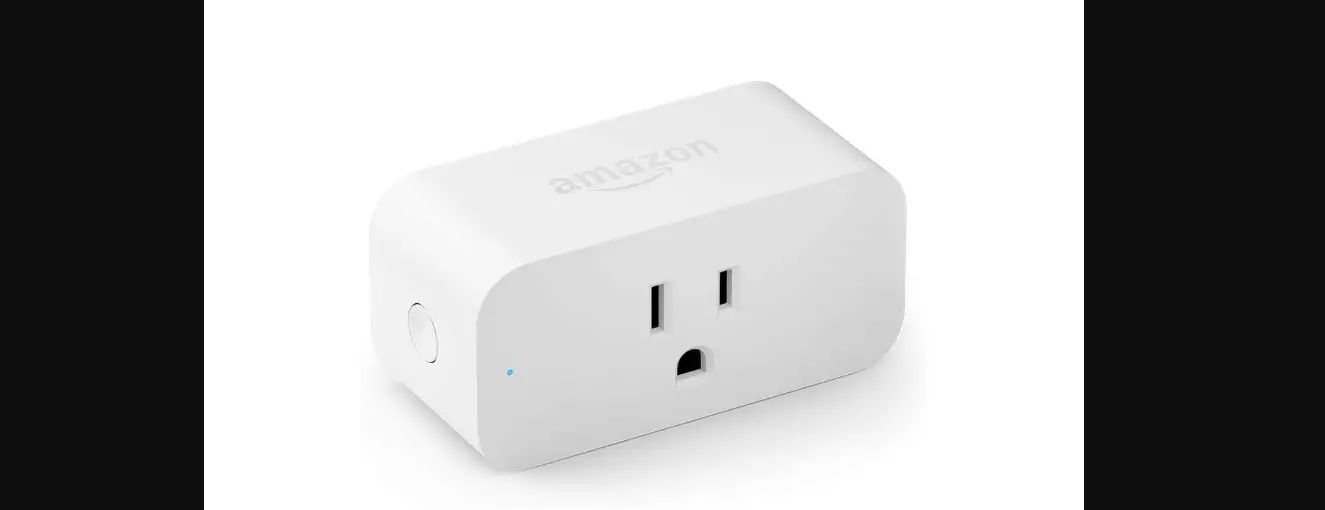
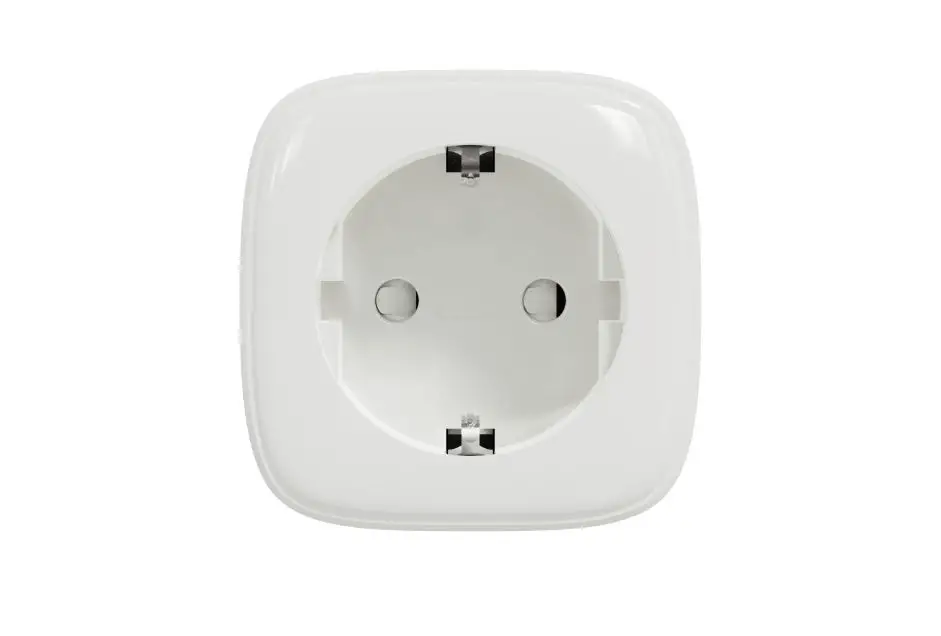
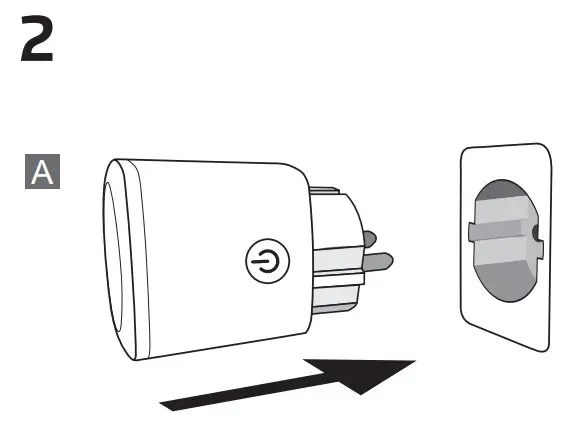
A Place the socket in a power outlet.
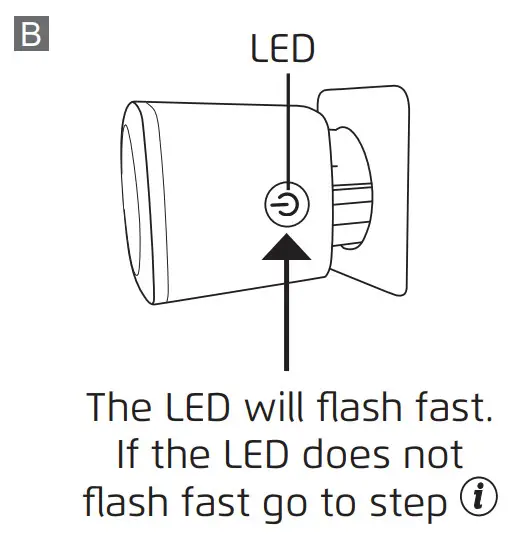
B The LED will flash fast. If the LED does not flash fast go to step
- Connect the socket
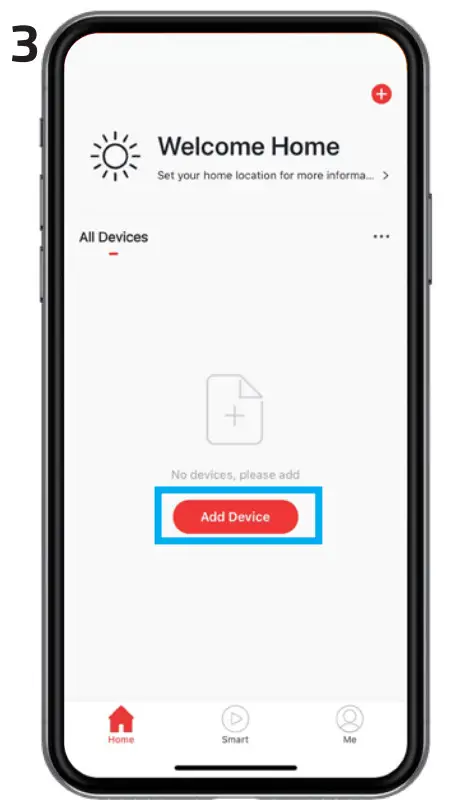
Login to the Trust WiFi App and press “Add device” or press the (+) icon in the upper right corner. To connect the socket follow the onscreen instructions.
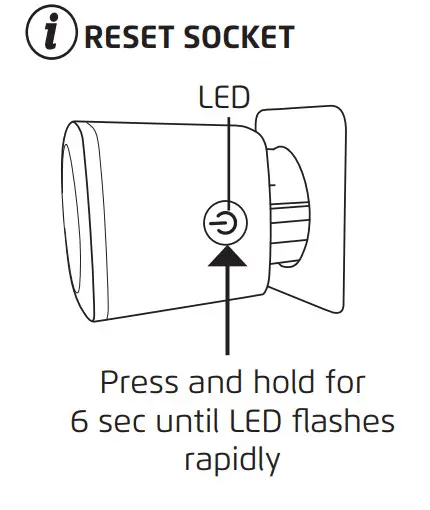
Reset Socket
To reset the socket press and hold the button on the socket for 6 sec, until the LED on the socket starts flashing rapidly.
TECHNICAL SPECIFICATIONS
| Wi-Fi item 71289 | 2400-2483.5 MHz; 16.5 dBm |
| Wi-Fi item 71290 | 2400-2483.5 MHz; 17.33 dBm |
| Voltage | 230V/50Hz |
 Trust.com - Home