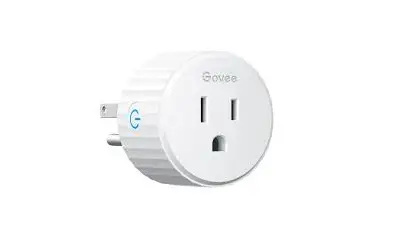
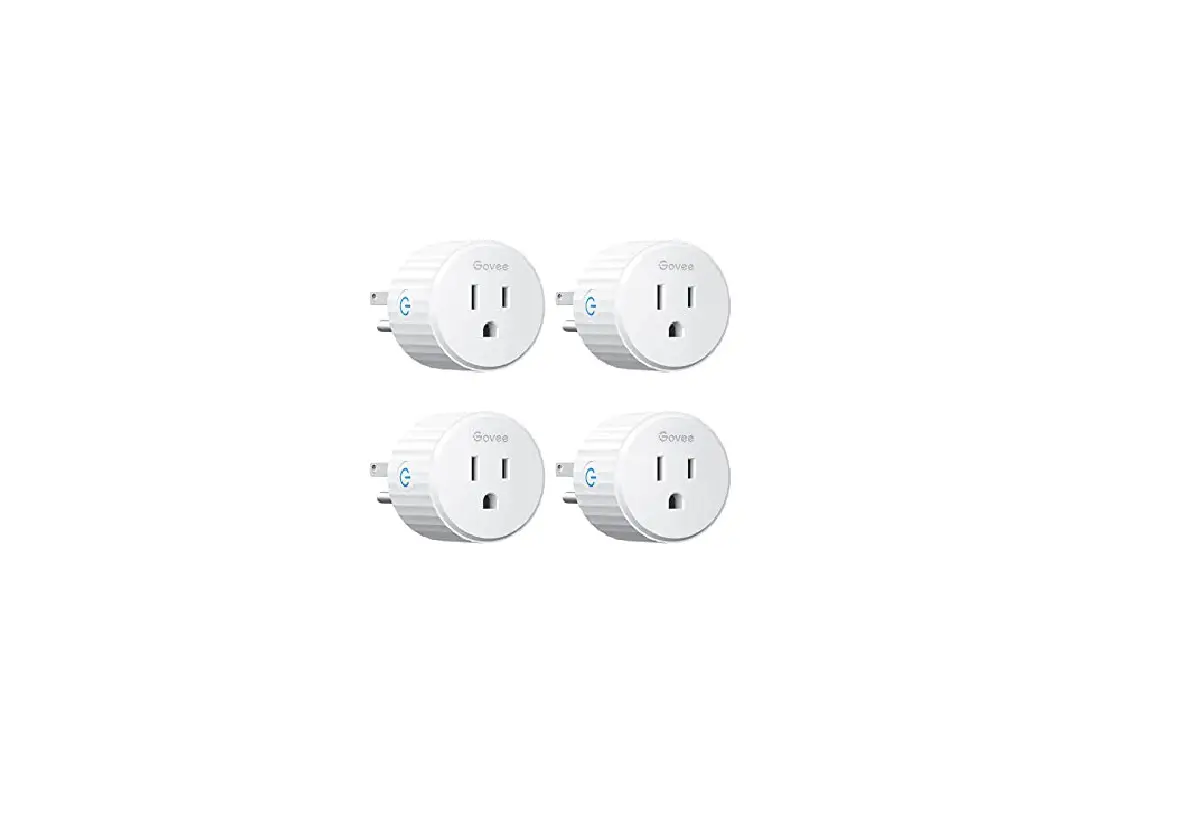
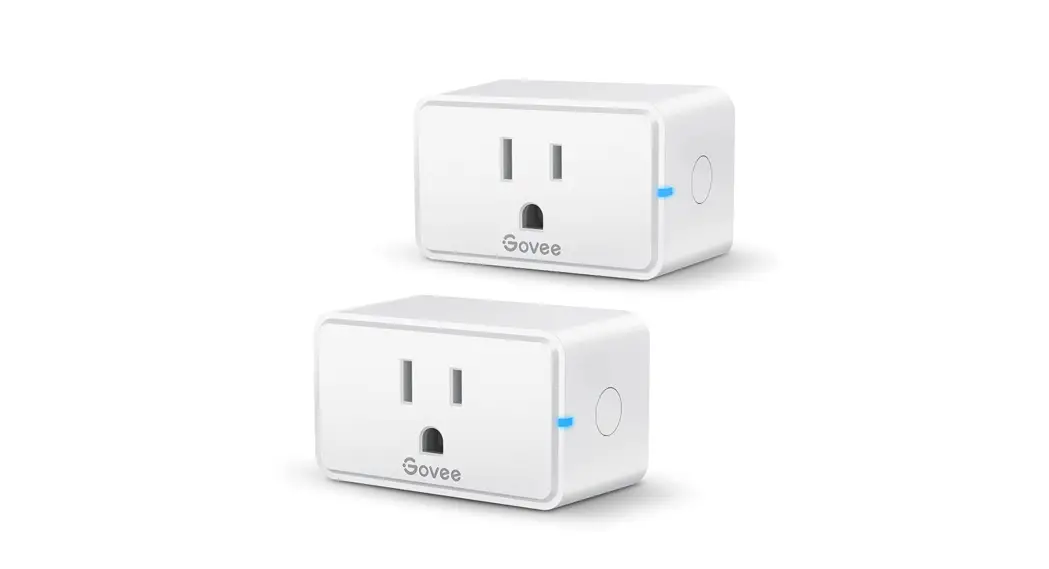
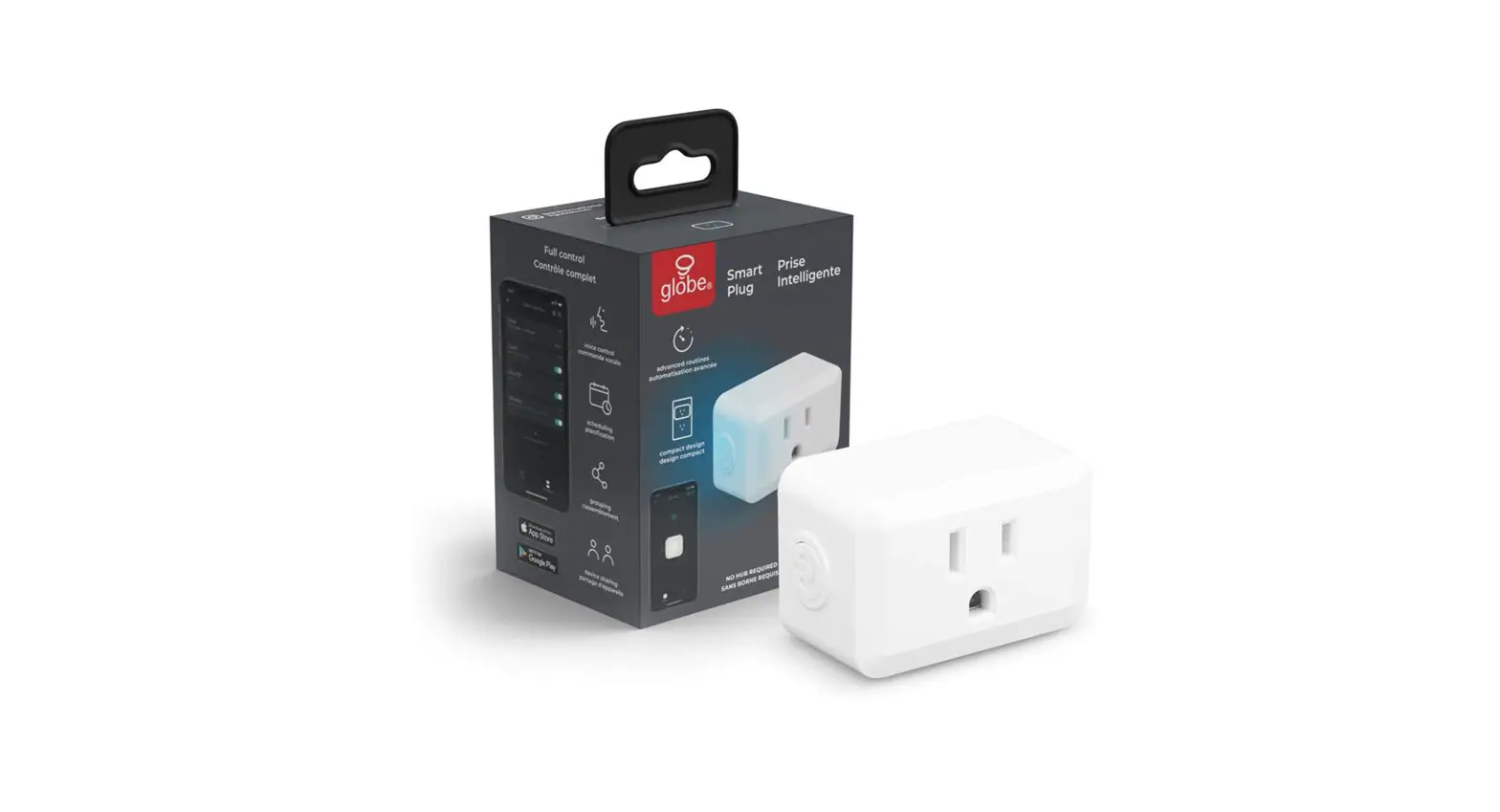
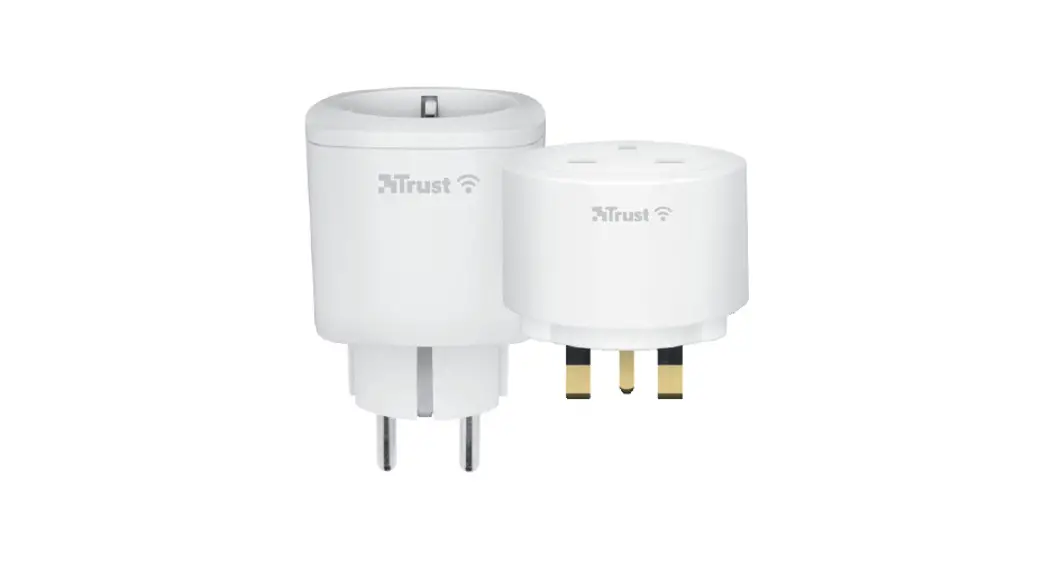
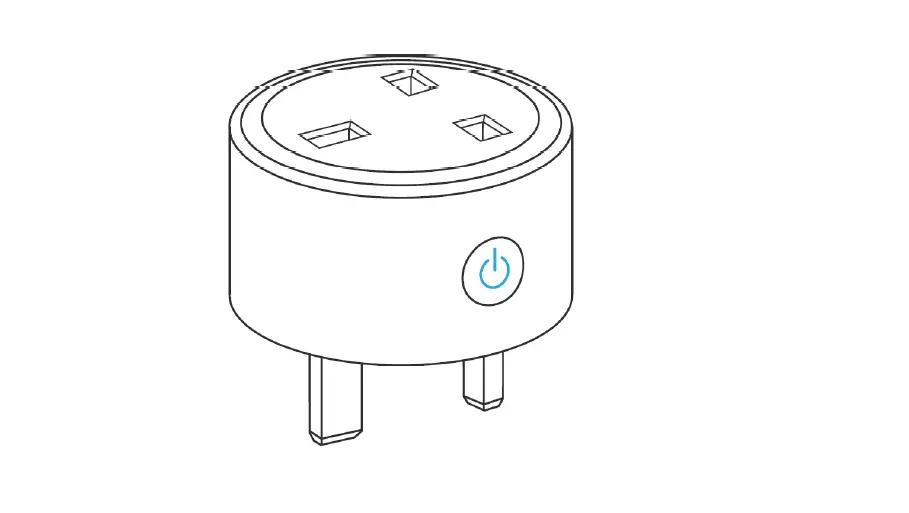
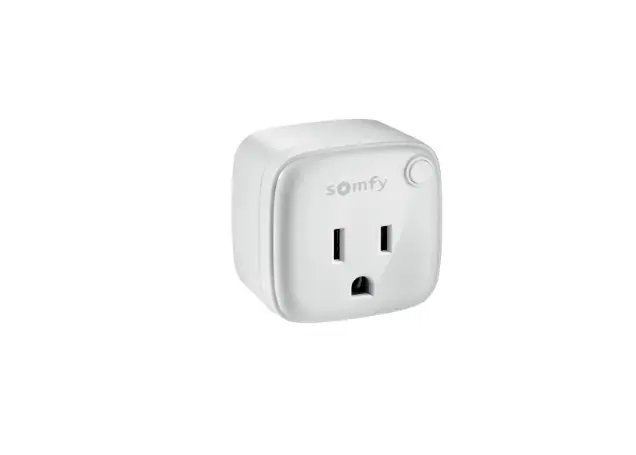
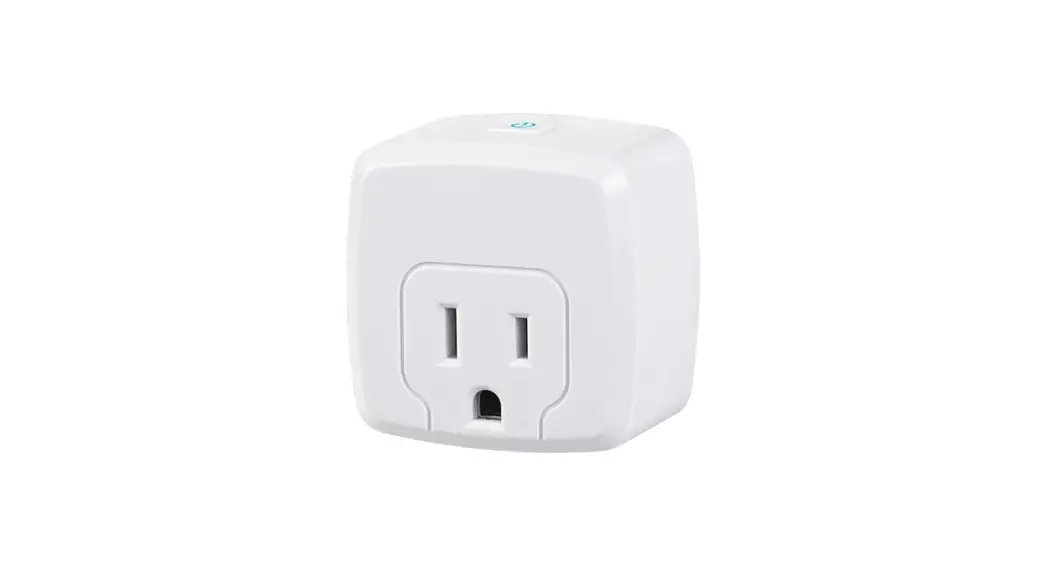
HRS205L Smart Plug
Product Information
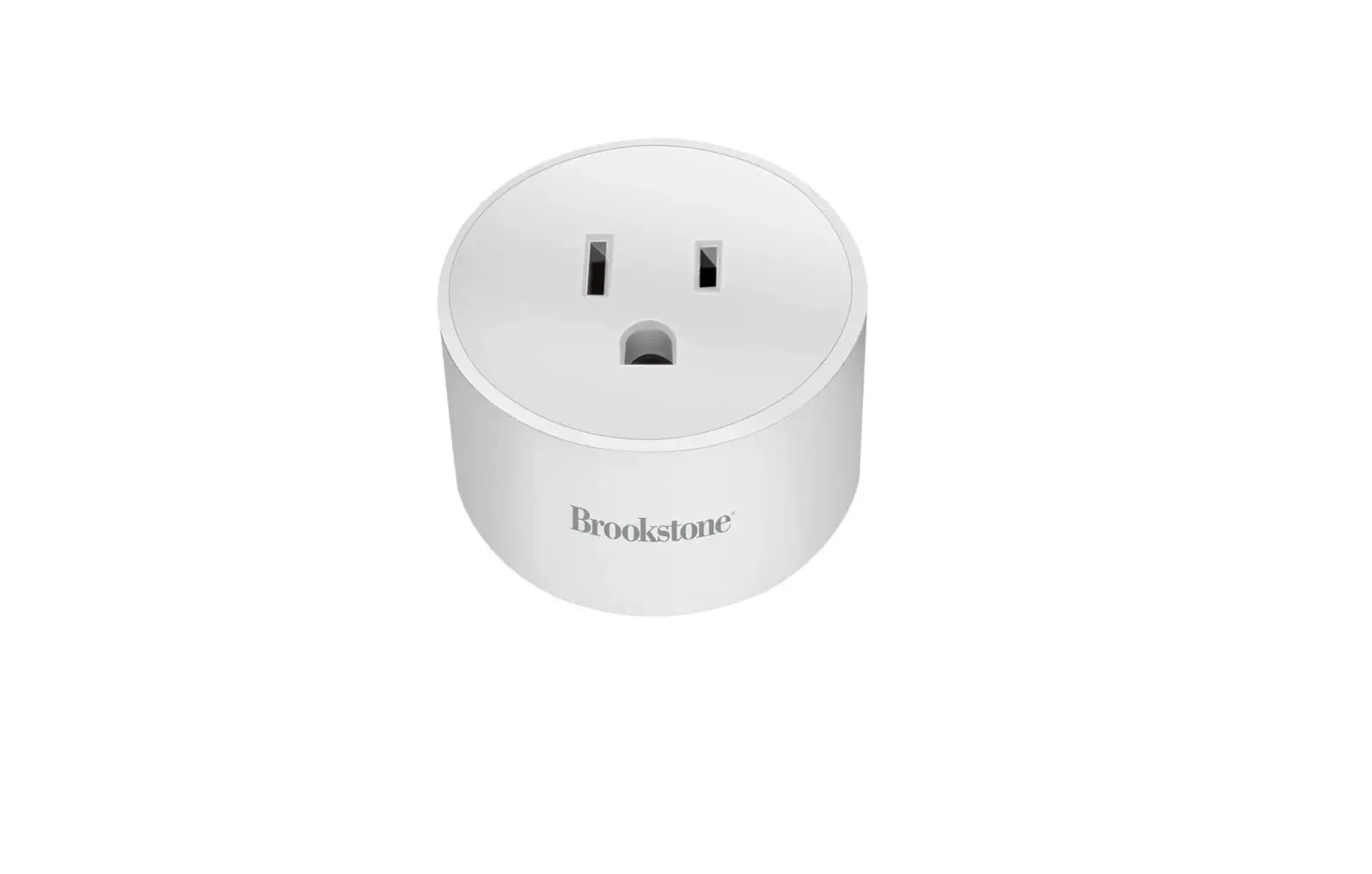
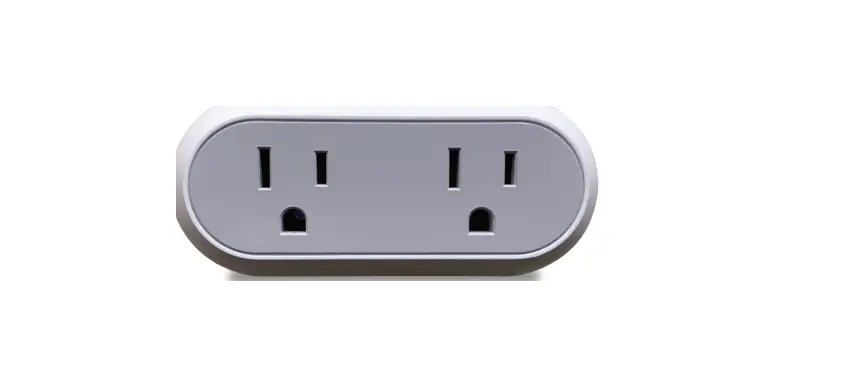
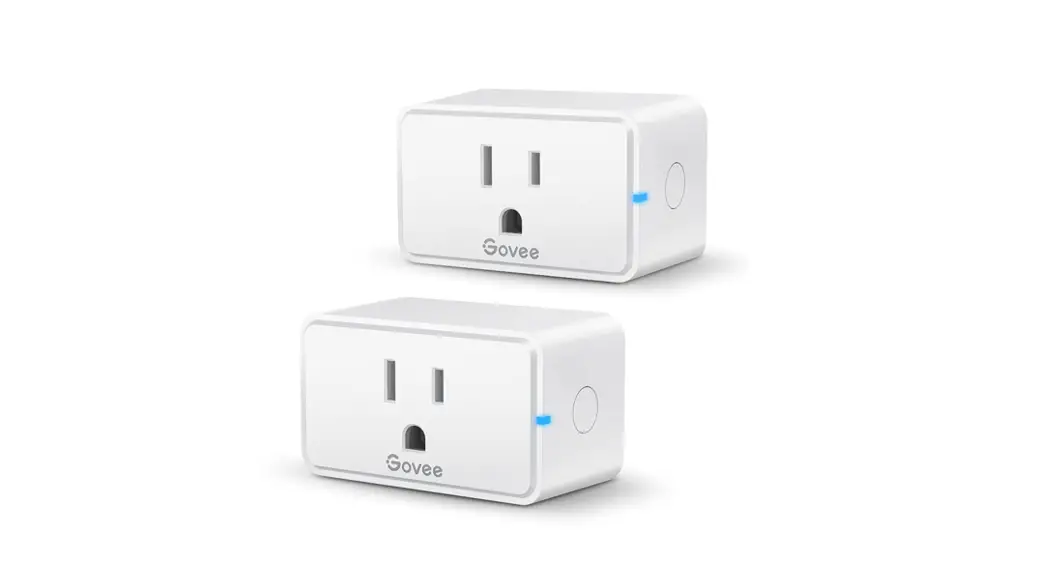
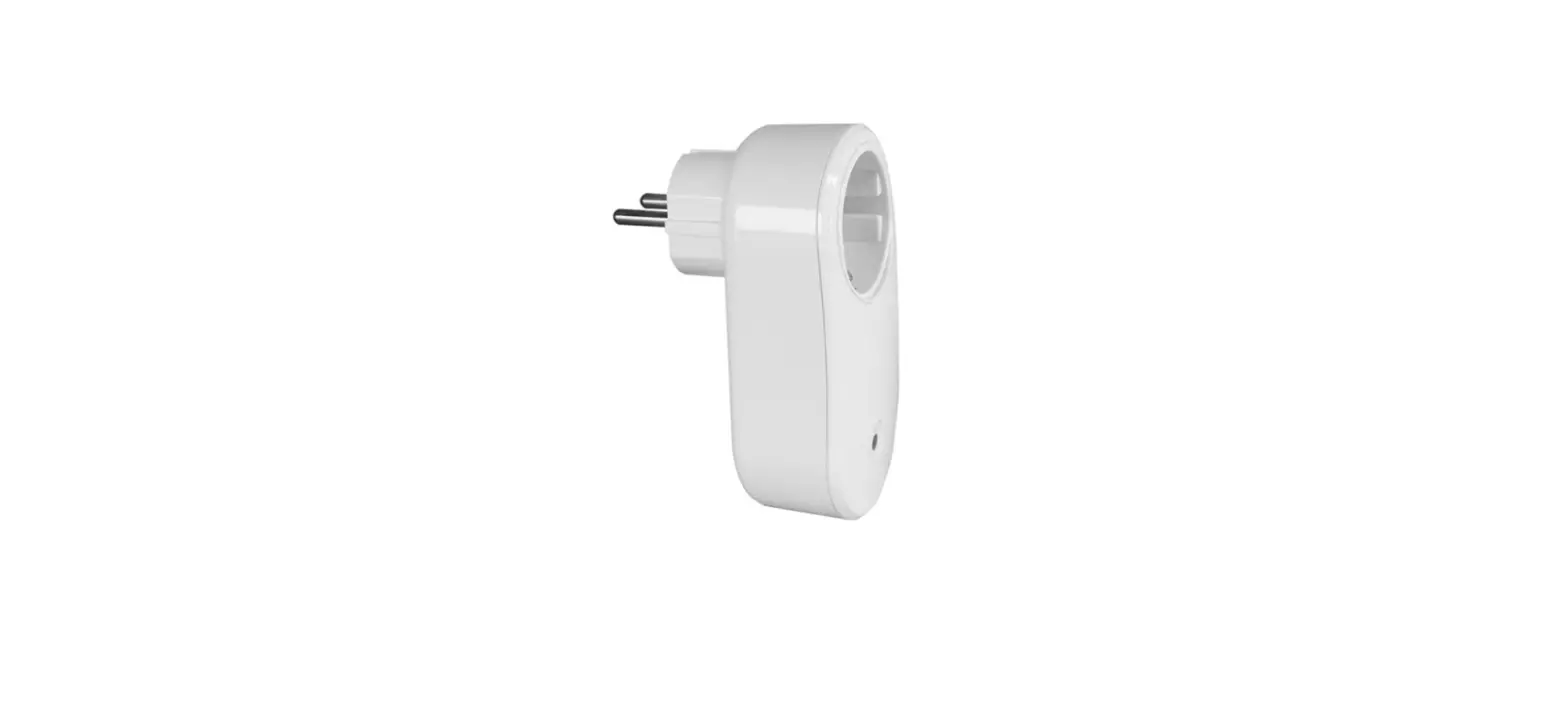
The product is a remote control outlet that allows users to
control their devices wirelessly. It consists of a transmitter
(remote control) and a receiver (outlet). The transmitter sends
signals to the receiver to turn the connected devices on or off.
The receiver needs to be plugged into a powered outlet, and the
device to be controlled is plugged into the socket of the
receiver.
The remote control outlets have the following features:
- Transmission Frequency: 433.92 MHz
- Remote Control Range: 100 Feet (Free Area)
- Remote Battery: CR2032 3V
Product Usage Instructions
Operating Instructions
To use the remote control outlets, please follow these
steps:
- Remove the isolation tape in the battery compartment of the
transmitter. - Plug the receiver into a powered outlet.
- Plug your device into the socket of the receiver.
- To control your device:
- Press the ON/OFF button on the transmitter.
- Or press the programming button on the receiver.
- The indicator light of the receiver turns on when the unit is
activated.
Programming the Outlets
To customize the configuration of the remote transmitter and
receiver, follow these steps:
- Plug the receiver into the socket.
- Press and hold the program button on the receiver until the
indicator light starts to blink slowly. - Release the program button, then press the ON/OFF button on the
transmitter. - When the indicator light stops flashing, the program is paired
successfully. Repeat steps 1-4 to pair multiple transmitters and
receivers.
Cancel All Programming
To cancel all programs and prevent any remote transmitter from
controlling the outlets, follow these steps:
- Press and hold the program button on the receiver until the
indicator light starts to blink rapidly. - Release the program button, then press it again. The indicator
light will go off, indicating that the program has been canceled
successfully.
Battery Replacement
If the receivers work abnormally or the indicator on the remote
control becomes dim, it may be time to replace the battery. Follow
these steps for battery replacement:
- Open the battery compartment and remove the old battery.
- Install a new CR2032 battery, ensuring that the polarity (+/-)
of the battery is correct. - Close the battery compartment.
Note: The receiver must be located within 100 feet of the remote
transmitter. The actual functional range may be affected by factors
such as weather, radio frequency interference, low remote battery,
and obstructions between the transmitter and receiver. The remote
control outlets use variable learning codes technology to avoid
interference with other RF remote devices.
ON
OFF
1
2
3
4
5 ALL
Please pay attention to the warning signs Read the instructions with caution before operating
and keep it properly
V30424
Warning:
To reduce the risk of fire, electric shock or personal injury, please strictly follow the instructions.
1. Do not immerse in water. 2. Do not connect any devices which may exceed the maximum ratings of
this remote outlet. 3. Do not disassemble or repair the product, but only by authorized service
personnel. 4. Children are not allowed to use the remote outlets without supervision. 5. To prevent children suffocation and choking, keep them away from
packaging materials. 6. Used batteries should be disposed of safely and environmentally.
Product Layout
Turn on Turn off
Program
ON/OFF button Indicator
Indicator
ON
OFF
1
2
3
4
5 ALL
Operating Instructions Notes: The receiver must be located within 100 feet of the remote transmitter. Actual functional range may be affected by the following factors: weather, radio frequency interference, low remote battery, and obstructions between the transmitter and receiver.
01
1. Remove the isolation tap in the battery compartment on the transmitter. 2. Plug the receiver into a powered outlet. 3. Plug your device into the socket of the receiver. 4. To control your matching devices:
1) Press the ON/OFF button on the transmitter. 2) Or press the programming button on the receiver. 3) The indicator light of the receiver turns on when the unit is activated.
Programming the Outlets Note: The transmitter and receiver have been pre-programmed for immediate use, but the configuration can be customized to meet your needs.
To program a remote transmitter and receiver:
1. Plug the receiver into the socket. 2. Press and hold the program button on the receiver until the indicator
light starts to blink slowly. 3. Release the program button, then press the on/off button on the
transmitter. 4. When the indicator light stops flashing, the program is paired
successfully. Repeat Step 1-4 to pair multiple transmitters and receivers.
Cancel All Programming Cancel all the programs so that no remote transmitter can control it. – Press and hold the program button on the receiver until the indicator
light starts to blink rapidly. Note: The indicator light blinks from slow to fast. – Release the program button, then press it again, the indicator light will go
off, which means cancel the program successfully.
No Interference Remote control outlets adopt variable learning codes technology.The codes will be changed each time after re-programming. If this remote control outlet happens to be in the same channels as other RF remote devices, just re-program it and the interference will be eliminated.
02
Battery Replacement
If you find the receivers work abnormally or the indicator on the remote control becomes dim, please replace the battery. – Open the battery compartment and remove the old battery. – Install a new CR2032 battery, making sure the polarity + / – of the battery
is correct. – Close the battery compartment.
-Specifications
– Transmission Frequency: 433.92 MHz – Remote Control Range : 100 Feet (Free Area) – Remote Battery: CR2032 3V
FCC STATEMENT
This device complies with Part 15 of the FCC rules. Operation is subject to the following two conditions: 1) this device may not cause harmful interference, and 2) this device must accept any interference received, including interference that may cause undesired operation.
Changes or modifications not expressly approved by the party responsible for compliance could void your authority to operate the equipment.
NOTE: This equipment has been tested and found to comply with the limits for a Class B digital device, pursuant to Part 15 of the FCC Rules. These limits are designed to provide reasonable protection against harmful interference in a residential installation. This equipment generates uses and can radiate radio frequency energy and, if not installed and used in accordance with the instructions, may cause harmful interference to radio communications. However, there is no guarantee that interference will not occur in a particular installation. If this equipment does cause harmful interference to radio or television reception, which can be determined by turning the equipment off and on, the user is encouraged to try to correct the interference by one or more of the following measures:
Reorient or relocate the receiving antenna. Increase the separation between the equipment and receiver. Connect the equipment into an outlet on a circuit different from that to which
the receiver is connected. Consult the dealer or an experienced radio/TV technician for help.
03
FCC Radiation Exposure Statement:
This equipment complies with FCC radiation exposure limits set forth for an uncontrolled environment. ISEDC Warning:
This device complies with Innovation, Science, and Economic Development Canad licence-exempt RSS standard(s). Operation is subject to the following two conditions: (1) this device may not cause interference, and (2) this device must accept any interference, including interference that may
cause undesired operation of the device. Le présent appareil est conforme aux CNR d’ Innovation, Sciences et Développement économique Canada applicables aux appareils radio exempts de licence. L’exploitation est autorisée aux deux conditions suivantes : (1) l’appareil nedoit pas produire de brouillage, et (2) l’utilisateur de l’appareil doit accepter tout brouillage radioélectrique subi,
même si le brouillage est susceptible d’en compromettre le fonctionnement. The device is compliance with RF exposure guidelines, users can obtain Canadian information on RF exposure and compliance. Le présent appareil est conforme Après examen de ce matériel aux conformité ou aux limites d’intensité de champ RF,les utilisateurs peuvent sur l’exposition aux radiofréquences et la conformité and compliance d’acquérir les informations correspondantes.
One Year Limited Warranty
Supported by our professional R&D team and QC team, we provide One Year Warranty for materials and workmanship from the purchase date. Please note that the warranty does not cover damage caused by personal misuse or improper installation. Please attatch your Order ID and Name so that our dedicated customer service team can help you better.
04