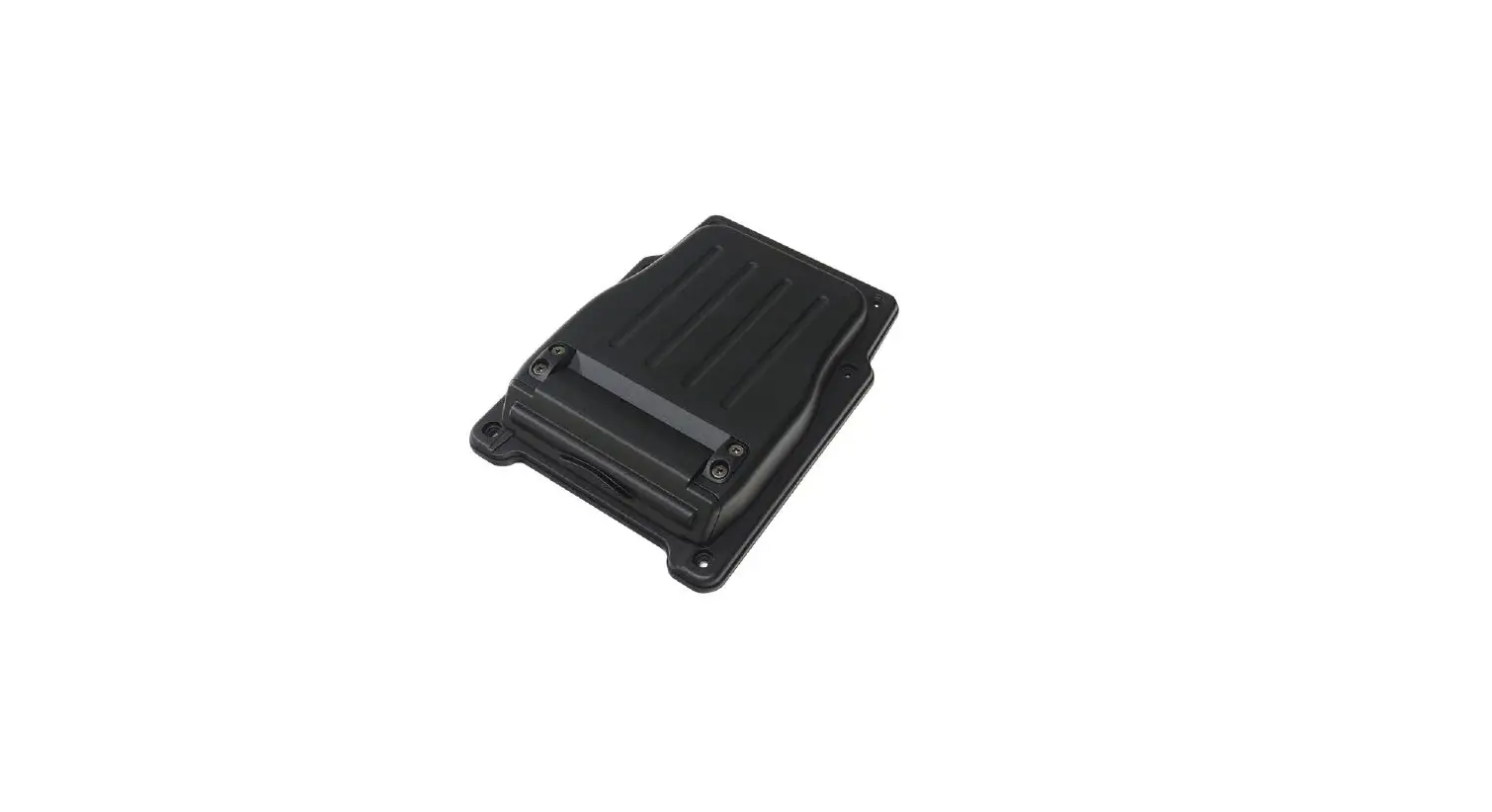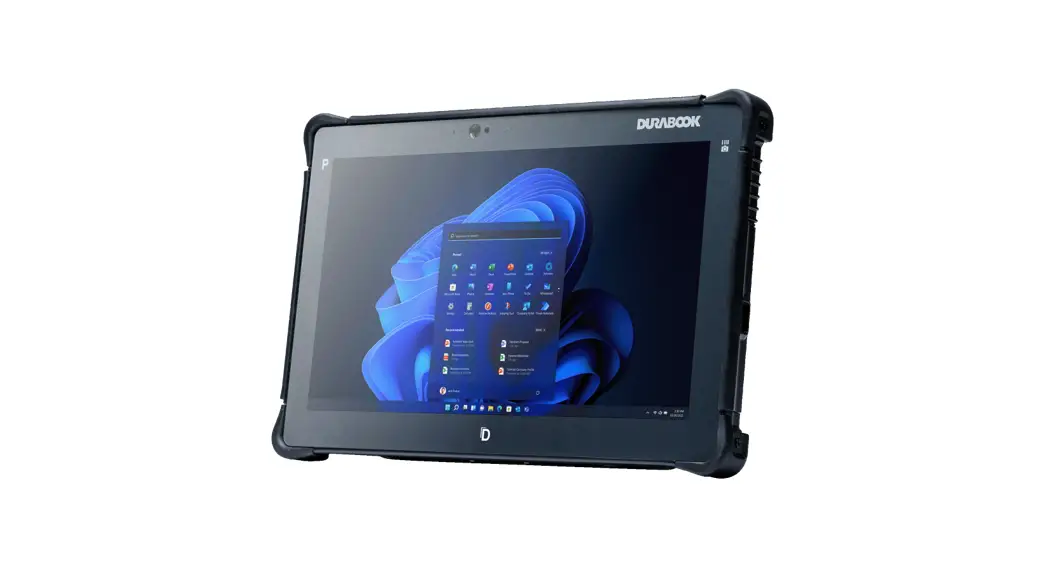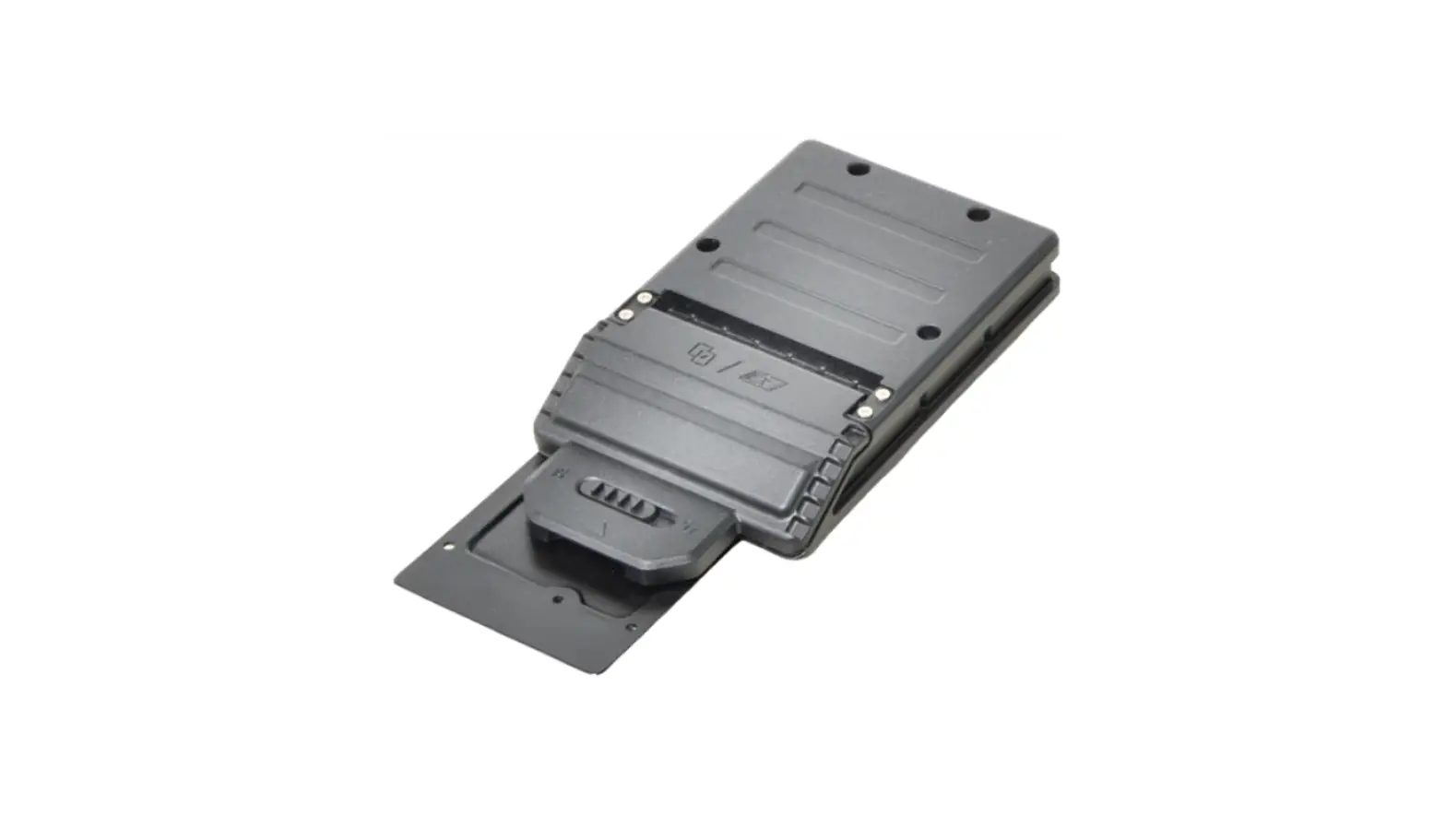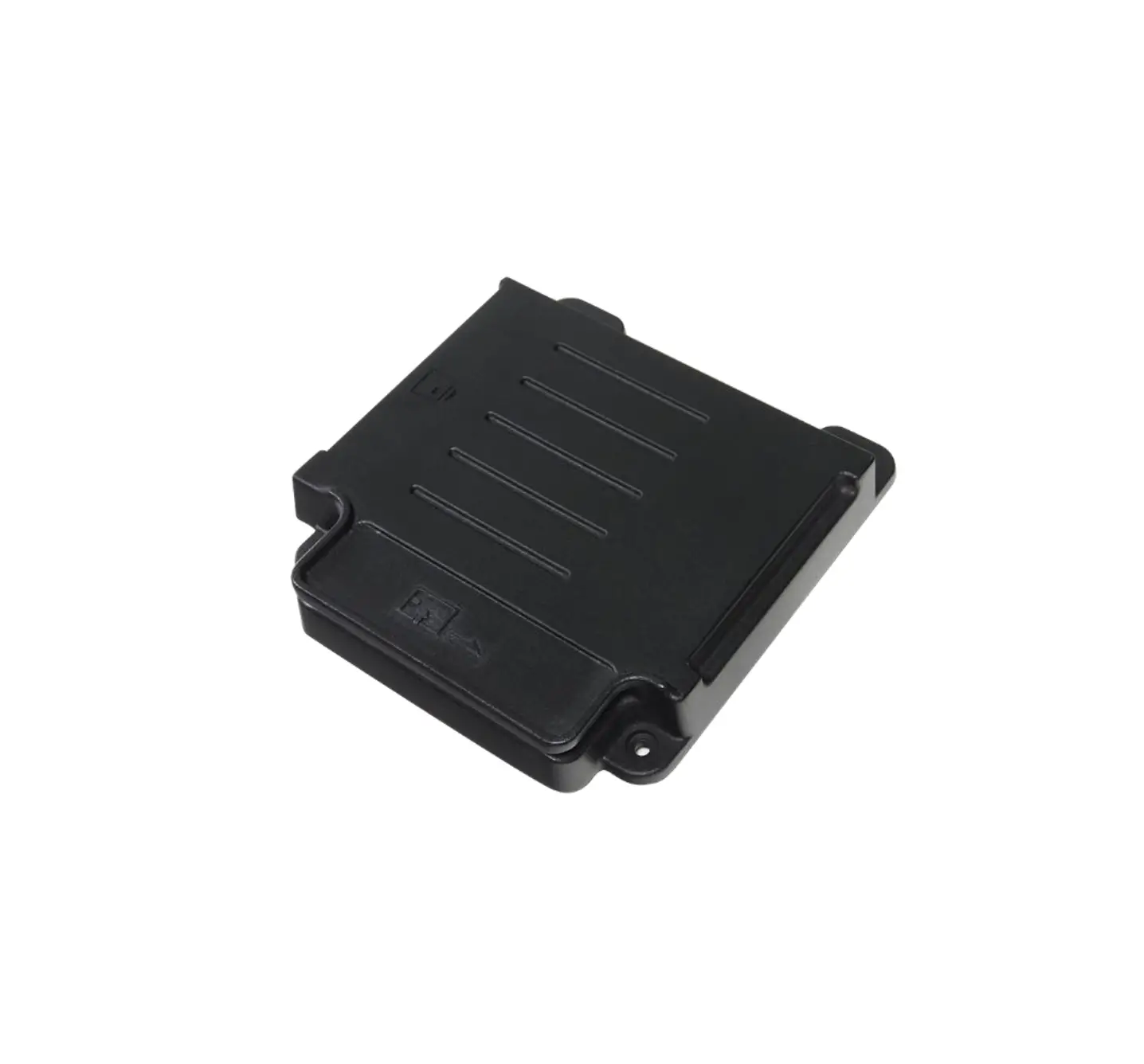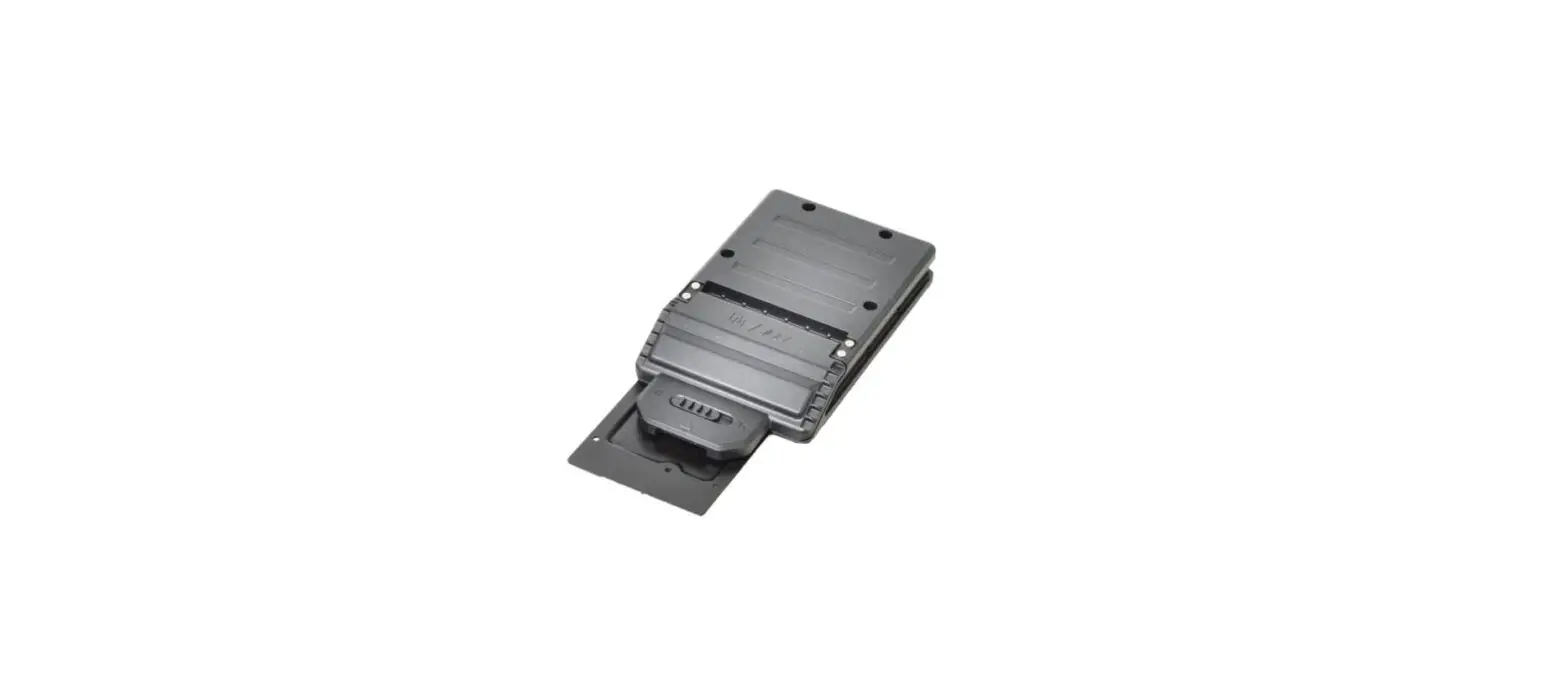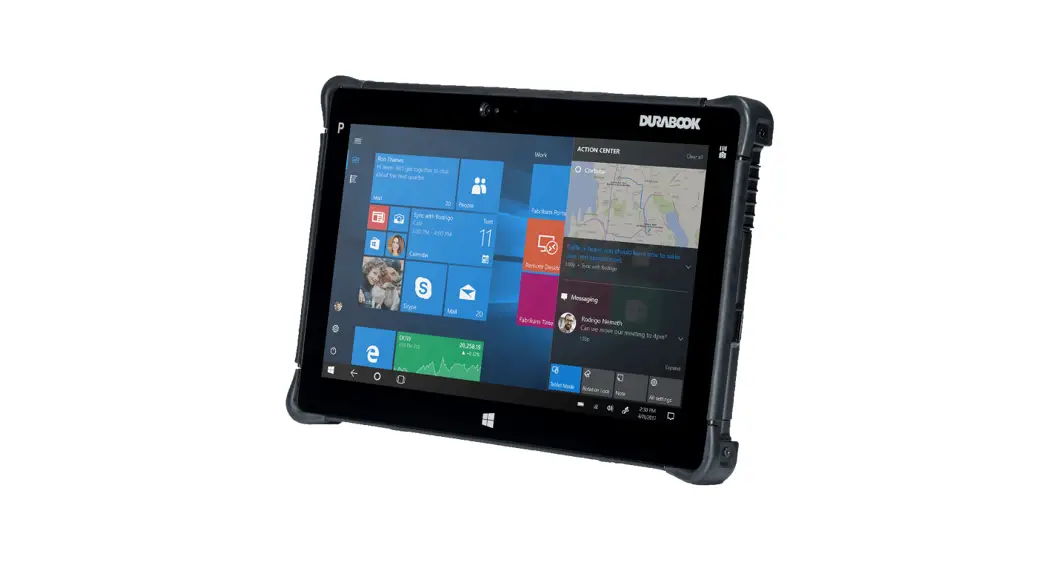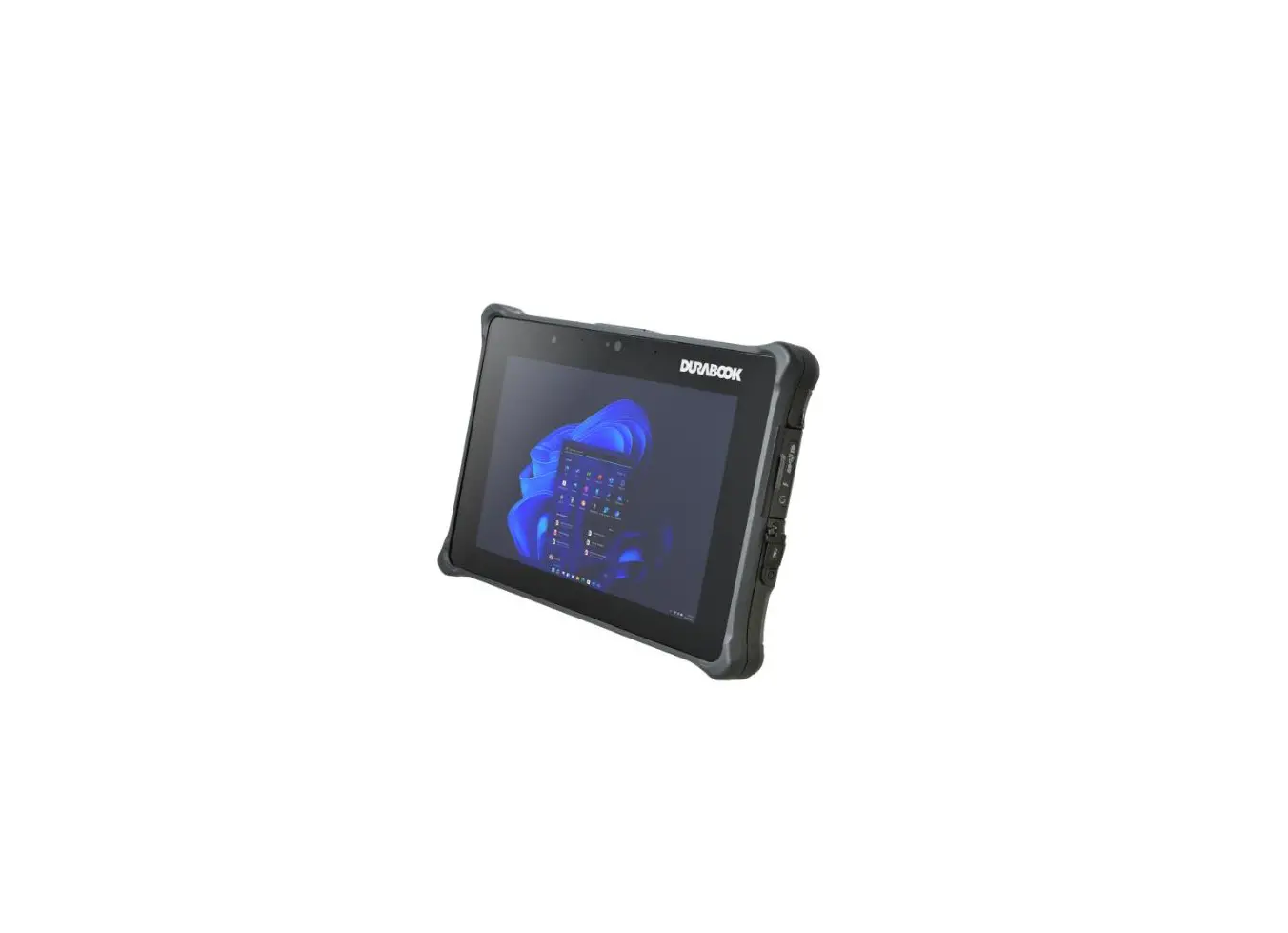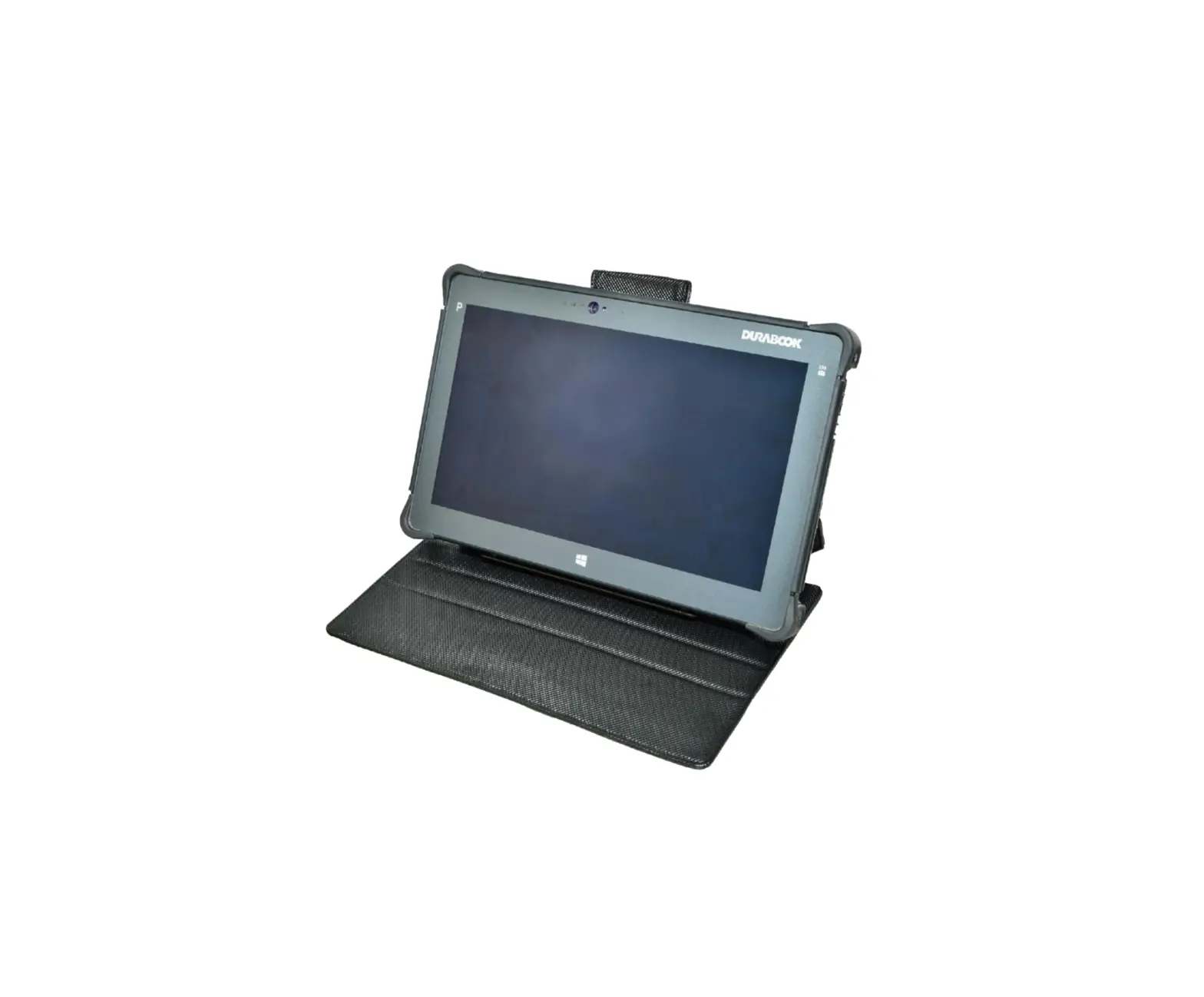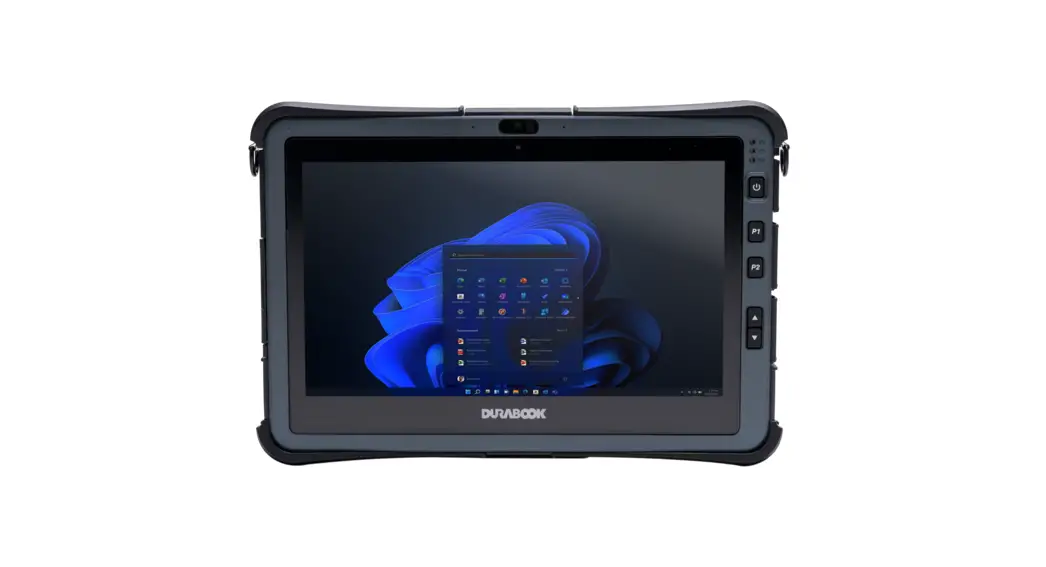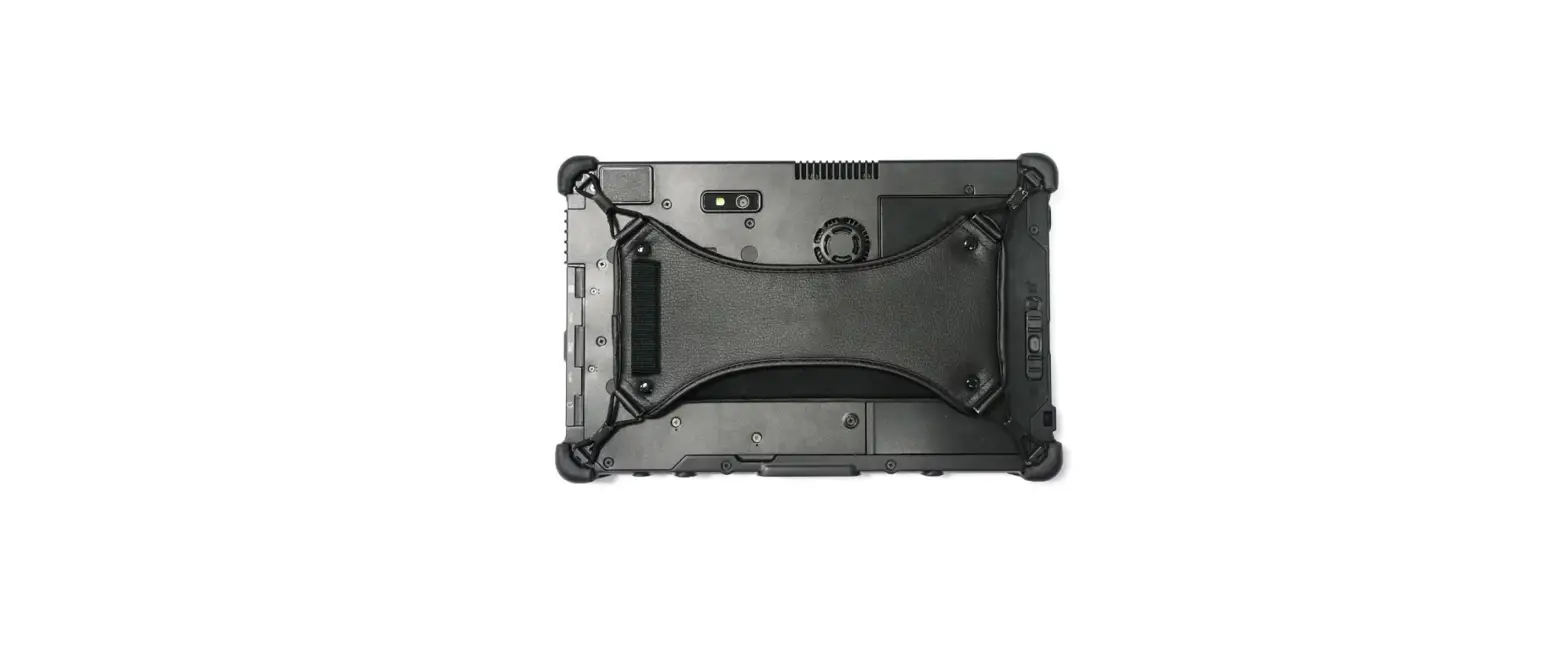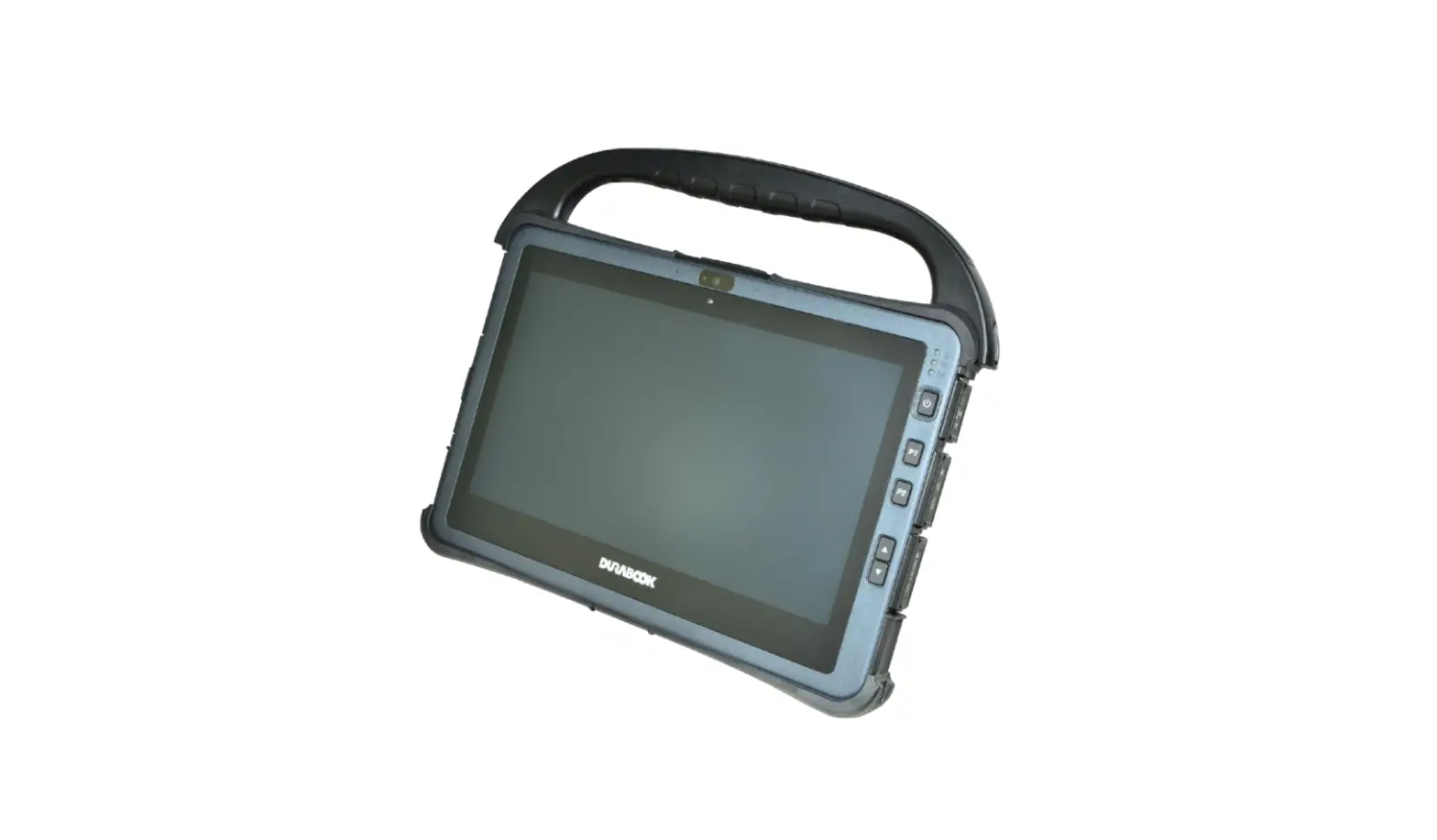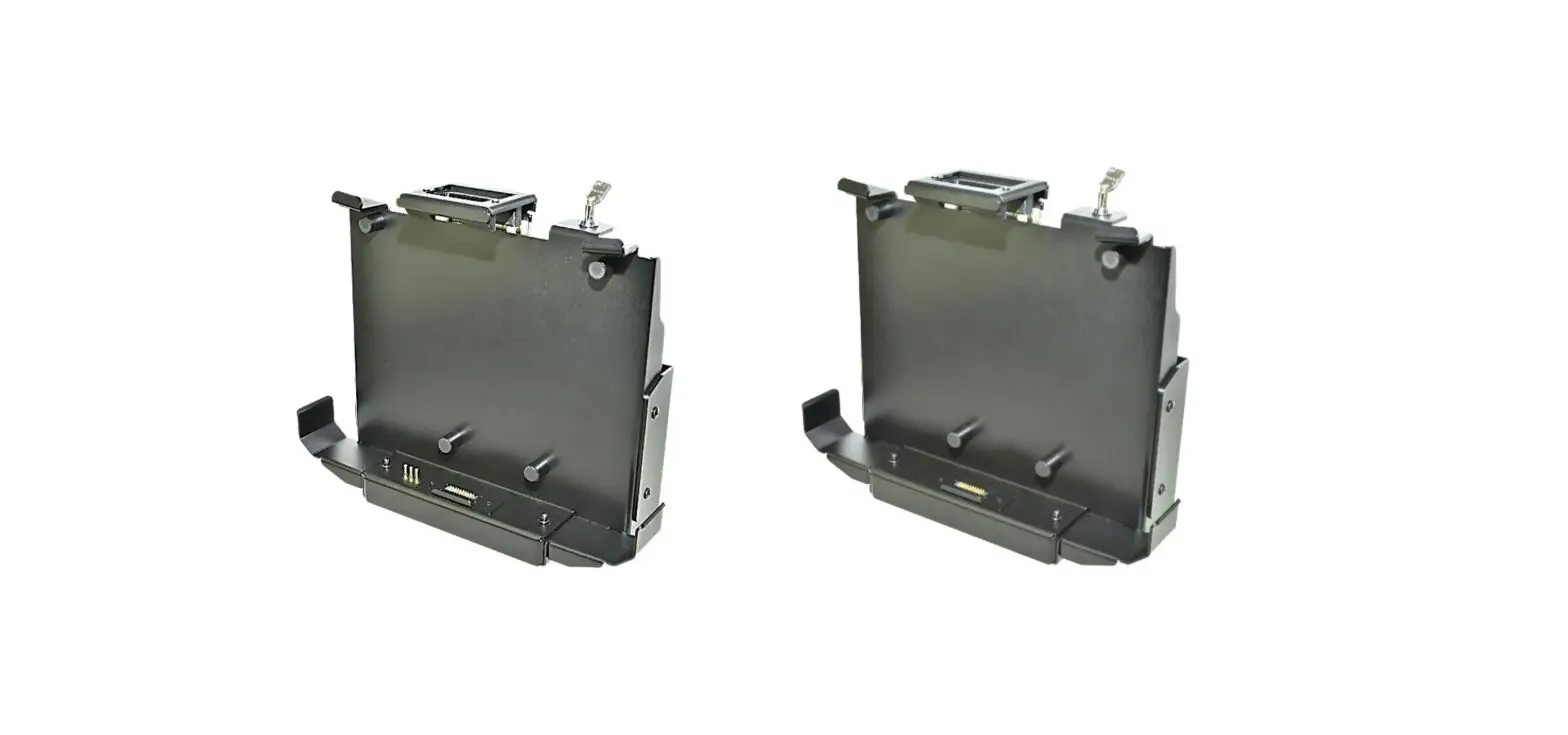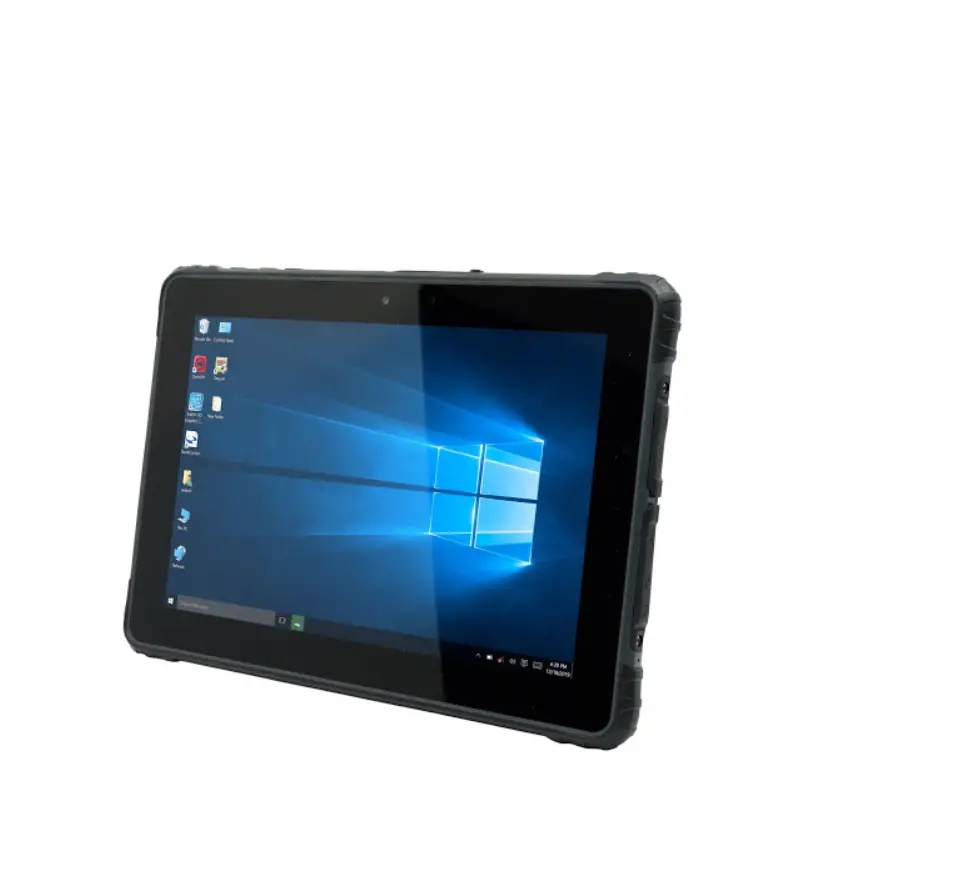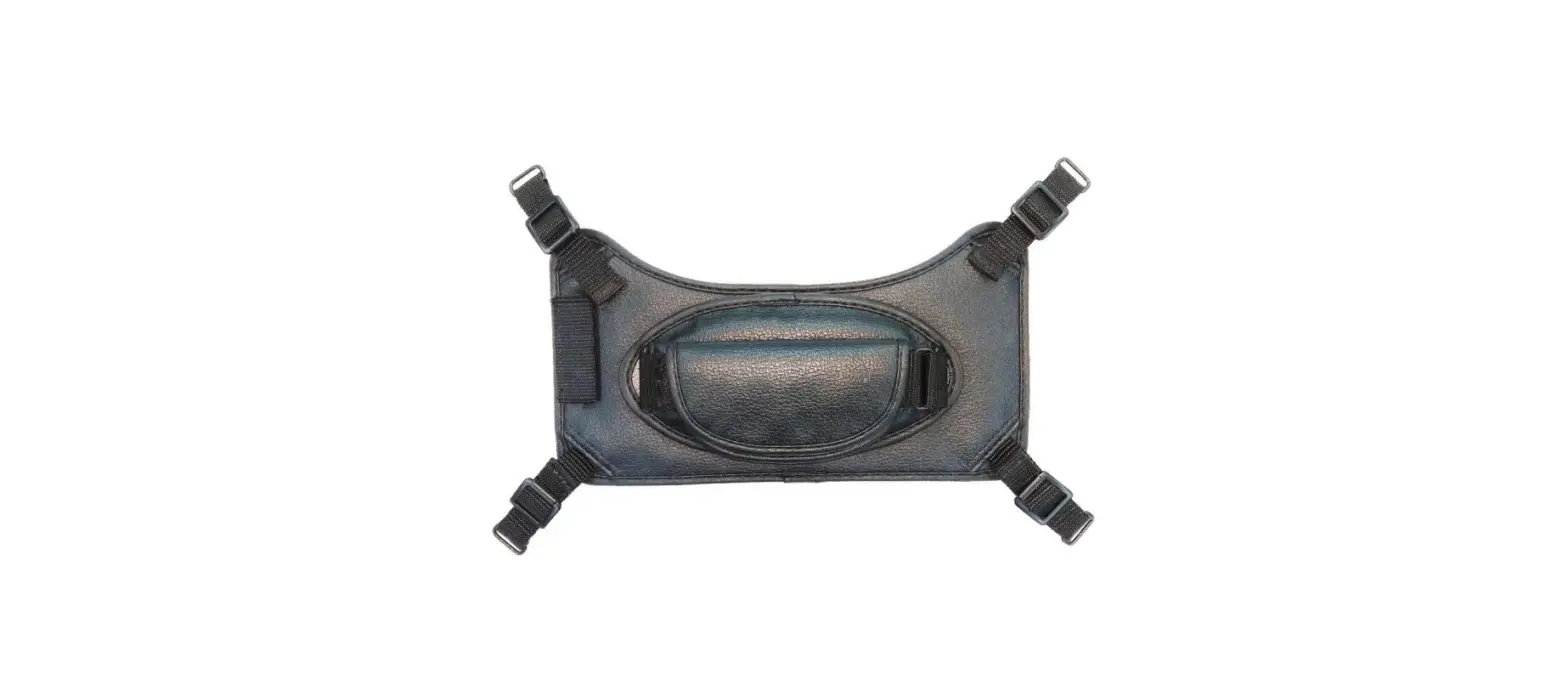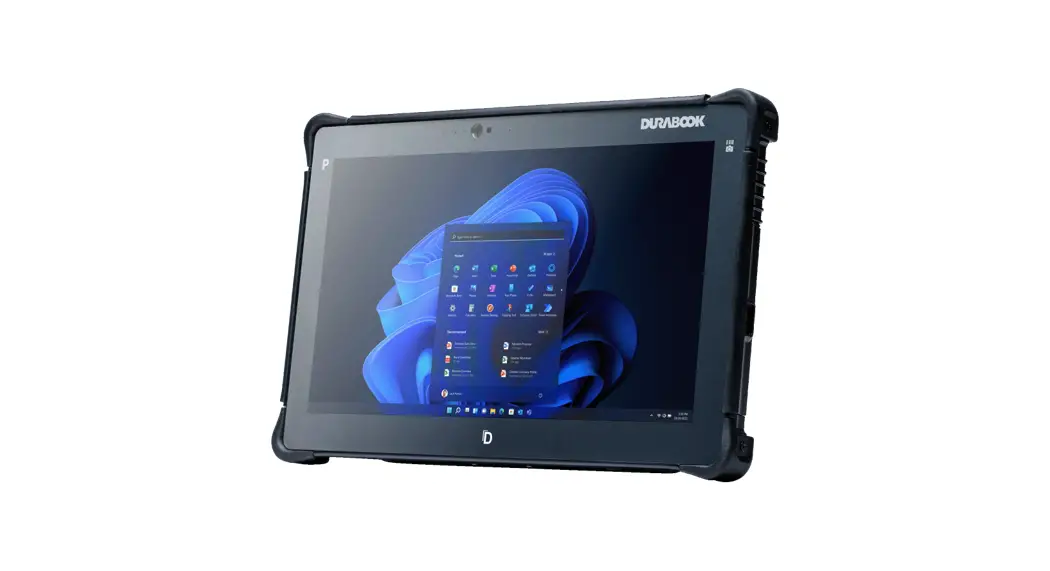
 R11 Rugged Tablet
Expansion Modules
HF RFID
User Manual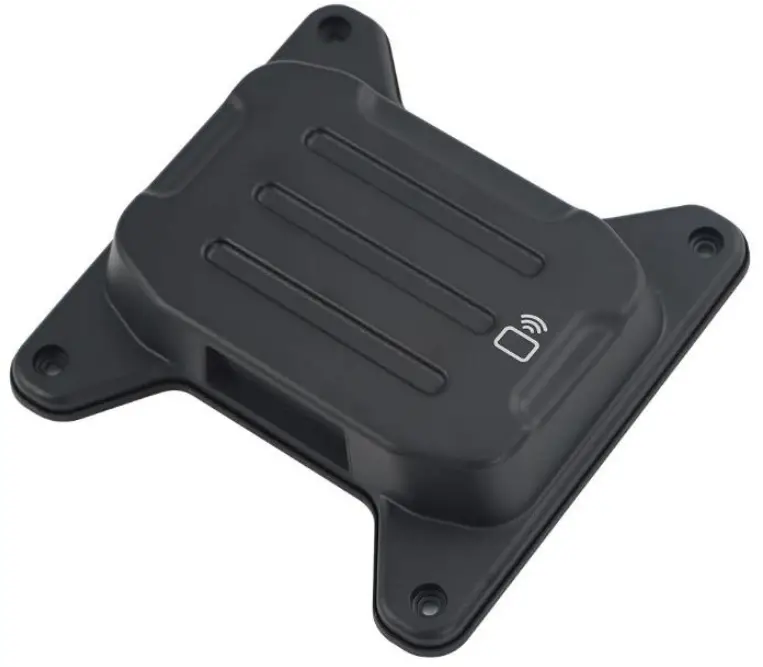
Package Contents
If any of the following items are damaged, please contact your retailer.
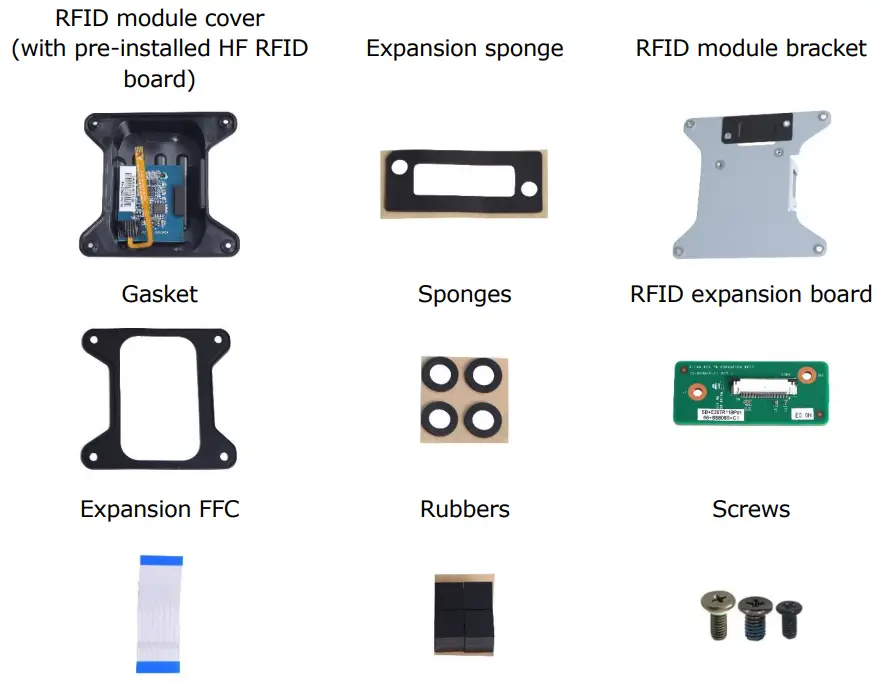
HF RFID Module Screws
| Screw Name | Screw Type | Quantity | Torque |
| ISOT-M2.0X4L |  | 2 (bracket to lower case) | 2.0 ±0.3 Kgf-cm |
| ISOT-M2.6X4L | 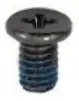 | 2 (expansion board to bracket) | 2.0 ±0.3 Kgf-cm |
| M2.6X6L& O RING | 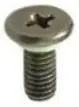 | 4 (cover to lower case) | 2.5 ±0.3 Kgf-cm |
 NOTE
NOTE
The pictures are for reference only, actual items may slightly differ.
Installation
This section will guide you on how to install the expansion modules to your tablet PC. Note: Make sure to remove the battery before installing any type of expansion module. For more information on how to remove/install the battery, please refer to the tablet PC service guide.
Installing the HF RFID Module
To install the HF RFID module, follow the steps below:
| 1. Remove the screw securing the mylar on the DDR door. | 2. Remove the mylars from the DDR door. |
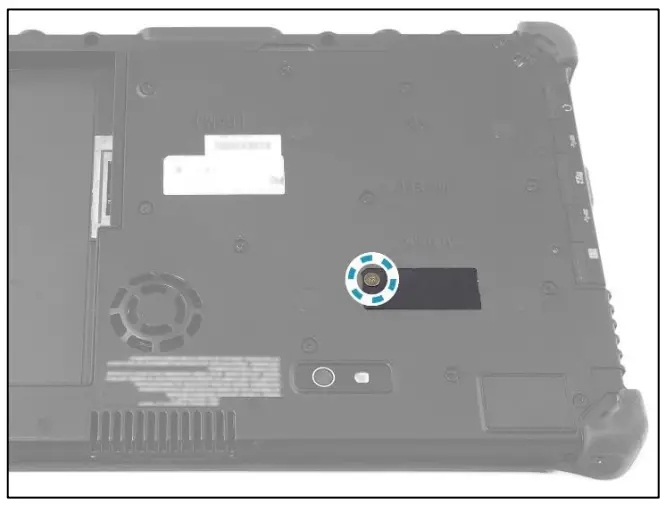 | 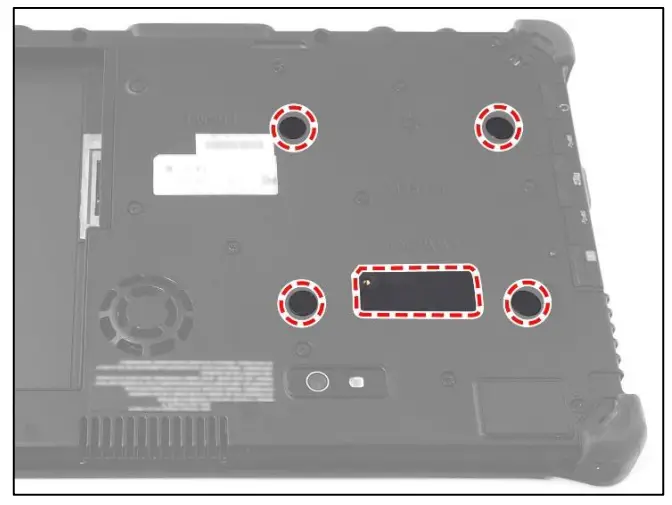 |
| 3. Attach the expansion sponge to the DDR door. Then install the sponges onto the screw holes. | 4. Connect the expansion FFC to the mainboard connector. Then secure the latch. |
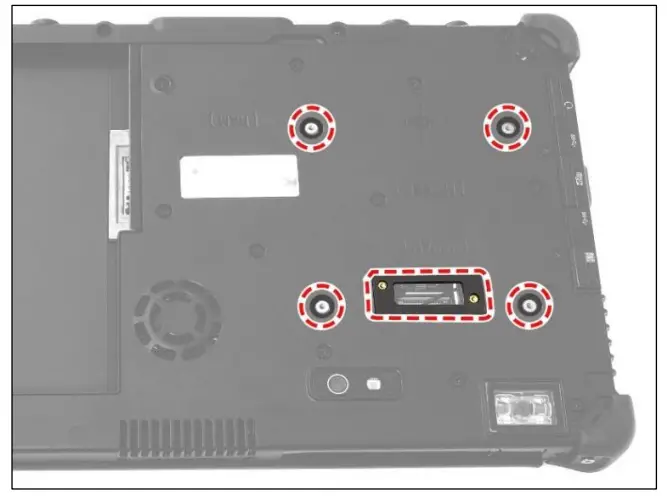 | 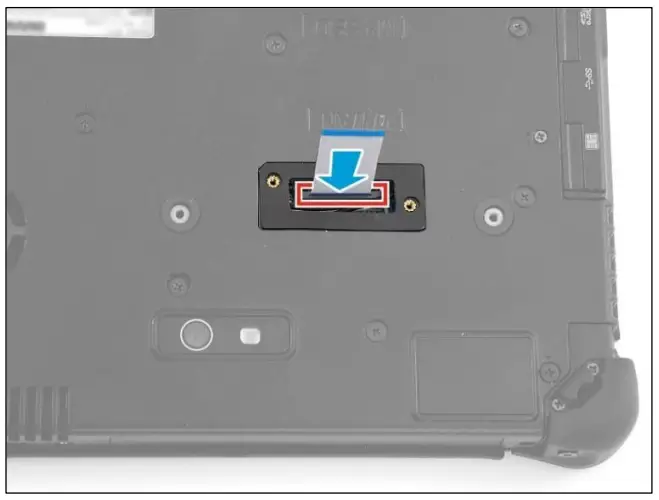 |
| 5. Route the expansion FFC through the opening on the RFID module bracket. Then, by aligning with the screw holes, install the bracket onto its slot on the lower case. | 6. Attach the 2 screws to secure the RFID module bracket to the lower case. |
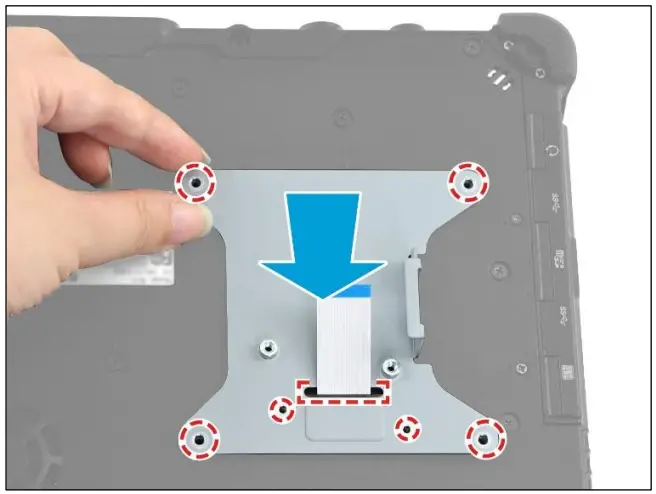 | 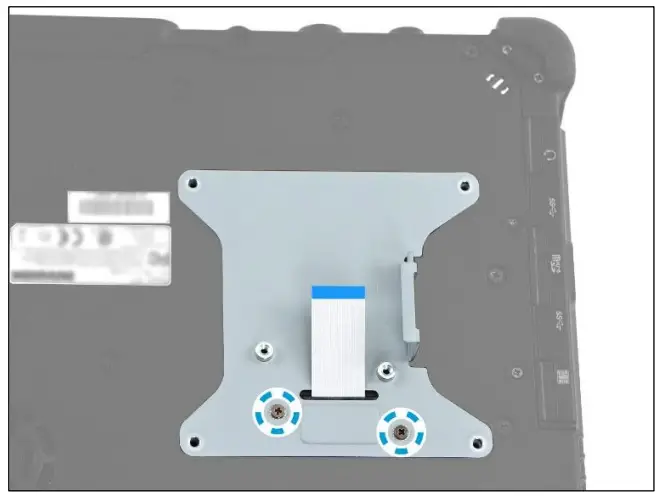 |
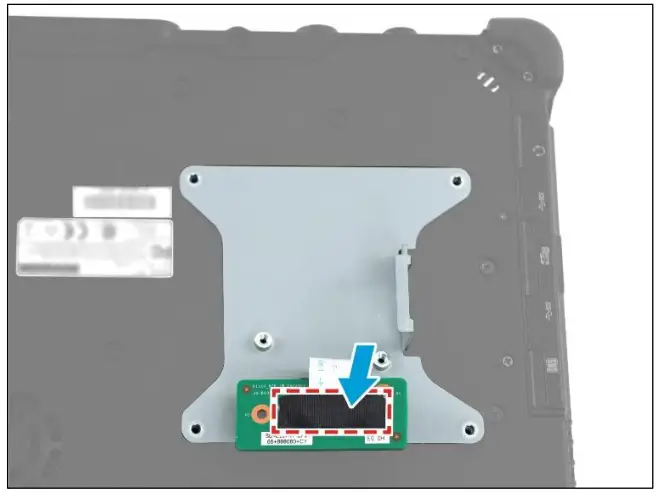
| 7. Connect the expansion FFC to the RFID expansion board connector. Then secure the latch. | 8. Attach the tape to secure the expansion FFC in place. |
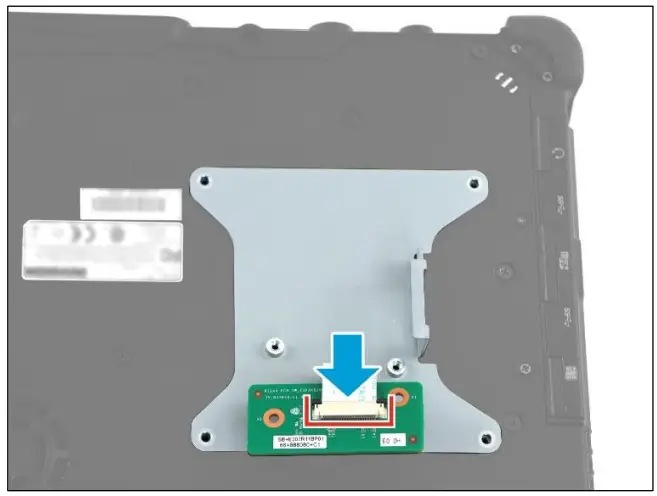 |  |
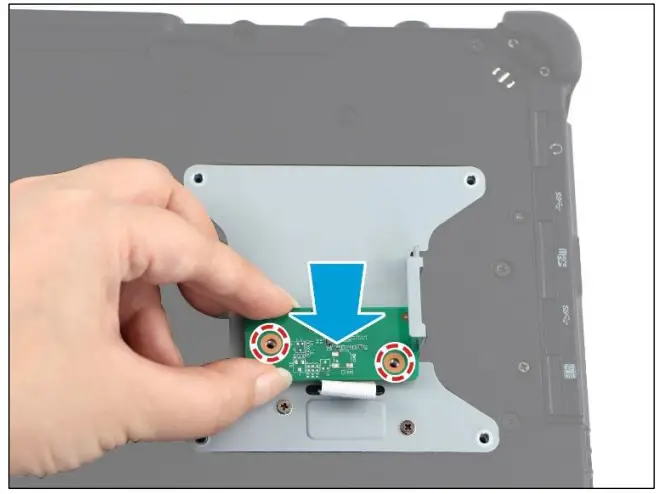
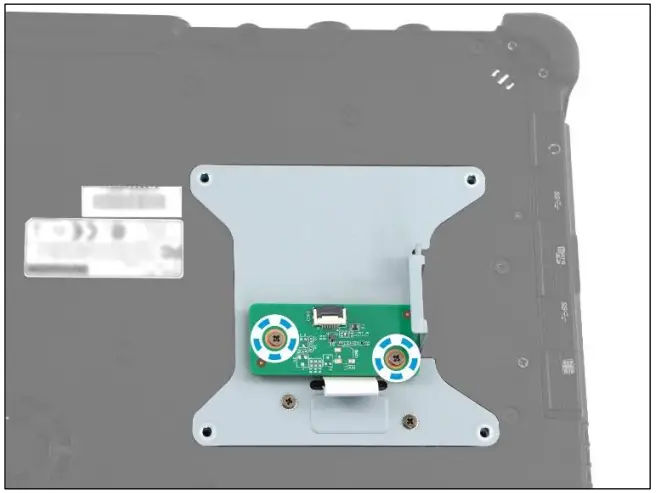
| 9. Flip the RFID expansion board. Then, by aligning with the screw holes, install the RFID expansion board onto its slot on the RFID module bracket. | 10. Attach the 2 screws to secure the RFID expansion board to the bracket. |
 |  |
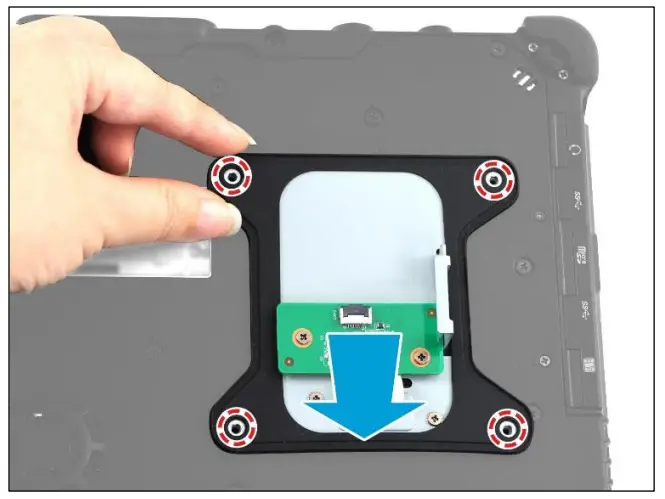
| 11. By aligning with the screw holes, place the gasket onto the installed bracket. | 12. Attach the rubbers to their respective slots on the RFID module bracket. Make sure that those rubbers are properly attached to the designated slots (alignment marked by dotted red lines) as shown in the below illustration. |
 | 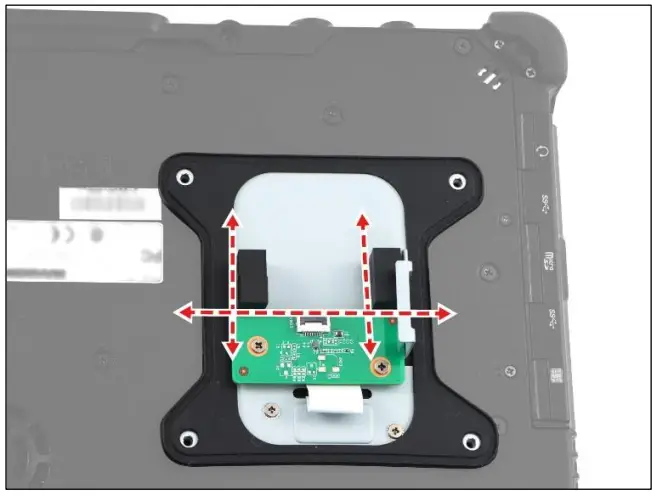 |
| 13. Connect the RFID module FPC to the RFID expansion board connector. Then secure the latch. | 14. Attach the tape to secure the RFID module FPC in place. |
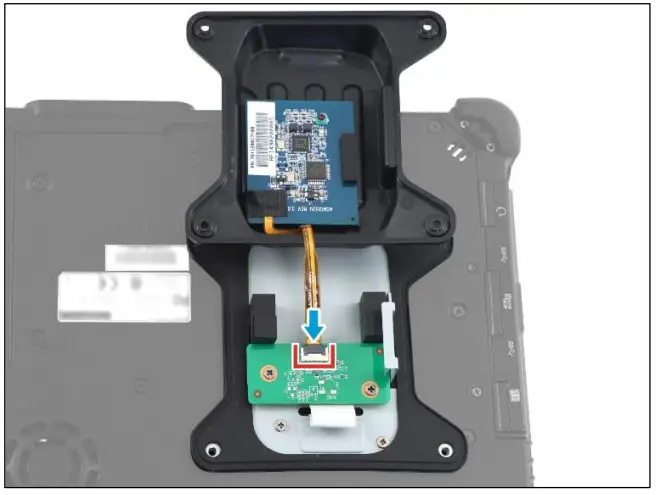 | 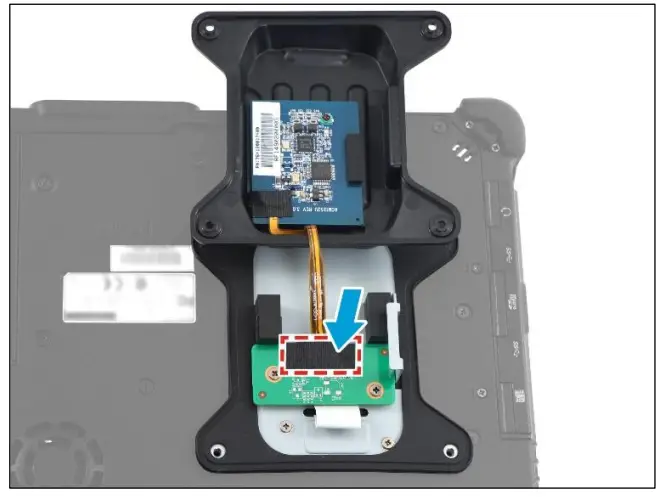 |
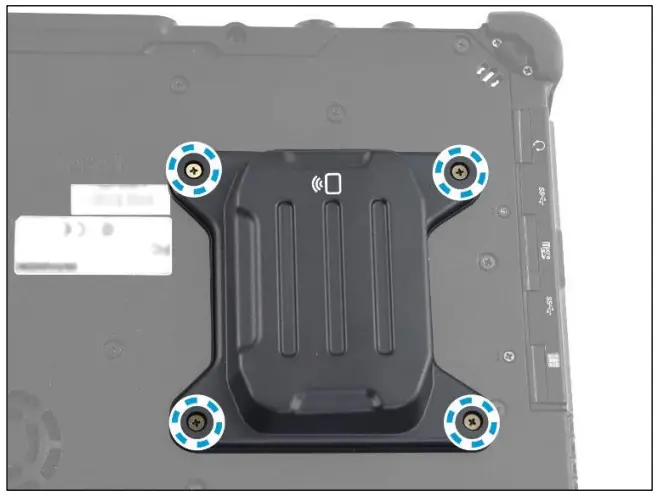
| 15. By aligning with the screw holes, place the RFID module cover (with the preinstalled HF RFID board) onto the installed gasket. | 16. Attach the 4 screws to secure the RFID module cover to the lower case. 17. Install the battery. |
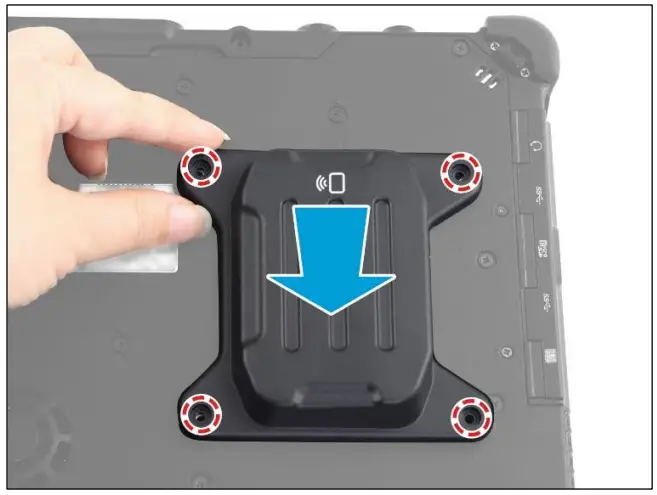 |  |
Twinhead International Corp.
11F, No.550, Ruiguang Rd., Neihu, Taipei 11492, Taiwan, R.O.C.
P/N: 62+030990+50
© 2022 Twinhead International Corp and/or its affiliates. All rights reserved.