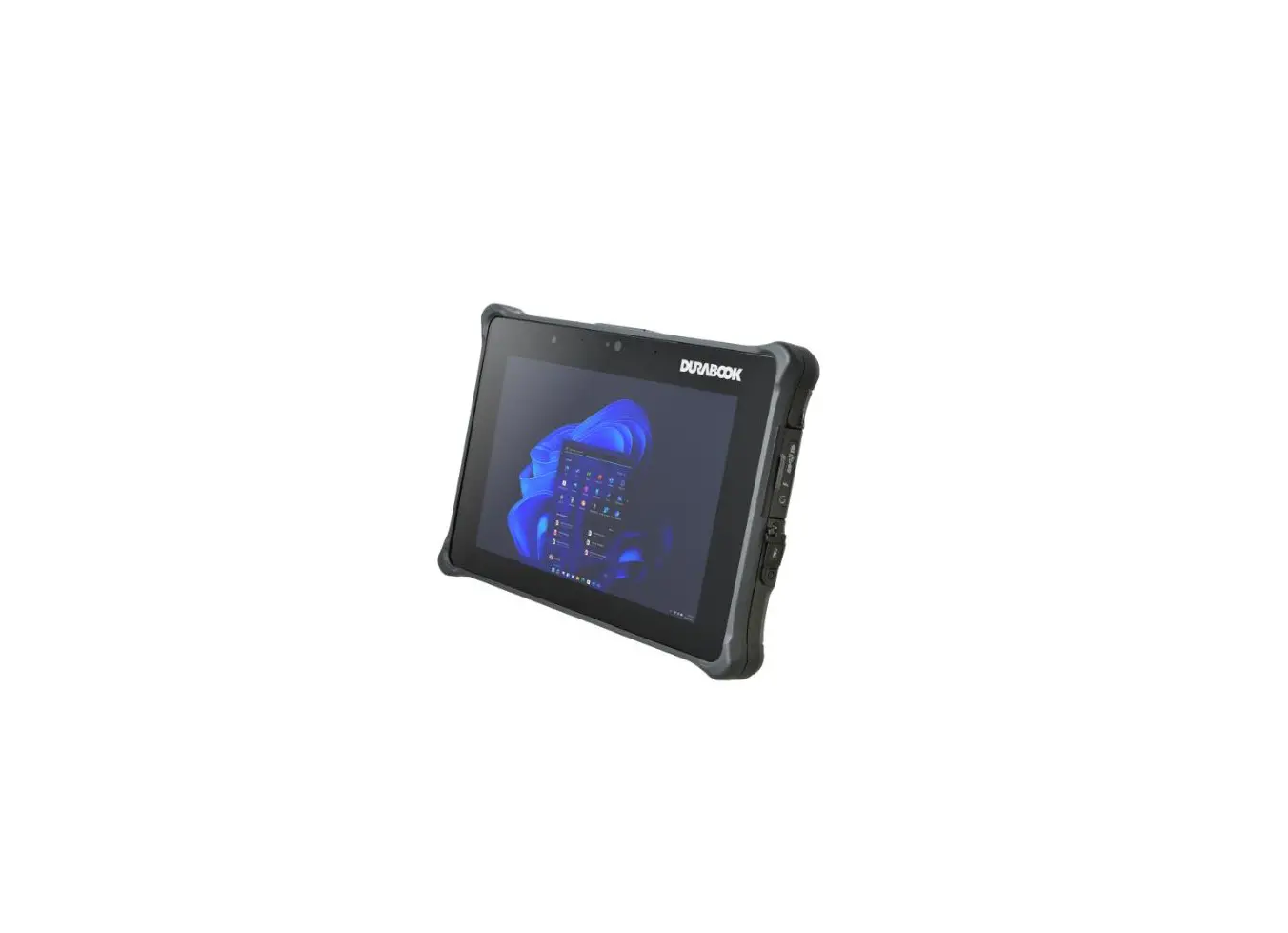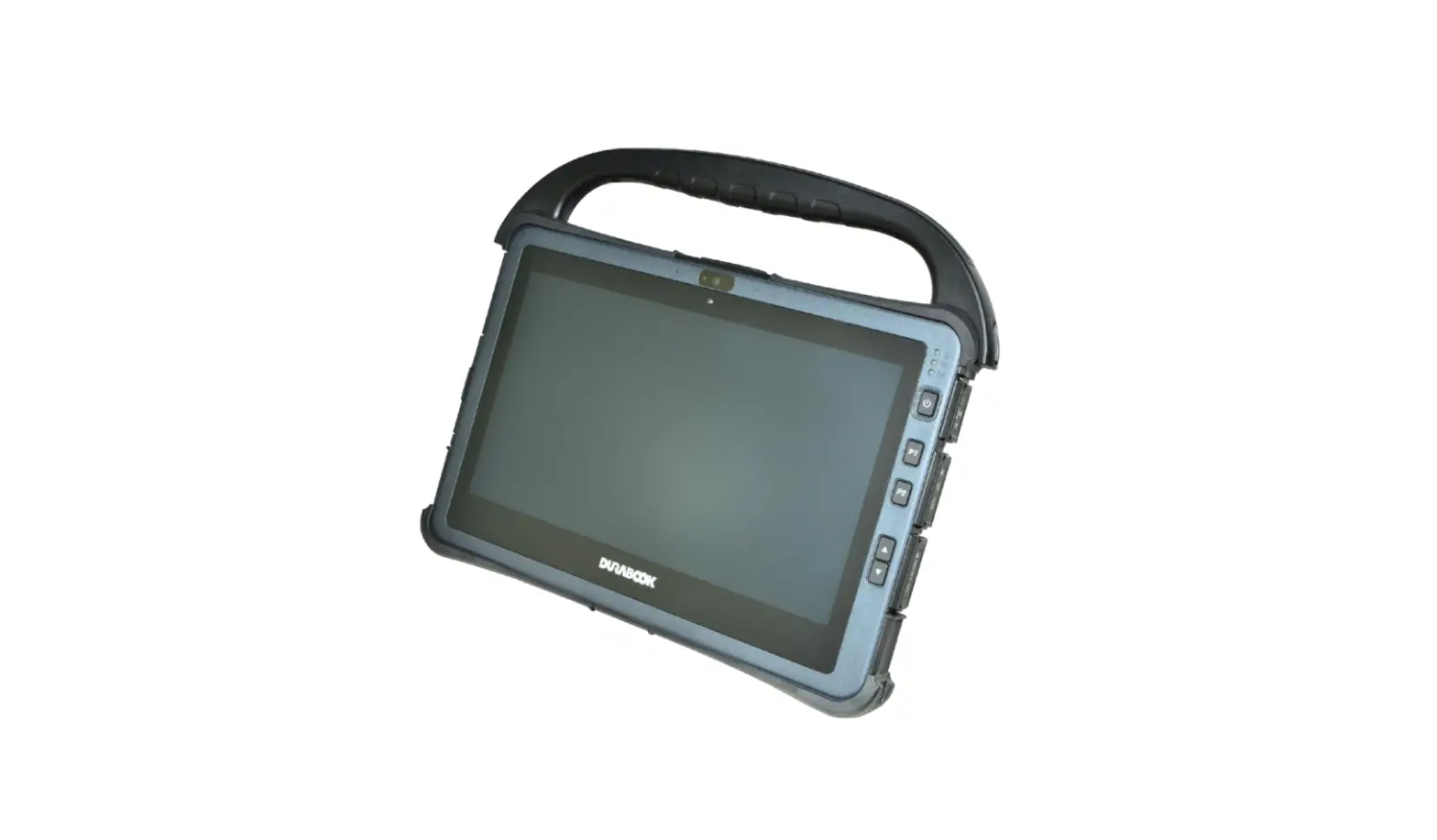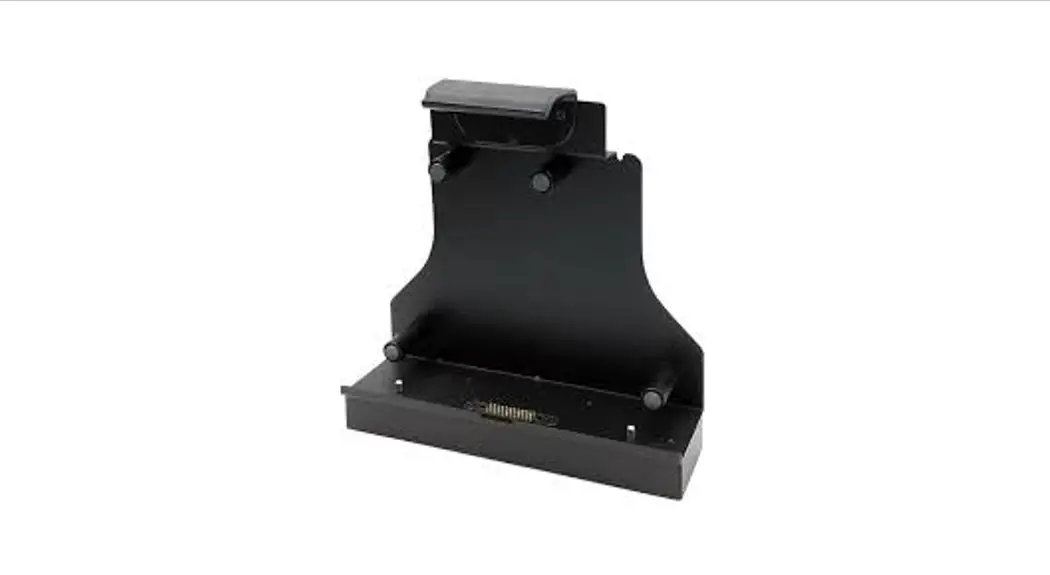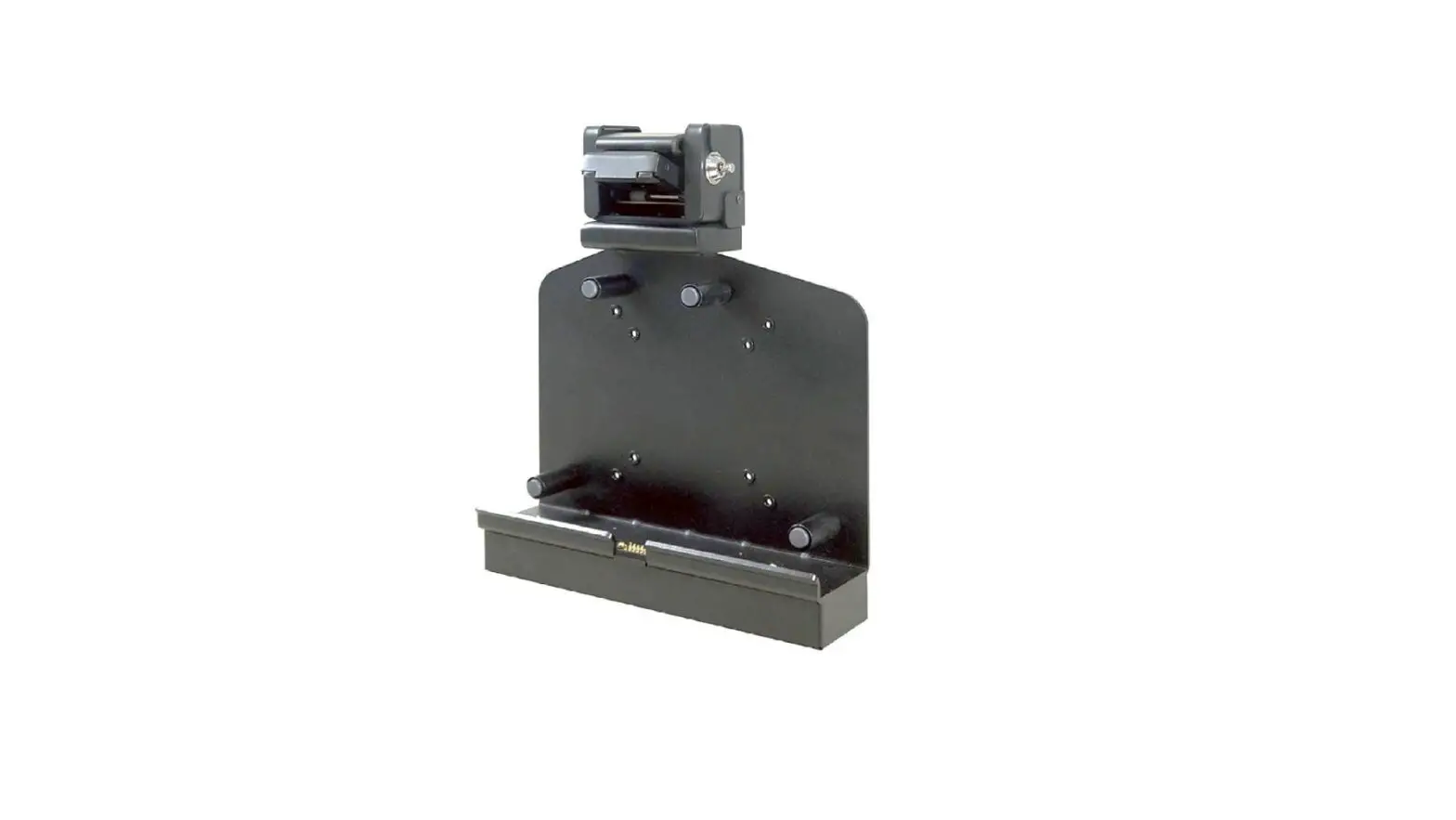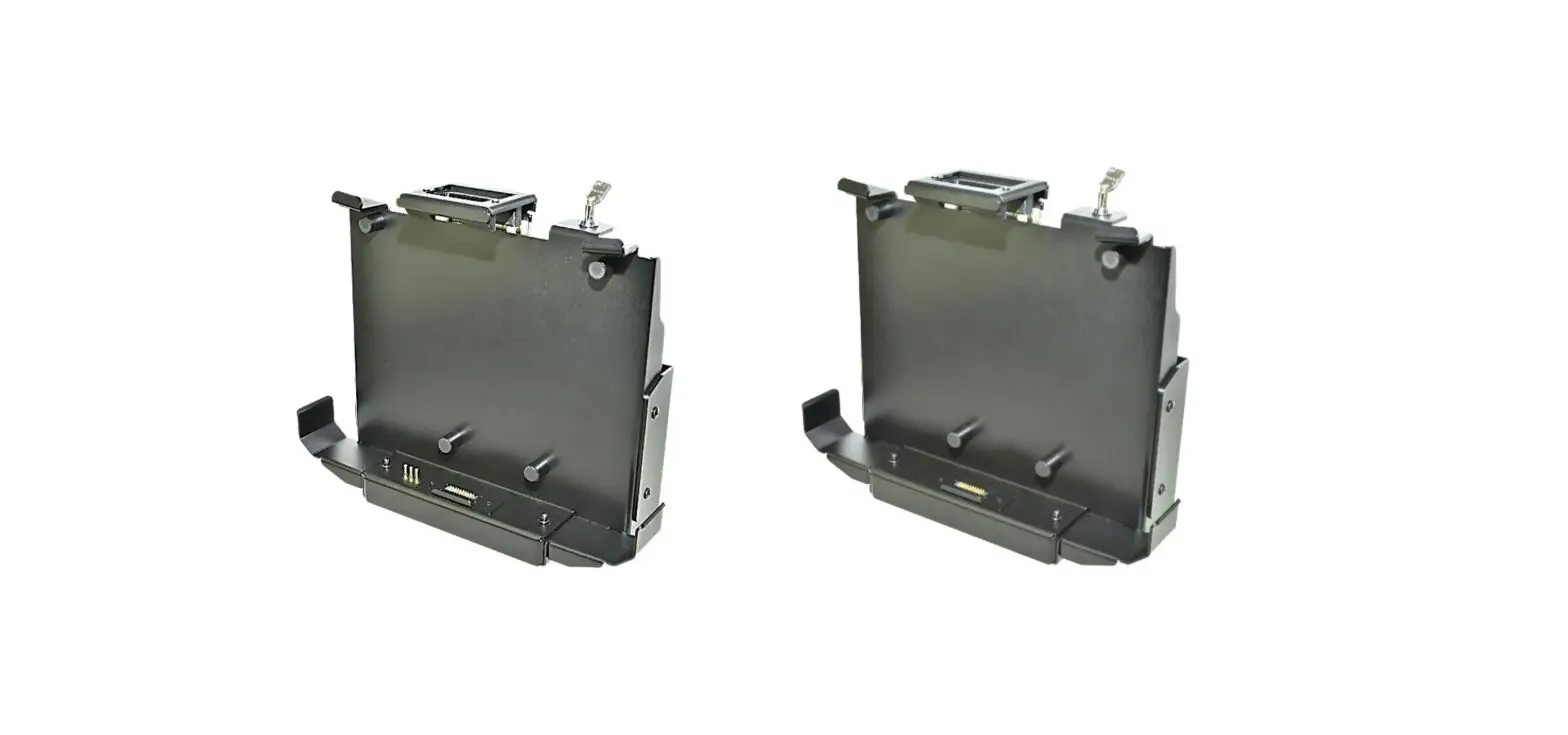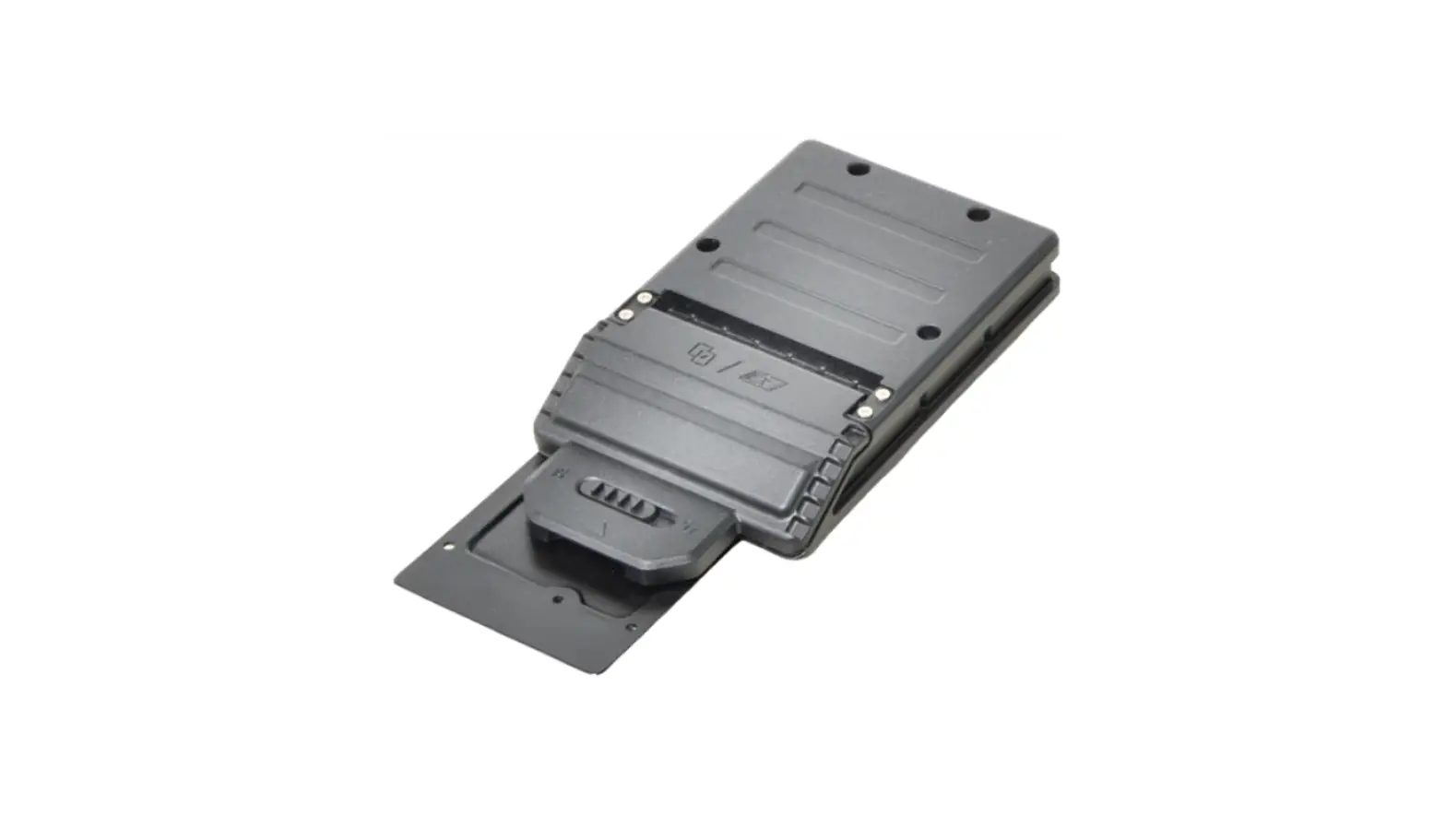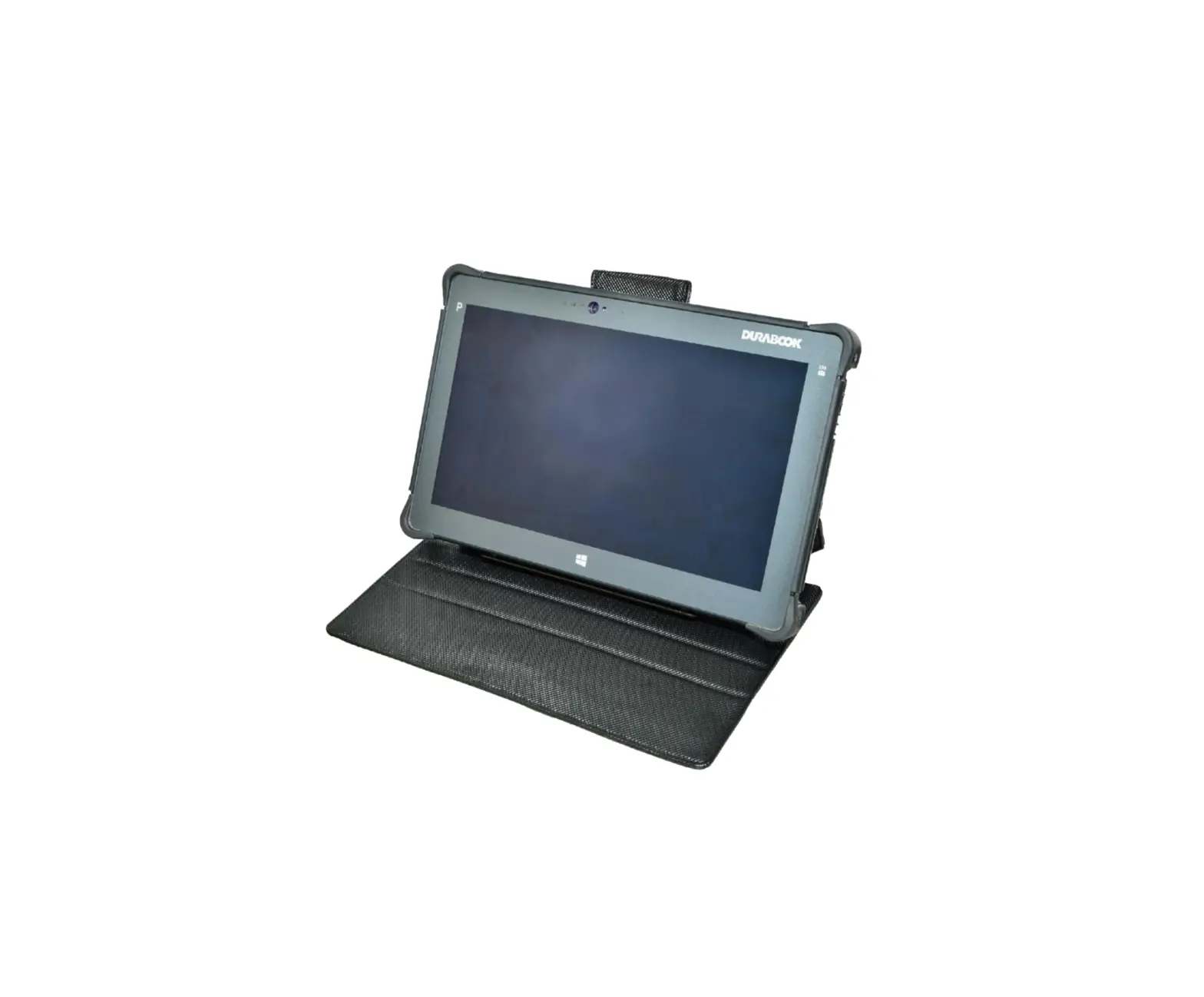
DURABOOK R11 Rugged Tablet Folio Case
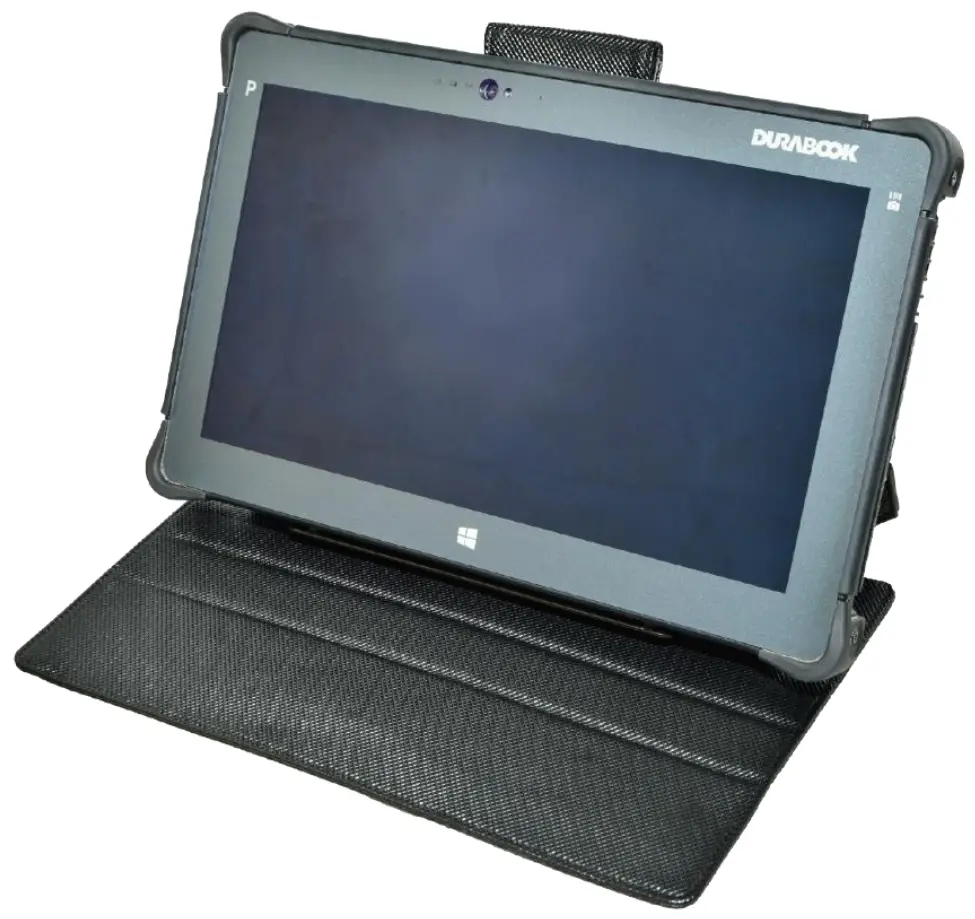
Package Contents
If any of following items is damaged, please contact your retailer.
| |
|
|
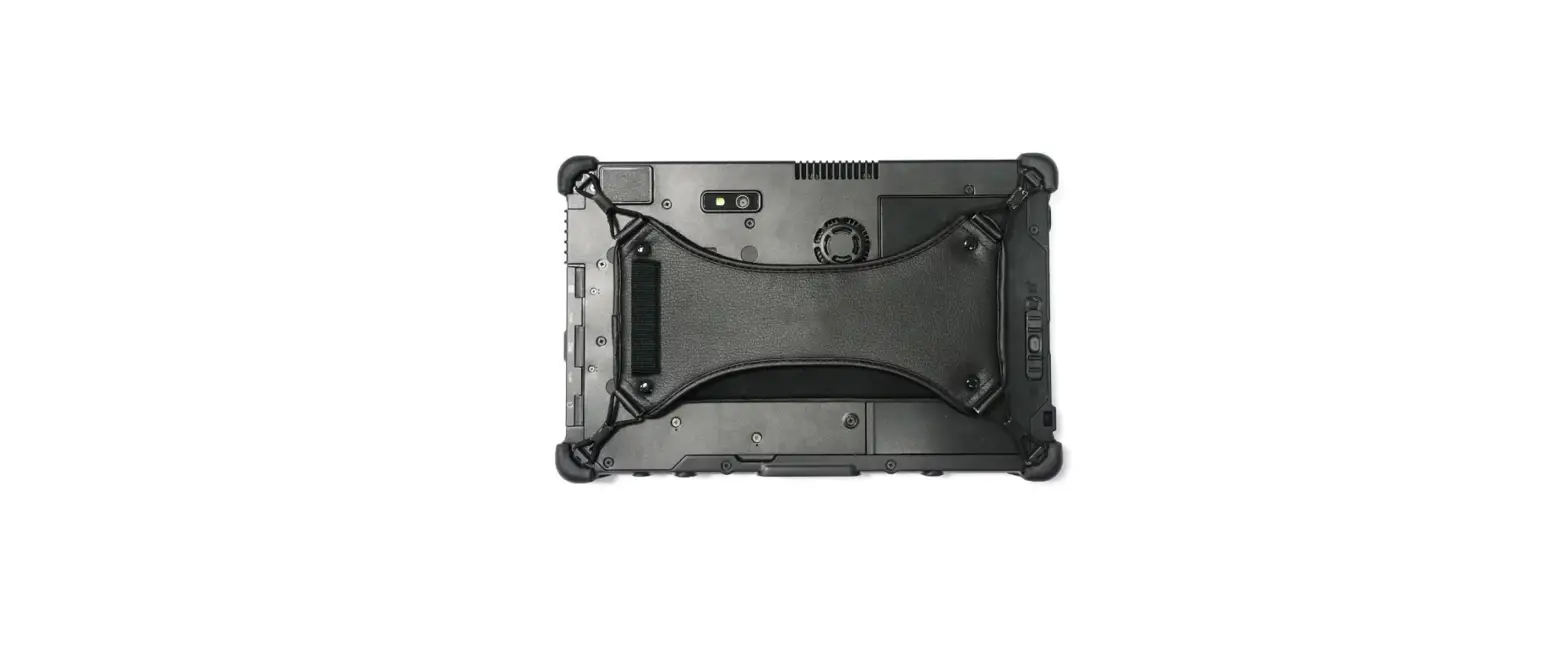
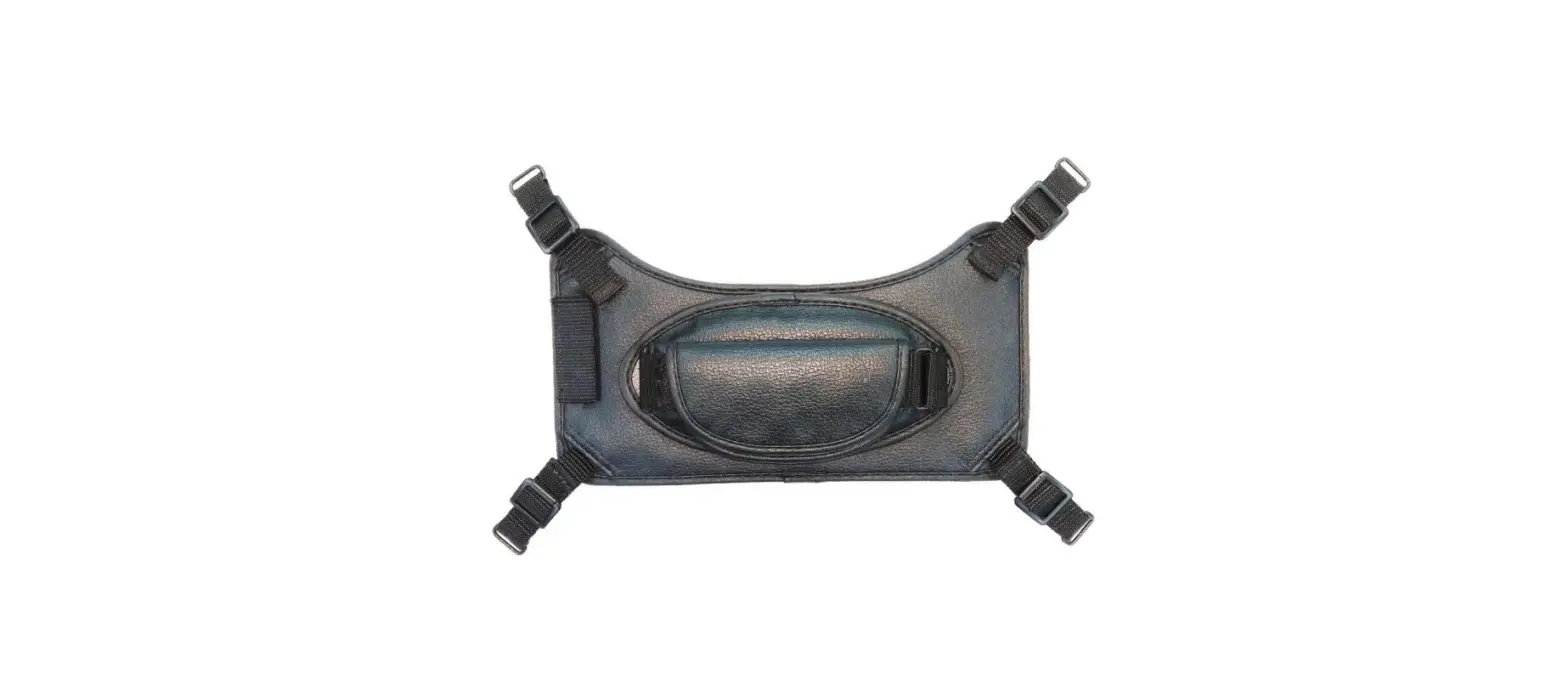
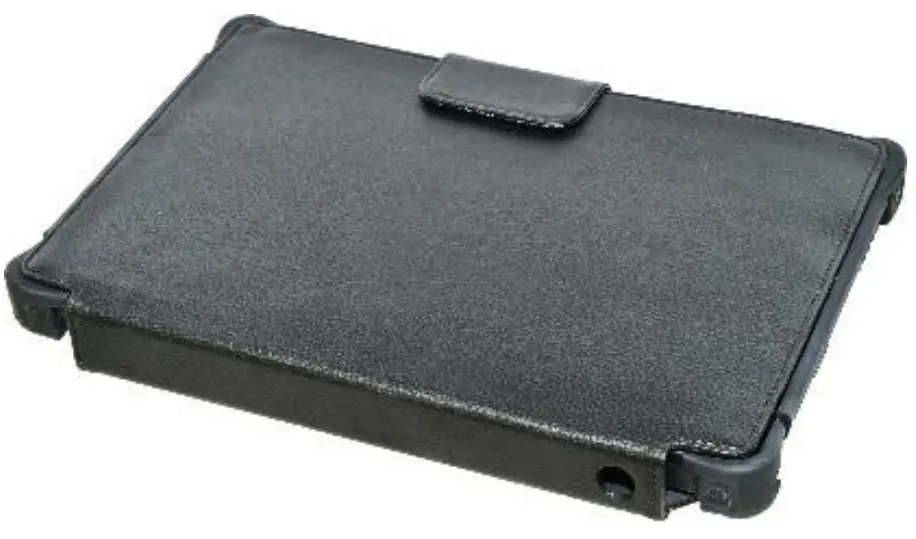 Folio Case
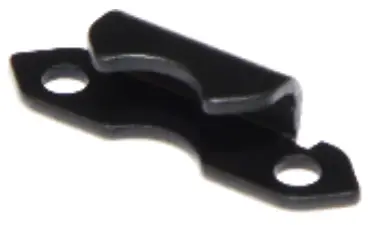 Bracket (2)
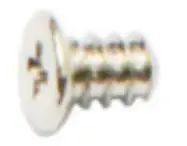 Screw (4)
 NOTE
NOTE
The pictures are for reference only, actual items may slightly differ.
Installation
This section will guide you on how to install the folio case of your tablet.
Installing the Folio Case
To install the folio case, follow the steps below:
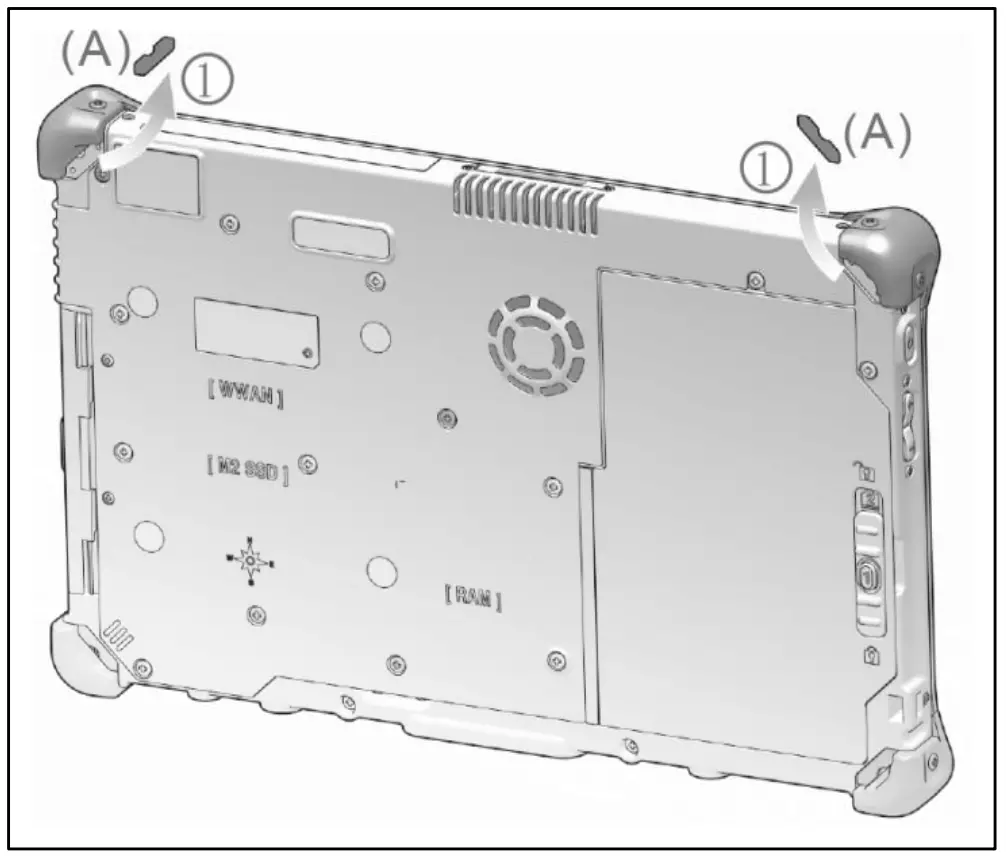
- Remove the 2 strap mylars (A) at the top of the device.

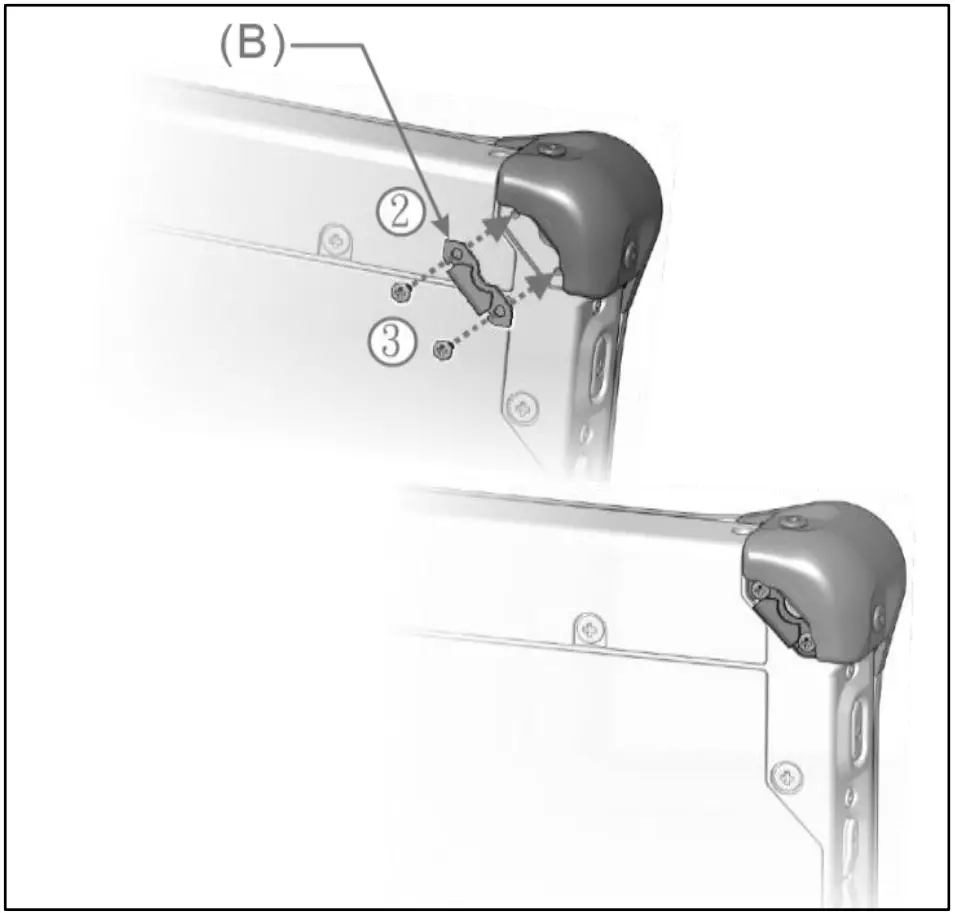
- Align the strap bracket (B) with the notch facing out.
- Mount on the strap bracket with 2 small screws in place. Please repeat this procedure on the other side.

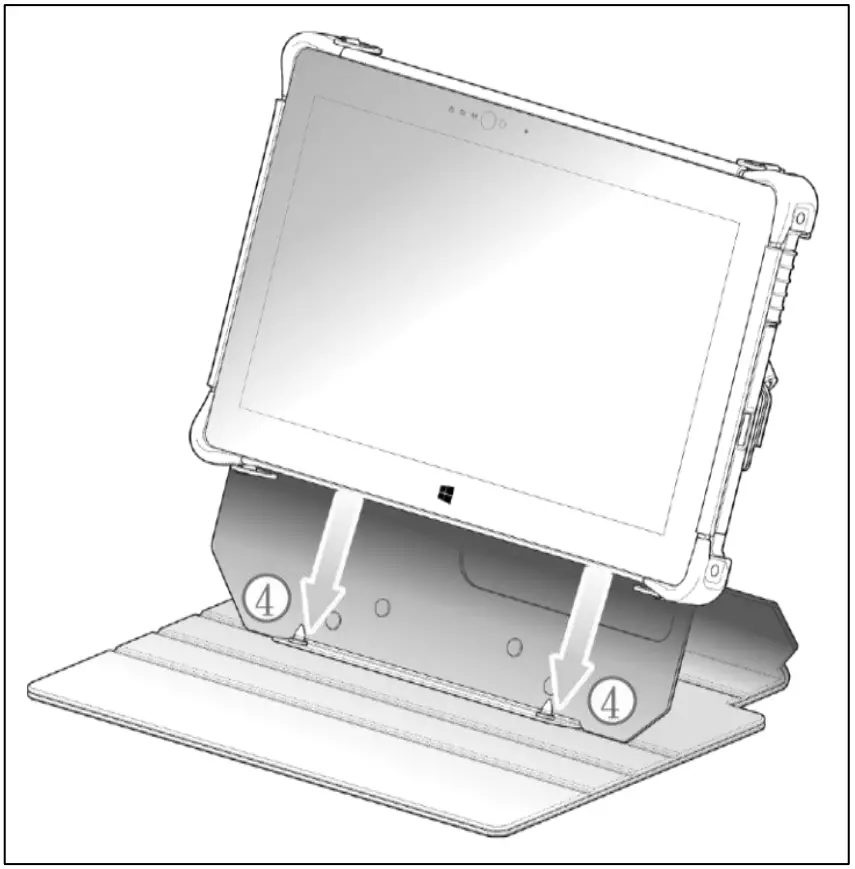
- Place the tablet horizontally and align the thread bushing downwards to the positioning pins of the leather case.

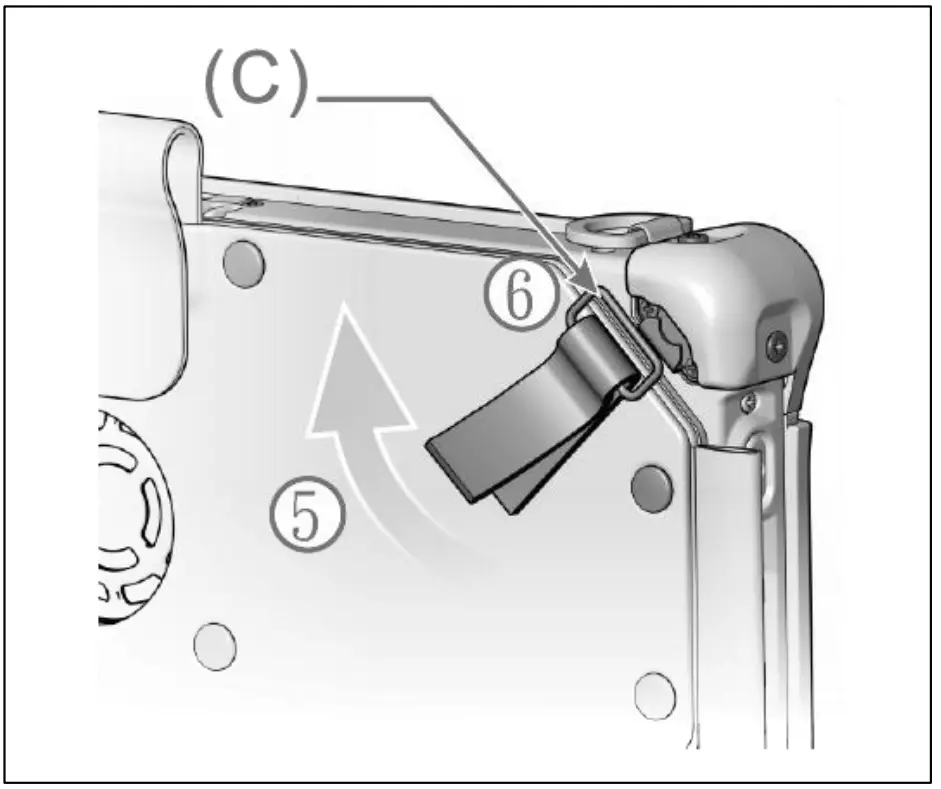
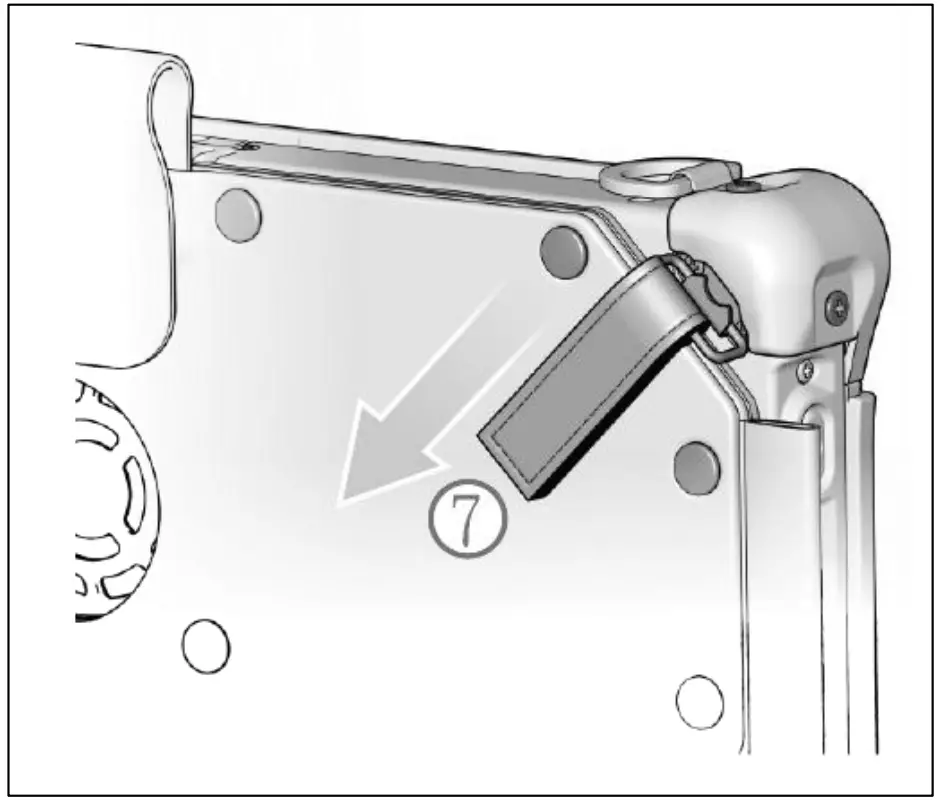
- Tear off the Velcro strap and put the steel loop in place.
- Buckle the steel loop (C) to the strap bracket. Please repeat this procedure on the other side.

- Tighten the Velcro straps on both sides.

Twinhead International Corp.
11F, No.550, Ruiguang Rd., Neihu, Taipei 11492, Taiwan, R.O.C.