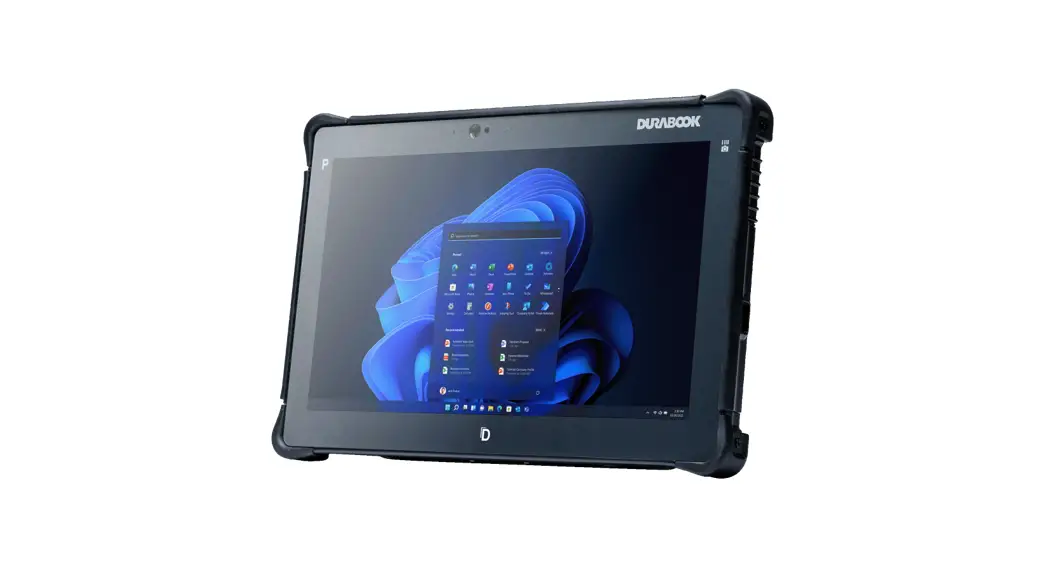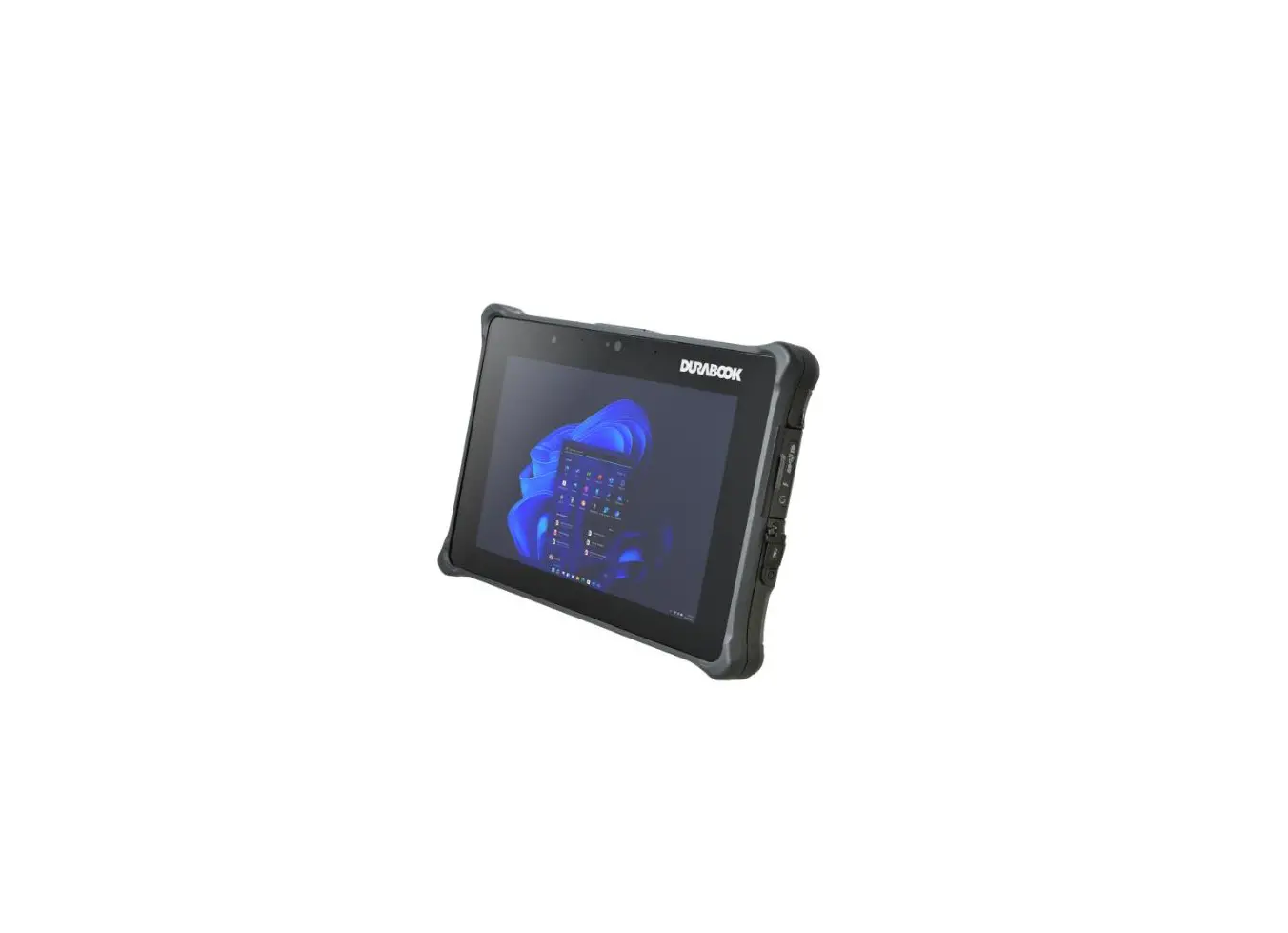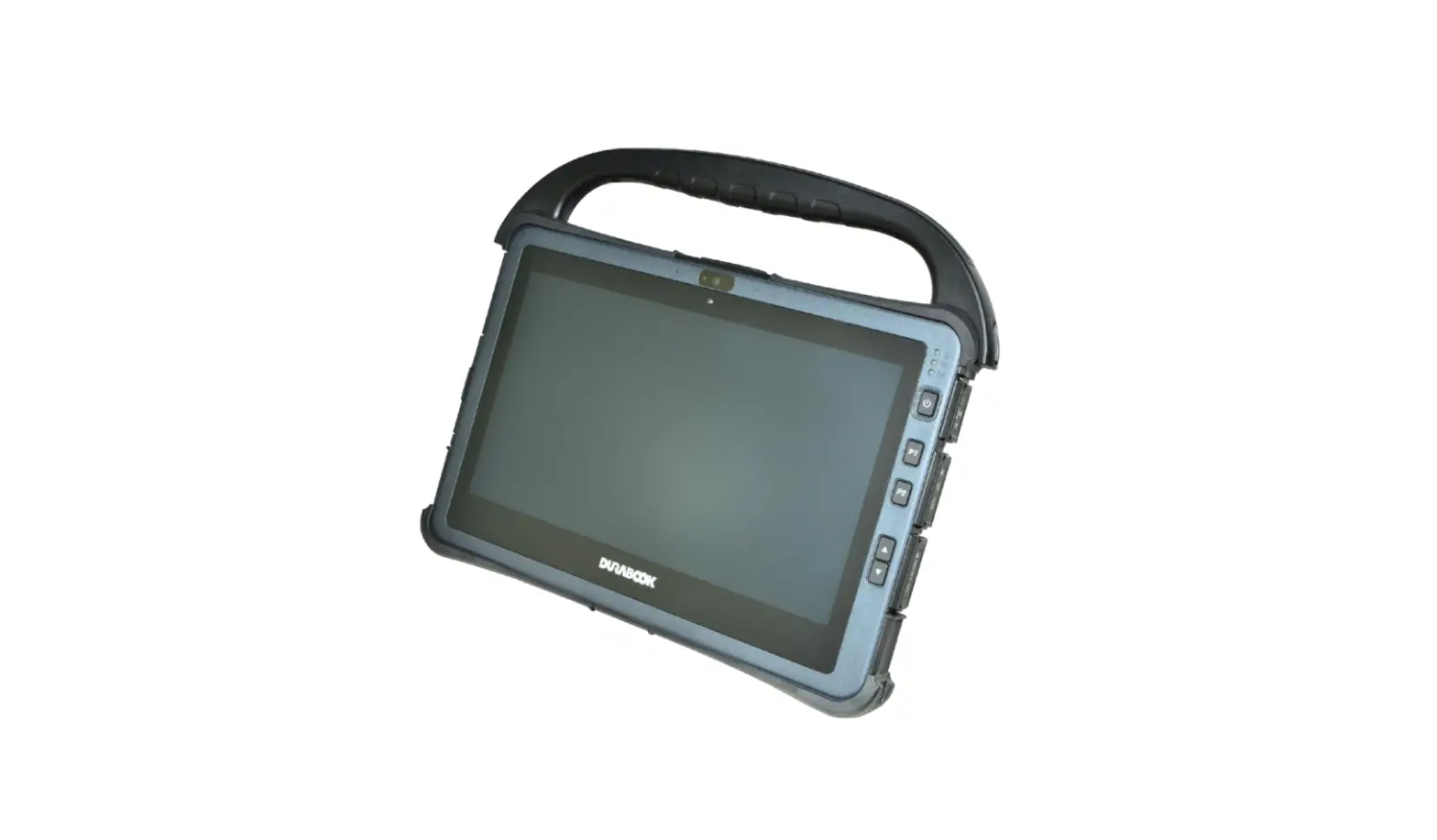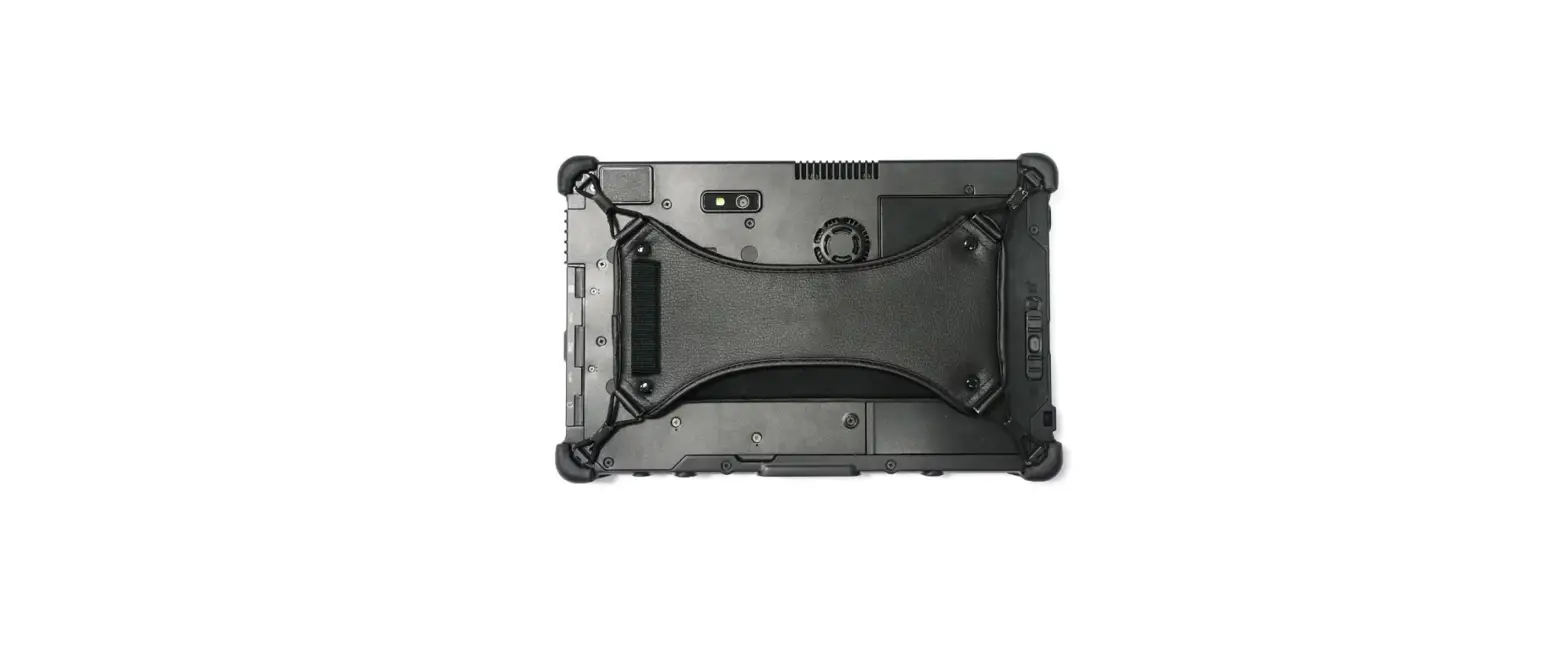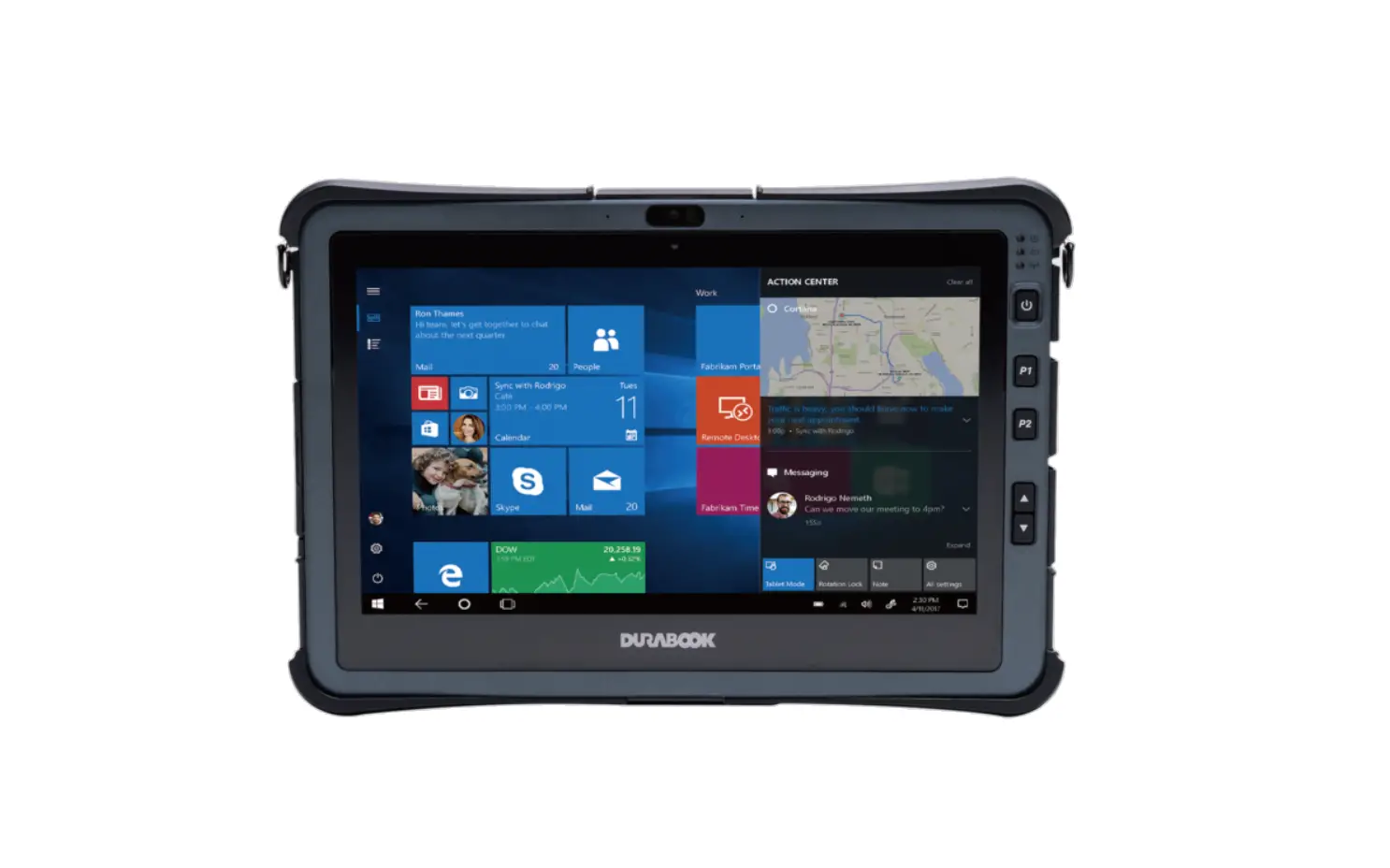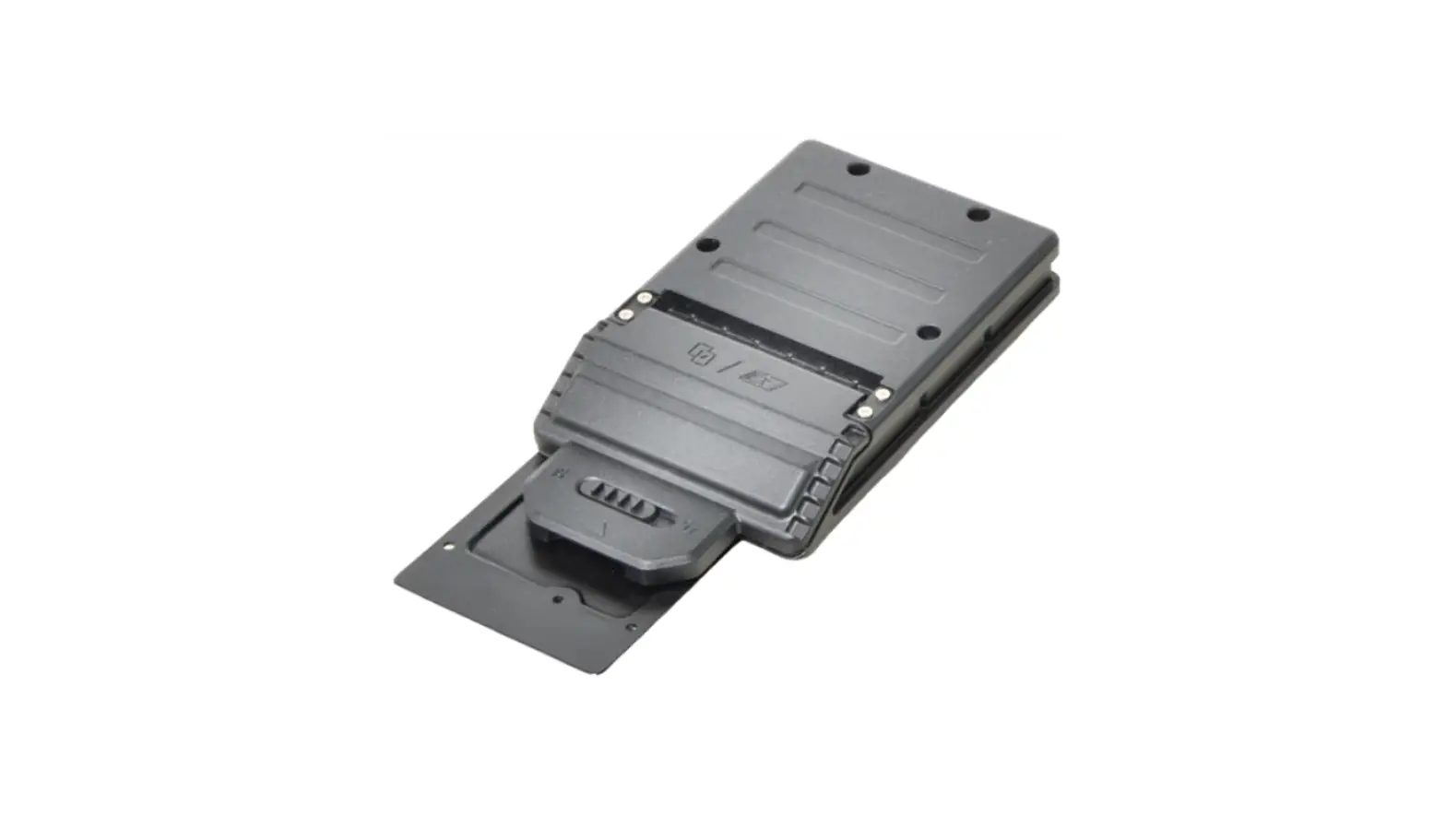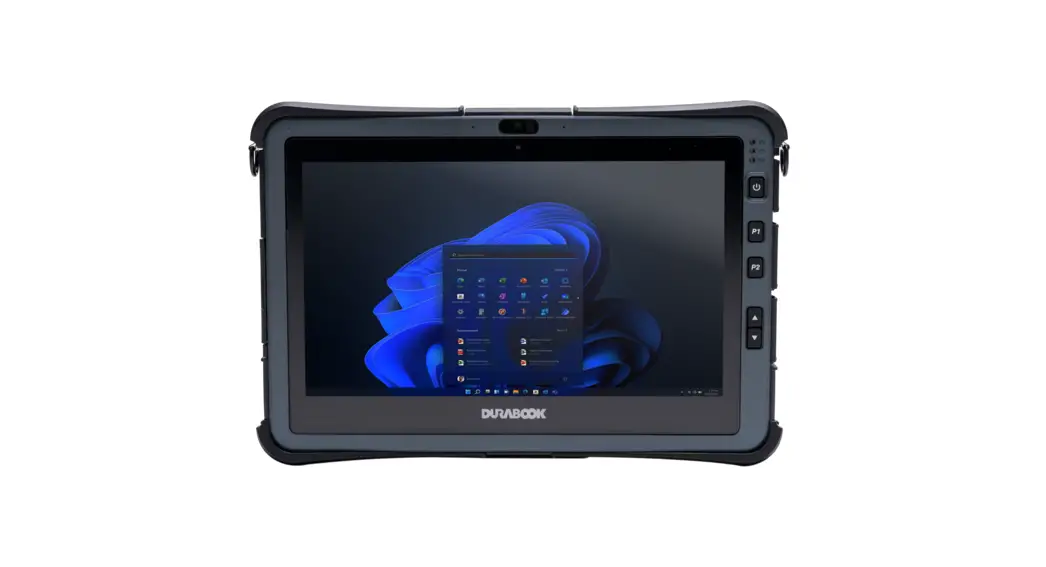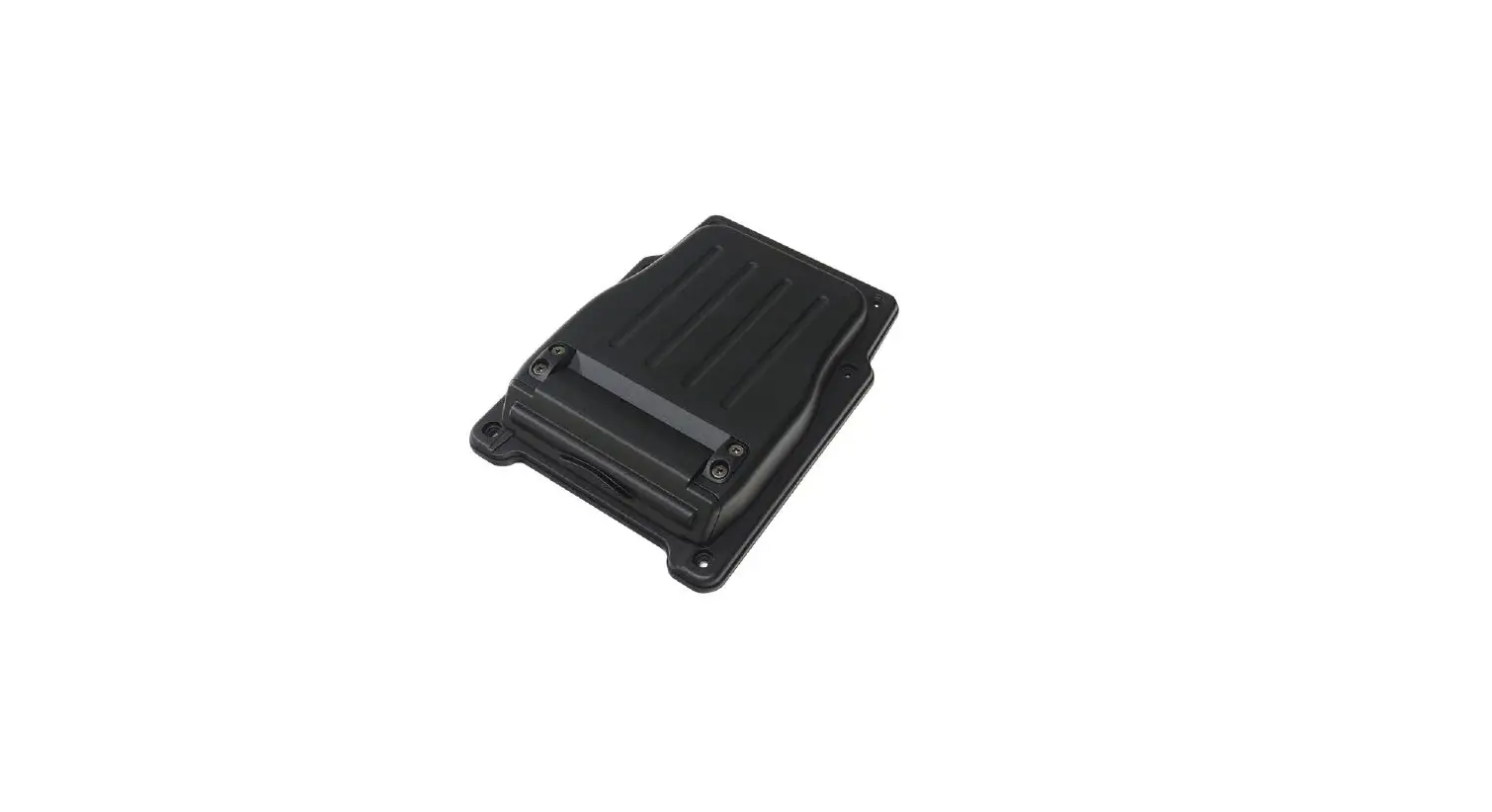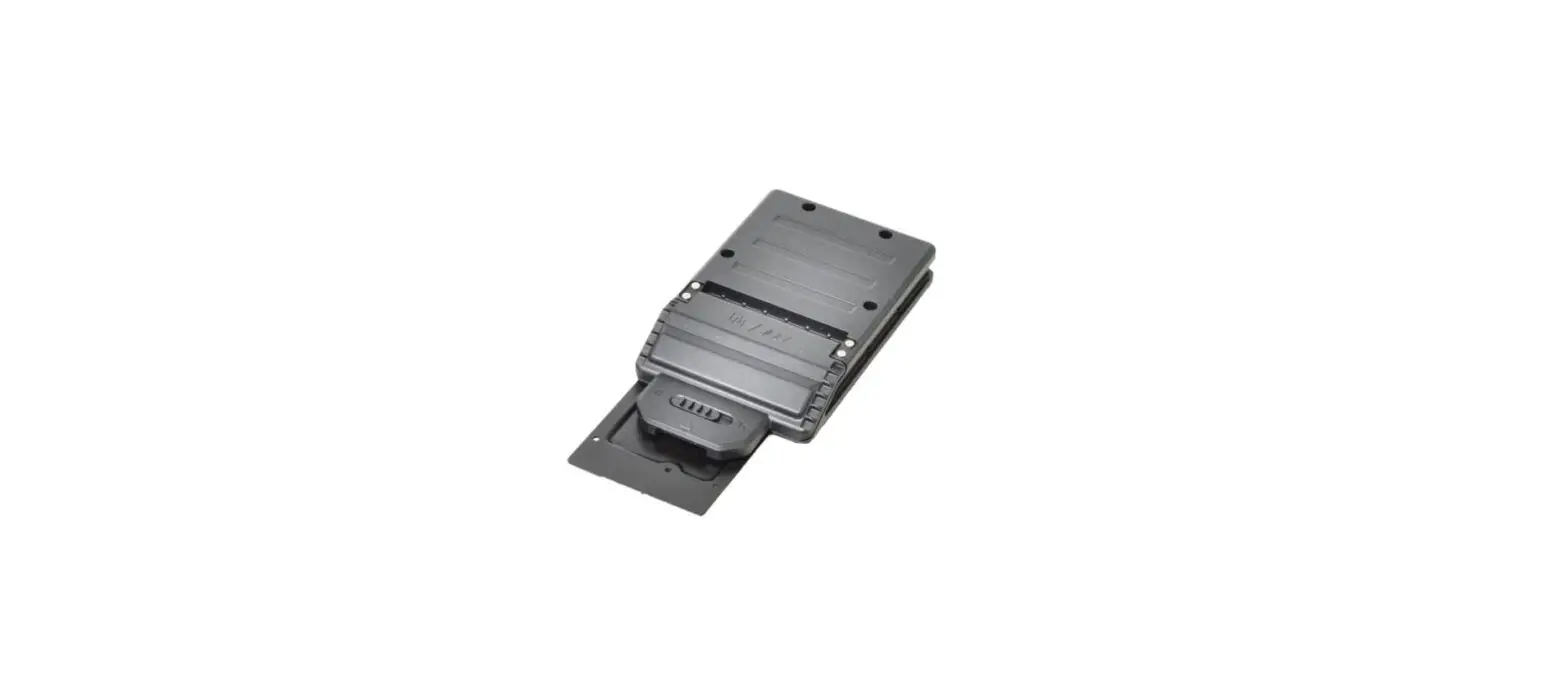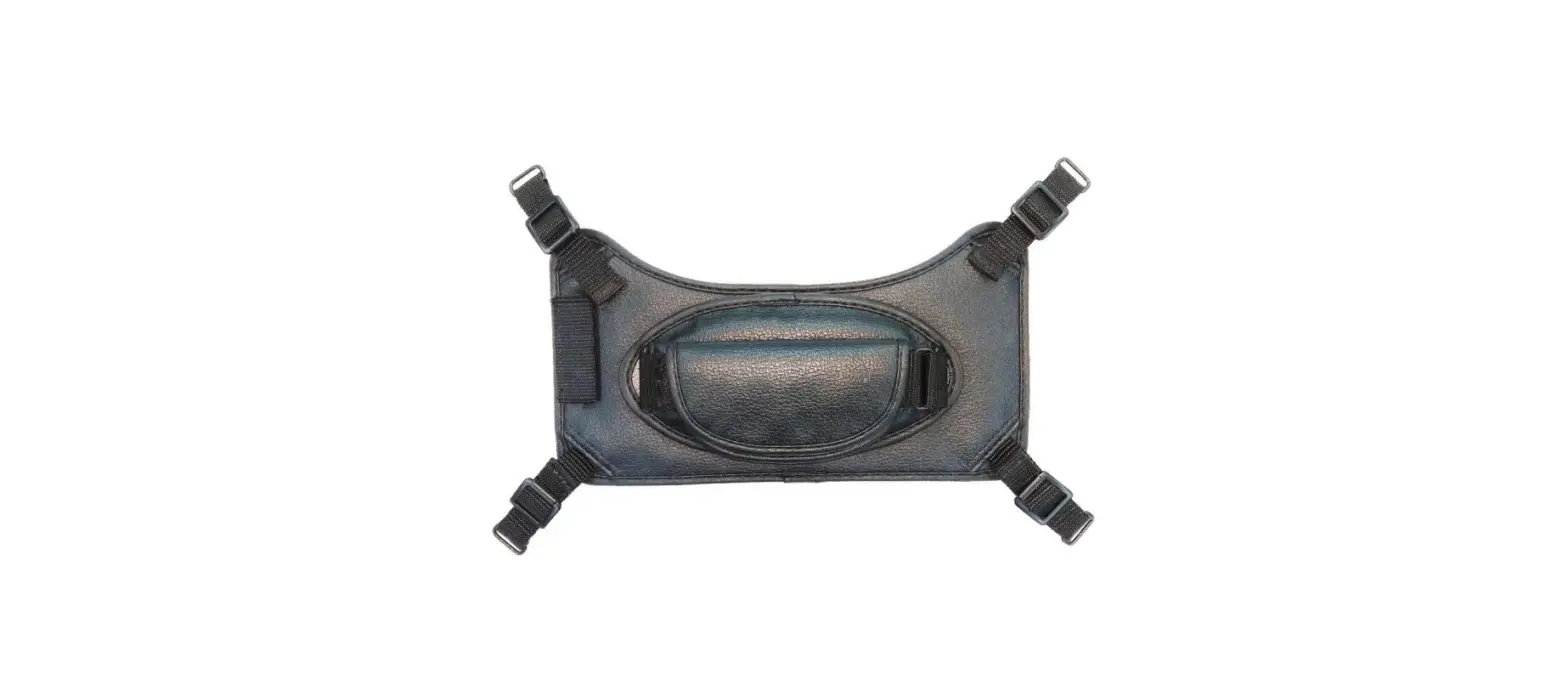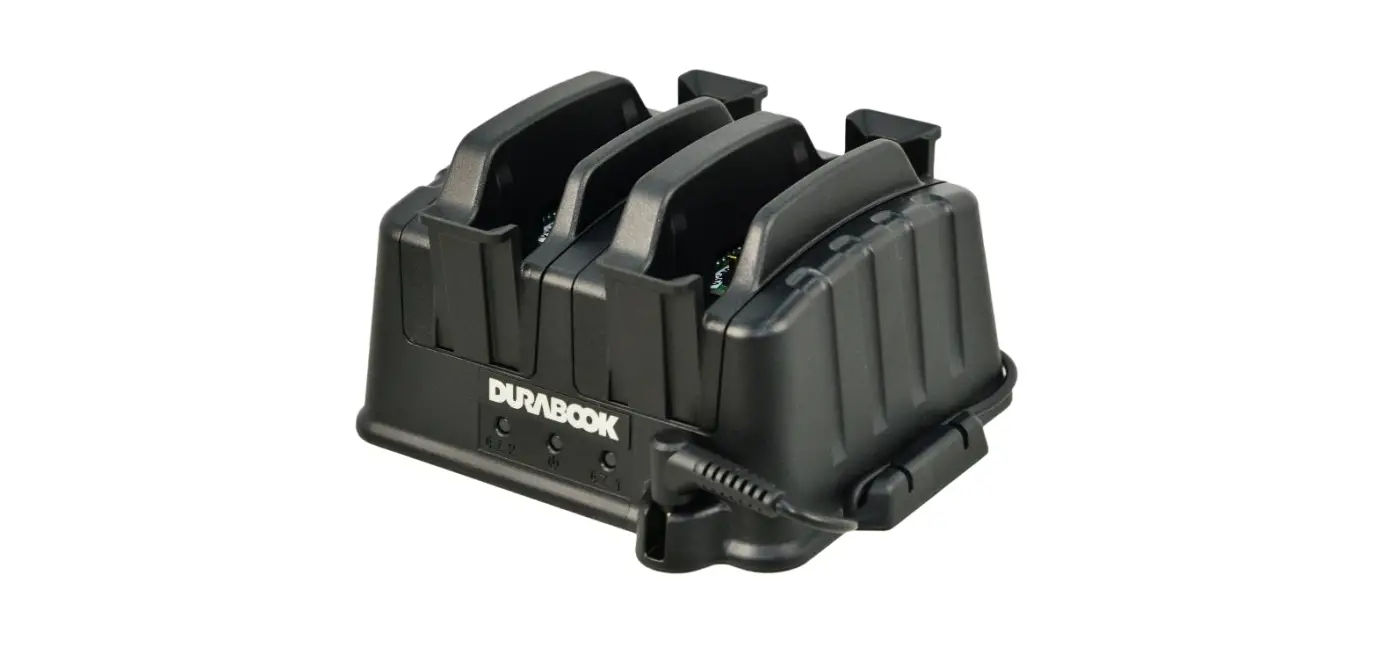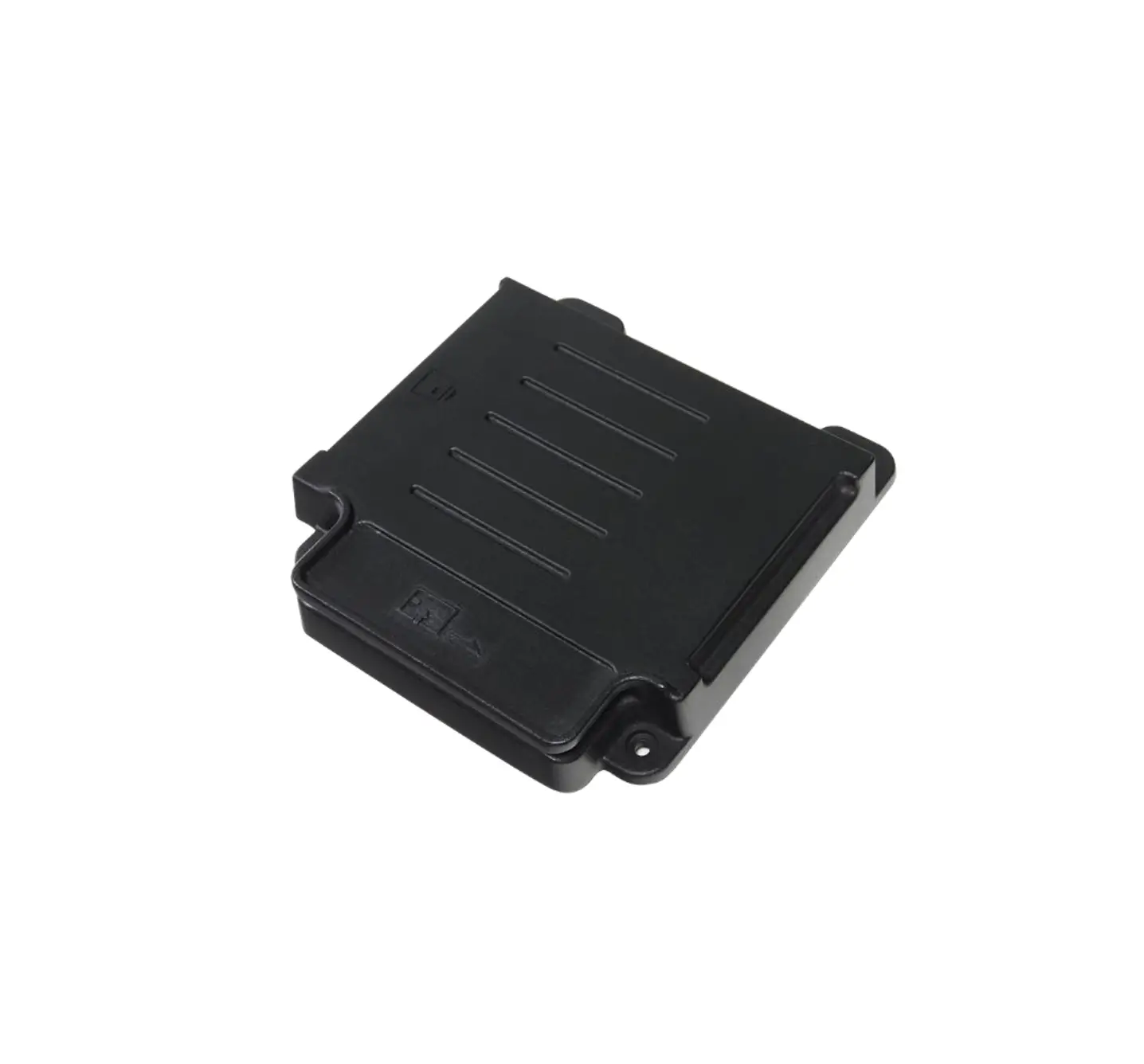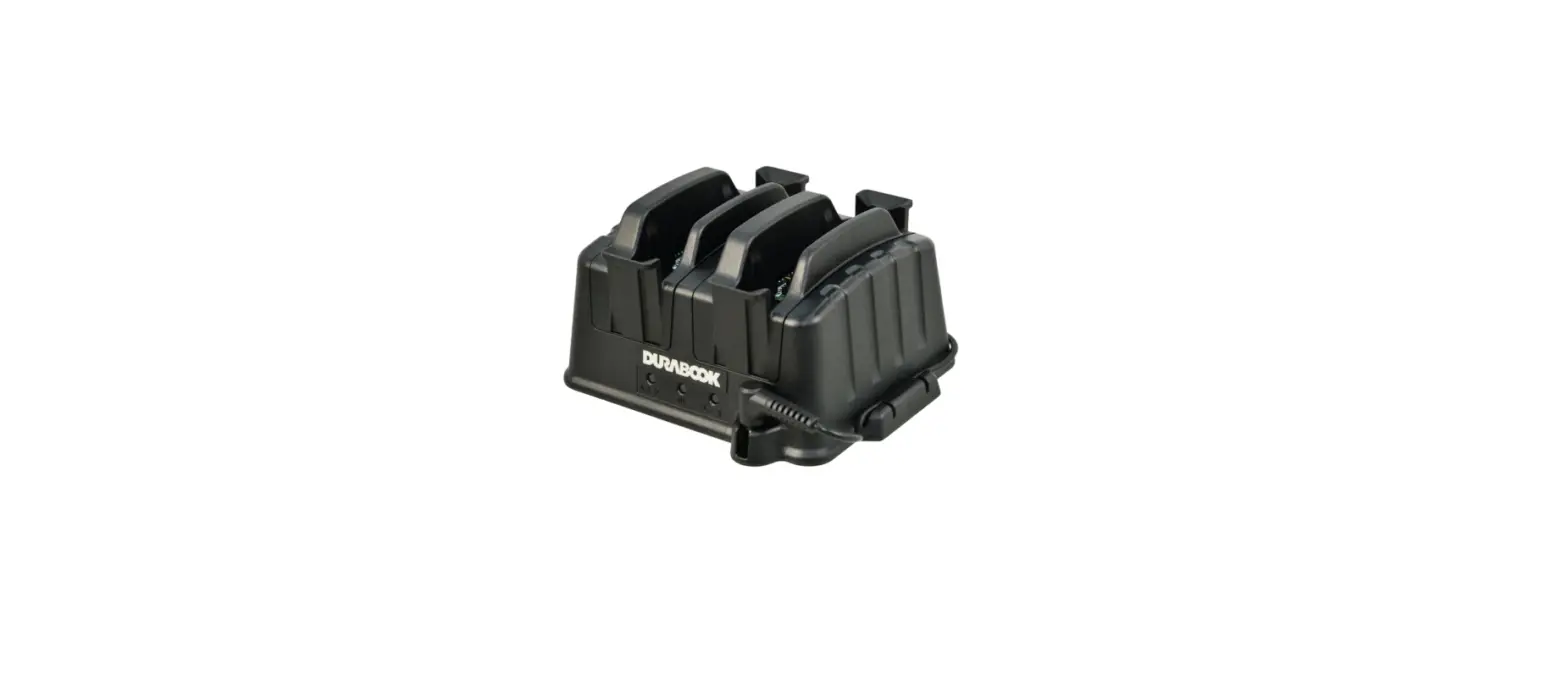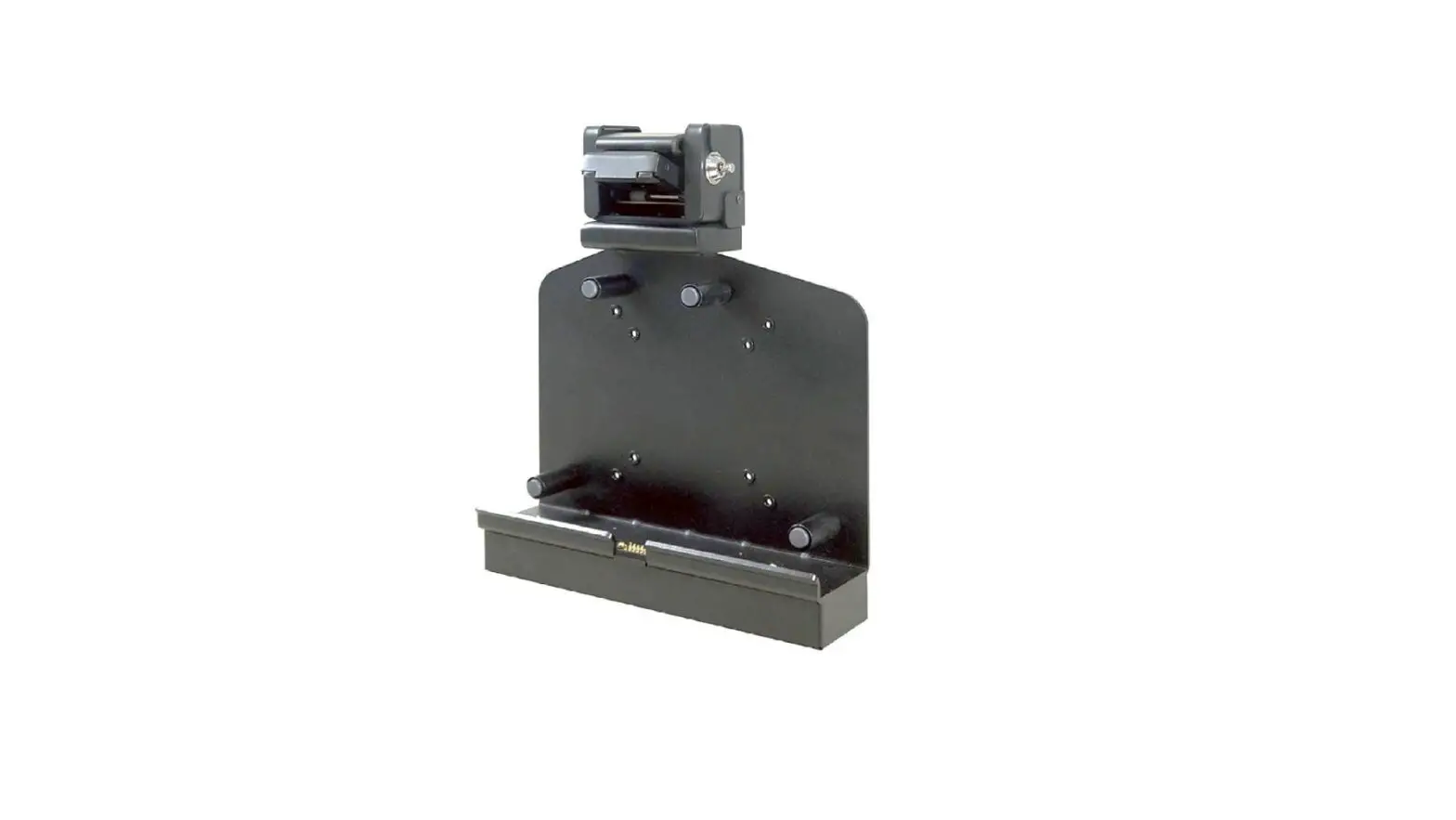
DURABOOK R11 Rugged Tablet Vehicle Dock User Manual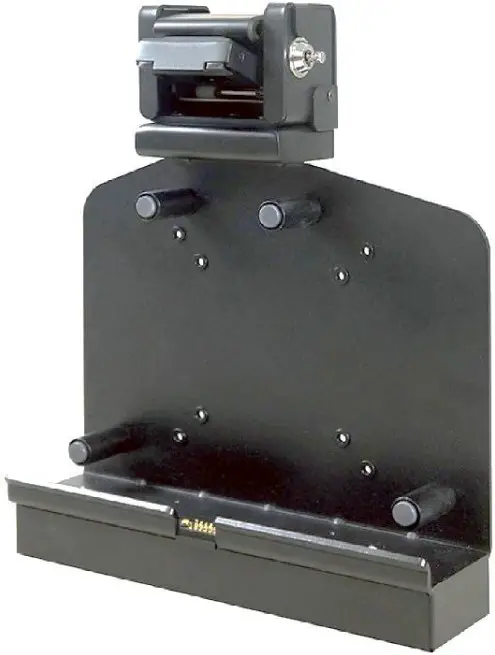
Package Contents
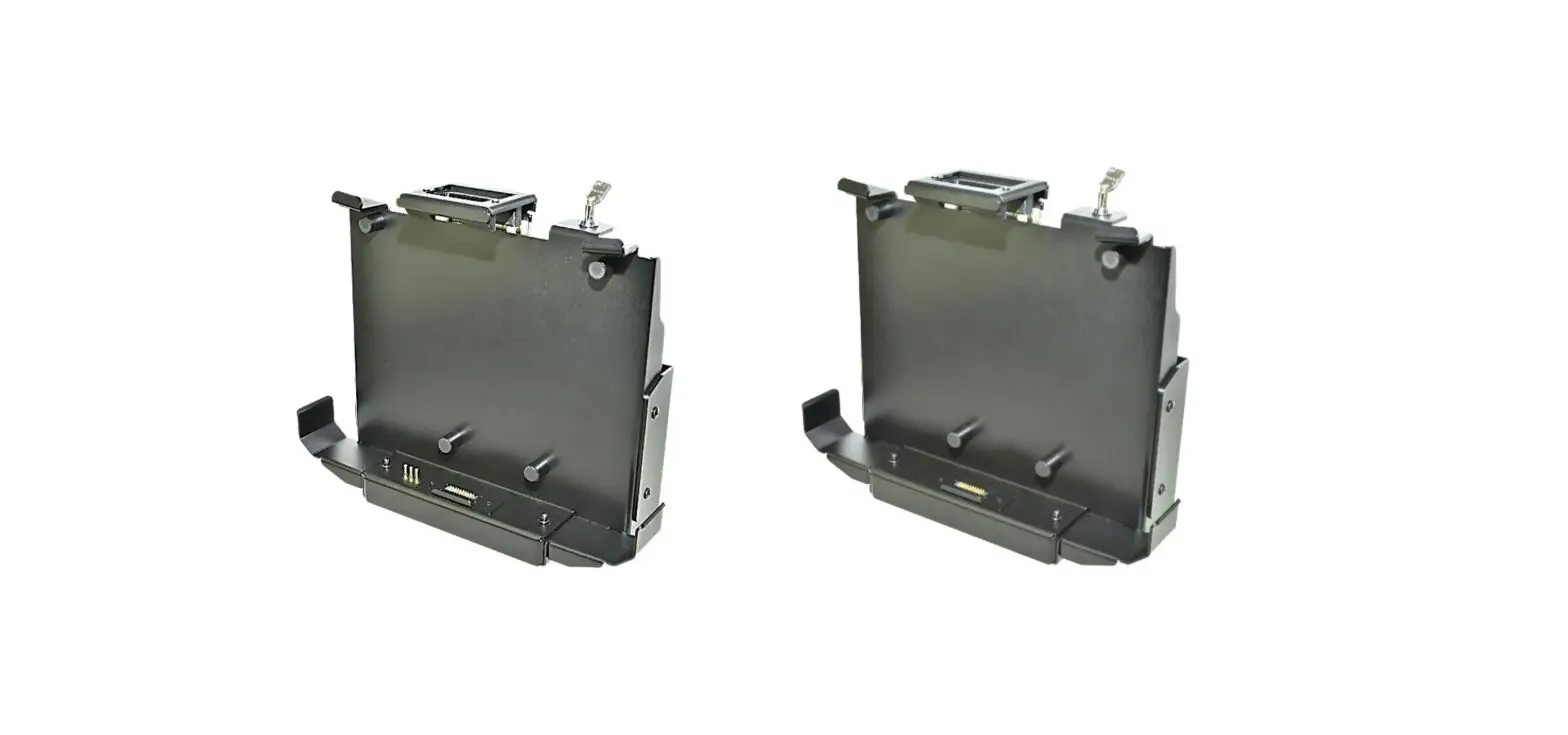
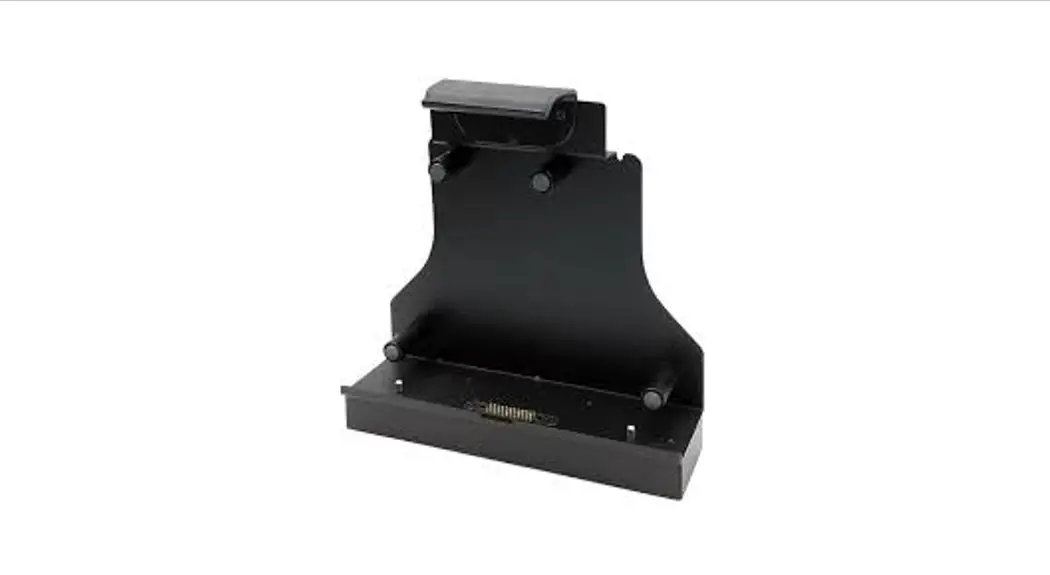
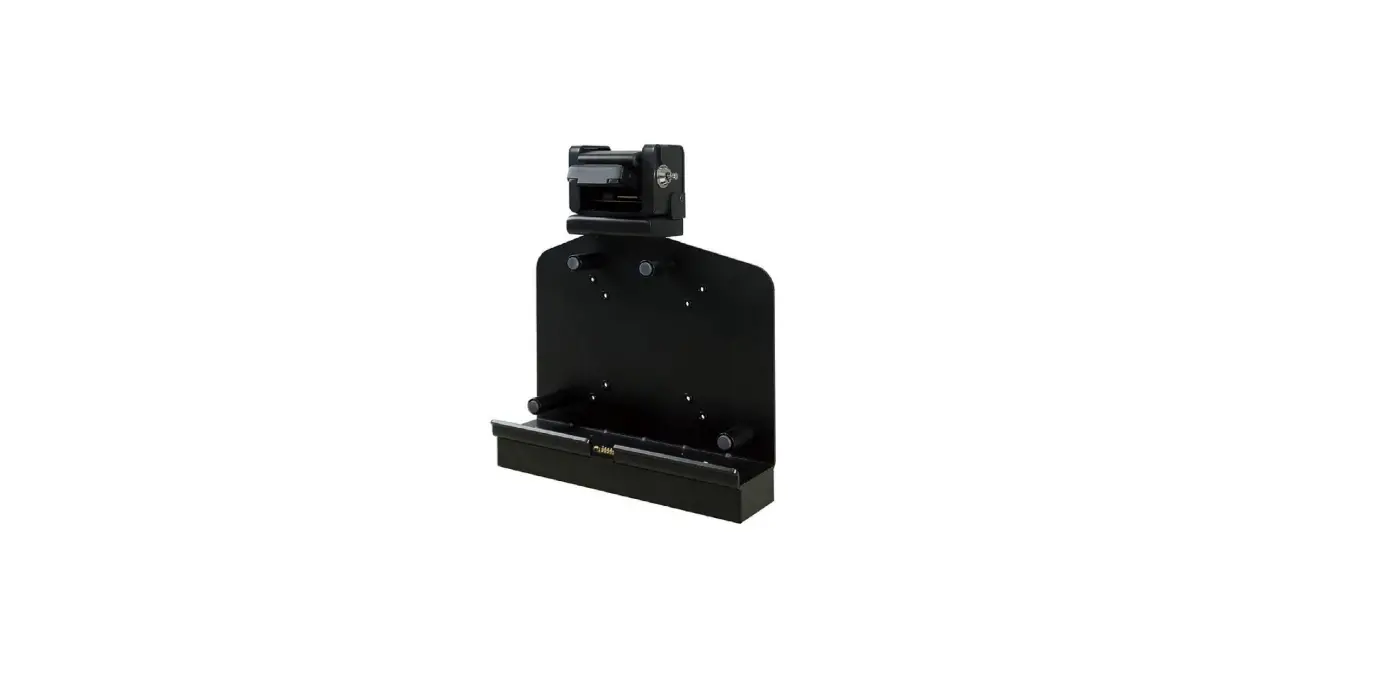
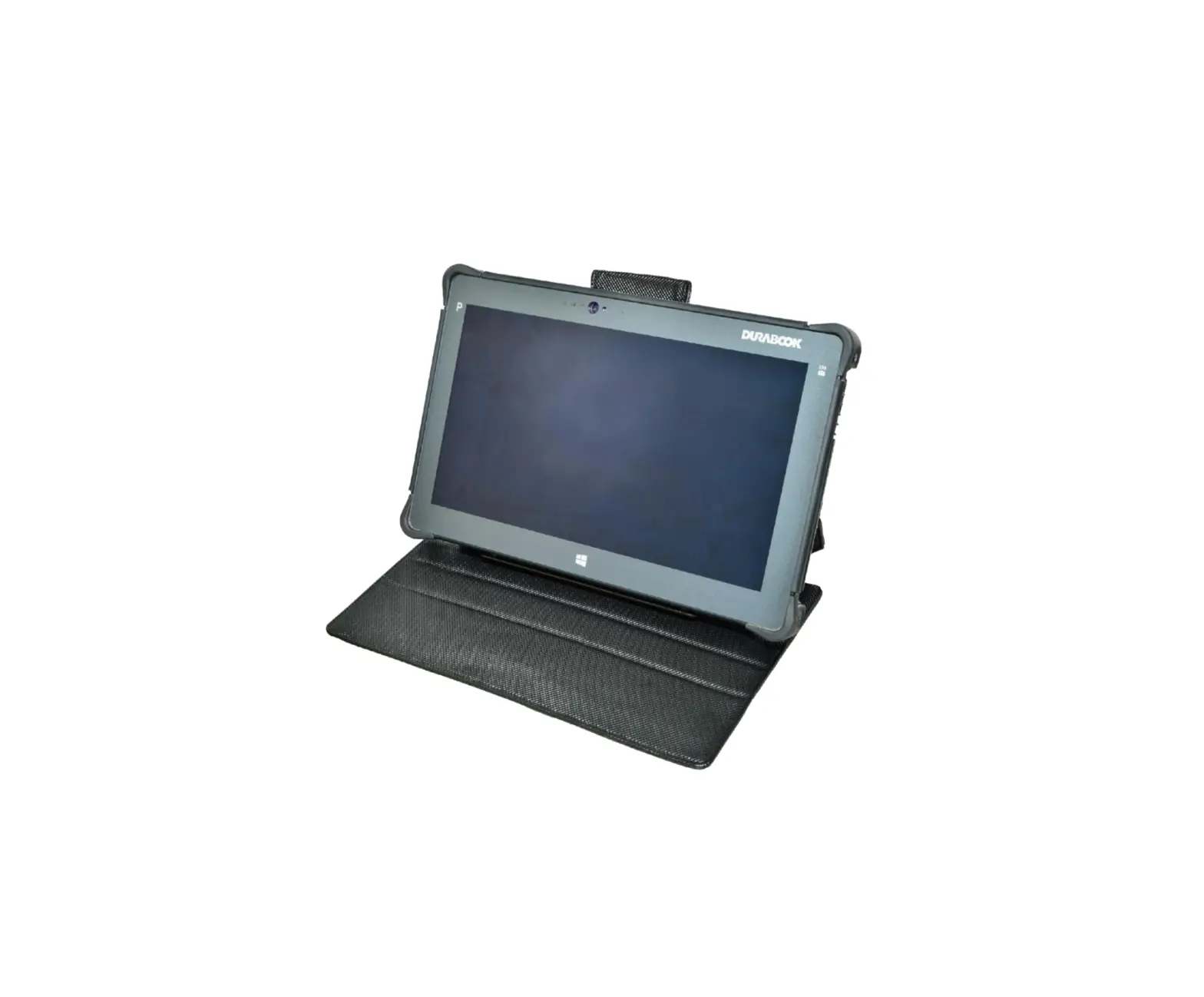
If any of following items is damaged, please contact your retailer.
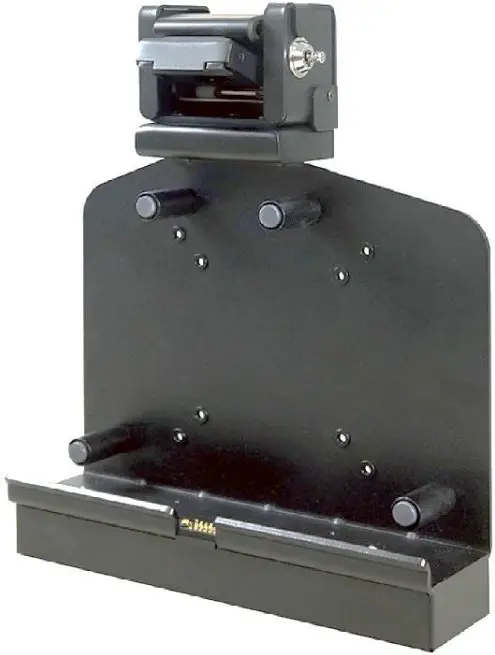
- Vehicle Docking

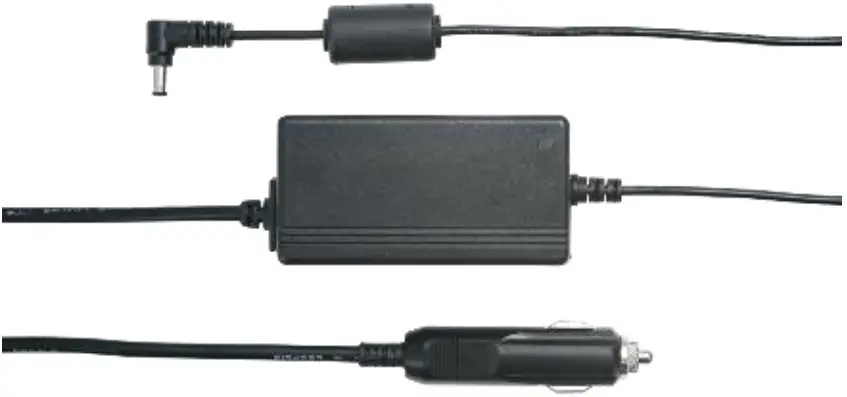
- Car adapter

 NOTE
NOTE
The pictures are for reference only, actual items may slightly differ.
Product Overview
Front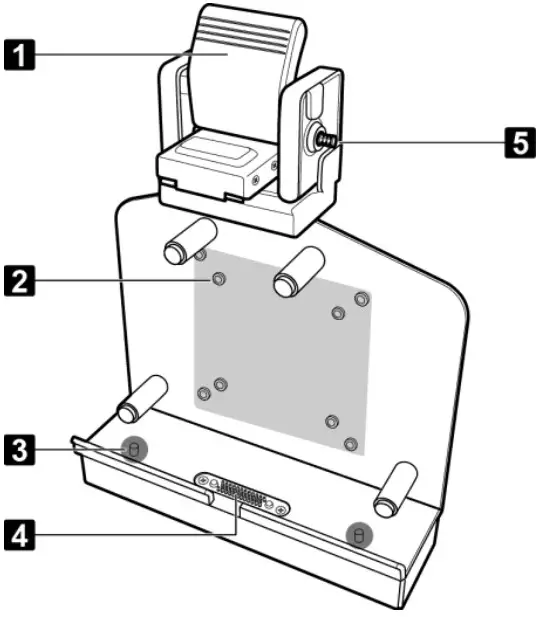
| No. | Item |
| 1 | Latch |
| 2 | Mounting holes for VESAmount |
| 3 | Alignment port (x2) |
| 4 | Docking connector |
| 5 | Latch bar (with key slot) |
Rear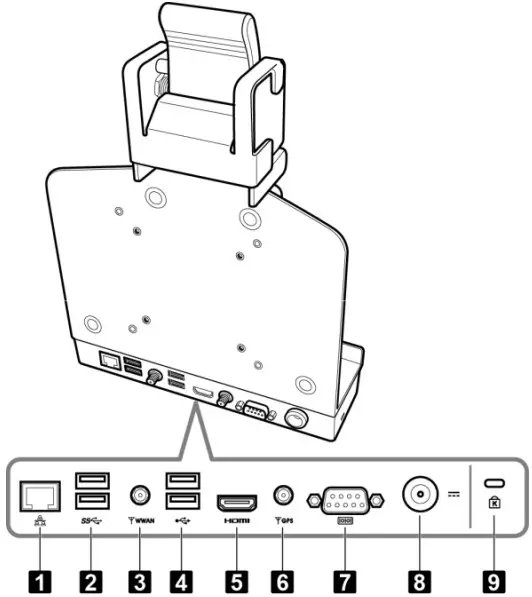
| No. | Item |
| 1 | LAN (RJ-45) port |
| 2 | USB3.0 port (x2) |
| 3 | WWAN antenna port |
| 4 | USB2.0 port (x2) |
| 5 | HDMI port |
| 6 | GPS antenna port |
| 7 | Serial port (RS-232) |
| 8 | DC-in jack * |
| 9 | Kensington lock slot |
| *Please contact dealer for appropriateadapter. | |
Unlock the Latch
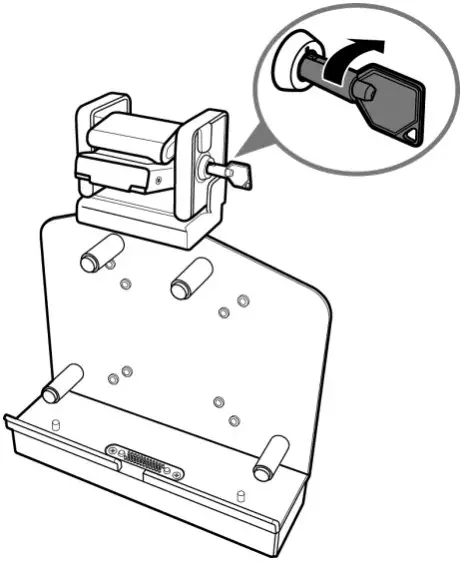
The latch on the docking cradle is locked during packaging. To unlock the latch, do the following:
- Insert the latch bar key.
- Turn it clockwise until a “click” is heard, indicating the latch bar is released.
- Remove the key from the key slot.
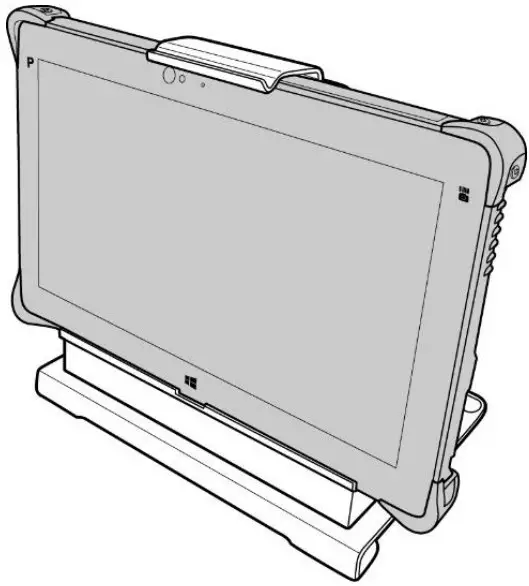
Docking the Tablet PC
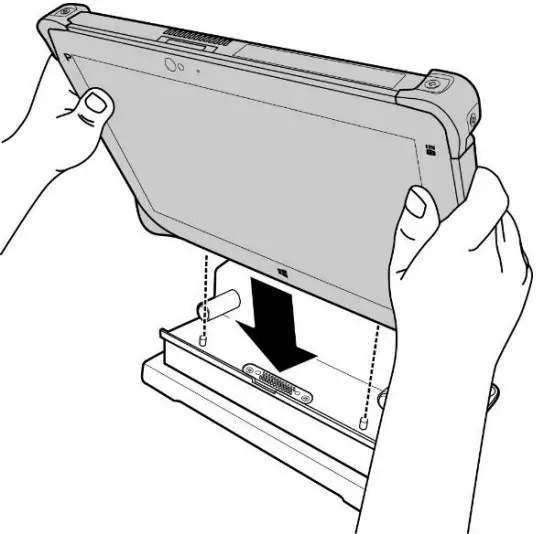
- With screen side facing out and docking connector down, install the tablet PC into the alignment ports on docking cradle.

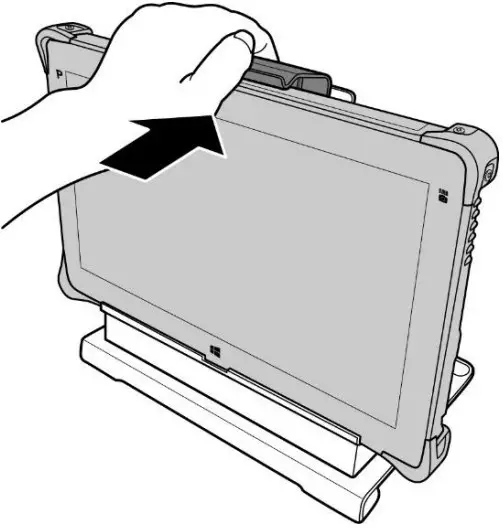
- Using one hand, carefully push the top of the tablet PC backward until the latch is fully engaged.

- Ensure the tablet PC is tightly secured to the docking cradle.

Undocking the Tablet PC
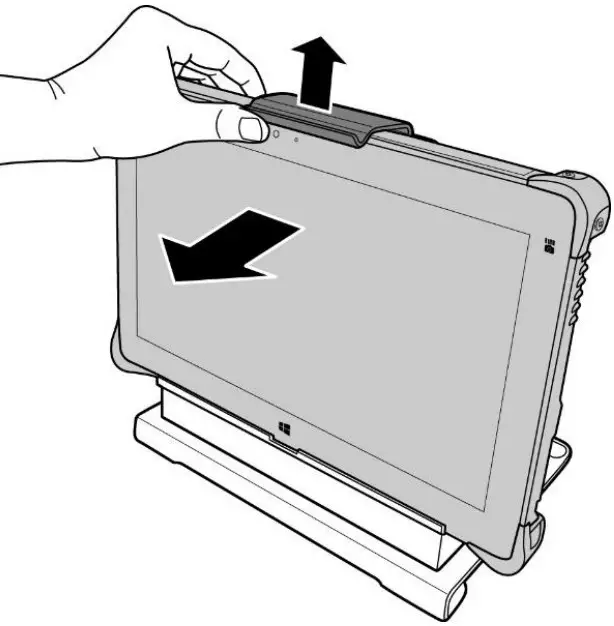
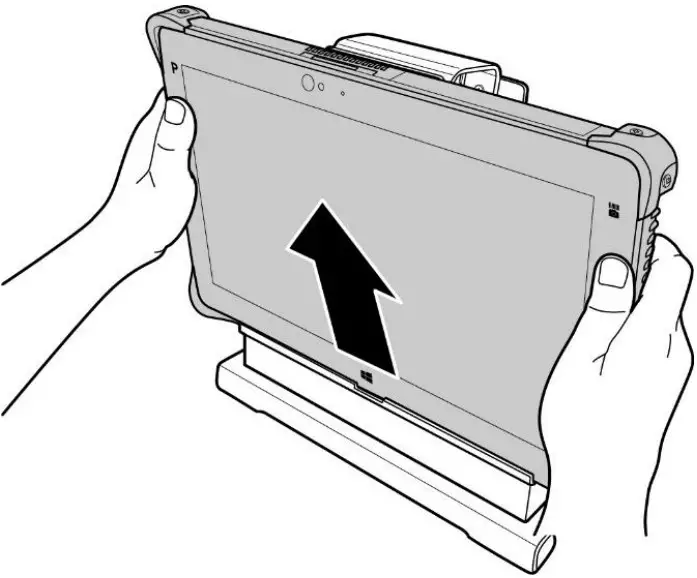
- While pushing the latch upward, pull the tablet PC forward until the latch is fully disengaged.

- Remove the tablet PC from the docking cradle.

Federal Communications Commission Statement
This equipment has been tested and found to comply with the limits for a Class A digital device, pursuant to part 15 of the FCC Rules. These limits are designed to provide reasonable protection against harmful interference when the equipment is operated in a commercial environment. This equipment generates, uses, and can radiate radio frequency energy and, if not installed and used in accordance with the instruction manual, may cause harmful interference to radio communications. Operation of this equipment in a residential area is likely to cause harmful interference in which case the user will be required to correct the interference at his own expense
Warning: Operation of this equipment in a residential environment could cause radio interference.
IC Regulations
This device complies with Industry Canada’s licence-exempt RSSs. Operation is
subject to the following two conditions:
- This device may not cause interference; and
- This device must accept any interference, including interference that may cause undesired operation of the device.
This Class A digital apparatus complies with Canadian ICES-003.
Twinhead International Corp
11F, No.550, Ruiguang Rd., Neihu, Taipei 11492, Taiwan, R.O.C.