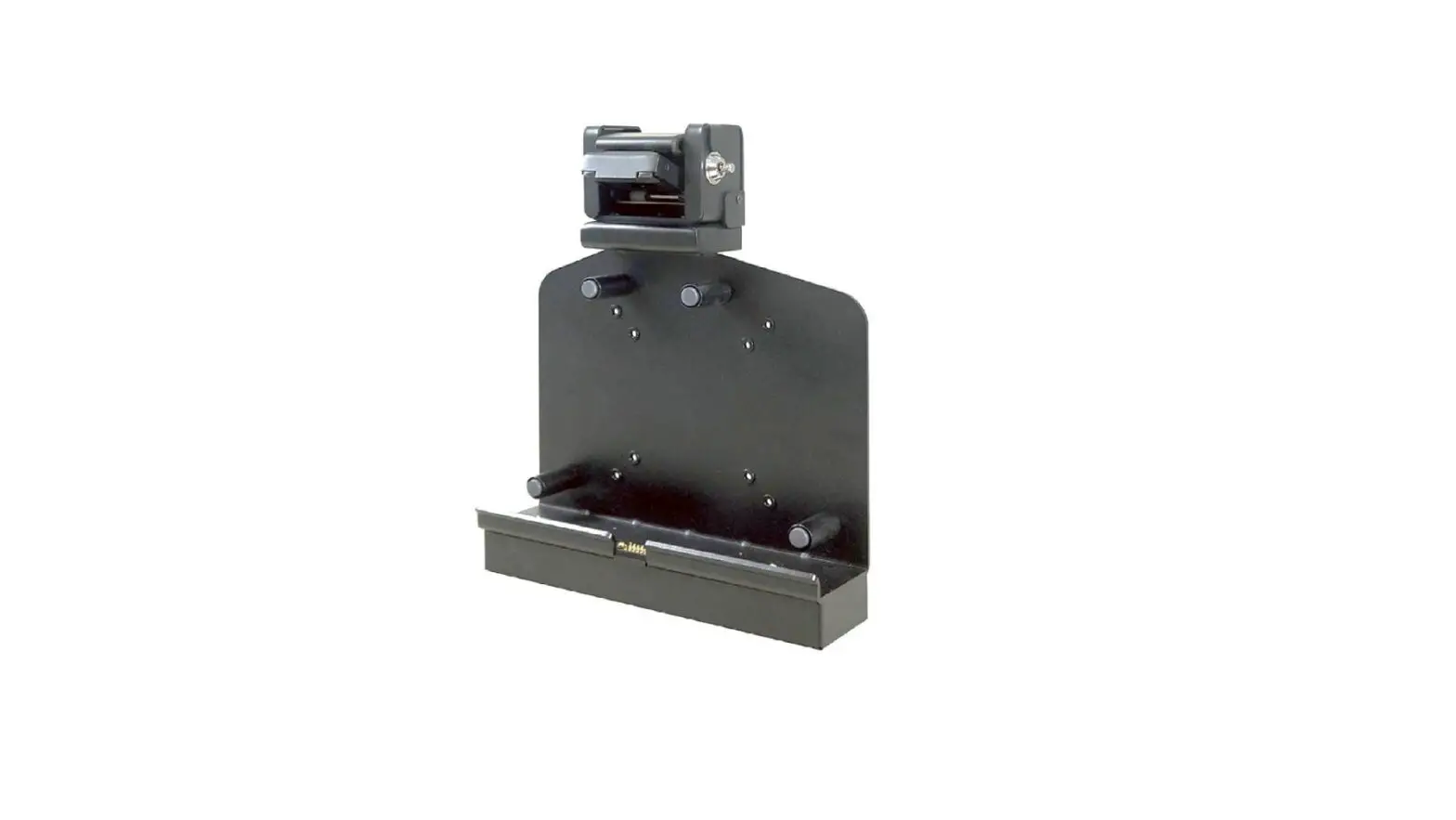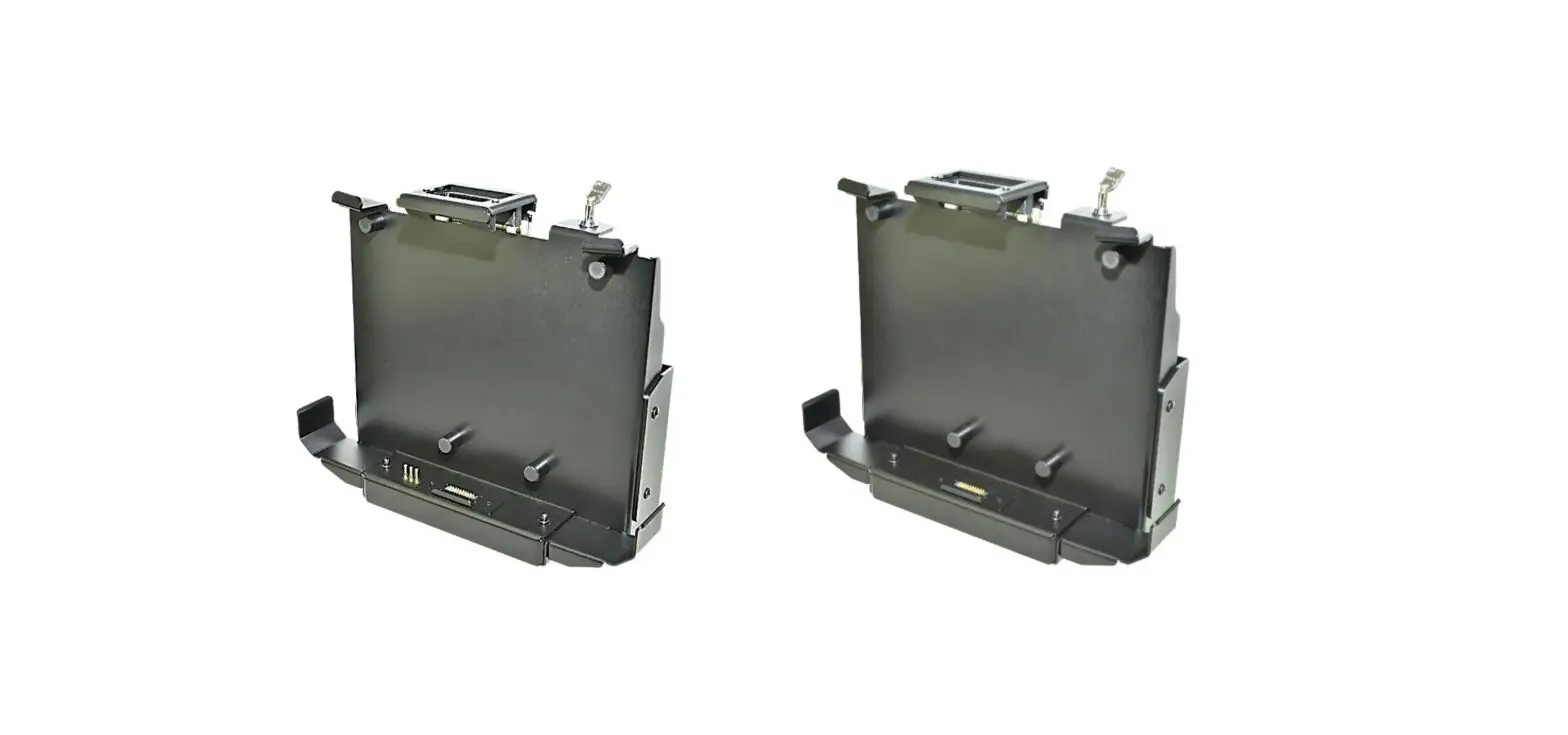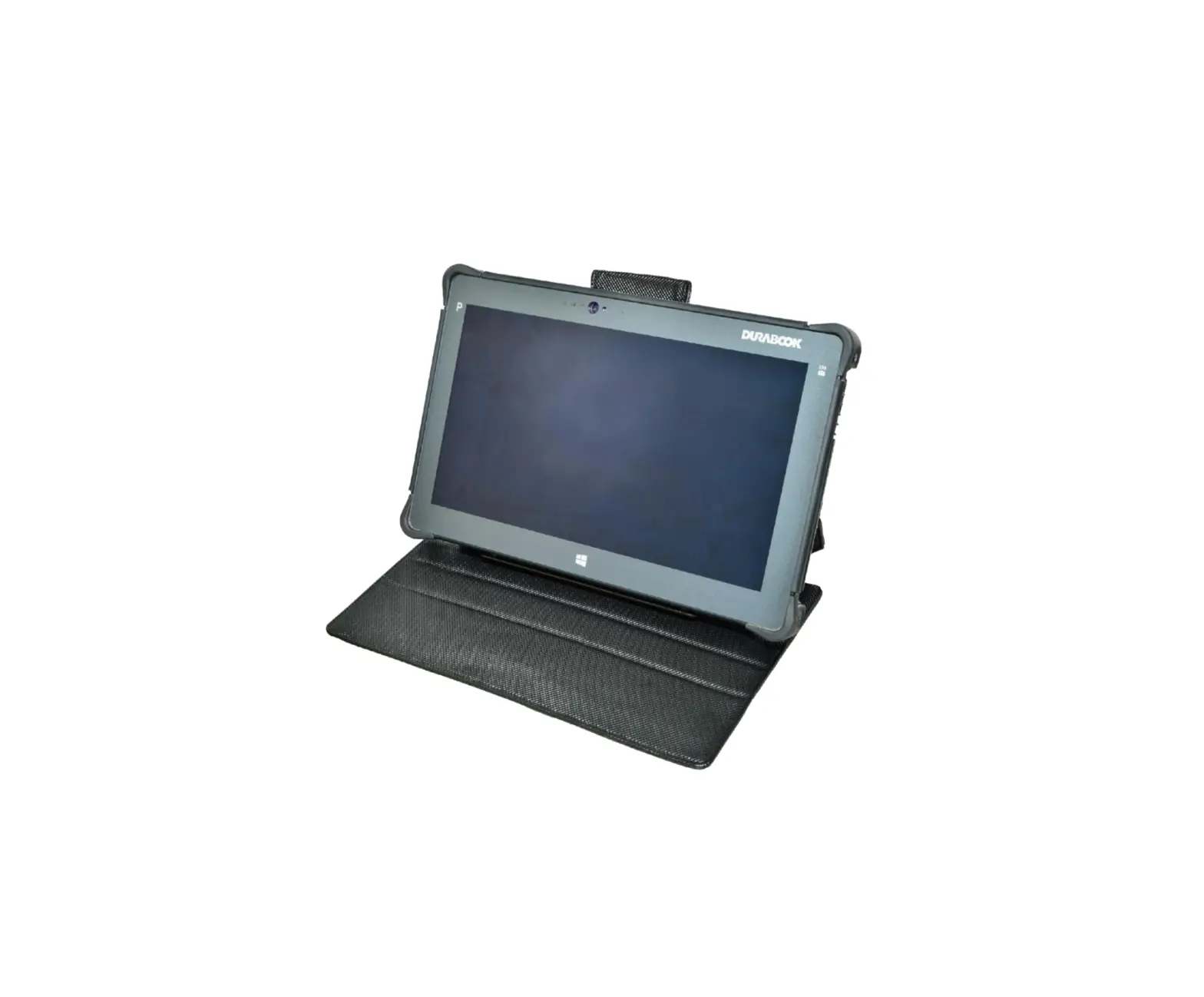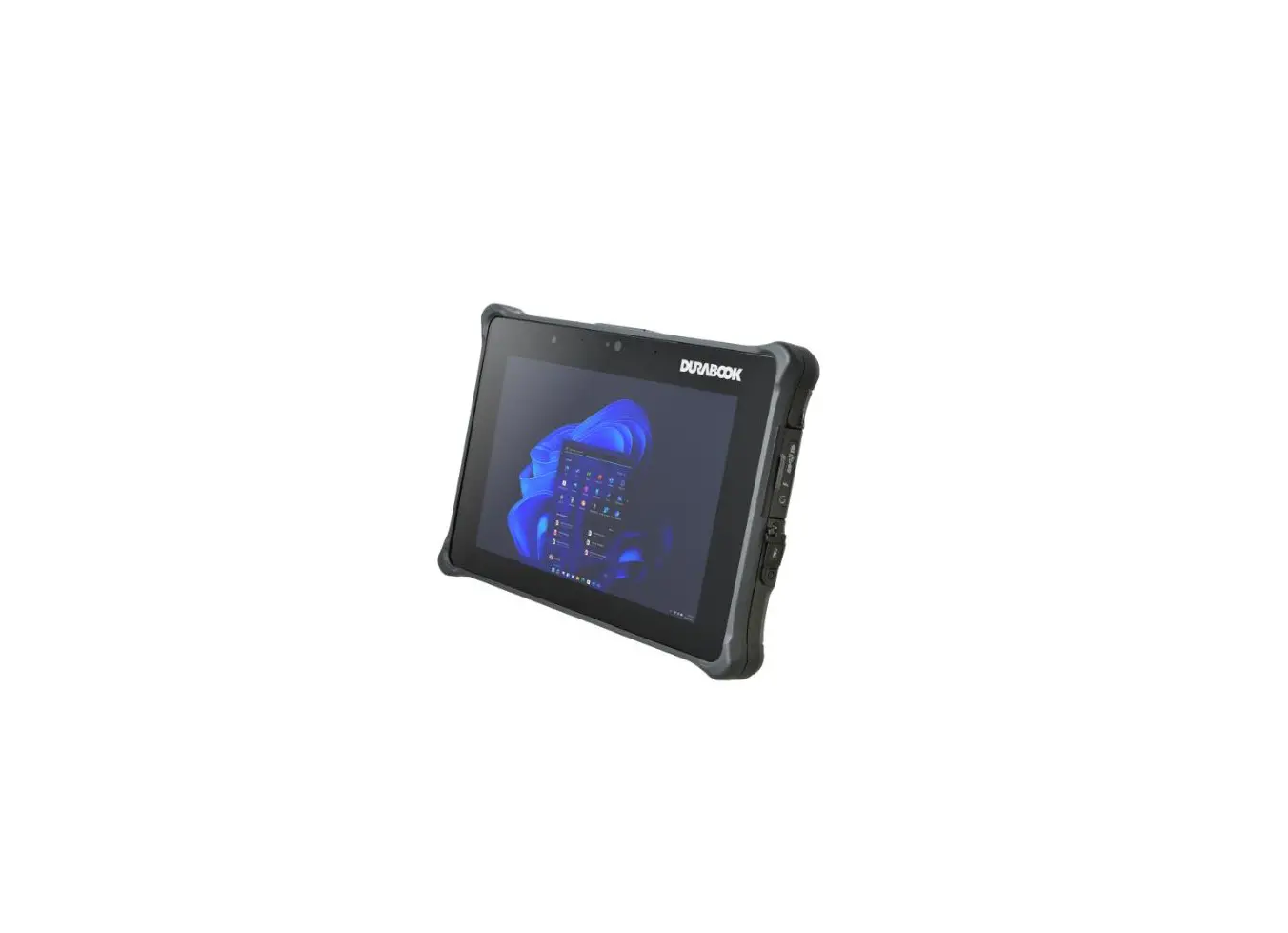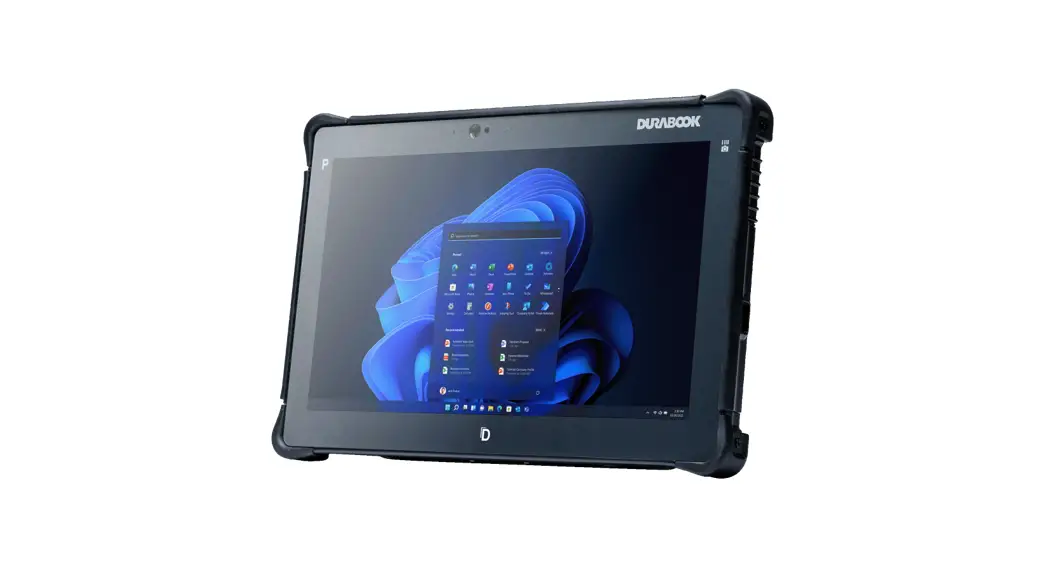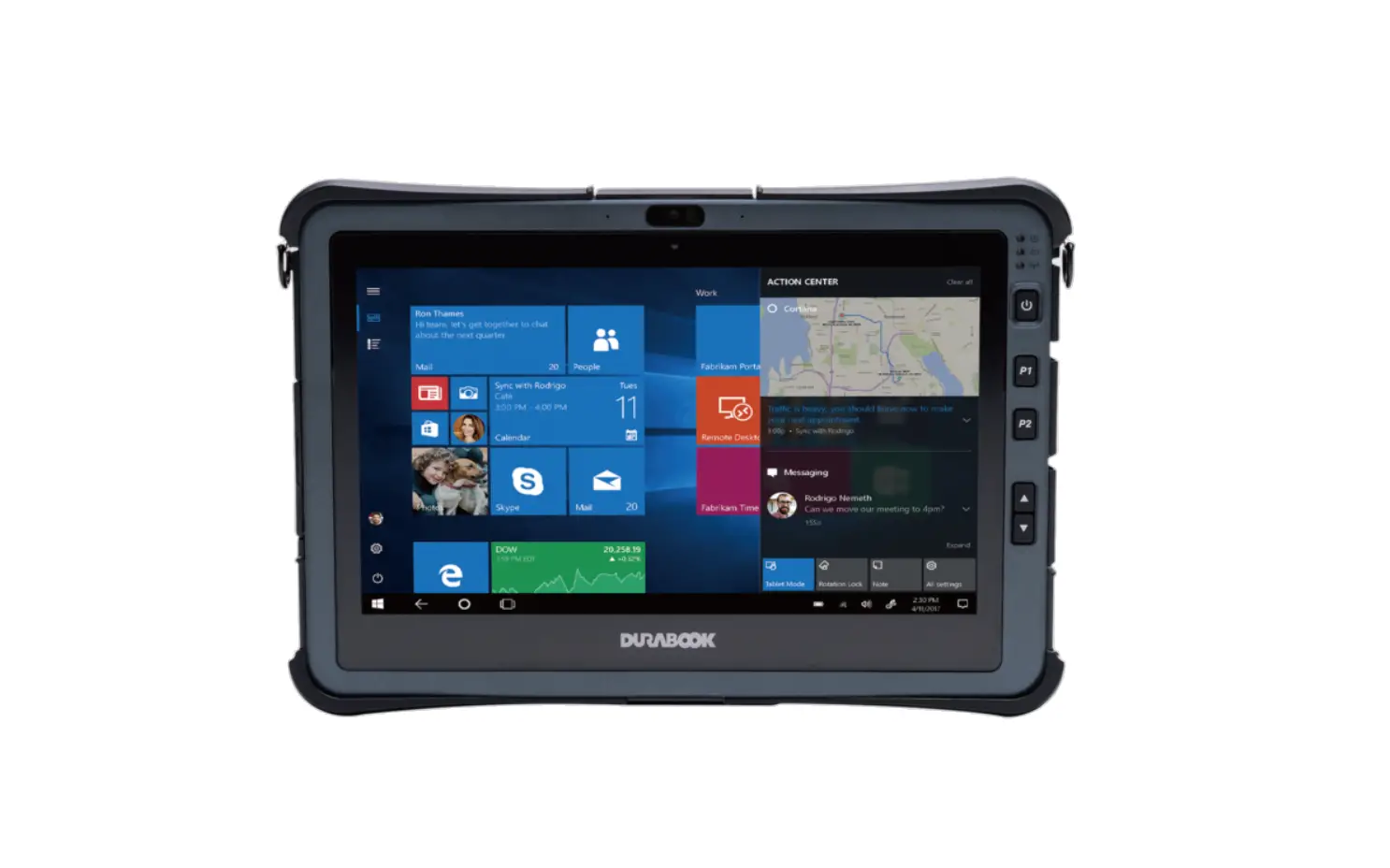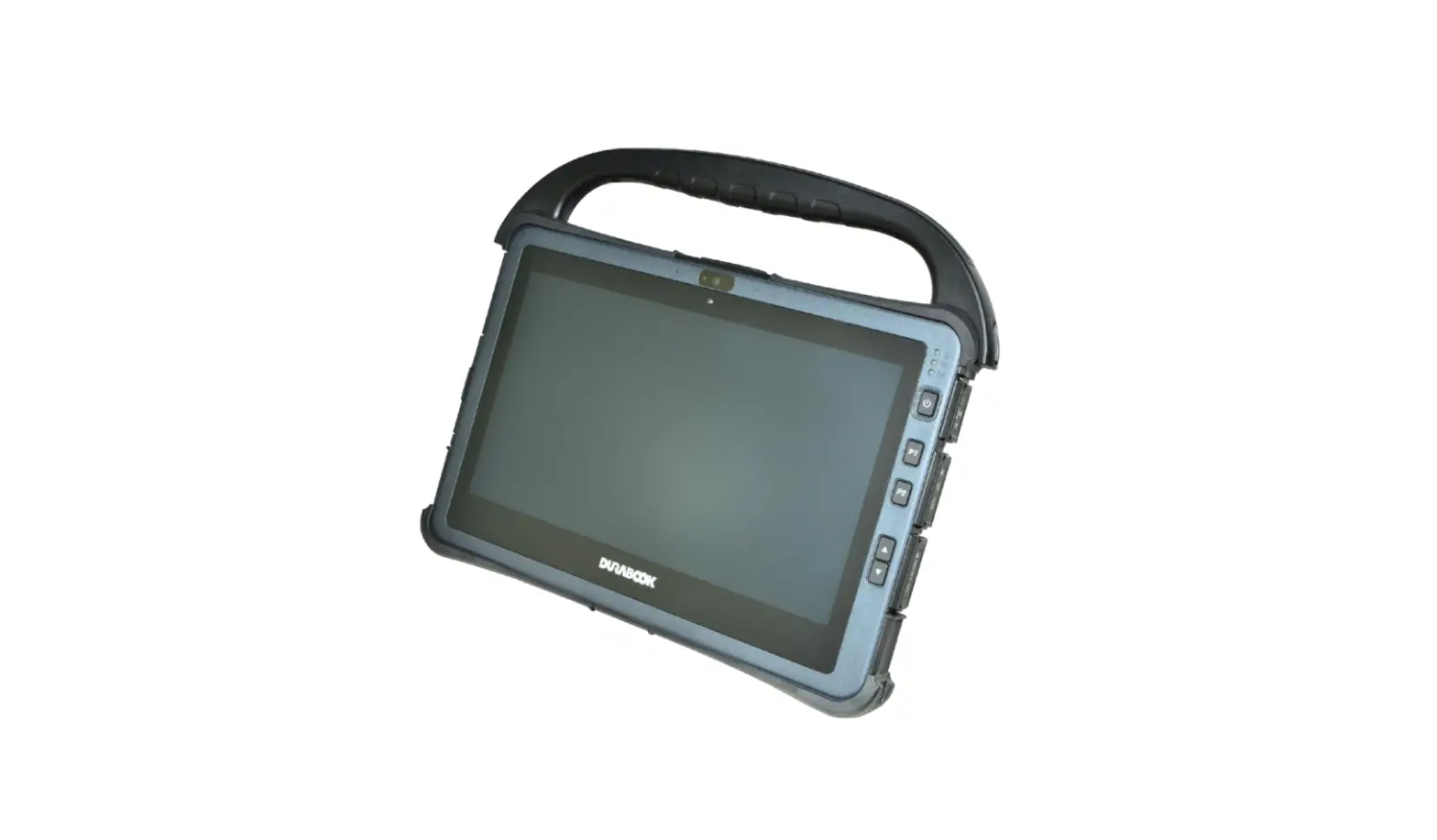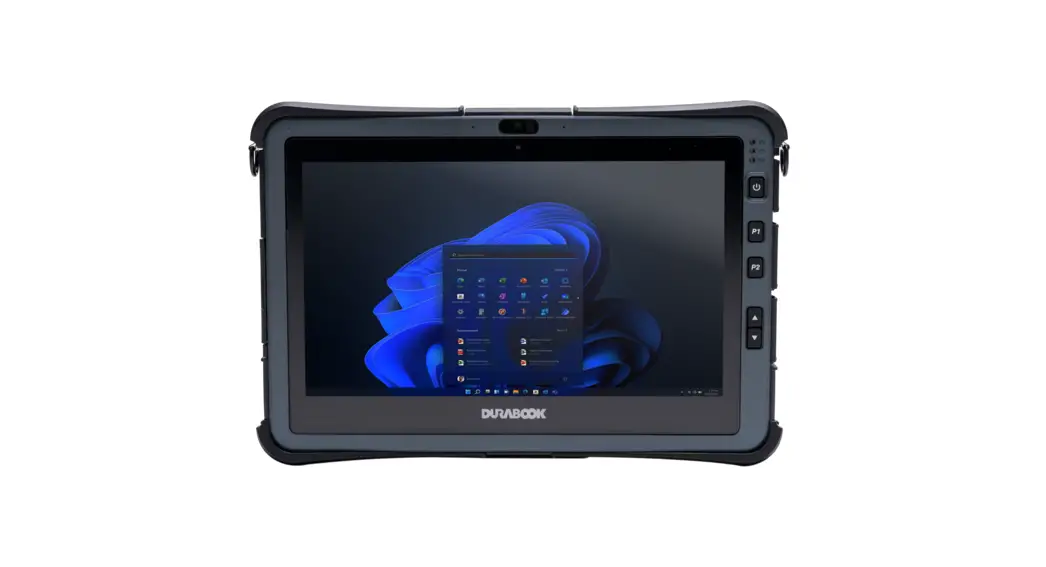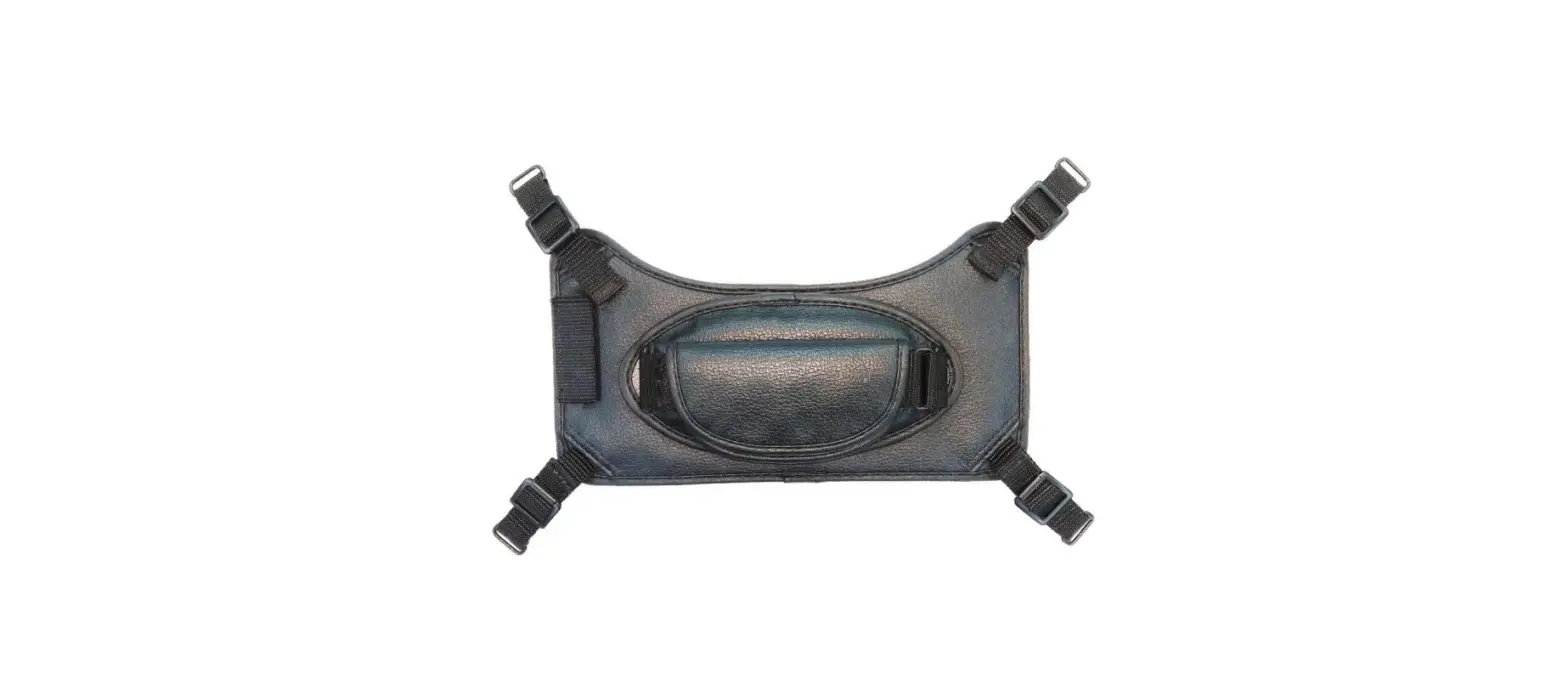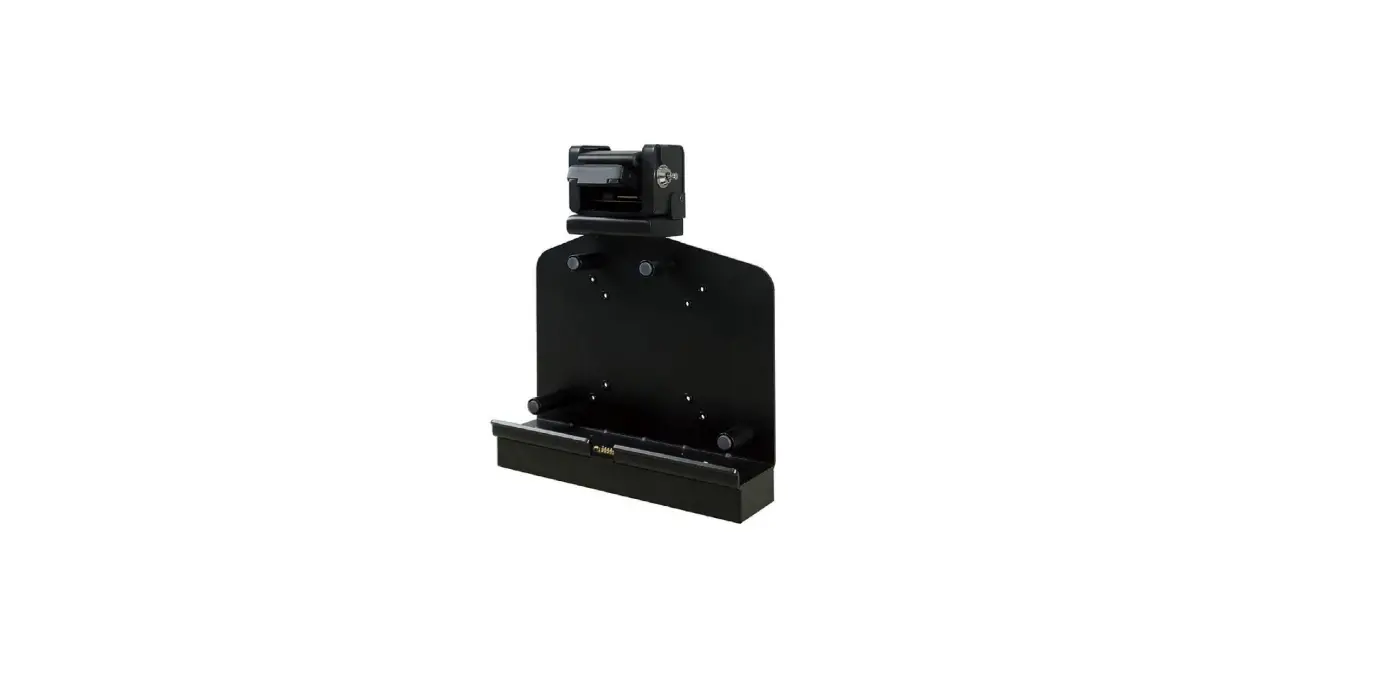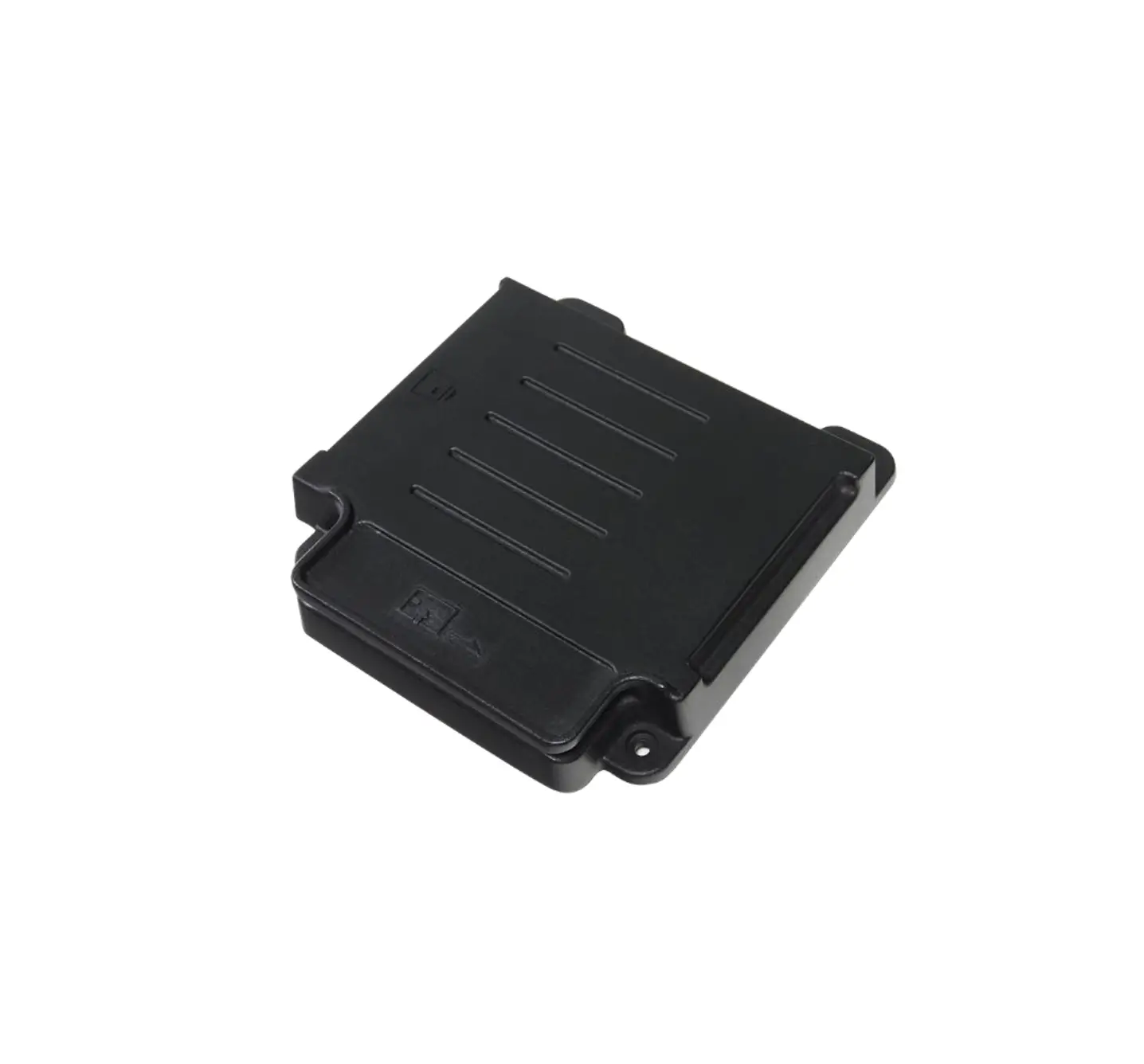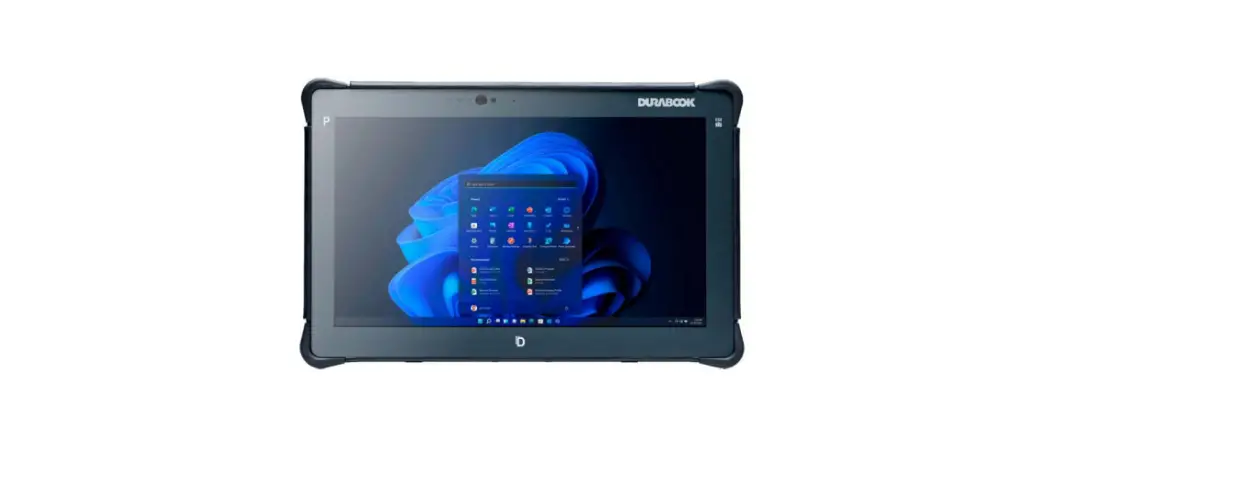

R11 Rugged Tablet Office Dock
User Manual
P/N: 62+009661+01
© 2021 Twinhead International Corp and/or its affiliates. All rights reserved.
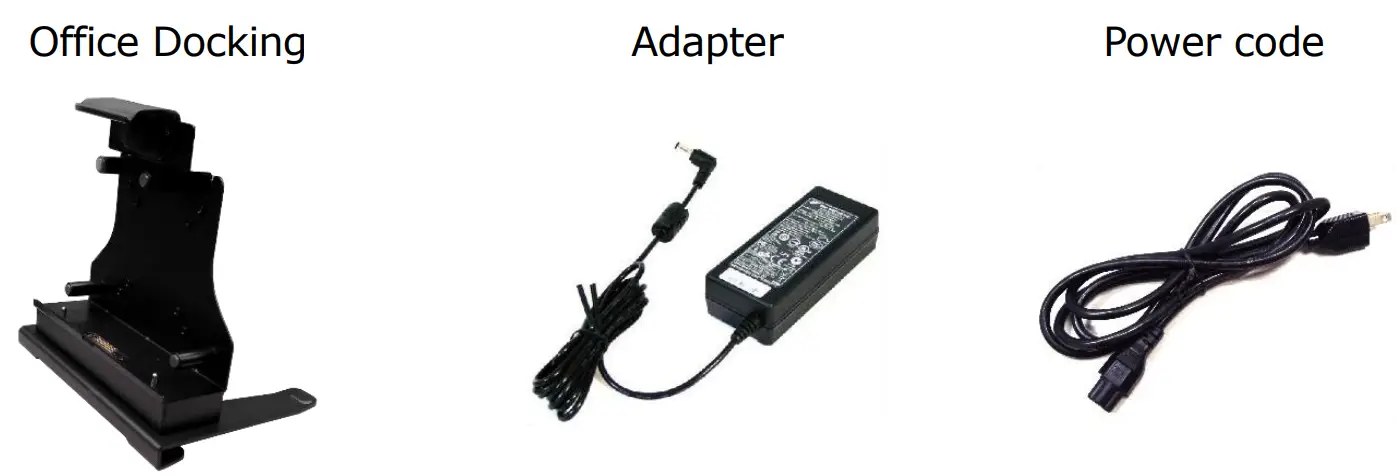
Package Contents
If any of the following items is damaged, please contact your retailer.
Product Overview
Front
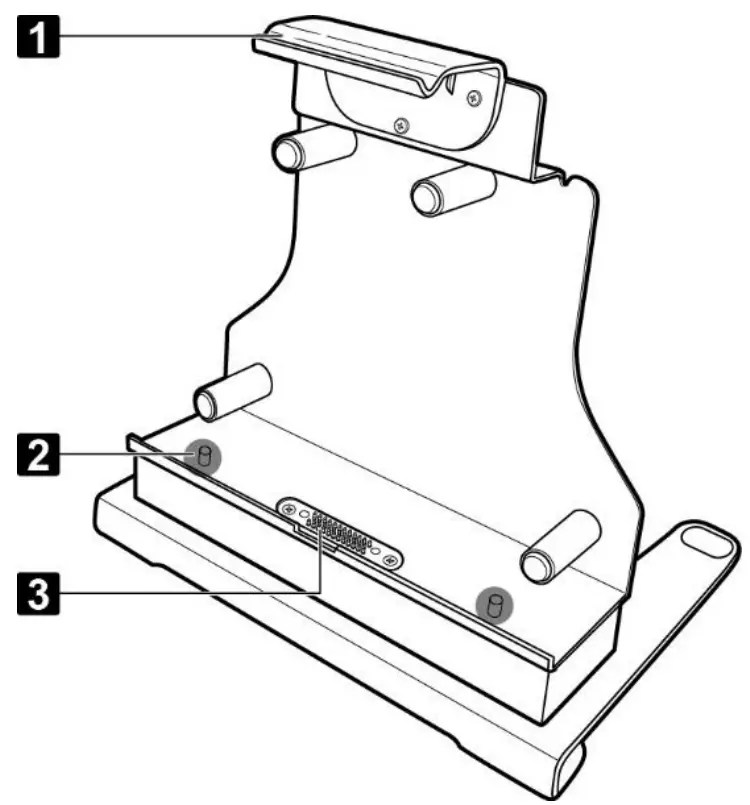
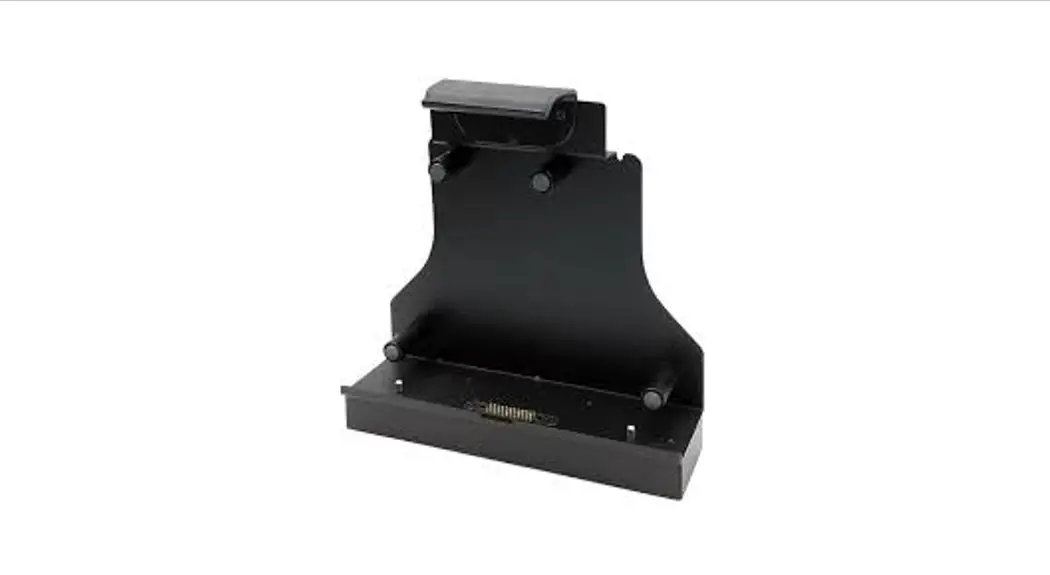
| No. | Item |
| 1 | Latch |
| 2 | Alignment port (x2) |
| 3 | Docking connector |
Rear
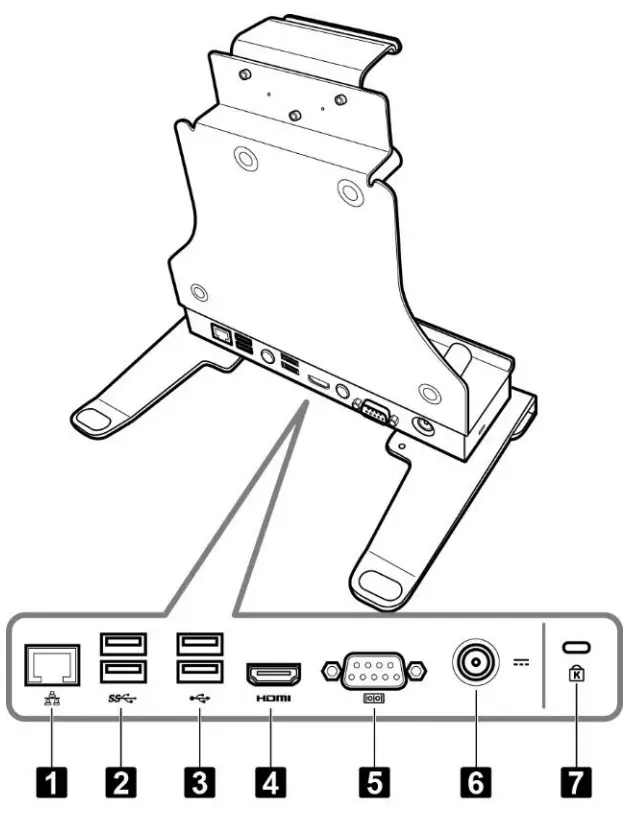
| No. | Item |
| 1 | LAN (RJ-45) port |
| 2 | USB3.0 port (x2) |
| 3 | USB2.0 port (x2) |
| 4 | HDMI port |
| 5 | Serial port (RS-232) |
| 6 | DC-in jack * |
| 7 | Kensington lock slot |
| *Please contact dealer for appropriate adapter. | |
Installing the Stand
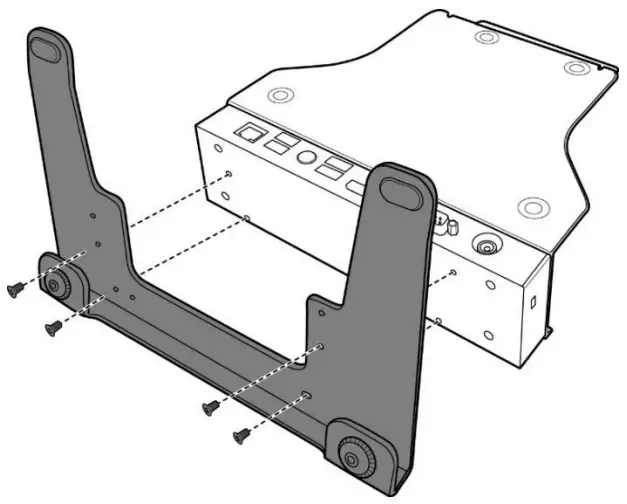
Align the stand holes with the holes at the bottom of the docking cradle as shown in the illustration. Then secure it with the four supplied screws.
Docking the Tablet PC
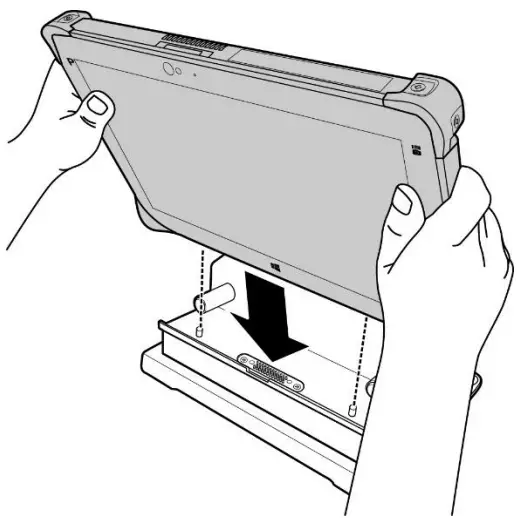
- With the screen side facing out and the docking connector down, install the tablet PC into the alignment ports on the docking cradle.

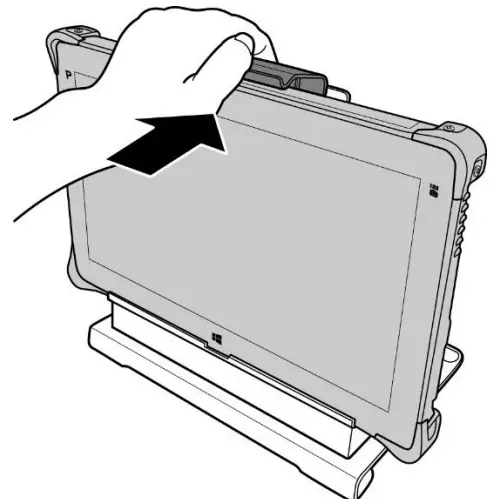
- Using one hand, carefully push the top of the tablet PC backward until the latch is fully engaged.

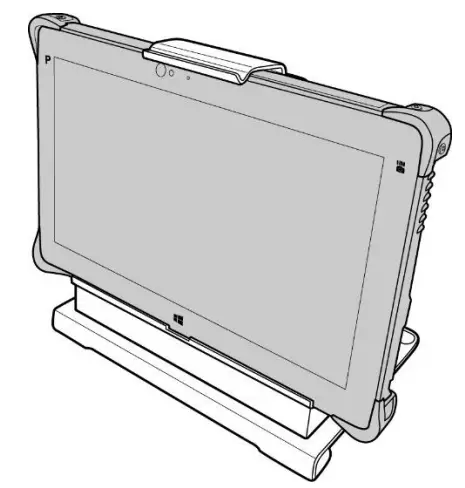
- Ensure the tablet PC is tightly secured to the docking cradle.

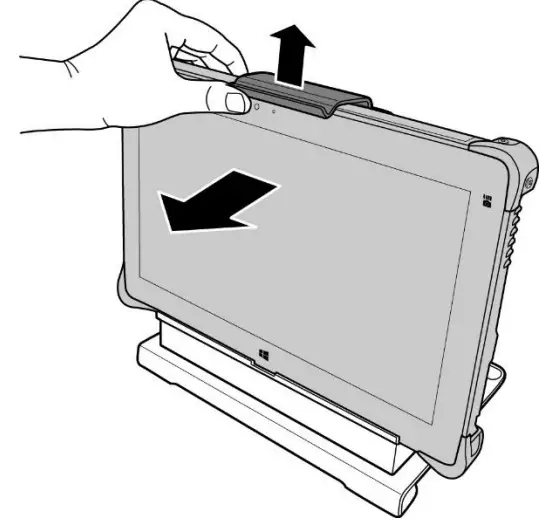
Undocking the Tablet PC
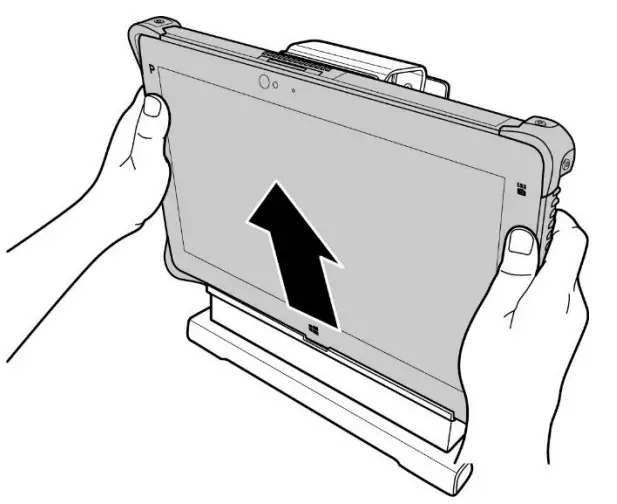
- While pushing the latch upward, pull the tablet PC forward until the latch is fully disengaged.

- Remove the tablet PC from the docking cradle.
Twinhead International Corp.
11F, No.550, Ruiguang Rd., Neihu, Taipei 11492, Taiwan, R.O.C.