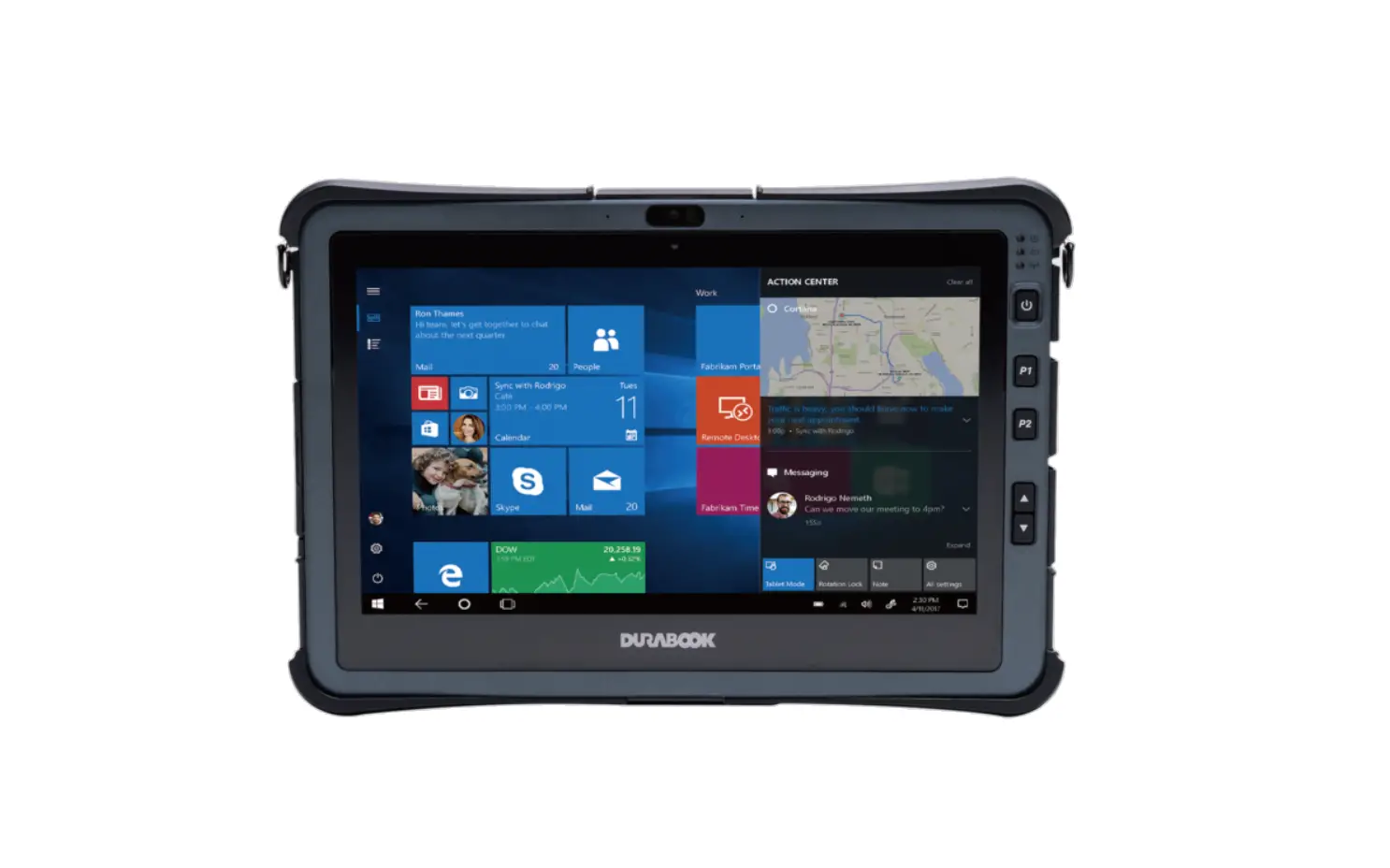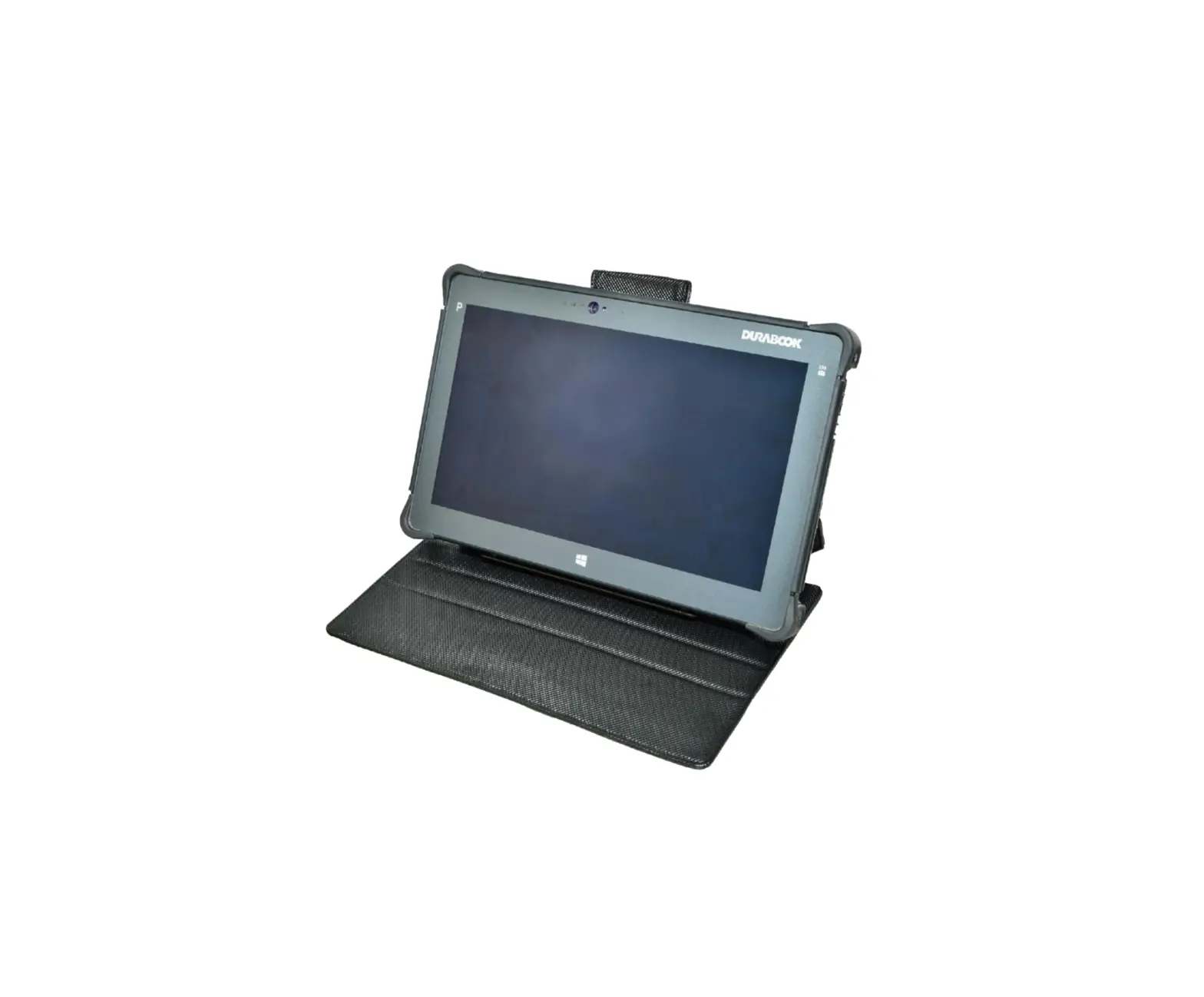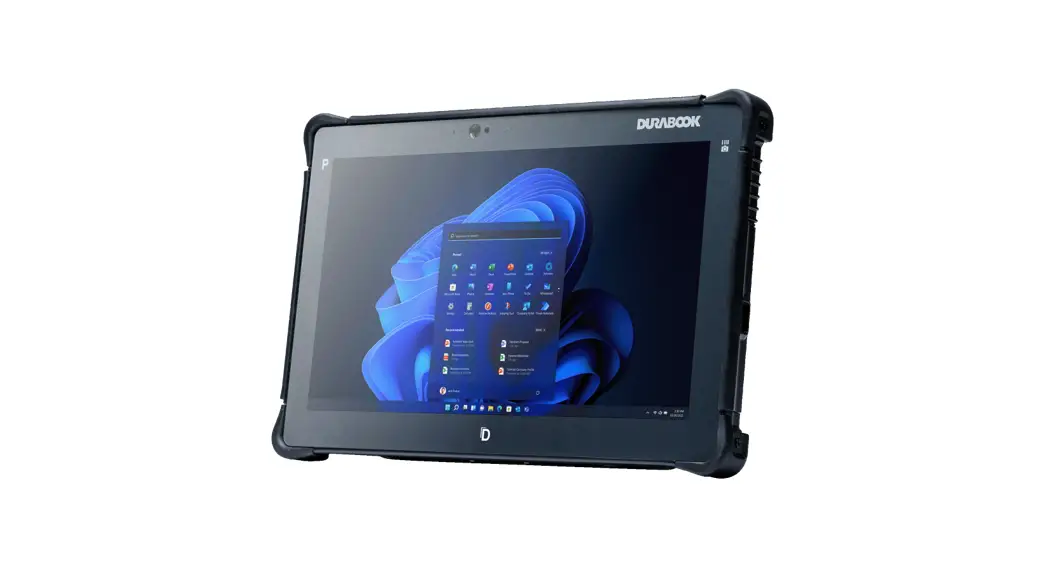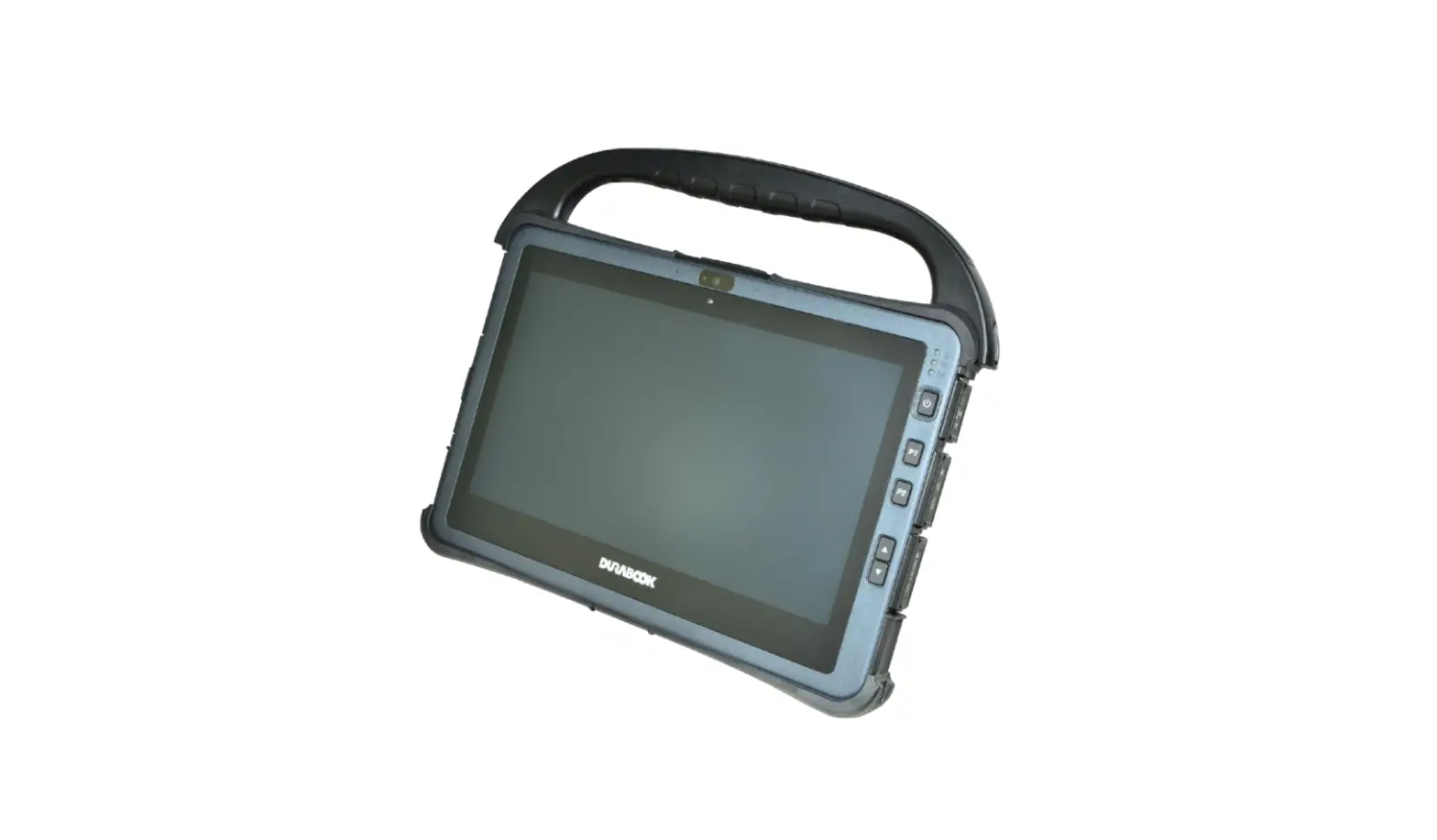
DURABOOK U11I Rugged Tablet Hard Handle User Manual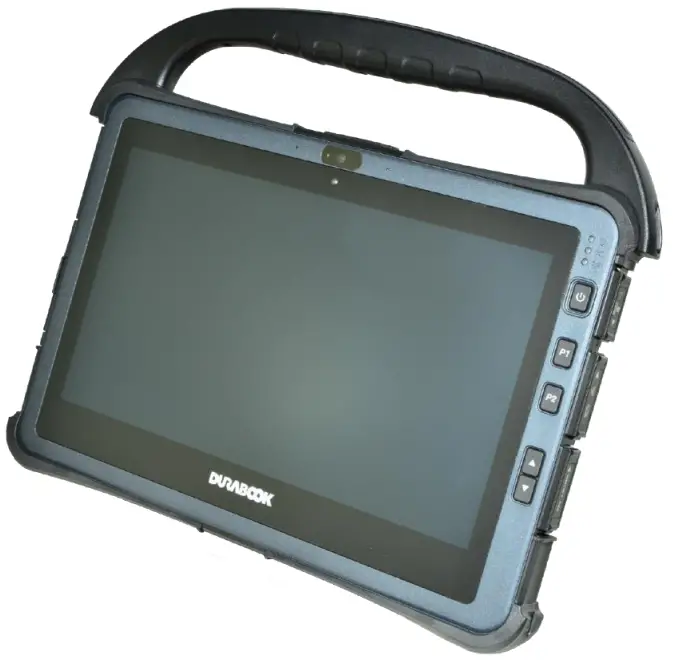
Package Contents
If any of following items is damaged, please contact your retailer.
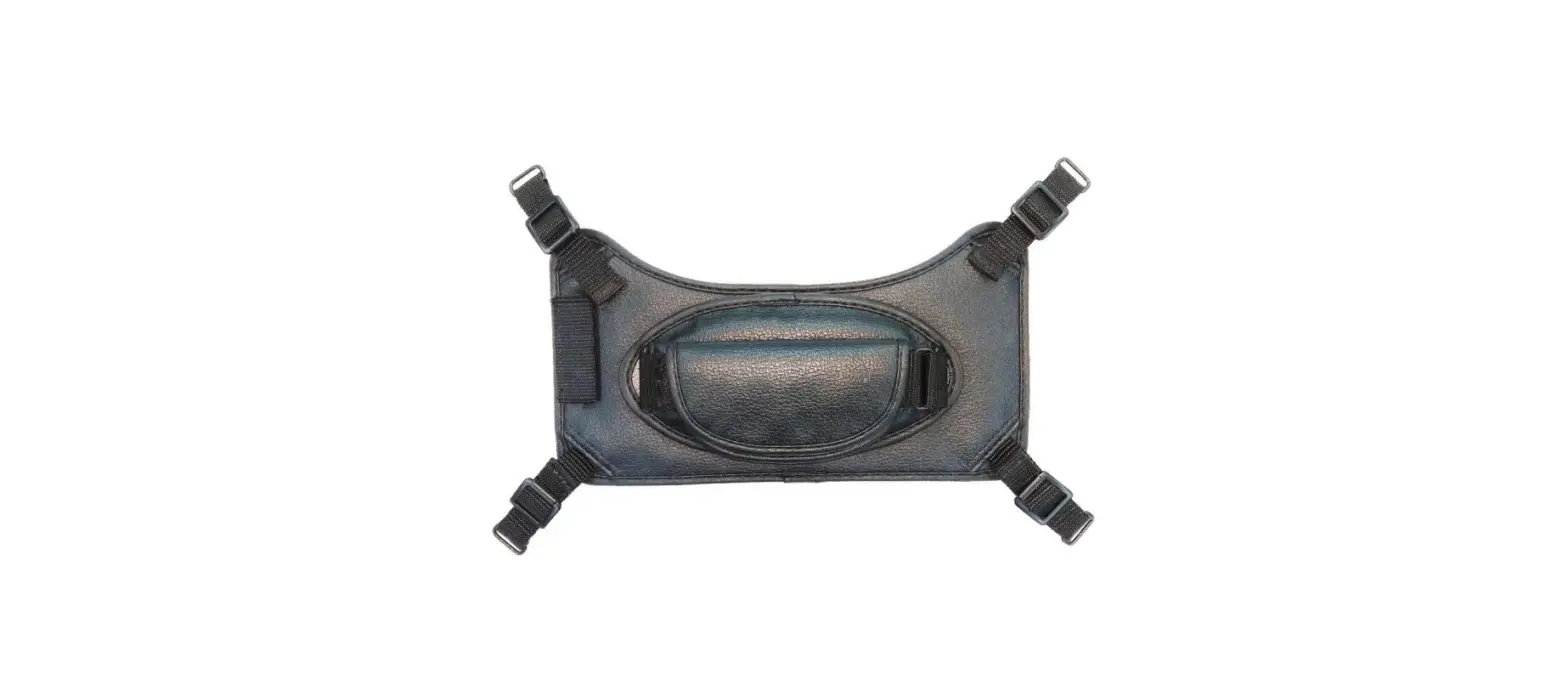
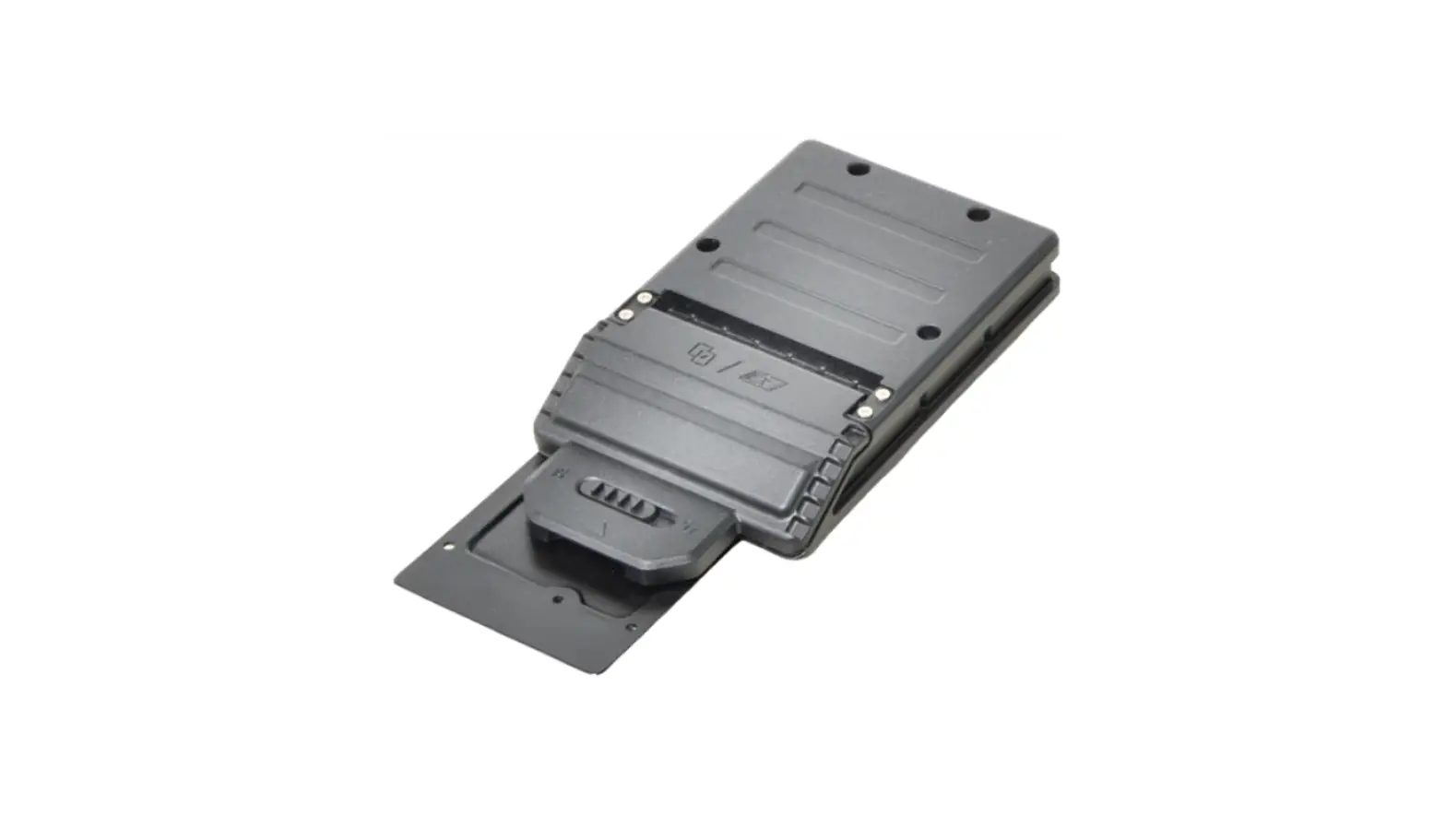
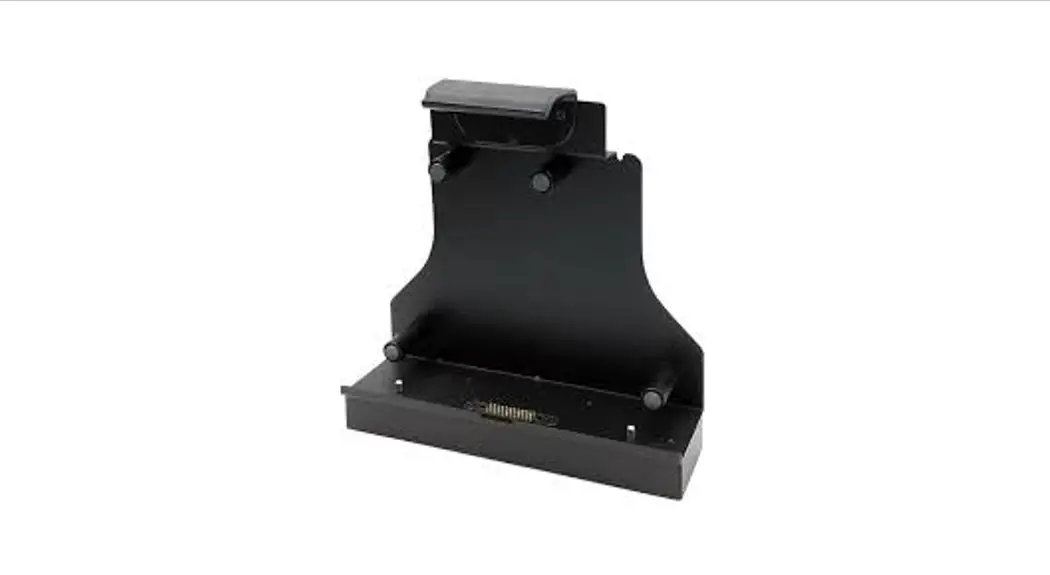
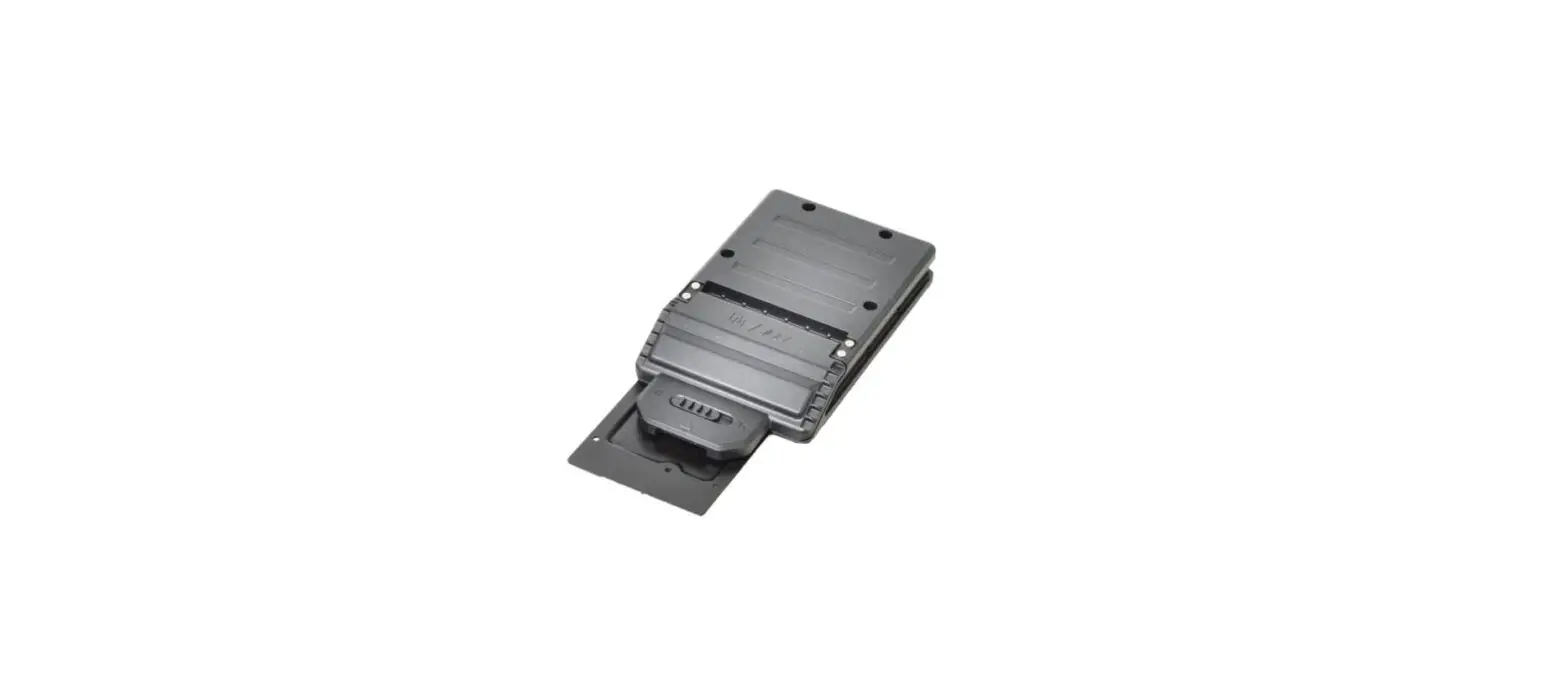
Hard handle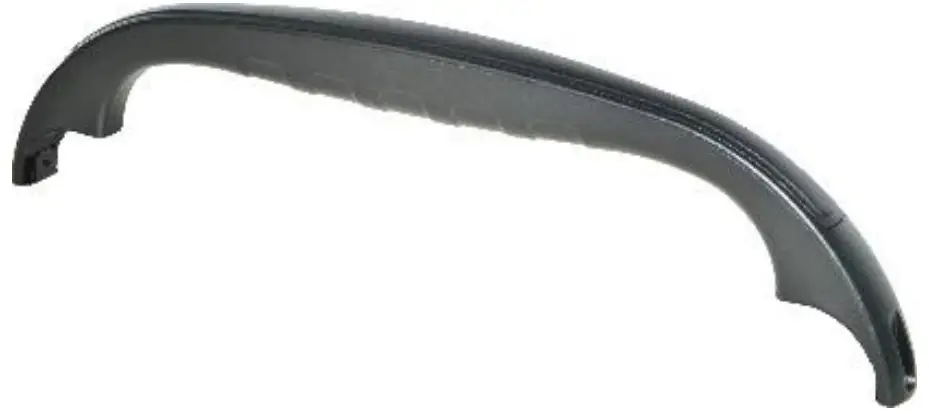
Screw (2)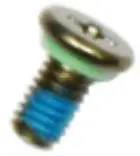
 NOTE
NOTE
The pictures are for reference only, actual items may slightly differ.
Installation
This section will guide you on how to install the hard handle of your tablet.
Installing the Hard Handle
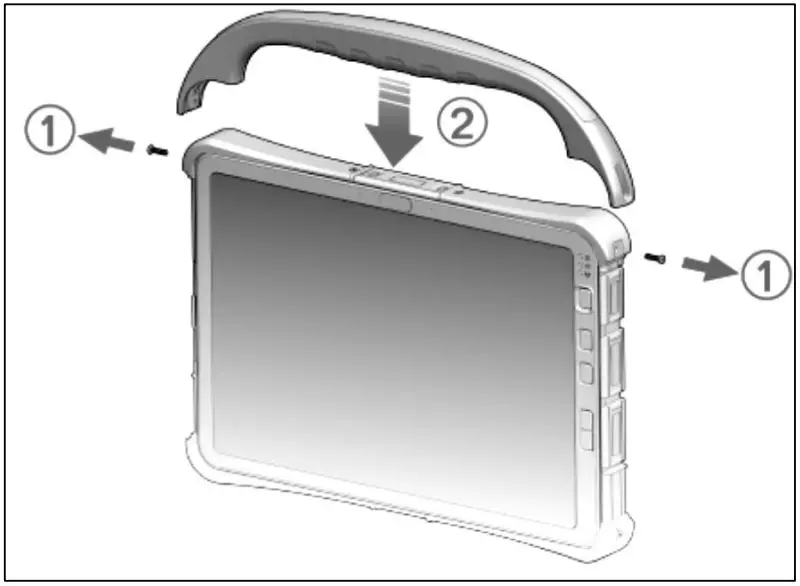
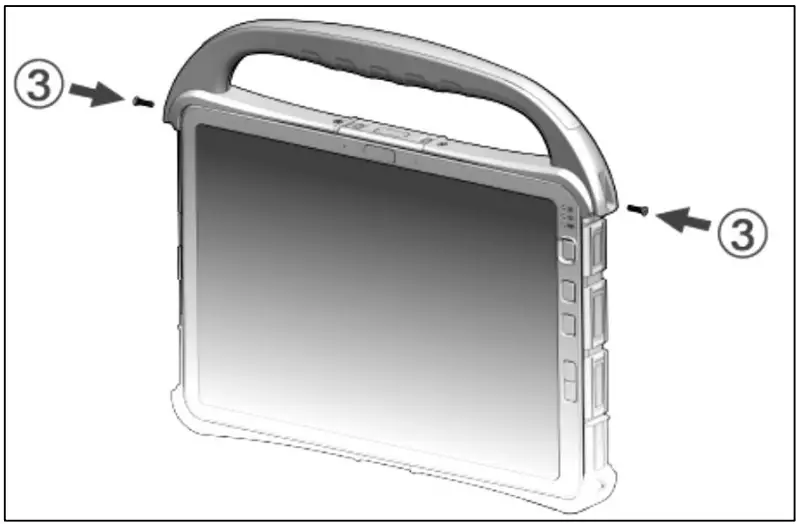
To install the hard handle, follow the steps below:
- Remove the 2 screws of the top corner protectors.
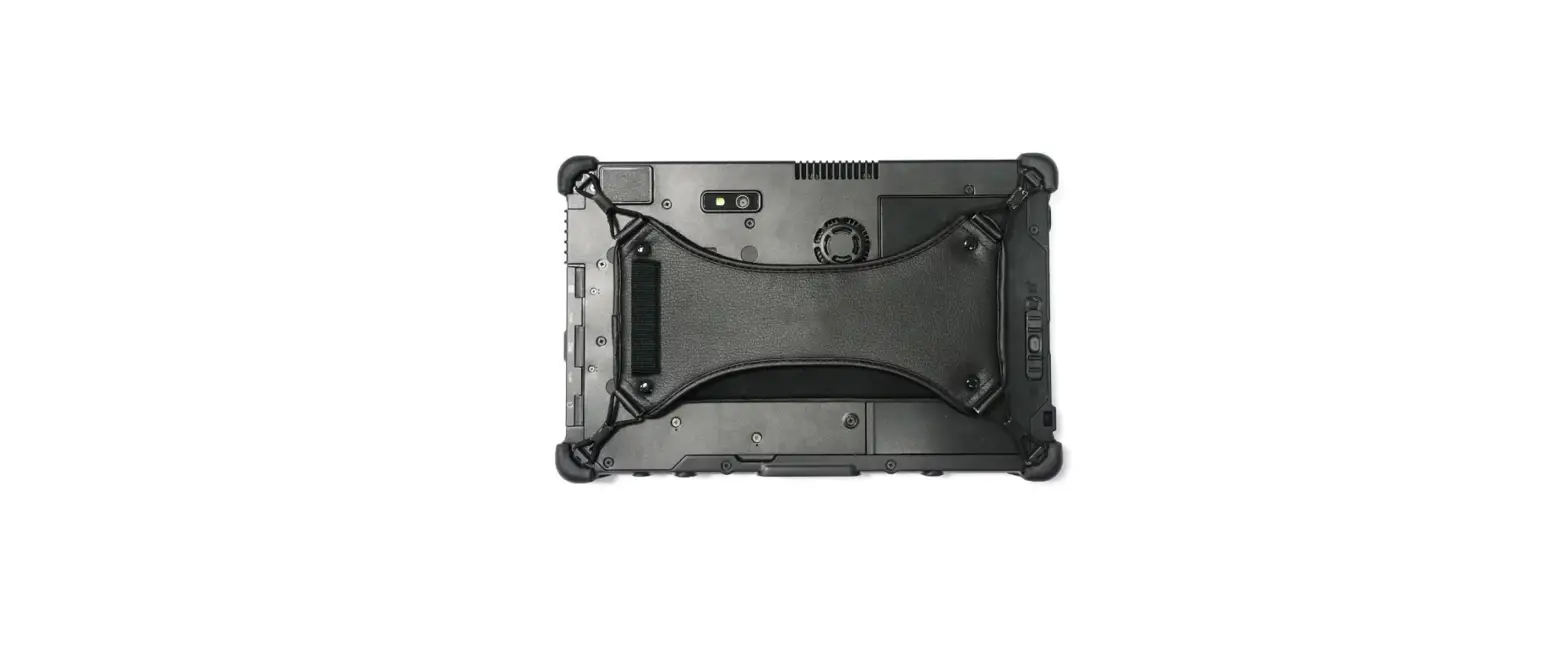
- Install the hard handle.

- Screw on the 2 screws to fix the hard handle.

Twinhead International Corp.
11F, No.550, Ruiguang Rd., Neihu, Taipei 11492, Taiwan, R.O.C.
P/N: 62+030980+00
© 2021 Twinhead International Corp and/or its affiliates. All rights reserved.