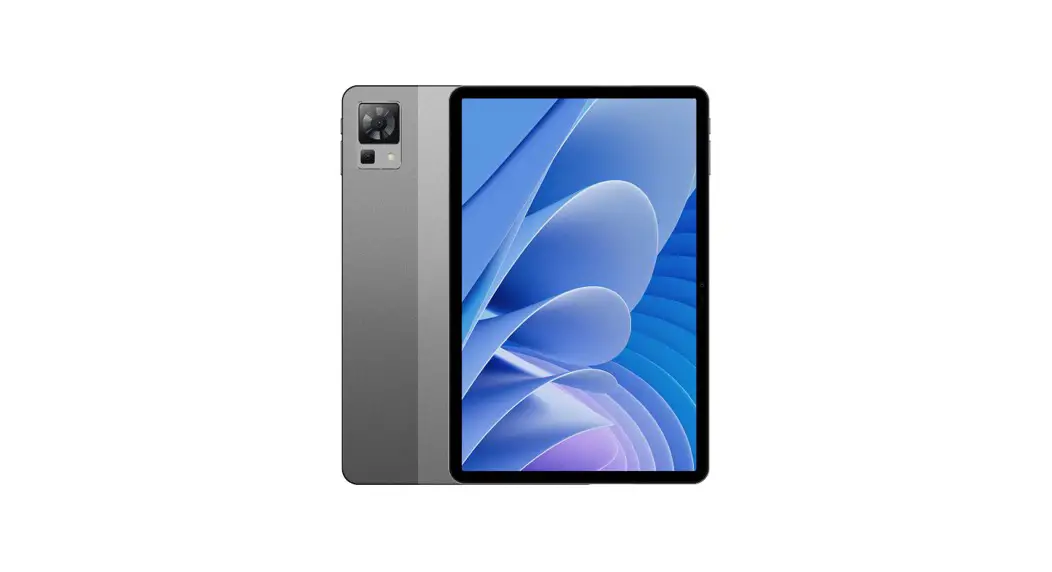
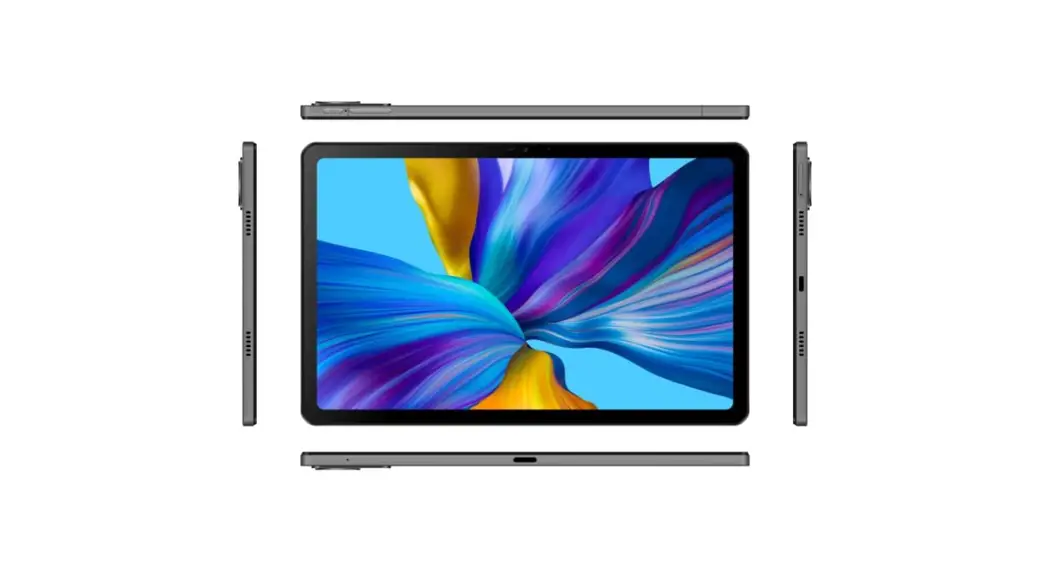
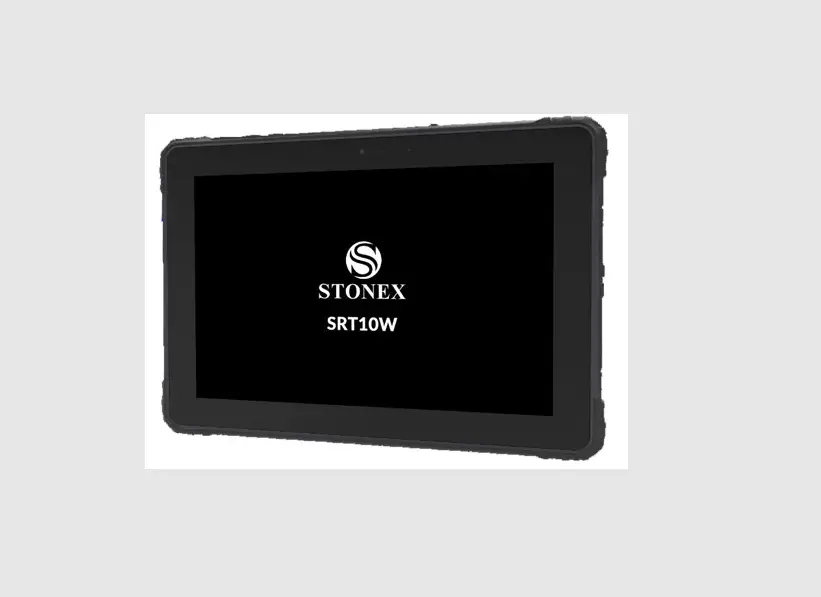
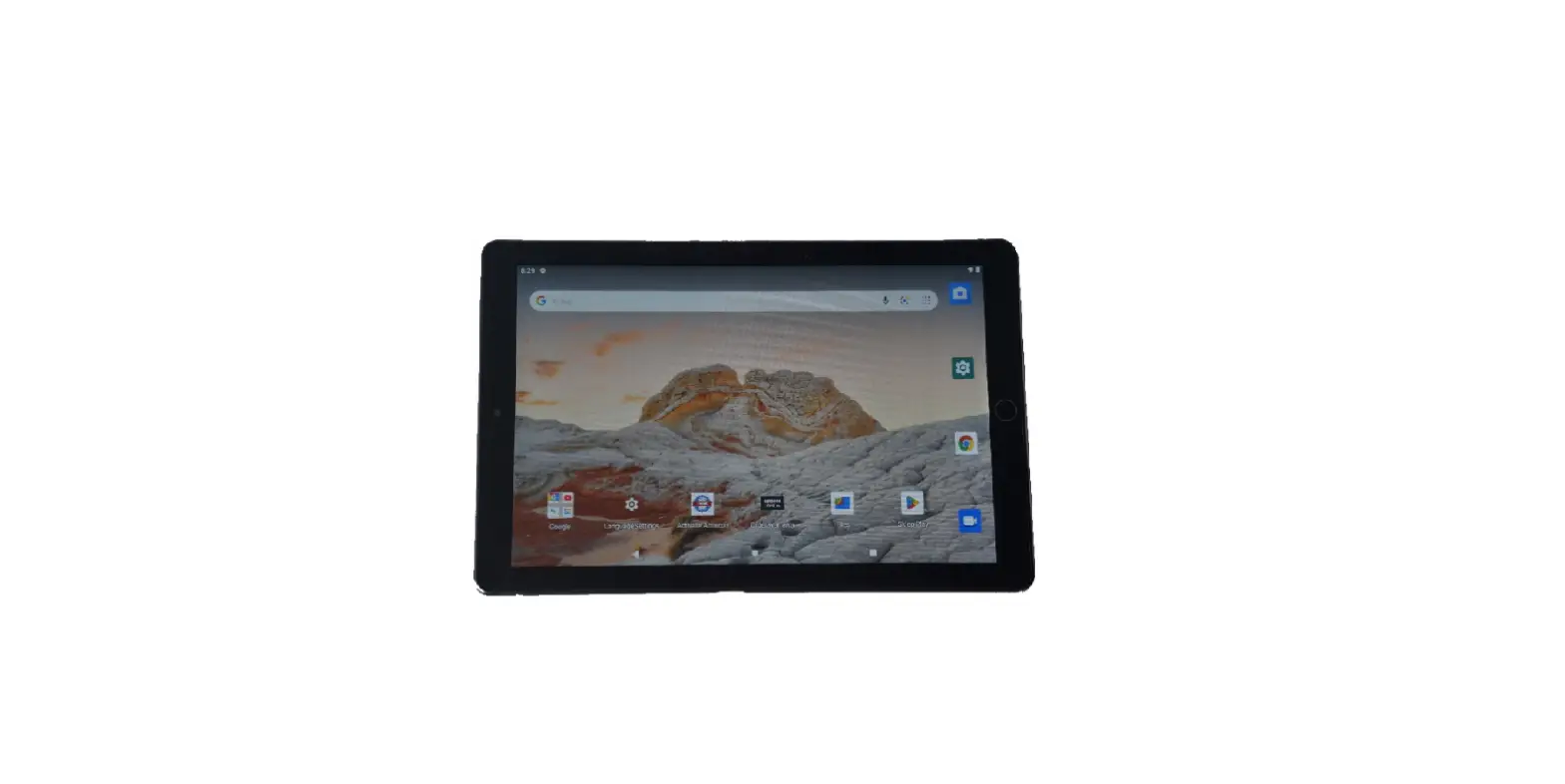
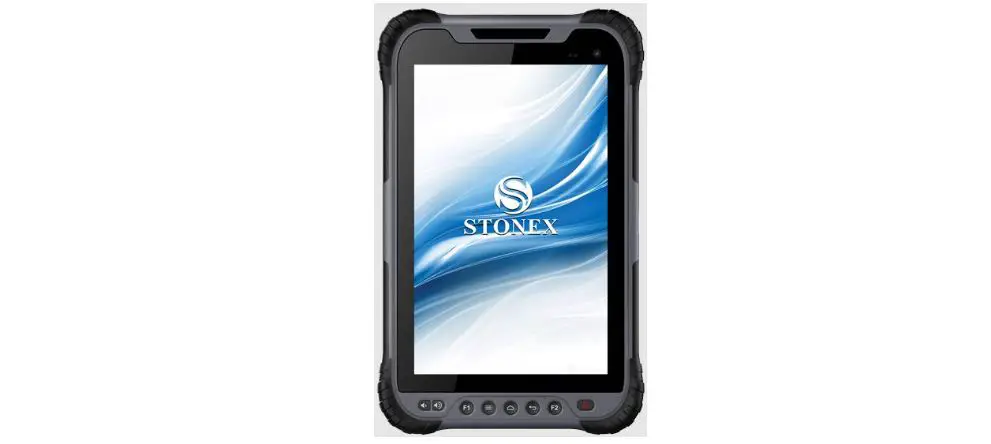
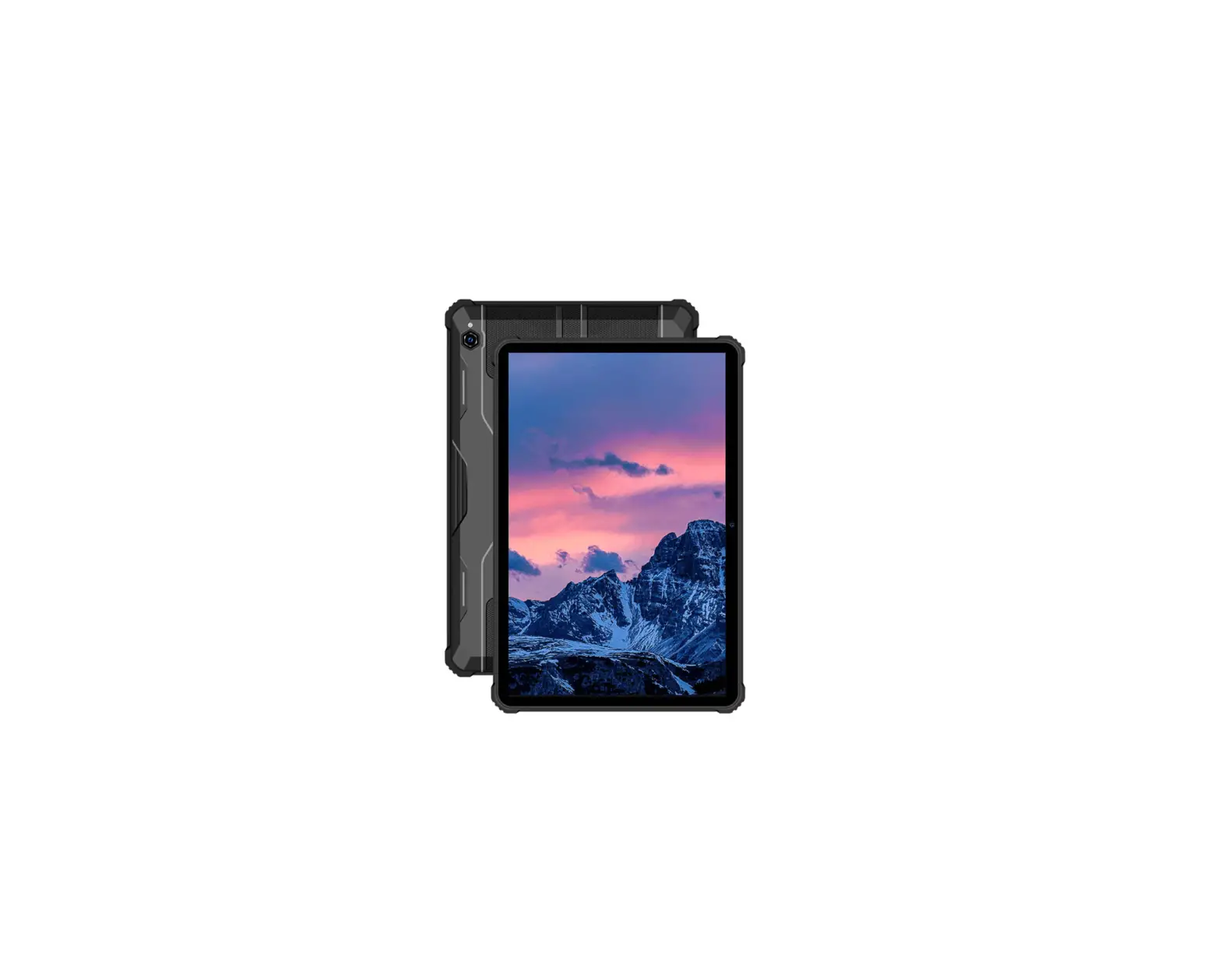
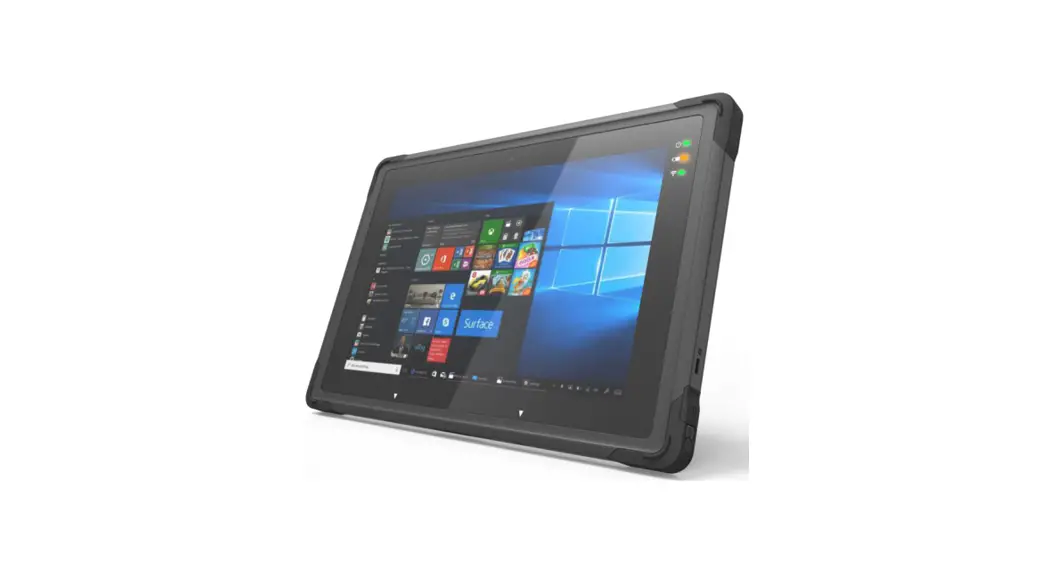
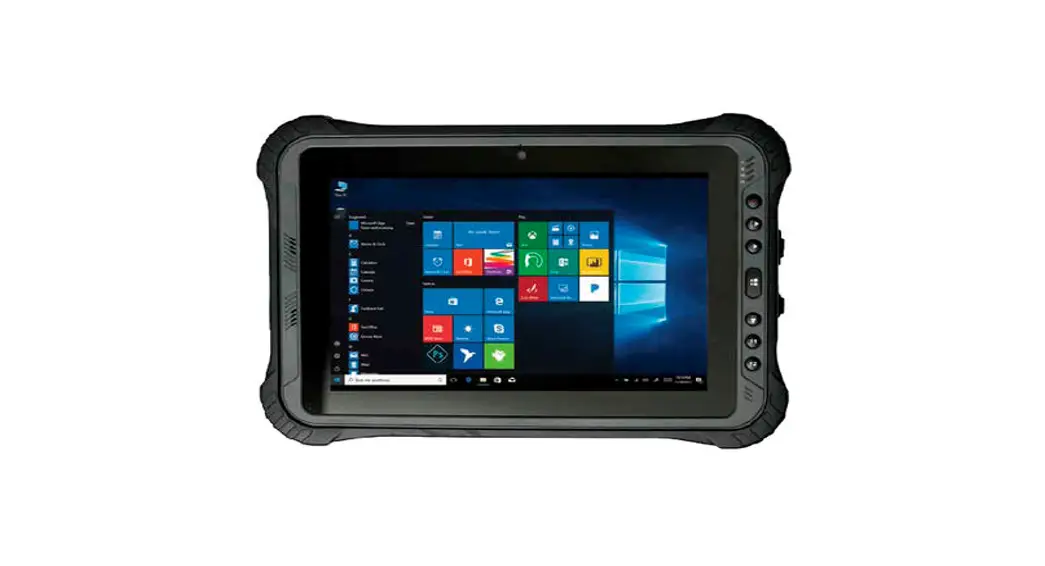
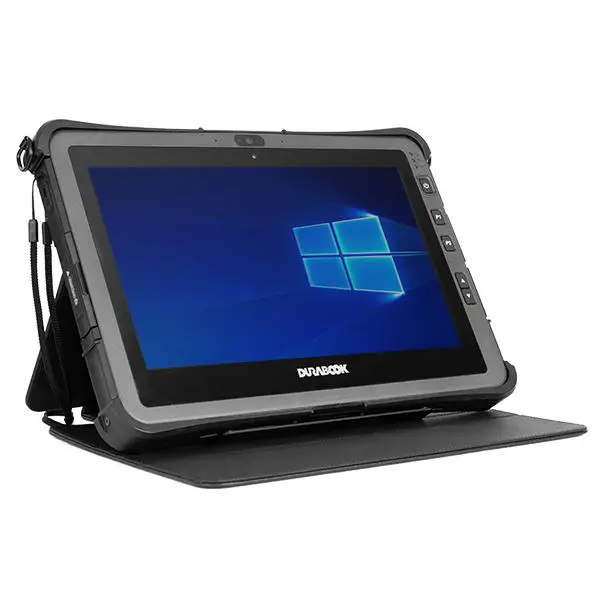
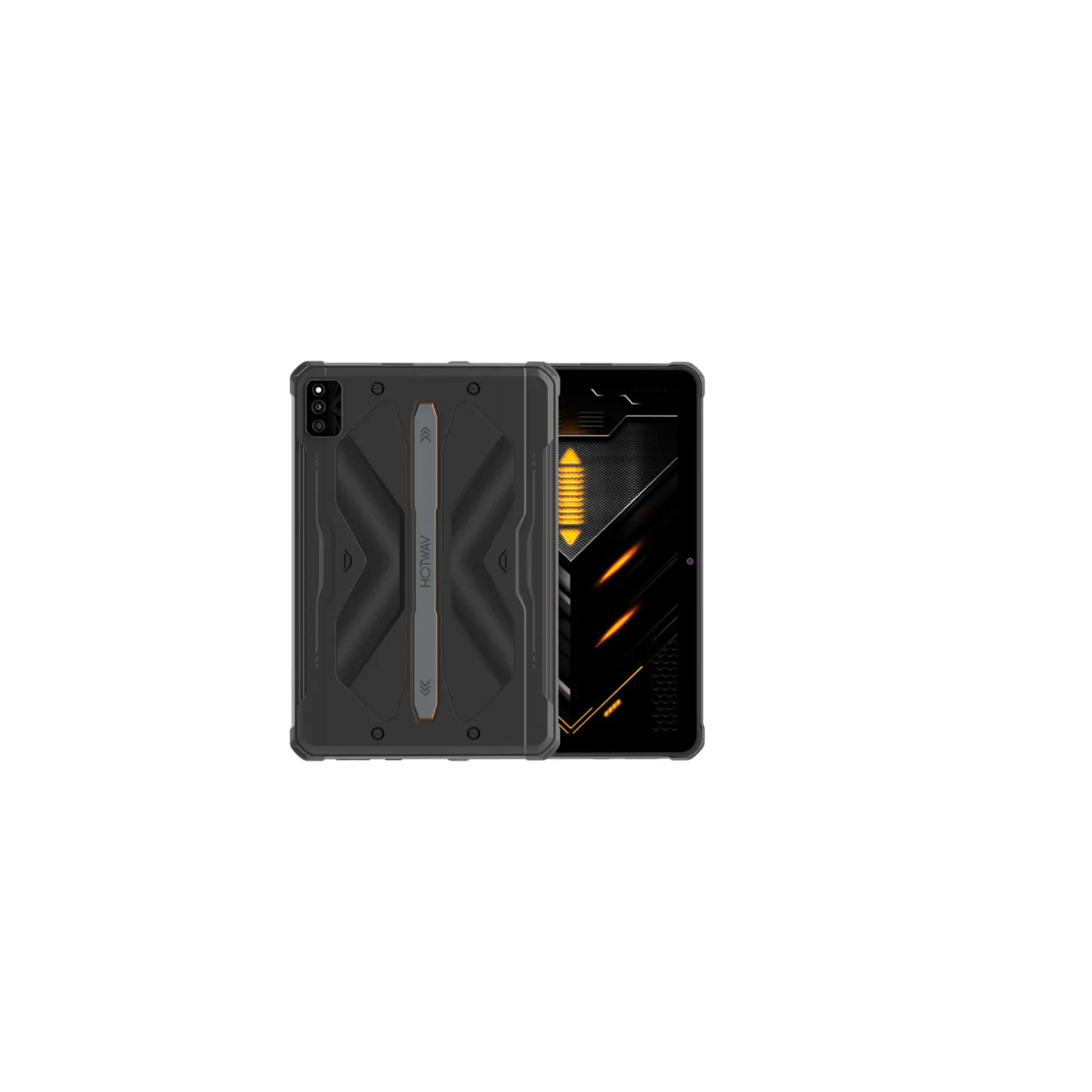
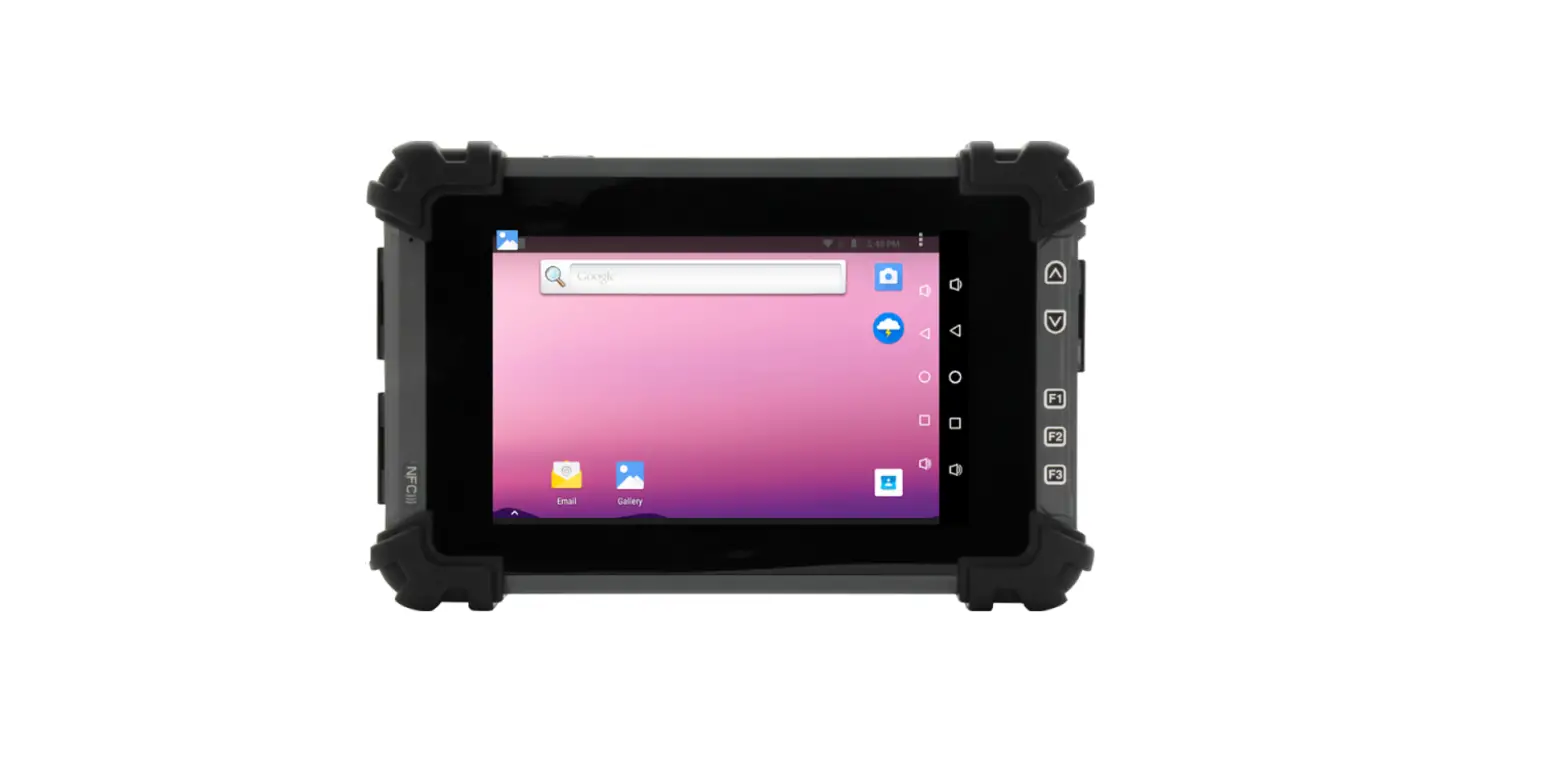
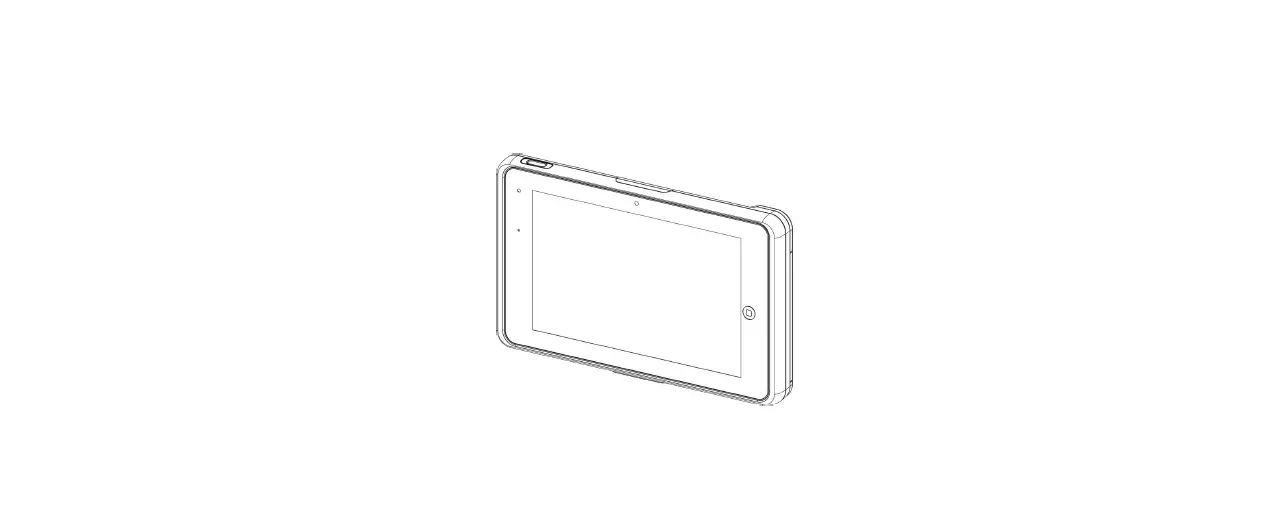
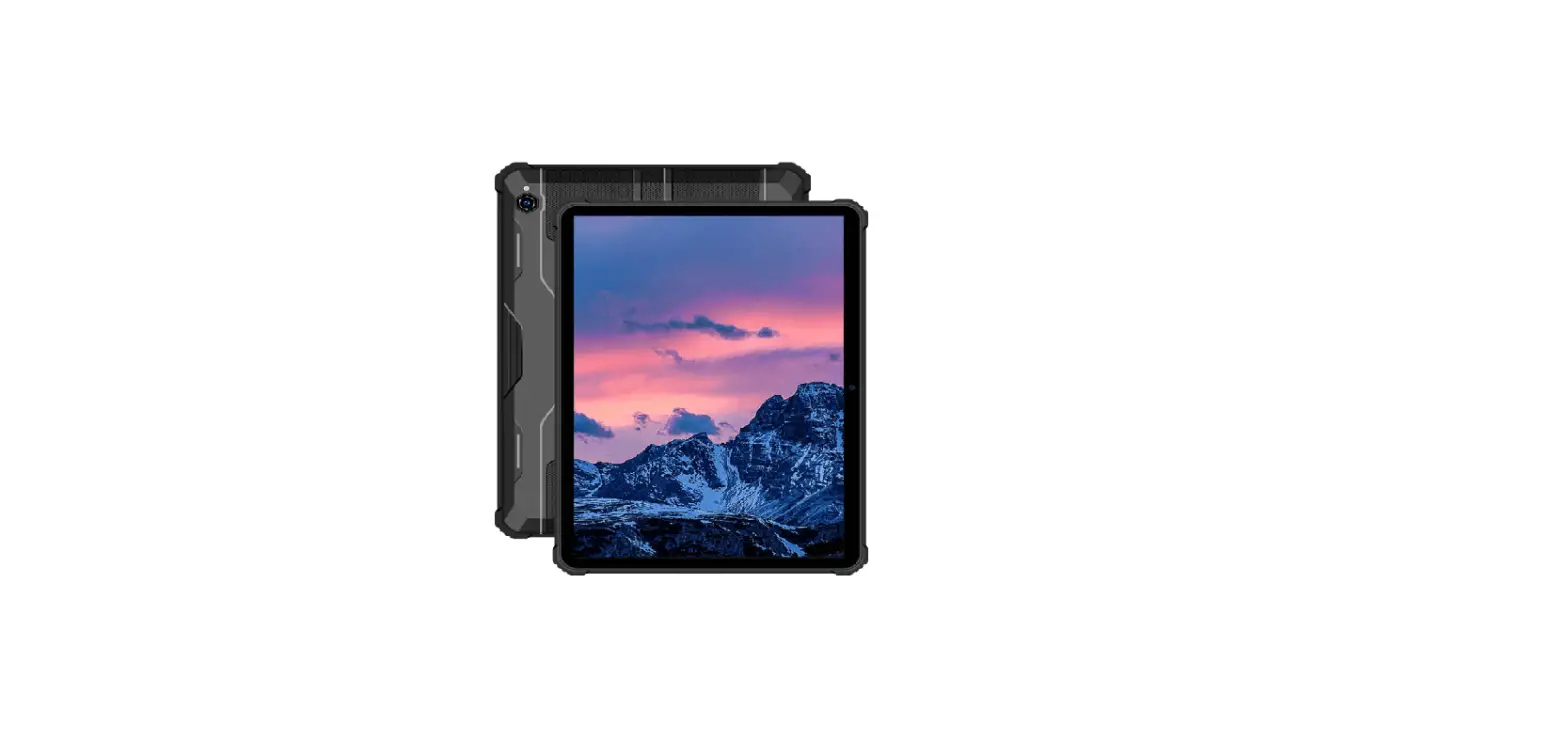
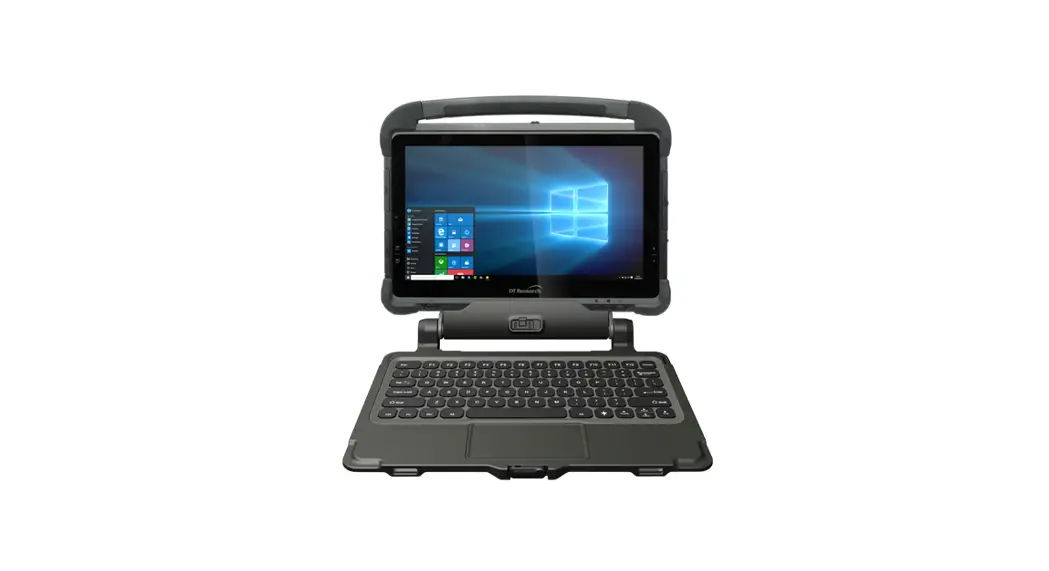
R10 Rugged Tablet
Product Information
The R10 Series is a pad device that allows for calling and has a
Nano card and TF card slot. It has a 3.5 headphone jack, power
button, volume button, front camera, charging indicator, light
sensor, main microphone, type-C port, secondary microphone, rear
main camera, and flash. The device should be kept at least 15 cm
away from medical implants or rhythm adjusters and should not be
exposed to high temperatures or heat-generating equipment like
sunlight, heaters, microwave ovens, ovens, or water heaters to
avoid battery overheating.
Product Usage Instructions
- Insert the SIM card into the device by pressing the card pin
into the side hole. The card tray will pop up, and the card can be
pulled out. - Take out the card slot and place the Nano card or Nano card and
TF card with the metal side facing down. Make sure the bevel angle
is aligned with the bevel angle of the card slot and placed in the
corresponding card slot. - Insert the card holder into the device in the direction of the
arrow. - Do not expose the device and other batteries together with high
temperatures or heat-generating equipment like sunlight, heaters,
microwave ovens, ovens, or water heaters. - When charging is complete or not charging, disconnect the
charger from the device and unplug the charger from the power
outlet. - Do not disassemble or reset the battery, insert other objects,
immerse in water or other liquids to avoid battery leakage. - Do not drop, crush, scratch or puncture the battery to avoid
subjecting the battery to excessive external pressure, resulting in
internal short-circuit and overheating of the battery. - Do not use chemical solvents or detergents to clean your pad.
Wipe the pad case with a soft cotton cloth dampened with water or a
mild soap. - If you encounter an abnormal image such as a crash during use,
press and hold the power button for more than 12 seconds to force a
restart. - When the charger is not in use, unplug it from the power
outlet. Do not connect the battery that has been fully charged to
the charger for a long time, as overcharging will shorten the
battery life.
R10 Series
English
09
04 05
06 07 08
03
10
11 02
12
01
13
14
15 16
To make sure your pad be able to call, put the SIM card in the following order. Press the card pin into the side hole and then the card tray pops up and pull out it.
Take out the card slot and place the Nano card or Nano card and TF card with the metal side facing down. Make sure the bevel angle is aligned with the bevel angle of the card slot and placed in the corresponding card slot.
01: Speaker 02: 3.5 Headphone Jack 03: Speaker 04: Power Button 05: Volume Button 06: Front Camera 07: Charging Indicator
08: Light Sensor 09: Main Microphone 10: Speaker 11: SIM/TF Card 12: Type-C Port 13: Speaker 14: Secondary Microphone
15: Rear Main Camera 16: Flash
With the pad facing up, insert the card holder into the pad in the direction of the arrow.
1. 6
Safety- In order to ensure safely using the product, you must strictly abide by the following rules
The pad should be at least 15 cm away from any medical implant or rhythm adjuster and never put the device in your coat pocket.
Do not expose the device and other batteries together with the high temperatures or heat-generating equipment such as sunlight, heaters, microwave ovens, ovens or water heaters. Overheating of the battery can cause an explosion. When charging is complete or not charging, disconnect the charger from the device and unplug the charger from the power outlet. If the device is equipped with a non-removable battery,
battery or device.
Use of an unapproved or incompatible power source,
hazards. Do not disassemble or reset the battery, insert other objects, immerse in water or other liquids to avoid battery leakage,
Do not drop, crush, scratch or puncture the battery to avoid subjecting the battery to excessive external pressure, resulting in internal short-circuit and overheating of the battery. The company does not bear the responsibility for accidents caused by non-standard related charging equipment.
7 Maintenance
Thoroughly understand the maintenance of this pad to use the pad more safely and effectively, and extend the service life of the pad as much as possible.
Please follow the instructions in the manual to open the pad, disassemble the accessories, and do not try other methods.
Please avoid falling, knocking or shaking your pad. Rough handling of the pad can cause the screen to rupture, damaging the internal circuit board and the delicate structure.
Do not use chemical solvents or detergents to clean your pad. Wipe the pad case with a soft cotton cloth dampened with water or a mild soap.
Clean the lens with a clean, dry, soft cloth. (Example: camera lens) and display.
If you encounter an abnormal image such as a crash during use, the processing method is as follows: For a pad that cannot remove the battery, please press and hold the power button for more than 12 seconds, the pad will be forced to restart (unlock the pad when restarting) It can solve the general bug; for the pad that can remove the battery, please remove the battery, then insert the battery and restart it to solve the bug.
When the charger is not in use, please unplug it from the power outlet. Do not connect the battery that has been fully charged to the charger for a long time, as overcharging will shorten the battery life.
This device complies with Part 15 of the FCC Rules. Operation is subject to the following two conditions: (1)This device may not cause harmful interference. (2)This device must accept any interference received, including interference that may cause undesired operation. 2. Changes or modifications not expressly approved by the party responsible for compliance could void the user’s authority to operate the equipment. Note:This equipment has been tested and found to comply with the limits for a class B digital device,pursuant to Part 15 of the FCC Rules. These limits are designed to provide reasonable protection against harmful interference in a residential installation.
This equipment generates uses and can radiate radio frequence energy and, if not installed and used in accordance with the instructions, may cause harmful interference to radio communications. However,there is no guarantee that interference will not occur in a particular installation. if this equipmemt does cause harmful interference to radio or television reception, which can be determined by turning the equipment off and on,the user is encouraged to try to correct the interference by one or more of the following measures: · Reorient or relocate the receiving antenna. · Increase the separation between the equipment and receiver. · Connect the equipment into an autlet on a circuit different from that to which the receiver is connected. · Consult the dealer or an experienced radio/TV technician for help.
P
09
04 05
06 07 08
03
10
11 02
12
01
13
14
01: 02: 3,5 03: 04: 05: 06: 07:
08: 09: 10: 11: SIM/TF- 12: C 13: 14:
15: 16:
15 16
SIM-
, , SIM- . -, -.
TF . , .
.
Press the power button for 3-5 seconds to boot
SMS, MMS
SMS SMS
MMS – , , , ,
—- — —-
,
SAR
(SAR) 2.0W / . 21288-2007.
—
,
:
15 .
, , , , . . , .
, , .
, , . , , , , , .
, , , , .
, .
7
, , .
, , , . , , . , .
. , . , , . (: ) .
, , : , , , 12 , ( ) ; , , , , , .
, . , , .
09
04 05
06 07 08
03
10
11 02
12
01
13
14
01: Altavoz 02: conector para auriculares 3.5 03: Altavoz 04: botón de encendido 05: Botón de volumen 06: cámara frontal 07: Indicador de carga
08: sensor de luz 09: Micrófono principal 10: Altavoz 11: Tarjeta SIM/TF 12: puerto tipo C 13: Altavoz 14: Micrófono secundario
15: Cámara principal trasera 16: Destello
15 16
Cómo arrancar
Para garantizar de que su pad pueda realizar llamadas, ponga la tarjeta SIM en el siguiente orden. Presione el extractor de la tarjeta en el hueco lateral y, a continuación, la bandeja de tarjetas se abrirá y saldrá.
Saque la ranura de la tarjeta y coloque la tarjeta Nano o la tarjeta TF con el lado de metal hacia abajo. Asegúrese de que el bisel el ángulo está alineado con el ángulo de bisel de la ranura de la tarjeta y ubicados en la ranura correspondiente.
Cómo arrancar
Batería no extraíble Presione el botón de encendido durante 3-5 segundos para arrancar
Cómo enviar SMS, MMS
SMS Abre la aplicación de SMS Seleccionar nueva información Ingrese un número de teléfono o busque en sus contactos Seleccione Editar información e ingrese su texto Enviar
MMS – video Cuando escribas un mensaje de texto Seleccione imágenes, videos u otros archivos que quiera agregar, incluso puede tomar una nueva imagen o video de inmediato Seleccionar o enviar
Con el pad hacia arriba, inserte la porta tarjeta en el Pad
idioma y método de entrada Idioma y método de entrada – idioma – añadir idioma
Seleccione el idioma que necesita, el sistema saltará automáticamente a la interfaz de idioma
Seleccione el ícono después de la barra de idioma y arrástrelo al primero.
SAR
La relación máxima de absorción de radiación electromagnética (SAR) de este producto es 2.0W / kg. Se encuentra en la línea con los requisitos de la norma nacional GB 21288-2007.
Seguridad- Para garantizar el uso
seguro del producto, debe cumplir
estrictamente con las siguientes
reglas
El pad debe estar al menos a 15 cm de distancia de cualquier implante médico o ajustador de ritmo y nunca coloque el dispositivo en el bolsillo de su abrigo.
No exponga el dispositivo y otras baterías junto con las altas temperaturas o cualquier equipo que genere calor, como la luz solar, los calentadores, los hornos de microondas, los hornos o los calentadores de agua. El sobrecalentamiento de la batería puede causar una explosión.
Cuando la carga esté completa o no se esté cargando, desconecte el cargador del dispositivo y desenchufe el cargador de la toma de corriente.
Si el dispositivo está equipado con una batería no extraíble, no reemplace la batería usted mismo para evitar dañar la batería o el dispositivo.
El uso de una fuente de alimentación, cargador o batería no aprobada o incompatible puede provocar incendios, explosiones u otros peligros.
No desarme ni reinicie la batería, inserte otros objetos, sumerja en agua u otros líquidos para evitar fugas, recalentamiento, incendio o explosión
No deje caer, aplaste, raye ni perfore la batería para evitar someterla a una presión externa excesiva, lo que provocaría un cortocircuito interno y un sobrecalentamiento de la batería La compañía no es responsable de los accidentes causados por equipos de carga no estándar.
7 Mantenimiento
Es necesario entender completamente el mantenimiento de este pad móvil para usar el pad de la forma más segura y efectiva, y extender la vida útil del pad móvil tanto como sea posible.
Siga las instrucciones del manual para abrir el pad, desarme los accesorios y no intente con otros métodos.
Evite caidas, golpear o sacudir su pad. El manejo brusco del pad puede ocasionar la rotura de la pantalla, dañando la placa de circuito interna y la delicada estructura.
No use disolventes químicos o detergentes para limpiar su pad. Limpie la carcasa del pad con un paño suave de algodón humedecido con agua o un jabón suave.
Limpie la lente con un paño limpio, seco y suave. (Ejemplo: lente de la cámara) y pantalla.
Si encuentra una imagen anormal, como un choque durante el uso, el método de procesamiento es el siguiente: Para un pad móvil que no puede extraer la batería, mantenga presionado el botón de encendido durante más de 12 segundos; el teléfono móvil estará obligado a reiniciar (desbloquear el pad al reiniciar) Se puede resolver el error general; para el pad móvil que pueda quitar la batería, retire la batería, luego inserte la batería y reinícielo para solucionar el problema.
Cuando el cargador no esté en uso, desenchúfelo de la toma de corriente. No conecte la batería que ha estado completamente cargada al cargador durante un tiempo prolongado, ya que la sobrecarga acortará la vida útil de la batería.
Deutsch
09
04 05
06 07 08
03
10
11 02
12
01
13
14
01: Sprecher 02: 3,5 Kopfhörerbuchse 03: Sprecher 04: Netzschalter 05: Lautstärketaste 06: Frontkamera 07: Ladeanzeige
08: Lichtsensor 09: Hauptmikrofon 10: Sprecher 11: SIM/TF-Karte 12: Typ-C-Anschluss 13: Sprecher 14: Zweites Mikrofon
15: Hintere Hauptkamera 16: Blitz
15 16
So legen Sie die Karte ein
Um sicher zu stellen, dass Ihr Tablet aufrufe tätigen kann, legen Sie bitte die SIM-Karte in der folgenden Reihenfolge ein. Drücken Sie das Hilfsmittel in das seitliche Loch. Der SIM-Tray erscheint und kann heraus gezogen werden.
Nehmen Sie den Kartensteckplatz heraus und legen Sie die Nano-SIM-Karte und SD-Karte mit der Metallseite nach unten Karte in den Winkel des Kartensteckplatzes passt und in die Karte entsprechend ausgerichtet ist.
Halten Sie das Tablet mit dem Display nach oben. Schieben Sie den Kartensteckplatz in Pfeilrichtung wieder vollständig in das Gerät.
Starten des Geräts
Nicht entnehmbarer Akku: Drücken Sie den Power-Buttton für 3 bis 5 Sekunden, um zu booten
Wie man SMS oder MMS sendet
SMS
Wählen Sie ,,+ Neue Nachricht” Geben Sie eine Telefonnummer ein oder durchsuchen Sie Ihre Kontakte Wählen Sie ,,Nachricht bearbeiten” und geben Sie Ihren Text ein Wählen Sie ,,> Senden” MMS Beginen Sie wie beim Schreiben einer SMS Wählen Sie Bilder, Videos oder andere Dateien aus, die Sie hinzufügen möchten. Sie können auch ein neues Bild oder Video aufnehmen. Wählen Sie ,,> Senden”
Einstellung der Sprache
Hauptmenü – Einstellungen – System – Sprache und Eingabe Sprache und Eingabe – Sprachen Sprache hinzufügen Wählen Sie die Sprache, die Sie benötigen, das System s
Wählen Sie das Symbol rechts neben der ausgewählten Sprache und ziehen Sie es an die erste Position.
5 SAR
Das maximale Absorptionsvermögen für elektromagnetische Strahlung (SAR) dieses Produkts beträgt in Übereinstimmung mit den Anforderungen der nationalen Norm GB 21288-2007 2,0 W / kg.
6 Sicherheitshinweise – Um eine sichere
Verwendung des Produkts zu
gewährleisten, müssen Sie sich strikt
an die folgenden Regeln halten
Das Tablet sollte mindestens 15 cm von medizinischen Implantaten oder Herzschrittmachern entfernt sein. Tragen das Gerät niemals in der Jackentasche nahe einem Herzschrittmacher. Setzen Sie das Gerät und den Akku nicht bei hohen Temperaturen oder nahe Wärme erzeugenden Geräten ein (z.B. Sonnenlicht, Heizgeräten, Mikrowellenherden, Öfen oder Wasserheizgeräten). Überhitzung des Akkus kann zu einer Explosion führen.
Wenn der Ladevorgang abgeschlossen ist oder nicht geladen wird, trennen Sie das Ladegerät vom Gerät und ziehen Sie das Ladegerät aus der Steckdose. enn das Gerät mit einem nicht austauschbaren Akku ausgestattet ist, ersetzen Sie den Akku nicht selbst, um Schäden an Akku oder Gerät zu vermeiden.
Die Verwendung einer nicht zugelassenen oder inkompatiblen Stromquelle, eines Ladegerätes oder eins Akkus kann zu Feuer, Explosionen oder anderen Gefahren führen.
Zerlegen Sie den Akku nicht, setzen Sie keine anderen Gegenstände ein und tauchen Sie ihn nicht in Wasser oder andere Flüssigkeiten, um ein Auslaufen der Batterie, Überhitzung, Feuer oder Explosion zu vermeiden.
Lassen Sie den Akku nicht fallen. Quetschen, zerkratzen oder durchstechen sie ihn nicht, um zu vermeiden, dass die Batterie einem übermäßigen externen Druck ausgesetzt wird, was zu einem internen Kurzschluss und Überhitzung des Akkus führt. Das Unternehmen trägt keine Verantwortung für Unfälle, die durch nicht standardmäßige Ladegeräte verursacht werden.
7 Wartung
Lesen Sie die Wartungsanweisungen dieses Tablet
und die Lebensdauer des Tablet so weit wie möglich zu verlängern.
Befolgen Sie die Anweisungen in der Bedienungsanleitung, Tablet
Probieren Sie keine anderen Methoden. Bitte vermeiden Sie das Fallenlassen, Schläge oder starke Erschütterung Ihres Tablet. Grobe Handhabung des Tablet kann dazu führen, dass der Bildschirm bricht oder
beschädigt werden. Verwenden Sie keine chemischen Lösungsmittel oder Reinigungsmittel, um Ihr Tablet zu reinigen. Wischen Sie das Tablet mit einem weichen Baumwolltuch ab, das leicht mit Wasser oder einer milden Seife angefeuchtet wurde. Reinigen Sie das Kameraobjektiv und das Display mit einem sauberen, trockenen, weichen Tuch.
Wenn Sie während der Verwendung ein abnormales Verhalten wie einen Absturz feststellen, lautet die Verarbeitungsmethode wie folgt: Bei einem Tablet, das den Akku nicht entfernen kann, halten Sie den Ein- / Aus-Schalter länger als 12 Sekunden gedrückt, um das Tablet zu einem Neustart zu zwingen (entsperren das Tablet beim Neustart) Es kann den allgemeinen Fehler lösen; Für Tablet, bei denen der Akku entnommen werden kann, entfernen Sie bitte den Akku, setzen Sie ihn wieder ein und starten Sie das Gerät erneut, um den Fehler zu beheben.
Wenn das Ladegerät nicht verwendet wird, ziehen Sie den Stecker aus der Steckdose. Schließen Sie die Batterie, die vollständig geladen wurde, nicht länger an das Ladegerät an, da eine Überladung die Lebensdauer der Batterie verkürzt.
09
04 05
06 07 08
03
10
11 02
12
01
13
14
01 : Haut-parleur
08 : Capteur de lumière
02 : Prise casque 3,5
09 : Microphone principal
03 : Haut-parleur
10 : Haut-parleur
04 : Bouton d’alimentation 11 : Carte SIM/TF
05 : Bouton de volume
12 : Port de type C
06 : Caméra frontale
13 : Haut-parleur
07 : Indicateur de charge 14 : Microphone
secondaire
15 : Caméra principale arrière 16 : Flash
15 16
1 Comment insérer les cartes
Pourê tre sur de pouvoir appeler avec votre Tablette PC, suivez les instructions suivantes : U tilisez l’outil fourni pour extraire le plateau de carte SIM
Retirez le plateau de carte et placez la Nano SIM ou la carte micro SD (TF Card) le côté métallique (Puce) vers le bas. Assurez-vous que l’angle de la carte soit bien aligné avec l’angle du support et placez la dans le plateau de carte correspondant.
Orientez le Tablette PC vers le haut et insérez le plateau dans le Tablette PC.
2 Comment allumer le téléphone
Batterie non amovible Appuyez sur le bouton d’alimentation pendant 3-5 secondes pour allumer le téléphone portable.
3 Comment envoyer un SMS/MMS
SMS · Ouvrez l’application de messagerie. · Appuyez sur “Dé marrer une discussion ” · Saisissez un numero de telephone ou recherchez un
contact · Rédigez votre message à l’aide du clavier qui apparraît · Appuyez sur l’icône suivant pour envoyer.
Pour envoyer un MMS (Photo ou vidéo) Lorsque vous écrivez le message Appuyez sur l’icône représentant un petit appareil photo à gauche du champ d’écriture puis sélectionnez la photo ou vidéo à envoyer. Vous pouvez même prendre une nouvelle photo ou vidéo immédiatement. Appuyez sur pour envoyer
4 Changer de langue
· Menu principal > Paramètres > Système > Langues et saisie · Langues et saisie > Langues > + Ajouter une langue · Selectionnez la langue dont vous avez besoin, le systeme r
eviendra automatiquement à l’interfacede sélection des langues · Selectionnez l’ic6ne à 4 barres à côté de votre langue et faites-la glisser au dessus de l’ancienne langue
5 DAS (Débit d’absorption spécifique)
· Le débit d’absorption spécifique ( DAS) de ce produit est 2,0 W / kg.
· Conforme aux exigences de la norme nationale GB 21288-2007
6 Sécurité – afin de garantir une
utilisation sure du produit, vous
devez respecter scrupuleusement
les règles suivantes.
· Le Tablette PC doit être à au mains 15 cm de tout implant médical ou pacemaker cardiaque. Évitez la poche de votre veste si vous possédez un de ces appareils.
· N’exposez pas l’équipement et la batterie à des environnement de températures élevées ni à des équipements générant de la chaleur, tels que les rayons du soleil, des chauffages, des fours à micro-ondes, des fours ou des chauffe-eau, sinon la batterie peut exploser
· Lorsque la charge est terminée ou vous ne voulez plus charger, débranchez le chargeur du téléphone et débranchez le chargeur de la prise de courant
· Si l’appareil est équipé d’une batterie non amovible, ne la remplacez pas vous-même pour ne pas endommager la batterie ou l’appareil.
· L’utilisation d’une source d’alimentation, d’une batterie ou d’un chargeur non approuvé ou incompatible peut provoquer un incendie, une explosion ou d’autres dangers
· Ne démontez pas et ne modifiez pas la batterie, n’insérez pas d’objets étrangers, ne la plongez pas dans l’eau ou dans tout autre liquide pour éviter toute fuite de la batterie, surchauffe ou explosion.
· Ne laissez pas tomber, n’écrasez pas, ne rayez pas et ne perforez pas la batterie pour eviter de la soumettre à une pression externe excessive, risquant de provoquer un court-circuit interne et une surchauffe de la batterie.
· Notre société décline toute responsabilité pour les accidents causés par des équipements de recharge non conformes.
7 Maintenance
· Bien comprendre la maintenance de ce Tablette PC portable afin de l’utiliser de manière plus sûre et efficace et prolonger autant que possible la durée de vie du Tablette PC
· Suivez les instructions de ce manuel pour utiliser ce Tablette PC, ouvrir l’accès à la carte SIM . Ne pas essayer d’autres méthodes.
· Evitez de laisser tomber, de frapper ou de secouer votre Tablette PC. Une manipulation brutale peut provoquer une rupture de l’écran, endommageant le circuit imprimé interne et fragiliser la structure.
· N’utilisez pas de solvants chimiques, de détergents pour nettoyer votre Tablette PC. Vous pouvez utiliser un chiffon en coton doux imbib é d’eau ou de savon doux pour nettoyer la coque de votre Tablette PC.
· Veuillez nettoyer l’écran et l’appareil photo avec un chiffon propre et sec.
· Si votre Tablette PC fige pendant l’utilisation : Veuillez maintenir appuyé le bouton d’alimentation pendant 12 secondes. Le Tablette PC sera forcé de redémarrer
· Lorsque le chargeur n’est pas utilis é , veuillez le débrancher de la prise de courant. Ne pas laisser branché votre batterie chargée au chargeur trop longtemps, cela peut raccourcir la durée de vie de la Batterie
Italiano
09
04 05
06 07 08
03
10
11 02
12
01
13
14
01: Altoparlante
08: Sensore di luce
02: Jack per cuffie da 3,5 09: Microfono principale
03: Altoparlante
10: Relatore
04: Pulsante di accensione 11: Carta SIM/TF
05: Pulsante del volume 12: porta di tipo C
06: Fotocamera frontale 13: Relatore
07: Indicatore di carica
14: Microfono secondario
15 16
15: Fotocamera principale posteriore 16: lampeggiante
Come Inserire la sim
Per essers sicuro che il tuo pad possa effettuare chiamate, inserisci la SIM card seguendo questo ordine. carrello sim apparirà e potrai estrarlo.
Tira fuori il carrello sim, inserisci la Nano sim oppure la una SD card con il lato metallico, a faccia in giu. Assicurati che l’angolo smussato della sima sia allineato con l’angolo smussato del carrello ed inserito nello slot per schede corrispondente.
on il pad rivolto a faccia in su, inserisci il carrello sim nel pad seguendo la direzione della freccia.
Prima accensione
Batteria non removibile Mantieni premuto il pulsante di accensione per 3-5 secondi per accendere
Come inviare SMS, MMS
SMS Apri l app SMS Clicca l’icona Nuovo Messaggio Inserisci un numero di telefono o selezionalo dai tuoi contatti Clicca sulla barra di testo ed inserisci il tuo messaggio Invia
MMS – video Durante la digitazione di un messaggio di testo
puoi Anche scattare una nuova foto o video da allegare Seleziona ed invia
Impostazioni per il cambio lingua
Impostazioni–Sistema–lingua e immissione Lingua e immissione–lingue–aggiungi una lingua Seleziona la lingua di cui hai bisogno, il Sistema automaticamente tornerà al menu lingua
trascinala alla prima riga.
5 Valore SAR
Il rapporto massimo di assorbimento della radiazione elettromagnetica (SAR) di questo prodotto è 2,0W/kg. In linea con i requisiti della norma nazionale GB 21288-2007.
6 Sicurezza- Per garantire l’utilizzo sicuro del prodotto, è necessario attenersi rigorosamente alle seguenti regole:
Il pad deve essere ad almeno 15 cm di distanza da qualsiasi impianto medico, bypass o pacemaker cardiac, non mettere mai il dispositivo nel taschino della camicia.
Non esporre il dispositivo e la batteria insieme ad alte temperature o ad apparecchiature che generano calore come: luce solare, termosifoni, forni a microonde, forni o scaldabagni. Il surriscaldamento della batteria può causare un’esplosione.
Quando la carica è completa o il telefono non è in carica, scollegare il caricabatterie dal dispositivo e dalla presa di corrente.
Se il dispositivo è equipaggiato con una batteria non removibile, non sostituire la batteria da solo, per evitare danni sul dispositivo o sulla batteria stessa.
L’uso di una fonte di alimentazione, caricatore o batteria non approvati o incompatibili può causare incendi, esplosioni o altri pericoli.
Non smontare o ripristinare la batteria, inserire altri oggetti, immergere in acqua o altri liquidi per evitare perdite di capacità della batteria, surriscaldamento, incendio o esplosione.
evitare di sottoporre la batteria a una pressione esterna eccessiva, con conseguente cortocircuito interno e surriscaldamento della batteria.
La compagnia non si assume la responsabilità per incidenti causati da apparecchiature di ricarica non standard.
7 Manutenzione
Comprendere a fondo la manutenzione di questo pad
estendere il più possibile la durata del dispositivo. Si prega di seguire le istruzioni nel manuale per aprire il pad, smontare gli accessori e non provare altri metodi.
Si prega di evitare di far cadere, sbattere o scuotere il pad. Un utilizzo imprudente del pad può causare la rottura dello schermo, danneggiando il circuito interno e la delicata struttura. Non utilizzare solventi chimici o detergenti per pulire il pad. Pulire la scocca del pad con un panno di cotone morbido inumidito con acqua o sapone neutro.
(Esempio: le lenti della fotocamera) e lo schermo.
anomalo durante l’uso, il metodo da seguire è il seguente: Per un pad con batteria non removibile, premere e tenere premuto il pulsante di accensione per più di 12 secondi, il dispositivo sarà cosi forzato al riavvio (sbloccare il telefono quando si riavvia). Questa procedura può risolvere bug generali; per dispositivi con batteria removibile, rimuovere la batteria, quindi inserire la batteria e riavviare il pad per risolvere il bug. Quando l’alimentatore non è in uso, scollegarlo dalla presa di corrente. Non collegare la batteria completamente carica
nuovamente bisogno, in quanto il sovraccarico riduce la durata della batteria.
Português
09
04 05
06 07 08
03
10
11 02
12
01
13
14
01: Palestrante 02: Conector de fone de ouvido 3,5 03: Palestrante 04: Botão liga/desliga 05: Botão de volume 06: Câmera Frontal 07: Indicador de Carga
08: Sensor de luz 09: Microfone Principal 10: Alto-falante 11: Cartão SIM/TF 12: Porta Tipo-C 13: Palestrante 14: Microfone Secundário
15: Câmera Principal Traseira 16: Flash
15 16
Como inserir o cartão
Para ter certeza de que você poderá fazer ligações, insira o chip (SIM) na seguinte ordem. Pressione o pino no furo lateral e então você poderá retirar a bandeja para o SIM.
Retire a bandeja para o SIM e insira o Nano SIM ou o cartão TF com o lado metálico para baixo. o ângulo do bisel da bandeja do cartão e que este seja colocado no espaço correspondente.
Com o pad para cima, insira a bandeja do SIM no pad, na direção da seta.
Como iniciar
Bateria não-removível Pressione o botão de ligar por 3-5 segundos para iniciar
Como enviar SMS, MMS
SMS Abra o aplicativo de SMS Selecione Nova Informação Insira um número de celular ou procure em seus contatos Selecione Editar Informação e digite seu texto Enviar
MMS Vídeo Quando estiver escrevendo uma mensagem de texto Selecione imagens, vídeos ou outros arquivos que você queira adicionar, você pode até mesmo tirar a foto ou gravar o vídeo naquele momento. Selecione ou envie
idioma e método de entrada Idioma e método de entradaidiomaadicionar idioma Selecione o idioma que você precisa e o sistema automaticamente adotará a interface deste idioma. Selecione o ícone depois da barra de idioma e arraste-o para o primeiro.
5 SAR
A proporção máxima de absorção de radiação eletromagnética (SAR) deste produto é de 2.0W/kg. De acordo com as exigências do padrão nacional GB 21288-2007.
6 Segurança para assegurar sua
segurança ao utilizar o produto, você
deve seguir estas regras estritamente
O pad deve estar ao menos a 15cm de distância de qualquer implante médico ou marca-passo e o pad nunca deverá ser colocado no bolso da camisa/casaco. Não exponha o dispositivo e outras baterias a altas temperaturas ou equipamentos que geram calor como sol, aquecedores, micro-ondas, fornos, ou aquecedores de água. O superaquecimento da bateria pode causar uma explosão.
Quando o carregamento estiver completo ou não estiver carregando seu celular, desconecte o carregador do dispositivo e desconecte o carregador da fonte de energia.
Se o dispositivo está equipado com uma bateria não-removível, não substitua a bateria sozinho para evitar danos à bateria ou dispositivo. O uso de uma fonte de energia, carregador ou bateria não aprovada ou incompatível pode causar incêndios, explosões ou outros danos.
Não desmonte ou reinicie a bateria, insira outros objetos, imerja na água ou em outros líquidos para evitar vazamentos na bateria, superaquecimento, incêndios ou explosões.
Não derrube, esmague, arranhe ou fure a bateria para evitar expor a bateria a um excesso de pressão externa, levando a um curto-circuito interno e superaquecimento da bateria.
A empresa não é responsável por acidentes causados por equipamentos de carregamento não-padronizados.
7 Manutenção
Entenda a manutenção deste pad para utilizá-lo de forma pad
máximo possível.
Por favor, siga as instruções no manual para abrir o pad, desmontar os acessórios, e não experimente outros métodos.
Por favor, evite derrubar, bater ou agitar seu pad. O uso descuidado do pad pode fazer com que a tela quebre, prejudicando a placa do circuito interno e a estrutura delicada.
Não utilize solventes químicos ou detergentes para limpar seu pad. Limpe a capa do pad com um pano de algodão úmido com água ou sabonete neutro.
Limpe a lente e a tela com um pano limpo, seco e suave. (Exemplo: lente da câmera).
Se você encontrar uma situação anormal, como uma falha durante o uso, o método a seguir é o seguinte: para um pad cuja bateria não pode ser removida, pressione e segure o botão de ligar por mais de 12 segundos, o que forçará o pad a reiniciar (desbloqueie o pad ao reiniciar). Isto geralmente resolve o problema. Para um pad cuja bateria pode ser removida, por favor, remova a bateria, insira-a novamente e reinicie o pad para resolver o problema.
Quando o carregador não estiver sendo utilizado, desconecte-o da fonte de energia. Não conecte uma bateria que já está completamente carregada ao carregador para obter um maior ciclo de vida, já que o supercarregamento diminui o tempo de vida da bateria.
09
04 05
06 07 08
03
10
11 02
12
01
13
14
01: 023.5 03: 04: 05: 06: 07:
08: 09: 10: 11: SIM/TF 12: Type-C 13: 14:
15: 16:
15 16
SIM
SIM SIMTF
TFUUJOHTZTUFNMBOHVBHFTJOQVUMBOHVBHFT BEEBMBOHVBHF
5 SAR
4″38LH (#
6
7
Cestina
09
04 05
06 07 08
03
10
11 02
12
01
13
14
01: Mluvcí 02: 3,5 konektor pro sluchátka 03: Mluvcí 04: Tlacítko napájení 05: Tlacítko hlasitosti 06: Pední kamera 07: Indikátor nabíjení
08: Svtelný senzor 09: Hlavní mikrofon 10: Mluvcí 11: Karta SIM/TF 12: Port typu C 13: Mluvcí 14: Sekundární mikrofon
15: Zadní hlavní kamera 16: Blesk
15 16
Jak vlozit SIM kartu
Abyste se ujistili, ze vás tablet mze volat, vlozte SIM kartu v následujícím poadí. · Zatlacte kolík karty do bocního otvoru a poté se vysune pihrádka na kartu a vytáhnte ji.
· Vyjmte slot pro kartu a vlozte Nano SIM s Nano SIM nebo micro SD kartou, kovovou stranou dol. Ujistte se, ze úhel zkosení je zarovnán s úhlem zkosení slotu pro kartu a je umístn v odpovídajícím slotu pro kartu.
nebo
· Vlozte drzák karty do tabletu ve smru sipky tak, aby podlozka smovala nahoru.
Jak nastarotat
Nevyjímatelná baterie Stisknutím tlacítka napájení po dobu 3-5 sekund spustíte systém
Jak posílat SMS, MMS
SMS · Otevete aplikaci SMS · Vyberte novou informaci · Vlozte telefonní císlo, nebo vyberte z kontakt · Vyberte Upravit informace a zadejte svj text · Odeslete
MMS-video
· Pi psaní zprávy · Vyberte obrázky, videa nebo jiné soubory, které chcete pidat,dokonce mzete ihned poídit nový obrázek nebo video. · Odeslete
Nastavení pepínání jazyk
· Hlavní menu-nastavení-nastavení systému-jazyk a zpsob zadání · Jazyk a metoda zadávání-jazyk-pidání jazyka · Vyberte jazyk, který potebujete, systém automaticky peskocí zpt do jazykového rozhraní · Vyberte ikonu za jazykovou listou a petáhnte ji na první.
5 SAR
· Maximální pomr absorpce elektromagnetického záení (SAR) tohoto produktu je 2,0 W/kg. · V souladu s pozadavky národní normy GB 21288-2007.
6 Bezpecnost pro zajistní bezpecnosti pouzívání produktu, musíte písn dodrzovat následující pravidla
· Tablet by ml být vzdálen alespo 15 cm od jakékoli lékaského implantátu nebo nastavovac srdecního rytmu a nikdy nedávejte zaízení do kapsy kabátu. · Nevystavujte pístroj ani jiné baterie vysokým teplotám nebo zaízením produkujícím teplo, jako je slunecní svtlo, topidla, mikrovlnné trouby, trouby nebo ohívace vody. Pehátí baterie mze zpsobit výbuch. · Kdyz je nabíjení dokonceno nebo se nenabíjí, odpojte nabíjecku od zaízení a odpojte nabíjecku ze zásuvky. · Pouzití neschváleného nebo nekompatibilního zdroje napájení, nabíjecky nebo baterie mze zpsobit pozár, výbuch a podobn · nebezpecí. · Baterii nerozebírejte ani neresetujte, nevkládejte do ní jiné pedmty, neponoujte ji do vody nebo éterických kapalin, aby nedoslo k vytecení baterie, pehátí, pozáru nebo výbuchu. · Baterii neupuste, nemackejte, neposkrábejte ani nepropíchnte, aby nedoslo k vystavení baterie nadmrnému vnjsímu tlaku, který by mohl zpsobit vnitní zkrat a pehátí baterie. · Spolecnost nenese odpovdnost za nehody zpsobené nestandardním souvisejícím nabíjecím zaízením.
7 Údrzba
· Dkladn pochopte údrzbu tohoto tabletu · Pouzívejte tablet bezpecnji a efektivnji a prodluzte zivotnost tabletu co nejvíce. · Po rozbalení postupujte podle pokyn v návodu tabletu, rozeberte píslusenství a nezkousejte jiné metody. · Vyvarujte se pádu, klepání nebo otes tabletem. Hrubé zacházení s tabletem mze zpsobit prasknutí obrazovky a poskození vnitní cásti! obvodové deska a jemné struktury. · K odmastní tabletu nepouzívejte chemická rozpoustdla nebo cisticí prostedky. Otete pouzdro tabletu mkkým bavlnným hadíkem navlhceným vodou nebo jemným mýdlem. · Objektiv cistte cistým, suchým, mkkým hadíkem. · (Píklad: objektiv fotoaparátu) a displej. · Pokud se bhem pouzívání setkáte s abnormálním jevem, jako je pád, zpsob zpracování je následující: Pro tablet, který obsahuje nevyjímatelnou odstranit baterii, stisknte a podrzte tlacítko napájení na více nez 12 sekund, tablet bude nucen restartovat (pi restartování odemknout tablet) · Mze to vyesit obecnou chybu pro tablet s odnímatelnou baterií, vyjmte baterii, vlozte baterii a restartujte jej, abyste chybu vyesili. · Pokud nabíjecku nepouzíváte, odpojte ji ze zásuvky. Nepipojujte baterii, která byla pln nabitá do nabíjecky po dlouhou dobu, protoze pebíjení zkracuje zivotnost baterie.
Slovenský
09
04 05
06 07 08
03
10
11 02
12
01
13
14
01: Recník 02: 3,5 konektor pre slúchadlá 03: Recník 04: Tlacidlo napájania 05: Tlacidlo hlasitosti 06: Predná kamera 07: Indikátor nabíjania
08: Svetelný senzor 09: Hlavný mikrofón 10: Reproduktor 11: Karta SIM/TF 12: Port typu C 13: Reproduktor 14: Sekundárny mikrofón
15: Zadný hlavný fotoaparát 16: Blesk
15 16
Ako vlozi SIM kartu
Aby ste sa uistili, ze vás tablet môze vola, vlozte SIM kartu v nasledujúcom poradí. · Zatlacte kolík karty do bocného otvoru a potom sa vysunie priehradka na kartu a vytiahnite ju.
· Vyberte slot pre kartu a vlozte Nano SIM s Nano SIM alebo micro SD kartou, kovovou stranou dole. Uistite sa, ze uhol skosenie je zarovnaný s uhlom skosenia slotu pre kartu a je umiestnený v zodpovedajúcom slote pre kartu.
alebo
· Vlozte drziak karty do tabletu v smere sípky tak, aby podlozka smerovala hore.
2.Ako nastartova
Nevynímatená batéria Stlacením tlacidla napájania po dobu 3-5 sekúnd spustíte systém
Ako posiela SMS, MMS
SMS · Otvorte aplikáciu SMS · Vyberte novú informáciu · Vlozte telefónne císlo, alebo vyberte z kontaktov · Vyberte Upravi informácie a zadajte svoj text · Odoslite
MMS-video · Pri písaní správy · Vyberte obrázky, videá alebo iné súbory, ktoré chcete prida, dokonca môzete ihne zaobstara nový obrázok alebo video. · Odoslite
Nastavenie prepínania jazykov
· Hlavné menu-nastavenie-nastavenie systému-jazyk a spôsob zadania · Jazyk a metóda zadávania-jazyk-pridanie jazyka · Vyberte jazyk, ktorý potrebujete, systém automaticky preskocí spä do jazykového rozhrania · Vyberte ikonu za jazykovou listou a pretiahnite ju na prvé.
5 SAR
· Maximálny pomer absorpcie elektromagnetického ziarenia (SAR) tohto produktu je 2,0 W/kg. · V súlade s poziadavkami národnej normy GB 21288-2007.
6 Bezpecnos na zaistenie bezpecnosti pouzívania produktu, musíte prísne dodrziava nasledujúce pravidlá
· Tablet by mal by vzdialený aspo 15 cm od akejkovek lekárskeho implantátu alebo nastavovac srdcového rytmu a nikdy nedávajte zariadenie do vrecka kabátu. · Nevystavujte prístroj ani iné batérie vysokým teplotám alebo zariadením produkujúcim teplo, ako je slnecné svetlo, ohrievace, mikrovlnné rúry, rúry alebo ohrievace vody. Prehriatie batérie môze spôsobi výbuch. · Ke je nabíjanie dokoncené alebo sa nenabíja, odpojte nabíjacku od zariadenia a odpojte nabíjacku zo zásuvky. · Pouzitie neschváleného alebo nekompatibilného zdroja napájanie, nabíjacky alebo batérie môze spôsobi poziar, výbuch a podobne · nebezpecenstvo. · Batériu nerozoberajte ani neresetujte, nevkladajte do nej iné predmety, neponárajte ju do vody alebo éterických kvapalín, aby nedoslo k vyteceniu batérie, prehriatiu, poziaru alebo výbuchu. · Batériu nepustite, nestlácajte, neposkriabte ani neprepichnite, aby nedoslo k vystaveniu batérie nadmernému vonkajsiemu tlaku, ktorý by mohol spôsobi vnútorný skrat a prehriatie batérie. · Spolocnos nenesie zodpovednos za nehody spôsobené nestandardným súvisiacim nabíjacím zariadením.
7 Údrzba
· Dôkladne pochopte údrzbu tohto tabletu · Pouzívajte tablet bezpecnejsie a efektívnejsie a predzte zivotnos tabletu co najviac. · Po rozbalení postupujte poda pokynov v návode tabletu, rozoberte príslusenstvo a neskúsajte iné metódy. · Vyvarujte sa pádu, klepaniu alebo otrasom tabletom. Hrubé zaobchádzanie s tabletom môze spôsobi prasknutie obrazovky a poskodenie vnútornej casti! obvodové doska a jemné struktúry. · Na odmastenie tabletu nepouzívajte chemické rozpúsadlá alebo cistiace prostriedky. Utrite puzdro tabletu mäkkým bavlneným handrickou navlhcenou vodou alebo jemným mydlom. · Objektív cistite cistou, suchou, mäkkou handrickou. · (Príklad: objektív fotoaparátu) a displej. · Ak sa pocas pouzívania stretnete s abnormálnym javom, ako je pád, spôsob spracovania je nasledujúci: Pre tabliet, ktorý obsahuje nevynímatenú odstráni batériu, stlacte a podrzte tlacidlo napájania na viac ako 12 sekúnd, tabliet bude nútený restartova (pri restartovaní odomknú tabliet) · Môze to vyriesi vseobecnú chybu pre tablet s odnímatenou batérií, vyberte batériu, vlozte batériu a restartujte ho, aby ste chybu vyriesili. · Ak nabíjacku nepouzívate, odpojte ju zo zásuvky. Nepripájajte batériu, ktorá bola plne nabitá do nabíjacky po
Polski
09
04 05
06 07 08
03
10
11 02
12
01
13
14
01: Glonik 02: Gniazdo sluchawkowe 3,5 03: Glonik 04: Przycisk zasilania 05: Przycisk glonoci 06: Przednia kamera 07: Wskanik ladowania
08: Czujnik wiatla 09: Glówny mikrofon 10: Glonik 11: Karta SIM/TF 12: port typu C 13: Glonik 14: Mikrofon dodatkowy
15: Tylna kamera glówna 16: Blysk
15 16
Jak wloy kart SIM
Aby upewni si, e tablet moe wykonywa polczenia, wló kart SIM w nastpujcej kolejnoci. · Wcinij bolec karty do bocznego gniazda, a nastpnie wysu gniazdo karty i wycignij je.
· Wyjmij gniazdo karty i wló kart Nano SIM z kart Nano SIM lub micro SD, metalow stron skierowan w dól. Upewnij si, e kt skosu jest wyrównany z ktem skosu gniazda karty i e jest umieszczony w odpowiednim gniedzie karty.
lub
· Wló uchwyt karty do tabletu w kierunku wskazanym strzalk podkladka byla skierowana do góry.
Jak zaczac
Niewymienna bateria Nacinij na chwil przycisk zasilania 3-5 sekund, aby uruchomi system
Jak wysla SMS, MMS
SMS · Otwórz aplikacj SMS · Wybierz nowe informacje · Wprowad numer telefonu lub wybierz z kontaktów · Wybierz Edytuj informacje i wprowad swój tekst · Sklada
MMS-wideo
· Podczas pisania wiadomoci · Wybierz zdjcia, filmy lub inne pliki do dodania, moesz nawet od razu zrobi nowe zdjcie lub wideo. · Sklada
Ustawienia przelczania jzyka
· Menu glówne-ustawienia-ustawienia systemowe-jzyk a sposób wejcia · Jzyk i metoda wprowadzania jzyka-dodawania jzyka · Wybierz jzyk, którego potrzebujesz, system automatycznie przeskakuje z powrotem do interfejsu jzykowego · Wybierz ikon za paskiem jzyka i przecignij j do pierwszy.
5 SAR
· Maksymalny wspólczynnik absorpcji promieniowania elektromagnetycznego (SAR) tego produktu wynosi 2,0 W/kg. · Zgodnie z wymaganiami normy krajowej GB 21288-2007.
6 Bezpieczestwo – dla bezpieczestwa bezpieczestwo uytkowania produktu, musisz cile przestrzega nastpujce zasady
· Tablet powinien znajdowa si w odlegloci co najmniej 15 cm od jakiegokolwiek implantu medycznego lub rozrusznika serca i nigdy nie naley go wklada do kieszeni plaszcza. · Nie naraaj urzdzenia ani innych baterii na dzialanie wysokich temperatur lub urzdze wytwarzajcych cieplo, takich jak wiatlo sloneczne, grzejniki, kuchenki mikrofalowe, piekarniki lub podgrzewacze wody. Przegrzanie akumulatora moe spowodowa wybuch. · Gdy ladowanie jest zakoczone lub nie laduje si, odlcz ladowark od urzdzenia i odlcz ladowark od gniazdka. · Uywanie niezatwierdzonego lub niezgodnego ródla zasilania, ladowarki lub akumulatora moe spowodowa poar, wybuch itp · zagroenie. · Nie demontuj ani nie resetuj baterii, nie wkladaj do niej innych przedmiotów, nie zanurzaj jej w wodzie lub plynach eterycznych, aby unikn wycieku baterii, przegrzania, poaru lub wybuchu. · Nie upuszczaj, nie wyciskaj ani nie rysuj baterii nie przekluwa, aby unikn odslonicia baterii nadmiernego cinienia zewntrznego, które mogloby spowodowa wewntrzne zwarcie i przegrzanie akumulatora. · Firma nie ponosi odpowiedzialnoci za wypadki spowodowane przez niestandardowy sprzt ladujcy.
7 Konserwacja
· Dokladnie zapoznaj si z konserwacj tego tabletu · Korzystaj z tabletu bezpieczniej i wydajniej oraz maksymalnie wydluaj jego ywotno. · Po rozpakowaniu postpuj zgodnie z instrukcj tabletu, zdemontuj akcesoria i nie próbuj innych metod. · Unikaj upuszczania, uderzania lub potrzsania tabletem. Nieostrone obchodzenie si z tabletem moe spowodowa pknicie ekranu i uszkodzenie czci wewntrznej! plytka drukowana i drobne struktury. · Do odtluszczania tabletu nie naley uywa chemicznych rozpuszczalników ani rodków czyszczcych. Wytrzyj obudow tabletu mikk bawelnian ciereczk zwilon wod lub lagodnym mydlem. · Wyczy obiektyw czyst, such, mikk ciereczk. · (Przyklad: obiektyw aparatu) i wywietlacz. · W przypadku napotkania nietypowego zjawiska, takiego jak upadek podczas uytkowania, naley zastosowa nastpujc metod przetwarzania: W przypadku tabletu zawierajcego niewymienn bateri nacinij i przytrzymaj, aby wyj przycisk zasilania przez ponad 12 sekund, tablet zostanie zmuszony do ponownego uruchomienia (odblokuje tablet podczas ponownego uruchamiania) · Moe rozwiza ogólny bld tabletu z wymienn bateri, wyjmij bateri, wló bateri i uruchom ponownie, aby rozwiza bld. · Odlczaj ladowark, gdy nie jest uywana. Nie podlczaj baterii, która byla w pelni naladowana do ladowarki przez dlugi czas, poniewa przeladowanie skraca ywotno baterii.