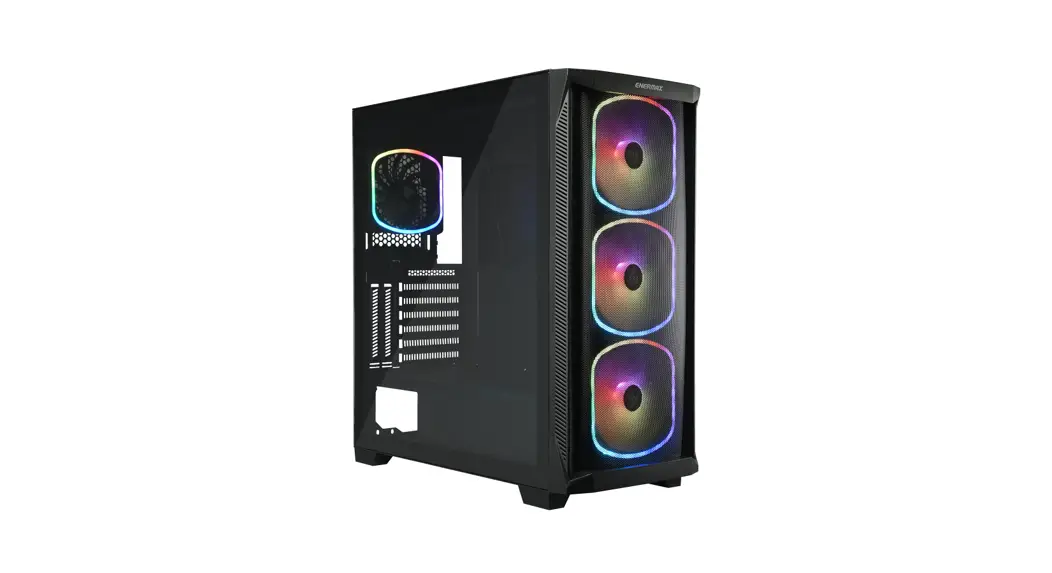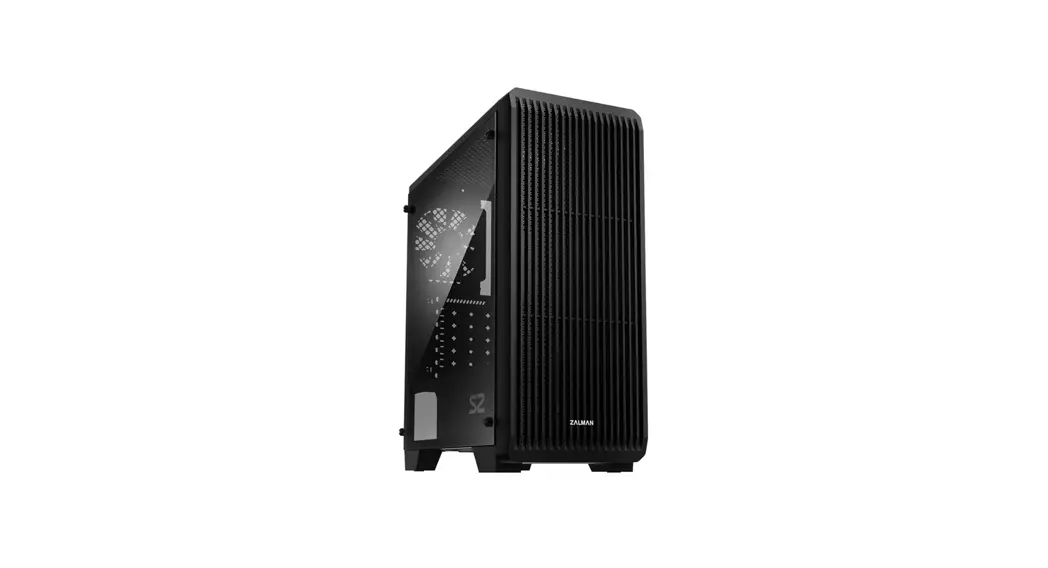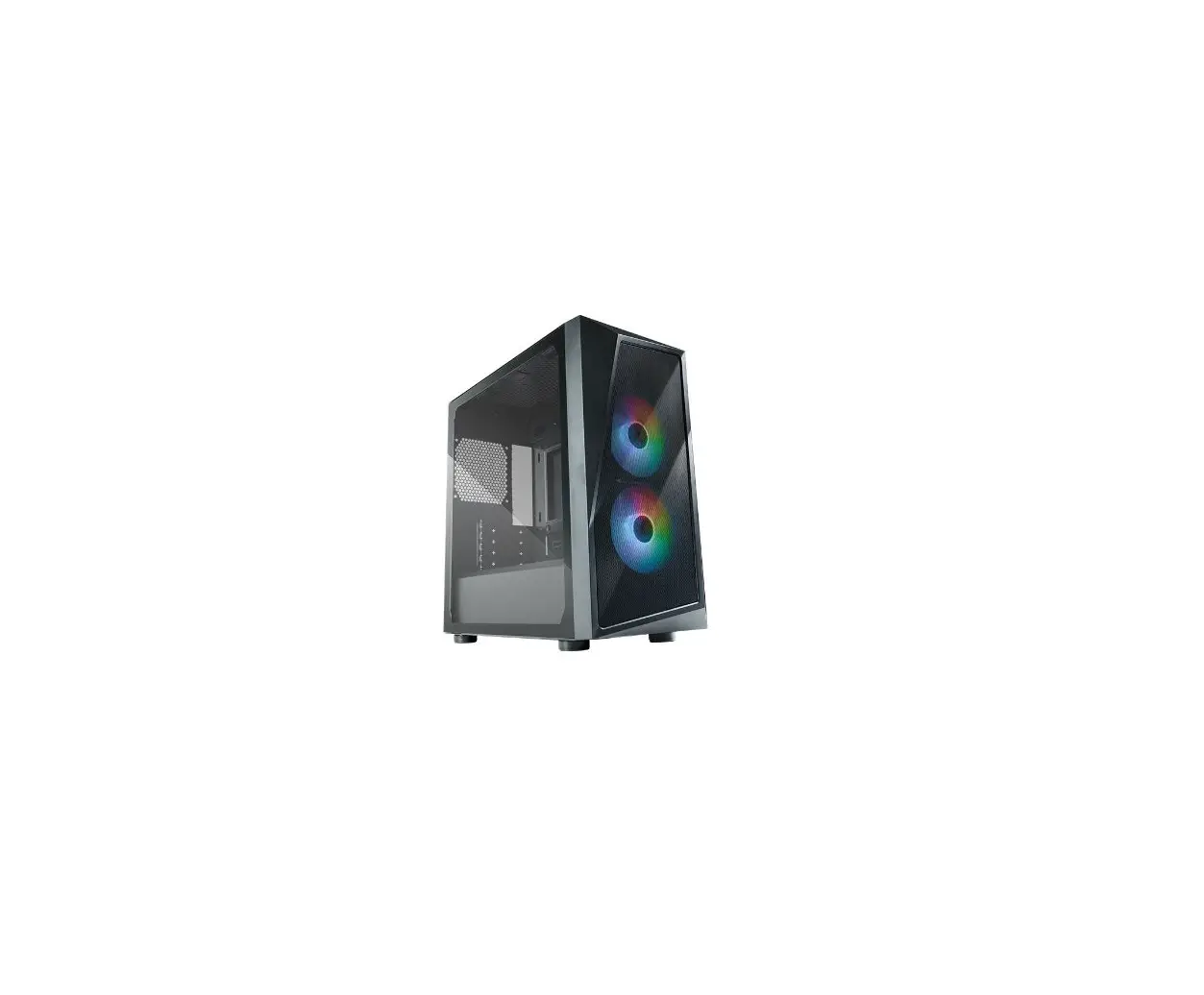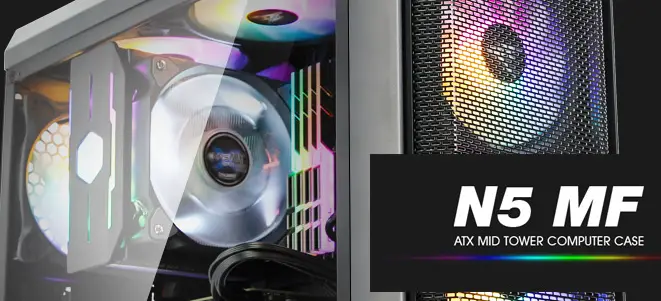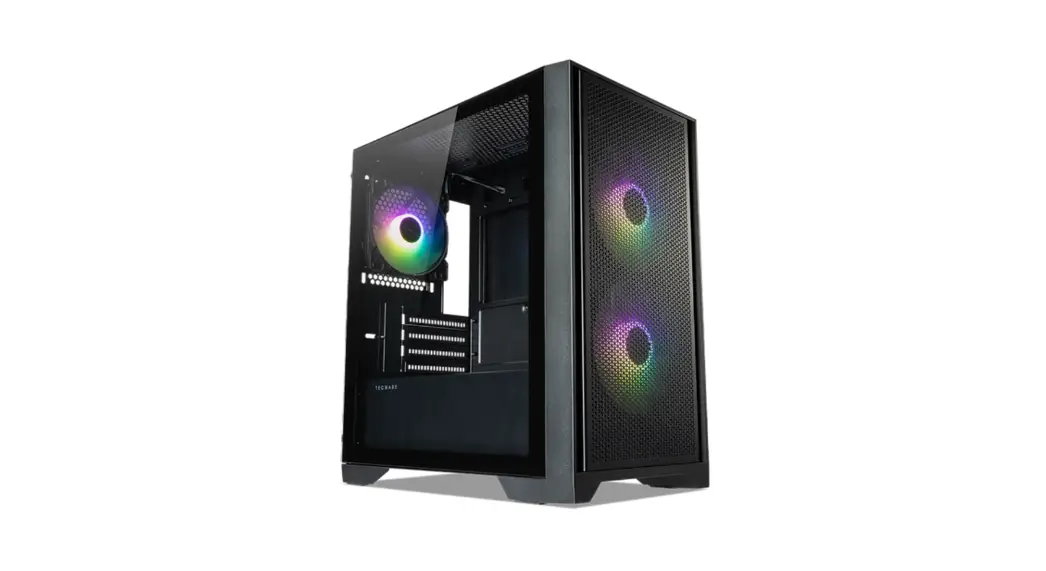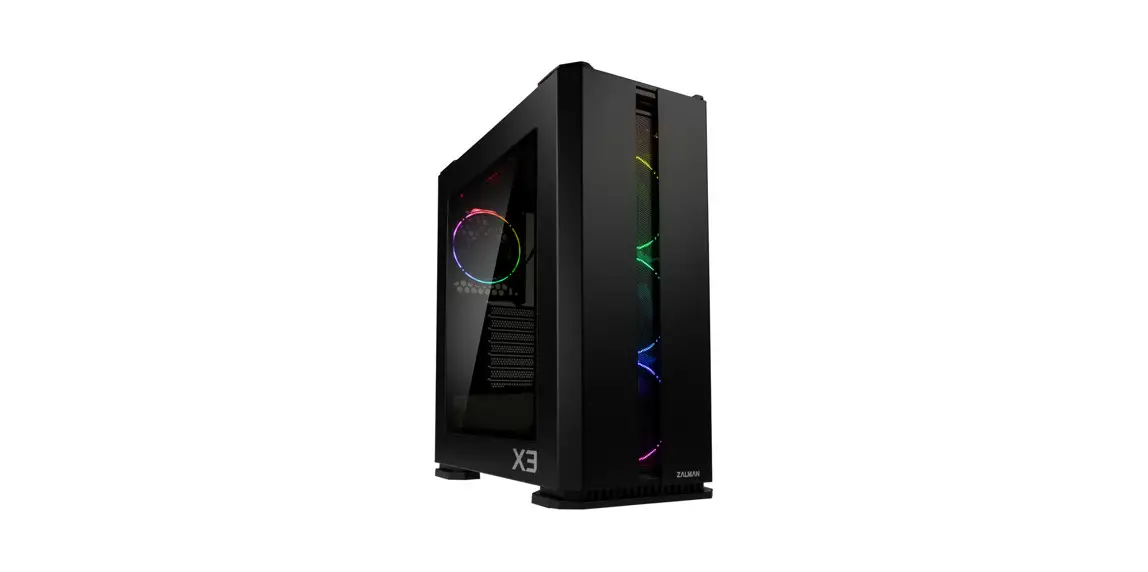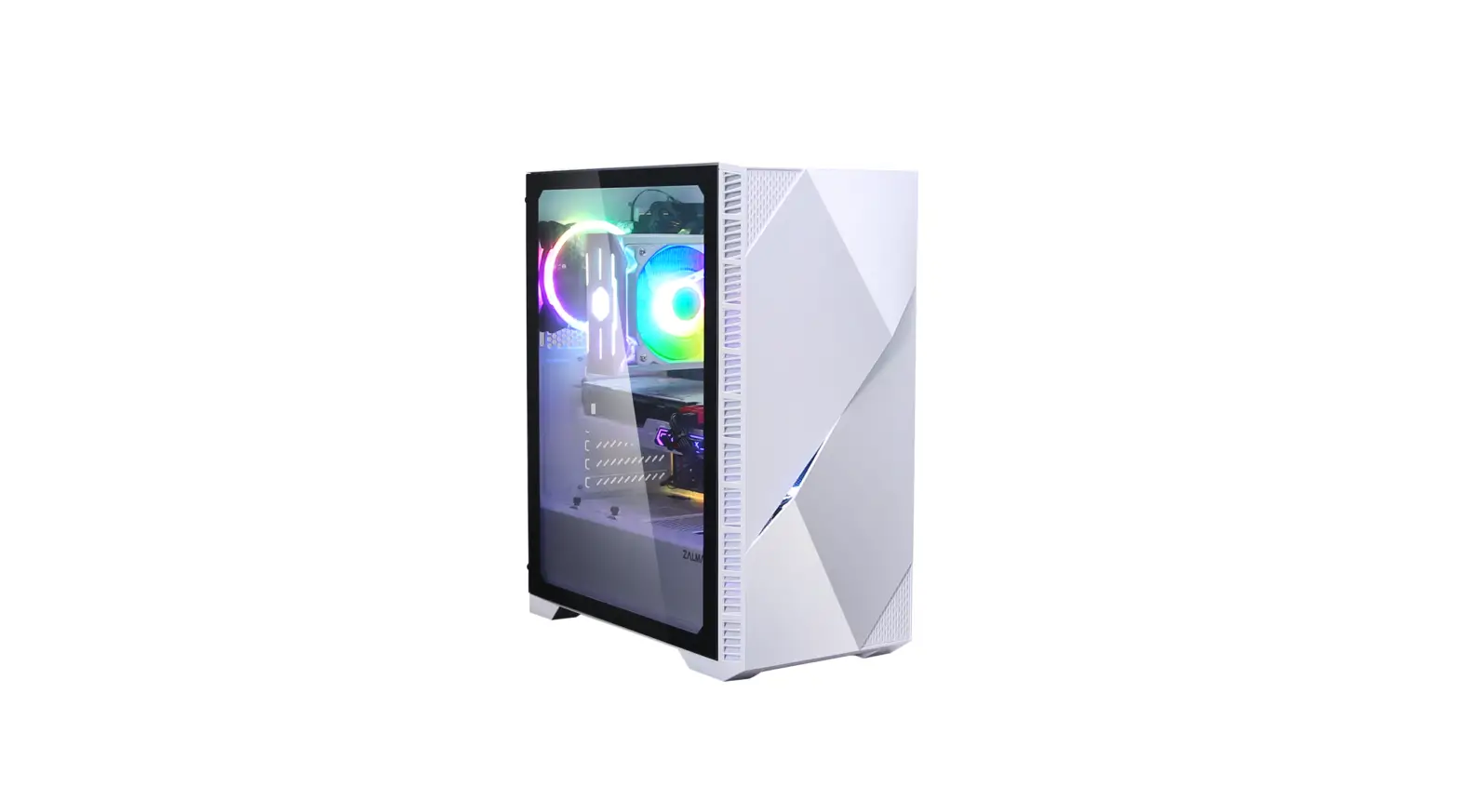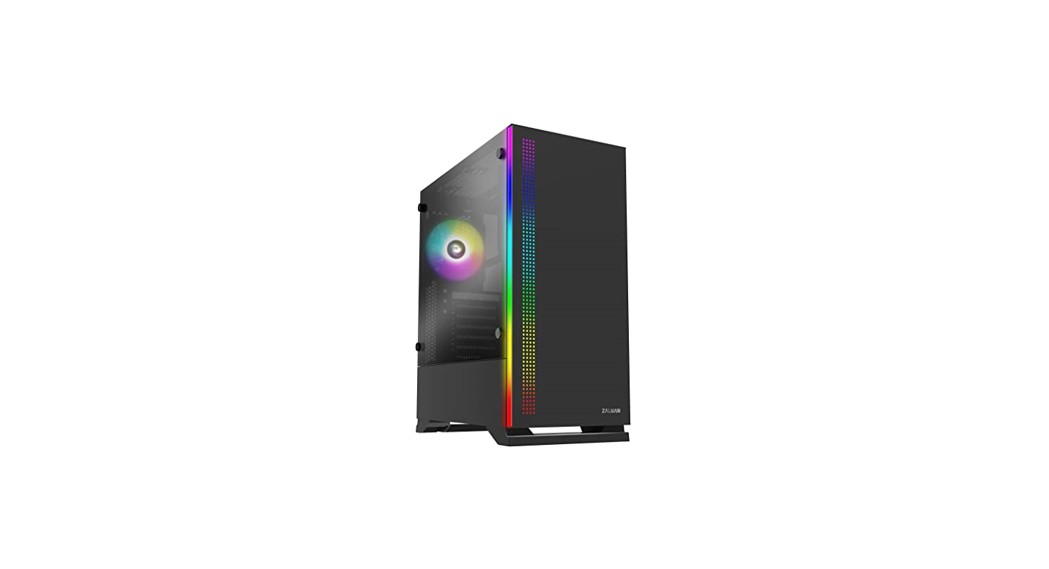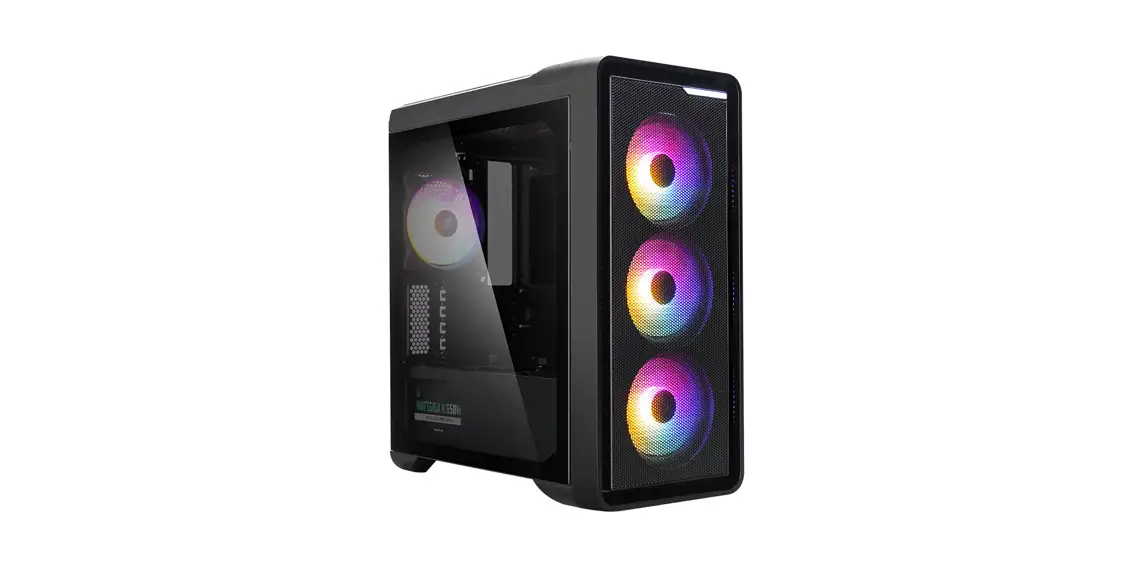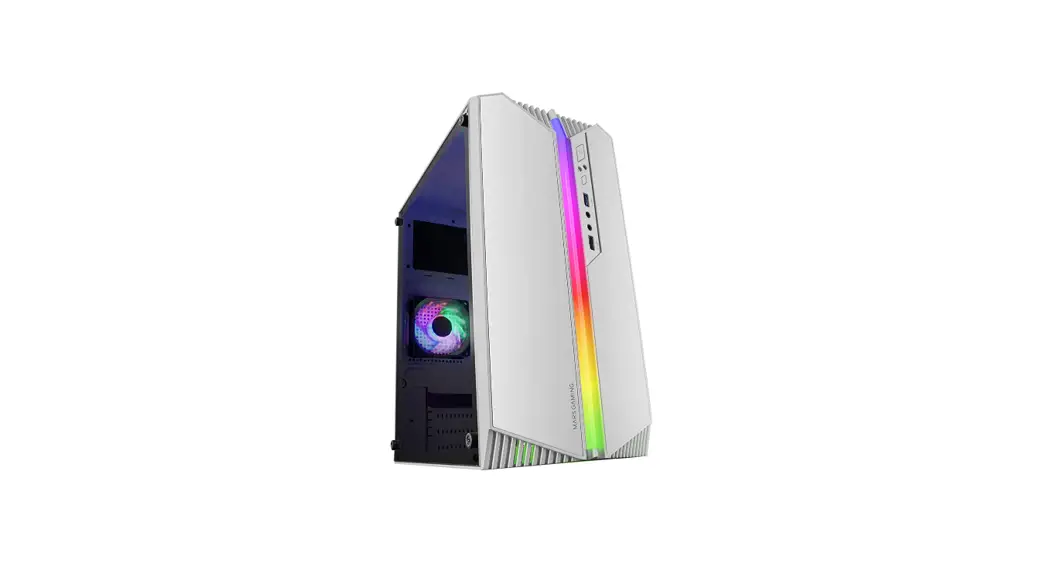

MK Ⅱ
MAKASHI Ⅱ
ECA-MKT50 Series
User Manual
Product Overview
Product Overview
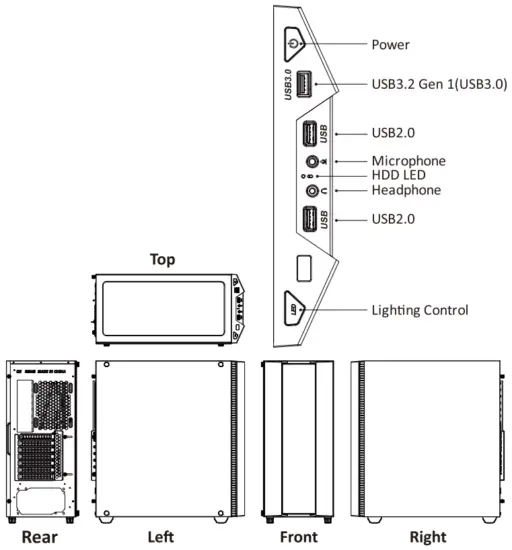
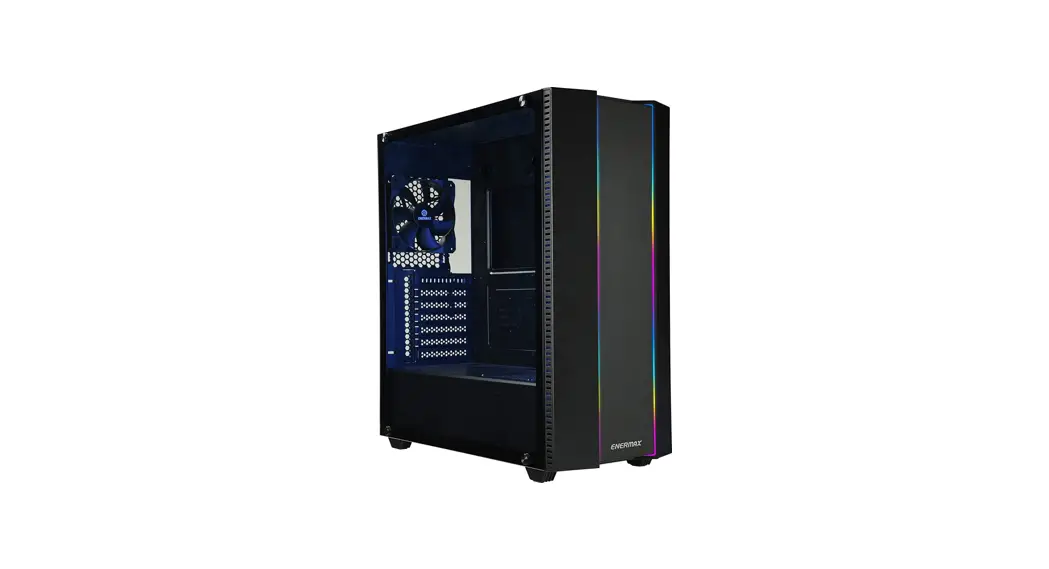
- Pre-set 19 lighting modes are selected by Lighting Control
- RGB Sync Function: Press and Hold Lighting Control for 3-5 seconds to switch M/B sync and case-control
- Memory Function: Previously selected mode will resume when the system starts
Specs
| Model Number | ECA-MKT50 Series | |
| Dimensions | D450 x W213 x H495mm | |
| Material | SPCC, T=0.6mm | |
| M/B Type | E-ATX, ATX, Micro ATX, Mini ITX | |
| LED Strips | Addressable RGB Pin assignment: 5V / D / G | |
| I/O | USB3.2 Gen 1 x 1, USB2.0 x 2, HD Audio x 1, Lighting control | |
| Drive Bays | 3.5″ | 2 |
| 2.5″ | 6 (2x Converted from 3.5″HDD tray) | |
| Expansion Slots | 7 | |
| Fan Slots | Front | 3 x 120 mm |
| Top | 2 x 140 mm or 3 x 120 mm | |
| Rear | 1 x 120 mm | |
| PSU Tunnel | 1 x 120 mm | |
| Liquid Cooling | Front | 360 mm / 240 mm |
| Top | 360 mm / 280 mm / 240 mm | |
| Rear | 120 mm | |
| PSU Length Limitation | 200 mm | |
| Clearance | Suggested VGA Card Length: 410 mm | |
| Suggested CPU Cooler Height: 161 mm | ||
- Product specifications are subject to change without notice.
- Options vary by country or region.
- For detailed information please visit our website at www.enermax.com
Installation Guide
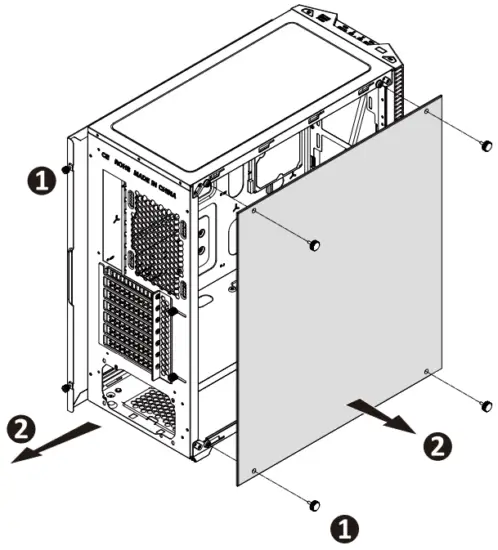
How to Remove Both Side Panels
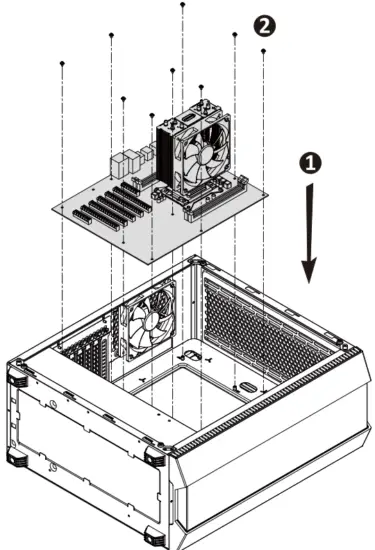
How to Install the Motherboard
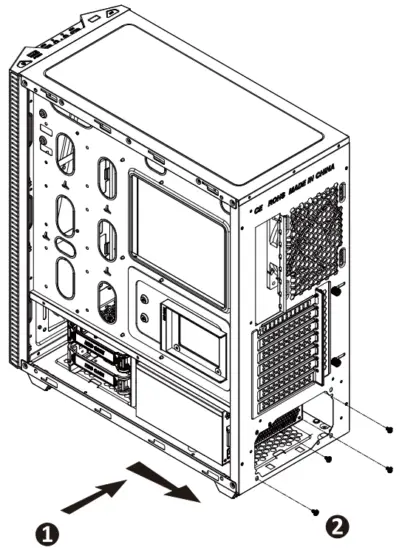
How to Install Power Supply
Move to HDD cage forward to create extra space for a 200 mm PSU
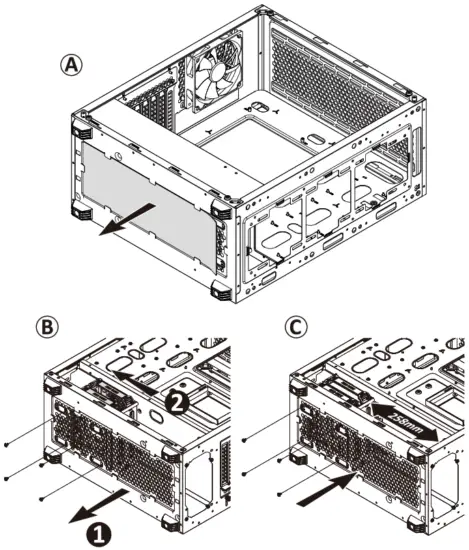
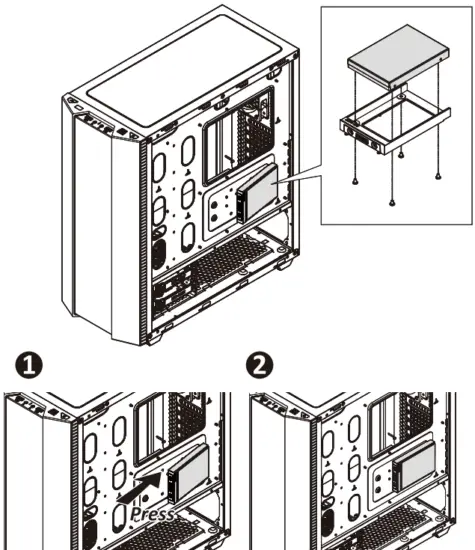
How to Install Internal 2.5″ & 3.5″ Device
2.4.1
©2020 ENERMAX TECHNOLOGY CORPORATION. All right reserved.
Specifications are subject to change without prior notice.
Some trademarks may be claimed as the property of others.