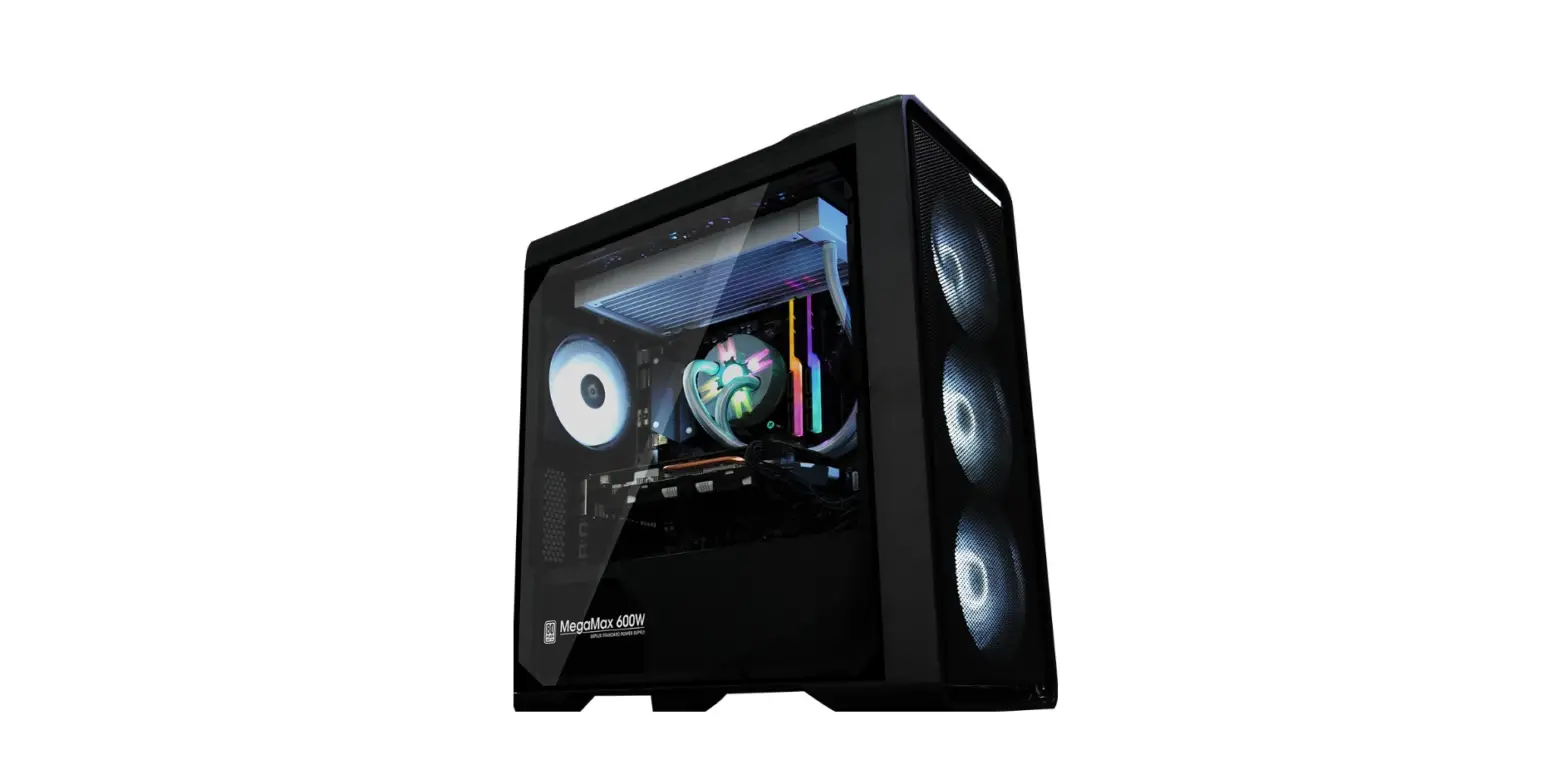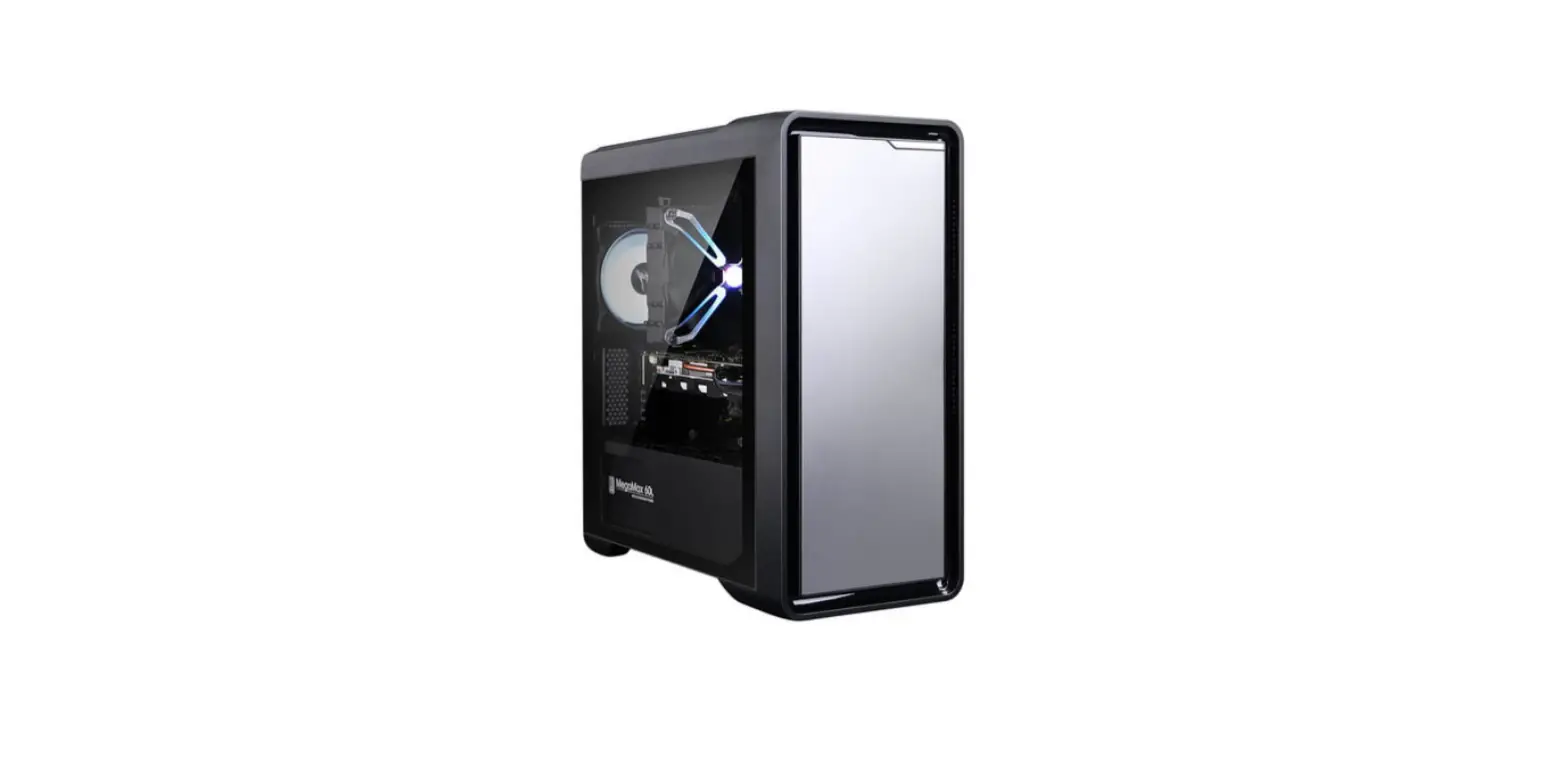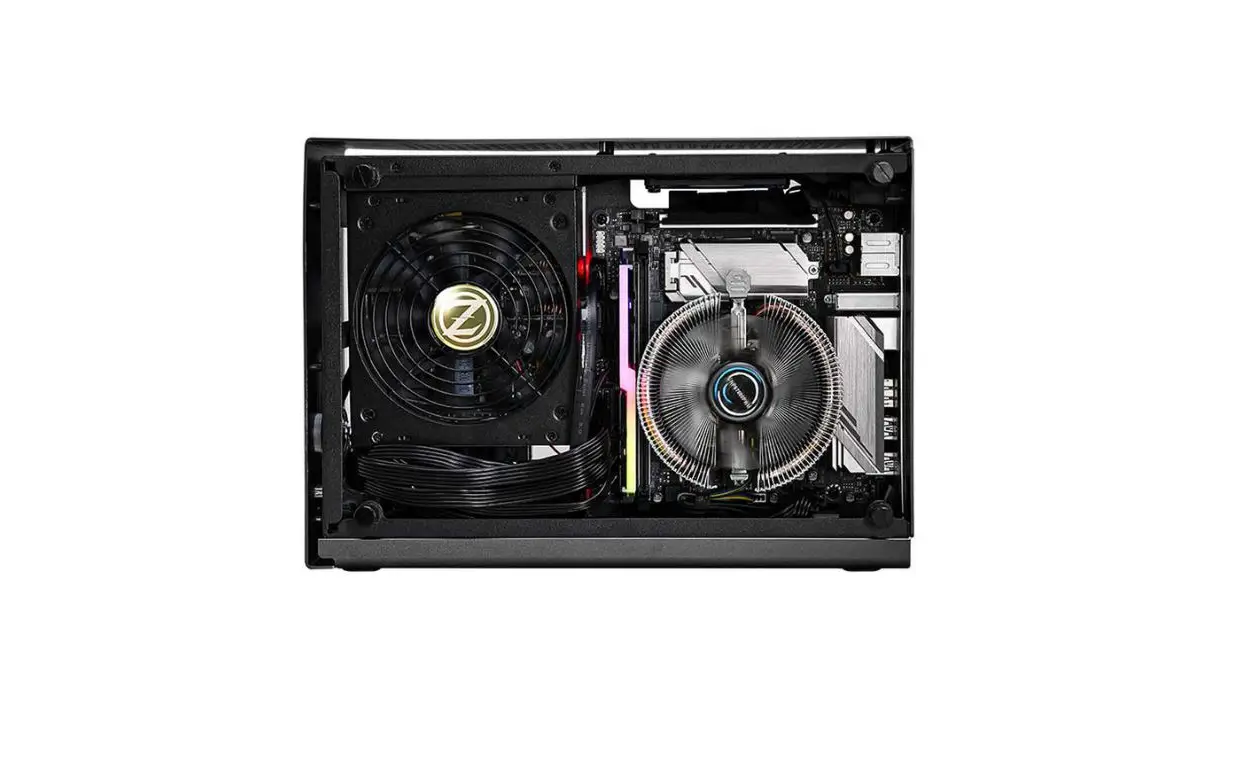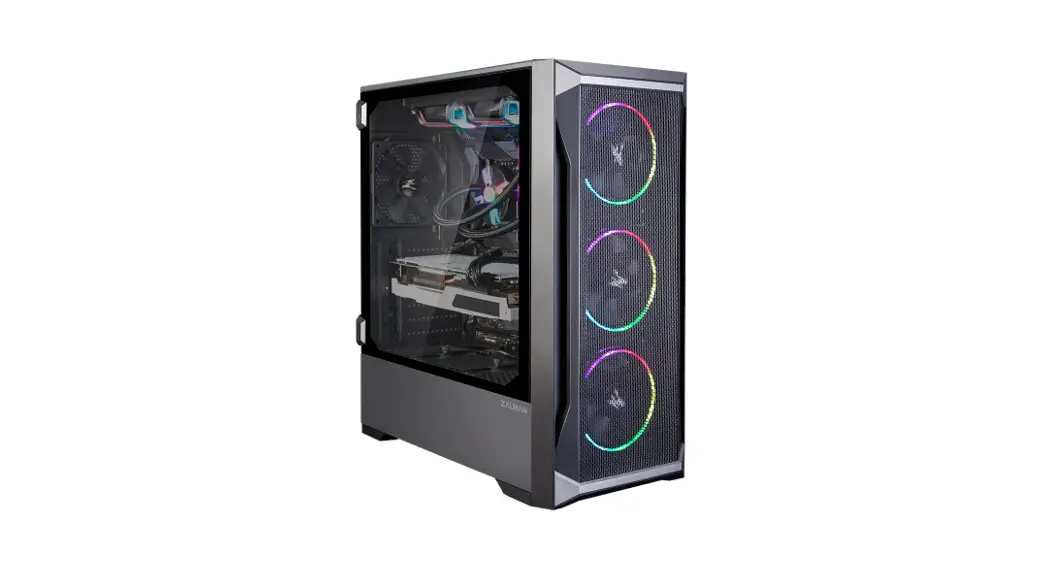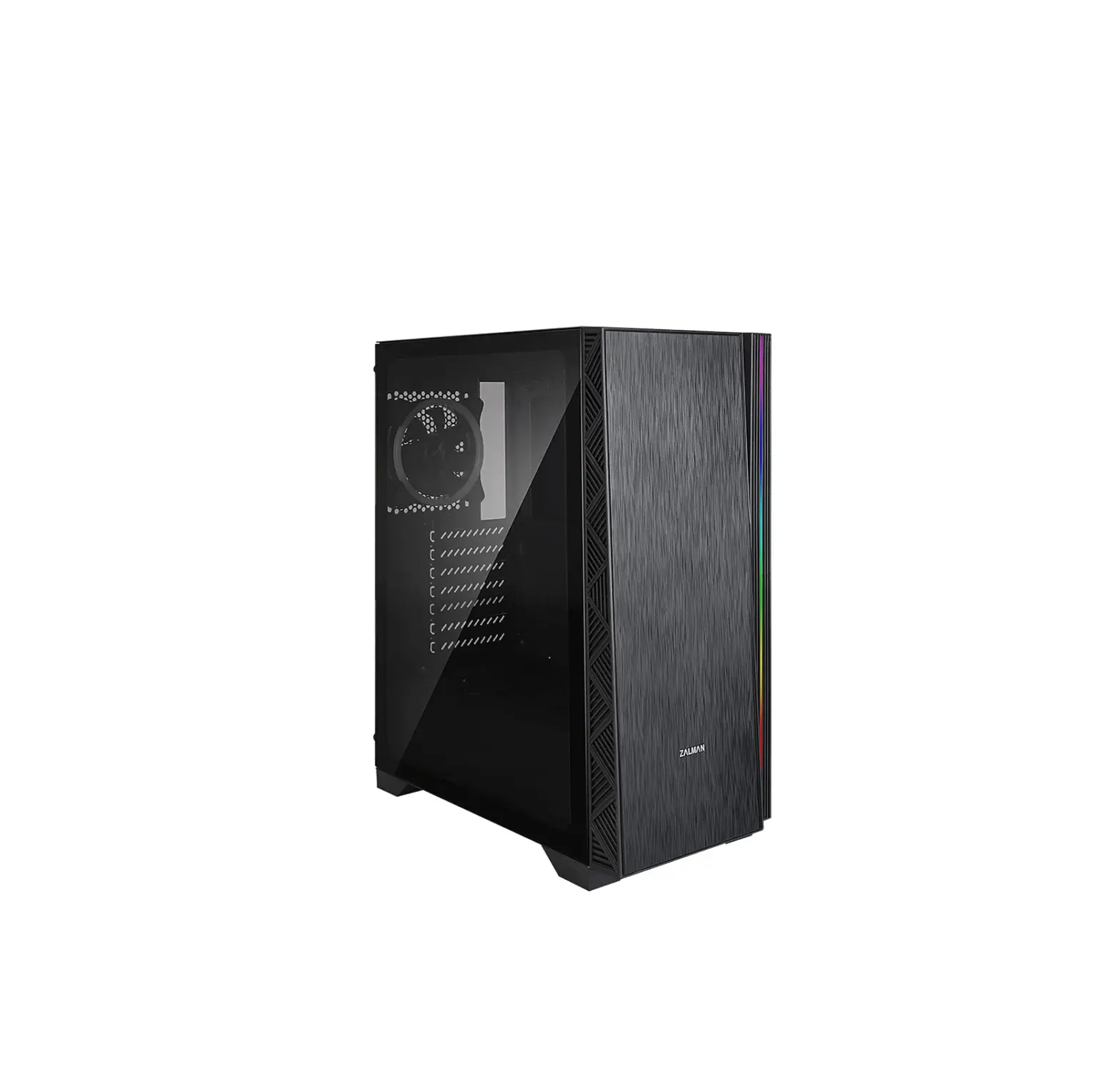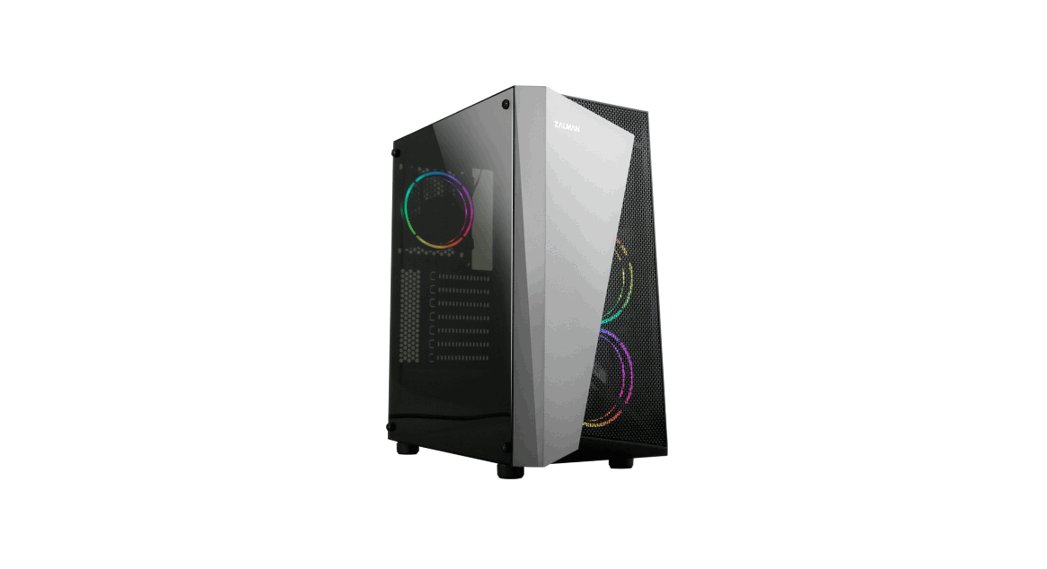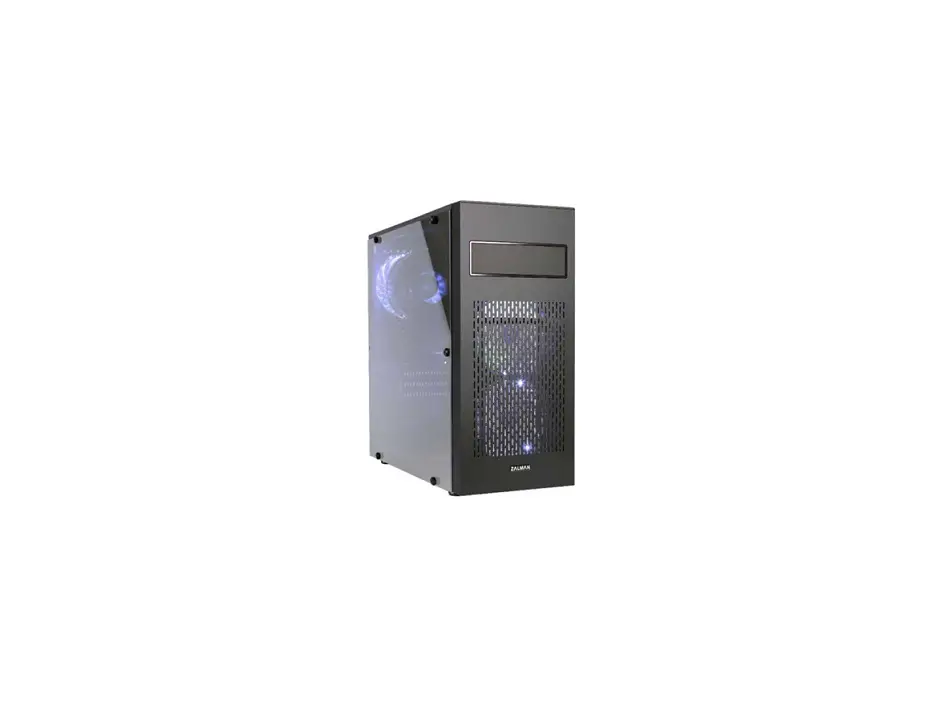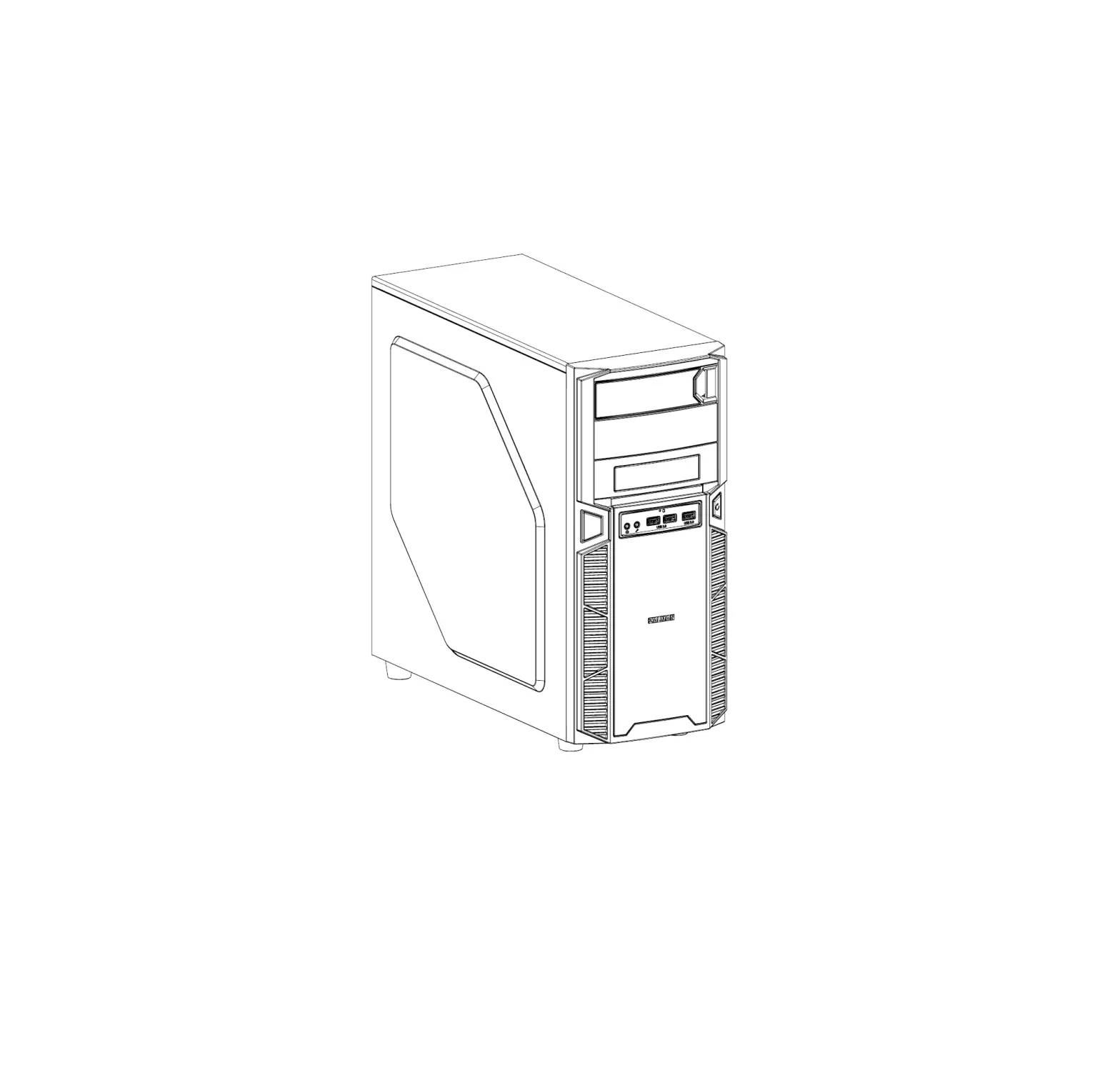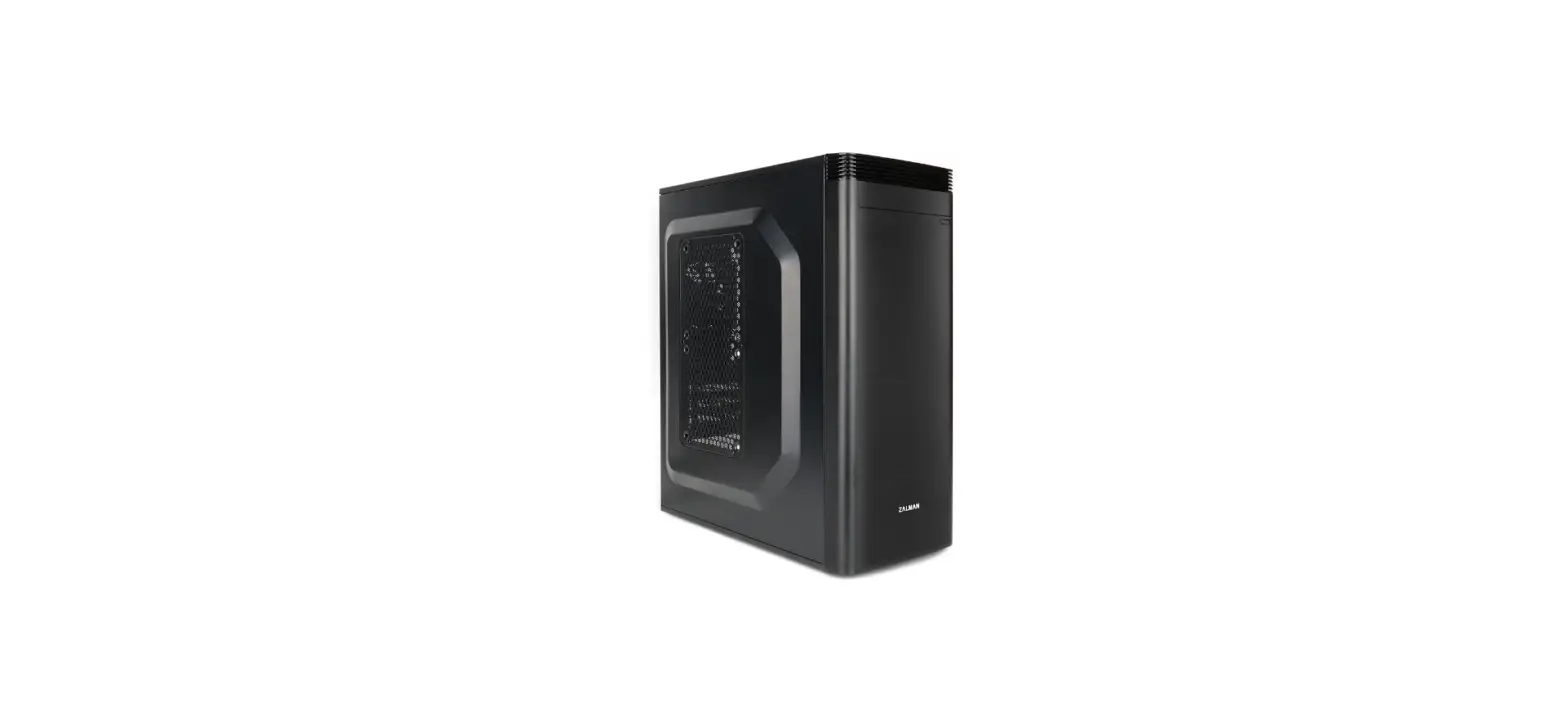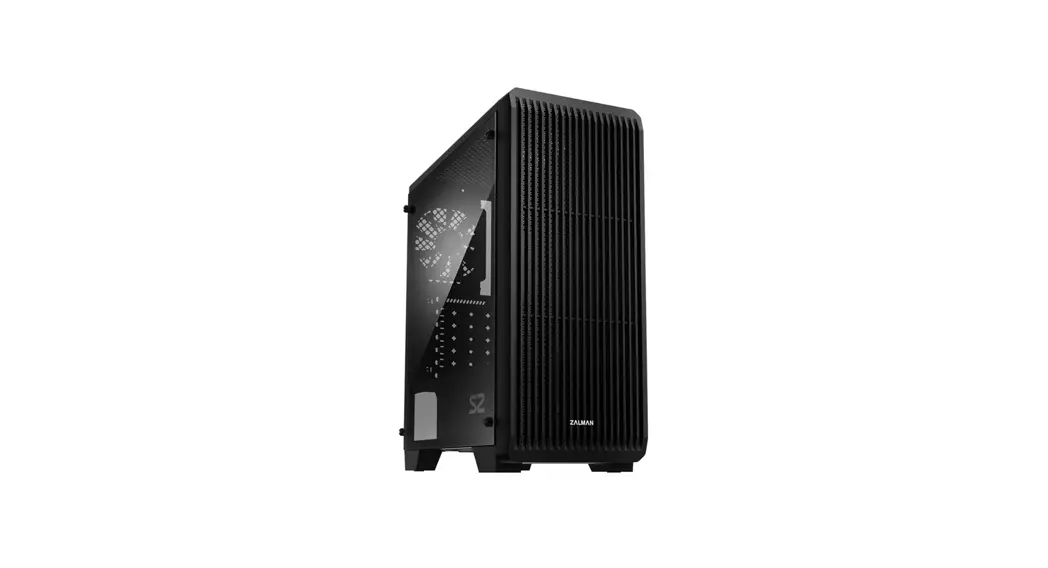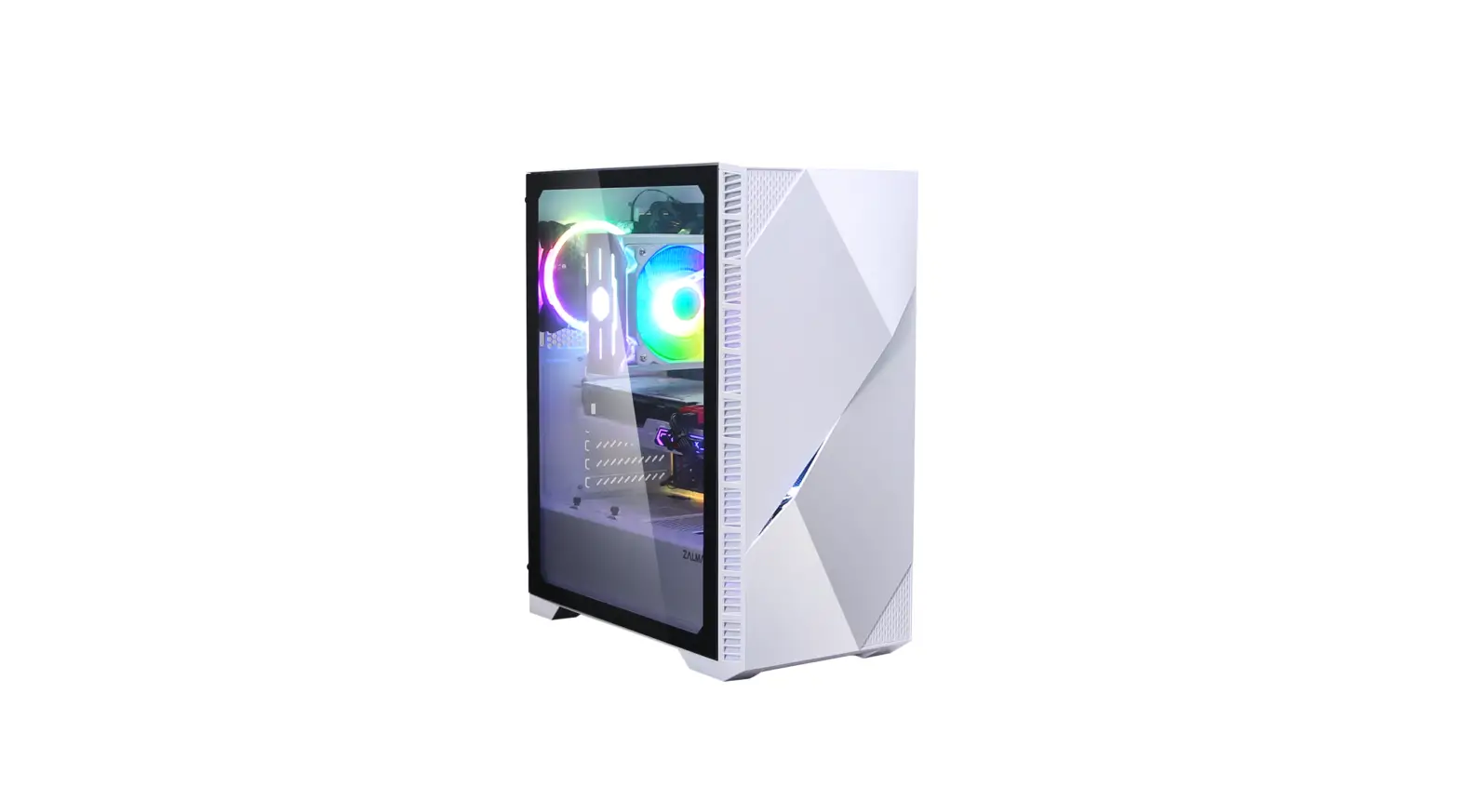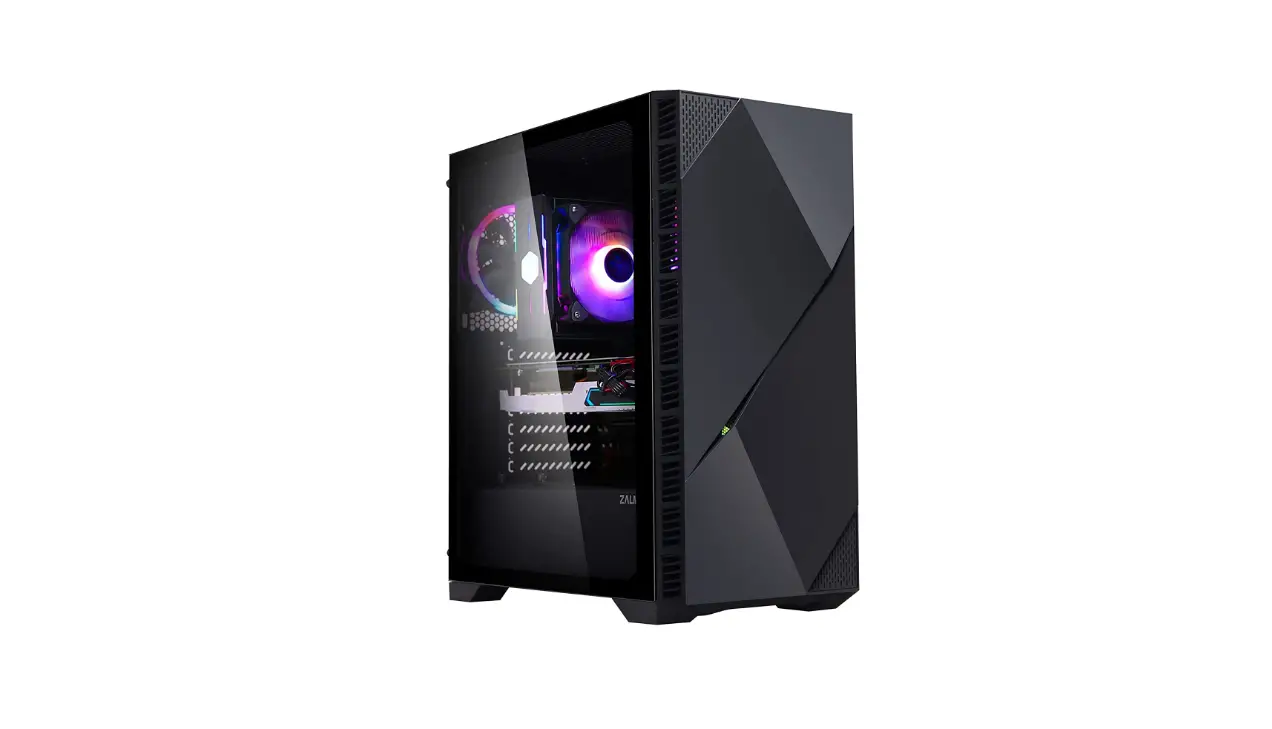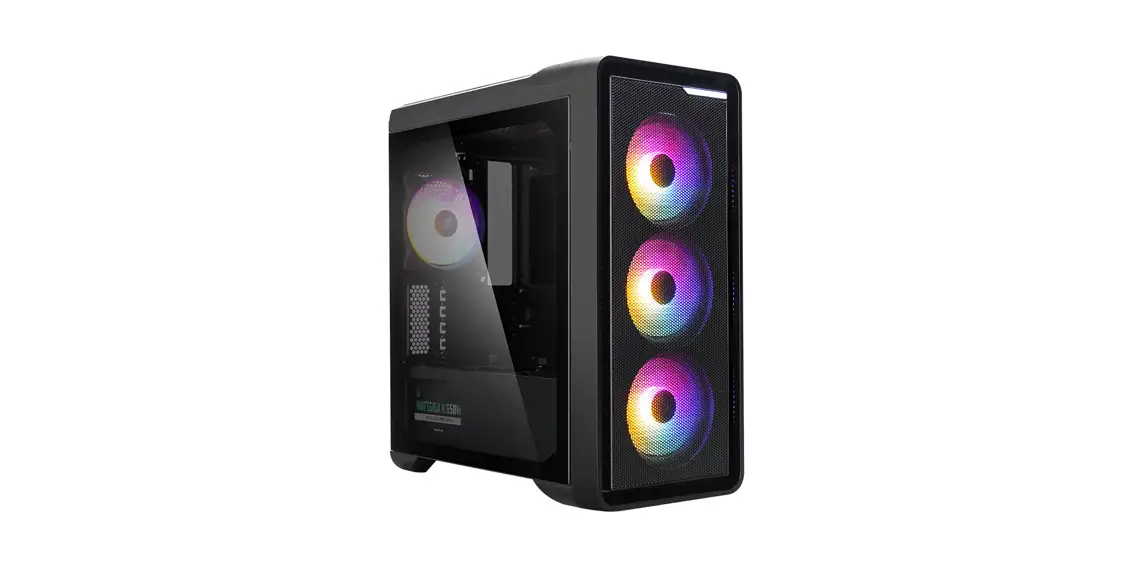
 M3 PLUS, M3 PLUS RGB
mATX Mini Tower Computer Case
User Manual
Contents hide
M3 PLUS, M3 PLUS RGB mATX Mini Tower Computer Case
 Developed and designed by ZALMAN in Korea
This Product is protected by ZAMAN’S pending or registered patents
* To ensure safe and easy installation, please read the following precaution.
* Product design and specifications may be revised to improve quality and performance without notice.

Precautions
- Read this manual carefully before installing.
- Check the product and components before installing. If you find any abnormality, contact the location where you purchased the product for a replacement or refund.
- Wear gloves to prevent accidents when installing the product.
- Severe damage may occur when mounting the system, so do not apply excessive force.
- Connecting the cable incorrectly may cause a fire due to a short circuit. Make sure to refer to the manual when connecting the cable.
- Be careful not to block the ventilation hole of the product when using the system.
- Avoid locations with direct sunlight, water, moisture, oil, and excessive dust. Store and use the product in a well-ventilated location.
- Do not wipe the surface of the product using chemicals. (organic solvents such as alcohol or acetone)
- Do not insert your hand or another object into the product during operation, as this may injure your hand or damage the object.
- Store and use the product out of children’s reach.
- Our company assumes no responsibility for any problem that occurs due to the use of the product for purposes other than its designated purposes and/or the carelessness of the consumer.
- The exterior design and specifications of the product are subject to change without prior notice to consumers for quality improvement.
| Model | M3 PLUS | M3 PLUS RGB | |
| Case Form Factor | mATX Mini Tower | ||
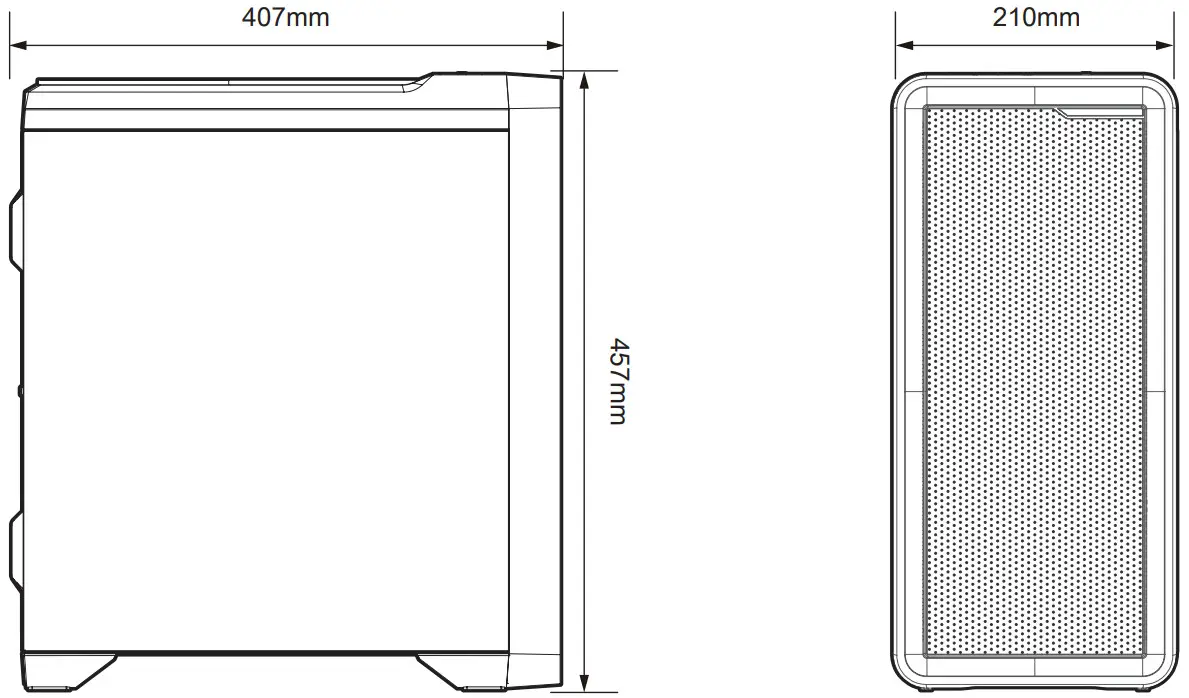
| Dimensions | 407(D) x 210(W) x 457(H)mm | ||
| Weight | 6.0kg | ||
| Case Materials | Plastic, Steel, Tempered Glass | ||
| Motherboard Support | mATX / Mini-ITX | ||
| Maximum VGA Length | 330mm | ||
| Maximum CPU Cooler Height | 165mm | ||
| Maximum PSU Length | 180mm | ||
| PCI Expansion Slots | 4 | ||
| Drive Bays | 2 x 3.5″ / 4 x 2.5″ | ||
| Fan Support | Top | 2 x 120mm | |
| Front | 3 x 120mm | ||
| Rear | 1 x 120mm | ||
| Bottom | 2 x 120mm | ||
| Pre-Installed Fan(s) | Front | 3 x 120mm (with White LED Effect) | 3 x 120mm (with RGB LED Effect) |
| Rear | 1 x 120mm (with White LED Effect) | 1 x 120mm (with RGB LED Effect) | |
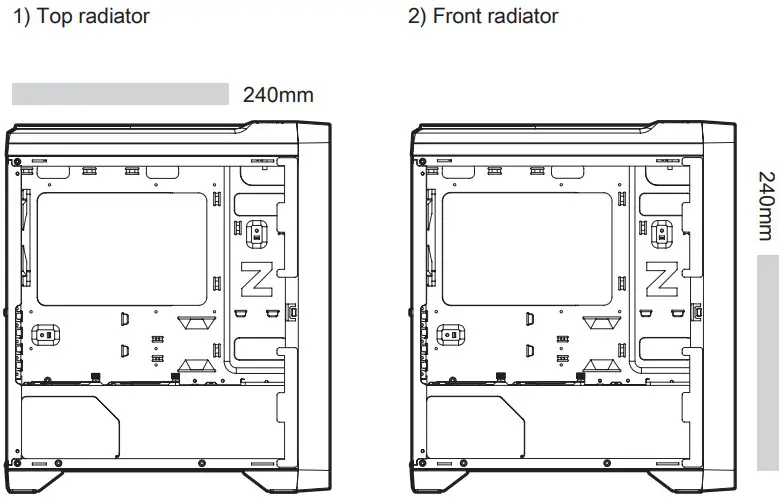
| Radiator Support | Top | 240mm | |
| Side | 240mm | ||
| I/O Ports | 1 x Headphone Jack, 1 x Mic, 1 x USB3.0, 2 x USB2.0, Power Button, Reset Button, Fan-LED Controller | ||
 I/O Ports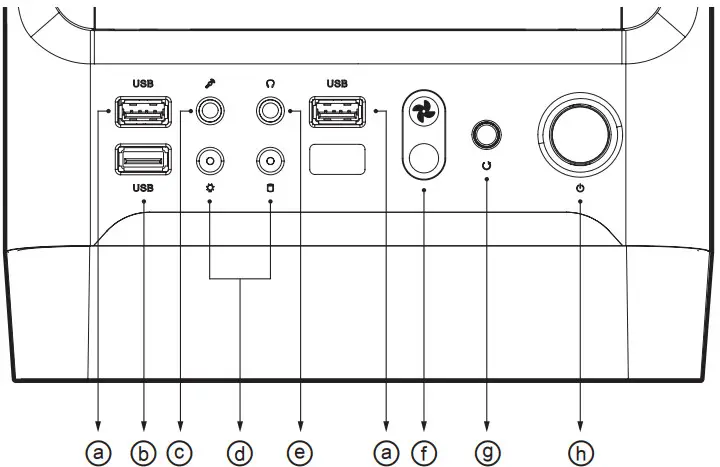
| # | Part | # | Part | # | Part | # | Part |
| ⓐ | USB 2.0 Ports | ⓑ | USB 3.0 Port | ⓒ | Microphone Jack | ⓓ | HDD / Power LED |
| ⓔ | Headphone Jack | ⓕ | Fan-LED Controller | ⓖ | Reset Button | ⓗ | Power Button |
ⓖ Fan & LED Control Button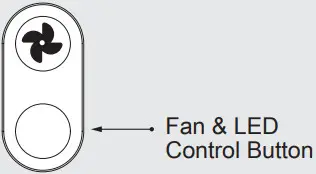
- Fan Speed: 100% / LED Bright: 100%
- Fan Speed: 50% / LED Bright: 50%
- Fan Speed: 50% / LED Bright: Off
- Fan Speed: Off / LED Bright: Off
※ Caution:
Shutting off your system fans could cause an increase in system temperature.
Removing the side panels
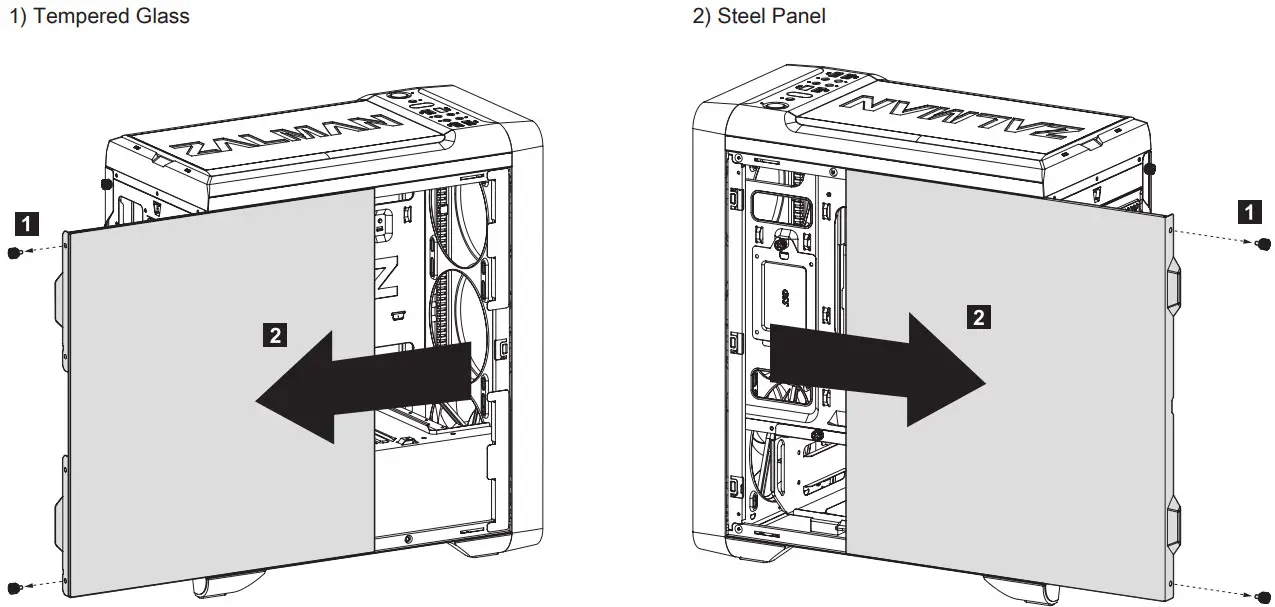
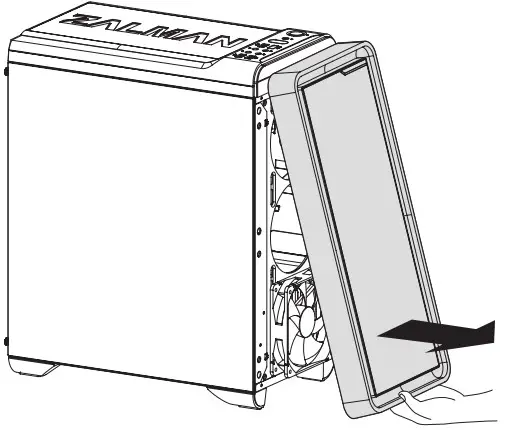
Removing the front panel
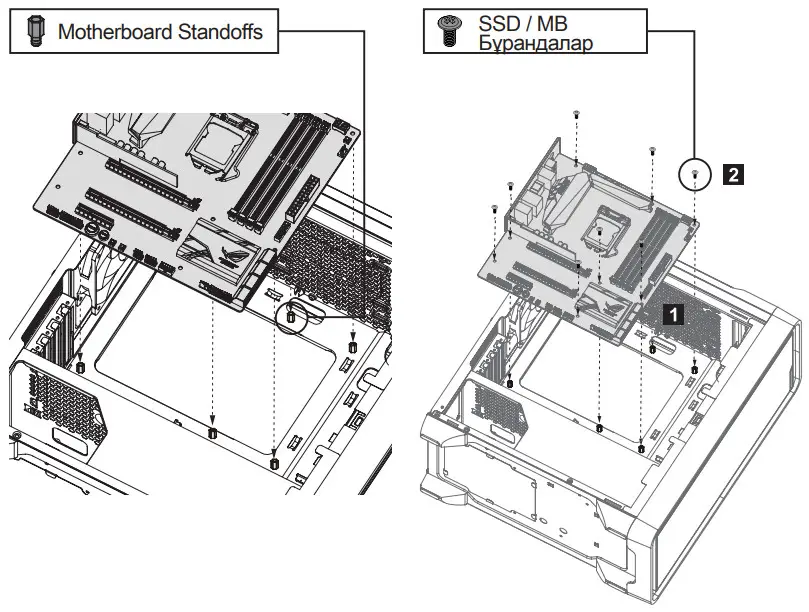
Mounting the motherboard
 3-1. Motherboard size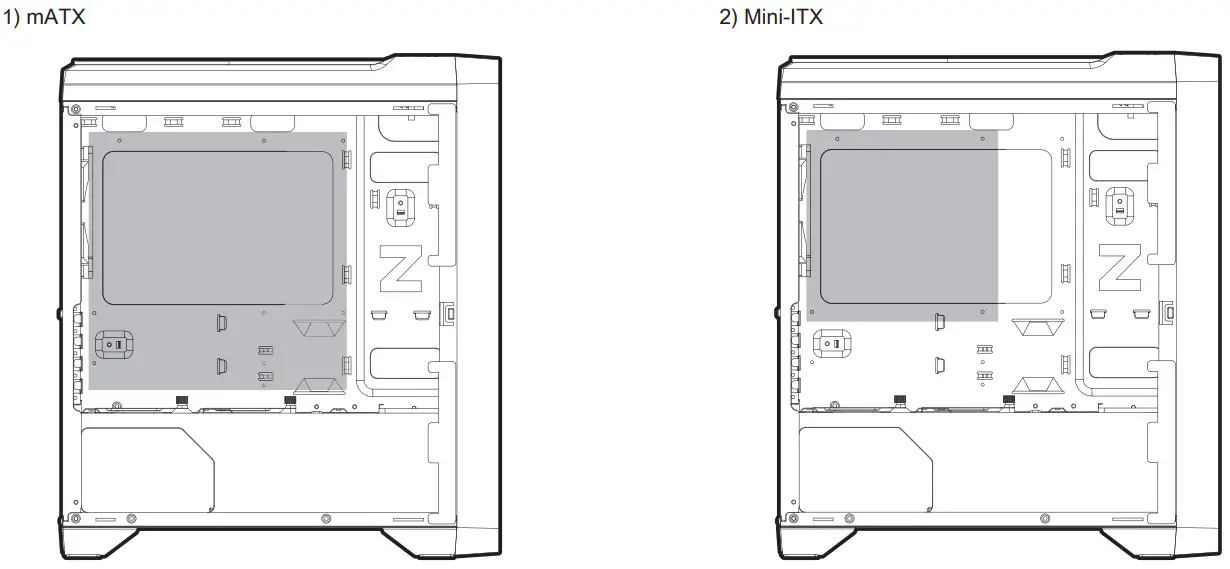
Mounting the PSU
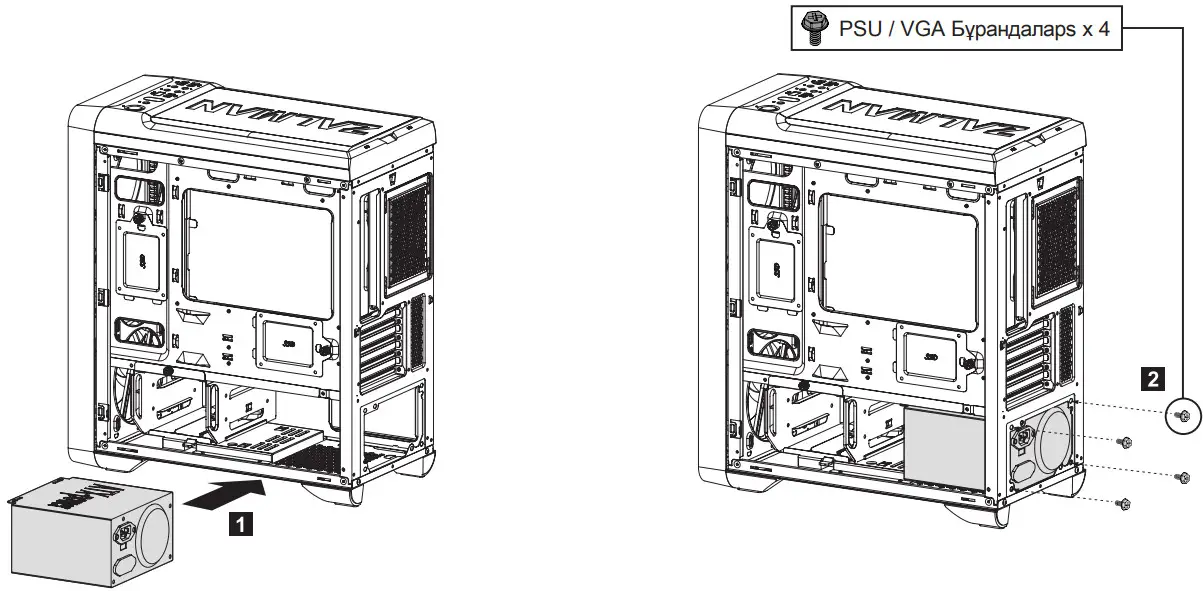
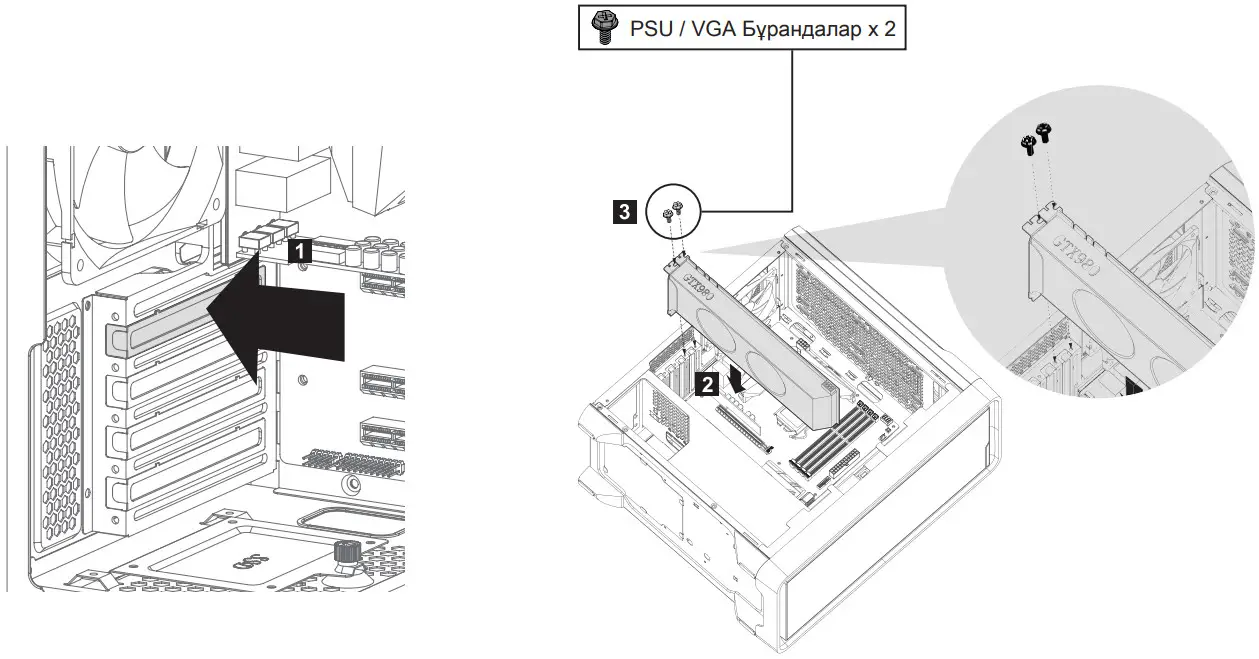
Mounting the PCI-E(VGA) card
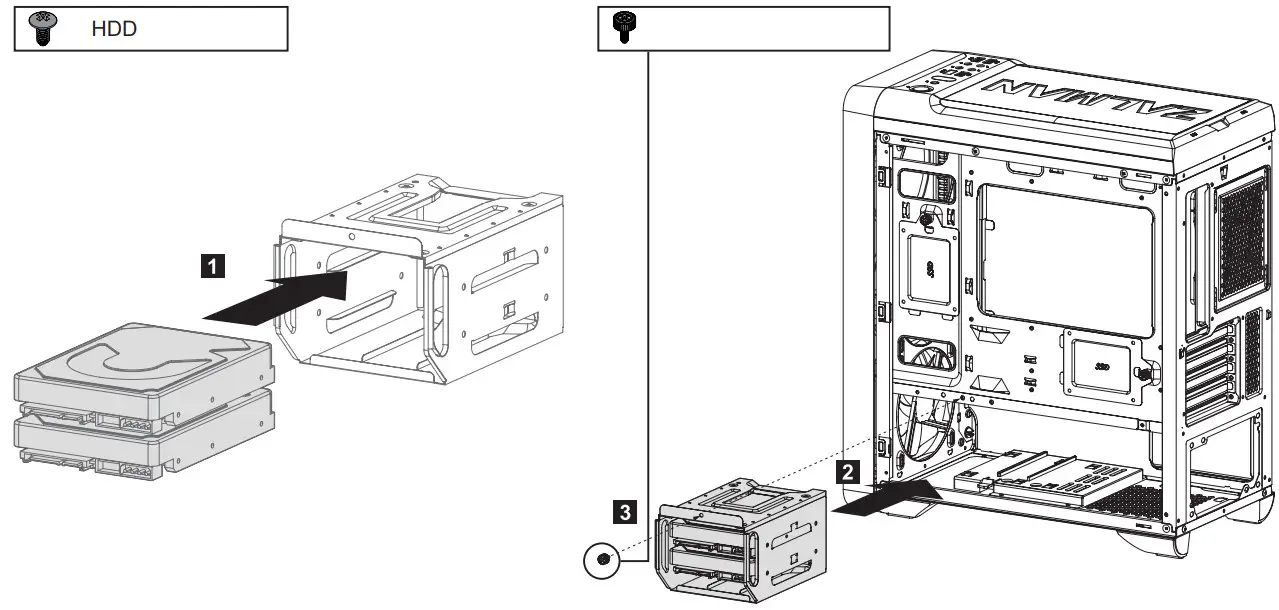
Mounting the 3.5″ HDD
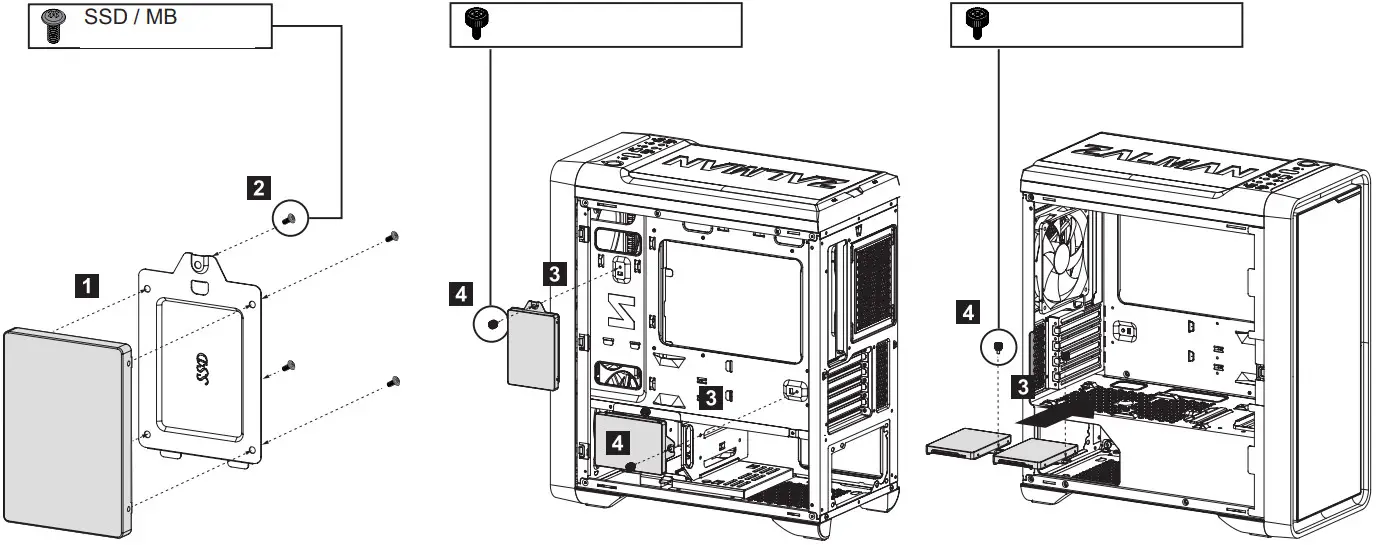
Mounting the 2.5″ SSD / HDD
Mounting the radiator
Fans Included / Specifications
| M3 PLUS RPM : 1,100 ± 10% Input : (Fan)12V  0.24A 0.24A(LED)12V 0.11AHydraulic Bearing | M3 PLUS RGB RPM : 1,100 ± 10% Input : (Fan)12V 0.24A(LED)12V 96mAHydraulic Bearing |
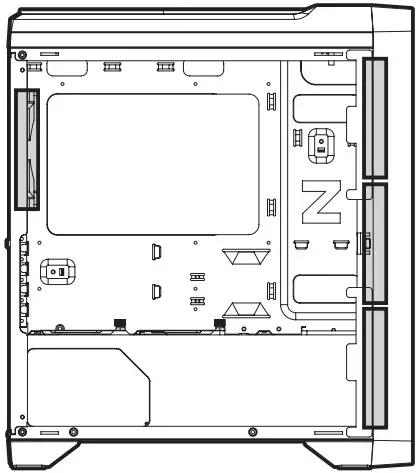
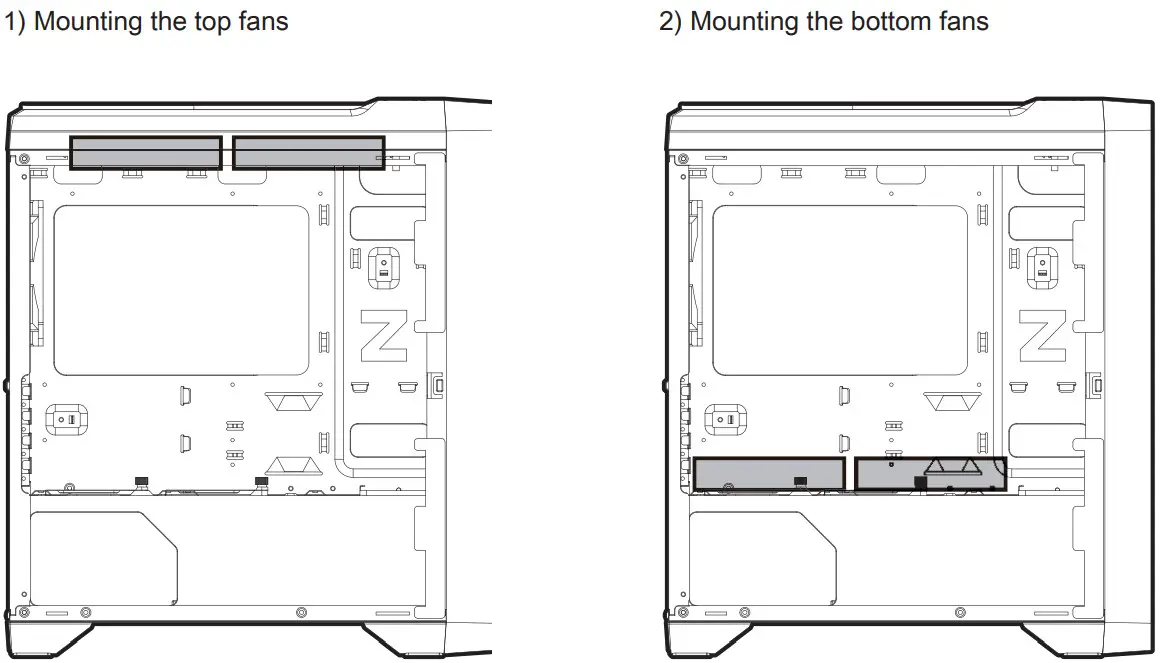
Mounting the fans
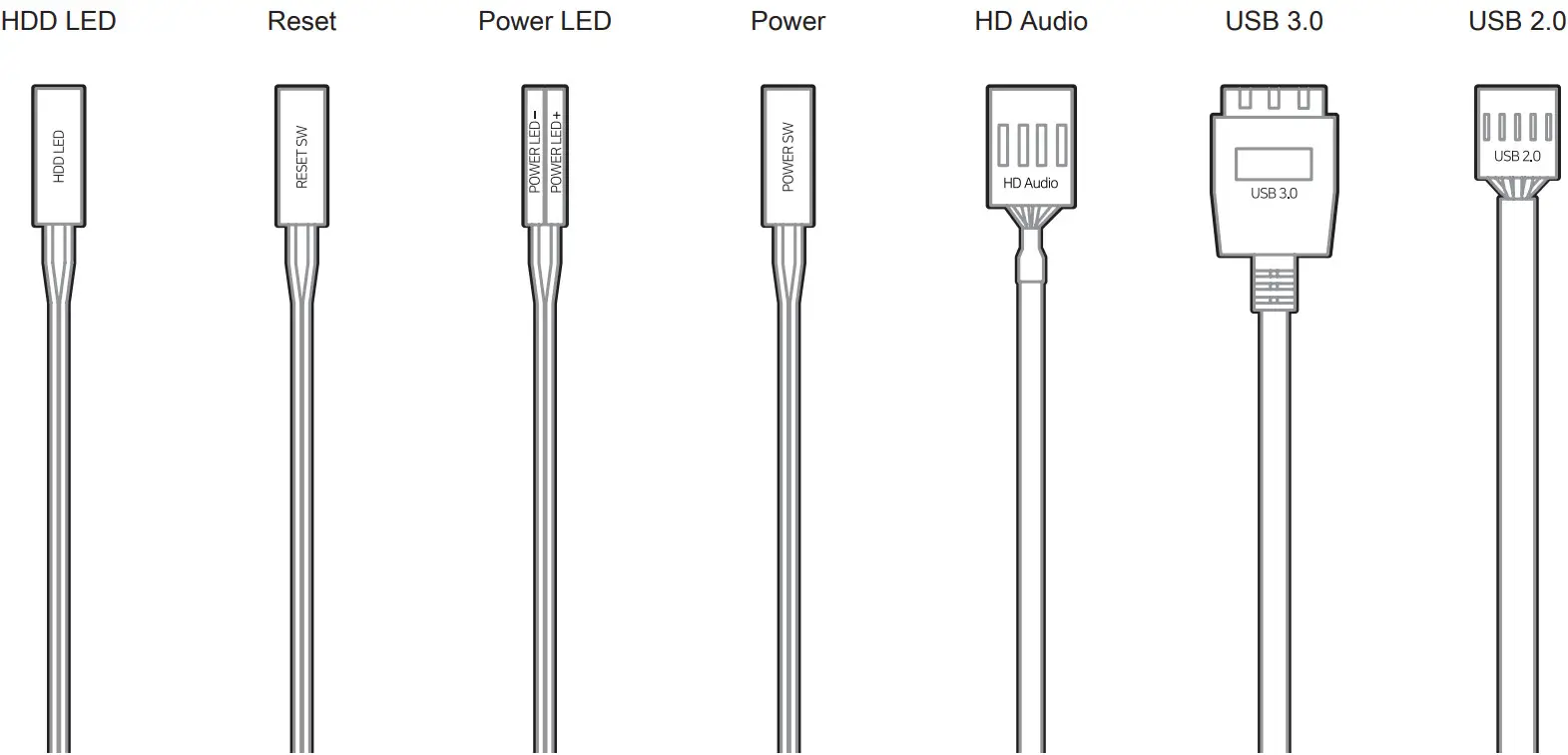
I/O Connectors

 zalman.com
 zalmansvc.com